


distill
Reliable LLM outputs start with clean context. Deterministic deduplication, compression, and caching for RAG pipelines.
Stars: 89
Distill is a reliability layer for LLM context that provides deterministic deduplication to remove redundancy before reaching the model. It aims to reduce redundant data, lower costs, provide faster responses, and offer more efficient and deterministic results. The tool works by deduplicating, compressing, summarizing, and caching context to ensure reliable outputs. It offers various installation methods, including binary download, Go install, Docker usage, and building from source. Distill can be used for tasks like deduplicating chunks, connecting to vector databases, integrating with AI assistants, analyzing files for duplicates, syncing vectors to Pinecone, querying from the command line, and managing configuration files. The tool supports self-hosting via Docker, Docker Compose, building from source, Fly.io deployment, Render deployment, and Railway integration. Distill also provides monitoring capabilities with Prometheus-compatible metrics, Grafana dashboard, and OpenTelemetry tracing.
README:




Reliable LLM outputs start with clean context.
A reliability layer for LLM context. Deterministic deduplication that removes redundancy before it reaches your model.
Less redundant data. Lower costs. Faster responses. More efficient & deterministic results.
Context sources → Distill → LLM
(RAG, tools, memory, docs)    (reliable outputs)
LLM outputs are unreliable because context is polluted. "Garbage in, garbage out."
30-40% of context assembled from multiple sources is semantically redundant. Same information from docs, code, memory, and tools competing for attention. This leads to:
- Non-deterministic outputs — Same workflow, different results
- Confused reasoning — Signal diluted by repetition
- Production failures — Works in demos, breaks at scale
You can't fix unreliable outputs with better prompts. You need to fix the context that goes in.
Math, not magic. No LLM calls. Fully deterministic.
| Step | What it does | Benefit |
|---|---|---|
| Deduplicate | Remove redundant information across sources | More reliable outputs |
| Compress | Keep what matters, remove the noise | Lower token costs |
| Summarize | Condense older context intelligently | Longer sessions |
| Cache | Instant retrieval for repeated patterns | Faster responses |
Query → Over-fetch (50) → Cluster → Select → MMR Re-rank (8) → LLM
- Over-fetch - Retrieve 3-5x more chunks than needed
- Cluster - Group semantically similar chunks (agglomerative clustering)
- Select - Pick best representative from each cluster
- MMR Re-rank - Balance relevance and diversity
Result: Deterministic, diverse context in ~12ms. No LLM calls. Fully auditable.
Download from GitHub Releases:
# macOS (Apple Silicon)
curl -sL $(curl -s https://api.github.com/repos/Siddhant-K-code/distill/releases/latest | grep "browser_download_url.*darwin_arm64.tar.gz" | cut -d '"' -f 4) | tar xz

# macOS (Intel)
curl -sL $(curl -s https://api.github.com/repos/Siddhant-K-code/distill/releases/latest | grep "browser_download_url.*darwin_amd64.tar.gz" | cut -d '"' -f 4) | tar xz

# Linux (amd64)
curl -sL $(curl -s https://api.github.com/repos/Siddhant-K-code/distill/releases/latest | grep "browser_download_url.*linux_amd64.tar.gz" | cut -d '"' -f 4) | tar xz

# Linux (arm64)
curl -sL $(curl -s https://api.github.com/repos/Siddhant-K-code/distill/releases/latest | grep "browser_download_url.*linux_arm64.tar.gz" | cut -d '"' -f 4) | tar xz

# Move to PATH
sudo mv distill /usr/local/bin/
Or download directly from the releases page.
go install github.com/Siddhant-K-code/distill@latestdocker pull ghcr.io/siddhant-k-code/distill:latest
docker run -p 8080:8080 -e OPENAI_API_KEY=your-key ghcr.io/siddhant-k-code/distillgit clone https://github.com/Siddhant-K-code/distill.git
cd distill
go build -o distill .Start the API server and send chunks directly:
export OPENAI_API_KEY="your-key"  # For embeddings
distill api --port 8080
Deduplicate chunks:
curl -X POST http://localhost:8080/v1/dedupe \
  -H "Content-Type: application/json" \
  -d '{
    "chunks": [
      {"id": "1", "text": "React is a JavaScript library for building UIs."},
      {"id": "2", "text": "React.js is a JS library for building user interfaces."},
      {"id": "3", "text": "Vue is a progressive framework for building UIs."}
    ]
  }'
Response:
{
  "chunks": [
    {"id": "1", "text": "React is a JavaScript library for building UIs.", "cluster_id": 0},
    {"id": "3", "text": "Vue is a progressive framework for building UIs.", "cluster_id": 1}
  ],
  "stats": {
    "input_count": 3,
    "output_count": 2,
    "reduction_pct": 33,
    "latency_ms": 12
  }
}
With pre-computed embeddings (no OpenAI key needed):
curl -X POST http://localhost:8080/v1/dedupe \
  -H "Content-Type: application/json" \
  -d '{
    "chunks": [
      {"id": "1", "text": "React is...", "embedding": [0.1, 0.2, ...]},
      {"id": "2", "text": "React.js is...", "embedding": [0.11, 0.21, ...]},
      {"id": "3", "text": "Vue is...", "embedding": [0.9, 0.8, ...]}
    ]
}'Connect to Pinecone or Qdrant for retrieval + deduplication:
export PINECONE_API_KEY="your-key"
export OPENAI_API_KEY="your-key"

distill serve --index my-index --port 8080
Query with automatic deduplication:
curl -X POST http://localhost:8080/v1/retrieve \
  -H "Content-Type: application/json" \
-d '{"query": "how do I reset my password?"}'Works with Claude, Cursor, Amp, and other MCP-compatible assistants:
distill mcpAdd to Claude Desktop (~/Library/Application Support/Claude/claude_desktop_config.json):
{
  "mcpServers": {
    "distill": {
      "command": "/path/to/distill",
      "args": ["mcp"]
    }
  }
}
See mcp/README.md for more configuration options.
distill api       # Start standalone API server
distill serve     # Start server with vector DB connection
distill mcp       # Start MCP server for AI assistants
distill analyze   # Analyze a file for duplicates
distill sync      # Upload vectors to Pinecone with dedup
distill query     # Test a query from command line
distill config # Manage configuration filesDistill supports a distill.yaml configuration file for persistent settings. Generate a template:
distill config init              # Creates distill.yaml in current directory
distill config init --stdout     # Print template to stdout
distill config validate          # Validate existing config file
Config file search order: ./distill.yaml, $HOME/distill.yaml.
Priority: CLI flags > environment variables > config file > defaults.
Example distill.yaml:
server:
  port: 8080
  host: 0.0.0.0
  read_timeout: 30s
  write_timeout: 60s

embedding:
  provider: openai
  model: text-embedding-3-small
  batch_size: 100

dedup:
  threshold: 0.15
  method: agglomerative
  linkage: average
  lambda: 0.5
  enable_mmr: true

retriever:
  backend: pinecone    # pinecone or qdrant
  index: my-index
  host: ""             # required for qdrant
  namespace: ""
  top_k: 50
  target_k: 8

auth:
  api_keys:
    - ${DISTILL_API_KEY}
Environment variables can be referenced using ${VAR} or ${VAR:-default} syntax.
OPENAI_API_KEY      # For text → embedding conversion (see note below)
PINECONE_API_KEY    # For Pinecone backend
QDRANT_URL          # For Qdrant backend (default: localhost:6334)
DISTILL_API_KEYS # Optional: protect your self-hosted instance (see below)If you're exposing Distill publicly, set DISTILL_API_KEYS to require authentication:
# Generate a random API key
export DISTILL_API_KEYS="sk-$(openssl rand -hex 32)"

# Or multiple keys (comma-separated)
export DISTILL_API_KEYS="sk-key1,sk-key2,sk-key3"
Then include the key in requests:
curl -X POST http://your-server:8080/v1/dedupe \
  -H "Authorization: Bearer sk-your-key" \
  -H "Content-Type: application/json" \
  -d '{"chunks": [...]}'
If DISTILL_API_KEYS is not set, the API is open (suitable for local/internal use).
When you need it:
- Sending text chunks without pre-computed embeddings
- Using text queries with vector database retrieval
- Using the MCP server with text-based tools
When you DON'T need it:
- Sending chunks with pre-computed embeddings (include
"embedding": [...]in your request) - Using Distill purely for clustering/deduplication on existing vectors
What it's used for:
- Converts text to embeddings using
text-embedding-3-smallmodel - ~$0.00002 per 1K tokens (very cheap)
- Embeddings are used only for similarity comparison, never stored
Alternatives:
- Bring your own embeddings - include
"embedding"field in chunks - Self-host an embedding model - set
EMBEDDING_API_URLto your endpoint
| Parameter | Description | Default |
|---|---|---|
--threshold |
Clustering distance (lower = stricter) | 0.15 |
--lambda |
MMR balance: 1.0 = relevance, 0.0 = diversity | 0.5 |
--over-fetch-k |
Chunks to retrieve initially | 50 |
--target-k |
Chunks to return after dedup | 8 |
Use the pre-built image from GitHub Container Registry:
# Pull and run
docker run -p 8080:8080 -e OPENAI_API_KEY=your-key ghcr.io/siddhant-k-code/distill:latest

# Or with a specific version
docker run -p 8080:8080 -e OPENAI_API_KEY=your-key ghcr.io/siddhant-k-code/distill:v0.1.0# Start Distill + Qdrant (local vector DB)
docker-compose updocker build -t distill .
docker run -p 8080:8080 -e OPENAI_API_KEY=your-key distill apifly launch
fly secrets set OPENAI_API_KEY=your-key
fly deploy
Or manually:
- Connect your GitHub repo
- Set environment variables (
OPENAI_API_KEY) - Deploy
Connect your repo and set OPENAI_API_KEY in environment variables.
Distill exposes a Prometheus-compatible /metrics endpoint on both api and serve commands.
| Metric | Type | Description |
|---|---|---|
distill_requests_total |
Counter | Total requests by endpoint and status code |
distill_request_duration_seconds |
Histogram | Request latency distribution |
distill_chunks_processed_total |
Counter | Chunks processed (input/output) |
distill_reduction_ratio |
Histogram | Chunk reduction ratio per request |
distill_active_requests |
Gauge | Currently processing requests |
distill_clusters_formed_total |
Counter | Clusters formed during deduplication |
scrape_configs:
  - job_name: distill
    static_configs:
- targets: ['localhost:8080']Import the included dashboard from grafana/dashboard.json or use dashboard UID distill-overview.
Distill supports distributed tracing via OpenTelemetry. Each pipeline stage (embedding, clustering, selection, MMR) is instrumented as a separate span.
Enable via distill.yaml:
telemetry:
  tracing:
    enabled: true
    exporter: otlp         # otlp, stdout, or none
    endpoint: localhost:4317
    sample_rate: 1.0
    insecure: true
Or via environment variables:
export DISTILL_TELEMETRY_TRACING_ENABLED=true
export DISTILL_TELEMETRY_TRACING_ENDPOINT=localhost:4317
Spans emitted per request:
| Span | Attributes |
|---|---|
distill.request |
endpoint |
distill.embedding |
chunk_count |
distill.clustering |
input_count, threshold |
distill.selection |
cluster_count |
distill.mmr |
input_count, lambda |
distill.retrieval |
top_k, backend |
Result attributes (distill.result.*) are added to the root span: input_count, output_count, cluster_count, latency_ms, reduction_ratio.
W3C Trace Context propagation is enabled by default for cross-service tracing.
Reduces token count while preserving meaning. Three strategies:
- Extractive — Scores sentences by position, keyword density, and length; keeps the most salient spans
- Placeholder — Replaces verbose JSON, XML, and table outputs with compact structural summaries
- Pruner — Strips filler phrases, redundant qualifiers, and boilerplate patterns
Strategies can be chained via compress.Pipeline. Configure with target reduction ratio (e.g., 0.3 = keep 30% of original).
KV cache for repeated context patterns (system prompts, tool definitions, boilerplate). Sub-millisecond retrieval for cache hits.
- MemoryCache — In-memory LRU with TTL, configurable size limits (entries and bytes), background cleanup
- PatternDetector — Identifies cacheable content: system prompts, tool/function definitions, code blocks
- RedisCache — Interface for distributed deployments (requires external Redis)
┌──────────────────────────────────────────────────────────────────────┐
│                            Your App                                  │
└──────────────────────────────────────────────────────────────────────┘
                                  │
                                  ▼
┌──────────────────────────────────────────────────────────────────────┐
│                             Distill                                  │
│                                                                      │
│  ┌─────────┐  ┌─────────┐  ┌─────────┐  ┌──────────┐  ┌─────────┐  │
│  │  Cache  │→ │ Cluster │→ │ Select  │→ │ Compress │→ │  MMR    │  │
│  │  check  │  │  dedup  │  │  best   │  │  prune   │  │ re-rank │  │
│  └─────────┘  └─────────┘  └─────────┘  └──────────┘  └─────────┘  │
│     <1ms          6ms         <1ms          2ms           3ms        │
│                                                                      │
│  ┌──────────────────────────────────────────────────────────────┐    │
│  │  /metrics (Prometheus)  ·  distill.yaml  ·  MCP server      │    │
│  └──────────────────────────────────────────────────────────────┘    │
└──────────────────────────────────────────────────────────────────────┘
                                  │
                                  ▼
┌──────────────────────────────────────────────────────────────────────┐
│                              LLM                                     │
└──────────────────────────────────────────────────────────────────────┘
- Pinecone - Fully supported
- Qdrant - Fully supported
- Weaviate - Coming soon
- Code Assistants - Dedupe context from multiple files/repos
- RAG Pipelines - Remove redundant chunks before LLM
- Agent Workflows - Clean up tool outputs + memory + docs
- Enterprise - Deterministic outputs for compliance
LLMs are non-deterministic. Reliability requires deterministic preprocessing.
| LLM Compression | Distill | |
|---|---|---|
| Latency | ~500ms | ~12ms |
| Cost per call | $0.01+ | $0.0001 |
| Deterministic | No | Yes |
| Lossless | No | Yes |
| Auditable | No | Yes |
Use LLMs for reasoning. Use deterministic algorithms for reliability.
Works with your existing AI stack:
- LLM Providers: OpenAI, Anthropic
- Frameworks: LangChain, LlamaIndex
- Vector DBs: Pinecone, Qdrant, Weaviate, Chroma, pgvector
- Tools: Cursor, Lovable, and more
Contributions welcome! Please read the contributing guidelines first.
# Run tests
go test ./...

# Build
go build -o distill .AGPL-3.0 - see LICENSE
For commercial licensing, contact: [email protected]
For Tasks:
Click tags to check more tools for each tasksFor Jobs:
Alternative AI tools for distill
Similar Open Source Tools
distill
Distill is a reliability layer for LLM context that provides deterministic deduplication to remove redundancy before reaching the model. It aims to reduce redundant data, lower costs, provide faster responses, and offer more efficient and deterministic results. The tool works by deduplicating, compressing, summarizing, and caching context to ensure reliable outputs. It offers various installation methods, including binary download, Go install, Docker usage, and building from source. Distill can be used for tasks like deduplicating chunks, connecting to vector databases, integrating with AI assistants, analyzing files for duplicates, syncing vectors to Pinecone, querying from the command line, and managing configuration files. The tool supports self-hosting via Docker, Docker Compose, building from source, Fly.io deployment, Render deployment, and Railway integration. Distill also provides monitoring capabilities with Prometheus-compatible metrics, Grafana dashboard, and OpenTelemetry tracing.
Shannon
Shannon is a battle-tested infrastructure for AI agents that solves problems at scale, such as runaway costs, non-deterministic failures, and security concerns. It offers features like intelligent caching, deterministic replay of workflows, time-travel debugging, WASI sandboxing, and hot-swapping between LLM providers. Shannon allows users to ship faster with zero configuration multi-agent setup, multiple AI patterns, time-travel debugging, and hot configuration changes. It is production-ready with features like WASI sandbox, token budget control, policy engine (OPA), and multi-tenancy. Shannon helps scale without breaking by reducing costs, being provider agnostic, observable by default, and designed for horizontal scaling with Temporal workflow orchestration.
solo-server
Solo Server is a lightweight server designed for managing hardware-aware inference. It provides seamless setup through a simple CLI and HTTP servers, an open model registry for pulling models from platforms like Ollama and Hugging Face, cross-platform compatibility for effortless deployment of AI models on hardware, and a configurable framework that auto-detects hardware components (CPU, GPU, RAM) and sets optimal configurations.
sandbox
AIO Sandbox is an all-in-one agent sandbox environment that combines Browser, Shell, File, MCP operations, and VSCode Server in a single Docker container. It provides a unified, secure execution environment for AI agents and developers, with features like unified file system, multiple interfaces, secure execution, zero configuration, and agent-ready MCP-compatible APIs. The tool allows users to run shell commands, perform file operations, automate browser tasks, and integrate with various development tools and services.
myclaw
myclaw is a personal AI assistant built on agentsdk-go that offers a CLI agent for single message or interactive REPL mode, full orchestration with channels, cron, and heartbeat, support for various messaging channels like Telegram, Feishu, WeCom, WhatsApp, and a web UI, multi-provider support for Anthropic and OpenAI models, image recognition and document processing, scheduled tasks with JSON persistence, long-term and daily memory storage, custom skill loading, and more. It provides a comprehensive solution for interacting with AI models and managing tasks efficiently.
tinyclaw
TinyClaw is a lightweight wrapper around Claude Code that connects WhatsApp via QR code, processes messages sequentially, maintains conversation context, runs 24/7 in tmux, and is ready for multi-channel support. Its key innovation is the file-based queue system that prevents race conditions and enables multi-channel support. TinyClaw consists of components like whatsapp-client.js for WhatsApp I/O, queue-processor.js for message processing, heartbeat-cron.sh for health checks, and tinyclaw.sh as the main orchestrator with a CLI interface. It ensures no race conditions, is multi-channel ready, provides clean responses using claude -c -p, and supports persistent sessions. Security measures include local storage of WhatsApp session and queue files, channel-specific authentication, and running Claude with user permissions.
mimiclaw
MimiClaw is a pocket AI assistant that runs on a $5 chip, specifically designed for the ESP32-S3 board. It operates without Linux or Node.js, using pure C language. Users can interact with MimiClaw through Telegram, enabling it to handle various tasks and learn from local memory. The tool is energy-efficient, running on USB power 24/7. With MimiClaw, users can have a personal AI assistant on a chip the size of a thumb, making it convenient and accessible for everyday use.
fluid.sh
fluid.sh is a tool designed to manage and debug VMs using AI agents in isolated environments before applying changes to production. It provides a workflow where AI agents work autonomously in sandbox VMs, and human approval is required before any changes are made to production. The tool offers features like autonomous execution, full VM isolation, human-in-the-loop approval workflow, Ansible export, and a Python SDK for building autonomous agents.
lihil
Lihil is a performant, productive, and professional web framework designed to make Python the mainstream programming language for web development. It is 100% test covered and strictly typed, offering fast performance, ergonomic API, and built-in solutions for common problems. Lihil is suitable for enterprise web development, delivering robust and scalable solutions with best practices in microservice architecture and related patterns. It features dependency injection, OpenAPI docs generation, error response generation, data validation, message system, testability, and strong support for AI features. Lihil is ASGI compatible and uses starlette as its ASGI toolkit, ensuring compatibility with starlette classes and middlewares. The framework follows semantic versioning and has a roadmap for future enhancements and features.
httpjail
httpjail is a cross-platform tool designed for monitoring and restricting HTTP/HTTPS requests from processes using network isolation and transparent proxy interception. It provides process-level network isolation, HTTP/HTTPS interception with TLS certificate injection, script-based and JavaScript evaluation for custom request logic, request logging, default deny behavior, and zero-configuration setup. The tool operates on Linux and macOS, creating an isolated network environment for target processes and intercepting all HTTP/HTTPS traffic through a transparent proxy enforcing user-defined rules.
mesh
MCP Mesh is an open-source control plane for MCP traffic that provides a unified layer for authentication, routing, and observability. It replaces multiple integrations with a single production endpoint, simplifying configuration management. Built for multi-tenant organizations, it offers workspace/project scoping for policies, credentials, and logs. With core capabilities like MeshContext, AccessControl, and OpenTelemetry, it ensures fine-grained RBAC, full tracing, and metrics for tools and workflows. Users can define tools with input/output validation, access control checks, audit logging, and OpenTelemetry traces. The project structure includes apps for full-stack MCP Mesh, encryption, observability, and more, with deployment options ranging from Docker to Kubernetes. The tech stack includes Bun/Node runtime, TypeScript, Hono API, React, Kysely ORM, and Better Auth for OAuth and API keys.
mcp-prompts
mcp-prompts is a Python library that provides a collection of prompts for generating creative writing ideas. It includes a variety of prompts such as story starters, character development, plot twists, and more. The library is designed to inspire writers and help them overcome writer's block by offering unique and engaging prompts to spark creativity. With mcp-prompts, users can access a wide range of writing prompts to kickstart their imagination and enhance their storytelling skills.
shell_gpt
ShellGPT is a command-line productivity tool powered by AI large language models (LLMs). This command-line tool offers streamlined generation of shell commands, code snippets, documentation, eliminating the need for external resources (like Google search). Supports Linux, macOS, Windows and compatible with all major Shells like PowerShell, CMD, Bash, Zsh, etc.
vllm-mlx
vLLM-MLX is a tool that brings native Apple Silicon GPU acceleration to vLLM by integrating Apple's ML framework with unified memory and Metal kernels. It offers optimized LLM inference with KV cache and quantization, vision-language models for multimodal inference, speech-to-text and text-to-speech with native voices, text embeddings for semantic search and RAG, and more. Users can benefit from features like multimodal support for text, image, video, and audio, native GPU acceleration on Apple Silicon, compatibility with OpenAI API, Anthropic Messages API, reasoning models extraction, integration with external tools via Model Context Protocol, memory-efficient caching, and high throughput for multiple concurrent users.
blendsql
BlendSQL is a superset of SQLite designed for problem decomposition and hybrid question-answering with Large Language Models (LLMs). It allows users to blend operations over heterogeneous data sources like tables, text, and images, combining the structured and interpretable reasoning of SQL with the generalizable reasoning of LLMs. Users can oversee all calls (LLM + SQL) within a unified query language, enabling tasks such as building LLM chatbots for travel planning and answering complex questions by injecting 'ingredients' as callable functions.

gpt-all-star
GPT-All-Star is an AI-powered code generation tool designed for scratch development of web applications with team collaboration of autonomous AI agents. The primary focus of this research project is to explore the potential of autonomous AI agents in software development. Users can organize their team, choose leaders for each step, create action plans, and work together to complete tasks. The tool supports various endpoints like OpenAI, Azure, and Anthropic, and provides functionalities for project management, code generation, and team collaboration.
For similar tasks
distill
Distill is a reliability layer for LLM context that provides deterministic deduplication to remove redundancy before reaching the model. It aims to reduce redundant data, lower costs, provide faster responses, and offer more efficient and deterministic results. The tool works by deduplicating, compressing, summarizing, and caching context to ensure reliable outputs. It offers various installation methods, including binary download, Go install, Docker usage, and building from source. Distill can be used for tasks like deduplicating chunks, connecting to vector databases, integrating with AI assistants, analyzing files for duplicates, syncing vectors to Pinecone, querying from the command line, and managing configuration files. The tool supports self-hosting via Docker, Docker Compose, building from source, Fly.io deployment, Render deployment, and Railway integration. Distill also provides monitoring capabilities with Prometheus-compatible metrics, Grafana dashboard, and OpenTelemetry tracing.
chunkhound
ChunkHound is a modern tool for transforming your codebase into a searchable knowledge base for AI assistants. It utilizes semantic search via the cAST algorithm and regex search, integrating with AI assistants through the Model Context Protocol (MCP). With features like cAST Algorithm, Multi-Hop Semantic Search, Regex search, and support for 22 languages, ChunkHound offers a local-first approach to code analysis and discovery. It provides intelligent code discovery, universal language support, and real-time indexing capabilities, making it a powerful tool for developers looking to enhance their coding experience.
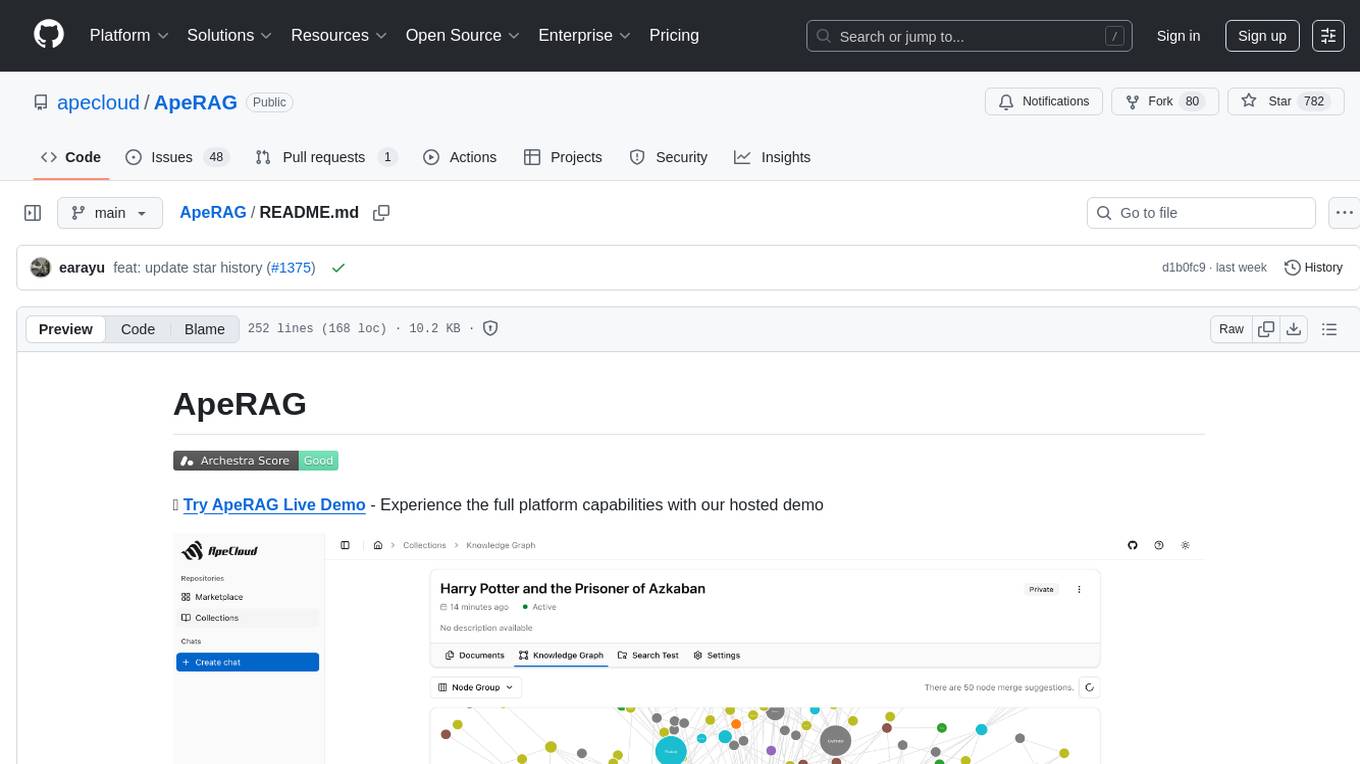
ApeRAG
ApeRAG is a production-ready platform for Retrieval-Augmented Generation (RAG) that combines Graph RAG, vector search, and full-text search with advanced AI agents. It is ideal for building Knowledge Graphs, Context Engineering, and deploying intelligent AI agents for autonomous search and reasoning across knowledge bases. The platform offers features like advanced index types, intelligent AI agents with MCP support, enhanced Graph RAG with entity normalization, multimodal processing, hybrid retrieval engine, MinerU integration for document parsing, production-grade deployment with Kubernetes, enterprise management features, MCP integration, and developer-friendly tools for customization and contribution.
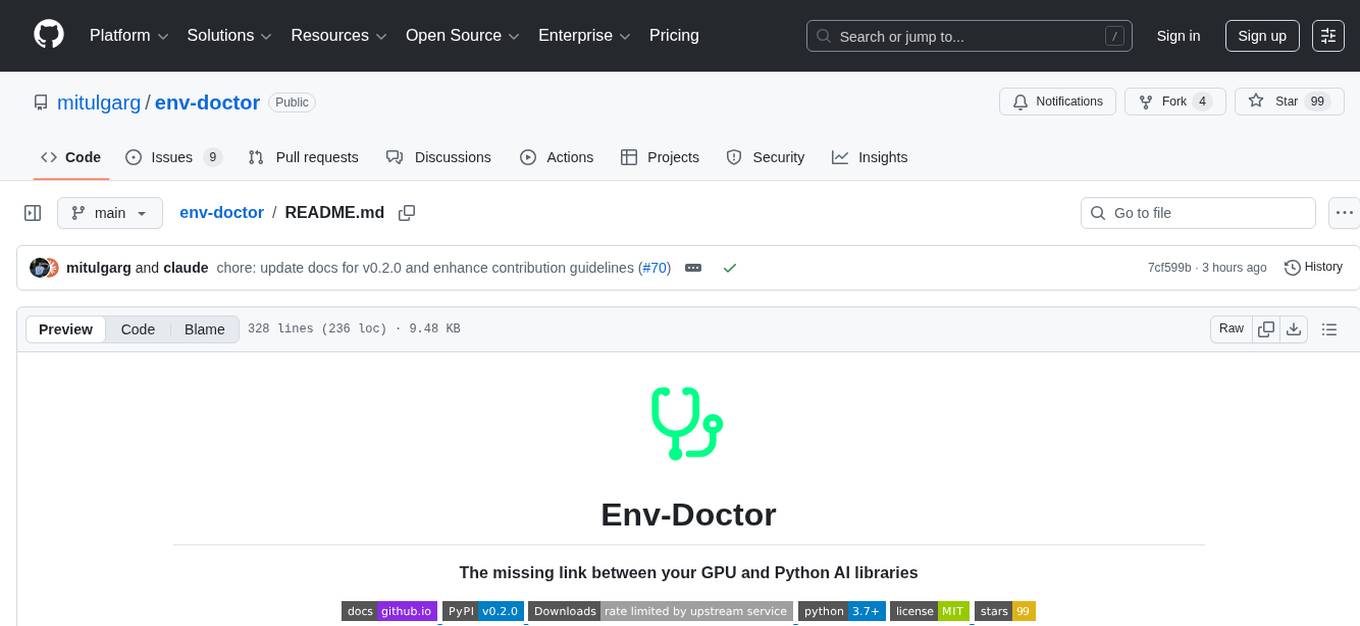
env-doctor
Env-Doctor is a tool designed to diagnose and fix mismatched CUDA versions between NVIDIA driver, system toolkit, cuDNN, and Python libraries, providing a quick solution to the common frustration in GPU computing. It offers one-command diagnosis, safe install commands, extension library support, AI model compatibility checks, WSL2 GPU support, deep CUDA analysis, container validation, MCP server integration, and CI/CD readiness. The tool helps users identify and resolve environment issues efficiently, ensuring smooth operation of AI libraries on their GPUs.
For similar jobs

weave
Weave is a toolkit for developing Generative AI applications, built by Weights & Biases. With Weave, you can log and debug language model inputs, outputs, and traces; build rigorous, apples-to-apples evaluations for language model use cases; and organize all the information generated across the LLM workflow, from experimentation to evaluations to production. Weave aims to bring rigor, best-practices, and composability to the inherently experimental process of developing Generative AI software, without introducing cognitive overhead.

LLMStack
LLMStack is a no-code platform for building generative AI agents, workflows, and chatbots. It allows users to connect their own data, internal tools, and GPT-powered models without any coding experience. LLMStack can be deployed to the cloud or on-premise and can be accessed via HTTP API or triggered from Slack or Discord.

VisionCraft
The VisionCraft API is a free API for using over 100 different AI models. From images to sound.

kaito
Kaito is an operator that automates the AI/ML inference model deployment in a Kubernetes cluster. It manages large model files using container images, avoids tuning deployment parameters to fit GPU hardware by providing preset configurations, auto-provisions GPU nodes based on model requirements, and hosts large model images in the public Microsoft Container Registry (MCR) if the license allows. Using Kaito, the workflow of onboarding large AI inference models in Kubernetes is largely simplified.

PyRIT
PyRIT is an open access automation framework designed to empower security professionals and ML engineers to red team foundation models and their applications. It automates AI Red Teaming tasks to allow operators to focus on more complicated and time-consuming tasks and can also identify security harms such as misuse (e.g., malware generation, jailbreaking), and privacy harms (e.g., identity theft). The goal is to allow researchers to have a baseline of how well their model and entire inference pipeline is doing against different harm categories and to be able to compare that baseline to future iterations of their model. This allows them to have empirical data on how well their model is doing today, and detect any degradation of performance based on future improvements.

tabby
Tabby is a self-hosted AI coding assistant, offering an open-source and on-premises alternative to GitHub Copilot. It boasts several key features: * Self-contained, with no need for a DBMS or cloud service. * OpenAPI interface, easy to integrate with existing infrastructure (e.g Cloud IDE). * Supports consumer-grade GPUs.

spear
SPEAR (Simulator for Photorealistic Embodied AI Research) is a powerful tool for training embodied agents. It features 300 unique virtual indoor environments with 2,566 unique rooms and 17,234 unique objects that can be manipulated individually. Each environment is designed by a professional artist and features detailed geometry, photorealistic materials, and a unique floor plan and object layout. SPEAR is implemented as Unreal Engine assets and provides an OpenAI Gym interface for interacting with the environments via Python.

Magick
Magick is a groundbreaking visual AIDE (Artificial Intelligence Development Environment) for no-code data pipelines and multimodal agents. Magick can connect to other services and comes with nodes and templates well-suited for intelligent agents, chatbots, complex reasoning systems and realistic characters.