


mimiclaw
MimiClaw: Run OpenClaw on a $5 chip. No OS(Linux). No Node.js. No Mac mini. No Raspberry Pi. No VPS.😗Local-first memory. Shareable. Privacy-first.
Stars: 175
MimiClaw is a pocket AI assistant that runs on a $5 chip, specifically designed for the ESP32-S3 board. It operates without Linux or Node.js, using pure C language. Users can interact with MimiClaw through Telegram, enabling it to handle various tasks and learn from local memory. The tool is energy-efficient, running on USB power 24/7. With MimiClaw, users can have a personal AI assistant on a chip the size of a thumb, making it convenient and accessible for everyday use.
README:





The world's first AI assistant(OpenClaw) on a $5 chip. No Linux. No Node.js. Just pure C
MimiClaw turns a tiny ESP32-S3 board into a personal AI assistant. Plug it into USB power, connect to WiFi, and talk to it through Telegram — it handles any task you throw at it and evolves over time with local memory — all on a chip the size of a thumb.
- Tiny — No Linux, no Node.js, no bloat — just pure C
- Handy — Message it from Telegram, it handles the rest
- Loyal — Learns from memory, remembers across reboots
- Energetic — USB power, 0.5 W, runs 24/7
- Lovable — One ESP32-S3 board, $5, nothing else
                         ┌─────────────── Agent Loop ───────────────┐
                         │                                          │
 ┌───────────┐     ┌─────▼─────┐     ┌─────────┐     ┌─────────┐  │
 │ Channels  │     │  Message   │     │  Claude  │     │  Tools  │  │
 │           │────▶│  Queue     │────▶│  (LLM)   │────▶│         │──┘
 │ Telegram  │     └───────────┘     └────┬─────┘     └────┬────┘
 │ WebSocket │◀──────────────────────────-│                │
 └───────────┘        Response            │                │
                                    ┌─────▼────────────────▼────┐
                                    │        Context            │
                                    │  ┌──────────┐ ┌────────┐  │
                                    │  │  Memory   │ │ Skills │  │
                                    │  │ SOUL.md   │ │  OTA   │  │
                                    │  │ USER.md   │ │  CLI   │  │
                                    │  │ MEMORY.md │ │  ...   │  │
                                    │  └──────────┘ └────────┘  │
                                    └───────────────────────────┘
                                          ESP32-S3 Flash
You send a message on Telegram. The ESP32-S3 picks it up over WiFi, feeds it into an agent loop — Claude thinks, calls tools, reads memory — and sends the reply back. Everything runs on a single $5 chip with all your data stored locally on flash.
- An ESP32-S3 dev board with 16 MB flash and 8 MB PSRAM (e.g. Xiaozhi AI board, ~$10)
- A USB Type-C cable
- A Telegram bot token — talk to @BotFather on Telegram to create one
- An Anthropic API key — from console.anthropic.com
# You need ESP-IDF v5.5+ installed first:
# https://docs.espressif.com/projects/esp-idf/en/v5.5.2/esp32s3/get-started/

git clone https://github.com/memovai/mimiclaw.git
cd mimiclaw

idf.py set-target esp32s3MimiClaw uses a two-layer config system: build-time defaults in mimi_secrets.h, with runtime overrides via the serial CLI. CLI values are stored in NVS flash and take priority over build-time values.
cp main/mimi_secrets.h.example main/mimi_secrets.hEdit main/mimi_secrets.h:
#define MIMI_SECRET_WIFI_SSID       "YourWiFiName"
#define MIMI_SECRET_WIFI_PASS       "YourWiFiPassword"
#define MIMI_SECRET_TG_TOKEN        "123456:ABC-DEF1234ghIkl-zyx57W2v1u123ew11"
#define MIMI_SECRET_API_KEY         "sk-ant-api03-xxxxx"
#define MIMI_SECRET_SEARCH_KEY      ""              // optional: Brave Search API key
#define MIMI_SECRET_PROXY_HOST      ""              // optional: e.g. "10.0.0.1"
#define MIMI_SECRET_PROXY_PORT      ""              // optional: e.g. "7897"
Then build and flash:
# Clean build (required after any mimi_secrets.h change)
idf.py fullclean && idf.py build

# Find your serial port
ls /dev/cu.usb*          # macOS
ls /dev/ttyACM*          # Linux

# Flash and monitor (replace PORT with your port)
# USB adapter: likely /dev/cu.usbmodem11401 (macOS) or /dev/ttyACM0 (Linux)
idf.py -p PORT flash monitorConnect via serial to configure or debug. Config commands let you change settings without recompiling — just plug in a USB cable anywhere.
Runtime config (saved to NVS, overrides build-time defaults):
mimi> wifi_set MySSID MyPassword   # change WiFi network
mimi> set_tg_token 123456:ABC...   # change Telegram bot token
mimi> set_api_key sk-ant-api03-... # change Anthropic API key
mimi> set_model claude-sonnet-4-5  # change LLM model
mimi> set_proxy 127.0.0.1 7897  # set HTTP proxy
mimi> clear_proxy                  # remove proxy
mimi> set_search_key BSA...        # set Brave Search API key
mimi> config_show                  # show all config (masked)
mimi> config_reset                 # clear NVS, revert to build-time defaults
Debug & maintenance:
mimi> wifi_status              # am I connected?
mimi> memory_read              # see what the bot remembers
mimi> memory_write "content"   # write to MEMORY.md
mimi> heap_info                # how much RAM is free?
mimi> session_list             # list all chat sessions
mimi> session_clear 12345      # wipe a conversation
mimi> restart                  # reboot
MimiClaw stores everything as plain text files you can read and edit:
| File | What it is |
|---|---|
SOUL.md |
The bot's personality — edit this to change how it behaves |
USER.md |
Info about you — name, preferences, language |
MEMORY.md |
Long-term memory — things the bot should always remember |
2026-02-05.md |
Daily notes — what happened today |
tg_12345.jsonl |
Chat history — your conversation with the bot |
MimiClaw uses Anthropic's tool use protocol — Claude can call tools during a conversation and loop until the task is done (ReAct pattern).
| Tool | Description |
|---|---|
web_search |
Search the web via Brave Search API for current information |
get_current_time |
Fetch current date/time via HTTP and set the system clock |
To enable web search, set a Brave Search API key via MIMI_SECRET_SEARCH_KEY in mimi_secrets.h.
- WebSocket gateway on port 18789 — connect from your LAN with any WebSocket client
- OTA updates — flash new firmware over WiFi, no USB needed
- Dual-core — network I/O and AI processing run on separate CPU cores
- HTTP proxy — CONNECT tunnel support for restricted networks
- Tool use — ReAct agent loop with Anthropic tool use protocol
Technical details live in the docs/ folder:
- docs/ARCHITECTURE.md — system design, module map, task layout, memory budget, protocols, flash partitions
- docs/TODO.md — feature gap tracker and roadmap
MIT
Inspired by OpenClaw and Nanobot. MimiClaw reimplements the core AI agent architecture for embedded hardware — no Linux, no server, just a $5 chip.
For Tasks:
Click tags to check more tools for each tasksFor Jobs:
Alternative AI tools for mimiclaw
Similar Open Source Tools
mimiclaw
MimiClaw is a pocket AI assistant that runs on a $5 chip, specifically designed for the ESP32-S3 board. It operates without Linux or Node.js, using pure C language. Users can interact with MimiClaw through Telegram, enabling it to handle various tasks and learn from local memory. The tool is energy-efficient, running on USB power 24/7. With MimiClaw, users can have a personal AI assistant on a chip the size of a thumb, making it convenient and accessible for everyday use.
solo-server
Solo Server is a lightweight server designed for managing hardware-aware inference. It provides seamless setup through a simple CLI and HTTP servers, an open model registry for pulling models from platforms like Ollama and Hugging Face, cross-platform compatibility for effortless deployment of AI models on hardware, and a configurable framework that auto-detects hardware components (CPU, GPU, RAM) and sets optimal configurations.
claudex
Claudex is an open-source, self-hosted Claude Code UI that runs entirely on your machine. It provides multiple sandboxes, allows users to use their own plans, offers a full IDE experience with VS Code in the browser, and is extensible with skills, agents, slash commands, and MCP servers. Users can run AI agents in isolated environments, view and interact with a browser via VNC, switch between multiple AI providers, automate tasks with Celery workers, and enjoy various chat features and preview capabilities. Claudex also supports marketplace plugins, secrets management, integrations like Gmail, and custom instructions. The tool is configured through providers and supports various providers like Anthropic, OpenAI, OpenRouter, and Custom. It has a tech stack consisting of React, FastAPI, Python, PostgreSQL, Celery, Redis, and more.
httpjail
httpjail is a cross-platform tool designed for monitoring and restricting HTTP/HTTPS requests from processes using network isolation and transparent proxy interception. It provides process-level network isolation, HTTP/HTTPS interception with TLS certificate injection, script-based and JavaScript evaluation for custom request logic, request logging, default deny behavior, and zero-configuration setup. The tool operates on Linux and macOS, creating an isolated network environment for target processes and intercepting all HTTP/HTTPS traffic through a transparent proxy enforcing user-defined rules.
Shannon
Shannon is a battle-tested infrastructure for AI agents that solves problems at scale, such as runaway costs, non-deterministic failures, and security concerns. It offers features like intelligent caching, deterministic replay of workflows, time-travel debugging, WASI sandboxing, and hot-swapping between LLM providers. Shannon allows users to ship faster with zero configuration multi-agent setup, multiple AI patterns, time-travel debugging, and hot configuration changes. It is production-ready with features like WASI sandbox, token budget control, policy engine (OPA), and multi-tenancy. Shannon helps scale without breaking by reducing costs, being provider agnostic, observable by default, and designed for horizontal scaling with Temporal workflow orchestration.

gpt-all-star
GPT-All-Star is an AI-powered code generation tool designed for scratch development of web applications with team collaboration of autonomous AI agents. The primary focus of this research project is to explore the potential of autonomous AI agents in software development. Users can organize their team, choose leaders for each step, create action plans, and work together to complete tasks. The tool supports various endpoints like OpenAI, Azure, and Anthropic, and provides functionalities for project management, code generation, and team collaboration.
lihil
Lihil is a performant, productive, and professional web framework designed to make Python the mainstream programming language for web development. It is 100% test covered and strictly typed, offering fast performance, ergonomic API, and built-in solutions for common problems. Lihil is suitable for enterprise web development, delivering robust and scalable solutions with best practices in microservice architecture and related patterns. It features dependency injection, OpenAPI docs generation, error response generation, data validation, message system, testability, and strong support for AI features. Lihil is ASGI compatible and uses starlette as its ASGI toolkit, ensuring compatibility with starlette classes and middlewares. The framework follows semantic versioning and has a roadmap for future enhancements and features.
VT.ai
VT.ai is a multimodal AI platform that offers dynamic conversation routing with SemanticRouter, multi-modal interactions (text/image/audio), an assistant framework with code interpretation, real-time response streaming, cross-provider model switching, and local model support with Ollama integration. It supports various AI providers such as OpenAI, Anthropic, Google Gemini, Groq, Cohere, and OpenRouter, providing a wide range of core capabilities for AI orchestration.
shell_gpt
ShellGPT is a command-line productivity tool powered by AI large language models (LLMs). This command-line tool offers streamlined generation of shell commands, code snippets, documentation, eliminating the need for external resources (like Google search). Supports Linux, macOS, Windows and compatible with all major Shells like PowerShell, CMD, Bash, Zsh, etc.
mesh
MCP Mesh is an open-source control plane for MCP traffic that provides a unified layer for authentication, routing, and observability. It replaces multiple integrations with a single production endpoint, simplifying configuration management. Built for multi-tenant organizations, it offers workspace/project scoping for policies, credentials, and logs. With core capabilities like MeshContext, AccessControl, and OpenTelemetry, it ensures fine-grained RBAC, full tracing, and metrics for tools and workflows. Users can define tools with input/output validation, access control checks, audit logging, and OpenTelemetry traces. The project structure includes apps for full-stack MCP Mesh, encryption, observability, and more, with deployment options ranging from Docker to Kubernetes. The tech stack includes Bun/Node runtime, TypeScript, Hono API, React, Kysely ORM, and Better Auth for OAuth and API keys.
multi-agent-shogun
multi-agent-shogun is a system that runs multiple AI coding CLI instances simultaneously, orchestrating them like a feudal Japanese army. It supports Claude Code, OpenAI Codex, GitHub Copilot, and Kimi Code. The system allows you to command your AI army with zero coordination cost, enabling parallel execution, non-blocking workflow, cross-session memory, event-driven communication, and full transparency. It also features skills discovery, phone notifications, pane border task display, shout mode, and multi-CLI support.
nono
nono is a secure, kernel-enforced capability shell for running AI agents and any POSIX style process. It leverages OS security primitives to create an environment where unauthorized operations are structurally impossible. It provides protections against destructive commands and securely stores API keys, tokens, and secrets. The tool is agent-agnostic, works with any AI agent or process, and blocks dangerous commands by default. It follows a capability-based security model with defense-in-depth, ensuring secure execution of commands and protecting sensitive data.
mcp-prompts
mcp-prompts is a Python library that provides a collection of prompts for generating creative writing ideas. It includes a variety of prompts such as story starters, character development, plot twists, and more. The library is designed to inspire writers and help them overcome writer's block by offering unique and engaging prompts to spark creativity. With mcp-prompts, users can access a wide range of writing prompts to kickstart their imagination and enhance their storytelling skills.
sandbox
AIO Sandbox is an all-in-one agent sandbox environment that combines Browser, Shell, File, MCP operations, and VSCode Server in a single Docker container. It provides a unified, secure execution environment for AI agents and developers, with features like unified file system, multiple interfaces, secure execution, zero configuration, and agent-ready MCP-compatible APIs. The tool allows users to run shell commands, perform file operations, automate browser tasks, and integrate with various development tools and services.
DeepTutor
DeepTutor is an AI-powered personalized learning assistant that offers a suite of modules for massive document knowledge Q&A, interactive learning visualization, knowledge reinforcement with practice exercise generation, deep research, and idea generation. The tool supports multi-agent collaboration, dynamic topic queues, and structured outputs for various tasks. It provides a unified system entry for activity tracking, knowledge base management, and system status monitoring. DeepTutor is designed to streamline learning and research processes by leveraging AI technologies and interactive features.
aichildedu
AICHILDEDU is a microservice-based AI education platform for children that integrates LLMs, image generation, and speech synthesis to provide personalized storybook creation, intelligent conversational learning, and multimedia content generation. It offers features like personalized story generation, educational quiz creation, multimedia integration, age-appropriate content, multi-language support, user management, parental controls, and asynchronous processing. The platform follows a microservice architecture with components like API Gateway, User Service, Content Service, Learning Service, and AI Services. Technologies used include Python, FastAPI, PostgreSQL, MongoDB, Redis, LangChain, OpenAI GPT models, TensorFlow, PyTorch, Transformers, MinIO, Elasticsearch, Docker, Docker Compose, and JWT-based authentication.
For similar tasks
mimiclaw
MimiClaw is a pocket AI assistant that runs on a $5 chip, specifically designed for the ESP32-S3 board. It operates without Linux or Node.js, using pure C language. Users can interact with MimiClaw through Telegram, enabling it to handle various tasks and learn from local memory. The tool is energy-efficient, running on USB power 24/7. With MimiClaw, users can have a personal AI assistant on a chip the size of a thumb, making it convenient and accessible for everyday use.
Discord-AI-Selfbot
Discord-AI-Selfbot is a Python-based Discord selfbot that uses the `discord.py-self` library to automatically respond to messages mentioning its trigger word using Groq API's Llama-3 model. It functions as a normal Discord bot on a real Discord account, enabling interactions in DMs, servers, and group chats without needing to invite a bot. The selfbot comes with features like custom AI instructions, free LLM model usage, mention and reply recognition, message handling, channel-specific responses, and a psychoanalysis command to analyze user messages for insights on personality.
actor-core
Actor-core is a lightweight and flexible library for building actor-based concurrent applications in Java. It provides a simple API for creating and managing actors, as well as handling message passing between actors. With actor-core, developers can easily implement scalable and fault-tolerant systems using the actor model.
ragna
Ragna is a RAG orchestration framework designed for managing workflows and orchestrating tasks. It provides a comprehensive set of features for users to streamline their processes and automate repetitive tasks. With Ragna, users can easily create, schedule, and monitor workflows, making it an ideal tool for teams and individuals looking to improve their productivity and efficiency. The framework offers extensive documentation, community support, and a user-friendly interface, making it accessible to users of all skill levels. Whether you are a developer, data scientist, or project manager, Ragna can help you simplify your workflow management and boost your overall performance.
tegon
Tegon is an open-source AI-First issue tracking tool designed for engineering teams. It aims to simplify task management by leveraging AI and integrations to automate task creation, prioritize tasks, and enhance bug resolution. Tegon offers features like issues tracking, automatic title generation, AI-generated labels and assignees, custom views, and upcoming features like sprints and task prioritization. It integrates with GitHub, Slack, and Sentry to streamline issue tracking processes. Tegon also plans to introduce AI Agents like PR Agent and Bug Agent to enhance product management and bug resolution. Contributions are welcome, and the product is licensed under the MIT License.
Advanced-GPTs
Nerority's Advanced GPT Suite is a collection of 33 GPTs that can be controlled with natural language prompts. The suite includes tools for various tasks such as strategic consulting, business analysis, career profile building, content creation, educational purposes, image-based tasks, knowledge engineering, marketing, persona creation, programming, prompt engineering, role-playing, simulations, and task management. Users can access links, usage instructions, and guides for each GPT on their respective pages. The suite is designed for public demonstration and usage, offering features like meta-sequence optimization, AI priming, prompt classification, and optimization. It also provides tools for generating articles, analyzing contracts, visualizing data, distilling knowledge, creating educational content, exploring topics, generating marketing copy, simulating scenarios, managing tasks, and more.
aioclock
An asyncio-based scheduling framework designed for execution of periodic tasks with integrated support for dependency injection, enabling efficient and flexible task management. Aioclock is 100% async, light, fast, and resource-friendly. It offers features like task scheduling, grouping, trigger definition, easy syntax, Pydantic v2 validation, and upcoming support for running the task dispatcher on a different process and backend support for horizontal scaling.
airavata
Apache Airavata is a software framework for executing and managing computational jobs on distributed computing resources. It supports local clusters, supercomputers, national grids, academic and commercial clouds. Airavata utilizes service-oriented computing, distributed messaging, and workflow composition. It includes a server package with an API, client SDKs, and a general-purpose UI implementation called Apache Airavata Django Portal.
For similar jobs
Qwen-TensorRT-LLM
Qwen-TensorRT-LLM is a project developed for the NVIDIA TensorRT Hackathon 2023, focusing on accelerating inference for the Qwen-7B-Chat model using TRT-LLM. The project offers various functionalities such as FP16/BF16 support, INT8 and INT4 quantization options, Tensor Parallel for multi-GPU parallelism, web demo setup with gradio, Triton API deployment for maximum throughput/concurrency, fastapi integration for openai requests, CLI interaction, and langchain support. It supports models like qwen2, qwen, and qwen-vl for both base and chat models. The project also provides tutorials on Bilibili and blogs for adapting Qwen models in NVIDIA TensorRT-LLM, along with hardware requirements and quick start guides for different model types and quantization methods.
dl_model_infer
This project is a c++ version of the AI reasoning library that supports the reasoning of tensorrt models. It provides accelerated deployment cases of deep learning CV popular models and supports dynamic-batch image processing, inference, decode, and NMS. The project has been updated with various models and provides tutorials for model exports. It also includes a producer-consumer inference model for specific tasks. The project directory includes implementations for model inference applications, backend reasoning classes, post-processing, pre-processing, and target detection and tracking. Speed tests have been conducted on various models, and onnx downloads are available for different models.
joliGEN
JoliGEN is an integrated framework for training custom generative AI image-to-image models. It implements GAN, Diffusion, and Consistency models for various image translation tasks, including domain and style adaptation with conservation of semantics. The tool is designed for real-world applications such as Controlled Image Generation, Augmented Reality, Dataset Smart Augmentation, and Synthetic to Real transforms. JoliGEN allows for fast and stable training with a REST API server for simplified deployment. It offers a wide range of options and parameters with detailed documentation available for models, dataset formats, and data augmentation.
ai-edge-torch
AI Edge Torch is a Python library that supports converting PyTorch models into a .tflite format for on-device applications on Android, iOS, and IoT devices. It offers broad CPU coverage with initial GPU and NPU support, closely integrating with PyTorch and providing good coverage of Core ATen operators. The library includes a PyTorch converter for model conversion and a Generative API for authoring mobile-optimized PyTorch Transformer models, enabling easy deployment of Large Language Models (LLMs) on mobile devices.
awesome-RK3588
RK3588 is a flagship 8K SoC chip by Rockchip, integrating Cortex-A76 and Cortex-A55 cores with NEON coprocessor for 8K video codec. This repository curates resources for developing with RK3588, including official resources, RKNN models, projects, development boards, documentation, tools, and sample code.
cl-waffe2
cl-waffe2 is an experimental deep learning framework in Common Lisp, providing fast, systematic, and customizable matrix operations, reverse mode tape-based Automatic Differentiation, and neural network model building and training features accelerated by a JIT Compiler. It offers abstraction layers, extensibility, inlining, graph-level optimization, visualization, debugging, systematic nodes, and symbolic differentiation. Users can easily write extensions and optimize their networks without overheads. The framework is designed to eliminate barriers between users and developers, allowing for easy customization and extension.
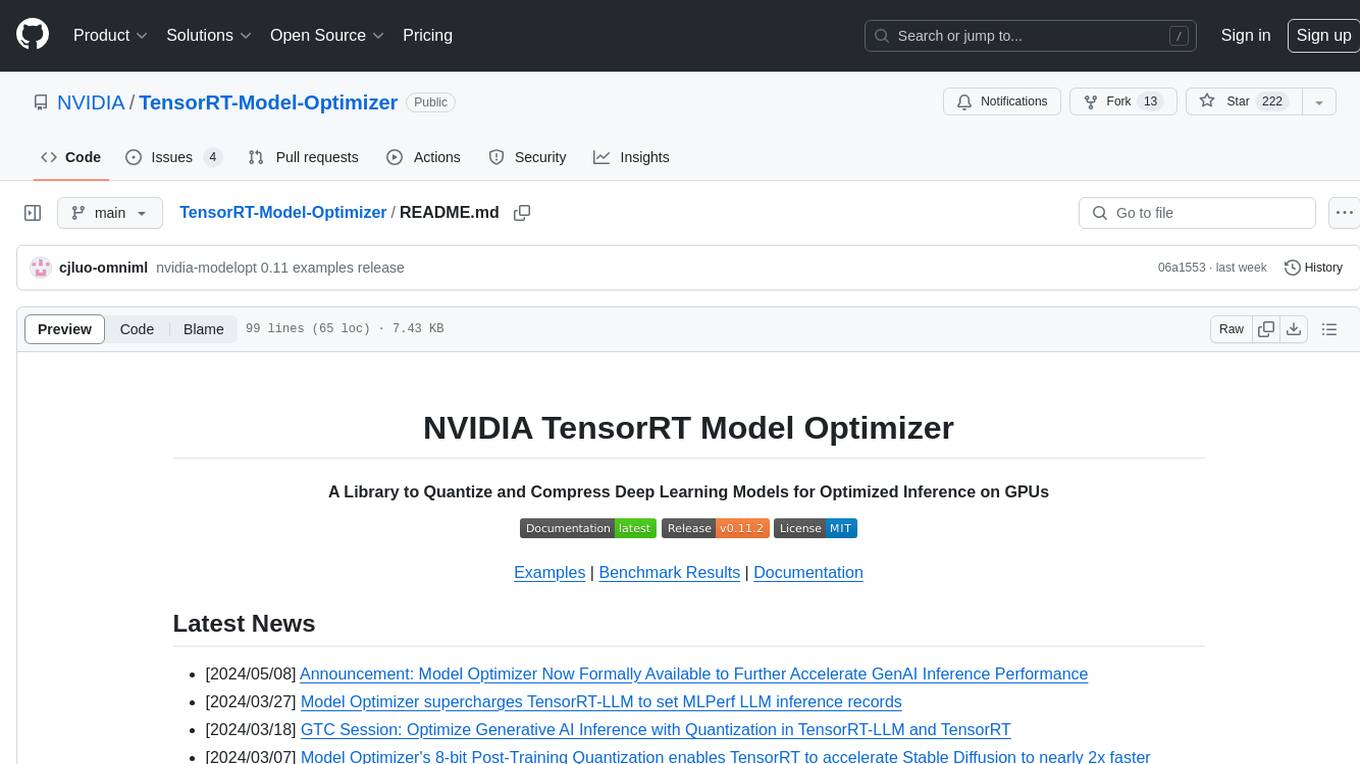
TensorRT-Model-Optimizer
The NVIDIA TensorRT Model Optimizer is a library designed to quantize and compress deep learning models for optimized inference on GPUs. It offers state-of-the-art model optimization techniques including quantization and sparsity to reduce inference costs for generative AI models. Users can easily stack different optimization techniques to produce quantized checkpoints from torch or ONNX models. The quantized checkpoints are ready for deployment in inference frameworks like TensorRT-LLM or TensorRT, with planned integrations for NVIDIA NeMo and Megatron-LM. The tool also supports 8-bit quantization with Stable Diffusion for enterprise users on NVIDIA NIM. Model Optimizer is available for free on NVIDIA PyPI, and this repository serves as a platform for sharing examples, GPU-optimized recipes, and collecting community feedback.
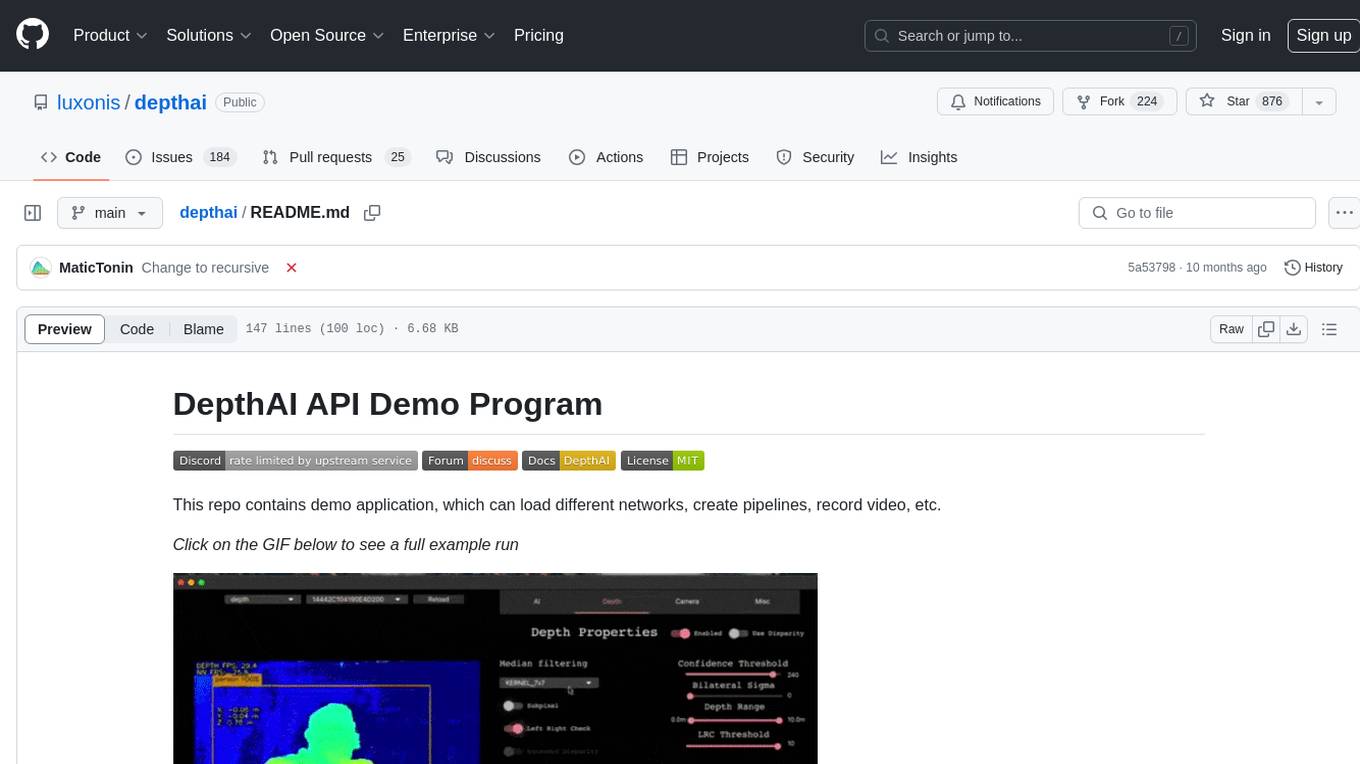
depthai
This repository contains a demo application for DepthAI, a tool that can load different networks, create pipelines, record video, and more. It provides documentation for installation and usage, including running programs through Docker. Users can explore DepthAI features via command line arguments or a clickable QT interface. Supported models include various AI models for tasks like face detection, human pose estimation, and object detection. The tool collects anonymous usage statistics by default, which can be disabled. Users can report issues to the development team for support and troubleshooting.