


claudex
Your own Claude Code UI, local/e2b/modal sandbox, in-browser VS Code, terminal, multi-provider support (Max, Z.AI, OpenRouter), custom skills, and MCP servers.
Stars: 197
Claudex is an open-source, self-hosted Claude Code UI that runs entirely on your machine. It provides multiple sandboxes, allows users to use their own plans, offers a full IDE experience with VS Code in the browser, and is extensible with skills, agents, slash commands, and MCP servers. Users can run AI agents in isolated environments, view and interact with a browser via VNC, switch between multiple AI providers, automate tasks with Celery workers, and enjoy various chat features and preview capabilities. Claudex also supports marketplace plugins, secrets management, integrations like Gmail, and custom instructions. The tool is configured through providers and supports various providers like Anthropic, OpenAI, OpenRouter, and Custom. It has a tech stack consisting of React, FastAPI, Python, PostgreSQL, Celery, Redis, and more.
README:
Your own Claude Code UI. Open source, self-hosted, runs entirely on your machine.



Join our Discord server to get help, share feedback, and connect with other users.
- Multiple sandboxes - Docker (local), E2B (cloud), or Modal (cloud).
- Use your own plans - Claude Max, OpenRouter, OpenAI, or custom providers.
- Full IDE experience - VS Code in browser, terminal, file explorer.
- Extensible - Skills, agents, slash commands, MCP servers.


git clone https://github.com/Mng-dev-ai/claudex.git
cd claudex
docker compose -p claudex-web -f docker-compose.yml up -dSee Desktop Setup to run Claudex as a native macOS app.
Run AI agents in isolated environments with multiple sandbox providers:
- Docker - Fully local, no external dependencies
- E2B - Cloud sandboxes with e2b.dev
- Modal - Serverless cloud sandboxes with modal.com
- VS Code editor in the browser
- Terminal with full PTY support
- File system management
- Port forwarding for web previews
- Environment checkpoints and snapshots
View and interact with a browser running inside the sandbox via VNC. Use Playwright MCP with Chrome DevTools Protocol (CDP) to let Claude control the browser programmatically.
Switch between providers in the same chat:
- Anthropic - Use your Max plan
- OpenAI - Use your ChatGPT Pro subscription (GPT-5.2 Codex, GPT-5.2)
- OpenRouter - Access to multiple model providers
- Custom - Any Anthropic-compatible API endpoint
- Custom Skills - ZIP packages with YAML metadata
- Custom Agents - Define agents with specific tool configurations
-
Slash Commands - Built-in (
/context,/compact,/review,/init) - MCP Servers - Model Context Protocol support (NPX, BunX, UVX, HTTP)
Automate recurring tasks with Celery workers.
- Fork chats from any message point
- Restore to any previous message in history
- File attachments with preview
- Web preview for running applications
- Mobile viewport simulation
- File previews: Markdown, HTML, images, CSV, PDF, PowerPoint
- Browse and install plugins from official catalog
- One-click installation of agents, skills, commands, MCPs
- Environment variables for sandbox execution
- Gmail - Read, send, and manage emails via Gmail MCP Server
- Go to Google Cloud Console
- Create a project and enable the Gmail API
- Create OAuth credentials (Desktop app for localhost, Web application for hosted URLs)
- If using Web application, add redirect URI:
https://YOUR_DOMAIN/api/v1/integrations/gmail/callback - Download the JSON credentials file
- In Claudex Settings → Integrations, upload your credentials file
- Click Connect Gmail to authorize
- System prompts for global context
- Custom instructions injected with each message
Configure providers in Settings → Providers after login.
All providers use Claude Code under the hood. Non-Anthropic providers work through Anthropic Bridge, which translates Anthropic API calls to other providers.
┌─────────────┐     ┌───────────────────┐     ┌───────────────────────┐
│   Claudex   │────▶│  Anthropic Bridge │────▶│  OpenAI / OpenRouter  │
│             │     │  (API Translator) │     │  / Custom             │
└─────────────┘     └───────────────────┘     └───────────────────────┘
This means all providers share the same conversation history stored in ~/.claude JSONL files, plus the same slash commands, skills, agents, and MCP servers. You can develop a feature with Claude, then switch to GPT-5.2 Codex for review—it already has the full context without needing to re-read files.
| Provider | Auth Method | Models |
|---|---|---|
| Anthropic | OAuth token from claude setup-token
|
Sonnet 4.5, Opus 4.5, Haiku 4.5 |
| OpenAI | Auth file from codex login
|
GPT-5.2 Codex, GPT-5.2 |
| OpenRouter | API key | Multiple providers |
| Custom | API key | Any Anthropic-compatible endpoint |
Use OpenAI models with your ChatGPT Pro subscription:
- Install Codex CLI
- Run
codex loginand authenticate with your ChatGPT account - In Claudex Settings → Providers, add an OpenAI provider
- Upload your
~/.codex/auth.jsonfile
Use any Anthropic-compatible API endpoint:
- Get your API key from your provider
- In Claudex Settings → Providers, add a Custom provider
- Enter your API endpoint URL and API key
Compatible coding plans:
You only need one AI provider configured.
┌─────────────────┐     ┌─────────────────┐     ┌─────────────────┐
│    Frontend     │────▶│   FastAPI       │────▶│   PostgreSQL    │
│   React/Vite    │     │   Backend       │     │   Database      │
└─────────────────┘     └────────┬────────┘     └─────────────────┘
                                 │
                    ┌────────────┼────────────┐
                    ▼            ▼            ▼
            ┌───────────┐ ┌───────────┐ ┌─────────────────┐
            │   Redis   │ │  Celery   │ │ Docker Sandbox  │
            │  Pub/Sub  │ │  Workers  │ │                 │
            └───────────┘ └───────────┘ └─────────────────┘
Frontend: React 19, TypeScript, Vite, TailwindCSS, Zustand, React Query, Monaco Editor, XTerm.js
Backend: FastAPI, Python 3.13, SQLAlchemy 2.0, Celery, Redis, Granian
| Service | Port |
|---|---|
| Frontend | 3000 |
| Backend API | 8080 |
| PostgreSQL | 5432 |
| Redis | 6379 |
docker compose -p claudex-web -f docker-compose.yml up -d      # Start web stack
docker compose -p claudex-web -f docker-compose.yml down       # Stop web stack
docker compose -p claudex-web -f docker-compose.yml logs -f # Web logsFor production deployment on a VPS, see the Coolify Installation Guide.
- API Docs: http://localhost:8080/api/v1/docs
- Admin Panel: http://localhost:8080/admin
- Fork the repository
- Create a feature branch
- Commit your changes
- Open a Pull Request
Apache 2.0 - see LICENSE
For Tasks:
Click tags to check more tools for each tasksFor Jobs:
Alternative AI tools for claudex
Similar Open Source Tools
claudex
Claudex is an open-source, self-hosted Claude Code UI that runs entirely on your machine. It provides multiple sandboxes, allows users to use their own plans, offers a full IDE experience with VS Code in the browser, and is extensible with skills, agents, slash commands, and MCP servers. Users can run AI agents in isolated environments, view and interact with a browser via VNC, switch between multiple AI providers, automate tasks with Celery workers, and enjoy various chat features and preview capabilities. Claudex also supports marketplace plugins, secrets management, integrations like Gmail, and custom instructions. The tool is configured through providers and supports various providers like Anthropic, OpenAI, OpenRouter, and Custom. It has a tech stack consisting of React, FastAPI, Python, PostgreSQL, Celery, Redis, and more.
mesh
MCP Mesh is an open-source control plane for MCP traffic that provides a unified layer for authentication, routing, and observability. It replaces multiple integrations with a single production endpoint, simplifying configuration management. Built for multi-tenant organizations, it offers workspace/project scoping for policies, credentials, and logs. With core capabilities like MeshContext, AccessControl, and OpenTelemetry, it ensures fine-grained RBAC, full tracing, and metrics for tools and workflows. Users can define tools with input/output validation, access control checks, audit logging, and OpenTelemetry traces. The project structure includes apps for full-stack MCP Mesh, encryption, observability, and more, with deployment options ranging from Docker to Kubernetes. The tech stack includes Bun/Node runtime, TypeScript, Hono API, React, Kysely ORM, and Better Auth for OAuth and API keys.
mimiclaw
MimiClaw is a pocket AI assistant that runs on a $5 chip, specifically designed for the ESP32-S3 board. It operates without Linux or Node.js, using pure C language. Users can interact with MimiClaw through Telegram, enabling it to handle various tasks and learn from local memory. The tool is energy-efficient, running on USB power 24/7. With MimiClaw, users can have a personal AI assistant on a chip the size of a thumb, making it convenient and accessible for everyday use.
Shannon
Shannon is a battle-tested infrastructure for AI agents that solves problems at scale, such as runaway costs, non-deterministic failures, and security concerns. It offers features like intelligent caching, deterministic replay of workflows, time-travel debugging, WASI sandboxing, and hot-swapping between LLM providers. Shannon allows users to ship faster with zero configuration multi-agent setup, multiple AI patterns, time-travel debugging, and hot configuration changes. It is production-ready with features like WASI sandbox, token budget control, policy engine (OPA), and multi-tenancy. Shannon helps scale without breaking by reducing costs, being provider agnostic, observable by default, and designed for horizontal scaling with Temporal workflow orchestration.
helix
HelixML is a private GenAI platform that allows users to deploy the best of open AI in their own data center or VPC while retaining complete data security and control. It includes support for fine-tuning models with drag-and-drop functionality. HelixML brings the best of open source AI to businesses in an ergonomic and scalable way, optimizing the tradeoff between GPU memory and latency.
solo-server
Solo Server is a lightweight server designed for managing hardware-aware inference. It provides seamless setup through a simple CLI and HTTP servers, an open model registry for pulling models from platforms like Ollama and Hugging Face, cross-platform compatibility for effortless deployment of AI models on hardware, and a configurable framework that auto-detects hardware components (CPU, GPU, RAM) and sets optimal configurations.

gpt-all-star
GPT-All-Star is an AI-powered code generation tool designed for scratch development of web applications with team collaboration of autonomous AI agents. The primary focus of this research project is to explore the potential of autonomous AI agents in software development. Users can organize their team, choose leaders for each step, create action plans, and work together to complete tasks. The tool supports various endpoints like OpenAI, Azure, and Anthropic, and provides functionalities for project management, code generation, and team collaboration.
starknet-agentic
Open-source stack for giving AI agents wallets, identity, reputation, and execution rails on Starknet. `starknet-agentic` is a monorepo with Cairo smart contracts for agent wallets, identity, reputation, and validation, TypeScript packages for MCP tools, A2A integration, and payment signing, reusable skills for common Starknet agent capabilities, and examples and docs for integration. It provides contract primitives + runtime tooling in one place for integrating agents. The repo includes various layers such as Agent Frameworks / Apps, Integration + Runtime Layer, Packages / Tooling Layer, Cairo Contract Layer, and Starknet L2. It aims for portability of agent integrations without giving up Starknet strengths, with a cross-chain interop strategy and skills marketplace. The repository layout consists of directories for contracts, packages, skills, examples, docs, and website.
httpjail
httpjail is a cross-platform tool designed for monitoring and restricting HTTP/HTTPS requests from processes using network isolation and transparent proxy interception. It provides process-level network isolation, HTTP/HTTPS interception with TLS certificate injection, script-based and JavaScript evaluation for custom request logic, request logging, default deny behavior, and zero-configuration setup. The tool operates on Linux and macOS, creating an isolated network environment for target processes and intercepting all HTTP/HTTPS traffic through a transparent proxy enforcing user-defined rules.
myclaw
myclaw is a personal AI assistant built on agentsdk-go that offers a CLI agent for single message or interactive REPL mode, full orchestration with channels, cron, and heartbeat, support for various messaging channels like Telegram, Feishu, WeCom, WhatsApp, and a web UI, multi-provider support for Anthropic and OpenAI models, image recognition and document processing, scheduled tasks with JSON persistence, long-term and daily memory storage, custom skill loading, and more. It provides a comprehensive solution for interacting with AI models and managing tasks efficiently.
openakita
OpenAkita is a self-evolving AI Agent framework that autonomously learns new skills, performs daily self-checks and repairs, accumulates experience from task execution, and persists until the task is done. It auto-generates skills, installs dependencies, learns from mistakes, and remembers preferences. The framework is standards-based, multi-platform, and provides a Setup Center GUI for intuitive installation and configuration. It features self-learning and evolution mechanisms, a Ralph Wiggum Mode for persistent execution, multi-LLM endpoints, multi-platform IM support, desktop automation, multi-agent architecture, scheduled tasks, identity and memory management, a tool system, and a guided wizard for setup.
lihil
Lihil is a performant, productive, and professional web framework designed to make Python the mainstream programming language for web development. It is 100% test covered and strictly typed, offering fast performance, ergonomic API, and built-in solutions for common problems. Lihil is suitable for enterprise web development, delivering robust and scalable solutions with best practices in microservice architecture and related patterns. It features dependency injection, OpenAPI docs generation, error response generation, data validation, message system, testability, and strong support for AI features. Lihil is ASGI compatible and uses starlette as its ASGI toolkit, ensuring compatibility with starlette classes and middlewares. The framework follows semantic versioning and has a roadmap for future enhancements and features.
vibium
Vibium is a browser automation infrastructure designed for AI agents, providing a single binary that manages browser lifecycle, WebDriver BiDi protocol, and an MCP server. It offers zero configuration, AI-native capabilities, and is lightweight with no runtime dependencies. It is suitable for AI agents, test automation, and any tasks requiring browser interaction.
shell_gpt
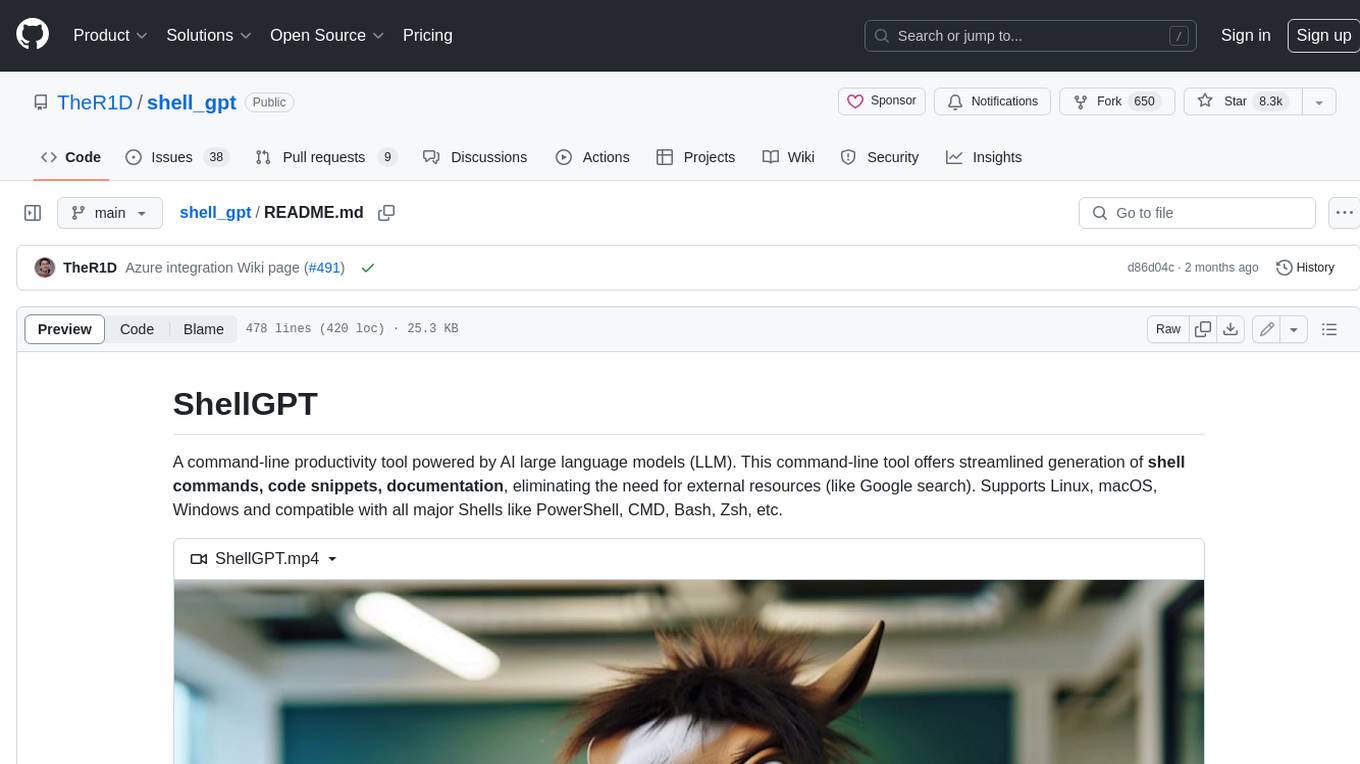
ShellGPT is a command-line productivity tool powered by AI large language models (LLMs). This command-line tool offers streamlined generation of shell commands, code snippets, documentation, eliminating the need for external resources (like Google search). Supports Linux, macOS, Windows and compatible with all major Shells like PowerShell, CMD, Bash, Zsh, etc.
aichildedu
AICHILDEDU is a microservice-based AI education platform for children that integrates LLMs, image generation, and speech synthesis to provide personalized storybook creation, intelligent conversational learning, and multimedia content generation. It offers features like personalized story generation, educational quiz creation, multimedia integration, age-appropriate content, multi-language support, user management, parental controls, and asynchronous processing. The platform follows a microservice architecture with components like API Gateway, User Service, Content Service, Learning Service, and AI Services. Technologies used include Python, FastAPI, PostgreSQL, MongoDB, Redis, LangChain, OpenAI GPT models, TensorFlow, PyTorch, Transformers, MinIO, Elasticsearch, Docker, Docker Compose, and JWT-based authentication.
AiToEarn
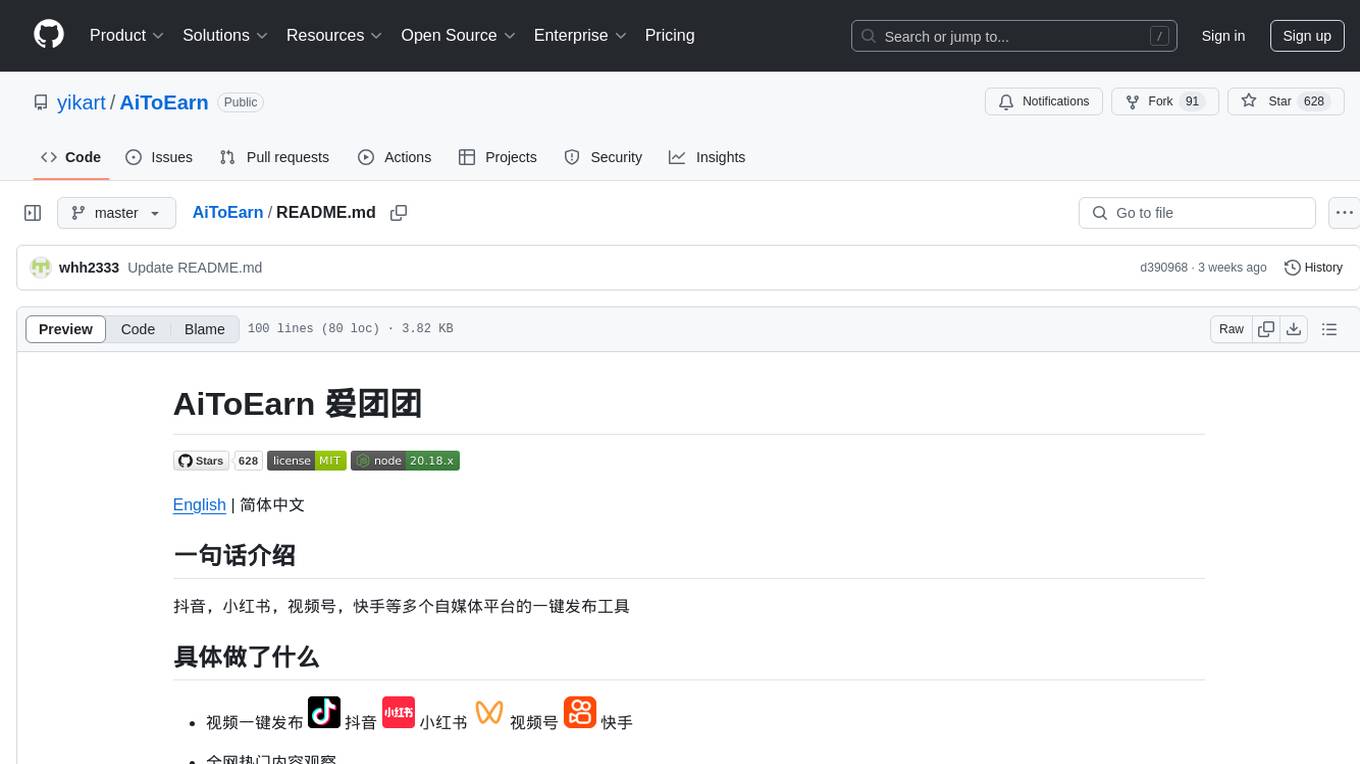
AiToEarn is a one-click publishing tool for multiple self-media platforms such as Douyin, Xiaohongshu, Video Number, and Kuaishou. It allows users to publish videos with ease, observe popular content across the web, and view rankings of explosive articles on Xiaohongshu. The tool is also capable of providing daily and weekly rankings of popular content on Xiaohongshu, Douyin, Video Number, and Kuaishou. In progress features include expanding publishing parameters to support short video e-commerce, adding an AI tool ranking list, enabling AI automatic comments, and AI comment search.
For similar tasks

Magick
Magick is a groundbreaking visual AIDE (Artificial Intelligence Development Environment) for no-code data pipelines and multimodal agents. Magick can connect to other services and comes with nodes and templates well-suited for intelligent agents, chatbots, complex reasoning systems and realistic characters.

danswer
Danswer is an open-source Gen-AI Chat and Unified Search tool that connects to your company's docs, apps, and people. It provides a Chat interface and plugs into any LLM of your choice. Danswer can be deployed anywhere and for any scale - on a laptop, on-premise, or to cloud. Since you own the deployment, your user data and chats are fully in your own control. Danswer is MIT licensed and designed to be modular and easily extensible. The system also comes fully ready for production usage with user authentication, role management (admin/basic users), chat persistence, and a UI for configuring Personas (AI Assistants) and their Prompts. Danswer also serves as a Unified Search across all common workplace tools such as Slack, Google Drive, Confluence, etc. By combining LLMs and team specific knowledge, Danswer becomes a subject matter expert for the team. Imagine ChatGPT if it had access to your team's unique knowledge! It enables questions such as "A customer wants feature X, is this already supported?" or "Where's the pull request for feature Y?"

semantic-kernel
Semantic Kernel is an SDK that integrates Large Language Models (LLMs) like OpenAI, Azure OpenAI, and Hugging Face with conventional programming languages like C#, Python, and Java. Semantic Kernel achieves this by allowing you to define plugins that can be chained together in just a few lines of code. What makes Semantic Kernel _special_ , however, is its ability to _automatically_ orchestrate plugins with AI. With Semantic Kernel planners, you can ask an LLM to generate a plan that achieves a user's unique goal. Afterwards, Semantic Kernel will execute the plan for the user.

floneum
Floneum is a graph editor that makes it easy to develop your own AI workflows. It uses large language models (LLMs) to run AI models locally, without any external dependencies or even a GPU. This makes it easy to use LLMs with your own data, without worrying about privacy. Floneum also has a plugin system that allows you to improve the performance of LLMs and make them work better for your specific use case. Plugins can be used in any language that supports web assembly, and they can control the output of LLMs with a process similar to JSONformer or guidance.
mindsdb
MindsDB is a platform for customizing AI from enterprise data. You can create, serve, and fine-tune models in real-time from your database, vector store, and application data. MindsDB "enhances" SQL syntax with AI capabilities to make it accessible for developers worldwide. With MindsDB’s nearly 200 integrations, any developer can create AI customized for their purpose, faster and more securely. Their AI systems will constantly improve themselves — using companies’ own data, in real-time.

aiscript
AiScript is a lightweight scripting language that runs on JavaScript. It supports arrays, objects, and functions as first-class citizens, and is easy to write without the need for semicolons or commas. AiScript runs in a secure sandbox environment, preventing infinite loops from freezing the host. It also allows for easy provision of variables and functions from the host.

activepieces
Activepieces is an open source replacement for Zapier, designed to be extensible through a type-safe pieces framework written in Typescript. It features a user-friendly Workflow Builder with support for Branches, Loops, and Drag and Drop. Activepieces integrates with Google Sheets, OpenAI, Discord, and RSS, along with 80+ other integrations. The list of supported integrations continues to grow rapidly, thanks to valuable contributions from the community. Activepieces is an open ecosystem; all piece source code is available in the repository, and they are versioned and published directly to npmjs.com upon contributions. If you cannot find a specific piece on the pieces roadmap, please submit a request by visiting the following link: Request Piece Alternatively, if you are a developer, you can quickly build your own piece using our TypeScript framework. For guidance, please refer to the following guide: Contributor's Guide
superagent-js
Superagent is an open source framework that enables any developer to integrate production ready AI Assistants into any application in a matter of minutes.
For similar jobs

sweep
Sweep is an AI junior developer that turns bugs and feature requests into code changes. It automatically handles developer experience improvements like adding type hints and improving test coverage.

teams-ai
The Teams AI Library is a software development kit (SDK) that helps developers create bots that can interact with Teams and Microsoft 365 applications. It is built on top of the Bot Framework SDK and simplifies the process of developing bots that interact with Teams' artificial intelligence capabilities. The SDK is available for JavaScript/TypeScript, .NET, and Python.

ai-guide
This guide is dedicated to Large Language Models (LLMs) that you can run on your home computer. It assumes your PC is a lower-end, non-gaming setup.

classifai
Supercharge WordPress Content Workflows and Engagement with Artificial Intelligence. Tap into leading cloud-based services like OpenAI, Microsoft Azure AI, Google Gemini and IBM Watson to augment your WordPress-powered websites. Publish content faster while improving SEO performance and increasing audience engagement. ClassifAI integrates Artificial Intelligence and Machine Learning technologies to lighten your workload and eliminate tedious tasks, giving you more time to create original content that matters.

chatbot-ui
Chatbot UI is an open-source AI chat app that allows users to create and deploy their own AI chatbots. It is easy to use and can be customized to fit any need. Chatbot UI is perfect for businesses, developers, and anyone who wants to create a chatbot.

BricksLLM
BricksLLM is a cloud native AI gateway written in Go. Currently, it provides native support for OpenAI, Anthropic, Azure OpenAI and vLLM. BricksLLM aims to provide enterprise level infrastructure that can power any LLM production use cases. Here are some use cases for BricksLLM: * Set LLM usage limits for users on different pricing tiers * Track LLM usage on a per user and per organization basis * Block or redact requests containing PIIs * Improve LLM reliability with failovers, retries and caching * Distribute API keys with rate limits and cost limits for internal development/production use cases * Distribute API keys with rate limits and cost limits for students

uAgents
uAgents is a Python library developed by Fetch.ai that allows for the creation of autonomous AI agents. These agents can perform various tasks on a schedule or take action on various events. uAgents are easy to create and manage, and they are connected to a fast-growing network of other uAgents. They are also secure, with cryptographically secured messages and wallets.

griptape
Griptape is a modular Python framework for building AI-powered applications that securely connect to your enterprise data and APIs. It offers developers the ability to maintain control and flexibility at every step. Griptape's core components include Structures (Agents, Pipelines, and Workflows), Tasks, Tools, Memory (Conversation Memory, Task Memory, and Meta Memory), Drivers (Prompt and Embedding Drivers, Vector Store Drivers, Image Generation Drivers, Image Query Drivers, SQL Drivers, Web Scraper Drivers, and Conversation Memory Drivers), Engines (Query Engines, Extraction Engines, Summary Engines, Image Generation Engines, and Image Query Engines), and additional components (Rulesets, Loaders, Artifacts, Chunkers, and Tokenizers). Griptape enables developers to create AI-powered applications with ease and efficiency.