


solo-server
Platform for Hardware Aware Inference
Stars: 225
Solo Server is a lightweight server designed for managing hardware-aware inference. It provides seamless setup through a simple CLI and HTTP servers, an open model registry for pulling models from platforms like Ollama and Hugging Face, cross-platform compatibility for effortless deployment of AI models on hardware, and a configurable framework that auto-detects hardware components (CPU, GPU, RAM) and sets optimal configurations.
README:





Solo Server is a lightweight server to manage hardware aware inference.
# Install the solo-server package using pip
pip install solo-server

# Run the solo server setup in simple mode
solo setup
- Seamless Setup: Manage your on device AI with a simple CLI and HTTP servers
- Open Model Registry: Pull models from registries like Ollama & Hugging Face
- Cross-Platform Compatibility: Deploy AI models effortlessly on your hardware
- Configurable Framework: Auto-detect hardware (CPU, GPU, RAM) and sets configs
- 🐋 Docker: Required for containerization
Install 'uv' using these docs: https://docs.astral.sh/uv/getting-started/installation/
# Install uv
# On Windows (PowerShell)
iwr https://astral.sh/uv/install.ps1 -useb | iex
# If you have admin use, consider: https://github.com/astral-sh/uv/issues/3116
powershell -ExecutionPolicy Bypass -c "pip install uv"

# On Unix/MacOS
curl -LsSf https://astral.sh/uv/install.sh | sh

# Create virtual environment
uv venv

# Activate the virtual environment
source .venv/bin/activate  # On Unix/MacOS
# OR
.venv\Scripts\activate     # On Windows
uv pip install solo-server
Creates an isolated environment using uv for performance and stability.
Run the interactive setup to configure Solo Server:
solo setup✔️ Detects CPU, GPU, RAM for hardware-optimized execution
✔️ Auto-configures solo.conf with optimal settings
✔️ Recommends the compute backend OCI (CUDA, HIP, SYCL, Vulkan, CPU, Metal)
Example Output:
╭────────────────── System Information ──────────────────╮
│ Operating System: Windows │
│ CPU: AMD64 Family 23 Model 96 Stepping 1, AuthenticAMD │
│ CPU Cores: 8 │
│ Memory: 15.42GB │
│ GPU: NVIDIA │
│ GPU Model: NVIDIA GeForce GTX 1660 Ti │
│ GPU Memory: 6144.0GB │
│ Compute Backend: CUDA │
╰────────────────────────────────────────────────────────╯
🔧 Starting Solo Server Setup...
📊 Available Server Options:
• Ollama
• vLLM
• Llama.cpp

✨ Ollama is recommended for your system
Choose server [ollama]:
solo serve -s ollama -m llama3.2Command Options:
╭─ Options ───────────────────────────────────────────────────────────────────────────────────────────────────────────╮
│ --server  -s      TEXT     Server type (ollama, vllm, llama.cpp) [default: ollama]                                  │
│ --model   -m      TEXT     Model name or path [default: None]                                                       │
│ --port    -p      INTEGER  Port to run the server on [default: None]                                                │
│ --help                     Show this message and exit.                                                              │
╰─────────────────────────────────────────────────────────────────────────────────────────────────────────────────────╯
You can now use the API endpoint created by the Solo Server to interact with the model. You can send a POST request to http://localhost:11434/api/chat with a JSON payload containing the model name and the messages you want to send to the model.
curl http://localhost:11434/api/generate -d '{
  "model": "llama3.2",
  "prompt":"Why is the sky blue?"
}'curl http://localhost:11434/api/chat -d '{
"model": "llama3.2",
"messages": [
{ "role": "user", "content": "why is the sky blue?" }
]
}'solo statusExample Output:
🔹 Running Models:
-------------------------------------------
| Name      | Model   | Backend | Port |
|----------|--------|---------|------|
| llama3   | Llama3 | CUDA    | 8080 |
| gptj     | GPT-J  | CPU     | 8081 |
-------------------------------------------solo stop Example Output:
🛑 Stopping Solo Server...
✅ Solo server stopped successfully.After setup, all settings are stored in:
~/.solo_server/solo.jsonExample:
# Solo Server Configuration

{
    "hugging_face": {
        "token": ""
    },
    "system_info": {
        "os": "Windows",
        "cpu_model": "AMD64 Family 23 Model 96 Stepping 1, AuthenticAMD",
        "cpu_cores": 8,
        "memory_gb": 15.42,
        "gpu_vendor": "NVIDIA",
        "gpu_model": "NVIDIA GeForce GTX 1660 Ti",
        "gpu_memory": 6144.0,
        "compute_backend": "CUDA"
    },
    "starfish": {
        "api_key": ""
    },
    "hardware": {
        "use_gpu": true
    }
}Refer example_apps for sample applications.
# Clone the repository
git clone https://github.com/GetSoloTech/solo-server.git

# Navigate to the directory
cd solo-server

# Create and activate virtual environment
python -m venv .venv
source .venv/bin/activate  # Unix/MacOS
# OR
.venv\Scripts\activate     # Windows

# Install in editable mode
pip install -e .This project wouldn't be possible without the help of other projects like:
- uv
- llama.cpp
- ramalama
- ollama
- whisper.cpp
- vllm
- podman
- huggingface
- llamafile
- cog
Like using Solo, consider leaving us a ⭐ on GitHub
For Tasks:
Click tags to check more tools for each tasksFor Jobs:
Alternative AI tools for solo-server
Similar Open Source Tools
solo-server
Solo Server is a lightweight server designed for managing hardware-aware inference. It provides seamless setup through a simple CLI and HTTP servers, an open model registry for pulling models from platforms like Ollama and Hugging Face, cross-platform compatibility for effortless deployment of AI models on hardware, and a configurable framework that auto-detects hardware components (CPU, GPU, RAM) and sets optimal configurations.
Shannon
Shannon is a battle-tested infrastructure for AI agents that solves problems at scale, such as runaway costs, non-deterministic failures, and security concerns. It offers features like intelligent caching, deterministic replay of workflows, time-travel debugging, WASI sandboxing, and hot-swapping between LLM providers. Shannon allows users to ship faster with zero configuration multi-agent setup, multiple AI patterns, time-travel debugging, and hot configuration changes. It is production-ready with features like WASI sandbox, token budget control, policy engine (OPA), and multi-tenancy. Shannon helps scale without breaking by reducing costs, being provider agnostic, observable by default, and designed for horizontal scaling with Temporal workflow orchestration.
distill
Distill is a reliability layer for LLM context that provides deterministic deduplication to remove redundancy before reaching the model. It aims to reduce redundant data, lower costs, provide faster responses, and offer more efficient and deterministic results. The tool works by deduplicating, compressing, summarizing, and caching context to ensure reliable outputs. It offers various installation methods, including binary download, Go install, Docker usage, and building from source. Distill can be used for tasks like deduplicating chunks, connecting to vector databases, integrating with AI assistants, analyzing files for duplicates, syncing vectors to Pinecone, querying from the command line, and managing configuration files. The tool supports self-hosting via Docker, Docker Compose, building from source, Fly.io deployment, Render deployment, and Railway integration. Distill also provides monitoring capabilities with Prometheus-compatible metrics, Grafana dashboard, and OpenTelemetry tracing.
open-computer-use
Open Computer Use is an open-source platform that enables AI agents to control computers through browser automation, terminal access, and desktop interaction. It is designed for developers to create autonomous AI workflows. The platform allows agents to browse the web, run terminal commands, control desktop applications, orchestrate multi-agents, stream execution, and is 100% open-source and self-hostable. It provides capabilities similar to Anthropic's Claude Computer Use but is fully open-source and extensible.
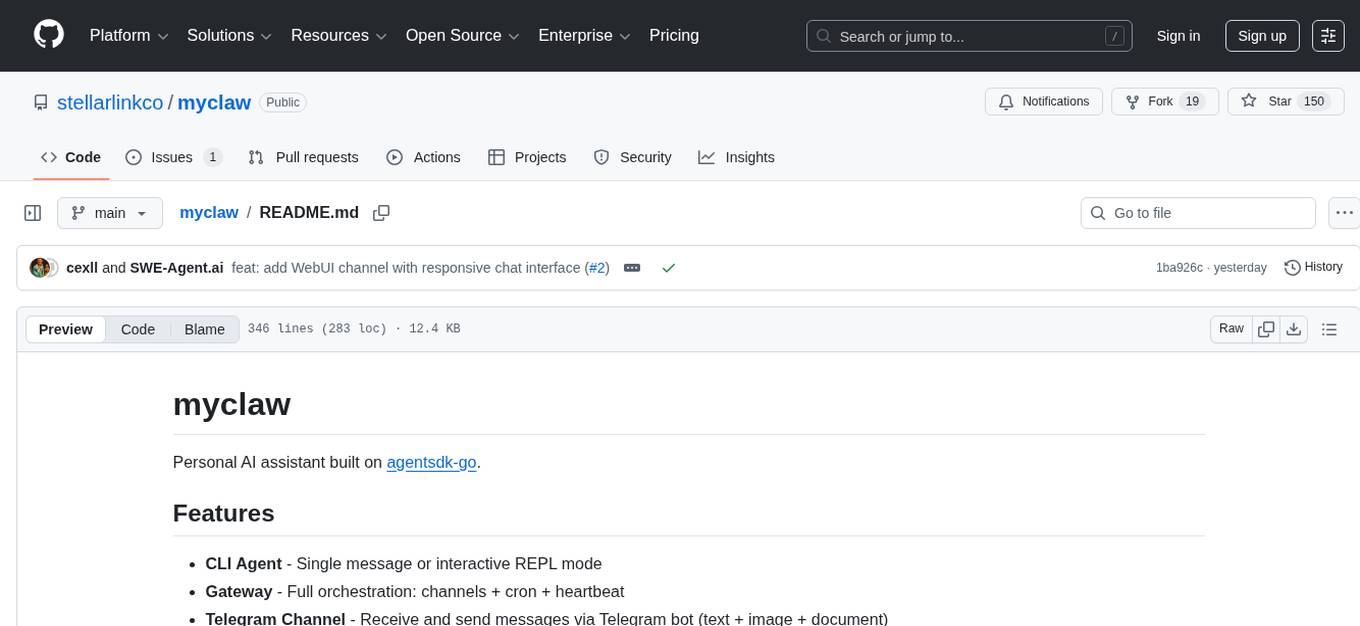
myclaw
myclaw is a personal AI assistant built on agentsdk-go that offers a CLI agent for single message or interactive REPL mode, full orchestration with channels, cron, and heartbeat, support for various messaging channels like Telegram, Feishu, WeCom, WhatsApp, and a web UI, multi-provider support for Anthropic and OpenAI models, image recognition and document processing, scheduled tasks with JSON persistence, long-term and daily memory storage, custom skill loading, and more. It provides a comprehensive solution for interacting with AI models and managing tasks efficiently.
mimiclaw
MimiClaw is a pocket AI assistant that runs on a $5 chip, specifically designed for the ESP32-S3 board. It operates without Linux or Node.js, using pure C language. Users can interact with MimiClaw through Telegram, enabling it to handle various tasks and learn from local memory. The tool is energy-efficient, running on USB power 24/7. With MimiClaw, users can have a personal AI assistant on a chip the size of a thumb, making it convenient and accessible for everyday use.
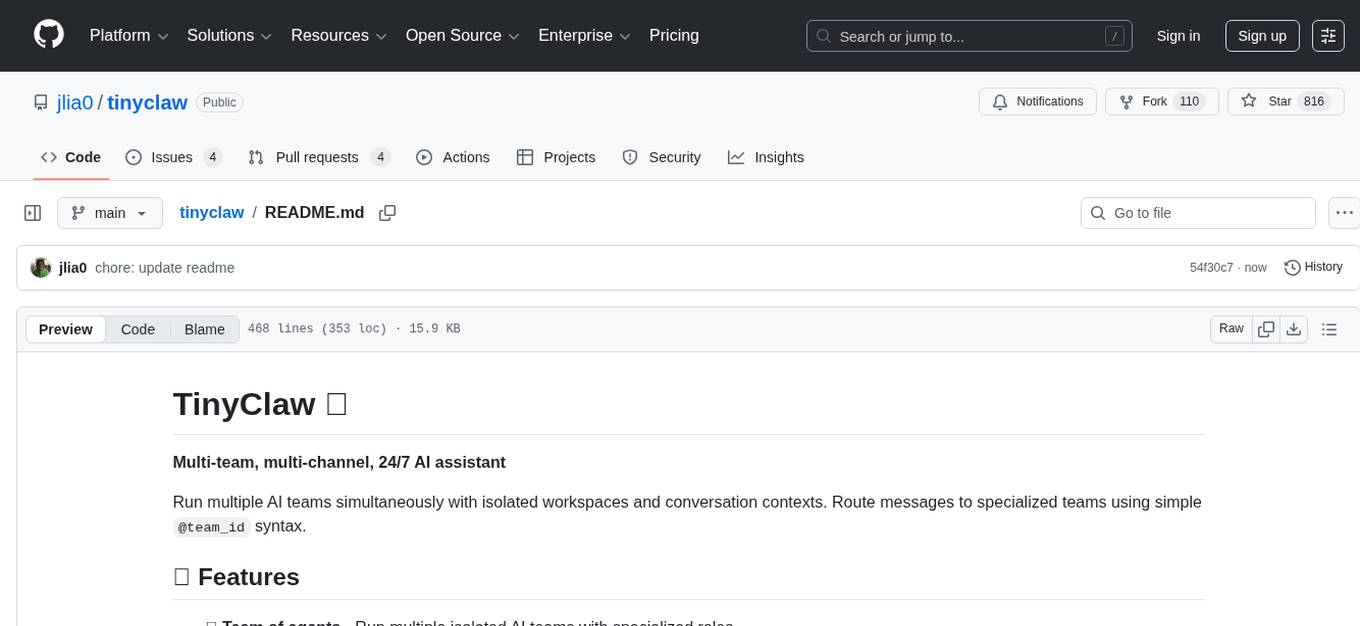
tinyclaw
TinyClaw is a lightweight wrapper around Claude Code that connects WhatsApp via QR code, processes messages sequentially, maintains conversation context, runs 24/7 in tmux, and is ready for multi-channel support. Its key innovation is the file-based queue system that prevents race conditions and enables multi-channel support. TinyClaw consists of components like whatsapp-client.js for WhatsApp I/O, queue-processor.js for message processing, heartbeat-cron.sh for health checks, and tinyclaw.sh as the main orchestrator with a CLI interface. It ensures no race conditions, is multi-channel ready, provides clean responses using claude -c -p, and supports persistent sessions. Security measures include local storage of WhatsApp session and queue files, channel-specific authentication, and running Claude with user permissions.
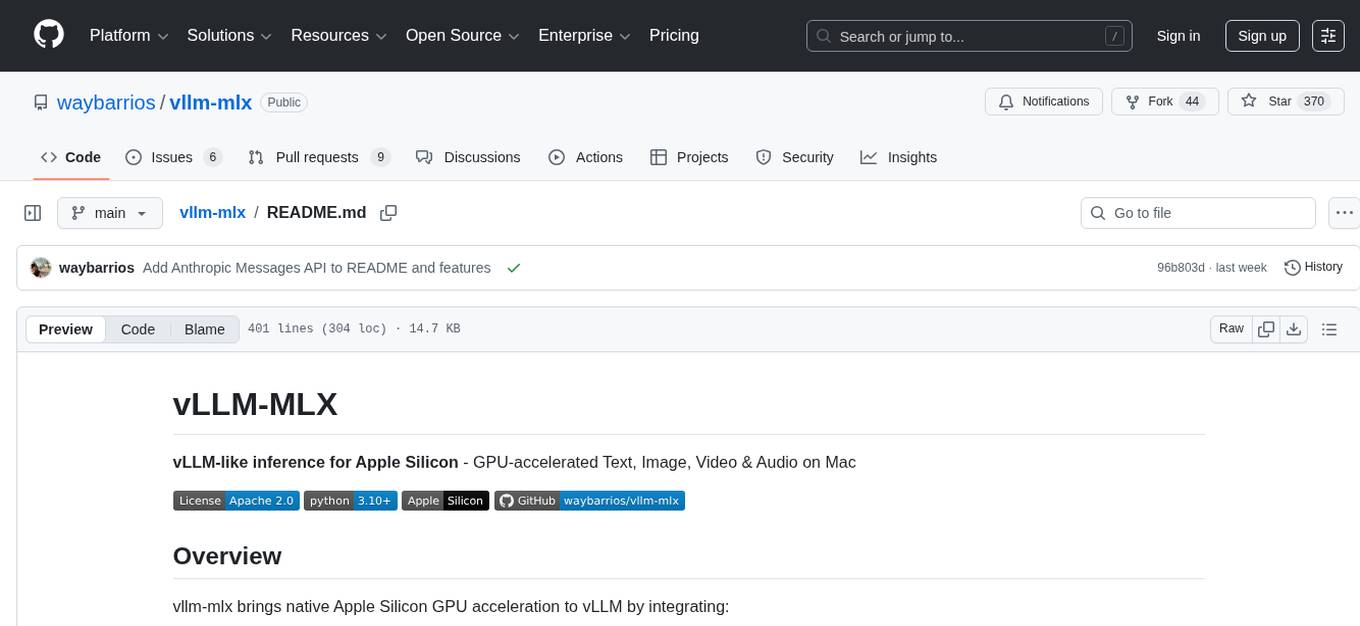
vllm-mlx
vLLM-MLX is a tool that brings native Apple Silicon GPU acceleration to vLLM by integrating Apple's ML framework with unified memory and Metal kernels. It offers optimized LLM inference with KV cache and quantization, vision-language models for multimodal inference, speech-to-text and text-to-speech with native voices, text embeddings for semantic search and RAG, and more. Users can benefit from features like multimodal support for text, image, video, and audio, native GPU acceleration on Apple Silicon, compatibility with OpenAI API, Anthropic Messages API, reasoning models extraction, integration with external tools via Model Context Protocol, memory-efficient caching, and high throughput for multiple concurrent users.
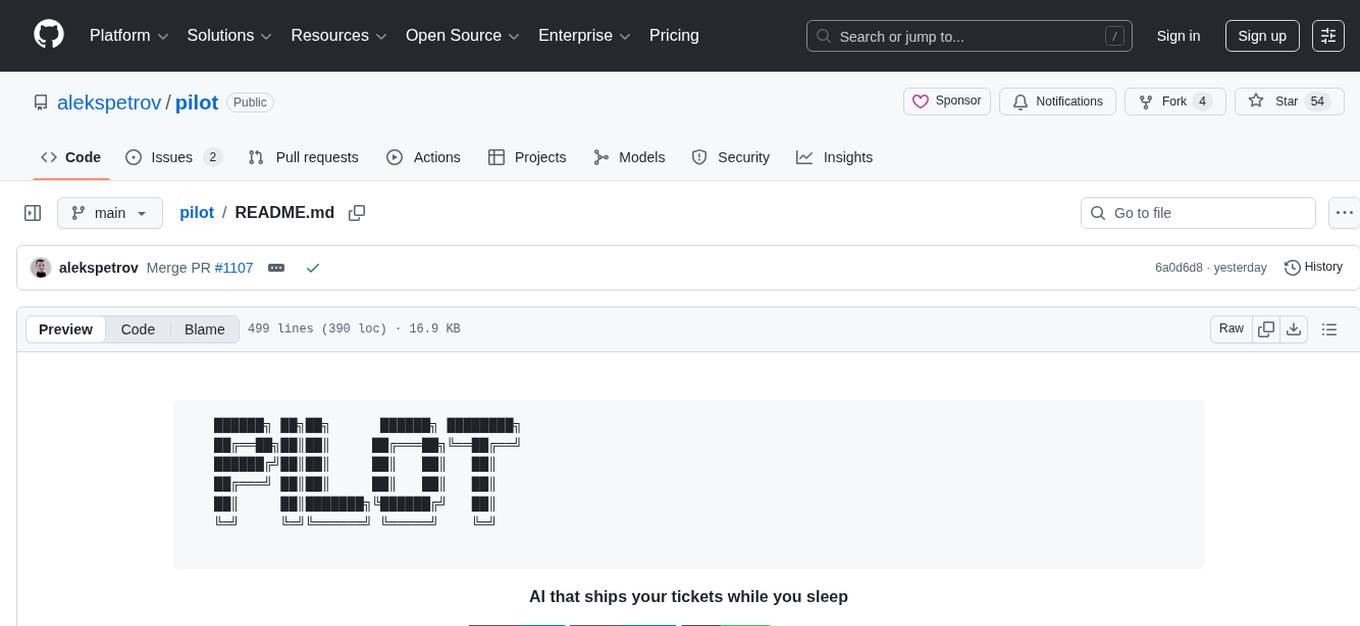
pilot
Pilot is an AI tool designed to streamline the process of handling tickets from GitHub, Linear, Jira, or Asana. It plans the implementation, writes the code, runs tests, and opens a PR for you to review and merge. With features like Autopilot, Epic Decomposition, Self-Review, and more, Pilot aims to automate the ticket handling process and reduce the time spent on prioritizing and completing tasks. It integrates with various platforms, offers intelligence features, and provides real-time visibility through a dashboard. Pilot is free to use, with costs associated with Claude API usage. It is designed for bug fixes, small features, refactoring, tests, docs, and dependency updates, but may not be suitable for large architectural changes or security-critical code.
sandbox
AIO Sandbox is an all-in-one agent sandbox environment that combines Browser, Shell, File, MCP operations, and VSCode Server in a single Docker container. It provides a unified, secure execution environment for AI agents and developers, with features like unified file system, multiple interfaces, secure execution, zero configuration, and agent-ready MCP-compatible APIs. The tool allows users to run shell commands, perform file operations, automate browser tasks, and integrate with various development tools and services.
fluid.sh
fluid.sh is a tool designed to manage and debug VMs using AI agents in isolated environments before applying changes to production. It provides a workflow where AI agents work autonomously in sandbox VMs, and human approval is required before any changes are made to production. The tool offers features like autonomous execution, full VM isolation, human-in-the-loop approval workflow, Ansible export, and a Python SDK for building autonomous agents.
claudex
Claudex is an open-source, self-hosted Claude Code UI that runs entirely on your machine. It provides multiple sandboxes, allows users to use their own plans, offers a full IDE experience with VS Code in the browser, and is extensible with skills, agents, slash commands, and MCP servers. Users can run AI agents in isolated environments, view and interact with a browser via VNC, switch between multiple AI providers, automate tasks with Celery workers, and enjoy various chat features and preview capabilities. Claudex also supports marketplace plugins, secrets management, integrations like Gmail, and custom instructions. The tool is configured through providers and supports various providers like Anthropic, OpenAI, OpenRouter, and Custom. It has a tech stack consisting of React, FastAPI, Python, PostgreSQL, Celery, Redis, and more.

gpt-all-star
GPT-All-Star is an AI-powered code generation tool designed for scratch development of web applications with team collaboration of autonomous AI agents. The primary focus of this research project is to explore the potential of autonomous AI agents in software development. Users can organize their team, choose leaders for each step, create action plans, and work together to complete tasks. The tool supports various endpoints like OpenAI, Azure, and Anthropic, and provides functionalities for project management, code generation, and team collaboration.
memsearch
Memsearch is a tool that allows users to give their AI agents persistent memory in a few lines of code. It enables users to write memories as markdown and search them semantically. Inspired by OpenClaw's markdown-first memory architecture, Memsearch is pluggable into any agent framework. The tool offers features like smart deduplication, live sync, and a ready-made Claude Code plugin for building agent memory.
vibium
Vibium is a browser automation infrastructure designed for AI agents, providing a single binary that manages browser lifecycle, WebDriver BiDi protocol, and an MCP server. It offers zero configuration, AI-native capabilities, and is lightweight with no runtime dependencies. It is suitable for AI agents, test automation, and any tasks requiring browser interaction.
NeuroSploit
NeuroSploit v3 is an advanced security assessment platform that combines AI-driven autonomous agents with 100 vulnerability types, per-scan isolated Kali Linux containers, false-positive hardening, exploit chaining, and a modern React web interface with real-time monitoring. It offers features like 100 Vulnerability Types, Autonomous Agent with 3-stream parallel pentest, Per-Scan Kali Containers, Anti-Hallucination Pipeline, Exploit Chain Engine, WAF Detection & Bypass, Smart Strategy Adaptation, Multi-Provider LLM, Real-Time Dashboard, and Sandbox Dashboard. The tool is designed for authorized security testing purposes only, ensuring compliance with laws and regulations.
For similar tasks
Forza-Mods-AIO
Forza Mods AIO is a free and open-source tool that enhances the gaming experience in Forza Horizon 4 and 5. It offers a range of time-saving and quality-of-life features, making gameplay more enjoyable and efficient. The tool is designed to streamline various aspects of the game, improving user satisfaction and overall enjoyment.
hass-ollama-conversation
The Ollama Conversation integration adds a conversation agent powered by Ollama in Home Assistant. This agent can be used in automations to query information provided by Home Assistant about your house, including areas, devices, and their states. Users can install the integration via HACS and configure settings such as API timeout, model selection, context size, maximum tokens, and other parameters to fine-tune the responses generated by the AI language model. Contributions to the project are welcome, and discussions can be held on the Home Assistant Community platform.
crawl4ai
Crawl4AI is a powerful and free web crawling service that extracts valuable data from websites and provides LLM-friendly output formats. It supports crawling multiple URLs simultaneously, replaces media tags with ALT, and is completely free to use and open-source. Users can integrate Crawl4AI into Python projects as a library or run it as a standalone local server. The tool allows users to crawl and extract data from specified URLs using different providers and models, with options to include raw HTML content, force fresh crawls, and extract meaningful text blocks. Configuration settings can be adjusted in the `crawler/config.py` file to customize providers, API keys, chunk processing, and word thresholds. Contributions to Crawl4AI are welcome from the open-source community to enhance its value for AI enthusiasts and developers.
MaterialSearch
MaterialSearch is a tool for searching local images and videos using natural language. It provides functionalities such as text search for images, image search for images, text search for videos (providing matching video clips), image search for videos (searching for the segment in a video through a screenshot), image-text similarity calculation, and Pexels video search. The tool can be deployed through the source code or Docker image, and it supports GPU acceleration. Users can configure the tool through environment variables or a .env file. The tool is still under development, and configurations may change frequently. Users can report issues or suggest improvements through issues or pull requests.
tenere
Tenere is a TUI interface for Language Model Libraries (LLMs) written in Rust. It provides syntax highlighting, chat history, saving chats to files, Vim keybindings, copying text from/to clipboard, and supports multiple backends. Users can configure Tenere using a TOML configuration file, set key bindings, and use different LLMs such as ChatGPT, llama.cpp, and ollama. Tenere offers default key bindings for global and prompt modes, with features like starting a new chat, saving chats, scrolling, showing chat history, and quitting the app. Users can interact with the prompt in different modes like Normal, Visual, and Insert, with various key bindings for navigation, editing, and text manipulation.
openkore
OpenKore is a custom client and intelligent automated assistant for Ragnarok Online. It is a free, open source, and cross-platform program (Linux, Windows, and MacOS are supported). To run OpenKore, you need to download and extract it or clone the repository using Git. Configure OpenKore according to the documentation and run openkore.pl to start. The tool provides a FAQ section for troubleshooting, guidelines for reporting issues, and information about botting status on official servers. OpenKore is developed by a global team, and contributions are welcome through pull requests. Various community resources are available for support and communication. Users are advised to comply with the GNU General Public License when using and distributing the software.
QA-Pilot
QA-Pilot is an interactive chat project that leverages online/local LLM for rapid understanding and navigation of GitHub code repository. It allows users to chat with GitHub public repositories using a git clone approach, store chat history, configure settings easily, manage multiple chat sessions, and quickly locate sessions with a search function. The tool integrates with `codegraph` to view Python files and supports various LLM models such as ollama, openai, mistralai, and localai. The project is continuously updated with new features and improvements, such as converting from `flask` to `fastapi`, adding `localai` API support, and upgrading dependencies like `langchain` and `Streamlit` to enhance performance.
extension-gen-ai
The Looker GenAI Extension provides code examples and resources for building a Looker Extension that integrates with Vertex AI Large Language Models (LLMs). Users can leverage the power of LLMs to enhance data exploration and analysis within Looker. The extension offers generative explore functionality to ask natural language questions about data and generative insights on dashboards to analyze data by asking questions. It leverages components like BQML Remote Models, BQML Remote UDF with Vertex AI, and Custom Fine Tune Model for different integration options. Deployment involves setting up infrastructure with Terraform and deploying the Looker Extension by creating a Looker project, copying extension files, configuring BigQuery connection, connecting to Git, and testing the extension. Users can save example prompts and configure user settings for the extension. Development of the Looker Extension environment includes installing dependencies, starting the development server, and building for production.
For similar jobs

sweep
Sweep is an AI junior developer that turns bugs and feature requests into code changes. It automatically handles developer experience improvements like adding type hints and improving test coverage.

teams-ai
The Teams AI Library is a software development kit (SDK) that helps developers create bots that can interact with Teams and Microsoft 365 applications. It is built on top of the Bot Framework SDK and simplifies the process of developing bots that interact with Teams' artificial intelligence capabilities. The SDK is available for JavaScript/TypeScript, .NET, and Python.

ai-guide
This guide is dedicated to Large Language Models (LLMs) that you can run on your home computer. It assumes your PC is a lower-end, non-gaming setup.

classifai
Supercharge WordPress Content Workflows and Engagement with Artificial Intelligence. Tap into leading cloud-based services like OpenAI, Microsoft Azure AI, Google Gemini and IBM Watson to augment your WordPress-powered websites. Publish content faster while improving SEO performance and increasing audience engagement. ClassifAI integrates Artificial Intelligence and Machine Learning technologies to lighten your workload and eliminate tedious tasks, giving you more time to create original content that matters.

chatbot-ui
Chatbot UI is an open-source AI chat app that allows users to create and deploy their own AI chatbots. It is easy to use and can be customized to fit any need. Chatbot UI is perfect for businesses, developers, and anyone who wants to create a chatbot.

BricksLLM
BricksLLM is a cloud native AI gateway written in Go. Currently, it provides native support for OpenAI, Anthropic, Azure OpenAI and vLLM. BricksLLM aims to provide enterprise level infrastructure that can power any LLM production use cases. Here are some use cases for BricksLLM: * Set LLM usage limits for users on different pricing tiers * Track LLM usage on a per user and per organization basis * Block or redact requests containing PIIs * Improve LLM reliability with failovers, retries and caching * Distribute API keys with rate limits and cost limits for internal development/production use cases * Distribute API keys with rate limits and cost limits for students

uAgents
uAgents is a Python library developed by Fetch.ai that allows for the creation of autonomous AI agents. These agents can perform various tasks on a schedule or take action on various events. uAgents are easy to create and manage, and they are connected to a fast-growing network of other uAgents. They are also secure, with cryptographically secured messages and wallets.

griptape
Griptape is a modular Python framework for building AI-powered applications that securely connect to your enterprise data and APIs. It offers developers the ability to maintain control and flexibility at every step. Griptape's core components include Structures (Agents, Pipelines, and Workflows), Tasks, Tools, Memory (Conversation Memory, Task Memory, and Meta Memory), Drivers (Prompt and Embedding Drivers, Vector Store Drivers, Image Generation Drivers, Image Query Drivers, SQL Drivers, Web Scraper Drivers, and Conversation Memory Drivers), Engines (Query Engines, Extraction Engines, Summary Engines, Image Generation Engines, and Image Query Engines), and additional components (Rulesets, Loaders, Artifacts, Chunkers, and Tokenizers). Griptape enables developers to create AI-powered applications with ease and efficiency.