


openkore
A free/open source client and automation tool for Ragnarok Online
Stars: 1301
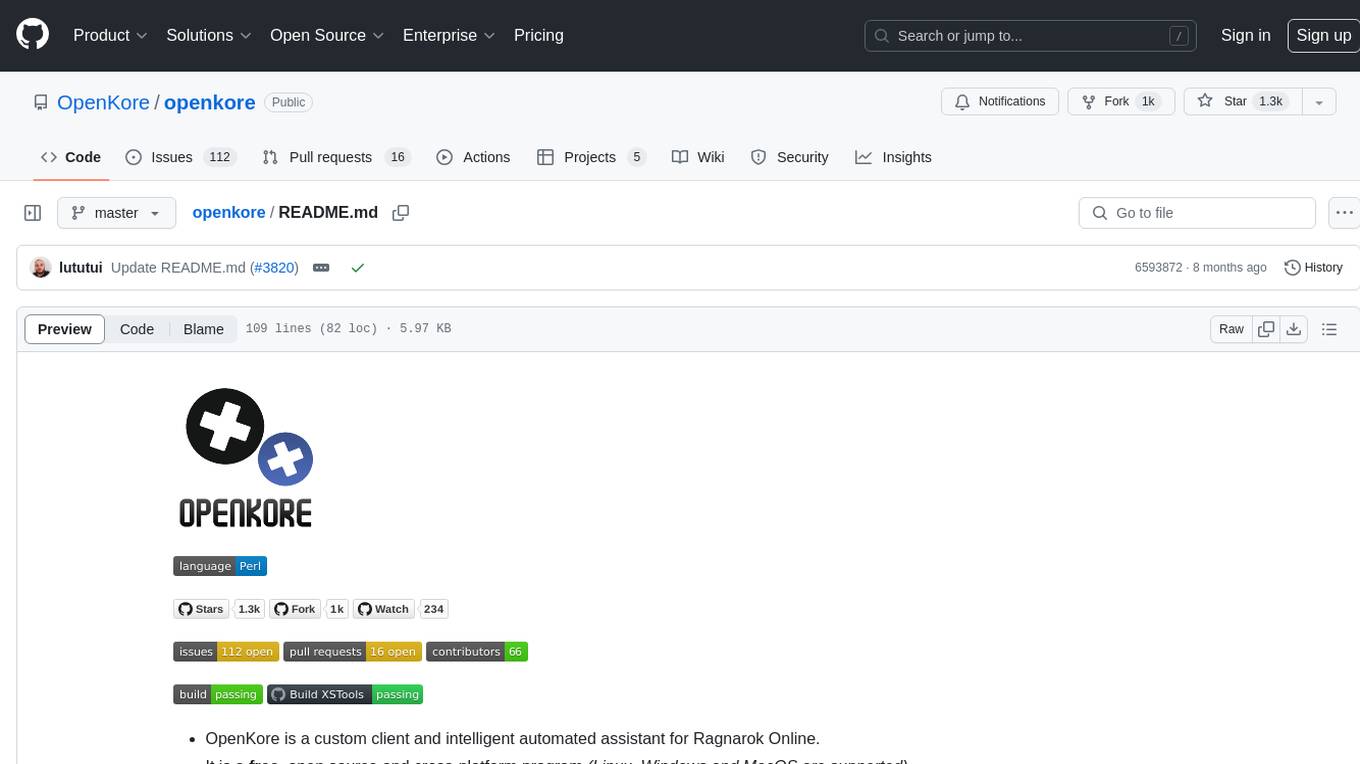
OpenKore is a custom client and intelligent automated assistant for Ragnarok Online. It is a free, open source, and cross-platform program (Linux, Windows, and MacOS are supported). To run OpenKore, you need to download and extract it or clone the repository using Git. Configure OpenKore according to the documentation and run openkore.pl to start. The tool provides a FAQ section for troubleshooting, guidelines for reporting issues, and information about botting status on official servers. OpenKore is developed by a global team, and contributions are welcome through pull requests. Various community resources are available for support and communication. Users are advised to comply with the GNU General Public License when using and distributing the software.
README:






- OpenKore is a custom client and intelligent automated assistant for Ragnarok Online.
- It is a free, open source and cross-platform program (Linux, Windows and MacOS are supported).
To run OpenKore you will need:
-
Download OpenKore and extract it. Alternatively, you could press the Windows Key + R, type in
cmd& enter. Run the following command in the cmd to clone. Note: Git required.
git clone https://github.com/OpenKore/openkore.git
- Configure OpenKore: documentation.
- Run openkore.pl (You can run start.exe or wxstart.exe if you use Windows).
-
Have a problem?
- Update your openkore or download a new one.
-
Still having problems?
- Search in Wiki.
- Search in Forum.
- Search in Github issues.
-
Cant find what you need? / Do not understand?
- Ask in IRC Channel.
-
Is it a problem in Openkore?
- Read things to know before reporting.
- Make sure you've read FAQ especially to run latest commit on master branch & checking existed issue for your request.
- Please post in English.
- Please use the issue template.
- Please include informations about your server & any changes you did in your configuration.
- Briefly explain what happened, take a screenhot & include the error message (If available).
- Please be advised any developers here are doing this on their free time. Please give some time for anyone to respond.
| Server | Description | Protection | Status | Supporter |
|---|---|---|---|---|
| aRO | Asia RO | CheatDefender | Not working | N/A |
| bRO | Brazil RO | EAC | Not working | N/A |
| cRO | China RO | nProtect | Botable | N/A |
| euRO | Europe RO | Frost Security | Not working | N/A |
| euRO-Prime | Europe RO (Prime) | Frost Security | Not working | N/A |
| iRO Renewal | International RO | EAC | Not working | N/A |
| idRO | Indonesia RO | EAC | Not Working | N/A |
| idRO-Retro | Indonesia RO (Retro) | Delphine | Not Working | N/A |
| jRO | Japan RO | nProtect | Need Verification | N/A |
| kRO | Korea RO | nProtect | Botable | N/A |
| kRO-Zero | Korea RO (Zero) | nProtect | Botable | N/A |
| ruRO-Prime | Russia RO (Prime) | Frost Security | Not Working | ya4ept |
| tRO | Thailand RO | EAC | Not Working | N/A |
| tRO-Classic | Thailand RO (Classic) | EAC | Not Working | N/A |
| twRO | Taiwan RO | CheatDefender | Not Working | N/A |
| vRO | Vietnam RO | nProtect | Not Working | N/A |
OpenKore is developed by a team located around the world. Check out the documentation and if necessary, submit a pull request.
- OpenKore Wiki
- OpenKore forum
- IRC Channel
- Connect IRC with Kiwiirc
- Brazilian Community
- Russian Community
Other communities or websites are not affiliated to openkore.com
- Openkore History
- Legacy Changelog
- Openkore RoadMap
- Feature Requests and TODO Wiki and Feature Requests GitHub
This software is open source, licensed under the GNU General Public License, version 2. Basically, this means that you're free to use and allowed to modify and distribute this software. However, if you distribute modified versions, you MUST also distribute the source code.
See http://www.gnu.org/licenses/gpl.html for the full license.
For Tasks:
Click tags to check more tools for each tasksFor Jobs:
Alternative AI tools for openkore
Similar Open Source Tools
openkore
OpenKore is a custom client and intelligent automated assistant for Ragnarok Online. It is a free, open source, and cross-platform program (Linux, Windows, and MacOS are supported). To run OpenKore, you need to download and extract it or clone the repository using Git. Configure OpenKore according to the documentation and run openkore.pl to start. The tool provides a FAQ section for troubleshooting, guidelines for reporting issues, and information about botting status on official servers. OpenKore is developed by a global team, and contributions are welcome through pull requests. Various community resources are available for support and communication. Users are advised to comply with the GNU General Public License when using and distributing the software.
generative-ai-for-beginners
This course has 18 lessons. Each lesson covers its own topic so start wherever you like! Lessons are labeled either "Learn" lessons explaining a Generative AI concept or "Build" lessons that explain a concept and code examples in both **Python** and **TypeScript** when possible. Each lesson also includes a "Keep Learning" section with additional learning tools. **What You Need** * Access to the Azure OpenAI Service **OR** OpenAI API - _Only required to complete coding lessons_ * Basic knowledge of Python or Typescript is helpful - *For absolute beginners check out these Python and TypeScript courses. * A Github account to fork this entire repo to your own GitHub account We have created a **Course Setup** lesson to help you with setting up your development environment. Don't forget to star (🌟) this repo to find it easier later. ## 🧠 Ready to Deploy? If you are looking for more advanced code samples, check out our collection of Generative AI Code Samples in both **Python** and **TypeScript**. ## 🗣️ Meet Other Learners, Get Support Join our official AI Discord server to meet and network with other learners taking this course and get support. ## 🚀 Building a Startup? Sign up for Microsoft for Startups Founders Hub to receive **free OpenAI credits** and up to **$150k towards Azure credits to access OpenAI models through Azure OpenAI Services**. ## 🙏 Want to help? Do you have suggestions or found spelling or code errors? Raise an issue or Create a pull request ## 📂 Each lesson includes: * A short video introduction to the topic * A written lesson located in the README * Python and TypeScript code samples supporting Azure OpenAI and OpenAI API * Links to extra resources to continue your learning ## 🗃️ Lessons | | Lesson Link | Description | Additional Learning | | :-: | :------------------------------------------------------------------------------------------------------------------------------------------: | :---------------------------------------------------------------------------------------------: | ------------------------------------------------------------------------------ | | 00 | Course Setup | **Learn:** How to Setup Your Development Environment | Learn More | | 01 | Introduction to Generative AI and LLMs | **Learn:** Understanding what Generative AI is and how Large Language Models (LLMs) work. | Learn More | | 02 | Exploring and comparing different LLMs | **Learn:** How to select the right model for your use case | Learn More | | 03 | Using Generative AI Responsibly | **Learn:** How to build Generative AI Applications responsibly | Learn More | | 04 | Understanding Prompt Engineering Fundamentals | **Learn:** Hands-on Prompt Engineering Best Practices | Learn More | | 05 | Creating Advanced Prompts | **Learn:** How to apply prompt engineering techniques that improve the outcome of your prompts. | Learn More | | 06 | Building Text Generation Applications | **Build:** A text generation app using Azure OpenAI | Learn More | | 07 | Building Chat Applications | **Build:** Techniques for efficiently building and integrating chat applications. | Learn More | | 08 | Building Search Apps Vector Databases | **Build:** A search application that uses Embeddings to search for data. | Learn More | | 09 | Building Image Generation Applications | **Build:** A image generation application | Learn More | | 10 | Building Low Code AI Applications | **Build:** A Generative AI application using Low Code tools | Learn More | | 11 | Integrating External Applications with Function Calling | **Build:** What is function calling and its use cases for applications | Learn More | | 12 | Designing UX for AI Applications | **Learn:** How to apply UX design principles when developing Generative AI Applications | Learn More | | 13 | Securing Your Generative AI Applications | **Learn:** The threats and risks to AI systems and methods to secure these systems. | Learn More | | 14 | The Generative AI Application Lifecycle | **Learn:** The tools and metrics to manage the LLM Lifecycle and LLMOps | Learn More | | 15 | Retrieval Augmented Generation (RAG) and Vector Databases | **Build:** An application using a RAG Framework to retrieve embeddings from a Vector Databases | Learn More | | 16 | Open Source Models and Hugging Face | **Build:** An application using open source models available on Hugging Face | Learn More | | 17 | AI Agents | **Build:** An application using an AI Agent Framework | Learn More | | 18 | Fine-Tuning LLMs | **Learn:** The what, why and how of fine-tuning LLMs | Learn More |
MaixPy
MaixPy is a Python SDK that enables users to easily create AI vision projects on edge devices. It provides a user-friendly API for accessing NPU, making it suitable for AI Algorithm Engineers, STEM teachers, Makers, Engineers, Students, Enterprises, and Contestants. The tool supports Python programming, MaixVision Workstation, AI vision, video streaming, voice recognition, and peripheral usage. It also offers an online AI training platform called MaixHub. MaixPy is designed for new hardware platforms like MaixCAM, offering improved performance and features compared to older versions. The ecosystem includes hardware, software, tools, documentation, and a cloud platform.
Awesome-AITools
This repo collects AI-related utilities. ## All Categories * All Categories * ChatGPT and other closed-source LLMs * AI Search engine * Open Source LLMs * GPT/LLMs Applications * LLM training platform * Applications that integrate multiple LLMs * AI Agent * Writing * Programming Development * Translation * AI Conversation or AI Voice Conversation * Image Creation * Speech Recognition * Text To Speech * Voice Processing * AI generated music or sound effects * Speech translation * Video Creation * Video Content Summary * OCR(Optical Character Recognition)
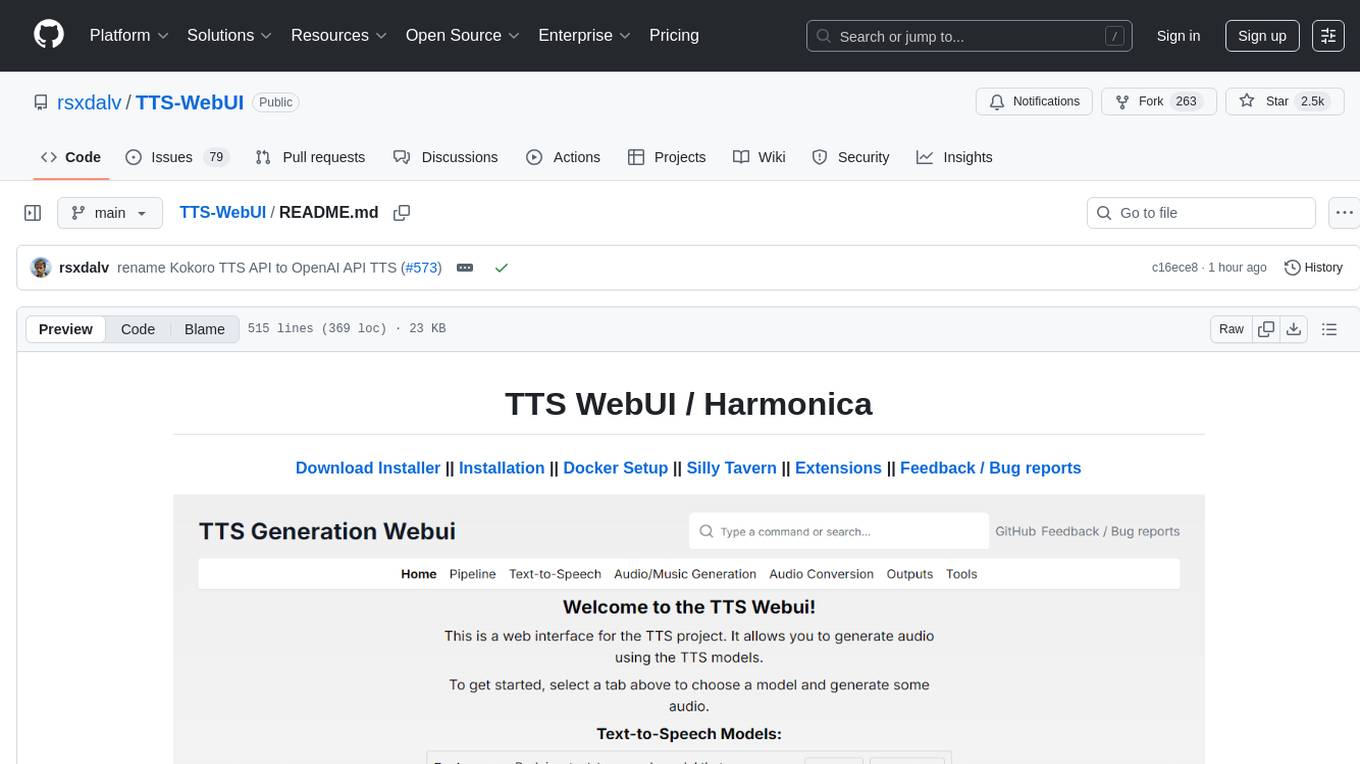
TTS-WebUI
TTS WebUI is a comprehensive tool for text-to-speech synthesis, audio/music generation, and audio conversion. It offers a user-friendly interface for various AI projects related to voice and audio processing. The tool provides a range of models and extensions for different tasks, along with integrations like Silly Tavern and OpenWebUI. With support for Docker setup and compatibility with Linux and Windows, TTS WebUI aims to facilitate creative and responsible use of AI technologies in a user-friendly manner.
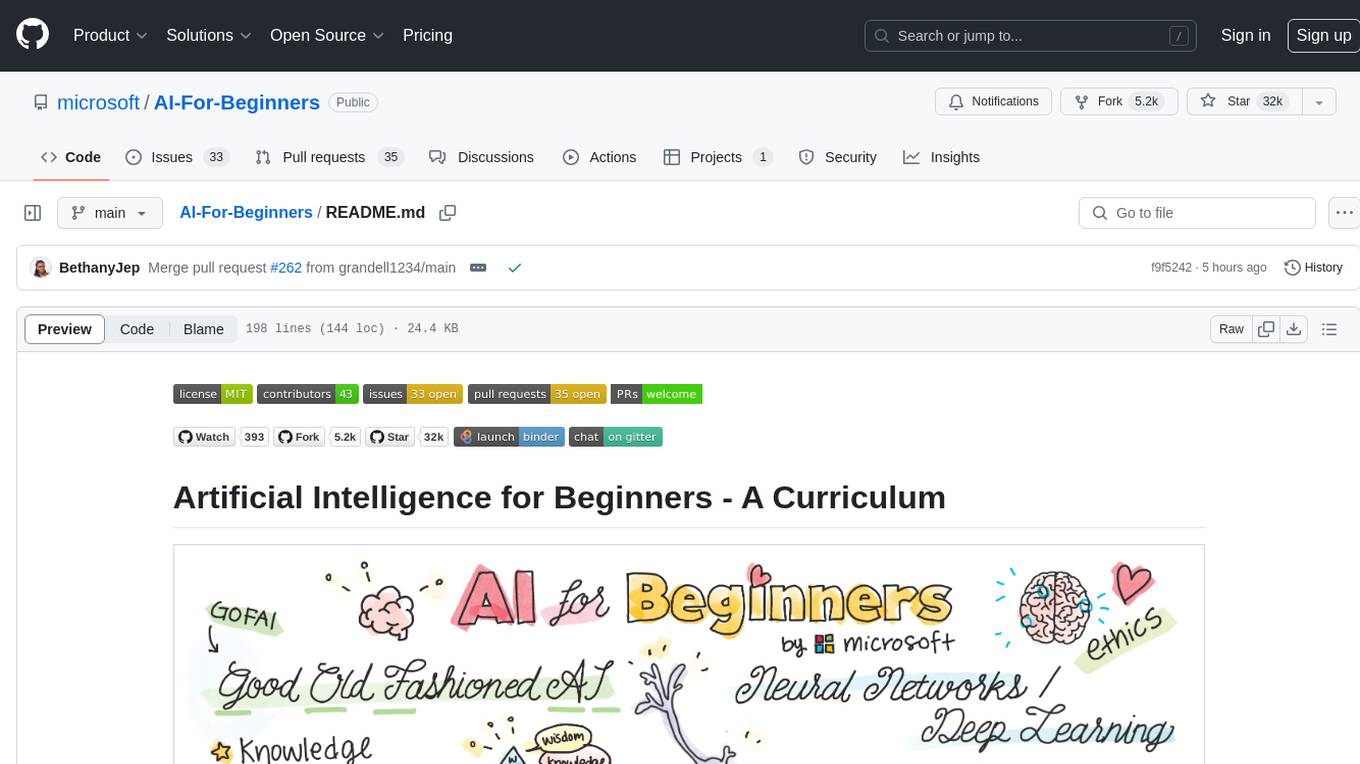
AI-For-Beginners
AI-For-Beginners is a comprehensive 12-week, 24-lesson curriculum designed by experts at Microsoft to introduce beginners to the world of Artificial Intelligence (AI). The curriculum covers various topics such as Symbolic AI, Neural Networks, Computer Vision, Natural Language Processing, Genetic Algorithms, and Multi-Agent Systems. It includes hands-on lessons, quizzes, and labs using popular frameworks like TensorFlow and PyTorch. The focus is on providing a foundational understanding of AI concepts and principles, making it an ideal starting point for individuals interested in AI.
langchain_dart
LangChain.dart is a Dart port of the popular LangChain Python framework created by Harrison Chase. LangChain provides a set of ready-to-use components for working with language models and a standard interface for chaining them together to formulate more advanced use cases (e.g. chatbots, Q&A with RAG, agents, summarization, extraction, etc.). The components can be grouped into a few core modules: * **Model I/O:** LangChain offers a unified API for interacting with various LLM providers (e.g. OpenAI, Google, Mistral, Ollama, etc.), allowing developers to switch between them with ease. Additionally, it provides tools for managing model inputs (prompt templates and example selectors) and parsing the resulting model outputs (output parsers). * **Retrieval:** assists in loading user data (via document loaders), transforming it (with text splitters), extracting its meaning (using embedding models), storing (in vector stores) and retrieving it (through retrievers) so that it can be used to ground the model's responses (i.e. Retrieval-Augmented Generation or RAG). * **Agents:** "bots" that leverage LLMs to make informed decisions about which available tools (such as web search, calculators, database lookup, etc.) to use to accomplish the designated task. The different components can be composed together using the LangChain Expression Language (LCEL).
generative-ai-with-javascript
The 'Generative AI with JavaScript' repository is a comprehensive resource hub for JavaScript developers interested in delving into the world of Generative AI. It provides code samples, tutorials, and resources from a video series, offering best practices and tips to enhance AI skills. The repository covers the basics of generative AI, guides on building AI applications using JavaScript, from local development to deployment on Azure, and scaling AI models. It is a living repository with continuous updates, making it a valuable resource for both beginners and experienced developers looking to explore AI with JavaScript.
llm4ad
LLM4AD is an open-source Python-based platform leveraging Large Language Models (LLMs) for Automatic Algorithm Design (AD). It provides unified interfaces for methods, tasks, and LLMs, along with features like evaluation acceleration, secure evaluation, logs, GUI support, and more. The platform was originally developed for optimization tasks but is versatile enough to be used in other areas such as machine learning, science discovery, game theory, and engineering design. It offers various search methods and algorithm design tasks across different domains. LLM4AD supports remote LLM API, local HuggingFace LLM deployment, and custom LLM interfaces. The project is licensed under the MIT License and welcomes contributions, collaborations, and issue reports.
vscode-unify-chat-provider
The 'vscode-unify-chat-provider' repository is a tool that integrates multiple LLM API providers into VS Code's GitHub Copilot Chat using the Language Model API. It offers free tier access to mainstream models, perfect compatibility with major LLM API formats, deep adaptation to API features, best performance with built-in parameters, out-of-the-box configuration, import/export support, great UX, and one-click use of various models. The tool simplifies model setup, migration, and configuration for users, providing a seamless experience within VS Code for utilizing different language models.
Awesome-AI-GPTs
Awesome AI GPTs is an open repository that collects resources and fun ways to use OpenAI GPTs. It includes databases, search tools, open-source projects, articles, attack and defense strategies, installation of custom plugins, knowledge bases, and community interactions related to GPTs. Users can find curated lists, leaked prompts, and various GPT applications in this repository. The project aims to empower users with AI capabilities and foster collaboration in the AI community.
chat-your-doc
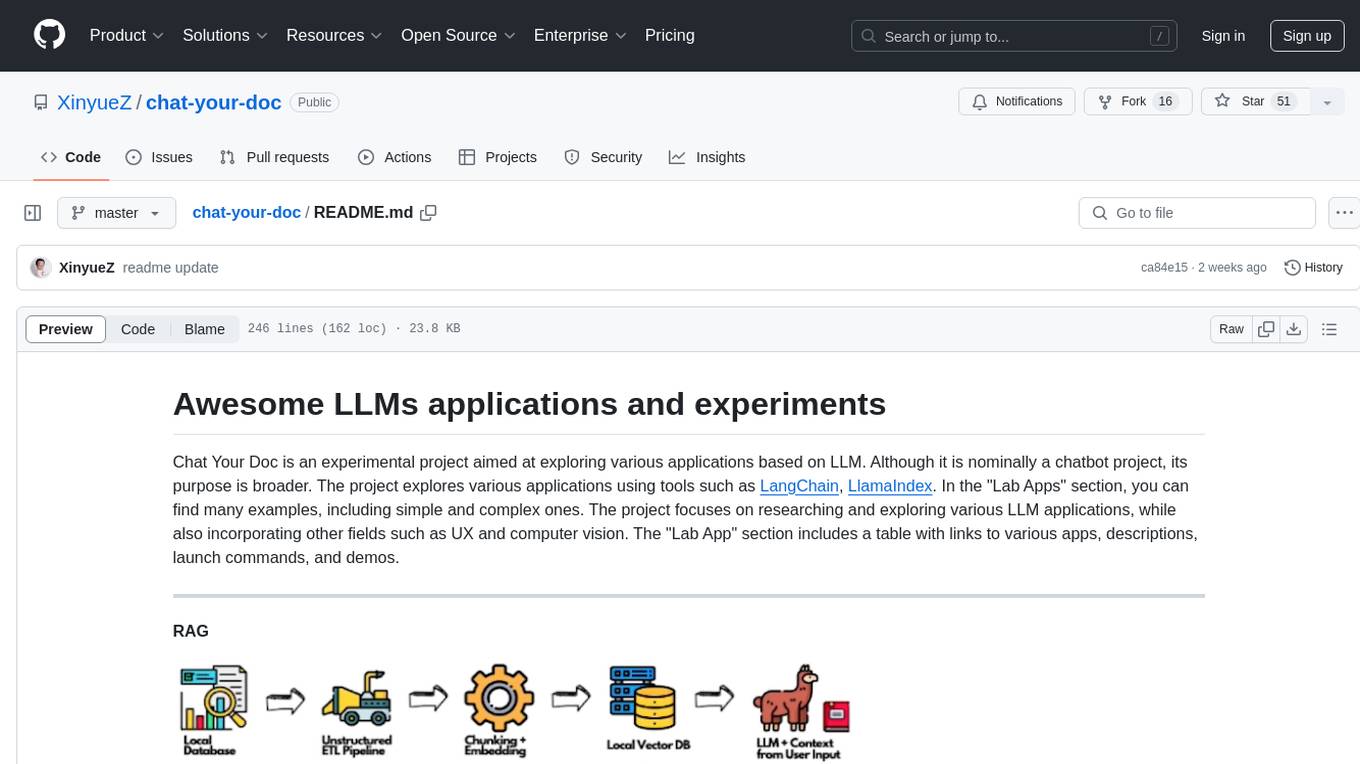
Chat Your Doc is an experimental project exploring various applications based on LLM technology. It goes beyond being just a chatbot project, focusing on researching LLM applications using tools like LangChain and LlamaIndex. The project delves into UX, computer vision, and offers a range of examples in the 'Lab Apps' section. It includes links to different apps, descriptions, launch commands, and demos, aiming to showcase the versatility and potential of LLM applications.
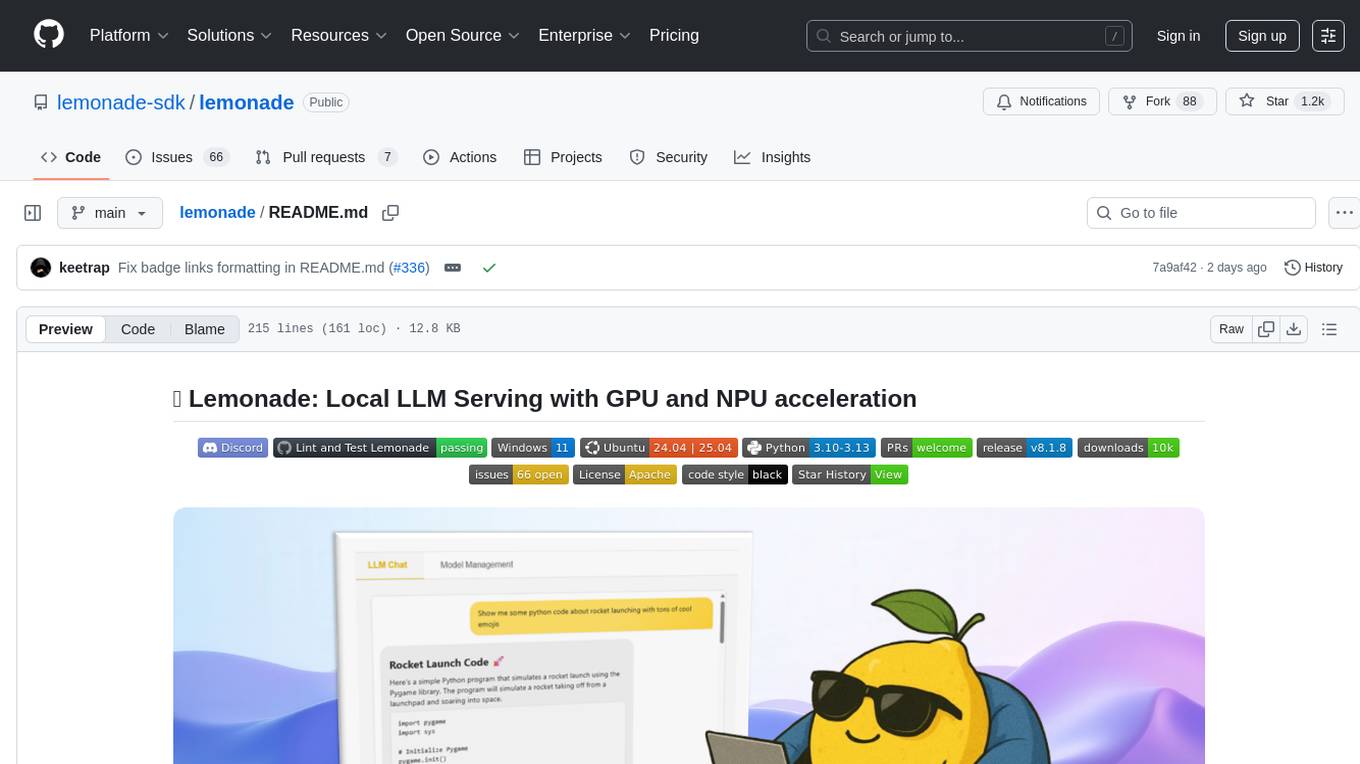
lemonade
Lemonade is a tool that helps users run local Large Language Models (LLMs) with high performance by configuring state-of-the-art inference engines for their Neural Processing Units (NPUs) and Graphics Processing Units (GPUs). It is used by startups, research teams, and large companies to run LLMs efficiently. Lemonade provides a high-level Python API for direct integration of LLMs into Python applications and a CLI for mixing and matching LLMs with various features like prompting templates, accuracy testing, performance benchmarking, and memory profiling. The tool supports both GGUF and ONNX models and allows importing custom models from Hugging Face using the Model Manager. Lemonade is designed to be easy to use and switch between different configurations at runtime, making it a versatile tool for running LLMs locally.
CameraChessWeb
Camera Chess Web is a tool that allows you to use your phone camera to replace chess eBoards. With Camera Chess Web, you can broadcast your game to Lichess, play a game on Lichess, or digitize a chess game from a video or live stream. Camera Chess Web is free to download on Google Play.
SemanticFinder
SemanticFinder is a frontend-only live semantic search tool that calculates embeddings and cosine similarity client-side using transformers.js and SOTA embedding models from Huggingface. It allows users to search through large texts like books with pre-indexed examples, customize search parameters, and offers data privacy by keeping input text in the browser. The tool can be used for basic search tasks, analyzing texts for recurring themes, and has potential integrations with various applications like wikis, chat apps, and personal history search. It also provides options for building browser extensions and future ideas for further enhancements and integrations.
ai-dev-kit
The AI Dev Kit is a comprehensive toolkit designed to enhance AI-driven development on Databricks. It provides trusted sources for AI coding assistants like Claude Code and Cursor to build faster and smarter on Databricks. The kit includes features such as Spark Declarative Pipelines, Databricks Jobs, AI/BI Dashboards, Unity Catalog, Genie Spaces, Knowledge Assistants, MLflow Experiments, Model Serving, Databricks Apps, and more. Users can choose from different adventures like installing the kit, using the visual builder app, teaching AI assistants Databricks patterns, executing Databricks actions, or building custom integrations with the core library. The kit also includes components like databricks-tools-core, databricks-mcp-server, databricks-skills, databricks-builder-app, and ai-dev-project.
For similar tasks
openkore
OpenKore is a custom client and intelligent automated assistant for Ragnarok Online. It is a free, open source, and cross-platform program (Linux, Windows, and MacOS are supported). To run OpenKore, you need to download and extract it or clone the repository using Git. Configure OpenKore according to the documentation and run openkore.pl to start. The tool provides a FAQ section for troubleshooting, guidelines for reporting issues, and information about botting status on official servers. OpenKore is developed by a global team, and contributions are welcome through pull requests. Various community resources are available for support and communication. Users are advised to comply with the GNU General Public License when using and distributing the software.
Top-Osu-Hacks-2024-Aim-Assist-Bots-and-More
The Top-Osu!-Hacks-2024 repository is a comprehensive collection of cheats and mods designed to enhance gameplay experience in Osu!. It offers aim assist, relax hacks, undetected bots, and various cheats to improve gameplay. Users can easily download and install these hacks to automate gameplay, improve aim, and enjoy the game with relaxed settings. The repository is optimized for search engines and provides the latest and most effective hacks for Osu! in 2024.
THE-SANDBOX-AutoClicker
The Sandbox AutoClicker is a bot designed for the crypto game The Sandbox, allowing users to automate various processes within the game. The tool offers features such as auto tuning, multi-account auto clicker, multi-threading, a convenient menu, and free proxies. It provides full optimization through a simple menu and is guaranteed to be safe for Windows systems, supporting versions 7/8/8.1/10/11 (x32/64).
momoai-AutoClicker
momoai-AutoClicker is a bot designed for the crypto game MomoAI, allowing users to automate various processes within the game. The tool offers features such as auto tuning, auto clicker for multiple accounts, multi-threading capabilities, a convenient menu, and free proxies. It provides full optimization through a simple menu interface and ensures the safety of the Windows system. Compatible with Windows 7/8/8.1/10/11 (x32/64).
Top-Osu-Hacks-2024-Aim-Assist-Bots-and-Mor
The Top-Osu!-Hacks-2024 repository offers a comprehensive suite of powerful cheats and mods designed to enhance gameplay experience in Osu!. It provides aim assist hacks, bots, and various cheats to improve gameplay. Users can easily download and install the cheats to automate gameplay, improve aim accuracy, and play with relaxed settings. The repository is optimized for search engines using targeted keywords and meta descriptions to help players find Osu! hacks easily.
DQN_WUKONG
DQN_WUKONG is a repository containing code for training an AI model to play a specific game. It provides instructions for setting up the environment using Conda or venv, as well as details on key files such as window.py, judge.py, restart.py, and main.py. The repository includes scripts for training the model and specific configurations for gameplay. It also references a BossRush V3 mod for repetitive training and acknowledges code contributions from other repositories like DQN_play_sekiro and pygta5. For a more general AI framework, users can refer to the GameAISDK repository.
Forza-Mods-AIO
Forza Mods AIO is a free and open-source tool that enhances the gaming experience in Forza Horizon 4 and 5. It offers a range of time-saving and quality-of-life features, making gameplay more enjoyable and efficient. The tool is designed to streamline various aspects of the game, improving user satisfaction and overall enjoyment.
hass-ollama-conversation
The Ollama Conversation integration adds a conversation agent powered by Ollama in Home Assistant. This agent can be used in automations to query information provided by Home Assistant about your house, including areas, devices, and their states. Users can install the integration via HACS and configure settings such as API timeout, model selection, context size, maximum tokens, and other parameters to fine-tune the responses generated by the AI language model. Contributions to the project are welcome, and discussions can be held on the Home Assistant Community platform.
For similar jobs

spear
SPEAR (Simulator for Photorealistic Embodied AI Research) is a powerful tool for training embodied agents. It features 300 unique virtual indoor environments with 2,566 unique rooms and 17,234 unique objects that can be manipulated individually. Each environment is designed by a professional artist and features detailed geometry, photorealistic materials, and a unique floor plan and object layout. SPEAR is implemented as Unreal Engine assets and provides an OpenAI Gym interface for interacting with the environments via Python.

Magick
Magick is a groundbreaking visual AIDE (Artificial Intelligence Development Environment) for no-code data pipelines and multimodal agents. Magick can connect to other services and comes with nodes and templates well-suited for intelligent agents, chatbots, complex reasoning systems and realistic characters.
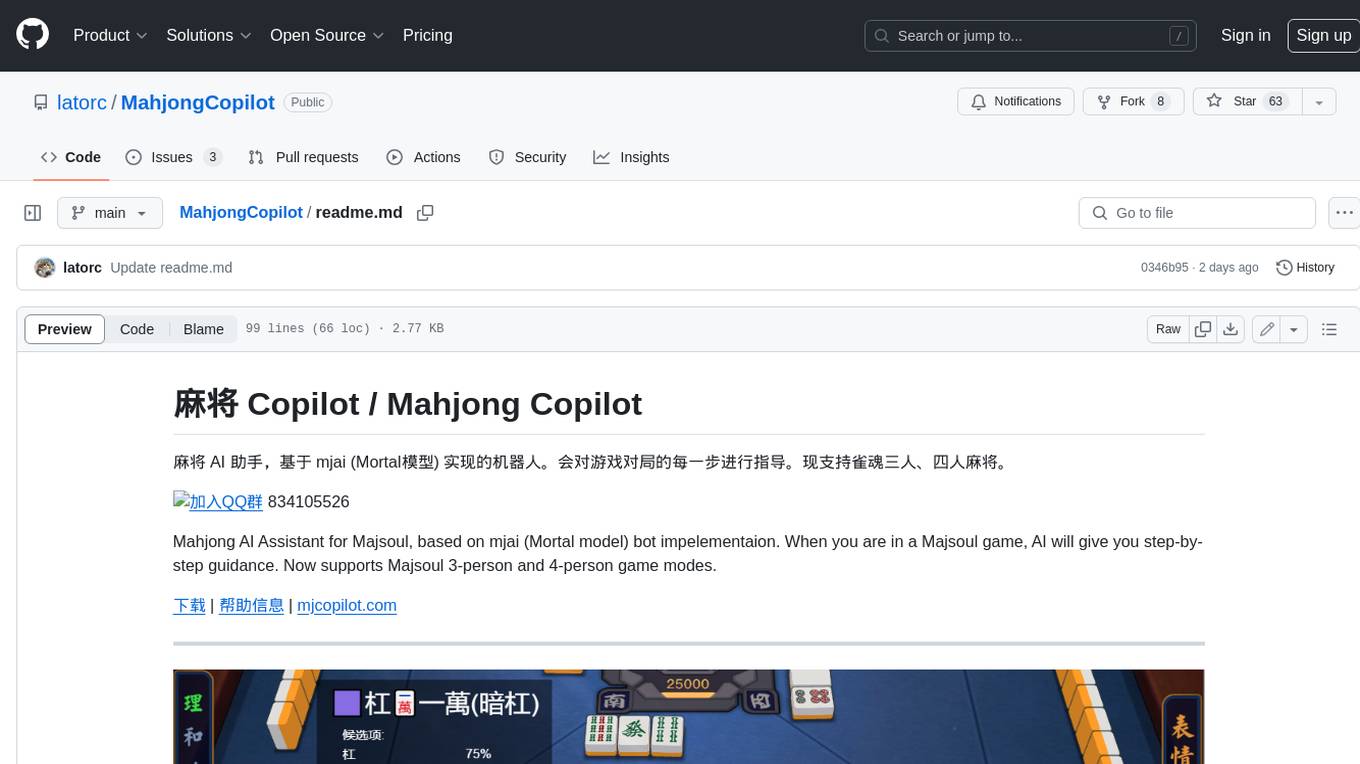
MahjongCopilot
Mahjong Copilot is an AI assistant for the game Mahjong, based on the mjai (Mortal model) bot implementation. It provides step-by-step guidance for each move in the game, and can also be used to automatically play and join games. Mahjong Copilot supports both 3-person and 4-person Mahjong games, and is available in multiple languages.
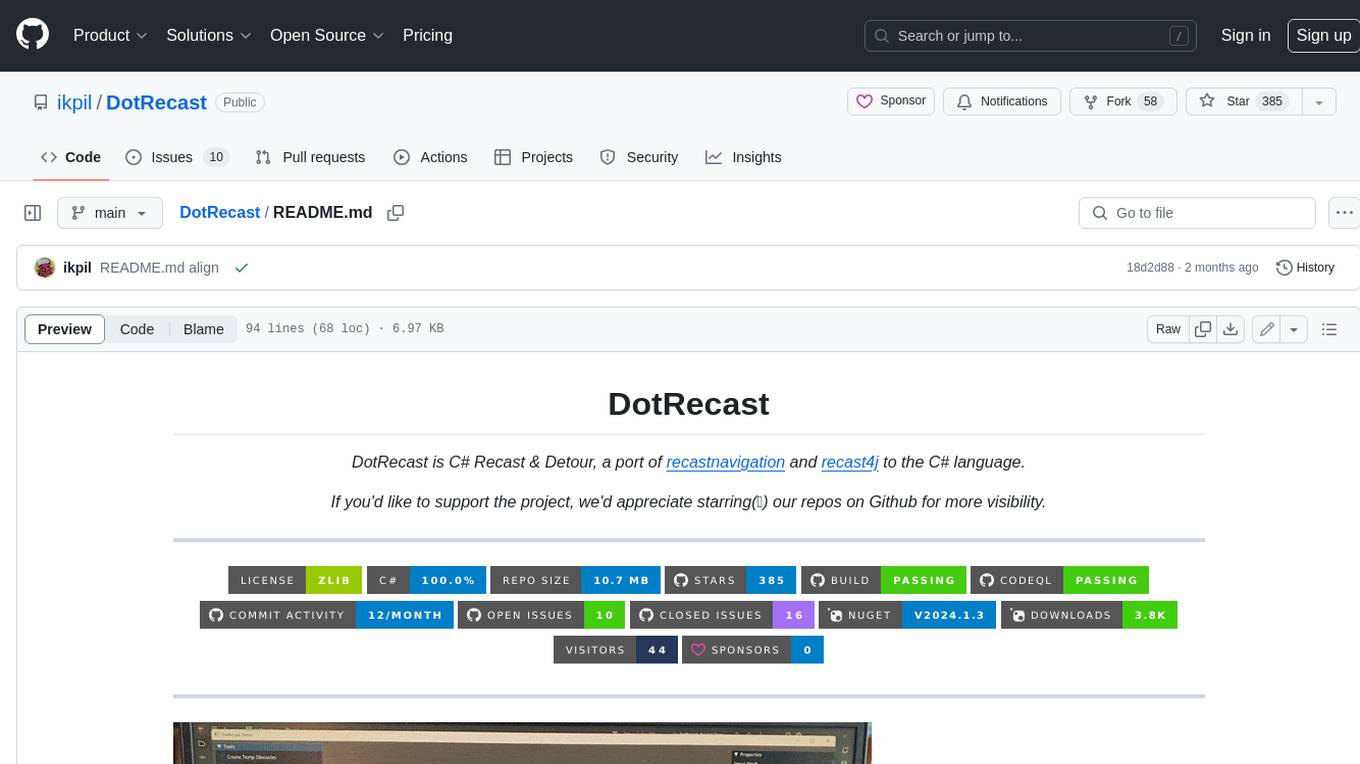
DotRecast
DotRecast is a C# port of Recast & Detour, a navigation library used in many AAA and indie games and engines. It provides automatic navmesh generation, fast turnaround times, detailed customization options, and is dependency-free. Recast Navigation is divided into multiple modules, each contained in its own folder: - DotRecast.Core: Core utils - DotRecast.Recast: Navmesh generation - DotRecast.Detour: Runtime loading of navmesh data, pathfinding, navmesh queries - DotRecast.Detour.TileCache: Navmesh streaming. Useful for large levels and open-world games - DotRecast.Detour.Crowd: Agent movement, collision avoidance, and crowd simulation - DotRecast.Detour.Dynamic: Robust support for dynamic nav meshes combining pre-built voxels with dynamic objects which can be freely added and removed - DotRecast.Detour.Extras: Simple tool to import navmeshes created with A* Pathfinding Project - DotRecast.Recast.Toolset: All modules - DotRecast.Recast.Demo: Standalone, comprehensive demo app showcasing all aspects of Recast & Detour's functionality - Tests: Unit tests Recast constructs a navmesh through a multi-step mesh rasterization process: 1. First Recast rasterizes the input triangle meshes into voxels. 2. Voxels in areas where agents would not be able to move are filtered and removed. 3. The walkable areas described by the voxel grid are then divided into sets of polygonal regions. 4. The navigation polygons are generated by re-triangulating the generated polygonal regions into a navmesh. You can use Recast to build a single navmesh, or a tiled navmesh. Single meshes are suitable for many simple, static cases and are easy to work with. Tiled navmeshes are more complex to work with but better support larger, more dynamic environments. Tiled meshes enable advanced Detour features like re-baking, hierarchical path-planning, and navmesh data-streaming.
better-genshin-impact
BetterGI is a project based on computer vision technology, which aims to make Genshin Impact better. It can automatically pick up items, skip dialogues, automatically select options, automatically submit items, close pop-up pages, etc. When talking to Katherine, it can automatically receive the "Daily Commission" rewards and automatically re-dispatch. When the automatic plot function is turned on, this function will take effect, and the invitation options will be automatically selected. AI recognizes automatic casting, automatically reels in when the fish is hooked, and automatically completes the fishing progress. Help you easily complete the Seven Saint Summoning character invitation, weekly visitor challenge and other PVE content. Automatically use the "King Tree Blessing" with the `Z` key, and use the principle of refreshing wood by going online and offline to hang up a backpack full of wood. Write combat scripts to let the team fight automatically according to your strategy. Fully automatic secret realm hangs up to restore physical strength, automatically enters the secret realm to open the key, fight, walk to the ancient tree and receive rewards. Click the teleportation point on the map, or if there is a teleportation point in the list that appears after clicking, it will automatically click the teleportation point and teleport. Set a shortcut key, and long press to continuously rotate the perspective horizontally (of course you can also use it to rotate the grass god). Quickly switch between "Details" and "Enhance" pages to skip the display of holy relic enhancement results and quickly +20. You can quickly purchase items in the store in full quantity, which is suitable for quickly clearing event redemptions,塵歌壺 store redemptions, etc.
Egaroucid
Egaroucid is one of the strongest Othello AI applications in the world. It is available as a GUI application for Windows, a console application for Windows, MacOS, and Linux, and a web application. Egaroucid is free to use and open source under the GPL 3.0 license. It is highly customizable and can be used for a variety of purposes, including playing Othello against a computer opponent, analyzing Othello games, and developing Othello AI algorithms.
emgucv
Emgu CV is a cross-platform .Net wrapper for the OpenCV image-processing library. It allows OpenCV functions to be called from .NET compatible languages. The wrapper can be compiled by Visual Studio, Unity, and "dotnet" command, and it can run on Windows, Mac OS, Linux, iOS, and Android.
ai-game-development-tools
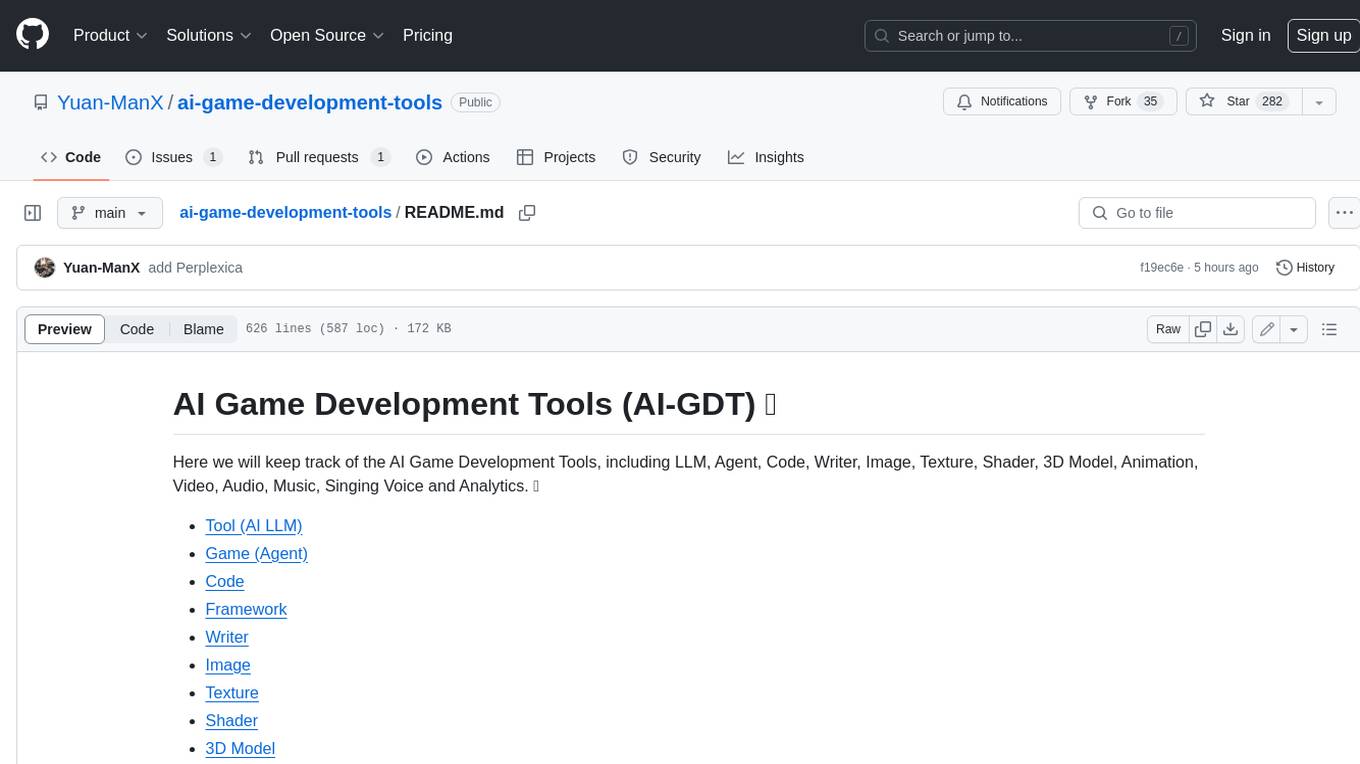
Here we will keep track of the AI Game Development Tools, including LLM, Agent, Code, Writer, Image, Texture, Shader, 3D Model, Animation, Video, Audio, Music, Singing Voice and Analytics. 🔥 * Tool (AI LLM) * Game (Agent) * Code * Framework * Writer * Image * Texture * Shader * 3D Model * Avatar * Animation * Video * Audio * Music * Singing Voice * Speech * Analytics * Video Tool