


depthai
DepthAI Python API utilities, examples, and tutorials.
Stars: 927
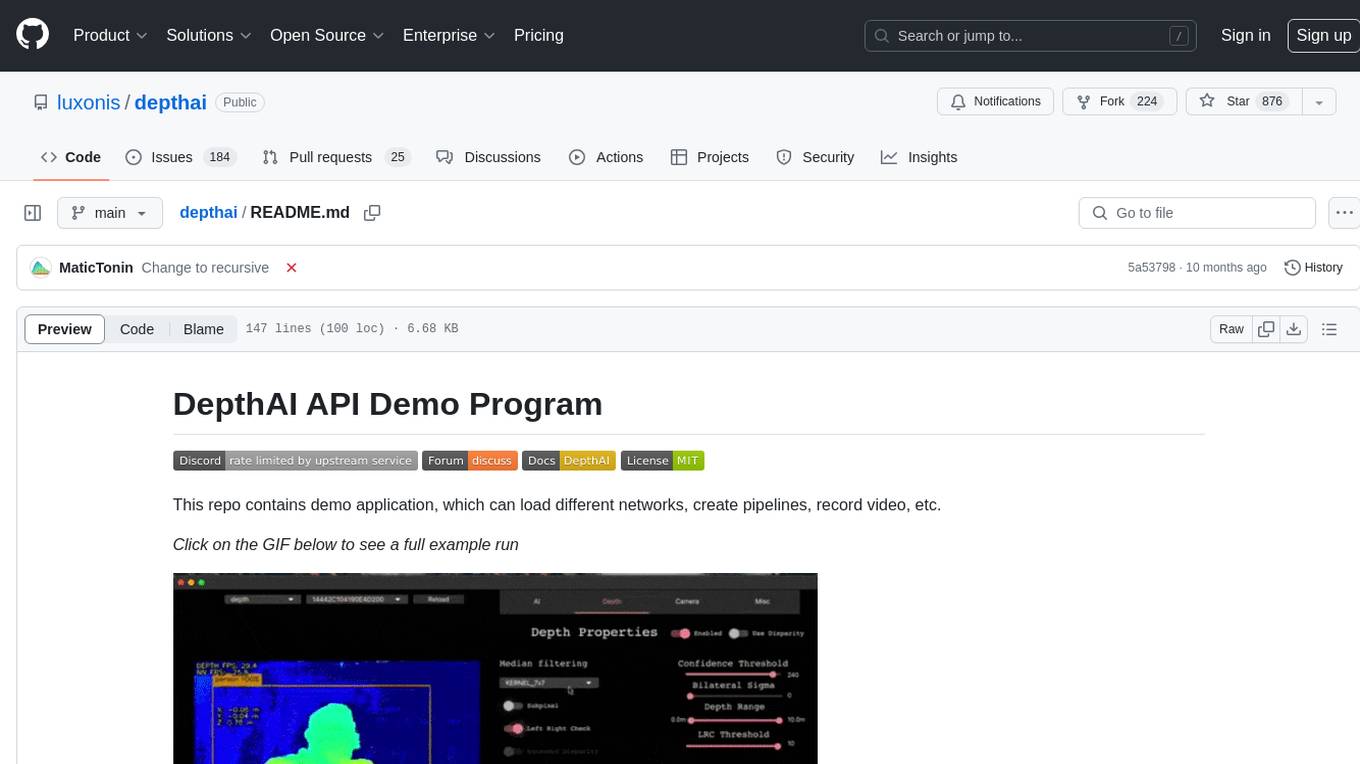
This repository contains a demo application for DepthAI, a tool that can load different networks, create pipelines, record video, and more. It provides documentation for installation and usage, including running programs through Docker. Users can explore DepthAI features via command line arguments or a clickable QT interface. Supported models include various AI models for tasks like face detection, human pose estimation, and object detection. The tool collects anonymous usage statistics by default, which can be disabled. Users can report issues to the development team for support and troubleshooting.
README:



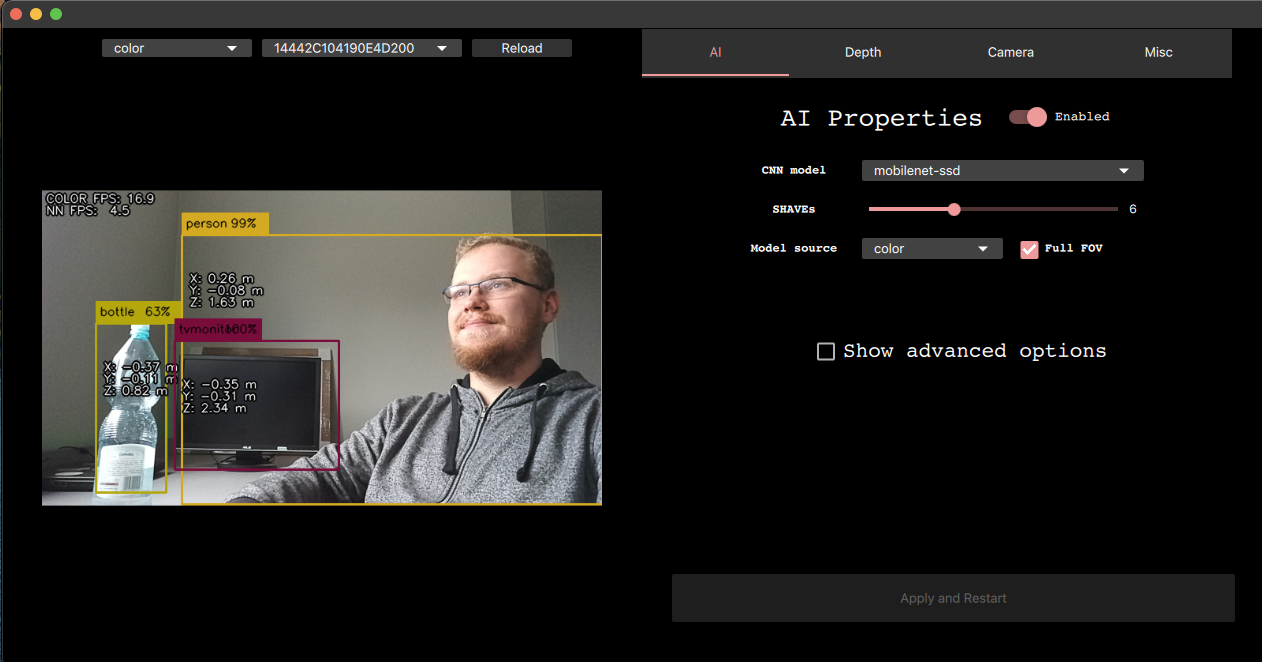
This repo contains demo application, which can load different networks, create pipelines, record video, etc.
Click on the GIF below to see a full example run

Documentation is available at https://docs.luxonis.com/en/latest/pages/tutorials/first_steps/.
First you need to clone this repository with
git clone --recursive https://github.com/luxonis/depthai.git
In case you have repository already cloned, you can update your submodules with:
git pull --recurse-submodules
There are two installation steps that need to be performed to make sure the demo works:
-
One-time installation that will add all necessary packages to your OS.
$ sudo curl -fL https://docs.luxonis.com/install_dependencies.sh | bashPlease follow this installation page to see instructions for other platforms
-
Python dependencies installation that makes sure your Python interpreter has all required packages installed. This script is safe to be run multiple times and should be ran after every demo update
$ python3 install_requirements.py
One may start any DepthAI programs also through Docker:
(Allowing X11 access from container might be required: xhost local:root)
DepthAI Demo
docker run --privileged -v /dev/bus/usb:/dev/bus/usb --device-cgroup-rule='c 189:* rmw' -e DISPLAY=$DISPLAY -v /tmp/.X11-unix:/tmp/.X11-unix --network host --rm -i -t luxonis/depthai:latest python3 /depthai/depthai_demo.py
Calibration
docker run --privileged -v /dev/bus/usb:/dev/bus/usb --device-cgroup-rule='c 189:* rmw' -e DISPLAY=$DISPLAY -v /tmp/.X11-unix:/tmp/.X11-unix --network host --rm -i -t luxonis/depthai:latest python3 /depthai/calibrate.py [parameters]
This repository and the demo script itself can be used in various independent cases:
- As a tool to try out different DepthAI features, explorable either with command line arguments (with
--guiType cv) or in clickable QT interface (with--guiType qt) - As a quick prototyping backbone, either utilising callbacks mechanism or by extending the
Democlass itself
See instuctions here
Examples
python3 depthai_demo.py -gt cv - RGB & CNN inference example
python3 depthai_demo.py -gt cv -vid <path_to_video_or_yt_link> - CNN inference on video example
python3 depthai_demo.py -gt cv -cnn person-detection-retail-0013 - Runs person-detection-retail-0013 model from resources/nn directory
python3 depthai_demo.py -gt cv -cnn tiny-yolo-v3 -sh 8 - Run tiny-yolo-v3 model from resources/nn directory and compile for 8 shaves
Demo

For the full reference, run $ depthai_demo.py --help.
We currently have 2 apps, uvc and record.
This app will upload an UVC pipeline to the connected OAK camera, so you will be able to use an OAK as a webcam.
Record app lets you record encoded and synced video streams (MJPEG/H265) across all available devices into .mp4, Foxglove's .MCAP, or ROS' .bag . Since mono streams are synced, you will be able to reconstruct the whole stereo depth perception.
Run using $ depthai_demo.py -app record [-p SAVE_PATH] [-q QUALITY] [--save STREAMS] [-fc] [-tl]. More information about the arguments and replaying can be found here.
We have added support for a number of different AI models that work (decoding and visualization) out-of-the-box with the demo. You can specify which model to run with -cnn argument, as shown above. Currently supported models:
- deeplabv3p_person
- face-detection-adas-0001
- face-detection-retail-0004
- human-pose-estimation-0001
- mobilenet-ssd
- openpose2
- pedestrian-detection-adas-0002
- person-detection-retail-0013
- person-vehicle-bike-detection-crossroad-1016
- road-segmentation-adas-0001
- tiny-yolo-v3
- vehicle-detection-adas-0002
- vehicle-license-plate-detection-barrier-0106
- yolo-v3
If you would like to use a custom AI model, see documentation here.
By default, the demo script will collect anonymous usage statistics during runtime. These include:
- Device-specific information (like mxid, connected cameras, device state and connection type)
- Environment-specific information (like OS type, python version, package versions)
We gather this data to better understand what environemnts are our users using, as well as assist better in support questions.
All of the data we collect is anonymous and you can disable it at any time. To do so, click on the "Misc" tab and disable sending the statistics or create a .consent file in repository root with the following content
{"statistics": false}
We are actively developing the DepthAI framework, and it's crucial for us to know what kind of problems you are facing. If you run into a problem, please follow the steps below and email [email protected]:
- Run
log_system_information.shand share the output from (log_system_information.txt). - Take a photo of a device you are using (or provide us a device model)
- Describe the expected results;
- Describe the actual running results (what you see after started your script with DepthAI)
- How you are using the DepthAI python API (code snippet, for example)
- Console output
For Tasks:
Click tags to check more tools for each tasksFor Jobs:
Alternative AI tools for depthai
Similar Open Source Tools
depthai
This repository contains a demo application for DepthAI, a tool that can load different networks, create pipelines, record video, and more. It provides documentation for installation and usage, including running programs through Docker. Users can explore DepthAI features via command line arguments or a clickable QT interface. Supported models include various AI models for tasks like face detection, human pose estimation, and object detection. The tool collects anonymous usage statistics by default, which can be disabled. Users can report issues to the development team for support and troubleshooting.
superflows
Superflows is an open-source alternative to OpenAI's Assistant API. It allows developers to easily add an AI assistant to their software products, enabling users to ask questions in natural language and receive answers or have tasks completed by making API calls. Superflows can analyze data, create plots, answer questions based on static knowledge, and even write code. It features a developer dashboard for configuration and testing, stateful streaming API, UI components, and support for multiple LLMs. Superflows can be set up in the cloud or self-hosted, and it provides comprehensive documentation and support.
OpenAdapt
OpenAdapt is an open-source software adapter between Large Multimodal Models (LMMs) and traditional desktop and web Graphical User Interfaces (GUIs). It aims to automate repetitive GUI workflows by leveraging the power of LMMs. OpenAdapt records user input and screenshots, converts them into tokenized format, and generates synthetic input via transformer model completions. It also analyzes recordings to generate task trees and replay synthetic input to complete tasks. OpenAdapt is model agnostic and generates prompts automatically by learning from human demonstration, ensuring that agents are grounded in existing processes and mitigating hallucinations. It works with all types of desktop GUIs, including virtualized and web, and is open source under the MIT license.
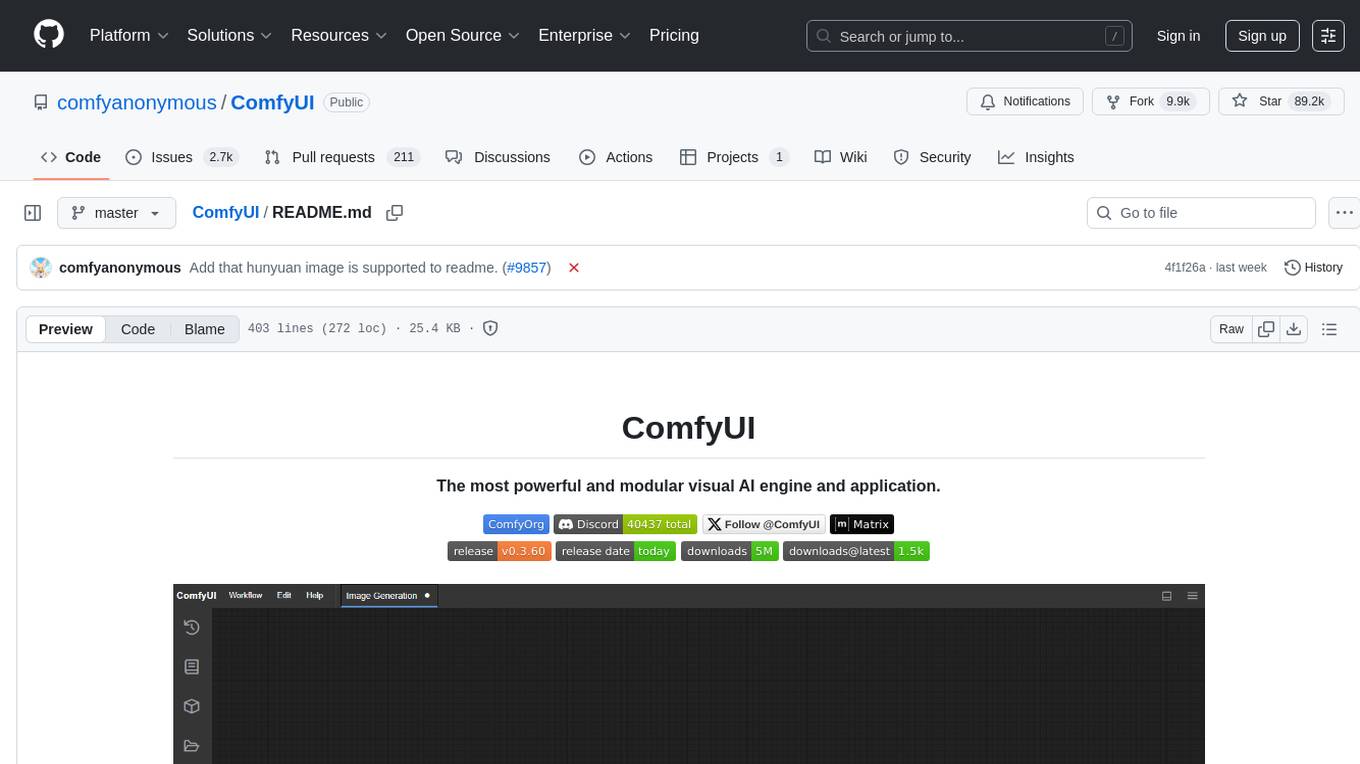
ComfyUI
ComfyUI is a powerful and modular visual AI engine and application that allows users to design and execute advanced stable diffusion pipelines using a graph/nodes/flowchart based interface. It provides a user-friendly environment for creating complex Stable Diffusion workflows without the need for coding. ComfyUI supports various models for image editing, video processing, audio manipulation, 3D modeling, and more. It offers features like smart memory management, support for different GPU types, loading and saving workflows as JSON files, and offline functionality. Users can also use API nodes to access paid models from external providers through the online Comfy API.
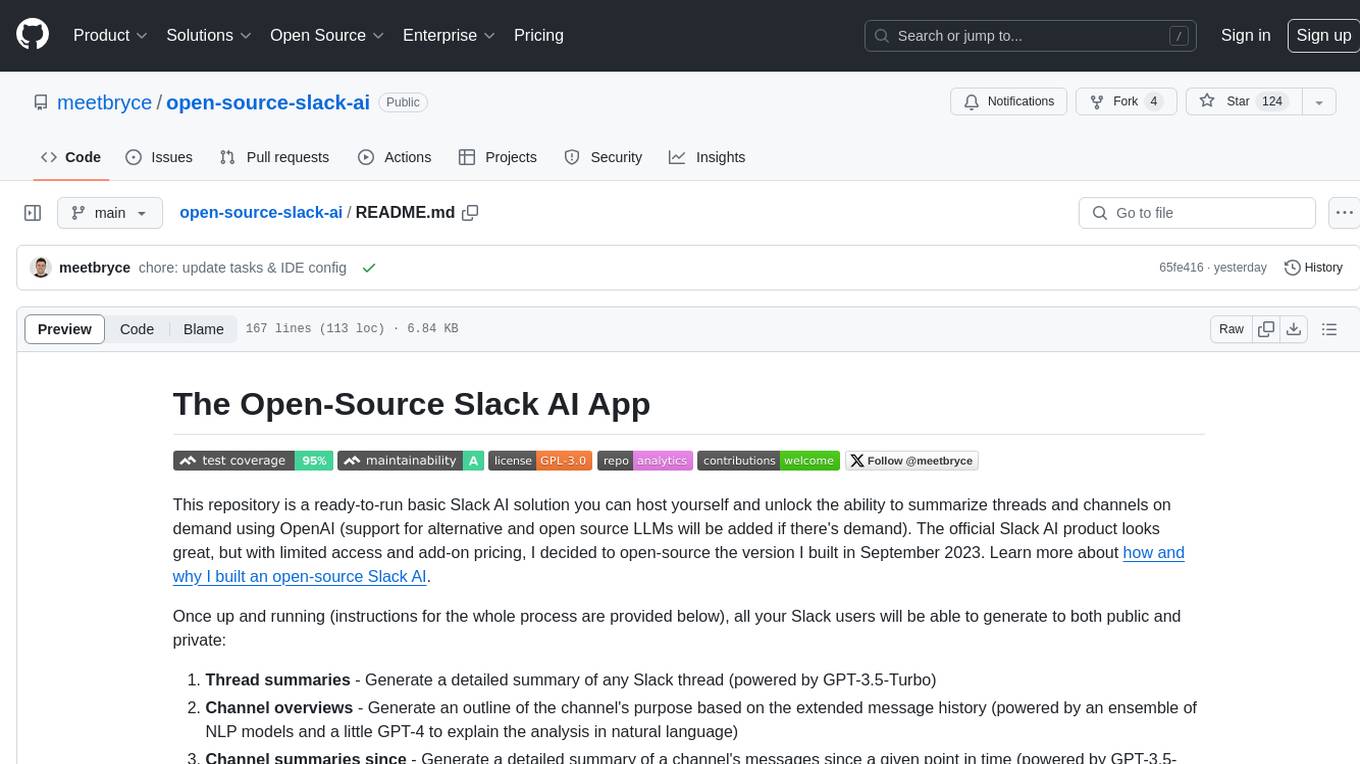
open-source-slack-ai
This repository provides a ready-to-run basic Slack AI solution that allows users to summarize threads and channels using OpenAI. Users can generate thread summaries, channel overviews, channel summaries since a specific time, and full channel summaries. The tool is powered by GPT-3.5-Turbo and an ensemble of NLP models. It requires Python 3.8 or higher, an OpenAI API key, Slack App with associated API tokens, Poetry package manager, and ngrok for local development. Users can customize channel and thread summaries, run tests with coverage using pytest, and contribute to the project for future enhancements.
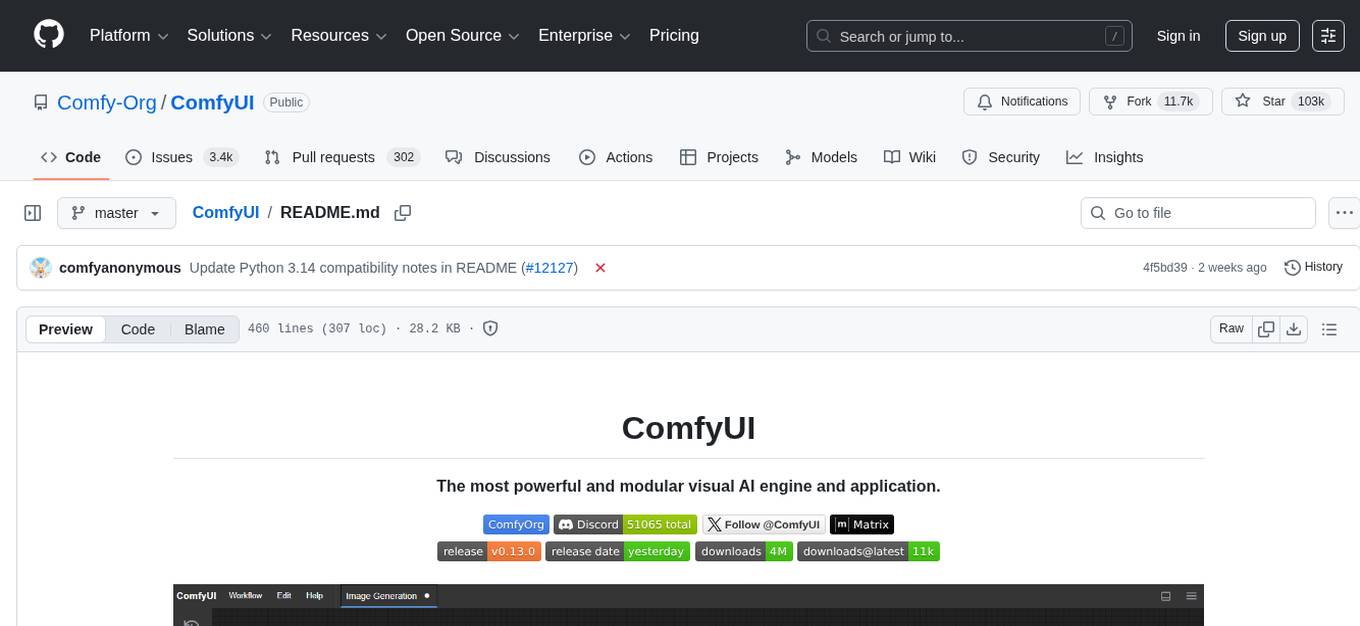
ComfyUI
ComfyUI is a powerful and modular visual AI engine and application that allows users to design and execute advanced stable diffusion pipelines using a graph/nodes/flowchart based interface. It provides a user-friendly environment for creating complex Stable Diffusion workflows without the need for coding. ComfyUI supports various models for image, video, audio, and 3D processing, along with features like smart memory management, model loading, embeddings/textual inversion, and offline usage. Users can experiment with different models, create complex workflows, and optimize their processes efficiently.
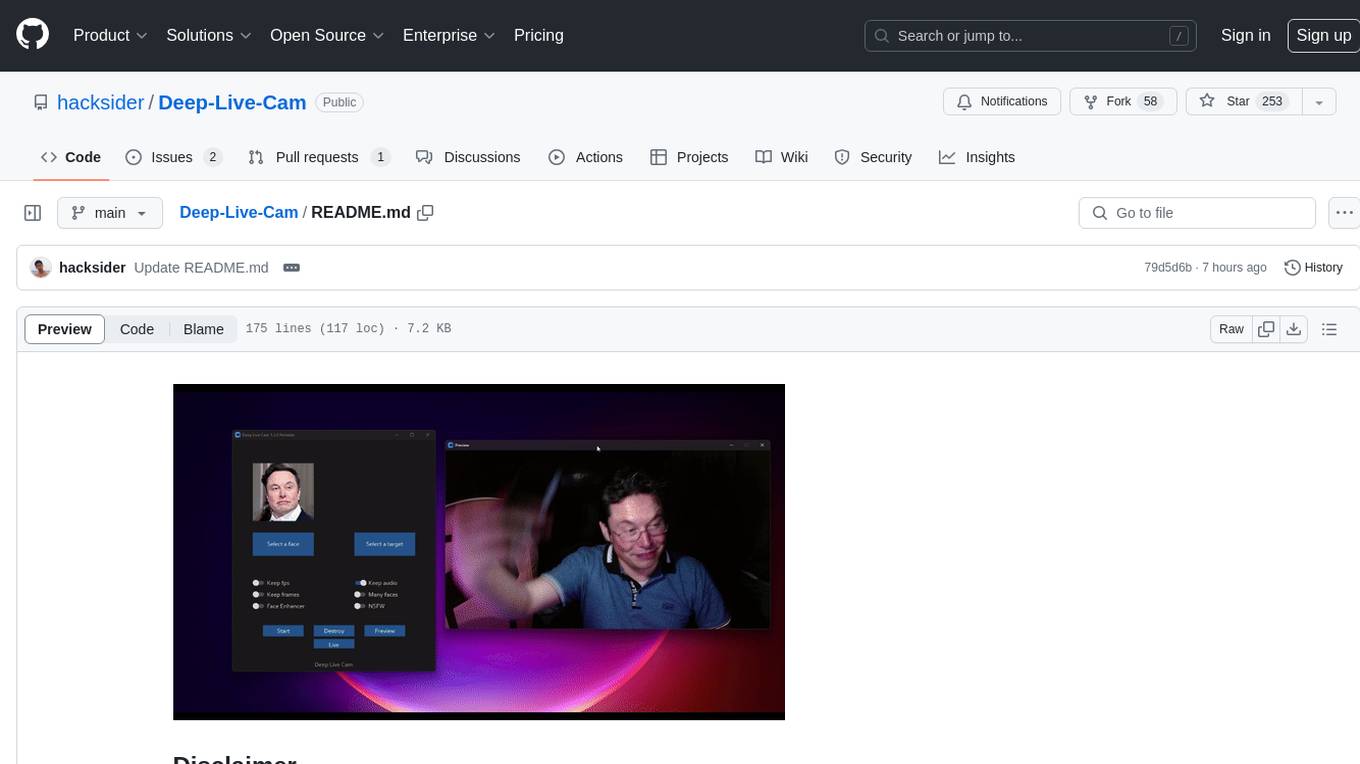
Deep-Live-Cam
Deep-Live-Cam is a software tool designed to assist artists in tasks such as animating custom characters or using characters as models for clothing. The tool includes built-in checks to prevent unethical applications, such as working on inappropriate media. Users are expected to use the tool responsibly and adhere to local laws, especially when using real faces for deepfake content. The tool supports both CPU and GPU acceleration for faster processing and provides a user-friendly GUI for swapping faces in images or videos.
gpt-engineer
GPT-Engineer is a tool that allows you to specify a software in natural language, sit back and watch as an AI writes and executes the code, and ask the AI to implement improvements.

onnxruntime-genai
ONNX Runtime Generative AI is a library that provides the generative AI loop for ONNX models, including inference with ONNX Runtime, logits processing, search and sampling, and KV cache management. Users can call a high level `generate()` method, or run each iteration of the model in a loop. It supports greedy/beam search and TopP, TopK sampling to generate token sequences, has built in logits processing like repetition penalties, and allows for easy custom scoring.
agentok
Agentok Studio is a tool built upon AG2, a powerful agent framework from Microsoft, offering intuitive visual tools to streamline the creation and management of complex agent-based workflows. It simplifies the process for creators and developers by generating native Python code with minimal dependencies, enabling users to create self-contained code that can be executed anywhere. The tool is currently under development and not recommended for production use, but contributions are welcome from the community to enhance its capabilities and functionalities.
verifAI
VerifAI is a document-based question-answering system that addresses hallucinations in generative large language models and search engines. It retrieves relevant documents, generates answers with references, and verifies answers for accuracy. The engine uses generative search technology and a verification model to ensure no misinformation. VerifAI supports various document formats and offers user registration with a React.js interface. It is open-source and designed to be user-friendly, making it accessible for anyone to use.
supallm
Supallm is a Python library for super resolution of images using deep learning techniques. It provides pre-trained models for enhancing image quality by increasing resolution. The library is easy to use and allows users to upscale images with high fidelity and detail. Supallm is suitable for tasks such as enhancing image quality, improving visual appearance, and increasing the resolution of low-quality images. It is a valuable tool for researchers, photographers, graphic designers, and anyone looking to enhance image quality using AI technology.
labelbox-python
Labelbox is a data-centric AI platform for enterprises to develop, optimize, and use AI to solve problems and power new products and services. Enterprises use Labelbox to curate data, generate high-quality human feedback data for computer vision and LLMs, evaluate model performance, and automate tasks by combining AI and human-centric workflows. The academic & research community uses Labelbox for cutting-edge AI research.
flake
Nixified.ai aims to simplify and provide access to a vast repository of AI executable code that would otherwise be challenging to run independently due to package management and complexity issues. The tool primarily runs on NixOS and Linux, with compatibility on Windows through NixOS-WSL. It can automatically utilize the GPU of the Windows host by setting LD_LIBRARY_PATH in the wrapper script. Users can explore the tool's offerings through the nix repl, with the main outputs including ComfyUI, a modular node-based Stable Diffusion WebUI, and deprecated packages like InvokeAI and textgen. To enable binary cache and save time building packages, users need to trust nixified-ai's binary cache by adding specific lines to their system configuration files.
Sanmill
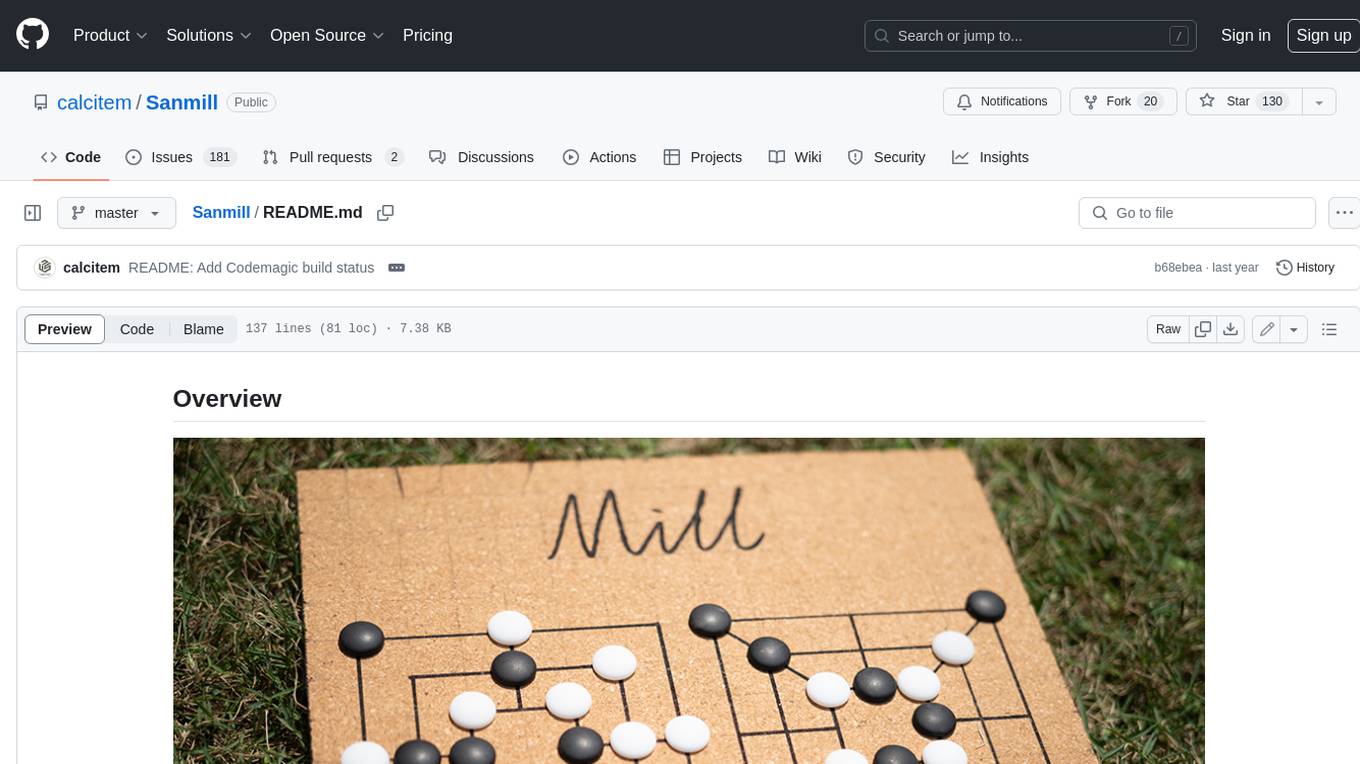
Sanmill is a free, powerful UCI-like N men's morris program with CUI, Flutter GUI and Qt GUI. Nine men's morris is a strategy board game for two players dating at least to the Roman Empire. The game is also known as nine-man morris , mill , mills , the mill game , merels , merrills , merelles , marelles , morelles , and ninepenny marl in English.
IOPaint
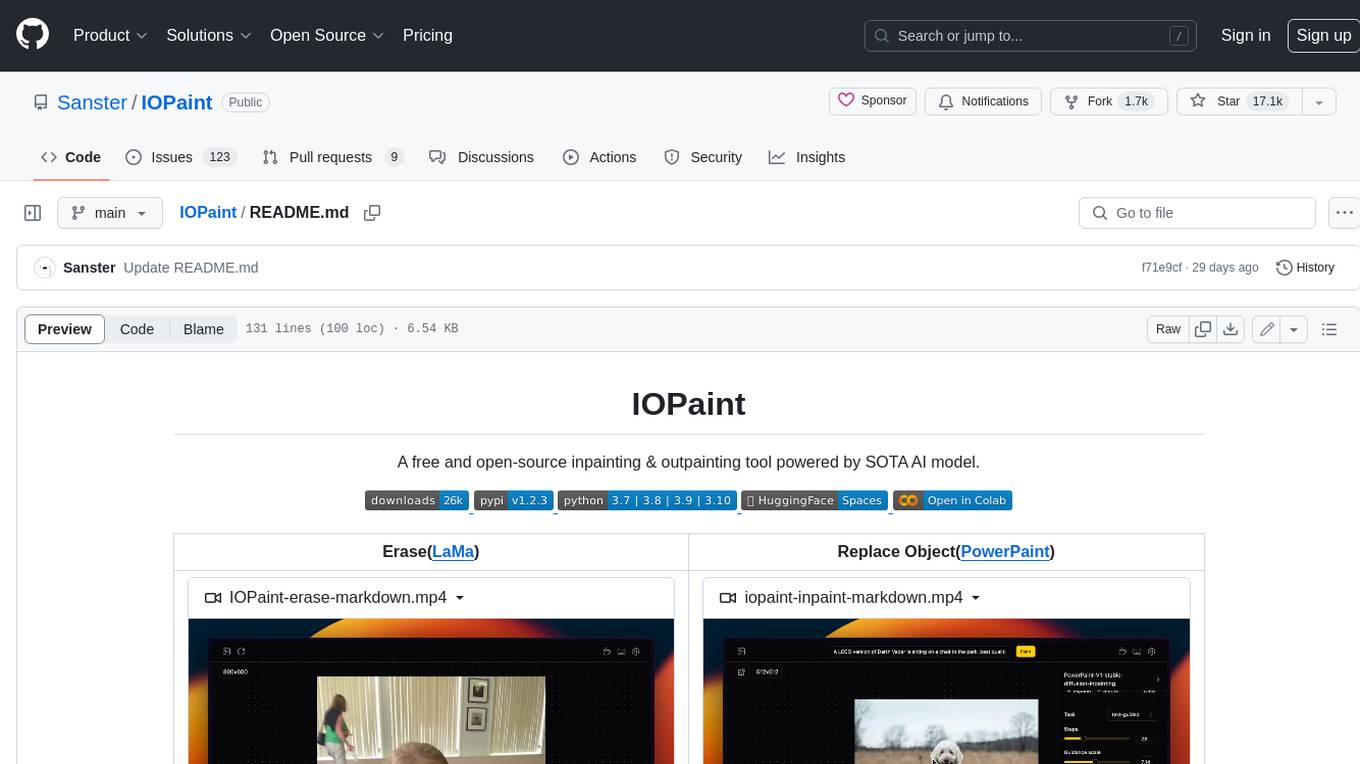
IOPaint is a free and open-source inpainting & outpainting tool powered by SOTA AI model. It supports various AI models to perform erase, inpainting, or outpainting tasks. Users can remove unwanted objects, defects, watermarks, or people from images using erase models. Additionally, diffusion models can replace objects or perform outpainting. The tool also offers plugins for interactive object segmentation, background removal, anime segmentation, super resolution, face restoration, and file management. IOPaint provides a web UI for easy access to the latest AI models and supports batch processing of images through the command line. Developers can contribute to the project by installing front-end dependencies, setting up the backend, and starting the development environment for both front-end and back-end components.
For similar tasks
depthai
This repository contains a demo application for DepthAI, a tool that can load different networks, create pipelines, record video, and more. It provides documentation for installation and usage, including running programs through Docker. Users can explore DepthAI features via command line arguments or a clickable QT interface. Supported models include various AI models for tasks like face detection, human pose estimation, and object detection. The tool collects anonymous usage statistics by default, which can be disabled. Users can report issues to the development team for support and troubleshooting.
For similar jobs
Qwen-TensorRT-LLM
Qwen-TensorRT-LLM is a project developed for the NVIDIA TensorRT Hackathon 2023, focusing on accelerating inference for the Qwen-7B-Chat model using TRT-LLM. The project offers various functionalities such as FP16/BF16 support, INT8 and INT4 quantization options, Tensor Parallel for multi-GPU parallelism, web demo setup with gradio, Triton API deployment for maximum throughput/concurrency, fastapi integration for openai requests, CLI interaction, and langchain support. It supports models like qwen2, qwen, and qwen-vl for both base and chat models. The project also provides tutorials on Bilibili and blogs for adapting Qwen models in NVIDIA TensorRT-LLM, along with hardware requirements and quick start guides for different model types and quantization methods.
dl_model_infer
This project is a c++ version of the AI reasoning library that supports the reasoning of tensorrt models. It provides accelerated deployment cases of deep learning CV popular models and supports dynamic-batch image processing, inference, decode, and NMS. The project has been updated with various models and provides tutorials for model exports. It also includes a producer-consumer inference model for specific tasks. The project directory includes implementations for model inference applications, backend reasoning classes, post-processing, pre-processing, and target detection and tracking. Speed tests have been conducted on various models, and onnx downloads are available for different models.
joliGEN
JoliGEN is an integrated framework for training custom generative AI image-to-image models. It implements GAN, Diffusion, and Consistency models for various image translation tasks, including domain and style adaptation with conservation of semantics. The tool is designed for real-world applications such as Controlled Image Generation, Augmented Reality, Dataset Smart Augmentation, and Synthetic to Real transforms. JoliGEN allows for fast and stable training with a REST API server for simplified deployment. It offers a wide range of options and parameters with detailed documentation available for models, dataset formats, and data augmentation.
ai-edge-torch
AI Edge Torch is a Python library that supports converting PyTorch models into a .tflite format for on-device applications on Android, iOS, and IoT devices. It offers broad CPU coverage with initial GPU and NPU support, closely integrating with PyTorch and providing good coverage of Core ATen operators. The library includes a PyTorch converter for model conversion and a Generative API for authoring mobile-optimized PyTorch Transformer models, enabling easy deployment of Large Language Models (LLMs) on mobile devices.
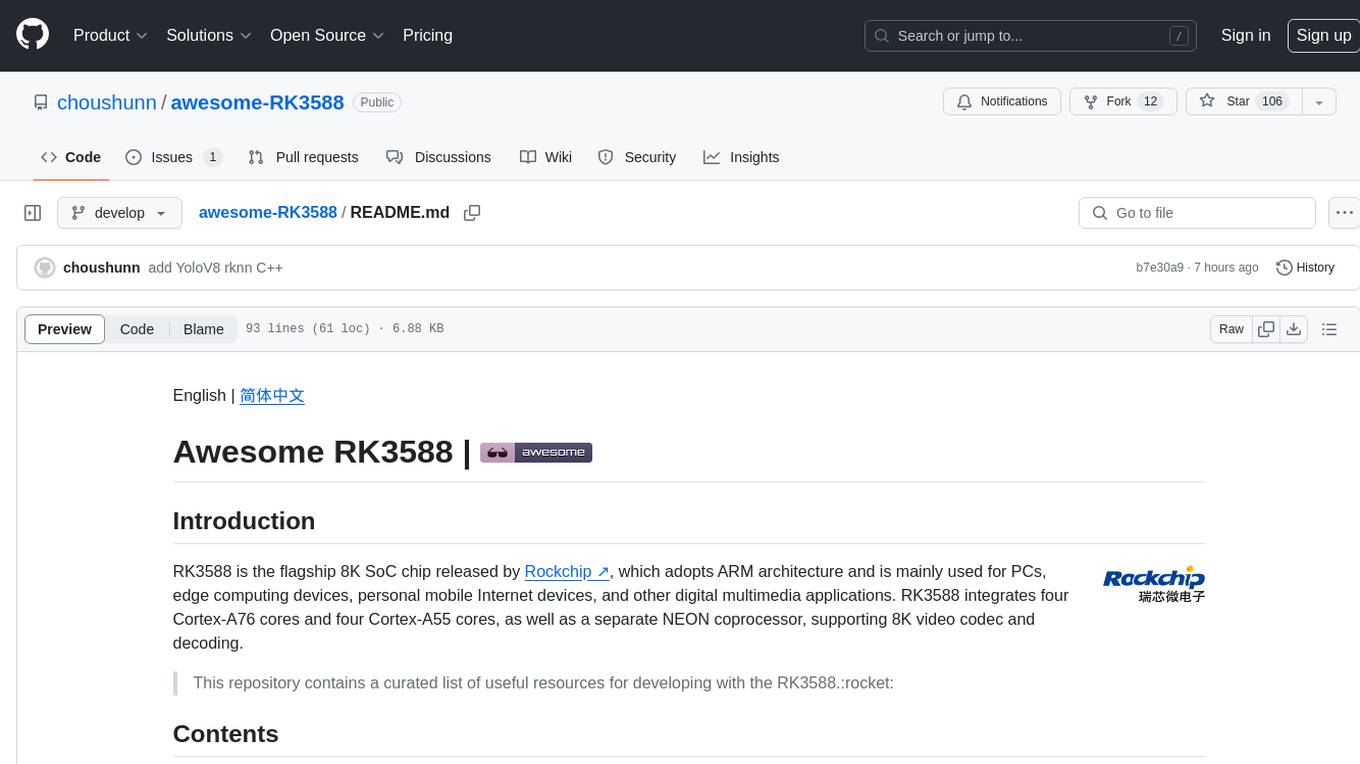
awesome-RK3588
RK3588 is a flagship 8K SoC chip by Rockchip, integrating Cortex-A76 and Cortex-A55 cores with NEON coprocessor for 8K video codec. This repository curates resources for developing with RK3588, including official resources, RKNN models, projects, development boards, documentation, tools, and sample code.
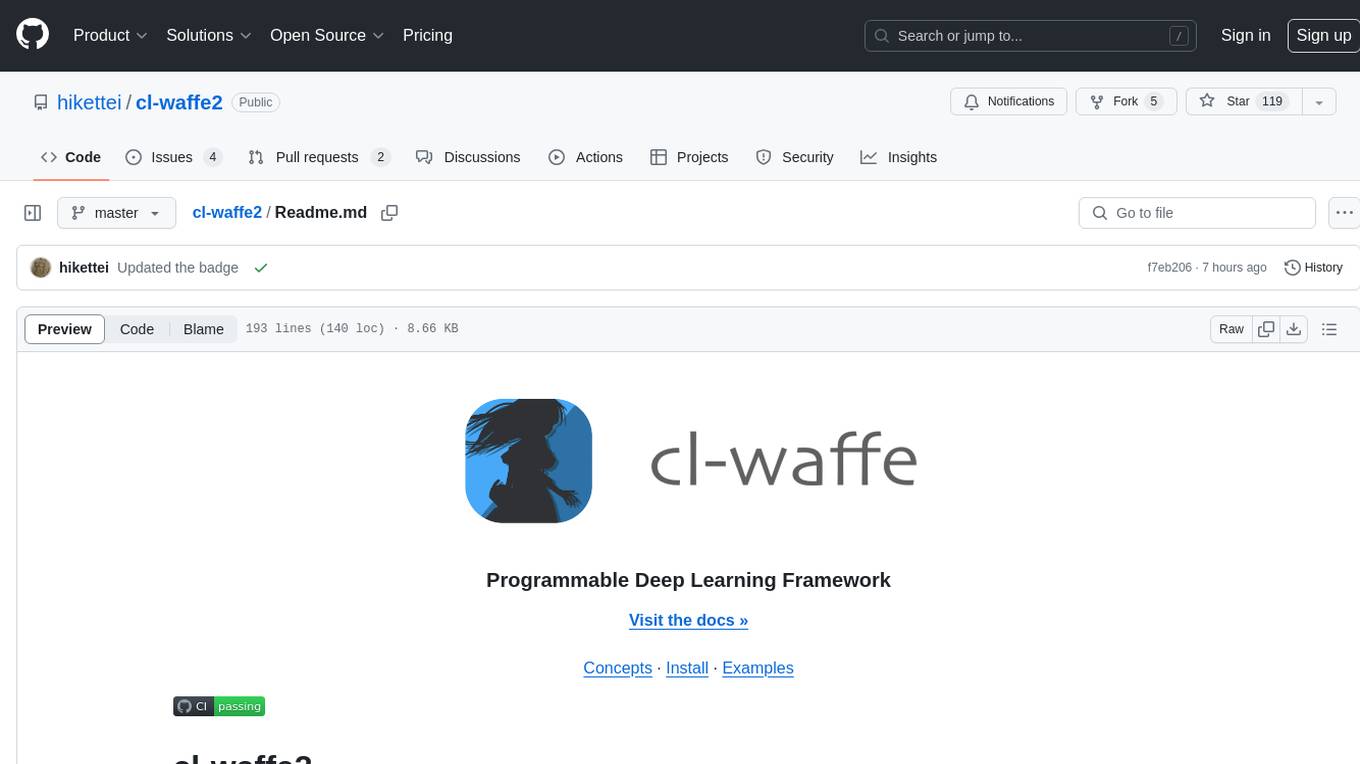
cl-waffe2
cl-waffe2 is an experimental deep learning framework in Common Lisp, providing fast, systematic, and customizable matrix operations, reverse mode tape-based Automatic Differentiation, and neural network model building and training features accelerated by a JIT Compiler. It offers abstraction layers, extensibility, inlining, graph-level optimization, visualization, debugging, systematic nodes, and symbolic differentiation. Users can easily write extensions and optimize their networks without overheads. The framework is designed to eliminate barriers between users and developers, allowing for easy customization and extension.
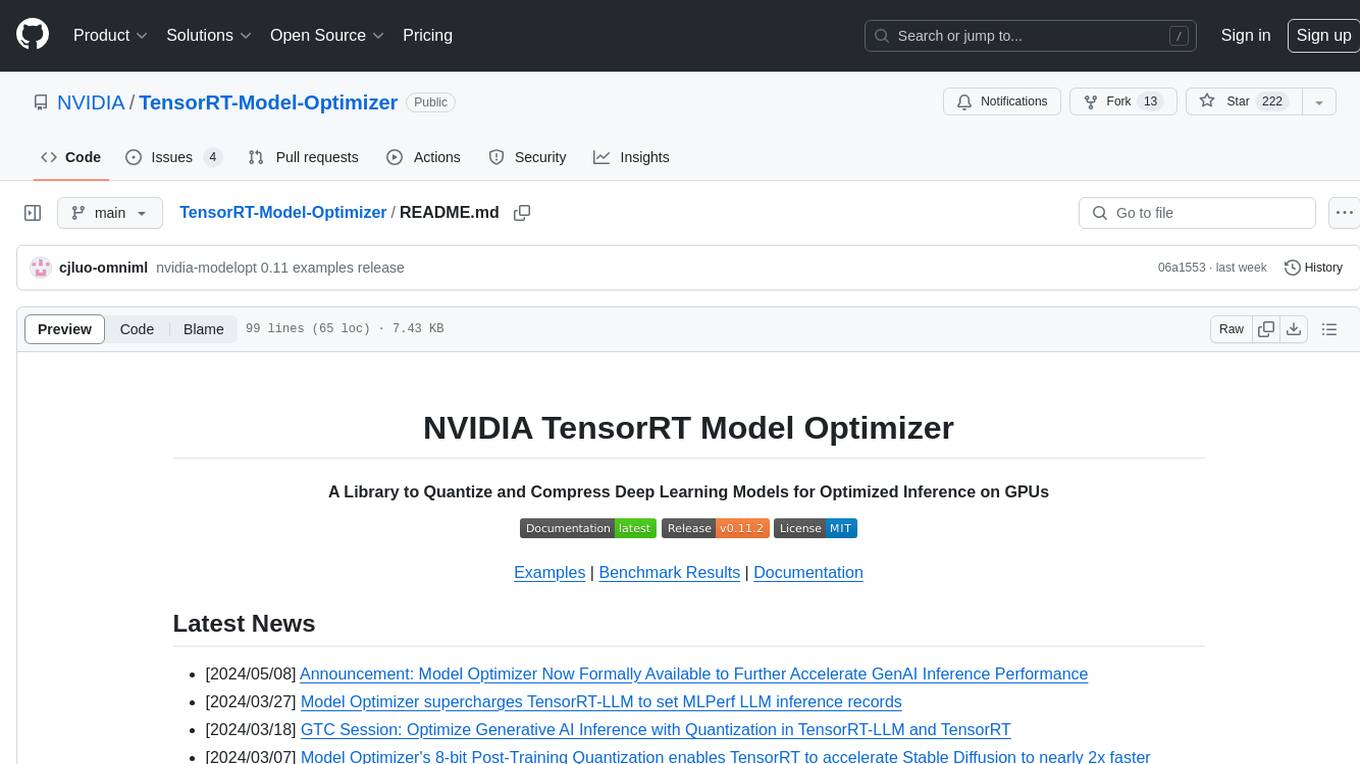
TensorRT-Model-Optimizer
The NVIDIA TensorRT Model Optimizer is a library designed to quantize and compress deep learning models for optimized inference on GPUs. It offers state-of-the-art model optimization techniques including quantization and sparsity to reduce inference costs for generative AI models. Users can easily stack different optimization techniques to produce quantized checkpoints from torch or ONNX models. The quantized checkpoints are ready for deployment in inference frameworks like TensorRT-LLM or TensorRT, with planned integrations for NVIDIA NeMo and Megatron-LM. The tool also supports 8-bit quantization with Stable Diffusion for enterprise users on NVIDIA NIM. Model Optimizer is available for free on NVIDIA PyPI, and this repository serves as a platform for sharing examples, GPU-optimized recipes, and collecting community feedback.
depthai
This repository contains a demo application for DepthAI, a tool that can load different networks, create pipelines, record video, and more. It provides documentation for installation and usage, including running programs through Docker. Users can explore DepthAI features via command line arguments or a clickable QT interface. Supported models include various AI models for tasks like face detection, human pose estimation, and object detection. The tool collects anonymous usage statistics by default, which can be disabled. Users can report issues to the development team for support and troubleshooting.