


browser
Lightpanda: the headless browser designed for AI and automation
Stars: 11796
Lightpanda Browser is an open-source headless browser designed for fast web automation, AI agents, LLM training, scraping, and testing. It features ultra-low memory footprint, exceptionally fast execution, and compatibility with Playwright and Puppeteer through CDP. Built for performance, Lightpanda offers Javascript execution, support for Web APIs, and is optimized for minimal memory usage. It is a modern solution for web scraping and automation tasks, providing a lightweight alternative to traditional browsers like Chrome.
README:




Lightpanda is the open-source browser made for headless usage:
- Javascript execution
- Support of Web APIs (partial, WIP)
- Compatible with Playwright1, Puppeteer, chromedp through CDP
Fast web automation for AI agents, LLM training, scraping and testing:
- Ultra-low memory footprint (9x less than Chrome)
- Exceptionally fast execution (11x faster than Chrome)
- Instant startup


Puppeteer requesting 100 pages from a local website on a AWS EC2 m5.large instance. See benchmark details.
Install from the nightly builds
You can download the last binary from the nightly builds for Linux x86_64 and MacOS aarch64.
For Linux
curl -L -o lightpanda https://github.com/lightpanda-io/browser/releases/download/nightly/lightpanda-x86_64-linux && \
chmod a+x ./lightpanda
For MacOS
curl -L -o lightpanda https://github.com/lightpanda-io/browser/releases/download/nightly/lightpanda-aarch64-macos && \
chmod a+x ./lightpanda
For Windows + WSL2
The Lightpanda browser is compatible to run on windows inside WSL. Follow the Linux instruction for installation from a WSL terminal. It is recommended to install clients like Puppeteer on the Windows host.
Install from Docker
Lightpanda provides official Docker
images for both Linux amd64 and
arm64 architectures.
The following command fetches the Docker image and starts a new container exposing Lightpanda's CDP server on port 9222.
docker run -d --name lightpanda -p 9222:9222 lightpanda/browser:nightly./lightpanda fetch --dump https://lightpanda.ioinfo(browser): GET https://lightpanda.io/ http.Status.ok
info(browser): fetch script https://api.website.lightpanda.io/js/script.js: http.Status.ok
info(browser): eval remote https://api.website.lightpanda.io/js/script.js: TypeError: Cannot read properties of undefined (reading 'pushState')
<!DOCTYPE html>./lightpanda serve --host 127.0.0.1 --port 9222info(websocket): starting blocking worker to listen on 127.0.0.1:9222
info(server): accepting new conn...Once the CDP server started, you can run a Puppeteer script by configuring the
browserWSEndpoint.
'use strict'

import puppeteer from 'puppeteer-core';

// use browserWSEndpoint to pass the Lightpanda's CDP server address.
const browser = await puppeteer.connect({
  browserWSEndpoint: "ws://127.0.0.1:9222",
});

// The rest of your script remains the same.
const context = await browser.createBrowserContext();
const page = await context.newPage();

// Dump all the links from the page.
await page.goto('https://wikipedia.com/');

const links = await page.evaluate(() => {
  return Array.from(document.querySelectorAll('a')).map(row => {
    return row.getAttribute('href');
  });
});

console.log(links);

await page.close();
await context.close();
await browser.disconnect();By default, Lightpanda collects and sends usage telemetry. This can be disabled by setting an environment variable LIGHTPANDA_DISABLE_TELEMETRY=true. You can read Lightpanda's privacy policy at: https://lightpanda.io/privacy-policy.
Lightpanda is in Beta and currently a work in progress. Stability and coverage are improving and many websites now work. You may still encounter errors or crashes. Please open an issue with specifics if so.
Here are the key features we have implemented:
- [x] HTTP loader (Libcurl)
- [x] HTML parser (html5ever)
- [x] DOM tree
- [x] Javascript support (v8)
- [x] DOM APIs
- [x] Ajax
- [x] XHR API
- [x] Fetch API
- [x] DOM dump
- [x] CDP/websockets server
- [x] Click
- [x] Input form
- [x] Cookies
- [x] Custom HTTP headers
- [x] Proxy support
- [x] Network interception
NOTE: There are hundreds of Web APIs. Developing a browser (even just for headless mode) is a huge task. Coverage will increase over time.
You can also follow the progress of our Javascript support in our dedicated zig-js-runtime project.
Lightpanda is written with Zig 0.15.2. You have to
install it with the right version in order to build the project.
Lightpanda also depends on zig-js-runtime (with v8), Libcurl and html5ever.
To be able to build the v8 engine for zig-js-runtime, you have to install some libs:
For Debian/Ubuntu based Linux:
sudo apt install xz-utils ca-certificates \
    pkg-config libglib2.0-dev \
    clang make curl git
You also need to install Rust.
For systems with Nix, you can use the devShell:
nix develop
For MacOS, you need cmake and Rust.
brew install cmake
The project uses git submodules for dependencies.
To init or update the submodules in the vendor/ directory:
make install-submodule
This is an alias for git submodule init && git submodule update.
You an build the entire browser with make build or make build-dev for debug
env.
But you can directly use the zig command: zig build run.
Lighpanda uses v8 snapshot. By default, it is created on startup but you can embed it by using the following commands:
Generate the snapshot.
zig build snapshot_creator -- src/snapshot.bin
Build using the snapshot binary.
zig build -Dsnapshot_path=../../snapshot.bin
See #1279 for more details.
You can test Lightpanda by running make test.
To run end to end tests, you need to clone the demo
repository into ../demo dir.
You have to install the demo's node requirements
You also need to install Go > v1.24.
make end2end
Lightpanda is tested against the standardized Web Platform Tests.
The relevant tests cases are committed in a dedicated repository which is fetched by the make install-submodule command.
All the tests cases executed are located in the tests/wpt sub-directory.
For reference, you can easily execute a WPT test case with your browser via wpt.live.
To run all the tests:
make wpt
Or one specific test:
make wpt Node-childNodes.html
We add new relevant tests cases files when we implemented changes in Lightpanda.
To add a new test, copy the file you want from the WPT
repo into the tests/wpt directory.
tests/wpt.
Lightpanda accepts pull requests through GitHub.
You have to sign our CLA during the pull request process otherwise we're not able to accept your contributions.
In the good old days, scraping a webpage was as easy as making an HTTP request, cURL-like. It’s not possible anymore, because Javascript is everywhere, like it or not:
- Ajax, Single Page App, infinite loading, “click to display”, instant search, etc.
- JS web frameworks: React, Vue, Angular & others
If we need Javascript, why not use a real web browser? Take a huge desktop application, hack it, and run it on the server. Hundreds or thousands of instances of Chrome if you use it at scale. Are you sure it’s such a good idea?
- Heavy on RAM and CPU, expensive to run
- Hard to package, deploy and maintain at scale
- Bloated, lots of features are not useful in headless usage
If we want both Javascript and performance in a true headless browser, we need to start from scratch. Not another iteration of Chromium, really from a blank page. Crazy right? But that’s what we did:
- Not based on Chromium, Blink or WebKit
- Low-level system programming language (Zig) with optimisations in mind
- Opinionated: without graphical rendering
-
Playwright support disclaimer: Due to the nature of Playwright, a script that works with the current version of the browser may not function correctly with a future version. Playwright uses an intermediate JavaScript layer that selects an execution strategy based on the browser's available features. If Lightpanda adds a new Web API, Playwright may choose to execute different code for the same script. This new code path could attempt to use features that are not yet implemented. Lightpanda makes an effort to add compatibility tests, but we can't cover all scenarios. If you encounter an issue, please create a GitHub issue and include the last known working version of the script. ↩
For Tasks:
Click tags to check more tools for each tasksFor Jobs:
Alternative AI tools for browser
Similar Open Source Tools
browser
Lightpanda Browser is an open-source headless browser designed for fast web automation, AI agents, LLM training, scraping, and testing. It features ultra-low memory footprint, exceptionally fast execution, and compatibility with Playwright and Puppeteer through CDP. Built for performance, Lightpanda offers Javascript execution, support for Web APIs, and is optimized for minimal memory usage. It is a modern solution for web scraping and automation tasks, providing a lightweight alternative to traditional browsers like Chrome.
steel-browser
Steel is an open-source browser API designed for AI agents and applications, simplifying the process of building live web agents and browser automation tools. It serves as a core building block for a production-ready, containerized browser sandbox with features like stealth capabilities, text-to-markdown session management, UI for session viewing/debugging, and full browser control through popular automation frameworks. Steel allows users to control, run, and manage a production-ready browser environment via a REST API, offering features such as full browser control, session management, proxy support, extension support, debugging tools, anti-detection mechanisms, resource management, and various browser tools. It aims to streamline complex browsing tasks programmatically, enabling users to focus on their AI applications while Steel handles the underlying complexity.
vim-ollama
The 'vim-ollama' plugin for Vim adds Copilot-like code completion support using Ollama as a backend, enabling intelligent AI-based code completion and integrated chat support for code reviews. It does not rely on cloud services, preserving user privacy. The plugin communicates with Ollama via Python scripts for code completion and interactive chat, supporting Vim only. Users can configure LLM models for code completion tasks and interactive conversations, with detailed installation and usage instructions provided in the README.
gitingest
GitIngest is a tool that allows users to turn any Git repository into a prompt-friendly text ingest for LLMs. It provides easy code context by generating a text digest from a git repository URL or directory. The tool offers smart formatting for optimized output format for LLM prompts and provides statistics about file and directory structure, size of the extract, and token count. GitIngest can be used as a CLI tool on Linux and as a Python package for code integration. The tool is built using Tailwind CSS for frontend, FastAPI for backend framework, tiktoken for token estimation, and apianalytics.dev for simple analytics. Users can self-host GitIngest by building the Docker image and running the container. Contributions to the project are welcome, and the tool aims to be beginner-friendly for first-time contributors with a simple Python and HTML codebase.

opencode
Opencode is an AI coding agent designed for the terminal. It is a tool that allows users to interact with AI models for coding tasks in a terminal-based environment. Opencode is open source, provider-agnostic, and focuses on a terminal user interface (TUI) for coding. It offers features such as client/server architecture, support for various AI models, and a strong emphasis on community contributions and feedback.
ChatGPT
The ChatGPT API Free Reverse Proxy provides free self-hosted API access to ChatGPT (`gpt-3.5-turbo`) with OpenAI's familiar structure, eliminating the need for code changes. It offers streaming response, API endpoint compatibility, and complimentary access without an API key. Installation options include Docker, PC/Server, and Termux on Android devices. The API can be accessed through a self-hosted local server or a pre-hosted API with an API key obtained from the Discord server. Usage examples are provided for Python and Node.js, and the project is licensed under AGPL-3.0.
frontend
Nuclia frontend apps and libraries repository contains various frontend applications and libraries for the Nuclia platform. It includes components such as Dashboard, Widget, SDK, Sistema (design system), NucliaDB admin, CI/CD Deployment, and Maintenance page. The repository provides detailed instructions on installation, dependencies, and usage of these components for both Nuclia employees and external developers. It also covers deployment processes for different components and tools like ArgoCD for monitoring deployments and logs. The repository aims to facilitate the development, testing, and deployment of frontend applications within the Nuclia ecosystem.
desktop
ComfyUI Desktop is a packaged desktop application that allows users to easily use ComfyUI with bundled features like ComfyUI source code, ComfyUI-Manager, and uv. It automatically installs necessary Python dependencies and updates with stable releases. The app comes with Electron, Chromium binaries, and node modules. Users can store ComfyUI files in a specified location and manage model paths. The tool requires Python 3.12+ and Visual Studio with Desktop C++ workload for Windows. It uses nvm to manage node versions and yarn as the package manager. Users can install ComfyUI and dependencies using comfy-cli, download uv, and build/launch the code. Troubleshooting steps include rebuilding modules and installing missing libraries. The tool supports debugging in VSCode and provides utility scripts for cleanup. Crash reports can be sent to help debug issues, but no personal data is included.
lexido
Lexido is an innovative assistant for the Linux command line, designed to boost your productivity and efficiency. Powered by Gemini Pro 1.0 and utilizing the free API, Lexido offers smart suggestions for commands based on your prompts and importantly your current environment. Whether you're installing software, managing files, or configuring system settings, Lexido streamlines the process, making it faster and more intuitive.
tgpt
tgpt is a cross-platform command-line interface (CLI) tool that allows users to interact with AI chatbots in the Terminal without needing API keys. It supports various AI providers such as KoboldAI, Phind, Llama2, Blackbox AI, and OpenAI. Users can generate text, code, and images using different flags and options. The tool can be installed on GNU/Linux, MacOS, FreeBSD, and Windows systems. It also supports proxy configurations and provides options for updating and uninstalling the tool.
openmeter
OpenMeter is a real-time and scalable usage metering tool for AI, usage-based billing, infrastructure, and IoT use cases. It provides a REST API for integrations and offers client SDKs in Node.js, Python, Go, and Web. OpenMeter is licensed under the Apache 2.0 License.
mobile-use
Mobile-use is an open-source AI agent that controls Android or IOS devices using natural language. It understands commands to perform tasks like sending messages and navigating apps. Features include natural language control, UI-aware automation, data scraping, and extensibility. Users can automate their mobile experience by setting up environment variables, customizing LLM configurations, and launching the tool via Docker or manually for development. The tool supports physical Android phones, Android simulators, and iOS simulators. Contributions are welcome, and the project is licensed under MIT.
trieve
Trieve is an advanced relevance API for hybrid search, recommendations, and RAG. It offers a range of features including self-hosting, semantic dense vector search, typo tolerant full-text/neural search, sub-sentence highlighting, recommendations, convenient RAG API routes, the ability to bring your own models, hybrid search with cross-encoder re-ranking, recency biasing, tunable popularity-based ranking, filtering, duplicate detection, and grouping. Trieve is designed to be flexible and customizable, allowing users to tailor it to their specific needs. It is also easy to use, with a simple API and well-documented features.
moly
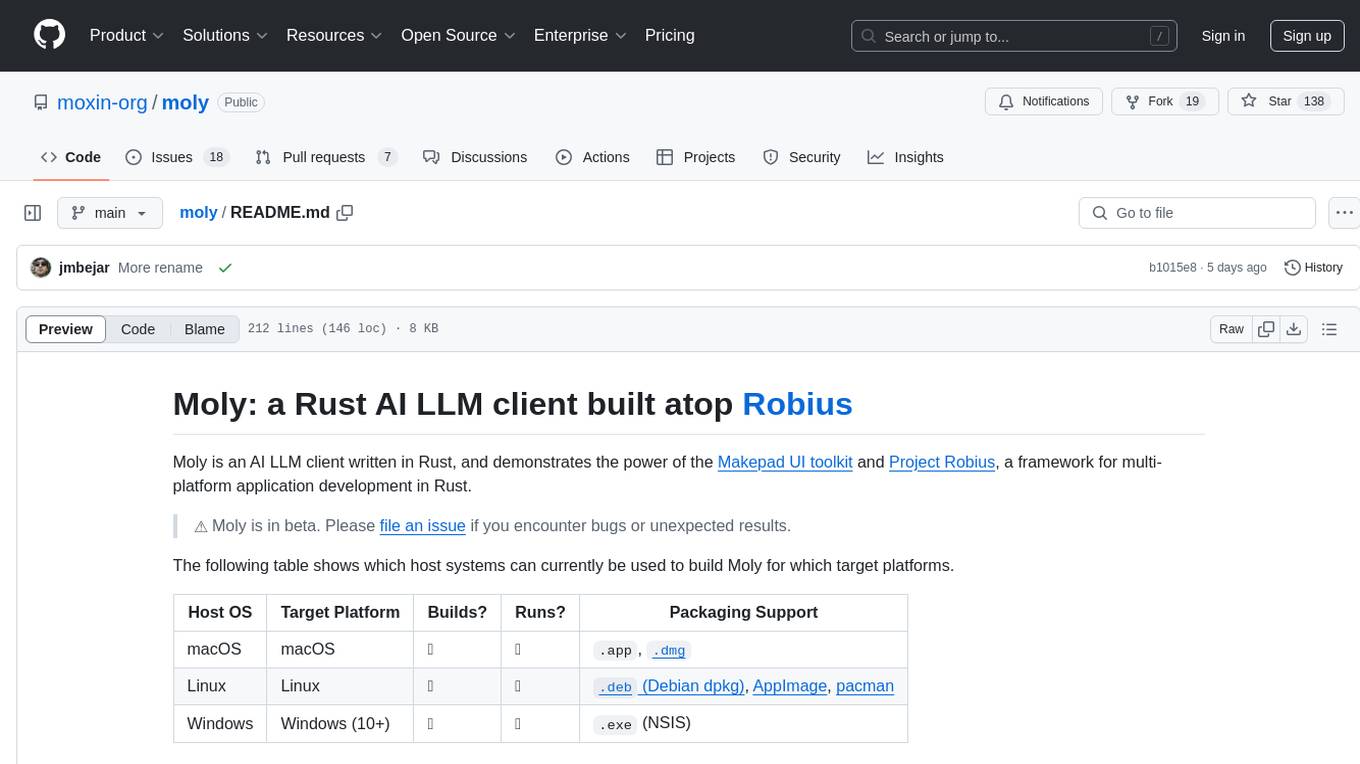
Moly is an AI LLM client written in Rust, showcasing the capabilities of the Makepad UI toolkit and Project Robius, a framework for multi-platform application development in Rust. It is currently in beta, allowing users to build and run Moly on macOS, Linux, and Windows. The tool provides packaging support for different platforms, such as `.app`, `.dmg`, `.deb`, AppImage, pacman, and `.exe` (NSIS). Users can easily set up WasmEdge using `moly-runner` and leverage `cargo` commands to build and run Moly. Additionally, Moly offers pre-built releases for download and supports packaging for distribution on Linux, Windows, and macOS.
parllama
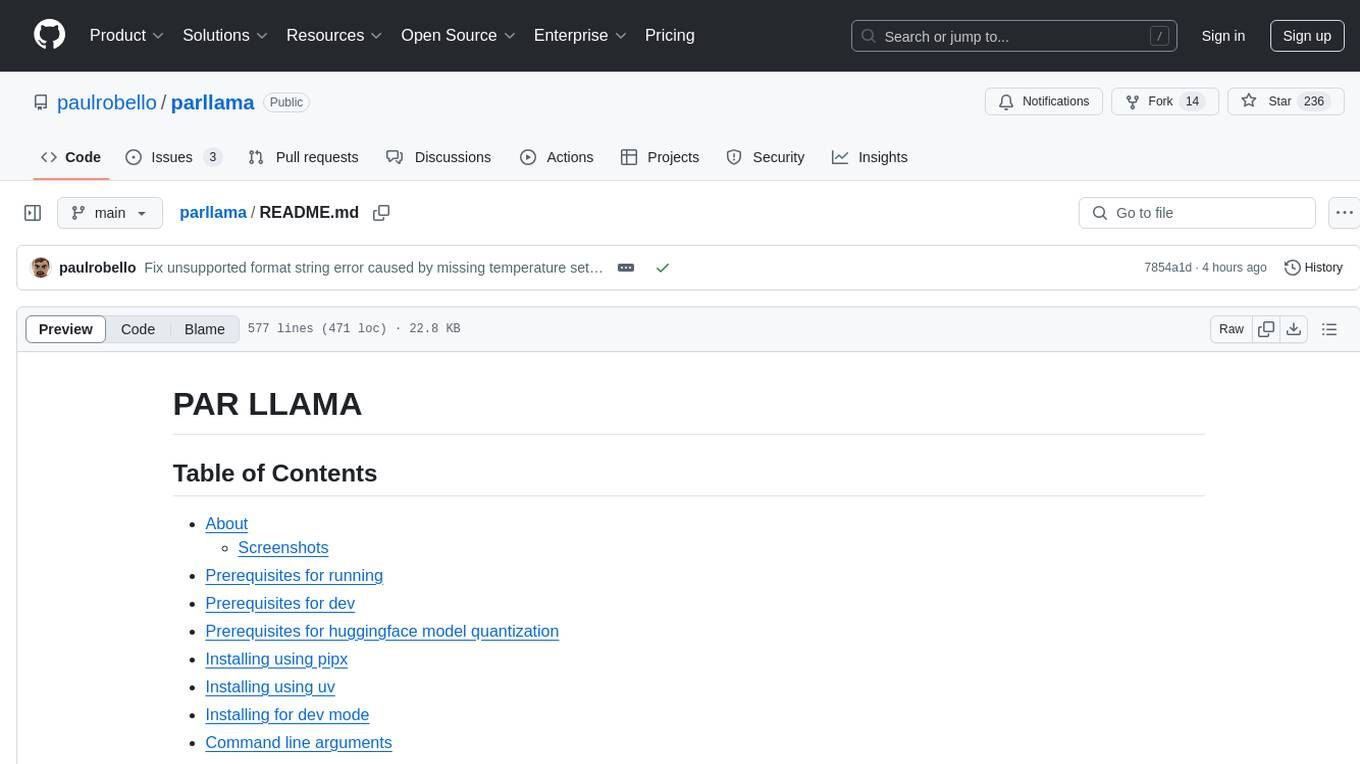
PAR LLAMA is a Text UI application for managing and using LLMs, designed with Textual and Rich and PAR AI Core. It runs on major OS's including Windows, Windows WSL, Mac, and Linux. Supports Dark and Light mode, custom themes, and various workflows like Ollama chat, image chat, and OpenAI provider chat. Offers features like custom prompts, themes, environment variables configuration, and remote instance connection. Suitable for managing and using LLMs efficiently.
SecureAI-Tools
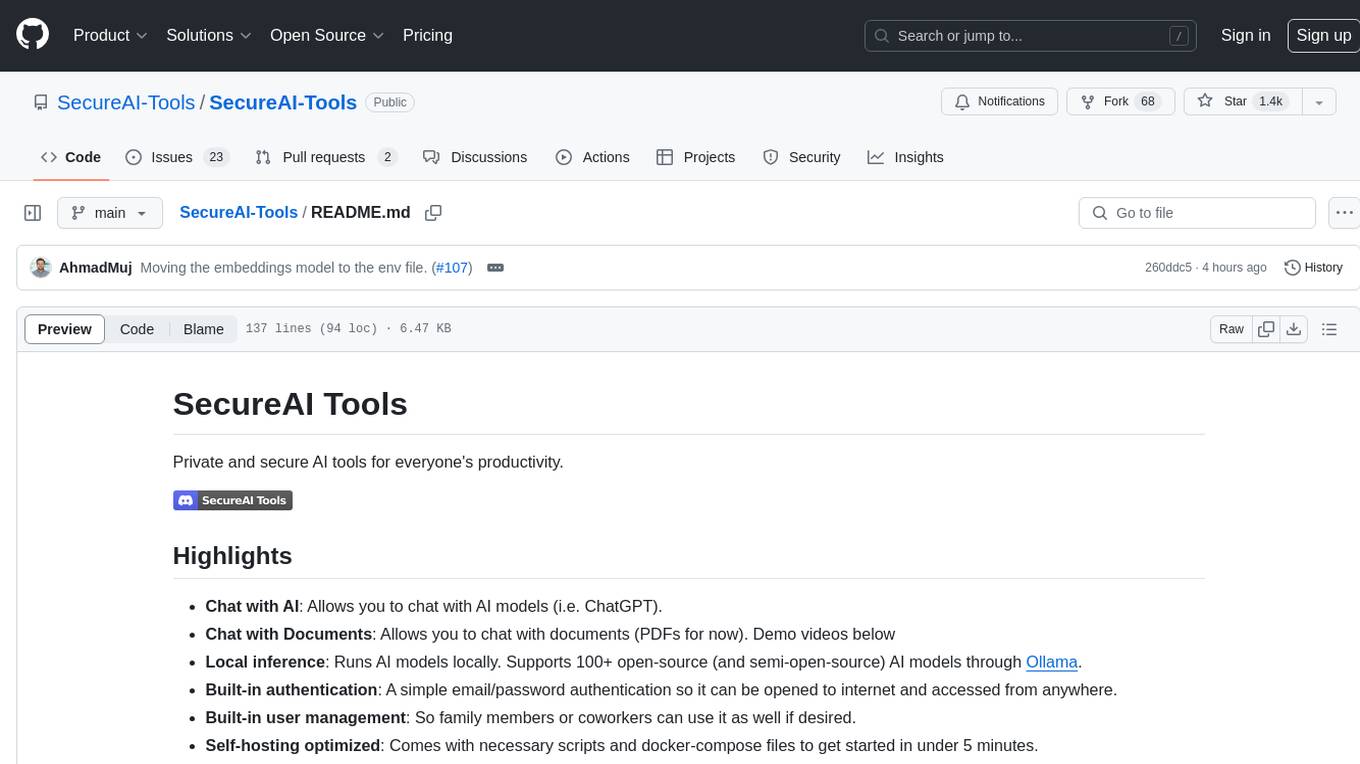
SecureAI Tools is a private and secure AI tool that allows users to chat with AI models, chat with documents (PDFs), and run AI models locally. It comes with built-in authentication and user management, making it suitable for family members or coworkers. The tool is self-hosting optimized and provides necessary scripts and docker-compose files for easy setup in under 5 minutes. Users can customize the tool by editing the .env file and enabling GPU support for faster inference. SecureAI Tools also supports remote OpenAI-compatible APIs, with lower hardware requirements for using remote APIs only. The tool's features wishlist includes chat sharing, mobile-friendly UI, and support for more file types and markdown rendering.
For similar tasks
clickolas-cage
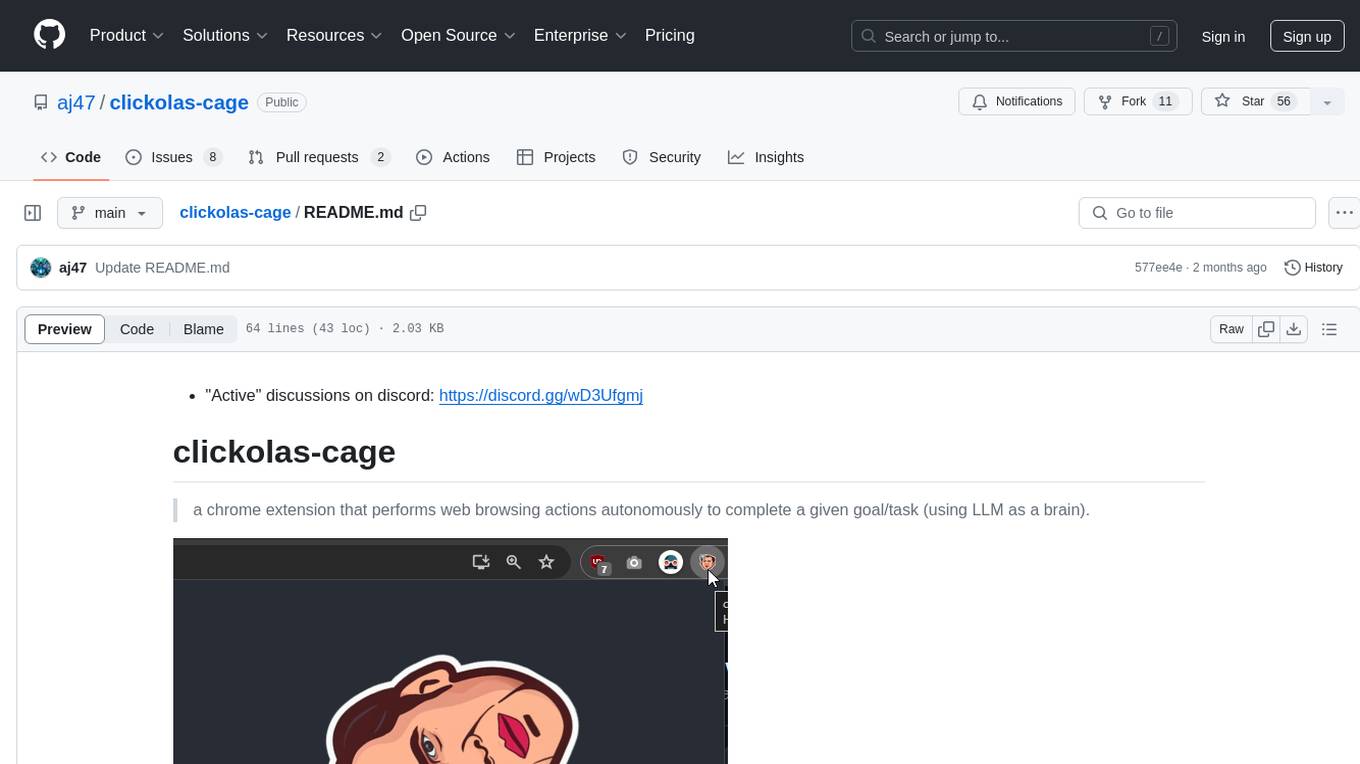
Clickolas-cage is a Chrome extension designed to autonomously perform web browsing actions to achieve specific goals using LLM as a brain. Users can interact with the extension by setting goals, which triggers a series of actions including navigation, element extraction, and step generation. The extension is developed using Node.js and can be locally run for testing and development purposes before packing it for submission to the Chrome Web Store.
scylla
Scylla is an intelligent proxy pool tool designed for humanities, enabling users to extract content from the internet and build their own Large Language Models in the AI era. It features automatic proxy IP crawling and validation, an easy-to-use JSON API, a simple web-based user interface, HTTP forward proxy server, Scrapy and requests integration, and headless browser crawling. Users can start using Scylla with just one command, making it a versatile tool for various web scraping and content extraction tasks.
browser
Lightpanda Browser is an open-source headless browser designed for fast web automation, AI agents, LLM training, scraping, and testing. It features ultra-low memory footprint, exceptionally fast execution, and compatibility with Playwright and Puppeteer through CDP. Built for performance, Lightpanda offers Javascript execution, support for Web APIs, and is optimized for minimal memory usage. It is a modern solution for web scraping and automation tasks, providing a lightweight alternative to traditional browsers like Chrome.
MassGen
MassGen is a cutting-edge multi-agent system that leverages the power of collaborative AI to solve complex tasks. It assigns a task to multiple AI agents who work in parallel, observe each other's progress, and refine their approaches to converge on the best solution to deliver a comprehensive and high-quality result. The system operates through an architecture designed for seamless multi-agent collaboration, with key features including cross-model/agent synergy, parallel processing, intelligence sharing, consensus building, and live visualization. Users can install the system, configure API settings, and run MassGen for various tasks such as question answering, creative writing, research, development & coding tasks, and web automation & browser tasks. The roadmap includes plans for advanced agent collaboration, expanded model, tool & agent integration, improved performance & scalability, enhanced developer experience, and a web interface.
goclaw
goclaw is a powerful AI Agent framework written in Go language. It provides a complete tool system for FileSystem, Shell, Web, and Browser with Docker sandbox support and permission control. The framework includes a skill system compatible with OpenClaw and AgentSkills specifications, supporting automatic discovery and environment gating. It also offers persistent session storage, multi-channel support for Telegram, WhatsApp, Feishu, QQ, and WeWork, flexible configuration with YAML/JSON support, multiple LLM providers like OpenAI, Anthropic, and OpenRouter, WebSocket Gateway, Cron scheduling, and Browser automation based on Chrome DevTools Protocol.
PythonPark
PythonPark is a paradise for learning Python, providing babysitter-level tutorials on AI labs, treasure videos, data structures, study guides, machine learning practicals, deep learning practicals, Python basics, web scraping, big company interview experiences, programming life, and resource sharing. Original articles are published at least twice a week, with the latest articles being first released on WeChat and videos on Bilibili. Join the WeChat group for technical discussions or to provide feedback. Continuously improving and outputting content!
Fyin
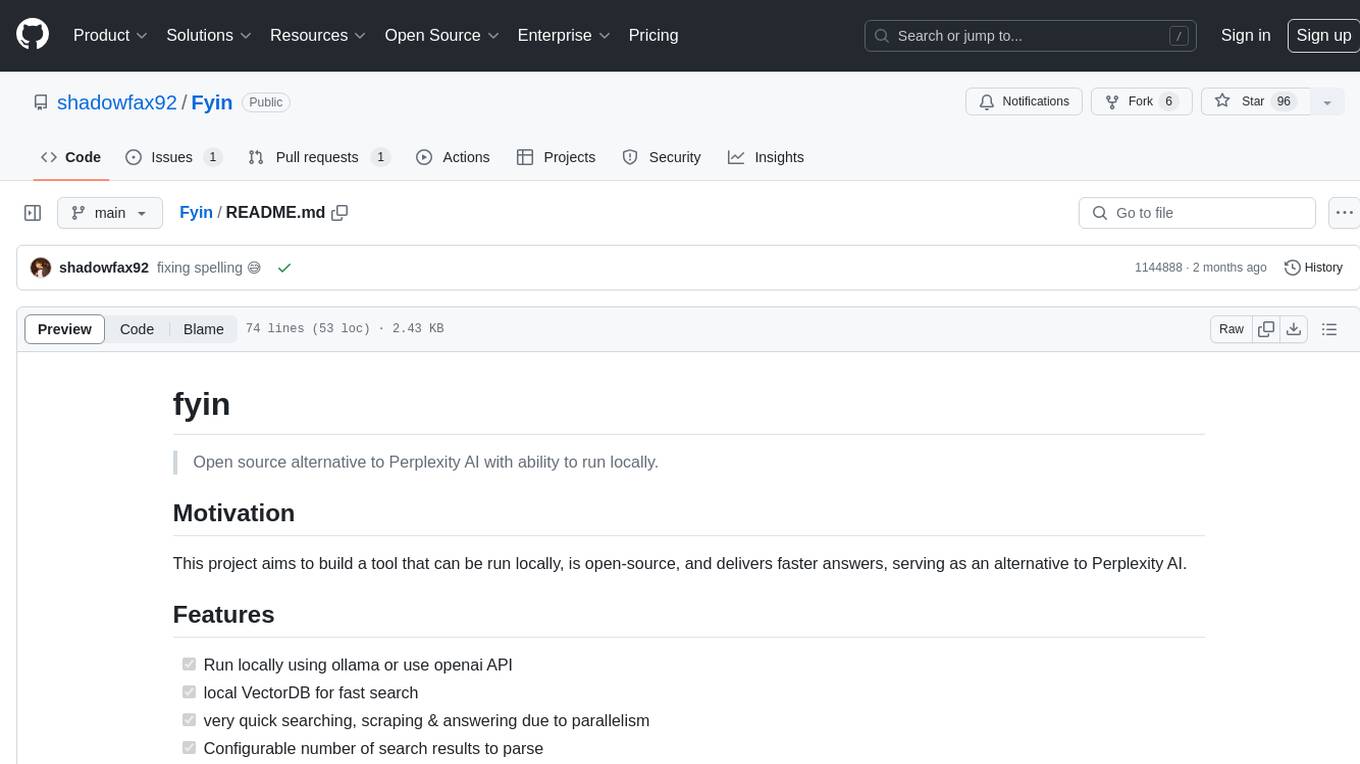
Fyin is an open-source tool that serves as an alternative to Perplexity AI, allowing users to run it locally for faster answers. It features the ability to run locally using ollama or OpenAI API, a local VectorDB for fast search, quick searching, scraping & answering due to parallelism, configurable number of search results to parse, and local scraping of websites. The tool aims to provide a more efficient and customizable solution for obtaining answers through search and scraping functionalities.
ArcadiaScriptPublic
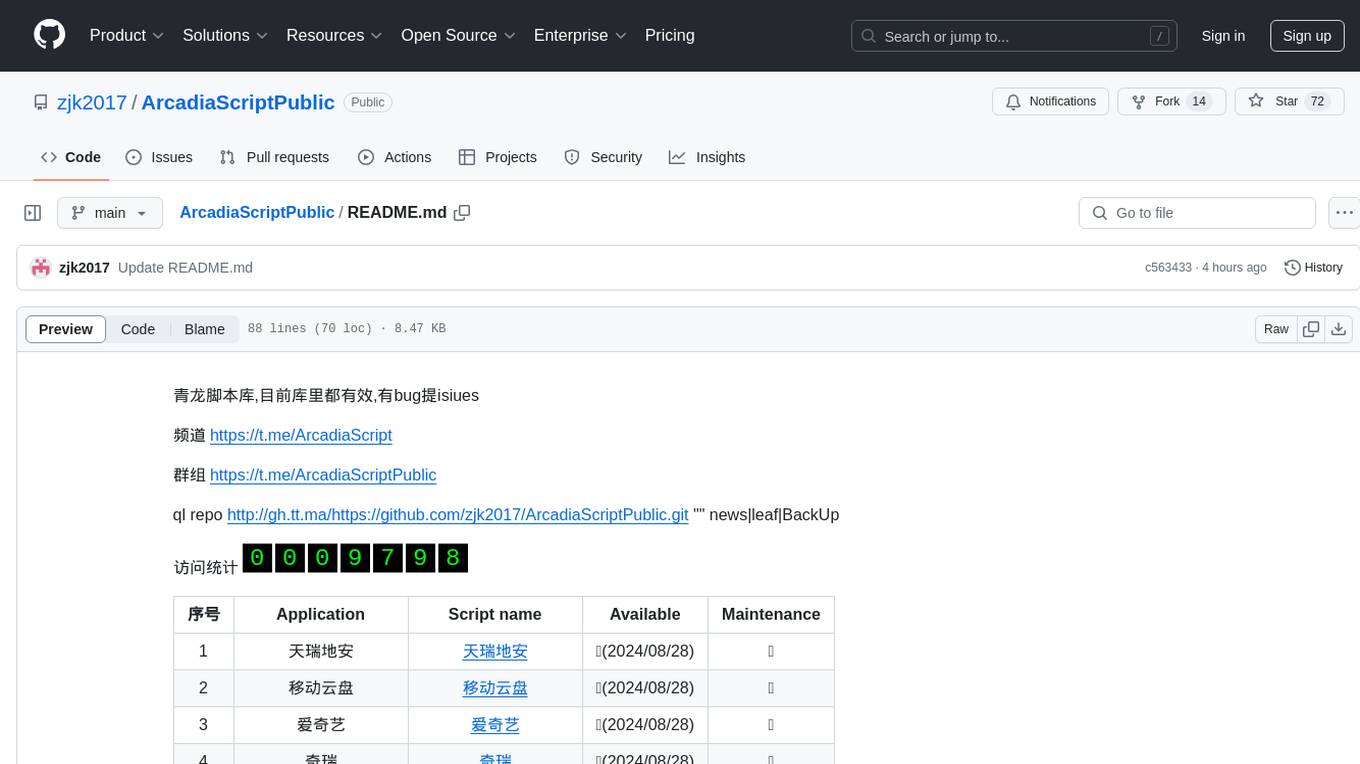
ArcadiaScriptPublic is a repository containing various scripts for learning and practicing JavaScript, Python, and Shell scripting. It is intended for testing and educational purposes only, and not for commercial use. The repository does not guarantee the legality, accuracy, completeness, or effectiveness of the scripts, and users are advised to use them at their own discretion. No resources from the repository are allowed to be republished or redistributed by any public account or self-media. The repository owner disclaims any responsibility for script-related issues, including losses or damages resulting from script errors. Users indirectly utilizing the scripts, such as setting up VPS or engaging in activities that violate national/regional laws or regulations, are solely responsible for any privacy leaks or consequences. If any entity or individual believes that the scripts in the project may infringe upon their rights, they should promptly notify and provide proof of identity and ownership, upon which the relevant scripts will be removed after verification. Anyone viewing or using the scripts in this project should carefully read and accept the disclaimer provided by zjk2017/ArcadiaScriptPublic, as the repository reserves the right to change or supplement the disclaimer at any time. Users must completely delete the downloaded content from their computers or phones within 24 hours of downloading, and any form of profit chain generation is strictly prohibited.
For similar jobs

sweep
Sweep is an AI junior developer that turns bugs and feature requests into code changes. It automatically handles developer experience improvements like adding type hints and improving test coverage.

teams-ai
The Teams AI Library is a software development kit (SDK) that helps developers create bots that can interact with Teams and Microsoft 365 applications. It is built on top of the Bot Framework SDK and simplifies the process of developing bots that interact with Teams' artificial intelligence capabilities. The SDK is available for JavaScript/TypeScript, .NET, and Python.

ai-guide
This guide is dedicated to Large Language Models (LLMs) that you can run on your home computer. It assumes your PC is a lower-end, non-gaming setup.

classifai
Supercharge WordPress Content Workflows and Engagement with Artificial Intelligence. Tap into leading cloud-based services like OpenAI, Microsoft Azure AI, Google Gemini and IBM Watson to augment your WordPress-powered websites. Publish content faster while improving SEO performance and increasing audience engagement. ClassifAI integrates Artificial Intelligence and Machine Learning technologies to lighten your workload and eliminate tedious tasks, giving you more time to create original content that matters.

chatbot-ui
Chatbot UI is an open-source AI chat app that allows users to create and deploy their own AI chatbots. It is easy to use and can be customized to fit any need. Chatbot UI is perfect for businesses, developers, and anyone who wants to create a chatbot.

BricksLLM
BricksLLM is a cloud native AI gateway written in Go. Currently, it provides native support for OpenAI, Anthropic, Azure OpenAI and vLLM. BricksLLM aims to provide enterprise level infrastructure that can power any LLM production use cases. Here are some use cases for BricksLLM: * Set LLM usage limits for users on different pricing tiers * Track LLM usage on a per user and per organization basis * Block or redact requests containing PIIs * Improve LLM reliability with failovers, retries and caching * Distribute API keys with rate limits and cost limits for internal development/production use cases * Distribute API keys with rate limits and cost limits for students

uAgents
uAgents is a Python library developed by Fetch.ai that allows for the creation of autonomous AI agents. These agents can perform various tasks on a schedule or take action on various events. uAgents are easy to create and manage, and they are connected to a fast-growing network of other uAgents. They are also secure, with cryptographically secured messages and wallets.

griptape
Griptape is a modular Python framework for building AI-powered applications that securely connect to your enterprise data and APIs. It offers developers the ability to maintain control and flexibility at every step. Griptape's core components include Structures (Agents, Pipelines, and Workflows), Tasks, Tools, Memory (Conversation Memory, Task Memory, and Meta Memory), Drivers (Prompt and Embedding Drivers, Vector Store Drivers, Image Generation Drivers, Image Query Drivers, SQL Drivers, Web Scraper Drivers, and Conversation Memory Drivers), Engines (Query Engines, Extraction Engines, Summary Engines, Image Generation Engines, and Image Query Engines), and additional components (Rulesets, Loaders, Artifacts, Chunkers, and Tokenizers). Griptape enables developers to create AI-powered applications with ease and efficiency.