


HyperAgent
AI Browser Automation
Stars: 1043
HyperAgent is a powerful tool for automating repetitive tasks in web scraping and data extraction. It provides a user-friendly interface to create custom web scraping scripts without the need for extensive coding knowledge. With HyperAgent, users can easily extract data from websites, transform it into structured formats, and save it for further analysis. The tool supports various data formats and offers scheduling options for automated data extraction at regular intervals. HyperAgent is suitable for individuals and businesses looking to streamline their data collection processes and improve efficiency in extracting information from the web.
README:

Intelligent Browser Automation with LLMs



Hyperagent is Playwright supercharged with AI. No more brittle scripts, just powerful natural language commands. Just looking for scalable headless browsers or scraping infra? Go to Hyperbrowser to get started for free!
View HyperAgent docs here: https://www.hyperbrowser.ai/docs/hyperagent/introduction
- 🤖 AI Commands: Simple APIs like
page.ai(),page.extract()andexecuteTask()for any AI automation - ⚡ Fallback to Regular Playwright: Use regular Playwright when AI isn't needed
- 🥷 Stealth Mode – Avoid detection with built-in anti-bot patches
- ☁️ Cloud Ready – Instantly scale to hundreds of sessions via Hyperbrowser
- 🔌 MCP Client – Connect to tools like Composio for full workflows (e.g. writing web data to Google Sheets)
- 📼 Action Caching – Record and replay workflows deterministically without LLM calls
# Using npm
npm install @hyperbrowser/agent

# Using yarn
yarn add @hyperbrowser/agent$ npx @hyperbrowser/agent -c "Find a route from Miami to New Orleans, and provide the detailed route information."

The CLI supports options for debugging or using hyperbrowser instead of a local browser
-d, --debug                       Enable debug mode
-c, --command <task description>  Command to run
--hyperbrowser Use Hyperbrowser for the browser providerimport { HyperAgent } from "@hyperbrowser/agent";
import { z } from "zod";
// Initialize the agent
const agent = new HyperAgent({
llm: {
provider: "openai",
model: "gpt-4o",
},
});
// Execute a task
const result = await agent.executeTask(
"Navigate to amazon.com, search for 'laptop', and extract the prices of the first 5 results"
);
console.log(result.output);
// Use page.ai, page.perform, and page.extract
const page = await agent.newPage();
await page.goto("https://flights.google.com", { waitUntil: "load" });
await page.ai("search for flights from Rio to LAX from July 16 to July 22");
await page.perform("click the search button");
const res = await page.extract(
"give me the flight options",
z.object({
flights: z.array(
z.object({
price: z.number(),
departure: z.string(),
arrival: z.string(),
})
),
})
);
console.log(res);
// Clean up
await agent.closeAgent();HyperAgent provides two complementary APIs optimized for different use cases:
page.aiAction()is deprecated and remains available as an alias; preferpage.perform()going forward.
Best for: Single, specific actions like "click login", "fill email with [email protected]"
Advantages:
- ⚡ Fast - Uses accessibility tree (no screenshots)
- 💰 Cheap - Single LLM call per action
- 🎯 Reliable - Direct element finding and execution
- 📊 Efficient - Text-based DOM analysis with automatic ad-frame filtering
Example:
const page = await agent.newPage();
await page.goto("https://example.com/login");

// Fast, reliable single actions
await page.perform("fill email with [email protected]");
await page.perform("fill password with mypassword");
await page.perform("click the login button");Best for: Complex workflows requiring multiple steps and visual context
Advantages:
- 🖼️ Visual Understanding - Can use screenshots with element overlays
- 🎭 Complex Tasks - Handles multi-step workflows automatically
- 🧠 Context-Aware - Better at understanding page layout and relationships
- 🔄 Adaptive - Can adjust strategy based on page state
Parameters:
-
useDomCache(boolean): Reuse DOM snapshots for speed -
enableVisualMode(boolean): Enable screenshots and overlays (default: false)
Example:
const page = await agent.newPage();
await page.goto("https://flights.google.com");

// Complex task with multiple steps handled automatically
await page.ai("search for flights from Miami to New Orleans on July 16", {
  useDomCache: true,
});Combine both APIs for optimal performance:
// Use perform for fast, reliable individual actions
await page.perform("click the search button");
await page.perform("type laptop into search");

// Use ai() for complex, multi-step workflows
await page.ai("filter results by price under $1000 and sort by rating");

// Extract structured data
const products = await page.extract(
  "get the top 5 products",
  z.object({
    products: z.array(z.object({ name: z.string(), price: z.number() }))
  })
);You can scale HyperAgent with cloud headless browsers using Hyperbrowser
- Get a free api key from Hyperbrowser
- Add it to your env as
HYPERBROWSER_API_KEY - Set your
browserProviderto"Hyperbrowser"
const agent = new HyperAgent({
  browserProvider: "Hyperbrowser",
});

const response = await agent.executeTask(
  "Go to hackernews, and list me the 5 most recent article titles"
);

console.log(response);
await agent.closeAgent();// Create and manage multiple pages
const page1 = await agent.newPage();
const page2 = await agent.newPage();
// Execute tasks on specific pages
const page1Response = await page1.ai(
"Go to google.com/travel/explore and set the starting location to New York. Then, return to me the first recommended destination that shows up. Return to me only the name of the location."
);
const page2Response = await page2.ai(
`I want to plan a trip to ${page1Response.output}. Recommend me places to visit there.`
);
console.log(page2Response.output);
// Get all active pages
const pages = await agent.getPages();
await agent.closeAgent();HyperAgent can extract data in a specified schema. The schema can be passed in at a per-task level
import { z } from "zod";

const agent = new HyperAgent();
const agentResponse = await agent.executeTask(
  "Navigate to imdb.com, search for 'The Matrix', and extract the director, release year, and rating",
  {
    outputSchema: z.object({
      director: z.string().describe("The name of the movie director"),
      releaseYear: z.number().describe("The year the movie was released"),
      rating: z.string().describe("The IMDb rating of the movie"),
    }),
  }
);
console.log(agentResponse.output);
await agent.closeAgent();
{
"director": "Lana Wachowski, Lilly Wachowski",
"releaseYear": 1999,
"rating": "8.7/10"
}Hyperagent supports multiple LLM providers with native SDKs for better performance and reliability.
// Using OpenAI
const agent = new HyperAgent({
  llm: {
    provider: "openai",
    model: "gpt-4o",
  },
});

// Using Anthropic's Claude
const agent = new HyperAgent({
  llm: {
    provider: "anthropic",
    model: "claude-sonnet-4-0",
  },
});

// Using Google Gemini
const agent = new HyperAgent({
  llm: {
    provider: "gemini",
    model: "gemini-2.5-flash",
  },
});

// Using DeepSeek
const agent = new HyperAgent({
  llm: {
    provider: "deepseek",
    model: "deepseek-chat",
  },
});HyperAgent functions as a fully functional MCP client. For best results, we recommend using
gpt-4o as your LLM.
Here is an example which reads from wikipedia, and inserts information into a google sheet using the composio Google Sheet MCP. For the full example, see here
const agent = new HyperAgent({
  llm: llm,
  debug: true,
});

await agent.initializeMCPClient({
  servers: [
    {
      command: "npx",
      args: [
        "@composio/mcp@latest",
        "start",
        "--url",
        "https://mcp.composio.dev/googlesheets/...",
      ],
      env: {
        npm_config_yes: "true",
      },
    },
  ],
});

const response = await agent.executeTask(
  "Go to https://en.wikipedia.org/wiki/List_of_U.S._states_and_territories_by_population and get the data on the top 5 most populous states from the table. Then insert that data into a google sheet. You may need to first check if there is an active connection to google sheet, and if there isn't connect to it and present me with the link to sign in. "
);

console.log(response);
await agent.closeAgent();HyperAgent's capabilities can be extended with custom actions. Custom actions require 3 things:
- type: Name of the action. Should be something descriptive about the action.
- actionParams: A zod object describing the parameters that the action may consume.
- run: A function that takes in a context, and the params for the action and produces a result based on the params.
Here is an example that performs a search using Exa
const exaInstance = new Exa(process.env.EXA_API_KEY);

export const RunSearchActionDefinition: AgentActionDefinition = {
  type: "perform_search",
  actionParams: z.object({
    search: z
      .string()
      .describe(
        "The search query for something you want to search about. Keep the search query concise and to-the-point."
      ),
  }).describe("Search and return the results for a given query."),
  run: async function (
    ctx: ActionContext,
    params: { search: string }
  ): Promise<ActionOutput> {
    const results = (await exaInstance.search(params.search, {})).results
      .map(
        (res) =>
          `title: ${res.title} || url: ${res.url} || relevance: ${res.score}`
      )
      .join("\n");

    return {
      success: true,
      message: `Successfully performed search for query ${params.search}. Got results: \n${results}`,
    };
  },
};

const agent = new HyperAgent({
  customActions: [RunSearchActionDefinition],
});

const result = await agent.executeTask(
  "Search about the news for today in New York"
);HyperAgent automatically records every action during page.ai() runs, capturing XPaths, frame indices, and execution details. This enables deterministic replay without LLM calls—perfect for regression testing, CI pipelines, and cost optimization.
Every page.ai() run produces an actionCache containing the exact sequence of actions performed:
const page = await agent.newPage();
const { actionCache } = await page.ai(
  "Go to flights.google.com and search for flights from Rio to LAX"
);

// actionCache contains the recorded steps
console.log(actionCache);
Example cache entry:
{
  "taskId": "86d13abe-b9f3-4ca3-a9bb-bdeddf234cd1",
  "createdAt": "2025-12-06T05:44:52.257Z",
  "status": "completed",
  "steps": [
    {
      "stepIndex": 0,
      "instruction": "Click on the departure field",
      "elementId": "0-138",
      "method": "click",
      "arguments": [],
      "frameIndex": 0,
      "xpath": "/html[1]/body[1]/div[1]/input[1]",
      "actionType": "actElement",
      "success": true
    }
  ]
}Replay a recorded session using runFromActionCache(). It attempts XPath-based execution first (no LLM calls), falling back to LLM only if the page structure has changed:
import { ActionCacheOutput } from "@hyperbrowser/agent";
import fs from "fs";

// Load a previously saved action cache
const cache: ActionCacheOutput = JSON.parse(
  fs.readFileSync("action-cache.json", "utf-8")
);

const agent = new HyperAgent();
const page = await agent.newPage();

// Replay the cached actions
const replay = await page.runFromActionCache(cache, {
  maxXPathRetries: 3,  // Retry XPath resolution up to 3 times before LLM fallback
  debug: true,
});

console.log(replay);
// {
//   replayId: "...",
//   sourceTaskId: "86d13abe-...",
//   status: "completed",
//   steps: [{ stepIndex: 0, usedXPath: true, fallbackUsed: false, success: true }]
// }

await agent.closeAgent();Generate a standalone TypeScript script from an action cache for easy integration into your test suite:
const { actionCache } = await page.ai("search for flights from Miami to NYC");

// Generate a replay script
const script = agent.createScriptFromActionCache(actionCache.steps);
console.log(script);
This produces a script using typed helper methods like performClick(), performType(), etc., that can be run independently.
- Regression Testing: Record a workflow once, replay it in CI without LLM costs
- Flaky Test Debugging: Compare XPath-based replay vs LLM-driven execution
- Cost Optimization: Cache expensive multi-step workflows and replay deterministically
- Workflow Templates: Save common flows (login, checkout) and replay across environments
HyperAgent speaks Chrome DevTools Protocol natively. Element lookup, scrolling, typing, frame management, and screenshots all go through CDP so every action has exact coordinates, execution contexts, and browser events. This allows for more custom commands and deep iframe tracking.
HyperAgent integrates seamlessly with Playwright, so you can still use familiar commands, while the actions take full advantage of native CDP protocol with fast locators and advanced iframe tracking.
Key Features:
- Auto-Ad Filtering: Automatically filters out ad and tracking iframes to keep context clean
- Deep Iframe Support: Tracking across nested and cross-origin iframes (OOPIFs)
- Exact Coordinates: Actions use precise CDP coordinates for reliability
Keep in mind that CDP is still experimental, and stability is not guaranteed. If you'd like the agent to use Playwright's native locators/actions instead, set cdpActions: false when you create the agent and it will fall back automatically.
The CDP layer is still evolving—expect rapid polish (and the occasional sharp edge). If you hit something quirky you can toggle CDP off for that workflow and drop us a bug report.
We welcome contributions to Hyperagent! Here's how you can help:
- Fork the repository
- Create your feature branch (
git checkout -b feature/AmazingFeature) - Commit your changes (
git commit -m 'Add some AmazingFeature') - Push to the branch (
git push origin feature/AmazingFeature) - Open a Pull Request
For Tasks:
Click tags to check more tools for each tasksFor Jobs:
Alternative AI tools for HyperAgent
Similar Open Source Tools
HyperAgent
HyperAgent is a powerful tool for automating repetitive tasks in web scraping and data extraction. It provides a user-friendly interface to create custom web scraping scripts without the need for extensive coding knowledge. With HyperAgent, users can easily extract data from websites, transform it into structured formats, and save it for further analysis. The tool supports various data formats and offers scheduling options for automated data extraction at regular intervals. HyperAgent is suitable for individuals and businesses looking to streamline their data collection processes and improve efficiency in extracting information from the web.
waidrin
Waidrin is a powerful web scraping tool that allows users to easily extract data from websites. It provides a user-friendly interface for creating custom web scraping scripts and supports various data formats for exporting the extracted data. With Waidrin, users can automate the process of collecting information from multiple websites, saving time and effort. The tool is designed to be flexible and scalable, making it suitable for both beginners and advanced users in the field of web scraping.
onlook
Onlook is a web scraping tool that allows users to extract data from websites easily and efficiently. It provides a user-friendly interface for creating web scraping scripts and supports various data formats for exporting the extracted data. With Onlook, users can automate the process of collecting information from multiple websites, saving time and effort. The tool is designed to be flexible and customizable, making it suitable for a wide range of web scraping tasks.
Website-Crawler
Website-Crawler is a tool designed to extract data from websites in an automated manner. It allows users to scrape information such as text, images, links, and more from web pages. The tool provides functionalities to navigate through websites, handle different types of content, and store extracted data for further analysis. Website-Crawler is useful for tasks like web scraping, data collection, content aggregation, and competitive analysis. It can be customized to extract specific data elements based on user requirements, making it a versatile tool for various web data extraction needs.
ag2
Ag2 is a lightweight and efficient tool for generating automated reports from data sources. It simplifies the process of creating reports by allowing users to define templates and automate the data extraction and formatting. With Ag2, users can easily generate reports in various formats such as PDF, Excel, and CSV, saving time and effort in manual report generation tasks.
context7
Context7 is a powerful tool for analyzing and visualizing data in various formats. It provides a user-friendly interface for exploring datasets, generating insights, and creating interactive visualizations. With advanced features such as data filtering, aggregation, and customization, Context7 is suitable for both beginners and experienced data analysts. The tool supports a wide range of data sources and formats, making it versatile for different use cases. Whether you are working on exploratory data analysis, data visualization, or data storytelling, Context7 can help you uncover valuable insights and communicate your findings effectively.
PerforatedAI
PerforatedAI is a machine learning tool designed to automate the process of analyzing and extracting information from perforated documents. It uses advanced OCR technology to accurately identify and extract data from documents with perforations, such as surveys, questionnaires, and forms. The tool can handle various types of perforations and is capable of processing large volumes of documents quickly and efficiently. PerforatedAI streamlines the data extraction process, saving time and reducing errors associated with manual data entry. It is a valuable tool for businesses and organizations that deal with large amounts of perforated documents on a regular basis.
arconia
Arconia is a powerful open-source tool for managing and visualizing data in a user-friendly way. It provides a seamless experience for data analysts and scientists to explore, clean, and analyze datasets efficiently. With its intuitive interface and robust features, Arconia simplifies the process of data manipulation and visualization, making it an essential tool for anyone working with data.
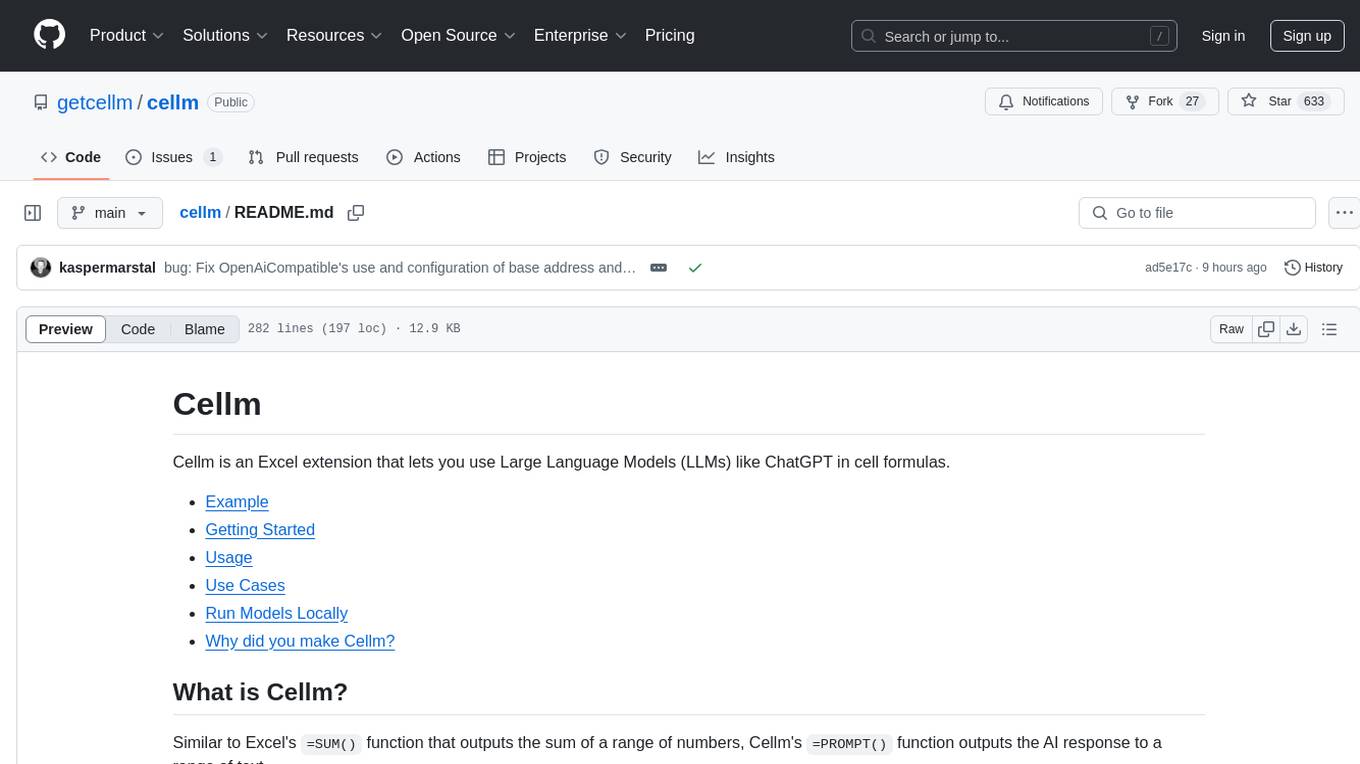
cellm
Cellm is an Excel extension that allows users to leverage Large Language Models (LLMs) like ChatGPT within cell formulas. It enables users to extract AI responses to text ranges, making it useful for automating repetitive tasks that involve data processing and analysis. Cellm supports various models from Anthropic, Mistral, OpenAI, and Google, as well as locally hosted models via Llamafiles, Ollama, or vLLM. The tool is designed to simplify the integration of AI capabilities into Excel for tasks such as text classification, data cleaning, content summarization, entity extraction, and more.
ROGRAG
ROGRAG is a powerful open-source tool designed for data analysis and visualization. It provides a user-friendly interface for exploring and manipulating datasets, making it ideal for researchers, data scientists, and analysts. With ROGRAG, users can easily import, clean, analyze, and visualize data to gain valuable insights and make informed decisions. The tool supports a wide range of data formats and offers a variety of statistical and visualization tools to help users uncover patterns, trends, and relationships in their data. Whether you are working on exploratory data analysis, statistical modeling, or data visualization, ROGRAG is a versatile tool that can streamline your workflow and enhance your data analysis capabilities.
datatune
Datatune is a data analysis tool designed to help users explore and analyze datasets efficiently. It provides a user-friendly interface for importing, cleaning, visualizing, and modeling data. With Datatune, users can easily perform tasks such as data preprocessing, feature engineering, model selection, and evaluation. The tool offers a variety of statistical and machine learning algorithms to support data analysis tasks. Whether you are a data scientist, analyst, or researcher, Datatune can streamline your data analysis workflow and help you derive valuable insights from your data.
trafilatura
Trafilatura is a Python package and command-line tool for gathering text on the Web and simplifying the process of turning raw HTML into structured, meaningful data. It includes components for web crawling, downloads, scraping, and extraction of main texts, metadata, and comments. The tool aims to focus on actual content, avoid noise, and make sense of data and metadata. It is robust, fast, and widely used by companies and institutions. Trafilatura outperforms other libraries in text extraction benchmarks and offers various features like support for sitemaps, parallel processing, configurable extraction of key elements, multiple output formats, and optional add-ons. The tool is actively maintained with regular updates and comprehensive documentation.
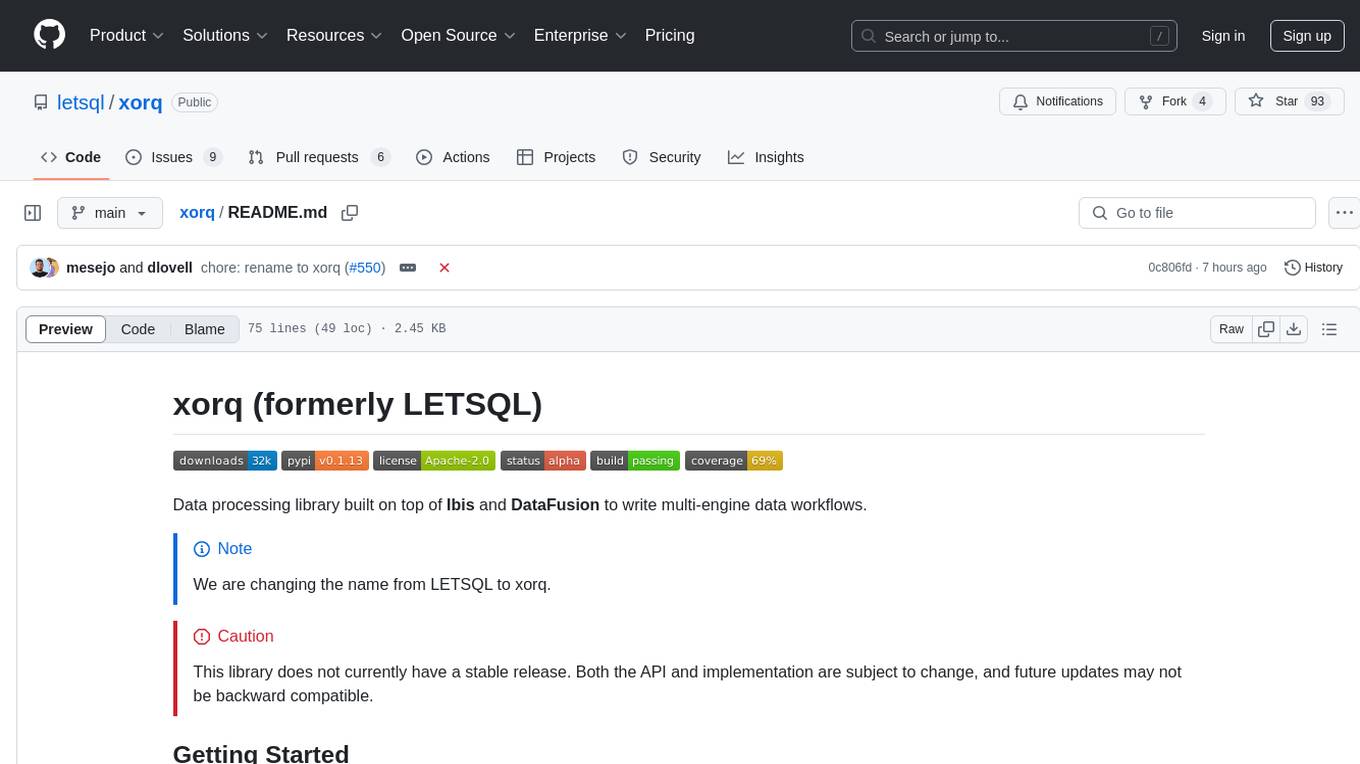
xorq
Xorq (formerly LETSQL) is a data processing library built on top of Ibis and DataFusion to write multi-engine data workflows. It provides a flexible and powerful tool for processing and analyzing data from various sources, enabling users to create complex data pipelines and perform advanced data transformations.
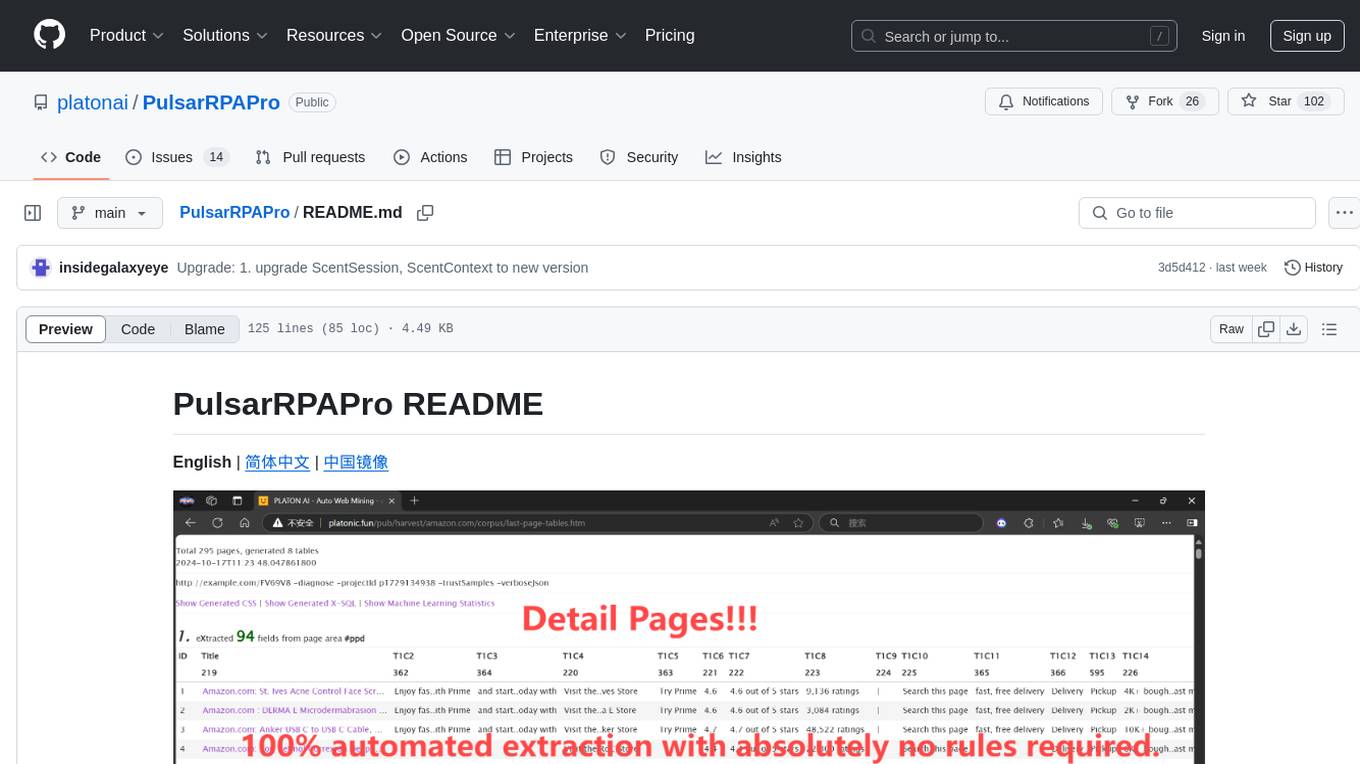
PulsarRPAPro
PulsarRPAPro is a powerful robotic process automation (RPA) tool designed to automate repetitive tasks and streamline business processes. It offers a user-friendly interface for creating and managing automation workflows, allowing users to easily automate tasks without the need for extensive programming knowledge. With features such as task scheduling, data extraction, and integration with various applications, PulsarRPAPro helps organizations improve efficiency and productivity by reducing manual work and human errors. Whether you are a small business looking to automate simple tasks or a large enterprise seeking to optimize complex processes, PulsarRPAPro provides the flexibility and scalability to meet your automation needs.
atlas
Atlas is a powerful data visualization tool that allows users to create interactive charts and graphs from their datasets. It provides a user-friendly interface for exploring and analyzing data, making it ideal for both beginners and experienced data analysts. With Atlas, users can easily customize the appearance of their visualizations, add filters and drill-down capabilities, and share their insights with others. The tool supports a wide range of data formats and offers various chart types to suit different data visualization needs. Whether you are looking to create simple bar charts or complex interactive dashboards, Atlas has you covered.
vizra-adk
Vizra-ADK is a data visualization tool that allows users to create interactive and customizable visualizations for their data. With a user-friendly interface and a wide range of customization options, Vizra-ADK makes it easy for users to explore and analyze their data in a visually appealing way. Whether you're a data scientist looking to create informative charts and graphs, or a business analyst wanting to present your findings in a compelling way, Vizra-ADK has you covered. The tool supports various data formats and provides features like filtering, sorting, and grouping to help users make sense of their data quickly and efficiently.
For similar tasks
langmanus
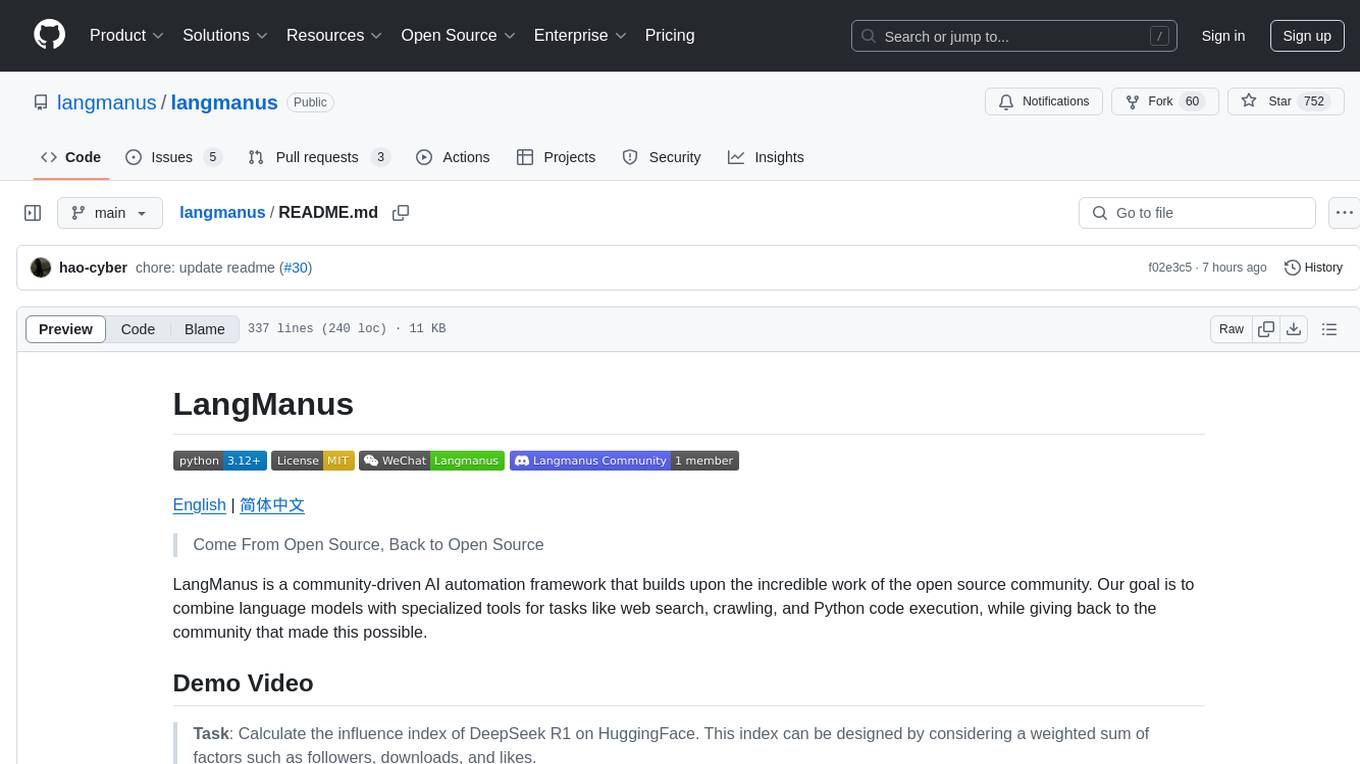
LangManus is a community-driven AI automation framework that combines language models with specialized tools for tasks like web search, crawling, and Python code execution. It implements a hierarchical multi-agent system with agents like Coordinator, Planner, Supervisor, Researcher, Coder, Browser, and Reporter. The framework supports LLM integration, search and retrieval tools, Python integration, workflow management, and visualization. LangManus aims to give back to the open-source community and welcomes contributions in various forms.
waidrin
Waidrin is a powerful web scraping tool that allows users to easily extract data from websites. It provides a user-friendly interface for creating custom web scraping scripts and supports various data formats for exporting the extracted data. With Waidrin, users can automate the process of collecting information from multiple websites, saving time and effort. The tool is designed to be flexible and scalable, making it suitable for both beginners and advanced users in the field of web scraping.
HyperAgent
HyperAgent is a powerful tool for automating repetitive tasks in web scraping and data extraction. It provides a user-friendly interface to create custom web scraping scripts without the need for extensive coding knowledge. With HyperAgent, users can easily extract data from websites, transform it into structured formats, and save it for further analysis. The tool supports various data formats and offers scheduling options for automated data extraction at regular intervals. HyperAgent is suitable for individuals and businesses looking to streamline their data collection processes and improve efficiency in extracting information from the web.

Magick
Magick is a groundbreaking visual AIDE (Artificial Intelligence Development Environment) for no-code data pipelines and multimodal agents. Magick can connect to other services and comes with nodes and templates well-suited for intelligent agents, chatbots, complex reasoning systems and realistic characters.

danswer
Danswer is an open-source Gen-AI Chat and Unified Search tool that connects to your company's docs, apps, and people. It provides a Chat interface and plugs into any LLM of your choice. Danswer can be deployed anywhere and for any scale - on a laptop, on-premise, or to cloud. Since you own the deployment, your user data and chats are fully in your own control. Danswer is MIT licensed and designed to be modular and easily extensible. The system also comes fully ready for production usage with user authentication, role management (admin/basic users), chat persistence, and a UI for configuring Personas (AI Assistants) and their Prompts. Danswer also serves as a Unified Search across all common workplace tools such as Slack, Google Drive, Confluence, etc. By combining LLMs and team specific knowledge, Danswer becomes a subject matter expert for the team. Imagine ChatGPT if it had access to your team's unique knowledge! It enables questions such as "A customer wants feature X, is this already supported?" or "Where's the pull request for feature Y?"

semantic-kernel
Semantic Kernel is an SDK that integrates Large Language Models (LLMs) like OpenAI, Azure OpenAI, and Hugging Face with conventional programming languages like C#, Python, and Java. Semantic Kernel achieves this by allowing you to define plugins that can be chained together in just a few lines of code. What makes Semantic Kernel _special_ , however, is its ability to _automatically_ orchestrate plugins with AI. With Semantic Kernel planners, you can ask an LLM to generate a plan that achieves a user's unique goal. Afterwards, Semantic Kernel will execute the plan for the user.

floneum
Floneum is a graph editor that makes it easy to develop your own AI workflows. It uses large language models (LLMs) to run AI models locally, without any external dependencies or even a GPU. This makes it easy to use LLMs with your own data, without worrying about privacy. Floneum also has a plugin system that allows you to improve the performance of LLMs and make them work better for your specific use case. Plugins can be used in any language that supports web assembly, and they can control the output of LLMs with a process similar to JSONformer or guidance.
mindsdb
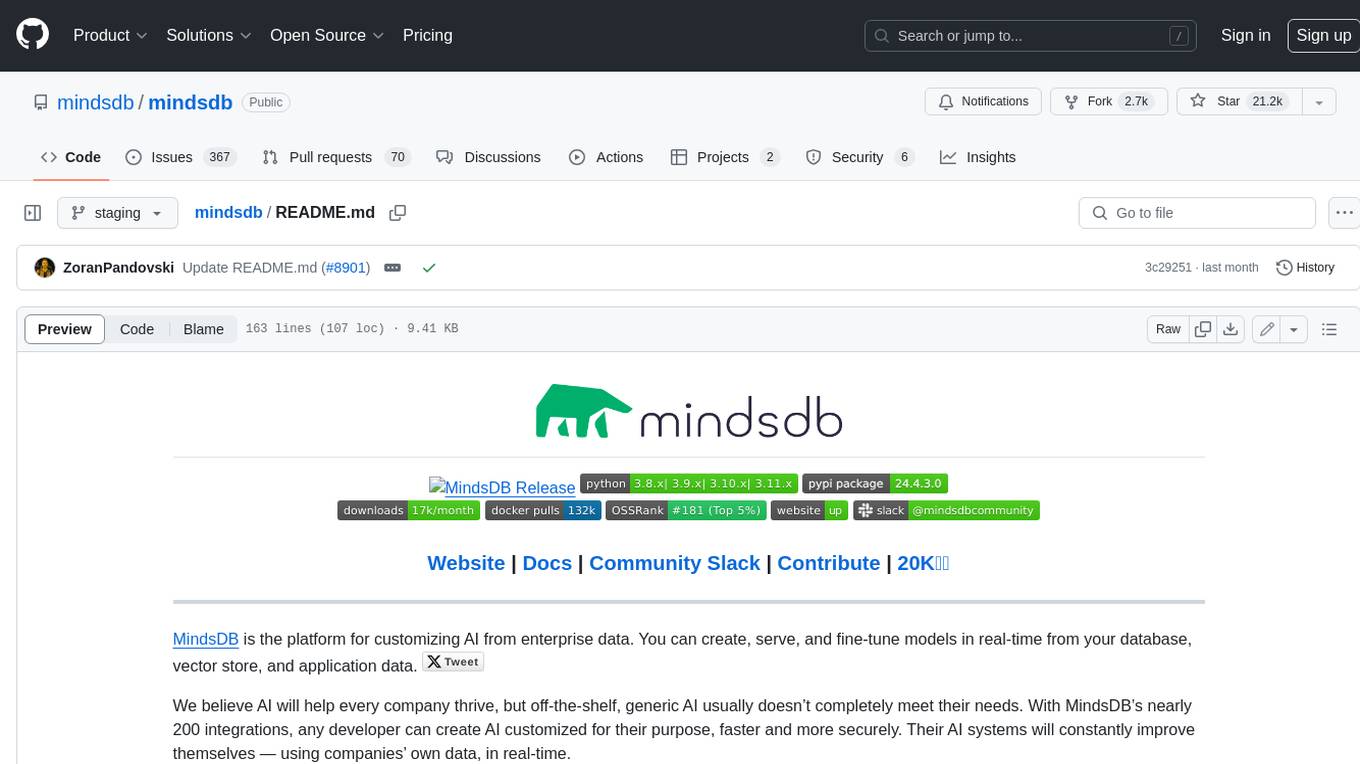
MindsDB is a platform for customizing AI from enterprise data. You can create, serve, and fine-tune models in real-time from your database, vector store, and application data. MindsDB "enhances" SQL syntax with AI capabilities to make it accessible for developers worldwide. With MindsDB’s nearly 200 integrations, any developer can create AI customized for their purpose, faster and more securely. Their AI systems will constantly improve themselves — using companies’ own data, in real-time.
For similar jobs
databerry
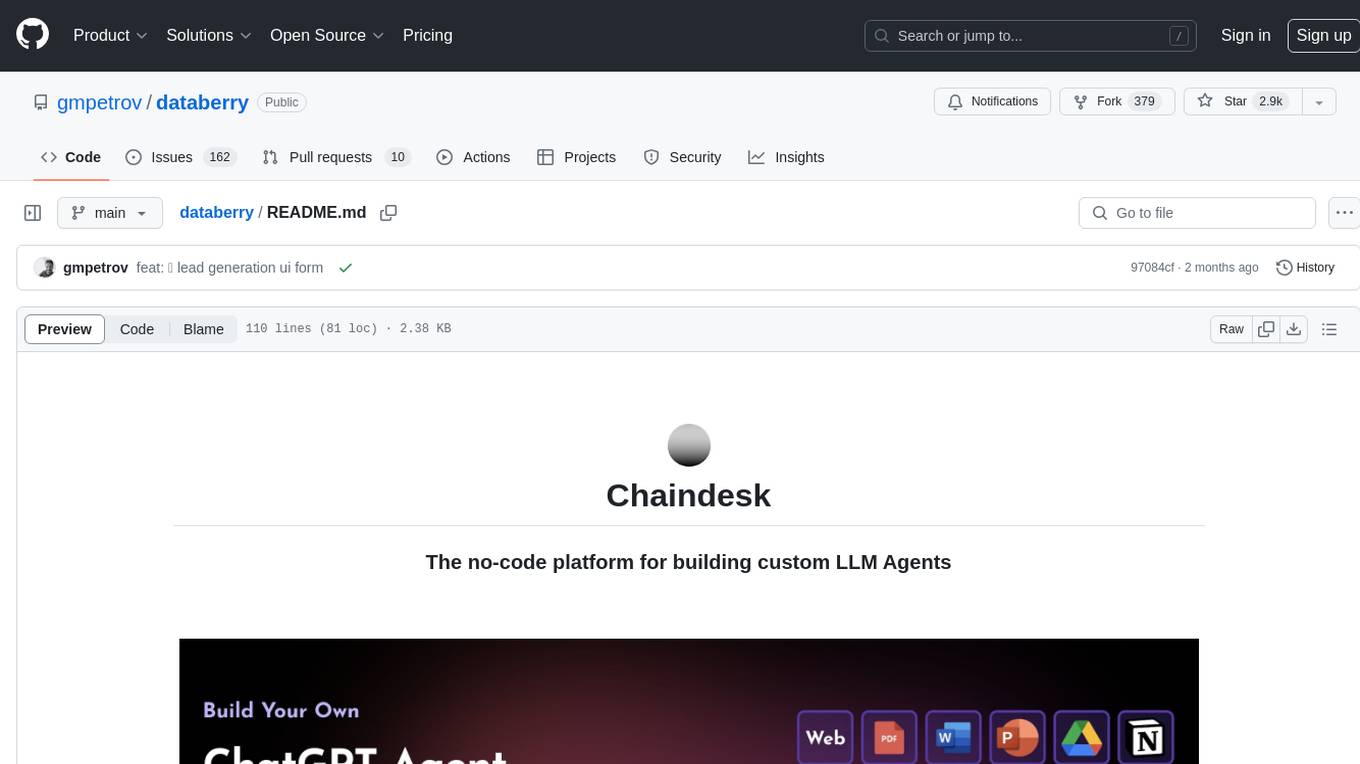
Chaindesk is a no-code platform that allows users to easily set up a semantic search system for personal data without technical knowledge. It supports loading data from various sources such as raw text, web pages, files (Word, Excel, PowerPoint, PDF, Markdown, Plain Text), and upcoming support for web sites, Notion, and Airtable. The platform offers a user-friendly interface for managing datastores, querying data via a secure API endpoint, and auto-generating ChatGPT Plugins for each datastore. Chaindesk utilizes a Vector Database (Qdrant), Openai's text-embedding-ada-002 for embeddings, and has a chunk size of 1024 tokens. The technology stack includes Next.js, Joy UI, LangchainJS, PostgreSQL, Prisma, and Qdrant, inspired by the ChatGPT Retrieval Plugin.
OAD
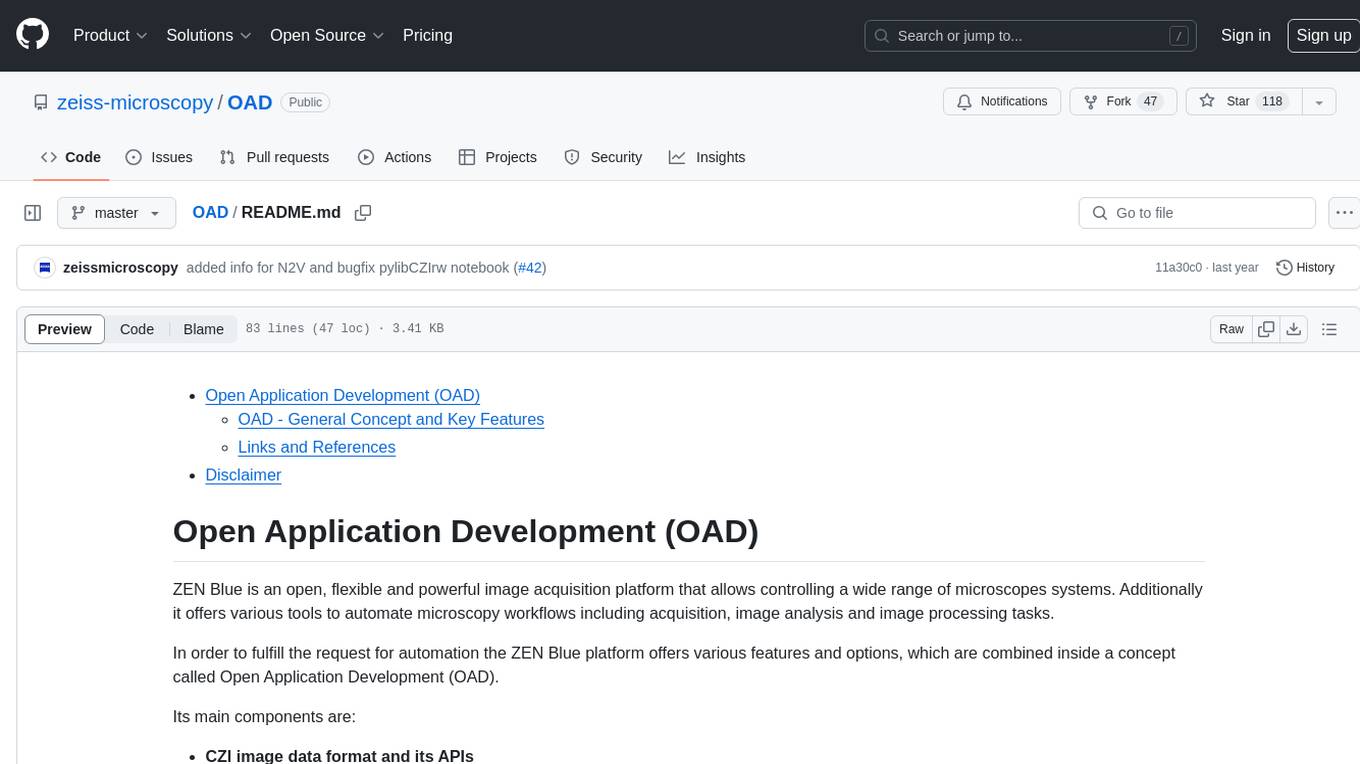
OAD is a powerful open-source tool for analyzing and visualizing data. It provides a user-friendly interface for exploring datasets, generating insights, and creating interactive visualizations. With OAD, users can easily import data from various sources, clean and preprocess data, perform statistical analysis, and create customizable visualizations to communicate findings effectively. Whether you are a data scientist, analyst, or researcher, OAD can help you streamline your data analysis workflow and uncover valuable insights from your data.
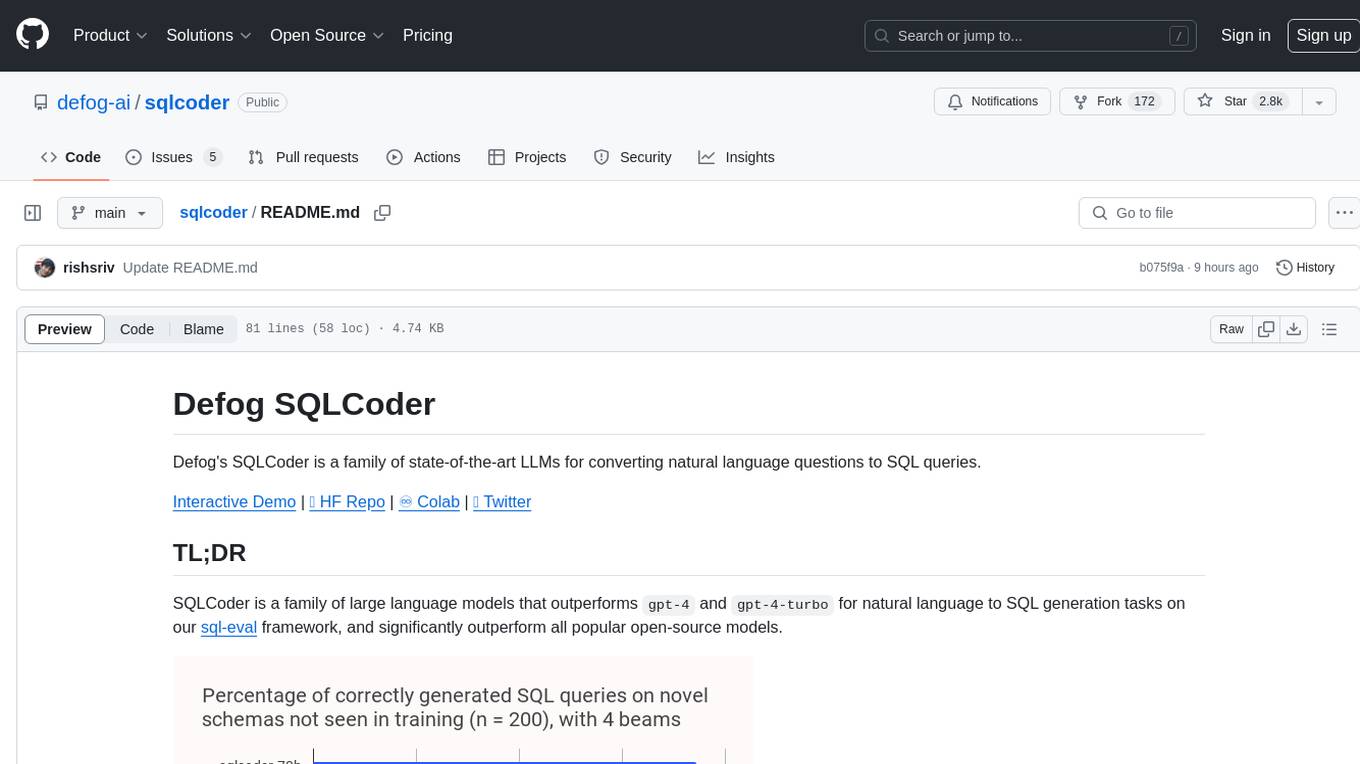
sqlcoder
Defog's SQLCoder is a family of state-of-the-art large language models (LLMs) designed for converting natural language questions into SQL queries. It outperforms popular open-source models like gpt-4 and gpt-4-turbo on SQL generation tasks. SQLCoder has been trained on more than 20,000 human-curated questions based on 10 different schemas, and the model weights are licensed under CC BY-SA 4.0. Users can interact with SQLCoder through the 'transformers' library and run queries using the 'sqlcoder launch' command in the terminal. The tool has been tested on NVIDIA GPUs with more than 16GB VRAM and Apple Silicon devices with some limitations. SQLCoder offers a demo on their website and supports quantized versions of the model for consumer GPUs with sufficient memory.
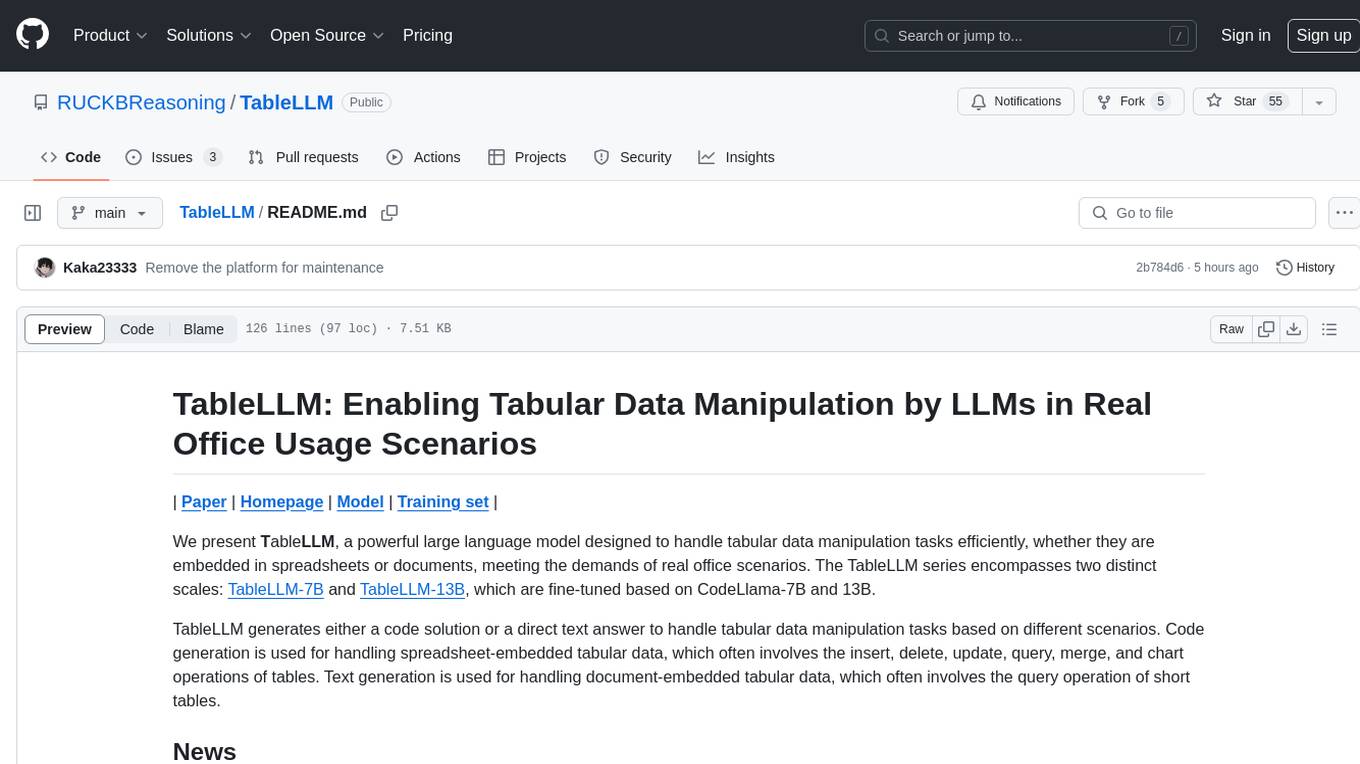
TableLLM
TableLLM is a large language model designed for efficient tabular data manipulation tasks in real office scenarios. It can generate code solutions or direct text answers for tasks like insert, delete, update, query, merge, and chart operations on tables embedded in spreadsheets or documents. The model has been fine-tuned based on CodeLlama-7B and 13B, offering two scales: TableLLM-7B and TableLLM-13B. Evaluation results show its performance on benchmarks like WikiSQL, Spider, and self-created table operation benchmark. Users can use TableLLM for code and text generation tasks on tabular data.
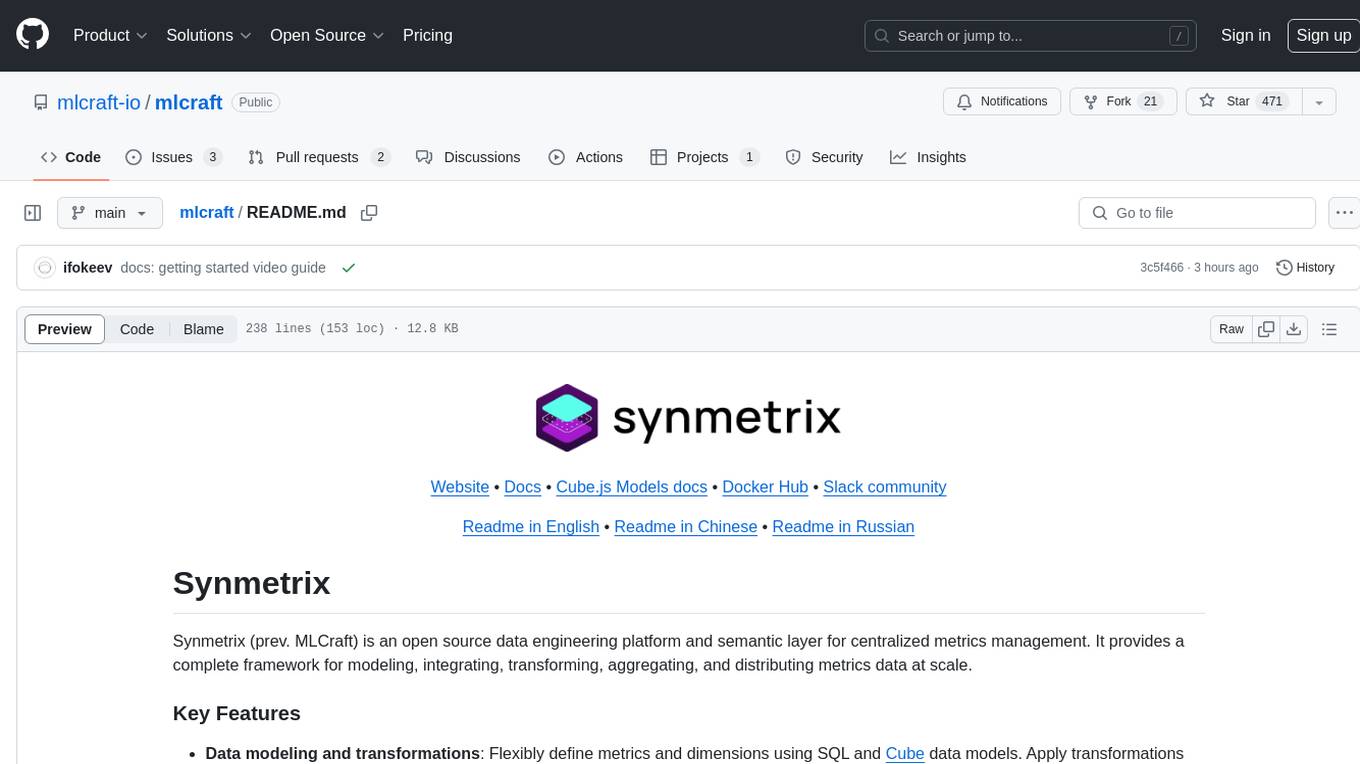
mlcraft
Synmetrix (prev. MLCraft) is an open source data engineering platform and semantic layer for centralized metrics management. It provides a complete framework for modeling, integrating, transforming, aggregating, and distributing metrics data at scale. Key features include data modeling and transformations, semantic layer for unified data model, scheduled reports and alerts, versioning, role-based access control, data exploration, caching, and collaboration on metrics modeling. Synmetrix leverages Cube (Cube.js) for flexible data models that consolidate metrics from various sources, enabling downstream distribution via a SQL API for integration into BI tools, reporting, dashboards, and data science. Use cases include data democratization, business intelligence, embedded analytics, and enhancing accuracy in data handling and queries. The tool speeds up data-driven workflows from metrics definition to consumption by combining data engineering best practices with self-service analytics capabilities.
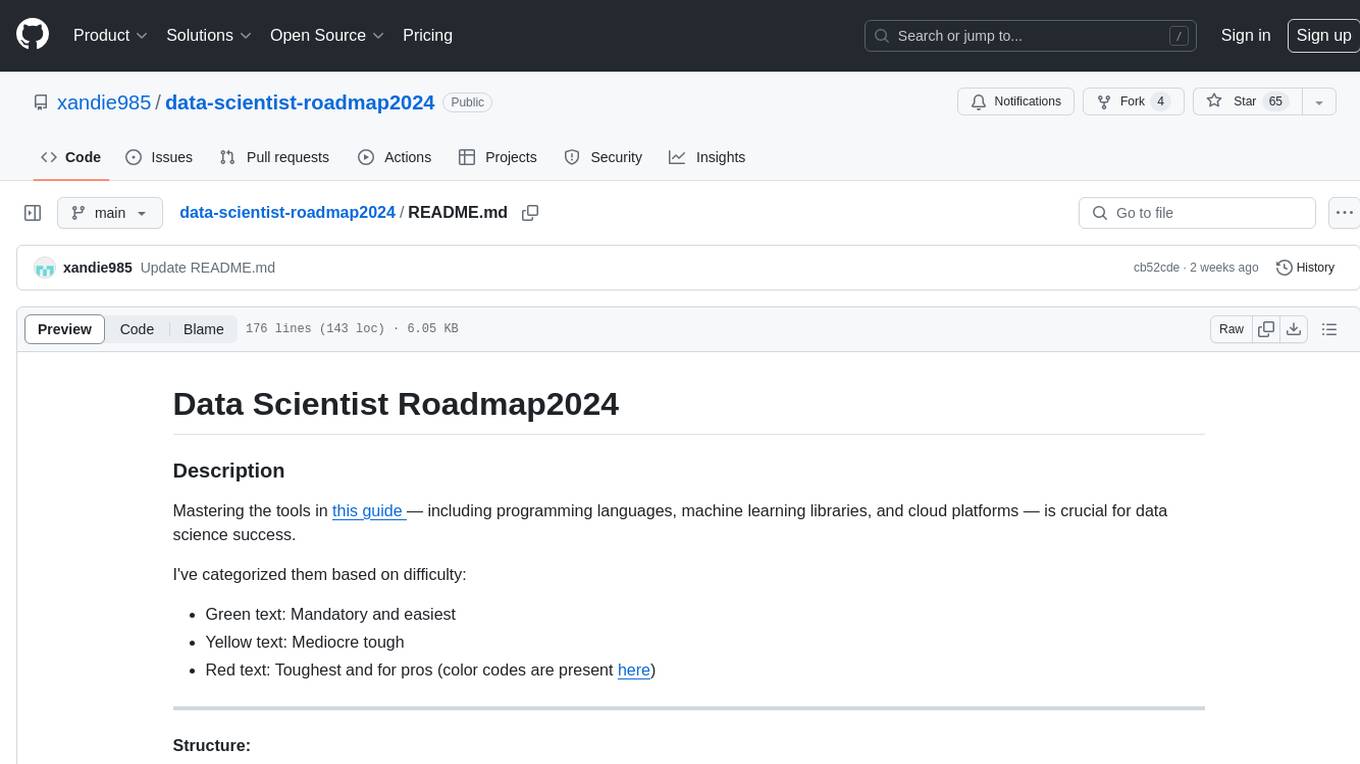
data-scientist-roadmap2024
The Data Scientist Roadmap2024 provides a comprehensive guide to mastering essential tools for data science success. It includes programming languages, machine learning libraries, cloud platforms, and concepts categorized by difficulty. The roadmap covers a wide range of topics from programming languages to machine learning techniques, data visualization tools, and DevOps/MLOps tools. It also includes web development frameworks and specific concepts like supervised and unsupervised learning, NLP, deep learning, reinforcement learning, and statistics. Additionally, it delves into DevOps tools like Airflow and MLFlow, data visualization tools like Tableau and Matplotlib, and other topics such as ETL processes, optimization algorithms, and financial modeling.
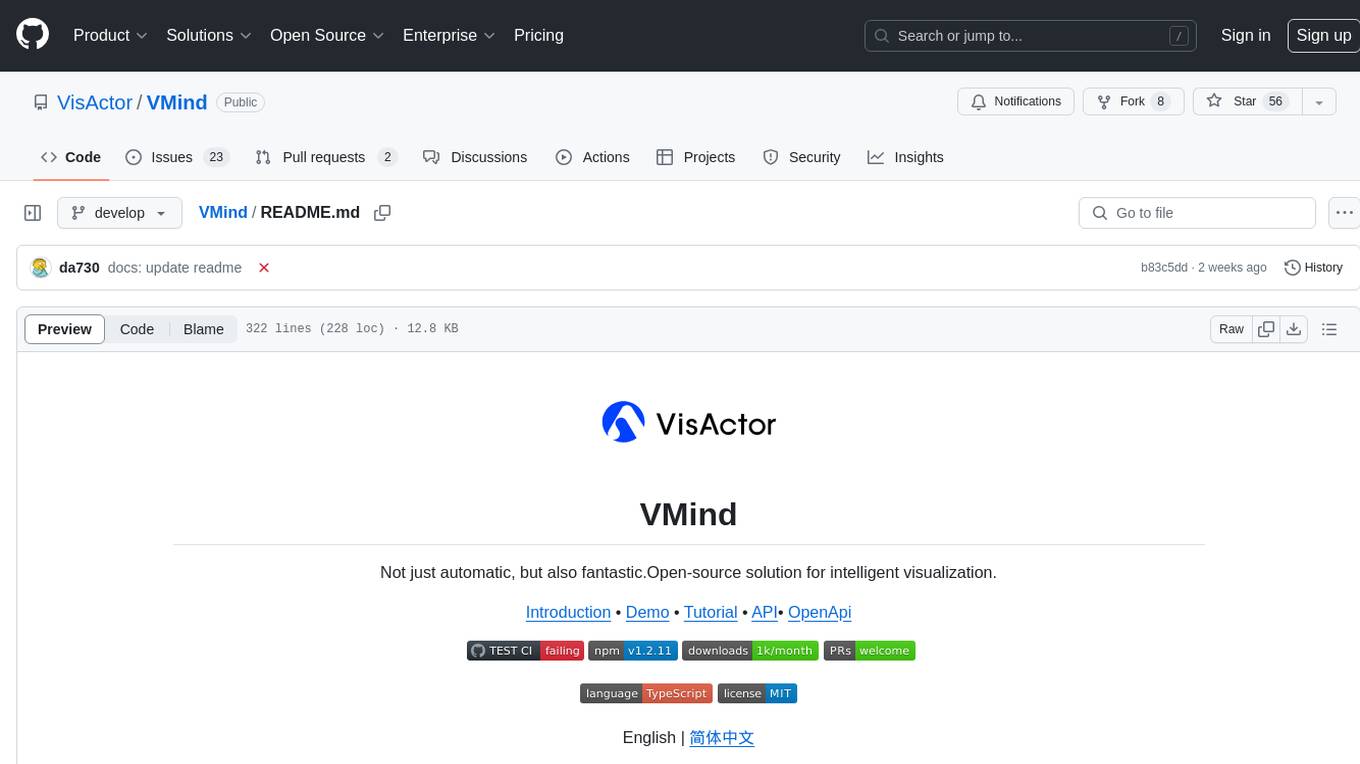
VMind
VMind is an open-source solution for intelligent visualization, providing an intelligent chart component based on LLM by VisActor. It allows users to create chart narrative works with natural language interaction, edit charts through dialogue, and export narratives as videos or GIFs. The tool is easy to use, scalable, supports various chart types, and offers one-click export functionality. Users can customize chart styles, specify themes, and aggregate data using LLM models. VMind aims to enhance efficiency in creating data visualization works through dialogue-based editing and natural language interaction.
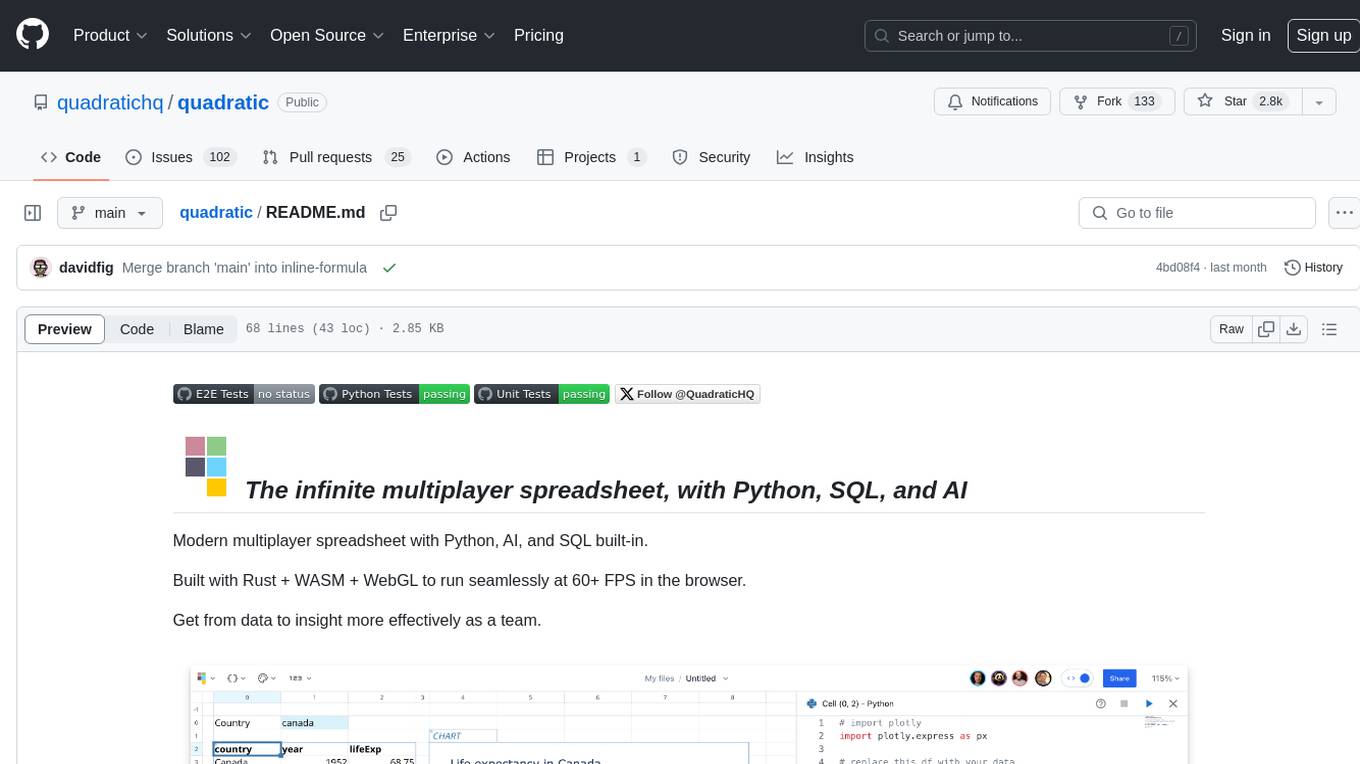
quadratic
Quadratic is a modern multiplayer spreadsheet application that integrates Python, AI, and SQL functionalities. It aims to streamline team collaboration and data analysis by enabling users to pull data from various sources and utilize popular data science tools. The application supports building dashboards, creating internal tools, mixing data from different sources, exploring data for insights, visualizing Python workflows, and facilitating collaboration between technical and non-technical team members. Quadratic is built with Rust + WASM + WebGL to ensure seamless performance in the browser, and it offers features like WebGL Grid, local file management, Python and Pandas support, Excel formula support, multiplayer capabilities, charts and graphs, and team support. The tool is currently in Beta with ongoing development for additional features like JS support, SQL database support, and AI auto-complete.