


echokit_box
ESP32 firmware for the EchoKit voice device
Stars: 61
EchoKit is a tool for setting up and flashing firmware on the EchoKit device. It provides instructions for flashing the device image, installing necessary dependencies, building firmware from source, and flashing the firmware onto the device. The tool also includes steps for resetting the device and configuring it to connect to an EchoKit server for full functionality.
README:
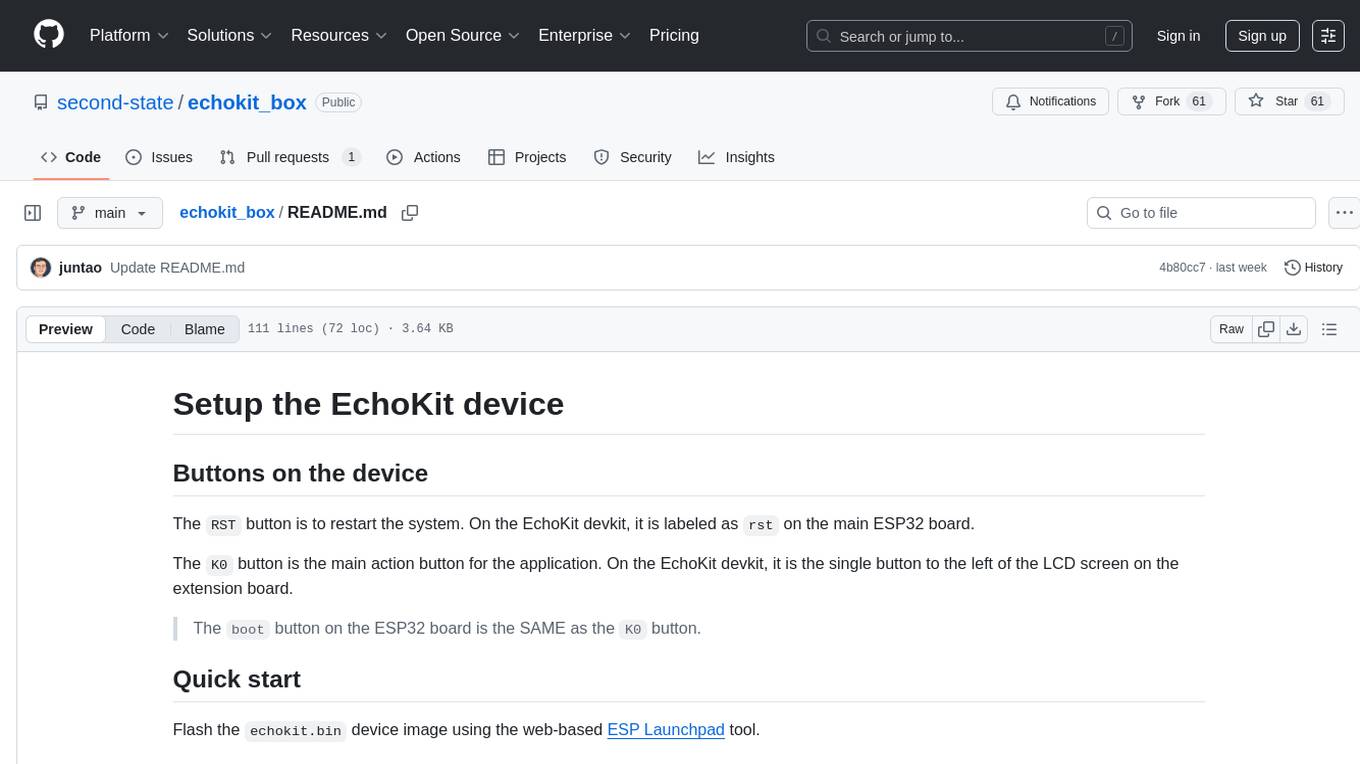
The RST button is to restart the system. On the EchoKit devkit, it is labeled as rst on the main ESP32 board.
The K0 button is the main action button for the application. On the EchoKit devkit, it is the single button to the left of the LCD screen on the extension board.
The
bootbutton on the ESP32 board is the SAME as theK0button.
Flash the echokit.bin device image using the web-based ESP Launchpad tool.
Assume that you installed the Rust compiler on your computer.
cargo install cargo-espflash espflash ldproxy
Get a pre-compiled binary version of the firmware. The firmware binary file is echokit.
curl -L -o echokit https://echokit.dev/firmware/echokit-boards
To build the echokit firmware file from source, you need to make sure that you install the OS-specific dependencies and then ESP toolchain for Rust. You can then build from the source and find the binary firmware in target/xtensa-esp32s3-espidf/release/.
cargo build --release
Optional: Build the device image.
espflash save-image --chip esp32s3 --merge --flash-size 16mb target/xtensa-esp32s3-espidf/release/echokit echokit.bin
Alternative firmware
If you have the fully integrared box device, you can use the following command to download a pre-built binary.
curl -L -o echokit https://echokit.dev/firmware/echokit-box
To build it from the Rust source code.
cargo build --no-default-features --features box
Connect to your computer to the EchoKit device USB port labeled TTL. Allow the computer to accept connection from the device when prompted.
On many devices, there are two USB ports, but only the
SLAVEport can take commands from another computer. You must connect to thatSLAVEUSB port. The detected USB serial port should beJTAG. IT CANNOT beUSB Single.
espflash flash --monitor --flash-size 16mb echokit
The response is as follows.
[2025-04-28T16:51:43Z INFO ] Detected 2 serial ports
[2025-04-28T16:51:43Z INFO ] Ports which match a known common dev board are highlighted
[2025-04-28T16:51:43Z INFO ] Please select a port
✔ Remember this serial port for future use? · no
[2025-04-28T16:52:00Z INFO ] Serial port: '/dev/cu.usbmodem2101'
[2025-04-28T16:52:00Z INFO ] Connecting...
[2025-04-28T16:52:00Z INFO ] Using flash stub
Chip type:         esp32s3 (revision v0.2)
Crystal frequency: 40 MHz
Flash size:        8MB
Features:          WiFi, BLE
... ...
I (705) boot: Loaded app from partition at offset 0x10000
I (705) boot: Disabling RNG early entropy source...
I (716) cpu_start: Multicore app
If you have problem with flashing, try press down the
RSTbutton and, at the same time, press and release theboot(orK0) button. The device should enter into a special mode and be ready for flashing.
Reset the device (simulate the RST button or power up).
espflash reset
Delete the existing firmware if needed.
espflash erase-flash
You will need to configure and start up an EchoKit server, and then configure your device to connect to the server in order for the EchoKit device to be fully functional.
For Tasks:
Click tags to check more tools for each tasksFor Jobs:
Alternative AI tools for echokit_box
Similar Open Source Tools
echokit_box
EchoKit is a tool for setting up and flashing firmware on the EchoKit device. It provides instructions for flashing the device image, installing necessary dependencies, building firmware from source, and flashing the firmware onto the device. The tool also includes steps for resetting the device and configuring it to connect to an EchoKit server for full functionality.
frame-codebase
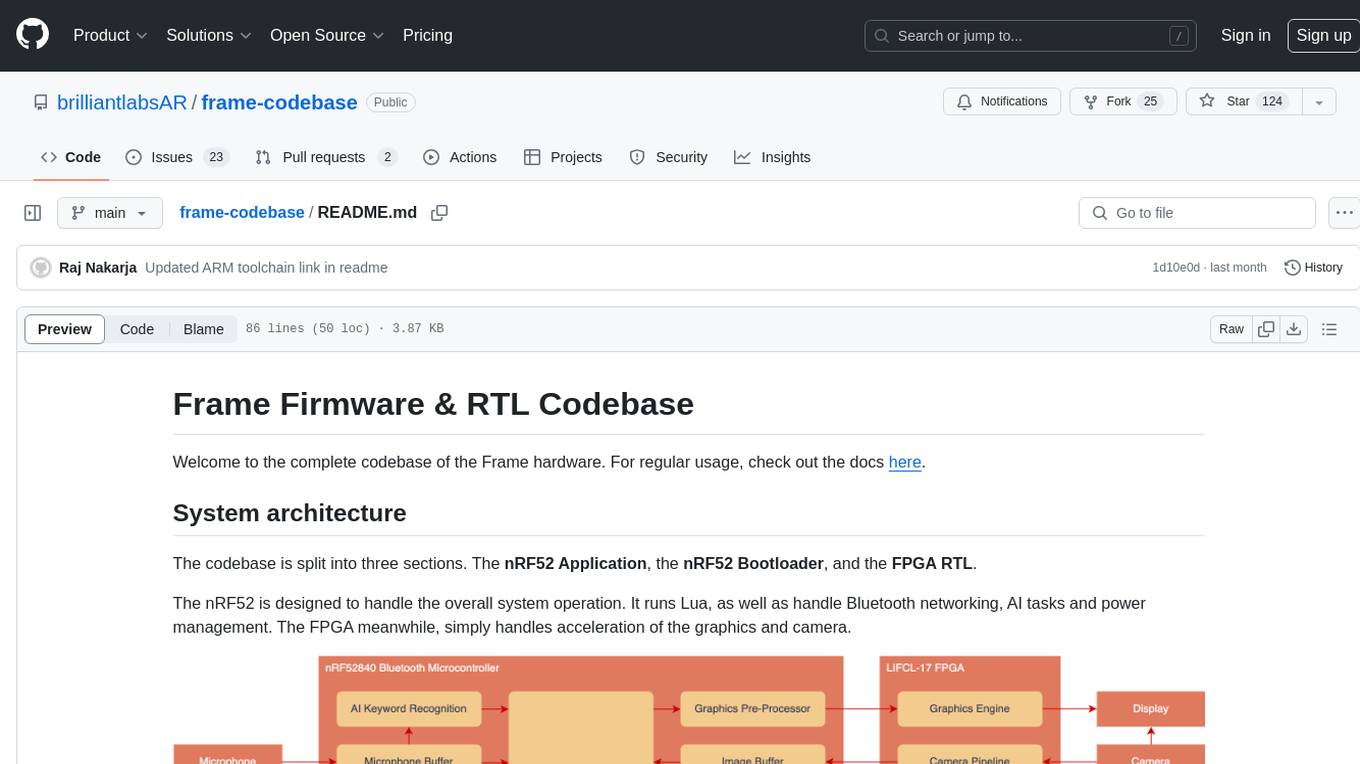
The Frame Firmware & RTL Codebase is a comprehensive repository containing code for the Frame hardware system architecture. It includes sections for nRF52 Application, nRF52 Bootloader, and FPGA RTL. The nRF52 handles system operation, Lua scripting, Bluetooth networking, AI tasks, and power management, while the FPGA accelerates graphics and camera processing. The repository provides instructions for firmware development, debugging in VSCode, and FPGA development using tools like ARM GCC Toolchain, nRF Command Line Tools, Yosys, Project Oxide, and nextpnr. Users can build and flash projects for nRF52840 DK, modify FPGA RTL, and access pre-built accelerators bundled in the repo.
ComfyUI
ComfyUI is a powerful and modular visual AI engine and application that allows users to design and execute advanced stable diffusion pipelines using a graph/nodes/flowchart based interface. It provides a user-friendly environment for creating complex Stable Diffusion workflows without the need for coding. ComfyUI supports various models for image, video, audio, and 3D processing, along with features like smart memory management, model loading, embeddings/textual inversion, and offline usage. Users can experiment with different models, create complex workflows, and optimize their processes efficiently.
LlamaEdge
The LlamaEdge project makes it easy to run LLM inference apps and create OpenAI-compatible API services for the Llama2 series of LLMs locally. It provides a Rust+Wasm stack for fast, portable, and secure LLM inference on heterogeneous edge devices. The project includes source code for text generation, chatbot, and API server applications, supporting all LLMs based on the llama2 framework in the GGUF format. LlamaEdge is committed to continuously testing and validating new open-source models and offers a list of supported models with download links and startup commands. It is cross-platform, supporting various OSes, CPUs, and GPUs, and provides troubleshooting tips for common errors.
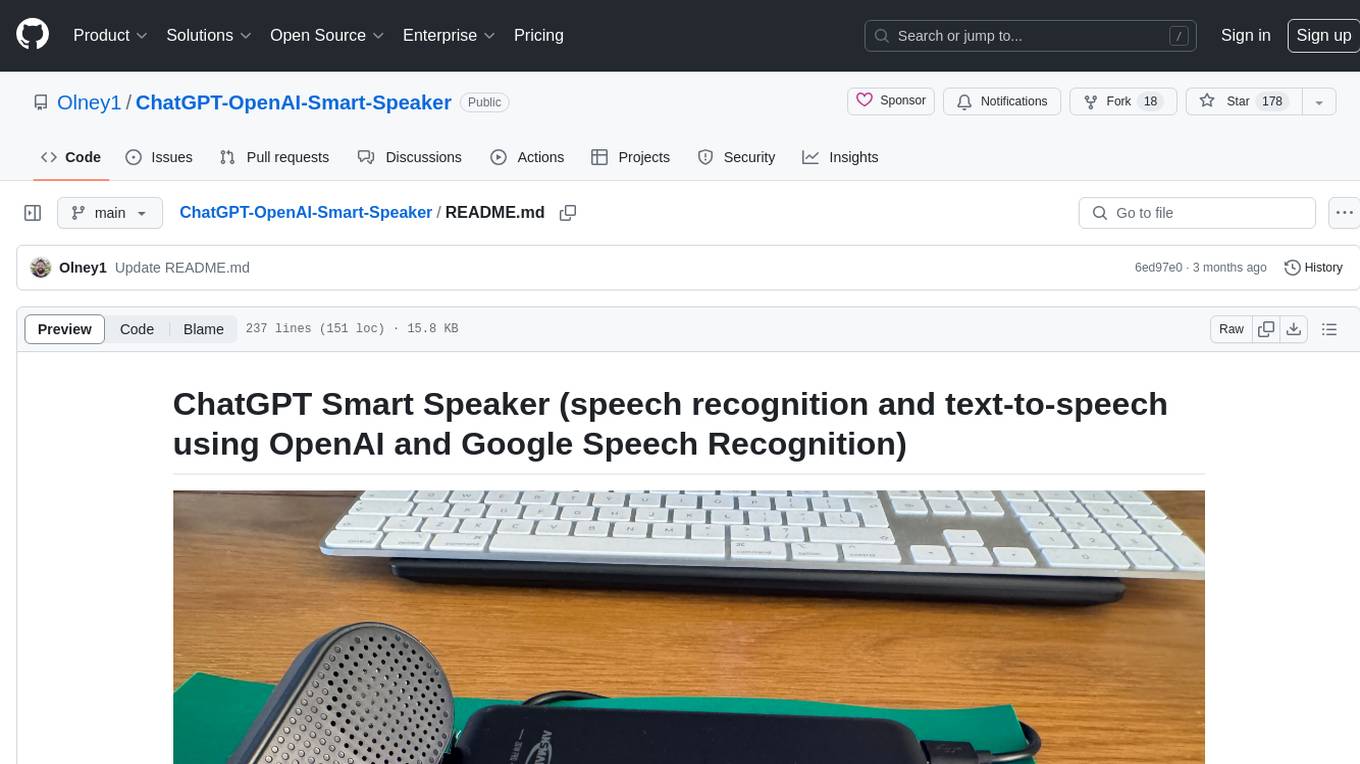
ChatGPT-OpenAI-Smart-Speaker
ChatGPT Smart Speaker is a project that enables speech recognition and text-to-speech functionalities using OpenAI and Google Speech Recognition. It provides scripts for running on PC/Mac and Raspberry Pi, allowing users to interact with a smart speaker setup. The project includes detailed instructions for setting up the required hardware and software dependencies, along with customization options for the OpenAI model engine, language settings, and response randomness control. The Raspberry Pi setup involves utilizing the ReSpeaker hardware for voice feedback and light shows. The project aims to offer an advanced smart speaker experience with features like wake word detection and response generation using AI models.
desktop
ComfyUI Desktop is a packaged desktop application that allows users to easily use ComfyUI with bundled features like ComfyUI source code, ComfyUI-Manager, and uv. It automatically installs necessary Python dependencies and updates with stable releases. The app comes with Electron, Chromium binaries, and node modules. Users can store ComfyUI files in a specified location and manage model paths. The tool requires Python 3.12+ and Visual Studio with Desktop C++ workload for Windows. It uses nvm to manage node versions and yarn as the package manager. Users can install ComfyUI and dependencies using comfy-cli, download uv, and build/launch the code. Troubleshooting steps include rebuilding modules and installing missing libraries. The tool supports debugging in VSCode and provides utility scripts for cleanup. Crash reports can be sent to help debug issues, but no personal data is included.
termax
Termax is an LLM agent in your terminal that converts natural language to commands. It is featured by: - Personalized Experience: Optimize the command generation with RAG. - Various LLMs Support: OpenAI GPT, Anthropic Claude, Google Gemini, Mistral AI, and more. - Shell Extensions: Plugin with popular shells like `zsh`, `bash` and `fish`. - Cross Platform: Able to run on Windows, macOS, and Linux.
CLI
Bito CLI provides a command line interface to the Bito AI chat functionality, allowing users to interact with the AI through commands. It supports complex automation and workflows, with features like long prompts and slash commands. Users can install Bito CLI on Mac, Linux, and Windows systems using various methods. The tool also offers configuration options for AI model type, access key management, and output language customization. Bito CLI is designed to enhance user experience in querying AI models and automating tasks through the command line interface.
screeps-starter-rust
screeps-starter-rust is a Rust AI starter kit for Screeps: World, a JavaScript-based MMO game. It utilizes the screeps-game-api bindings from the rustyscreeps organization and wasm-pack for building Rust code to WebAssembly. The example includes Rollup for bundling javascript, Babel for transpiling code, and screeps-api Node.js package for deployment. Users can refer to the Rust version of game APIs documentation at https://docs.rs/screeps-game-api/. The tool supports most crates on crates.io, except those interacting with OS APIs.
llamafile
llamafile is a tool that enables users to distribute and run Large Language Models (LLMs) with a single file. It combines llama.cpp with Cosmopolitan Libc to create a framework that simplifies the complexity of LLMs into a single-file executable called a 'llamafile'. Users can run these executable files locally on most computers without the need for installation, making open LLMs more accessible to developers and end users. llamafile also provides example llamafiles for various LLM models, allowing users to try out different LLMs locally. The tool supports multiple CPU microarchitectures, CPU architectures, and operating systems, making it versatile and easy to use.
nosia
Nosia is a platform that allows users to run an AI model on their own data. It is designed to be easy to install and use. Users can follow the provided guides for quickstart, API usage, upgrading, starting, stopping, and troubleshooting. The platform supports custom installations with options for remote Ollama instances, custom completion models, and custom embeddings models. Advanced installation instructions are also available for macOS with a Debian or Ubuntu VM setup. Users can access the platform at 'https://nosia.localhost' and troubleshoot any issues by checking logs and job statuses.
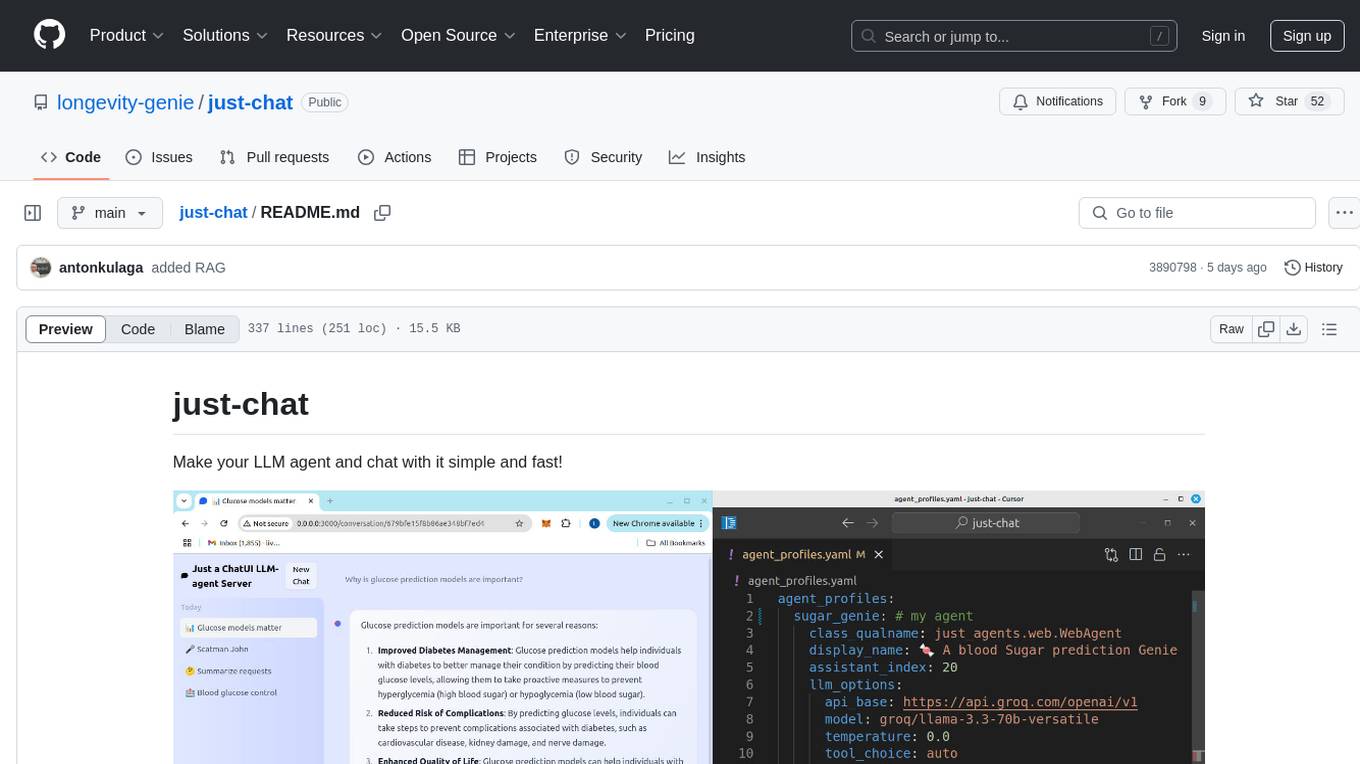
just-chat
Just-Chat is a containerized application that allows users to easily set up and chat with their AI agent. Users can customize their AI assistant using a YAML file, add new capabilities with Python tools, and interact with the agent through a chat web interface. The tool supports various modern models like DeepSeek Reasoner, ChatGPT, LLAMA3.3, etc. Users can also use semantic search capabilities with MeiliSearch to find and reference relevant information based on meaning. Just-Chat requires Docker or Podman for operation and provides detailed installation instructions for both Linux and Windows users.
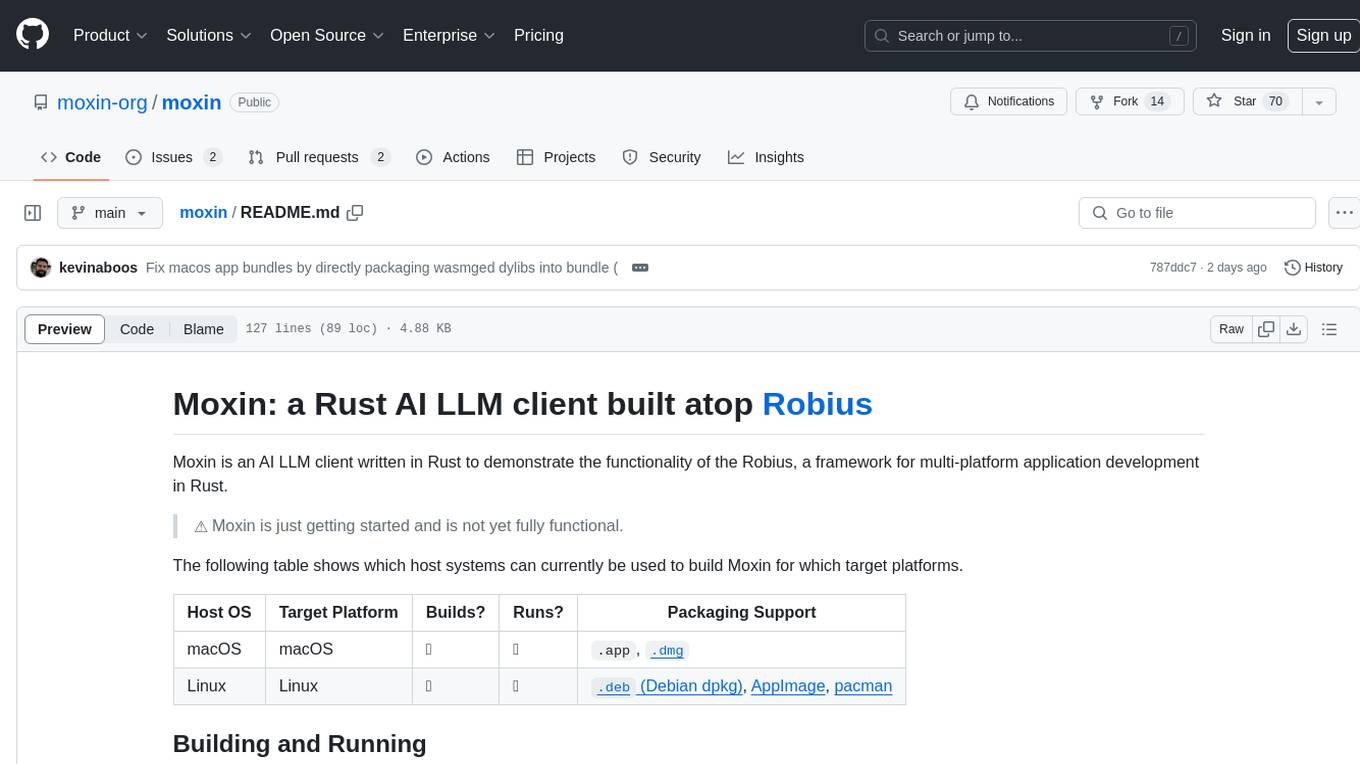
moxin
Moxin is an AI LLM client written in Rust to demonstrate the functionality of the Robius framework for multi-platform application development. It is currently in early stages of development and not fully functional. The tool supports building and running on macOS and Linux systems, with packaging options available for distribution. Users can install the required WasmEdge WASM runtime and dependencies to build and run Moxin. Packaging for distribution includes generating `.deb` Debian packages, AppImage, and pacman installation packages for Linux, as well as `.app` bundles and `.dmg` disk images for macOS. The macOS app is not signed, leading to a warning on installation, which can be resolved by removing the quarantine attribute from the installed app.
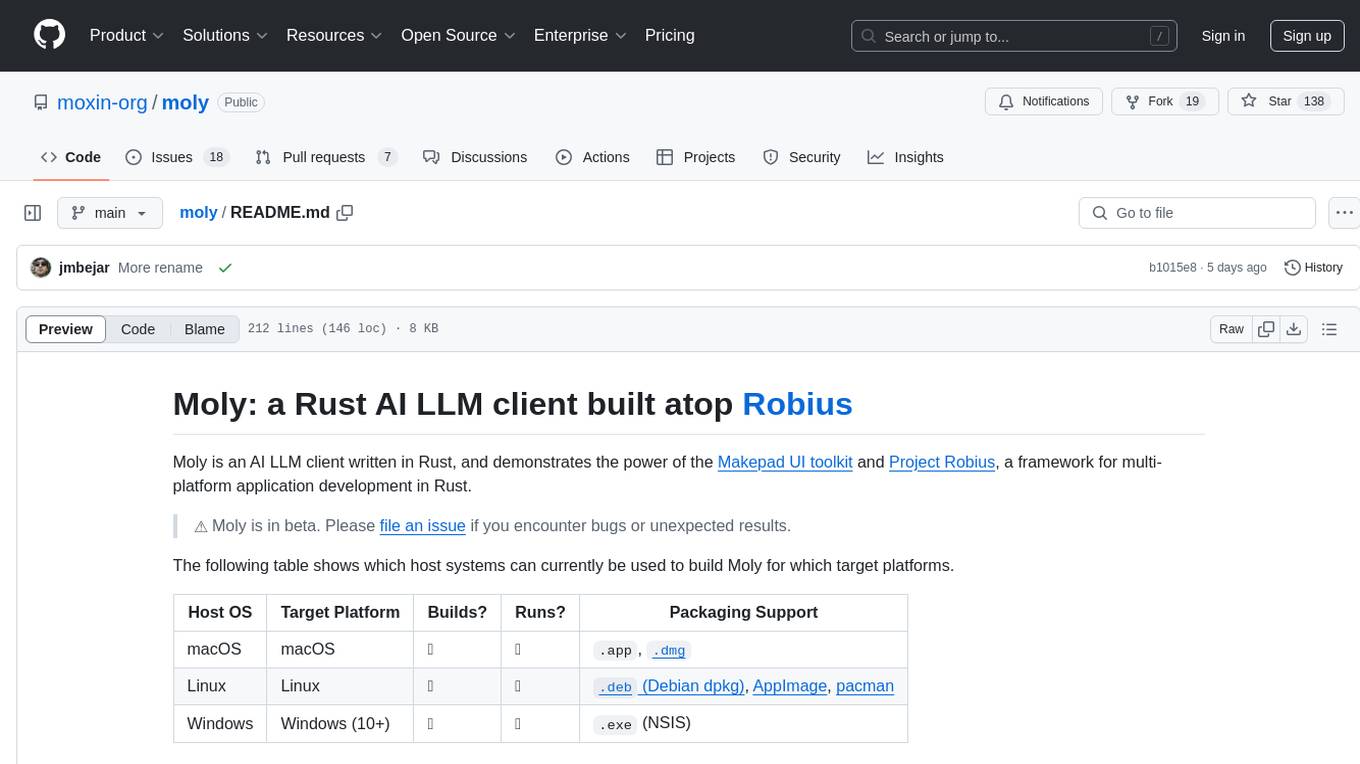
moly
Moly is an AI LLM client written in Rust, showcasing the capabilities of the Makepad UI toolkit and Project Robius, a framework for multi-platform application development in Rust. It is currently in beta, allowing users to build and run Moly on macOS, Linux, and Windows. The tool provides packaging support for different platforms, such as `.app`, `.dmg`, `.deb`, AppImage, pacman, and `.exe` (NSIS). Users can easily set up WasmEdge using `moly-runner` and leverage `cargo` commands to build and run Moly. Additionally, Moly offers pre-built releases for download and supports packaging for distribution on Linux, Windows, and macOS.
frontend
Nuclia frontend apps and libraries repository contains various frontend applications and libraries for the Nuclia platform. It includes components such as Dashboard, Widget, SDK, Sistema (design system), NucliaDB admin, CI/CD Deployment, and Maintenance page. The repository provides detailed instructions on installation, dependencies, and usage of these components for both Nuclia employees and external developers. It also covers deployment processes for different components and tools like ArgoCD for monitoring deployments and logs. The repository aims to facilitate the development, testing, and deployment of frontend applications within the Nuclia ecosystem.
fasttrackml
FastTrackML is an experiment tracking server focused on speed and scalability, fully compatible with MLFlow. It provides a user-friendly interface to track and visualize your machine learning experiments, making it easy to compare different models and identify the best performing ones. FastTrackML is open source and can be easily installed and run with pip or Docker. It is also compatible with the MLFlow Python package, making it easy to integrate with your existing MLFlow workflows.
For similar tasks
frame-codebase
The Frame Firmware & RTL Codebase is a comprehensive repository containing code for the Frame hardware system architecture. It includes sections for nRF52 Application, nRF52 Bootloader, and FPGA RTL. The nRF52 handles system operation, Lua scripting, Bluetooth networking, AI tasks, and power management, while the FPGA accelerates graphics and camera processing. The repository provides instructions for firmware development, debugging in VSCode, and FPGA development using tools like ARM GCC Toolchain, nRF Command Line Tools, Yosys, Project Oxide, and nextpnr. Users can build and flash projects for nRF52840 DK, modify FPGA RTL, and access pre-built accelerators bundled in the repo.
echokit_box
EchoKit is a tool for setting up and flashing firmware on the EchoKit device. It provides instructions for flashing the device image, installing necessary dependencies, building firmware from source, and flashing the firmware onto the device. The tool also includes steps for resetting the device and configuring it to connect to an EchoKit server for full functionality.
mac-studio-server
This repository provides configuration and scripts for running Ollama LLM server on Apple Silicon Macs in headless mode, optimized for performance and resource usage. It includes features like automatic startup, system resource optimization, external network access, proper logging setup, and SSH-based remote management. Users can customize the Ollama service configuration and enable optional GPU memory optimization and Docker autostart for container applications. The installation process disables unnecessary system services, configures power management, and optimizes for background operation while maintaining Screen Sharing capability for remote management. Performance considerations focus on reducing memory usage, disabling GUI-related services, minimizing background processes, preventing sleep/hibernation, and optimizing for headless operation.
mcp-server-qdrant
The mcp-server-qdrant repository is an official Model Context Protocol (MCP) server designed for keeping and retrieving memories in the Qdrant vector search engine. It acts as a semantic memory layer on top of the Qdrant database. The server provides tools like 'qdrant-store' for storing information in the database and 'qdrant-find' for retrieving relevant information. Configuration is done using environment variables, and the server supports different transport protocols. It can be installed using 'uvx' or Docker, and can also be installed via Smithery for Claude Desktop. The server can be used with Cursor/Windsurf as a code search tool by customizing tool descriptions. It can store code snippets and help developers find specific implementations or usage patterns. The repository is licensed under the Apache License 2.0.
gpt-home
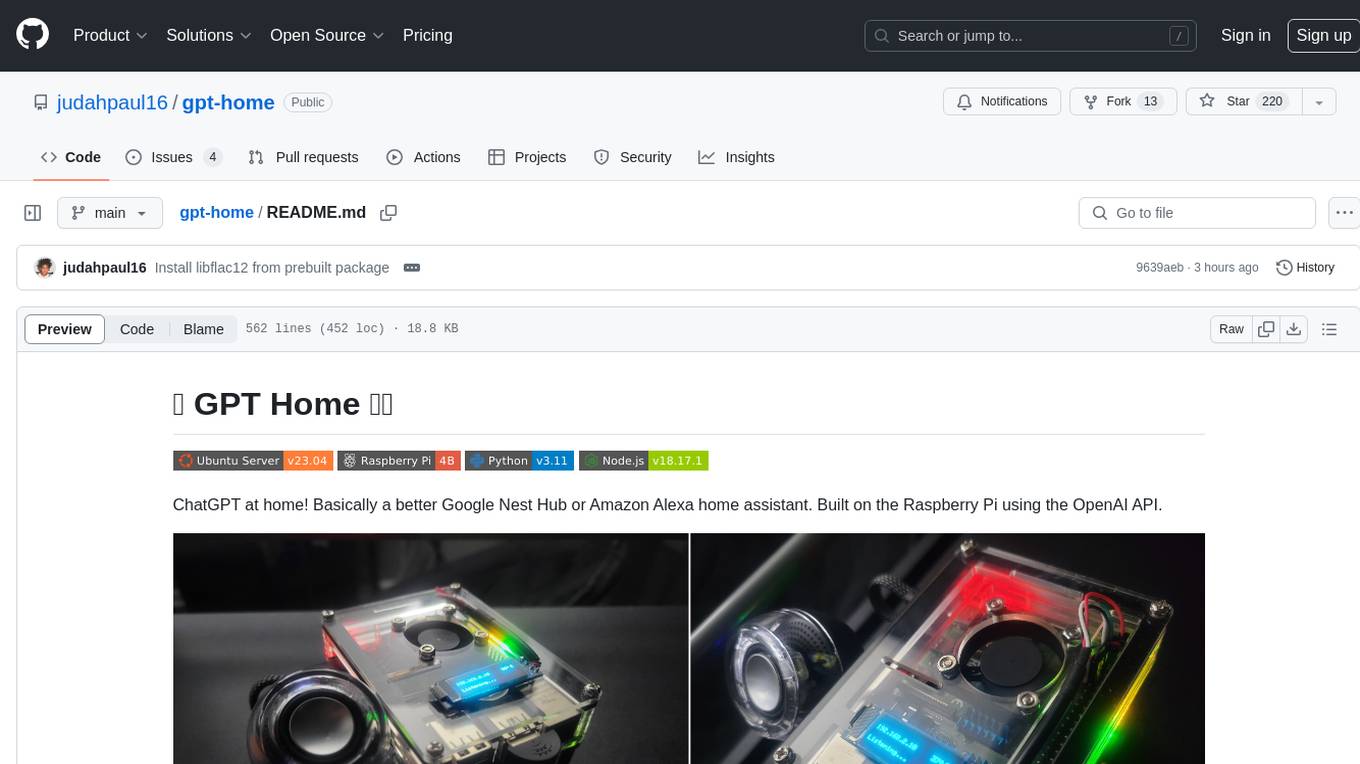
GPT Home is a project that allows users to build their own home assistant using Raspberry Pi and OpenAI API. It serves as a guide for setting up a smart home assistant similar to Google Nest Hub or Amazon Alexa. The project integrates various components like OpenAI, Spotify, Philips Hue, and OpenWeatherMap to provide a personalized home assistant experience. Users can follow the detailed instructions provided to build their own version of the home assistant on Raspberry Pi, with optional components for customization. The project also includes system configurations, dependencies installation, and setup scripts for easy deployment. Overall, GPT Home offers a DIY solution for creating a smart home assistant using Raspberry Pi and OpenAI technology.
comfy-cli
comfy-cli is a command line tool designed to simplify the installation and management of ComfyUI, an open-source machine learning framework. It allows users to easily set up ComfyUI, install packages, manage custom nodes, download checkpoints, and ensure cross-platform compatibility. The tool provides comprehensive documentation and examples to aid users in utilizing ComfyUI efficiently.
crewAI-tools
The crewAI Tools repository provides a guide for setting up tools for crewAI agents, enabling the creation of custom tools to enhance AI solutions. Tools play a crucial role in improving agent functionality. The guide explains how to equip agents with a range of tools and how to create new tools. Tools are designed to return strings for generating responses. There are two main methods for creating tools: subclassing BaseTool and using the tool decorator. Contributions to the toolset are encouraged, and the development setup includes steps for installing dependencies, activating the virtual environment, setting up pre-commit hooks, running tests, static type checking, packaging, and local installation. Enhance AI agent capabilities with advanced tooling.
aipan-netdisk-search
Aipan-Netdisk-Search is a free and open-source web project for searching netdisk resources. It utilizes third-party APIs with IP access restrictions, suggesting self-deployment. The project can be easily deployed on Vercel and provides instructions for manual deployment. Users can clone the project, install dependencies, run it in the browser, and access it at localhost:3001. The project also includes documentation for deploying on personal servers using NUXT.JS. Additionally, there are options for donations and communication via WeChat.
For similar jobs
executorch
ExecuTorch is an end-to-end solution for enabling on-device inference capabilities across mobile and edge devices including wearables, embedded devices and microcontrollers. It is part of the PyTorch Edge ecosystem and enables efficient deployment of PyTorch models to edge devices. Key value propositions of ExecuTorch are: * **Portability:** Compatibility with a wide variety of computing platforms, from high-end mobile phones to highly constrained embedded systems and microcontrollers. * **Productivity:** Enabling developers to use the same toolchains and SDK from PyTorch model authoring and conversion, to debugging and deployment to a wide variety of platforms. * **Performance:** Providing end users with a seamless and high-performance experience due to a lightweight runtime and utilizing full hardware capabilities such as CPUs, NPUs, and DSPs.
holoscan-sdk
The Holoscan SDK is part of NVIDIA Holoscan, the AI sensor processing platform that combines hardware systems for low-latency sensor and network connectivity, optimized libraries for data processing and AI, and core microservices to run streaming, imaging, and other applications, from embedded to edge to cloud. It can be used to build streaming AI pipelines for a variety of domains, including Medical Devices, High Performance Computing at the Edge, Industrial Inspection and more.
panda
Panda is a car interface tool that speaks CAN and CAN FD, running on STM32F413 and STM32H725. It provides safety modes and controls_allowed feature for message handling. The tool ensures code rigor through CI regression tests, including static code analysis, MISRA C:2012 violations check, unit tests, and hardware-in-the-loop tests. The software interface supports Python library, C++ library, and socketcan in kernel. Panda is licensed under the MIT license.
aiocoap
aiocoap is a Python library that implements the Constrained Application Protocol (CoAP) using native asyncio methods in Python 3. It supports various CoAP standards such as RFC7252, RFC7641, RFC7959, RFC8323, RFC7967, RFC8132, RFC9176, RFC8613, and draft-ietf-core-oscore-groupcomm-17. The library provides features for clients and servers, including multicast support, blockwise transfer, CoAP over TCP, TLS, and WebSockets, No-Response, PATCH/FETCH, OSCORE, and Group OSCORE. It offers an easy-to-use interface for concurrent operations and is suitable for IoT applications.

CPP-Notes
CPP-Notes is a comprehensive repository providing detailed insights into the history, evolution, and modern development of the C++ programming language. It covers the foundational concepts of C++ and its transition from C, highlighting key features such as object-oriented programming, generic programming, and modern enhancements introduced in C++11/14/17. The repository delves into the significance of C++ in system programming, library development, and its role as a versatile and efficient language. It explores the historical milestones of C++ development, from its inception in 1979 by Bjarne Stroustrup to the latest C++20 standard, showcasing major advancements like Concepts, Ranges library, Coroutines, Modules, and enhanced concurrency features.
AI-on-the-edge-device
AI-on-the-edge-device is a project that enables users to digitize analog water, gas, power, and other meters using an ESP32 board with a supported camera. It integrates Tensorflow Lite for AI processing, offers a small and affordable device with integrated camera and illumination, provides a web interface for administration and control, supports Homeassistant, Influx DB, MQTT, and REST API. The device captures meter images, extracts Regions of Interest (ROIs), runs them through AI for digitization, and allows users to send data to MQTT, InfluxDb, or access it via REST API. The project also includes 3D-printable housing options and tools for logfile management.
rknn-llm
RKLLM software stack is a toolkit designed to help users quickly deploy AI models to Rockchip chips. It consists of RKLLM-Toolkit for model conversion and quantization, RKLLM Runtime for deploying models on Rockchip NPU platform, and RKNPU kernel driver for hardware interaction. The toolkit supports RK3588 and RK3576 series chips and various models like TinyLLAMA, Qwen, Phi, ChatGLM3, Gemma, InternLM2, and MiniCPM. Users can download packages, docker images, examples, and docs from RKLLM_SDK. Additionally, RKNN-Toolkit2 SDK is available for deploying additional AI models.
awesome-RK3588
RK3588 is a flagship 8K SoC chip by Rockchip, integrating Cortex-A76 and Cortex-A55 cores with NEON coprocessor for 8K video codec. This repository curates resources for developing with RK3588, including official resources, RKNN models, projects, development boards, documentation, tools, and sample code.