


OwnPilot
Privacy-first personal AI assistant platform with autonomous agents, tool orchestration, and multi-provider support.
Stars: 64
OwnPilot is a privacy-first personal AI assistant platform that offers autonomous agents, tool orchestration, multi-provider support, MCP integration, and Telegram connectivity. It features multi-provider support with various native and aggregator providers, local AI support, smart provider routing, context management, streaming responses, and configurable agents. The platform includes 170+ built-in tools across 28 categories, meta-tool proxy, tool namespaces, MCP client/server support, skill packages, custom tools, connected apps, tool limits, and natural language tool discovery. Personal data management includes notes, tasks, bookmarks, contacts, calendar, expenses, productivity tools, memories, goals, and custom data tables. Autonomy & automation features 5 autonomy levels, triggers, heartbeats, plans, risk assessment, and automatic risk scoring. Communication channels include a web UI built with React, a Telegram bot, WebSocket for real-time broadcasts, and a REST API with standardized responses. Security features include zero-dependency crypto, PII detection & redaction, sandboxed code execution, 4-layer security model, code execution approval, authentication modes, rate limiting, and tamper-evident audit. The architecture includes core, gateway, UI, channels, CLI, AI providers, agent system, tool system, MCP integration, personal data, autonomy & automation, database, security & privacy, code execution, and API reference. The platform is built with TypeScript, Node.js, PostgreSQL, React, Vite, Tailwind CSS, and Grammy for Telegram integration.
README:
Privacy-first personal AI assistant platform with autonomous agents, tool orchestration, multi-provider support, MCP integration, and Telegram connectivity.
Self-hosted. Your data stays yours.
- Features
- Architecture
- Quick Start
- Project Structure
- Packages
- AI Providers
- Agent System
- Tool System
- MCP Integration
- Personal Data
- Autonomy & Automation
- Database
- Security & Privacy
- API Reference
- Configuration
- Deployment
- Development
- License
- Multi-Provider Support — 4 native providers (OpenAI, Anthropic, Google, Zhipu) + 8 aggregator providers (Together AI, Groq, Fireworks, DeepInfra, OpenRouter, Perplexity, Cerebras, fal.ai) + any OpenAI-compatible endpoint
- Local AI Support — Ollama, LM Studio, LocalAI, and vLLM auto-discovery on the local network
- Smart Provider Routing — Cheapest, fastest, smartest, balanced, or fallback strategies
-
Anthropic Prompt Caching — Static system prompt blocks cached via
cache_controlto reduce input tokens on repeated requests - Context Management — Real-time context usage tracking, detail modal with per-section token breakdown, context compaction (AI-powered message summarization), session clear
- Streaming Responses — Server-Sent Events (SSE) for real-time streaming with tool execution progress
- Configurable Agents — Custom system prompts, model preferences, tool assignments, and execution limits
- 170+ Built-in Tools across 28 categories (personal data, files, code execution, web, email, media, git, translation, weather, finance, automation, vector search, data extraction, utilities)
-
Meta-tool Proxy — Only 4 meta-tools sent to the LLM (
search_tools,get_tool_help,use_tool,batch_use_tool); all tools remain available via dynamic discovery -
Tool Namespaces — Qualified tool names with prefixes (
core.,custom.,plugin.,skill.,mcp.) for clear origin tracking - MCP Client — Connect to external MCP servers (Filesystem, GitHub, Brave Search, etc.) and use their tools natively
- MCP Server — Expose OwnPilot's tools as an MCP endpoint for Claude Desktop and other MCP clients
- Skill Packages — AI-generated installable skill packs with custom tools, prompt templates, and configurations
- Custom Tools — Create new tools at runtime via LLM (sandboxed JavaScript)
- Connected Apps — 1000+ OAuth app integrations via Composio (Google, GitHub, Slack, Notion, Stripe, etc.)
- Tool Limits — Automatic parameter capping to prevent unbounded queries
- Search Tags — Natural language tool discovery with keyword matching
- Notes, Tasks, Bookmarks, Contacts, Calendar, Expenses — Full CRUD with categories, tags, and search
- Productivity — Pomodoro timer with sessions/stats, habit tracker with streaks, quick capture inbox
- Memories — Long-term persistent memory (facts, preferences, events) with importance scoring, vector search, and auto-injection
- Goals — Goal creation, decomposition into steps, progress tracking, next-action recommendations
- Custom Data Tables — Create your own structured data types with AI-determined schemas
- 5 Autonomy Levels — Manual, Assisted, Supervised, Autonomous, Full
- Triggers — Schedule-based (cron), event-driven, condition-based, webhook
- Heartbeats — Natural language to cron conversion for periodic tasks ("every weekday at 9am")
- Plans — Multi-step autonomous execution with checkpoints, retry logic, and timeout handling
- Risk Assessment — Automatic risk scoring for tool executions with approval workflows
- Web UI — React 19 + Vite 6 + Tailwind CSS 4 with dark mode, 35 pages, 43+ components, code-split
- Telegram Bot — Full bot integration with user/chat filtering, message splitting, HTML/Markdown formatting
- WebSocket — Real-time broadcasts for all data mutations, event subscriptions, session management
- REST API — 39 route modules with standardized responses, pagination, and error codes
- Zero-Dependency Crypto — AES-256-GCM encryption + PBKDF2 key derivation using only Node.js built-ins
- PII Detection & Redaction — 15+ categories (SSN, credit cards, emails, phone, etc.)
- Sandboxed Code Execution — Docker container isolation, local execution with approval, critical pattern blocking
- 4-Layer Security — Critical patterns -> permission matrix -> approval callback -> sandbox isolation
- Code Execution Approval — Real-time SSE approval dialog for sensitive operations with 120s timeout
- Authentication — None, API Key, or JWT modes
- Rate Limiting — Sliding window with burst support
- Tamper-Evident Audit — Hash chain verification for audit logs
                         ┌──────────────┐
                         │   Web UI     │  React 19 + Vite 6
                         │  (Port 5173) │  Tailwind CSS 4
                         └──────┬───────┘
                                │ HTTP + SSE + WebSocket
              ┌─────────────────┼─────────────────┐
              │                 │                  │
     ┌────────┴────────┐       │        ┌─────────┴──────────┐
     │  Telegram Bot   │       │        │  External MCP      │
     │   (Channels)    │       │        │  Clients/Servers   │
     └────────┬────────┘       │        └─────────┬──────────┘
              │                │                   │
              └────────┬───────┘───────────────────┘
                       │
              ┌────────▼────────┐
              │    Gateway      │  Hono HTTP API Server
              │  (Port 8080)    │  39 Route Modules
              ├─────────────────┤
              │  MessageBus     │  Middleware Pipeline
              │  Agent Engine   │  Tool Orchestration
              │  Provider Router│  Smart Model Selection
              │  MCP Client     │  External Tool Servers
              │  Plugin System  │  Extensible Architecture
              │  EventBus       │  Typed Event System
              │  WebSocket      │  Real-time Broadcasts
              ├─────────────────┤
              │     Core        │  AI Engine & Tool Framework
              │  170+ Tools     │  Multi-Provider Support
              │  Sandbox, Crypto│  Privacy, Audit
              └────────┬────────┘
                       │
              ┌────────▼────────┐
              │   PostgreSQL    │  36 Repositories
              │                 │  Conversations, Personal Data,
              │                 │  Memories, Goals, Triggers, Plans,
              │                 │  MCP Servers, Skill Packages
              └─────────────────┘
Request → Audit → Persistence → Post-Processing → Context-Injection → Agent-Execution → Response
All messages (web UI chat, Telegram) flow through the same MessageBus middleware pipeline.
- Node.js >= 22.0.0
- pnpm >= 10.0.0
- PostgreSQL (via Docker or native)
# Clone and install
git clone https://github.com/ownpilot/ownpilot.git
cd ownpilot
pnpm install

# Configure
cp .env.example .env
# Edit .env with database connection details
# AI provider API keys are configured via the Config Center UI after setup

# Start development (gateway + ui)
pnpm dev

# UI: http://localhost:5173
# API: http://localhost:8080# Initialize database
ownpilot setup
# Start server + channels
ownpilot start
# Configure API keys (stored in database, not .env)
ownpilot config set openai-api-key sk-...API keys and settings are stored in the PostgreSQL database. The web UI Config Center (Settings page) provides a graphical alternative to CLI configuration.
ownpilot/
├── packages/
│   ├── core/                    # AI engine & tool framework
│   │   ├── src/
│   │   │   ├── agent/           # Agent engine, orchestrator, providers
│   │   │   │   ├── providers/   # Multi-provider implementations
│   │   │   │   └── tools/       # 170+ built-in tool definitions
│   │   │   ├── plugins/         # Plugin system with isolation, marketplace
│   │   │   ├── events/          # EventBus, HookBus, ScopedBus
│   │   │   ├── services/        # Service registry (DI container)
│   │   │   ├── memory/          # Encrypted personal memory (AES-256-GCM)
│   │   │   ├── sandbox/         # Code execution isolation (VM, Docker, Worker)
│   │   │   ├── crypto/          # Zero-dep encryption, vault, keychain
│   │   │   ├── audit/           # Tamper-evident hash chain logging
│   │   │   ├── privacy/         # PII detection & redaction
│   │   │   ├── security/        # Critical pattern blocking, permissions
│   │   │   ├── channels/        # Channel plugin architecture
│   │   │   ├── assistant/       # Intent classifier, orchestrator
│   │   │   ├── workspace/       # Per-user isolated environments
│   │   │   └── types/           # Branded types, Result<T,E>, guards
│   │   └── package.json
│   │
│   ├── gateway/                 # Hono API server (~67K LOC)
│   │   ├── src/
│   │   │   ├── routes/          # 39 route modules
│   │   │   ├── services/        # 40 business logic services
│   │   │   ├── db/
│   │   │   │   ├── repositories/  # 36 data access repositories
│   │   │   │   ├── adapters/      # PostgreSQL adapter
│   │   │   │   ├── migrations/    # Schema migrations
│   │   │   │   └── seeds/         # Default data
│   │   │   ├── channels/        # Telegram channel plugin
│   │   │   ├── plugins/         # Plugin initialization & registration
│   │   │   ├── triggers/        # Proactive automation engine
│   │   │   ├── plans/           # Plan executor with step handlers
│   │   │   ├── autonomy/        # Risk assessment, approval manager
│   │   │   ├── ws/              # WebSocket server & real-time broadcasts
│   │   │   ├── middleware/      # Auth, rate limiting, CORS, audit
│   │   │   ├── assistant/       # AI orchestration (memories, goals)
│   │   │   ├── tracing/         # Request tracing (AsyncLocalStorage)
│   │   │   └── audit/           # Gateway audit logging
│   │   └── package.json
│   │
│   ├── ui/                      # React 19 web interface (~36K LOC)
│   │   ├── src/
│   │   │   ├── pages/           # 35 page components
│   │   │   ├── components/      # 43+ reusable components
│   │   │   ├── hooks/           # Custom hooks (chat store, theme, WebSocket)
│   │   │   ├── api/             # Typed fetch wrapper + endpoint modules
│   │   │   ├── types/           # UI type definitions
│   │   │   └── App.tsx          # Route definitions with lazy loading
│   │   └── package.json
│   │
│   ├── channels/                # Telegram bot (Grammy)
│   │   ├── src/
│   │   │   ├── telegram/        # Telegram Bot API wrapper
│   │   │   ├── manager.ts       # Channel orchestration
│   │   │   └── types/           # Channel type definitions
│   │   └── package.json
│   │
│   └── cli/                     # Commander.js CLI
│       ├── src/
│       │   ├── commands/        # server, bot, start, config, workspace, channel
│       │   └── index.ts         # CLI entry point
│       └── package.json
│
├── turbo.json                   # Turborepo pipeline config
├── tsconfig.base.json           # Shared TypeScript strict config
├── eslint.config.js             # ESLint 9 flat config
├── .env.example                 # Environment variable template
└── package.json                 # Monorepo root
The foundational runtime library. Contains the AI engine, tool system, plugin architecture, security primitives, and cryptography. Minimal dependencies (only googleapis for Google OAuth).
~65,000 LOC across 160+ source files.
| Module | Description |
|---|---|
agent/ |
Agent engine with multi-provider support, orchestrator, tool-calling loop |
agent/providers/ |
Provider implementations (OpenAI, Anthropic, Google, Zhipu, OpenAI-compatible, 8 aggregators) |
agent/tools/ |
170+ built-in tool definitions across 28 tool files |
plugins/ |
Plugin system with isolation, marketplace, signing, runtime |
events/ |
3-in-1 event system: EventBus (fire-and-forget), HookBus (interceptable), ScopedBus (namespaced) |
services/ |
Service registry (DI container) with typed tokens |
memory/ |
AES-256-GCM encrypted personal memory with vector search and deduplication |
sandbox/ |
5 sandbox implementations: VM, Docker, Worker threads, Local, Scoped APIs |
crypto/ |
PBKDF2, AES-256-GCM, RSA, SHA256 — zero dependency |
audit/ |
Tamper-evident logging with hash chain verification |
privacy/ |
PII detection (15+ categories) and redaction |
security/ |
Critical pattern blocking (100+ patterns), permission matrix |
types/ |
Result<T,E> pattern, branded types, error classes, type guards |
The API server built on Hono. Handles HTTP/WebSocket communication, database operations, agent execution, MCP integration, plugin management, and channel connectivity.
~67,000 LOC across 200+ source files. 137 test files with 4,800+ tests.
Route Modules (39):
| Category | Routes |
|---|---|
| Chat & Agents |
chat.ts, chat-history.ts, agents.ts
|
| AI Configuration |
models.ts, providers.ts, model-configs.ts, local-providers.ts
|
| Personal Data |
personal-data.ts, personal-data-tools.ts, memories.ts, goals.ts, expenses.ts, custom-data.ts
|
| Productivity |
productivity.ts (Pomodoro, Habits, Captures) |
| Automation |
triggers.ts, heartbeats.ts, plans.ts, autonomy.ts
|
| Tools & Extensions |
tools.ts, custom-tools.ts, plugins.ts, skill-packages.ts, mcp.ts, composio.ts
|
| Channels |
channels.ts, channel-auth.ts, webhooks.ts
|
| Configuration |
settings.ts, config-services.ts
|
| System |
health.ts, dashboard.ts, costs.ts, audit.ts, debug.ts, database.ts, profile.ts, workspaces.ts, file-workspaces.ts, execution-permissions.ts
|
Services (40): MessageBus, ConfigCenter, ToolExecutor, ProviderService, McpClientService, McpServerService, SkillPackageService, ComposioService, EmbeddingService, HeartbeatService, AuditService, PluginService, MemoryService, GoalService, TriggerService, PlanService, WorkspaceService, DatabaseService, SessionService, LogService, ResourceService, LocalDiscovery, and more.
Repositories (36): agents, conversations, messages, tasks, notes, bookmarks, calendar, contacts, memories, goals, triggers, plans, expenses, custom-data, custom-tools, plugins, channels, channel-messages, channel-users, channel-sessions, channel-verification, costs, settings, config-services, pomodoro, habits, captures, workspaces, model-configs, execution-permissions, logs, mcp-servers, skill-packages, local-providers, heartbeats, embedding-cache.
Modern web interface built with React 19, Vite 6, and Tailwind CSS 4. Minimal dependencies — no Redux/Zustand, no axios, no component library.
| Technology | Version |
|---|---|
| React | 19.0.0 |
| React Router DOM | 7.1.3 |
| Vite | 6.4.1 |
| Tailwind CSS | 4.0.6 |
| prism-react-renderer | 2.4.1 |
Pages (35):
| Page | Description |
|---|---|
| Chat | Main AI conversation with streaming, tool execution display, context bar, approval dialogs |
| Dashboard | Overview with stats, AI briefing, quick actions |
| Inbox | Read-only channel messages from Telegram |
| History | Conversation history with search, archive, bulk operations |
| Tasks / Notes / Calendar / Contacts / Bookmarks | Personal data management |
| Expenses | Financial tracking with categories |
| Memories | AI long-term memory browser |
| Goals | Goal tracking with progress and step management |
| Triggers / Plans / Autonomy | Automation configuration |
| Agents | Agent selection and configuration |
| Tools / Custom Tools | Tool browser and custom tool management |
| Skill Packages | Browse and install AI-generated skill packs |
| MCP Servers | Manage external MCP server connections with preset quick-add |
| Connected Apps | Composio OAuth integrations (1000+ apps) |
| Models / AI Models / Costs | AI model browser, configuration, and usage tracking |
| Providers | Provider management and status |
| Plugins / Workspaces | Extension and workspace management |
| Data Browser / Custom Data | Universal data exploration and custom tables |
| Settings / Config Center / API Keys | Service configuration, API key management |
| System | Database backup/restore, sandbox status, theme, notifications |
| Profile / Logs / About | User profile, request logs, system info |
Key Components (43+): Layout, ChatInput, MessageList, ContextBar, ContextDetailModal, ToolExecutionDisplay, TraceDisplay, CodeBlock, MarkdownContent, ExecutionApprovalDialog, ExecutionSecurityPanel, SuggestionChips, MemoryCards, WorkspaceSelector, ToastProvider, ConfirmDialog, DynamicConfigForm, ErrorBoundary, SetupWizard, and more.
State Management (Context + Hooks):
-
useChatStore— Global chat state with SSE streaming, tool progress, approval flow -
useTheme— Dark/light/system theme with localStorage persistence -
useWebSocket— WebSocket connection with auto-reconnect and event subscriptions
Telegram bot built on Grammy. Implements the ChannelHandler interface with start(), stop(), sendMessage(), and onMessage().
| Feature | Details |
|---|---|
| Bot API | Grammy with long polling or webhook mode |
| Access Control | User ID and chat ID whitelisting |
| Message Splitting | Intelligent splitting at newlines/spaces for messages > 4096 chars |
| Parse Modes | HTML, Markdown, MarkdownV2 |
| Commands |
/start, /help, /reset
|
| Channel Manager | Orchestrates multiple channels, routes messages through the Agent |
Command-line interface built with Commander.js and @inquirer/prompts.
ownpilot setup                    # Initialize database
ownpilot start                    # Start server + channels
ownpilot server                   # Start HTTP API server only
ownpilot bot                      # Start Telegram bot only

# Configuration (stored in PostgreSQL)
ownpilot config set <key> [value] # Set credential or setting
ownpilot config get <key>         # Retrieve (masked for secrets)
ownpilot config delete <key>      # Remove
ownpilot config list              # List all with status

# Workspace management
ownpilot workspace list
ownpilot workspace create
ownpilot workspace delete [id]
ownpilot workspace switch [id]

# Channel management
ownpilot channel list
ownpilot channel add
ownpilot channel remove [id]
ownpilot channel connect [id]
ownpilot channel disconnect [id]
Configuration keys: <provider>-api-key (e.g., openai-api-key, anthropic-api-key), default_ai_provider, default_ai_model, telegram_bot_token, gateway_api_keys, gateway_jwt_secret, gateway_auth_type, gateway_rate_limit_max, gateway_rate_limit_window_ms.
All API keys are managed via the Config Center UI (Settings page) or the ownpilot config set CLI command. They are stored in the PostgreSQL database, not in environment variables.
| Provider | Integration Type | Key Models |
|---|---|---|
| OpenAI | Native | GPT-4o, GPT-4o-mini, o1, o3-mini |
| Anthropic | Native (with prompt caching) | Claude Sonnet 4.6, Claude Opus 4.6, Claude 3.7 Sonnet, Claude 3 Haiku |
| Native (with OAuth) | Gemini 2.0 Flash, Gemini 1.5 Pro | |
| Zhipu AI | Native | GLM-4 |
| Together AI | Aggregator (OpenAI-compatible) | Llama 3.3 70B, DeepSeek R1/V3, Qwen 2.5 Coder |
| Groq | Aggregator (ultra-fast LPU) | Llama 3.3 70B, Mixtral 8x7B, Gemma 2 9B |
| Fireworks AI | Aggregator | Llama 3.3 70B, Qwen 2.5, FLUX image models |
| DeepInfra | Aggregator | Serverless open-source inference |
| OpenRouter | Aggregator | Unified API for all providers |
| Perplexity | Aggregator | Sonar Pro, Sonar Reasoning (with citations) |
| Cerebras | Aggregator (fastest inference) | Llama 3.3 70B, Llama 3.1 8B |
| fal.ai | Aggregator (image/video) | FLUX Pro/Dev/Schnell, Stable Diffusion, Recraft v3 |
| Ollama | Local (auto-discovered) | Any GGUF model |
| LM Studio | Local (auto-discovered) | Any loaded model |
| LocalAI / vLLM | Local | Self-hosted models |
Any OpenAI-compatible endpoint can be added as a custom provider.
| Strategy | Description |
|---|---|
cheapest |
Minimize API costs |
fastest |
Minimize latency |
smartest |
Best quality/reasoning |
balanced |
Cost + quality balance (default) |
fallback |
Try providers sequentially until one succeeds |
-
Anthropic Prompt Caching — Static system prompt sections (persona, tools, capabilities) marked with
cache_control: { type: 'ephemeral' }. Dynamic sections (current context, code execution) sent without caching. Reduces input token costs on multi-turn conversations. - Context Compaction — When context grows large, old messages can be AI-summarized into a compact summary, preserving recent messages. Reduces token usage while maintaining conversation continuity.
- Meta-tool Proxy — Only 4 small tool definitions sent to the LLM instead of 170+ full schemas.
Agents are AI assistants with specific system prompts, tool assignments, model preferences, and execution limits.
{
  name: string               // Display name
  systemPrompt: string       // Custom instructions
  provider: string           // AI provider (or 'default')
  model: string              // Model ID (or 'default')
  config: {
    maxTokens: number        // Max response tokens
    temperature: number      // Creativity (0-2)
    maxTurns: number         // Max conversation turns
    maxToolCalls: number     // Max tool calls per turn
    tools?: string[]         // Specific tool names
    toolGroups?: string[]    // Tool group names
  }
}- Tool Orchestration — Automatic tool calling with multi-step planning via meta-tool proxy
- Memory Injection — Relevant memories automatically included in system prompt (vector + full-text hybrid search)
- Goal Awareness — Active goals and progress injected into context
- Dynamic System Prompts — Context-aware enhancement with memories, goals, available resources
- Execution Context — Code execution instructions injected into system prompt (not user message)
- Context Tracking — Real-time context bar showing token usage, fill percentage, and per-section breakdown
- Streaming — Real-time SSE responses with tool execution progress events
OwnPilot has 170+ tools organized into 28 categories. Rather than sending all tool definitions to the LLM (which would consume too many tokens), OwnPilot uses a meta-tool proxy pattern:
-
search_tools— Find tools by keyword with optionalinclude_paramsfor inline parameter schemas -
get_tool_help— Get detailed help for a specific tool (supports batch lookup) -
use_tool— Execute a tool with parameter validation and limit enforcement -
batch_use_tool— Execute multiple tools in a single call
| Category | Examples |
|---|---|
| Tasks | add_task, list_tasks, complete_task, update_task, delete_task |
| Notes | add_note, list_notes, update_note, delete_note |
| Calendar | add_calendar_event, list_calendar_events, delete_calendar_event |
| Contacts | add_contact, list_contacts, update_contact, delete_contact |
| Bookmarks | add_bookmark, list_bookmarks, delete_bookmark |
| Custom Data | create_custom_table, add_custom_record, search_custom_records |
| File System | read_file, write_file, list_directory, search_files, copy_file |
| read_pdf, create_pdf, pdf_info | |
| Code Execution | execute_javascript, execute_python, execute_shell, compile_code |
| Web & API | http_request, fetch_web_page, search_web |
| send_email, list_emails, read_email, search_emails | |
| Image | analyze_image, resize_image |
| Audio | audio_info, translate_audio |
| Finance | add_expense, query_expenses, expense_summary |
| Memory | remember, recall, forget, list_memories, memory_stats |
| Goals | create_goal, list_goals, decompose_goal, get_next_actions, complete_step |
| Git | git_status, git_log, git_diff, git_commit, git_branch |
| Translation | translate_text, detect_language |
| Weather | get_weather, weather_forecast |
| Data Extraction | extract_structured_data, parse_document |
| Vector Search | semantic_search, index_documents |
| Scheduler | schedule_task, list_scheduled |
| Utilities (Math) | calculate, statistics, convert_units |
| Utilities (Text) | regex, word_count, text_transform |
| Utilities (Date) | date_math, format_date, timezone_convert |
| Utilities (Data) | json_query, csv_parse, data_transform |
| Utilities (Gen) | generate_uuid, hash_text, random_number |
| Dynamic Tools | create_tool, list_custom_tools, delete_custom_tool |
All tools use qualified names with dot-prefixed namespaces:
| Prefix | Source | Example |
|---|---|---|
core. |
Built-in tools | core.add_task |
custom. |
User-created tools | custom.my_helper |
plugin.{id}. |
Plugin tools | plugin.telegram.send_message |
skill.{id}. |
Skill package tools | skill.web-scraper.scrape |
mcp.{server}. |
MCP server tools | mcp.filesystem.read_file |
The LLM can use base names (without prefix) for backward compatibility — the registry resolves them automatically.
| Level | Source | Behavior |
|---|---|---|
trusted |
Core tools | Full access |
semi-trusted |
Plugin tools | Require explicit permission |
sandboxed |
Custom/dynamic tools | Strict validation + sandbox execution |
The AI can create new tools at runtime:
- LLM calls
create_toolwith name, description, parameters, and JavaScript code - Tool is validated, sandboxed, and stored in the database
- Tool is available to all agents via
use_tool - Tools can be enabled/disabled and have permission controls
OwnPilot supports the Model Context Protocol in both directions:
Connect to any MCP server to extend OwnPilot's capabilities:
Settings → MCP Servers → Add (or use Quick Add presets)
Pre-configured presets:
- Filesystem — Read, write, and manage local files
- GitHub — Manage repos, issues, PRs, and branches
- Brave Search — Web and local search
- Fetch — Extract content from web pages
- Memory — Persistent knowledge graph
- Sequential Thinking — Structured problem-solving
Tools from connected MCP servers appear in the AI's catalog with mcp.{servername}. prefix and are available via search_tools / use_tool.
OwnPilot exposes its full tool registry as an MCP endpoint:
POST /mcp/serve — Streamable HTTP transport
External MCP clients (Claude Desktop, other agents) can connect and use OwnPilot's 170+ tools.
| Entity | Key Features |
|---|---|
| Tasks | Priority (1-5), due date, category, status (pending/in_progress/completed/cancelled) |
| Notes | Title, content (markdown), tags, category |
| Bookmarks | URL, title, description, category, tags, favicon |
| Calendar Events | Title, start/end time, location, attendees, RSVP status |
| Contacts | Name, email, phone, address, organization, notes |
| Expenses | Amount, category, description, date, tags |
| Custom Data | User-defined tables with AI-determined schemas |
Persistent long-term memory for the AI assistant with AES-256-GCM encryption:
| Memory Type | Description |
|---|---|
fact |
Factual information about the user |
preference |
User preferences and settings |
conversation |
Key conversation takeaways |
context |
Contextual information |
task |
Task-related memory |
relationship |
People and contacts |
temporal |
Time-based reminders |
Memories have importance scoring, are automatically injected into agent system prompts via hybrid search (vector + full-text + RRF ranking), support deduplication via content hash, and have optional TTL expiration.
Hierarchical goal tracking with decomposition:
- Create goals with title, description, due date
- Decompose into actionable steps (pending, in_progress, completed, skipped)
- Track progress (0-100%) with status (active/completed/abandoned)
- Get next actions — AI recommends what to do next
- Complete steps — Auto-update parent goal progress
| Level | Name | Description |
|---|---|---|
| 0 | Manual | Always ask before any action |
| 1 | Assisted | Suggest actions, wait for approval (default) |
| 2 | Supervised | Auto-execute low-risk, ask for high-risk |
| 3 | Autonomous | Execute all actions, notify user |
| 4 | Full | Fully autonomous, minimal notifications |
Proactive automation with 4 trigger types:
| Type | Description | Example |
|---|---|---|
schedule |
Cron-based timing | "Every Monday at 9am, summarize my week" |
event |
Fired on data changes | "When a new task is added, notify me" |
condition |
IF-THEN rules | "If expenses > $500/day, alert me" |
webhook |
External HTTP triggers | "When GitHub webhook fires, create a task" |
Natural language periodic scheduling:
"every weekday at 9am" → 0 9 * * 1-5
"twice a day"          → 0 9,18 * * *
"every 30 minutes"     → */30 * * * *
The AI parses natural language into cron expressions for trigger scheduling.
Multi-step autonomous execution:
- Step types: tool, parallel, loop, conditional, wait, pause
- Status tracking: draft, running, paused, completed, failed, cancelled
- Timeout and retry logic with configurable backoff
- Step dependencies for execution ordering
PostgreSQL with 36 repositories via the pg adapter.
Core: conversations, messages, agents, settings, costs, request_logs
Personal Data: tasks, notes, bookmarks, calendar_events, contacts, expenses
Productivity: pomodoro_sessions, habits, captures
Autonomous AI: memories, goals, triggers, plans, heartbeats
Channels: channel_messages, channel_users, channel_sessions, channel_verification
Extensions: plugins, custom_tools, skill_packages, mcp_servers, embedding_cache
System: custom_data_tables, config_services, execution_permissions, workspaces, model_configs, local_providers
Schema migrations are auto-applied on startup via autoMigrateIfNeeded(). Migration files are in packages/gateway/src/db/migrations/.
System → Database → Backup / Restore
Full PostgreSQL backup and restore through the web UI or API.
| Layer | Purpose |
|---|---|
| Critical Patterns | 100+ regex patterns unconditionally blocked (rm -rf /, fork bombs, registry deletion, etc.) |
| Permission Matrix | Per-category modes: blocked, prompt, allowed (execute_javascript, execute_python, execute_shell, compile_code, package_manager) |
| Approval Callback | Real-time user approval for sensitive operations via SSE (2-minute timeout) |
| Sandbox Isolation | VM, Docker, Worker threads, or Local execution with resource limits |
API keys and settings are stored in the PostgreSQL database via the Config Center system. The web UI settings page and ownpilot config CLI both write to the same database.
Keys are loaded into process.env at server startup for provider SDK compatibility.
- 15+ detection categories: SSN, credit cards, emails, phone numbers, IP addresses, passport, etc.
- Configurable redaction modes: mask, label, remove
- Severity-based filtering
OwnPilot can execute code on behalf of the AI through 5 execution tools:
| Tool | Description |
|---|---|
execute_javascript |
Run JavaScript/TypeScript via Node.js |
execute_python |
Run Python scripts |
execute_shell |
Run shell commands (bash/PowerShell) |
compile_code |
Compile and run C, C++, Rust, Go, Java |
package_manager |
Install packages via npm/pip |
| Mode | Behavior |
|---|---|
| docker | All code runs inside isolated Docker containers (most secure) |
| local | Code runs directly on the host machine (requires approval for non-allowed categories) |
| auto | Tries Docker first, falls back to local if Docker is unavailable |
When using Docker mode, each execution runs in a container with strict isolation:
-
--read-onlyfilesystem (writable/tmponly) -
--network=none(no network access) -
--user=65534:65534(nobody user) --no-new-privileges-
--cap-drop=ALL(no Linux capabilities) -
--memory=256mlimit -
--cpus=1limit --pids-limit=100- Configurable timeout with automatic cleanup
When running locally (without Docker), the local executor applies:
- Environment sanitization — strips API keys and sensitive variables from the child process
- Timeout enforcement — SIGKILL after configured timeout
- Output truncation — 1MB output limit to prevent memory exhaustion
Code execution is governed by a per-category permission matrix:
| Permission | Behavior |
|---|---|
blocked |
Execution is denied |
prompt |
User must approve via real-time dialog before execution proceeds |
allowed |
Execution proceeds without approval |
Categories: execute_javascript, execute_python, execute_shell, compile_code, package_manager
A master switch (enabled boolean) can disable all code execution globally.
When a tool's permission is set to prompt:
- Gateway sends an SSE
approval_requiredevent to the web UI - UI shows an approval dialog with the code to be executed
- User approves or rejects via
POST /api/v1/execution-permissions/approvals/{id}/resolve - Execution proceeds or is cancelled (120-second timeout, auto-reject on expiry)
Regardless of permission settings, 100+ regex patterns are unconditionally blocked:
- Filesystem destruction (
rm -rf /,format C:,del /f /s) - Fork bombs and system control
- Registry/credential access (Windows registry,
/etc/shadow) - Remote code execution (
curl | bash,eval(fetch(...))) - Package manager abuse (
npm publish,pip installto system)
| Mode | Description |
|---|---|
| None | No authentication (default, development only) |
| API Key | Bearer token or X-API-Key header, timing-safe comparison |
| JWT | HS256/HS384/HS512 via jose, requires sub claim |
Sliding window algorithm with configurable window (default 60s), max requests (default 500), and burst limit (default 750). Per-IP tracking with X-RateLimit-* response headers.
| Method | Endpoint | Description |
|---|---|---|
POST |
/api/v1/chat |
Send message (supports SSE streaming) |
POST |
/api/v1/chat/reset-context |
Reset conversation context |
GET |
/api/v1/chat/context-detail |
Get detailed context token breakdown |
POST |
/api/v1/chat/compact |
Compact context by summarizing old messages |
GET |
/api/v1/chat/history |
List conversations |
GET |
/api/v1/chat/history/:id |
Get conversation with messages |
DELETE |
/api/v1/chat/history/:id |
Delete conversation |
PATCH |
/api/v1/chat/history/:id/archive |
Archive/unarchive conversation |
POST |
/api/v1/chat/history/bulk-delete |
Bulk delete conversations |
POST |
/api/v1/chat/history/bulk-archive |
Bulk archive conversations |
| Method | Endpoint | Description |
|---|---|---|
GET |
/api/v1/agents |
List all agents |
POST |
/api/v1/agents |
Create new agent |
GET |
/api/v1/agents/:id |
Get agent details |
PUT |
/api/v1/agents/:id |
Update agent |
DELETE |
/api/v1/agents/:id |
Delete agent |
POST |
/api/v1/agents/:id/chat |
Send message to specific agent |
| Method | Endpoint | Description |
|---|---|---|
GET |
/api/v1/models |
List available models across all providers |
GET |
/api/v1/providers |
List providers with status |
GET |
/api/v1/model-configs |
List model configurations |
GET |
/api/v1/local-providers |
List discovered local providers |
GET |
/api/v1/tools |
List all registered tools |
GET |
/api/v1/costs |
Cost tracking and usage stats |
| Method | Endpoint | Description |
|---|---|---|
GET/POST |
/api/v1/tasks |
Tasks CRUD |
GET/POST |
/api/v1/notes |
Notes CRUD |
GET/POST |
/api/v1/bookmarks |
Bookmarks CRUD |
GET/POST |
/api/v1/calendar |
Calendar events CRUD |
GET/POST |
/api/v1/contacts |
Contacts CRUD |
GET/POST |
/api/v1/expenses |
Expenses CRUD |
GET/POST |
/api/v1/memories |
Memories CRUD |
GET/POST |
/api/v1/goals |
Goals CRUD |
GET/POST |
/api/v1/custom-data |
Custom data tables CRUD |
| Method | Endpoint | Description |
|---|---|---|
GET/POST |
/api/v1/triggers |
Trigger management |
GET/POST |
/api/v1/heartbeats |
Heartbeat scheduling |
GET/POST |
/api/v1/plans |
Plan management |
GET/PUT |
/api/v1/autonomy |
Autonomy settings |
| Method | Endpoint | Description |
|---|---|---|
GET/POST |
/api/v1/mcp |
MCP server management |
POST |
/mcp/serve |
MCP server endpoint (Streamable HTTP) |
GET/POST |
/api/v1/skill-packages |
Skill package management |
GET/POST |
/api/v1/plugins |
Plugin management |
GET/POST |
/api/v1/custom-tools |
Custom tool management |
GET/POST |
/api/v1/composio |
Connected apps (Composio) |
| Method | Endpoint | Description |
|---|---|---|
GET |
/health |
Health check |
GET |
/api/v1/dashboard |
Dashboard data |
GET |
/api/v1/audit/logs |
Audit trail |
GET/POST |
/api/v1/database |
Database backup/restore |
GET/PUT |
/api/v1/settings |
System settings |
GET/PUT |
/api/v1/config-services |
Config Center entries |
GET/PUT |
/api/v1/execution-permissions |
Code execution permissions |
Real-time broadcasts on ws://localhost:18789:
| Event | Description |
|---|---|
data:changed |
CRUD mutation on any entity (tasks, notes, etc.) |
chat:stream:* |
Streaming response chunks |
tool:start/progress/end |
Tool execution lifecycle |
channel:message |
Incoming Telegram message |
trigger:executed |
Trigger execution result |
All API responses use a standardized envelope:
{
  "success": true,
  "data": { },
  "meta": {
    "requestId": "uuid",
    "timestamp": "ISO-8601"
  }
}
Error responses include error codes from a standardized ERROR_CODES enum.
Note: AI provider API keys (OpenAI, Anthropic, etc.) and channel tokens (Telegram) are not configured via environment variables. Use the Config Center UI or
ownpilot config setCLI after setup.
# ─── Server ────────────────────────────────────────
PORT=8080                       # Gateway port
UI_PORT=5173                    # UI dev server port
HOST=0.0.0.0
NODE_ENV=development
# CORS_ORIGINS=                 # Additional origins (localhost:UI_PORT auto-included)
# BODY_SIZE_LIMIT=1048576       # Max request body size in bytes (default: 1MB)

# ─── Database (PostgreSQL) ─────────────────────────
# Option 1: Full connection URL
# DATABASE_URL=postgresql://user:pass@host:port/db
# Option 2: Individual settings
POSTGRES_HOST=localhost
POSTGRES_PORT=25432
POSTGRES_USER=ownpilot
POSTGRES_PASSWORD=ownpilot_secret
POSTGRES_DB=ownpilot
# POSTGRES_POOL_SIZE=10
# DB_VERBOSE=false

# ─── Authentication (DB primary, ENV fallback) ─────
# AUTH_TYPE=none                 # none | api-key | jwt
# API_KEYS=                     # Comma-separated keys for api-key auth
# JWT_SECRET=                   # For jwt auth (min 32 chars)

# ─── Rate Limiting (DB primary, ENV fallback) ──────
# RATE_LIMIT_DISABLED=false
# RATE_LIMIT_WINDOW_MS=60000
# RATE_LIMIT_MAX=500

# ─── Security & Encryption ────────────────────────
# ENCRYPTION_KEY=               # 32 bytes hex (for OAuth token encryption)
# ADMIN_API_KEY=                # Admin key for debug endpoints (production)

# ─── Data Storage ─────────────────────────────────
# OWNPILOT_DATA_DIR=            # Override platform-specific data directory

# ─── Logging ──────────────────────────────────────
LOG_LEVEL=info

# ─── Debug (development only) ─────────────────────
# DEBUG_AI_REQUESTS=false
# DEBUG_AGENT=false
# DEBUG_LLM=false
# DEBUG_RAW_RESPONSE=false
# DEBUG_EXEC_SECURITY=false

# ─── Sandbox (advanced) ──────────────────────────
# ALLOW_HOME_DIR_ACCESS=false
# DOCKER_SANDBOX_RELAXED_SECURITY=false
# MEMORY_SALT=change-this-in-production-
CLI options (highest) -
-p,-h,--no-auth - PostgreSQL database - settings table
-
Environment variables -
.envfile -
Hardcoded defaults (lowest) -
config/defaults.ts
# Build and run production image
docker build -t ownpilot .
docker run -p 8080:8080 --env-file .env ownpilot# Build all packages
pnpm build
# Start production server
ownpilot start
# Or start individually
pnpm --filter @ownpilot/gateway start
pnpm --filter @ownpilot/ui previewpnpm dev # Watch mode for all packages
pnpm build # Build all packages
pnpm test # Run all tests
pnpm test:watch # Watch test mode
pnpm test:coverage # Coverage reports
pnpm lint # ESLint check
pnpm lint:fix # Auto-fix lint issues
pnpm typecheck # TypeScript type checking
pnpm format # Prettier formatting
pnpm format:check # Check formatting
pnpm clean # Clear all build artifacts| Layer | Technology |
|---|---|
| Monorepo | pnpm 10+ workspaces + Turborepo 2.x |
| Language | TypeScript 5.9 (strict, ES2023, NodeNext) |
| Runtime | Node.js 22+ |
| API Server | Hono 4.x |
| Web UI | React 19 + Vite 6 + Tailwind CSS 4 |
| Database | PostgreSQL |
| Telegram | Grammy |
| MCP | @modelcontextprotocol/sdk |
| Testing | Vitest 2.x (211 test files, 9,307 tests) |
| Linting | ESLint 9 (flat config) |
| Formatting | Prettier 3.x |
| Git Hooks | Husky (pre-commit: lint + typecheck) |
| CI | GitHub Actions (Node 22, Ubuntu) |
| Pattern | Usage |
|---|---|
| Result<T, E> | Functional error handling throughout core |
| Branded Types | Compile-time distinct types (UserId, SessionId, PluginId) |
| Service Registry | Typed DI container for runtime service composition |
| Middleware Pipeline | Tools, MessageBus, providers all use middleware chains |
| Builder Pattern | Plugin and Channel construction |
| EventBus + HookBus | Event-driven state + interceptable hooks |
| Repository | Data access abstraction with BaseRepository |
| Meta-tool Proxy | Token-efficient tool discovery and execution |
| Tool Namespaces | Qualified names (core., mcp., plugin., custom., skill.) |
| Context + Hooks | React state management (no Redux/Zustand) |
| WebSocket Broadcasts | Real-time data synchronization across all mutation endpoints |
MIT
For Tasks:
Click tags to check more tools for each tasksFor Jobs:
Alternative AI tools for OwnPilot
Similar Open Source Tools
OwnPilot
OwnPilot is a privacy-first personal AI assistant platform that offers autonomous agents, tool orchestration, multi-provider support, MCP integration, and Telegram connectivity. It features multi-provider support with various native and aggregator providers, local AI support, smart provider routing, context management, streaming responses, and configurable agents. The platform includes 170+ built-in tools across 28 categories, meta-tool proxy, tool namespaces, MCP client/server support, skill packages, custom tools, connected apps, tool limits, and natural language tool discovery. Personal data management includes notes, tasks, bookmarks, contacts, calendar, expenses, productivity tools, memories, goals, and custom data tables. Autonomy & automation features 5 autonomy levels, triggers, heartbeats, plans, risk assessment, and automatic risk scoring. Communication channels include a web UI built with React, a Telegram bot, WebSocket for real-time broadcasts, and a REST API with standardized responses. Security features include zero-dependency crypto, PII detection & redaction, sandboxed code execution, 4-layer security model, code execution approval, authentication modes, rate limiting, and tamper-evident audit. The architecture includes core, gateway, UI, channels, CLI, AI providers, agent system, tool system, MCP integration, personal data, autonomy & automation, database, security & privacy, code execution, and API reference. The platform is built with TypeScript, Node.js, PostgreSQL, React, Vite, Tailwind CSS, and Grammy for Telegram integration.
multi-agent-ralph-loop
Multi-agent RALPH (Reinforcement Learning with Probabilistic Hierarchies) Loop is a framework for multi-agent reinforcement learning research. It provides a flexible and extensible platform for developing and testing multi-agent reinforcement learning algorithms. The framework supports various environments, including grid-world environments, and allows users to easily define custom environments. Multi-agent RALPH Loop is designed to facilitate research in the field of multi-agent reinforcement learning by providing a set of tools and utilities for experimenting with different algorithms and scenarios.
prompt-guard
Prompt Guard is a tool designed to provide prompt injection defense for any LLM agent, protecting AI agents from manipulation attacks. It works with various LLM-powered systems like Clawdbot, LangChain, AutoGPT, CrewAI, etc. The tool offers features such as protection against injection attacks, secret exfiltration, jailbreak attempts, auto-approve & MCP abuse, browser & Unicode injection, skill weaponization defense, encoded & obfuscated payloads detection, output DLP, enterprise DLP, Canary Tokens, JSONL logging, token smuggling defense, severity scoring, and SHIELD.md compliance. It supports multiple languages and provides an API-enhanced mode for advanced detection. The tool can be used via CLI or integrated into Python scripts for analyzing user input and LLM output for potential threats.
claude-craft
Claude Craft is a comprehensive framework for AI-assisted development with Claude Code, providing standardized rules, agents, and commands across multiple technology stacks. It includes autonomous sprint capabilities, documentation accuracy improvements, CI hardening, and test coverage enhancements. With support for 10 technology stacks, 5 languages, 40 AI agents, 157 slash commands, and various project management features like BMAD v6 framework, Ralph Wiggum loop execution, skills, templates, checklists, and hooks system, Claude Craft offers a robust solution for project development and management. The tool also supports workflow methodology, development tracks, document generation, BMAD v6 project management, quality gates, batch processing, backlog migration, and Claude Code hooks integration.
LinJun
LinJun is a native desktop application for managing CLIProxyAPIPlus, a local proxy server that powers AI coding agents. It helps manage multiple AI accounts, track quotas, and configure CLI tools across macOS, Windows, and Linux. The tool offers features like expanded provider support, quota and model visibility, provider-aware model filtering, large log performance, one-click agent configuration, live dashboard monitoring, smart routing, API key management, system tray integration, and multilingual support. It supports various AI providers and compatible CLI agents, and provides installation instructions, usage guidelines, screenshots, settings customization, architecture overview, tech stack details, token storage information, FAQs, contribution guidelines, and license details.
Legacy-Modernization-Agents
Legacy Modernization Agents is an open source migration framework developed to demonstrate AI Agents capabilities for converting legacy COBOL code to Java or C# .NET. The framework uses Microsoft Agent Framework with a dual-API architecture to analyze COBOL code and dependencies, then convert to either Java Quarkus or C# .NET. The web portal provides real-time visualization of migration progress, dependency graphs, and AI-powered Q&A.
roam-code
Roam is a tool that builds a semantic graph of your codebase and allows AI agents to query it with one shell command. It pre-indexes your codebase into a semantic graph stored in a local SQLite DB, providing architecture-level graph queries offline, cross-language, and compact. Roam understands functions, modules, tests coverage, and overall architecture structure. It is best suited for agent-assisted coding, large codebases, architecture governance, safe refactoring, and multi-repo projects. Roam is not suitable for real-time type checking, dynamic/runtime analysis, small scripts, or pure text search. It offers speed, dependency-awareness, LLM-optimized output, fully local operation, and CI readiness.
kubectl-mcp-server
Control your entire Kubernetes infrastructure through natural language conversations with AI. Talk to your clusters like you talk to a DevOps expert. Debug crashed pods, optimize costs, deploy applications, audit security, manage Helm charts, and visualize dashboards—all through natural language. The tool provides 253 powerful tools, 8 workflow prompts, 8 data resources, and works with all major AI assistants. It offers AI-powered diagnostics, built-in cost optimization, enterprise-ready features, zero learning curve, universal compatibility, visual insights, and production-grade deployment options. From debugging crashed pods to optimizing cluster costs, kubectl-mcp-server is your AI-powered DevOps companion.
sf-skills
sf-skills is a collection of reusable skills for Agentic Salesforce Development, enabling AI-powered code generation, validation, testing, debugging, and deployment. It includes skills for development, quality, foundation, integration, AI & automation, DevOps & tooling. The installation process is newbie-friendly and includes an installer script for various CLIs. The skills are compatible with platforms like Claude Code, OpenCode, Codex, Gemini, Amp, Droid, Cursor, and Agentforce Vibes. The repository is community-driven and aims to strengthen the Salesforce ecosystem.
smart-ralph
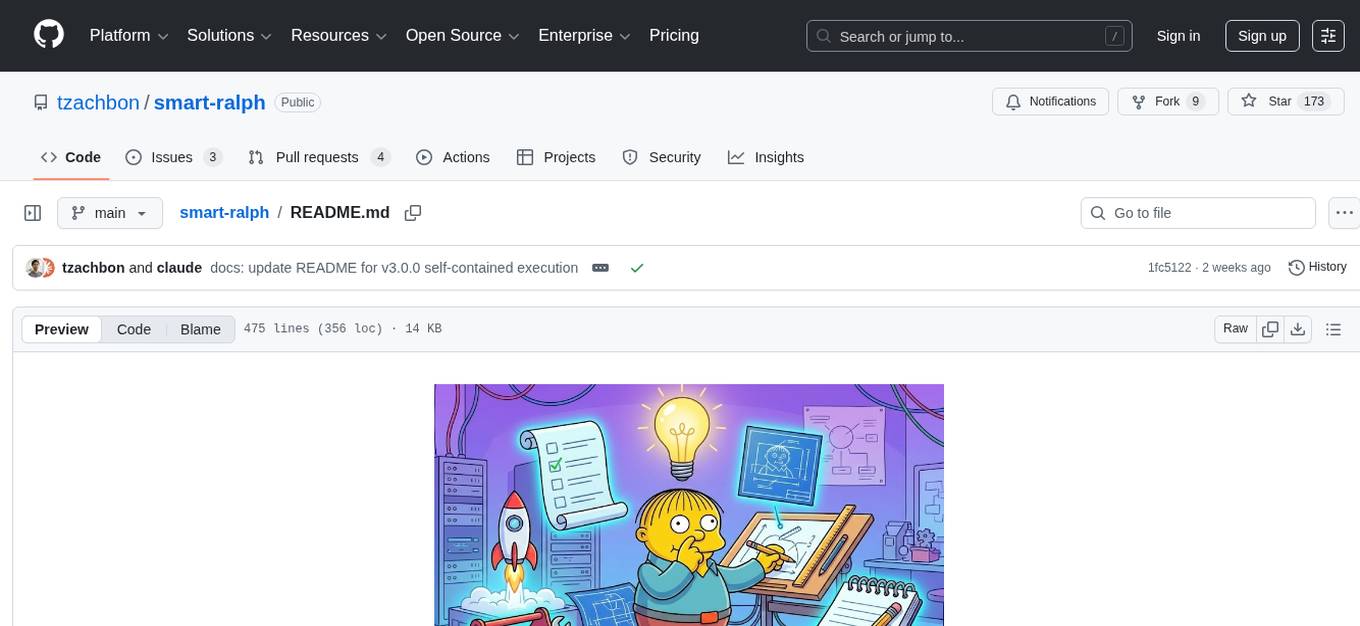
Smart Ralph is a Claude Code plugin designed for spec-driven development. It helps users turn vague feature ideas into structured specs and executes them task-by-task. The tool operates within a self-contained execution loop without external dependencies, providing a seamless workflow for feature development. Named after the Ralph agentic loop pattern, Smart Ralph simplifies the development process by focusing on the next task at hand, akin to the simplicity of the Springfield student, Ralph.
pipelock
Pipelock is an all-in-one security harness designed for AI agents, offering control over network egress, detection of credential exfiltration, scanning for prompt injection, and monitoring workspace integrity. It utilizes capability separation to restrict the agent process with secrets and employs a separate fetch proxy for web browsing. The tool runs a 7-layer scanner pipeline on every request to ensure security. Pipelock is suitable for users running AI agents like Claude Code, OpenHands, or any AI agent with shell access and API keys.
rho
Rho is an AI agent that runs on macOS, Linux, and Android, staying active, remembering past interactions, and checking in autonomously. It operates without cloud storage, allowing users to retain ownership of their data. Users can bring their own LLM provider and have full control over the agent's functionalities. Rho is built on the pi coding agent framework, offering features like persistent memory, scheduled tasks, and real email capabilities. The agent can be customized through checklists, scheduled triggers, and personalized voice and identity settings. Skills and extensions enhance the agent's capabilities, providing tools for notifications, clipboard management, text-to-speech, and more. Users can interact with Rho through commands and scripts, enabling tasks like checking status, triggering actions, and managing preferences.
cactus
Cactus is an energy-efficient and fast AI inference framework designed for phones, wearables, and resource-constrained arm-based devices. It provides a bottom-up approach with no dependencies, optimizing for budget and mid-range phones. The framework includes Cactus FFI for integration, Cactus Engine for high-level transformer inference, Cactus Graph for unified computation graph, and Cactus Kernels for low-level ARM-specific operations. It is suitable for implementing custom models and scientific computing on mobile devices.
Unreal_mcp
Unreal Engine MCP Server is a comprehensive Model Context Protocol (MCP) server that allows AI assistants to control Unreal Engine through a native C++ Automation Bridge plugin. It is built with TypeScript, C++, and Rust (WebAssembly). The server provides various features for asset management, actor control, editor control, level management, animation & physics, visual effects, sequencer, graph editing, audio, system operations, and more. It offers dynamic type discovery, graceful degradation, on-demand connection, command safety, asset caching, metrics rate limiting, and centralized configuration. Users can install the server using NPX or by cloning and building it. Additionally, the server supports WebAssembly acceleration for computationally intensive operations and provides an optional GraphQL API for complex queries. The repository includes documentation, community resources, and guidelines for contributing.
neurolink
NeuroLink is an Enterprise AI SDK for Production Applications that serves as a universal AI integration platform unifying 13 major AI providers and 100+ models under one consistent API. It offers production-ready tooling, including a TypeScript SDK and a professional CLI, for teams to quickly build, operate, and iterate on AI features. NeuroLink enables switching providers with a single parameter change, provides 64+ built-in tools and MCP servers, supports enterprise features like Redis memory and multi-provider failover, and optimizes costs automatically with intelligent routing. It is designed for the future of AI with edge-first execution and continuous streaming architectures.
For similar tasks
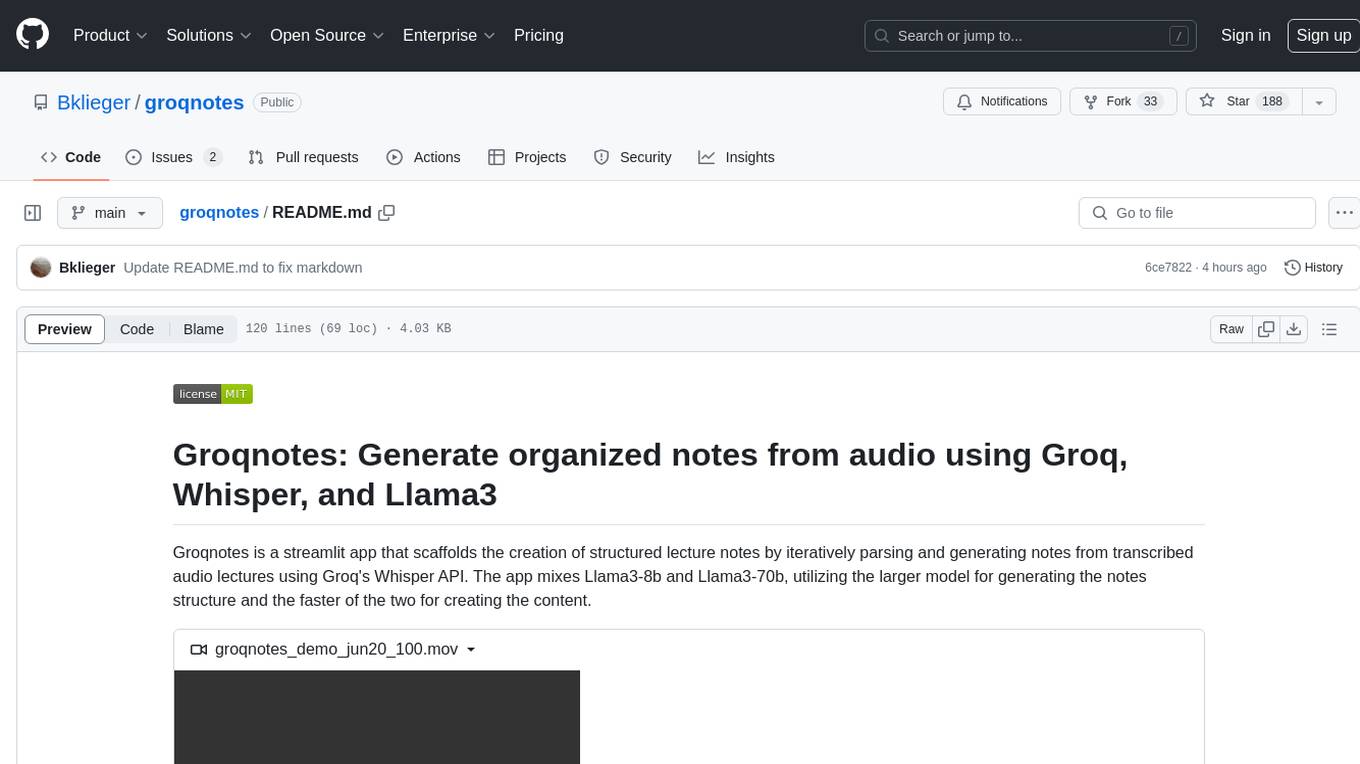
groqnotes
Groqnotes is a streamlit app that helps users generate organized lecture notes from transcribed audio using Groq's Whisper API. It utilizes Llama3-8b and Llama3-70b models to structure and create content quickly. The app offers markdown styling for aesthetic notes, allows downloading notes as text or PDF files, and strategically switches between models for speed and quality balance. Users can access the hosted version at groqnotes.streamlit.app or run it locally with streamlit by setting up the Groq API key and installing dependencies.
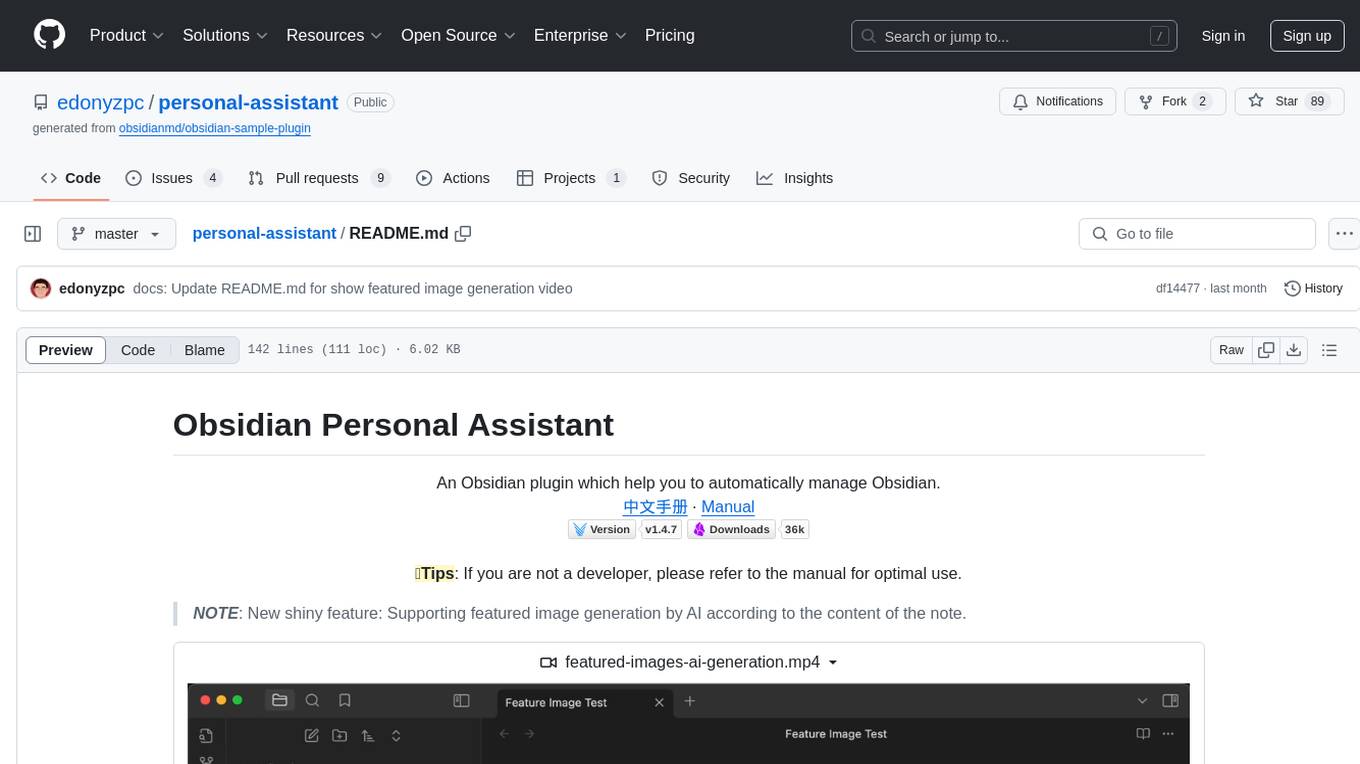
personal-assistant
Obsidian Personal Assistant is a plugin designed to help users manage their Obsidian notes more efficiently. It offers features like automatically creating notes in specified directories, opening related graph views, managing plugins and themes, setting graph view colors, and more. The plugin aims to streamline note-taking and organization within the Obsidian app, catering to users who seek automation and customization in their note management workflow.
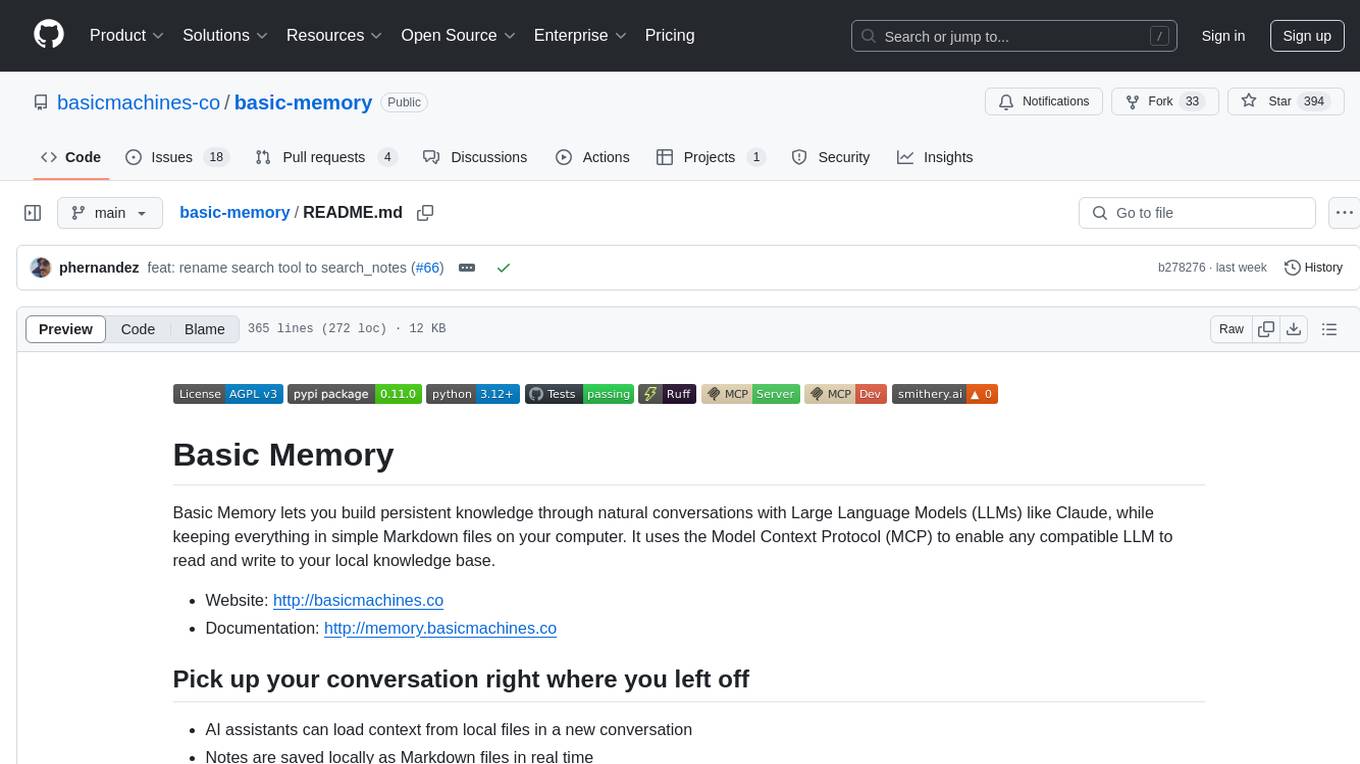
basic-memory
Basic Memory is a tool that enables users to build persistent knowledge through natural conversations with Large Language Models (LLMs) like Claude. It uses the Model Context Protocol (MCP) to allow compatible LLMs to read and write to a local knowledge base stored in simple Markdown files on the user's computer. The tool facilitates creating structured notes during conversations, maintaining a semantic knowledge graph, and keeping all data local and under user control. Basic Memory aims to address the limitations of ephemeral LLM interactions by providing a structured, bi-directional, and locally stored knowledge management solution.
OwnPilot
OwnPilot is a privacy-first personal AI assistant platform that offers autonomous agents, tool orchestration, multi-provider support, MCP integration, and Telegram connectivity. It features multi-provider support with various native and aggregator providers, local AI support, smart provider routing, context management, streaming responses, and configurable agents. The platform includes 170+ built-in tools across 28 categories, meta-tool proxy, tool namespaces, MCP client/server support, skill packages, custom tools, connected apps, tool limits, and natural language tool discovery. Personal data management includes notes, tasks, bookmarks, contacts, calendar, expenses, productivity tools, memories, goals, and custom data tables. Autonomy & automation features 5 autonomy levels, triggers, heartbeats, plans, risk assessment, and automatic risk scoring. Communication channels include a web UI built with React, a Telegram bot, WebSocket for real-time broadcasts, and a REST API with standardized responses. Security features include zero-dependency crypto, PII detection & redaction, sandboxed code execution, 4-layer security model, code execution approval, authentication modes, rate limiting, and tamper-evident audit. The architecture includes core, gateway, UI, channels, CLI, AI providers, agent system, tool system, MCP integration, personal data, autonomy & automation, database, security & privacy, code execution, and API reference. The platform is built with TypeScript, Node.js, PostgreSQL, React, Vite, Tailwind CSS, and Grammy for Telegram integration.
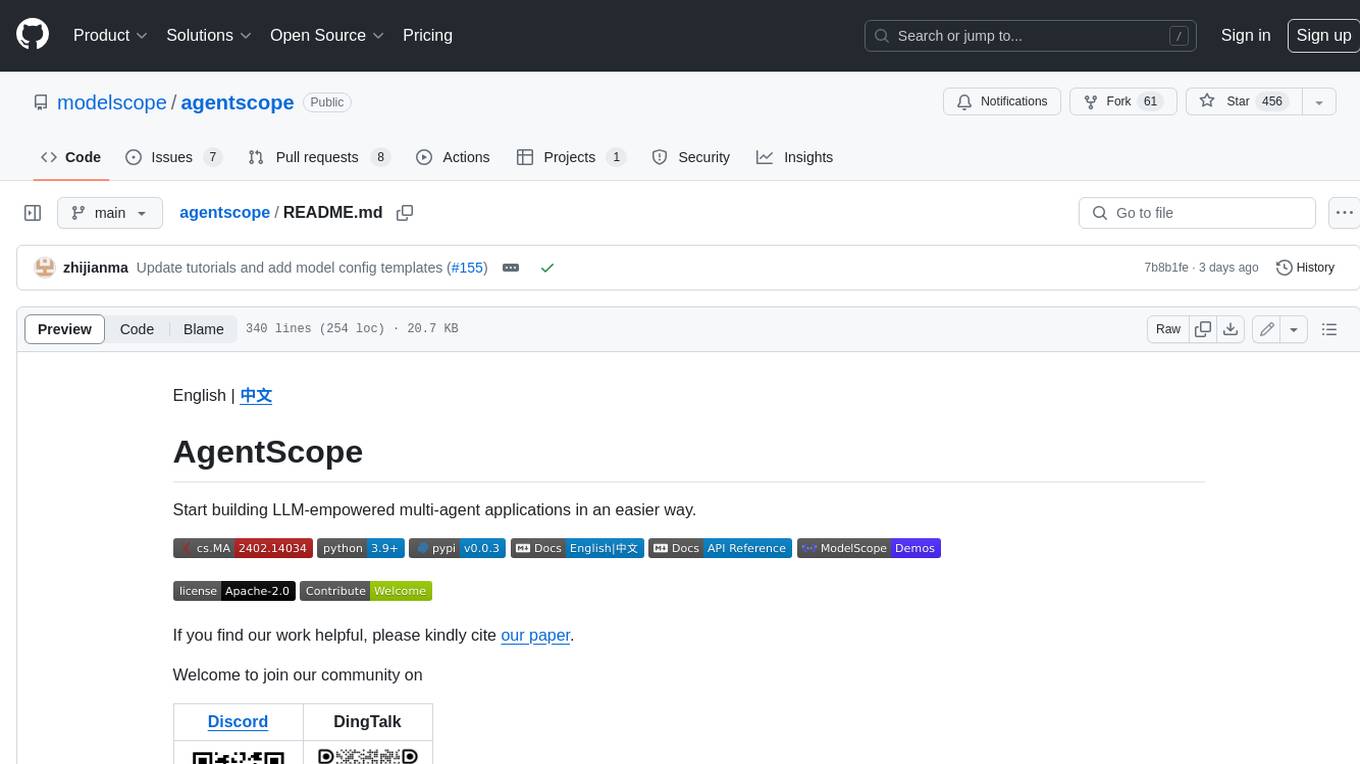
agentscope
AgentScope is a multi-agent platform designed to empower developers to build multi-agent applications with large-scale models. It features three high-level capabilities: Easy-to-Use, High Robustness, and Actor-Based Distribution. AgentScope provides a list of `ModelWrapper` to support both local model services and third-party model APIs, including OpenAI API, DashScope API, Gemini API, and ollama. It also enables developers to rapidly deploy local model services using libraries such as ollama (CPU inference), Flask + Transformers, Flask + ModelScope, FastChat, and vllm. AgentScope supports various services, including Web Search, Data Query, Retrieval, Code Execution, File Operation, and Text Processing. Example applications include Conversation, Game, and Distribution. AgentScope is released under Apache License 2.0 and welcomes contributions.
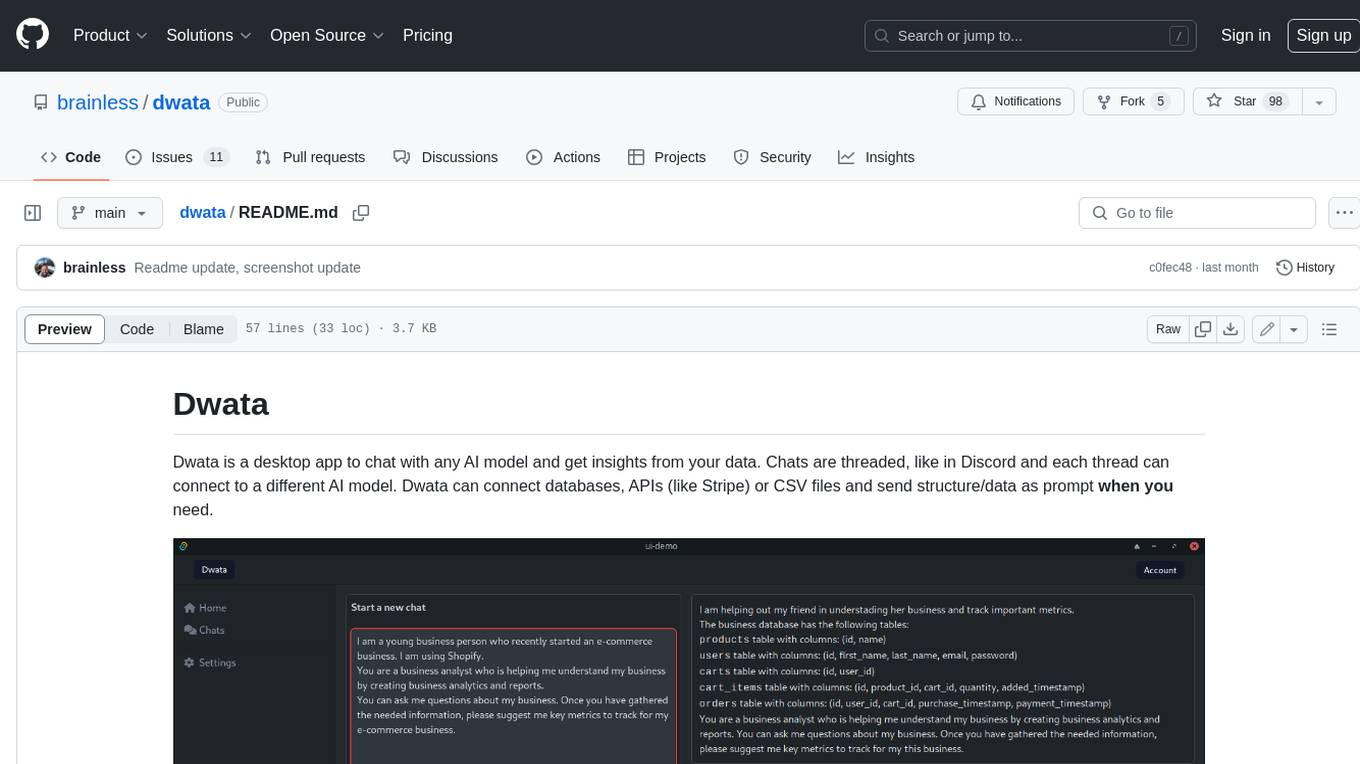
dwata
Dwata is a desktop application that allows users to chat with any AI model and gain insights from their data. Chats are organized into threads, similar to Discord, with each thread connecting to a different AI model. Dwata can connect to databases, APIs (such as Stripe), or CSV files and send structured data as prompts when needed. The AI's response will often include SQL or Python code, which can be used to extract the desired insights. Dwata can validate AI-generated SQL to ensure that the tables and columns referenced are correct and can execute queries against the database from within the application. Python code (typically using Pandas) can also be executed from within Dwata, although this feature is still in development. Dwata supports a range of AI models, including OpenAI's GPT-4, GPT-4 Turbo, and GPT-3.5 Turbo; Groq's LLaMA2-70b and Mixtral-8x7b; Phind's Phind-34B and Phind-70B; Anthropic's Claude; and Ollama's Llama 2, Mistral, and Phi-2 Gemma. Dwata can compare chats from different models, allowing users to see the responses of multiple models to the same prompts. Dwata can connect to various data sources, including databases (PostgreSQL, MySQL, MongoDB), SaaS products (Stripe, Shopify), CSV files/folders, and email (IMAP). The desktop application does not collect any private or business data without the user's explicit consent.
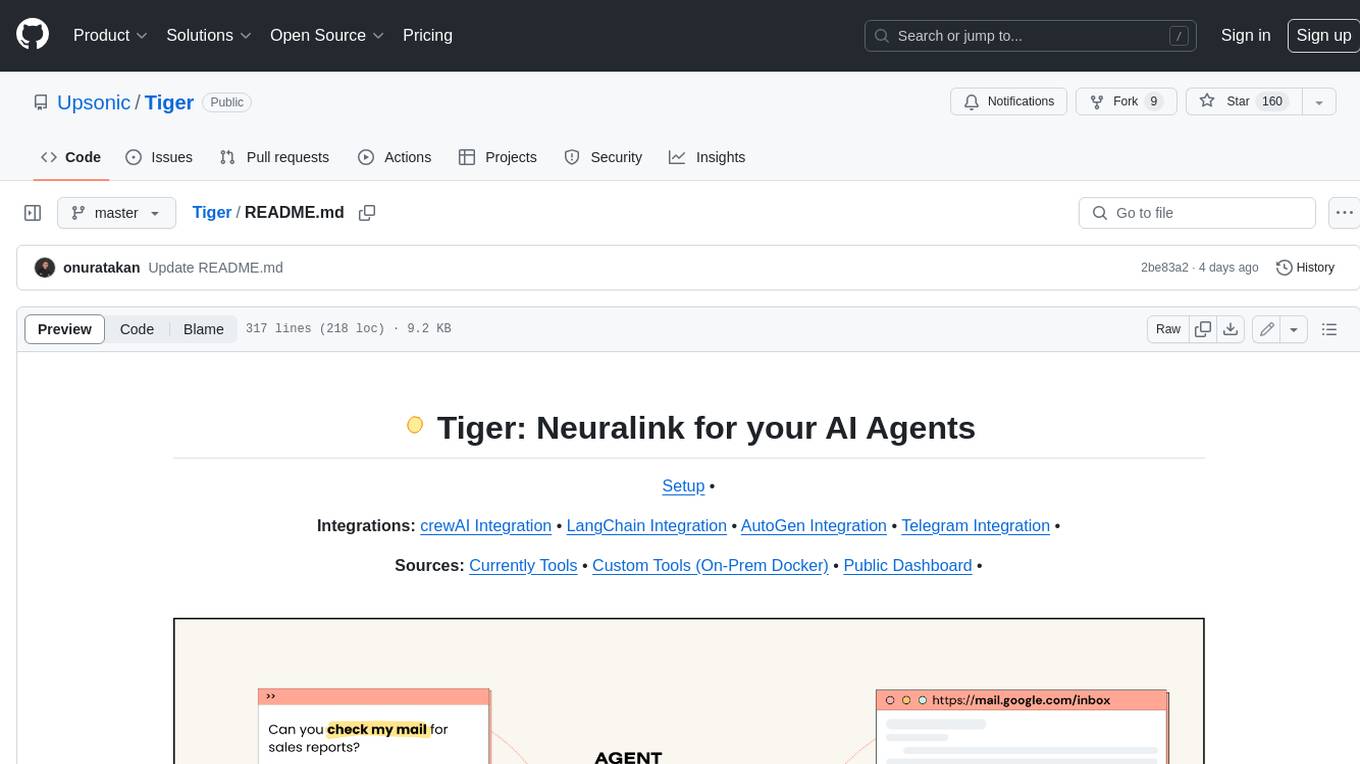
Tiger
Tiger is a community-driven project developing a reusable and integrated tool ecosystem for LLM Agent Revolution. It utilizes Upsonic for isolated tool storage, profiling, and automatic document generation. With Tiger, you can create a customized environment for your agents or leverage the robust and publicly maintained Tiger curated by the community itself.
SWE-agent
SWE-agent is a tool that turns language models (e.g. GPT-4) into software engineering agents capable of fixing bugs and issues in real GitHub repositories. It achieves state-of-the-art performance on the full test set by resolving 12.29% of issues. The tool is built and maintained by researchers from Princeton University. SWE-agent provides a command line tool and a graphical web interface for developers to interact with. It introduces an Agent-Computer Interface (ACI) to facilitate browsing, viewing, editing, and executing code files within repositories. The tool includes features such as a linter for syntax checking, a specialized file viewer, and a full-directory string searching command to enhance the agent's capabilities. SWE-agent aims to improve prompt engineering and ACI design to enhance the performance of language models in software engineering tasks.
For similar jobs

sweep
Sweep is an AI junior developer that turns bugs and feature requests into code changes. It automatically handles developer experience improvements like adding type hints and improving test coverage.

teams-ai
The Teams AI Library is a software development kit (SDK) that helps developers create bots that can interact with Teams and Microsoft 365 applications. It is built on top of the Bot Framework SDK and simplifies the process of developing bots that interact with Teams' artificial intelligence capabilities. The SDK is available for JavaScript/TypeScript, .NET, and Python.

ai-guide
This guide is dedicated to Large Language Models (LLMs) that you can run on your home computer. It assumes your PC is a lower-end, non-gaming setup.

classifai
Supercharge WordPress Content Workflows and Engagement with Artificial Intelligence. Tap into leading cloud-based services like OpenAI, Microsoft Azure AI, Google Gemini and IBM Watson to augment your WordPress-powered websites. Publish content faster while improving SEO performance and increasing audience engagement. ClassifAI integrates Artificial Intelligence and Machine Learning technologies to lighten your workload and eliminate tedious tasks, giving you more time to create original content that matters.

chatbot-ui
Chatbot UI is an open-source AI chat app that allows users to create and deploy their own AI chatbots. It is easy to use and can be customized to fit any need. Chatbot UI is perfect for businesses, developers, and anyone who wants to create a chatbot.

BricksLLM
BricksLLM is a cloud native AI gateway written in Go. Currently, it provides native support for OpenAI, Anthropic, Azure OpenAI and vLLM. BricksLLM aims to provide enterprise level infrastructure that can power any LLM production use cases. Here are some use cases for BricksLLM: * Set LLM usage limits for users on different pricing tiers * Track LLM usage on a per user and per organization basis * Block or redact requests containing PIIs * Improve LLM reliability with failovers, retries and caching * Distribute API keys with rate limits and cost limits for internal development/production use cases * Distribute API keys with rate limits and cost limits for students

uAgents
uAgents is a Python library developed by Fetch.ai that allows for the creation of autonomous AI agents. These agents can perform various tasks on a schedule or take action on various events. uAgents are easy to create and manage, and they are connected to a fast-growing network of other uAgents. They are also secure, with cryptographically secured messages and wallets.

griptape
Griptape is a modular Python framework for building AI-powered applications that securely connect to your enterprise data and APIs. It offers developers the ability to maintain control and flexibility at every step. Griptape's core components include Structures (Agents, Pipelines, and Workflows), Tasks, Tools, Memory (Conversation Memory, Task Memory, and Meta Memory), Drivers (Prompt and Embedding Drivers, Vector Store Drivers, Image Generation Drivers, Image Query Drivers, SQL Drivers, Web Scraper Drivers, and Conversation Memory Drivers), Engines (Query Engines, Extraction Engines, Summary Engines, Image Generation Engines, and Image Query Engines), and additional components (Rulesets, Loaders, Artifacts, Chunkers, and Tokenizers). Griptape enables developers to create AI-powered applications with ease and efficiency.