


LinJun
🖥️ 跨平台GUI管理AI编码代理(Claude、Gemini、Codex、Copilot、Kiro等)
Stars: 154
LinJun is a native desktop application for managing CLIProxyAPIPlus, a local proxy server that powers AI coding agents. It helps manage multiple AI accounts, track quotas, and configure CLI tools across macOS, Windows, and Linux. The tool offers features like expanded provider support, quota and model visibility, provider-aware model filtering, large log performance, one-click agent configuration, live dashboard monitoring, smart routing, API key management, system tray integration, and multilingual support. It supports various AI providers and compatible CLI agents, and provides installation instructions, usage guidelines, screenshots, settings customization, architecture overview, tech stack details, token storage information, FAQs, contribution guidelines, and license details.
README:






Cross-platform AI proxy management for Claude, Gemini, Codex, Copilot, Qwen, iFlow, Kiro, and more.
LinJun is a native desktop application for managing CLIProxyAPIPlus - a local proxy server that powers your AI coding agents. It helps you manage multiple AI accounts, track quotas, and configure CLI tools in one place across macOS, Windows, and Linux.
- 🔌 Expanded Provider Support: Connect Claude, Gemini, Codex, Qwen, Antigravity, iFlow, GitHub Copilot, Kiro, Custom Provider, and AmpCode
- 📊 Quota + Model Visibility: Track account usage and open View All Models to see provider-scoped models from
/v1/models?is_webui=true - 🧠 Provider-Aware Model Filtering: Quota model list is filtered by provider context (for example Codex/Copilot/Kiro-specific views)
- ⚡ Large Log Performance: Virtualized log table and incremental polling keep the Logs page responsive for large datasets
- 🚀 One-Click Agent Configuration: Auto-detect and configure Claude Code, OpenCode, Gemini CLI, and more
- 📈 Live Dashboard: Monitor request traffic, token usage, and success rates
- 🔀 Smart Routing: Round Robin and Fill First failover strategies
- 🔑 API Key Management: Generate and manage keys for your local proxy
- 🖥️ System Tray Integration: Quick access to status from menu bar
- 🌐 Multilingual: English and Simplified Chinese support
| Provider | Auth Method |
|---|---|
| Claude Code | OAuth |
| Gemini CLI | OAuth |
| OpenAI Codex | OAuth |
| Qwen Code | OAuth |
| Antigravity | OAuth (Google) |
| iFlow | OAuth |
| GitHub Copilot | OAuth |
| Kiro | OAuth |
| Custom Provider | API Key |
| AmpCode | API Key |
LinJun can automatically configure these tools to use your centralized proxy:
- Claude Code
- Codex CLI
- Gemini CLI
- OpenCode
- Amp CLI
- Droid CLI
- iFlow CLI
Download the latest release from GitHub Releases:
| Platform | Download |
|---|---|
| macOS (Apple Silicon) | LinJun-x.x.x-arm64.dmg |
| macOS (Intel) | LinJun-x.x.x-x64.dmg |
| Windows | LinJun-x.x.x-x64.exe |
| Linux |
LinJun-x.x.x-x64.AppImage or .deb
|
Requirements:
- Node.js 18+
- Bun (recommended) or npm
- Git
# Clone the repository
git clone https://github.com/wangdabaoqq/LinJun.git
cd LinJun

# Install dependencies
bun install

# Download CLIProxyAPIPlus binary
bun run download:binary

# Start development server
bun devbun run build:mac # macOS (dmg, zip)
bun run build:win # Windows (nsis)
bun run build:linux # Linux (AppImage, deb)
bun run build:all # All platformsLaunch LinJun and click Start to initialize the local proxy server.
Go to Providers tab → Select a provider → Authenticate via OAuth or enter API key.
Go to Agents tab → Select detected agent → Configure to use local proxy.
- Dashboard: Overall health and traffic
- Quota: Per-account usage breakdown and provider-scoped model catalog via View All Models
- Logs: Raw request logs for debugging
| Dashboard | Providers |
|---|---|
 |
 |
| Quota Monitoring | Settings |
|---|---|
 |
 |
| Agents | API Key |
|---|---|
 |
 |
| Guide | Logs |
|---|---|
 |
 |
- Port: Change the proxy listening port (default: 8310)
- Routing Strategy: Round Robin or Fill First
- Auto-start: Launch proxy automatically on app startup
- Notifications: Toggle alerts for quota warnings
LinJun/
├── src/
│   ├── main/                    # Electron main process
│   │   ├── index.ts            # App entry point
│   │   ├── tray.ts             # System tray integration
│   │   ├── proxy/              # CLIProxyAPIPlus management
│   │   │   ├── manager.ts      # Process lifecycle
│   │   │   └── api.ts          # Management API client
│   │   ├── ipc/                # IPC handlers
│   │   ├── quota/              # Provider quota services
│   │   ├── logging/            # Request logging
│   │   └── utils/              # CLI detection, storage
│   ├── preload/                # Context bridge
│   └── renderer/               # React frontend
│       ├── components/         # UI components
│       ├── stores/             # Zustand state
│       └── hooks/              # Custom hooks
├── resources/                  # Static assets
└── scripts/                    # Build scripts
| Component | Technology |
|---|---|
| Framework | Electron 33+ |
| Frontend | React 18 + TypeScript |
| Styling | Tailwind CSS |
| State | Zustand |
| Build | Vite + electron-vite |
| Packaging | electron-builder |
Authentication tokens are stored in ~/.cli-proxy-api/ directory as JSON files:
codex-{email}-Plus.jsonantigravity-{email}.jsonkiro-google-{id}.json- etc.
Due to macOS security mechanisms, apps downloaded outside the App Store may trigger this warning. Run the following command to fix it:
sudo xattr -rd com.apple.quarantine "/Applications/霖君.app"- Fork the project
- Create a feature branch (
git checkout -b feature/amazing-feature) - Commit changes (
git commit -m 'Add amazing feature') - Push to branch (
git push origin feature/amazing-feature) - Open a Pull Request
MIT License. See LICENSE for details.
- CLIProxyAPIPlus - The amazing proxy server
- Quotio - Inspiration for this project
- Electron - Cross-platform framework
- Vite - Fast build tool
For Tasks:
Click tags to check more tools for each tasksFor Jobs:
Alternative AI tools for LinJun
Similar Open Source Tools
LinJun
LinJun is a native desktop application for managing CLIProxyAPIPlus, a local proxy server that powers AI coding agents. It helps manage multiple AI accounts, track quotas, and configure CLI tools across macOS, Windows, and Linux. The tool offers features like expanded provider support, quota and model visibility, provider-aware model filtering, large log performance, one-click agent configuration, live dashboard monitoring, smart routing, API key management, system tray integration, and multilingual support. It supports various AI providers and compatible CLI agents, and provides installation instructions, usage guidelines, screenshots, settings customization, architecture overview, tech stack details, token storage information, FAQs, contribution guidelines, and license details.
Kubeli
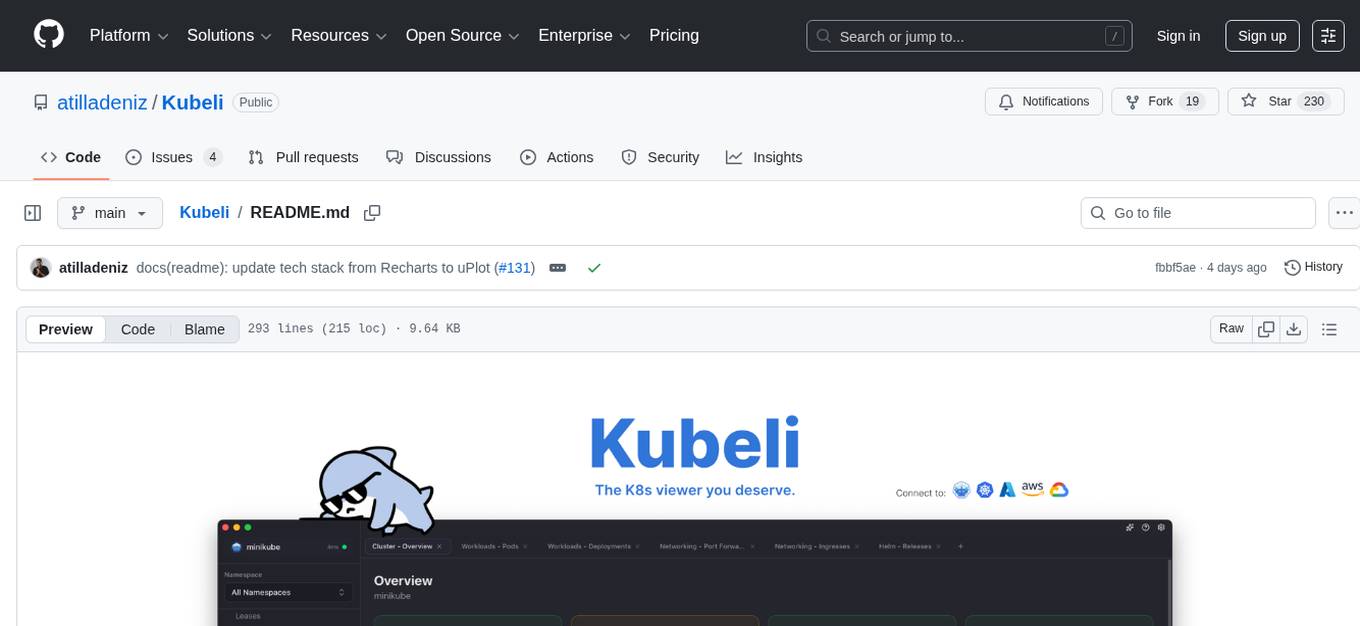
Kubeli is a modern, beautiful Kubernetes management desktop application with real-time monitoring, terminal access, and a polished user experience. It offers features like multi-cluster support, real-time updates, resource browser, pod logs streaming, terminal access, port forwarding, metrics dashboard, YAML editor, AI assistant, MCP server, Helm releases management, proxy support, internationalization, and dark/light mode. The tech stack includes Vite, React 19, TypeScript, Tailwind CSS 4 for frontend, Tauri 2.0 (Rust) for desktop, kube-rs with k8s-openapi v1.32 for K8s client, Zustand for state management, Radix UI and Lucide Icons for UI components, Monaco Editor for editing, XTerm.js for terminal, and uPlot for charts.
Auto-Claude
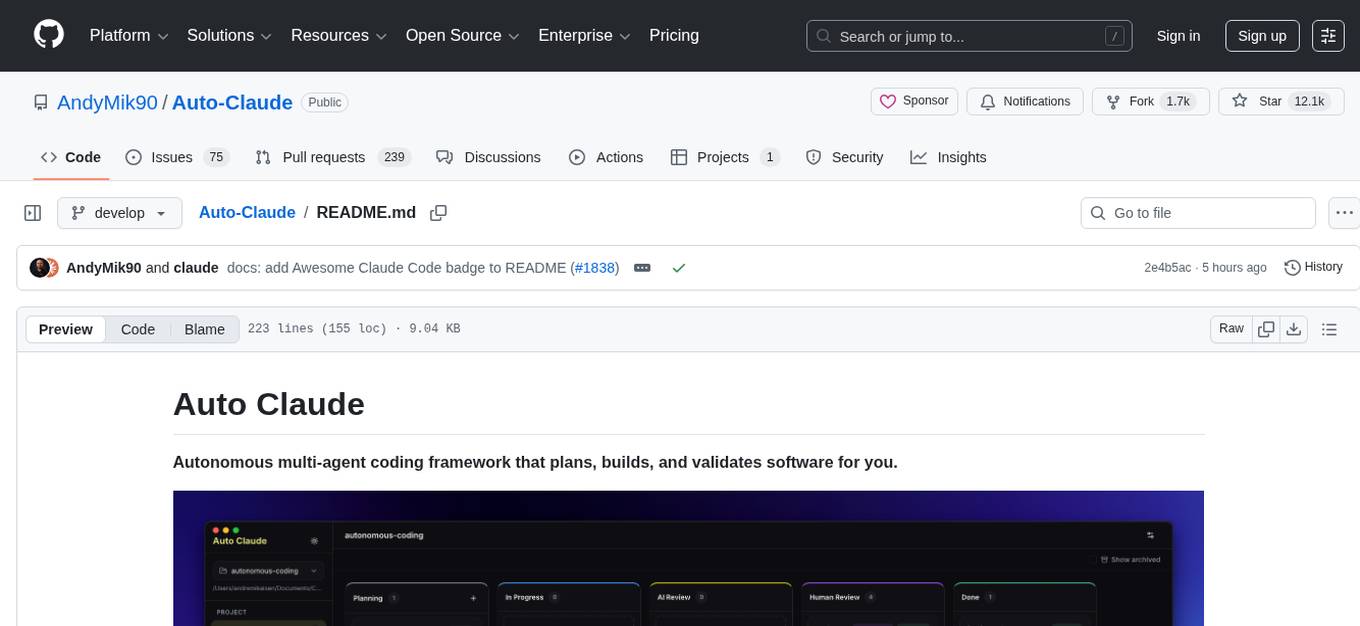
Auto Claude is an autonomous multi-agent coding framework that plans, builds, and validates software for users. It provides features such as autonomous tasks handling planning, implementation, and validation, parallel execution with multiple agent terminals, isolated workspaces for safe changes, self-validating quality assurance, AI-powered merge for conflict resolution, memory layer for smarter builds, GitHub/GitLab integration, cross-platform native desktop apps, auto-updates, and more. The tool offers a visual Kanban board for task management, AI-powered terminals for parallel work, AI-assisted feature planning, insights chat interface, ideation for code improvements, performance issues, and vulnerabilities discovery, and changelog generation from completed tasks. It follows a three-layer security model with OS sandbox, filesystem restrictions, and dynamic command allowlist, ensuring security through VirusTotal scans, SHA256 checksums, and code-signing for macOS releases.
axonhub
AxonHub is an all-in-one AI development platform that serves as an AI gateway allowing users to switch between model providers without changing any code. It provides features like vendor lock-in prevention, integration simplification, observability enhancement, and cost control. Users can access any model using any SDK with zero code changes. The platform offers full request tracing, enterprise RBAC, smart load balancing, and real-time cost tracking. AxonHub supports multiple databases, provides a unified API gateway, and offers flexible model management and API key creation for authentication. It also integrates with various AI coding tools and SDKs for seamless usage.
claude-code-mastery
Claude Code Mastery is a comprehensive tool for maximizing Claude Code, offering a production-ready project template with 16 slash commands, deterministic hook enforcement, MongoDB wrapper, live AI monitoring, and three-layer security. It provides a security gatekeeper, project scaffolding blueprint, MCP server integration, workflow automation through custom commands, and emphasizes the importance of single-purpose chats to avoid performance degradation.
claude-craft
Claude Craft is a comprehensive framework for AI-assisted development with Claude Code, providing standardized rules, agents, and commands across multiple technology stacks. It includes autonomous sprint capabilities, documentation accuracy improvements, CI hardening, and test coverage enhancements. With support for 10 technology stacks, 5 languages, 40 AI agents, 157 slash commands, and various project management features like BMAD v6 framework, Ralph Wiggum loop execution, skills, templates, checklists, and hooks system, Claude Craft offers a robust solution for project development and management. The tool also supports workflow methodology, development tracks, document generation, BMAD v6 project management, quality gates, batch processing, backlog migration, and Claude Code hooks integration.
neurolink
NeuroLink is an Enterprise AI SDK for Production Applications that serves as a universal AI integration platform unifying 13 major AI providers and 100+ models under one consistent API. It offers production-ready tooling, including a TypeScript SDK and a professional CLI, for teams to quickly build, operate, and iterate on AI features. NeuroLink enables switching providers with a single parameter change, provides 64+ built-in tools and MCP servers, supports enterprise features like Redis memory and multi-provider failover, and optimizes costs automatically with intelligent routing. It is designed for the future of AI with edge-first execution and continuous streaming architectures.
Unreal_mcp
Unreal Engine MCP Server is a comprehensive Model Context Protocol (MCP) server that allows AI assistants to control Unreal Engine through a native C++ Automation Bridge plugin. It is built with TypeScript, C++, and Rust (WebAssembly). The server provides various features for asset management, actor control, editor control, level management, animation & physics, visual effects, sequencer, graph editing, audio, system operations, and more. It offers dynamic type discovery, graceful degradation, on-demand connection, command safety, asset caching, metrics rate limiting, and centralized configuration. Users can install the server using NPX or by cloning and building it. Additionally, the server supports WebAssembly acceleration for computationally intensive operations and provides an optional GraphQL API for complex queries. The repository includes documentation, community resources, and guidelines for contributing.
ProxyPilot
ProxyPilot is a powerful local API proxy tool built in Go that eliminates the need for separate API keys when using Claude Code, Codex, Gemini, Kiro, and Qwen subscriptions with any AI coding tool. It handles OAuth authentication, token management, and API translation automatically, providing a single server to route requests. The tool supports multiple authentication providers, universal API translation, tool calling repair, extended thinking models, OAuth integration, multi-account support, quota auto-switching, usage statistics tracking, context compression, agentic harness for coding agents, session memory, system tray app, auto-updates, rollback support, and over 60 management APIs. ProxyPilot also includes caching layers for response and prompt caching to reduce latency and token usage.
OpenOutreach
OpenOutreach is a self-hosted, open-source LinkedIn automation tool designed for B2B lead generation. It automates the entire outreach process in a stealthy, human-like way by discovering and enriching target profiles, ranking profiles using ML for smart prioritization, sending personalized connection requests, following up with custom messages after acceptance, and tracking everything in a built-in CRM with web UI. It offers features like undetectable behavior, fully customizable Python-based campaigns, local execution with CRM, easy deployment with Docker, and AI-ready templating for hyper-personalized messages.
claude-talk-to-figma-mcp
A Model Context Protocol (MCP) plugin named Claude Talk to Figma MCP that enables Claude Desktop and other AI tools to interact directly with Figma for AI-assisted design capabilities. It provides document interaction, element creation, smart modifications, text mastery, and component integration. Users can connect the plugin to Figma, start designing, and utilize various tools for document analysis, element creation, modification, text manipulation, and component management. The project offers installation instructions, AI client configuration options, usage patterns, command references, troubleshooting support, testing guidelines, architecture overview, contribution guidelines, version history, and licensing information.
ai-dev-kit
The AI Dev Kit is a comprehensive toolkit designed to enhance AI-driven development on Databricks. It provides trusted sources for AI coding assistants like Claude Code and Cursor to build faster and smarter on Databricks. The kit includes features such as Spark Declarative Pipelines, Databricks Jobs, AI/BI Dashboards, Unity Catalog, Genie Spaces, Knowledge Assistants, MLflow Experiments, Model Serving, Databricks Apps, and more. Users can choose from different adventures like installing the kit, using the visual builder app, teaching AI assistants Databricks patterns, executing Databricks actions, or building custom integrations with the core library. The kit also includes components like databricks-tools-core, databricks-mcp-server, databricks-skills, databricks-builder-app, and ai-dev-project.
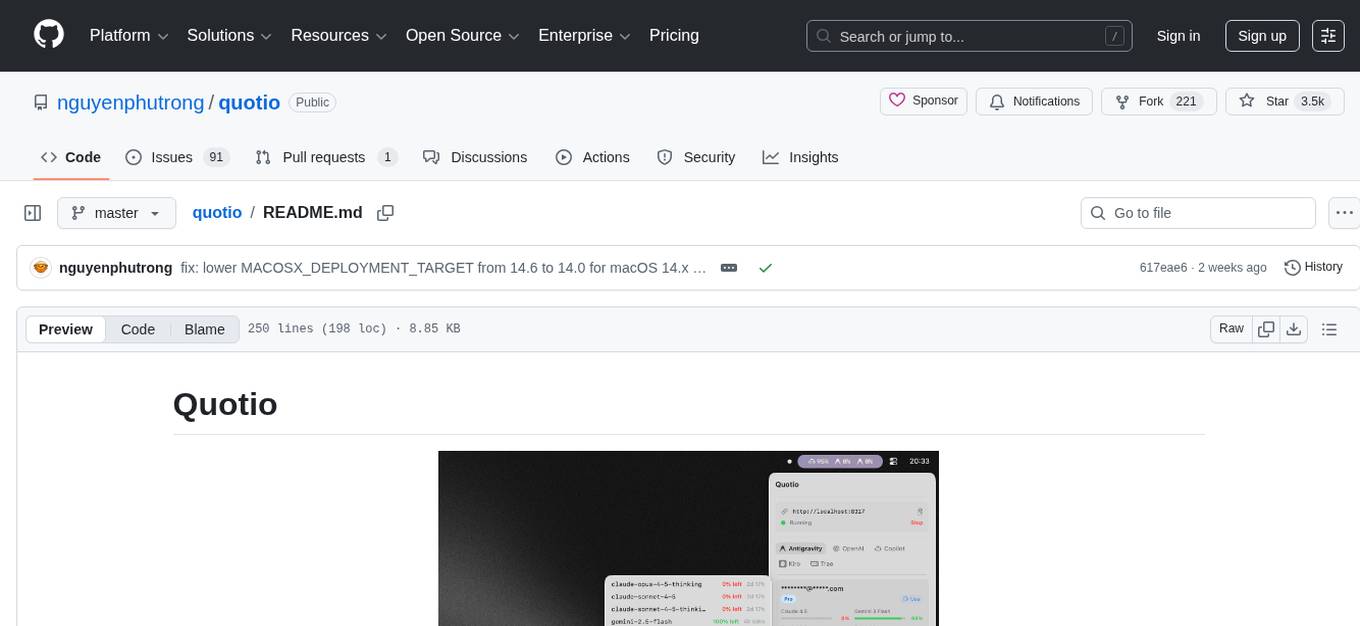
quotio
Quotio is a native macOS application designed as the ultimate command center for managing CLIProxyAPI, a local proxy server that powers AI coding agents. It allows users to connect multiple AI accounts, track quotas, configure CLI tools, and monitor request traffic in real-time. With features like multi-provider support, standalone quota mode, one-click agent configuration, real-time dashboard, smart quota management, API key management, menu bar integration, notifications, auto-update, and multilingual support, Quotio offers a comprehensive solution for AI coding assistants on macOS.
ReGraph
ReGraph is a decentralized AI compute marketplace that connects hardware providers with developers who need inference and training resources. It democratizes access to AI computing power by creating a global network of distributed compute nodes. It is cost-effective, decentralized, easy to integrate, supports multiple models, and offers pay-as-you-go pricing.
new-api
New API is a next-generation large model gateway and AI asset management system that provides a wide range of features, including a new UI interface, multi-language support, online recharge function, key query for usage quota, compatibility with the original One API database, model charging by usage count, channel weighted randomization, data dashboard, token grouping and model restrictions, support for various authorization login methods, support for Rerank models, OpenAI Realtime API, Claude Messages format, reasoning effort setting, content reasoning, user-specific model rate limiting, request format conversion, cache billing support, and various model support such as gpts, Midjourney-Proxy, Suno API, custom channels, Rerank models, Claude Messages format, Dify, and more.
For similar tasks
quotio
Quotio is a native macOS application designed as the ultimate command center for managing CLIProxyAPI, a local proxy server that powers AI coding agents. It allows users to connect multiple AI accounts, track quotas, configure CLI tools, and monitor request traffic in real-time. With features like multi-provider support, standalone quota mode, one-click agent configuration, real-time dashboard, smart quota management, API key management, menu bar integration, notifications, auto-update, and multilingual support, Quotio offers a comprehensive solution for AI coding assistants on macOS.
LinJun
LinJun is a native desktop application for managing CLIProxyAPIPlus, a local proxy server that powers AI coding agents. It helps manage multiple AI accounts, track quotas, and configure CLI tools across macOS, Windows, and Linux. The tool offers features like expanded provider support, quota and model visibility, provider-aware model filtering, large log performance, one-click agent configuration, live dashboard monitoring, smart routing, API key management, system tray integration, and multilingual support. It supports various AI providers and compatible CLI agents, and provides installation instructions, usage guidelines, screenshots, settings customization, architecture overview, tech stack details, token storage information, FAQs, contribution guidelines, and license details.
APIMyLlama
APIMyLlama is a server application that provides an interface to interact with the Ollama API, a powerful AI tool to run LLMs. It allows users to easily distribute API keys to create amazing things. The tool offers commands to generate, list, remove, add, change, activate, deactivate, and manage API keys, as well as functionalities to work with webhooks, set rate limits, and get detailed information about API keys. Users can install APIMyLlama packages with NPM, PIP, Jitpack Repo+Gradle or Maven, or from the Crates Repository. The tool supports Node.JS, Python, Java, and Rust for generating responses from the API. Additionally, it provides built-in health checking commands for monitoring API health status.
For similar jobs

promptflow
**Prompt flow** is a suite of development tools designed to streamline the end-to-end development cycle of LLM-based AI applications, from ideation, prototyping, testing, evaluation to production deployment and monitoring. It makes prompt engineering much easier and enables you to build LLM apps with production quality.

deepeval
DeepEval is a simple-to-use, open-source LLM evaluation framework specialized for unit testing LLM outputs. It incorporates various metrics such as G-Eval, hallucination, answer relevancy, RAGAS, etc., and runs locally on your machine for evaluation. It provides a wide range of ready-to-use evaluation metrics, allows for creating custom metrics, integrates with any CI/CD environment, and enables benchmarking LLMs on popular benchmarks. DeepEval is designed for evaluating RAG and fine-tuning applications, helping users optimize hyperparameters, prevent prompt drifting, and transition from OpenAI to hosting their own Llama2 with confidence.

MegaDetector
MegaDetector is an AI model that identifies animals, people, and vehicles in camera trap images (which also makes it useful for eliminating blank images). This model is trained on several million images from a variety of ecosystems. MegaDetector is just one of many tools that aims to make conservation biologists more efficient with AI. If you want to learn about other ways to use AI to accelerate camera trap workflows, check out our of the field, affectionately titled "Everything I know about machine learning and camera traps".

leapfrogai
LeapfrogAI is a self-hosted AI platform designed to be deployed in air-gapped resource-constrained environments. It brings sophisticated AI solutions to these environments by hosting all the necessary components of an AI stack, including vector databases, model backends, API, and UI. LeapfrogAI's API closely matches that of OpenAI, allowing tools built for OpenAI/ChatGPT to function seamlessly with a LeapfrogAI backend. It provides several backends for various use cases, including llama-cpp-python, whisper, text-embeddings, and vllm. LeapfrogAI leverages Chainguard's apko to harden base python images, ensuring the latest supported Python versions are used by the other components of the stack. The LeapfrogAI SDK provides a standard set of protobuffs and python utilities for implementing backends and gRPC. LeapfrogAI offers UI options for common use-cases like chat, summarization, and transcription. It can be deployed and run locally via UDS and Kubernetes, built out using Zarf packages. LeapfrogAI is supported by a community of users and contributors, including Defense Unicorns, Beast Code, Chainguard, Exovera, Hypergiant, Pulze, SOSi, United States Navy, United States Air Force, and United States Space Force.

llava-docker
This Docker image for LLaVA (Large Language and Vision Assistant) provides a convenient way to run LLaVA locally or on RunPod. LLaVA is a powerful AI tool that combines natural language processing and computer vision capabilities. With this Docker image, you can easily access LLaVA's functionalities for various tasks, including image captioning, visual question answering, text summarization, and more. The image comes pre-installed with LLaVA v1.2.0, Torch 2.1.2, xformers 0.0.23.post1, and other necessary dependencies. You can customize the model used by setting the MODEL environment variable. The image also includes a Jupyter Lab environment for interactive development and exploration. Overall, this Docker image offers a comprehensive and user-friendly platform for leveraging LLaVA's capabilities.

carrot
The 'carrot' repository on GitHub provides a list of free and user-friendly ChatGPT mirror sites for easy access. The repository includes sponsored sites offering various GPT models and services. Users can find and share sites, report errors, and access stable and recommended sites for ChatGPT usage. The repository also includes a detailed list of ChatGPT sites, their features, and accessibility options, making it a valuable resource for ChatGPT users seeking free and unlimited GPT services.

TrustLLM
TrustLLM is a comprehensive study of trustworthiness in LLMs, including principles for different dimensions of trustworthiness, established benchmark, evaluation, and analysis of trustworthiness for mainstream LLMs, and discussion of open challenges and future directions. Specifically, we first propose a set of principles for trustworthy LLMs that span eight different dimensions. Based on these principles, we further establish a benchmark across six dimensions including truthfulness, safety, fairness, robustness, privacy, and machine ethics. We then present a study evaluating 16 mainstream LLMs in TrustLLM, consisting of over 30 datasets. The document explains how to use the trustllm python package to help you assess the performance of your LLM in trustworthiness more quickly. For more details about TrustLLM, please refer to project website.

AI-YinMei
AI-YinMei is an AI virtual anchor Vtuber development tool (N card version). It supports fastgpt knowledge base chat dialogue, a complete set of solutions for LLM large language models: [fastgpt] + [one-api] + [Xinference], supports docking bilibili live broadcast barrage reply and entering live broadcast welcome speech, supports Microsoft edge-tts speech synthesis, supports Bert-VITS2 speech synthesis, supports GPT-SoVITS speech synthesis, supports expression control Vtuber Studio, supports painting stable-diffusion-webui output OBS live broadcast room, supports painting picture pornography public-NSFW-y-distinguish, supports search and image search service duckduckgo (requires magic Internet access), supports image search service Baidu image search (no magic Internet access), supports AI reply chat box [html plug-in], supports AI singing Auto-Convert-Music, supports playlist [html plug-in], supports dancing function, supports expression video playback, supports head touching action, supports gift smashing action, supports singing automatic start dancing function, chat and singing automatic cycle swing action, supports multi scene switching, background music switching, day and night automatic switching scene, supports open singing and painting, let AI automatically judge the content.