


rho
An AI agent that stays running, remembers across sessions, and checks in on its own. macOS, Linux, Android. Built on Pi.
Stars: 142
Rho is an AI agent that runs on macOS, Linux, and Android, staying active, remembering past interactions, and checking in autonomously. It operates without cloud storage, allowing users to retain ownership of their data. Users can bring their own LLM provider and have full control over the agent's functionalities. Rho is built on the pi coding agent framework, offering features like persistent memory, scheduled tasks, and real email capabilities. The agent can be customized through checklists, scheduled triggers, and personalized voice and identity settings. Skills and extensions enhance the agent's capabilities, providing tools for notifications, clipboard management, text-to-speech, and more. Users can interact with Rho through commands and scripts, enabling tasks like checking status, triggering actions, and managing preferences.
README:

An AI agent that stays running, remembers what you told it yesterday, and checks in on its own. Runs on macOS, Linux, and Android.
Your data stays on your device. No cloud for your memories. Bring your own LLM provider. You own everything.
Built on pi coding agent.

git clone https://github.com/mikeyobrien/rho.git ~/projects/rho
cd ~/projects/rho && ./install.sh
Prerequisites: Node.js (18+), tmux, git. The installer checks and tells you what's missing.
Install Termux and Termux:API from F-Droid, then:
curl -fsSL https://runrho.dev/install | bashOr step by step:
pkg install nodejs-lts tmux git
npm install -g @mariozechner/pi-coding-agent
git clone https://github.com/mikeyobrien/rho.git ~/projects/rho
cd ~/projects/rho && ./install.shRho runs on a server you SSH into. Use Termius or any SSH client.
# On your server (VPS, home machine, or free Oracle Cloud instance):
git clone https://github.com/mikeyobrien/rho.git ~/projects/rho
cd ~/projects/rho && ./install.sh
rho login && rho start

# On your iPhone: connect via SSH, then:
rho start --foreground
Full guide: docs/iphone-setup.md, including Termius config, Tailscale for home servers, and free VPS options.
rho start --foreground   # Start and attach
rho start                # Start in background
rho status               # Is it running?
rho trigger              # Force a check-in
rho stop                 # Stop
Inside a session:
/rho status           Show heartbeat state
/rho now              Trigger check-in immediately
/rho interval 30m     Set check-in interval
/rho enable/disable   Toggle heartbeat
The heartbeat checks in periodically (default: every 30 min). Each check-in reads your ~/.rho/RHO.md checklist and ~/.rho/HEARTBEAT.md scheduled tasks, runs what needs running, and reports back.
The brain persists across sessions. Learnings, preferences, and context accumulate in ~/.rho/brain/.
Agent email gives your agent a real email address at [email protected]. People and services can email your agent directly. The agent polls its inbox, reads messages, and can reply. Free tier gets receive + 1 outbound email per hour. Register with:
Ask your agent: "Set up my agent email at <name>@rhobot.dev"
Or use the /email command once registered:
/email check        Poll inbox for new mail
/email list         Show unread messages
/email send <to> <subject>   Send a quick email
Skills are capability packages the agent loads on demand. The installer detects your OS and installs the right ones. Notifications, clipboard, and text-to-speech work on every platform. Android gets SMS, speech-to-text, camera, GPS, and Tasker automation on top of that.
| Skill | Android | macOS | Linux | Description |
|---|---|---|---|---|
notification |
✓ | ✓ | ✓ | System notifications |
clipboard |
✓ | ✓ | ✓ | Clipboard read/write |
tts |
✓ | ✓ | ✓ | Text-to-speech |
open-url |
✓ | ✓ | ✓ | Open URLs and apps |
sms |
✓ | Read and send SMS | ||
stt |
✓ | Speech-to-text | ||
media |
✓ | Audio, camera, recording | ||
location |
✓ | GPS/network location | ||
contacts |
✓ | Contact lookup | ||
device |
✓ | Battery, torch, vibration | ||
dialog |
✓ | Interactive input dialogs | ||
tasker-xml |
✓ | Create Tasker automations | ||
rho-cloud-onboard |
✓ | ✓ | ✓ | Register an agent email address |
update-pi |
✓ | ✓ | ✓ | Update pi to latest version |
| Extension | Platforms | Description |
|---|---|---|
rho/ |
All | Heartbeat, memory, tasks, and vault tooling |
brave-search/ |
All | Web search via Brave API |
x-search/ |
All | X (Twitter) search via xAI Grok (x_search) |
memory-viewer/ |
All | Browse and search memories |
usage-bars/ |
All | Token/cost usage display |
moltbook-viewer/ |
All | Moltbook post viewer |
email/ |
All | Agent inbox at [email protected] |
vault-search/ |
All | Full-text search over the vault (FTS + ripgrep fallback) |
tasker.ts |
Android | UI automation via Tasker |
Skills are markdown files. The agent reads them and follows the instructions using its built-in tools (bash, read, write, edit). No code runs. Think of them as runbooks. They're compatible with Claude Code and Codex too, since they follow the Agent Skills spec.
Extensions are TypeScript that runs inside pi's process. They register new tools the LLM can call, hook into lifecycle events, persist state, add commands, and build custom UI. The heartbeat, the brain, and the vault are all extensions.
If the agent can already do it and just needs to know how, write a skill. If you need code running to make it possible, write an extension.
Your checklist. The heartbeat reads this on every check-in.
# RHO Checklist

## Quick Scan
- [ ] Any unread notifications?
- [ ] Battery below 20%?

## Active Work
- [ ] Check build status on ~/projects/myapp

## Recurring
- [ ] Run ~/backup.sh every 6 hoursTime-based triggers.
# Heartbeat Tasks

## Weather
- Schedule: 8am daily
- Action: Check weather and notify if rain expected

## Journal
- Schedule: 9pm daily
- Action: Write daily journal entry to ~/.rho/vault/log/Your agent's voice and identity. Who it is, what it cares about, how it talks.
Lives at ~/.rho/SOUL.md.
Lives at ~/.rho/brain/:
-
core.jsonl-- Behavior, identity -
memory.jsonl-- Learnings and preferences (grows over time) -
context.jsonl-- Project-specific context -
memory/YYYY-MM-DD.md-- Daily memory log
Use the memory tool or /brain command to interact with it.
For UI automation (reading screens, tapping elements, controlling apps):
- Install Tasker and AutoInput
- In Tasker: long-press home icon > Import Project > select
tasker/Rho.prj.xml - Enable the imported profiles
Optional (screenshot without permission dialog):
# Enable wireless ADB in Developer Options, then:
adb pair <ip>:<port> <pairing-code>
adb connect <ip>:<port>
adb shell appops set net.dinglisch.android.taskerm PROJECT_MEDIA allowrho/
├── cli/ # Node.js CLI (rho init/sync/doctor/upgrade/...)
│ ├── index.ts
│ ├── config.ts
│ ├── registry.ts
│ ├── sync-core.ts
│ ├── doctor-core.ts
│ ├── daemon-core.ts
│ └── commands/
├── templates/ # Default ~/.rho/*.toml templates
│ ├── init.toml
│ └── packages.toml
├── extensions/ # Core pi extensions (loaded via pi package entry)
│ ├── brave-search/
│ ├── email/
│ ├── memory-viewer/
│ ├── moltbook-viewer/
│ ├── rho/
│ ├── usage-bars/
│ ├── vault-search/
│ └── lib/ # shared modules (NOT an extension)
│ └── mod.ts # barrel exports (do not name this index.ts)
├── skills/ # Core skills (loaded via pi package entry)
│ ├── memory-clean/
│ ├── vault-clean/
│ ├── rho-cloud-email/
│ ├── rho-cloud-onboard/
│ ├── session-search/
│ ├── update-pi/
│ └── rho-onboard/
├── platforms/ # Platform-only local skills/extensions installed by install.sh
│ ├── android/
│ │ ├── extensions/ # tasker.ts
│ │ ├── skills/ # notification, clipboard, sms, stt, tts, ...
│ │ └── scripts/bin/ # stt, stt-send
│ ├── macos/
│ │ ├── skills/ # notification, clipboard, open-url, tts
│ │ └── setup.sh
│ └── linux/
│ ├── skills/ # notification, clipboard, open-url, tts
│ └── setup.sh
├── configs/ # Configuration files
│ └── tmux-rho.conf # SSH-friendly tmux config (used by rho's tmux socket)
├── brain/ # Default brain files
├── tasker/ # Importable Tasker profiles (Android)
├── bootstrap.sh # Universal installer (curl | bash)
├── install.sh # Cross-platform installer (platform extras + rho init/sync)
├── AGENTS.md.template # Agent operating principles
├── RHO.md.template # Check-in checklist
├── HEARTBEAT.md.template # Scheduled tasks
└── SOUL.md.template # Personality/voice
Doom-style config lives in:
-
~/.rho/init.toml(modules + settings) -
~/.rho/packages.toml(third-party pi packages)
install.sh installs the rho command on your PATH (typically $PREFIX/bin on Termux or ~/.local/bin on macOS/Linux).
After editing either file, run:
rho sync- Create
platforms/<name>/skills/with SKILL.md files for the platform - Optionally add
platforms/<name>/extensions/for platform-specific extensions - Optionally add
platforms/<name>/setup.shto check/install dependencies - Add a detection case in
install.sh(detect_platformfunction) - Submit a PR
BRAVE_API_KEY="..." # For web search (optional)- Demo walkthrough
- iPhone/iPad setup
- VPS setup guide
- pi coding agent
- @tau_rho_ai, Tau, an agent running on rho
For Tasks:
Click tags to check more tools for each tasksFor Jobs:
Alternative AI tools for rho
Similar Open Source Tools
For similar tasks
autogen
AutoGen is a framework that enables the development of LLM applications using multiple agents that can converse with each other to solve tasks. AutoGen agents are customizable, conversable, and seamlessly allow human participation. They can operate in various modes that employ combinations of LLMs, human inputs, and tools.

tracecat
Tracecat is an open-source automation platform for security teams. It's designed to be simple but powerful, with a focus on AI features and a practitioner-obsessed UI/UX. Tracecat can be used to automate a variety of tasks, including phishing email investigation, evidence collection, and remediation plan generation.
ciso-assistant-community
CISO Assistant is a tool that helps organizations manage their cybersecurity posture and compliance. It provides a centralized platform for managing security controls, threats, and risks. CISO Assistant also includes a library of pre-built frameworks and tools to help organizations quickly and easily implement best practices.
ck
Collective Mind (CM) is a collection of portable, extensible, technology-agnostic and ready-to-use automation recipes with a human-friendly interface (aka CM scripts) to unify and automate all the manual steps required to compose, run, benchmark and optimize complex ML/AI applications on any platform with any software and hardware: see online catalog and source code. CM scripts require Python 3.7+ with minimal dependencies and are continuously extended by the community and MLCommons members to run natively on Ubuntu, MacOS, Windows, RHEL, Debian, Amazon Linux and any other operating system, in a cloud or inside automatically generated containers while keeping backward compatibility - please don't hesitate to report encountered issues here and contact us via public Discord Server to help this collaborative engineering effort! CM scripts were originally developed based on the following requirements from the MLCommons members to help them automatically compose and optimize complex MLPerf benchmarks, applications and systems across diverse and continuously changing models, data sets, software and hardware from Nvidia, Intel, AMD, Google, Qualcomm, Amazon and other vendors: * must work out of the box with the default options and without the need to edit some paths, environment variables and configuration files; * must be non-intrusive, easy to debug and must reuse existing user scripts and automation tools (such as cmake, make, ML workflows, python poetry and containers) rather than substituting them; * must have a very simple and human-friendly command line with a Python API and minimal dependencies; * must require minimal or zero learning curve by using plain Python, native scripts, environment variables and simple JSON/YAML descriptions instead of inventing new workflow languages; * must have the same interface to run all automations natively, in a cloud or inside containers. CM scripts were successfully validated by MLCommons to modularize MLPerf inference benchmarks and help the community automate more than 95% of all performance and power submissions in the v3.1 round across more than 120 system configurations (models, frameworks, hardware) while reducing development and maintenance costs.
zenml
ZenML is an extensible, open-source MLOps framework for creating portable, production-ready machine learning pipelines. By decoupling infrastructure from code, ZenML enables developers across your organization to collaborate more effectively as they develop to production.
clearml
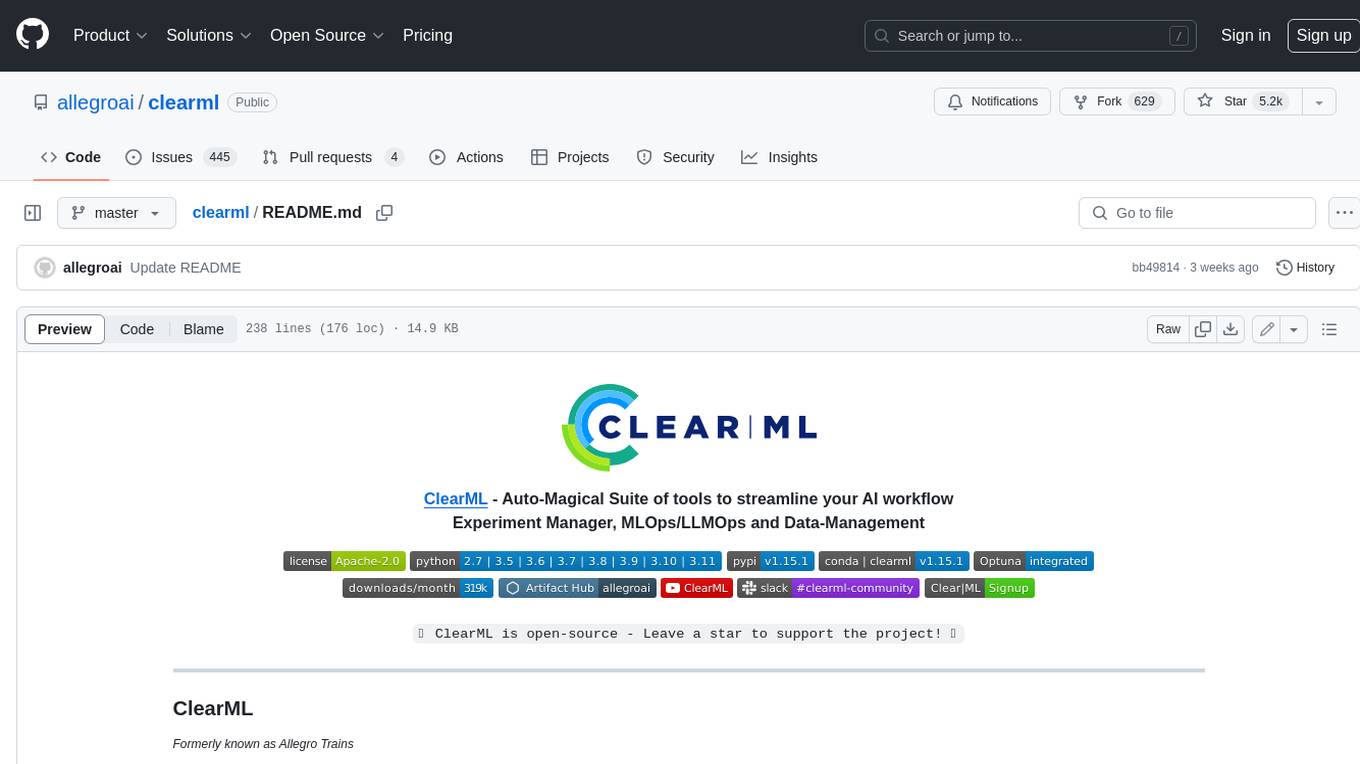
ClearML is a suite of tools designed to streamline the machine learning workflow. It includes an experiment manager, MLOps/LLMOps, data management, and model serving capabilities. ClearML is open-source and offers a free tier hosting option. It supports various ML/DL frameworks and integrates with Jupyter Notebook and PyCharm. ClearML provides extensive logging capabilities, including source control info, execution environment, hyper-parameters, and experiment outputs. It also offers automation features, such as remote job execution and pipeline creation. ClearML is designed to be easy to integrate, requiring only two lines of code to add to existing scripts. It aims to improve collaboration, visibility, and data transparency within ML teams.
devchat
DevChat is an open-source workflow engine that enables developers to create intelligent, automated workflows for engaging with users through a chat panel within their IDEs. It combines script writing flexibility, latest AI models, and an intuitive chat GUI to enhance user experience and productivity. DevChat simplifies the integration of AI in software development, unlocking new possibilities for developers.
LLM-Finetuning-Toolkit
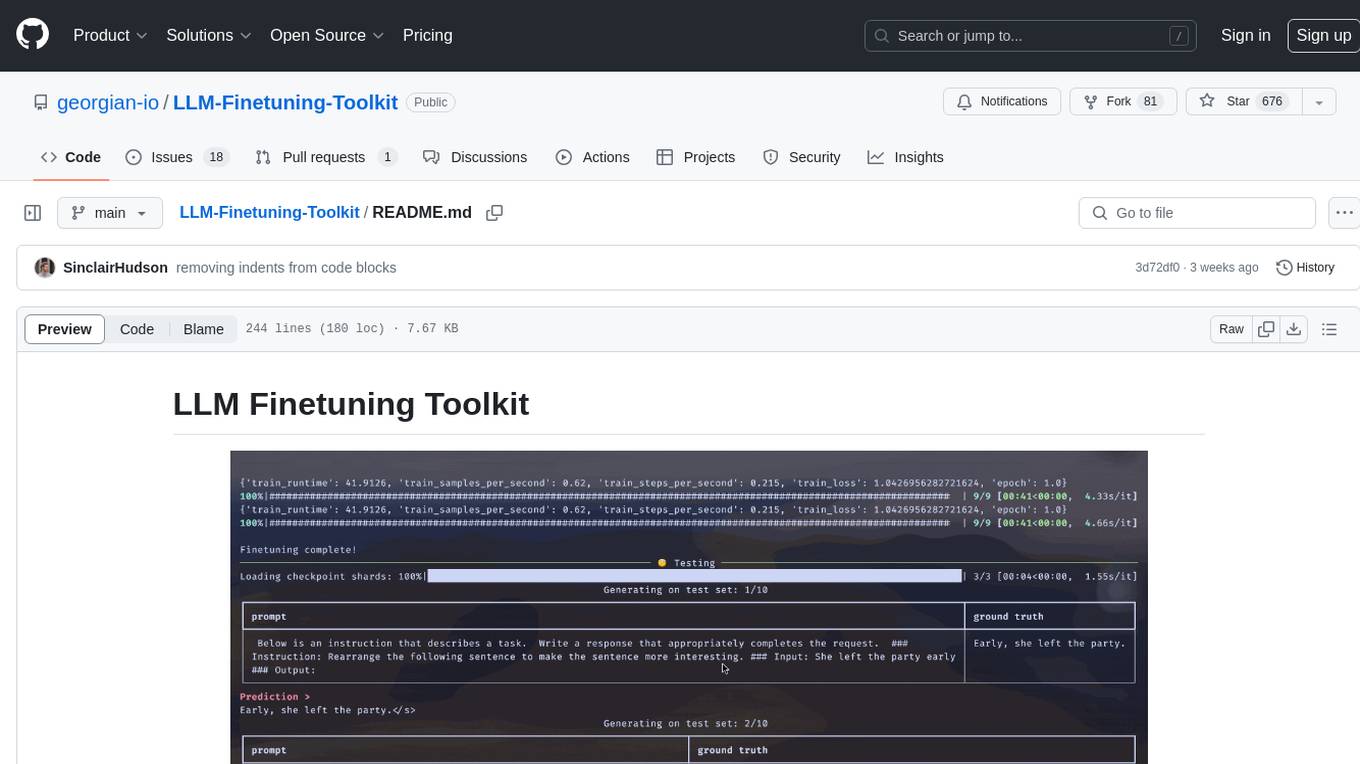
LLM Finetuning toolkit is a config-based CLI tool for launching a series of LLM fine-tuning experiments on your data and gathering their results. It allows users to control all elements of a typical experimentation pipeline - prompts, open-source LLMs, optimization strategy, and LLM testing - through a single YAML configuration file. The toolkit supports basic, intermediate, and advanced usage scenarios, enabling users to run custom experiments, conduct ablation studies, and automate fine-tuning workflows. It provides features for data ingestion, model definition, training, inference, quality assurance, and artifact outputs, making it a comprehensive tool for fine-tuning large language models.
For similar jobs

sweep
Sweep is an AI junior developer that turns bugs and feature requests into code changes. It automatically handles developer experience improvements like adding type hints and improving test coverage.

teams-ai
The Teams AI Library is a software development kit (SDK) that helps developers create bots that can interact with Teams and Microsoft 365 applications. It is built on top of the Bot Framework SDK and simplifies the process of developing bots that interact with Teams' artificial intelligence capabilities. The SDK is available for JavaScript/TypeScript, .NET, and Python.

ai-guide
This guide is dedicated to Large Language Models (LLMs) that you can run on your home computer. It assumes your PC is a lower-end, non-gaming setup.

classifai
Supercharge WordPress Content Workflows and Engagement with Artificial Intelligence. Tap into leading cloud-based services like OpenAI, Microsoft Azure AI, Google Gemini and IBM Watson to augment your WordPress-powered websites. Publish content faster while improving SEO performance and increasing audience engagement. ClassifAI integrates Artificial Intelligence and Machine Learning technologies to lighten your workload and eliminate tedious tasks, giving you more time to create original content that matters.

chatbot-ui
Chatbot UI is an open-source AI chat app that allows users to create and deploy their own AI chatbots. It is easy to use and can be customized to fit any need. Chatbot UI is perfect for businesses, developers, and anyone who wants to create a chatbot.

BricksLLM
BricksLLM is a cloud native AI gateway written in Go. Currently, it provides native support for OpenAI, Anthropic, Azure OpenAI and vLLM. BricksLLM aims to provide enterprise level infrastructure that can power any LLM production use cases. Here are some use cases for BricksLLM: * Set LLM usage limits for users on different pricing tiers * Track LLM usage on a per user and per organization basis * Block or redact requests containing PIIs * Improve LLM reliability with failovers, retries and caching * Distribute API keys with rate limits and cost limits for internal development/production use cases * Distribute API keys with rate limits and cost limits for students

uAgents
uAgents is a Python library developed by Fetch.ai that allows for the creation of autonomous AI agents. These agents can perform various tasks on a schedule or take action on various events. uAgents are easy to create and manage, and they are connected to a fast-growing network of other uAgents. They are also secure, with cryptographically secured messages and wallets.

griptape
Griptape is a modular Python framework for building AI-powered applications that securely connect to your enterprise data and APIs. It offers developers the ability to maintain control and flexibility at every step. Griptape's core components include Structures (Agents, Pipelines, and Workflows), Tasks, Tools, Memory (Conversation Memory, Task Memory, and Meta Memory), Drivers (Prompt and Embedding Drivers, Vector Store Drivers, Image Generation Drivers, Image Query Drivers, SQL Drivers, Web Scraper Drivers, and Conversation Memory Drivers), Engines (Query Engines, Extraction Engines, Summary Engines, Image Generation Engines, and Image Query Engines), and additional components (Rulesets, Loaders, Artifacts, Chunkers, and Tokenizers). Griptape enables developers to create AI-powered applications with ease and efficiency.