


mcp
Enable AI agents to work reliably - giving them secure access to structured data, tools to take action, and the context needed to make smart decisions.
Stars: 375
Enable AI agents to operate reliably within real workflows. This MCP is monday.com's open framework for connecting agents into your work OS - giving them secure access to structured data, tools to take action, and the context needed to make smart decisions. The repository provides a comprehensive set of tools for AI agent developers who want to integrate with monday.com, including a plug-and-play server implementation for the Model Context Protocol (MCP) and a powerful set of tools for building AI agents that interact with the monday.com API. Users can choose between a hosted MCP service for fast and reliable connection or run the MCP locally for customization and offline development. The repository also offers advanced tools like Dynamic API Tools for full access to the monday.com GraphQL API, enabling complex reports, batch operations, and deep integration with monday.com's features.
README:






Enable AI agents to operate reliably within real workflows. This MCP is monday.com's open framework for connecting agents into your work OS - giving them secure access to structured data, tools to take action, and the context needed to make smart decisions.
This repository, maintained by the monday.com AI team, provides a comprehensive set of tools for AI agent developers who want to integrate with monday.com. Whether you're building AI assistants, automations, or custom integrations, our tools make it easy to connect to the monday.com platform.
👉 New to monday MCP? Start here: monday.com/w/mcp
https://github.com/user-attachments/assets/ed8d24e1-256b-4f6b-9d84-38e54a8703fd
monday.com is a work operating system that powers teams to run processes, projects, and everyday work. Teams use monday.com to plan, track, and manage their work in one centralized platform. It provides a visual, intuitive interface where teams can:
- Create and manage projects with customizable boards
- Track tasks through different stages with status columns
- Collaborate with team members through updates and mentions
- Automate workflows and integrate with other tools
- Visualize data with dashboards and reports
The @mondaydotcomorg/monday-api-mcp package provides a plug-and-play server implementation for the Model Context Protocol (MCP). It allows AI agents to interact with the monday.com API without needing to build complex integrations.
The @mondaydotcomorg/agent-toolkit package provides a powerful set of tools and utilities for building AI agents that interact with the monday.com API, supporting both OpenAI and Model Context Protocol (MCP) implementations.
The fastest, most robust, and reliable way to connect to monday.com. Our hosted MCP service handles all the infrastructure for you - no local setup, automatic updates, and improved performance.
Get started with your favorite AI platform:
- Get Started Guide - First time using monday MCP?
- Claude Integration - Connect with Claude Desktop
- Cursor Integration - Integrate with Cursor IDE
- ChatGPT Integration - Connect with ChatGPT
- MS Copilot Integration - Integrate with Microsoft Copilot Studio
- Mistral Integration - Connect with Mistral AI's le Chat
- Ready-to-Use Prompts - Example prompts to get started
Simply add this to your MCP settings:
{
  "mcpServers": {
    "monday-mcp": {
      "url": "https://mcp.monday.com/mcp"
    }
  }
}- ✅ No local installation - Works immediately without setup
- ✅ Automatic updates - Always get the latest features
- ✅ Better performance - Optimized infrastructure
- ✅ OAuth authentication - Secure token management
- ✅ Workspace controls - Limit access to specific workspaces
- ✅ Higher reliability - Enterprise-grade uptime
You might want to run the MCP locally or use the agent toolkit if you need to:
- 🔧 Customize the MCP server - Modify the source code for specific needs
- 🛠️ Build custom agents - Use the agent toolkit for OpenAI or custom implementations
- 🔌 Work offline - Develop without internet connectivity
- 🧪 Contribute to development - Help improve the MCP server or toolkit
If you don't already have a monday.com account:
- Go to monday.com and sign up for an account
- Create your first workspace and board to get started
To interact with monday.com's API, you'll need an API token:
- Log in to your monday.com account
- Click on your avatar in the bottom-left corner
- Select "Developers"
- Click "My access tokens" on the left menu
- Copy your personal access token
- Open Claude Desktop
- Go to Settings → MCP Servers
- Add a new server with this configuration:
{
  "mcpServers": {
    "monday-api-mcp": {
      "command": "npx",
      "args": [
        "@mondaydotcomorg/monday-api-mcp@latest"
      ],
      "env": {
        "MONDAY_TOKEN": "your_monday_api_token"
      }
    }
  }
}To get started with Gemini CLI, you can use the official Gemini CLI extension for monday.com.
The Gemini CLI extension bundles the monday.com MCP server with a context file and custom commands that teaches Gemini how to use the monday.com tools for powerful workflows.
To install the extension run the following command in your terminal:
gemini extensions install https://github.com/mondaycom/mcpIf you prefer to use the MCP server directly without the extension, you can add it with this command:
gemini mcp add -t http monday https://mcp.monday.com/mcpOnce you have either the extension installed or the MCP server added, start Gemini CLI by running:
geminiThen, authenticate with your monday.com account by running the following command inside Gemini CLI:
/mcp auth mondayThis will open a browser window to complete the authentication process. After authenticating, all the monday.com tools and custom commands will be available.
A few custom command to try out for the extension:
-
/monday:create-itemcreate item in board 123 for "Update the UI" -
/monday:sprint-summarysprint summary for sprint 853
Add to your settings:
{
  "mcpServers": {
    "monday-api-mcp": {
      "command": "npx",
      "args": [
        "@mondaydotcomorg/monday-api-mcp@latest"
      ],
      "env": {
        "MONDAY_TOKEN": "your_monday_api_token"
      }
    }
  }
}-
Ask Claude or your AI assistant a question like:
- "What items do I have in board 123?"
- "Can you create a board to manage my project?"
-
Your assistant should now be able to interact with your monday.com account!
To specify a custom authorization header and API version with the hosted MCP:
{
  "mcpServers": {
    "monday-api-mcp-hosted": {
      "command": "npx",
      "args": [
        "-p",
        "node@20",
        "mcp-remote",
        "https://mcp.monday.com/mcp",
        "--header",
        "Authorization:${AUTH_HEADER}"
      ],
      "env": {
        "AUTH_HEADER": "Bearer <your_token>"
      }
    }
  }
}You can specify the API version you want to use with the --header parameter:
{
  "mcpServers": {
    "monday-api-mcp-hosted": {
      "command": "npx",
      "args": [
        "mcp-remote",
        "https://mcp.monday.com/mcp",
        "--header",
        "Api-Version:${API_VERSION}"
      ],
      "env": {
        "API_VERSION": "2025-07"
      }
    }
  }
}For OAuth authentication and workspace controls, install the Monday MCP app from the marketplace:
- Visit monday MCP app in the marketplace
- Click "Install" and follow the instructions to add it to your account
Our MCP server provides a rich set of tools that give AI assistants the ability to interact with monday.com:
| Category | Tool | Description |
|---|---|---|
| Item Operations | create_item | Create a new item in a monday.com board with specified column values |
| delete_item | Delete an item from a board permanently | |
| get_board_items_by_name | Search for items by board ID and term/name | |
| create_update | Add an update/comment to a specific item | |
| change_item_column_values | Modify the column values of an existing item | |
| move_item_to_group | Move an item to a different group within the same board | |
| Board Operations | create_board | Create a new monday.com board with specified columns |
| get_board_schema | Retrieve the structure of columns and groups for a board | |
| create_group | Create a new group in a monday.com board | |
| create_column | Add a new column to an existing board | |
| delete_column | Remove a column from a board | |
| Account Operations | list_users_and_teams | Retrieve user or team's details by id, name or by searching the account |
| WorkForms Operations | create_form | Create a new monday.com form |
| get_form | Get a form by its token |
Looking to build custom monday.com apps with AI assistance? The Apps Framework Tools provide AI agents with complete access to monday.com's app development platform, enabling you to create, manage, and deploy custom apps directly through AI assistants.
📖 View Full Apps Framework Tools Documentation
Our Dynamic API Tools feature represents a significant advancement in how AI agents can interact with monday.com. While our standard tools cover common operations, Dynamic API Tools unlock the full potential of the monday.com GraphQL API.
Dynamic API Tools provide AI agents with complete, adaptable access to monday.com's entire API surface. This means your AI assistant can:
- Access any API endpoint - Not just the predefined operations we've built
- Generate custom GraphQL queries - Create exactly the query needed for any situation
- Dynamically explore monday.com's schema - Understand all available data types and their relationships
| Tool | Description |
|---|---|
| all_monday_api | Generate and execute any GraphQL query or mutation dynamically |
| get_graphql_schema | Fetch monday.com's GraphQL schema to understand available operations |
| get_type_details | Retrieve detailed information about specific GraphQL types |
With Dynamic API Tools, your AI assistants can:
- Create complex reports spanning multiple boards, items, and data points
- Perform batch operations across many items simultaneously
- Integrate deeply with monday.com's advanced features like docs, workspaces, and activity logs
- Discover new capabilities as monday.com adds features to their API
Dynamic API Tools are in beta and disabled by default. Enable them with:
MONDAY_TOKEN=your_monday_api_token npx @mondaydotcomorg/monday-api-mcp@latest --enable-dynamic-api-tools trueYou can also use the 'only' mode to exclusively enable Dynamic API Tools:
MONDAY_TOKEN=your_monday_api_token npx @mondaydotcomorg/monday-api-mcp@latest --enable-dynamic-api-tools onlyWhen 'only' mode is enabled, the server will provide just the Dynamic API Tools, filtering out all other standard tools. This is useful for advanced users who want to work directly with the GraphQL API.
⚠️ Note: Dynamic API Tools require full API access and are not compatible with read-only mode.
| Argument | Flags | Description | Required | Default |
|---|---|---|---|---|
| monday.com API Token |
--token, -t
|
monday.com API token | Yes | - |
| API Version |
--version, -v
|
monday.com API version | No | current |
| Mode |
--mode, -m
|
Tool mode: default for standard platform tools, apps for Apps Framework tools |
No | default |
| Read Only Mode |
--read-only, -ro
|
Enable read-only mode | No | false |
| Dynamic API Tools |
--enable-dynamic-api-tools, -edat
|
Enable dynamic API tools | No | false |
The server requires a monday.com API token to authenticate with the monday.com API. You can provide this token in two ways:
- Environment variable:
MONDAY_TOKEN=your_monday_api_token - Command line argument:
-t your_monday_api_token
- Never share your API token in public repositories or discussions
- Consider using read-only mode (
--read-only) when you only need to retrieve data - Regularly rotate your API tokens for enhanced security
Here are some examples of what you can build with our tools:
- Create and manage tasks in monday.com boards
- Get updates on project status
- Move items between groups as they progress
- Extract data from monday.com boards
- Generate reports and insights
- Create new boards for reporting
- GitHub Issues: For bug reports and feature requests
- Discussions: For questions and community discussions
- monday.com Developer Documentation: Learn more about the monday.com API
Before using these tools, make sure you have:
- Node.js v20 or higher installed
- NPM v5.2.0 or higher installed
- A monday.com API token
To develop for the repo:
- Clone the repository
- Install dependencies:
yarn install - Build the project:
yarn build - Copy the path of the dist/index.js file in the of the
monday-api-mcppackage. - Change the config to work locally
    "monday-api-mcp": {
      "command": "node",
      "args": [
        "<your_full_path_to_the_package>/dist/index.js",
        "--enable-dynamic-api-tools",
        "true"
      ],
      "env": {
        "MONDAY_TOKEN": "your_monday_api_token"
      }
}We welcome contributions from the community! Whether it's fixing bugs, improving documentation, or adding new features, your help is appreciated.
- Fork the repository
- Create your feature branch:
git checkout -b feature/amazing-feature - Commit your changes:
git commit -m 'Add some amazing feature' - Push to the branch:
git push origin feature/amazing-feature - Open a Pull Request
This project is licensed under the MIT License - see the LICENSE file for details.
It is clarified that the server uses the monday.com API, which is subject to monday.com's Developer Terms
Built with ❤️ by the monday.com AI Team
For Tasks:
Click tags to check more tools for each tasksFor Jobs:
Alternative AI tools for mcp
Similar Open Source Tools
mcp
Enable AI agents to operate reliably within real workflows. This MCP is monday.com's open framework for connecting agents into your work OS - giving them secure access to structured data, tools to take action, and the context needed to make smart decisions. The repository provides a comprehensive set of tools for AI agent developers who want to integrate with monday.com, including a plug-and-play server implementation for the Model Context Protocol (MCP) and a powerful set of tools for building AI agents that interact with the monday.com API. Users can choose between a hosted MCP service for fast and reliable connection or run the MCP locally for customization and offline development. The repository also offers advanced tools like Dynamic API Tools for full access to the monday.com GraphQL API, enabling complex reports, batch operations, and deep integration with monday.com's features.
DesktopCommanderMCP
Desktop Commander MCP is a server that allows the Claude desktop app to execute long-running terminal commands on your computer and manage processes through Model Context Protocol (MCP). It is built on top of MCP Filesystem Server to provide additional search and replace file editing capabilities. The tool enables users to execute terminal commands with output streaming, manage processes, perform full filesystem operations, and edit code with surgical text replacements or full file rewrites. It also supports vscode-ripgrep based recursive code or text search in folders.
glide
Glide is a cloud-native LLM gateway that provides a unified REST API for accessing various large language models (LLMs) from different providers. It handles LLMOps tasks such as model failover, caching, key management, and more, making it easy to integrate LLMs into applications. Glide supports popular LLM providers like OpenAI, Anthropic, Azure OpenAI, AWS Bedrock (Titan), Cohere, Google Gemini, OctoML, and Ollama. It offers high availability, performance, and observability, and provides SDKs for Python and NodeJS to simplify integration.
recommendarr
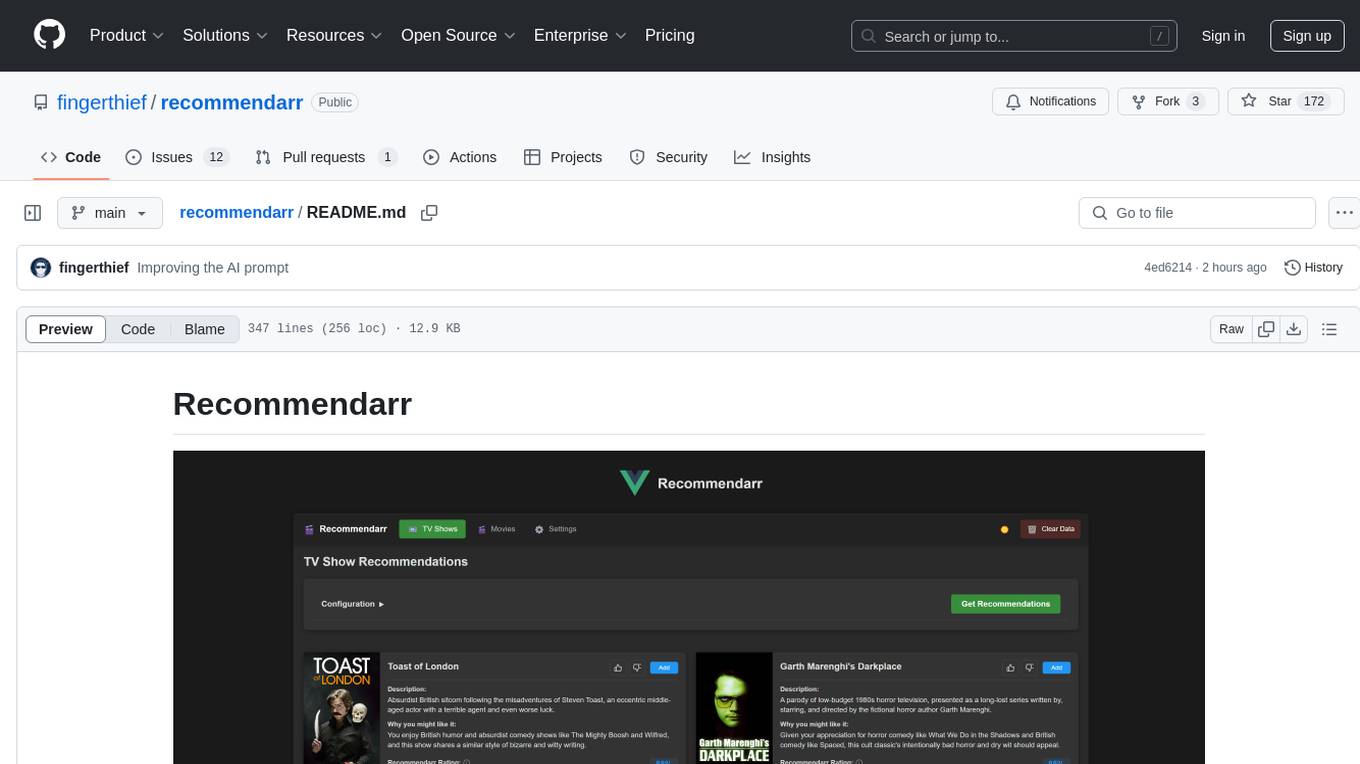
Recommendarr is a tool that generates personalized TV show and movie recommendations based on your Sonarr, Radarr, Plex, and Jellyfin libraries using AI. It offers AI-powered recommendations, media server integration, flexible AI support, watch history analysis, customization options, and dark/light mode toggle. Users can connect their media libraries and watch history services, configure AI service settings, and get personalized recommendations based on genre, language, and mood/vibe preferences. The tool works with any OpenAI-compatible API and offers various recommended models for different cost options and performance levels. It provides personalized suggestions, detailed information, filter options, watch history analysis, and one-click adding of recommended content to Sonarr/Radarr.
run-gemini-cli
run-gemini-cli is a GitHub Action that integrates Gemini into your development workflow via the Gemini CLI. It acts as an autonomous agent for routine coding tasks and an on-demand collaborator. Use it for GitHub pull request reviews, triaging issues, code analysis, and more. It provides automation, on-demand collaboration, extensibility with tools, and customization options.
mobile-use
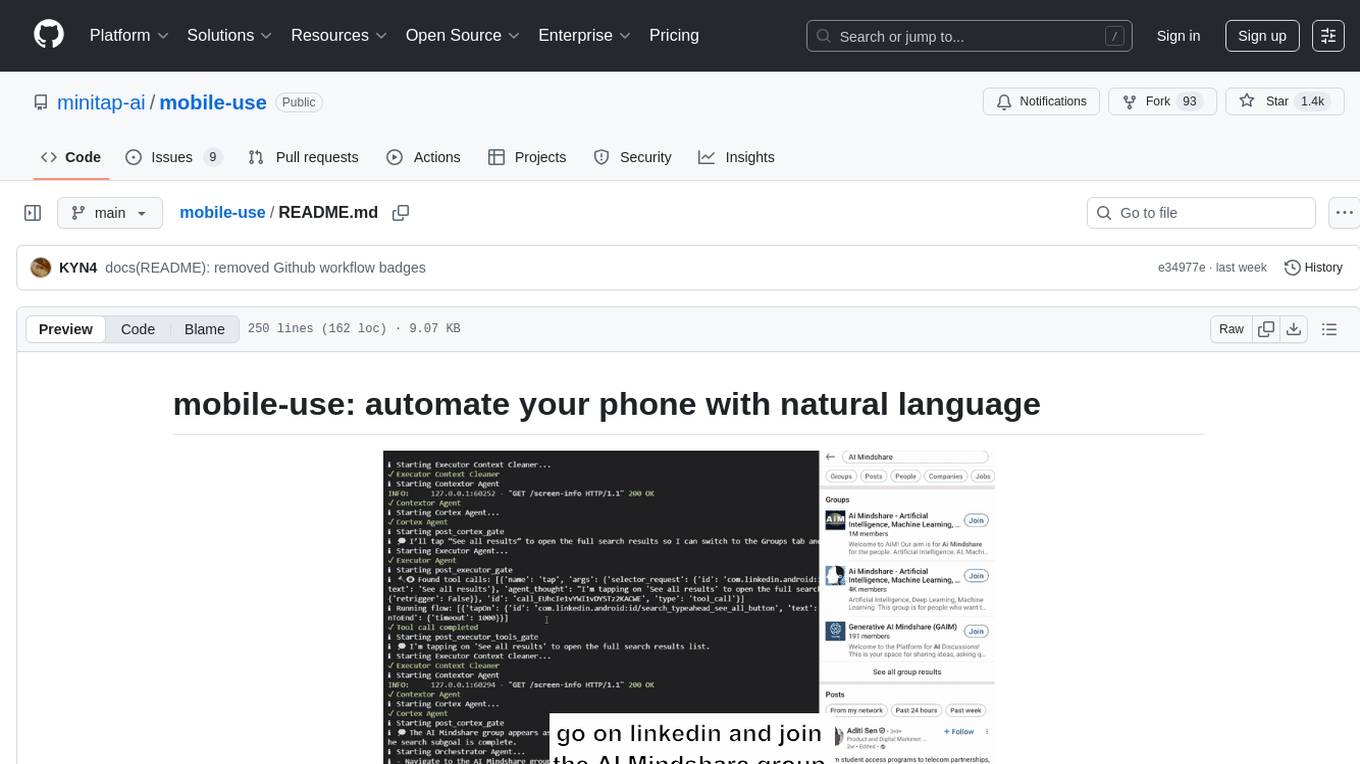
Mobile-use is an open-source AI agent that controls Android or IOS devices using natural language. It understands commands to perform tasks like sending messages and navigating apps. Features include natural language control, UI-aware automation, data scraping, and extensibility. Users can automate their mobile experience by setting up environment variables, customizing LLM configurations, and launching the tool via Docker or manually for development. The tool supports physical Android phones, Android simulators, and iOS simulators. Contributions are welcome, and the project is licensed under MIT.
director
Director is a context infrastructure tool for AI agents that simplifies managing MCP servers, prompts, and configurations by packaging them into portable workspaces accessible through a single endpoint. It allows users to define context workspaces once and share them across different AI clients, enabling seamless collaboration, instant context switching, and secure isolation of untrusted servers without cloud dependencies or API keys. Director offers features like workspaces, universal portability, local-first architecture, sandboxing, smart filtering, unified OAuth, observability, multiple interfaces, and compatibility with all MCP clients and servers.
verifywise
Verifywise is a tool designed to help developers easily verify the correctness of their code. It provides a simple and intuitive interface for running various types of tests and checks on codebases, ensuring that the code meets quality standards and requirements. With Verifywise, developers can automate the verification process, saving time and effort in identifying and fixing potential issues in their code. The tool supports multiple programming languages and frameworks, making it versatile and adaptable to different project requirements. Whether you are working on a small personal project or a large-scale software development initiative, Verifywise can help you ensure the reliability and robustness of your codebase.
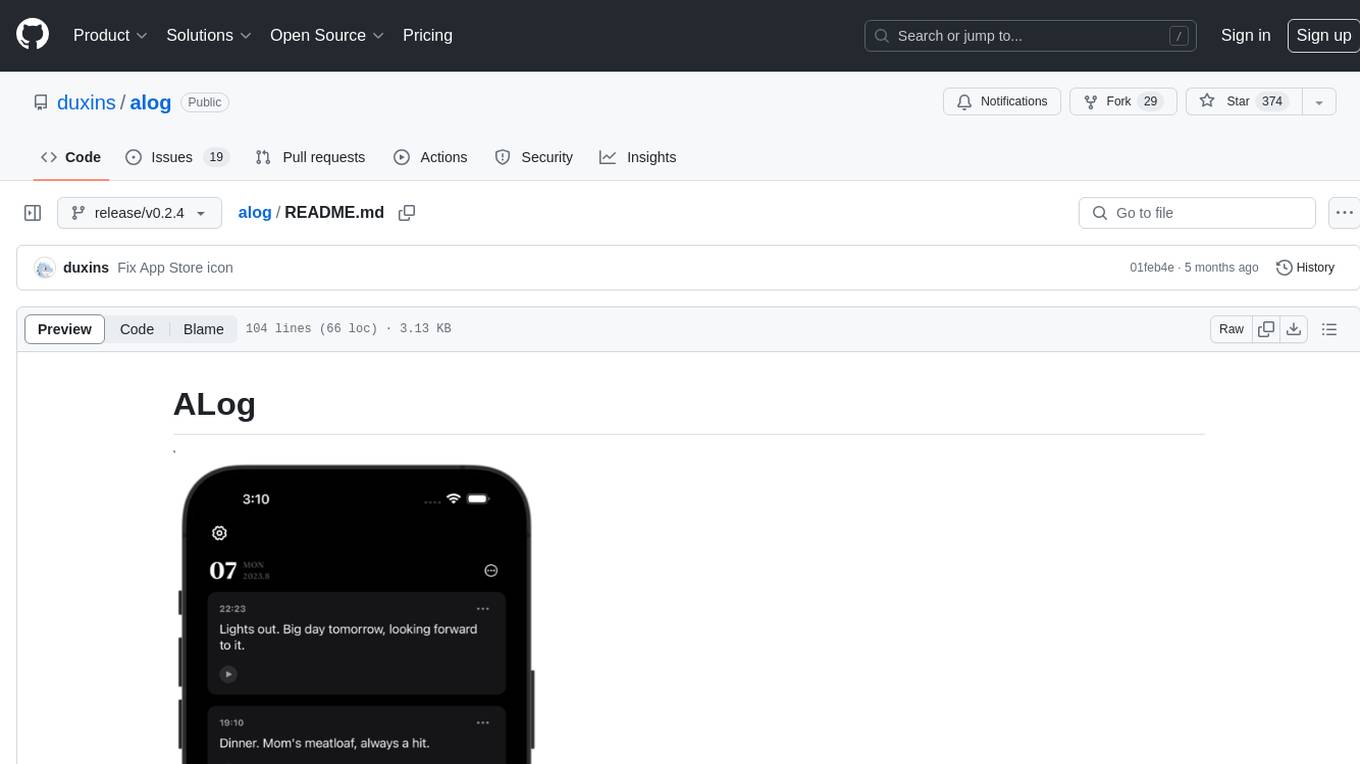
alog
ALog is an open-source project designed to facilitate the deployment of server-side code to Cloudflare. It provides a step-by-step guide on creating a Cloudflare worker, configuring environment variables, and updating API base URL. The project aims to simplify the process of deploying server-side code and interacting with OpenAI API. ALog is distributed under the GNU General Public License v2.0, allowing users to modify and distribute the app while adhering to App Store Review Guidelines.
chunkr
Chunkr is an open-source document intelligence API that provides a production-ready service for document layout analysis, OCR, and semantic chunking. It allows users to convert PDFs, PPTs, Word docs, and images into RAG/LLM-ready chunks. The API offers features such as layout analysis, OCR with bounding boxes, structured HTML and markdown output, and VLM processing controls. Users can interact with Chunkr through a Python SDK, enabling them to upload documents, process them, and export results in various formats. The tool also supports self-hosted deployment options using Docker Compose or Kubernetes, with configurations for different AI models like OpenAI, Google AI Studio, and OpenRouter. Chunkr is dual-licensed under the GNU Affero General Public License v3.0 (AGPL-3.0) and a commercial license, providing flexibility for different usage scenarios.
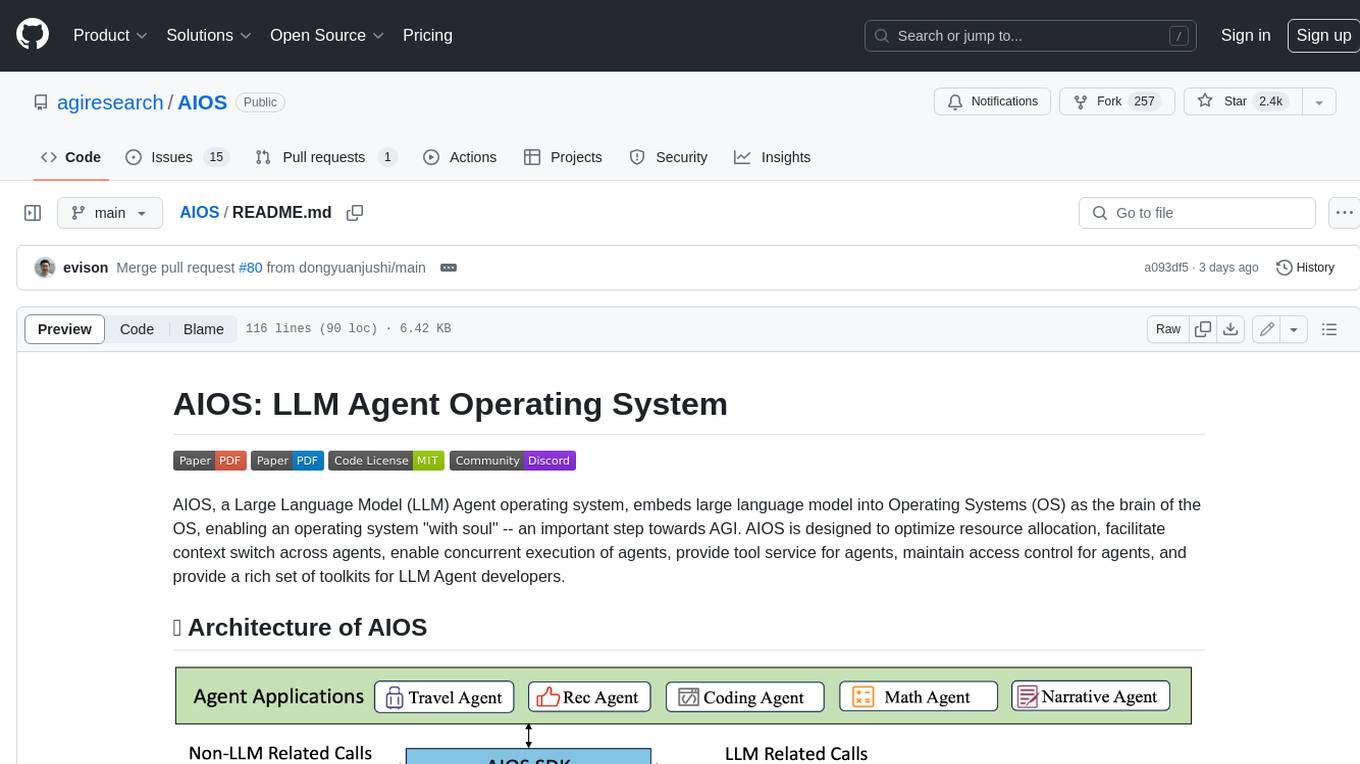
AIOS
AIOS, a Large Language Model (LLM) Agent operating system, embeds large language model into Operating Systems (OS) as the brain of the OS, enabling an operating system "with soul" -- an important step towards AGI. AIOS is designed to optimize resource allocation, facilitate context switch across agents, enable concurrent execution of agents, provide tool service for agents, maintain access control for agents, and provide a rich set of toolkits for LLM Agent developers.
botpress
Botpress is a platform for building next-generation chatbots and assistants powered by OpenAI. It provides a range of tools and integrations to help developers quickly and easily create and deploy chatbots for various use cases.
ChatGPT
The ChatGPT API Free Reverse Proxy provides free self-hosted API access to ChatGPT (`gpt-3.5-turbo`) with OpenAI's familiar structure, eliminating the need for code changes. It offers streaming response, API endpoint compatibility, and complimentary access without an API key. Installation options include Docker, PC/Server, and Termux on Android devices. The API can be accessed through a self-hosted local server or a pre-hosted API with an API key obtained from the Discord server. Usage examples are provided for Python and Node.js, and the project is licensed under AGPL-3.0.
superduperdb
SuperDuperDB is a Python framework for integrating AI models, APIs, and vector search engines directly with your existing databases, including hosting of your own models, streaming inference and scalable model training/fine-tuning. Build, deploy and manage any AI application without the need for complex pipelines, infrastructure as well as specialized vector databases, and moving our data there, by integrating AI at your data's source: - Generative AI, LLMs, RAG, vector search - Standard machine learning use-cases (classification, segmentation, regression, forecasting recommendation etc.) - Custom AI use-cases involving specialized models - Even the most complex applications/workflows in which different models work together SuperDuperDB is **not** a database. Think `db = superduper(db)`: SuperDuperDB transforms your databases into an intelligent platform that allows you to leverage the full AI and Python ecosystem. A single development and deployment environment for all your AI applications in one place, fully scalable and easy to manage.
RooFlow
RooFlow is a VS Code extension that enhances AI-assisted development by providing persistent project context and optimized mode interactions. It reduces token consumption and streamlines workflow by integrating Architect, Code, Test, Debug, and Ask modes. The tool simplifies setup, offers real-time updates, and provides clearer instructions through YAML-based rule files. It includes components like Memory Bank, System Prompts, VS Code Integration, and Real-time Updates. Users can install RooFlow by downloading specific files, placing them in the project structure, and running an insert-variables script. They can then start a chat, select a mode, interact with Roo, and use the 'Update Memory Bank' command for synchronization. The Memory Bank structure includes files for active context, decision log, product context, progress tracking, and system patterns. RooFlow features persistent context, real-time updates, mode collaboration, and reduced token consumption.
youtube_summarizer
YouTube AI Summarizer is a modern Next.js-based tool for AI-powered YouTube video summarization. It allows users to generate concise summaries of YouTube videos using various AI models, with support for multiple languages and summary styles. The application features flexible API key requirements, multilingual support, flexible summary modes, a smart history system, modern UI/UX design, and more. Users can easily input a YouTube URL, select language, summary type, and AI model, and generate summaries with real-time progress tracking. The tool offers a clean, well-structured summary view, history dashboard, and detailed history view for past summaries. It also provides configuration options for API keys and database setup, along with technical highlights, performance improvements, and a modern tech stack.
For similar tasks
mcp
Enable AI agents to operate reliably within real workflows. This MCP is monday.com's open framework for connecting agents into your work OS - giving them secure access to structured data, tools to take action, and the context needed to make smart decisions. The repository provides a comprehensive set of tools for AI agent developers who want to integrate with monday.com, including a plug-and-play server implementation for the Model Context Protocol (MCP) and a powerful set of tools for building AI agents that interact with the monday.com API. Users can choose between a hosted MCP service for fast and reliable connection or run the MCP locally for customization and offline development. The repository also offers advanced tools like Dynamic API Tools for full access to the monday.com GraphQL API, enabling complex reports, batch operations, and deep integration with monday.com's features.
skyvern
Skyvern automates browser-based workflows using LLMs and computer vision. It provides a simple API endpoint to fully automate manual workflows, replacing brittle or unreliable automation solutions. Traditional approaches to browser automations required writing custom scripts for websites, often relying on DOM parsing and XPath-based interactions which would break whenever the website layouts changed. Instead of only relying on code-defined XPath interactions, Skyvern adds computer vision and LLMs to the mix to parse items in the viewport in real-time, create a plan for interaction and interact with them. This approach gives us a few advantages: 1. Skyvern can operate on websites it’s never seen before, as it’s able to map visual elements to actions necessary to complete a workflow, without any customized code 2. Skyvern is resistant to website layout changes, as there are no pre-determined XPaths or other selectors our system is looking for while trying to navigate 3. Skyvern leverages LLMs to reason through interactions to ensure we can cover complex situations. Examples include: 1. If you wanted to get an auto insurance quote from Geico, the answer to a common question “Were you eligible to drive at 18?” could be inferred from the driver receiving their license at age 16 2. If you were doing competitor analysis, it’s understanding that an Arnold Palmer 22 oz can at 7/11 is almost definitely the same product as a 23 oz can at Gopuff (even though the sizes are slightly different, which could be a rounding error!) Want to see examples of Skyvern in action? Jump to #real-world-examples-of- skyvern

airbyte-connectors
This repository contains Airbyte connectors used in Faros and Faros Community Edition platforms as well as Airbyte Connector Development Kit (CDK) for JavaScript/TypeScript.
open-parse
Open Parse is a Python library for visually discerning document layouts and chunking them effectively. It is designed to fill the gap in open-source libraries for handling complex documents. Unlike text splitting, which converts a file to raw text and slices it up, Open Parse visually analyzes documents for superior LLM input. It also supports basic markdown for parsing headings, bold, and italics, and has high-precision table support, extracting tables into clean Markdown formats with accuracy that surpasses traditional tools. Open Parse is extensible, allowing users to easily implement their own post-processing steps. It is also intuitive, with great editor support and completion everywhere, making it easy to use and learn.
unstract
Unstract is a no-code platform that enables users to launch APIs and ETL pipelines to structure unstructured documents. With Unstract, users can go beyond co-pilots by enabling machine-to-machine automation. Unstract's Prompt Studio provides a simple, no-code approach to creating prompts for LLMs, vector databases, embedding models, and text extractors. Users can then configure Prompt Studio projects as API deployments or ETL pipelines to automate critical business processes that involve complex documents. Unstract supports a wide range of LLM providers, vector databases, embeddings, text extractors, ETL sources, and ETL destinations, providing users with the flexibility to choose the best tools for their needs.
Dot
Dot is a standalone, open-source application designed for seamless interaction with documents and files using local LLMs and Retrieval Augmented Generation (RAG). It is inspired by solutions like Nvidia's Chat with RTX, providing a user-friendly interface for those without a programming background. Pre-packaged with Mistral 7B, Dot ensures accessibility and simplicity right out of the box. Dot allows you to load multiple documents into an LLM and interact with them in a fully local environment. Supported document types include PDF, DOCX, PPTX, XLSX, and Markdown. Users can also engage with Big Dot for inquiries not directly related to their documents, similar to interacting with ChatGPT. Built with Electron JS, Dot encapsulates a comprehensive Python environment that includes all necessary libraries. The application leverages libraries such as FAISS for creating local vector stores, Langchain, llama.cpp & Huggingface for setting up conversation chains, and additional tools for document management and interaction.
instructor
Instructor is a Python library that makes it a breeze to work with structured outputs from large language models (LLMs). Built on top of Pydantic, it provides a simple, transparent, and user-friendly API to manage validation, retries, and streaming responses. Get ready to supercharge your LLM workflows!
sparrow
Sparrow is an innovative open-source solution for efficient data extraction and processing from various documents and images. It seamlessly handles forms, invoices, receipts, and other unstructured data sources. Sparrow stands out with its modular architecture, offering independent services and pipelines all optimized for robust performance. One of the critical functionalities of Sparrow - pluggable architecture. You can easily integrate and run data extraction pipelines using tools and frameworks like LlamaIndex, Haystack, or Unstructured. Sparrow enables local LLM data extraction pipelines through Ollama or Apple MLX. With Sparrow solution you get API, which helps to process and transform your data into structured output, ready to be integrated with custom workflows. Sparrow Agents - with Sparrow you can build independent LLM agents, and use API to invoke them from your system. **List of available agents:** * **llamaindex** - RAG pipeline with LlamaIndex for PDF processing * **vllamaindex** - RAG pipeline with LLamaIndex multimodal for image processing * **vprocessor** - RAG pipeline with OCR and LlamaIndex for image processing * **haystack** - RAG pipeline with Haystack for PDF processing * **fcall** - Function call pipeline * **unstructured-light** - RAG pipeline with Unstructured and LangChain, supports PDF and image processing * **unstructured** - RAG pipeline with Weaviate vector DB query, Unstructured and LangChain, supports PDF and image processing * **instructor** - RAG pipeline with Unstructured and Instructor libraries, supports PDF and image processing. Works great for JSON response generation
For similar jobs
goat
GOAT (Great Onchain Agent Toolkit) is an open-source framework designed to simplify the process of making AI agents perform onchain actions by providing a provider-agnostic solution that abstracts away the complexities of interacting with blockchain tools such as wallets, token trading, and smart contracts. It offers a catalog of ready-made blockchain actions for agent developers and allows dApp/smart contract developers to develop plugins for easy access by agents. With compatibility across popular agent frameworks, support for multiple blockchains and wallet providers, and customizable onchain functionalities, GOAT aims to streamline the integration of blockchain capabilities into AI agents.
typedai
TypedAI is a TypeScript-first AI platform designed for developers to create and run autonomous AI agents, LLM based workflows, and chatbots. It offers advanced autonomous agents, software developer agents, pull request code review agent, AI chat interface, Slack chatbot, and supports various LLM services. The platform features configurable Human-in-the-loop settings, functional callable tools/integrations, CLI and Web UI interface, and can be run locally or deployed on the cloud with multi-user/SSO support. It leverages the Python AI ecosystem through executing Python scripts/packages and provides flexible run/deploy options like single user mode, Firestore & Cloud Run deployment, and multi-user SSO enterprise deployment. TypedAI also includes UI examples, code examples, and automated LLM function schemas for seamless development and execution of AI workflows.

appworld
AppWorld is a high-fidelity execution environment of 9 day-to-day apps, operable via 457 APIs, populated with digital activities of ~100 people living in a simulated world. It provides a benchmark of natural, diverse, and challenging autonomous agent tasks requiring rich and interactive coding. The repository includes implementations of AppWorld apps and APIs, along with tests. It also introduces safety features for code execution and provides guides for building agents and extending the benchmark.
mcp-agent
mcp-agent is a simple, composable framework designed to build agents using the Model Context Protocol. It handles the lifecycle of MCP server connections and implements patterns for building production-ready AI agents in a composable way. The framework also includes OpenAI's Swarm pattern for multi-agent orchestration in a model-agnostic manner, making it the simplest way to build robust agent applications. It is purpose-built for the shared protocol MCP, lightweight, and closer to an agent pattern library than a framework. mcp-agent allows developers to focus on the core business logic of their AI applications by handling mechanics such as server connections, working with LLMs, and supporting external signals like human input.
openrouter-kit
OpenRouter Kit is a powerful TypeScript/JavaScript library for interacting with the OpenRouter API. It simplifies working with LLMs by providing a high-level API for chats, dialogue history management, tool calls with error handling, security module, and cost tracking. Ideal for building chatbots, AI agents, and integrating LLMs into applications.
starknet-agentic
Open-source stack for giving AI agents wallets, identity, reputation, and execution rails on Starknet. `starknet-agentic` is a monorepo with Cairo smart contracts for agent wallets, identity, reputation, and validation, TypeScript packages for MCP tools, A2A integration, and payment signing, reusable skills for common Starknet agent capabilities, and examples and docs for integration. It provides contract primitives + runtime tooling in one place for integrating agents. The repo includes various layers such as Agent Frameworks / Apps, Integration + Runtime Layer, Packages / Tooling Layer, Cairo Contract Layer, and Starknet L2. It aims for portability of agent integrations without giving up Starknet strengths, with a cross-chain interop strategy and skills marketplace. The repository layout consists of directories for contracts, packages, skills, examples, docs, and website.
SwiftAgent
A type-safe, declarative framework for building AI agents in Swift, SwiftAgent is built on Apple FoundationModels. It allows users to compose agents by combining Steps in a declarative syntax similar to SwiftUI. The framework ensures compile-time checked input/output types, native Apple AI integration, structured output generation, and built-in security features like permission, sandbox, and guardrail systems. SwiftAgent is extensible with MCP integration, distributed agents, and a skills system. Users can install SwiftAgent with Swift 6.2+ on iOS 26+, macOS 26+, or Xcode 26+ using Swift Package Manager.
agent-device
CLI tool for controlling iOS and Android devices for AI agents, with core commands like open, back, home, press, and more. It supports minimal dependencies, TypeScript execution on Node 22+, and is in early development. The tool allows for automation flows, session management, semantic finding, assertions, replay updates, and settings helpers for simulators. It also includes backends for iOS snapshots, app resolution, iOS-specific notes, testing, and building. Contributions are welcome, and the project is maintained by Callstack, a group of React and React Native enthusiasts.