


verifywise
Complete AI governance and LLM Evals platform with support for EU AI Act, ISO 42001, NIST AI RMF and 20+ more AI frameworks and regulations. Join our Discord channel: https://discord.com/invite/d3k3E4uEpR
Stars: 224
Verifywise is a tool designed to help developers easily verify the correctness of their code. It provides a simple and intuitive interface for running various types of tests and checks on codebases, ensuring that the code meets quality standards and requirements. With Verifywise, developers can automate the verification process, saving time and effort in identifying and fixing potential issues in their code. The tool supports multiple programming languages and frameworks, making it versatile and adaptable to different project requirements. Whether you are working on a small personal project or a large-scale software development initiative, Verifywise can help you ensure the reliability and robustness of your codebase.
README:







VerifyWise is a source available AI governance platform designed to help businesses use the power of AI safely and responsibly. Our platform ensures compliance and robust AI management without compromising on security.
We are democratizing AI best practices with a solution that can be hosted on-premises, giving you complete control over your AI governance.
- Join our Discord channel to ask your questions and get the latest announcemnets.
- Need to talk to someone? Get with us to see the latest demo, or click here to experience the demo yourself.
- Read our documentation to understand features and capabilities
| The main dashboard | LLM Evals |
|---|---|
| EU AI Act project view | AI Use case risks |
|---|---|
| AI Risk management | AI Model inventory |
|---|---|
| AI Model risks | AI Policy manager and policy templates |
|---|---|
| AI vendors and vendor risks | AI Incident management (with filter example) |
|---|---|
| AI Trust Center | Automations |
|---|---|
| Reporting | |
|---|---|
- Option to host the application on-premises or in a private cloud
- Source available license (BSL 1.1). Dual licensing is also available for enterprises
- Faster audits using AI-generated answers for compliance and assessment questions
- Full access to the source code for transparency, security audits, and customization
- Docker and Kubernetes deployment (also deployable on render.com and similar platforms)
- User registration, authentication, and role-based access control (RBAC) support
- Major features:
- Support for EU AI Act, ISO 42001, NIST AI RMF and ISO 27001
- Dashboard: executive view & operating view
- Vendors & vendor risks
- AI use cases and risks
- Global tasks with timeline view
- Complete LLM Evals and LLM Arena
- Evidence center with folder structure
- AI trust center for public view
- AI literacy training registery
- AI Advisor, AI-powered chat interface providing governance recommendations
- AI Detection Module, which scans code repositories to identify AI-generated content.
- Shadow AI detection and risk management
- AI agent discovery
- Activity history for each entity
- Integration with MIT and IBM AI risk repository
- Model inventory and model risks that keeps a list of models used and risks
- Policy manager to create and manage internal company AI policies
- Risk and control mappings for EU AI Act, ISO 42001, NIST AI RMF and ISO 27001
- CE Marking registry
- Dataset registry
- Desktop notifications
- Approval workflows & approval requests
- Detailed reports with PDF and DOCX export
- Event logs (audits) for enterprise organizations
- AI incident management
- Plugins support with more than 15+ plugins (and counting)
- Automations (when an entity changes, do this, or send period reports, or send webhooks)
- Google OAuth2 and Entra ID (enterprise edition) support for authentication
The VerifyWise application has two components: a frontend built with React.js and a backend built with Node.js. At present, you can use npm (for development) or Docker/Kubernetes (production) to run VerifyWise. A PostgreSQL database is required.
Prerequisites:
- npm and Docker
- Python 3.12+ (for EvalServer)
- A running PostgreSQL, preferably as a Docker image (eg. using
docker pull postgres:latest) - Available ports: 5173 (frontend), 3000 (backend), 5432 (database), 6379 (Redis), 8000 (EvalServer)
First, clone the repository to your local machine and go to verifywise directory. Then, navigate to the Clients directory and install the dependencies:
git clone https://github.com/bluewave-labs/verifywise.git
cd verifywise
cd Clients
npm install
cd ../Servers
npm install
Go to the root directory and copy the contents of .env.dev to the .env file. For security, you must set a strong and unpredictable JWT_SECRET in your .env file. This secret is used to sign and verify your JWT tokens, so it must be kept private and cryptographically secure. You can generate a 256-bit base64-encoded secret using openssl rand -base64 32.
cd ..
cp .env.dev Servers/.env
In .env file, change FRONTEND_URL:
FRONTEND_URL=http://localhost:5173
Note: CORS is automatically configured to allow requests from the same host (localhost, 127.0.0.1) where the backend is running.
Run the PostgreSQL container with the following command:
docker run -d --name mypostgres -p 5432:5432 -e POSTGRES_PASSWORD={env variable password} postgres
Run redis with following command:
docker run -d --name myredis -p 6379:6379 redis
Access the PostgreSQL container and create the verifywise database:
docker exec -it mypostgres psql -U postgres
CREATE DATABASE verifywise;
EvalServer is a Python-based service that handles LLM evaluations. If you want to use the evaluation features, follow these steps:
cd EvalServer
python3.12 -m venv venv
source venv/bin/activate
pip install -r requirements.txt
Set up the environment file. You can copy the minimal .env.example file in the EvalServer directory:
cp .env.example .env
Navigate to the EvalServer/src directory, activate the virtual environment (if not already activated), and start the server:
cd EvalServer/src
source ../venv/bin/activate
python app.py
Navigate to the Servers directory and start the server in watch mode:
cd Servers
npm run watch
Navigate to the Clients directory and start the client in development mode:
cd Clients
npm run dev
Note: Make sure to replace {env variable password} with the actual password from your environment variables.
Note: Since no users exist by default, you'll see the admin registration page first. Register your admin account here. After registration, you'll be redirected to login, and will be able to use your new credentials.
First, ensure you have the following installed:
- npm
- Docker
- Docker Compose
Create a directory in your desired folder:
mkdir verifywise
cd verifywise
Download the required files using wget:
curl -O https://raw.githubusercontent.com/bluewave-labs/verifywise/develop/install.sh
curl -O https://raw.githubusercontent.com/bluewave-labs/verifywise/develop/.env.prod
Make sure to change the JWT_SECRET variable to your liking, and change localhost to the IP of the server. An example is shown below:
BACKEND_URL=http://64.23.242.4:3000
FRONTEND_URL=http://64.23.242.4:8080
Note: CORS is automatically configured to allow requests from the same host where the backend is running.
Change the permissions of the install.sh script to make it executable, and then execute it.
chmod +x ./install.sh
./install.sh
Now the server is running on the IP and the port you defined in .env.prod file (8080 by default).
If the install.sh script doesn't work for some reason, try the following commands:
docker-compose --env-file .env.prod up -d backend
docker ps  # to confirm
docker-compose --env-file .env.prod up -d frontend
docker ps  # to confirm
If you want to re-run install.sh for some reason (e.g want to change a configuration in .env.prod file), first stop all Docker containers before starting a new one:
docker-compose --env-file .env.prod down
./install.sh
Note: Since no users exist by default, you'll see the admin registration page first. Register your admin account here. After registration, you'll be redirected to login, and will be able to use your new credentials.
Here are the steps to enable SSL on your system.
-
Make sure to point domain to VM IP
-
Install Nginx:
sudo apt update
sudo apt install nginx -y
- Create a config file (
/etc/nginx/sites-available/verifywise) with the following content. Change the domain name accordingly.
server {
    server_name domainname.com;

    client_max_body_size 200M;

    # Custom error page for maintenance/upgrades
    error_page 502 503 504 /upgrade.html;

    location = /upgrade.html {
        root /var/www/verifywise;
        internal;
    }

    location / {
        proxy_pass http://localhost:8080;
        proxy_http_version 1.1;
        proxy_set_header Upgrade $http_upgrade;
        proxy_set_header Connection 'upgrade';
        proxy_set_header Host $host;
        proxy_cache_bypass $http_upgrade;
    }

    location /api/ {
        proxy_pass http://localhost:3000;
        proxy_http_version 1.1;
        proxy_set_header Upgrade $http_upgrade;
        proxy_set_header Connection 'upgrade';
        proxy_set_header Host $host;
        proxy_cache_bypass $http_upgrade;
    }
 }
- Create the directory for custom error pages and copy the upgrade page:
sudo mkdir -p /var/www/verifywise
sudo curl -o /var/www/verifywise/upgrade.html https://raw.githubusercontent.com/bluewave-labs/verifywise/develop/Clients/upgrade.html
- Enable the config:
sudo ln -s /etc/nginx/sites-available/verifywise /etc/nginx/sites-enabled/
sudo nginx -t
sudo systemctl restart nginx
- Install Certbot for SSL:
sudo apt install certbot python3-certbot-nginx -y
- Obtain SSL certificate. Change the domain name accordingly.
sudo certbot --nginx -d domainname.com
- Update the
.env.prodto point to correct domain. Change the domain name accordingly.
BACKEND_URL=https://domainname.com/api
FRONTEND_URL=https://domainname.com
Note: CORS is automatically configured to allow requests from the same host where the backend is running.
- Restart the application
./install.sh
Note: The Nginx configuration includes custom error pages that display a professional "upgrading" message instead of the default "502 Bad Gateway" error when the servers are not running or during maintenance.
VerifyWise supports multiple email service providers through a provider abstraction layer, enabling administrators to choose the most suitable email service for their organization. The system includes security enhancements such as TLS enforcement, input validation and credential rotation for supported providers.
Below is a list of supported email providers. You can use this documentation to setup the email service of your choice.
- Exchange Online (Office 365) - Microsoft's cloud email service
- On-Premises Exchange - Self-hosted Exchange servers
- Amazon SES - AWS Simple Email Service
- Resend - Developer-focused email API
- Generic SMTP - SMTP support for any provider
You’ll need to open ports 80 and 443 so VerifyWise can be accessed from the internet.
If you find a vulnerability, please report it here.
For Tasks:
Click tags to check more tools for each tasksFor Jobs:
Alternative AI tools for verifywise
Similar Open Source Tools
verifywise
Verifywise is a tool designed to help developers easily verify the correctness of their code. It provides a simple and intuitive interface for running various types of tests and checks on codebases, ensuring that the code meets quality standards and requirements. With Verifywise, developers can automate the verification process, saving time and effort in identifying and fixing potential issues in their code. The tool supports multiple programming languages and frameworks, making it versatile and adaptable to different project requirements. Whether you are working on a small personal project or a large-scale software development initiative, Verifywise can help you ensure the reliability and robustness of your codebase.
Disciplined-AI-Software-Development
Disciplined AI Software Development is a comprehensive repository that provides guidelines and best practices for developing AI software in a disciplined manner. It covers topics such as project organization, code structure, documentation, testing, and deployment strategies to ensure the reliability, scalability, and maintainability of AI applications. The repository aims to help developers and teams navigate the complexities of AI development by offering practical advice and examples to follow.
navigator
Navigator is a versatile tool for navigating through complex codebases efficiently. It provides a user-friendly interface to explore code files, search for specific functions or variables, and visualize code dependencies. With Navigator, developers can easily understand the structure of a project and quickly locate relevant code snippets. The tool supports various programming languages and offers customizable settings to enhance the coding experience. Whether you are working on a small project or a large codebase, Navigator can help you streamline your development process and improve code comprehension.
agentic-qe
Agentic Quality Engineering Fleet (Agentic QE) is a comprehensive tool designed for quality engineering tasks. It offers a Domain-Driven Design architecture with 13 bounded contexts and 60 specialized QE agents. The tool includes features like TinyDancer intelligent model routing, ReasoningBank learning with Dream cycles, HNSW vector search, Coherence Verification, and integration with other tools like Claude Flow and Agentic Flow. It provides capabilities for test generation, coverage analysis, quality assessment, defect intelligence, requirements validation, code intelligence, security compliance, contract testing, visual accessibility, chaos resilience, learning optimization, and enterprise integration. The tool supports various protocols, LLM providers, and offers a vast library of QE skills for different testing scenarios.
verl-tool
The verl-tool is a versatile command-line utility designed to streamline various tasks related to version control and code management. It provides a simple yet powerful interface for managing branches, merging changes, resolving conflicts, and more. With verl-tool, users can easily track changes, collaborate with team members, and ensure code quality throughout the development process. Whether you are a beginner or an experienced developer, verl-tool offers a seamless experience for version control operations.
pullfrog
Pullfrog is a versatile tool for managing and automating GitHub pull requests. It provides a simple and intuitive interface for developers to streamline their workflow and collaborate more efficiently. With Pullfrog, users can easily create, review, merge, and manage pull requests, all within a single platform. The tool offers features such as automated testing, code review, and notifications to help teams stay organized and productive. Whether you are a solo developer or part of a large team, Pullfrog can help you simplify the pull request process and improve code quality.
cli
TestDriver is an innovative test framework that automates and scales QA using computer-use agents. It leverages AI vision, mouse, and keyboard emulation to control the entire desktop, making it more like a QA employee than a traditional test framework. With TestDriver, users can easily set up tests without complex selectors, reduce maintenance efforts as tests don't break with code changes, and gain more power to test any application and control any OS setting.
PentestGPT
PentestGPT provides advanced AI and integrated tools to help security teams conduct comprehensive penetration tests effortlessly. Scan, exploit, and analyze web applications, networks, and cloud environments with ease and precision, without needing expert skills. The tool utilizes Supabase for data storage and management, and Vercel for hosting the frontend. It offers a local quickstart guide for running the tool locally and a hosted quickstart guide for deploying it in the cloud. PentestGPT aims to simplify the penetration testing process for security professionals and enthusiasts alike.
Awesome-Repo-Level-Code-Generation
This repository contains a collection of tools and scripts for generating code at the repository level. It provides a set of utilities to automate the process of creating and managing code across multiple files and directories. The tools included in this repository aim to improve code generation efficiency and maintainability by streamlining the development workflow. With a focus on enhancing productivity and reducing manual effort, this collection offers a variety of code generation options and customization features to suit different project requirements.
holmesgpt
HolmesGPT is an AI agent designed for troubleshooting and investigating issues in cloud environments. It utilizes AI models to analyze data from various sources, identify root causes, and provide remediation suggestions. The tool offers integrations with popular cloud providers, observability tools, and on-call systems, enabling users to streamline the troubleshooting process. HolmesGPT can automate the investigation of alerts and tickets from external systems, providing insights back to the source or communication platforms like Slack. It supports end-to-end automation and offers a CLI for interacting with the AI agent. Users can customize HolmesGPT by adding custom data sources and runbooks to enhance investigation capabilities. The tool prioritizes data privacy, ensuring read-only access and respecting RBAC permissions. HolmesGPT is a CNCF Sandbox Project and is distributed under the Apache 2.0 License.
humanlayer
HumanLayer is a Python toolkit designed to enable AI agents to interact with humans in tool-based and asynchronous workflows. By incorporating humans-in-the-loop, agentic tools can access more powerful and meaningful tasks. The toolkit provides features like requiring human approval for function calls, human as a tool for contacting humans, omni-channel contact capabilities, granular routing, and support for various LLMs and orchestration frameworks. HumanLayer aims to ensure human oversight of high-stakes function calls, making AI agents more reliable and safe in executing impactful tasks.
BentoVLLM
BentoVLLM is an example project demonstrating how to serve and deploy open-source Large Language Models using vLLM, a high-throughput and memory-efficient inference engine. It provides a basis for advanced code customization, such as custom models, inference logic, or vLLM options. The project allows for simple LLM hosting with OpenAI compatible endpoints without the need to write any code. Users can interact with the server using Swagger UI or other methods, and the service can be deployed to BentoCloud for better management and scalability. Additionally, the repository includes integration examples for different LLM models and tools.
llm-agents.nix
Nix packages for AI coding agents and development tools. Automatically updated daily. This repository provides a wide range of AI coding agents and tools that can be used in the terminal environment. The tools cover various functionalities such as code assistance, AI-powered development agents, CLI tools for AI coding, workflow and project management, code review, utilities like search tools and browser automation, and usage analytics for AI coding sessions. The repository also includes experimental features like sandboxed execution, provider abstraction, and tool composition to explore how Nix can enhance AI-powered development.
arcade-ai
Arcade AI is a developer-focused tooling and API platform designed to enhance the capabilities of LLM applications and agents. It simplifies the process of connecting agentic applications with user data and services, allowing developers to concentrate on building their applications. The platform offers prebuilt toolkits for interacting with various services, supports multiple authentication providers, and provides access to different language models. Users can also create custom toolkits and evaluate their tools using Arcade AI. Contributions are welcome, and self-hosting is possible with the provided documentation.
AI-Codereview-Gitlab
AI-Codereview-Gitlab is an automated code review tool based on large models, designed to help development teams conduct intelligent code reviews quickly during code merging or submission. It supports multiple large models including DeepSeek, ZhipuAI, OpenAI, and Ollama. The tool can automatically push review results to DingTalk, WeChat Work, and Feishu, generate daily reports based on GitLab commit records, and provide a visual dashboard to display code review records. The tool works by triggering webhook events on GitLab when users submit code, calling third-party large models to review the code, and recording the review results in corresponding Merge Requests or Commit Notes.
arthur-engine
The Arthur Engine is a comprehensive tool for monitoring and governing AI/ML workloads. It provides evaluation and benchmarking of machine learning models, guardrails enforcement, and extensibility for fitting into various application architectures. With support for a wide range of evaluation metrics and customizable features, the tool aims to improve model understanding, optimize generative AI outputs, and prevent data-security and compliance risks. Key features include real-time guardrails, model performance monitoring, feature importance visualization, error breakdowns, and support for custom metrics and models integration.
For similar tasks
digma
Digma is a Continuous Feedback platform that provides code-level insights related to performance, errors, and usage during development. It empowers developers to own their code all the way to production, improving code quality and preventing critical issues. Digma integrates with OpenTelemetry traces and metrics to generate insights in the IDE, helping developers analyze code scalability, bottlenecks, errors, and usage patterns.
inspector-laravel
Inspector is a code execution monitoring tool specifically designed for Laravel applications. It provides simple and efficient monitoring capabilities to track and analyze the performance of your Laravel code. With Inspector, you can easily monitor web requests, test the functionality of your application, and explore data through a user-friendly dashboard. The tool requires PHP version 7.2.0 or higher and Laravel version 5.5 or above. By configuring the ingestion key and attaching the middleware, users can seamlessly integrate Inspector into their Laravel projects. The official documentation provides detailed instructions on installation, configuration, and usage of Inspector. Contributions to the tool are welcome, and users are encouraged to follow the Contribution Guidelines to participate in the development of Inspector.
verifywise
Verifywise is a tool designed to help developers easily verify the correctness of their code. It provides a simple and intuitive interface for running various types of tests and checks on codebases, ensuring that the code meets quality standards and requirements. With Verifywise, developers can automate the verification process, saving time and effort in identifying and fixing potential issues in their code. The tool supports multiple programming languages and frameworks, making it versatile and adaptable to different project requirements. Whether you are working on a small personal project or a large-scale software development initiative, Verifywise can help you ensure the reliability and robustness of your codebase.
LLMstudio
LLMstudio by TensorOps is a platform that offers prompt engineering tools for accessing models from providers like OpenAI, VertexAI, and Bedrock. It provides features such as Python Client Gateway, Prompt Editing UI, History Management, and Context Limit Adaptability. Users can track past runs, log costs and latency, and export history to CSV. The tool also supports automatic switching to larger-context models when needed. Coming soon features include side-by-side comparison of LLMs, automated testing, API key administration, project organization, and resilience against rate limits. LLMstudio aims to streamline prompt engineering, provide execution history tracking, and enable effortless data export, offering an evolving environment for teams to experiment with advanced language models.
kaizen
Kaizen is an open-source project that helps teams ensure quality in their software delivery by providing a suite of tools for code review, test generation, and end-to-end testing. It integrates with your existing code repositories and workflows, allowing you to streamline your software development process. Kaizen generates comprehensive end-to-end tests, provides UI testing and review, and automates code review with insightful feedback. The file structure includes components for API server, logic, actors, generators, LLM integrations, documentation, and sample code. Getting started involves installing the Kaizen package, generating tests for websites, and executing tests. The tool also runs an API server for GitHub App actions. Contributions are welcome under the AGPL License.
flux-fine-tuner
This is a Cog training model that creates LoRA-based fine-tunes for the FLUX.1 family of image generation models. It includes features such as automatic image captioning during training, image generation using LoRA, uploading fine-tuned weights to Hugging Face, automated test suite for continuous deployment, and Weights and biases integration. The tool is designed for users to fine-tune Flux models on Replicate for image generation tasks.
shortest
Shortest is an AI-powered natural language end-to-end testing framework built on Playwright. It provides a seamless testing experience by allowing users to write tests in natural language and execute them using Anthropic Claude API. The framework also offers GitHub integration with 2FA support, making it suitable for testing web applications with complex authentication flows. Shortest simplifies the testing process by enabling users to run tests locally or in CI/CD pipelines, ensuring the reliability and efficiency of web applications.
lmstudio-python
LM Studio Python SDK provides a convenient API for interacting with LM Studio instance, including text completion and chat response functionalities. The SDK allows users to manage websocket connections and chat history easily. It also offers tools for code consistency checks, automated testing, and expanding the API.
For similar jobs
sourcegraph
Sourcegraph is a code search and navigation tool that helps developers read, write, and fix code in large, complex codebases. It provides features such as code search across all repositories and branches, code intelligence for navigation and refactoring, and the ability to fix and refactor code across multiple repositories at once.
pr-agent
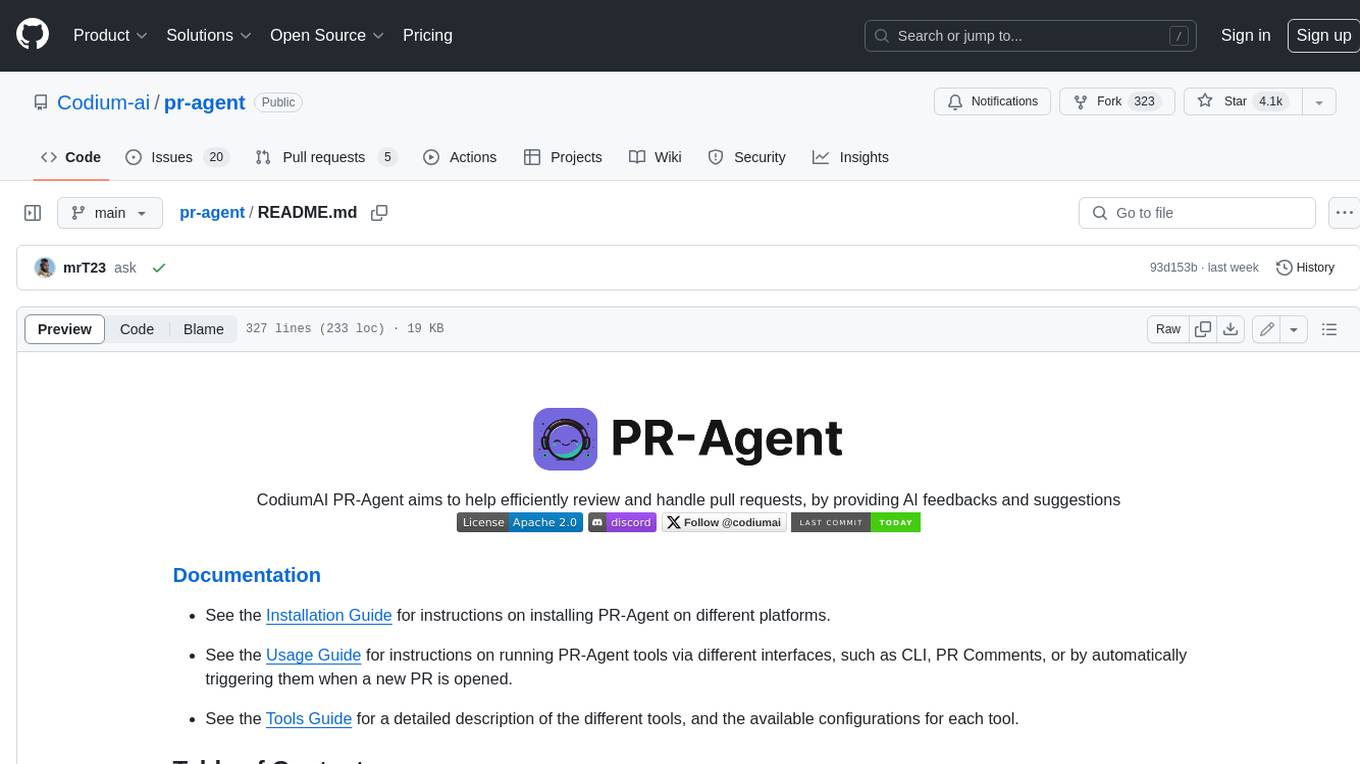
PR-Agent is a tool that helps to efficiently review and handle pull requests by providing AI feedbacks and suggestions. It supports various commands such as generating PR descriptions, providing code suggestions, answering questions about the PR, and updating the CHANGELOG.md file. PR-Agent can be used via CLI, GitHub Action, GitHub App, Docker, and supports multiple git providers and models. It emphasizes real-life practical usage, with each tool having a single GPT-4 call for quick and affordable responses. The PR Compression strategy enables effective handling of both short and long PRs, while the JSON prompting strategy allows for modular and customizable tools. PR-Agent Pro, the hosted version by CodiumAI, provides additional benefits such as full management, improved privacy, priority support, and extra features.
code-review-gpt
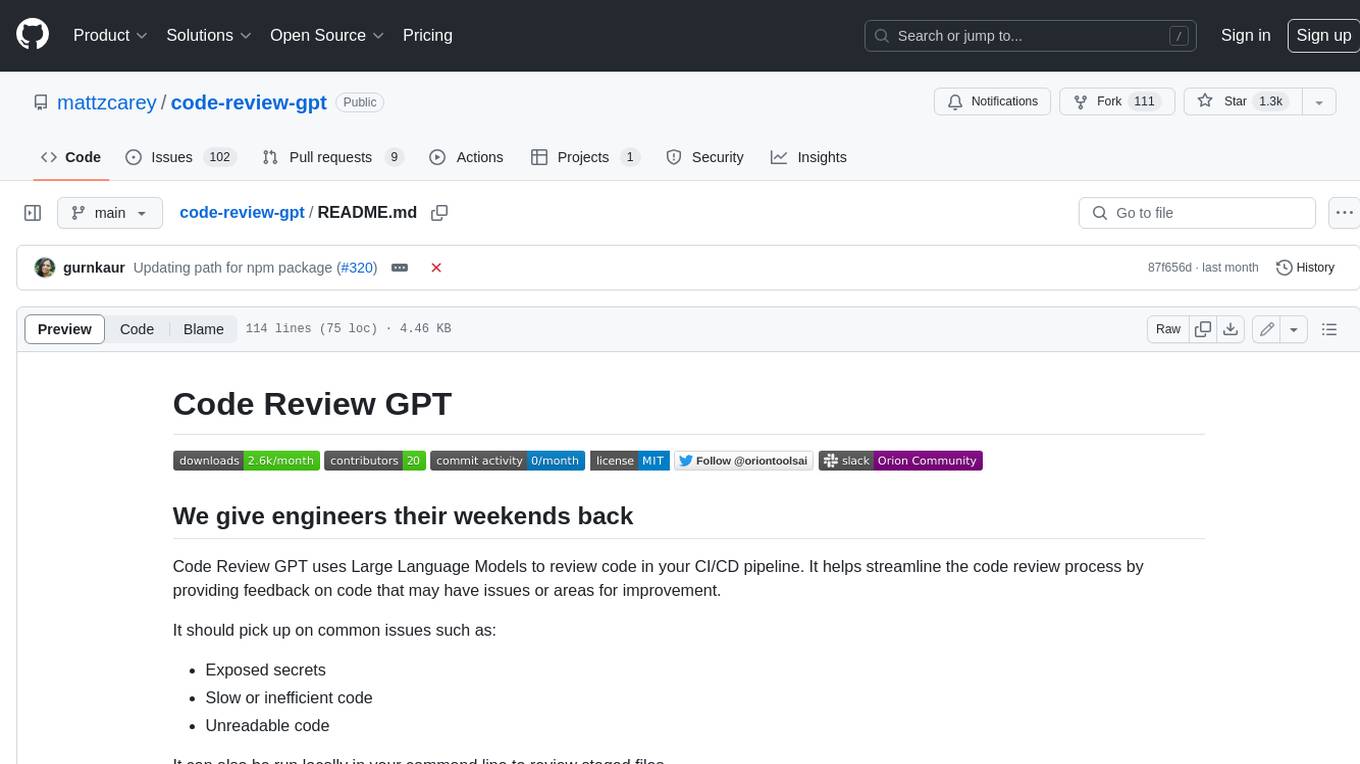
Code Review GPT uses Large Language Models to review code in your CI/CD pipeline. It helps streamline the code review process by providing feedback on code that may have issues or areas for improvement. It should pick up on common issues such as exposed secrets, slow or inefficient code, and unreadable code. It can also be run locally in your command line to review staged files. Code Review GPT is in alpha and should be used for fun only. It may provide useful feedback but please check any suggestions thoroughly.
DevoxxGenieIDEAPlugin
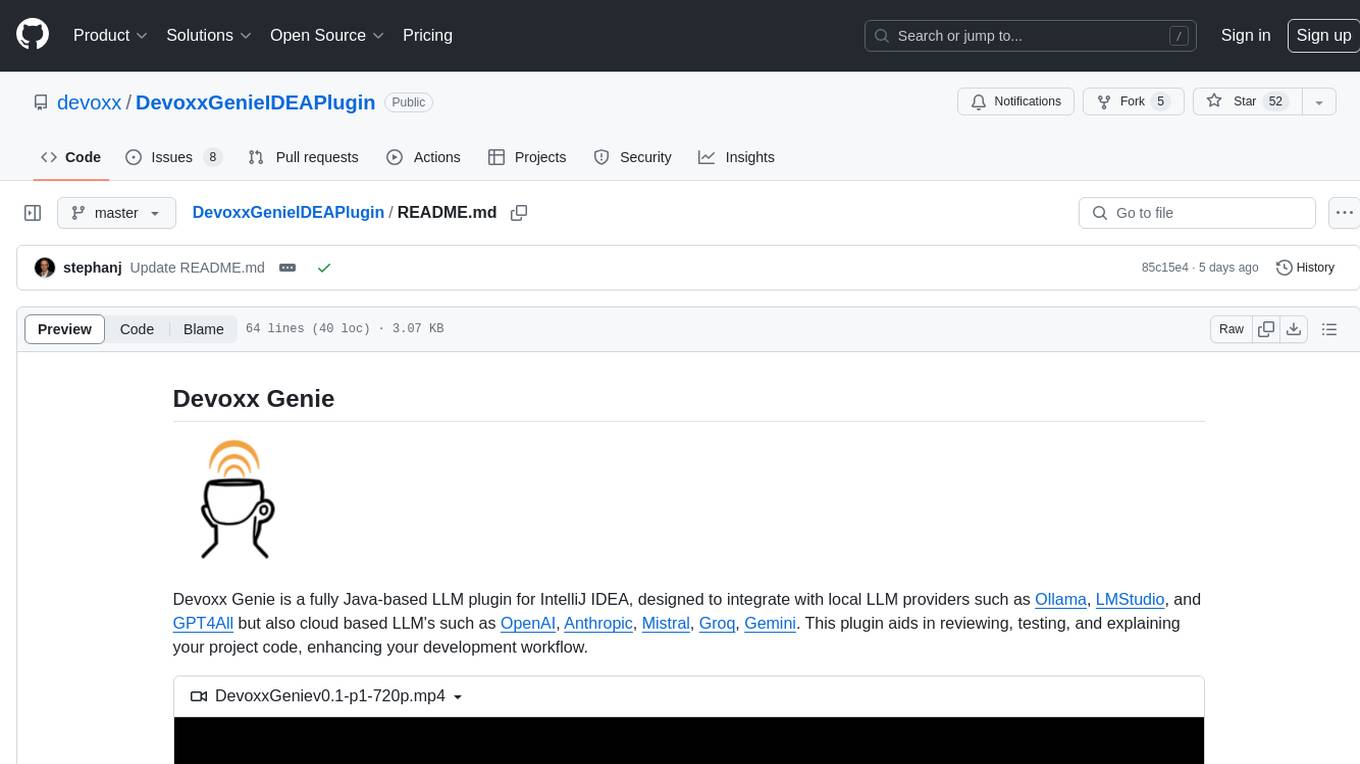
Devoxx Genie is a Java-based IntelliJ IDEA plugin that integrates with local and cloud-based LLM providers to aid in reviewing, testing, and explaining project code. It supports features like code highlighting, chat conversations, and adding files/code snippets to context. Users can modify REST endpoints and LLM parameters in settings, including support for cloud-based LLMs. The plugin requires IntelliJ version 2023.3.4 and JDK 17. Building and publishing the plugin is done using Gradle tasks. Users can select an LLM provider, choose code, and use commands like review, explain, or generate unit tests for code analysis.
code2prompt
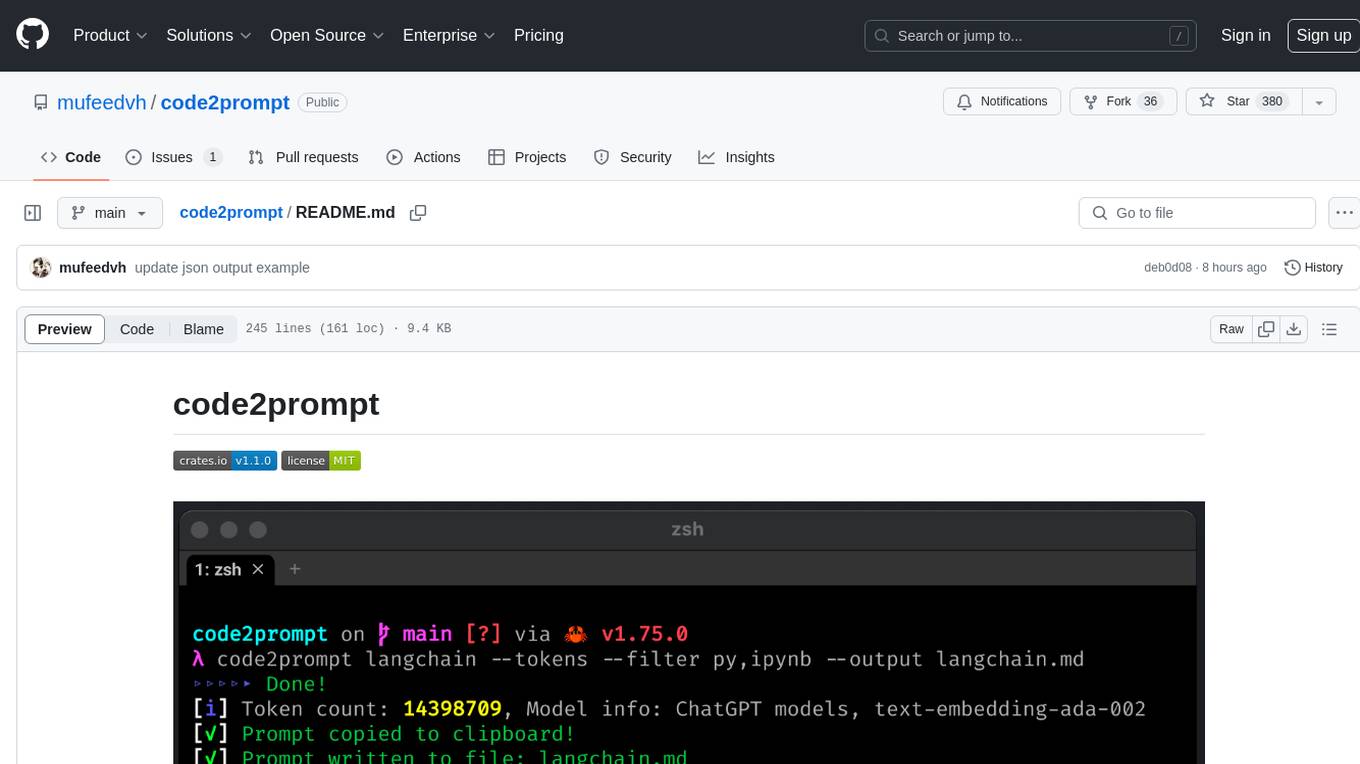
code2prompt is a command-line tool that converts your codebase into a single LLM prompt with a source tree, prompt templating, and token counting. It automates generating LLM prompts from codebases of any size, customizing prompt generation with Handlebars templates, respecting .gitignore, filtering and excluding files using glob patterns, displaying token count, including Git diff output, copying prompt to clipboard, saving prompt to an output file, excluding files and folders, adding line numbers to source code blocks, and more. It helps streamline the process of creating LLM prompts for code analysis, generation, and other tasks.
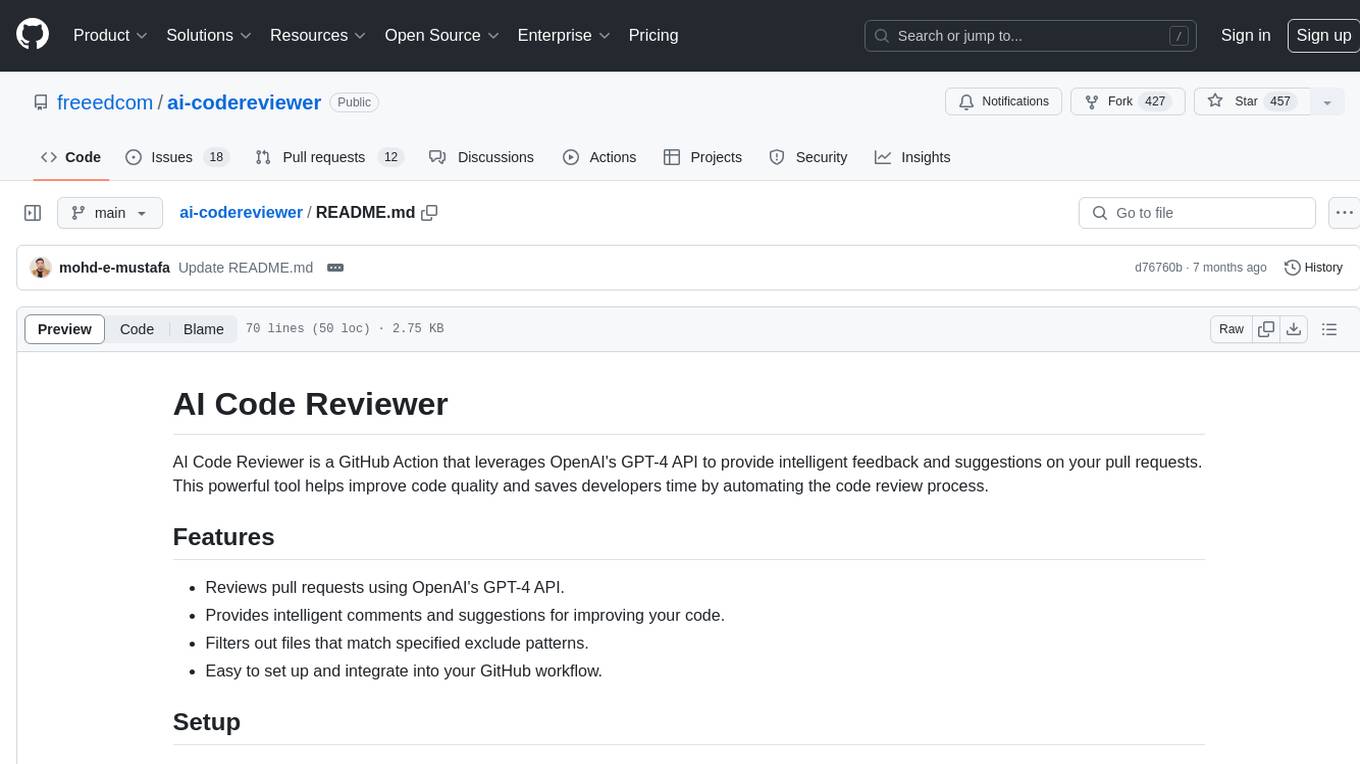
ai-codereviewer
AI Code Reviewer is a GitHub Action that utilizes OpenAI's GPT-4 API to provide intelligent feedback and suggestions on pull requests. It helps enhance code quality and streamline the code review process by offering insightful comments and filtering out specified files. The tool is easy to set up and integrate into GitHub workflows.
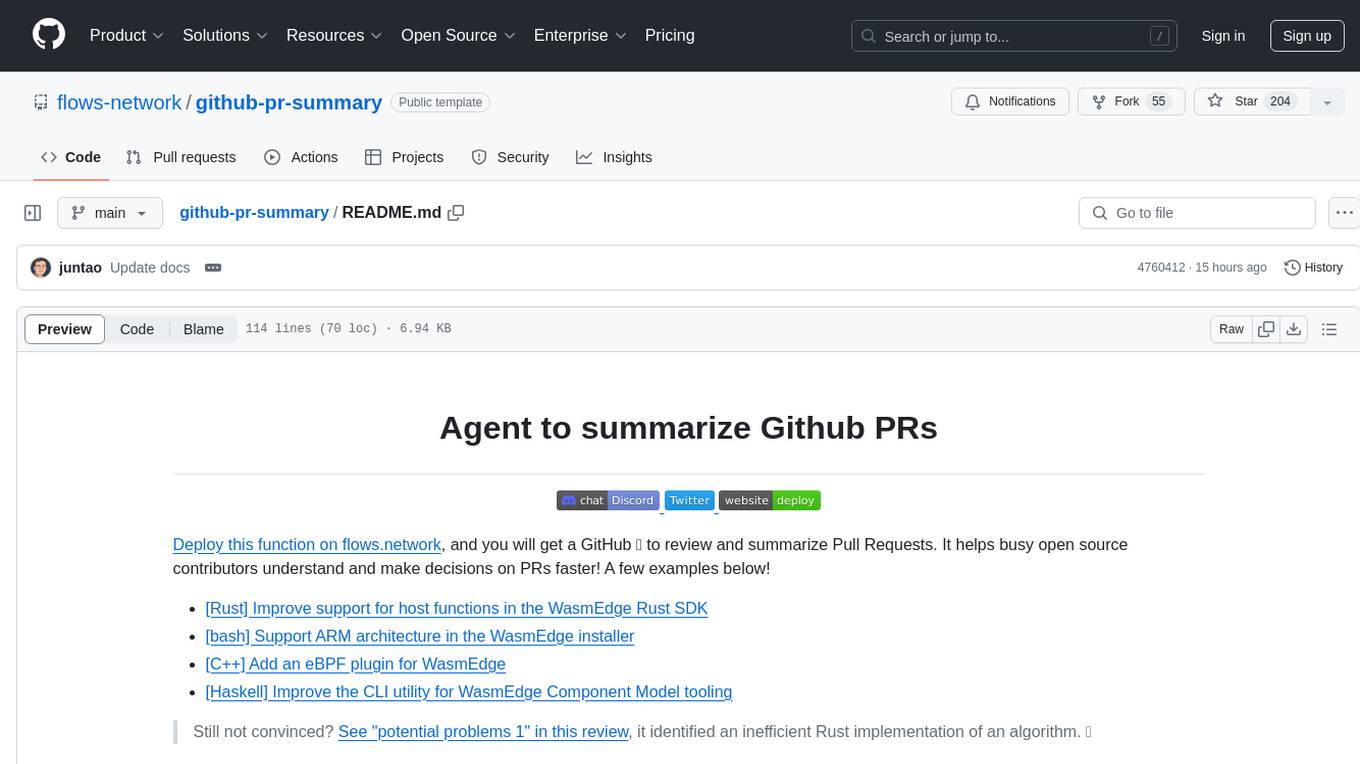
github-pr-summary
github-pr-summary is a bot designed to summarize GitHub Pull Requests, helping open source contributors make faster decisions. It automatically summarizes commits and changed files in PRs, triggered by new commits or a magic trigger phrase. Users can deploy their own code review bot in 3 steps: create a bot from their GitHub repo, configure it to review PRs, and connect to GitHub for access to the target repo. The bot runs on flows.network using Rust and WasmEdge Runtimes. It utilizes ChatGPT/4 to review and summarize PR content, posting the result back as a comment on the PR. The bot can be used on multiple repos by creating new flows and importing the source code repo, specifying the target repo using flow config. Users can also change the magic phrase to trigger a review from a PR comment.
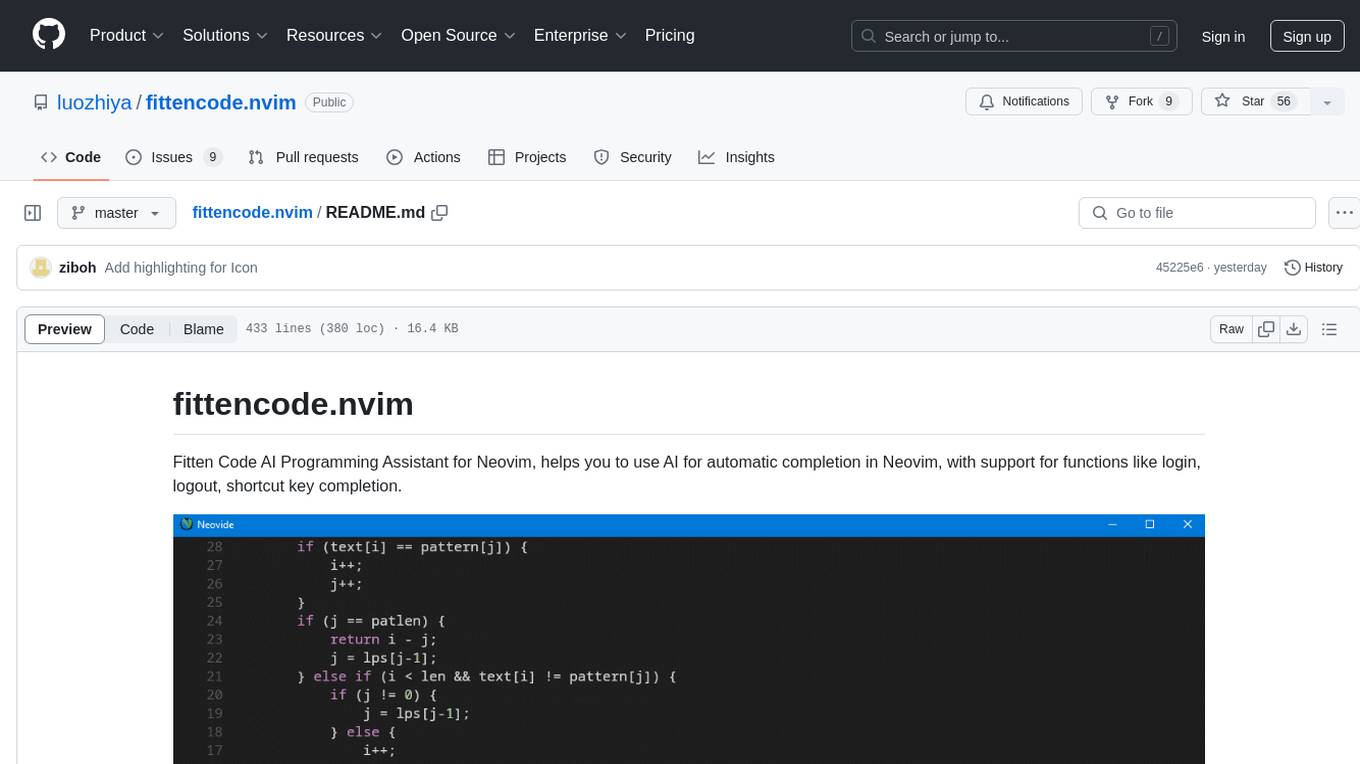
fittencode.nvim
Fitten Code AI Programming Assistant for Neovim provides fast completion using AI, asynchronous I/O, and support for various actions like document code, edit code, explain code, find bugs, generate unit test, implement features, optimize code, refactor code, start chat, and more. It offers features like accepting suggestions with Tab, accepting line with Ctrl + Down, accepting word with Ctrl + Right, undoing accepted text, automatic scrolling, and multiple HTTP/REST backends. It can run as a coc.nvim source or nvim-cmp source.