


SwiftAgent
A type-safe, declarative AI agent framework for Swift. Build composable AI pipelines with Steps, Agents, structured outputs, and tool integration. Features FIFO session management, MCP support, and distributed actor communication.
Stars: 73
A type-safe, declarative framework for building AI agents in Swift, SwiftAgent is built on Apple FoundationModels. It allows users to compose agents by combining Steps in a declarative syntax similar to SwiftUI. The framework ensures compile-time checked input/output types, native Apple AI integration, structured output generation, and built-in security features like permission, sandbox, and guardrail systems. SwiftAgent is extensible with MCP integration, distributed agents, and a skills system. Users can install SwiftAgent with Swift 6.2+ on iOS 26+, macOS 26+, or Xcode 26+ using Swift Package Manager.
README:







A type-safe, declarative framework for building AI agents in Swift, built on Apple FoundationModels.
-
Declarative Syntax - Build agents by composing Steps in
body, just like SwiftUI - Type-Safe - Compile-time checked input/output types
- Built on FoundationModels - Native Apple AI integration
-
Structured Output - Generate typed data with
@Generable - Security Built-in - Permission, Sandbox, and Guardrail systems
- Extensible - MCP integration, distributed agents, skills system
Requirements: Swift 6.2+ / iOS 26+ / macOS 26+ / Xcode 26+
dependencies: [
    .package(url: "https://github.com/1amageek/SwiftAgent.git", branch: "main")
].target(
name: "MyApp",
dependencies: [
.product(name: "SwiftAgent", package: "SwiftAgent"),
.product(name: "AgentTools", package: "SwiftAgent"), // Optional
]
)SwiftAgent supports alternative LLM providers via SPM Traits. Enable the OpenFoundationModels trait to use OpenAI, Claude, Ollama, and more:
dependencies: [
    .package(url: "https://github.com/1amageek/SwiftAgent.git", branch: "main", traits: ["OpenFoundationModels"])
]
swift build --traits OpenFoundationModels
swift test --traits OpenFoundationModelsimport OpenFoundationModels
let session = LanguageModelSession(
model: OpenAIModelFactory.gpt4o(apiKey: "...")
) {
Instructions("You are a helpful assistant")
}Available providers: OpenAI | Claude | Ollama
import SwiftAgent
import FoundationModels

struct Translator: Step {
    @Session var session: LanguageModelSession

    var body: some Step<String, String> {
        GenerateText(session: session) { input in
            Prompt("Translate to Japanese: \(input)")
        }
    }
}

let session = LanguageModelSession(model: SystemLanguageModel.default) {
    Instructions("You are a professional translator")
}

let result = try await Translator()
    .session(session)
.run("Hello, world!")The fundamental building block. Define body to compose steps declaratively -- the framework auto-synthesizes run(_:), just like SwiftUI synthesizes view rendering from body.
struct TextPipeline: Step {
    @Session var session: LanguageModelSession

    var body: some Step<String, String> {
        Transform { $0.trimmingCharacters(in: .whitespaces) }
        GenerateText(session: session) { Prompt("Summarize: \($0)") }
        Transform { "Summary: \($0)" }
    }
}
Steps listed in body execute sequentially: each step's output becomes the next step's input, forming a type-safe pipeline.
// String -> Transform -> String -> GenerateText -> String -> Transform -> StringFor complex control flow that cannot be expressed declaratively, override run(_:) directly:
struct ConditionalStep: Step {
    @Session var session: LanguageModelSession

    func run(_ input: String) async throws -> String {
        if input.count < 10 {
            return input  // Skip LLM for short input
        }
        return try await GenerateText(session: session) {
            Prompt("Expand: \(input)")
        }.run(input)
    }
}All built-in steps can be used inside body:
| Step | Description |
|---|---|
Transform |
Synchronous data transformation |
Generate<I, O> |
Structured output generation |
GenerateText |
Text generation |
Gate |
Validate / transform or block execution |
Loop |
Iterate until condition met |
Map |
Process collections in parallel |
Reduce |
Aggregate collection elements |
Parallel |
Execute concurrently, collect all successes |
Race |
Execute concurrently, return first success |
Pipeline |
Compose steps sequentially (outside body) |
struct ResearchPipeline: Step {
    @Session var session: LanguageModelSession

    var body: some Step<String, Report> {
        // Validate input
        Gate { input in
            guard !input.isEmpty else { return .block(reason: "Empty query") }
            return .pass(input)
        }

        // Generate search queries
        Generate<String, SearchQueries>(session: session) { input in
            Prompt("Generate search queries for: \(input)")
        }

        // Fetch from multiple sources in parallel
        Transform { queries in queries.items }
        Map<[String], [SearchResult]> { query, _ in FetchStep() }

        // Synthesize into report
        Generate<[SearchResult], Report>(session: session) { results in
            Prompt("Create a report from: \(results)")
        }
    }
}// Parallel - best-effort, collects all successes
struct MultiSearch: Step {
var body: some Step<Query, [SearchResult]> {
Parallel {
SearchGitHub()
SearchStackOverflow()
SearchDocumentation()
}
}
}
// Race - returns first success (fallback pattern)
struct FetchWithFallback: Step {
var body: some Step<URL, Data> {
Race(timeout: .seconds(5)) {
FetchFromPrimary()
FetchFromMirror()
FetchFromCDN()
}
}
}Gate validates or transforms input. Returns .pass(value) to continue or .block(reason:) to halt.
struct SafePipeline: Step {
    @Session var session: LanguageModelSession

    var body: some Step<String, String> {
        Gate { .pass(sanitize($0)) }
        GenerateText(session: session) { Prompt($0) }
        Gate { .pass(filterSensitive($0)) }
    }
}
Pipeline provides body-like composition outside of a Step declaration:
let step = Pipeline {
    Gate { input in
        guard !input.isEmpty else { return .block(reason: "Empty") }
        return .pass(input.lowercased())
    }
    MyProcessingStep()
}
try await step.run("Hello")struct ResilientFetch: Step {
var body: some Step<URL, Data> {
Try {
FetchFromPrimary()
.timeout(.seconds(10))
.retry(3, delay: .seconds(1))
} catch: { _ in
FetchFromBackup()
}
}
}Modifiers wrap a step with additional behavior, similar to SwiftUI view modifiers:
struct MyWorkflow: Step {
    @Session var session: LanguageModelSession

    var body: some Step<String, String> {
        GenerateText(session: session) { Prompt($0) }
            .timeout(.seconds(30))
            .retry(3, delay: .seconds(1))
            .mapError { MyError.generationFailed($0) }
            .onInput { print("Input: \($0)") }
            .onOutput { print("Output: \($0)") }
            .trace("TextGeneration", kind: .client)
    }
}Provides LanguageModelSession to steps via TaskLocal propagation. Attach once at the top and it automatically flows through all nested steps.
struct OuterStep: Step {
    @Session var session: LanguageModelSession

    var body: some Step<String, String> {
        InnerStepA()   // inherits session
        InnerStepB()   // inherits session
    }
}

try await OuterStep()
    .session(session)   // provide once
.run("Hello")Thread-safe interactive session with FIFO message queuing and steering.
let session = AgentSession(tools: myTools) {
    Instructions("You are a helpful assistant.")
}

// FIFO queuing
let response = try await session.send("Hello!")

// Steering: add context to the next prompt
session.steer("Use async/await")
session.steer("Add error handling")
let response = try await session.send("Write a function...")

// Session replacement (safe during processing)
session.replaceSession(with: compactedTranscript)

// Persistence
let snapshot = session.snapshot()
let restored = AgentSession.restore(from: snapshot, tools: myTools)| Property | Type | Description |
|---|---|---|
transcript |
Transcript |
Current conversation transcript |
isResponding |
Bool |
Whether currently generating |
pendingSteeringCount |
Int |
Steering messages waiting |
Share mutable state between steps with reference semantics. @Memory holds the value; $ prefix yields a Relay for passing to child steps.
struct Orchestrator: Step {
    @Memory var visitedURLs: Set<URL> = []
    @Memory var resultCount: Int = 0

    var body: some Step<URL, CrawlResult> {
        CrawlStep(visited: $visitedURLs, counter: $resultCount)
    }
}

struct CrawlStep: Step {
    let visited: Relay<Set<URL>>
    let counter: Relay<Int>

    func run(_ input: URL) async throws -> CrawlResult {
        if visited.contains(input) { return .alreadyVisited }
        visited.insert(input)
        counter.increment()
        // ...
    }
}
Relay convenience methods:
$urls.insert(url)       // Set
$urls.contains(url)
$items.append("item")   // Array
$count.increment()      // Int: += 1
$count.add(5)           // Int: += 5

let doubled = $count.map({ $0 * 2 }, reverse: { $0 / 2 })
let readOnly = $count.readOnly { $0 * 2 }Propagate configuration through the step hierarchy via TaskLocal. Attach with .context() and read with @Context.
@Contextable
struct CrawlerConfig {
    let maxDepth: Int
    let timeout: Int
    static var defaultValue: CrawlerConfig { CrawlerConfig(maxDepth: 3, timeout: 30) }
}

struct MyCrawler: Step {
    @Context var config: CrawlerConfig
    @Session var session: LanguageModelSession

    var body: some Step<URL, Report> {
        FetchStep()             // can also read @Context var config
        AnalyzeStep()
        Generate<Analysis, Report>(session: session) { analysis in
            Prompt("Summarize with max depth \(config.maxDepth): \(analysis)")
        }
    }
}

try await MyCrawler()
    .context(CrawlerConfig(maxDepth: 10, timeout: 60))
    .session(session)
.run(url)Use @Generable to generate typed data from LLM responses.
@Generable
struct CodeReview {
    @Guide(description: "Summary of code quality") let summary: String
    @Guide(description: "Potential bugs or issues") let issues: String
    @Guide(description: "Suggested improvements") let suggestions: String
}

struct CodeAnalyzer: Step {
    @Session var session: LanguageModelSession

    var body: some Step<String, CodeReview> {
        Generate(session: session) { code in
            Prompt("Review the following code:\n\(code)")
        }
    }
}

let review = try await CodeAnalyzer().session(session).run(sourceCode)
print(review.summary)
@Generable limitations: Dictionary and enum types are not supported. All properties require
@Guide.
// Text streaming
var previous = ""
let step = GenerateText<String>(
    session: session,
    prompt: { Prompt("Write about: \($0)") },
    onStream: { snapshot in
        let chunk = String(snapshot.content.dropFirst(previous.count))
        previous = snapshot.content
        print(chunk, terminator: "")
    }
)

// Structured output streaming (properties are Optional in PartiallyGenerated)
let step = Generate<String, BlogPost>(
    session: session,
    prompt: { Prompt("Write a blog post about: \($0)") },
    onStream: { snapshot in
        if let title = snapshot.content.title {
            print("Title: \(title)")
        }
    }
)Type-safe event emission using EventName and EventBus propagated via @Context.
extension EventName {
    static let sessionStarted = EventName("sessionStarted")
    static let sessionEnded = EventName("sessionEnded")
}

struct EventedWorkflow: Step {
    @Session var session: LanguageModelSession

    var body: some Step<String, String> {
        GenerateText(session: session) { Prompt($0) }
            .emit(.sessionStarted, on: .before)
            .emit(.sessionEnded, on: .after)
    }
}

let eventBus = EventBus()
await eventBus.on(.sessionStarted) { payload in
    print("Started: \(payload.value ?? "")")
}

try await EventedWorkflow()
    .session(session)
    .context(eventBus)
.run(input)Claude Code-style tool naming for file system and web operations.
| Tool | Description |
|---|---|
Read |
Read file contents with line numbers |
Write |
Write content to files |
Edit |
Find and replace text |
MultiEdit |
Atomic multi-edit transactions |
Grep |
Regex content search |
Glob |
File pattern search |
Bash |
Execute shell commands |
Git |
Git operations |
WebFetch |
Fetch URL content |
WebSearch |
Web search |
Notebook |
In-memory key-value scratchpad |
Dispatch |
Sub-LLM session delegation |
let session = LanguageModelSession(
    model: myModel,
    tools: [ReadTool(), WriteTool(), EditTool(), GrepTool(), GlobTool(), ExecuteCommandTool()]
) {
    Instructions("You are a code assistant with file system access")
}AgentTools supports nested agent patterns inspired by Recursive Language Models (RLM). RLM demonstrates that LLMs can overcome context window limitations by storing data in an external environment and recursively delegating sub-tasks to fresh LLM sessions.
SwiftAgent makes this straightforward with two built-in tools:
-
Notebook— An in-memory scratchpad where agents store and retrieve data outside their context window -
Dispatch— Spawns child LLM sessions that share the parent's Notebook and can recursively dispatch further sub-agents
Child sessions are depth-limited and operate independently from the parent's conversation history, enabling an agent to decompose complex problems into focused sub-tasks — each handled by a nested agent with its own reasoning scope.
Zhang, A. L., Krasta, T., & Khattab, O. (2025). Recursive Language Models. arXiv:2512.24601.
Three layers: Permission (which tools), Sandbox (how commands run), Guardrail (per-step policy).
let config = PermissionConfiguration(
    allow: [.tool("Read"), .bash("git:*")],
    deny: [.bash("rm:*")],
    finalDeny: [.bash("sudo:*")],    // Cannot be overridden
    defaultAction: .ask,
    handler: CLIPermissionHandler(),
    enableSessionMemory: true
)
Evaluation order: Final Deny > Session Memory > Override > Deny > Allow > Default
| Pattern | Matches |
|---|---|
"Read" |
Read tool |
"Bash(git:*)" |
git commands |
"Write(/tmp/*)" |
Writes under /tmp/ |
"mcp__*" |
All MCP tools |
let config = SandboxExecutor.Configuration(
    networkPolicy: .local,              // .none, .local, .full
    filePolicy: .workingDirectoryOnly,  // .readOnly, .workingDirectoryOnly, .custom
    allowSubprocesses: true
)Declarative step-level security applied via .guardrail { } modifier. Guardrails inherit from parent to child.
struct SecureWorkflow: Step {
    @Session var session: LanguageModelSession

    var body: some Step<String, String> {
        GenerateText(session: session) { Prompt($0) }
            .guardrail {
                Allow(.tool("Read"))
                Deny.final(.bash("sudo:*"))  // Absolute, cannot override
                Deny(.bash("rm:*"))          // Can be overridden by child
                Sandbox(.restrictive)
            }

        CleanupStep()
            .guardrail {
                Override(.bash("rm:*.tmp"))   // Relaxes parent Deny for .tmp
            }
    }
}

// Presets
.guardrail(.readOnly)
.guardrail(.standard)
.guardrail(.restrictive)let config = AgentConfiguration(...)
.withSecurity(.standard) // Interactive ask, local network, working dir
.withSecurity(.development) // Permissive, no sandbox
.withSecurity(.restrictive) // Minimal, no network, read-only
.withSecurity(.readOnly) // Read tools onlyMCP (Model Context Protocol) integration with Claude Code-compatible tool naming.
import SwiftAgentMCP

let manager = try await MCPClientManager.loadDefault()  // .mcp.json
let tools = try await manager.allTools()  // mcp__server__tool format

// Permission integration
.allowing(.mcp("github"))
.denying(.mcp("filesystem"))
See docs/MCP.md for configuration and transport options.
Distributed agent communication using Swift Distributed Actors.
import SwiftAgentSymbio

let actorSystem = SymbioActorSystem()
let community = Community(actorSystem: actorSystem)

let worker = try await community.spawn {
    WorkerAgent(community: community, actorSystem: actorSystem)
}

try await community.send(WorkSignal(task: "process"), to: worker, perception: "work")

for await change in await community.changes {
    switch change {
    case .joined(let member): print("Joined: \(member.id)")
    case .left(let member): print("Left: \(member.id)")
    default: break
    }
}
See docs/SYMBIOSIS.md for protocols and SubAgent spawning.
Portable skill packages with auto-discovery.
let config = AgentConfiguration(...)
    .withSkills(.autoDiscover())
See docs/SKILLS.md for SKILL.md format.
                    FoundationModels (default)
                    OpenFoundationModels (--traits OpenFoundationModels)
                           |
                       SwiftAgent
                      /    |    \
        SwiftAgentMCP  AgentTools  SwiftAgentSymbio
              |                          |
         MCP (swift-sdk)         swift-actor-runtime
                                         |
                                  swift-discovery
MIT
For Tasks:
Click tags to check more tools for each tasksFor Jobs:
Alternative AI tools for SwiftAgent
Similar Open Source Tools
SwiftAgent
A type-safe, declarative framework for building AI agents in Swift, SwiftAgent is built on Apple FoundationModels. It allows users to compose agents by combining Steps in a declarative syntax similar to SwiftUI. The framework ensures compile-time checked input/output types, native Apple AI integration, structured output generation, and built-in security features like permission, sandbox, and guardrail systems. SwiftAgent is extensible with MCP integration, distributed agents, and a skills system. Users can install SwiftAgent with Swift 6.2+ on iOS 26+, macOS 26+, or Xcode 26+ using Swift Package Manager.
openapi
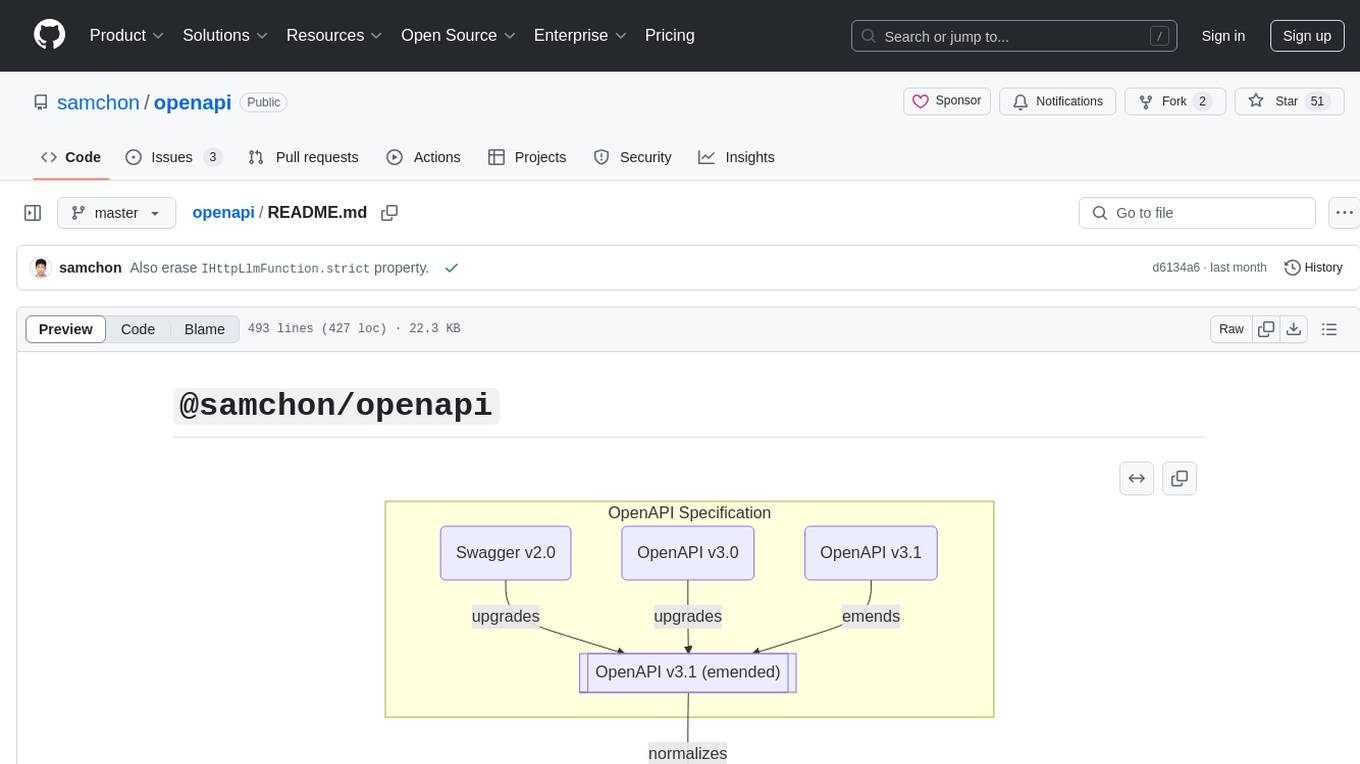
The `@samchon/openapi` repository is a collection of OpenAPI types and converters for various versions of OpenAPI specifications. It includes an 'emended' OpenAPI v3.1 specification that enhances clarity by removing ambiguous and duplicated expressions. The repository also provides an application composer for LLM (Large Language Model) function calling from OpenAPI documents, allowing users to easily perform LLM function calls based on the Swagger document. Conversions to different versions of OpenAPI documents are also supported, all based on the emended OpenAPI v3.1 specification. Users can validate their OpenAPI documents using the `typia` library with `@samchon/openapi` types, ensuring compliance with standard specifications.
react-native-rag
React Native RAG is a library that enables private, local RAGs to supercharge LLMs with a custom knowledge base. It offers modular and extensible components like `LLM`, `Embeddings`, `VectorStore`, and `TextSplitter`, with multiple integration options. The library supports on-device inference, vector store persistence, and semantic search implementation. Users can easily generate text responses, manage documents, and utilize custom components for advanced use cases.
ax
Ax is a Typescript library that allows users to build intelligent agents inspired by agentic workflows and the Stanford DSP paper. It seamlessly integrates with multiple Large Language Models (LLMs) and VectorDBs to create RAG pipelines or collaborative agents capable of solving complex problems. The library offers advanced features such as streaming validation, multi-modal DSP, and automatic prompt tuning using optimizers. Users can easily convert documents of any format to text, perform smart chunking, embedding, and querying, and ensure output validation while streaming. Ax is production-ready, written in Typescript, and has zero dependencies.
mediapipe-rs
MediaPipe-rs is a Rust library designed for MediaPipe tasks on WasmEdge WASI-NN. It offers easy-to-use low-code APIs similar to mediapipe-python, with low overhead and flexibility for custom media input. The library supports various tasks like object detection, image classification, gesture recognition, and more, including TfLite models, TF Hub models, and custom models. Users can create task instances, run sessions for pre-processing, inference, and post-processing, and speed up processing by reusing sessions. The library also provides support for audio tasks using audio data from symphonia, ffmpeg, or raw audio. Users can choose between CPU, GPU, or TPU devices for processing.
tambo
tambo ai is a React library that simplifies the process of building AI assistants and agents in React by handling thread management, state persistence, streaming responses, AI orchestration, and providing a compatible React UI library. It eliminates React boilerplate for AI features, allowing developers to focus on creating exceptional user experiences with clean React hooks that seamlessly integrate with their codebase.
opencode.nvim
Opencode.nvim is a neovim frontend for Opencode, a terminal-based AI coding agent. It provides a chat interface between neovim and the Opencode AI agent, capturing editor context to enhance prompts. The plugin maintains persistent sessions for continuous conversations with the AI assistant, similar to Cursor AI.
openai-scala-client
This is a no-nonsense async Scala client for OpenAI API supporting all the available endpoints and params including streaming, chat completion, vision, and voice routines. It provides a single service called OpenAIService that supports various calls such as Models, Completions, Chat Completions, Edits, Images, Embeddings, Batches, Audio, Files, Fine-tunes, Moderations, Assistants, Threads, Thread Messages, Runs, Run Steps, Vector Stores, Vector Store Files, and Vector Store File Batches. The library aims to be self-contained with minimal dependencies and supports API-compatible providers like Azure OpenAI, Azure AI, Anthropic, Google Vertex AI, Groq, Grok, Fireworks AI, OctoAI, TogetherAI, Cerebras, Mistral, Deepseek, Ollama, FastChat, and more.
island-ai
island-ai is a TypeScript toolkit tailored for developers engaging with structured outputs from Large Language Models. It offers streamlined processes for handling, parsing, streaming, and leveraging AI-generated data across various applications. The toolkit includes packages like zod-stream for interfacing with LLM streams, stream-hooks for integrating streaming JSON data into React applications, and schema-stream for JSON streaming parsing based on Zod schemas. Additionally, related packages like @instructor-ai/instructor-js focus on data validation and retry mechanisms, enhancing the reliability of data processing workflows.
capsule
Capsule is a secure and durable runtime for AI agents, designed to coordinate tasks in isolated environments. It allows for long-running workflows, large-scale processing, autonomous decision-making, and multi-agent systems. Tasks run in WebAssembly sandboxes with isolated execution, resource limits, automatic retries, and lifecycle tracking. It enables safe execution of untrusted code within AI agent systems.
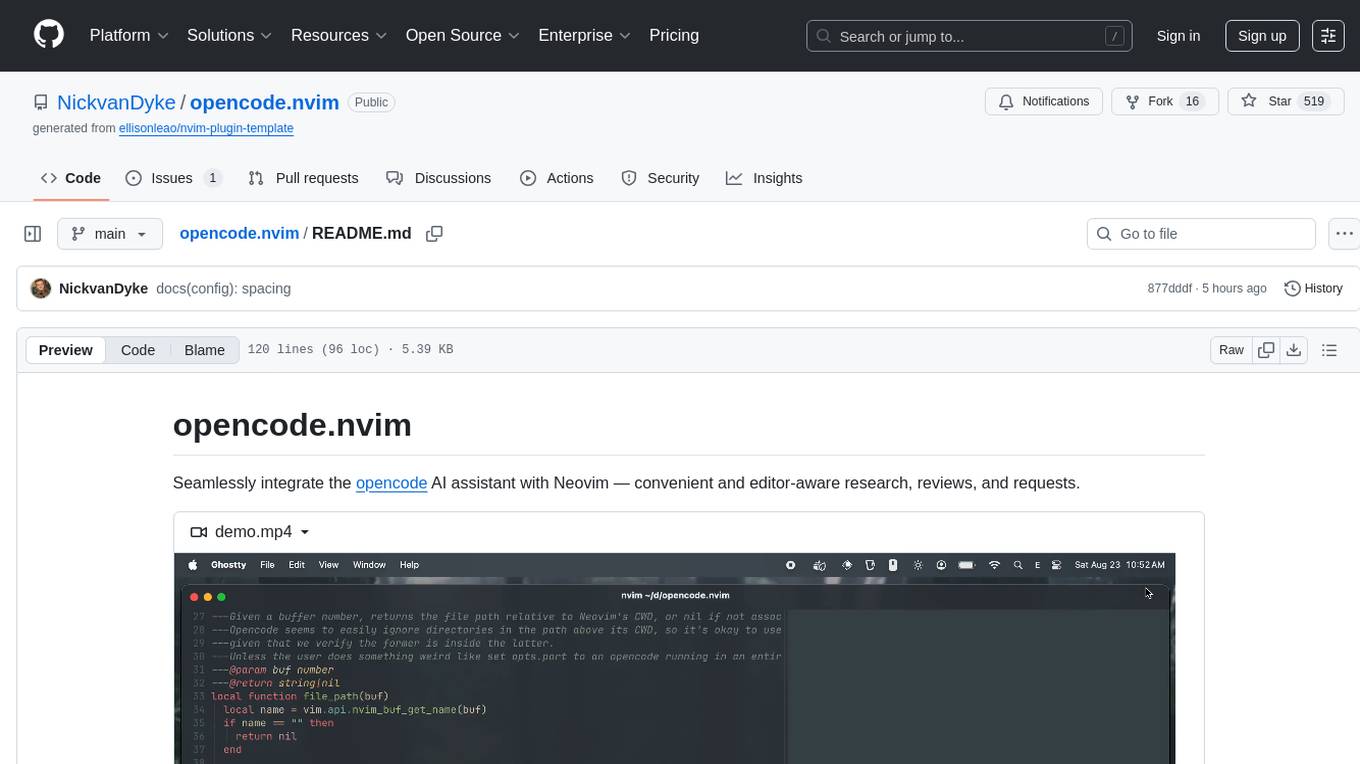
opencode.nvim
Opencode.nvim is a Neovim plugin that provides a simple and efficient way to browse, search, and open files in a project. It enhances the file navigation experience by offering features like fuzzy finding, file preview, and quick access to frequently used files. With Opencode.nvim, users can easily navigate through their project files, jump to specific locations, and manage their workflow more effectively. The plugin is designed to improve productivity and streamline the development process by simplifying file handling tasks within Neovim.
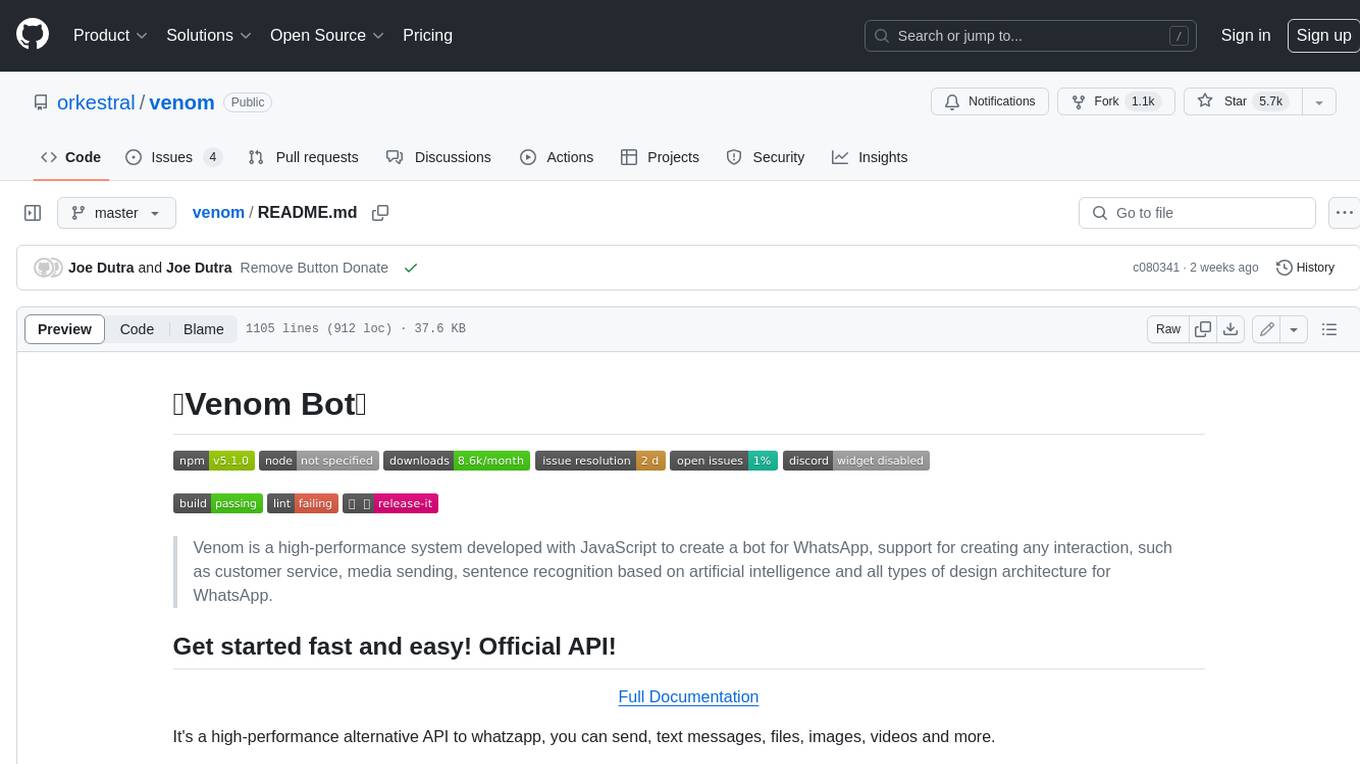
venom
Venom is a high-performance system developed with JavaScript to create a bot for WhatsApp, support for creating any interaction, such as customer service, media sending, sentence recognition based on artificial intelligence and all types of design architecture for WhatsApp.

LocalAGI
LocalAGI is a powerful, self-hostable AI Agent platform that allows you to design AI automations without writing code. It provides a complete drop-in replacement for OpenAI's Responses APIs with advanced agentic capabilities. With LocalAGI, you can create customizable AI assistants, automations, chat bots, and agents that run 100% locally, without the need for cloud services or API keys. The platform offers features like no-code agents, web-based interface, advanced agent teaming, connectors for various platforms, comprehensive REST API, short & long-term memory capabilities, planning & reasoning, periodic tasks scheduling, memory management, multimodal support, extensible custom actions, fully customizable models, observability, and more.
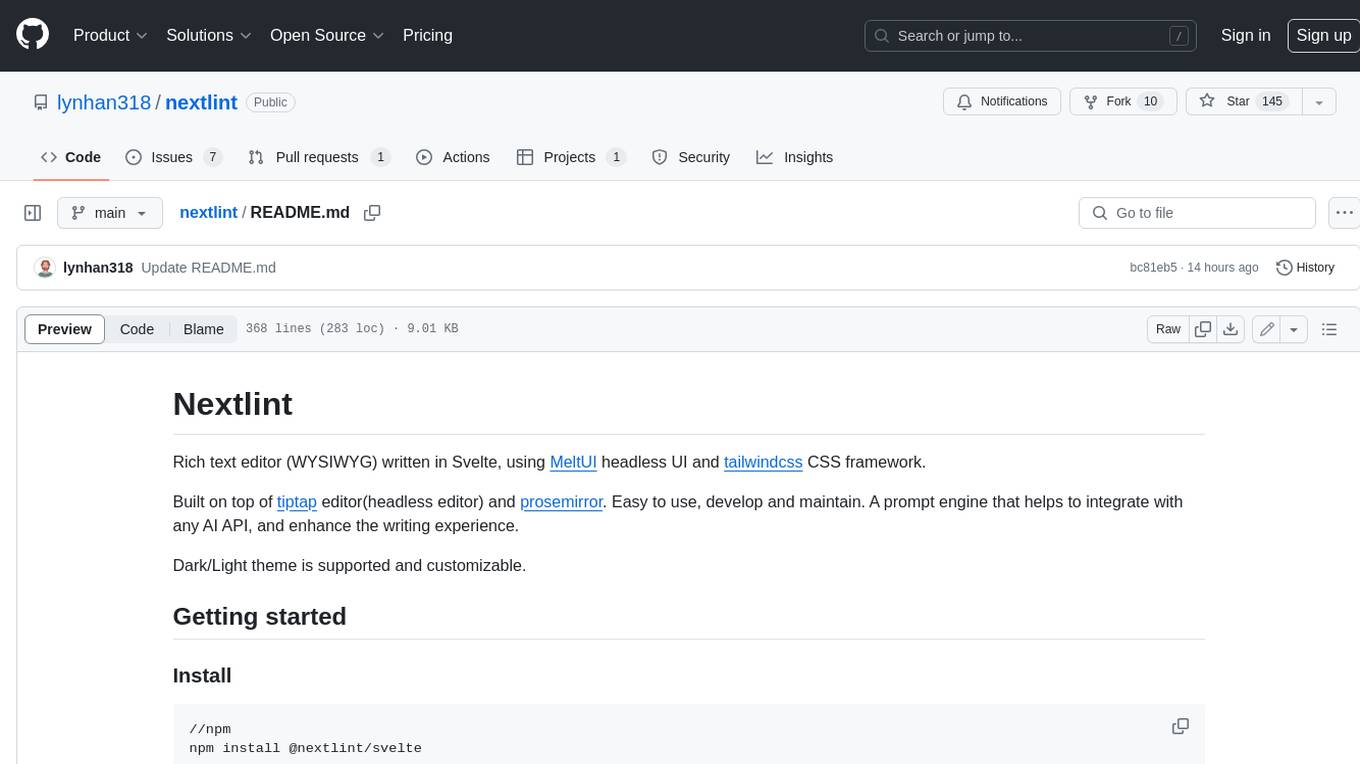
nextlint
Nextlint is a rich text editor (WYSIWYG) written in Svelte, using MeltUI headless UI and tailwindcss CSS framework. It is built on top of tiptap editor (headless editor) and prosemirror. Nextlint is easy to use, develop, and maintain. It has a prompt engine that helps to integrate with any AI API and enhance the writing experience. Dark/Light theme is supported and customizable.
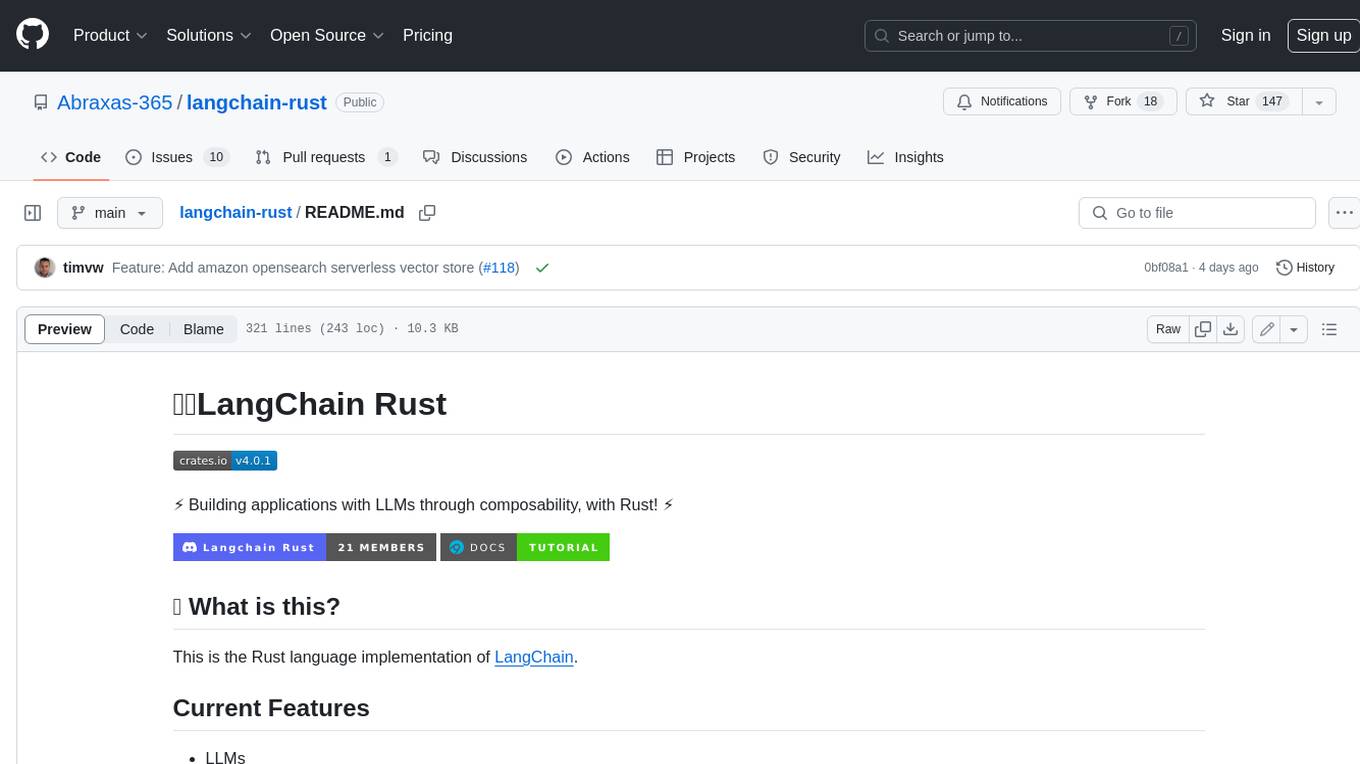
langchain-rust
LangChain Rust is a library for building applications with Large Language Models (LLMs) through composability. It provides a set of tools and components that can be used to create conversational agents, document loaders, and other applications that leverage LLMs. LangChain Rust supports a variety of LLMs, including OpenAI, Azure OpenAI, Ollama, and Anthropic Claude. It also supports a variety of embeddings, vector stores, and document loaders. LangChain Rust is designed to be easy to use and extensible, making it a great choice for developers who want to build applications with LLMs.
For similar tasks
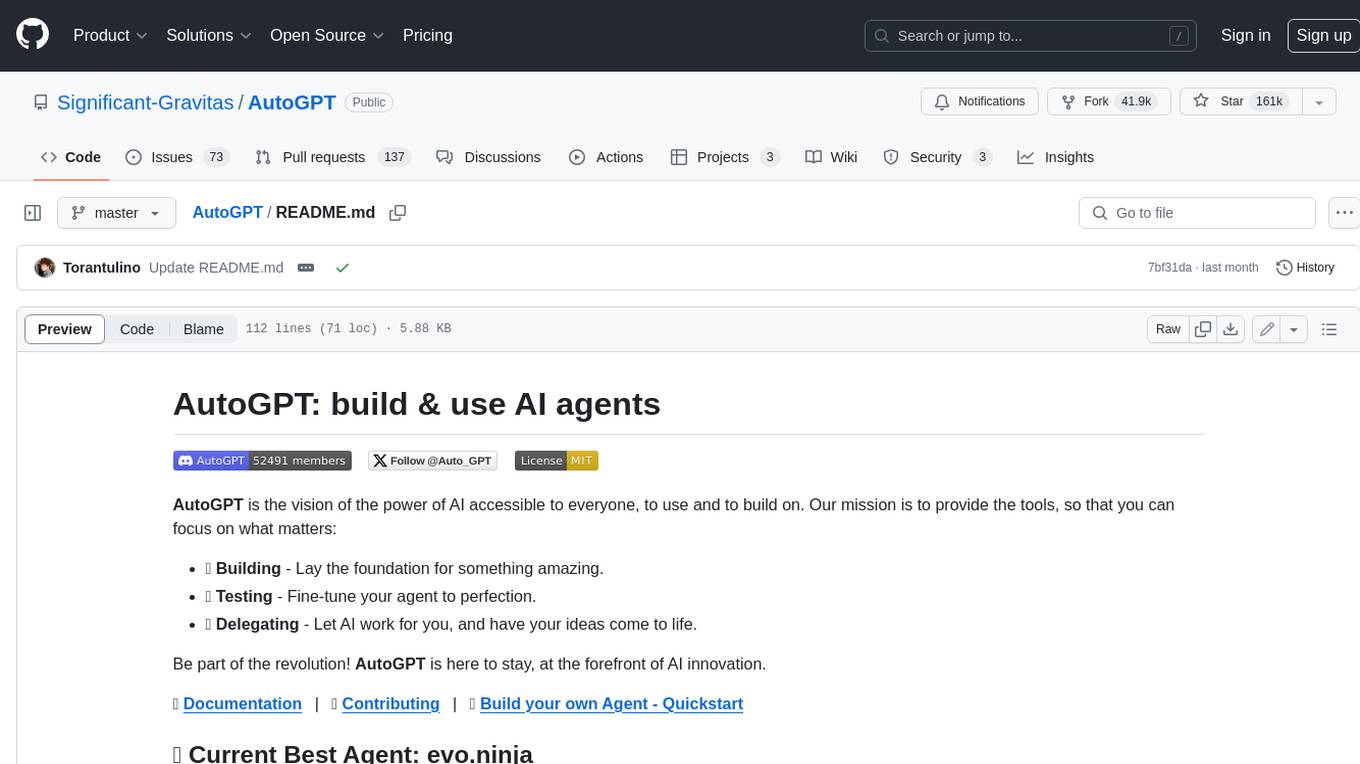
AutoGPT
AutoGPT is a revolutionary tool that empowers everyone to harness the power of AI. With AutoGPT, you can effortlessly build, test, and delegate tasks to AI agents, unlocking a world of possibilities. Our mission is to provide the tools you need to focus on what truly matters: innovation and creativity.
agent-os
The Agent OS is an experimental framework and runtime to build sophisticated, long running, and self-coding AI agents. We believe that the most important super-power of AI agents is to write and execute their own code to interact with the world. But for that to work, they need to run in a suitable environment—a place designed to be inhabited by agents. The Agent OS is designed from the ground up to function as a long-term computing substrate for these kinds of self-evolving agents.
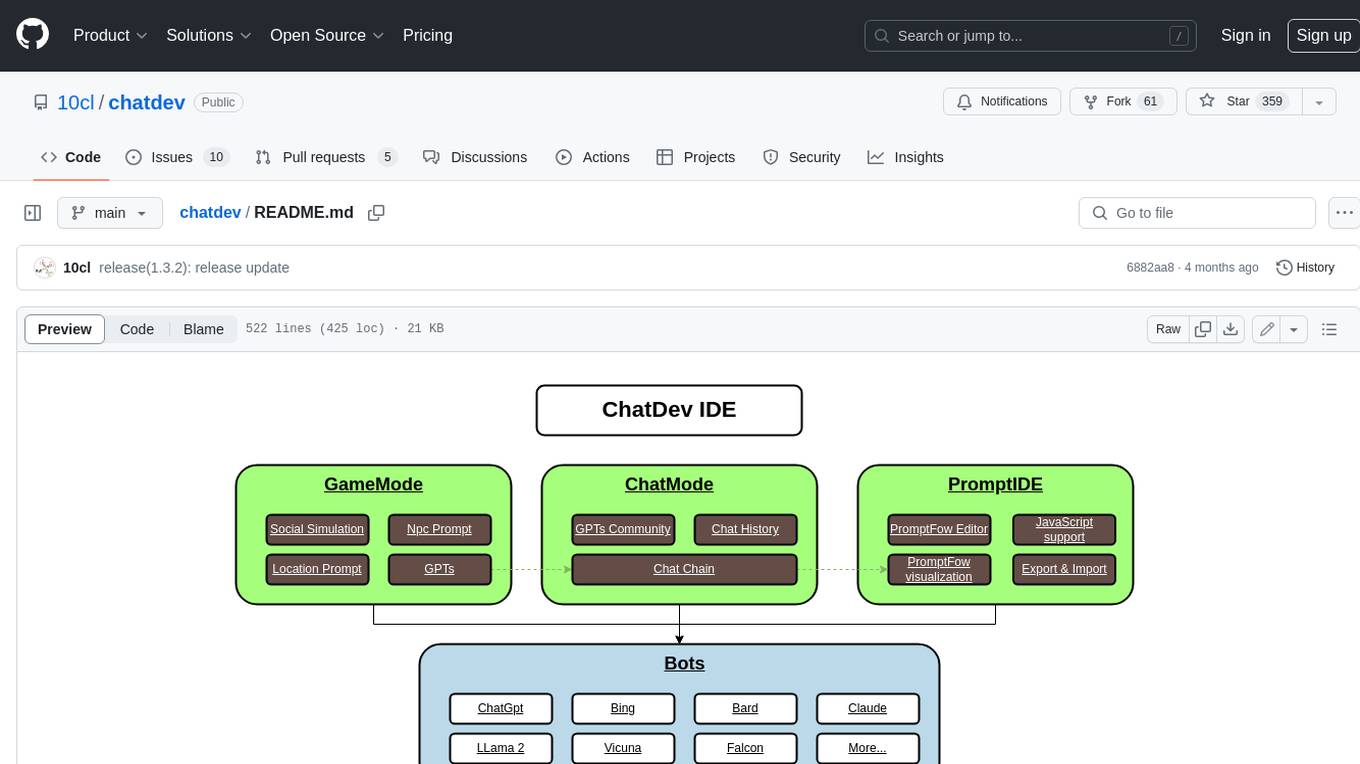
chatdev
ChatDev IDE is a tool for building your AI agent, Whether it's NPCs in games or powerful agent tools, you can design what you want for this platform. It accelerates prompt engineering through **JavaScript Support** that allows implementing complex prompting techniques.
module-ballerinax-ai.agent
This library provides functionality required to build ReAct Agent using Large Language Models (LLMs).
npi
NPi is an open-source platform providing Tool-use APIs to empower AI agents with the ability to take action in the virtual world. It is currently under active development, and the APIs are subject to change in future releases. NPi offers a command line tool for installation and setup, along with a GitHub app for easy access to repositories. The platform also includes a Python SDK and examples like Calendar Negotiator and Twitter Crawler. Join the NPi community on Discord to contribute to the development and explore the roadmap for future enhancements.
ai-agents
The 'ai-agents' repository is a collection of books and resources focused on developing AI agents, including topics such as GPT models, building AI agents from scratch, machine learning theory and practice, and basic methods and tools for data analysis. The repository provides detailed explanations and guidance for individuals interested in learning about and working with AI agents.
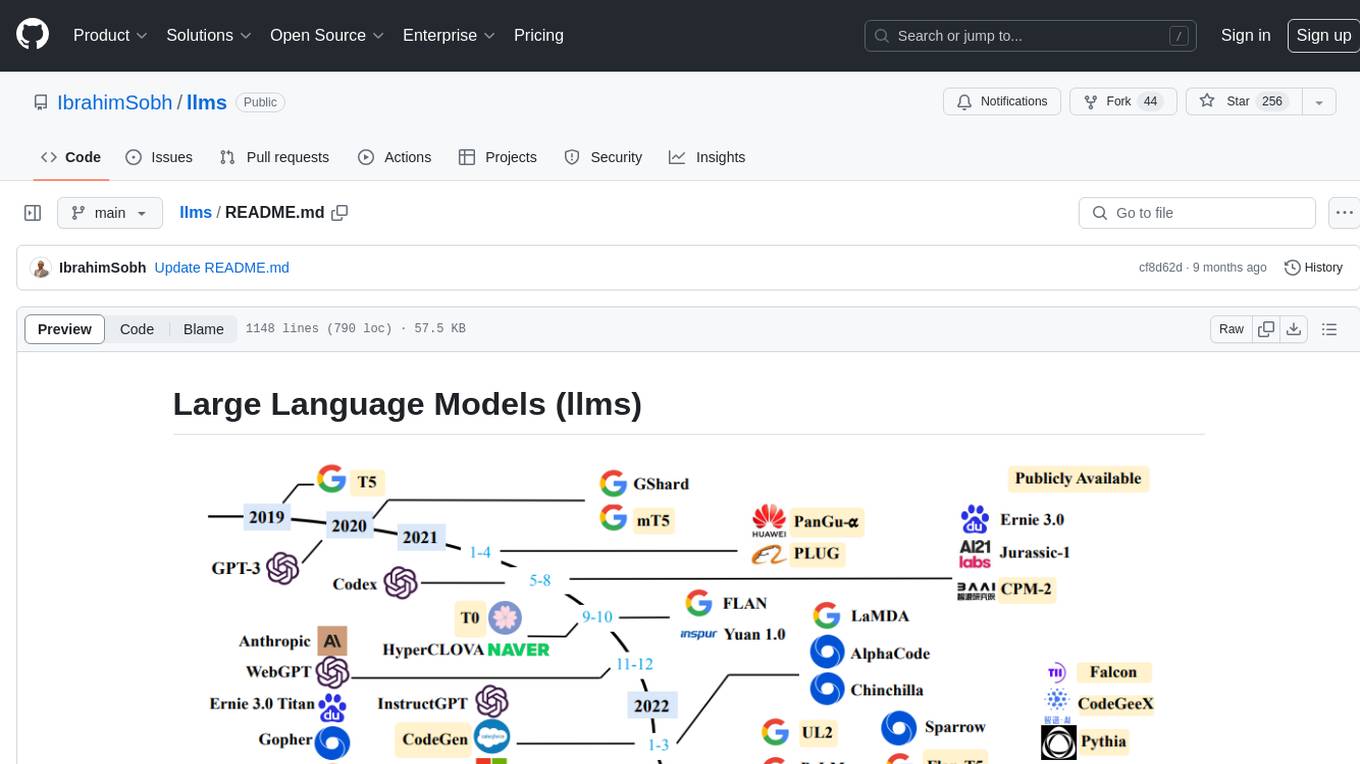
llms
The 'llms' repository is a comprehensive guide on Large Language Models (LLMs), covering topics such as language modeling, applications of LLMs, statistical language modeling, neural language models, conditional language models, evaluation methods, transformer-based language models, practical LLMs like GPT and BERT, prompt engineering, fine-tuning LLMs, retrieval augmented generation, AI agents, and LLMs for computer vision. The repository provides detailed explanations, examples, and tools for working with LLMs.
ai-app
The 'ai-app' repository is a comprehensive collection of tools and resources related to artificial intelligence, focusing on topics such as server environment setup, PyCharm and Anaconda installation, large model deployment and training, Transformer principles, RAG technology, vector databases, AI image, voice, and music generation, and AI Agent frameworks. It also includes practical guides and tutorials on implementing various AI applications. The repository serves as a valuable resource for individuals interested in exploring different aspects of AI technology.
For similar jobs
goat
GOAT (Great Onchain Agent Toolkit) is an open-source framework designed to simplify the process of making AI agents perform onchain actions by providing a provider-agnostic solution that abstracts away the complexities of interacting with blockchain tools such as wallets, token trading, and smart contracts. It offers a catalog of ready-made blockchain actions for agent developers and allows dApp/smart contract developers to develop plugins for easy access by agents. With compatibility across popular agent frameworks, support for multiple blockchains and wallet providers, and customizable onchain functionalities, GOAT aims to streamline the integration of blockchain capabilities into AI agents.
typedai
TypedAI is a TypeScript-first AI platform designed for developers to create and run autonomous AI agents, LLM based workflows, and chatbots. It offers advanced autonomous agents, software developer agents, pull request code review agent, AI chat interface, Slack chatbot, and supports various LLM services. The platform features configurable Human-in-the-loop settings, functional callable tools/integrations, CLI and Web UI interface, and can be run locally or deployed on the cloud with multi-user/SSO support. It leverages the Python AI ecosystem through executing Python scripts/packages and provides flexible run/deploy options like single user mode, Firestore & Cloud Run deployment, and multi-user SSO enterprise deployment. TypedAI also includes UI examples, code examples, and automated LLM function schemas for seamless development and execution of AI workflows.

appworld
AppWorld is a high-fidelity execution environment of 9 day-to-day apps, operable via 457 APIs, populated with digital activities of ~100 people living in a simulated world. It provides a benchmark of natural, diverse, and challenging autonomous agent tasks requiring rich and interactive coding. The repository includes implementations of AppWorld apps and APIs, along with tests. It also introduces safety features for code execution and provides guides for building agents and extending the benchmark.
mcp-agent
mcp-agent is a simple, composable framework designed to build agents using the Model Context Protocol. It handles the lifecycle of MCP server connections and implements patterns for building production-ready AI agents in a composable way. The framework also includes OpenAI's Swarm pattern for multi-agent orchestration in a model-agnostic manner, making it the simplest way to build robust agent applications. It is purpose-built for the shared protocol MCP, lightweight, and closer to an agent pattern library than a framework. mcp-agent allows developers to focus on the core business logic of their AI applications by handling mechanics such as server connections, working with LLMs, and supporting external signals like human input.
openrouter-kit
OpenRouter Kit is a powerful TypeScript/JavaScript library for interacting with the OpenRouter API. It simplifies working with LLMs by providing a high-level API for chats, dialogue history management, tool calls with error handling, security module, and cost tracking. Ideal for building chatbots, AI agents, and integrating LLMs into applications.
starknet-agentic
Open-source stack for giving AI agents wallets, identity, reputation, and execution rails on Starknet. `starknet-agentic` is a monorepo with Cairo smart contracts for agent wallets, identity, reputation, and validation, TypeScript packages for MCP tools, A2A integration, and payment signing, reusable skills for common Starknet agent capabilities, and examples and docs for integration. It provides contract primitives + runtime tooling in one place for integrating agents. The repo includes various layers such as Agent Frameworks / Apps, Integration + Runtime Layer, Packages / Tooling Layer, Cairo Contract Layer, and Starknet L2. It aims for portability of agent integrations without giving up Starknet strengths, with a cross-chain interop strategy and skills marketplace. The repository layout consists of directories for contracts, packages, skills, examples, docs, and website.
SwiftAgent
A type-safe, declarative framework for building AI agents in Swift, SwiftAgent is built on Apple FoundationModels. It allows users to compose agents by combining Steps in a declarative syntax similar to SwiftUI. The framework ensures compile-time checked input/output types, native Apple AI integration, structured output generation, and built-in security features like permission, sandbox, and guardrail systems. SwiftAgent is extensible with MCP integration, distributed agents, and a skills system. Users can install SwiftAgent with Swift 6.2+ on iOS 26+, macOS 26+, or Xcode 26+ using Swift Package Manager.
agent-device
CLI tool for controlling iOS and Android devices for AI agents, with core commands like open, back, home, press, and more. It supports minimal dependencies, TypeScript execution on Node 22+, and is in early development. The tool allows for automation flows, session management, semantic finding, assertions, replay updates, and settings helpers for simulators. It also includes backends for iOS snapshots, app resolution, iOS-specific notes, testing, and building. Contributions are welcome, and the project is maintained by Callstack, a group of React and React Native enthusiasts.