


instructor-js
structured extraction for llms
Stars: 299
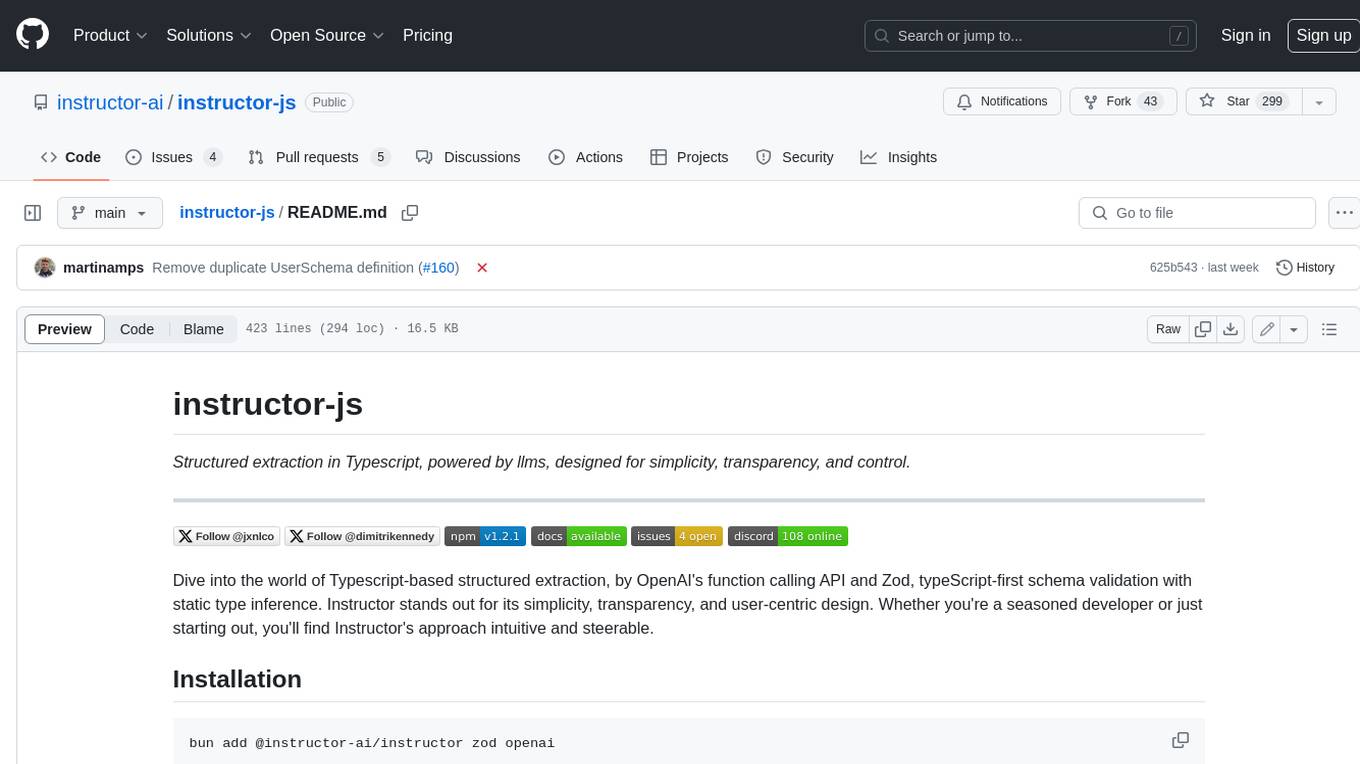
Instructor is a Typescript library for structured extraction in Typescript, powered by llms, designed for simplicity, transparency, and control. It stands out for its simplicity, transparency, and user-centric design. Whether you're a seasoned developer or just starting out, you'll find Instructor's approach intuitive and steerable.
README:
Structured extraction in Typescript, powered by llms, designed for simplicity, transparency, and control.





Dive into the world of Typescript-based structured extraction, by OpenAI's function calling API and Zod, typeScript-first schema validation with static type inference. Instructor stands out for its simplicity, transparency, and user-centric design. Whether you're a seasoned developer or just starting out, you'll find Instructor's approach intuitive and steerable.
bun add @instructor-ai/instructor zod openainpm i @instructor-ai/instructor zod openaipnpm add @instructor-ai/instructor zod openaiTo check out all the tips and tricks to prompt and extract data, check out the documentation.
import Instructor from "@instructor-ai/instructor";
import OpenAI from "openai"
import { z } from "zod"

const oai = new OpenAI({
  apiKey: process.env.OPENAI_API_KEY ?? undefined,
  organization: process.env.OPENAI_ORG_ID ?? undefined
})

const client = Instructor({
  client: oai,
  mode: "TOOLS"
})

const UserSchema = z.object({
  // Description will be used in the prompt
  age: z.number().describe("The age of the user"),
  name: z.string()
})


// User will be of type z.infer<typeof UserSchema>
const user = await client.chat.completions.create({
  messages: [{ role: "user", content: "Jason Liu is 30 years old" }],
  model: "gpt-3.5-turbo",
  response_model: {
    schema: UserSchema,
    name: "User"
  }
})

console.log(user)
// { age: 30, name: "Jason Liu" }The main class for creating an Instructor client.
createInstructor
function createInstructor<C extends GenericClient | OpenAI>(args: {
  client: OpenAILikeClient<C>;
  mode: Mode;
  debug?: boolean;
}): InstructorClient<C>
Creates an instance of the Instructor class.
- client: An OpenAI-like client.
- mode: The mode of operation.
- debug: Whether to log debug messages.
Returns the extended OpenAI-Like client.
chat.completions.create
chat.completions.create<
        T extends z.AnyZodObject,
        P extends T extends z.AnyZodObject ? ChatCompletionCreateParamsWithModel<T>
        : ClientTypeChatCompletionParams<OpenAILikeClient<C>> & { response_model: never }
      >(
        params: P
      ): Promise<ReturnTypeBasedOnParams<typeof this.client, P>>
When response_model is present in the params, creates a chat completion with structured extraction based on the provided schema - otherwise will proxy back to the provided client.
- params: Chat completion parameters including the response model schema.
- Returns a promise resolving to the extracted data based on the schema.
Instructor supports different modes for defining the structure and format of the response from the language model. These modes are defined in the zod-stream package and are as follows:
-
FUNCTIONS(DEPRECATED): Generates a response using OpenAI's function calling API. It maps to the necessary parameters for the function calling API, including thefunction_callandfunctionsproperties. -
TOOLS: Generates a response using OpenAI's tool specification. It constructs the required parameters for the tool specification, including thetool_choiceandtoolsproperties. -
JSON: It sets theresponse_formattojson_objectand includes the JSON schema in the system message to guide the response generation. (Together & Anyscale) -
MD_JSON: Generates a response in JSON format embedded within a Markdown code block. It includes the JSON schema in the system message and expects the response to be a valid JSON object wrapped in a Markdown code block. -
JSON_SCHEMA: Generates a response using "JSON mode" that conforms to a provided JSON schema. It sets theresponse_formattojson_objectwith the provided schema and includes the schema description in the system message.
Instructor supports partial streaming completions, allowing you to receive extracted data in real-time as the model generates its response. This can be useful for providing a more interactive user experience or processing large amounts of data incrementally.
import Instructor from "@instructor-ai/instructor"
import OpenAI from "openai"
import { z } from "zod"

const textBlock = `
  In our recent online meeting, participants from various backgrounds joined to discuss the upcoming tech conference.
  The names and contact details of the participants were as follows:

  - Name: John Doe, Email: [email protected], Twitter: @TechGuru44
  - Name: Jane Smith, Email: [email protected], Twitter: @DigitalDiva88
  - Name: Alex Johnson, Email: [email protected], Twitter: @CodeMaster2023

  During the meeting, we agreed on several key points. The conference will be held on March 15th, 2024, at the Grand Tech Arena located at 4521 Innovation Drive. Dr. Emily Johnson, a renowned AI researcher, will be our keynote speaker. The budget for the event is set at $50,000, covering venue costs, speaker fees, and promotional activities.

  Each participant is expected to contribute an article to the conference blog by February 20th. A follow-up meeting is scheduled for January 25th at 3 PM GMT to finalize the agenda and confirm the list of speakers.
`

async function extractData() {
  const ExtractionSchema = z.object({
    users: z.array(
      z.object({
        name: z.string(),
        handle: z.string(),
        twitter: z.string()
      })
    ).min(3),
    location: z.string(),
    budget: z.number()
  })

  const oai = new OpenAI({
    apiKey: process.env.OPENAI_API_KEY ?? undefined,
    organization: process.env.OPENAI_ORG_ID ?? undefined
  })

  const client = Instructor({
    client: oai,
    mode: "TOOLS"
  })

  const extractionStream = await client.chat.completions.create({
    messages: [{ role: "user", content: textBlock }],
    model: "gpt-3.5-turbo",
    response_model: {
      schema: ExtractionSchema,
      name: "Extraction"
    },
    max_retries: 3,
    stream: true
  })

  let extractedData = {}
  for await (const result of extractionStream) {
    extractedData = result
    console.log("Partial extraction:", result)
  }

  console.log("Final extraction:", extractedData)
}

extractData()
In this example, we define an ExtractionSchema using Zod to specify the structure of the data we want to extract. We then create an Instructor client with streaming enabled and pass the schema to the response_model parameter.
The extractionStream variable holds an async generator that yields partial extraction results as they become available. We iterate over the stream using a for await...of loop, updating the extractedData object with each partial result and logging it to the console.
Finally, we log the complete extracted data once the stream is exhausted.
Instructor supports various providers that adhere to the OpenAI API specification. You can easily switch between providers by configuring the appropriate client and specifying the desired model and mode.
Anyscale
import Instructor from "@instructor-ai/instructor"
import OpenAI from "openai"
import { z } from "zod"

const UserSchema = z.object({
  age: z.number(),
  name: z.string().refine(name => name.includes(" "), {
    message: "Name must contain a space"
  })
})

async function extractUser() {
  const client = new OpenAI({
    baseURL: "https://api.endpoints.anyscale.com/v1",
    apiKey: process.env.ANYSCALE_API_KEY
  })

  const instructor = Instructor({
    client: client,
    mode: "TOOLS"
  })

  const user = await instructor.chat.completions.create({
    messages: [{ role: "user", content: "Jason Liu is 30 years old" }],
    model: "mistralai/Mixtral-8x7B-Instruct-v0.1",
    response_model: {
      schema: UserSchema,
      name: "User"
    },
    max_retries: 4
  })

  return user
}

const anyscaleUser = await extractUser()
console.log("Anyscale user:", anyscaleUser)
Together
import Instructor from "@instructor-ai/instructor"
import OpenAI from "openai"
import { z } from "zod"

const UserSchema = z.object({
  age: z.number(),
  name: z.string().refine(name => name.includes(" "), {
    message: "Name must contain a space"
  })
})

async function extractUser() {
  const client = new OpenAI({
    baseURL: "https://api.together.xyz/v1",
    apiKey: process.env.TOGETHER_API_KEY
  })

  const instructor = Instructor({
    client: client,
    mode: "TOOLS"
  })

  const user = await instructor.chat.completions.create({
    messages: [{ role: "user", content: "Jason Liu is 30 years old" }],
    model: "mistralai/Mixtral-8x7B-Instruct-v0.1",
    response_model: {
      schema: UserSchema,
      name: "User"
    },
    max_retries: 4
  })

  return user
}

const togetherUser = await extractUser()
console.log("Together user:", togetherUser)
In these examples, we specify a specific base URL and API key from Anyscale, and Together..
The extractUser function takes the model, mode, and provider as parameters. It retrieves the corresponding provider configuration, creates an OpenAI client, and initializes an Instructor instance with the specified mode.
We then call instructor.chat.completions.create with the desired model, response schema, and other parameters to extract the user information.
By varying the provider, model, and mode arguments when calling extractUser, you can easily switch between different providers and configurations.
Instructor supports integration with providers that don't adhere to the OpenAI SDK, such as Anthropic, Azure, and Cohere, through the llm-polyglot library maintained by @dimitrikennedy. This library provides a unified interface for interacting with various language models across different providers.
import { createLLMClient } from "llm-polyglot"
import Instructor from "@instructor-ai/instructor"
import { z } from "zod"

const anthropicClient = createLLMClient({
  provider: "anthropic",
  apiKey: process.env.ANTHROPIC_API_KEY
})

const UserSchema = z.object({
  age: z.number(),
  name: z.string()
})

const instructor = Instructor<typeof anthropicClient>({
  client: anthropicClient,
  mode: "TOOLS"
})

async function extractUser() {
  const user = await instructor.chat.completions.create({
    model: "claude-3-opus-20240229",
    max_tokens: 1000,
    messages: [
      {
        role: "user",
        content: "My name is Dimitri Kennedy."
      }
    ],
    response_model: {
      name: "extract_name",
      schema: UserSchema
    }
  })

  return user
}

// Example usage
const extractedUser = await extractUser()
console.log("Extracted user:", extractedUser)
In this example, we use the createLLMClient function from the llm-polyglot library to create a client for the Anthropic provider. We pass the provider name ("anthropic") and the corresponding API key to the function.
Next, we define a UserSchema using Zod to specify the structure of the user data we want to extract.
We create an Instructor instance by passing the Anthropic client and the desired mode to the Instructor function. Note that we use Instructor to specify the client type explicitly.
The extractUser function demonstrates how to use the Instructor instance to extract user information from a given input. We call instructor.chat.completions.create with the appropriate model ("claude-3-opus-20240229" in this case), parameters, and the response_model that includes our UserSchema.
Finally, we log the extracted user information.
By leveraging the llm-polyglot library, Instructor enables seamless integration with a wide range of providers beyond those that follow the OpenAI SDK. This allows you to take advantage of the unique capabilities and models offered by different providers while still benefiting from the structured extraction and validation features of Instructor.
For additional support and information on using other providers with llm-polyglot, please refer to the library's documentation and examples.
If you'd like to see more check out our cookbook.
Installing Instructor is a breeze.
Instructor is built on top of several powerful packages from the Island AI toolkit, developed and maintained by Dimitri Kennedy. These packages provide essential functionality for structured data handling and streaming with Large Language Models.
zod-stream is a client module that interfaces directly with LLM streams. It utilizes Schema-Stream for efficient parsing and is equipped with tools for processing raw responses from OpenAI, categorizing them by mode (function, tools, JSON, etc.), and ensuring proper error handling and stream conversion. It's ideal for API integration delivering structured LLM response streams.
schema-stream is a JSON streaming parser that incrementally constructs and updates response models based on Zod schemas. It's designed for real-time data processing and incremental model hydration.
llm-polyglot is a library that provides a unified interface for interacting with various language models across different providers, such as OpenAI, Anthropic, Azure, and Cohere. It simplifies the process of working with multiple LLM providers and enables seamless integration with Instructor.
Instructor leverages the power of these Island AI packages to deliver a seamless and efficient experience for structured data extraction and streaming with LLMs. The collaboration between Dimitri Kennedy, the creator of Island AI, and Jason Liu, the author of the original Instructor Python package, has led to the development of the TypeScript version of Instructor, which introduces the concept of partial JSON streaming from LLM's.
For more information about Island AI and its packages, please refer to the Island AI repository.
The question of using Instructor is fundamentally a question of why to use zod.
-
Works with the OpenAI SDK — Instructor follows OpenAI's API. This means you can use the same API for both prompting and extraction across multiple providers that support the OpenAI API.
-
Customizable — Zod is highly customizable. You can define your own validators, custom error messages, and more.
-
Ecosystem Zod is the most widely used data validation library for Typescript.
-
Battle Tested — Zod is downloaded over 24M times per month, and supported by a large community of contributors.
If you want to help out, checkout some of the issues marked as good-first-issue or help-wanted. Found here. They could be anything from code improvements, a guest blog post, or a new cook book.
Checkout the contribution guide for details on how to set things up, testing, changesets and guidelines.
ℹ️ Tip: Support in other languages
Check out ports to other languages below:

- [Python](https://www.github.com/jxnl/instructor)
- [Elixir](https://github.com/thmsmlr/instructor_ex/)

If you want to port Instructor to another language, please reach out to us on [Twitter](https://twitter.com/jxnlco) we'd love to help you get started!
This project is licensed under the terms of the MIT License.
For Tasks:
Click tags to check more tools for each tasksFor Jobs:
Alternative AI tools for instructor-js
Similar Open Source Tools
instructor-js
Instructor is a Typescript library for structured extraction in Typescript, powered by llms, designed for simplicity, transparency, and control. It stands out for its simplicity, transparency, and user-centric design. Whether you're a seasoned developer or just starting out, you'll find Instructor's approach intuitive and steerable.
axar
AXAR AI is a lightweight framework designed for building production-ready agentic applications using TypeScript. It aims to simplify the process of creating robust, production-grade LLM-powered apps by focusing on familiar coding practices without unnecessary abstractions or steep learning curves. The framework provides structured, typed inputs and outputs, familiar and intuitive patterns like dependency injection and decorators, explicit control over agent behavior, real-time logging and monitoring tools, minimalistic design with little overhead, model agnostic compatibility with various AI models, and streamed outputs for fast and accurate results. AXAR AI is ideal for developers working on real-world AI applications who want a tool that gets out of the way and allows them to focus on shipping reliable software.
azure-functions-openai-extension
Azure Functions OpenAI Extension is a project that adds support for OpenAI LLM (GPT-3.5-turbo, GPT-4) bindings in Azure Functions. It provides NuGet packages for various functionalities like text completions, chat completions, assistants, embeddings generators, and semantic search. The project requires .NET 6 SDK or greater, Azure Functions Core Tools v4.x, and specific settings in Azure Function or local settings for development. It offers features like text completions, chat completion, assistants with custom skills, embeddings generators for text relatedness, and semantic search using vector databases. The project also includes examples in C# and Python for different functionalities.
experts
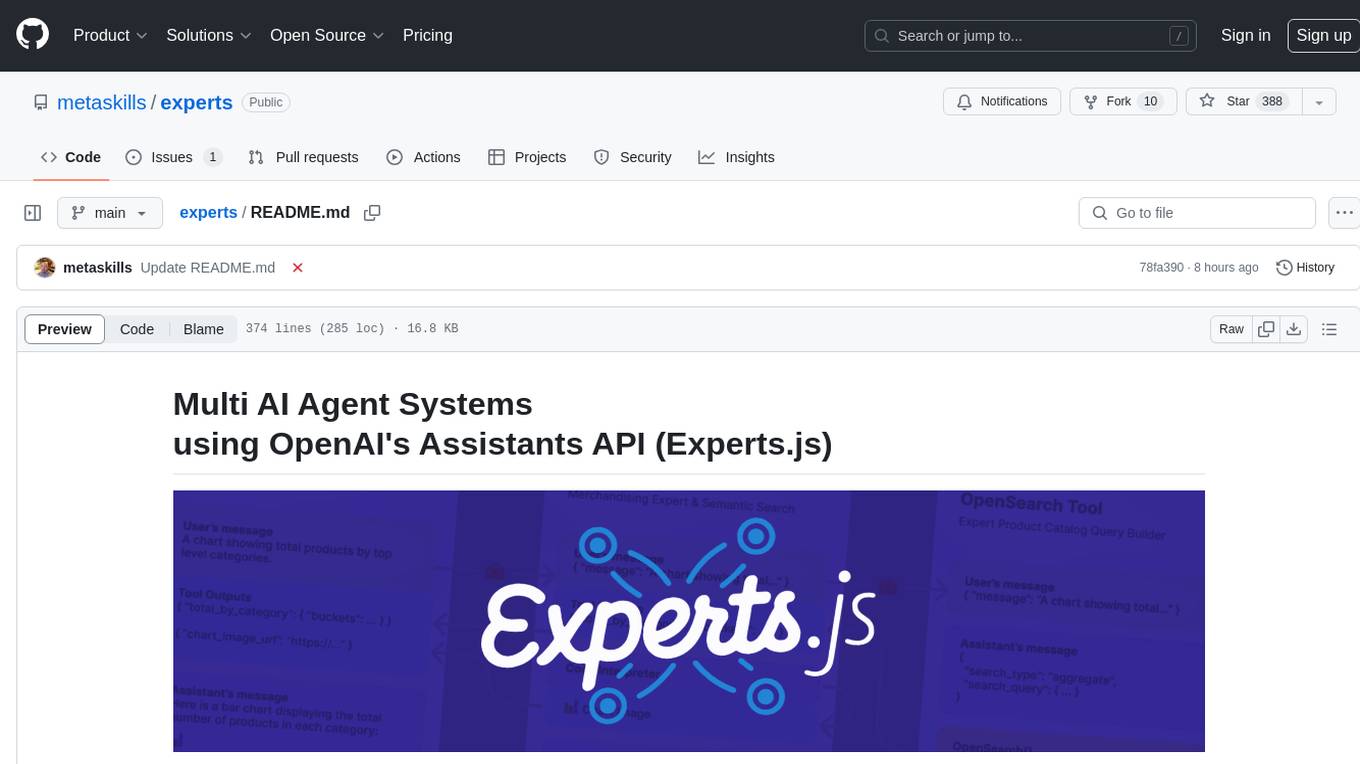
Experts.js is a tool that simplifies the creation and deployment of OpenAI's Assistants, allowing users to link them together as Tools to create a Panel of Experts system with expanded memory and attention to detail. It leverages the new Assistants API from OpenAI, which offers advanced features such as referencing attached files & images as knowledge sources, supporting instructions up to 256,000 characters, integrating with 128 tools, and utilizing the Vector Store API for efficient file search. Experts.js introduces Assistants as Tools, enabling the creation of Multi AI Agent Systems where each Tool is an LLM-backed Assistant that can take on specialized roles or fulfill complex tasks.
LightRAG
LightRAG is a PyTorch library designed for building and optimizing Retriever-Agent-Generator (RAG) pipelines. It follows principles of simplicity, quality, and optimization, offering developers maximum customizability with minimal abstraction. The library includes components for model interaction, output parsing, and structured data generation. LightRAG facilitates tasks like providing explanations and examples for concepts through a question-answering pipeline.
VMind
VMind is an open-source solution for intelligent visualization, providing an intelligent chart component based on LLM by VisActor. It allows users to create chart narrative works with natural language interaction, edit charts through dialogue, and export narratives as videos or GIFs. The tool is easy to use, scalable, supports various chart types, and offers one-click export functionality. Users can customize chart styles, specify themes, and aggregate data using LLM models. VMind aims to enhance efficiency in creating data visualization works through dialogue-based editing and natural language interaction.
Trace
Trace is a new AutoDiff-like tool for training AI systems end-to-end with general feedback. It generalizes the back-propagation algorithm by capturing and propagating an AI system's execution trace. Implemented as a PyTorch-like Python library, users can write Python code directly and use Trace primitives to optimize certain parts, similar to training neural networks.
instructor_ex
Instructor is a tool designed to structure outputs from OpenAI and other OSS LLMs by coaxing them to return JSON that maps to a provided Ecto schema. It allows for defining validation logic to guide LLMs in making corrections, and supports automatic retries. Instructor is primarily used with the OpenAI API but can be extended to work with other platforms. The tool simplifies usage by creating an ecto schema, defining a validation function, and making calls to chat_completion with instructions for the LLM. It also offers features like max_retries to fix validation errors iteratively.
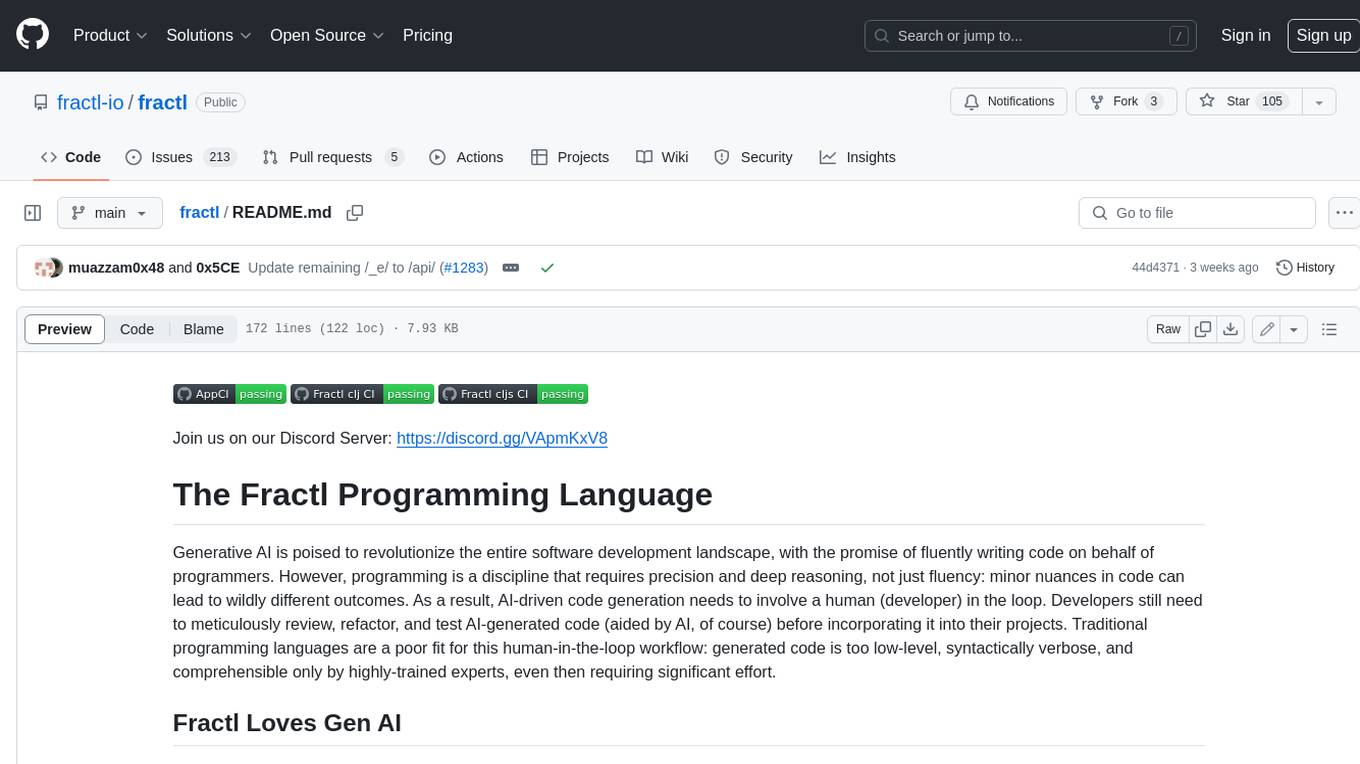
fractl
Fractl is a programming language designed for generative AI, making it easier for developers to work with AI-generated code. It features a data-oriented and declarative syntax, making it a better fit for generative AI-powered code generation. Fractl also bridges the gap between traditional programming and visual building, allowing developers to use multiple ways of building, including traditional coding, visual development, and code generation with generative AI. Key concepts in Fractl include a graph-based hierarchical data model, zero-trust programming, declarative dataflow, resolvers, interceptors, and entity-graph-database mapping.
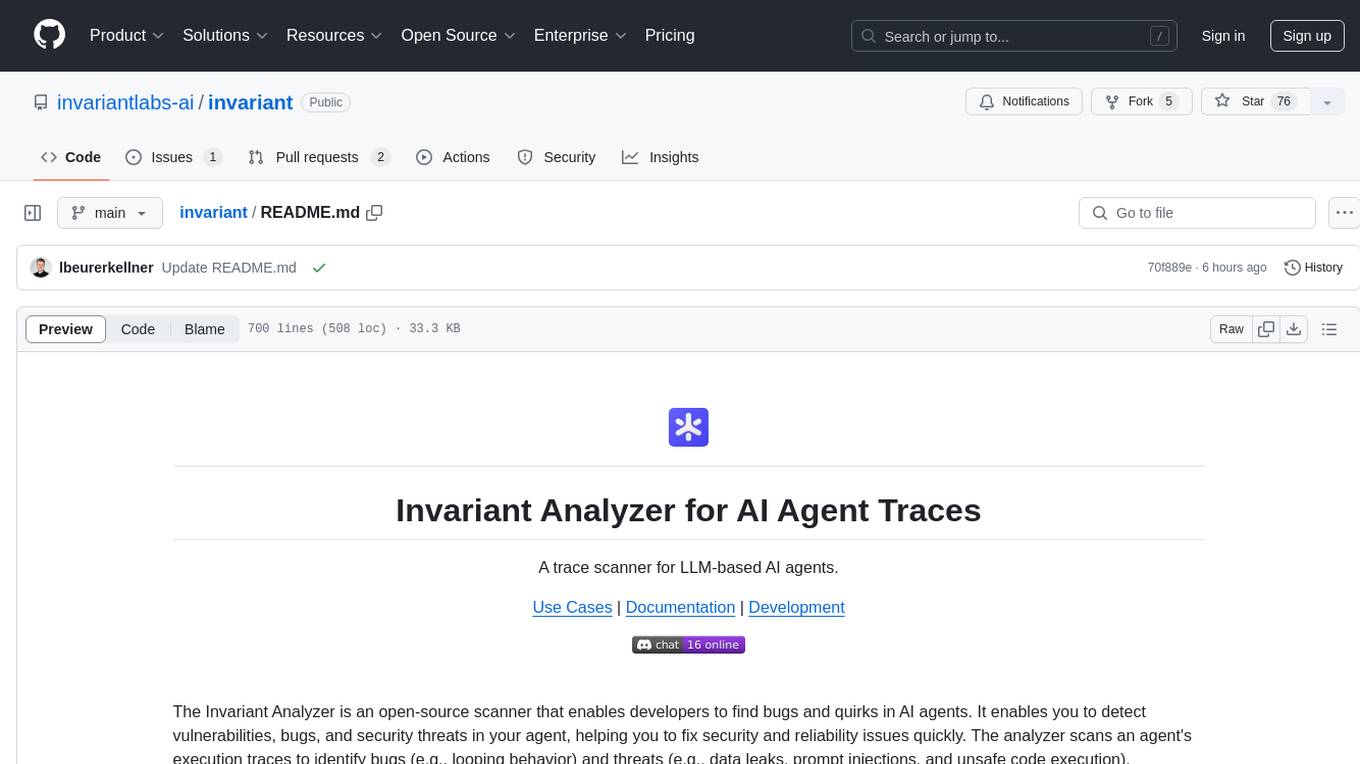
invariant
Invariant Analyzer is an open-source scanner designed for LLM-based AI agents to find bugs, vulnerabilities, and security threats. It scans agent execution traces to identify issues like looping behavior, data leaks, prompt injections, and unsafe code execution. The tool offers a library of built-in checkers, an expressive policy language, data flow analysis, real-time monitoring, and extensible architecture for custom checkers. It helps developers debug AI agents, scan for security violations, and prevent security issues and data breaches during runtime. The analyzer leverages deep contextual understanding and a purpose-built rule matching engine for security policy enforcement.
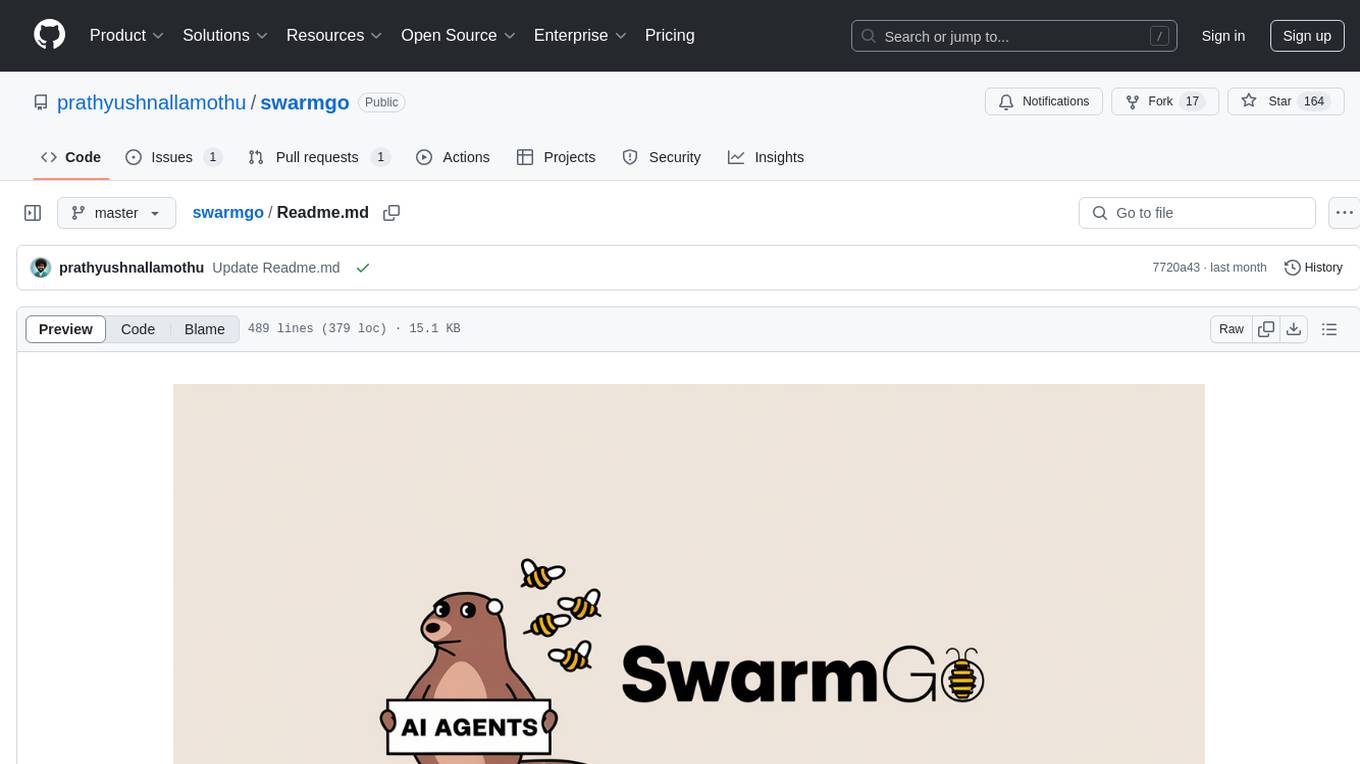
swarmgo
SwarmGo is a Go package designed to create AI agents capable of interacting, coordinating, and executing tasks. It focuses on lightweight agent coordination and execution, offering powerful primitives like Agents and handoffs. SwarmGo enables building scalable solutions with rich dynamics between tools and networks of agents, all while keeping the learning curve low. It supports features like memory management, streaming support, concurrent agent execution, LLM interface, and structured workflows for organizing and coordinating multiple agents.
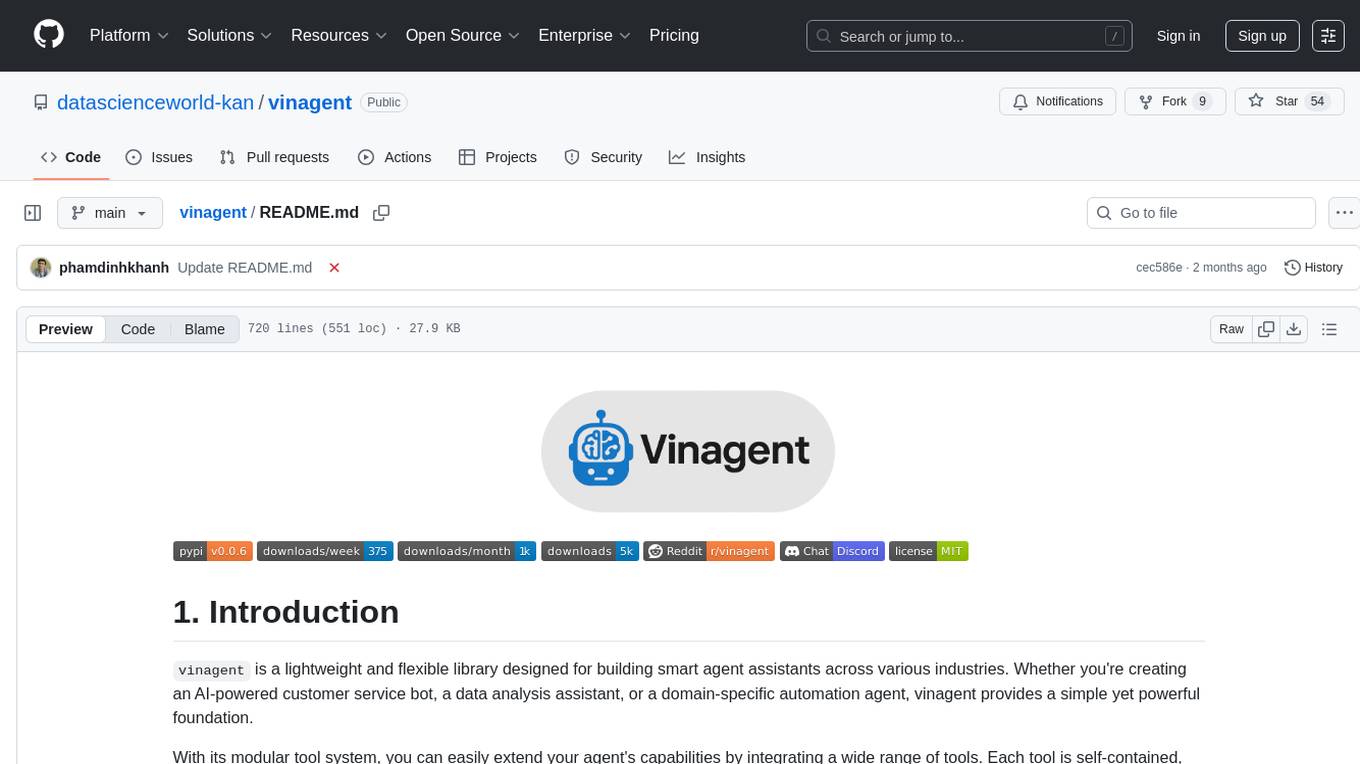
vinagent
Vinagent is a lightweight and flexible library designed for building smart agent assistants across various industries. It provides a simple yet powerful foundation for creating AI-powered customer service bots, data analysis assistants, or domain-specific automation agents. With its modular tool system, users can easily extend their agent's capabilities by integrating a wide range of tools that are self-contained, well-documented, and can be registered dynamically. Vinagent allows users to scale and adapt their agents to new tasks or environments effortlessly.
LightAgent
LightAgent is a lightweight, open-source Agentic AI development framework with memory, tools, and a tree of thought. It supports multi-agent collaboration, autonomous learning, tool integration, complex task handling, and multi-model support. It also features a streaming API, tool generator, agent self-learning, adaptive tool mechanism, and more. LightAgent is designed for intelligent customer service, data analysis, automated tools, and educational assistance.
letta
Letta is an open source framework for building stateful LLM applications. It allows users to build stateful agents with advanced reasoning capabilities and transparent long-term memory. The framework is white box and model-agnostic, enabling users to connect to various LLM API backends. Letta provides a graphical interface, the Letta ADE, for creating, deploying, interacting, and observing with agents. Users can access Letta via REST API, Python, Typescript SDKs, and the ADE. Letta supports persistence by storing agent data in a database, with PostgreSQL recommended for data migrations. Users can install Letta using Docker or pip, with Docker defaulting to PostgreSQL and pip defaulting to SQLite. Letta also offers a CLI tool for interacting with agents. The project is open source and welcomes contributions from the community.
sdialog
SDialog is an MIT-licensed open-source toolkit for building, simulating, and evaluating LLM-based conversational agents end-to-end. It aims to bridge agent construction, user simulation, dialog generation, and evaluation in a single reproducible workflow, enabling the generation of reliable, controllable dialog systems or data at scale. The toolkit standardizes a Dialog schema, offers persona-driven multi-agent simulation with LLMs, provides composable orchestration for precise control over behavior and flow, includes built-in evaluation metrics, and offers mechanistic interpretability. It allows for easy creation of user-defined components and interoperability across various AI platforms.
exospherehost
Exosphere is an open source infrastructure designed to run AI agents at scale for large data and long running flows. It allows developers to define plug and playable nodes that can be run on a reliable backbone in the form of a workflow, with features like dynamic state creation at runtime, infinite parallel agents, persistent state management, and failure handling. This enables the deployment of production agents that can scale beautifully to build robust autonomous AI workflows.
For similar tasks
instructor-js
Instructor is a Typescript library for structured extraction in Typescript, powered by llms, designed for simplicity, transparency, and control. It stands out for its simplicity, transparency, and user-centric design. Whether you're a seasoned developer or just starting out, you'll find Instructor's approach intuitive and steerable.
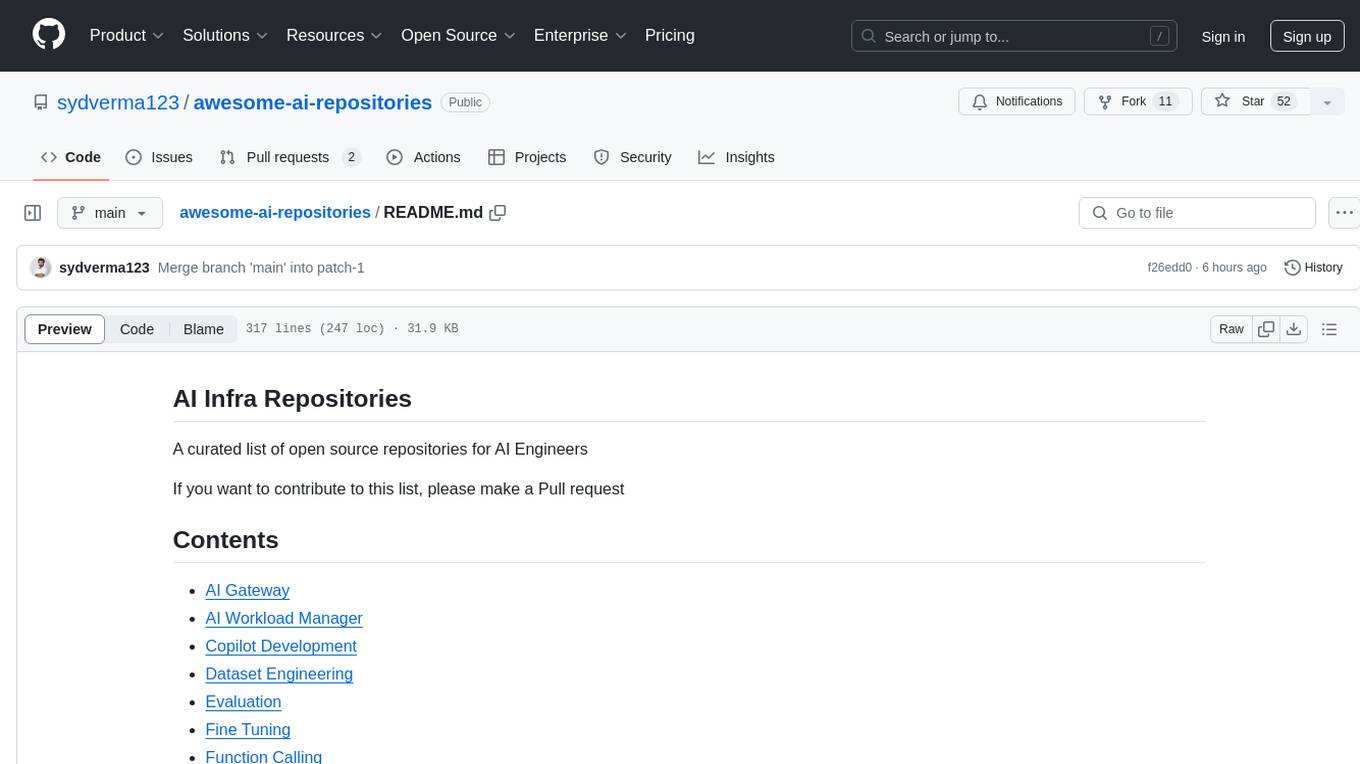
awesome-ai-repositories
A curated list of open source repositories for AI Engineers. The repository provides a comprehensive collection of tools and frameworks for various AI-related tasks such as AI Gateway, AI Workload Manager, Copilot Development, Dataset Engineering, Evaluation, Fine Tuning, Function Calling, Graph RAG, Guardrails, Local Model Inference, LLM Agent Framework, Model Serving, Observability, Pre Training, Prompt Engineering, RAG Framework, Security, Structured Extraction, Structured Generation, Vector DB, and Voice Agent.
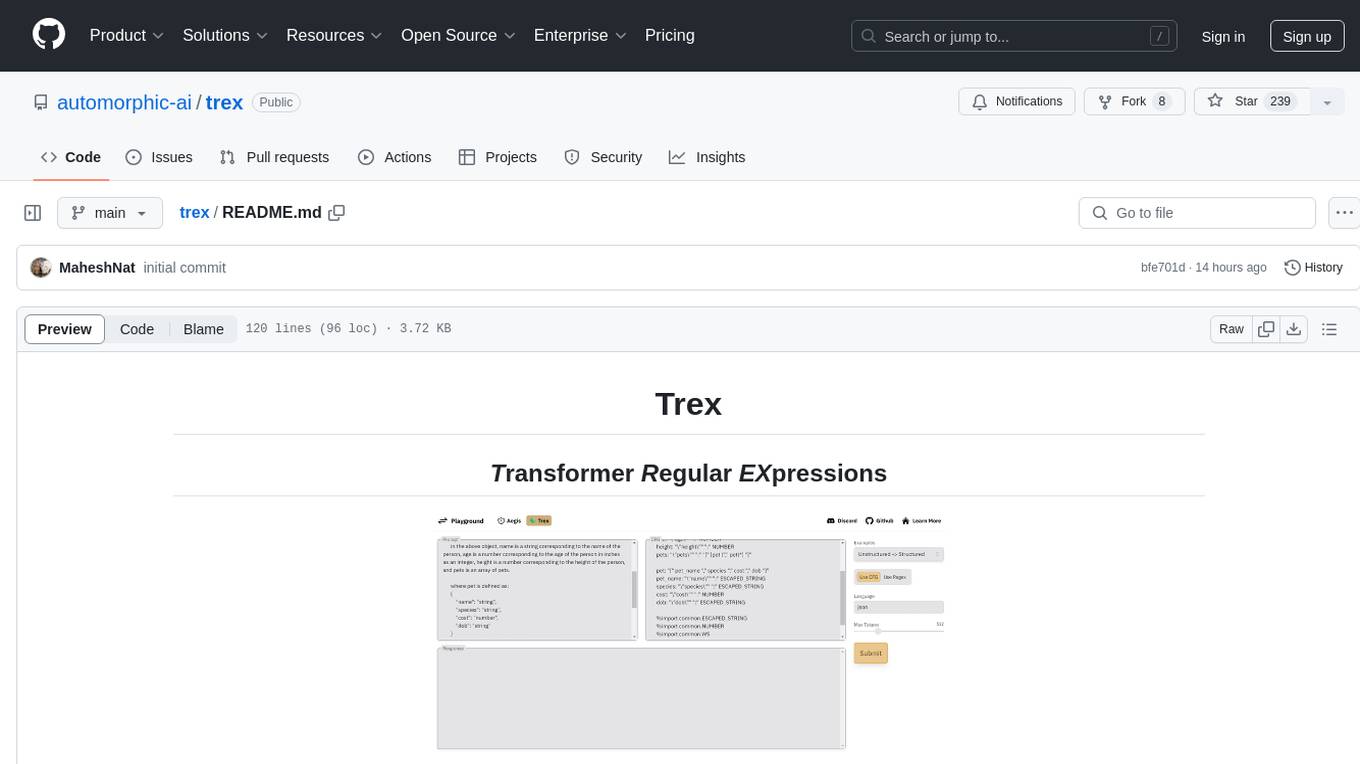
trex
Trex is a tool that transforms unstructured data into structured data by specifying a regex or context-free grammar. It intelligently restructures data to conform to the defined schema. It offers a Python client for installation and requires an API key obtained by signing up at automorphic.ai. The tool supports generating structured JSON objects based on user-defined schemas and prompts. Trex aims to provide significant speed improvements, structured custom CFG and regex generation, and generation from JSON schema. Future plans include auto-prompt generation for unstructured ETL and more intelligent models.
orch
orch is a library for building language model powered applications and agents for the Rust programming language. It can be used for tasks such as text generation, streaming text generation, structured data generation, and embedding generation. The library provides functionalities for executing various language model tasks and can be integrated into different applications and contexts. It offers flexibility for developers to create language model-powered features and applications in Rust.
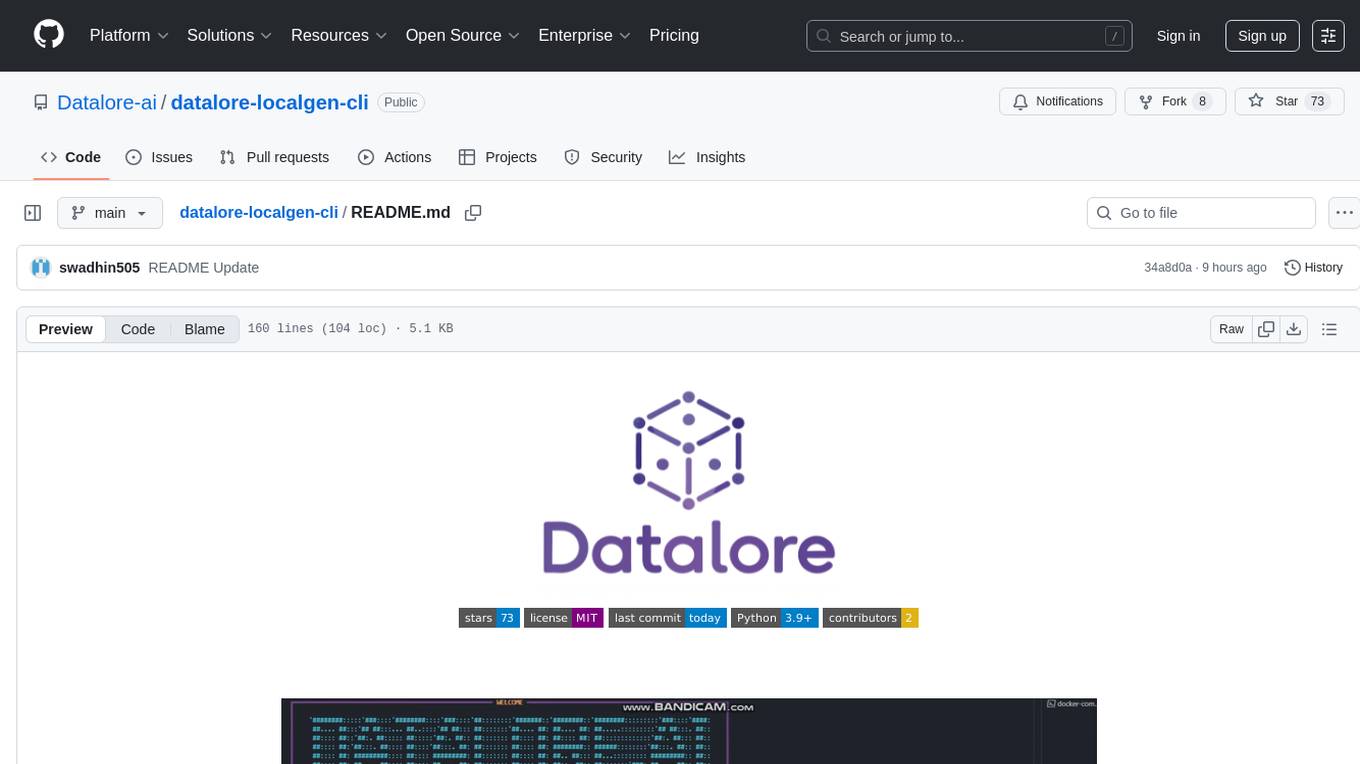
datalore-localgen-cli
Datalore is a terminal tool for generating structured datasets from local files like PDFs, Word docs, images, and text. It extracts content, uses semantic search to understand context, applies instructions through a generated schema, and outputs clean, structured data. Perfect for converting raw or unstructured local documents into ready-to-use datasets for training, analysis, or experimentation, all without manual formatting.

litdata
LitData is a tool designed for blazingly fast, distributed streaming of training data from any cloud storage. It allows users to transform and optimize data in cloud storage environments efficiently and intuitively, supporting various data types like images, text, video, audio, geo-spatial, and multimodal data. LitData integrates smoothly with frameworks such as LitGPT and PyTorch, enabling seamless streaming of data to multiple machines. Key features include multi-GPU/multi-node support, easy data mixing, pause & resume functionality, support for profiling, memory footprint reduction, cache size configuration, and on-prem optimizations. The tool also provides benchmarks for measuring streaming speed and conversion efficiency, along with runnable templates for different data types. LitData enables infinite cloud data processing by utilizing the Lightning.ai platform to scale data processing with optimized machines.
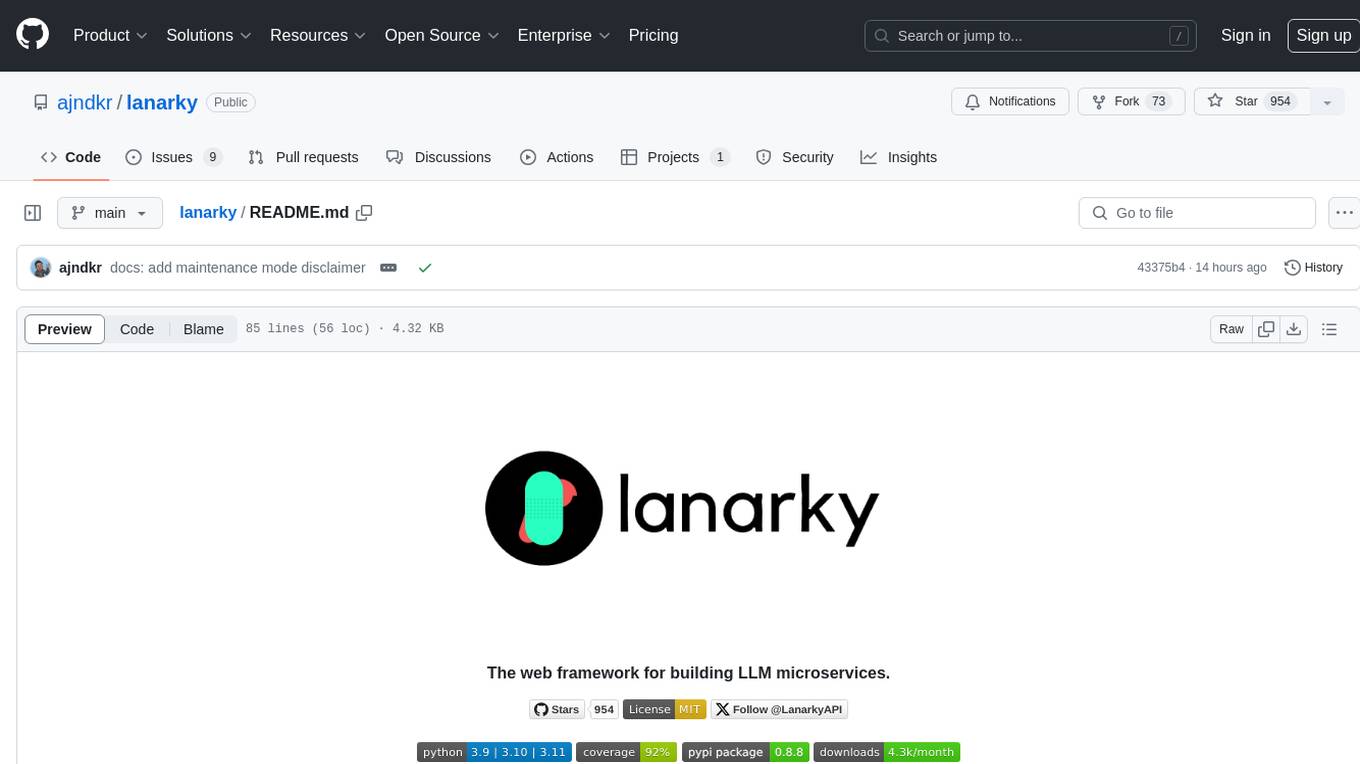
lanarky
Lanarky is a Python web framework designed for building microservices using Large Language Models (LLMs). It is LLM-first, fast, modern, supports streaming over HTTP and WebSockets, and is open-source. The framework provides an abstraction layer for developers to easily create LLM microservices. Lanarky guarantees zero vendor lock-in and is free to use. It is built on top of FastAPI and offers features familiar to FastAPI users. The project is now in maintenance mode, with no active development planned, but community contributions are encouraged.
llm-interface
LLM Interface is an npm module that streamlines interactions with various Large Language Model (LLM) providers in Node.js applications. It offers a unified interface for switching between providers and models, supporting 36 providers and hundreds of models. Features include chat completion, streaming, error handling, extensibility, response caching, retries, JSON output, and repair. The package relies on npm packages like axios, @google/generative-ai, dotenv, jsonrepair, and loglevel. Installation is done via npm, and usage involves sending prompts to LLM providers. Tests can be run using npm test. Contributions are welcome under the MIT License.
For similar jobs
ChatFAQ
ChatFAQ is an open-source comprehensive platform for creating a wide variety of chatbots: generic ones, business-trained, or even capable of redirecting requests to human operators. It includes a specialized NLP/NLG engine based on a RAG architecture and customized chat widgets, ensuring a tailored experience for users and avoiding vendor lock-in.
anything-llm
AnythingLLM is a full-stack application that enables you to turn any document, resource, or piece of content into context that any LLM can use as references during chatting. This application allows you to pick and choose which LLM or Vector Database you want to use as well as supporting multi-user management and permissions.

ai-guide
This guide is dedicated to Large Language Models (LLMs) that you can run on your home computer. It assumes your PC is a lower-end, non-gaming setup.

classifai
Supercharge WordPress Content Workflows and Engagement with Artificial Intelligence. Tap into leading cloud-based services like OpenAI, Microsoft Azure AI, Google Gemini and IBM Watson to augment your WordPress-powered websites. Publish content faster while improving SEO performance and increasing audience engagement. ClassifAI integrates Artificial Intelligence and Machine Learning technologies to lighten your workload and eliminate tedious tasks, giving you more time to create original content that matters.
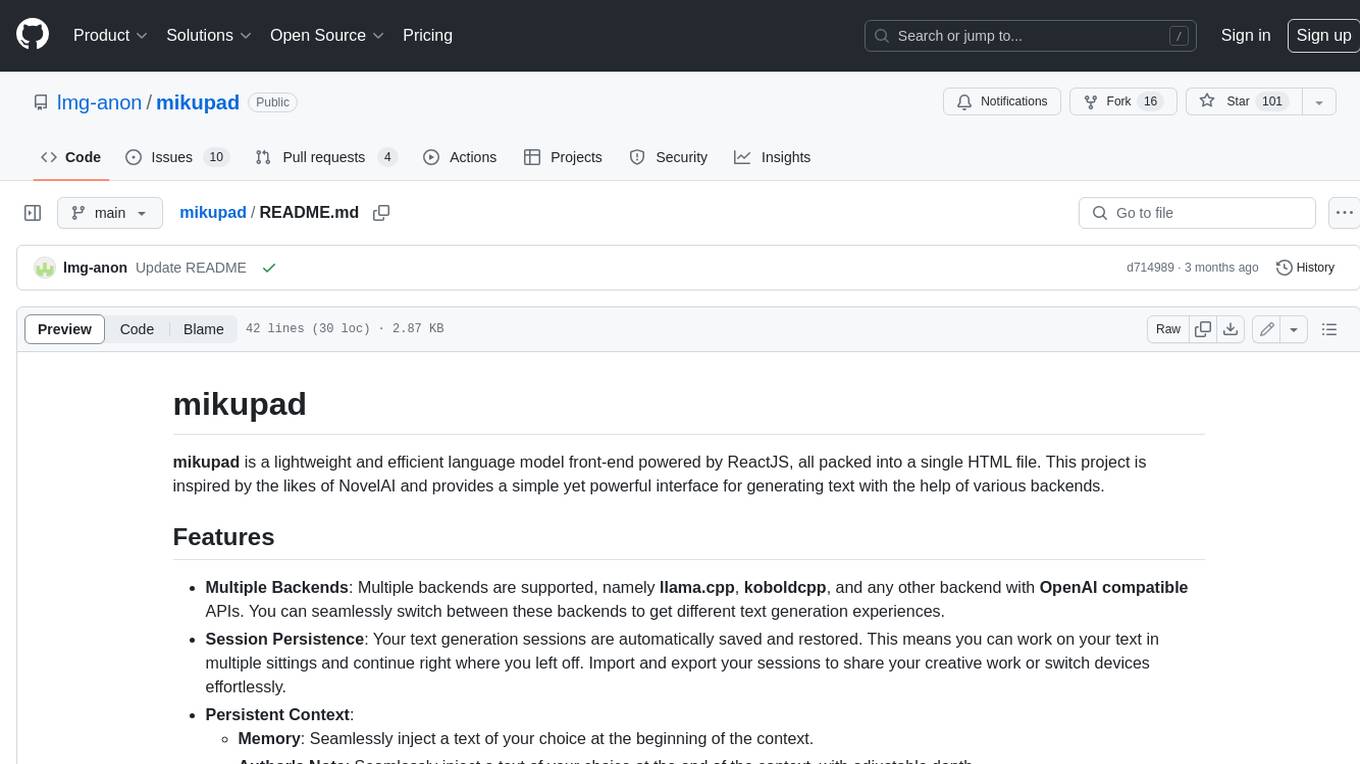
mikupad
mikupad is a lightweight and efficient language model front-end powered by ReactJS, all packed into a single HTML file. Inspired by the likes of NovelAI, it provides a simple yet powerful interface for generating text with the help of various backends.
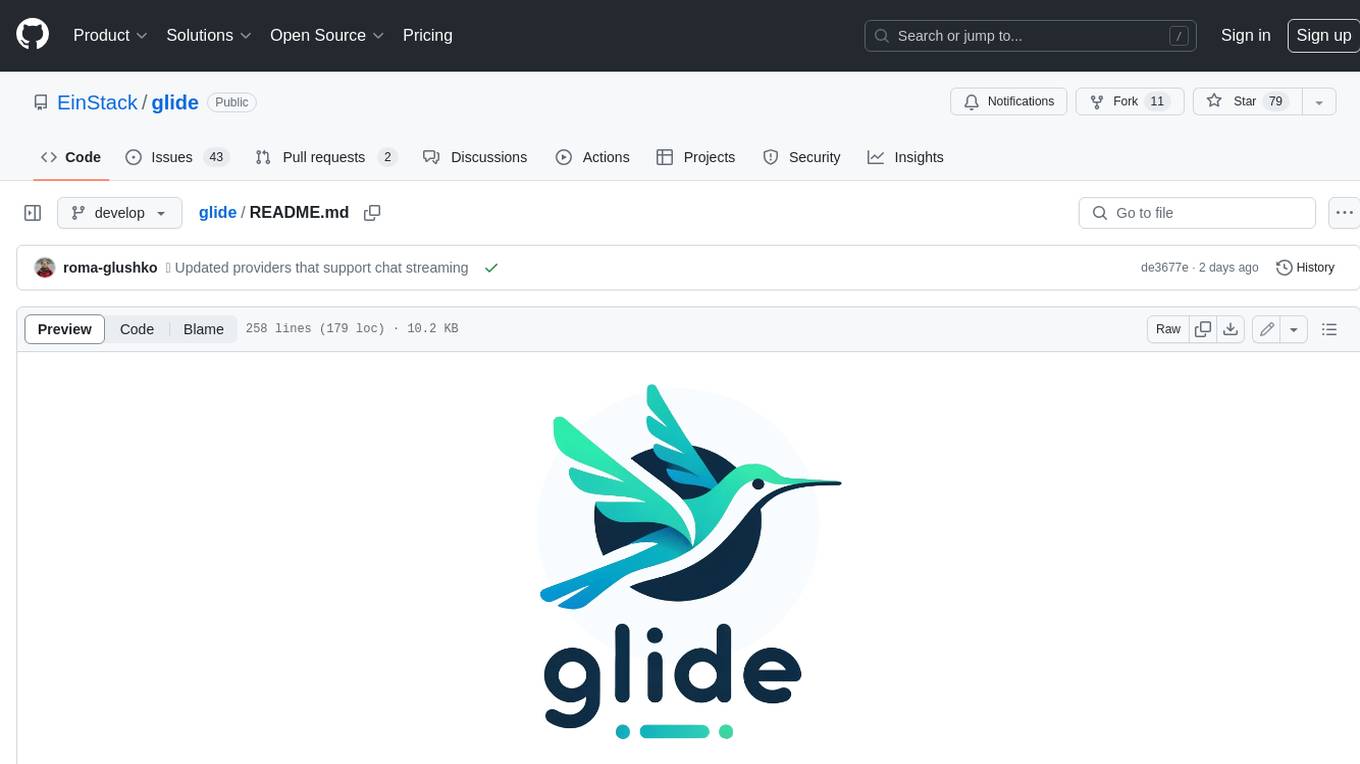
glide
Glide is a cloud-native LLM gateway that provides a unified REST API for accessing various large language models (LLMs) from different providers. It handles LLMOps tasks such as model failover, caching, key management, and more, making it easy to integrate LLMs into applications. Glide supports popular LLM providers like OpenAI, Anthropic, Azure OpenAI, AWS Bedrock (Titan), Cohere, Google Gemini, OctoML, and Ollama. It offers high availability, performance, and observability, and provides SDKs for Python and NodeJS to simplify integration.

onnxruntime-genai
ONNX Runtime Generative AI is a library that provides the generative AI loop for ONNX models, including inference with ONNX Runtime, logits processing, search and sampling, and KV cache management. Users can call a high level `generate()` method, or run each iteration of the model in a loop. It supports greedy/beam search and TopP, TopK sampling to generate token sequences, has built in logits processing like repetition penalties, and allows for easy custom scoring.
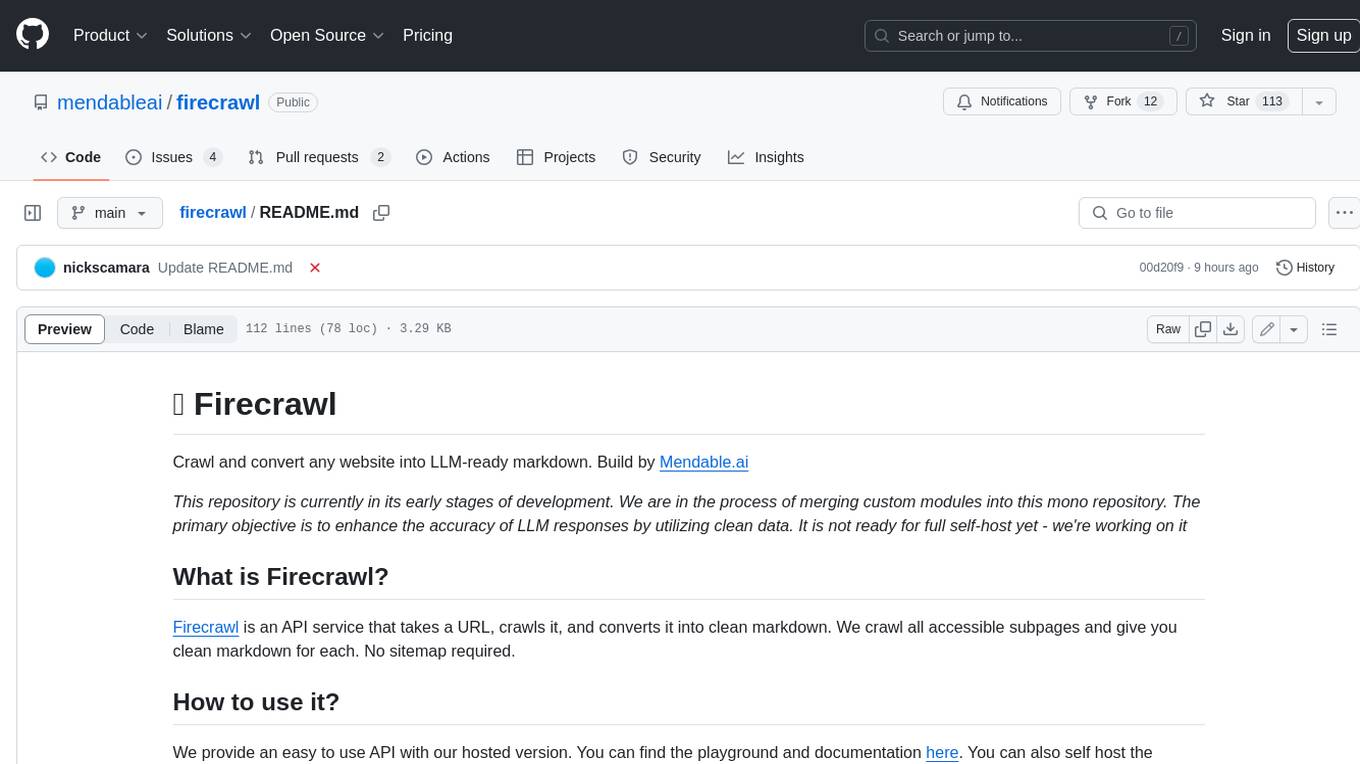
firecrawl
Firecrawl is an API service that takes a URL, crawls it, and converts it into clean markdown. It crawls all accessible subpages and provides clean markdown for each, without requiring a sitemap. The API is easy to use and can be self-hosted. It also integrates with Langchain and Llama Index. The Python SDK makes it easy to crawl and scrape websites in Python code.