


typewhisper-mac
Local speech-to-text for macOS — on-device AI, fully private, no cloud
Stars: 59
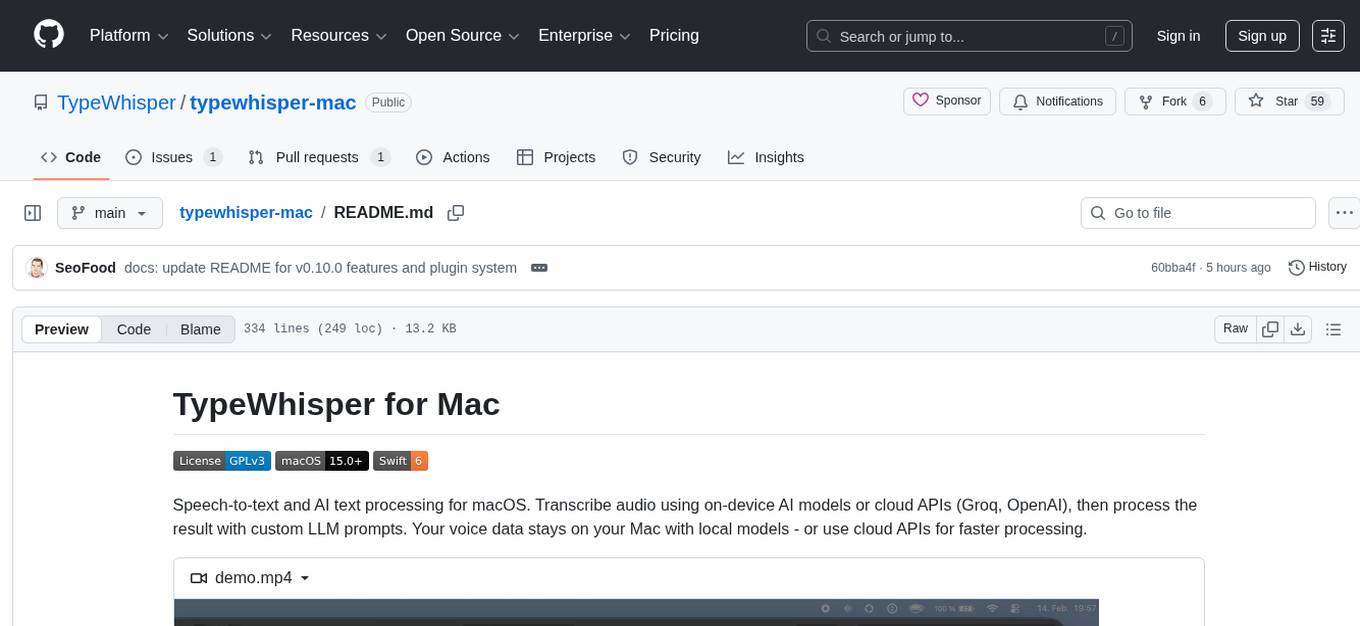
TypeWhisper for Mac is a speech-to-text and AI text processing tool designed for macOS. It allows users to transcribe audio using on-device AI models or cloud APIs like Groq and OpenAI, and process the results with custom LLM prompts. The tool offers features such as multiple transcription engines, on-device or cloud processing, streaming preview, file transcription, subtitle export, system-wide dictation with hotkeys, AI processing with custom prompts and translation, personalization through profiles, dictionary, snippets, and history, integration and extensibility via plugins, HTTP API, and CLI tool. The tool is designed for macOS 15.0 and later, supports Apple Silicon, and offers a multilingual UI with English and German languages.
README:


Speech-to-text and AI text processing for macOS. Transcribe audio using on-device AI models or cloud APIs (Groq, OpenAI), then process the result with custom LLM prompts. Your voice data stays on your Mac with local models - or use cloud APIs for faster processing.


- Five engines - WhisperKit (99+ languages, streaming, translation), Parakeet TDT v3 (25 European languages, extremely fast), Apple SpeechAnalyzer (macOS 26+, no model download needed), Groq Whisper, and OpenAI Whisper
- On-device or cloud - All processing happens locally on your Mac, or use Groq/OpenAI Whisper APIs for faster processing
- Streaming preview - See partial transcription in real-time while speaking (WhisperKit)
- File transcription - Batch-process multiple audio/video files with drag & drop
- Subtitle export - Export transcriptions as SRT or WebVTT with timestamps
- System-wide - Push-to-talk, toggle, or hybrid mode via global hotkey, auto-pastes into any app
- Modifier-key hotkeys - Use a single modifier key (Command, Shift, Option, Control) as your hotkey
- Whisper mode - Boosted microphone gain for quiet speech
- Media pause - Automatically pauses media playback during recording
- Sound feedback - Audio cues for recording start, transcription success, and errors
- Microphone selection - Choose a specific input device with live preview
- Custom prompts - Process transcriptions (or any text) with LLM prompts. 8 presets included (Translate, Formal, Summarize, Fix Grammar, Email, List, Shorter, Explain). Standalone Prompt Palette via global hotkey for text processing without dictation
- LLM providers - Apple Intelligence (macOS 26+), Groq, OpenAI, and Gemini with per-prompt provider and model override
- Translation - Translate transcriptions on-device using Apple Translate
- Profiles - Per-app and per-website overrides for language, task, engine, whisper mode, and prompt. Match by app (bundle ID) and/or domain with subdomain support
- Dictionary - Terms improve cloud recognition accuracy. Corrections fix common transcription mistakes automatically. Auto-learns from manual corrections. Includes importable term packs
-
Snippets - Text shortcuts with trigger/replacement. Supports placeholders like
{{DATE}},{{TIME}}, and{{CLIPBOARD}} - History - Searchable transcription history with inline editing, correction detection, and app context tracking
- Plugin system - Extend TypeWhisper with custom LLM providers, transcription engines, and post-processors. Groq, OpenAI, and Gemini ship as bundled plugins. See Plugins/README.md
- HTTP API - Local REST API for integration with external tools and scripts
- CLI tool - Shell-friendly transcription via the command line
- Home dashboard - Usage statistics, activity chart, and onboarding tutorial
- Auto-update - Built-in updates via Sparkle
- Universal binary - Runs natively on Apple Silicon and Intel Macs
- Multilingual UI - English and German
- Launch at Login - Start automatically with macOS
- macOS 15.0 (Sequoia) or later
- Apple Silicon (M1 or later) recommended
- 8 GB RAM minimum, 16 GB+ recommended for larger models
| RAM | Recommended Models |
|---|---|
| < 8 GB | Whisper Tiny, Whisper Base |
| 8-16 GB | Whisper Small, Whisper Large v3 Turbo, Parakeet TDT v3 |
| > 16 GB | Whisper Large v3 |
-
Clone the repository:
git clone https://github.com/TypeWhisper/typewhisper-mac.git cd typewhisper-mac -
Open in Xcode 16+:
open TypeWhisper.xcodeproj
-
Select the TypeWhisper scheme and build (Cmd+B). Swift Package dependencies (WhisperKit, FluidAudio, KeyboardShortcuts) resolve automatically.
-
Run the app. It appears as a menu bar icon - open Settings to download a model.
Enable the API server in Settings > Advanced (default port: 8978).
curl http://localhost:8978/v1/status{
"status": "ready",
"engine": "whisper",
"model": "openai_whisper-large-v3_turbo",
"supports_streaming": true,
"supports_translation": true
}curl -X POST http://localhost:8978/v1/transcribe \
-F "[email protected]" \
-F "language=en"{
"text": "Hello, world!",
"language": "en",
"duration": 2.5,
"processing_time": 0.8,
"engine": "whisper",
"model": "openai_whisper-large-v3_turbo"
}Optional parameters:
-
language- ISO 639-1 code (e.g.,en,de). Omit for auto-detection. -
task-transcribe(default) ortranslate(translates to English, WhisperKit only). -
target_language- ISO 639-1 code for translation target language (e.g.,es,fr). Uses Apple Translate.
curl http://localhost:8978/v1/models{
"models": [
{
"id": "openai_whisper-large-v3_turbo",
"engine": "whisper",
"ready": true
}
]
}TypeWhisper includes a command-line tool for shell-friendly transcription. It connects to the running API server.
Install via Settings > Advanced > CLI Tool > Install. This places the typewhisper binary in /usr/local/bin.
typewhisper status              # Show server status
typewhisper models              # List available models
typewhisper transcribe file.wav # Transcribe an audio file| Option | Description |
|---|---|
--port <N> |
Server port (default: auto-detect) |
--json |
Output as JSON |
--language <code> |
Source language (e.g. en, de) |
--task <task> |
transcribe (default) or translate
|
--translate-to <code> |
Target language for translation |
# Transcribe with language and JSON output
typewhisper transcribe recording.wav --language de --json

# Pipe audio from stdin
cat audio.wav | typewhisper transcribe -

# Use in a script
typewhisper transcribe meeting.m4a --json | jq -r '.text'
The CLI requires the API server to be running (Settings > Advanced).
Profiles let you configure transcription settings per application or website. For example:
- Mail - German language, Whisper Large v3
- Slack - English language, Parakeet TDT v3
- Terminal - Whisper mode always on
- github.com - English language (matches in any browser)
- docs.google.com - German language, translate to English
Create profiles in Settings > Profiles. Assign apps and/or URL patterns, set language/task/engine overrides, assign a custom prompt for automatic post-processing, and adjust priority. URL patterns support subdomain matching - e.g. google.com also matches docs.google.com. The domain autocomplete suggests domains from your transcription history.
When you start dictating, TypeWhisper matches the active app and browser URL against your profiles with the following priority:
- App + URL match - highest specificity (e.g. Chrome + github.com)
- URL-only match - cross-browser profiles (e.g. github.com in any browser)
- App-only match - generic app profiles (e.g. all of Chrome)
The active profile name is shown as a badge in the recording overlay.
Multiple engines can be loaded simultaneously for instant switching between profiles. Note that loading multiple local models increases memory usage. Cloud engines (Groq, OpenAI) have negligible memory overhead.
TypeWhisper supports plugins for adding custom LLM providers, transcription engines, and post-processors. Plugins are macOS .bundle files placed in ~/Library/Application Support/TypeWhisper/Plugins/.
The built-in cloud providers (Groq, OpenAI, Gemini) are implemented as bundled plugins and serve as reference implementations.
See Plugins/README.md for the full plugin development guide, including the event bus, host services API, and manifest format.
TypeWhisper/
├── typewhisper-cli/           # Command-line tool (status, models, transcribe)
├── Plugins/                # Bundled plugins (Groq, OpenAI, Gemini, Webhook)
├── TypeWhisperPluginSDK/   # Plugin SDK (Swift package)
├── App/                    # App entry point, dependency injection
├── Models/                 # Data models (ModelInfo, TranscriptionResult, EngineType, Profile, etc.)
├── Services/
│   ├── Engine/             # WhisperEngine, ParakeetEngine, SpeechAnalyzerEngine, TranscriptionEngine protocol
│   ├── Cloud/              # CloudTranscriptionEngine, GroqEngine, OpenAIEngine
│   ├── LLM/               # LLM providers (Apple Intelligence, Groq, OpenAI) for custom prompts
│   ├── HTTPServer/         # Local REST API (HTTPServer, APIRouter, APIHandlers)
│   ├── SubtitleExporter    # SRT/VTT export
│   ├── ModelManagerService # Model download, loading, transcription dispatch
│   ├── AudioFileService    # Audio/video → 16kHz PCM conversion
│   ├── AudioRecordingService
│   ├── HotkeyService
│   ├── TextInsertionService
│   ├── ProfileService      # Per-app profile matching and persistence
│   ├── HistoryService      # Transcription history persistence (SwiftData)
│   ├── DictionaryService   # Custom term corrections
│   ├── SnippetService      # Text snippets with placeholders
│   ├── PromptActionService # Custom prompt management (SwiftData)
│   ├── PromptProcessingService # LLM orchestration for prompt execution
│   ├── TranslationService  # On-device translation via Apple Translate
│   ├── MediaPlaybackService # Pause/resume media during recording
│   └── SoundService        # Audio feedback for recording events
├── ViewModels/             # MVVM view models with Combine
├── Views/                  # SwiftUI views
└── Resources/              # Info.plist, entitlements, localization, sounds
Patterns: MVVM with ServiceContainer singleton for dependency injection. ViewModels use a static _shared pattern. Localization via String(localized:) with Localizable.xcstrings.
GPLv3 - see LICENSE for details. Commercial licensing available - see LICENSE-COMMERCIAL.md.
For Tasks:
Click tags to check more tools for each tasksFor Jobs:
Alternative AI tools for typewhisper-mac
Similar Open Source Tools
typewhisper-mac
TypeWhisper for Mac is a speech-to-text and AI text processing tool designed for macOS. It allows users to transcribe audio using on-device AI models or cloud APIs like Groq and OpenAI, and process the results with custom LLM prompts. The tool offers features such as multiple transcription engines, on-device or cloud processing, streaming preview, file transcription, subtitle export, system-wide dictation with hotkeys, AI processing with custom prompts and translation, personalization through profiles, dictionary, snippets, and history, integration and extensibility via plugins, HTTP API, and CLI tool. The tool is designed for macOS 15.0 and later, supports Apple Silicon, and offers a multilingual UI with English and German languages.
seline
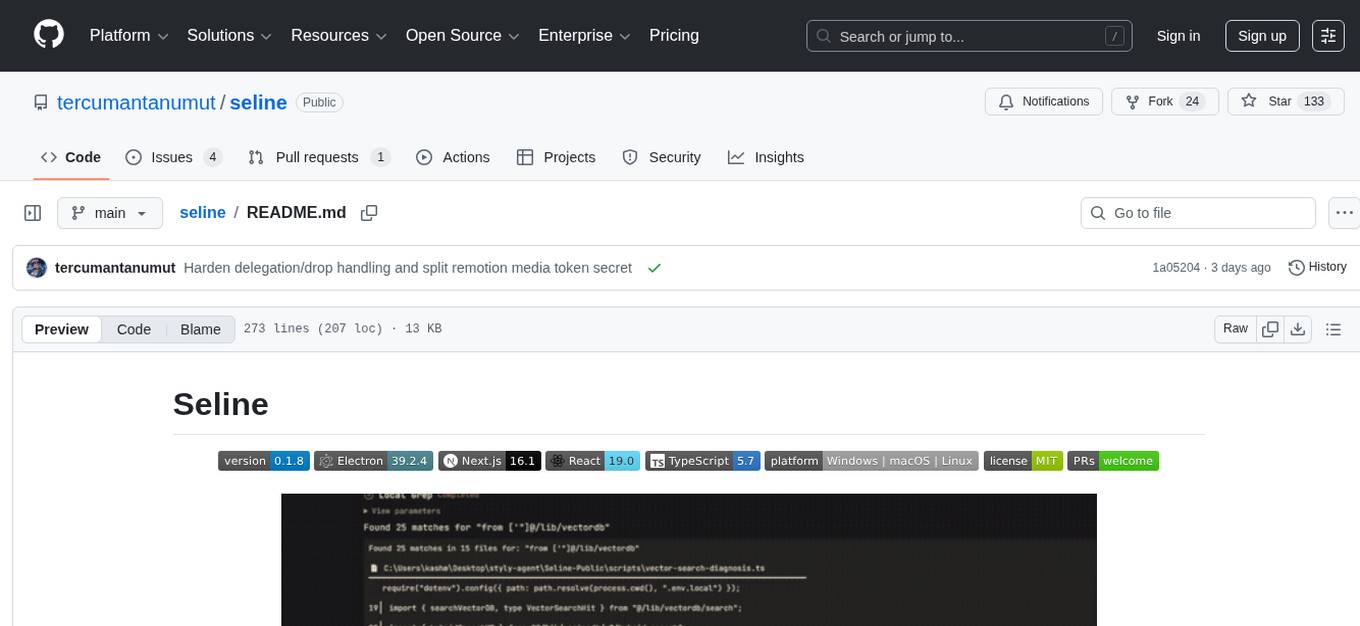
Seline is a local-first AI desktop application that integrates conversational AI, visual generation tools, vector search, and multi-channel connectivity. It allows users to connect WhatsApp, Telegram, or Slack to create always-on bots with full context and background task delivery. The application supports multi-channel connectivity, deep research mode, local web browsing with Puppeteer, local knowledge and privacy features, visual and creative tools, automation and agents, developer experience enhancements, and more. Seline is actively developed with a focus on improving user experience and functionality.
WebAI-to-API
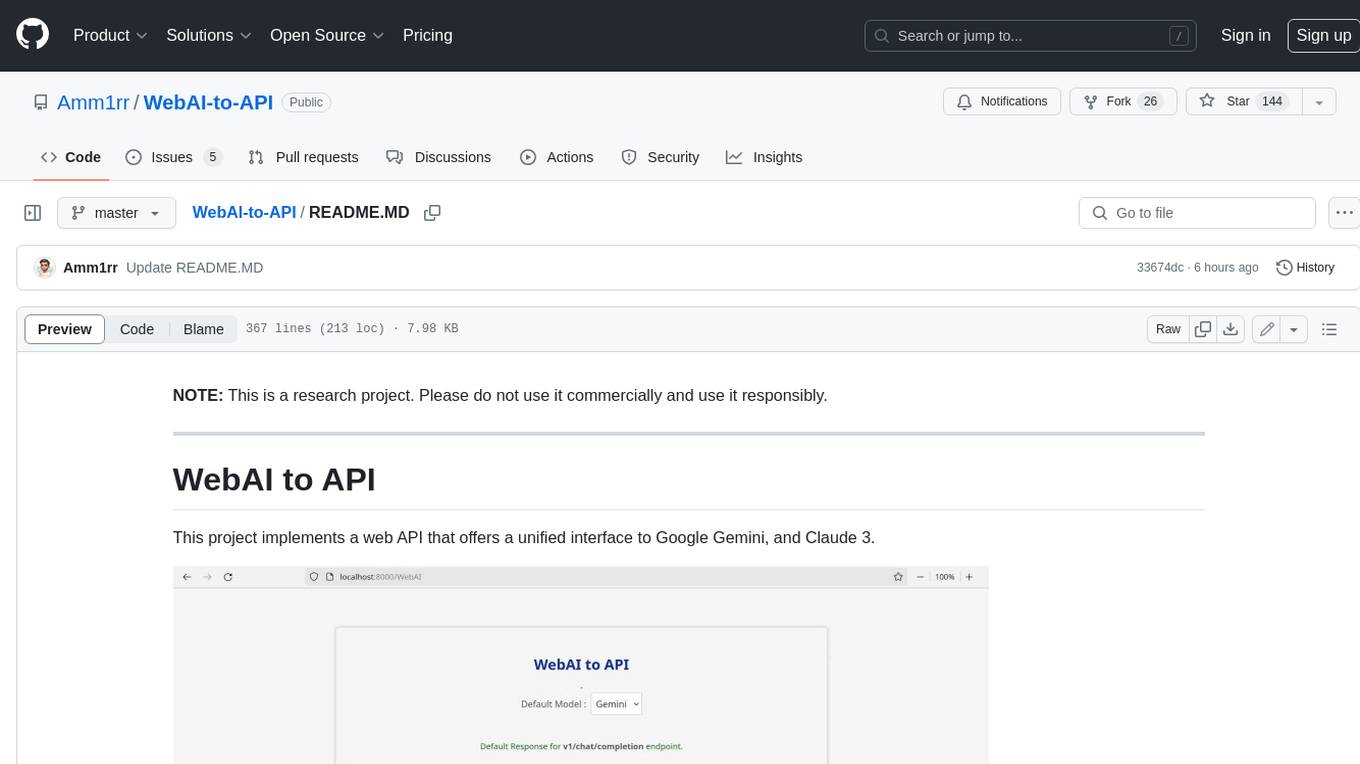
This project implements a web API that offers a unified interface to Google Gemini and Claude 3. It provides a self-hosted, lightweight, and scalable solution for accessing these AI models through a streaming API. The API supports both Claude and Gemini models, allowing users to interact with them in real-time. The project includes a user-friendly web UI for configuration and documentation, making it easy to get started and explore the capabilities of the API.
claudian
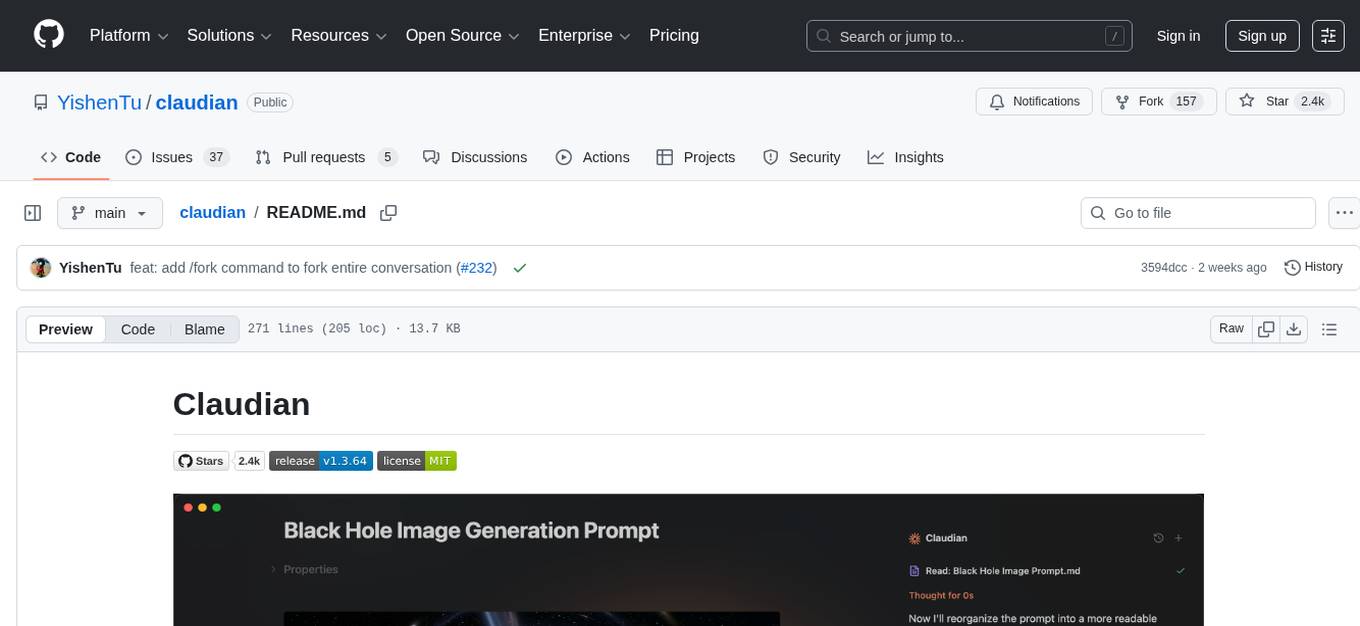
Claudian is an Obsidian plugin that embeds Claude Code as an AI collaborator in your vault. It provides full agentic capabilities, including file read/write, search, bash commands, and multi-step workflows. Users can leverage Claude Code's power to interact with their vault, analyze images, edit text inline, add custom instructions, create reusable prompt templates, extend capabilities with skills and agents, connect external tools via Model Context Protocol servers, control models and thinking budget, toggle plan mode, ensure security with permission modes and vault confinement, and interact with Chrome. The plugin requires Claude Code CLI, Obsidian v1.8.9+, Claude subscription/API or custom model provider, and desktop platforms (macOS, Linux, Windows).
kiss_ai
KISS AI is a lightweight and powerful multi-agent evolutionary framework that simplifies building AI agents. It uses native function calling for efficiency and accuracy, making building AI agents as straightforward as possible. The framework includes features like multi-agent orchestration, agent evolution and optimization, relentless coding agent for long-running tasks, output formatting, trajectory saving and visualization, GEPA for prompt optimization, KISSEvolve for algorithm discovery, self-evolving multi-agent, Docker integration, multiprocessing support, and support for various models from OpenAI, Anthropic, Gemini, Together AI, and OpenRouter.
mistral.rs
Mistral.rs is a fast LLM inference platform written in Rust. We support inference on a variety of devices, quantization, and easy-to-use application with an Open-AI API compatible HTTP server and Python bindings.
conduit
Conduit is an open-source, cross-platform mobile application for Open-WebUI, providing a native mobile experience for interacting with your self-hosted AI infrastructure. It supports real-time chat, model selection, conversation management, markdown rendering, theme support, voice input, file uploads, multi-modal support, secure storage, folder management, and tools invocation. Conduit offers multiple authentication flows and follows a clean architecture pattern with Riverpod for state management, Dio for HTTP networking, WebSocket for real-time streaming, and Flutter Secure Storage for credential management.
local-cocoa
Local Cocoa is a privacy-focused tool that runs entirely on your device, turning files into memory to spark insights and power actions. It offers features like fully local privacy, multimodal memory, vector-powered retrieval, intelligent indexing, vision understanding, hardware acceleration, focused user experience, integrated notes, and auto-sync. The tool combines file ingestion, intelligent chunking, and local retrieval to build a private on-device knowledge system. The ultimate goal includes more connectors like Google Drive integration, voice mode for local speech-to-text interaction, and a plugin ecosystem for community tools and agents. Local Cocoa is built using Electron, React, TypeScript, FastAPI, llama.cpp, and Qdrant.
astrsk
astrsk is a tool that pushes the boundaries of AI storytelling by offering advanced AI agents, customizable response formatting, and flexible prompt editing for immersive roleplaying experiences. It provides complete AI agent control, a visual flow editor for conversation flows, and ensures 100% local-first data storage. The tool is true cross-platform with support for various AI providers and modern technologies like React, TypeScript, and Tailwind CSS. Coming soon features include cross-device sync, enhanced session customization, and community features.
Lumina-Note
Lumina Note is a local-first AI note-taking app designed to help users write, connect, and evolve knowledge with AI capabilities while ensuring data ownership. It offers a knowledge-centered workflow with features like Markdown editor, WikiLinks, and graph view. The app includes AI workspace modes such as Chat, Agent, Deep Research, and Codex, along with support for multiple model providers. Users can benefit from bidirectional links, LaTeX support, graph visualization, PDF reader with annotations, real-time voice input, and plugin ecosystem for extended functionalities. Lumina Note is built on Tauri v2 framework with a tech stack including React 18, TypeScript, Tailwind CSS, and SQLite for vector storage.
Edit-Banana
Edit Banana is a universal content re-editor that allows users to transform fixed content into fully manipulatable assets. Powered by SAM 3 and multimodal large models, it enables high-fidelity reconstruction while preserving original diagram details and logical relationships. The platform offers advanced segmentation, fixed multi-round VLM scanning, high-quality OCR, user system with credits, multi-user concurrency, and a web interface. Users can upload images or PDFs to get editable DrawIO (XML) or PPTX files in seconds. The project structure includes components for segmentation, text extraction, frontend, models, and scripts, with detailed installation and setup instructions provided. The tool is open-source under the Apache License 2.0, allowing commercial use and secondary development.
alphora
Alphora is a full-stack framework for building production AI agents, providing agent orchestration, prompt engineering, tool execution, memory management, streaming, and deployment with an async-first, OpenAI-compatible design. It offers features like agent derivation, reasoning-action loop, async streaming, visual debugger, OpenAI compatibility, multimodal support, tool system with zero-config tools and type safety, prompt engine with dynamic prompts, memory and storage management, sandbox for secure execution, deployment as API, and more. Alphora allows users to build sophisticated AI agents easily and efficiently.
openwhispr
OpenWhispr is an open source desktop dictation application that converts speech to text using OpenAI Whisper. It features both local and cloud processing options for maximum flexibility and privacy. The application supports multiple AI providers, customizable hotkeys, agent naming, and various AI processing models. It offers a modern UI built with React 19, TypeScript, and Tailwind CSS v4, and is optimized for speed using Vite and modern tooling. Users can manage settings, view history, configure API keys, and download/manage local Whisper models. The application is cross-platform, supporting macOS, Windows, and Linux, and offers features like automatic pasting, draggable interface, global hotkeys, and compound hotkeys.
OpenOutreach
OpenOutreach is a self-hosted, open-source LinkedIn automation tool designed for B2B lead generation. It automates the entire outreach process in a stealthy, human-like way by discovering and enriching target profiles, ranking profiles using ML for smart prioritization, sending personalized connection requests, following up with custom messages after acceptance, and tracking everything in a built-in CRM with web UI. It offers features like undetectable behavior, fully customizable Python-based campaigns, local execution with CRM, easy deployment with Docker, and AI-ready templating for hyper-personalized messages.
vmark
VMark is a modern, local-first Markdown editor designed for the AI era. It combines the simplicity of rich text editing with the power of source mode. Built to work seamlessly with AI assistants, it understands Chinese, Japanese, and Korean text. Users can switch between rich text and source mode effortlessly, with beautifully designed themes and offline functionality. The tool offers advanced features like AI integration, CJK text handling, customization options, and various export formats.

ClaudeBar
ClaudeBar is a macOS menu bar application that monitors AI coding assistant usage quotas. It allows users to keep track of their usage of Claude, Codex, Gemini, GitHub Copilot, Antigravity, and Z.ai at a glance. The application offers multi-provider support, real-time quota tracking, multiple themes, visual status indicators, system notifications, auto-refresh feature, and keyboard shortcuts for quick access. Users can customize monitoring by toggling individual providers on/off and receive alerts when quota status changes. The tool requires macOS 15+, Swift 6.2+, and CLI tools installed for the providers to be monitored.
For similar tasks
gpt-subtrans
GPT-Subtrans is an open-source subtitle translator that utilizes large language models (LLMs) as translation services. It supports translation between any language pairs that the language model supports. Note that GPT-Subtrans requires an active internet connection, as subtitles are sent to the provider's servers for translation, and their privacy policy applies.
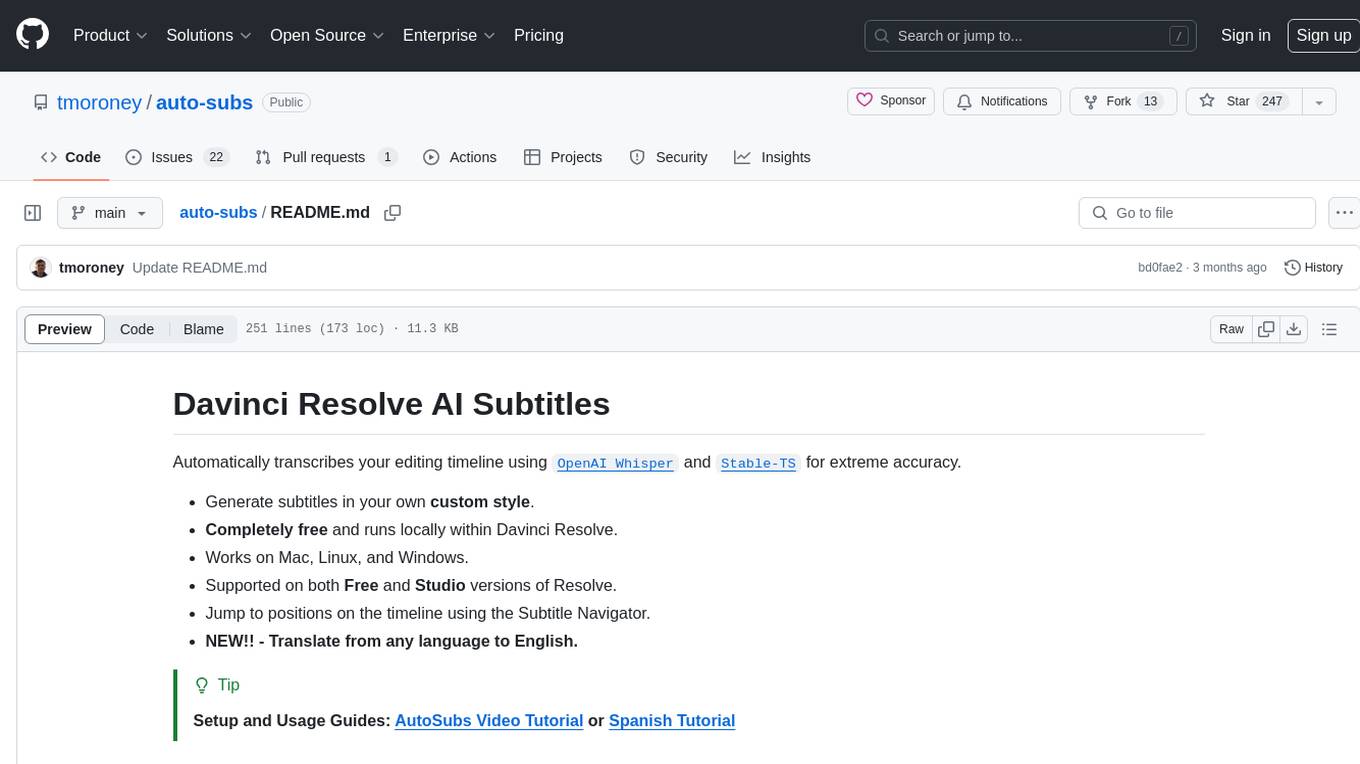
auto-subs
Auto-subs is a tool designed to automatically transcribe editing timelines using OpenAI Whisper and Stable-TS for extreme accuracy. It generates subtitles in a custom style, is completely free, and runs locally within Davinci Resolve. It works on Mac, Linux, and Windows, supporting both Free and Studio versions of Resolve. Users can jump to positions on the timeline using the Subtitle Navigator and translate from any language to English. The tool provides a user-friendly interface for creating and customizing subtitles for video content.
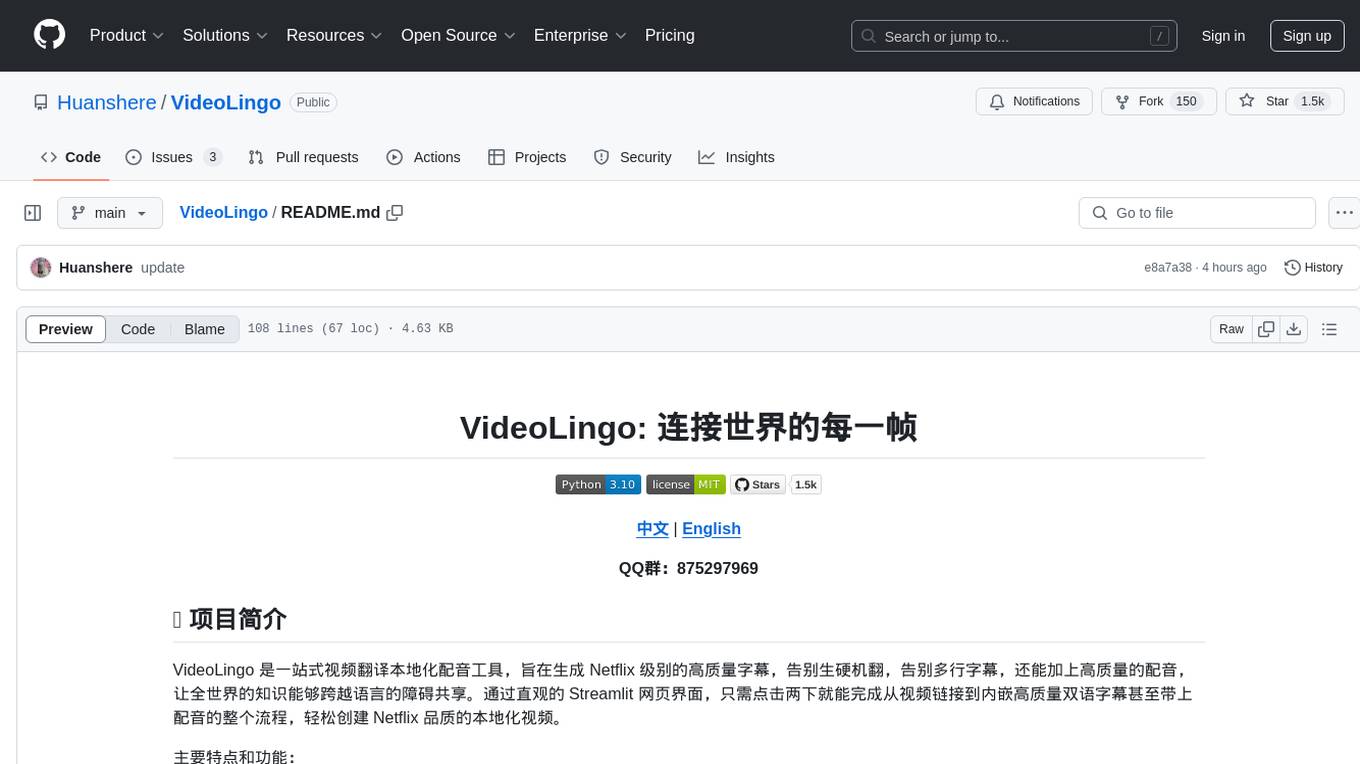
VideoLingo
VideoLingo is an all-in-one video translation and localization dubbing tool designed to generate Netflix-level high-quality subtitles. It aims to eliminate stiff machine translation, multiple lines of subtitles, and can even add high-quality dubbing, allowing knowledge from around the world to be shared across language barriers. Through an intuitive Streamlit web interface, the entire process from video link to embedded high-quality bilingual subtitles and even dubbing can be completed with just two clicks, easily creating Netflix-quality localized videos. Key features and functions include using yt-dlp to download videos from Youtube links, using WhisperX for word-level timeline subtitle recognition, using NLP and GPT for subtitle segmentation based on sentence meaning, summarizing intelligent term knowledge base with GPT for context-aware translation, three-step direct translation, reflection, and free translation to eliminate strange machine translation, checking single-line subtitle length and translation quality according to Netflix standards, using GPT-SoVITS for high-quality aligned dubbing, and integrating package for one-click startup and one-click output in streamlit.
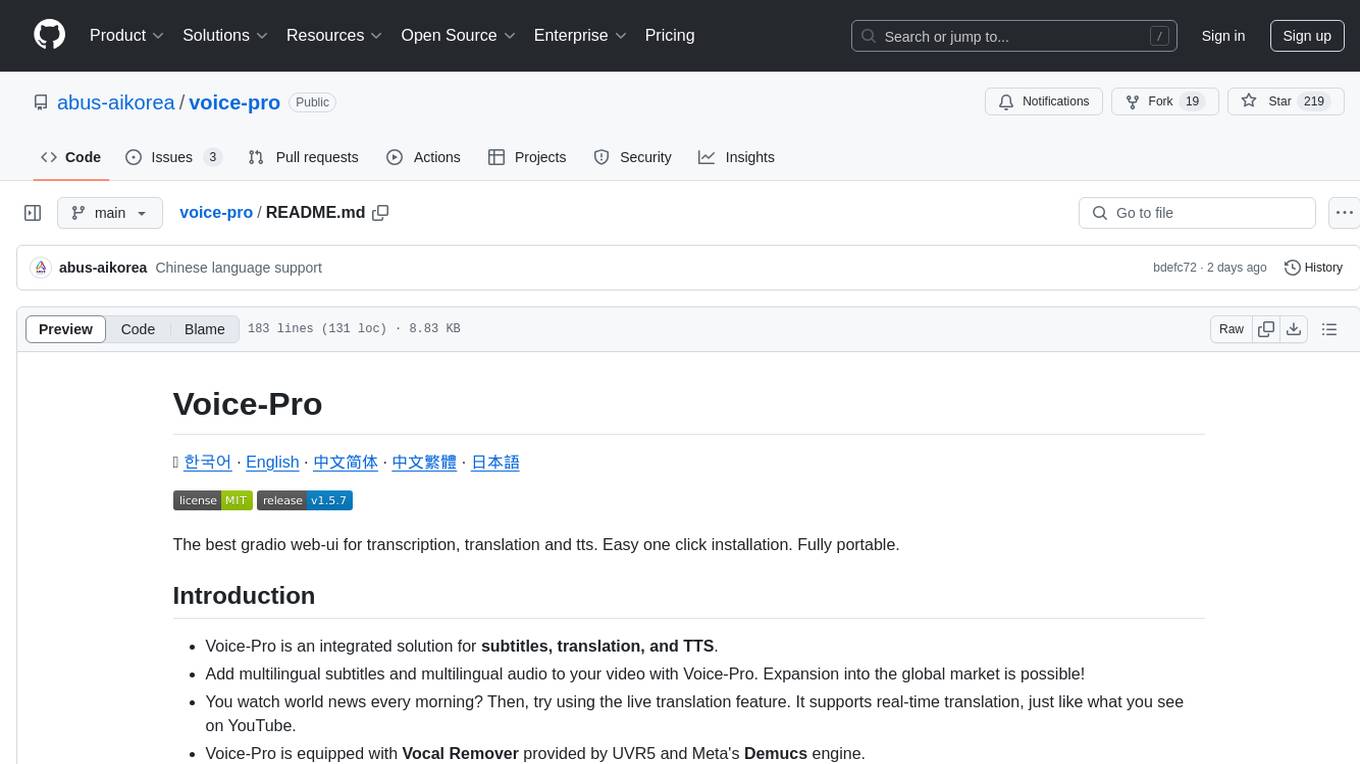
voice-pro
Voice-Pro is an integrated solution for subtitles, translation, and TTS. It offers features like multilingual subtitles, live translation, vocal remover, and supports OpenAI Whisper and Open-Source Translator. The tool provides a Studio tab for various functions, Whisper Caption tab for subtitle creation, Translate tab for translation, TTS tab for text-to-speech, Live Translation tab for real-time voice recognition, and Batch tab for processing multiple files. Users can download YouTube videos, improve voice recognition accuracy, create automatic subtitles, and produce multilingual videos with ease. The tool is easy to install with one-click and offers a Web-UI for user convenience.
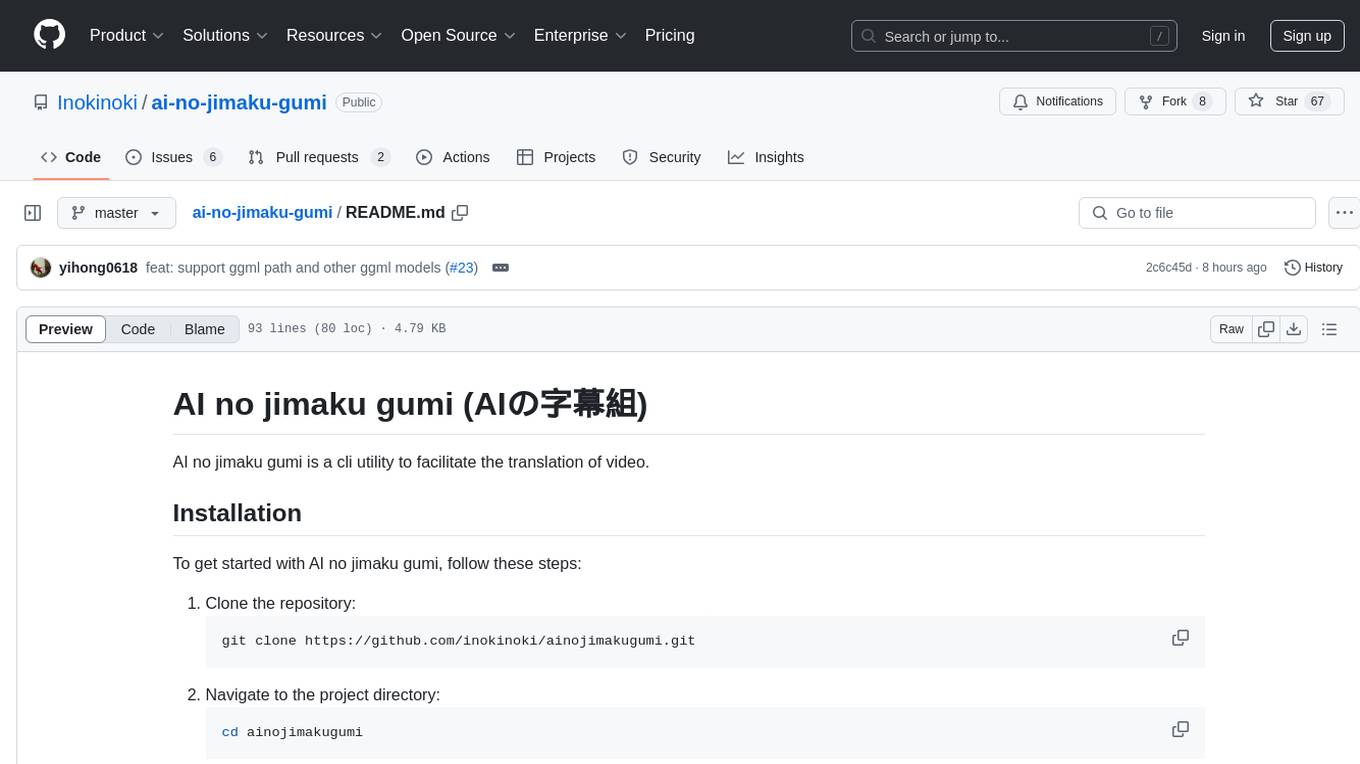
ai-no-jimaku-gumi
AI no jimaku gumi is a command-line utility designed to assist in video translation. It supports translating subtitles using AI models and provides options for different translation and subtitle sources. Users can easily set up the tool by following the installation steps and use it to translate videos to different languages with customizable settings. The tool currently supports DeepL and llm translation backends and SRT subtitle export. It aims to simplify the process of adding subtitles to videos by leveraging AI technology.
youwee
Youwee is a modern YouTube video downloader tool built with Tauri and React. It offers features like downloading videos from various platforms, following channels, fetching metadata, live stream support, AI video summary and processing, time range download, batch and playlist downloads, audio extraction, subtitle support, subtitle workshop, post-processing, SponsorBlock, speed limit control, download library, multiple themes, and is fast and lightweight.
typewhisper-mac
TypeWhisper for Mac is a speech-to-text and AI text processing tool designed for macOS. It allows users to transcribe audio using on-device AI models or cloud APIs like Groq and OpenAI, and process the results with custom LLM prompts. The tool offers features such as multiple transcription engines, on-device or cloud processing, streaming preview, file transcription, subtitle export, system-wide dictation with hotkeys, AI processing with custom prompts and translation, personalization through profiles, dictionary, snippets, and history, integration and extensibility via plugins, HTTP API, and CLI tool. The tool is designed for macOS 15.0 and later, supports Apple Silicon, and offers a multilingual UI with English and German languages.
LocalAI
LocalAI is a free and open-source OpenAI alternative that acts as a drop-in replacement REST API compatible with OpenAI (Elevenlabs, Anthropic, etc.) API specifications for local AI inferencing. It allows users to run LLMs, generate images, audio, and more locally or on-premises with consumer-grade hardware, supporting multiple model families and not requiring a GPU. LocalAI offers features such as text generation with GPTs, text-to-audio, audio-to-text transcription, image generation with stable diffusion, OpenAI functions, embeddings generation for vector databases, constrained grammars, downloading models directly from Huggingface, and a Vision API. It provides a detailed step-by-step introduction in its Getting Started guide and supports community integrations such as custom containers, WebUIs, model galleries, and various bots for Discord, Slack, and Telegram. LocalAI also offers resources like an LLM fine-tuning guide, instructions for local building and Kubernetes installation, projects integrating LocalAI, and a how-tos section curated by the community. It encourages users to cite the repository when utilizing it in downstream projects and acknowledges the contributions of various software from the community.
For similar jobs
typewhisper-mac
TypeWhisper for Mac is a speech-to-text and AI text processing tool designed for macOS. It allows users to transcribe audio using on-device AI models or cloud APIs like Groq and OpenAI, and process the results with custom LLM prompts. The tool offers features such as multiple transcription engines, on-device or cloud processing, streaming preview, file transcription, subtitle export, system-wide dictation with hotkeys, AI processing with custom prompts and translation, personalization through profiles, dictionary, snippets, and history, integration and extensibility via plugins, HTTP API, and CLI tool. The tool is designed for macOS 15.0 and later, supports Apple Silicon, and offers a multilingual UI with English and German languages.
languagemodels
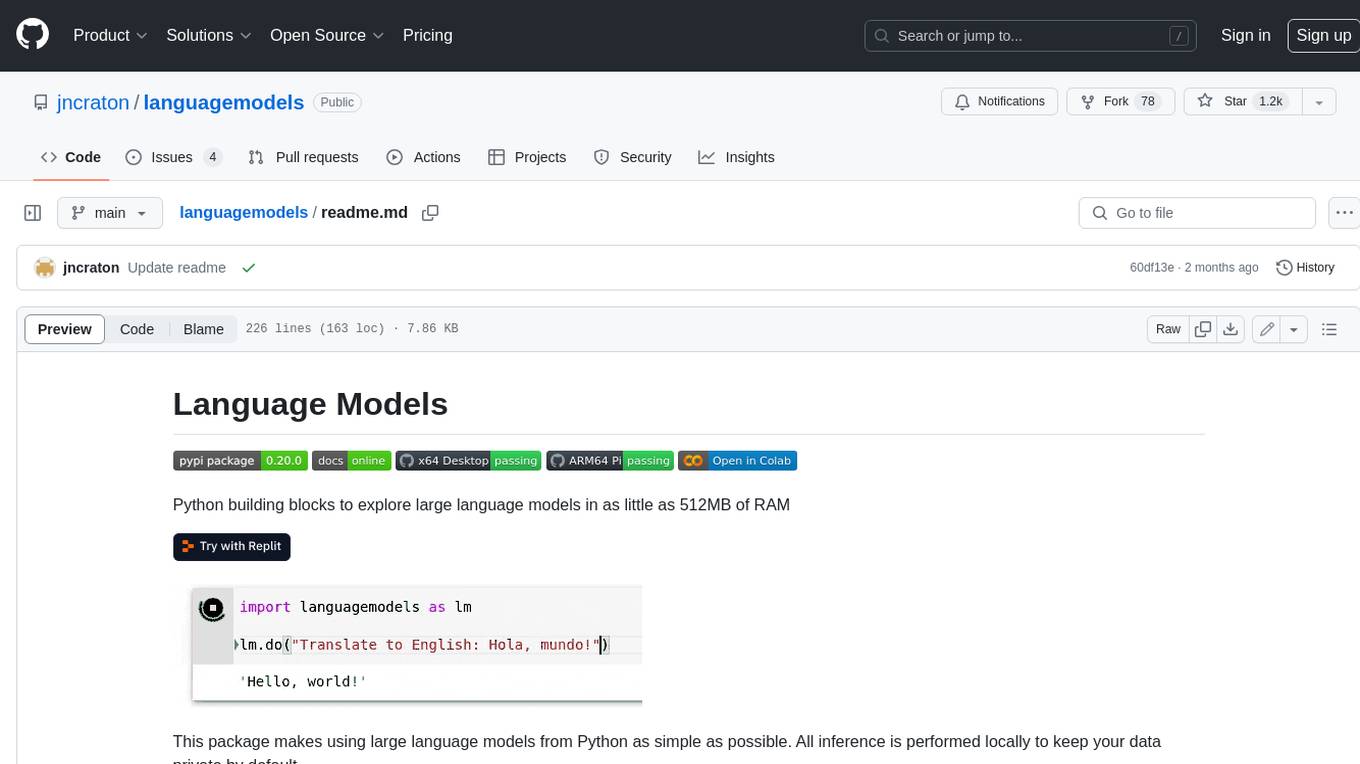
Language Models is a Python package that provides building blocks to explore large language models with as little as 512MB of RAM. It simplifies the usage of large language models from Python, ensuring all inference is performed locally to keep data private. The package includes features such as text completions, chat capabilities, code completions, external text retrieval, semantic search, and more. It outperforms Hugging Face transformers for CPU inference and offers sensible default models with varying parameters based on memory constraints. The package is suitable for learners and educators exploring the intersection of large language models with modern software development.
openai-grammar-correction
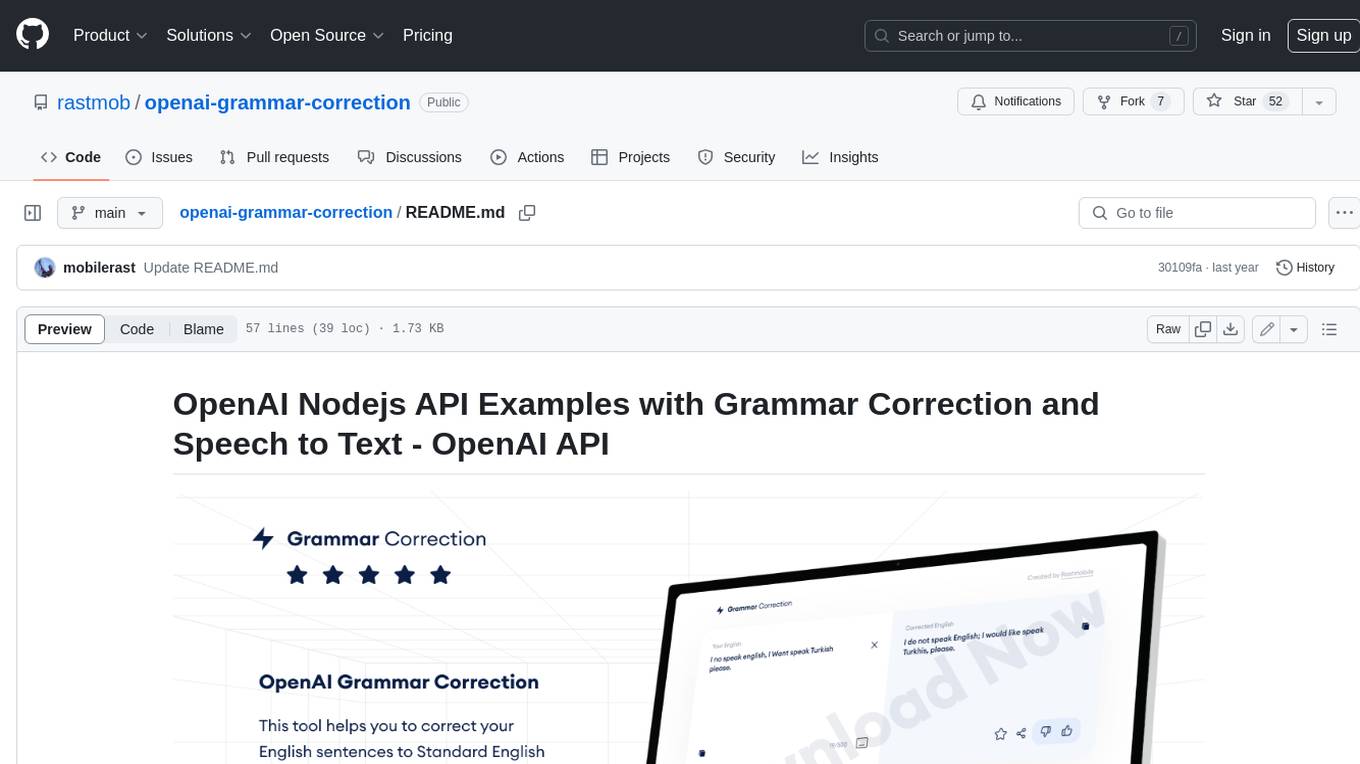
This project is a Node.js API example that utilizes the OpenAI API for grammar correction and speech-to-text conversion. It helps users correct their English sentences to standard English by leveraging the capabilities of the OpenAI API. The project consists of two applications: Angular and Node.js. Users can follow the installation steps to set up the project in their environment and utilize the OpenAI implementation to correct English sentences. The project also provides guidelines for contribution and support.
spaCy
spaCy is an industrial-strength Natural Language Processing (NLP) library in Python and Cython. It incorporates the latest research and is designed for real-world applications. The library offers pretrained pipelines supporting 70+ languages, with advanced neural network models for tasks such as tagging, parsing, named entity recognition, and text classification. It also facilitates multi-task learning with pretrained transformers like BERT, along with a production-ready training system and streamlined model packaging, deployment, and workflow management. spaCy is commercial open-source software released under the MIT license.
KULLM
KULLM (구름) is a Korean Large Language Model developed by Korea University NLP & AI Lab and HIAI Research Institute. It is based on the upstage/SOLAR-10.7B-v1.0 model and has been fine-tuned for instruction. The model has been trained on 8×A100 GPUs and is capable of generating responses in Korean language. KULLM exhibits hallucination and repetition phenomena due to its decoding strategy. Users should be cautious as the model may produce inaccurate or harmful results. Performance may vary in benchmarks without a fixed system prompt.
MeloTTS
MeloTTS is a high-quality multi-lingual text-to-speech library by MyShell.ai. It supports various languages including English (American, British, Indian, Australian), Spanish, French, Chinese, Japanese, and Korean. The Chinese speaker also supports mixed Chinese and English. The library is fast enough for CPU real-time inference and offers features like using without installation, local installation, and training on custom datasets. The Python API and model cards are available in the repository and on HuggingFace. The community can join the Discord channel for discussions and collaboration opportunities. Contributions are welcome, and the library is under the MIT License. MeloTTS is based on TTS, VITS, VITS2, and Bert-VITS2.
RWKV-Runner
RWKV Runner is a project designed to simplify the usage of large language models by automating various processes. It provides a lightweight executable program and is compatible with the OpenAI API. Users can deploy the backend on a server and use the program as a client. The project offers features like model management, VRAM configurations, user-friendly chat interface, WebUI option, parameter configuration, model conversion tool, download management, LoRA Finetune, and multilingual localization. It can be used for various tasks such as chat, completion, composition, and model inspection.
awesome-llm
Awesome LLM is a curated list of resources related to Large Language Models (LLMs), including models, projects, datasets, benchmarks, materials, papers, posts, GitHub repositories, HuggingFace repositories, and reading materials. It provides detailed information on various LLMs, their parameter sizes, announcement dates, and contributors. The repository covers a wide range of LLM-related topics and serves as a valuable resource for researchers, developers, and enthusiasts interested in the field of natural language processing and artificial intelligence.