


vmark
An AI friendly markdown editor.
Stars: 77
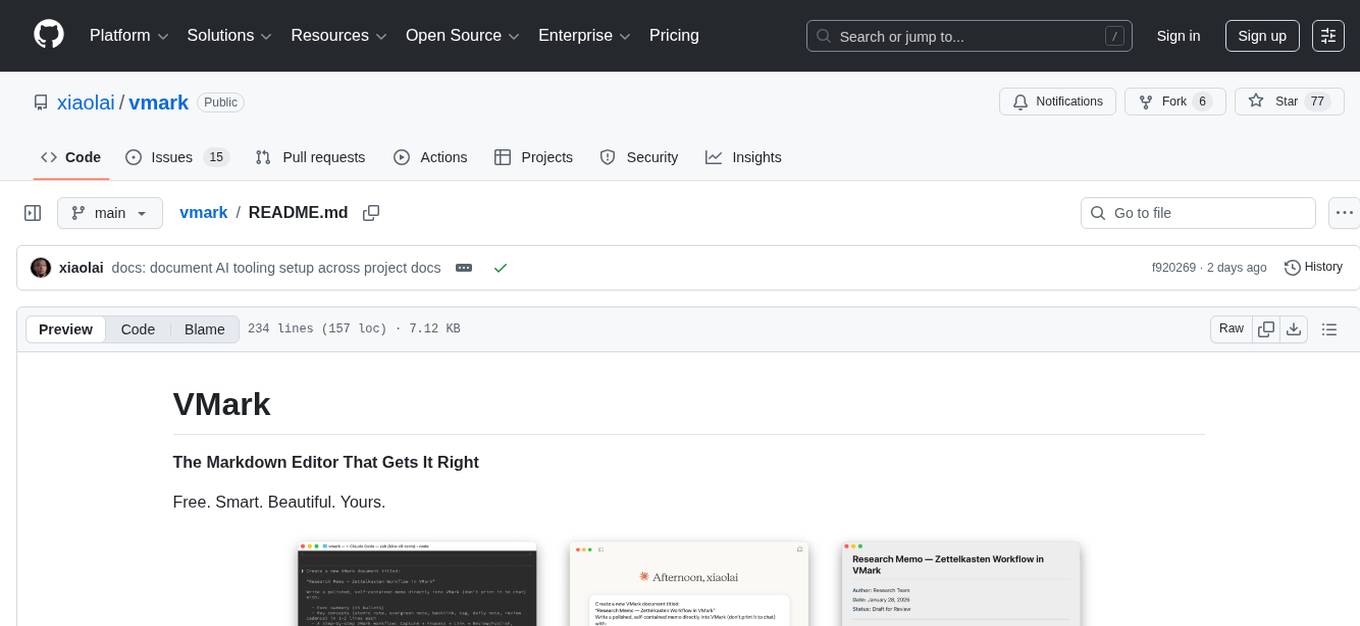
VMark is a modern, local-first Markdown editor designed for the AI era. It combines the simplicity of rich text editing with the power of source mode. Built to work seamlessly with AI assistants, it understands Chinese, Japanese, and Korean text. Users can switch between rich text and source mode effortlessly, with beautifully designed themes and offline functionality. The tool offers advanced features like AI integration, CJK text handling, customization options, and various export formats.
README:
The Markdown Editor That Gets It Right
Free. Smart. Beautiful. Yours.

VMark is a modern, local-first Markdown editor designed for the AI era. It combines the simplicity of rich text editing with the power of source mode — clean when you need focus, powerful when you need control.
Download · Documentation · Features
Before opening issues or pull requests, read:
VMark is a vibe-coded codebase. We enforce three rules to keep quality stable:
- Detailed bug descriptions before direct code improvement.
- 100% test coverage for changed behavior and changed code paths in every PR.
- Single-focus PRs only.
Built to work seamlessly with AI assistants. Claude, Codex, and Gemini can read your documents, suggest edits, and write content directly — no plugins required.
- One-click setup for Claude Desktop, Claude Code, Codex CLI, Gemini CLI
- AI suggestions appear inline for your review
- Accept or reject changes with a keystroke
Finally, a Markdown editor that understands Chinese, Japanese, and Korean text. Smart spacing between CJK and Latin characters, proper punctuation handling, and 19+ formatting rules — all built in.
- Automatic CJK-Latin spacing
- Fullwidth punctuation conversion
- Corner bracket quotes for CJK
- One shortcut to fix everything:
Alt + Cmd + Shift + F
Switch instantly between rich text (WYSIWYG) and source mode. See your formatting rendered beautifully, or dive into the Markdown source when you need precision.
- Rich text mode powered by Tiptap/ProseMirror
- Source mode powered by CodeMirror 6
- Toggle with
Cmd + /
Five hand-crafted themes designed for extended writing sessions. Typography that respects your fonts. An interface that stays out of your way.
- White — Clean and minimal
- Paper — Warm and gentle
- Mint — Fresh and focused
- Sepia — Classic reading feel
- Night — Easy on the eyes
Your documents stay on your machine. No cloud services, no accounts, no tracking. VMark works entirely offline.
| Category | What You Get |
|---|---|
| Editing | Rich text, source mode, focus mode, typewriter mode |
| Formatting | Headings, lists, tables, code blocks, blockquotes |
| Advanced | Math equations (LaTeX), Mermaid diagrams, wiki links |
| AI Integration | MCP support for Claude, Codex, Gemini |
| CJK | 19+ formatting rules for Chinese, Japanese, Korean |
| Customization | 165 keyboard shortcuts, 5 themes, font controls |
| Export | HTML, PDF, copy as HTML |
Homebrew:
brew install xiaolai/tap/vmarkManual Download:
Download the .dmg from the Releases page.
- Apple Silicon (M1/M2/M3):
VMark_x.x.x_aarch64.dmg - Intel:
VMark_x.x.x_x64.dmg
Pre-built binaries are available on the Releases page. Active development is focused on macOS; Windows and Linux builds are provided as-is.
VMark speaks MCP (Model Context Protocol) natively. Connect your favorite AI assistant in one click:
- Open Settings → Integrations
- Enable MCP Server
- Click Install for your AI assistant
- Restart the AI assistant
That's it. Your AI can now read, edit, and write to your VMark documents.
Supported assistants:
- Claude Desktop
- Claude Code
- Codex CLI
- Gemini CLI
VMark has 165 customizable shortcuts. Here are the essentials:
| Shortcut | Action |
|---|---|
Cmd + / |
Toggle Rich Text / Source Mode |
F8 |
Toggle Focus Mode |
F9 |
Toggle Typewriter Mode |
Cmd + S |
Save |
Cmd + Shift + V |
Paste as Plain Text |
Alt + Cmd + Shift + F |
Format CJK Text |
See the full list in Settings → Keyboard Shortcuts or the documentation.
- Getting Started — First steps with VMark
- Features — Complete feature overview
- Keyboard Shortcuts — All 165 shortcuts
- CJK Formatting — CJK text handling
- MCP Setup — AI integration guide
- MCP Tools — Complete MCP reference
For developers who want to contribute or build VMark locally.
- Node.js 18+
- pnpm 8+
- Rust (latest stable)
- Tauri Prerequisites
# Clone
git clone https://github.com/xiaolai/vmark.git
cd vmark

# Install dependencies
pnpm install

# Run in development mode
pnpm tauri dev

# Build for production
pnpm tauri build| Command | Description |
|---|---|
pnpm tauri dev |
Start development mode |
pnpm test |
Run tests |
pnpm lint |
Run linter |
pnpm check:all |
Lint + test + build |
vmark/
├── src/                    # React frontend
├── src-tauri/              # Rust backend (Tauri)
├── vmark-mcp-server/       # MCP server
├── website/                # Documentation (VitePress)
└── plugins/                # Claude Code skills
- Framework: Tauri v2 (Rust backend)
- Frontend: React 19, TypeScript, Zustand
- Rich Editor: Tiptap (ProseMirror)
- Source Editor: CodeMirror 6
- Styling: Tailwind CSS v4
The repo ships with full configuration for AI coding tools (Claude Code, Codex CLI, Gemini CLI). Project rules, conventions, and architecture docs are pre-loaded — the AI already knows how VMark works.
-
AGENTS.md— Single source of truth for all AI tool instructions -
.claude/— Rules, slash commands, skills, and subagent definitions (developer guide) -
.mcp.json— MCP server config (Codex for cross-model auditing, Tauri for E2E testing)
See the Users as Developers guide for details.
Private - All rights reserved.
Questions? Open an issue · Updates? Watch this repo
For Tasks:
Click tags to check more tools for each tasksFor Jobs:
Alternative AI tools for vmark
Similar Open Source Tools
vmark
VMark is a modern, local-first Markdown editor designed for the AI era. It combines the simplicity of rich text editing with the power of source mode. Built to work seamlessly with AI assistants, it understands Chinese, Japanese, and Korean text. Users can switch between rich text and source mode effortlessly, with beautifully designed themes and offline functionality. The tool offers advanced features like AI integration, CJK text handling, customization options, and various export formats.
osaurus
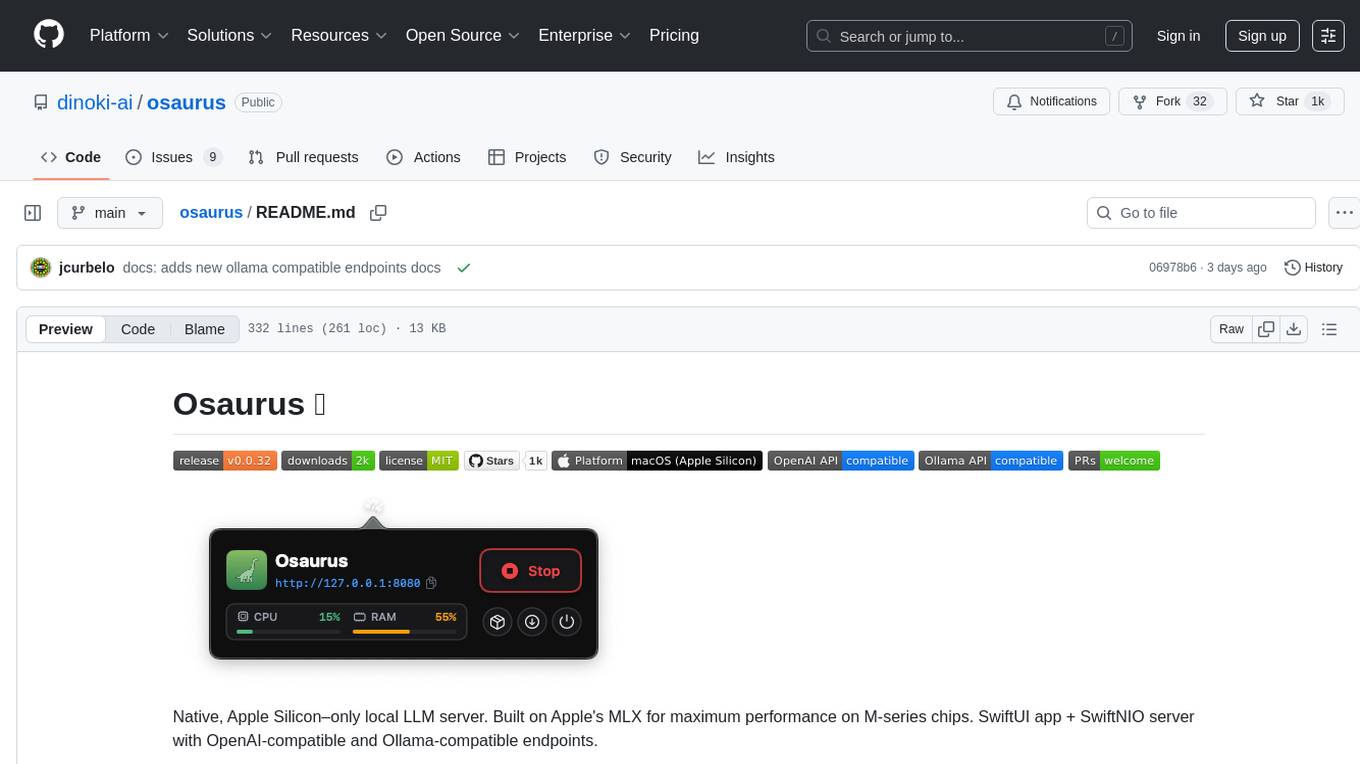
Osaurus is a native, Apple Silicon-only local LLM server built on Apple's MLX for maximum performance on M‑series chips. It is a SwiftUI app + SwiftNIO server with OpenAI‑compatible and Ollama‑compatible endpoints. The tool supports native MLX text generation, model management, streaming and non‑streaming chat completions, OpenAI‑compatible function calling, real-time system resource monitoring, and path normalization for API compatibility. Osaurus is designed for macOS 15.5+ and Apple Silicon (M1 or newer) with Xcode 16.4+ required for building from source.
neuropilot
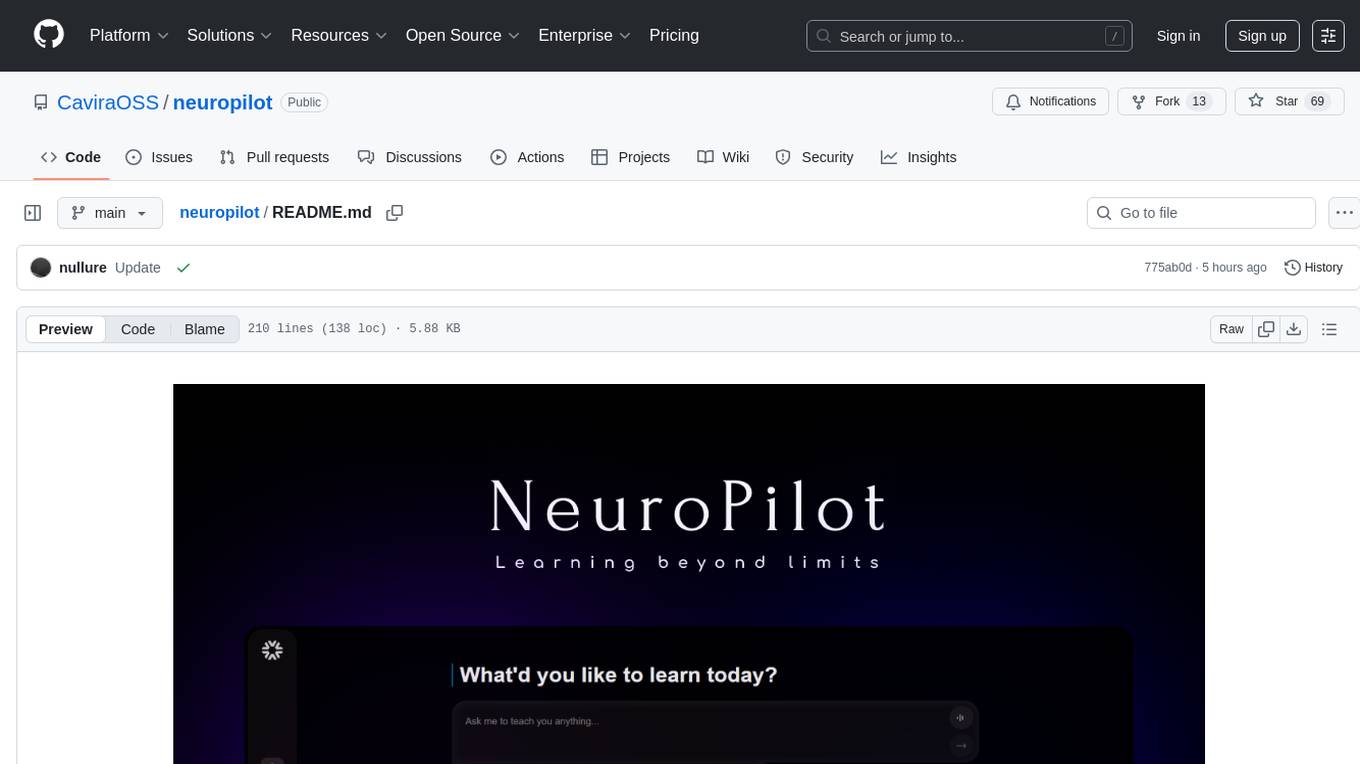
NeuroPilot is an open-source AI-powered education platform that transforms study materials into interactive learning resources. It provides tools like contextual chat, smart notes, flashcards, quizzes, and AI podcasts. Supported by various AI models and embedding providers, it offers features like WebSocket streaming, JSON or vector database support, file-based storage, and configurable multi-provider setup for LLMs and TTS engines. The technology stack includes Node.js, TypeScript, Vite, React, TailwindCSS, JSON database, multiple LLM providers, and Docker for deployment. Users can contribute to the project by integrating AI models, adding mobile app support, improving performance, enhancing accessibility features, and creating documentation and tutorials.
handit.ai
Handit.ai is an autonomous engineer tool designed to fix AI failures 24/7. It catches failures, writes fixes, tests them, and ships PRs automatically. It monitors AI applications, detects issues, generates fixes, tests them against real data, and ships them as pull requests—all automatically. Users can write JavaScript, TypeScript, Python, and more, and the tool automates what used to require manual debugging and firefighting.
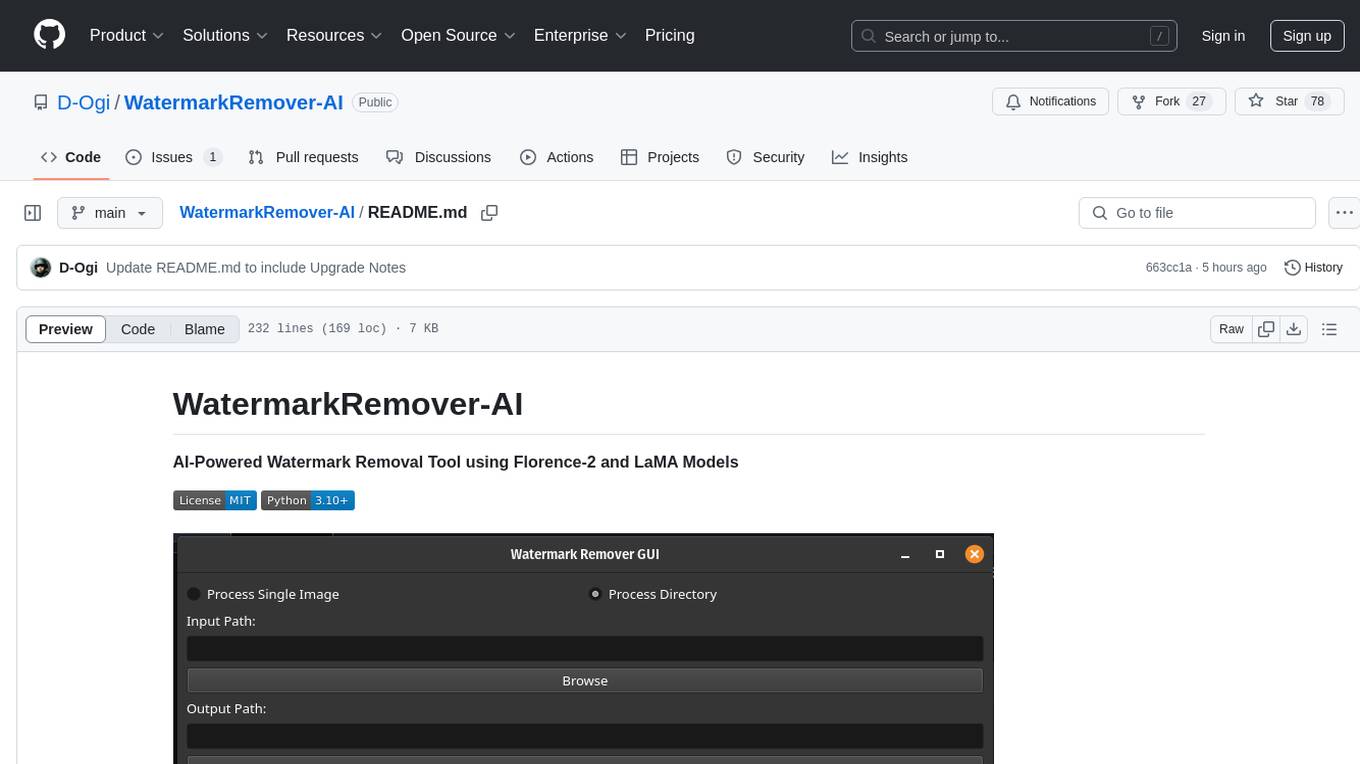
WatermarkRemover-AI
WatermarkRemover-AI is an advanced application that utilizes AI models for precise watermark detection and seamless removal. It leverages Florence-2 for watermark identification and LaMA for inpainting. The tool offers both a command-line interface (CLI) and a PyQt6-based graphical user interface (GUI), making it accessible to users of all levels. It supports dual modes for processing images, advanced watermark detection, seamless inpainting, customizable output settings, real-time progress tracking, dark mode support, and efficient GPU acceleration using CUDA.
figma-console-mcp
Figma Console MCP is a Model Context Protocol server that bridges design and development, giving AI assistants complete access to Figma for extraction, creation, and debugging. It connects AI assistants like Claude to Figma, enabling plugin debugging, visual debugging, design system extraction, design creation, variable management, real-time monitoring, and three installation methods. The server offers 53+ tools for NPX and Local Git setups, while Remote SSE provides read-only access with 16 tools. Users can create and modify designs with AI, contribute to projects, or explore design data. The server supports authentication via personal access tokens and OAuth, and offers tools for navigation, console debugging, visual debugging, design system extraction, design creation, design-code parity, variable management, and AI-assisted design creation.

layra
LAYRA is the world's first visual-native AI automation engine that sees documents like a human, preserves layout and graphical elements, and executes arbitrarily complex workflows with full Python control. It empowers users to build next-generation intelligent systems with no limits or compromises. Built for Enterprise-Grade deployment, LAYRA features a modern frontend, high-performance backend, decoupled service architecture, visual-native multimodal document understanding, and a powerful workflow engine.
natively-cluely-ai-assistant
Natively is a free, open-source, privacy-first AI assistant designed to help users in real time during meetings, interviews, presentations, and conversations. Unlike traditional AI tools that work after the conversation, Natively operates while the conversation is happening. It runs as an invisible, always-on-top desktop overlay, listens when prompted, observes the screen content, and provides instant, context-aware assistance. The tool is fully transparent, customizable, and grants users complete control over local vs cloud AI, data, and credentials.
screenpipe
Screenpipe is an open source application that turns your computer into a personal AI, capturing screen and audio to create a searchable memory of your activities. It allows you to remember everything, search with AI, and keep your data 100% local. The tool is designed for knowledge workers, developers, researchers, people with ADHD, remote workers, and anyone looking for a private, local-first alternative to cloud-based AI memory tools.
Lumina-Note
Lumina Note is a local-first AI note-taking app designed to help users write, connect, and evolve knowledge with AI capabilities while ensuring data ownership. It offers a knowledge-centered workflow with features like Markdown editor, WikiLinks, and graph view. The app includes AI workspace modes such as Chat, Agent, Deep Research, and Codex, along with support for multiple model providers. Users can benefit from bidirectional links, LaTeX support, graph visualization, PDF reader with annotations, real-time voice input, and plugin ecosystem for extended functionalities. Lumina Note is built on Tauri v2 framework with a tech stack including React 18, TypeScript, Tailwind CSS, and SQLite for vector storage.
burp-ai-agent
Burp AI Agent is an extension for Burp Suite that integrates AI into your security workflow. It provides 7 AI backends, 53+ MCP tools, and 62 vulnerability classes. Users can configure privacy modes, perform audit logging, and connect external AI agents via MCP. The tool allows passive and active AI scanners to find vulnerabilities while users focus on manual testing. It requires Burp Suite, Java 21, and at least one AI backend configured.
CBbot
CBbot is an AI-powered coding assistant for macOS that helps users write code more efficiently, process documents, and automate tasks. It offers easy installation, built-in AI coding capabilities, auto configuration, and smart tools. Users can download CBbot for macOS 10.15 or higher, with Apple Silicon or Intel chip, and at least 6GB memory and 10GB disk space. The tool requires an internet connection for AI features. CBbot assists users in installing Docker Desktop, binding keys, troubleshooting, and using various skills for document processing and automation tasks. It also provides community support, billing based on usage, and network tips for using overseas AI models.
PageTalk
PageTalk is a browser extension that enhances web browsing by integrating Google's Gemini API. It allows users to select text on any webpage for AI analysis, translation, contextual chat, and customization. The tool supports multi-agent system, image input, rich content rendering, PDF parsing, URL context extraction, personalized settings, chat export, text selection helper, and proxy support. Users can interact with web pages, chat contextually, manage AI agents, and perform various tasks seamlessly.

ClaudeBar
ClaudeBar is a macOS menu bar application that monitors AI coding assistant usage quotas. It allows users to keep track of their usage of Claude, Codex, Gemini, GitHub Copilot, Antigravity, and Z.ai at a glance. The application offers multi-provider support, real-time quota tracking, multiple themes, visual status indicators, system notifications, auto-refresh feature, and keyboard shortcuts for quick access. Users can customize monitoring by toggling individual providers on/off and receive alerts when quota status changes. The tool requires macOS 15+, Swift 6.2+, and CLI tools installed for the providers to be monitored.
mistral.rs
Mistral.rs is a fast LLM inference platform written in Rust. We support inference on a variety of devices, quantization, and easy-to-use application with an Open-AI API compatible HTTP server and Python bindings.
J.A.R.V.I.S.2.0
J.A.R.V.I.S. 2.0 is an AI-powered assistant designed for voice commands, capable of tasks like providing weather reports, summarizing news, sending emails, and more. It features voice activation, speech recognition, AI responses, and handles multiple tasks including email sending, weather reports, news reading, image generation, database functions, phone call automation, AI-based task execution, website & application automation, and knowledge-based interactions. The assistant also includes timeout handling, automatic input processing, and the ability to call multiple functions simultaneously. It requires Python 3.9 or later and specific API keys for weather, news, email, and AI access. The tool integrates Gemini AI for function execution and Ollama as a fallback mechanism. It utilizes a RAG-based knowledge system and ADB integration for phone automation. Future enhancements include deeper mobile integration, advanced AI-driven automation, improved NLP-based command execution, and multi-modal interactions.
For similar tasks
curriculum
The 'curriculum' repository is an open-source content repository by Enki, providing a community-driven curriculum for education. It follows a contributor covenant code of conduct to ensure a safe and engaging learning environment. The content is licensed under Creative Commons, allowing free use for non-commercial purposes with attribution to Enki and the author.
writing-helper
A Next.js-based AI writing assistant that helps users organize writing style prompts and sends them to large language models (LLMs) to generate content. The tool aims to help writers, content creators, and copywriters improve writing efficiency and quality through AI technology. It features rich writing style customization, support for multiple LLM APIs, flexible API settings, user-friendly interface, real-time content editing, export function, detailed debugging information, dark/light mode support, and more.
vmark
VMark is a modern, local-first Markdown editor designed for the AI era. It combines the simplicity of rich text editing with the power of source mode. Built to work seamlessly with AI assistants, it understands Chinese, Japanese, and Korean text. Users can switch between rich text and source mode effortlessly, with beautifully designed themes and offline functionality. The tool offers advanced features like AI integration, CJK text handling, customization options, and various export formats.
mini.ai
This plugin extends and creates `a`/`i` textobjects in Neovim. It enhances some builtin textobjects (like `a(`, `a)`, `a'`, and more), creates new ones (like `a*`, `a
AiEditor
AiEditor is a next-generation rich text editor for AI, based on Web Component and supporting various front-end frameworks. It offers two themes, light and dark, along with flexible configuration for developing text editing applications. The editor includes features for basic text formatting, enhancements like undo/redo and format painter, support for attachments like images and videos, code-related functionalities, table manipulation, Markdown support, AI-related features such as continuation and optimization, and more. Planned improvements include collaboration, automated testing, AI picture insertion and drawing, enhanced paste features, WORD and PDF export, Notion-like operations, and integration with ChatGPT.
llm_aided_ocr
The LLM-Aided OCR Project is an advanced system that enhances Optical Character Recognition (OCR) output by leveraging natural language processing techniques and large language models. It offers features like PDF to image conversion, OCR using Tesseract, error correction using LLMs, smart text chunking, markdown formatting, duplicate content removal, quality assessment, support for local and cloud-based LLMs, asynchronous processing, detailed logging, and GPU acceleration. The project provides detailed technical overview, text processing pipeline, LLM integration, token management, quality assessment, logging, configuration, and customization. It requires Python 3.12+, Tesseract OCR engine, PDF2Image library, PyTesseract, and optional OpenAI or Anthropic API support for cloud-based LLMs. The installation process involves setting up the project, installing dependencies, and configuring environment variables. Users can place a PDF file in the project directory, update input file path, and run the script to generate post-processed text. The project optimizes processing with concurrent processing, context preservation, and adaptive token management. Configuration settings include choosing between local or API-based LLMs, selecting API provider, specifying models, and setting context size for local LLMs. Output files include raw OCR output and LLM-corrected text. Limitations include performance dependency on LLM quality and time-consuming processing for large documents.
blinko
Blinko is an innovative open-source project designed for individuals who want to quickly capture and organize their fleeting thoughts. It allows users to seamlessly jot down ideas the moment they strike, ensuring that no spark of creativity is lost. With advanced AI-powered note retrieval, data ownership, efficient and fast capturing, lightweight architecture, and open collaboration, Blinko offers a comprehensive solution for managing and accessing notes.
echo-editor
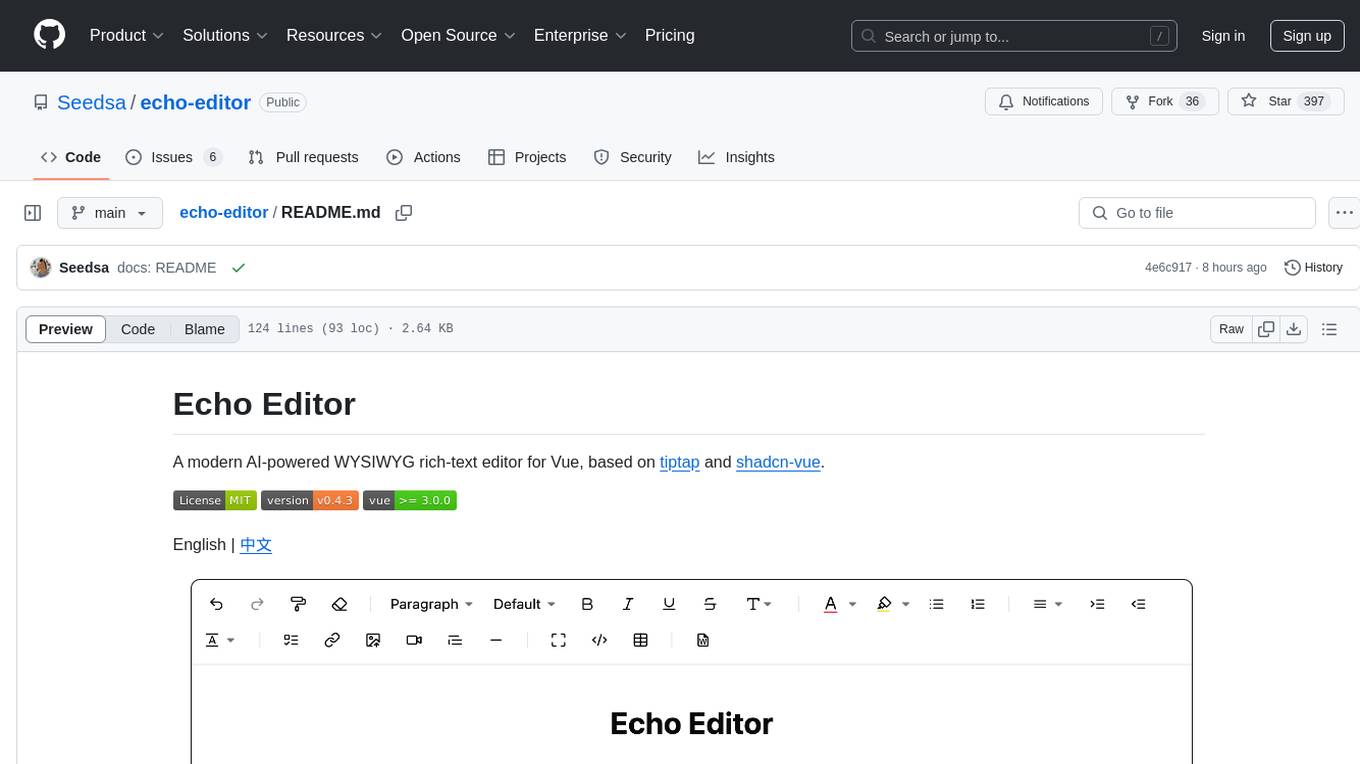
Echo Editor is a modern AI-powered WYSIWYG rich-text editor for Vue, featuring a beautiful UI with shadcn-vue components. It provides AI-powered writing assistance, Markdown support with real-time preview, rich text formatting, tables, code blocks, custom font sizes and styles, Word document import, I18n support, extensible architecture for creating extensions, TypeScript and Tailwind CSS support. The tool aims to enhance the writing experience by combining advanced features with user-friendly design.
For similar jobs
zep
Zep is a long-term memory service for AI Assistant apps. With Zep, you can provide AI assistants with the ability to recall past conversations, no matter how distant, while also reducing hallucinations, latency, and cost. Zep persists and recalls chat histories, and automatically generates summaries and other artifacts from these chat histories. It also embeds messages and summaries, enabling you to search Zep for relevant context from past conversations. Zep does all of this asyncronously, ensuring these operations don't impact your user's chat experience. Data is persisted to database, allowing you to scale out when growth demands. Zep also provides a simple, easy to use abstraction for document vector search called Document Collections. This is designed to complement Zep's core memory features, but is not designed to be a general purpose vector database. Zep allows you to be more intentional about constructing your prompt: 1. automatically adding a few recent messages, with the number customized for your app; 2. a summary of recent conversations prior to the messages above; 3. and/or contextually relevant summaries or messages surfaced from the entire chat session. 4. and/or relevant Business data from Zep Document Collections.
doc2plan
doc2plan is a browser-based application that helps users create personalized learning plans by extracting content from documents. It features a Creator for manual or AI-assisted plan construction and a Viewer for interactive plan navigation. Users can extract chapters, key topics, generate quizzes, and track progress. The application includes AI-driven content extraction, quiz generation, progress tracking, plan import/export, assistant management, customizable settings, viewer chat with text-to-speech and speech-to-text support, and integration with various Retrieval-Augmented Generation (RAG) models. It aims to simplify the creation of comprehensive learning modules tailored to individual needs.
whatsapp-chatgpt
This repository contains a WhatsApp bot that utilizes OpenAI's GPT and DALL-E 2 to respond to user inputs. Users can interact with the bot through voice messages, which are transcribed and responded to. The bot requires Node.js, npm, an OpenAI API key, and a WhatsApp account. It uses Puppeteer to run a real instance of Whatsapp Web to avoid being blocked. However, there is a risk of being blocked by WhatsApp as it does not allow bots or unofficial clients on its platform. The bot is not free to use, and users will be charged by OpenAI for each request made.

OmniSteward
OmniSteward is an AI-powered steward system based on large language models that can interact with users through voice or text to help control smart home devices and computer programs. It supports multi-turn dialogue, tool calling for complex tasks, multiple LLM models, voice recognition, smart home control, computer program management, online information retrieval, command line operations, and file management. The system is highly extensible, allowing users to customize and share their own tools.
chatgpt-wechat
ChatGPT-WeChat is a personal assistant application that can be safely used on WeChat through enterprise WeChat without the risk of being banned. The project is open source and free, with no paid sections or external traffic operations except for advertising on the author's public account '积木成楼'. It supports various features such as secure usage on WeChat, multi-channel customer service message integration, proxy support, session management, rapid message response, voice and image messaging, drawing capabilities, private data storage, plugin support, and more. Users can also develop their own capabilities following the rules provided. The project is currently in development with stable versions available for use.
mcp-agent
mcp-agent is a simple, composable framework designed to build agents using the Model Context Protocol. It handles the lifecycle of MCP server connections and implements patterns for building production-ready AI agents in a composable way. The framework also includes OpenAI's Swarm pattern for multi-agent orchestration in a model-agnostic manner, making it the simplest way to build robust agent applications. It is purpose-built for the shared protocol MCP, lightweight, and closer to an agent pattern library than a framework. mcp-agent allows developers to focus on the core business logic of their AI applications by handling mechanics such as server connections, working with LLMs, and supporting external signals like human input.
Gmail-MCP-Server
Gmail AutoAuth MCP Server is a Model Context Protocol (MCP) server designed for Gmail integration in Claude Desktop. It supports auto authentication and enables AI assistants to manage Gmail through natural language interactions. The server provides comprehensive features for sending emails, reading messages, managing labels, searching emails, and batch operations. It offers full support for international characters, email attachments, and Gmail API integration. Users can install and authenticate the server via Smithery or manually with Google Cloud Project credentials. The server supports both Desktop and Web application credentials, with global credential storage for convenience. It also includes Docker support and instructions for cloud server authentication.
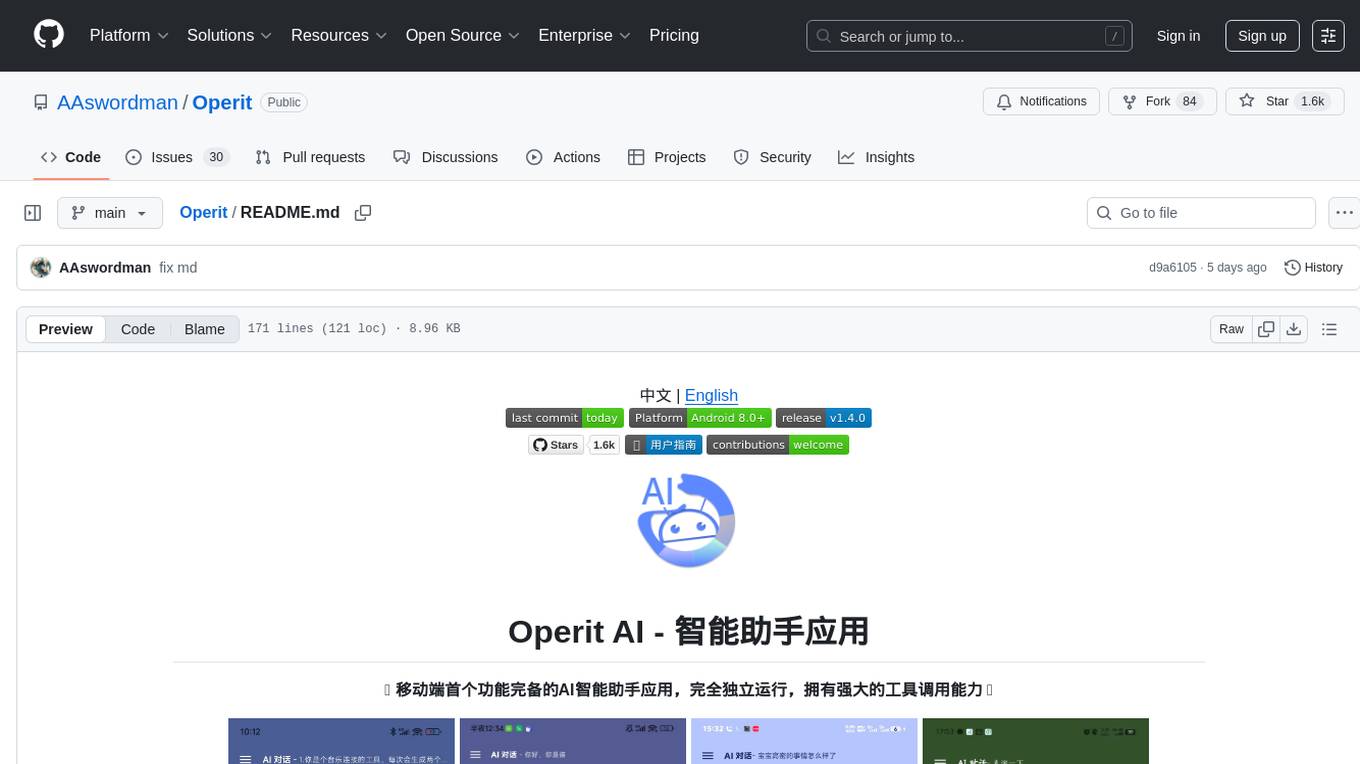
Operit
Operit AI is a fully functional AI assistant application for mobile devices, running independently on Android devices with powerful tool invocation capabilities. It offers over 40 built-in tools for file system operations, HTTP requests, system operations, UI automation, and media processing. The app combines these tools with rich plugins to enable a wide range of tasks, from simple to complex, providing a comprehensive experience of a smartphone AI assistant.