


natively-cluely-ai-assistant
The Open Source Alternative to Cluely - A lightning-fast, privacy-first AI assistant that works seamlessly during meetings, interviews, and conversations without anyone knowing. Completely undetectable in video calls, screen shares, and recordings.
Stars: 348
Natively is a free, open-source, privacy-first AI assistant designed to help users in real time during meetings, interviews, presentations, and conversations. Unlike traditional AI tools that work after the conversation, Natively operates while the conversation is happening. It runs as an invisible, always-on-top desktop overlay, listens when prompted, observes the screen content, and provides instant, context-aware assistance. The tool is fully transparent, customizable, and grants users complete control over local vs cloud AI, data, and credentials.
README:





Natively is a free, open-source, privacy-first AI assistant designed to help you in real time during meetings, interviews, presentations, and conversations.
Unlike traditional AI tools that work after the conversation, Natively works while the conversation is happening. It runs as an invisible, always-on-top desktop overlay, listens when you want it to, sees what’s on your screen, and delivers instant, context-aware assistance.
Natively is fully transparent, customizable, and gives you complete control over local vs cloud AI, your data, and your credentials.

This demo shows a complete live meeting scenario:
- Real-time transcription as the meeting happens
- Rolling context awareness across multiple speakers
- Screenshot analysis of shared slides
- Instant generation of what to say next
- Follow-up questions and concise responses
- All happening live, without recording or post-processing
Download the latest prebuilt version from Releases.
No build steps required.
- What Is Natively?
- Key Capabilities
- Privacy & Security
- Quick Start (End Users)
- Installation (Developers)
- AI Providers
- Key Features
- Use Cases
- Comparison
- Architecture Overview
- Technical Details
- Known Limitations
- Responsible Use
- Contributing
- License
Natively is a desktop AI assistant for live situations:
- Meetings
- Interviews
- Presentations
- Classes
- Professional conversations
It provides:
- Live answers
- Rolling conversational context
- Screenshot and document understanding
- Real-time speech-to-text
- Instant suggestions for what to say next
All while remaining invisible, fast, and privacy-first.
- Live answers during meetings and interviews
- Rolling context memory (understands what was just said)
- Screenshot and screen content analysis
- Real-time transcription
- Context-aware replies and follow-ups
- Global keyboard shortcuts across all applications
- Local AI support for offline and private use
Note: Real-time transcription requires a Google Speech-to-Text service account. This is a hard dependency.
- 100% open source (AGPL-3.0)
- Bring Your Own Keys (BYOK)
- Local AI option (Ollama)
- All data stored locally
- No telemetry
- No tracking
- No hidden uploads
You explicitly control:
- What runs locally
- What uses cloud AI
- Which providers are enabled
- Node.js (v20+ recommended)
- Git
- Rust (required for native audio capture)
- Google Gemini API Key
- Google Cloud Service Account (required for speech-to-text)
Important:
Natively relies on Google Speech-to-Text for real-time transcription.
Without a valid Google Service Account, transcription will not function.
Your credentials:
- Never leave your machine
- Are not logged, proxied, or stored remotely
- Are used only locally by the app
- Google Cloud account
- Billing enabled
- Speech-to-Text API enabled
- Service Account JSON key
- Create or select a Google Cloud project
- Enable Speech-to-Text API
- Create a Service Account
- Assign role:
roles/speech.client - Generate and download a JSON key
- Point Natively to the JSON file in settings
git clone https://github.com/evinjohnn/natively-cluely-ai-assistant.git
cd natively-cluely-ai-assistantnpm installCreate a .env file:
# Cloud AI
GEMINI_API_KEY=your_key
GROQ_API_KEY=your_key
GOOGLE_APPLICATION_CREDENTIALS=/absolute/path/to/service-account.json

# Local AI (Ollama)
USE_OLLAMA=true
OLLAMA_MODEL=llama3.2
OLLAMA_URL=http://localhost:11434npm startnpm run dist- Fully private
- No API costs
- Works offline
- Recommended for privacy
- Multimodal (text + vision)
- Fast and accurate
- Requires internet and API key
- Extremely fast inference
- Text-only in this implementation
- Always-on-top translucent overlay
- Instantly hide/show with shortcuts
- Works across all applications
- Real-time speech-to-text
- Rolling context memory
- Instant answers as questions are asked
- Smart recap and summaries
- Capture any screen content
- Analyze slides, documents, code, or problems
- Immediate explanations and solutions
- What should I answer?
- Shorten response
- Recap conversation
- Suggest follow-up questions
- Manual or voice-triggered prompts
- Rust-based audio capture
- Low latency
- System audio support
- Live class assistance
- Concept explanations
- Language translation
- Problem solving
- Interview support
- Sales calls
- Client presentations
- Real-time clarification
- Code explanation
- Debugging assistance
- Architecture guidance
- Documentation lookup
| Feature | Natively | Commercial Tools | Other OSS |
|---|---|---|---|
| Price | Free | Paid | Free |
| Open Source | Yes | No | Partial |
| Local AI | Yes | No | Limited |
| Privacy-First | Yes | No | Depends |
| Real-Time Focus | Yes | Partial | Rare |
| Rolling Context | Yes | Limited | No |
| Screenshot Analysis | Yes | Limited | Rare |
| Always-On-Top UI | Yes | No | No |
Natively processes audio, screen context, and user input locally, maintains a rolling context window, and sends only the required prompt data to the selected AI provider (local or cloud).
No raw audio, screenshots, or transcripts are stored or transmitted unless explicitly enabled by the user.
- React, Vite, TypeScript, TailwindCSS
- Electron
- Rust (native audio)
- SQLite (local storage)
- Gemini 3.0 (Flash / Pro)
- Ollama (Llama, Mistral, CodeLlama)
- Groq (Llama, Mixtral)
- Minimum: 4GB RAM
- Recommended: 8GB+ RAM
- Optimal: 16GB+ RAM for local AI
Natively is intended for:
- Learning
- Productivity
- Accessibility
- Professional assistance
Users are responsible for complying with:
- Workplace policies
- Academic rules
- Local laws and regulations
This project does not encourage misuse or deception.
- Requires Google Speech-to-Text for live transcription
- Linux support is limited and looking for maintainers
Contributions are welcome:
- Bug fixes
- Feature improvements
- Documentation
- UI/UX enhancements
- New AI integrations
Quality pull requests will be reviewed and merged.
Licensed under the GNU Affero General Public License v3.0 (AGPL-3.0).
If you run or modify this software over a network, you must provide the full source code under the same license.
Note: This project is available for sponsorships, ads, or partnerships – perfect for companies in the AI, productivity, or developer tools space.
⭐ Star this repo if Natively helps you succeed in meetings, interviews, or presentations!
ai-assistant meeting-notes interview-helper presentation-support ollama gemini-ai electron-app cross-platform privacy-focused open-source local-ai screenshot-analysis academic-helper sales-assistant coding-companion
For Tasks:
Click tags to check more tools for each tasksFor Jobs:
Alternative AI tools for natively-cluely-ai-assistant
Similar Open Source Tools
natively-cluely-ai-assistant
Natively is a free, open-source, privacy-first AI assistant designed to help users in real time during meetings, interviews, presentations, and conversations. Unlike traditional AI tools that work after the conversation, Natively operates while the conversation is happening. It runs as an invisible, always-on-top desktop overlay, listens when prompted, observes the screen content, and provides instant, context-aware assistance. The tool is fully transparent, customizable, and grants users complete control over local vs cloud AI, data, and credentials.
AionUi
AionUi is a user interface library for building modern and responsive web applications. It provides a set of customizable components and styles to create visually appealing user interfaces. With AionUi, developers can easily design and implement interactive web interfaces that are both functional and aesthetically pleasing. The library is built using the latest web technologies and follows best practices for performance and accessibility. Whether you are working on a personal project or a professional application, AionUi can help you streamline the UI development process and deliver a seamless user experience.
neuropilot
NeuroPilot is an open-source AI-powered education platform that transforms study materials into interactive learning resources. It provides tools like contextual chat, smart notes, flashcards, quizzes, and AI podcasts. Supported by various AI models and embedding providers, it offers features like WebSocket streaming, JSON or vector database support, file-based storage, and configurable multi-provider setup for LLMs and TTS engines. The technology stack includes Node.js, TypeScript, Vite, React, TailwindCSS, JSON database, multiple LLM providers, and Docker for deployment. Users can contribute to the project by integrating AI models, adding mobile app support, improving performance, enhancing accessibility features, and creating documentation and tutorials.
RepoMaster
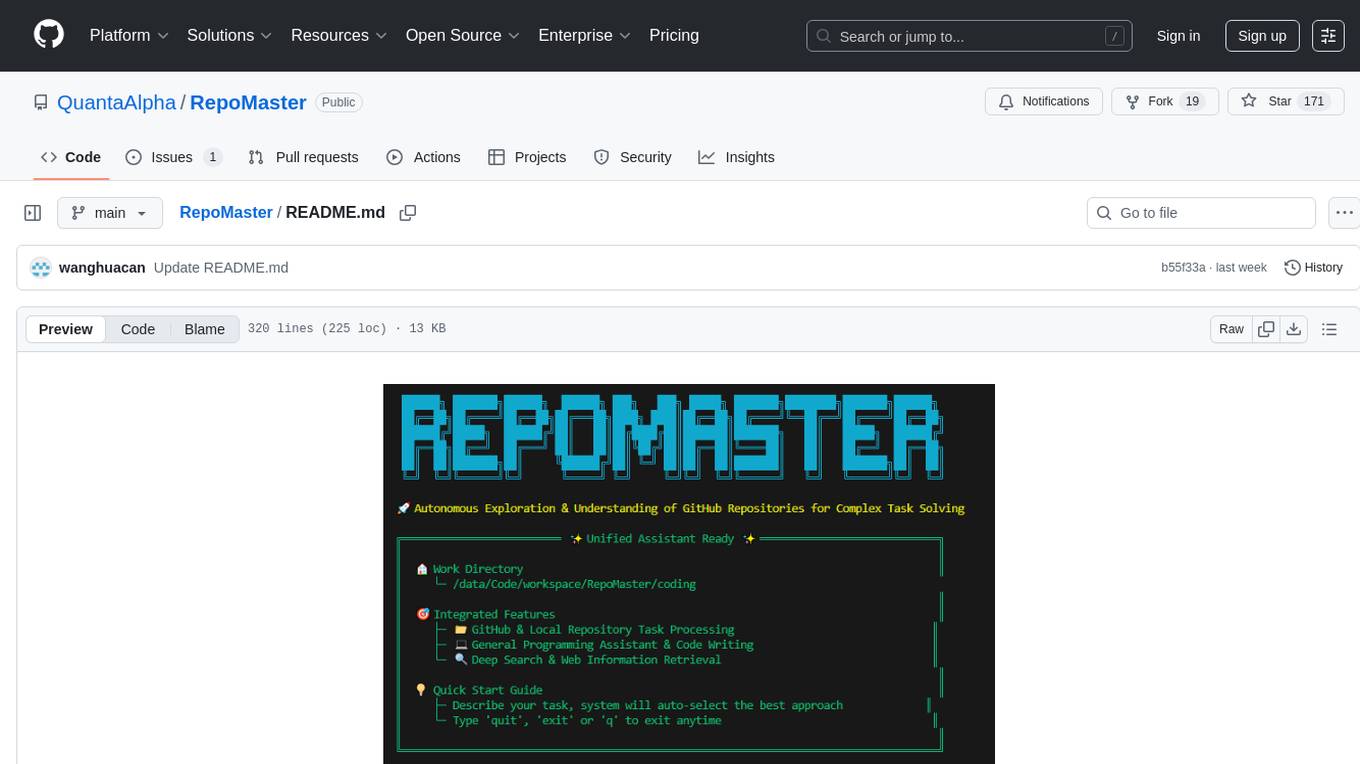
RepoMaster is an AI agent that leverages GitHub repositories to solve complex real-world tasks. It transforms how coding tasks are solved by automatically finding the right GitHub tools and making them work together seamlessly. Users can describe their tasks, and RepoMaster's AI analysis leads to auto discovery and smart execution, resulting in perfect outcomes. The tool provides a web interface for beginners and a command-line interface for advanced users, along with specialized agents for deep search, general assistance, and repository tasks.
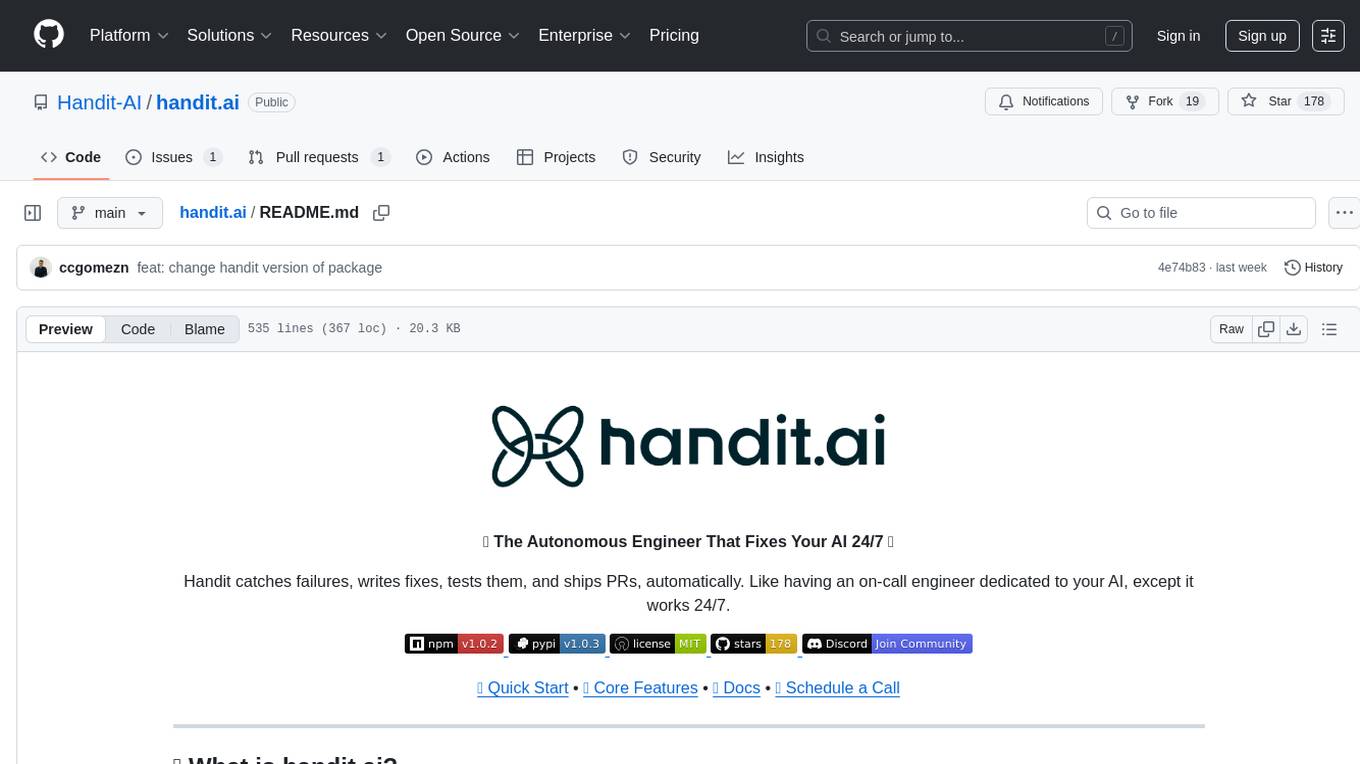
handit.ai
Handit.ai is an autonomous engineer tool designed to fix AI failures 24/7. It catches failures, writes fixes, tests them, and ships PRs automatically. It monitors AI applications, detects issues, generates fixes, tests them against real data, and ships them as pull requests—all automatically. Users can write JavaScript, TypeScript, Python, and more, and the tool automates what used to require manual debugging and firefighting.
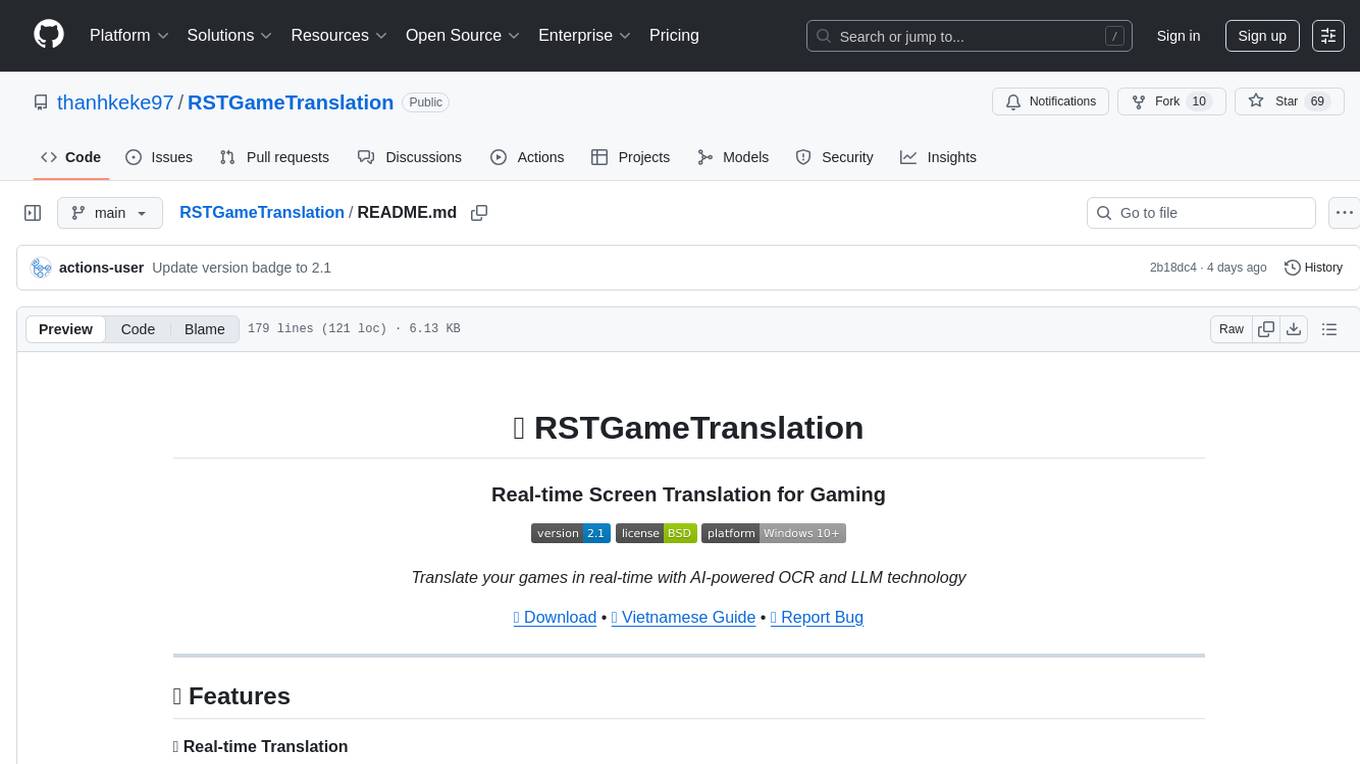
RSTGameTranslation
RSTGameTranslation is a tool designed for translating game text into multiple languages efficiently. It provides a user-friendly interface for game developers to easily manage and localize their game content. With RSTGameTranslation, developers can streamline the translation process, ensuring consistency and accuracy across different language versions of their games. The tool supports various file formats commonly used in game development, making it versatile and adaptable to different project requirements. Whether you are working on a small indie game or a large-scale production, RSTGameTranslation can help you reach a global audience by making localization a seamless and hassle-free experience.
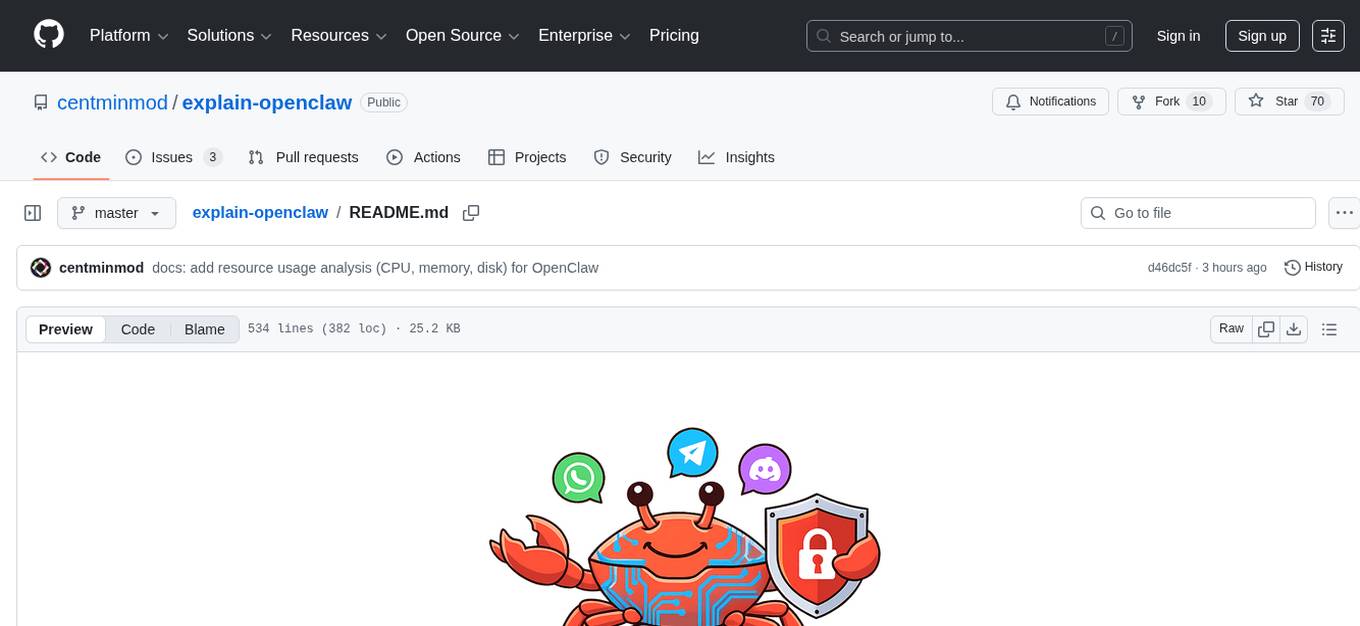
explain-openclaw
Explain OpenClaw is a comprehensive documentation repository for the OpenClaw framework, a self-hosted AI assistant platform. It covers various aspects such as plain English explanations, technical architecture, deployment scenarios, privacy and safety measures, security audits, worst-case security scenarios, optimizations, and AI model comparisons. The repository serves as a living knowledge base with beginner-friendly explanations and detailed technical insights for contributors.
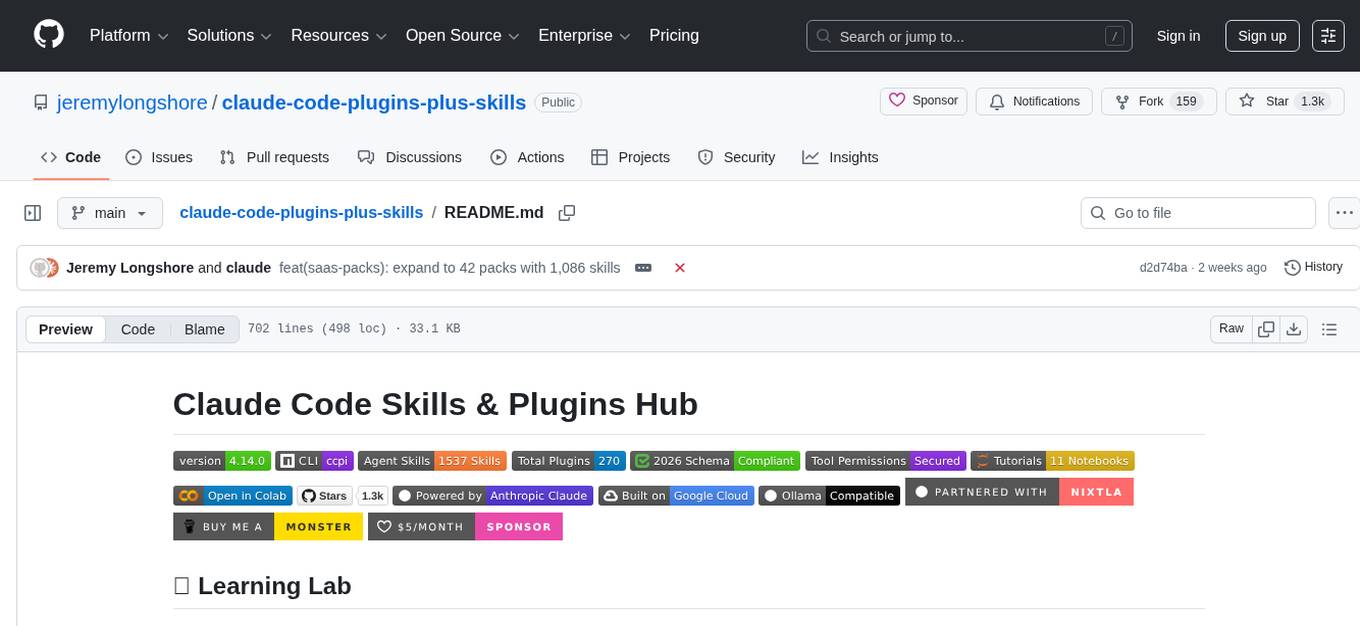
claude-code-plugins-plus-skills
Claude Code Skills & Plugins Hub is a comprehensive marketplace for agent skills and plugins, offering 1537 production-ready agent skills and 270 total plugins. It provides a learning lab with guides, diagrams, and examples for building production agent workflows. The package manager CLI allows users to discover, install, and manage plugins from their terminal, with features like searching, listing, installing, updating, and validating plugins. The marketplace is not on GitHub Marketplace and does not support built-in monetization. It is community-driven, actively maintained, and focuses on quality over quantity, aiming to be the definitive resource for Claude Code plugins.
osaurus
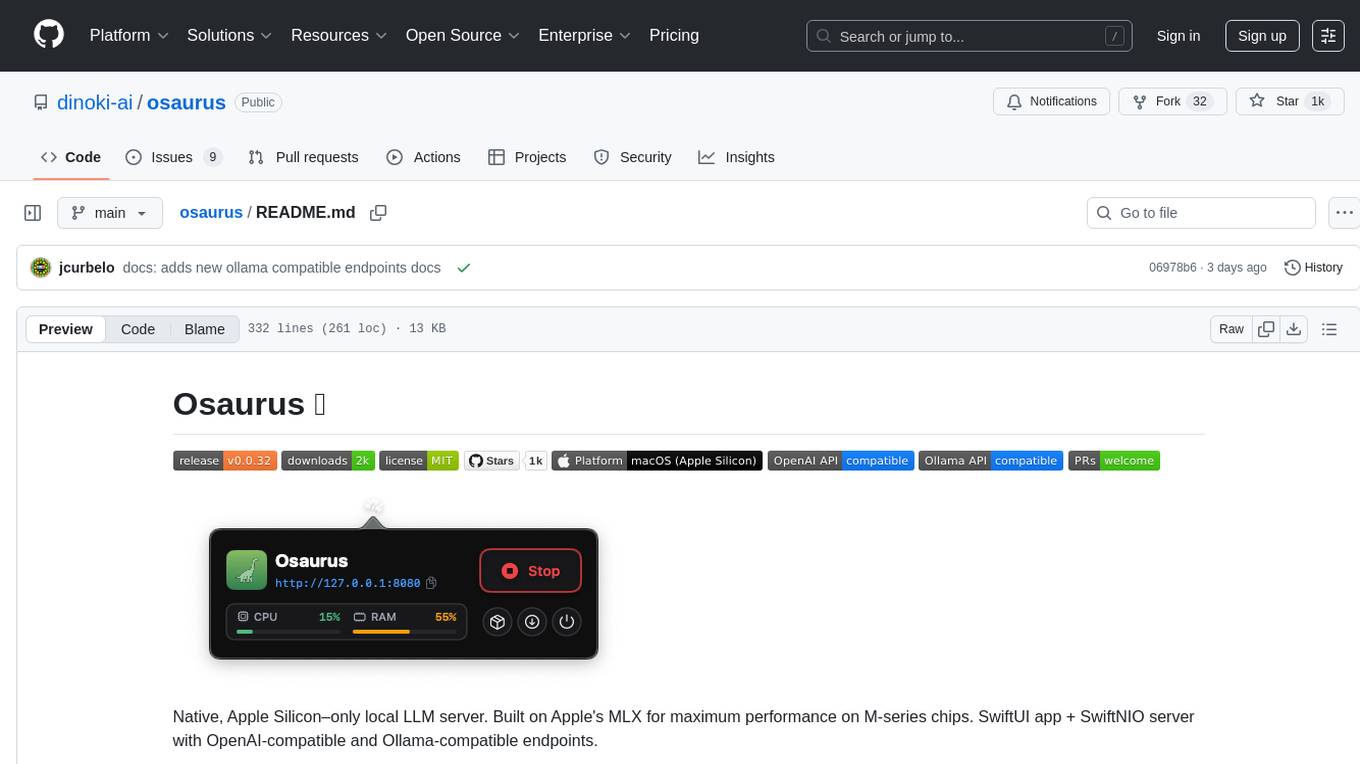
Osaurus is a native, Apple Silicon-only local LLM server built on Apple's MLX for maximum performance on M‑series chips. It is a SwiftUI app + SwiftNIO server with OpenAI‑compatible and Ollama‑compatible endpoints. The tool supports native MLX text generation, model management, streaming and non‑streaming chat completions, OpenAI‑compatible function calling, real-time system resource monitoring, and path normalization for API compatibility. Osaurus is designed for macOS 15.5+ and Apple Silicon (M1 or newer) with Xcode 16.4+ required for building from source.
evi-run
evi-run is a powerful, production-ready multi-agent AI system built on Python using the OpenAI Agents SDK. It offers instant deployment, ultimate flexibility, built-in analytics, Telegram integration, and scalable architecture. The system features memory management, knowledge integration, task scheduling, multi-agent orchestration, custom agent creation, deep research, web intelligence, document processing, image generation, DEX analytics, and Solana token swap. It supports flexible usage modes like private, free, and pay mode, with upcoming features including NSFW mode, task scheduler, and automatic limit orders. The technology stack includes Python 3.11, OpenAI Agents SDK, Telegram Bot API, PostgreSQL, Redis, and Docker & Docker Compose for deployment.
octocode-mcp
Octocode is a methodology and platform that empowers AI assistants with the skills of a Senior Staff Engineer. It transforms how AI interacts with code by moving from 'guessing' based on training data to 'knowing' based on deep, evidence-based research. The ecosystem includes the Manifest for Research Driven Development, the MCP Server for code interaction, Agent Skills for extending AI capabilities, a CLI for managing agent capabilities, and comprehensive documentation covering installation, core concepts, tutorials, and reference materials.

layra
LAYRA is the world's first visual-native AI automation engine that sees documents like a human, preserves layout and graphical elements, and executes arbitrarily complex workflows with full Python control. It empowers users to build next-generation intelligent systems with no limits or compromises. Built for Enterprise-Grade deployment, LAYRA features a modern frontend, high-performance backend, decoupled service architecture, visual-native multimodal document understanding, and a powerful workflow engine.
lmms-lab-writer
LMMs-Lab Writer is an AI-native LaTeX editor designed for researchers who prioritize ideas over syntax. It offers a local-first approach with AI agents for editing assistance, one-click LaTeX setup with automatic package installation, support for multiple languages, AI-powered workflows with OpenCode integration, Git integration for modern collaboration, fully open-source with MIT license, cross-platform compatibility, and a comparison with Overleaf highlighting its advantages. The tool aims to streamline the writing and publishing process for researchers while ensuring data security and control.
talkcody
TalkCody is a free, open-source AI coding agent designed for developers who value speed, cost, control, and privacy. It offers true freedom to use any AI model without vendor lock-in, maximum speed through unique four-level parallelism, and complete privacy as everything runs locally without leaving the user's machine. With professional-grade features like multimodal input support, MCP server compatibility, and a marketplace for agents and skills, TalkCody aims to enhance development productivity and flexibility.
MemMachine
MemMachine is an open-source long-term memory layer designed for AI agents and LLM-powered applications. It enables AI to learn, store, and recall information from past sessions, transforming stateless chatbots into personalized, context-aware assistants. With capabilities like episodic memory, profile memory, working memory, and agent memory persistence, MemMachine offers a developer-friendly API, flexible storage options, and seamless integration with various AI frameworks. It is suitable for developers, researchers, and teams needing persistent, cross-session memory for their LLM applications.

llamafarm
LlamaFarm is a comprehensive AI framework that empowers users to build powerful AI applications locally, with full control over costs and deployment options. It provides modular components for RAG systems, vector databases, model management, prompt engineering, and fine-tuning. Users can create differentiated AI products without needing extensive ML expertise, using simple CLI commands and YAML configs. The framework supports local-first development, production-ready components, strategy-based configuration, and deployment anywhere from laptops to the cloud.
For similar tasks
natively-cluely-ai-assistant
Natively is a free, open-source, privacy-first AI assistant designed to help users in real time during meetings, interviews, presentations, and conversations. Unlike traditional AI tools that work after the conversation, Natively operates while the conversation is happening. It runs as an invisible, always-on-top desktop overlay, listens when prompted, observes the screen content, and provides instant, context-aware assistance. The tool is fully transparent, customizable, and grants users complete control over local vs cloud AI, data, and credentials.
For similar jobs
natively-cluely-ai-assistant
Natively is a free, open-source, privacy-first AI assistant designed to help users in real time during meetings, interviews, presentations, and conversations. Unlike traditional AI tools that work after the conversation, Natively operates while the conversation is happening. It runs as an invisible, always-on-top desktop overlay, listens when prompted, observes the screen content, and provides instant, context-aware assistance. The tool is fully transparent, customizable, and grants users complete control over local vs cloud AI, data, and credentials.