


octocode-mcp
MCP server for semantic code research and context generation on real-time using LLM patterns | Search naturally across public & private repos based on your permissions | Transform any accessible codebase/s into AI-optimized knowledge on simple and complex flows | Find real implementations and live docs from anywhere
Stars: 721
Octocode is a methodology and platform that empowers AI assistants with the skills of a Senior Staff Engineer. It transforms how AI interacts with code by moving from 'guessing' based on training data to 'knowing' based on deep, evidence-based research. The ecosystem includes the Manifest for Research Driven Development, the MCP Server for code interaction, Agent Skills for extending AI capabilities, a CLI for managing agent capabilities, and comprehensive documentation covering installation, core concepts, tutorials, and reference materials.
README:

Empower your AI assistant with the skills of a Senior Staff Engineer.
Octocode is not just a tool; it's a methodology and a platform that transforms how AI interacts with code. It moves AI from "guessing" based on training data to "knowing" based on deep, evidence-based research.
This repository contains the complete ecosystem that powers this transformation.
"Code is Truth, but Context is the Map."
At the heart of Octocode lies the Manifest for Research Driven Development (RDD).
👉 Read the full manifest here: MANIFEST.md
The Manifest defines a new philosophy for AI coding:
- Vibe-Research: Enabling AI to intuitively explore code like a human.
- Evidence First: No line of code is written without proof it's needed and correct.
- Adversarial Validation: AI agents check each other's work (Planner vs. Verifier) to ensure quality.
It answers the question: How can we trust AI to build complex software? By forcing it to research before it acts.
The Eyes and Hands of Octocode.
The Octocode MCP Server (packages/octocode-mcp) is the bridge between your AI (like Claude or Cursor) and the world of code. It acts as the engine that powers the research.
- GitHub Tools: Search millions of repositories, find usage patterns, and read real-world implementations.
- Local Tools: Explore your local codebase with filesystem access.
- LSP Intelligence: "Go to Definition", "Find References", and "Call Hierarchy" — giving AI the semantic understanding of a compiler.
The MCP Server provides the capabilities to see, touch, and understand code structure.
https://github.com/user-attachments/assets/de8d14c0-2ead-46ed-895e-09144c9b5071
The Brain of the Operation.
Agent Skills are a lightweight, open format for extending AI agent capabilities with specialized knowledge and workflows.
Octocode is supported in both MCP and as a skill!
It adds specialized capabilities out-of-the-box (OOTB):
- Correct Prompts: Auto-injects the Research Driven Development system prompts.
- Advanced Planning: Breaks down complex problems into specific research questions.
- Deep Research: Orchestrates the right MCP tools in the right order (e.g., Search → Go to Definition → Read).
- Parallel Agents: Handles spawning sub-agents for parallel execution of research tasks.
This skill turns a generic AI model into a specialized Research Architect.
💡 Tip: Ask Octocode to "roast your code" and you will get a surprise! 🔥🎭
https://github.com/user-attachments/assets/5b630763-2dee-4c2d-b5c1-6335396723ec
Your Command Center.
Octocode comes with a powerful CLI to manage your agent's capabilities.
npx octocode-cliIt handles:
- Authentication: Easy GitHub OAuth setup.
- Installations: One-click setup for MCP servers and Skills.
- Management: Interactive menu for all Octocode features.
Everything you need to master Octocode:
- octocode-mcp: The core MCP server for GitHub, Local FS, and LSP.
- octocode-cli: The command-line interface for managing Octocode.
- octocode-vscode: VS Code extension for authentication.
- octocode-shared: Shared utilities and types.
- octocode-research: The Research Skill for autonomous RDD.
- Octocode AI YouTube Channel - Video tutorials and deep dives.
- Installation Guide - Get started quickly. (See previous README sections below)
- Octocode CLI - The easiest way to install and manage skills.
- The Manifest - The philosophy behind RDD.
- Development Guide - Monorepo setup, TDD, and agent guidelines
- Authentication Setup - GitHub & GitLab authentication
-
Configuration - Environment variables,
.octocodercconfig file, and examples - Troubleshooting - Common issues and solutions
Prerequisites: GitHub authentication is required for all installations.
See Authentication Setup for details.
| Component | Command | Description |
|---|---|---|
| MCP Server | npx octocode-cli |
GitHub, Local FS & LSP tools for your AI |
| Research Skill | npx add-skill octocode-research |
Autonomous research agent capabilities |
The CLI is the easiest way to install and manage everything:
npx octocode-cliFeatures:
- Interactive setup wizard
- GitHub OAuth authentication
- MCP server installation
- Skills marketplace
One-Click Install (Cursor)

Manual Configuration
Add to your MCP configuration file:
{
  "mcpServers": {
    "octocode": {
      "command": "npx",
      "args": ["octocode-mcp@latest"]
    }
  }
}
Research Skill (Direct Install)
npx add-skill https://github.com/bgauryy/octocode-mcp/tree/main/skills/octocode-researchFor Tasks:
Click tags to check more tools for each tasksFor Jobs:
Alternative AI tools for octocode-mcp
Similar Open Source Tools
octocode-mcp
Octocode is a methodology and platform that empowers AI assistants with the skills of a Senior Staff Engineer. It transforms how AI interacts with code by moving from 'guessing' based on training data to 'knowing' based on deep, evidence-based research. The ecosystem includes the Manifest for Research Driven Development, the MCP Server for code interaction, Agent Skills for extending AI capabilities, a CLI for managing agent capabilities, and comprehensive documentation covering installation, core concepts, tutorials, and reference materials.
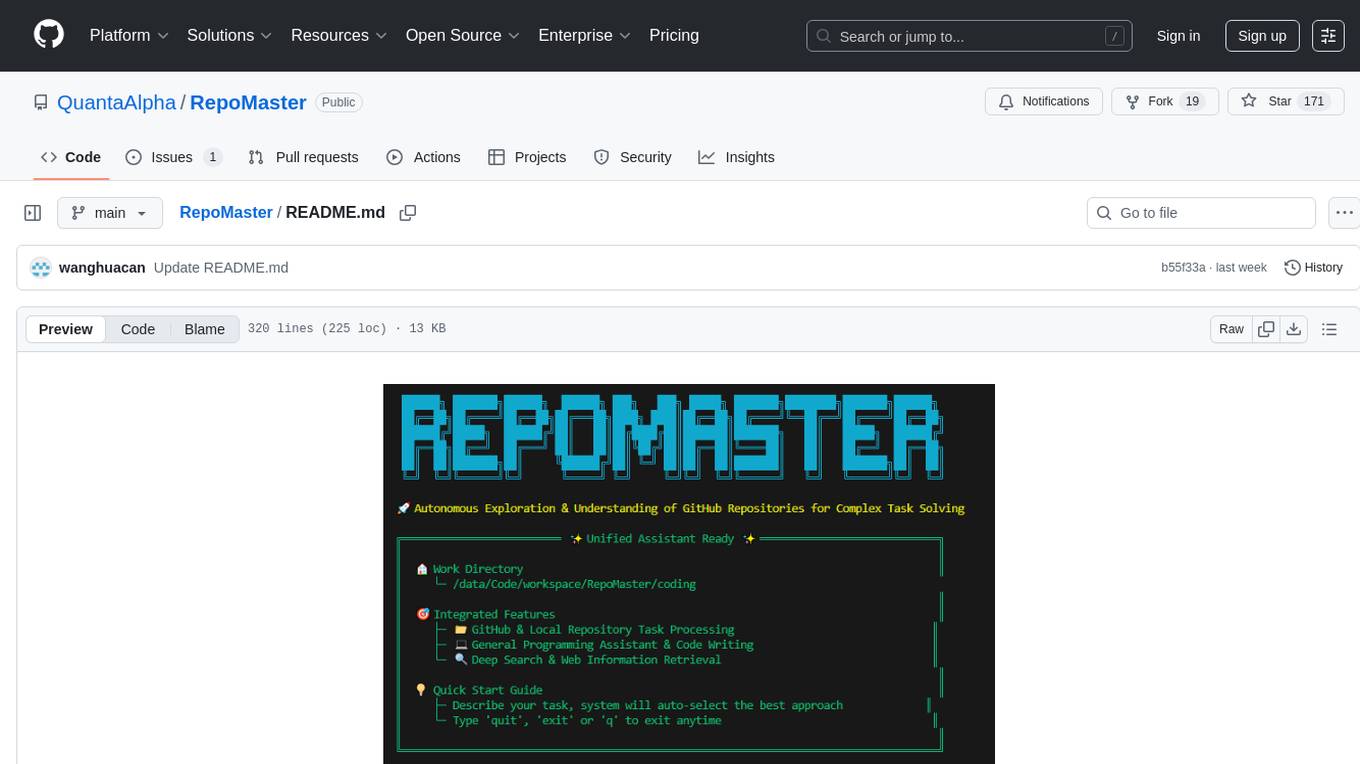
RepoMaster
RepoMaster is an AI agent that leverages GitHub repositories to solve complex real-world tasks. It transforms how coding tasks are solved by automatically finding the right GitHub tools and making them work together seamlessly. Users can describe their tasks, and RepoMaster's AI analysis leads to auto discovery and smart execution, resulting in perfect outcomes. The tool provides a web interface for beginners and a command-line interface for advanced users, along with specialized agents for deep search, general assistance, and repository tasks.

llamafarm
LlamaFarm is a comprehensive AI framework that empowers users to build powerful AI applications locally, with full control over costs and deployment options. It provides modular components for RAG systems, vector databases, model management, prompt engineering, and fine-tuning. Users can create differentiated AI products without needing extensive ML expertise, using simple CLI commands and YAML configs. The framework supports local-first development, production-ready components, strategy-based configuration, and deployment anywhere from laptops to the cloud.
tensorzero
TensorZero is an open-source platform that helps LLM applications graduate from API wrappers into defensible AI products. It enables a data & learning flywheel for LLMs by unifying inference, observability, optimization, and experimentation. The platform includes a high-performance model gateway, structured schema-based inference, observability, experimentation, and data warehouse for analytics. TensorZero Recipes optimize prompts and models, and the platform supports experimentation features and GitOps orchestration for deployment.
ComfyUI-Copilot
ComfyUI-Copilot is an intelligent assistant built on the Comfy-UI framework that simplifies and enhances the AI algorithm debugging and deployment process through natural language interactions. It offers intuitive node recommendations, workflow building aids, and model querying services to streamline development processes. With features like interactive Q&A bot, natural language node suggestions, smart workflow assistance, and model querying, ComfyUI-Copilot aims to lower the barriers to entry for beginners, boost development efficiency with AI-driven suggestions, and provide real-time assistance for developers.
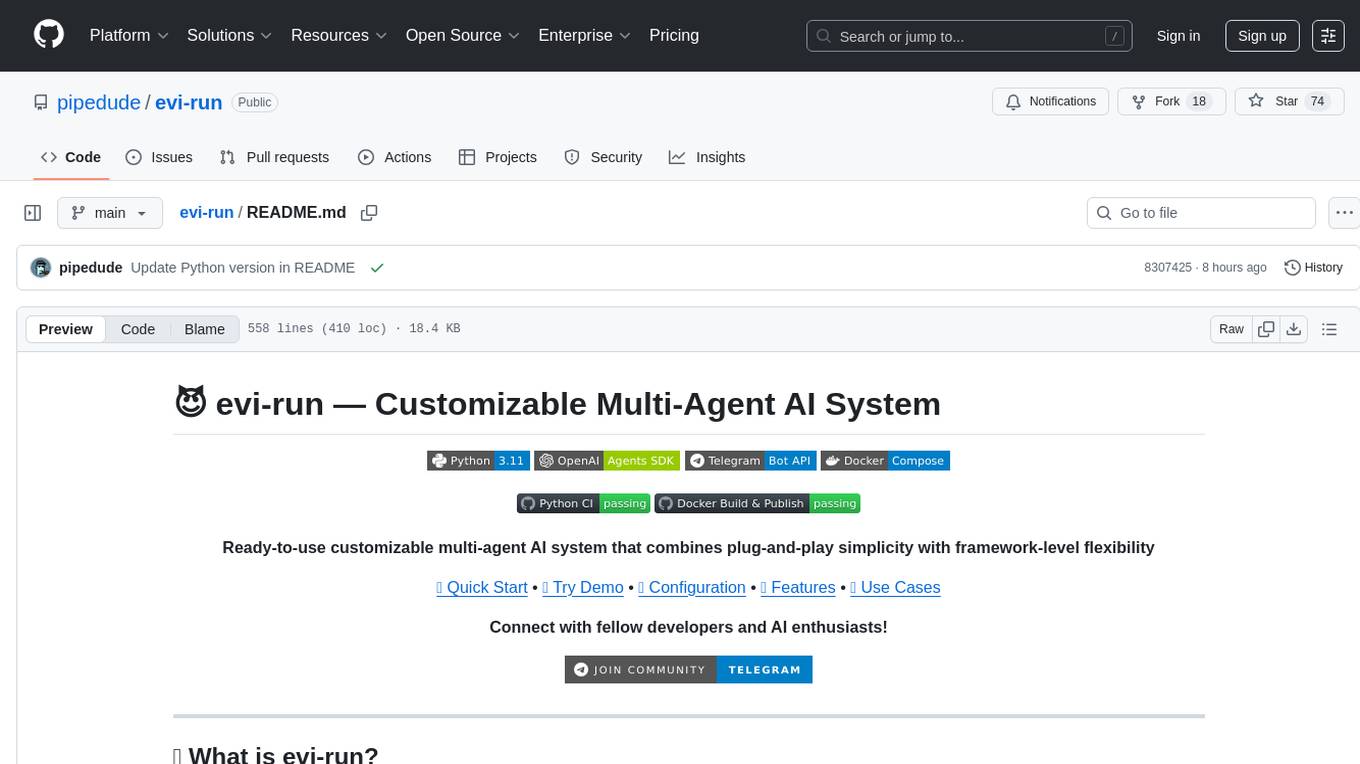
evi-run
evi-run is a powerful, production-ready multi-agent AI system built on Python using the OpenAI Agents SDK. It offers instant deployment, ultimate flexibility, built-in analytics, Telegram integration, and scalable architecture. The system features memory management, knowledge integration, task scheduling, multi-agent orchestration, custom agent creation, deep research, web intelligence, document processing, image generation, DEX analytics, and Solana token swap. It supports flexible usage modes like private, free, and pay mode, with upcoming features including NSFW mode, task scheduler, and automatic limit orders. The technology stack includes Python 3.11, OpenAI Agents SDK, Telegram Bot API, PostgreSQL, Redis, and Docker & Docker Compose for deployment.

layra
LAYRA is the world's first visual-native AI automation engine that sees documents like a human, preserves layout and graphical elements, and executes arbitrarily complex workflows with full Python control. It empowers users to build next-generation intelligent systems with no limits or compromises. Built for Enterprise-Grade deployment, LAYRA features a modern frontend, high-performance backend, decoupled service architecture, visual-native multimodal document understanding, and a powerful workflow engine.
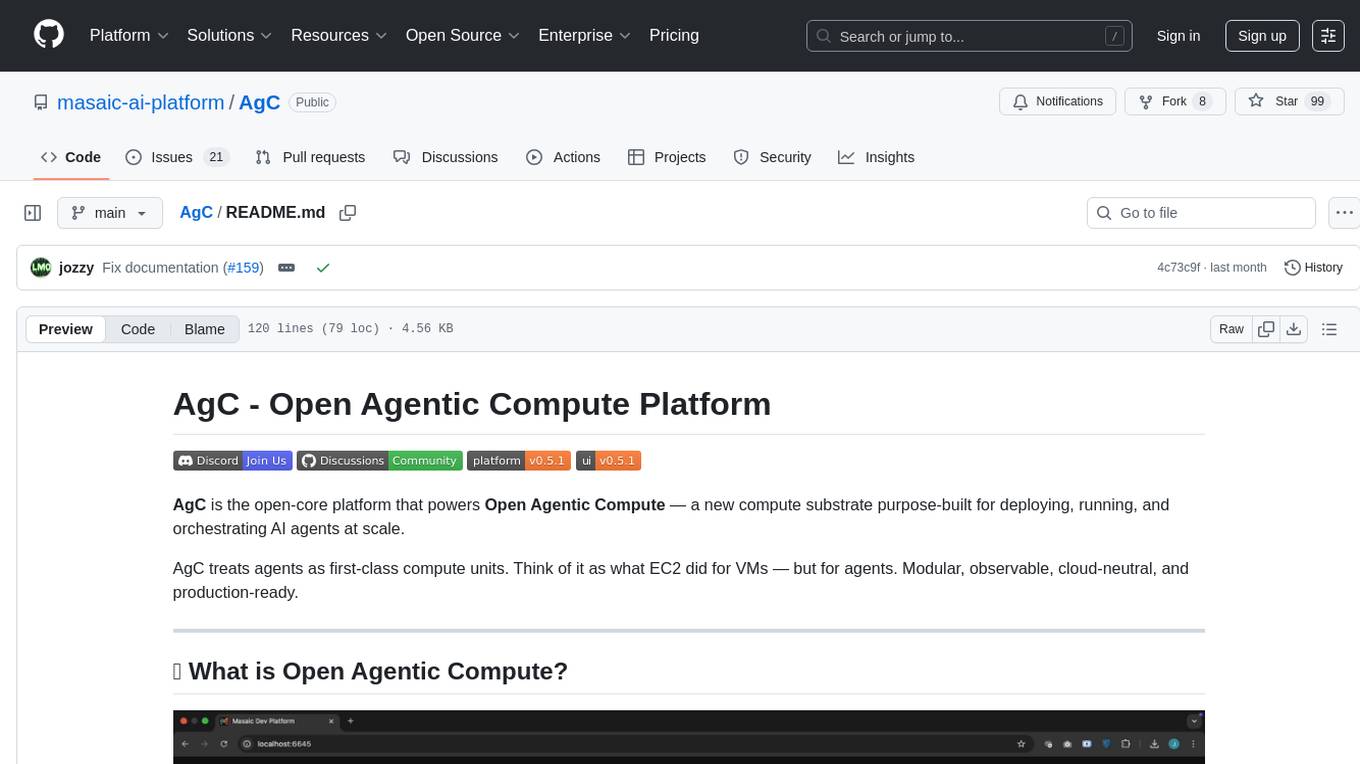
AgC
AgC is an open-core platform designed for deploying, running, and orchestrating AI agents at scale. It treats agents as first-class compute units, providing a modular, observable, cloud-neutral, and production-ready environment. Open Agentic Compute empowers developers and organizations to run agents like cloud-native workloads without lock-in.
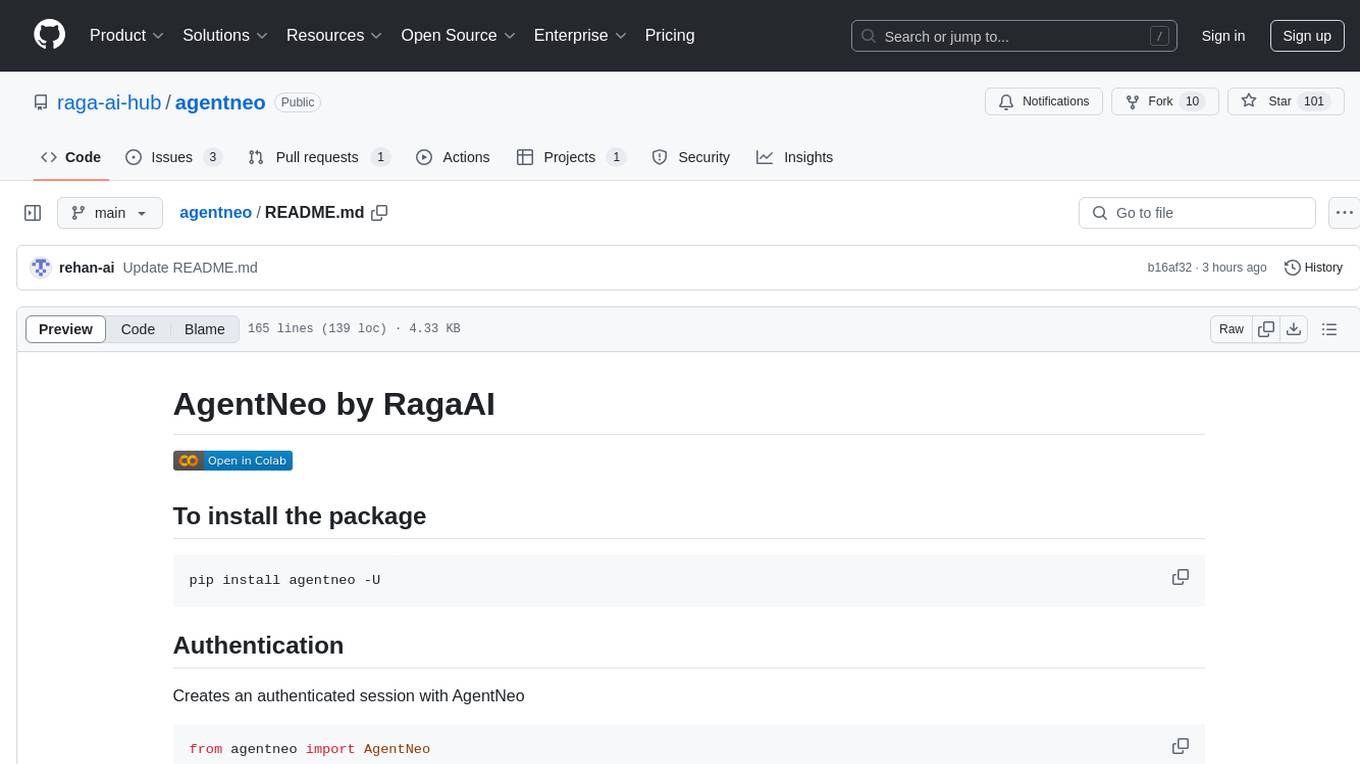
agentneo
AgentNeo is a Python package that provides functionalities for project, trace, dataset, experiment management. It allows users to authenticate, create projects, trace agents and LangGraph graphs, manage datasets, and run experiments with metrics. The tool aims to streamline AI project management and analysis by offering a comprehensive set of features.
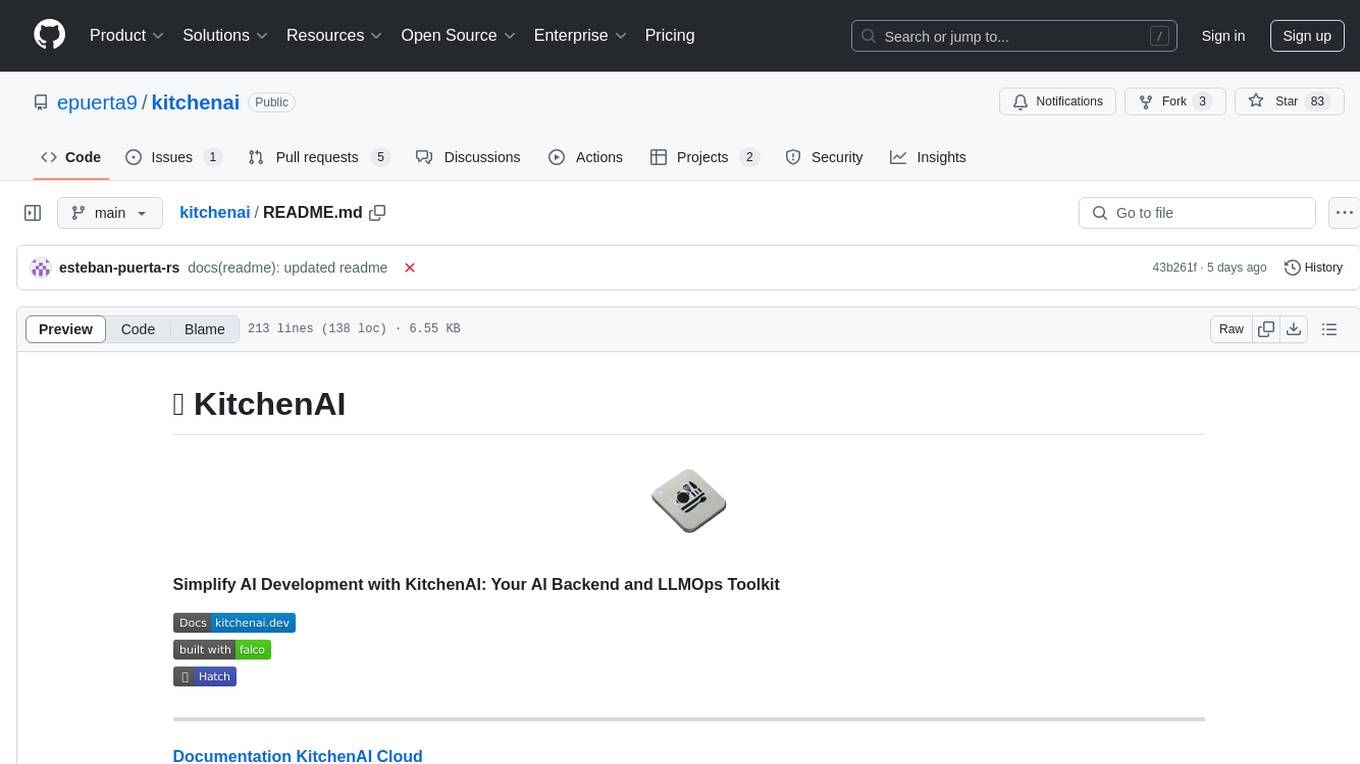
kitchenai
KitchenAI is an open-source toolkit designed to simplify AI development by serving as an AI backend and LLMOps solution. It aims to empower developers to focus on delivering results without being bogged down by AI infrastructure complexities. With features like simplifying AI integration, providing an AI backend, and empowering developers, KitchenAI streamlines the process of turning AI experiments into production-ready APIs. It offers built-in LLMOps features, is framework-agnostic and extensible, and enables faster time-to-production. KitchenAI is suitable for application developers, AI developers & data scientists, and platform & infra engineers, allowing them to seamlessly integrate AI into apps, deploy custom AI techniques, and optimize AI services with a modular framework. The toolkit eliminates the need to build APIs and infrastructure from scratch, making it easier to deploy AI code as production-ready APIs in minutes. KitchenAI also provides observability, tracing, and evaluation tools, and offers a Docker-first deployment approach for scalability and confidence.

EpicStaff
EpicStaff is a powerful project management tool designed to streamline team collaboration and task management. It provides a user-friendly interface for creating and assigning tasks, tracking progress, and communicating with team members in real-time. With features such as task prioritization, deadline reminders, and file sharing capabilities, EpicStaff helps teams stay organized and productive. Whether you're working on a small project or managing a large team, EpicStaff is the perfect solution to keep everyone on the same page and ensure project success.
persistent-ai-memory
Persistent AI Memory System is a comprehensive tool that offers persistent, searchable storage for AI assistants. It includes features like conversation tracking, MCP tool call logging, and intelligent scheduling. The system supports multiple databases, provides enhanced memory management, and offers various tools for memory operations, schedule management, and system health checks. It also integrates with various platforms like LM Studio, VS Code, Koboldcpp, Ollama, and more. The system is designed to be modular, platform-agnostic, and scalable, allowing users to handle large conversation histories efficiently.
trpc-agent-go
A powerful Go framework for building intelligent agent systems with large language models (LLMs), hierarchical planners, memory, telemetry, and a rich tool ecosystem. tRPC-Agent-Go enables the creation of autonomous or semi-autonomous agents that reason, call tools, collaborate with sub-agents, and maintain long-term state. The framework provides detailed documentation, examples, and tools for accelerating the development of AI applications.
natively-cluely-ai-assistant
Natively is a free, open-source, privacy-first AI assistant designed to help users in real time during meetings, interviews, presentations, and conversations. Unlike traditional AI tools that work after the conversation, Natively operates while the conversation is happening. It runs as an invisible, always-on-top desktop overlay, listens when prompted, observes the screen content, and provides instant, context-aware assistance. The tool is fully transparent, customizable, and grants users complete control over local vs cloud AI, data, and credentials.
FastFlowLM
FastFlowLM is a Python library for efficient and scalable language model inference. It provides a high-performance implementation of language model scoring using n-gram language models. The library is designed to handle large-scale text data and can be easily integrated into natural language processing pipelines for tasks such as text generation, speech recognition, and machine translation. FastFlowLM is optimized for speed and memory efficiency, making it suitable for both research and production environments.
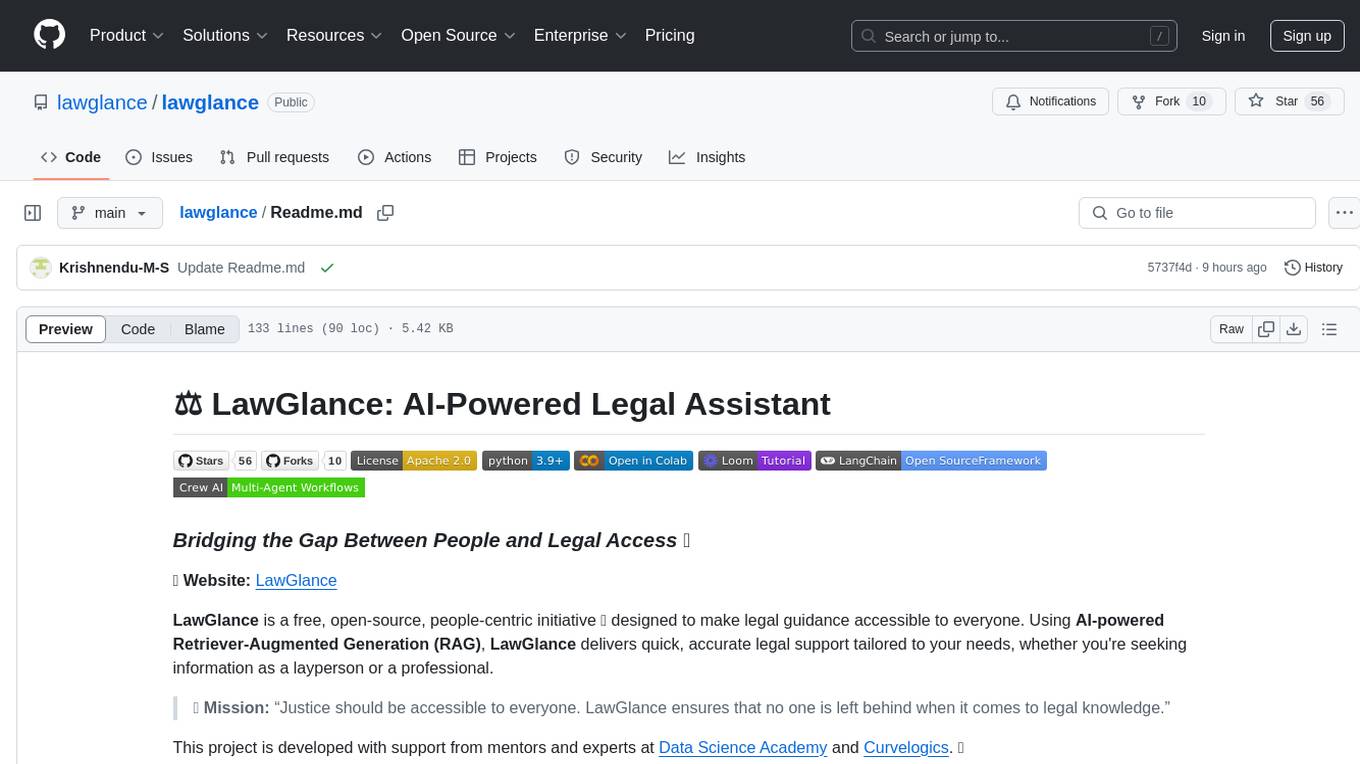
lawglance
LawGlance is an AI-powered legal assistant that aims to bridge the gap between people and legal access. It is a free, open-source initiative designed to provide quick and accurate legal support tailored to individual needs. The project covers various laws, with plans for international expansion in the future. LawGlance utilizes AI-powered Retriever-Augmented Generation (RAG) to deliver legal guidance accessible to both laypersons and professionals. The tool is developed with support from mentors and experts at Data Science Academy and Curvelogics.
For similar tasks
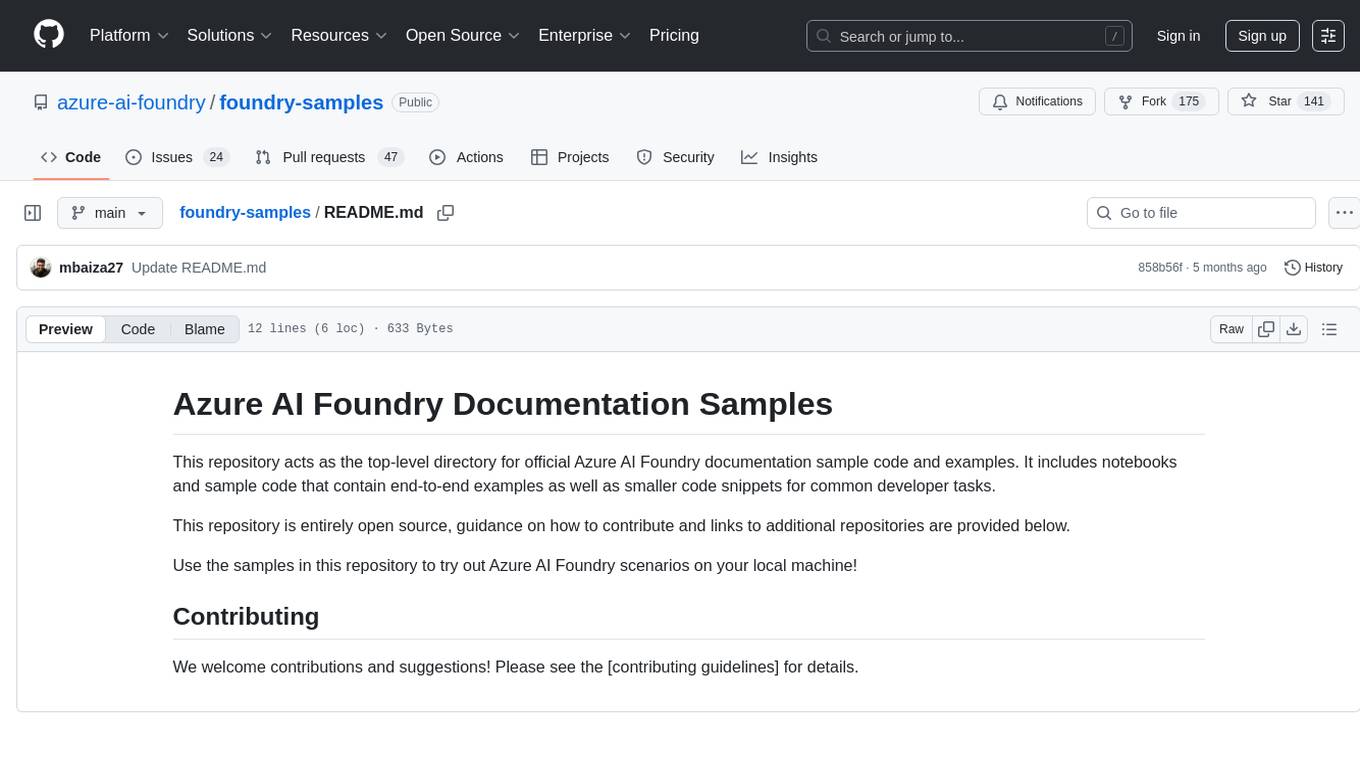
foundry-samples
The 'foundry-samples' repository serves as the main directory for official Azure AI Foundry documentation sample code and examples. It contains notebooks and code snippets for various developer tasks, offering both end-to-end examples and smaller snippets. The repository is open source, encouraging contributions and providing guidance on how to contribute.
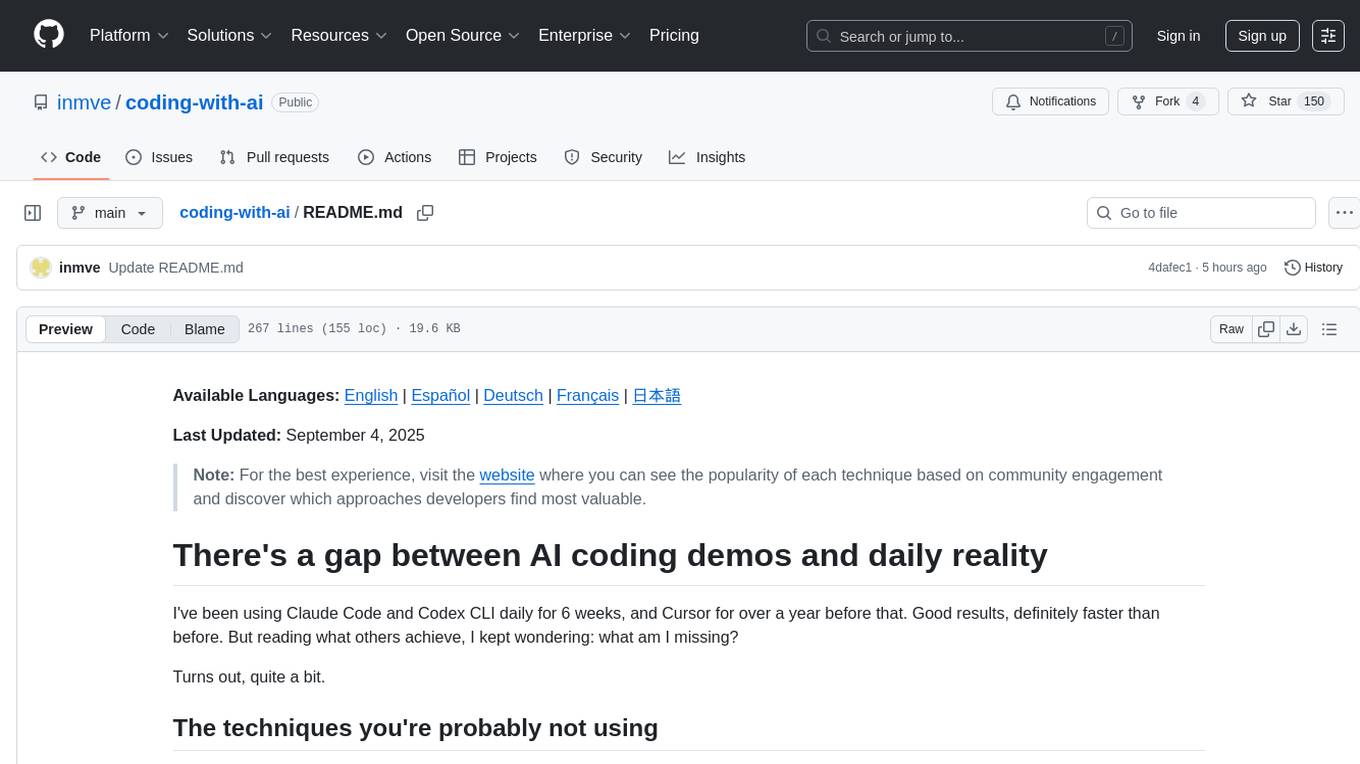
coding-with-ai
Coding-with-ai is a curated collection of techniques and best practices for utilizing AI coding tools to achieve transformative results in coding projects. It bridges the gap between AI coding demos and daily coding reality by providing insights into specific patterns like memory files, test-driven regeneration, and parallel AI sessions. The repository offers guidance on setting up memory files, writing detailed specs, drafting solutions before using assistants, getting multiple options, choosing stable libraries, and triggering careful planning. It also covers UI prototyping, coding practices, debugging strategies, testing methodologies, and cross-stage techniques for efficient coding with AI tools.
octocode-mcp
Octocode is a methodology and platform that empowers AI assistants with the skills of a Senior Staff Engineer. It transforms how AI interacts with code by moving from 'guessing' based on training data to 'knowing' based on deep, evidence-based research. The ecosystem includes the Manifest for Research Driven Development, the MCP Server for code interaction, Agent Skills for extending AI capabilities, a CLI for managing agent capabilities, and comprehensive documentation covering installation, core concepts, tutorials, and reference materials.
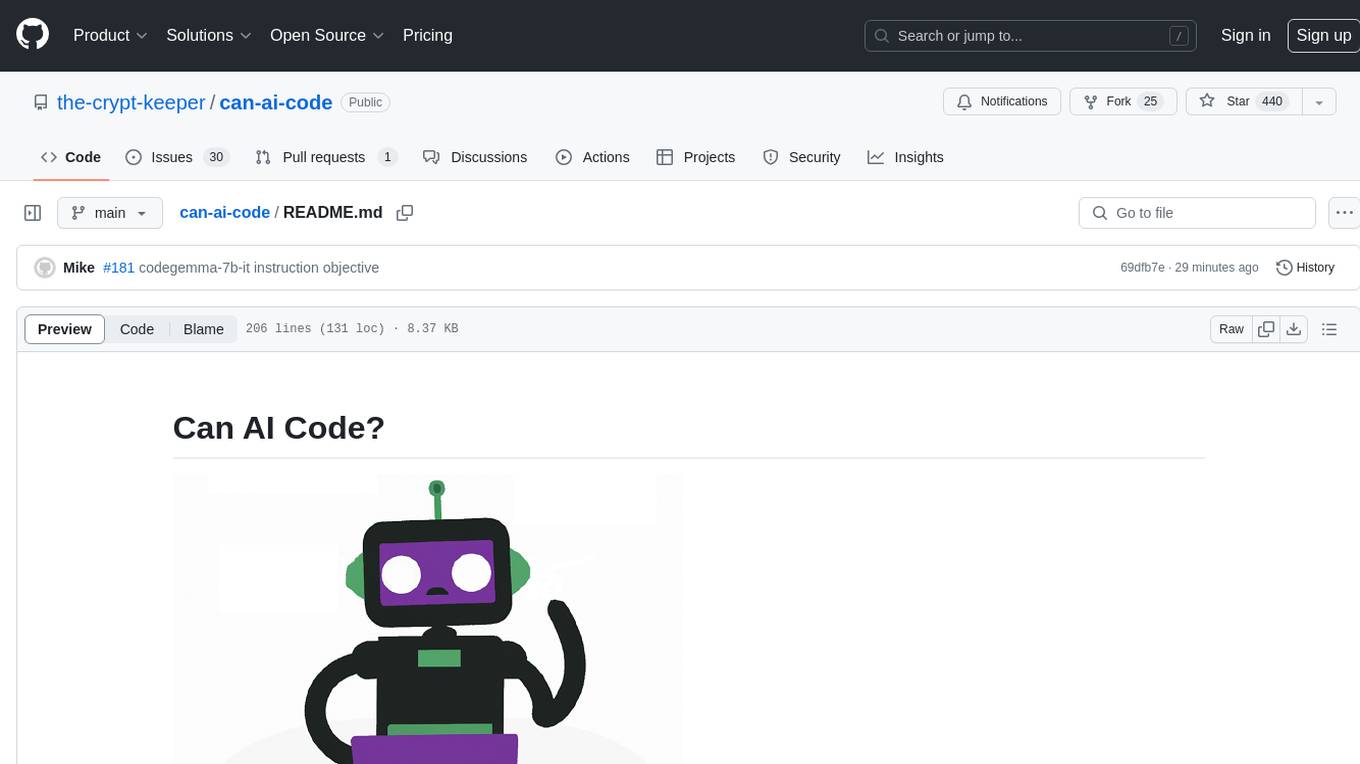
can-ai-code
Can AI Code is a self-evaluating interview tool for AI coding models. It includes interview questions written by humans and tests taken by AI, inference scripts for common API providers and CUDA-enabled quantization runtimes, a Docker-based sandbox environment for validating untrusted Python and NodeJS code, and the ability to evaluate the impact of prompting techniques and sampling parameters on large language model (LLM) coding performance. Users can also assess LLM coding performance degradation due to quantization. The tool provides test suites for evaluating LLM coding performance, a webapp for exploring results, and comparison scripts for evaluations. It supports multiple interviewers for API and CUDA runtimes, with detailed instructions on running the tool in different environments. The repository structure includes folders for interviews, prompts, parameters, evaluation scripts, comparison scripts, and more.
For similar jobs

sweep
Sweep is an AI junior developer that turns bugs and feature requests into code changes. It automatically handles developer experience improvements like adding type hints and improving test coverage.

teams-ai
The Teams AI Library is a software development kit (SDK) that helps developers create bots that can interact with Teams and Microsoft 365 applications. It is built on top of the Bot Framework SDK and simplifies the process of developing bots that interact with Teams' artificial intelligence capabilities. The SDK is available for JavaScript/TypeScript, .NET, and Python.

ai-guide
This guide is dedicated to Large Language Models (LLMs) that you can run on your home computer. It assumes your PC is a lower-end, non-gaming setup.

classifai
Supercharge WordPress Content Workflows and Engagement with Artificial Intelligence. Tap into leading cloud-based services like OpenAI, Microsoft Azure AI, Google Gemini and IBM Watson to augment your WordPress-powered websites. Publish content faster while improving SEO performance and increasing audience engagement. ClassifAI integrates Artificial Intelligence and Machine Learning technologies to lighten your workload and eliminate tedious tasks, giving you more time to create original content that matters.

chatbot-ui
Chatbot UI is an open-source AI chat app that allows users to create and deploy their own AI chatbots. It is easy to use and can be customized to fit any need. Chatbot UI is perfect for businesses, developers, and anyone who wants to create a chatbot.

BricksLLM
BricksLLM is a cloud native AI gateway written in Go. Currently, it provides native support for OpenAI, Anthropic, Azure OpenAI and vLLM. BricksLLM aims to provide enterprise level infrastructure that can power any LLM production use cases. Here are some use cases for BricksLLM: * Set LLM usage limits for users on different pricing tiers * Track LLM usage on a per user and per organization basis * Block or redact requests containing PIIs * Improve LLM reliability with failovers, retries and caching * Distribute API keys with rate limits and cost limits for internal development/production use cases * Distribute API keys with rate limits and cost limits for students

uAgents
uAgents is a Python library developed by Fetch.ai that allows for the creation of autonomous AI agents. These agents can perform various tasks on a schedule or take action on various events. uAgents are easy to create and manage, and they are connected to a fast-growing network of other uAgents. They are also secure, with cryptographically secured messages and wallets.

griptape
Griptape is a modular Python framework for building AI-powered applications that securely connect to your enterprise data and APIs. It offers developers the ability to maintain control and flexibility at every step. Griptape's core components include Structures (Agents, Pipelines, and Workflows), Tasks, Tools, Memory (Conversation Memory, Task Memory, and Meta Memory), Drivers (Prompt and Embedding Drivers, Vector Store Drivers, Image Generation Drivers, Image Query Drivers, SQL Drivers, Web Scraper Drivers, and Conversation Memory Drivers), Engines (Query Engines, Extraction Engines, Summary Engines, Image Generation Engines, and Image Query Engines), and additional components (Rulesets, Loaders, Artifacts, Chunkers, and Tokenizers). Griptape enables developers to create AI-powered applications with ease and efficiency.