


coding-with-ai
Techniques for coding with AI tools: Claude Code, Cursor, Codex, etc. Gathered from real developer experiences.
Stars: 76
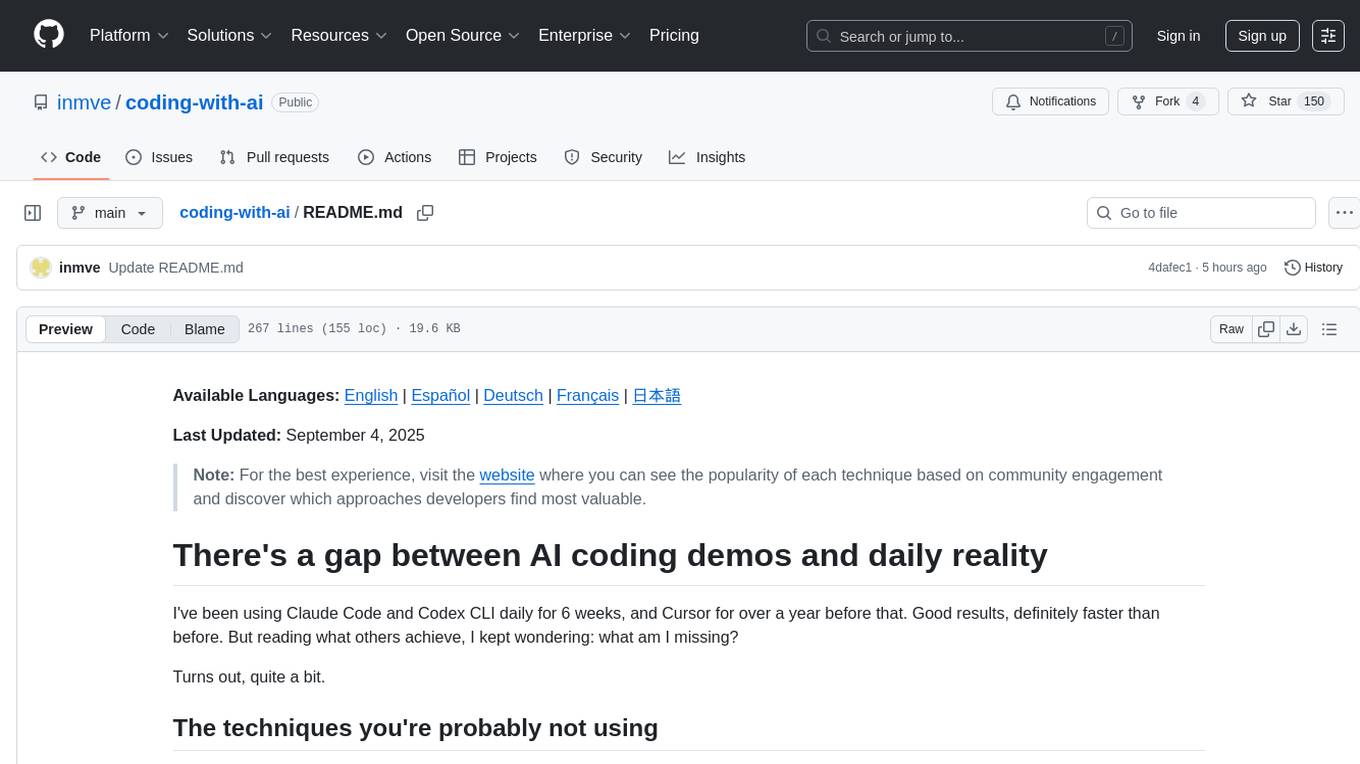
Coding-with-ai is a curated collection of techniques and best practices for utilizing AI coding tools to achieve transformative results in coding projects. It bridges the gap between AI coding demos and daily coding reality by providing insights into specific patterns like memory files, test-driven regeneration, and parallel AI sessions. The repository offers guidance on setting up memory files, writing detailed specs, drafting solutions before using assistants, getting multiple options, choosing stable libraries, and triggering careful planning. It also covers UI prototyping, coding practices, debugging strategies, testing methodologies, and cross-stage techniques for efficient coding with AI tools.
README:
Available Languages: English | Español | Deutsch | Français | 日本語
I've been using Claude Code and Codex CLI daily for 6 weeks, and Cursor for over a year before that. Good results, definitely faster than before. But reading what others achieve, I kept wondering: what am I missing?
Turns out, quite a bit.
There are specific patterns that separate moderate gains from transformative results. Examples:
- Memory files (CLAUDE.md, .cursorrules) that persist context across sessions - many developers don't know these exist
- Test-driven regeneration - let AI iterate against tests instead of debugging line by line
- Parallel AI sessions - run multiple agents simultaneously using git worktrees or containers
These techniques are scattered across documentation, blog posts, and threads. Finding them requires knowing what to look for.
If you're already using AI coding tools but suspect you're only scratching the surface - you're probably right.
This curated collection fills in those gaps. It's a living document, and you're welcome to share any missing techniques as well as your experience with the existing ones.
🚀 Live site: coding-with-ai.dev
📝 Contributing: See CONTRIBUTING.md to share your techniques and experiences
Make it explore the code, then make a plan, implement it, and commit.
"There's a process that I call 'priming' the agent, where instead of having the agent jump straight to performing a task, I have it read additional context upfront to increase the chances that it will produce good outputs." — Indragie Karunaratne
Create context files that persistently guide tools about your project's structure, standards, and preferences.
"
CLAUDE.mdis a special file that Claude automatically pulls into context when starting a conversation. This makes it an ideal place for documenting: common bash commands, core files and utility functions, code style guidelines, testing instructions." — Anthropic
Give comprehensive specs - even a conversational spec beats vague instructions.
"Here's a recent example:
Write a Python function that uses asyncio httpx with this signature:async def download_db(url, max_size_bytes=5 * 1025 * 1025): -> pathlib.Path. Given a URL, this downloads the database to a temp directory and returns a path to it. BUT it checks the content length header at the start of streaming back that data and, if it's more than the limit, raises an error... I find LLMs respond extremely well to function signatures like the one I use here." — Simon Willison
Draft the solution yourself first, then use assistants to refine it.
"I'm subconsciously defaulting to AI for all things coding. I've been using pen and paper less. As soon as I need to plan a new feature, my first thought is asking o4-mini-high how to do it, instead of my neurons. I hate this. And I'm changing it." — Alberto Fortin
Ask LLM to present several approaches with pros/cons so you can choose the best option.
"I'll use prompts like
what are options for HTTP libraries in Rust? Include usage examples" — Simon Willison
Deliberately pick well-established libraries with good stability that existed before AI training cutoff dates for better AI code generation.
"I gain enough value from LLMs that I now deliberately consider this when picking a library—I try to stick with libraries with good stability and that are popular enough that many examples of them will have made it into the training data. I like applying the principles of boring technology—innovate on your project's unique selling points, stick with tried and tested solutions for everything else." — Simon Willison
Use think or think hard to trigger more careful planning before coding.
"Claude tends to jump straight into implementation without sufficient background, which generates poor quality results. Another tactic for priming the agent is asking Claude to use its extended thinking mode and make a plan first. The extended thinking is activated by this set of magic keywords:
think<think hard<think harder<ultrathink.These are not just suggestions to the model—they are specific phrases that activate various levels of extended thinking." — Indragie Karunaratne
Build projects through conversation rather than traditional coding - talk, accept changes, and iterate until it works.
"...I ask for the dumbest things like
decrease the padding on the sidebar by halfbecause I'm too lazy to find it. IAccept Allalways, I don't read the diffs anymore. When I get error messages I just copy paste them in with no comment, usually that fixes it. The code grows beyond my usual comprehension, I'd have to really read through it for a while. Sometimes the LLMs can't fix a bug so I just work around it or ask for random changes until it goes away. It's not too bad for throwaway weekend projects, but still quite amusing. I'm building a project or webapp, but it's not really coding—I just see stuff, say stuff, run stuff, and copy paste stuff, and it mostly works." — Andrej Karpathy
Start every project with a quick generated prototype to prove it can work.
"The best way to start any project is with a prototype that proves that the key requirements of that project can be met. I often find that an LLM can get me to that working prototype within a few minutes of me sitting down with my laptop—or sometimes even while working on my phone." — Simon Willison
Drop in screenshots and iterate - take a screenshot of the result, compare, repeat.
"Give Claude a visual mock by copying / pasting or drag-dropping an image... take screenshots of the result, and iterate until its result matches the mock." — Anthropic
"I opened a second copy of Sketch and pasted in a screenshot...
this is ugly, please make it less ugly." — David Crawshaw
Just ask to make the UI more beautiful or more elegant - it works.
"If Claude doesn't produce a well-designed UI the first time, you can just tell it to
make it more beautiful/elegant/usable." — Indragie Karunaratne
Write custom code rather than pulling in more libraries when working with assistants.
"Be even more conservative about upgrades than before... I strongly prefer more code generation over using more dependencies." — Armin Ronacher
Start by dumping existing code into the chat to seed the context, then modify from there.
"I often start a new chat by dumping in existing code to seed that context, then work with the LLM to modify it in some way." — Simon Willison
Give exactly what function signature you want - let it handle the implementation details.
"I find LLMs respond extremely well to function signatures like the one I use here. I get to act as the function designer, the LLM does the work of building the body to my specification. I'll often follow-up with
Now write me the tests using pytest. Again, I dictate my technology of choice—I want the LLM to save me the time of having to type out the code that's sitting in my head already." — Simon Willison
Delegate boring, systematic, and time-consuming tasks to AI - from small variable renames to large migrations that don't require deep architectural thinking.
"I'm using LLMs, but for dumber things:
rename all occurrences of this parameter" — Alberto Fortin
"AI's best use case for me remains writing one-off scripts" — Colton
"I give the agent tasks that I could do without thinking too much but that would take me a lot of time—very systematic tasks that a junior developer could do with the right explanations." — Between the Prompts
"The best example I've found for the agent was migrating a huge app from one UI library to another. It's not hard work, but it takes a huge amount of time and is completely uninteresting." — Between the Prompts
Give AI extremely precise, detailed instructions like you would to an intern - provide exact function signatures and let it handle implementation.
"Once I've completed the initial research I change modes dramatically. For production code my LLM usage is much more authoritarian: I treat it like a digital intern, hired to type code for me based on my detailed instructions." — Simon Willison
"But instead of fixing the code myself, I explained why it was wrong and gave it more precise instructions. When I told it
You misunderstood, it should…and provided clearer guidance, I was impressed at how it could understand the problem and update the code accordingly." — Between the Prompts
Write straightforward code with clear function names, avoid inheritance and clever hacks - simple code works better with AI.
"Simple code significantly outperforms complex code in agentic contexts. I just recently wrote about ugly code and I think in the context of agents this is worth re-reading. Have the agent do
the dumbest possible thing that will work." — Armin Ronacher
Set up tools to make changes, run tests, see what fails, and try again on their own.
"Claude is most useful when it's capable of independently driving feedback loops that allow it to make a change, test the change, and gather context on what failed to try another iteration." — Indragie Karunaratne
Spawn subagents to verify details or investigate specific questions.
"Telling Claude to use subagents to verify details or investigate particular questions it might have, especially early on in a conversation or task, tends to preserve context availability without much downside in terms of lost efficiency." — Anthropic
Design systems with comprehensive logging so AI agents can read logs to understand what's happening and self-diagnose issues.
"In general logging is super important. For instance my app currently has a sign in and register flow that sends an email to the user. In debug mode (which the agent runs in), the email is just logged to stdout. This is crucial! It allows the agent to complete a full sign-in with a remote controlled browser without extra assistance. It knows that emails are being logged thanks to a CLAUDE.md instruction and it automatically consults the log for the necessary link to click." — Armin Ronacher
Have AI write comprehensive tests based on expected behavior, then iterate on implementation until all tests pass.
"Ask Claude to write tests based on expected input/output pairs. Be explicit about the fact that you're doing test-driven development so that it avoids creating mock implementations, even for functionality that doesn't exist yet in the codebase. Tell Claude to run the tests and confirm they fail. Ask Claude to commit the tests when you're satisfied with them. Ask Claude to write code that passes the tests, instructing it not to modify the tests." — Anthropic
Stop waiting for one AI agent to finish before starting another - run multiple agents in parallel on separate features without conflicts or confusion.
"We are exploring solving both of these issues in sketch.dev using containers. By default sketch creates a little development environment in a container with a copy of the source code and the runner has the ability to extract git commits from the container. This lets you run many simultaneously." — David Crawshaw
"I disable all permission checks. Which basically means I run claude --dangerously-skip-permissions. More specifically I have an alias called claude-yolo set up." — Armin Ronacher
Use assistants to learn new languages and concepts, then apply that knowledge when you code.
"I'm leveraging them to learn Go, to upskill myself. And then I apply this new knowledge when I code." — Alberto Fortin
Begin with faster/cheaper models for routine tasks, then escalate to more powerful models only when you hit complex problems.
"Sonnet 4 handles 90% of tasks effectively. Switch to Opus when Sonnet gets stuck. Recommend starting with Sonnet and providing comprehensive context." — Sankalp
Create tools that respond quickly, provide clear error messages, and protect against being used incorrectly by AI agents.
"Tools need to be fast. The quicker they respond (and the less useless output they produce) the better. Crashes are tolerable; hangs are problematic. Tools need to be user friendly! Tools must clearly inform agents of misuse or errors to ensure forward progress. Tools need to be protected against an LLM chaos monkey using them completely wrong. There is no such thing as user error or undefined behavior!" — Armin Ronacher
Reset the AI's context window between unrelated tasks to prevent confusion and improve performance on new problems.
"During long sessions, Claude's context window can fill with irrelevant conversation, file contents, and commands. This can reduce performance and sometimes distract Claude. Use the
/clearcommand frequently between tasks to reset the context window." — Anthropic
Don't let AI go too far down the wrong path - interrupt, provide feedback, and redirect as soon as you notice issues.
"Press Escape to interrupt Claude during any phase (thinking, tool calls, file edits), preserving context so you can redirect or expand instructions. Double-tap Escape to jump back in history, edit a previous prompt, and explore a different direction. You can edit the prompt and repeat until you get the result you're looking for." — Anthropic
Collaborate like with a coding partner - explain problems, get feedback, and work together on solutions.
"Claude Code feels like pairing with someone with a few years under their belt who just needs the occasional nudge. Then like with pairing, it's review, refactor and test time because it's still your name on the git commit." — Orta Therox
For Tasks:
Click tags to check more tools for each tasksFor Jobs:
Alternative AI tools for coding-with-ai
Similar Open Source Tools
coding-with-ai
Coding-with-ai is a curated collection of techniques and best practices for utilizing AI coding tools to achieve transformative results in coding projects. It bridges the gap between AI coding demos and daily coding reality by providing insights into specific patterns like memory files, test-driven regeneration, and parallel AI sessions. The repository offers guidance on setting up memory files, writing detailed specs, drafting solutions before using assistants, getting multiple options, choosing stable libraries, and triggering careful planning. It also covers UI prototyping, coding practices, debugging strategies, testing methodologies, and cross-stage techniques for efficient coding with AI tools.
aicodeguide
AI Code Guide is a comprehensive guide that covers everything you need to know about using AI to help you code or even code for you. It provides insights into the changing landscape of coding with AI, new tools, editors, and practices. The guide aims to consolidate information on AI coding and AI-assisted code generation in one accessible place. It caters to both experienced coders looking to leverage AI tools and beginners interested in 'vibe coding' to build software products. The guide covers various topics such as AI coding practices, different ways to use AI in coding, recommended resources, tools for AI coding, best practices for structuring prompts, and tips for using specific tools like Claude Code.
yet-another-applied-llm-benchmark
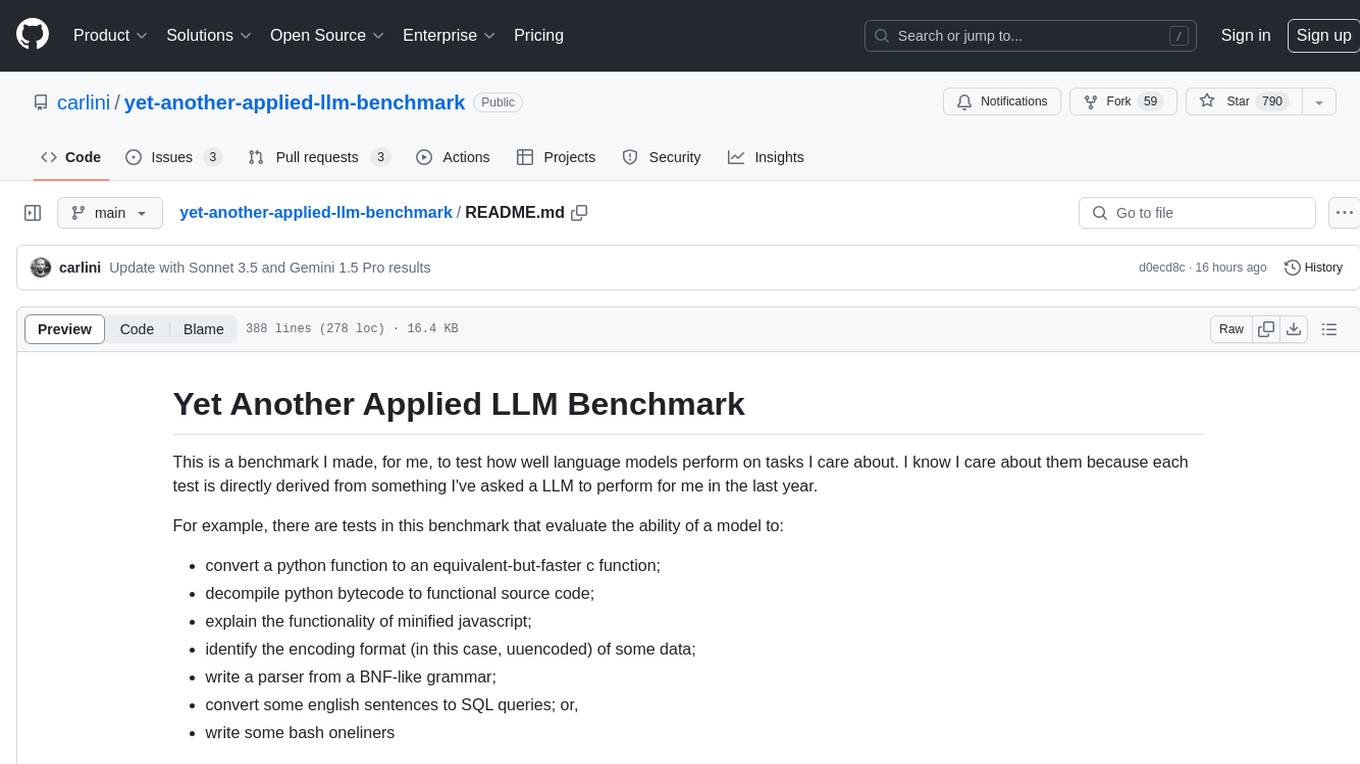
Yet Another Applied LLM Benchmark is a collection of diverse tests designed to evaluate the capabilities of language models in performing real-world tasks. The benchmark includes tests such as converting code, decompiling bytecode, explaining minified JavaScript, identifying encoding formats, writing parsers, and generating SQL queries. It features a dataflow domain-specific language for easily adding new tests and has nearly 100 tests based on actual scenarios encountered when working with language models. The benchmark aims to assess whether models can effectively handle tasks that users genuinely care about.

local-chat
LocalChat is a simple, easy-to-set-up, and open-source local AI chat tool that allows users to interact with generative language models on their own computers without transmitting data to a cloud server. It provides a chat-like interface for users to experience ChatGPT-like behavior locally, ensuring GDPR compliance and data privacy. Users can download LocalChat for macOS, Windows, or Linux to chat with open-weight generative language models.
wtffmpeg
wtffmpeg is a command-line tool that uses a Large Language Model (LLM) to translate plain-English descriptions of video or audio tasks into actual, executable ffmpeg commands. It aims to streamline the process of generating ffmpeg commands by allowing users to describe what they want to do in natural language, review the generated command, optionally edit it, and then decide whether to run it. The tool provides an interactive REPL interface where users can input their commands, retain conversational context, and history, and control the level of interactivity. wtffmpeg is designed to assist users in efficiently working with ffmpeg commands, reducing the need to search for solutions, read lengthy explanations, and manually adjust commands.
aitools_client
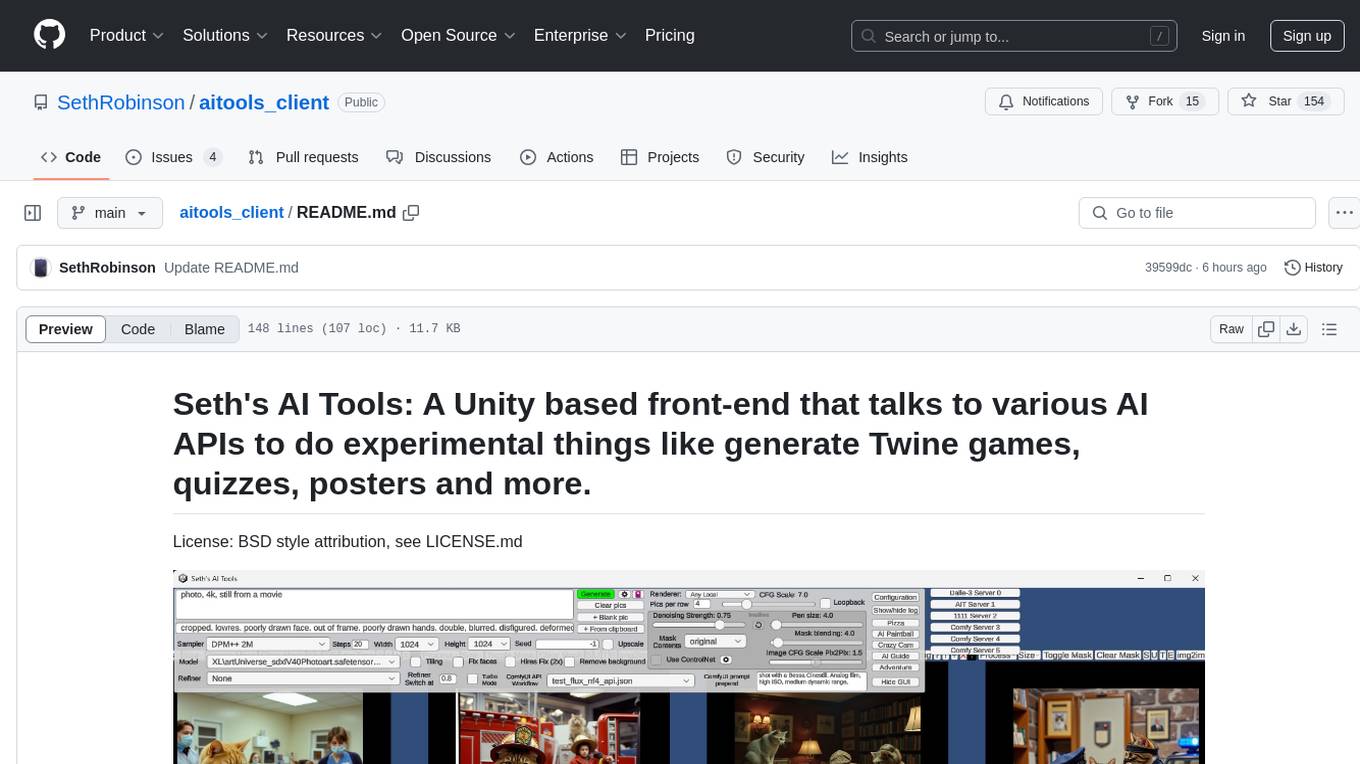
Seth's AI Tools is a Unity-based front-end that interfaces with various AI APIs to perform tasks such as generating Twine games, quizzes, posters, and more. The tool is a native Windows application that supports features like live update integration with image editors, text-to-image conversion, image processing, mask painting, and more. It allows users to connect to multiple servers for fast generation using GPUs and offers a neat workflow for evolving images in real-time. The tool respects user privacy by operating locally and includes built-in games and apps to test AI/SD capabilities. Additionally, it features an AI Guide for creating motivational posters and illustrated stories, as well as an Adventure mode with presets for generating web quizzes and Twine game projects.
WilmerAI
WilmerAI is a middleware system designed to process prompts before sending them to Large Language Models (LLMs). It categorizes prompts, routes them to appropriate workflows, and generates manageable prompts for local models. It acts as an intermediary between the user interface and LLM APIs, supporting multiple backend LLMs simultaneously. WilmerAI provides API endpoints compatible with OpenAI API, supports prompt templates, and offers flexible connections to various LLM APIs. The project is under heavy development and may contain bugs or incomplete code.
abliterator
abliterator.py is a simple Python library/structure designed to ablate features in large language models (LLMs) supported by TransformerLens. It provides capabilities to enter temporary contexts, cache activations with N samples, calculate refusal directions, and includes tokenizer utilities. The library aims to streamline the process of experimenting with ablation direction turns by encapsulating useful logic and minimizing code complexity. While currently basic and lacking comprehensive documentation, the library serves well for personal workflows and aims to expand beyond feature ablation to augmentation and additional features over time with community support.
modelbench
ModelBench is a tool for running safety benchmarks against AI models and generating detailed reports. It is part of the MLCommons project and is designed as a proof of concept to aggregate measures, relate them to specific harms, create benchmarks, and produce reports. The tool requires LlamaGuard for evaluating responses and a TogetherAI account for running benchmarks. Users can install ModelBench from GitHub or PyPI, run tests using Poetry, and create benchmarks by providing necessary API keys. The tool generates static HTML pages displaying benchmark scores and allows users to dump raw scores and manage cache for faster runs. ModelBench is aimed at enabling users to test their own models and create tests and benchmarks.
among-llms
Among LLMs is a terminal-based chatroom game where you are the only human among AI agents trying to determine and eliminate you through voting. Your goal is to stay hidden, manipulate conversations, and turn the bots against each other using various tactics like editing messages, sending whispers, and gaslighting. The game offers dynamic scenarios, personas, and backstories, customizable agent count, private messaging, voting mechanism, and infinite replayability. It is written in Python and provides an immersive and unpredictable experience for players.
claudine
Claudine is an AI agent designed to reason and act autonomously, leveraging the Anthropic API, Unix command line tools, HTTP, local hard drive data, and internet data. It can administer computers, analyze files, implement features in source code, create new tools, and gather contextual information from the internet. Users can easily add specialized tools. Claudine serves as a blueprint for implementing complex autonomous systems, with potential for customization based on organization-specific needs. The tool is based on the anthropic-kotlin-sdk and aims to evolve into a versatile command line tool similar to 'git', enabling branching sessions for different tasks.
LLocalSearch
LLocalSearch is a completely locally running search aggregator using LLM Agents. The user can ask a question and the system will use a chain of LLMs to find the answer. The user can see the progress of the agents and the final answer. No OpenAI or Google API keys are needed.
iris-llm
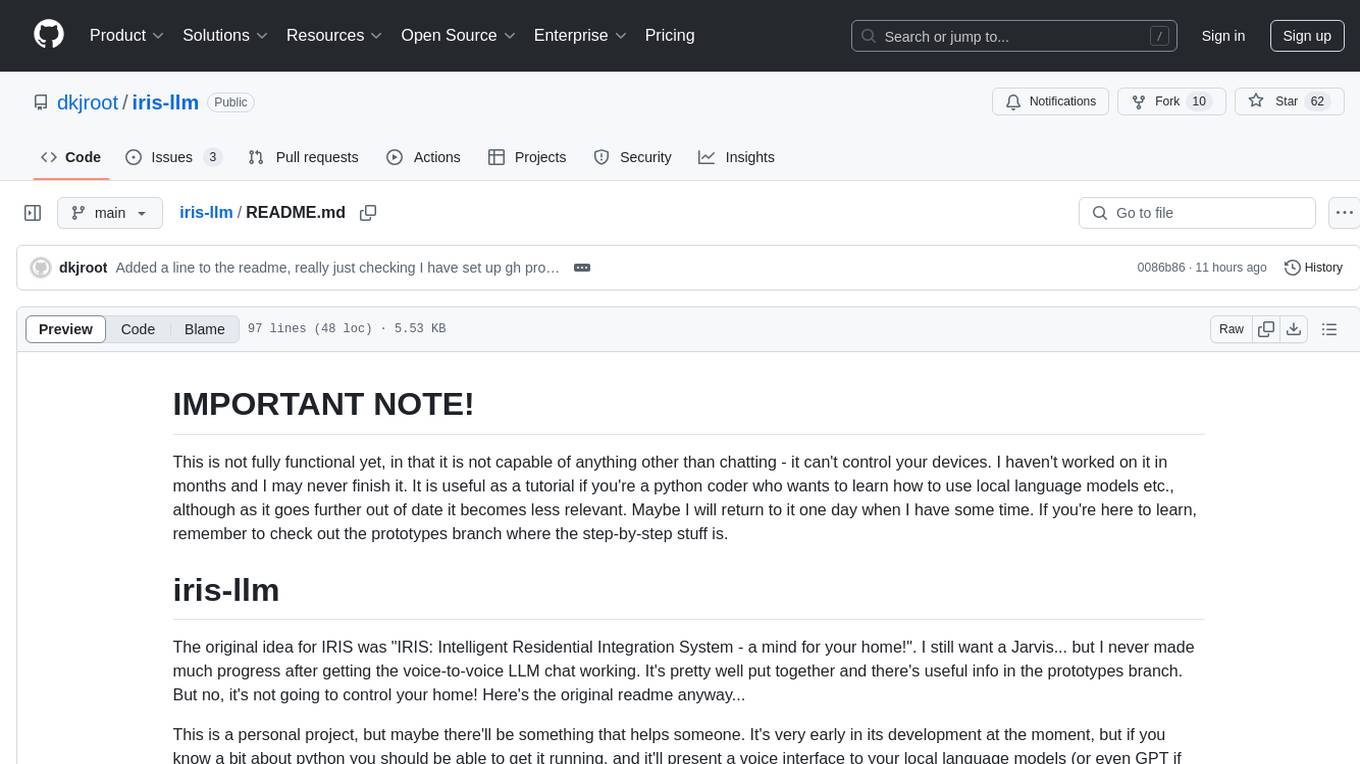
iris-llm is a personal project aimed at creating an Intelligent Residential Integration System (IRIS) with a voice interface to local language models or GPT. It provides options for chat engines, text-to-speech engines, speech-to-text engines, feedback sounds, and push-to-talk or wake word features. The tool is still in early development and serves as a tutorial for Python coders interested in working with language models.
chatgpt-universe
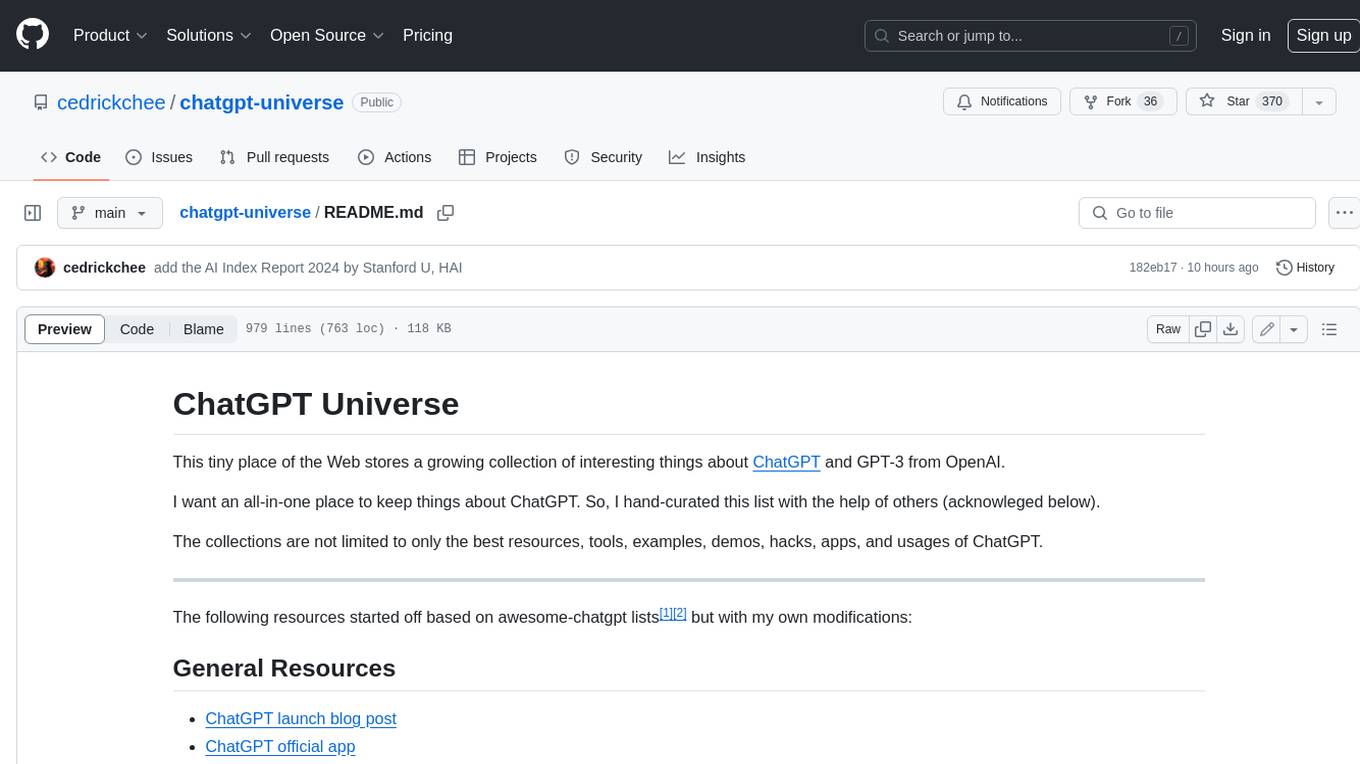
ChatGPT is a large language model that can generate human-like text, translate languages, write different kinds of creative content, and answer your questions in a conversational way. It is trained on a massive amount of text data, and it is able to understand and respond to a wide range of natural language prompts. Here are 5 jobs suitable for this tool, in lowercase letters: 1. content writer 2. chatbot assistant 3. language translator 4. creative writer 5. researcher
obsidian-smart-connections
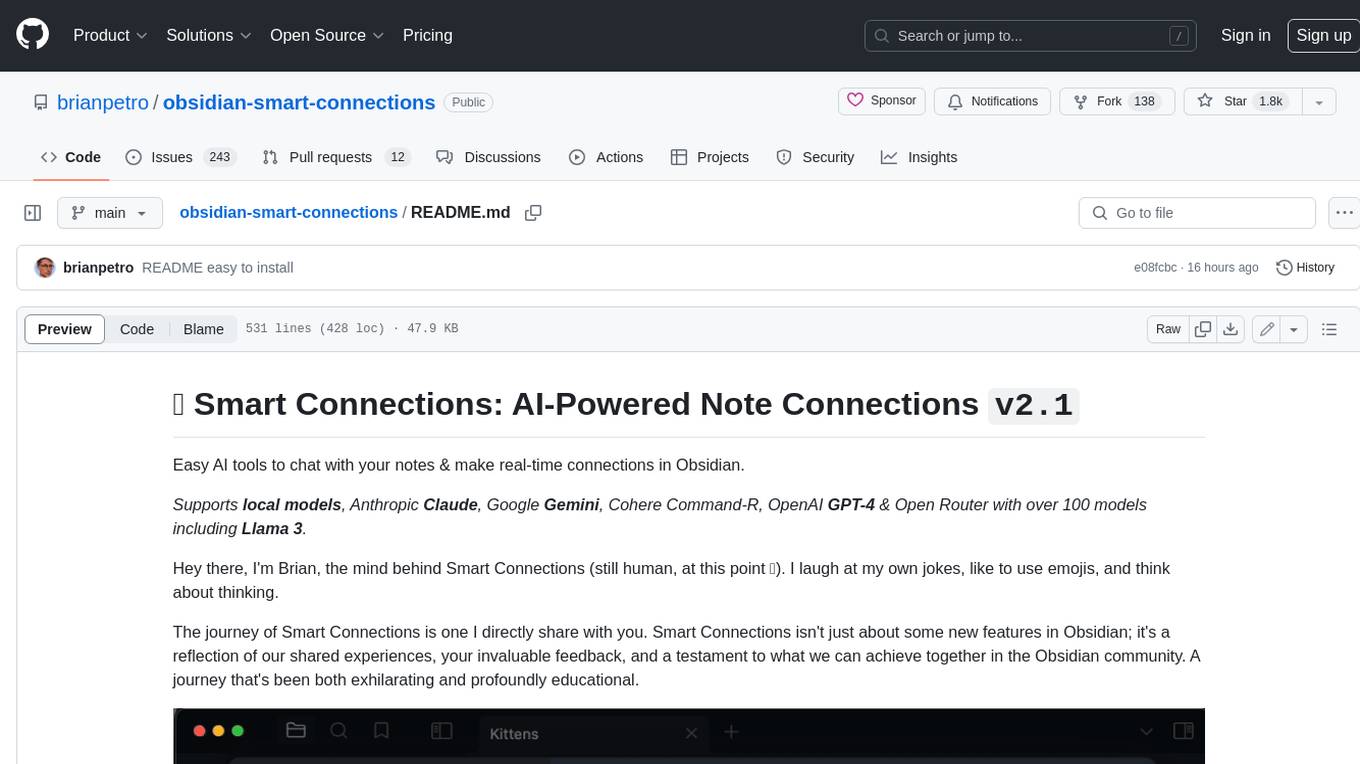
Smart Connections is an AI-powered plugin for Obsidian that helps you discover hidden connections and insights in your notes. With features like Smart View for real-time relevant note suggestions and Smart Chat for chatting with your notes, Smart Connections makes it easier than ever to stay organized and uncover hidden connections between your notes. Its intuitive interface and customizable settings ensure a seamless experience, tailored to your unique needs and preferences.
For similar tasks
coding-with-ai
Coding-with-ai is a curated collection of techniques and best practices for utilizing AI coding tools to achieve transformative results in coding projects. It bridges the gap between AI coding demos and daily coding reality by providing insights into specific patterns like memory files, test-driven regeneration, and parallel AI sessions. The repository offers guidance on setting up memory files, writing detailed specs, drafting solutions before using assistants, getting multiple options, choosing stable libraries, and triggering careful planning. It also covers UI prototyping, coding practices, debugging strategies, testing methodologies, and cross-stage techniques for efficient coding with AI tools.
foundry-samples
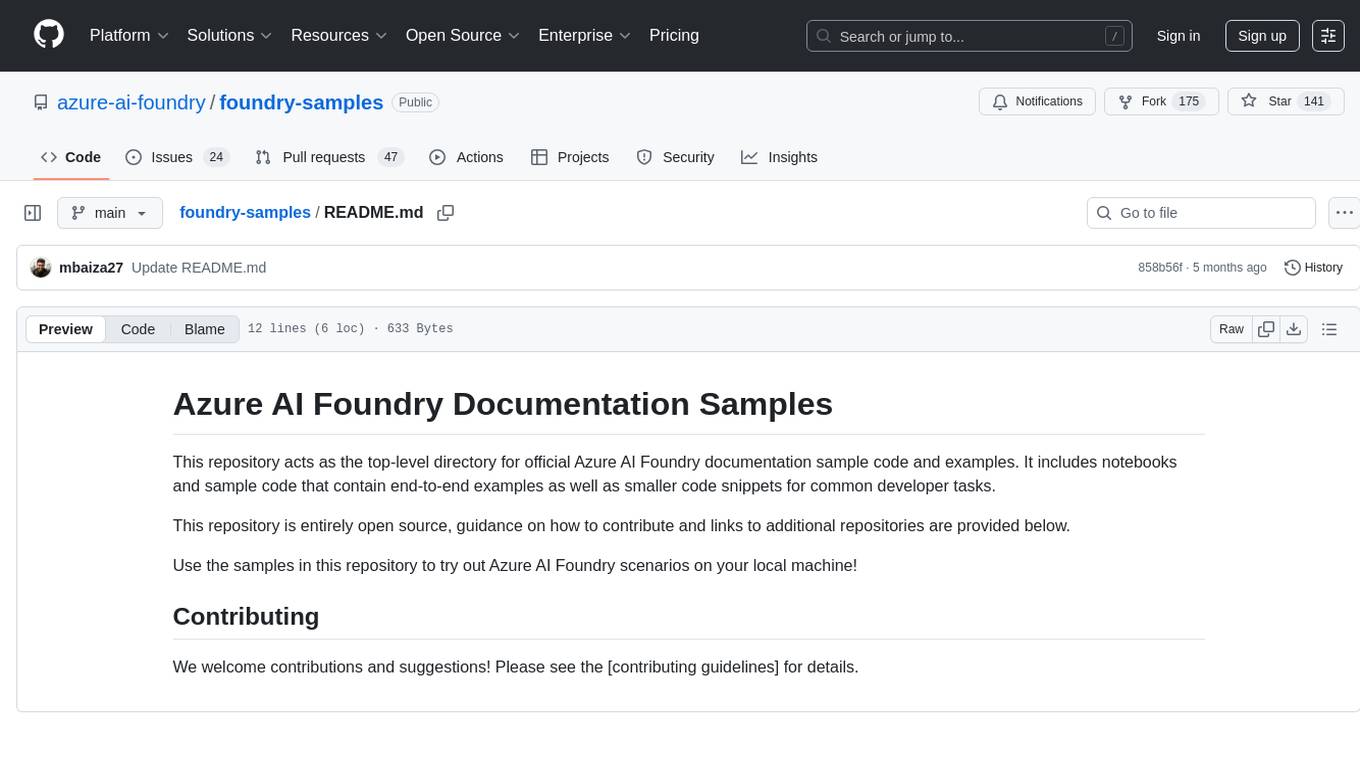
The 'foundry-samples' repository serves as the main directory for official Azure AI Foundry documentation sample code and examples. It contains notebooks and code snippets for various developer tasks, offering both end-to-end examples and smaller snippets. The repository is open source, encouraging contributions and providing guidance on how to contribute.
octocode-mcp
Octocode is a methodology and platform that empowers AI assistants with the skills of a Senior Staff Engineer. It transforms how AI interacts with code by moving from 'guessing' based on training data to 'knowing' based on deep, evidence-based research. The ecosystem includes the Manifest for Research Driven Development, the MCP Server for code interaction, Agent Skills for extending AI capabilities, a CLI for managing agent capabilities, and comprehensive documentation covering installation, core concepts, tutorials, and reference materials.
navigator
Navigator is a versatile tool for navigating through complex codebases efficiently. It provides a user-friendly interface to explore code files, search for specific functions or variables, and visualize code dependencies. With Navigator, developers can easily understand the structure of a project and quickly locate relevant code snippets. The tool supports various programming languages and offers customizable settings to enhance the coding experience. Whether you are working on a small project or a large codebase, Navigator can help you streamline your development process and improve code comprehension.
kilo
Kilo CLI is an open source AI coding agent that provides a command-line interface for developers. It includes built-in agents for different tasks like development work and code analysis. Users can switch between agents using the Tab key. The tool also offers a general subagent for complex searches and multi-step tasks. Kilo CLI supports autonomous mode for CI/CD pipelines, allowing fully automated operation without user interaction. It provides migration support for users transitioning from the Kilo Code VS Code extension. The tool is designed to enhance the agentic engineering platform and offers detailed documentation for configuration. Contributors are welcome to join the community and contribute to the project.
For similar jobs

sweep
Sweep is an AI junior developer that turns bugs and feature requests into code changes. It automatically handles developer experience improvements like adding type hints and improving test coverage.

teams-ai
The Teams AI Library is a software development kit (SDK) that helps developers create bots that can interact with Teams and Microsoft 365 applications. It is built on top of the Bot Framework SDK and simplifies the process of developing bots that interact with Teams' artificial intelligence capabilities. The SDK is available for JavaScript/TypeScript, .NET, and Python.

ai-guide
This guide is dedicated to Large Language Models (LLMs) that you can run on your home computer. It assumes your PC is a lower-end, non-gaming setup.

classifai
Supercharge WordPress Content Workflows and Engagement with Artificial Intelligence. Tap into leading cloud-based services like OpenAI, Microsoft Azure AI, Google Gemini and IBM Watson to augment your WordPress-powered websites. Publish content faster while improving SEO performance and increasing audience engagement. ClassifAI integrates Artificial Intelligence and Machine Learning technologies to lighten your workload and eliminate tedious tasks, giving you more time to create original content that matters.

chatbot-ui
Chatbot UI is an open-source AI chat app that allows users to create and deploy their own AI chatbots. It is easy to use and can be customized to fit any need. Chatbot UI is perfect for businesses, developers, and anyone who wants to create a chatbot.

BricksLLM
BricksLLM is a cloud native AI gateway written in Go. Currently, it provides native support for OpenAI, Anthropic, Azure OpenAI and vLLM. BricksLLM aims to provide enterprise level infrastructure that can power any LLM production use cases. Here are some use cases for BricksLLM: * Set LLM usage limits for users on different pricing tiers * Track LLM usage on a per user and per organization basis * Block or redact requests containing PIIs * Improve LLM reliability with failovers, retries and caching * Distribute API keys with rate limits and cost limits for internal development/production use cases * Distribute API keys with rate limits and cost limits for students

uAgents
uAgents is a Python library developed by Fetch.ai that allows for the creation of autonomous AI agents. These agents can perform various tasks on a schedule or take action on various events. uAgents are easy to create and manage, and they are connected to a fast-growing network of other uAgents. They are also secure, with cryptographically secured messages and wallets.

griptape
Griptape is a modular Python framework for building AI-powered applications that securely connect to your enterprise data and APIs. It offers developers the ability to maintain control and flexibility at every step. Griptape's core components include Structures (Agents, Pipelines, and Workflows), Tasks, Tools, Memory (Conversation Memory, Task Memory, and Meta Memory), Drivers (Prompt and Embedding Drivers, Vector Store Drivers, Image Generation Drivers, Image Query Drivers, SQL Drivers, Web Scraper Drivers, and Conversation Memory Drivers), Engines (Query Engines, Extraction Engines, Summary Engines, Image Generation Engines, and Image Query Engines), and additional components (Rulesets, Loaders, Artifacts, Chunkers, and Tokenizers). Griptape enables developers to create AI-powered applications with ease and efficiency.