


CBbot
CBbot is a new product form within the CodeBanana ecosystem, positioned as a local-first intelligent agent with full-spectrum operational capabilities. CBbot turns fragmented tools, manual operations, and scattered workflows into a unified, executable AI system.
Stars: 56
CBbot is an AI-powered coding assistant for macOS that helps users write code more efficiently, process documents, and automate tasks. It offers easy installation, built-in AI coding capabilities, auto configuration, and smart tools. Users can download CBbot for macOS 10.15 or higher, with Apple Silicon or Intel chip, and at least 6GB memory and 10GB disk space. The tool requires an internet connection for AI features. CBbot assists users in installing Docker Desktop, binding keys, troubleshooting, and using various skills for document processing and automation tasks. It also provides community support, billing based on usage, and network tips for using overseas AI models.
README:
Download DMG → Double-Click Install → Ready to Use - No Configuration Needed

🍎 Native macOS App · One-Click Setup · Ready Out of the Box
CBbot is an AI-powered coding assistant for macOS that helps you write code more efficiently, process documents, and automate tasks.
Key Features:
- ✅ Easy Installation: Download DMG, drag to Applications - that's it!
- ✅ AI Assistant: Built-in powerful AI coding capabilities
- ✅ Auto Configuration: No manual configuration file editing
- ✅ Smart Tools: Automatically installs required development tools
- Operating System: macOS 10.15 (Catalina) or higher
- Chip: Apple Silicon (M1/M2/M3/M4) or Intel
- Memory: 6GB or more recommended
- Disk Space: At least 10GB available
- Internet: Required for AI features
|
🍎 Apple Silicon (M1/M2/M3/M4) ⬇️ Download CBbot.dmg |
💻 Intel Chip ⬇️ Download CBbot.dmg |
Docker Desktop is essential for running CBbot. If you already have it installed, skip to Step 2.
Download and Install:
- Visit Docker website: https://www.docker.com/products/docker-desktop
- Click Download for Mac
- Choose based on your Mac chip:
- Apple Silicon (M1/M2/M3/M4) → Select ARM64 version
- Intel Chip → Select AMD64 version
- Double-click the
.dmgfile to install - Drag Docker icon to Applications folder
Start Docker:
- Open Launchpad, find Docker icon
- Click to launch (first launch requires password)
- Wait for Docker icon (whale) in menu bar
- Click whale icon, ensure it shows Docker Desktop is running
- Download CBbot from Releases Page
- Double-click the
CBbot.dmgfile - Drag CBbot to Applications folder
- Done!
- Open Applications and click CBbot
- First launch: Click "Open" if asked
- Wait for services to start (30-60 seconds)
Get Your Key:
- Visit CodeBanana
- Log in → Click avatar → "CBbot Key"
- Copy your Key
Bind Key:
- Paste your Key in CBbot startup screen
- Click "Bind"
- Done! CBbot is ready to use
Join our community for support, discussions, and updates!


🚀 飞书群 CBbot交流群 |
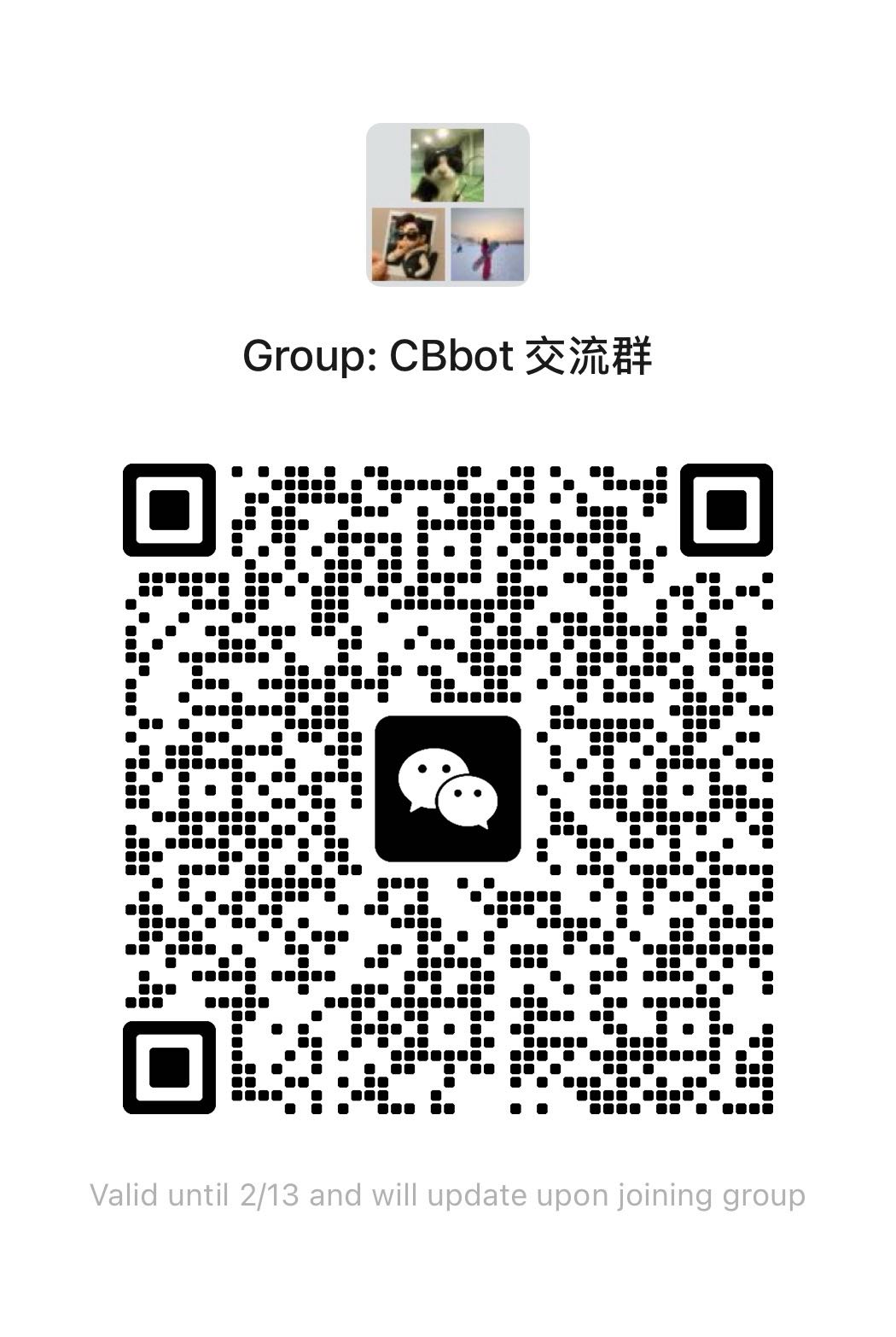
💬 微信群 CBbot 交流群 |
🚀 Get help, share ideas, and connect with other developers!
💡 获得帮助、分享想法、与其他开发者交流!
- Pay-as-you-go based on usage
- Linked via CBbot Key
- Costs: API calls + model usage
Monitor usage at CodeBanana dashboard
Using Overseas AI Models:
If you're using international AI models (OpenAI, Anthropic, etc.), we recommend enabling VPN global proxy for stable connections.
Setup:
- Enable VPN with global proxy mode
- Restart CBbot after VPN is connected
- Verify connection is stable
💡 Tip: Local models and domestic services work without VPN.
CBbot automatically uses the right skill for your task:
Documents: docx, pptx, xlsx, pdf
Automation: macos-automation, custom skills
Usage Example:
- "Create presentation" → Uses pptx skill
- "Analyze Excel data" → Uses xlsx skill
- "Send email" → Uses macos-automation
No need to specify skills - CBbot picks the right one!
Add Your Own:
Contribute to skills/ directory. See codebanana-skill-guide for details.
Black screen on launch:
- Docker is starting up
- Quit CBbot (⌘+Q), wait for Docker, relaunch
CBbot won't start:
- Check Docker Desktop is running
- Ensure 6GB+ memory available
- Restart Docker and CBbot
Can't access interface:
- Wait 1-2 minutes for startup
- Check CBbot shows "Running"
- Restart CBbot if needed
Key binding failed:
- Check Key has no extra spaces
- Verify network connection
- Get new Key from CodeBanana
Git install fails:
- Check network connection
- Restart CBbot to retry installation
Permission denied:
- Enter password when prompted
- Allow required installations
Docker not detected:
- Install from Docker website
- Launch and wait for "running" status
- Restart CBbot
Drag CBbot from Applications to Trash, then empty Trash.
This project is licensed under the MIT License - see the LICENSE file for details.
Happy Coding! 🎉
Made with ❤️ by the CodeBanana team
For Tasks:
Click tags to check more tools for each tasksFor Jobs:
Alternative AI tools for CBbot
Similar Open Source Tools
CBbot
CBbot is an AI-powered coding assistant for macOS that helps users write code more efficiently, process documents, and automate tasks. It offers easy installation, built-in AI coding capabilities, auto configuration, and smart tools. Users can download CBbot for macOS 10.15 or higher, with Apple Silicon or Intel chip, and at least 6GB memory and 10GB disk space. The tool requires an internet connection for AI features. CBbot assists users in installing Docker Desktop, binding keys, troubleshooting, and using various skills for document processing and automation tasks. It also provides community support, billing based on usage, and network tips for using overseas AI models.
AionUi
AionUi is a user interface library for building modern and responsive web applications. It provides a set of customizable components and styles to create visually appealing user interfaces. With AionUi, developers can easily design and implement interactive web interfaces that are both functional and aesthetically pleasing. The library is built using the latest web technologies and follows best practices for performance and accessibility. Whether you are working on a personal project or a professional application, AionUi can help you streamline the UI development process and deliver a seamless user experience.
pocketpal-ai
PocketPal AI is a versatile virtual assistant tool designed to streamline daily tasks and enhance productivity. It leverages artificial intelligence technology to provide personalized assistance in managing schedules, organizing information, setting reminders, and more. With its intuitive interface and smart features, PocketPal AI aims to simplify users' lives by automating routine activities and offering proactive suggestions for optimal time management and task prioritization.
RSTGameTranslation
RSTGameTranslation is a tool designed for translating game text into multiple languages efficiently. It provides a user-friendly interface for game developers to easily manage and localize their game content. With RSTGameTranslation, developers can streamline the translation process, ensuring consistency and accuracy across different language versions of their games. The tool supports various file formats commonly used in game development, making it versatile and adaptable to different project requirements. Whether you are working on a small indie game or a large-scale production, RSTGameTranslation can help you reach a global audience by making localization a seamless and hassle-free experience.
LynxHub
LynxHub is a platform that allows users to seamlessly install, configure, launch, and manage all their AI interfaces from a single, intuitive dashboard. It offers features like AI interface management, arguments manager, custom run commands, pre-launch actions, extension management, in-app tools like terminal and web browser, AI information dashboard, Discord integration, and additional features like theme options and favorite interface pinning. The platform supports modular design for custom AI modules and upcoming extensions system for complete customization. LynxHub aims to streamline AI workflow and enhance user experience with a user-friendly interface and comprehensive functionalities.
shots-studio
Shots Studio is a screenshot manager that uses on-device AI to intelligently organize and declutter your gallery. It offers AI-driven search, smart tagging, and custom collections for efficient screenshot management. Users can choose between cloud-powered AI or offline Gemma On-Device AI for privacy and speed. The tool allows users to search by content, automatically generate tags, group related screenshots, and process images without an internet connection. Shots Studio is open source, community-driven, and offers customizable AI options for personalized usage.
talkcody
TalkCody is a free, open-source AI coding agent designed for developers who value speed, cost, control, and privacy. It offers true freedom to use any AI model without vendor lock-in, maximum speed through unique four-level parallelism, and complete privacy as everything runs locally without leaving the user's machine. With professional-grade features like multimodal input support, MCP server compatibility, and a marketplace for agents and skills, TalkCody aims to enhance development productivity and flexibility.

layra
LAYRA is the world's first visual-native AI automation engine that sees documents like a human, preserves layout and graphical elements, and executes arbitrarily complex workflows with full Python control. It empowers users to build next-generation intelligent systems with no limits or compromises. Built for Enterprise-Grade deployment, LAYRA features a modern frontend, high-performance backend, decoupled service architecture, visual-native multimodal document understanding, and a powerful workflow engine.
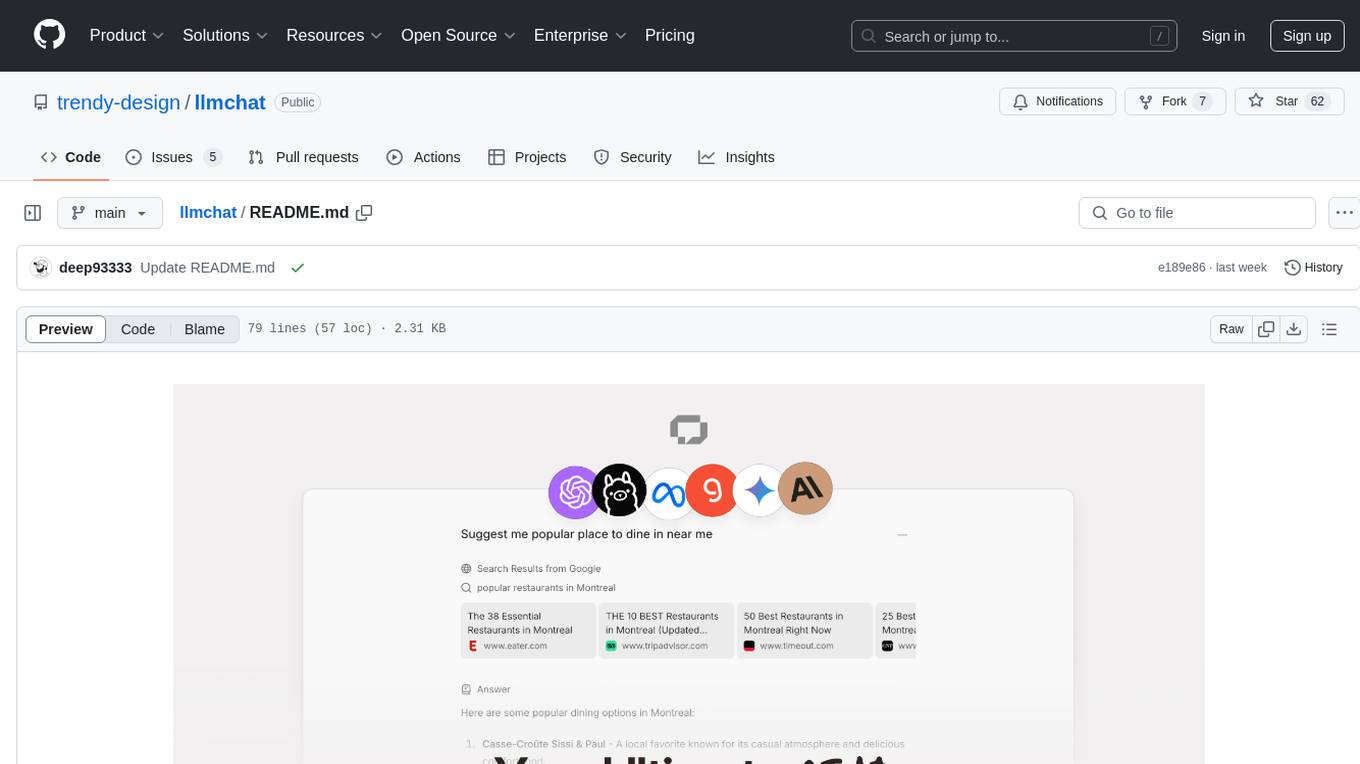
llmchat
LLMChat is an all-in-one AI chat interface that supports multiple language models, offers a plugin library for enhanced functionality, enables web search capabilities, allows customization of AI assistants, provides text-to-speech conversion, ensures secure local data storage, and facilitates data import/export. It also includes features like knowledge spaces, prompt library, personalization, and can be installed as a Progressive Web App (PWA). The tech stack includes Next.js, TypeScript, Pglite, LangChain, Zustand, React Query, Supabase, Tailwind CSS, Framer Motion, Shadcn, and Tiptap. The roadmap includes upcoming features like speech-to-text and knowledge spaces.
FastFlowLM
FastFlowLM is a Python library for efficient and scalable language model inference. It provides a high-performance implementation of language model scoring using n-gram language models. The library is designed to handle large-scale text data and can be easily integrated into natural language processing pipelines for tasks such as text generation, speech recognition, and machine translation. FastFlowLM is optimized for speed and memory efficiency, making it suitable for both research and production environments.
evi-run
evi-run is a powerful, production-ready multi-agent AI system built on Python using the OpenAI Agents SDK. It offers instant deployment, ultimate flexibility, built-in analytics, Telegram integration, and scalable architecture. The system features memory management, knowledge integration, task scheduling, multi-agent orchestration, custom agent creation, deep research, web intelligence, document processing, image generation, DEX analytics, and Solana token swap. It supports flexible usage modes like private, free, and pay mode, with upcoming features including NSFW mode, task scheduler, and automatic limit orders. The technology stack includes Python 3.11, OpenAI Agents SDK, Telegram Bot API, PostgreSQL, Redis, and Docker & Docker Compose for deployment.
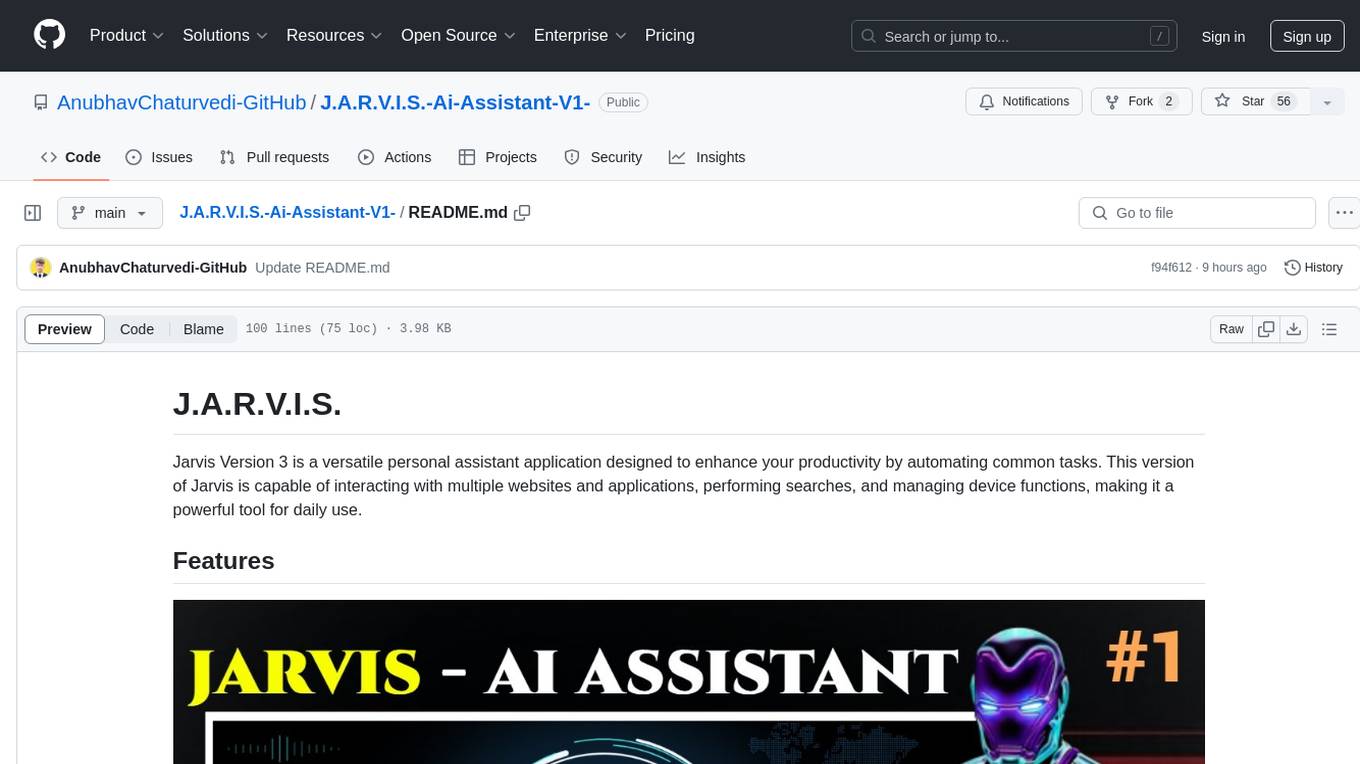
J.A.R.V.I.S.-Ai-Assistant-V1-
Jarvis Version 3 is a versatile personal assistant application designed to enhance productivity by automating common tasks. It can interact with websites and applications, perform searches, manage device functions, and control music. Users can give commands to open websites, search on Google or YouTube, scroll pages, manage applications, check time, internet speed, battery percentage, battery alerts, charging status, play music, and synchronize clapping with music. The tool offers features for web navigation, search functionality, scrolling, application management, device management, and music control.
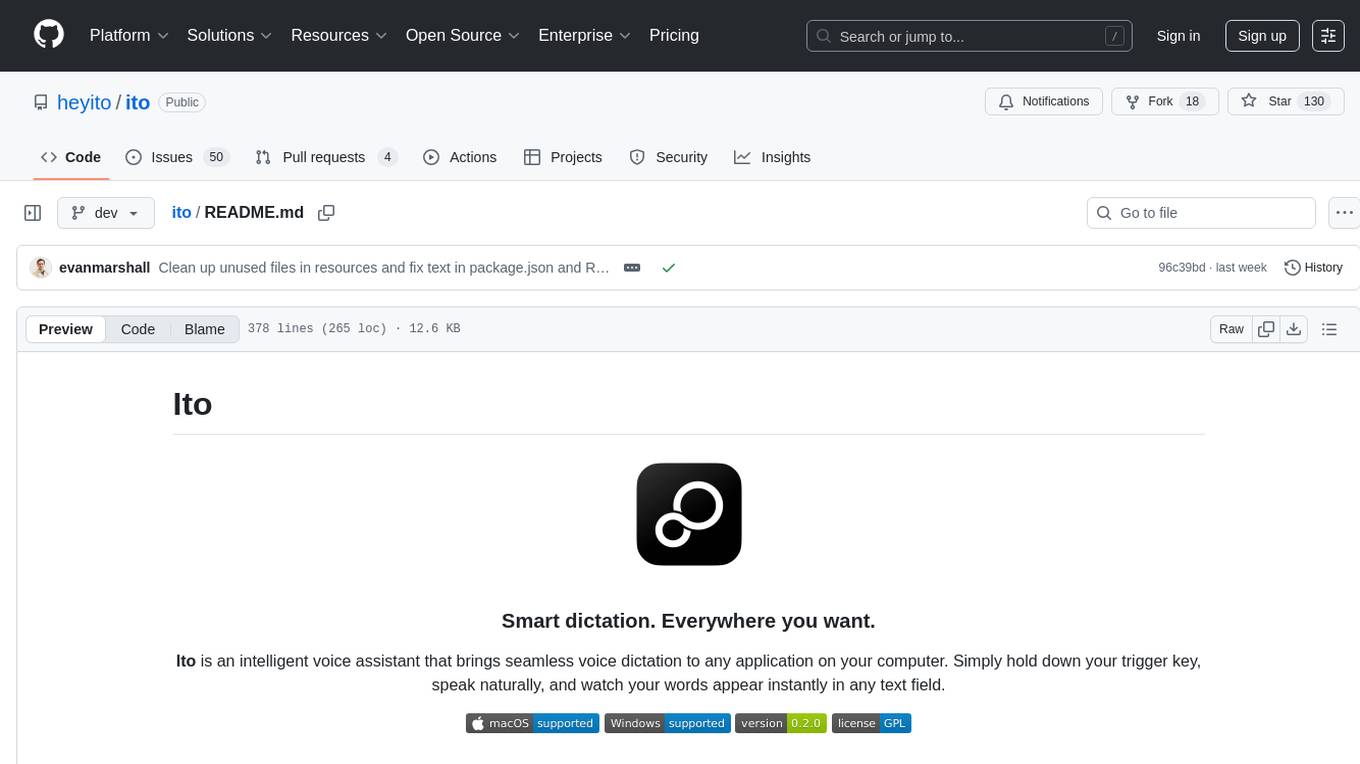
ito
Ito is an intelligent voice assistant that provides seamless voice dictation to any application on your computer. It works in any app, offers global keyboard shortcuts, real-time transcription, and instant text insertion. It is smart and adaptive with features like custom dictionary, context awareness, multi-language support, and intelligent punctuation. Users can customize trigger keys, audio preferences, and privacy controls. It also offers data management features like a notes system, interaction history, cloud sync, and export capabilities. Ito is built as a modern Electron application with a multi-process architecture and utilizes technologies like React, TypeScript, Rust, gRPC, and AWS CDK.
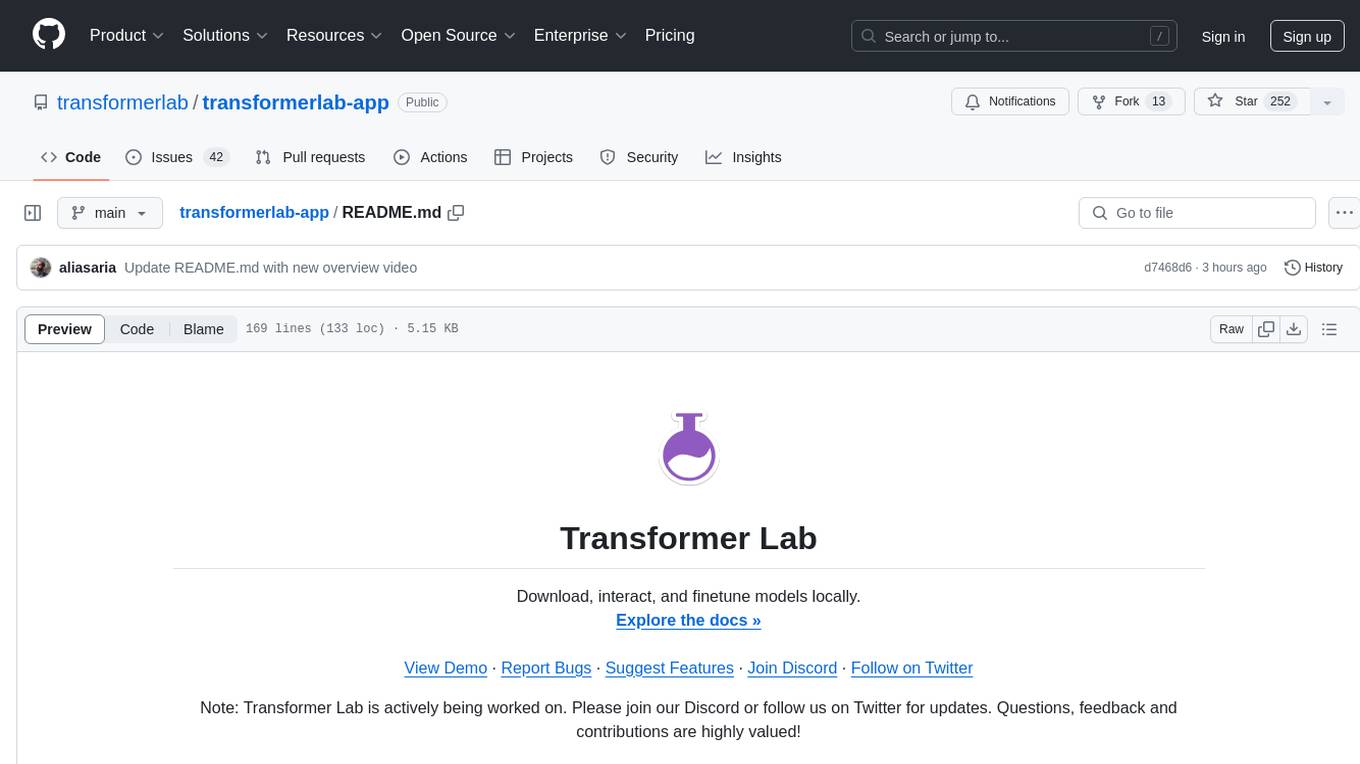
transformerlab-app
Transformer Lab is an app that allows users to experiment with Large Language Models by providing features such as one-click download of popular models, finetuning across different hardware, RLHF and Preference Optimization, working with LLMs across different operating systems, chatting with models, using different inference engines, evaluating models, building datasets for training, calculating embeddings, providing a full REST API, running in the cloud, converting models across platforms, supporting plugins, embedded Monaco code editor, prompt editing, inference logs, all through a simple cross-platform GUI.
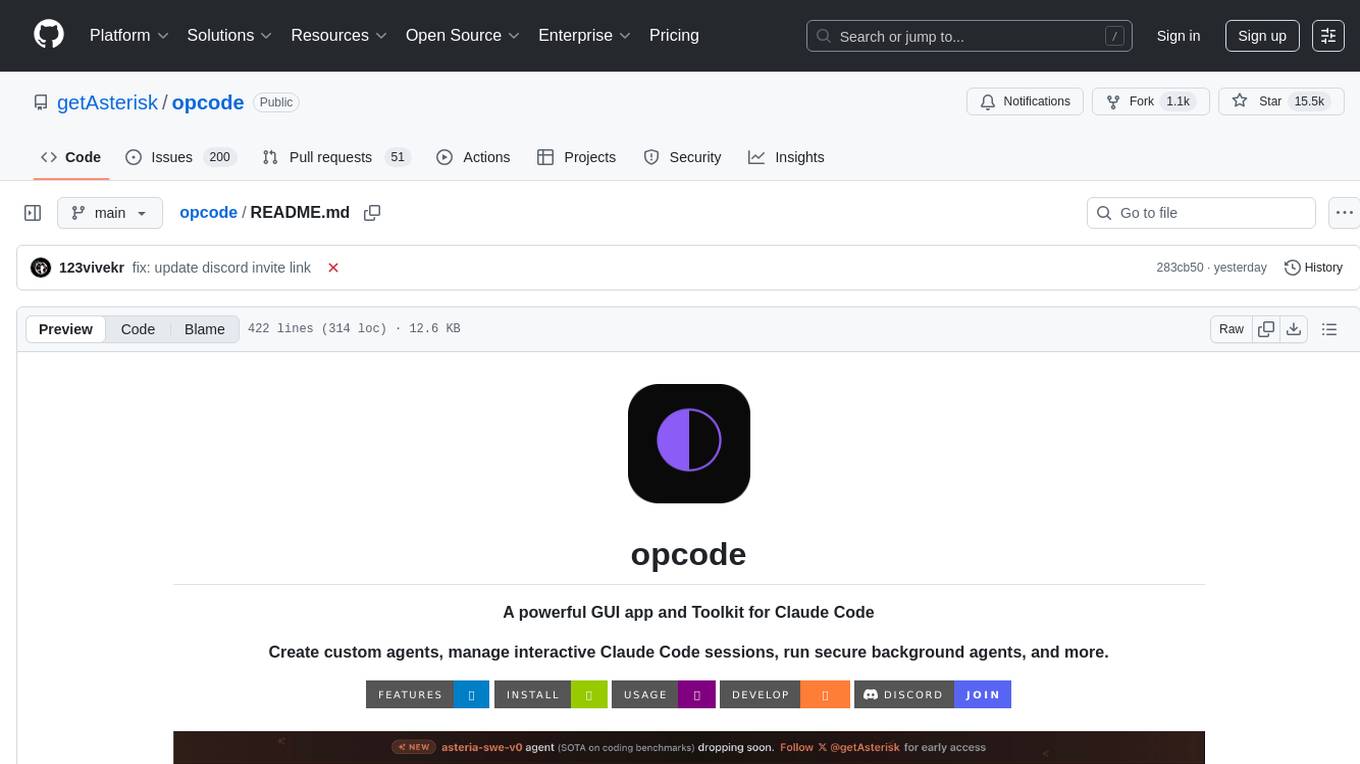
opcode
opcode is a powerful desktop application built with Tauri 2 that serves as a command center for interacting with Claude Code. It offers a visual GUI for managing Claude Code sessions, creating custom agents, tracking usage, and more. Users can navigate projects, create specialized AI agents, monitor usage analytics, manage MCP servers, create session checkpoints, edit CLAUDE.md files, and more. The tool bridges the gap between command-line tools and visual experiences, making AI-assisted development more intuitive and productive.
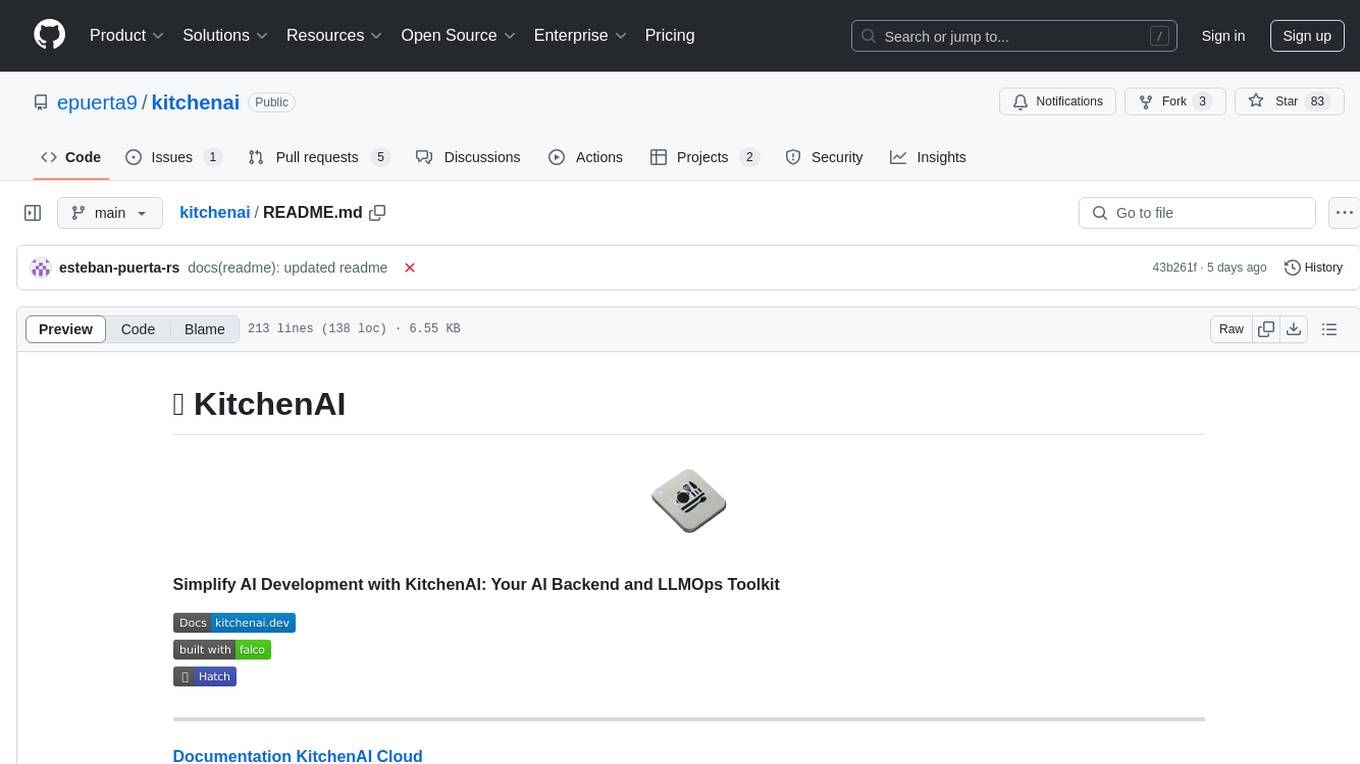
kitchenai
KitchenAI is an open-source toolkit designed to simplify AI development by serving as an AI backend and LLMOps solution. It aims to empower developers to focus on delivering results without being bogged down by AI infrastructure complexities. With features like simplifying AI integration, providing an AI backend, and empowering developers, KitchenAI streamlines the process of turning AI experiments into production-ready APIs. It offers built-in LLMOps features, is framework-agnostic and extensible, and enables faster time-to-production. KitchenAI is suitable for application developers, AI developers & data scientists, and platform & infra engineers, allowing them to seamlessly integrate AI into apps, deploy custom AI techniques, and optimize AI services with a modular framework. The toolkit eliminates the need to build APIs and infrastructure from scratch, making it easier to deploy AI code as production-ready APIs in minutes. KitchenAI also provides observability, tracing, and evaluation tools, and offers a Docker-first deployment approach for scalability and confidence.
For similar tasks

Magick
Magick is a groundbreaking visual AIDE (Artificial Intelligence Development Environment) for no-code data pipelines and multimodal agents. Magick can connect to other services and comes with nodes and templates well-suited for intelligent agents, chatbots, complex reasoning systems and realistic characters.

danswer
Danswer is an open-source Gen-AI Chat and Unified Search tool that connects to your company's docs, apps, and people. It provides a Chat interface and plugs into any LLM of your choice. Danswer can be deployed anywhere and for any scale - on a laptop, on-premise, or to cloud. Since you own the deployment, your user data and chats are fully in your own control. Danswer is MIT licensed and designed to be modular and easily extensible. The system also comes fully ready for production usage with user authentication, role management (admin/basic users), chat persistence, and a UI for configuring Personas (AI Assistants) and their Prompts. Danswer also serves as a Unified Search across all common workplace tools such as Slack, Google Drive, Confluence, etc. By combining LLMs and team specific knowledge, Danswer becomes a subject matter expert for the team. Imagine ChatGPT if it had access to your team's unique knowledge! It enables questions such as "A customer wants feature X, is this already supported?" or "Where's the pull request for feature Y?"

semantic-kernel
Semantic Kernel is an SDK that integrates Large Language Models (LLMs) like OpenAI, Azure OpenAI, and Hugging Face with conventional programming languages like C#, Python, and Java. Semantic Kernel achieves this by allowing you to define plugins that can be chained together in just a few lines of code. What makes Semantic Kernel _special_ , however, is its ability to _automatically_ orchestrate plugins with AI. With Semantic Kernel planners, you can ask an LLM to generate a plan that achieves a user's unique goal. Afterwards, Semantic Kernel will execute the plan for the user.

floneum
Floneum is a graph editor that makes it easy to develop your own AI workflows. It uses large language models (LLMs) to run AI models locally, without any external dependencies or even a GPU. This makes it easy to use LLMs with your own data, without worrying about privacy. Floneum also has a plugin system that allows you to improve the performance of LLMs and make them work better for your specific use case. Plugins can be used in any language that supports web assembly, and they can control the output of LLMs with a process similar to JSONformer or guidance.
mindsdb
MindsDB is a platform for customizing AI from enterprise data. You can create, serve, and fine-tune models in real-time from your database, vector store, and application data. MindsDB "enhances" SQL syntax with AI capabilities to make it accessible for developers worldwide. With MindsDB’s nearly 200 integrations, any developer can create AI customized for their purpose, faster and more securely. Their AI systems will constantly improve themselves — using companies’ own data, in real-time.

aiscript
AiScript is a lightweight scripting language that runs on JavaScript. It supports arrays, objects, and functions as first-class citizens, and is easy to write without the need for semicolons or commas. AiScript runs in a secure sandbox environment, preventing infinite loops from freezing the host. It also allows for easy provision of variables and functions from the host.

activepieces
Activepieces is an open source replacement for Zapier, designed to be extensible through a type-safe pieces framework written in Typescript. It features a user-friendly Workflow Builder with support for Branches, Loops, and Drag and Drop. Activepieces integrates with Google Sheets, OpenAI, Discord, and RSS, along with 80+ other integrations. The list of supported integrations continues to grow rapidly, thanks to valuable contributions from the community. Activepieces is an open ecosystem; all piece source code is available in the repository, and they are versioned and published directly to npmjs.com upon contributions. If you cannot find a specific piece on the pieces roadmap, please submit a request by visiting the following link: Request Piece Alternatively, if you are a developer, you can quickly build your own piece using our TypeScript framework. For guidance, please refer to the following guide: Contributor's Guide
superagent-js
Superagent is an open source framework that enables any developer to integrate production ready AI Assistants into any application in a matter of minutes.
For similar jobs

sweep
Sweep is an AI junior developer that turns bugs and feature requests into code changes. It automatically handles developer experience improvements like adding type hints and improving test coverage.

teams-ai
The Teams AI Library is a software development kit (SDK) that helps developers create bots that can interact with Teams and Microsoft 365 applications. It is built on top of the Bot Framework SDK and simplifies the process of developing bots that interact with Teams' artificial intelligence capabilities. The SDK is available for JavaScript/TypeScript, .NET, and Python.

ai-guide
This guide is dedicated to Large Language Models (LLMs) that you can run on your home computer. It assumes your PC is a lower-end, non-gaming setup.

classifai
Supercharge WordPress Content Workflows and Engagement with Artificial Intelligence. Tap into leading cloud-based services like OpenAI, Microsoft Azure AI, Google Gemini and IBM Watson to augment your WordPress-powered websites. Publish content faster while improving SEO performance and increasing audience engagement. ClassifAI integrates Artificial Intelligence and Machine Learning technologies to lighten your workload and eliminate tedious tasks, giving you more time to create original content that matters.

chatbot-ui
Chatbot UI is an open-source AI chat app that allows users to create and deploy their own AI chatbots. It is easy to use and can be customized to fit any need. Chatbot UI is perfect for businesses, developers, and anyone who wants to create a chatbot.

BricksLLM
BricksLLM is a cloud native AI gateway written in Go. Currently, it provides native support for OpenAI, Anthropic, Azure OpenAI and vLLM. BricksLLM aims to provide enterprise level infrastructure that can power any LLM production use cases. Here are some use cases for BricksLLM: * Set LLM usage limits for users on different pricing tiers * Track LLM usage on a per user and per organization basis * Block or redact requests containing PIIs * Improve LLM reliability with failovers, retries and caching * Distribute API keys with rate limits and cost limits for internal development/production use cases * Distribute API keys with rate limits and cost limits for students

uAgents
uAgents is a Python library developed by Fetch.ai that allows for the creation of autonomous AI agents. These agents can perform various tasks on a schedule or take action on various events. uAgents are easy to create and manage, and they are connected to a fast-growing network of other uAgents. They are also secure, with cryptographically secured messages and wallets.

griptape
Griptape is a modular Python framework for building AI-powered applications that securely connect to your enterprise data and APIs. It offers developers the ability to maintain control and flexibility at every step. Griptape's core components include Structures (Agents, Pipelines, and Workflows), Tasks, Tools, Memory (Conversation Memory, Task Memory, and Meta Memory), Drivers (Prompt and Embedding Drivers, Vector Store Drivers, Image Generation Drivers, Image Query Drivers, SQL Drivers, Web Scraper Drivers, and Conversation Memory Drivers), Engines (Query Engines, Extraction Engines, Summary Engines, Image Generation Engines, and Image Query Engines), and additional components (Rulesets, Loaders, Artifacts, Chunkers, and Tokenizers). Griptape enables developers to create AI-powered applications with ease and efficiency.