


pocketpal-ai
An app that brings language models directly to your phone.
Stars: 5712
PocketPal AI is a versatile virtual assistant tool designed to streamline daily tasks and enhance productivity. It leverages artificial intelligence technology to provide personalized assistance in managing schedules, organizing information, setting reminders, and more. With its intuitive interface and smart features, PocketPal AI aims to simplify users' lives by automating routine activities and offering proactive suggestions for optimal time management and task prioritization.
README:
PocketPal AI is a pocket-sized AI assistant powered by small language models (SLMs) that run directly on your phone. Designed for both iOS and Android, PocketPal AI lets you interact with various SLMs without the need for an internet connection. Your privacy is fully protected as all processing happens entirely on-device — your conversations, prompts, and data never leave your phone or get stored on external servers.
Note on Privacy: The only data that may leave your device is what you explicitly choose to share: benchmark results (if you opt to contribute to the leaderboard) and any feedback you voluntarily submit through the app.
- PocketPal AI 📱🚀
- 🔒 HF Token Authentication (v1.9.0, Apr, 2025): Access gated models from Hugging Face with your authentication token.
- 🌐 Localization Support (v1.8.16, Apr, 2025): PocketPal AI now supports multiple languages (At the moment Japanese and Chinese).
- 📱 iPad Support (v1.8.12, Mar, 2025): Full support for iPad devices including landscape orientation.
- 👤 Pals Feature (v1.8.0, Feb, 2025): Create and chat with personalized AI assistants with different personalities.
- 🔍 Benchmarking Tool (v1.6.1, 2024): Test and compare model performance with the built-in benchmarking feature.
- 🎨 New Icon Alert (Nov 2024): PocketPal AI has a fresh new look! Huge thanks to Chun Te Lee for the design! Read more.
- 🚀 Hugging Face Public Hub Integration (v1.5, Nov 2024): PocketPal AI now integrates with the Hugging Face model Hub! Browse, download, and run models directly from the Hugging Face Hub within the app. Read more
- Offline AI Assistance: Run language models directly on your device without internet connectivity.
- Model Flexibility: Download and swap between multiple SLMs, including Danube 2 and 3, Phi, Gemma 2, and Qwen.
- Auto Offload/Load: Automatically manage memory by offloading models when the app is in the background.
- Inference Settings: Customize model parameters like system prompt, temperature, BOS token, and chat templates.
- Real-Time Performance Metrics: View tokens per second and milliseconds per token during AI response generation.
- Message Editing: Edit your messages and retry AI generation.
- Personalized Pals: Create different AI personalities with customized settings.
- Background Downloads: Continue downloading models while using other apps (iOS).
- Screen Awake During Inference: Keep your screen on while the AI is generating responses.
- Multi-device Support: Optimized for both phones and tablets, including iPad.
- Localization: Use the app in your preferred language.
- Hugging Face Integration: Access both public and gated models with authentication.
Download PocketPal AI from the App Store:
Get PocketPal AI on Google Play:
- Open the app and tap the Menu icon (☰).
- Navigate to the Models page.
- Choose a model from the list and tap Download.
- Or tap the + button to add models from Hugging Face or locally downloaded ones.
- If you select "Add from Hugging Face", you can search GGUF models directly on HF and select any quantization that fits your device (memory and storage).
- You can then download it immediately or bookmark it for later.

- After downloading, tap Load next to the model to load it to memory.
- You can also load a model directly within the chat page using the chevron icon on the left side of the chat input.
- Ensure a model is loaded.
- Navigate to the Chat page from the menu.
- Start conversing with your AI assistant!
- The screen will stay awake during inference and deactivate when idle.
- You can select and load models using the chevron icon on the left side of the chat input.

- Copy Entire Response: Tap the copy icon at the bottom of the AI's response bubble.
- Copy Specific Paragraph: Long-press on a paragraph to copy its content.
Note: Preserving text formatting while copying is currently limited. We're working on improving this feature.
- Long-press on any of your messages to edit them.
- After editing, the AI will regenerate its response based on your changes.
- Use the retry option to get a new response without changing your message.
- You can also retry generation using a different model for comparison or better results.
- Create personalized AI assistants with different personalities and settings.
- PocketPal offers two different pal types:
- Assistant Pal: Select a default model, set a system prompt (manually or generated by another AI), and customize chat text input color.
- Roleplay Pal: Similar to Assistant Pal plus additional settings for location, AI's role, and other contextual parameters.
- Select a Pal using the Pal picker in the chat page to quickly switch between different personas.

An example of creating a cocktail recipe assistant

Setting up a roleplay pal with custom parameters

Using AI to generate system prompts for your pals
- Navigate to the Benchmarking page.
- Run performance tests on your models to compare speed and efficiency.
- View detailed metrics like tokens per second and memory usage.
- Share your benchmark results and compare with other devices on the PocketPal AI Phone Leaderboard.

Access gated models from Hugging Face by setting up your authentication token:
-
First, get an access token from your Hugging Face account:
- Refer to the HF Security Tokens documentation

-
In PocketPal AI:
- Navigate to the Settings page
- Tap on "Set Token"
- Paste your personal access token in the text input
- Save

Share your thoughts directly from the app:
- Navigate to the App Info page
- Tap on "Sharing your thoughts"
- Type in whatever you'd like to share, from feature requests to suggestions
- Hit "Submit Feedback"

Interested in contributing or running the app locally? Follow the steps below.
- Node.js (version 18 or higher)
- Yarn
- React Native CLI
- Xcode (for iOS development)
- Android Studio (for Android development)
-
Fork and Clone the Repository
git clone https://github.com/a-ghorbani/pocketpal-ai cd pocketpal-ai -
Install Dependencies
yarn install
-
Install Pod Dependencies (iOS Only)
cd ios
pod install
cd ..
-
Run the App
-
iOS Simulator
yarn ios
-
Android Emulator
yarn android
-
-
Start Metro Bundler
yarn start
-
Clean Build Artifacts
yarn clean
-
Lint and Type Check
yarn lint
yarn typecheck
-
Run Tests
yarn test
We welcome all contributions! Please read our Contributing Guidelines and Code of Conduct before you start.
-
Fork the Repository
-
Create a New Branch
git checkout -b feature/your-feature-name
-
Make Your Changes
-
Test Your Changes
-
Run on iOS
yarn ios
-
Run on Android
yarn android
-
-
Lint and Type Check
yarn lint
yarn typecheck
-
Commit Your Changes
-
Follow the Conventional Commits format:
git commit -m "feat: add new model support"
-
-
Push and Open a Pull Request
git push origin feature/your-feature-name
- New Models: Add support for more tiny LLMs.
- UI/UX Enhancements: Continue improving the overall user interface and user experience.
- Improved Documentation: Enhance the documentation of the project.
- Performance Optimization: Further optimize performance across different device types.
- More Languages: Add support for additional languages through localization.
- Enhanced Error Handling: Improve error handling and recovery mechanisms.
Feel free to open issues to suggest features or report bugs.
This project is licensed under the MIT License.
For questions or feedback, please open an issue.
PocketPal AI is built using the amazing work from:
- llama.cpp: Enables efficient inference of LLMs on local devices.
- llama.rn: Implements llama.cpp bindings into React Native.
- React Native: The framework powering the cross-platform mobile experience.
- MobX: State management library that keeps the app reactive and performant.
- React Native Paper: Material Design components for the UI.
- React Navigation: Routing and navigation for the app's screens.
- Gorhom Bottom Sheet: Powers the smooth bottom sheet interactions throughout the app.
- @dr.pogodin/react-native-fs: File system access that enables model download and management.
And many other open source libraries that make this project possible!
Happy exploring! 🚀📱✨
For Tasks:
Click tags to check more tools for each tasksFor Jobs:
Alternative AI tools for pocketpal-ai
Similar Open Source Tools
pocketpal-ai
PocketPal AI is a versatile virtual assistant tool designed to streamline daily tasks and enhance productivity. It leverages artificial intelligence technology to provide personalized assistance in managing schedules, organizing information, setting reminders, and more. With its intuitive interface and smart features, PocketPal AI aims to simplify users' lives by automating routine activities and offering proactive suggestions for optimal time management and task prioritization.
SAM
SAM is a native macOS AI assistant built with Swift and SwiftUI, designed for non-developers who want powerful tools in their everyday life. It provides real assistance, smart memory, voice control, image generation, and custom AI model training. SAM keeps your data on your Mac, supports multiple AI providers, and offers features for documents, creativity, writing, organization, learning, and more. It is privacy-focused, user-friendly, and accessible from various devices. SAM stands out with its privacy-first approach, intelligent memory, task execution capabilities, powerful tools, image generation features, custom AI model training, and flexible AI provider support.

easydiffusion
Easy Diffusion 3.0 is a user-friendly tool for installing and using Stable Diffusion on your computer. It offers hassle-free installation, clutter-free UI, task queue, intelligent model detection, live preview, image modifiers, multiple prompts file, saving generated images, UI themes, searchable models dropdown, and supports various image generation tasks like 'Text to Image', 'Image to Image', and 'InPainting'. The tool also provides advanced features such as custom models, merge models, custom VAE models, multi-GPU support, auto-updater, developer console, and more. It is designed for both new users and advanced users looking for powerful AI image generation capabilities.
J.A.R.V.I.S.-Ai-Assistant-V1-
Jarvis Version 3 is a versatile personal assistant application designed to enhance productivity by automating common tasks. It can interact with websites and applications, perform searches, manage device functions, and control music. Users can give commands to open websites, search on Google or YouTube, scroll pages, manage applications, check time, internet speed, battery percentage, battery alerts, charging status, play music, and synchronize clapping with music. The tool offers features for web navigation, search functionality, scrolling, application management, device management, and music control.
WritingTools
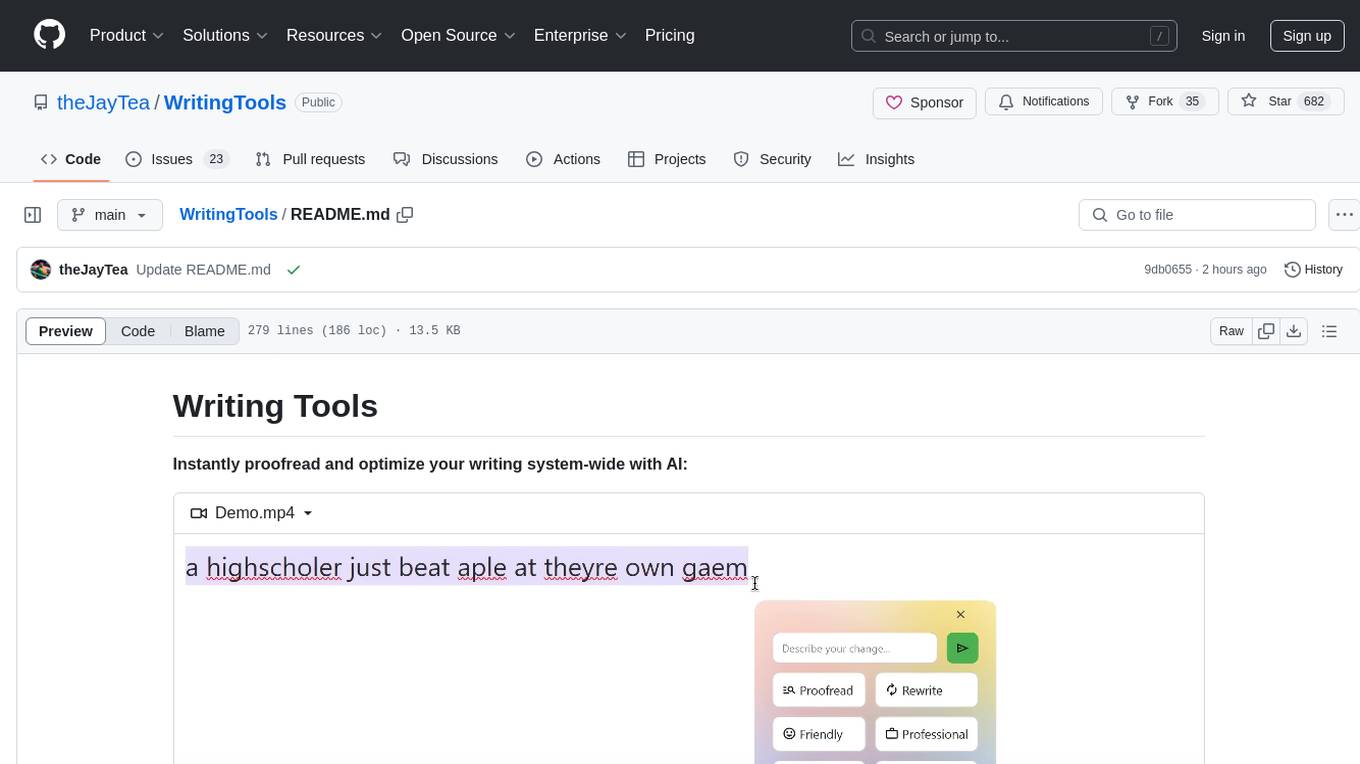
Writing Tools is an Apple Intelligence-inspired application for Windows, Linux, and macOS that supercharges your writing with an AI LLM. It allows users to instantly proofread, optimize text, and summarize content from webpages, YouTube videos, documents, etc. The tool is privacy-focused, open-source, and supports multiple languages. It offers powerful features like grammar correction, content summarization, and LLM chat mode, making it a versatile writing assistant for various tasks.
swift-chat
SwiftChat is a fast and responsive AI chat application developed with React Native and powered by Amazon Bedrock. It offers real-time streaming conversations, AI image generation, multimodal support, conversation history management, and cross-platform compatibility across Android, iOS, and macOS. The app supports multiple AI models like Amazon Bedrock, Ollama, DeepSeek, and OpenAI, and features a customizable system prompt assistant. With a minimalist design philosophy and robust privacy protection, SwiftChat delivers a seamless chat experience with various features like rich Markdown support, comprehensive multimodal analysis, creative image suite, and quick access tools. The app prioritizes speed in launch, request, render, and storage, ensuring a fast and efficient user experience. SwiftChat also emphasizes app privacy and security by encrypting API key storage, minimal permission requirements, local-only data storage, and a privacy-first approach.

AmigaGPT
AmigaGPT is a versatile ChatGPT client for AmigaOS 3.x, 4.1, and MorphOS. It brings the capabilities of OpenAI’s GPT to Amiga systems, enabling text generation, question answering, and creative exploration. AmigaGPT can generate images using DALL-E, supports speech output, and seamlessly integrates with AmigaOS. Users can customize the UI, choose fonts and colors, and enjoy a native user experience. The tool requires specific system requirements and offers features like state-of-the-art language models, AI image generation, speech capability, and UI customization.
AudioMuse-AI
AudioMuse-AI is a deep learning-based tool for audio analysis and music generation. It provides a user-friendly interface for processing audio data and generating music compositions. The tool utilizes state-of-the-art machine learning algorithms to analyze audio signals and extract meaningful features for music generation. With AudioMuse-AI, users can explore the possibilities of AI in music creation and experiment with different styles and genres. Whether you are a music enthusiast, a researcher, or a developer, AudioMuse-AI offers a versatile platform for audio analysis and music generation.
FunGen-AI-Powered-Funscript-Generator
FunGen is a Python-based tool that uses AI to generate Funscript files from VR and 2D POV videos. It enables fully automated funscript creation for individual scenes or entire folders of videos. The tool includes features like automatic system scaling support, quick installation guides for Windows, Linux, and macOS, manual installation instructions, NVIDIA GPU setup, AMD GPU acceleration, YOLO model download, GUI settings, GitHub token setup, command-line usage, modular systems for funscript filtering and motion tracking, performance and parallel processing tips, and more. The project is still in early development stages and is not intended for commercial use.
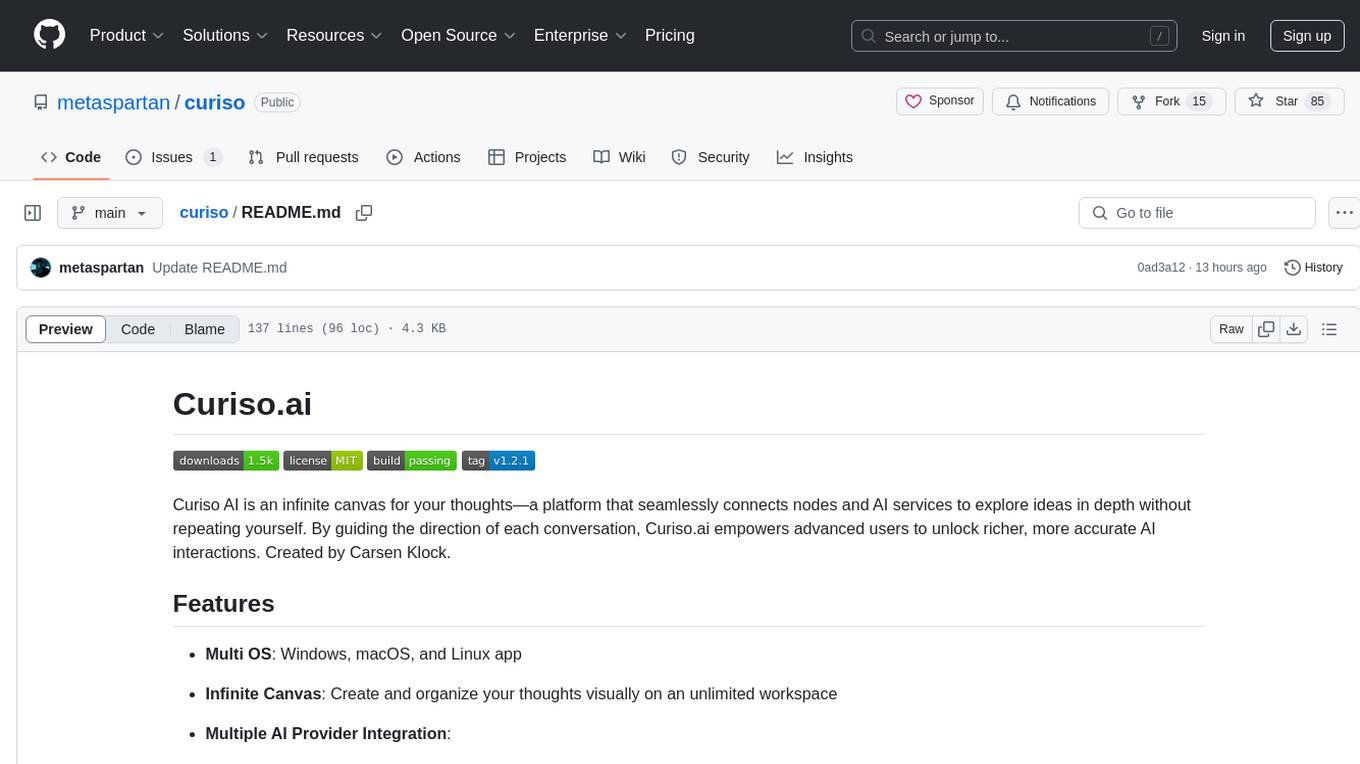
curiso
Curiso AI is an infinite canvas platform that connects nodes and AI services to explore ideas without repetition. It empowers advanced users to unlock richer AI interactions. Features include multi OS support, infinite canvas, multiple AI provider integration, local AI inference provider integration, custom model support, model metrics, RAG support, local Transformers.js embedding models, inference parameters customization, multiple boards, vision model support, customizable interface, node-based conversations, and secure local encrypted storage. Curiso also offers a Solana token for exclusive access to premium features and enhanced AI capabilities.
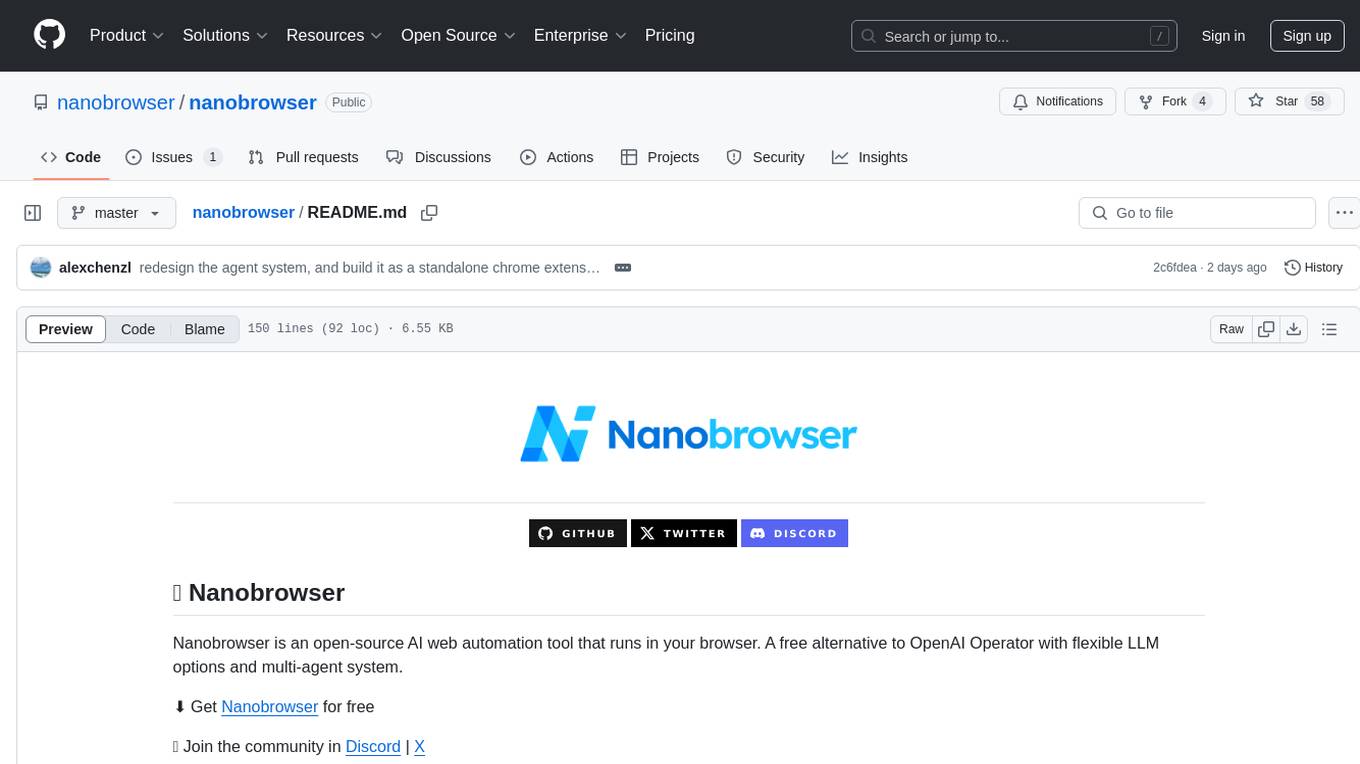
nanobrowser
Nanobrowser is an open-source AI web automation tool that runs in your browser. It is a free alternative to OpenAI Operator with flexible LLM options and a multi-agent system. Nanobrowser offers premium web automation capabilities while keeping users in complete control, with features like a multi-agent system, interactive side panel, task automation, follow-up questions, and multiple LLM support. Users can easily download and install Nanobrowser as a Chrome extension, configure agent models, and accomplish tasks such as news summary, GitHub research, and shopping research with just a sentence. The tool uses a specialized multi-agent system powered by large language models to understand and execute complex web tasks. Nanobrowser is actively developed with plans to expand LLM support, implement security measures, optimize memory usage, enable session replay, and develop specialized agents for domain-specific tasks. Contributions from the community are welcome to improve Nanobrowser and build the future of web automation.
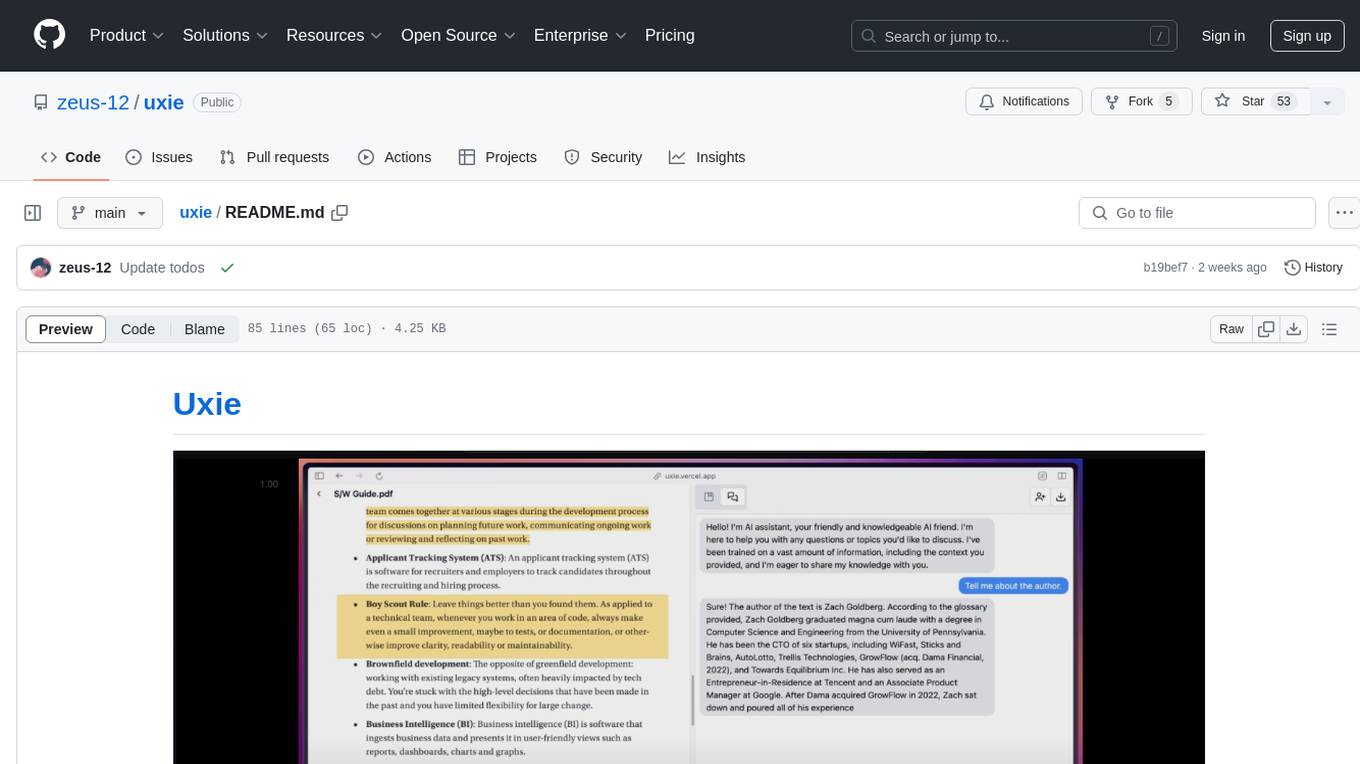
uxie
Uxie is a PDF reader app designed to revolutionize the learning experience. It offers features such as annotation, note-taking, collaboration tools, integration with LLM for enhanced learning, and flashcard generation with LLM feedback. Built using Nextjs, tRPC, Zod, TypeScript, Tailwind CSS, React Query, React Hook Form, Supabase, Prisma, and various other tools. Users can take notes, summarize PDFs, chat and collaborate with others, create custom blocks in the editor, and use AI-powered text autocompletion. The tool allows users to craft simple flashcards, test knowledge, answer questions, and receive instant feedback through AI evaluation.
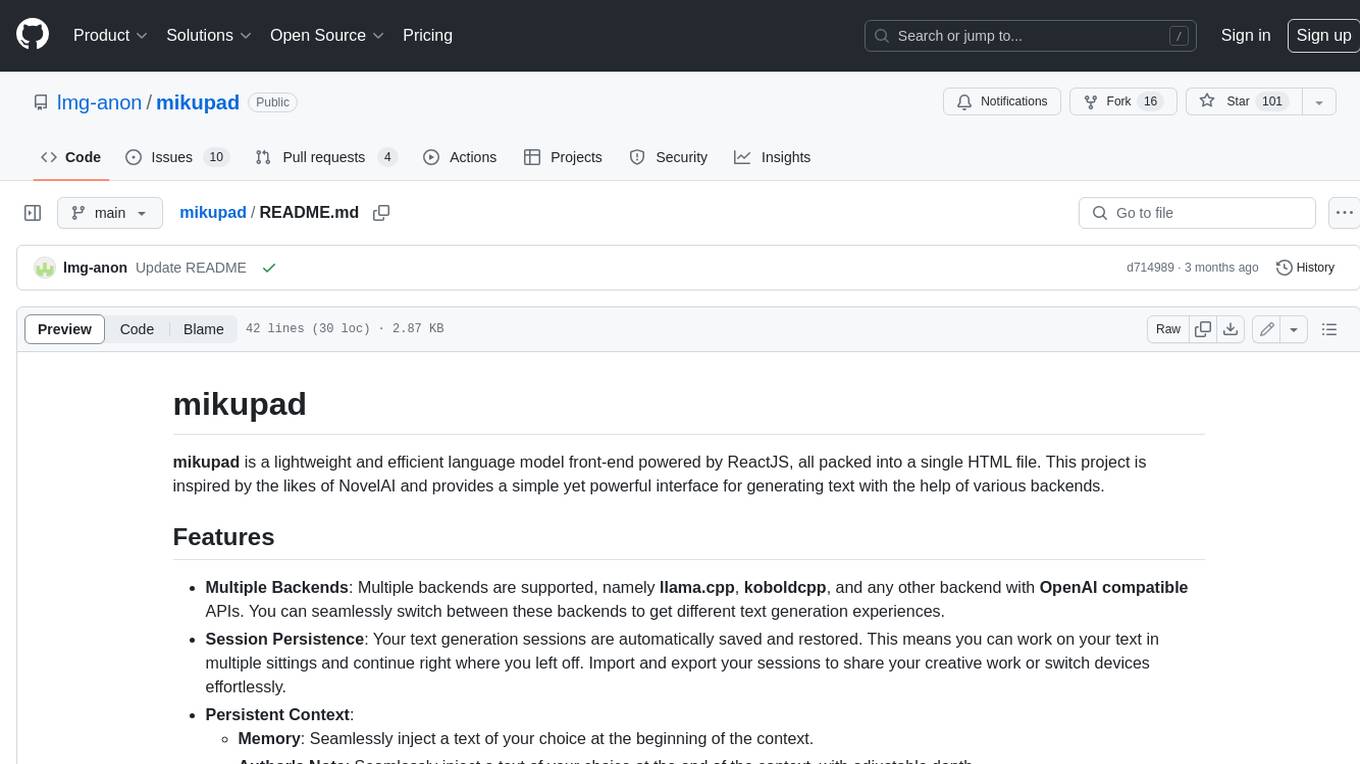
mikupad
mikupad is a lightweight and efficient language model front-end powered by ReactJS, all packed into a single HTML file. Inspired by the likes of NovelAI, it provides a simple yet powerful interface for generating text with the help of various backends.
whispering-ui
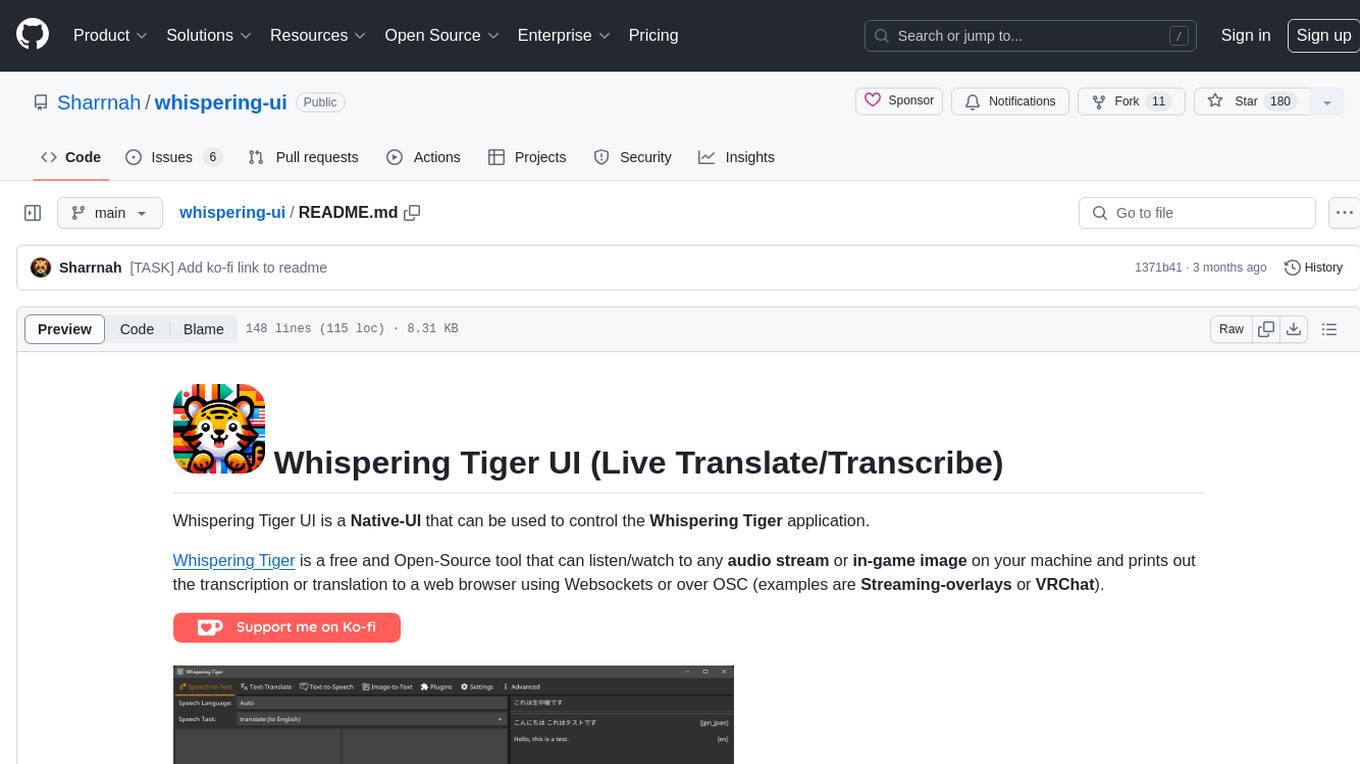
Whispering Tiger UI is a Native-UI tool designed to control the Whispering Tiger application, a free and Open-Source tool that can listen/watch to audio streams or in-game images on your machine and provide transcription or translation to a web browser using Websockets or over OSC. It features a Native-UI for Windows, easy access to all Whispering Tiger features including transcription, translation, text-to-speech, and in-game image recognition. The tool supports loopback audio device, configuration saving/loading, plugin support for additional features, and auto-update functionality. Users can create profiles, configure audio devices, select A.I. devices for speech-to-text, and install/manage plugins for extended functionality.
word-GPT-Plus
Word GPT Plus seamlessly integrates AI models into Microsoft Word, allowing users to generate, translate, summarize, and polish text directly within their documents. The tool supports multiple AI models, offers built-in templates for various text-related tasks, and provides customization options for user preferences. Users can install the tool through a hosted service, Docker deployment, or self-hosting, and can easily fill in API keys to access different AI services. Word GPT Plus enhances writing workflows by providing AI-powered assistance without leaving the Word environment.
For similar tasks
basdonax-ai-rag
Basdonax AI RAG v1.0 is a repository that contains all the necessary resources to create your own AI-powered secretary using the RAG from Basdonax AI. It leverages open-source models from Meta and Microsoft, namely 'Llama3-7b' and 'Phi3-4b', allowing users to upload documents and make queries. This tool aims to simplify life for individuals by harnessing the power of AI. The installation process involves choosing between different data models based on GPU capabilities, setting up Docker, pulling the desired model, and customizing the assistant prompt file. Once installed, users can access the RAG through a local link and enjoy its functionalities.
humanlayer
HumanLayer is a Python toolkit designed to enable AI agents to interact with humans in tool-based and asynchronous workflows. By incorporating humans-in-the-loop, agentic tools can access more powerful and meaningful tasks. The toolkit provides features like requiring human approval for function calls, human as a tool for contacting humans, omni-channel contact capabilities, granular routing, and support for various LLMs and orchestration frameworks. HumanLayer aims to ensure human oversight of high-stakes function calls, making AI agents more reliable and safe in executing impactful tasks.
pocketpal-ai
PocketPal AI is a versatile virtual assistant tool designed to streamline daily tasks and enhance productivity. It leverages artificial intelligence technology to provide personalized assistance in managing schedules, organizing information, setting reminders, and more. With its intuitive interface and smart features, PocketPal AI aims to simplify users' lives by automating routine activities and offering proactive suggestions for optimal time management and task prioritization.
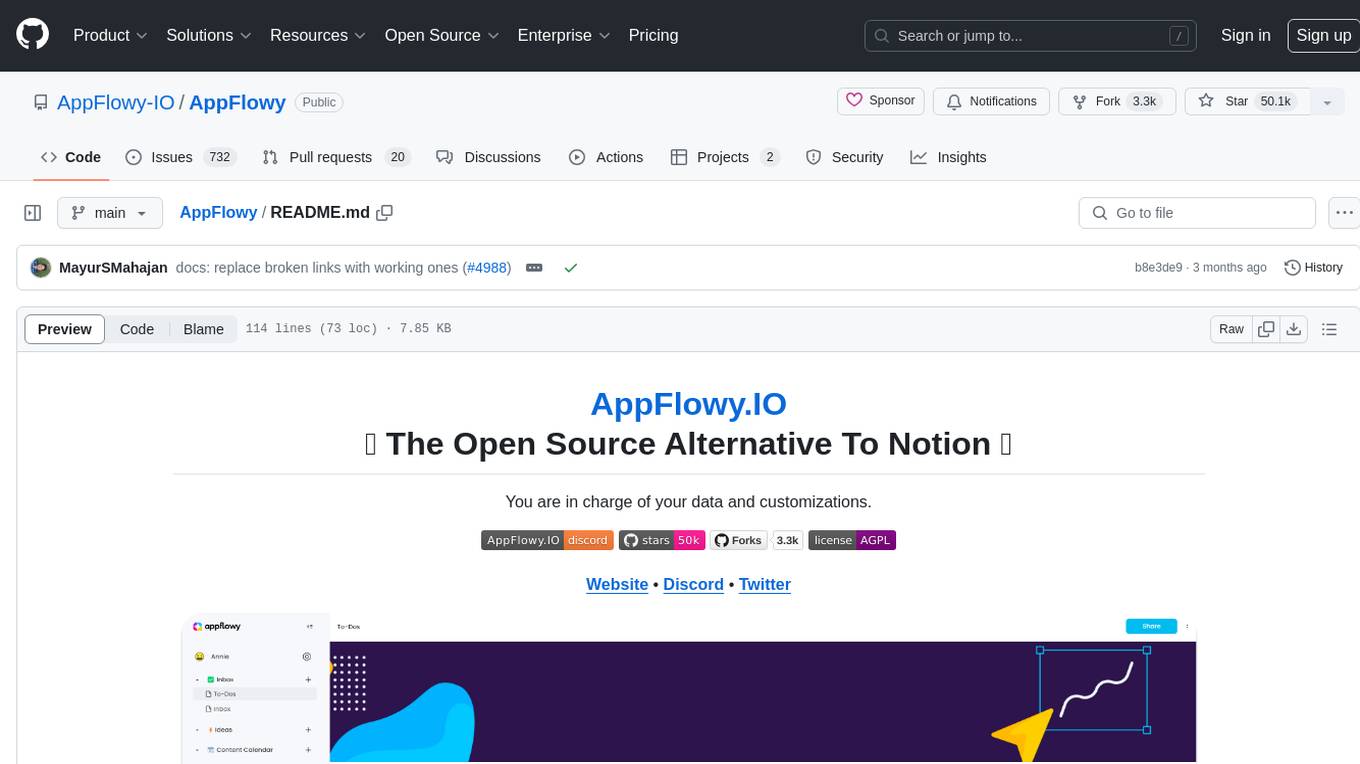
AppFlowy
AppFlowy.IO is an open-source alternative to Notion, providing users with control over their data and customizations. It aims to offer functionality, data security, and cross-platform native experience to individuals, as well as building blocks and collaboration infra services to enterprises and hackers. The tool is built with Flutter and Rust, supporting multiple platforms and emphasizing long-term maintainability. AppFlowy prioritizes data privacy, reliable native experience, and community-driven extensibility, aiming to democratize the creation of complex workplace management tools.
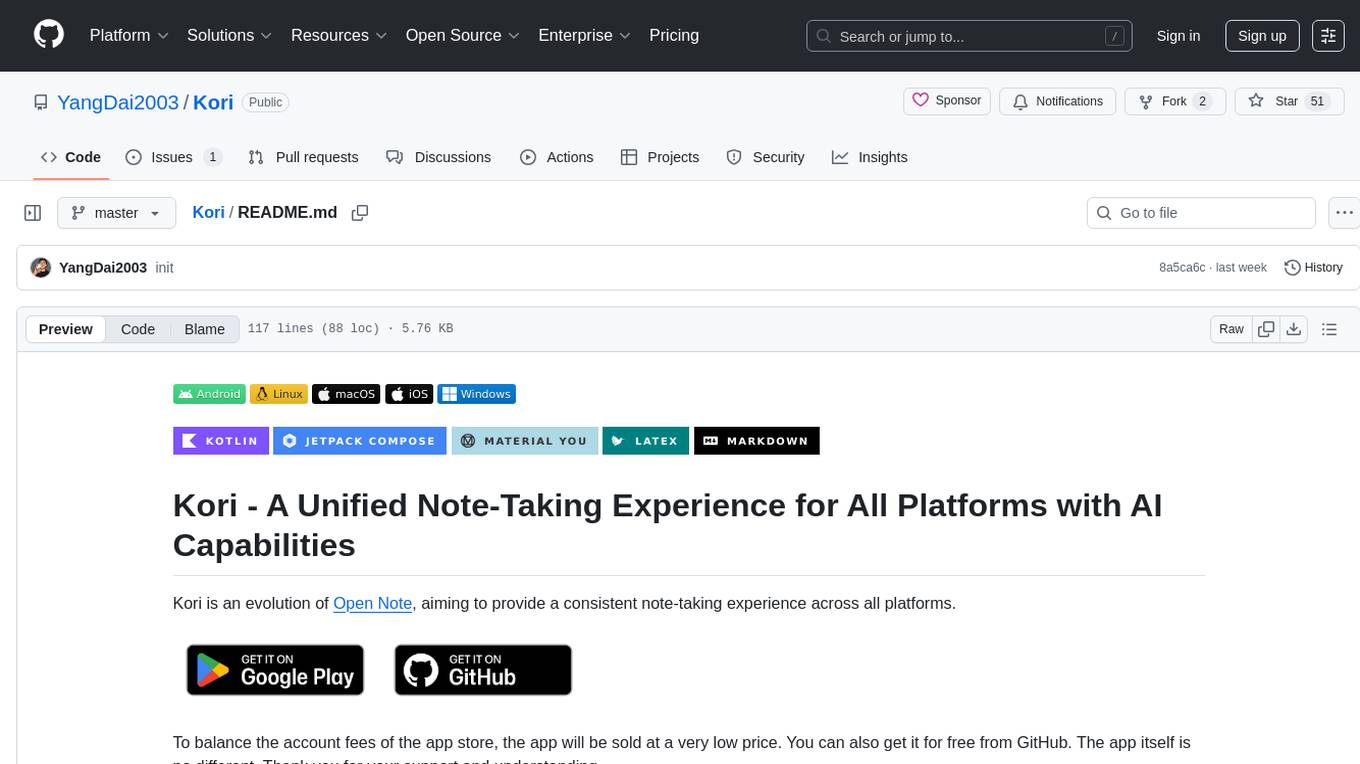
Kori
Kori is a unified note-taking app with AI capabilities, providing a consistent experience across Android, iOS, Windows, macOS, and Linux. It supports various formats like Drawing, Markdown, TXT, LaTeX, Mermaid diagrams, and Todo.txt lists. Users can benefit from AI co-writing features, note outline generation, find and replace, note templates, local media support, and export options. The app follows Material Design 3 guidelines, offers comprehensive mouse and keyboard support, and is optimized for different screen sizes and orientations.
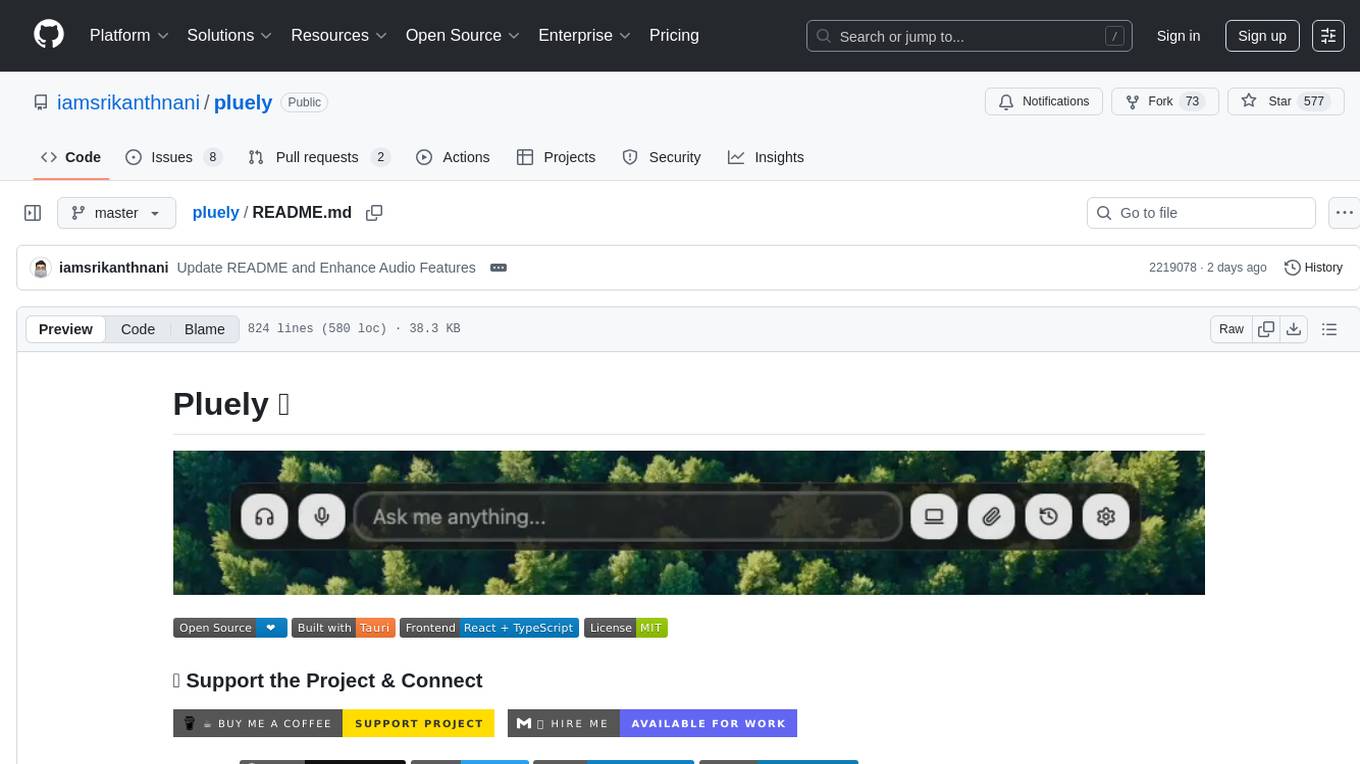
pluely
Pluely is a versatile and user-friendly tool for managing tasks and projects. It provides a simple interface for creating, organizing, and tracking tasks, making it easy to stay on top of your work. With features like task prioritization, due date reminders, and collaboration options, Pluely helps individuals and teams streamline their workflow and boost productivity. Whether you're a student juggling assignments, a professional managing multiple projects, or a team coordinating tasks, Pluely is the perfect solution to keep you organized and efficient.
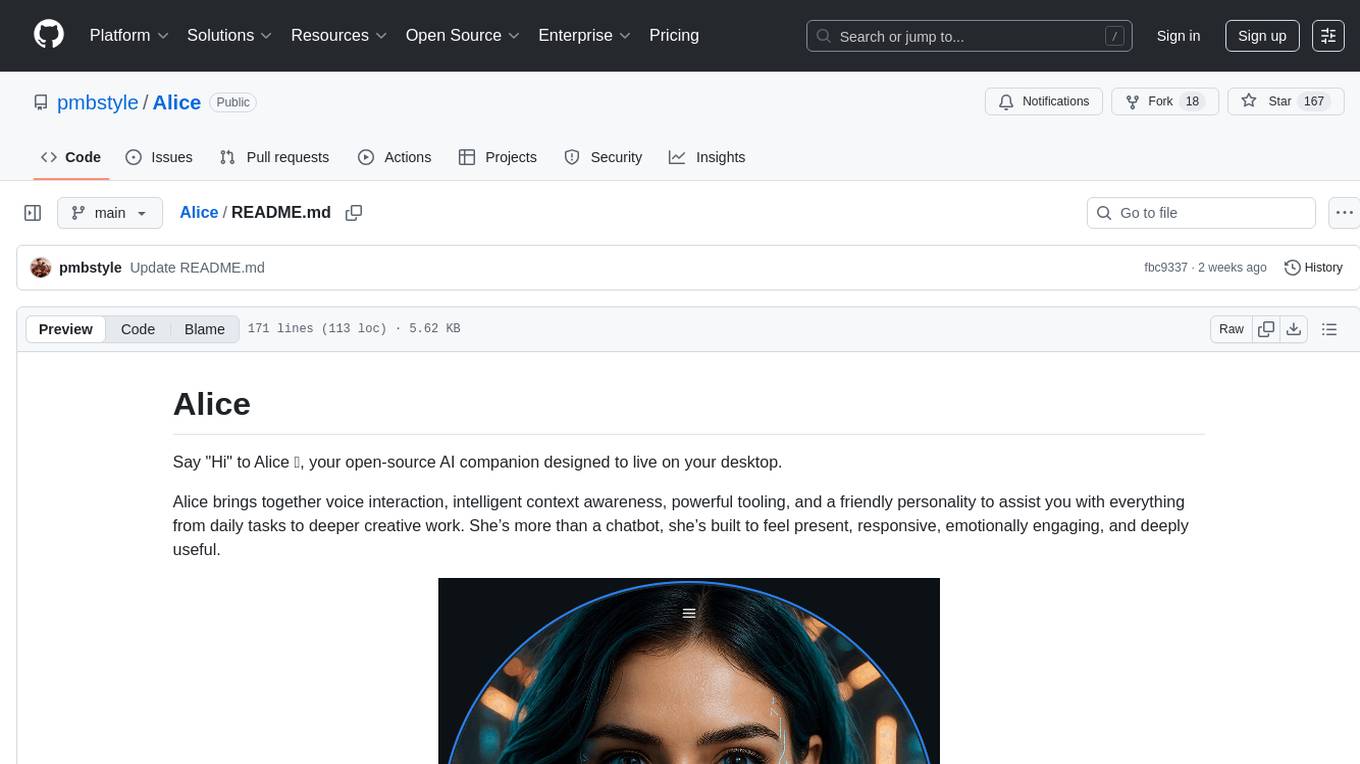
Alice
Alice is an open-source AI companion designed to live on your desktop, providing voice interaction, intelligent context awareness, and powerful tooling. More than a chatbot, Alice is emotionally engaging and deeply useful, assisting with daily tasks and creative work. Key features include voice interaction with natural-sounding responses, memory and context management, vision and visual output capabilities, computer use tools, function calling for web search and task scheduling, wake word support, dedicated Chrome extension, and flexible settings interface. Technologies used include Vue.js, Electron, OpenAI, Go, hnswlib-node, and more. Alice is customizable and offers a dedicated Chrome extension, wake word support, and various tools for computer use and productivity tasks.
Eppie-App
Eppie-App is a mobile application designed to help users manage their daily tasks and improve productivity. The app offers features such as task organization, reminders, and goal setting to assist users in staying organized and on track with their responsibilities. With a user-friendly interface and customizable options, Eppie-App aims to simplify task management and enhance efficiency in users' daily lives.
For similar jobs
pocketpal-ai
PocketPal AI is a versatile virtual assistant tool designed to streamline daily tasks and enhance productivity. It leverages artificial intelligence technology to provide personalized assistance in managing schedules, organizing information, setting reminders, and more. With its intuitive interface and smart features, PocketPal AI aims to simplify users' lives by automating routine activities and offering proactive suggestions for optimal time management and task prioritization.
home-llm
Home LLM is a project that provides the necessary components to control your Home Assistant installation with a completely local Large Language Model acting as a personal assistant. The goal is to provide a drop-in solution to be used as a "conversation agent" component by Home Assistant. The 2 main pieces of this solution are Home LLM and Llama Conversation. Home LLM is a fine-tuning of the Phi model series from Microsoft and the StableLM model series from StabilityAI. The model is able to control devices in the user's house as well as perform basic question and answering. The fine-tuning dataset is a custom synthetic dataset designed to teach the model function calling based on the device information in the context. Llama Conversation is a custom component that exposes the locally running LLM as a "conversation agent" in Home Assistant. This component can be interacted with in a few ways: using a chat interface, integrating with Speech-to-Text and Text-to-Speech addons, or running the oobabooga/text-generation-webui project to provide access to the LLM via an API interface.
MITSUHA
OneReality is a virtual waifu/assistant that you can speak to through your mic and it'll speak back to you! It has many features such as: * You can speak to her with a mic * It can speak back to you * Has short-term memory and long-term memory * Can open apps * Smarter than you * Fluent in English, Japanese, Korean, and Chinese * Can control your smart home like Alexa if you set up Tuya (more info in Prerequisites) It is built with Python, Llama-cpp-python, Whisper, SpeechRecognition, PocketSphinx, VITS-fast-fine-tuning, VITS-simple-api, HyperDB, Sentence Transformers, and Tuya Cloud IoT.
Linguflex
Linguflex is a project that aims to simulate engaging, authentic, human-like interaction with AI personalities. It offers voice-based conversation with custom characters, alongside an array of practical features such as controlling smart home devices, playing music, searching the internet, fetching emails, displaying current weather information and news, assisting in scheduling, and searching or generating images.
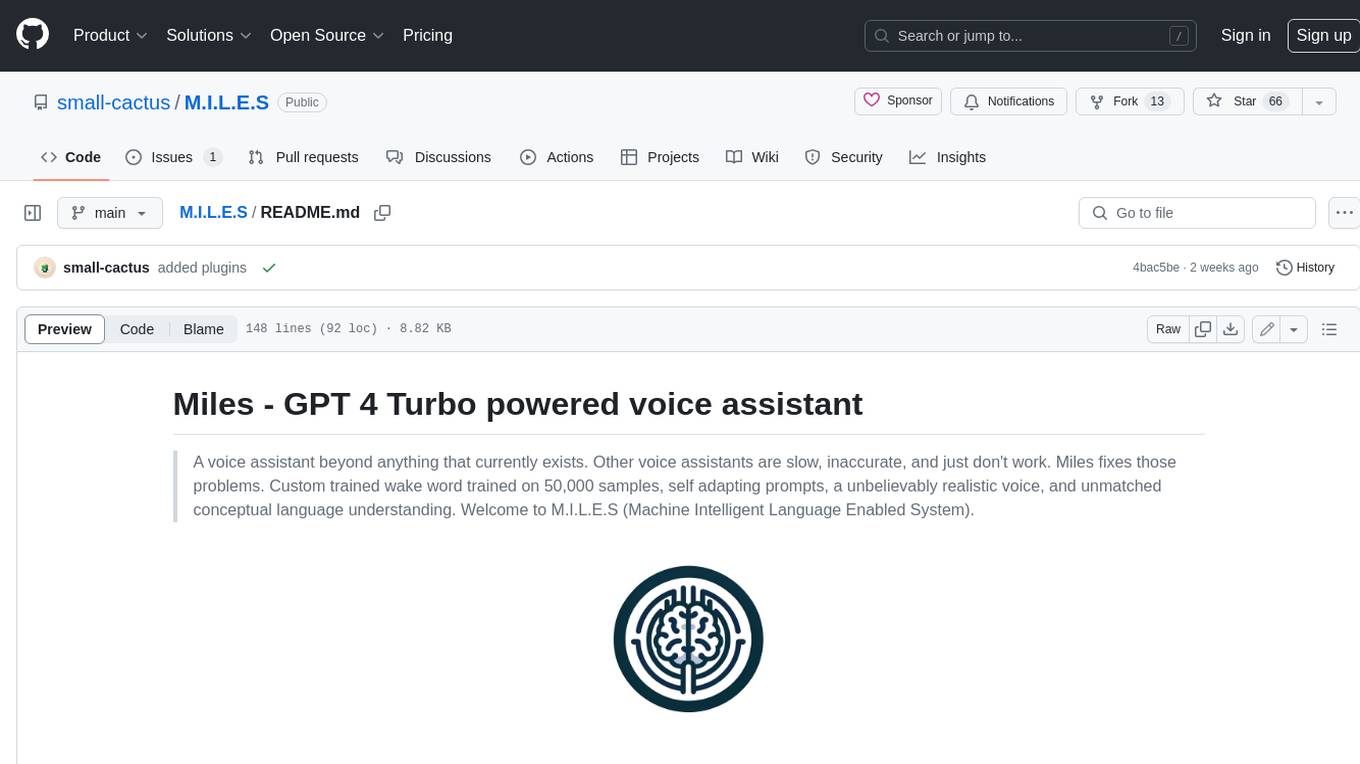
M.I.L.E.S
M.I.L.E.S. (Machine Intelligent Language Enabled System) is a voice assistant powered by GPT-4 Turbo, offering a range of capabilities beyond existing assistants. With its advanced language understanding, M.I.L.E.S. provides accurate and efficient responses to user queries. It seamlessly integrates with smart home devices, Spotify, and offers real-time weather information. Additionally, M.I.L.E.S. possesses persistent memory, a built-in calculator, and multi-tasking abilities. Its realistic voice, accurate wake word detection, and internet browsing capabilities enhance the user experience. M.I.L.E.S. prioritizes user privacy by processing data locally, encrypting sensitive information, and adhering to strict data retention policies.
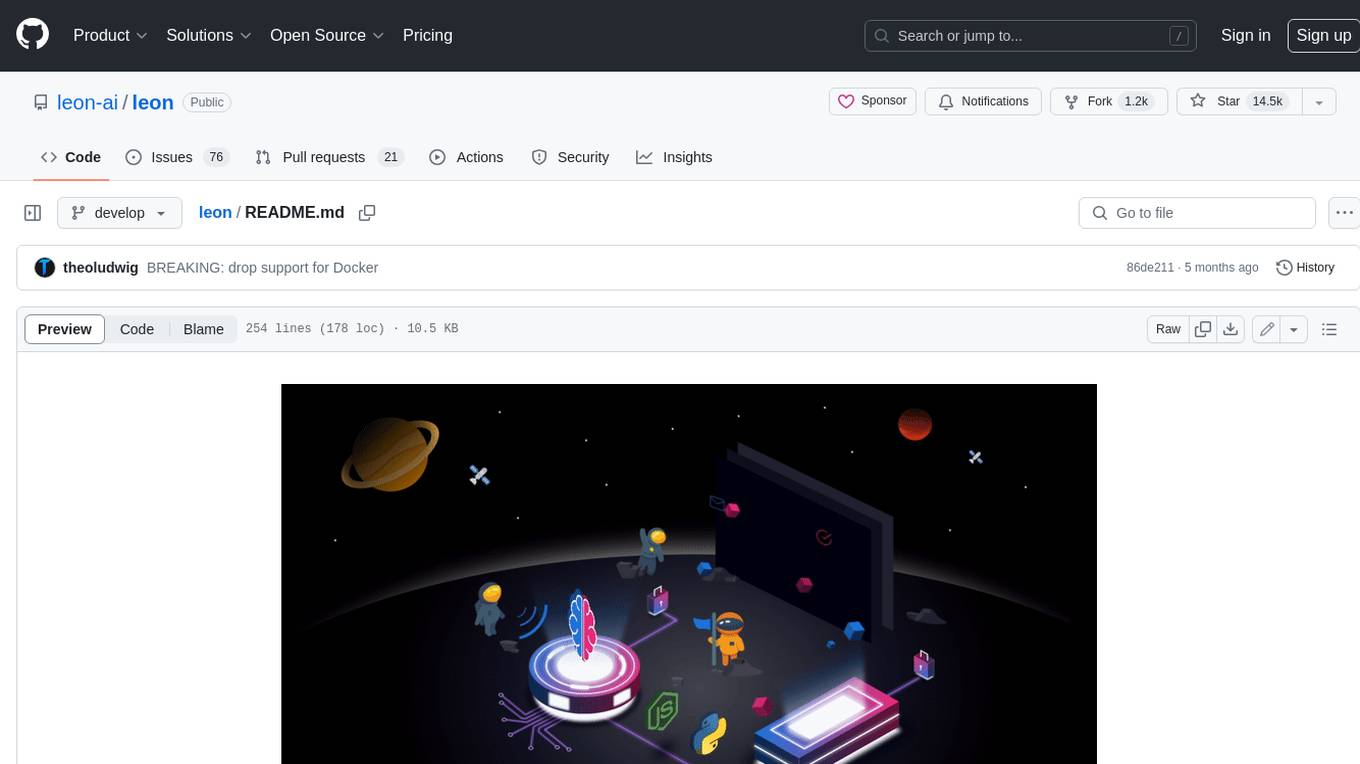
leon
Leon is an open-source personal assistant who can live on your server. He does stuff when you ask him to. You can talk to him and he can talk to you. You can also text him and he can also text you. If you want to, Leon can communicate with you by being offline to protect your privacy.
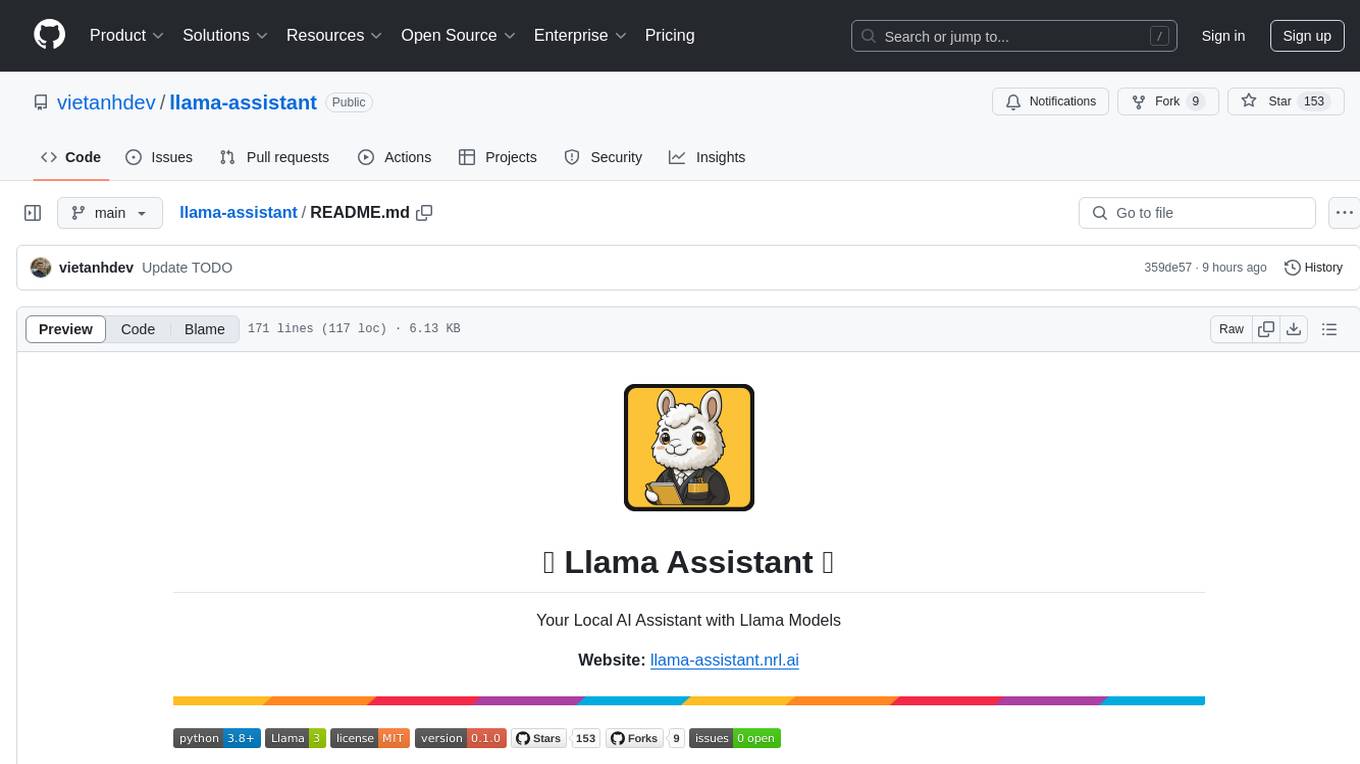
llama-assistant
Llama Assistant is an AI-powered assistant that helps with daily tasks, such as voice recognition, natural language processing, summarizing text, rephrasing sentences, answering questions, and more. It runs offline on your local machine, ensuring privacy by not sending data to external servers. The project is a work in progress with regular feature additions.
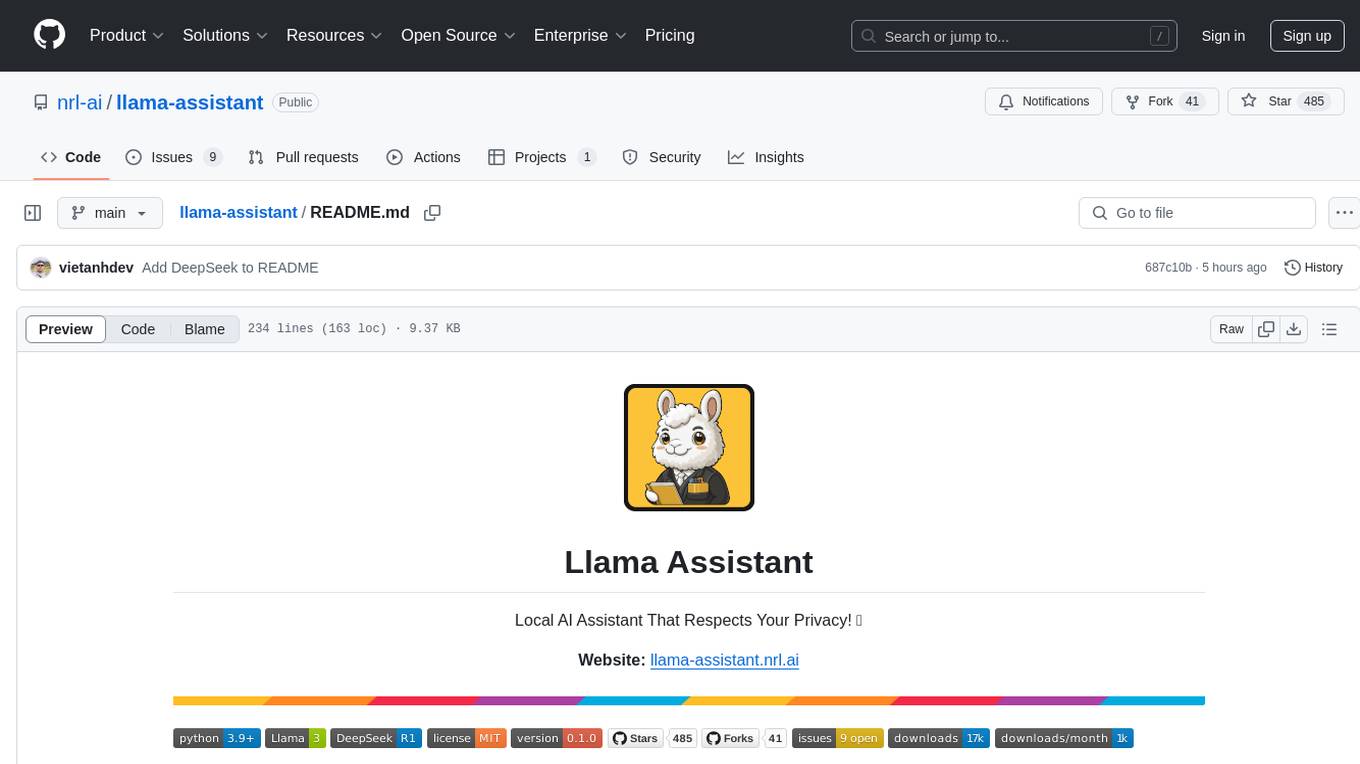
llama-assistant
Llama Assistant is a local AI assistant that respects your privacy. It is an AI-powered assistant that can recognize your voice, process natural language, and perform various actions based on your commands. It can help with tasks like summarizing text, rephrasing sentences, answering questions, writing emails, and more. The assistant runs offline on your local machine, ensuring privacy by not sending data to external servers. It supports voice recognition, natural language processing, and customizable UI with adjustable transparency. The project is a work in progress with new features being added regularly.