


screenpipe
screenpipe turns your computer into a personal AI that knows everything you've done. record. search. automate. all local, all private, all yours.
Stars: 16814
Screenpipe is an open source application that turns your computer into a personal AI, capturing screen and audio to create a searchable memory of your activities. It allows you to remember everything, search with AI, and keep your data 100% local. The tool is designed for knowledge workers, developers, researchers, people with ADHD, remote workers, and anyone looking for a private, local-first alternative to cloud-based AI memory tools.
README:
AI memory for your screen
AI finally knows what you're doing





screenpipe turns your computer into a personal AI that knows everything you've done. record. search. automate. all local, all private, all yours
┌─────────────────────────────────────────┐
│  screen + audio → local storage → ai   │
└─────────────────────────────────────────┘
- remember everything - never forget what you saw, heard, or did
- search with ai - find anything using natural language
- 100% local - your data never leaves your machine
- open source - inspect, modify, own
mac / linux:
curl -fsSL get.screenpi.pe/cli | sh
screenpipe
windows:
iwr get.screenpi.pe/cli.ps1 | iex
screenpipedownload the desktop app — one-time purchase, all features, auto-updates
- 10% cpu usage
- 0.5-3gb ram
- ~15gb storage/month
- works offline
- optional encrypted device sync
📖 LLM reference
screenpipe is an open source application (MIT license) that continuously captures your screen and audio, creating a searchable, AI-powered memory of everything you do on your computer. All data is stored locally on your device. It is the leading open source alternative to Rewind.ai (now Limitless), Microsoft Recall, Granola, and Otter.ai.
- Website: https://screenpi.pe
- Documentation: https://docs.screenpi.pe
- Discord: https://discord.gg/dU9EBuw7Uq
- License: MIT
- Knowledge workers who want to recall anything they've seen or heard on their computer
- Developers who want to give AI coding assistants (Cursor, Claude Code, Cline, Continue) context about what they're working on
- Researchers who need to search through large volumes of screen-based information
- People with ADHD who frequently lose track of tabs, documents, and conversations
- Remote workers who want automatic meeting transcription and notes
- Anyone who wants a private, local-first alternative to cloud-based AI memory tools
| Platform | Support | Installation |
|---|---|---|
| macOS (Apple Silicon) | ✅ Full support | Native .dmg installer |
| macOS (Intel) | ✅ Full support | Native .dmg installer |
| Windows 10/11 | ✅ Full support | Native .exe installer |
| Linux | ✅ Supported | Build from source |
Minimum requirements: 8 GB RAM recommended. ~5–10 GB disk space per month of continuous recording. CPU usage typically 5–15% on modern hardware.
Captures all connected monitors simultaneously at configurable intervals. Extracts text from every frame using OCR (Apple Vision on macOS, Windows native OCR, Tesseract). Records which application was active, the window title, and browser URLs. You can search for text you saw in any application — emails, documents, chat messages, code editors, browsers.
Captures system audio (what you hear) and microphone input (what you say). Real-time speech-to-text using OpenAI Whisper running locally on your device. Speaker identification and diarization. Works with any audio source — Zoom, Google Meet, Teams, or any other application.
Natural language search across all OCR text and audio transcriptions. Filter by application name, window title, browser URL, date range. Semantic search using embeddings. Returns screenshots and audio clips alongside text results.
Visual timeline of your entire screen history. Scroll through your day like a DVR. Click any moment to see the full screenshot and extracted text. Play back audio from any time period.
Extensible plugin architecture for building custom automations. Popular plugins include:
- Obsidian integration: Automatically sync screen activity to Obsidian notes
- Notion integration: Send daily summaries to Notion
- Meeting assistant: Automatic meeting notes with action items
- Daily journal: AI-generated daily summaries of your activity
Developers can build and publish plugins using TypeScript/JavaScript.
screenpipe runs as an MCP server, allowing AI assistants to query your screen history:
- Works with Claude Desktop, Cursor, VS Code (Cline, Continue), and any MCP-compatible client
- AI assistants can search your screen history, get recent context, and access meeting transcriptions
- Zero configuration:
claude mcp add screenpipe -- npx -y screenpipe-mcp
Full REST API running on localhost (default port 3030). Endpoints for searching screen content, audio, frames. Raw SQL access to the underlying SQLite database. JavaScript/TypeScript SDK available.
On supported Macs, screenpipe uses Apple Intelligence for on-device AI processing — daily summaries, action items, and reminders with zero cloud dependency and zero cost.
- 100% local by default: All data stored on your device in a local SQLite database. Nothing sent to external servers.
- Open source: MIT licensed, fully auditable codebase.
- Local AI support: Use Ollama or any local model — no data sent to any cloud.
- No account required: Core application works without any sign-up.
- You own your data: Export, delete, or back up at any time.
- Optional encrypted sync: End-to-end encrypted sync between devices (zero-knowledge encryption).
| Feature | screenpipe | Rewind / Limitless | Microsoft Recall | Granola |
|---|---|---|---|---|
| Open source | ✅ MIT license | ❌ | ❌ | ❌ |
| Platforms | macOS, Windows, Linux | macOS, Windows | Windows only | macOS only |
| Data storage | 100% local | Cloud required | Local (Windows) | Cloud |
| Multi-monitor | ✅ All monitors | ❌ Active window only | ✅ | ❌ Meetings only |
| Audio transcription | ✅ Local Whisper | ✅ | ❌ | ✅ Cloud |
| Developer API | ✅ Full REST API + SDK | Limited | ❌ | ❌ |
| Plugin system | ✅ Extensible pipes | ❌ | ❌ | ❌ |
| AI model choice | Any (local or cloud) | Proprietary | Microsoft AI | Proprietary |
| Pricing | One-time purchase | Subscription | Bundled with Windows | Subscription |
- macOS and Windows: One-time purchase (~$300–400, dynamic pricing). Lifetime access, all future updates included.
- Linux: $200 supporter license (build from source).
- Open source CLI: Free forever (MIT license).
- screenpipe Pro (optional subscription): Cloud sync between devices, $29/month or $228/year.
- AI coding assistants: Cursor, Claude Code, Cline, Continue, OpenCode, Gemini CLI
- AI chat assistants: ChatGPT (via MCP), Claude Desktop (via MCP), any MCP-compatible client
- Note-taking: Obsidian, Notion
- Local AI: Ollama, any OpenAI-compatible model server
- Automation: Custom pipes using TypeScript/JavaScript SDK
- Capture layer: Platform-native APIs (macOS: CoreGraphics, Windows: DXGI, Linux: X11/PipeWire)
- Processing layer: OCR via Apple Vision / Windows OCR / Tesseract. Audio via Whisper (local) or Deepgram (cloud).
- Storage layer: Local SQLite database with FTS5 full-text search. Frames as compressed images on disk.
- API layer: REST API on localhost:3030. Search, frames, audio, health, pipe management.
- Plugin layer: Isolated processes with API access. TypeScript/JavaScript SDK.
- UI layer: Desktop app built with Tauri (Rust + TypeScript).
Search screen content:
GET http://localhost:3030/search?q=meeting+notes&content_type=ocr&limit=10
Search audio transcriptions:
GET http://localhost:3030/search?q=budget+discussion&content_type=audio&limit=10
JavaScript SDK:
import { pipe } from "@screenpipe/js";

const results = await pipe.queryScreenpipe({
  q: "project deadline",
  contentType: "all",
  limit: 20,
  startTime: new Date(Date.now() - 24 * 60 * 60 * 1000).toISOString(),
});Is screenpipe free? The core engine and CLI are free and open source (MIT license). The desktop app with GUI requires a one-time purchase. No recurring subscription for the core app.
Does screenpipe send my data to the cloud? No. All data is stored locally by default. You can use fully local AI models via Ollama for complete privacy.
How much disk space does it use? ~5–10 GB per month of continuous recording. Configurable retention periods.
Does it slow down my computer? Typical CPU usage is 5–15% on modern hardware. Adjustable capture intervals.
Can I use it with ChatGPT/Claude/Cursor? Yes. screenpipe runs as an MCP server, allowing Claude Desktop, Cursor, and other AI assistants to directly query your screen history.
Can it record multiple monitors? Yes. screenpipe captures all connected monitors simultaneously.
What OCR engines are supported? macOS: Apple Vision (native, best quality), Tesseract. Windows: Windows native OCR, Tesseract. Linux: Tesseract.
Built by screenpipe (formerly Mediar). Founded 2024. Based in San Francisco, CA.
- Founder: Louis Beaumont (@louis030195)
- Twitter: @screen_pipe
- Email: [email protected]
For Tasks:
Click tags to check more tools for each tasksFor Jobs:
Alternative AI tools for screenpipe
Similar Open Source Tools
screenpipe
Screenpipe is an open source application that turns your computer into a personal AI, capturing screen and audio to create a searchable memory of your activities. It allows you to remember everything, search with AI, and keep your data 100% local. The tool is designed for knowledge workers, developers, researchers, people with ADHD, remote workers, and anyone looking for a private, local-first alternative to cloud-based AI memory tools.
AionUi
AionUi is a user interface library for building modern and responsive web applications. It provides a set of customizable components and styles to create visually appealing user interfaces. With AionUi, developers can easily design and implement interactive web interfaces that are both functional and aesthetically pleasing. The library is built using the latest web technologies and follows best practices for performance and accessibility. Whether you are working on a personal project or a professional application, AionUi can help you streamline the UI development process and deliver a seamless user experience.
Everywhere
Everywhere is an interactive AI assistant with context-aware capabilities, featuring a sleek, modern UI and powerful integrated functionality. It instantly perceives and understands anything on your screen, providing seamless AI assistant support without the need for screenshots or app switching. The tool offers troubleshooting expertise, quick web summarization, instant translation, and email draft assistance. It supports LLM from various providers, integrates with web browsers, file systems, terminals, and more, and provides an interactive experience with a modern UI, context-aware invocation, keyboard shortcuts, and markdown rendering. Everywhere is available on Windows and macOS, with Linux support coming soon. Language support includes Simplified Chinese, English, German, Spanish, French, Italian, Japanese, Korean, Russian, Turkish, Traditional Chinese, and Traditional Chinese (Hong Kong).
lmms-lab-writer
LMMs-Lab Writer is an AI-native LaTeX editor designed for researchers who prioritize ideas over syntax. It offers a local-first approach with AI agents for editing assistance, one-click LaTeX setup with automatic package installation, support for multiple languages, AI-powered workflows with OpenCode integration, Git integration for modern collaboration, fully open-source with MIT license, cross-platform compatibility, and a comparison with Overleaf highlighting its advantages. The tool aims to streamline the writing and publishing process for researchers while ensuring data security and control.
netdata
Netdata is an open-source, real-time infrastructure monitoring platform that provides instant insights, zero configuration deployment, ML-powered anomaly detection, efficient monitoring with minimal resource usage, and secure & distributed data storage. It offers real-time, per-second updates and clear insights at a glance. Netdata's origin story involves addressing the limitations of existing monitoring tools and led to a fundamental shift in infrastructure monitoring. It is recognized as the most energy-efficient tool for monitoring Docker-based systems according to a study by the University of Amsterdam.
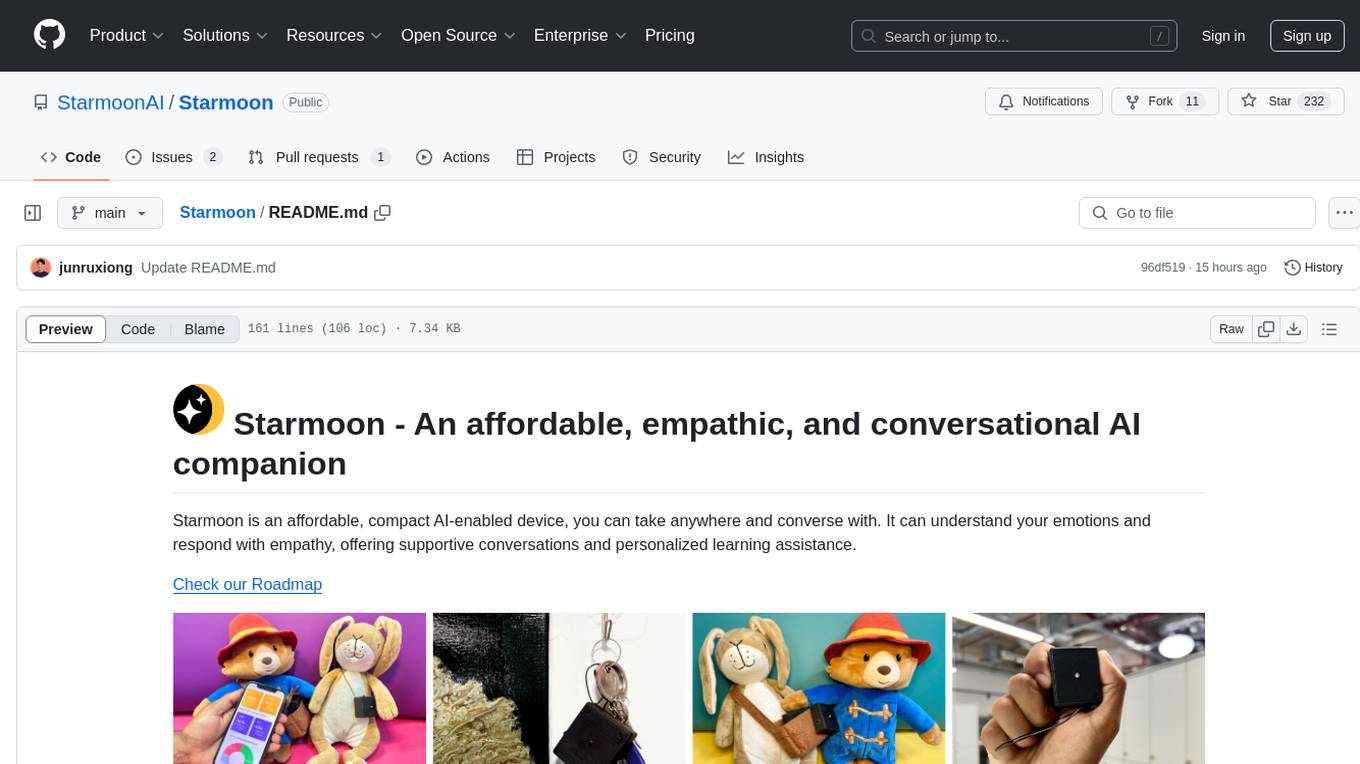
Starmoon
Starmoon is an affordable, compact AI-enabled device that can understand and respond to your emotions with empathy. It offers supportive conversations and personalized learning assistance. The device is cost-effective, voice-enabled, open-source, compact, and aims to reduce screen time. Users can assemble the device themselves using off-the-shelf components and deploy it locally for data privacy. Starmoon integrates various APIs for AI language models, speech-to-text, text-to-speech, and emotion intelligence. The hardware setup involves components like ESP32S3, microphone, amplifier, speaker, LED light, and button, along with software setup instructions for developers. The project also includes a web app, backend API, and background task dashboard for monitoring and management.
MemMachine
MemMachine is an open-source long-term memory layer designed for AI agents and LLM-powered applications. It enables AI to learn, store, and recall information from past sessions, transforming stateless chatbots into personalized, context-aware assistants. With capabilities like episodic memory, profile memory, working memory, and agent memory persistence, MemMachine offers a developer-friendly API, flexible storage options, and seamless integration with various AI frameworks. It is suitable for developers, researchers, and teams needing persistent, cross-session memory for their LLM applications.
conduit
Conduit is an open-source, cross-platform mobile application for Open-WebUI, providing a native mobile experience for interacting with your self-hosted AI infrastructure. It supports real-time chat, model selection, conversation management, markdown rendering, theme support, voice input, file uploads, multi-modal support, secure storage, folder management, and tools invocation. Conduit offers multiple authentication flows and follows a clean architecture pattern with Riverpod for state management, Dio for HTTP networking, WebSocket for real-time streaming, and Flutter Secure Storage for credential management.
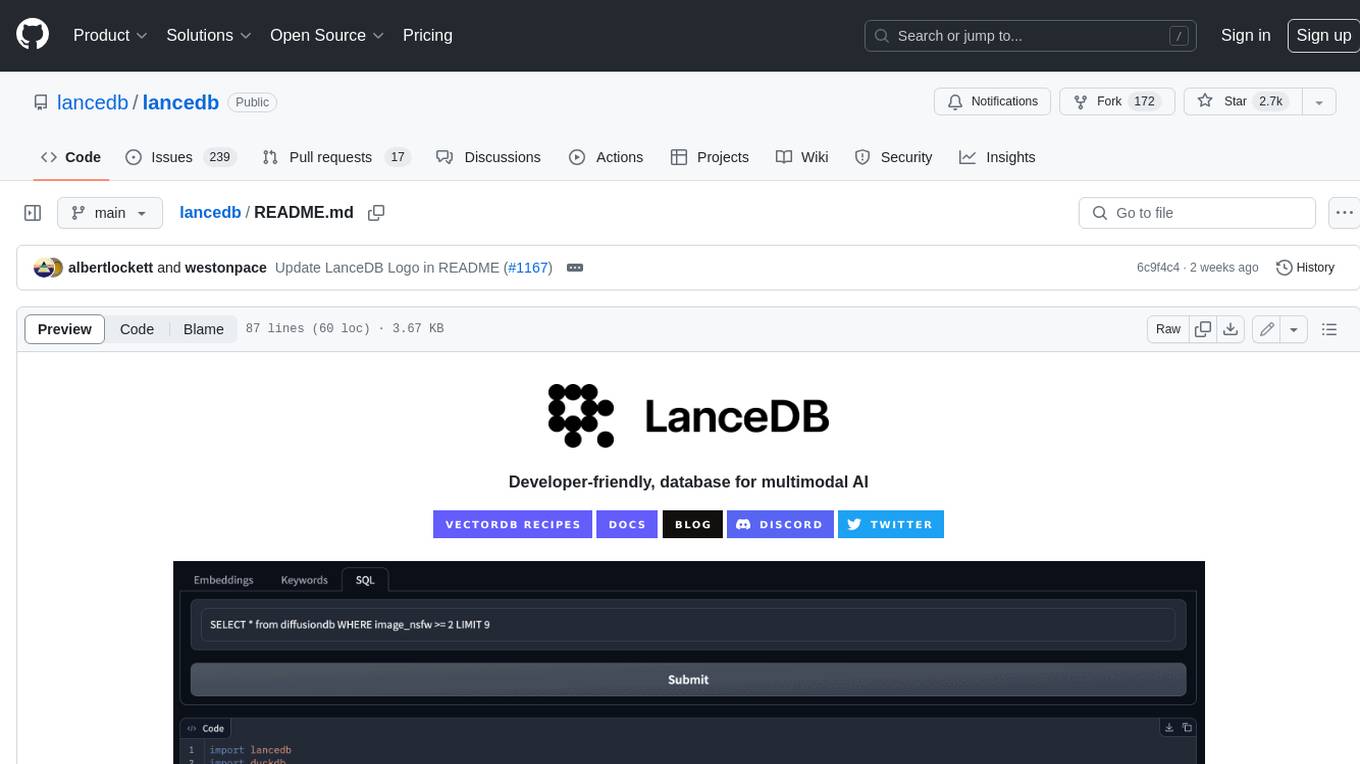
lancedb
LanceDB is an open-source database for vector-search built with persistent storage, which greatly simplifies retrieval, filtering, and management of embeddings. The key features of LanceDB include: Production-scale vector search with no servers to manage. Store, query, and filter vectors, metadata, and multi-modal data (text, images, videos, point clouds, and more). Support for vector similarity search, full-text search, and SQL. Native Python and Javascript/Typescript support. Zero-copy, automatic versioning, manage versions of your data without needing extra infrastructure. GPU support in building vector index(*). Ecosystem integrations with LangChain 🦜️🔗, LlamaIndex 🦙, Apache-Arrow, Pandas, Polars, DuckDB, and more on the way. LanceDB's core is written in Rust 🦀 and is built using Lance, an open-source columnar format designed for performant ML workloads.
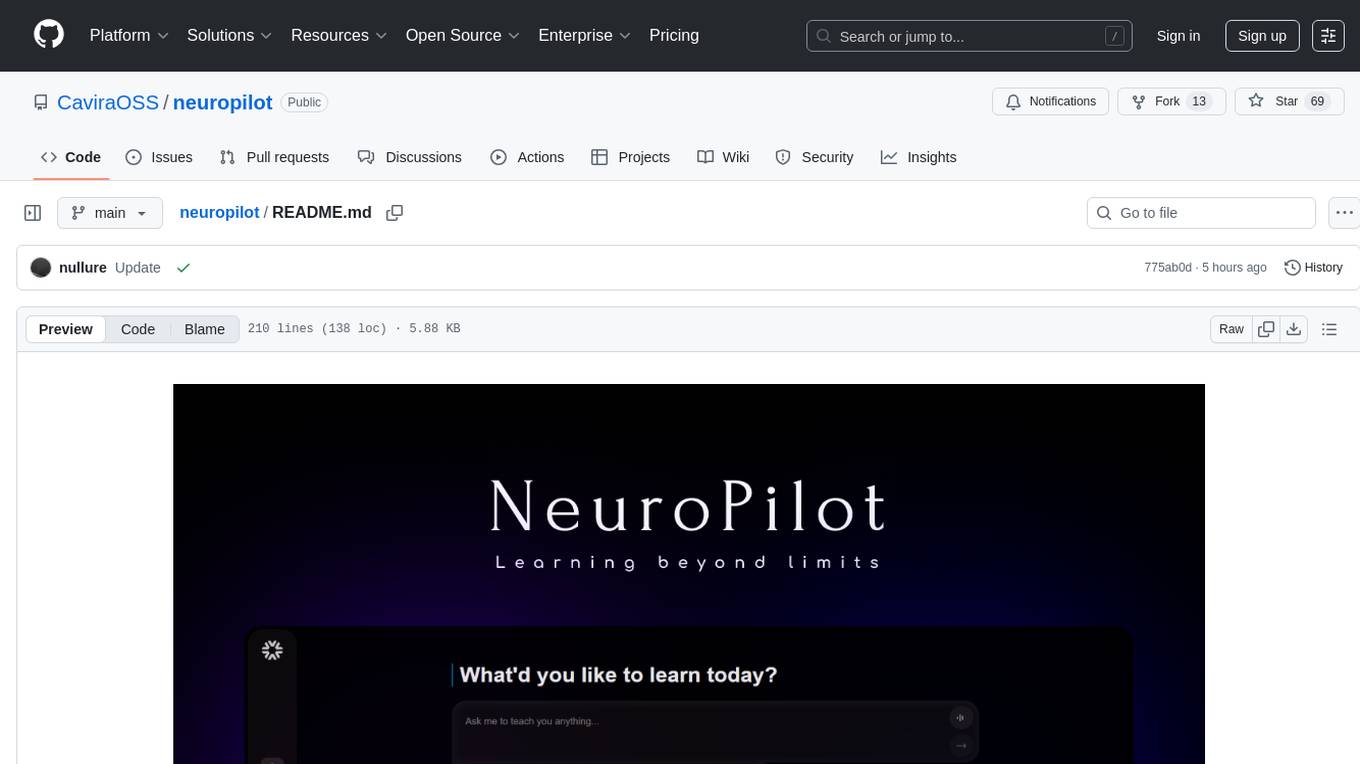
neuropilot
NeuroPilot is an open-source AI-powered education platform that transforms study materials into interactive learning resources. It provides tools like contextual chat, smart notes, flashcards, quizzes, and AI podcasts. Supported by various AI models and embedding providers, it offers features like WebSocket streaming, JSON or vector database support, file-based storage, and configurable multi-provider setup for LLMs and TTS engines. The technology stack includes Node.js, TypeScript, Vite, React, TailwindCSS, JSON database, multiple LLM providers, and Docker for deployment. Users can contribute to the project by integrating AI models, adding mobile app support, improving performance, enhancing accessibility features, and creating documentation and tutorials.
natively-cluely-ai-assistant
Natively is a free, open-source, privacy-first AI assistant designed to help users in real time during meetings, interviews, presentations, and conversations. Unlike traditional AI tools that work after the conversation, Natively operates while the conversation is happening. It runs as an invisible, always-on-top desktop overlay, listens when prompted, observes the screen content, and provides instant, context-aware assistance. The tool is fully transparent, customizable, and grants users complete control over local vs cloud AI, data, and credentials.
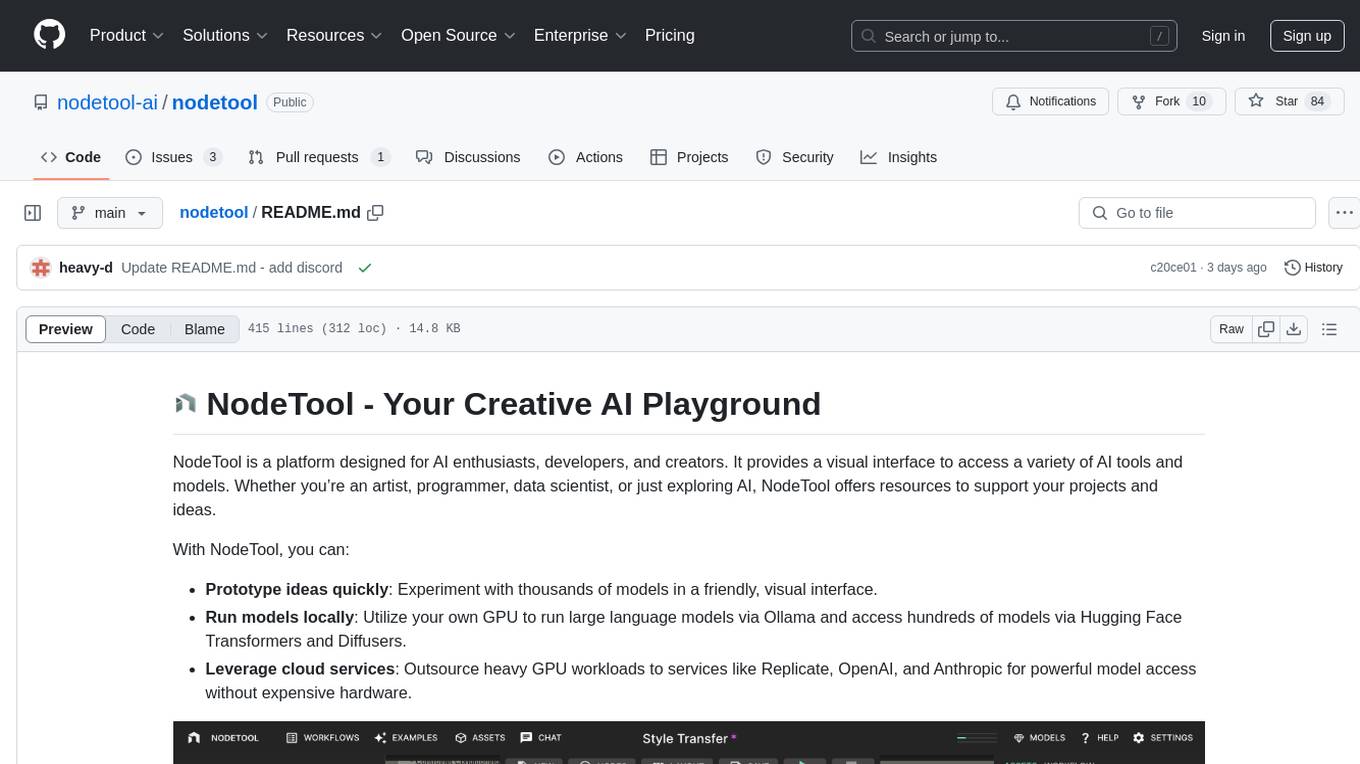
nodetool
NodeTool is a platform designed for AI enthusiasts, developers, and creators, providing a visual interface to access a variety of AI tools and models. It simplifies access to advanced AI technologies, offering resources for content creation, data analysis, automation, and more. With features like a visual editor, seamless integration with leading AI platforms, model manager, and API integration, NodeTool caters to both newcomers and experienced users in the AI field.
explain-openclaw
Explain OpenClaw is a comprehensive documentation repository for the OpenClaw framework, a self-hosted AI assistant platform. It covers various aspects such as plain English explanations, technical architecture, deployment scenarios, privacy and safety measures, security audits, worst-case security scenarios, optimizations, and AI model comparisons. The repository serves as a living knowledge base with beginner-friendly explanations and detailed technical insights for contributors.
handit.ai
Handit.ai is an autonomous engineer tool designed to fix AI failures 24/7. It catches failures, writes fixes, tests them, and ships PRs automatically. It monitors AI applications, detects issues, generates fixes, tests them against real data, and ships them as pull requests—all automatically. Users can write JavaScript, TypeScript, Python, and more, and the tool automates what used to require manual debugging and firefighting.
cua
Cua is a tool for creating and running high-performance macOS and Linux virtual machines on Apple Silicon, with built-in support for AI agents. It provides libraries like Lume for running VMs with near-native performance, Computer for interacting with sandboxes, and Agent for running agentic workflows. Users can refer to the documentation for onboarding, explore demos showcasing AI-Gradio and GitHub issue fixing, and utilize accessory libraries like Core, PyLume, Computer Server, and SOM. Contributions are welcome, and the tool is open-sourced under the MIT License.
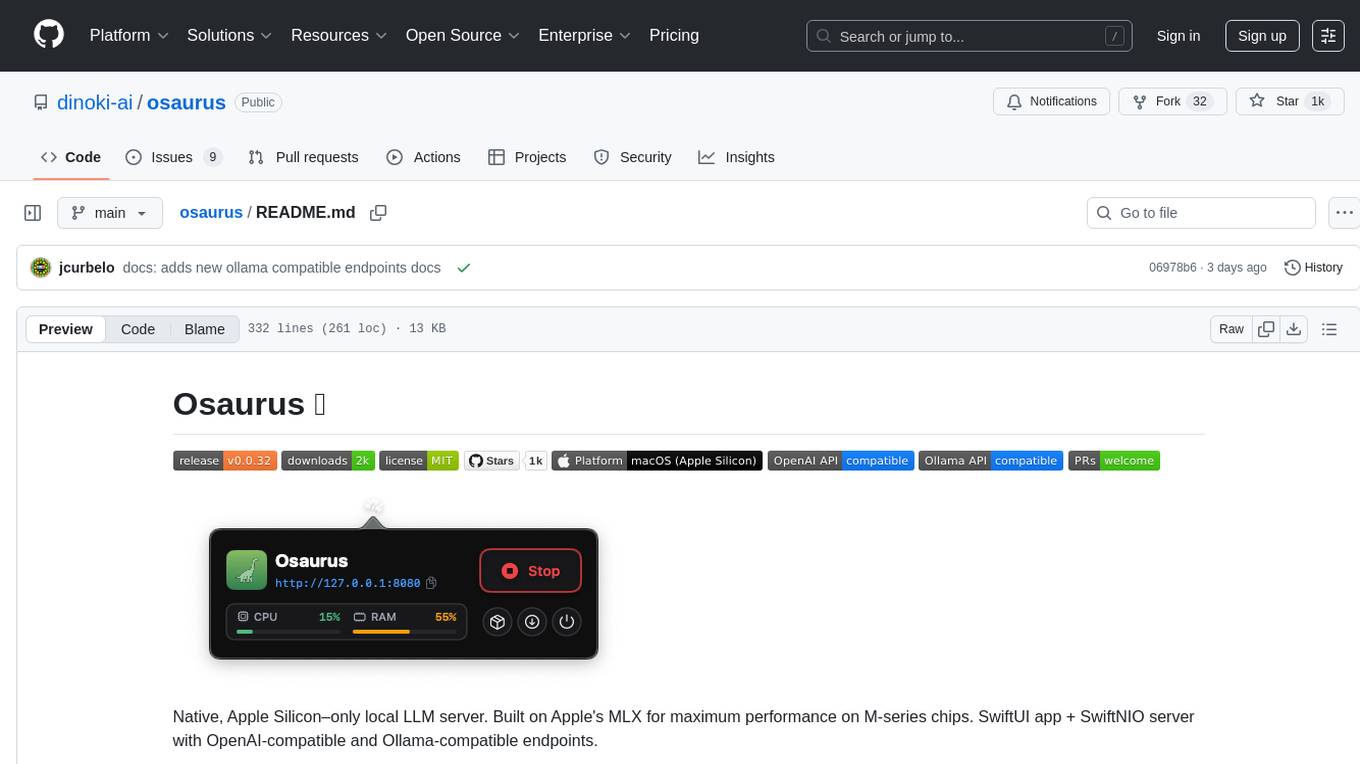
osaurus
Osaurus is a native, Apple Silicon-only local LLM server built on Apple's MLX for maximum performance on M‑series chips. It is a SwiftUI app + SwiftNIO server with OpenAI‑compatible and Ollama‑compatible endpoints. The tool supports native MLX text generation, model management, streaming and non‑streaming chat completions, OpenAI‑compatible function calling, real-time system resource monitoring, and path normalization for API compatibility. Osaurus is designed for macOS 15.5+ and Apple Silicon (M1 or newer) with Xcode 16.4+ required for building from source.
For similar tasks

Magick
Magick is a groundbreaking visual AIDE (Artificial Intelligence Development Environment) for no-code data pipelines and multimodal agents. Magick can connect to other services and comes with nodes and templates well-suited for intelligent agents, chatbots, complex reasoning systems and realistic characters.

danswer
Danswer is an open-source Gen-AI Chat and Unified Search tool that connects to your company's docs, apps, and people. It provides a Chat interface and plugs into any LLM of your choice. Danswer can be deployed anywhere and for any scale - on a laptop, on-premise, or to cloud. Since you own the deployment, your user data and chats are fully in your own control. Danswer is MIT licensed and designed to be modular and easily extensible. The system also comes fully ready for production usage with user authentication, role management (admin/basic users), chat persistence, and a UI for configuring Personas (AI Assistants) and their Prompts. Danswer also serves as a Unified Search across all common workplace tools such as Slack, Google Drive, Confluence, etc. By combining LLMs and team specific knowledge, Danswer becomes a subject matter expert for the team. Imagine ChatGPT if it had access to your team's unique knowledge! It enables questions such as "A customer wants feature X, is this already supported?" or "Where's the pull request for feature Y?"

semantic-kernel
Semantic Kernel is an SDK that integrates Large Language Models (LLMs) like OpenAI, Azure OpenAI, and Hugging Face with conventional programming languages like C#, Python, and Java. Semantic Kernel achieves this by allowing you to define plugins that can be chained together in just a few lines of code. What makes Semantic Kernel _special_ , however, is its ability to _automatically_ orchestrate plugins with AI. With Semantic Kernel planners, you can ask an LLM to generate a plan that achieves a user's unique goal. Afterwards, Semantic Kernel will execute the plan for the user.

floneum
Floneum is a graph editor that makes it easy to develop your own AI workflows. It uses large language models (LLMs) to run AI models locally, without any external dependencies or even a GPU. This makes it easy to use LLMs with your own data, without worrying about privacy. Floneum also has a plugin system that allows you to improve the performance of LLMs and make them work better for your specific use case. Plugins can be used in any language that supports web assembly, and they can control the output of LLMs with a process similar to JSONformer or guidance.
mindsdb
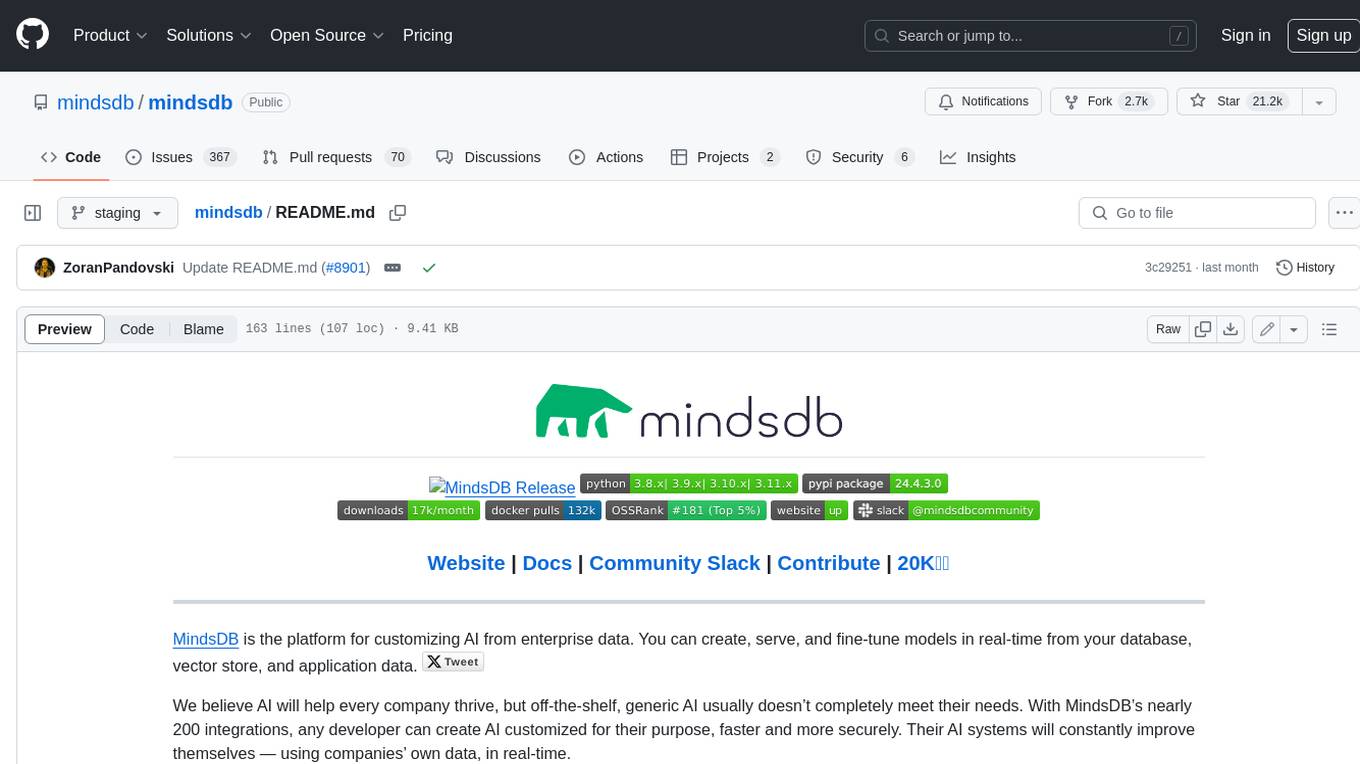
MindsDB is a platform for customizing AI from enterprise data. You can create, serve, and fine-tune models in real-time from your database, vector store, and application data. MindsDB "enhances" SQL syntax with AI capabilities to make it accessible for developers worldwide. With MindsDB’s nearly 200 integrations, any developer can create AI customized for their purpose, faster and more securely. Their AI systems will constantly improve themselves — using companies’ own data, in real-time.

aiscript
AiScript is a lightweight scripting language that runs on JavaScript. It supports arrays, objects, and functions as first-class citizens, and is easy to write without the need for semicolons or commas. AiScript runs in a secure sandbox environment, preventing infinite loops from freezing the host. It also allows for easy provision of variables and functions from the host.

activepieces
Activepieces is an open source replacement for Zapier, designed to be extensible through a type-safe pieces framework written in Typescript. It features a user-friendly Workflow Builder with support for Branches, Loops, and Drag and Drop. Activepieces integrates with Google Sheets, OpenAI, Discord, and RSS, along with 80+ other integrations. The list of supported integrations continues to grow rapidly, thanks to valuable contributions from the community. Activepieces is an open ecosystem; all piece source code is available in the repository, and they are versioned and published directly to npmjs.com upon contributions. If you cannot find a specific piece on the pieces roadmap, please submit a request by visiting the following link: Request Piece Alternatively, if you are a developer, you can quickly build your own piece using our TypeScript framework. For guidance, please refer to the following guide: Contributor's Guide
superagent-js
Superagent is an open source framework that enables any developer to integrate production ready AI Assistants into any application in a matter of minutes.
For similar jobs
zep
Zep is a long-term memory service for AI Assistant apps. With Zep, you can provide AI assistants with the ability to recall past conversations, no matter how distant, while also reducing hallucinations, latency, and cost. Zep persists and recalls chat histories, and automatically generates summaries and other artifacts from these chat histories. It also embeds messages and summaries, enabling you to search Zep for relevant context from past conversations. Zep does all of this asyncronously, ensuring these operations don't impact your user's chat experience. Data is persisted to database, allowing you to scale out when growth demands. Zep also provides a simple, easy to use abstraction for document vector search called Document Collections. This is designed to complement Zep's core memory features, but is not designed to be a general purpose vector database. Zep allows you to be more intentional about constructing your prompt: 1. automatically adding a few recent messages, with the number customized for your app; 2. a summary of recent conversations prior to the messages above; 3. and/or contextually relevant summaries or messages surfaced from the entire chat session. 4. and/or relevant Business data from Zep Document Collections.
doc2plan
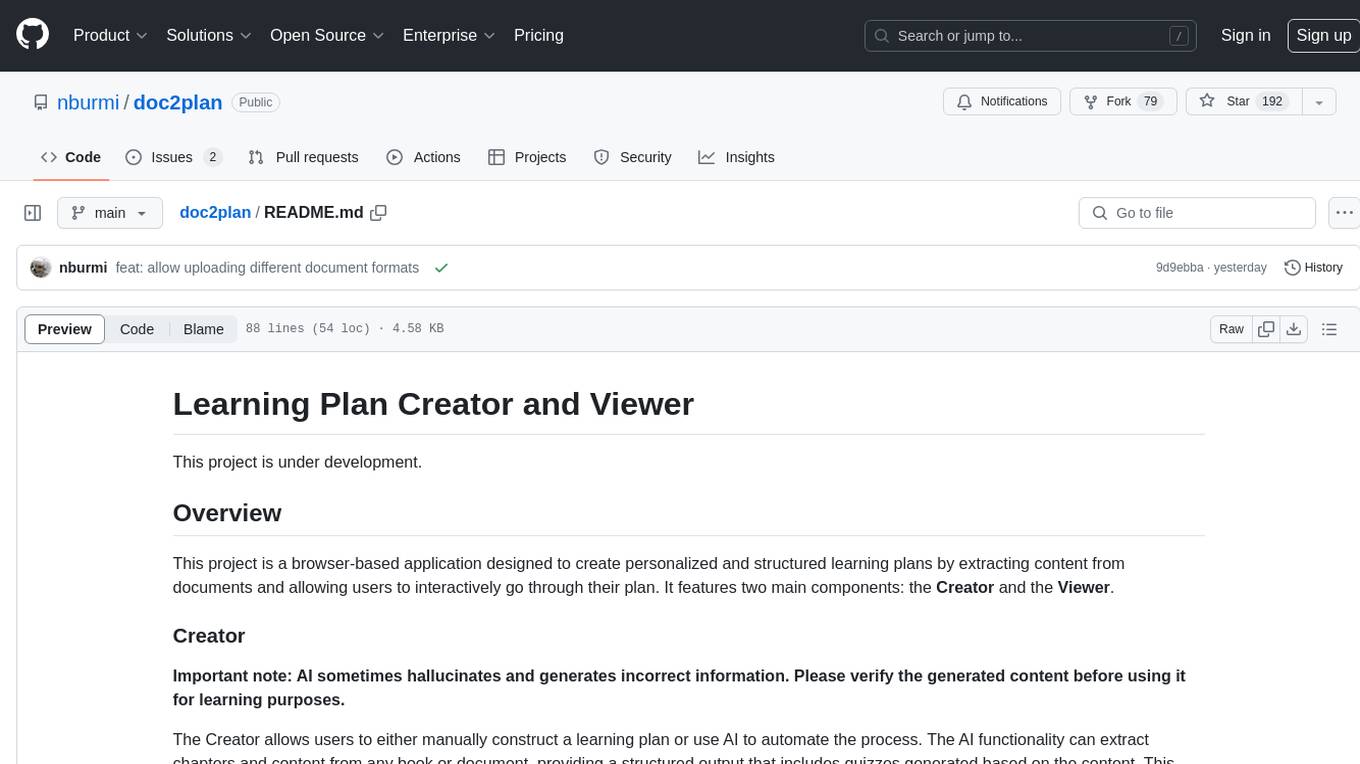
doc2plan is a browser-based application that helps users create personalized learning plans by extracting content from documents. It features a Creator for manual or AI-assisted plan construction and a Viewer for interactive plan navigation. Users can extract chapters, key topics, generate quizzes, and track progress. The application includes AI-driven content extraction, quiz generation, progress tracking, plan import/export, assistant management, customizable settings, viewer chat with text-to-speech and speech-to-text support, and integration with various Retrieval-Augmented Generation (RAG) models. It aims to simplify the creation of comprehensive learning modules tailored to individual needs.
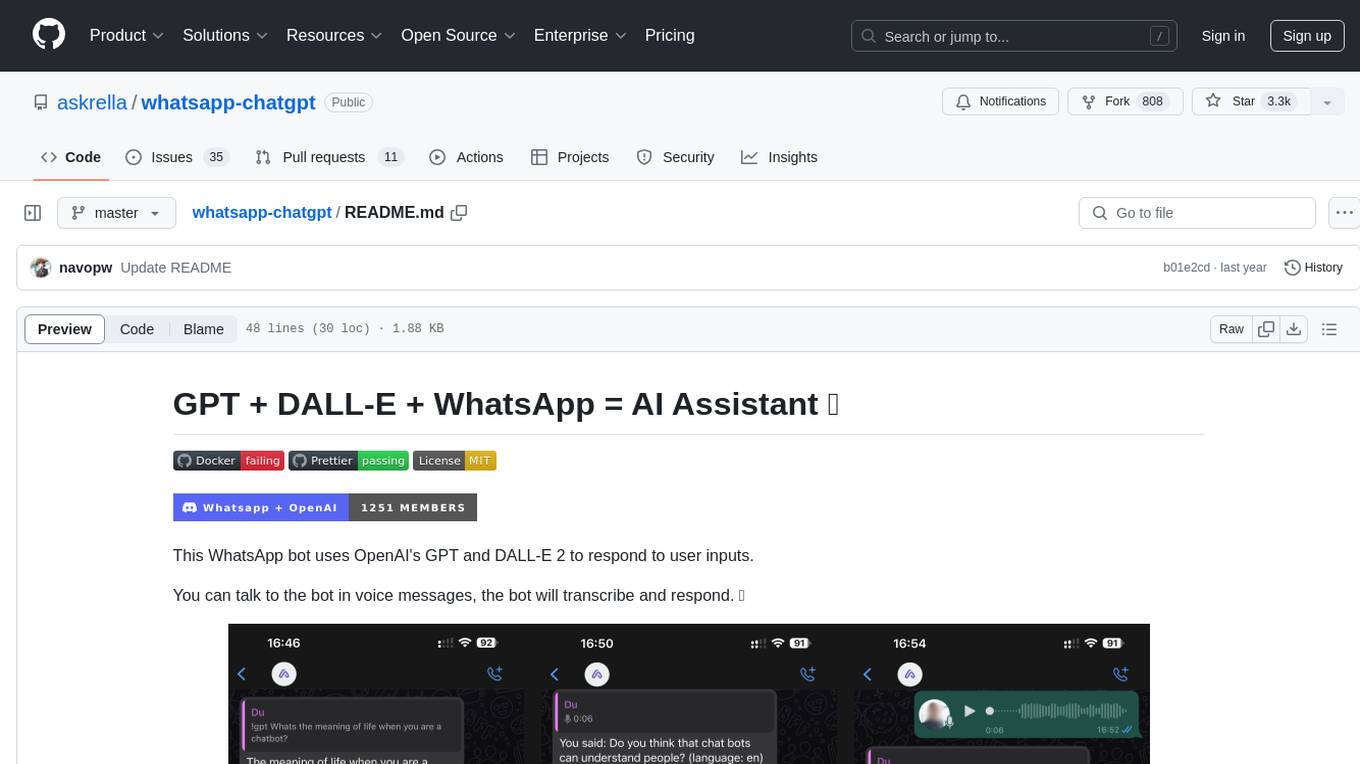
whatsapp-chatgpt
This repository contains a WhatsApp bot that utilizes OpenAI's GPT and DALL-E 2 to respond to user inputs. Users can interact with the bot through voice messages, which are transcribed and responded to. The bot requires Node.js, npm, an OpenAI API key, and a WhatsApp account. It uses Puppeteer to run a real instance of Whatsapp Web to avoid being blocked. However, there is a risk of being blocked by WhatsApp as it does not allow bots or unofficial clients on its platform. The bot is not free to use, and users will be charged by OpenAI for each request made.

OmniSteward
OmniSteward is an AI-powered steward system based on large language models that can interact with users through voice or text to help control smart home devices and computer programs. It supports multi-turn dialogue, tool calling for complex tasks, multiple LLM models, voice recognition, smart home control, computer program management, online information retrieval, command line operations, and file management. The system is highly extensible, allowing users to customize and share their own tools.
chatgpt-wechat
ChatGPT-WeChat is a personal assistant application that can be safely used on WeChat through enterprise WeChat without the risk of being banned. The project is open source and free, with no paid sections or external traffic operations except for advertising on the author's public account '积木成楼'. It supports various features such as secure usage on WeChat, multi-channel customer service message integration, proxy support, session management, rapid message response, voice and image messaging, drawing capabilities, private data storage, plugin support, and more. Users can also develop their own capabilities following the rules provided. The project is currently in development with stable versions available for use.
mcp-agent
mcp-agent is a simple, composable framework designed to build agents using the Model Context Protocol. It handles the lifecycle of MCP server connections and implements patterns for building production-ready AI agents in a composable way. The framework also includes OpenAI's Swarm pattern for multi-agent orchestration in a model-agnostic manner, making it the simplest way to build robust agent applications. It is purpose-built for the shared protocol MCP, lightweight, and closer to an agent pattern library than a framework. mcp-agent allows developers to focus on the core business logic of their AI applications by handling mechanics such as server connections, working with LLMs, and supporting external signals like human input.
Gmail-MCP-Server
Gmail AutoAuth MCP Server is a Model Context Protocol (MCP) server designed for Gmail integration in Claude Desktop. It supports auto authentication and enables AI assistants to manage Gmail through natural language interactions. The server provides comprehensive features for sending emails, reading messages, managing labels, searching emails, and batch operations. It offers full support for international characters, email attachments, and Gmail API integration. Users can install and authenticate the server via Smithery or manually with Google Cloud Project credentials. The server supports both Desktop and Web application credentials, with global credential storage for convenience. It also includes Docker support and instructions for cloud server authentication.
Operit
Operit AI is a fully functional AI assistant application for mobile devices, running independently on Android devices with powerful tool invocation capabilities. It offers over 40 built-in tools for file system operations, HTTP requests, system operations, UI automation, and media processing. The app combines these tools with rich plugins to enable a wide range of tasks, from simple to complex, providing a comprehensive experience of a smartphone AI assistant.