


ultimate-rvc
An app for creating audio-based content such as song covers and speech using Retrieval-based Voice Conversion.
Stars: 147
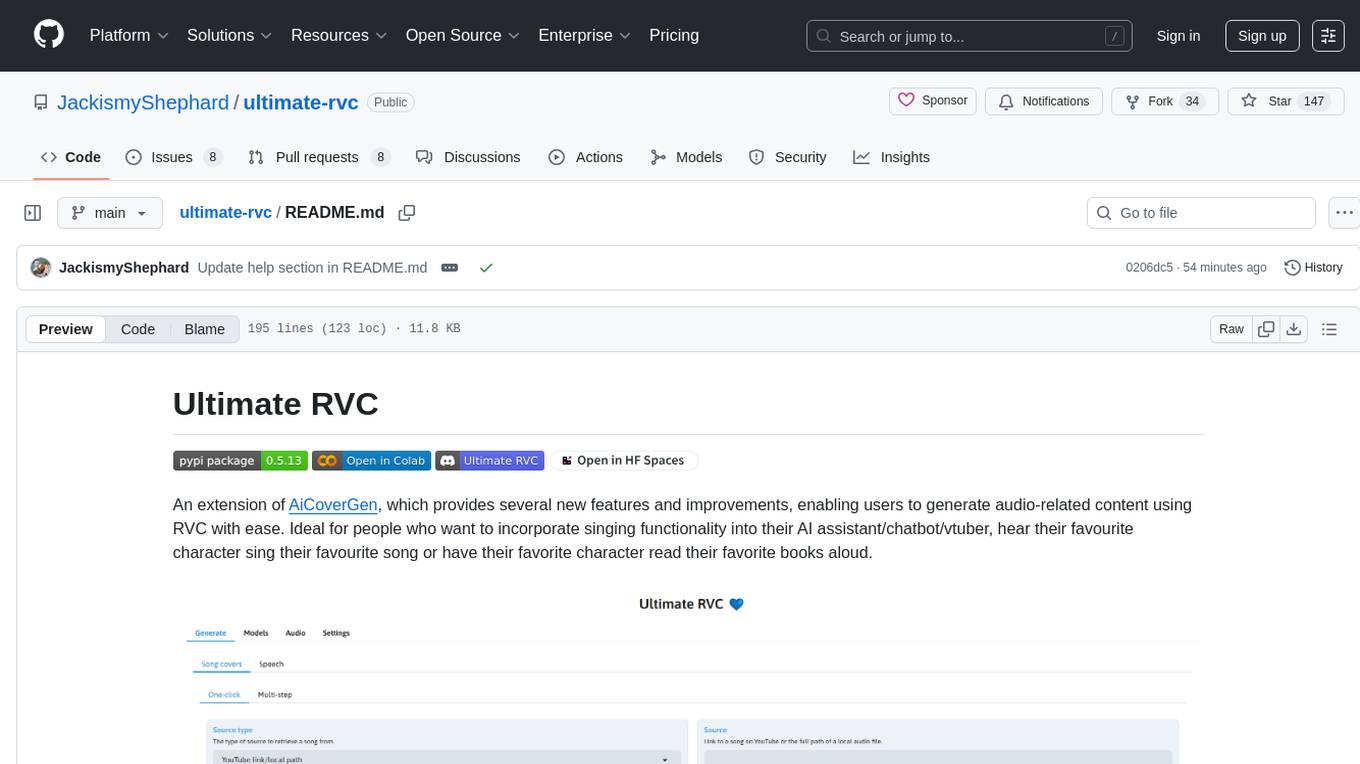
Ultimate RVC is an extension of AiCoverGen, offering new features and improvements for generating audio content using RVC. It is designed for users looking to integrate singing functionality into AI assistants/chatbots/vtubers, create character voices for songs or books, and train voice models. The tool provides easy setup, voice conversion enhancements, TTS functionality, voice model training suite, caching system, UI improvements, and support for custom configurations. It is available for local and Google Colab use, with a PyPI package for easy access. The tool also offers CLI usage and customization through environment variables.
README:



An extension of AiCoverGen, which provides several new features and improvements, enabling users to generate audio-related content using RVC with ease. Ideal for people who want to incorporate singing functionality into their AI assistant/chatbot/vtuber, hear their favourite characters sing their favourite song or have their favorite character read their favorite books aloud.

Ultimate RVC is under constant development and testing, but you can try it out right now locally or on Google Colab!
- Ultimate RVC: The Most Powerful AI Voice Cloning Tool Yet!
- Ultimate-RVC on Your PC | Turn Any Voice Into Yours!
- Train Any Voice with Ultimate RVC | Fast & Accurate Voice Cloning
Courtesy of Social & Apps
- Easy and automated setup using launcher scripts for both windows and Debian-based linux systems
- Significants improvements to voice conversion quality and speed. New features include support for additional pitch extraction methods such as FCPE, different embedder models and pre/post-processing options such as autotuning and noise reduction.
- TTS functionality, which allows you to generate speech from text using any RVC-based voice model. With this feature, you can do things such as generate audio books using your favourite character's voice.
- A voice model training suite, which allows you to train your own voice models using a wide range of options, such as different datasets, embedder models, and training configurations.
- Caching system which saves intermediate audio files as needed, thereby reducing inference time as much as possible. For example, if song A has already been converted using model B and now you want to convert song A using model C, then vocal extraction can be skipped and inference time reduced drastically
- Ability to listen to intermediate audio files in the UI. This is useful for getting an idea of what is happening in each step of a given generation pipeline.
- "multi-step" generation tabs: Here you can try out each step of a given generation pipeline in isolation. For example, if you already have extracted vocals available and only want to convert these using your voice model, then you can do that in a dedicated "multi-step" tab for song cover generation. Besides, these "multi-step" generation tabs are also useful for experimenting with settings for each step in a given generation pipeline.
- Lots of visual and performance improvements resulting from updating from Gradio 3 to Gradio 5 and from python 3.9 to python 3.12
- A redistributable package on PyPI, which allows you to easily access the Ultimate RVC project from any python 3.12 environment.
- Support for saving and loading of custom configurations for the Ultimate RVC web application. This allows you to easily switch between different configurations without having to manually change settings each time.
For those without a powerful enough NVIDIA GPU, you may try out Ultimate RV using Google Colab. Additionally, Ultimate RVC is also hosted on Huggingface Spaces, although GPU acceleration is not available there. For those who want to run Ultimate RVC locally, follow the setup guide below.
The Ultimate RVC project currently supports Windows and Debian-based Linux distributions, namely Ubuntu 22.04 and Ubuntu 24.04. Support for other platforms is not guaranteed.
To setup the project follow the steps below and execute the provided commands in an appropriate terminal. On windows this terminal should be powershell, while on Debian-based linux distributions it should be a bash-compliant shell.
Follow the Git installation instructions to install Git on your computer.
To execute the subsequent commands on Windows, it is necessary to first grant powershell permission to run scripts. This can be done at a user level as follows:
Set-ExecutionPolicy RemoteSigned -Scope CurrentUsergit clone https://github.com/JackismyShephard/ultimate-rvc
cd ultimate-rvc./urvc install Note that on Linux, this command will install the CUDA 12.8 toolkit system-wide, if it is not already available. In case you have problems, you may need to install the toolkit manually.
./urvc runOnce the output message Running on local URL: http://127.0.0.1:7860 appears, you can click on the link to open a tab with the web app.
./urvc updateWhen developing new features or debugging, it is recommended to run the app in development mode. This enables hot reloading, which means that the app will automatically reload when changes are made to the code.
./urvc dev
Navigate to the Download subtab under the Models tab, and paste the download link to an RVC model and give it a unique name.
You may search the AI Hub Discord where already trained voice models are available for download.
The downloaded zip file should contain the .pth model file and optionally also a .index file.
Once the two input fields are filled in, simply click Download. Once the output message says [NAME] Model successfully downloaded!, you should be able to use the downloaded model in either the Generate>song covers or Generate>speech tab.

For people who have trained RVC models locally and would like to use them for voice conversion.
Navigate to the Upload subtab under the Models tab, and follow the instructions there.
Once the output message says Model with name [NAME] successfully uploaded!, you should be able to use the uploaded model in either the Generate>song covers or Generate>speech tab.
- From the
Source typedropdown, choose the source type from which you want to retrieve the song to convert. - In the
Sourceinput field either paste the URL of a song on YouTube or upload an audio file, depending on the source type selected. - From the
Voice modeldropdown menu, select the voice model to use. - More Options can be viewed by clicking
Options.
Once all options are filled in, click Generate and the AI generated song cover should appear in less than a few minutes, depending on your GPU.
The Ultimate RVC project is also available as a distributable package on PyPI.
The package can be installed with pip in a Python 3.12-based environment. To do so requires first installing PyTorch with CUDA support:
pip install torch==2.7.0+cu128 torchaudio==2.7.0+cu128 --index-url https://download.pytorch.org/whl/cu128The Ultimate RVC project package can then be installed as follows:
pip install ultimate-rvcThe ultimate-rvc package can be used as a python library but is primarily intended to be used as a command line tool. The package exposes two top-level commands:
-
urvcwhich lets the user generate song covers directly from their terminal -
urvc-webwhich starts a local instance of the Ultimate RVC web application
For more information on either command supply the option --help.
The behaviour of the Ultimate RVC project can be customized via a number of environment variables. Currently these environment variables control only logging behaviour and data directory locations. They are as follows:
-
URVC_CONSOLE_LOG_LEVEL: The log level for console logging. If not set, defaults toERROR. -
URVC_FILE_LOG_LEVEL: The log level for file logging. If not set, defaults toINFO. -
URVC_LOGS_DIR: The directory in which log files will be stored. If not set, logs will be stored in alogsdirectory in the current working directory. -
URVC_NO_LOGGING: If set to1, logging will be disabled. -
URVC_MODELS_DIR: The directory in which models will be stored. If not set, models will be stored in amodelsdirectory in the current working directory. -
URVC_AUDIO_DIR: The directory in which audio files will be stored. If not set, audio files will be stored in anaudiodirectory in the current working directory. -
URVC_TEMP_DIR: The directory in which temporary files will be stored. If not set, temporary files will be stored in atempdirectory in the current working directory. -
URVC_CONFIG_DIR: The directory in which configuration files will be stored. If not set, configuration files will be stored in aconfigsdirectory in the current working directory. -
URVC_VOICE_MODELS_DIR: The directory in which voice models will be stored. If not set, voice models will be stored in avoice_modelssubdirectory of theURVC_MODELS_DIRdirectory. -
YT_COOKIEFILE: The path to a file containing cookies to use when downloading audio from YouTube via the web UI. If not set, no cookies will be used. -
URVC_ACCELERATOR: The type of hardware accelerator to use when running Ultimate RVC directly via the shell scripts in this repository. Currently supported options arecudaandrocm, withcudabeing the default. Note thatrocmis not supported on Windows and experimental on linux. -
URVC_CONFIG: The name of a configuration with custom values for settings to load when starting the Ultimate RVC web application. If not set, the default configuration for Ultimate RVC will be used. The configuration should be located in theconfigsdirectory of the Ultimate RVC project. If it does not exist, an error will be raised.
The use of the converted voice for the following purposes is prohibited.
-
Criticizing or attacking individuals.
-
Advocating for or opposing specific political positions, religions, or ideologies.
-
Publicly displaying strongly stimulating expressions without proper zoning.
-
Selling of voice models and generated voice clips.
-
Impersonation of the original owner of the voice with malicious intentions to harm/hurt others.
-
Fraudulent purposes that lead to identity theft or fraudulent phone calls.
I am not liable for any direct, indirect, consequential, incidental, or special damages arising out of or in any way connected with the use/misuse or inability to use this software.
For Tasks:
Click tags to check more tools for each tasksFor Jobs:
Alternative AI tools for ultimate-rvc
Similar Open Source Tools
ultimate-rvc
Ultimate RVC is an extension of AiCoverGen, offering new features and improvements for generating audio content using RVC. It is designed for users looking to integrate singing functionality into AI assistants/chatbots/vtubers, create character voices for songs or books, and train voice models. The tool provides easy setup, voice conversion enhancements, TTS functionality, voice model training suite, caching system, UI improvements, and support for custom configurations. It is available for local and Google Colab use, with a PyPI package for easy access. The tool also offers CLI usage and customization through environment variables.
gpt-subtrans
GPT-Subtrans is an open-source subtitle translator that utilizes large language models (LLMs) as translation services. It supports translation between any language pairs that the language model supports. Note that GPT-Subtrans requires an active internet connection, as subtitles are sent to the provider's servers for translation, and their privacy policy applies.
MusicGPT
MusicGPT is an application that allows running the latest music generation AI models locally in a performant way, supporting different music generation models transparently to the user. It can be interacted with through UI mode or CLI mode, generating music based on natural language prompts. The tool requires access to storage to save downloaded models and generated audios along with metadata. It is licensed under MIT License for the code and CC-BY-NC-4.0 License for the AI model weights.
Mapperatorinator
Mapperatorinator is a multi-model framework that uses spectrogram inputs to generate fully featured osu! beatmaps for all gamemodes and assist modding beatmaps. The project aims to automatically generate rankable quality osu! beatmaps from any song with a high degree of customizability. The tool is built upon osuT5 and osu-diffusion, utilizing GPU compute and instances on vast.ai for development. Users can responsibly use AI in their beatmaps with this tool, ensuring disclosure of AI usage. Installation instructions include cloning the repository, creating a virtual environment, and installing dependencies. The tool offers a Web GUI for user-friendly experience and a Command-Line Inference option for advanced configurations. Additionally, an Interactive CLI script is available for terminal-based workflow with guided setup. The tool provides generation tips and features MaiMod, an AI-driven modding tool for osu! beatmaps. Mapperatorinator tokenizes beatmaps, utilizes a model architecture based on HF Transformers Whisper model, and offers multitask training format for conditional generation. The tool ensures seamless long generation, refines coordinates with diffusion, and performs post-processing for improved beatmap quality. Super timing generator enhances timing accuracy, and LoRA fine-tuning allows adaptation to specific styles or gamemodes. The project acknowledges credits and related works in the osu! community.
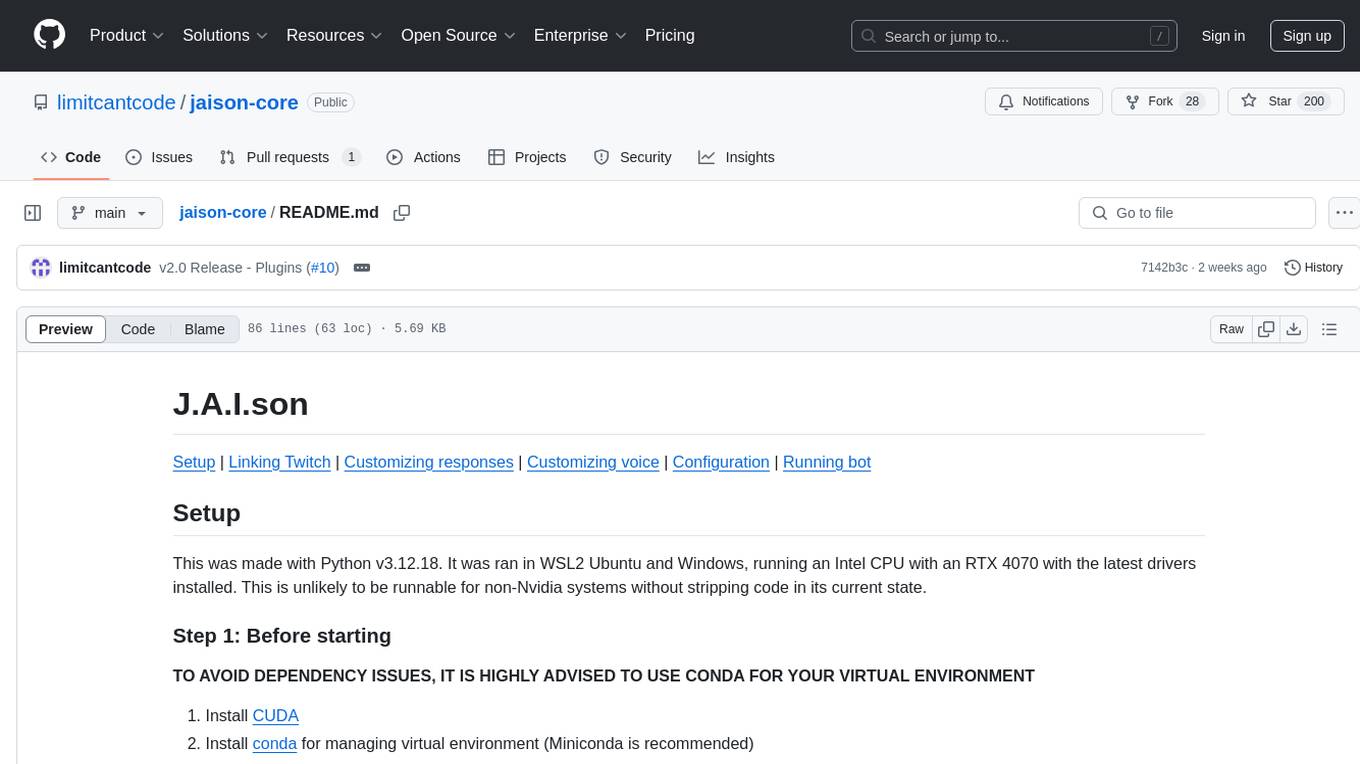
jaison-core
J.A.I.son is a Python project designed for generating responses using various components and applications. It requires specific plugins like STT, T2T, TTSG, and TTSC to function properly. Users can customize responses, voice, and configurations. The project provides a Discord bot, Twitch events and chat integration, and VTube Studio Animation Hotkeyer. It also offers features for managing conversation history, training AI models, and monitoring conversations.
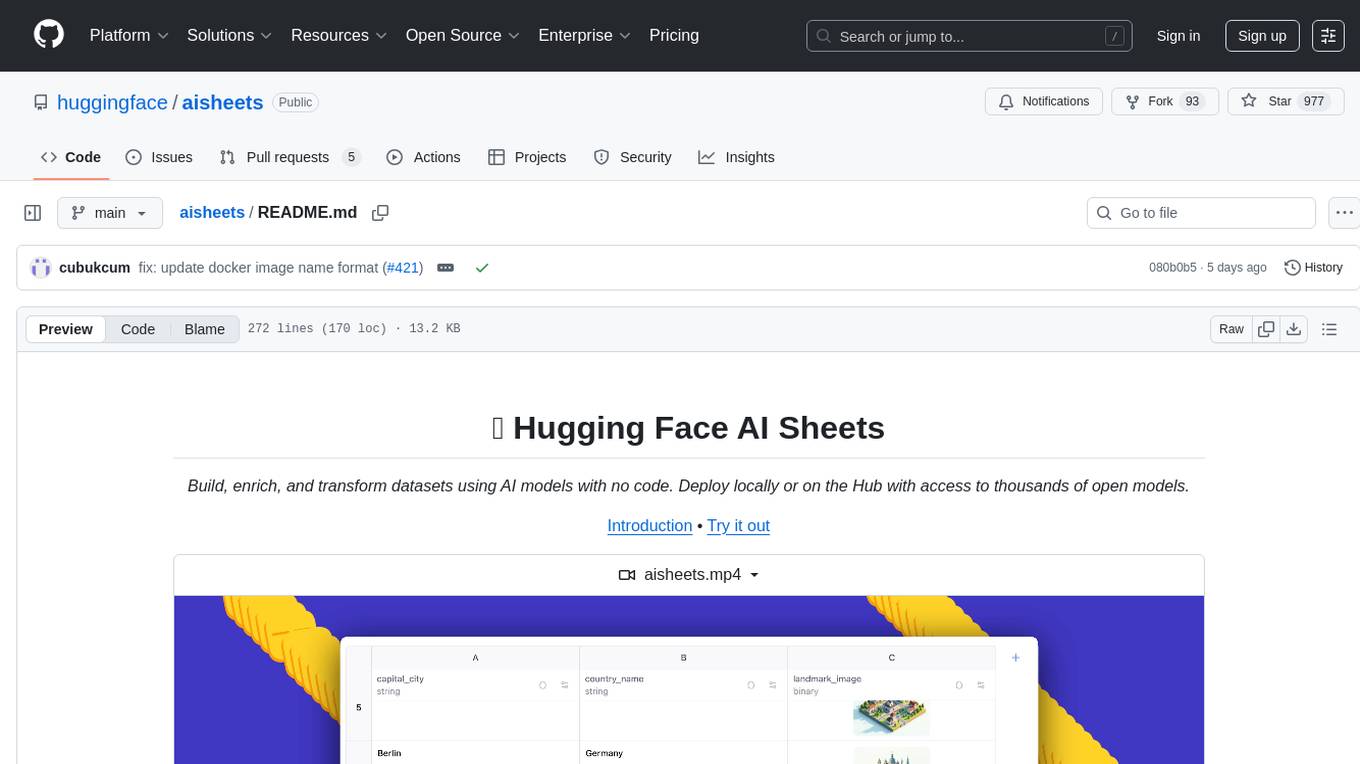
aisheets
Hugging Face AI Sheets is an open-source tool for building, enriching, and transforming datasets using AI models with no code. It can be deployed locally or on the Hub, providing access to thousands of open models. Users can easily generate datasets, run data generation scripts, and customize inference endpoints for text generation. The tool supports custom LLMs and offers advanced configuration options for authentication, inference, and miscellaneous settings. With AI Sheets, users can leverage the power of AI models without writing any code, making dataset management and transformation efficient and accessible.
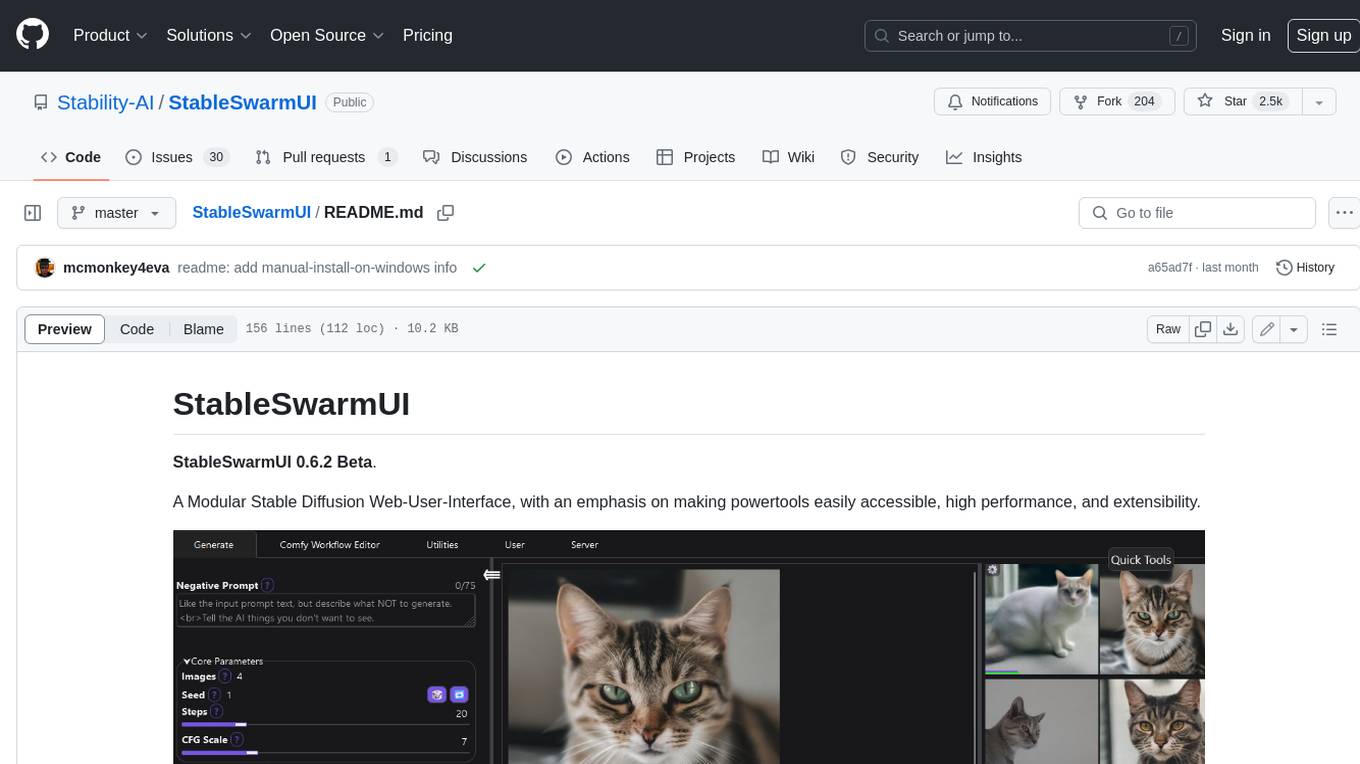
StableSwarmUI
StableSwarmUI is a modular Stable Diffusion web user interface that emphasizes making power tools easily accessible, high performance, and extensible. It is designed to be a one-stop-shop for all things Stable Diffusion, providing a wide range of features and capabilities to enhance the user experience.
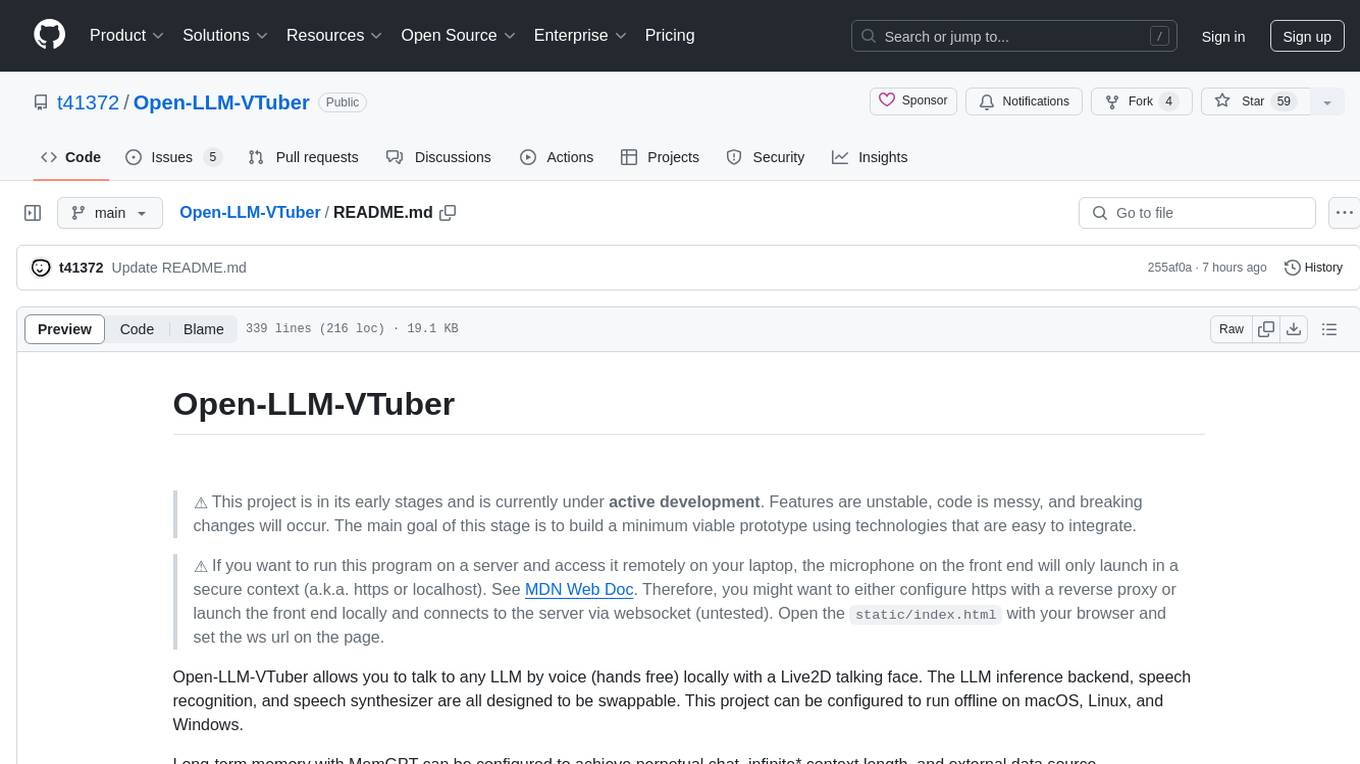
Open-LLM-VTuber
Open-LLM-VTuber is a project in early stages of development that allows users to interact with Large Language Models (LLM) using voice commands and receive responses through a Live2D talking face. The project aims to provide a minimum viable prototype for offline use on macOS, Linux, and Windows, with features like long-term memory using MemGPT, customizable LLM backends, speech recognition, and text-to-speech providers. Users can configure the project to chat with LLMs, choose different backend services, and utilize Live2D models for visual representation. The project supports perpetual chat, offline operation, and GPU acceleration on macOS, addressing limitations of existing solutions on macOS.
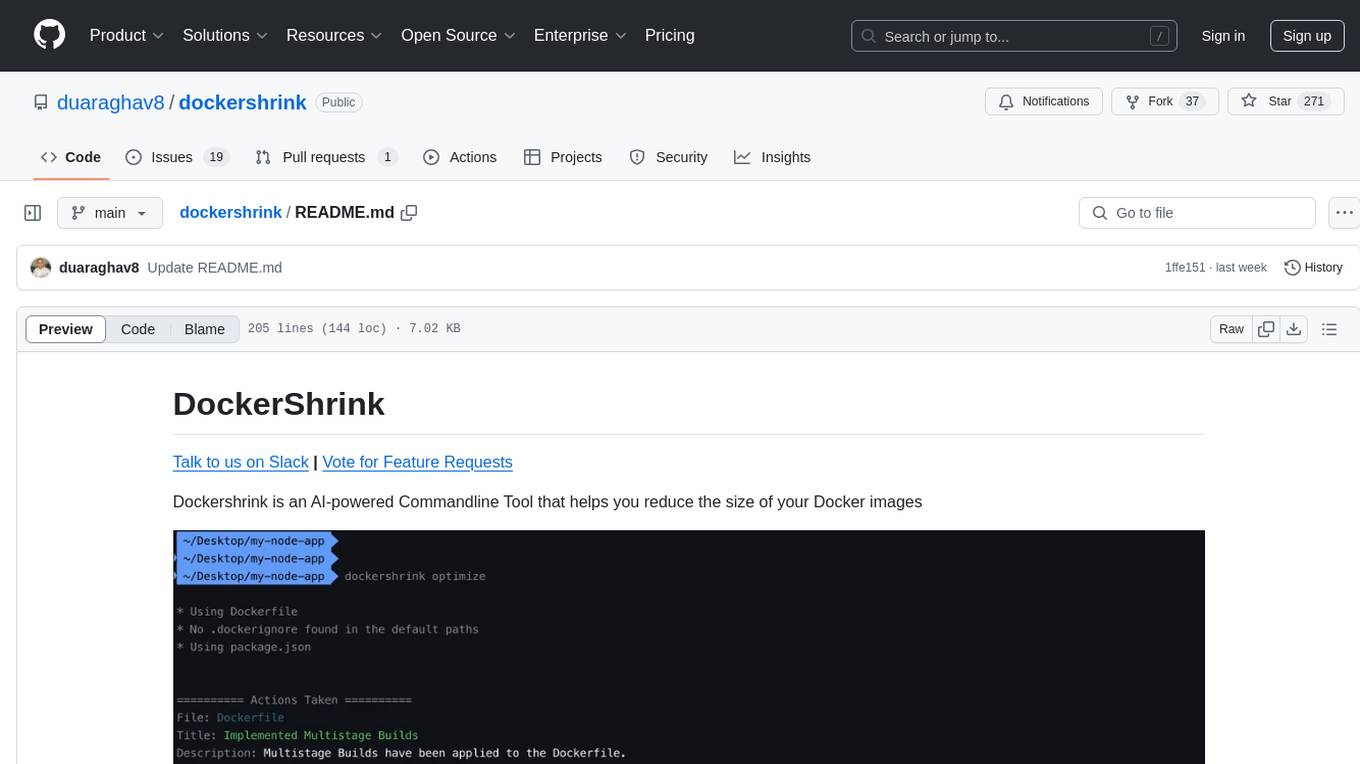
dockershrink
Dockershrink is an AI-powered Commandline Tool designed to help reduce the size of Docker images. It combines traditional Rule-based analysis with Generative AI techniques to optimize Image configurations. The tool supports NodeJS applications and aims to save costs on storage, data transfer, and build times while increasing developer productivity. By automatically applying advanced optimization techniques, Dockershrink simplifies the process for engineers and organizations, resulting in significant savings and efficiency improvements.
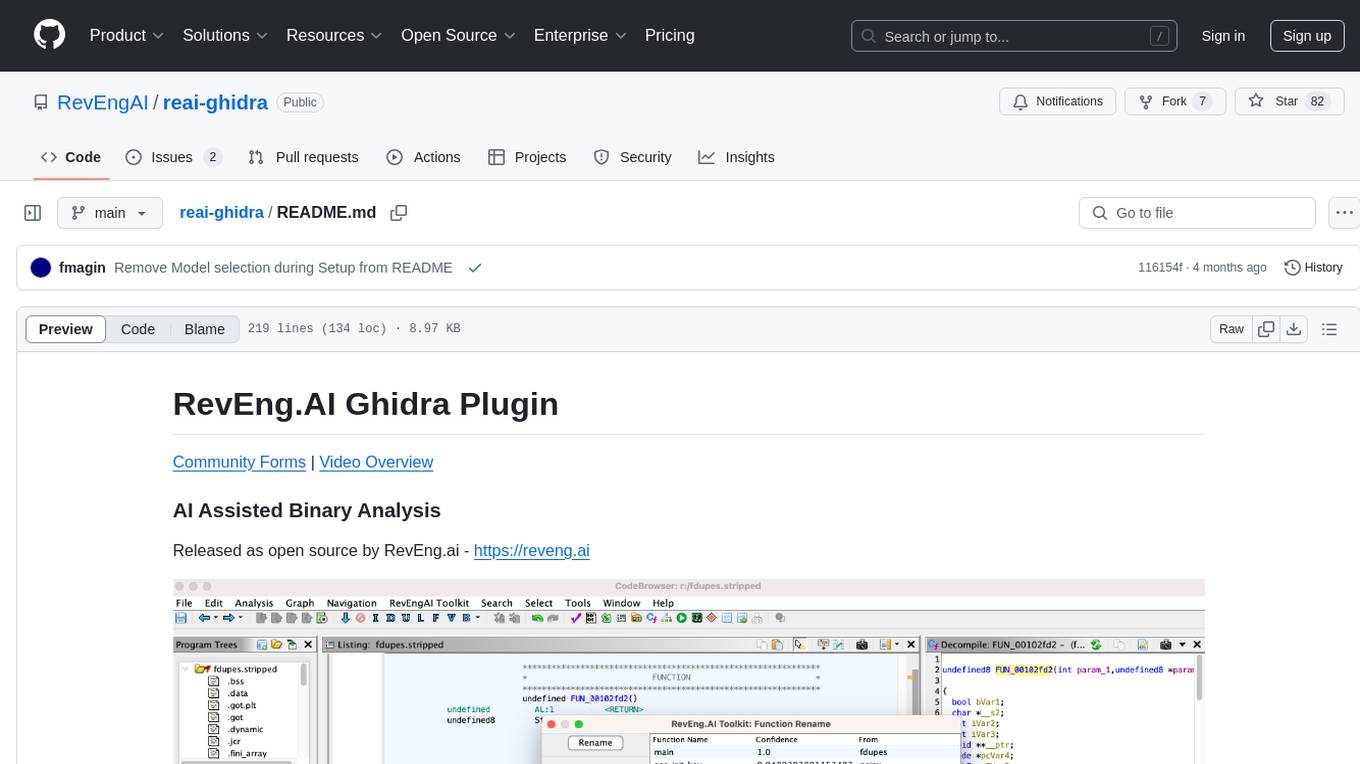
reai-ghidra
The RevEng.AI Ghidra Plugin by RevEng.ai allows users to interact with their API within Ghidra for Binary Code Similarity analysis to aid in Reverse Engineering stripped binaries. Users can upload binaries, rename functions above a confidence threshold, and view similar functions for a selected function.
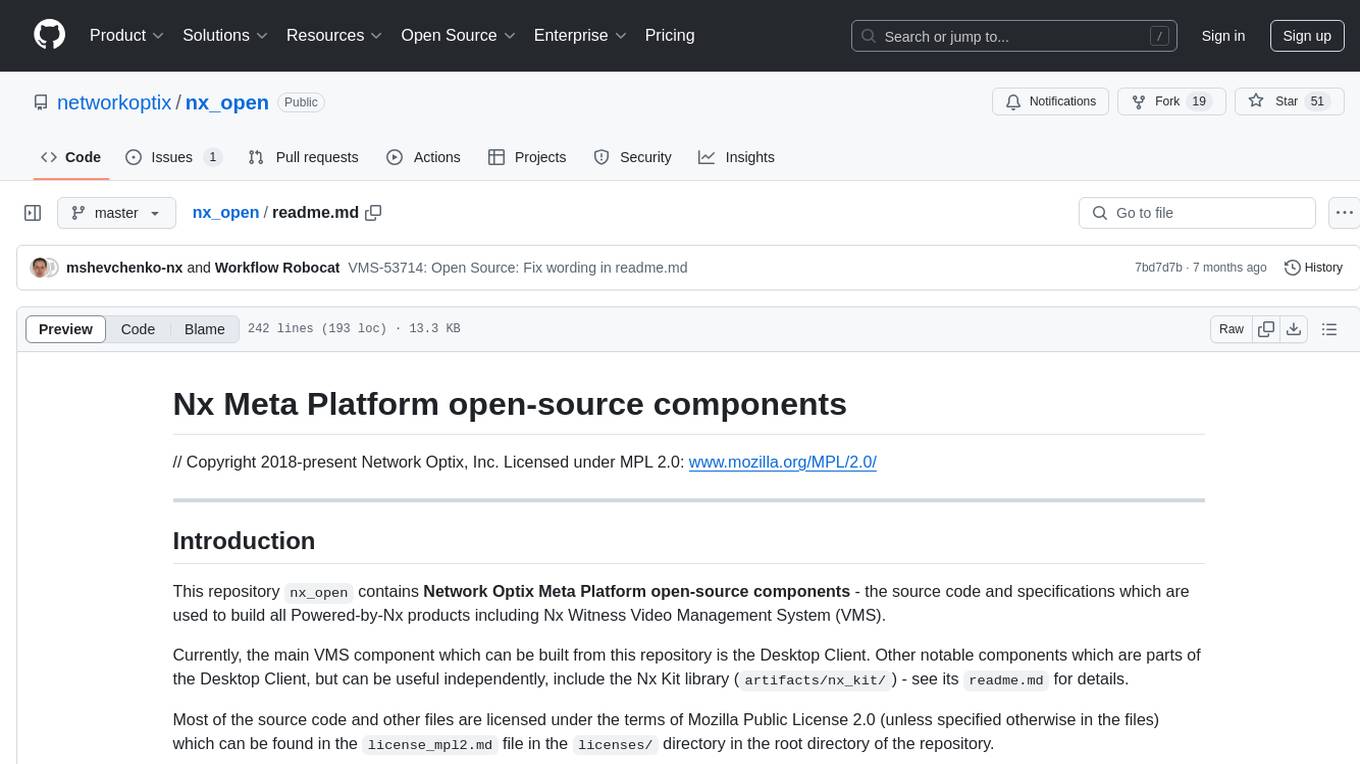
nx_open
The `nx_open` repository contains open-source components for the Network Optix Meta Platform, used to build products like Nx Witness Video Management System. It includes source code, specifications, and a Desktop Client. The repository is licensed under Mozilla Public License 2.0. Users can build the Desktop Client and customize it using a zip file. The build environment supports Windows, Linux, and macOS platforms with specific prerequisites. The repository provides scripts for building, signing executable files, and running the Desktop Client. Compatibility with VMS Server versions is crucial, and automatic VMS updates are disabled for the open-source Desktop Client.
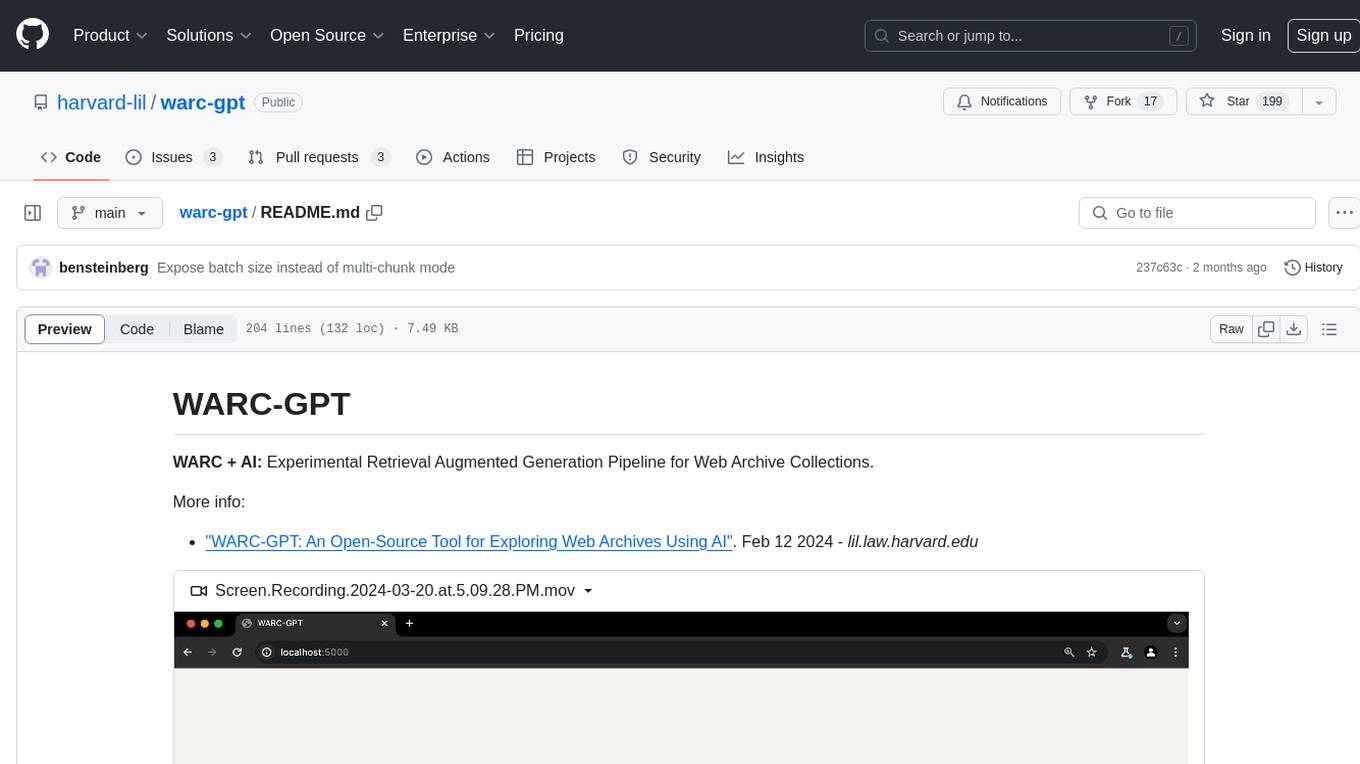
warc-gpt
WARC-GPT is an experimental retrieval augmented generation pipeline for web archive collections. It allows users to interact with WARC files, extract text, generate text embeddings, visualize embeddings, and interact with a web UI and API. The tool is highly customizable, supporting various LLMs, providers, and embedding models. Users can configure the application using environment variables, ingest WARC files, start the server, and interact with the web UI and API to search for content and generate text completions. WARC-GPT is designed for exploration and experimentation in exploring web archives using AI.
ultravox
Ultravox is a fast multimodal Language Model (LLM) that can understand both text and human speech in real-time without the need for a separate Audio Speech Recognition (ASR) stage. By extending Meta's Llama 3 model with a multimodal projector, Ultravox converts audio directly into a high-dimensional space used by Llama 3, enabling quick responses and potential understanding of paralinguistic cues like timing and emotion in human speech. The current version (v0.3) has impressive speed metrics and aims for further enhancements. Ultravox currently converts audio to streaming text and plans to emit speech tokens for direct audio conversion. The tool is open for collaboration to enhance this functionality.
vigenair
ViGenAiR is a tool that harnesses the power of Generative AI models on Google Cloud Platform to automatically transform long-form Video Ads into shorter variants, targeting different audiences. It generates video, image, and text assets for Demand Gen and YouTube video campaigns. Users can steer the model towards generating desired videos, conduct A/B testing, and benefit from various creative features. The tool offers benefits like diverse inventory, compelling video ads, creative excellence, user control, and performance insights. ViGenAiR works by analyzing video content, splitting it into coherent segments, and generating variants following Google's best practices for effective ads.
ChatGPT-Telegram-Bot
The ChatGPT Telegram Bot is a powerful Telegram bot that utilizes various GPT models, including GPT3.5, GPT4, GPT4 Turbo, GPT4 Vision, DALL·E 3, Groq Mixtral-8x7b/LLaMA2-70b, and Claude2.1/Claude3 opus/sonnet API. It enables users to engage in efficient conversations and information searches on Telegram. The bot supports multiple AI models, online search with DuckDuckGo and Google, user-friendly interface, efficient message processing, document interaction, Markdown rendering, and convenient deployment options like Zeabur, Replit, and Docker. Users can set environment variables for configuration and deployment. The bot also provides Q&A functionality, supports model switching, and can be deployed in group chats with whitelisting. The project is open source under GPLv3 license.
REINVENT4
REINVENT is a molecular design tool for de novo design, scaffold hopping, R-group replacement, linker design, molecule optimization, and other small molecule design tasks. It uses a Reinforcement Learning (RL) algorithm to generate optimized molecules compliant with a user-defined property profile defined as a multi-component score. Transfer Learning (TL) can be used to create or pre-train a model that generates molecules closer to a set of input molecules.
For similar tasks
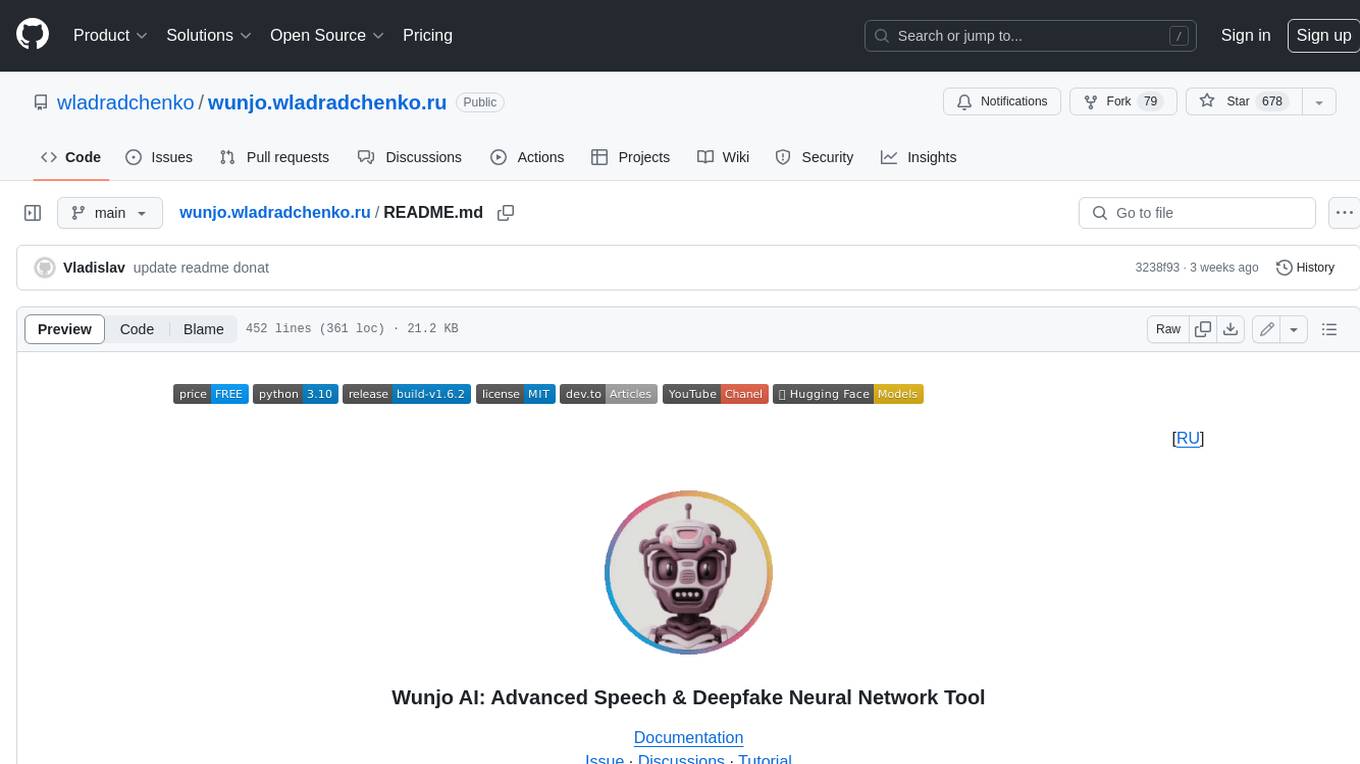
wunjo.wladradchenko.ru
Wunjo AI is a comprehensive tool that empowers users to explore the realm of speech synthesis, deepfake animations, video-to-video transformations, and more. Its user-friendly interface and privacy-first approach make it accessible to both beginners and professionals alike. With Wunjo AI, you can effortlessly convert text into human-like speech, clone voices from audio files, create multi-dialogues with distinct voice profiles, and perform real-time speech recognition. Additionally, you can animate faces using just one photo combined with audio, swap faces in videos, GIFs, and photos, and even remove unwanted objects or enhance the quality of your deepfakes using the AI Retouch Tool. Wunjo AI is an all-in-one solution for your voice and visual AI needs, offering endless possibilities for creativity and expression.
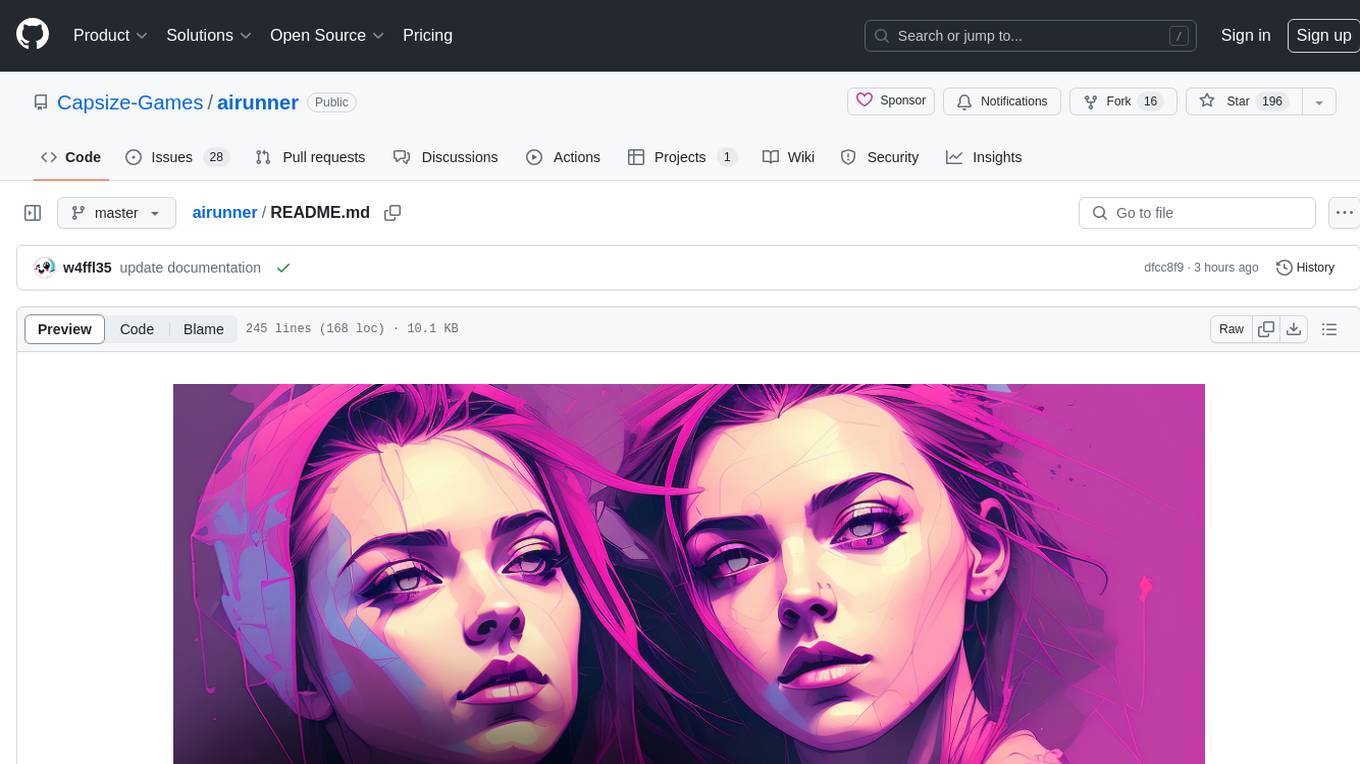
airunner
AI Runner is a multi-modal AI interface that allows users to run open-source large language models and AI image generators on their own hardware. The tool provides features such as voice-based chatbot conversations, text-to-speech, speech-to-text, vision-to-text, text generation with large language models, image generation capabilities, image manipulation tools, utility functions, and more. It aims to provide a stable and user-friendly experience with security updates, a new UI, and a streamlined installation process. The application is designed to run offline on users' hardware without relying on a web server, offering a smooth and responsive user experience.
Wechat-AI-Assistant
Wechat AI Assistant is a project that enables multi-modal interaction with ChatGPT AI assistant within WeChat. It allows users to engage in conversations, role-playing, respond to voice messages, analyze images and videos, summarize articles and web links, and search the internet. The project utilizes the WeChatFerry library to control the Windows PC desktop WeChat client and leverages the OpenAI Assistant API for intelligent multi-modal message processing. Users can interact with ChatGPT AI in WeChat through text or voice, access various tools like bing_search, browse_link, image_to_text, text_to_image, text_to_speech, video_analysis, and more. The AI autonomously determines which code interpreter and external tools to use to complete tasks. Future developments include file uploads for AI to reference content, integration with other APIs, and login support for enterprise WeChat and WeChat official accounts.
Generative-AI-Pharmacist
Generative AI Pharmacist is a project showcasing the use of generative AI tools to create an animated avatar named Macy, who delivers medication counseling in a realistic and professional manner. The project utilizes tools like Midjourney for image generation, ChatGPT for text generation, ElevenLabs for text-to-speech conversion, and D-ID for creating a photorealistic talking avatar video. The demo video featuring Macy discussing commonly-prescribed medications demonstrates the potential of generative AI in healthcare communication.
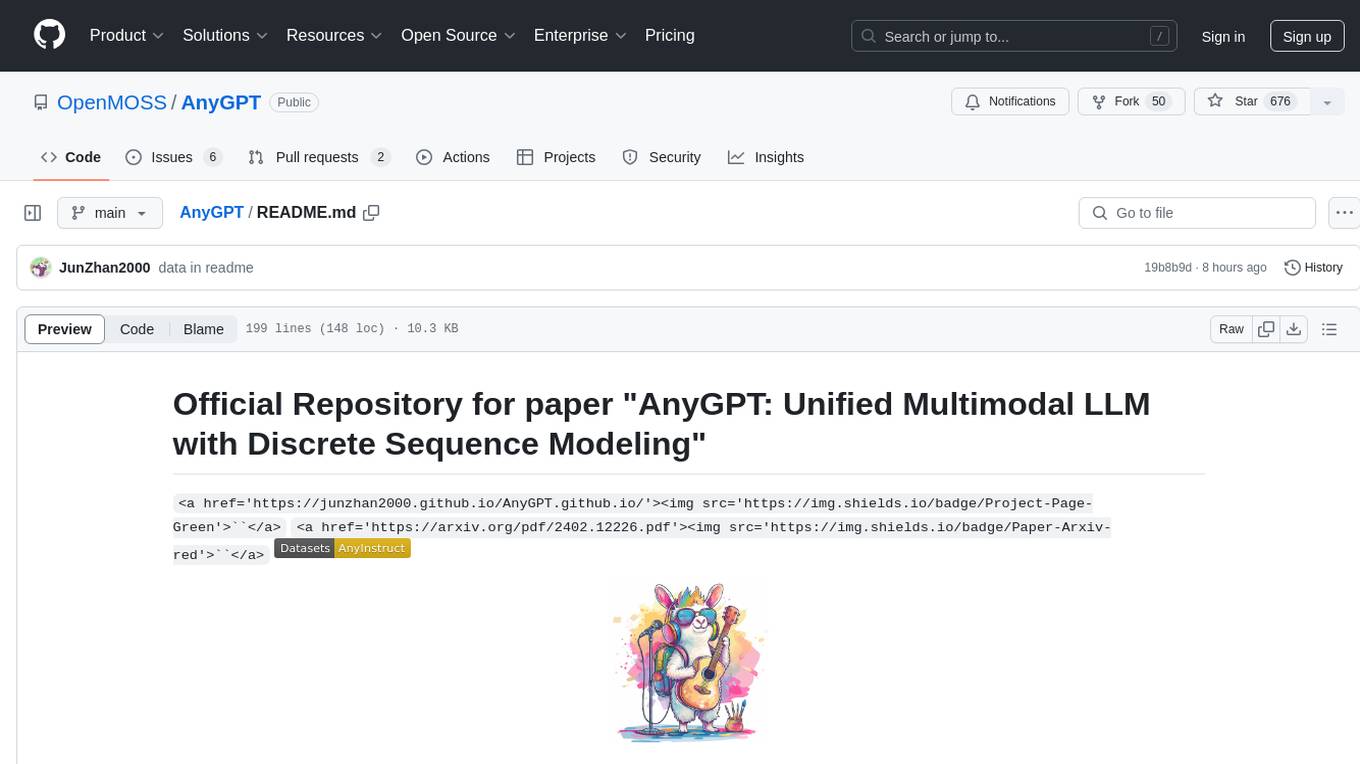
AnyGPT
AnyGPT is a unified multimodal language model that utilizes discrete representations for processing various modalities like speech, text, images, and music. It aligns the modalities for intermodal conversions and text processing. AnyInstruct dataset is constructed for generative models. The model proposes a generative training scheme using Next Token Prediction task for training on a Large Language Model (LLM). It aims to compress vast multimodal data on the internet into a single model for emerging capabilities. The tool supports tasks like text-to-image, image captioning, ASR, TTS, text-to-music, and music captioning.
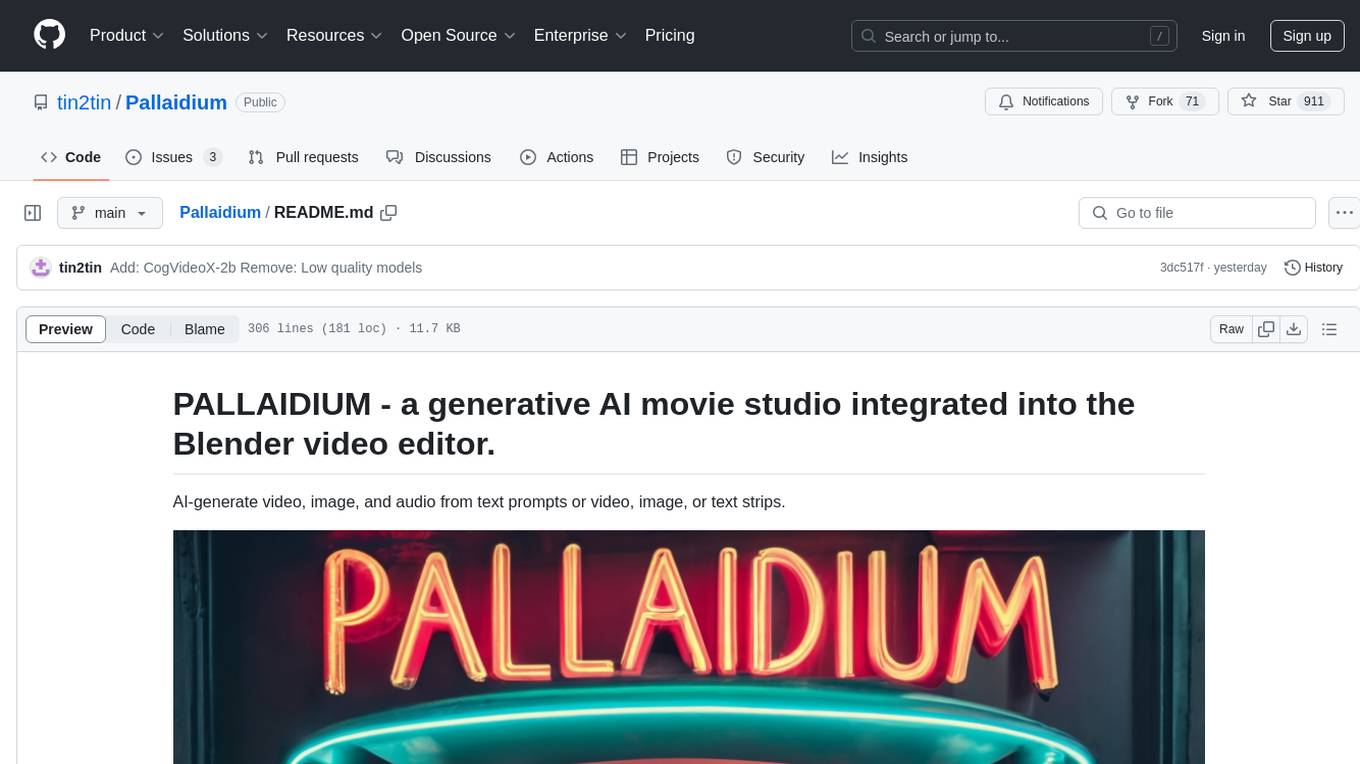
Pallaidium
Pallaidium is a generative AI movie studio integrated into the Blender video editor. It allows users to AI-generate video, image, and audio from text prompts or existing media files. The tool provides various features such as text to video, text to audio, text to speech, text to image, image to image, image to video, video to video, image to text, and more. It requires a Windows system with a CUDA-supported Nvidia card and at least 6 GB VRAM. Pallaidium offers batch processing capabilities, text to audio conversion using Bark, and various performance optimization tips. Users can install the tool by downloading the add-on and following the installation instructions provided. The tool comes with a set of restrictions on usage, prohibiting the generation of harmful, pornographic, violent, or false content.
ElevenLabs-DotNet
ElevenLabs-DotNet is a non-official Eleven Labs voice synthesis RESTful client that allows users to convert text to speech. The library targets .NET 8.0 and above, working across various platforms like console apps, winforms, wpf, and asp.net, and across Windows, Linux, and Mac. Users can authenticate using API keys directly, from a configuration file, or system environment variables. The tool provides functionalities for text to speech conversion, streaming text to speech, accessing voices, dubbing audio or video files, generating sound effects, managing history of synthesized audio clips, and accessing user information and subscription status.
omniai
OmniAI provides a unified Ruby API for integrating with multiple AI providers, streamlining AI development by offering a consistent interface for features such as chat, text-to-speech, speech-to-text, and embeddings. It ensures seamless interoperability across platforms and effortless switching between providers, making integrations more flexible and reliable.
For similar jobs

promptflow
**Prompt flow** is a suite of development tools designed to streamline the end-to-end development cycle of LLM-based AI applications, from ideation, prototyping, testing, evaluation to production deployment and monitoring. It makes prompt engineering much easier and enables you to build LLM apps with production quality.

deepeval
DeepEval is a simple-to-use, open-source LLM evaluation framework specialized for unit testing LLM outputs. It incorporates various metrics such as G-Eval, hallucination, answer relevancy, RAGAS, etc., and runs locally on your machine for evaluation. It provides a wide range of ready-to-use evaluation metrics, allows for creating custom metrics, integrates with any CI/CD environment, and enables benchmarking LLMs on popular benchmarks. DeepEval is designed for evaluating RAG and fine-tuning applications, helping users optimize hyperparameters, prevent prompt drifting, and transition from OpenAI to hosting their own Llama2 with confidence.

MegaDetector
MegaDetector is an AI model that identifies animals, people, and vehicles in camera trap images (which also makes it useful for eliminating blank images). This model is trained on several million images from a variety of ecosystems. MegaDetector is just one of many tools that aims to make conservation biologists more efficient with AI. If you want to learn about other ways to use AI to accelerate camera trap workflows, check out our of the field, affectionately titled "Everything I know about machine learning and camera traps".

leapfrogai
LeapfrogAI is a self-hosted AI platform designed to be deployed in air-gapped resource-constrained environments. It brings sophisticated AI solutions to these environments by hosting all the necessary components of an AI stack, including vector databases, model backends, API, and UI. LeapfrogAI's API closely matches that of OpenAI, allowing tools built for OpenAI/ChatGPT to function seamlessly with a LeapfrogAI backend. It provides several backends for various use cases, including llama-cpp-python, whisper, text-embeddings, and vllm. LeapfrogAI leverages Chainguard's apko to harden base python images, ensuring the latest supported Python versions are used by the other components of the stack. The LeapfrogAI SDK provides a standard set of protobuffs and python utilities for implementing backends and gRPC. LeapfrogAI offers UI options for common use-cases like chat, summarization, and transcription. It can be deployed and run locally via UDS and Kubernetes, built out using Zarf packages. LeapfrogAI is supported by a community of users and contributors, including Defense Unicorns, Beast Code, Chainguard, Exovera, Hypergiant, Pulze, SOSi, United States Navy, United States Air Force, and United States Space Force.

llava-docker
This Docker image for LLaVA (Large Language and Vision Assistant) provides a convenient way to run LLaVA locally or on RunPod. LLaVA is a powerful AI tool that combines natural language processing and computer vision capabilities. With this Docker image, you can easily access LLaVA's functionalities for various tasks, including image captioning, visual question answering, text summarization, and more. The image comes pre-installed with LLaVA v1.2.0, Torch 2.1.2, xformers 0.0.23.post1, and other necessary dependencies. You can customize the model used by setting the MODEL environment variable. The image also includes a Jupyter Lab environment for interactive development and exploration. Overall, this Docker image offers a comprehensive and user-friendly platform for leveraging LLaVA's capabilities.

carrot
The 'carrot' repository on GitHub provides a list of free and user-friendly ChatGPT mirror sites for easy access. The repository includes sponsored sites offering various GPT models and services. Users can find and share sites, report errors, and access stable and recommended sites for ChatGPT usage. The repository also includes a detailed list of ChatGPT sites, their features, and accessibility options, making it a valuable resource for ChatGPT users seeking free and unlimited GPT services.

TrustLLM
TrustLLM is a comprehensive study of trustworthiness in LLMs, including principles for different dimensions of trustworthiness, established benchmark, evaluation, and analysis of trustworthiness for mainstream LLMs, and discussion of open challenges and future directions. Specifically, we first propose a set of principles for trustworthy LLMs that span eight different dimensions. Based on these principles, we further establish a benchmark across six dimensions including truthfulness, safety, fairness, robustness, privacy, and machine ethics. We then present a study evaluating 16 mainstream LLMs in TrustLLM, consisting of over 30 datasets. The document explains how to use the trustllm python package to help you assess the performance of your LLM in trustworthiness more quickly. For more details about TrustLLM, please refer to project website.

AI-YinMei
AI-YinMei is an AI virtual anchor Vtuber development tool (N card version). It supports fastgpt knowledge base chat dialogue, a complete set of solutions for LLM large language models: [fastgpt] + [one-api] + [Xinference], supports docking bilibili live broadcast barrage reply and entering live broadcast welcome speech, supports Microsoft edge-tts speech synthesis, supports Bert-VITS2 speech synthesis, supports GPT-SoVITS speech synthesis, supports expression control Vtuber Studio, supports painting stable-diffusion-webui output OBS live broadcast room, supports painting picture pornography public-NSFW-y-distinguish, supports search and image search service duckduckgo (requires magic Internet access), supports image search service Baidu image search (no magic Internet access), supports AI reply chat box [html plug-in], supports AI singing Auto-Convert-Music, supports playlist [html plug-in], supports dancing function, supports expression video playback, supports head touching action, supports gift smashing action, supports singing automatic start dancing function, chat and singing automatic cycle swing action, supports multi scene switching, background music switching, day and night automatic switching scene, supports open singing and painting, let AI automatically judge the content.