


Generative-AI-Pharmacist
Generative AI Pharmacist (For Demo Purposes Only)
Stars: 76
Generative AI Pharmacist is a project showcasing the use of generative AI tools to create an animated avatar named Macy, who delivers medication counseling in a realistic and professional manner. The project utilizes tools like Midjourney for image generation, ChatGPT for text generation, ElevenLabs for text-to-speech conversion, and D-ID for creating a photorealistic talking avatar video. The demo video featuring Macy discussing commonly-prescribed medications demonstrates the potential of generative AI in healthcare communication.
README:
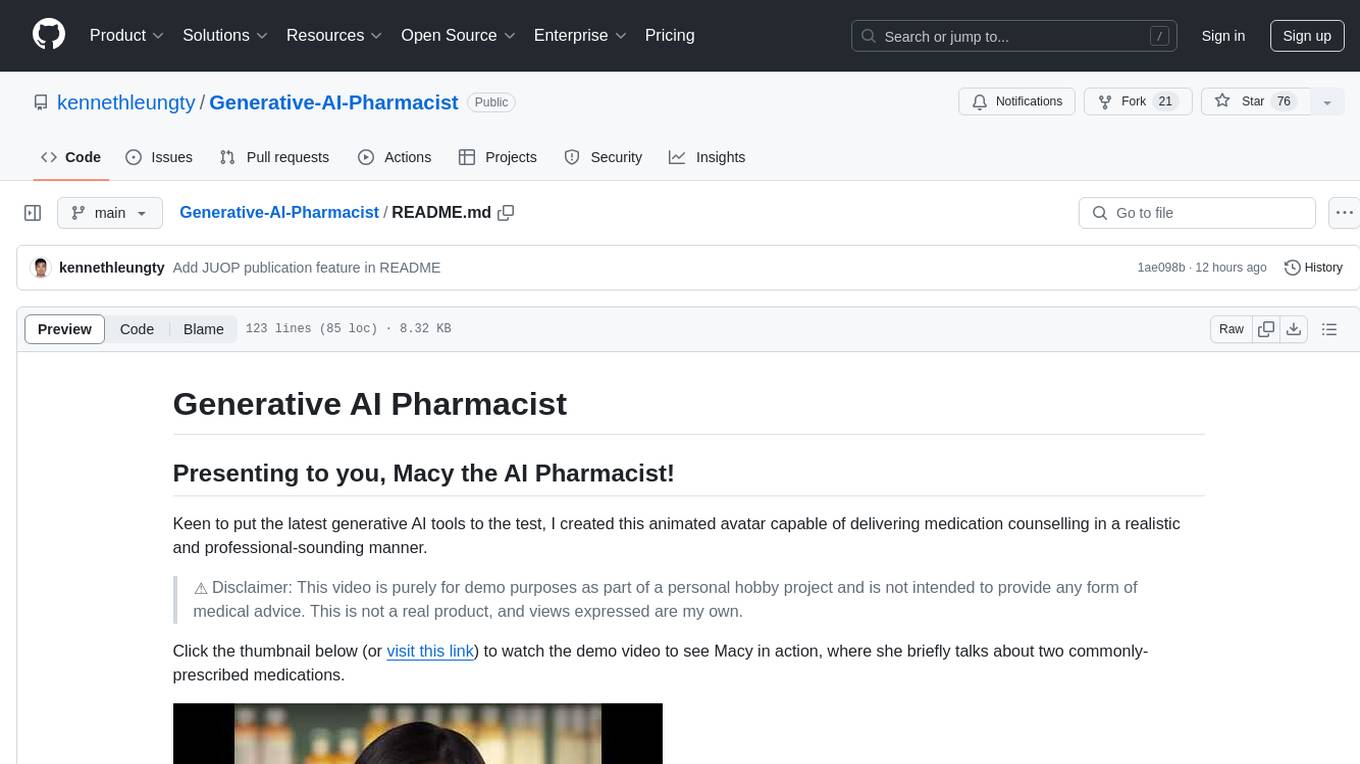
Keen to put the latest generative AI tools to the test, I created this animated avatar capable of delivering medication counselling in a realistic and professional-sounding manner.
⚠️ Disclaimer: This video is purely for demo purposes as part of a personal hobby project and is not intended to provide any form of medical advice. This is not a real product, and views expressed are my own.
Click the thumbnail below (or visit this link) to watch the demo video to see Macy in action, where she briefly talks about two commonly-prescribed medications.

The outcome is pretty impressive and will only get better over time, given the speed at which generative AI is improving. To create this demo, it took me 0 dollars and only 25 minutes.
Here are the tools I used:
- Midjourney to generate an image of a female pharmacist
- OpenAI's ChatGPT to generate script for medication counselling
- ElevenLabs's Prime Video AI to generate audio from the ChatGPT script
- D-ID's Creative Reality Studio to generate realistic animated avatar video synced with audio (Free trial)
This project has also been proudly featured in a research study (Artificial Intelligence–Generated Patient Information Videos for Partial Nephrectomy by Medical Students With Expert Validation: A Pilot Study) published in JU Open Plus (The official journal of the American Urological Association): https://journals.lww.com/juop/fulltext/2024/07000/artificial_intelligence_generated_patient.1.aspx
-
We need a face to represent our avatar, and we can use image generation tools like Midjourney to do just that
-
Midjourney is a free AI service by OpenAI that creates images from textual descriptions
-
Setup:
- Midjourney works entirely on Discord, so make sure you sign up for a Discord account (which is free).
- Visit this Midjourney site link, which automatically takes you to a Discord invite.
- Accept the Discord invite to Midjourney. Choose to Continue to Discord.
- Click on the Midjourney button (with the ship icon) and select any of the Newcomer rooms e.g.,
newbies-24

- In the chat line, type
/imaginefollowed by your description prompt. For example, the prompt I used was "high-quality upper body professional photo of a female Chinese pharmacist in a white lab coat with a pharmacy background". Press Enter after typing it in, and give Midjourney some time to generate the images.

- Once done, you will see an output of four images. Below the image set, you will see a set of buttons U1-U4, and V1-V4.

- The four images are numbered going clockwise from the upper left. To get a new variation of a particular image you like, select "V1" (or V2, V3, or V4), and to get a high resolution copy, select "U1" (or U2, U3, or U4)
- Once you have your selected high-resolution variant by clicking one of the U buttons, click on the image and then click the 'Open in Browser' link near the bottom. You can then right click and save the high resolution image into your computer.

I also tried other tools like DALL-E and Stable Diffusion but their results were not realistic enough (e.g., misaligned eyes and facial features).
NOTE: Midjourney has paused its free trial program as of April 2023. To generate realistic facial pictures, you can use either of the following:
- Find a picture on the Internet as the base image to work with, or even use your own photos
- Head to https://this-person-does-not-exist.com/en (based on the StyleGAN algorithm) to generate a realistic face
- Other websites that you can try include: https://lexica.art and https://playgroundai.com/
-
We need a counselling script that can give relevant advice on a set of medications. To do that, we can use ChatGPT.
-
ChatGPT is a chatbot developed by OpenAI and launched in November 2022. It is built on top of OpenAI's GPT-3 family of large language models.
-
Setup:
- Visit this link to access ChatGPT (you will need to sign up and login accordingly, which is free)
- In the prompt section, enter the relevant description for the counselling script. For example, the prompt I used is as follows: "Create a script that first introduces oneself as a pharmacist called Macy, and then talks about the counselling points to a patient for the following prescription: metformin 1 tablet 3 times a day, amlodipine 1 tablet every morning, and aspirin 1 tablet every morning".

- From the output on the ChatGPT screen, copy and save the generated text in a text file on your local machine.
I had to regenerate the response several times because I found some of the output to be overly theoretical and academic, and is not in the expected layman format for explaining medications to patients.
-
Next, we want to convert the ChatGPT script text into a natural sounding audio clip. We can do so with free tools like Prime Voice AI (by ElevenLabs)
-
Prime Voice AI is a realistic and versatile AI speech software that brings the most compelling, rich and lifelike voices to creators and publishers seeking the ultimate tools for storytelling.
-
Setup:
- Visit the ElevenLabs page and create an account for free.
- On the Speech Synthesis page, select a specific voice in the settings, paste the text script into the text section, and click Generate. The voice I chose was
premade/Domias I found it to be the most lively and natural. The settings can also be adjusted accordingly for things like stability and clarity.

I shortened the script slightly by removing the section on the drug Amlodipine because I did not want the demo to be too long.
-
There is a credit limit for the free account, so make sure you use them wisely for the audio you want to generate.
-
Download and save the .mp3 (titled 'synthesized_audio.mp3') file on your local machine.
Bonus Tip: ElevenLabs also comes with the voice cloning capabilities (under the Voice Lab feature): https://beta.elevenlabs.io/voice-lab. If you have >1 min recording of a particular voice, you can convert the script into the voice you want to clone.
-
Lastly, it is time to piece the pharmacist image and counselling audio together into a photorealistic video. To do so, we can use tools like D-ID.
-
D-ID’s creative AI technology takes images of faces and turns them into high-quality, photorealistic videos. At the click of a button, it can combine images with audio or text to give them expression and speech.
-
Setup:
- Visit the D-ID website and create a Free Trial account
- Select the Create Video button to start creating a new video
- Add your Midjourney pharmacist image as a presenter image
- Upload our ChatGPT scripted audio in the
Upload your own voicesection on the right.

- Click the
Generate Videobutton at the top right and wait for your masterpiece to be ready for download!
For Tasks:
Click tags to check more tools for each tasksFor Jobs:
Alternative AI tools for Generative-AI-Pharmacist
Similar Open Source Tools
Generative-AI-Pharmacist
Generative AI Pharmacist is a project showcasing the use of generative AI tools to create an animated avatar named Macy, who delivers medication counseling in a realistic and professional manner. The project utilizes tools like Midjourney for image generation, ChatGPT for text generation, ElevenLabs for text-to-speech conversion, and D-ID for creating a photorealistic talking avatar video. The demo video featuring Macy discussing commonly-prescribed medications demonstrates the potential of generative AI in healthcare communication.
roam-extension-live-ai-assistant
Live AI is an AI Assistant tailor-made for Roam, providing access to the latest LLMs directly in Roam blocks. Users can interact with AI to extend their thinking, explore their graph, and chat with structured responses. The tool leverages Roam's features to write prompts, query graph parts, and chat with content. Users can dictate, translate, transform, and enrich content easily. Live AI supports various tasks like audio and video analysis, PDF reading, image generation, and web search. The tool offers features like Chat panel, Live AI context menu, and Ask Your Graph agent for versatile usage. Users can control privacy levels, compare AI models, create custom prompts, and apply styles for response formatting. Security concerns are addressed by allowing users to control data sent to LLMs.
aitools_client
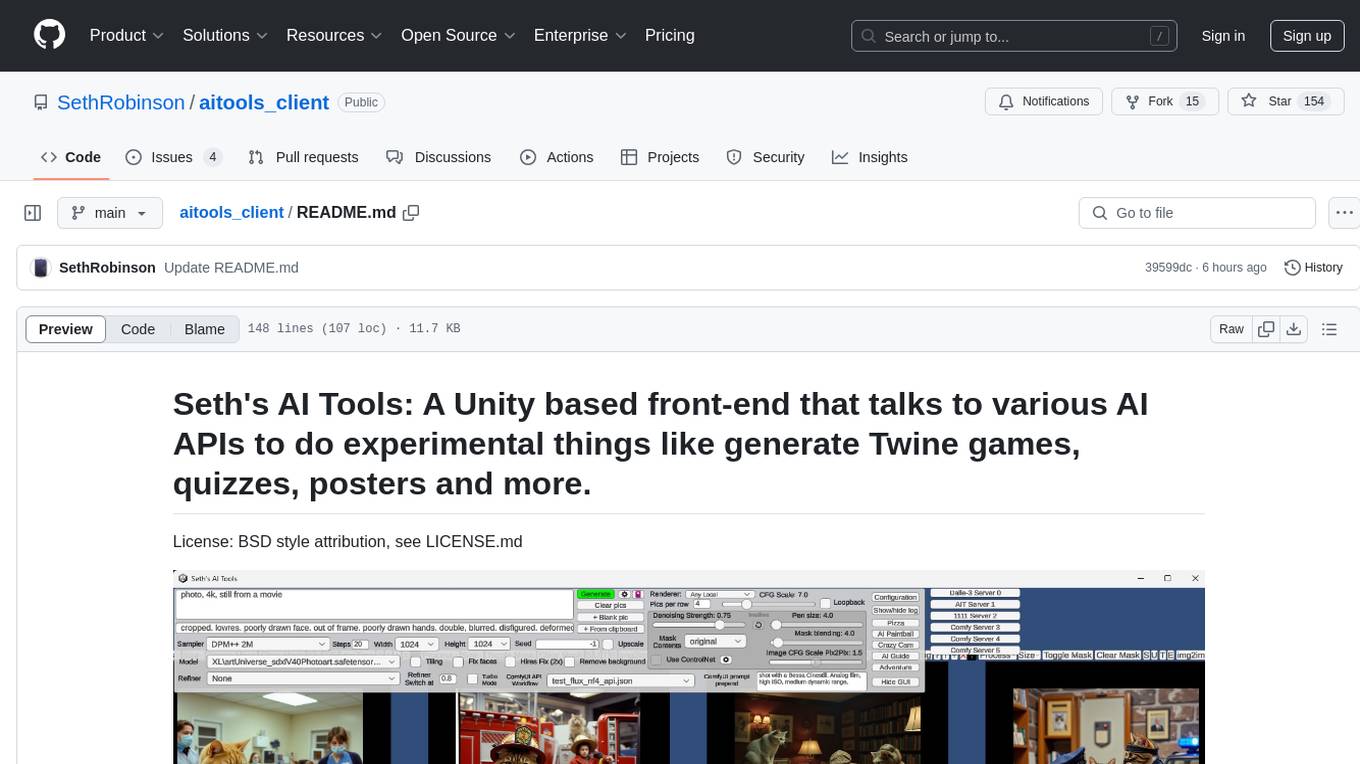
Seth's AI Tools is a Unity-based front-end that interfaces with various AI APIs to perform tasks such as generating Twine games, quizzes, posters, and more. The tool is a native Windows application that supports features like live update integration with image editors, text-to-image conversion, image processing, mask painting, and more. It allows users to connect to multiple servers for fast generation using GPUs and offers a neat workflow for evolving images in real-time. The tool respects user privacy by operating locally and includes built-in games and apps to test AI/SD capabilities. Additionally, it features an AI Guide for creating motivational posters and illustrated stories, as well as an Adventure mode with presets for generating web quizzes and Twine game projects.
Aimmy
Aimmy is a universal AI-Based Aim Alignment Mechanism developed by BabyHamsta, MarsQQ & Taylor to make gaming more accessible for users who have difficulty aiming. It utilizes DirectML, ONNX, and YOLOV8 for player detection, offering high accuracy and fast performance. Aimmy features an easy-to-use UI, extensive customizability, and is free of ads and paywalls. It is designed for gamers facing challenges like physical or mental disabilities, poor hand-eye coordination, or aiming difficulties due to environmental factors. Aimmy provides various features like AI detection, customizability, anti-recoil system, mouse movement methods, hotswappability, and a model/configuration store with repository support.
chatgpt-universe
ChatGPT is a large language model that can generate human-like text, translate languages, write different kinds of creative content, and answer your questions in a conversational way. It is trained on a massive amount of text data, and it is able to understand and respond to a wide range of natural language prompts. Here are 5 jobs suitable for this tool, in lowercase letters: 1. content writer 2. chatbot assistant 3. language translator 4. creative writer 5. researcher
gptauthor
GPT Author is a command-line tool designed to help users write long form, multi-chapter stories by providing a story prompt and generating a synopsis and subsequent chapters using ChatGPT. Users can review and make changes to the generated content before finalizing the story output in Markdown and HTML formats. The tool aims to unleash storytelling genius by combining human input with AI-generated content, offering a seamless writing experience for creating engaging narratives.
lumentis
Lumentis is a tool that allows users to generate beautiful and comprehensive documentation from meeting transcripts and large documents with a single command. It reads transcripts, asks questions to understand themes and audience, generates an outline, and creates detailed pages with visual variety and styles. Users can switch models for different tasks, control the process, and deploy the generated docs to Vercel. The tool is designed to be open, clean, fast, and easy to use, with upcoming features including folders, PDFs, auto-transcription, website scraping, scientific papers handling, summarization, and continuous updates.
llm-for-zotero
llm-for-zotero is a powerful plugin for Zotero that integrates Large Language Models (LLMs) directly into the Zotero PDF reader. It provides features such as summarizing papers, explaining selected text, interpreting figures, saving notes, saving chat history, customizing quick-action presets, setting up LLM models, auto-updating, and more. The plugin aims to enhance the research experience by offering quick access to AI assistance within Zotero, eliminating the need to upload PDFs to external portals.
talk-to-chatgpt
Talk-To-ChatGPT is a Google Chrome and Microsoft Edge extension that enables users to interact with the ChatGPT AI using voice commands for speech recognition and text-to-speech responses. The tool enhances the conversational experience by allowing users to speak to the AI and receive spoken responses, making interactions more natural and engaging. It also supports ElevenLabs API integration for creating custom voices for text-to-speech. The extension provides settings for voice, language, and more, and can be installed from the Chrome and Edge web stores or manually. While the project has been discontinued due to upcoming desktop apps from OpenAI, it has been used to assist individuals with disabilities and the elderly in interacting with ChatGPT.

local-chat
LocalChat is a simple, easy-to-set-up, and open-source local AI chat tool that allows users to interact with generative language models on their own computers without transmitting data to a cloud server. It provides a chat-like interface for users to experience ChatGPT-like behavior locally, ensuring GDPR compliance and data privacy. Users can download LocalChat for macOS, Windows, or Linux to chat with open-weight generative language models.
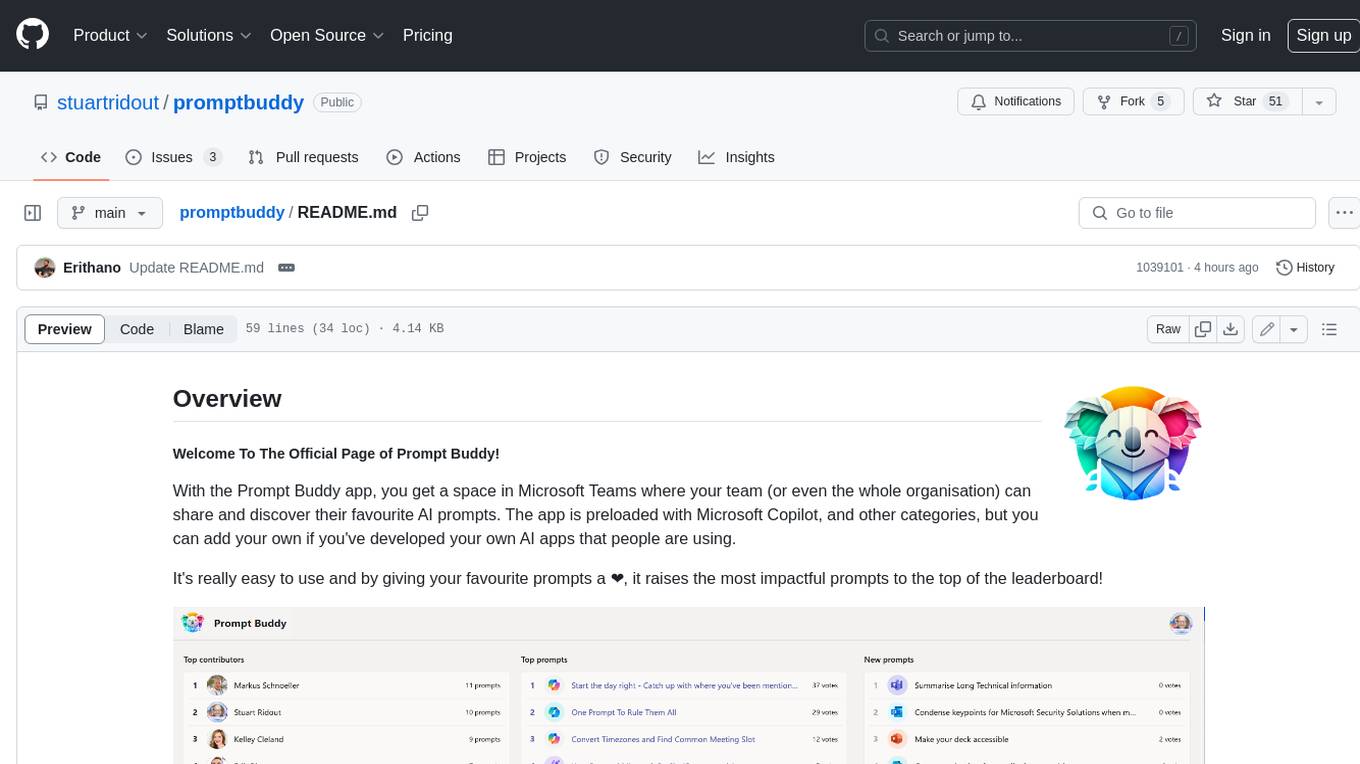
promptbuddy
Prompt Buddy is a Microsoft Teams app that provides a central location for teams to share and discover their favorite AI prompts. It comes preloaded with Microsoft Copilot and other categories, but users can also add their own custom prompts. The app is easy to use and allows users to upvote their favorite prompts, which raises them to the top of the leaderboard. Prompt Buddy also supports dark mode and offers a mobile layout for use on phones. It is built on the Power Platform and can be customized and extended by the installer.
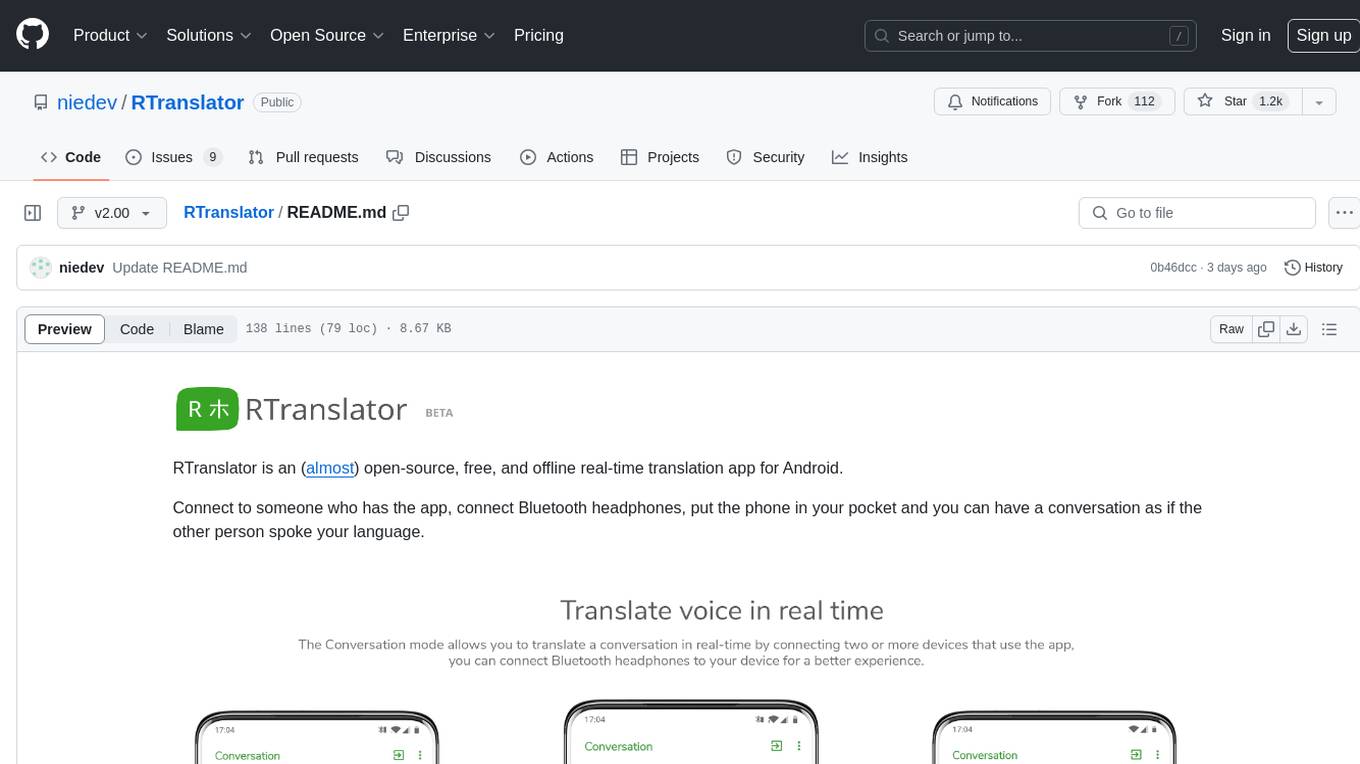
RTranslator
RTranslator is an almost open-source, free, and offline real-time translation app for Android. It offers Conversation mode for multi-user translations, WalkieTalkie mode for quick conversations, and Text translation mode. It uses Meta's NLLB for translation and OpenAi's Whisper for speech recognition, ensuring privacy. The app is optimized for performance and supports multiple languages. It is ad-free and donation-supported.
wingman-ai
Wingman AI allows you to use your voice to talk to various AI providers and LLMs, process your conversations, and ultimately trigger actions such as pressing buttons or reading answers. Our _Wingmen_ are like characters and your interface to this world, and you can easily control their behavior and characteristics, even if you're not a developer. AI is complex and it scares people. It's also **not just ChatGPT**. We want to make it as easy as possible for you to get started. That's what _Wingman AI_ is all about. It's a **framework** that allows you to build your own Wingmen and use them in your games and programs. The idea is simple, but the possibilities are endless. For example, you could: * **Role play** with an AI while playing for more immersion. Have air traffic control (ATC) in _Star Citizen_ or _Flight Simulator_. Talk to Shadowheart in Baldur's Gate 3 and have her respond in her own (cloned) voice. * Get live data such as trade information, build guides, or wiki content and have it read to you in-game by a _character_ and voice you control. * Execute keystrokes in games/applications and create complex macros. Trigger them in natural conversations with **no need for exact phrases.** The AI understands the context of your dialog and is quite _smart_ in recognizing your intent. Say _"It's raining! I can't see a thing!"_ and have it trigger a command you simply named _WipeVisors_. * Automate tasks on your computer * improve accessibility * ... and much more
examor
Examor is a website application that allows you to take exams based on your knowledge notes. It helps you to remember what you have learned and written. The application generates a set of questions from the documents you upload, and you can answer them to test your knowledge. Examor also uses GPT to score and validate your answers, and provides you with feedback. The application is still in its early stages of development, but it has the potential to be a valuable tool for learners.
EdgeChains
EdgeChains is an open-source chain-of-thought engineering framework tailored for Large Language Models (LLMs)- like OpenAI GPT, LLama2, Falcon, etc. - With a focus on enterprise-grade deployability and scalability. EdgeChains is specifically designed to **orchestrate** such applications. At EdgeChains, we take a unique approach to Generative AI - we think Generative AI is a deployment and configuration management challenge rather than a UI and library design pattern challenge. We build on top of a tech that has solved this problem in a different domain - Kubernetes Config Management - and bring that to Generative AI. Edgechains is built on top of jsonnet, originally built by Google based on their experience managing a vast amount of configuration code in the Borg infrastructure.
WeeaBlind
Weeablind is a program that uses modern AI speech synthesis, diarization, language identification, and voice cloning to dub multi-lingual media and anime. It aims to create a pleasant alternative for folks facing accessibility hurdles such as blindness, dyslexia, learning disabilities, or simply those that don't enjoy reading subtitles. The program relies on state-of-the-art technologies such as ffmpeg, pydub, Coqui TTS, speechbrain, and pyannote.audio to analyze and synthesize speech that stays in-line with the source video file. Users have the option of dubbing every subtitle in the video, setting the start and end times, dubbing only foreign-language content, or full-blown multi-speaker dubbing with speaking rate and volume matching.
For similar tasks
wunjo.wladradchenko.ru
Wunjo AI is a comprehensive tool that empowers users to explore the realm of speech synthesis, deepfake animations, video-to-video transformations, and more. Its user-friendly interface and privacy-first approach make it accessible to both beginners and professionals alike. With Wunjo AI, you can effortlessly convert text into human-like speech, clone voices from audio files, create multi-dialogues with distinct voice profiles, and perform real-time speech recognition. Additionally, you can animate faces using just one photo combined with audio, swap faces in videos, GIFs, and photos, and even remove unwanted objects or enhance the quality of your deepfakes using the AI Retouch Tool. Wunjo AI is an all-in-one solution for your voice and visual AI needs, offering endless possibilities for creativity and expression.
airunner
AI Runner is a multi-modal AI interface that allows users to run open-source large language models and AI image generators on their own hardware. The tool provides features such as voice-based chatbot conversations, text-to-speech, speech-to-text, vision-to-text, text generation with large language models, image generation capabilities, image manipulation tools, utility functions, and more. It aims to provide a stable and user-friendly experience with security updates, a new UI, and a streamlined installation process. The application is designed to run offline on users' hardware without relying on a web server, offering a smooth and responsive user experience.
Wechat-AI-Assistant
Wechat AI Assistant is a project that enables multi-modal interaction with ChatGPT AI assistant within WeChat. It allows users to engage in conversations, role-playing, respond to voice messages, analyze images and videos, summarize articles and web links, and search the internet. The project utilizes the WeChatFerry library to control the Windows PC desktop WeChat client and leverages the OpenAI Assistant API for intelligent multi-modal message processing. Users can interact with ChatGPT AI in WeChat through text or voice, access various tools like bing_search, browse_link, image_to_text, text_to_image, text_to_speech, video_analysis, and more. The AI autonomously determines which code interpreter and external tools to use to complete tasks. Future developments include file uploads for AI to reference content, integration with other APIs, and login support for enterprise WeChat and WeChat official accounts.
Generative-AI-Pharmacist
Generative AI Pharmacist is a project showcasing the use of generative AI tools to create an animated avatar named Macy, who delivers medication counseling in a realistic and professional manner. The project utilizes tools like Midjourney for image generation, ChatGPT for text generation, ElevenLabs for text-to-speech conversion, and D-ID for creating a photorealistic talking avatar video. The demo video featuring Macy discussing commonly-prescribed medications demonstrates the potential of generative AI in healthcare communication.
AnyGPT
AnyGPT is a unified multimodal language model that utilizes discrete representations for processing various modalities like speech, text, images, and music. It aligns the modalities for intermodal conversions and text processing. AnyInstruct dataset is constructed for generative models. The model proposes a generative training scheme using Next Token Prediction task for training on a Large Language Model (LLM). It aims to compress vast multimodal data on the internet into a single model for emerging capabilities. The tool supports tasks like text-to-image, image captioning, ASR, TTS, text-to-music, and music captioning.
Pallaidium
Pallaidium is a generative AI movie studio integrated into the Blender video editor. It allows users to AI-generate video, image, and audio from text prompts or existing media files. The tool provides various features such as text to video, text to audio, text to speech, text to image, image to image, image to video, video to video, image to text, and more. It requires a Windows system with a CUDA-supported Nvidia card and at least 6 GB VRAM. Pallaidium offers batch processing capabilities, text to audio conversion using Bark, and various performance optimization tips. Users can install the tool by downloading the add-on and following the installation instructions provided. The tool comes with a set of restrictions on usage, prohibiting the generation of harmful, pornographic, violent, or false content.
ElevenLabs-DotNet
ElevenLabs-DotNet is a non-official Eleven Labs voice synthesis RESTful client that allows users to convert text to speech. The library targets .NET 8.0 and above, working across various platforms like console apps, winforms, wpf, and asp.net, and across Windows, Linux, and Mac. Users can authenticate using API keys directly, from a configuration file, or system environment variables. The tool provides functionalities for text to speech conversion, streaming text to speech, accessing voices, dubbing audio or video files, generating sound effects, managing history of synthesized audio clips, and accessing user information and subscription status.
omniai
OmniAI provides a unified Ruby API for integrating with multiple AI providers, streamlining AI development by offering a consistent interface for features such as chat, text-to-speech, speech-to-text, and embeddings. It ensures seamless interoperability across platforms and effortless switching between providers, making integrations more flexible and reliable.
For similar jobs

weave
Weave is a toolkit for developing Generative AI applications, built by Weights & Biases. With Weave, you can log and debug language model inputs, outputs, and traces; build rigorous, apples-to-apples evaluations for language model use cases; and organize all the information generated across the LLM workflow, from experimentation to evaluations to production. Weave aims to bring rigor, best-practices, and composability to the inherently experimental process of developing Generative AI software, without introducing cognitive overhead.

LLMStack
LLMStack is a no-code platform for building generative AI agents, workflows, and chatbots. It allows users to connect their own data, internal tools, and GPT-powered models without any coding experience. LLMStack can be deployed to the cloud or on-premise and can be accessed via HTTP API or triggered from Slack or Discord.

VisionCraft
The VisionCraft API is a free API for using over 100 different AI models. From images to sound.

kaito
Kaito is an operator that automates the AI/ML inference model deployment in a Kubernetes cluster. It manages large model files using container images, avoids tuning deployment parameters to fit GPU hardware by providing preset configurations, auto-provisions GPU nodes based on model requirements, and hosts large model images in the public Microsoft Container Registry (MCR) if the license allows. Using Kaito, the workflow of onboarding large AI inference models in Kubernetes is largely simplified.

PyRIT
PyRIT is an open access automation framework designed to empower security professionals and ML engineers to red team foundation models and their applications. It automates AI Red Teaming tasks to allow operators to focus on more complicated and time-consuming tasks and can also identify security harms such as misuse (e.g., malware generation, jailbreaking), and privacy harms (e.g., identity theft). The goal is to allow researchers to have a baseline of how well their model and entire inference pipeline is doing against different harm categories and to be able to compare that baseline to future iterations of their model. This allows them to have empirical data on how well their model is doing today, and detect any degradation of performance based on future improvements.

tabby
Tabby is a self-hosted AI coding assistant, offering an open-source and on-premises alternative to GitHub Copilot. It boasts several key features: * Self-contained, with no need for a DBMS or cloud service. * OpenAPI interface, easy to integrate with existing infrastructure (e.g Cloud IDE). * Supports consumer-grade GPUs.

spear
SPEAR (Simulator for Photorealistic Embodied AI Research) is a powerful tool for training embodied agents. It features 300 unique virtual indoor environments with 2,566 unique rooms and 17,234 unique objects that can be manipulated individually. Each environment is designed by a professional artist and features detailed geometry, photorealistic materials, and a unique floor plan and object layout. SPEAR is implemented as Unreal Engine assets and provides an OpenAI Gym interface for interacting with the environments via Python.

Magick
Magick is a groundbreaking visual AIDE (Artificial Intelligence Development Environment) for no-code data pipelines and multimodal agents. Magick can connect to other services and comes with nodes and templates well-suited for intelligent agents, chatbots, complex reasoning systems and realistic characters.