


llm-for-zotero
A simple zotero plugin to use your own llm in the toggle panel.
Stars: 101
llm-for-zotero is a powerful plugin for Zotero that integrates Large Language Models (LLMs) directly into the Zotero PDF reader. It provides features such as summarizing papers, explaining selected text, interpreting figures, saving notes, saving chat history, customizing quick-action presets, setting up LLM models, auto-updating, and more. The plugin aims to enhance the research experience by offering quick access to AI assistance within Zotero, eliminating the need to upload PDFs to external portals.
README:




Please see the latest release notes. The plugin name is now changed to llm-for-zotero.
llm-for-zotero is a powerful plugin for Zotero that integrates Large Language Models (LLMs) directly into the Zotero PDF reader. Unlike other tools that require you to upload your pdfs to a portal, this plugin is designed to conveniently access LLMs without the need to leave Zotero. It quietly sits in the panel of the Zotero reader, like your standby research assistant, ready to help you with any questions you have when reading a paper.


It is always the first question that comes to mind when you open a new paper. With this plugin, you can get a concise summary of the paper in seconds, without having to read through the entire text. You can always find the relevant information you need, and quickly decide whether this paper is worth your time. The summary is generated based on the full content of the paper currently open in your Zotero reader, so you can be sure that the information is accurate and relevant. You can also customize the summary prompt to fit your specific research needs, such as focusing on the methodology, results, or implications of the paper.

If you come across a complex paragraph or a technical term that you don't understand, simply select the text and ask the model to explain it.
In the plugin, you can enable the pop-up option to conveniently add text to the chat.
If you don't like it, that's totally fine. You can always disable it in the settings! I really think it is important to give you the choice.
When you start your chat with the model, the full context of this paper is already loaded into the model, so the selected text is an additional layer of context that helps the model to provide a more accurate and detailed explanation. This feature is especially useful when you are reading a paper outside of your expertise, or when you want to quickly grasp the key points without getting lost in the details.

In our research, understanding the figures equivalent to understanding the paper. With this plugin, you can take a screenshot of any figure in the paper and ask the model to interpret it for you. It will support up to 5 screenshots at a time.

This plugin supports seamless integration with your note-taking workflow. You can easily save an answer, or selected text generated by the model into your Zotero notes with just one click.

The local conversation history is automatically saved and associated with the paper you are reading. You can also export the whole conversation into your note with markdown format. I spent a plenty amount effort to make sure the mathematical equations rendering is correct in the exported markdown, so complex knowledge will be presented in the most clear way in your note.
The export to note function also supports saving the selected text and screenshots into your note with markdown format. So, you never lose context.

You can customize the quick-action presets to fit your specific research workflow.

You can set up to 4 LLM models to help you handle different types of tasks: For instance,
- the multimodal model for helping you to interpret the Figure;
- text-based model for helping you understand text.
Different models can also be used for the same task, and you can cross check their answers to get a more comprehensive understanding of the paper.
If you want more customization, you can also set up different reasoning levels for the same model in the conversation panel, such as "default", "medium", "high" and "xhigh" for gpt-5.2 series, "low" and "high" for gemini-3-pro-preview, "medium" for gemini-2.5-flash. You can always check the connections by clicking the "Test Connection" button in the settings.
If you are a pro player, you can also change some hyperparameters of the model, such as temperature, max_tokens_output, etc. to get more creative or more deterministic answers.
 The plugin will automatically check for updates when you open Zotero. If I release an update, you will be able to update the plugin with just one click, without having to go through the installation process again. This way, you can always enjoy the latest features and improvements without any hassle.
The public plugin name is now llm-for-zotero.
To keep auto-update seamless for existing installs, the internal add-on ID remains unchanged from earlier releases.
User settings and local chat history are migrated automatically on startup.
Download the latest .xpi release from the Releases Page.
Open Zotero and go to Tools -> Add-ons.
Click the gear icon and select Install Add-on From File
Select the .xpi file and restart Zotero to complete the installation.
Open Preferences and navigate to the llm-for-zotero tab.
Select your Provider (e.g., OpenAI, Gemini, Deepseek).
Paste your API Base URL, secret key and model name.
I will give some popular model as example:
| API url | Model Name | Reasoning Level |
|---|---|---|
| https://api.openai.com/v1/chat/completions | gpt-5.2 | default, medium, high, xhigh |
| https://api.openai.com/v1/responses | gpt-5.2 | default, medium, high, xhigh |
| https://api.deepseek.com/v1/chat/completions | deepseek-chat | default |
| https://api.deepseek.com/v1/chat/completions | deepseek-reasoner | default |
| https://generativelanguage.googleapis.com/v1beta/openai/chat/completions | gemini-3-pro-preview | low, high |
| https://generativelanguage.googleapis.com/v1beta/openai/chat/completions | gemini-2.5-flash | medium |
| https://api.moonshot.ai/v1 | kimi-k2.5 | default |
You can always check the connections by clicking the "Test Connection" button.
To chat with a paper, open any PDF in the Zotero reader.
Open the LLM Assistant sidebar (click the distinct icon in the right-hand toolbar).
Type a question in the chat box, such as "What is the main conclusion of this paper?"
Q: Is it free to use?
A: Yes, absolutely free. You only pay for API calls, if you choose to use a paid API provider. If you think this tool is helpful, please consider supporting me with a star on GitHub or buy me a coffee .
Q: Does this work with local models?
A: Actually, yes. As long as the local model provides an OpenAI compatible HTTP API that is compatible with the plugin, you can connect it by entering the appropriate API Base URL and secret key in the settings.
Q: Is my data used to train models?
A: No. Since you use your own API key, your data privacy is governed by the terms of the API provider you choose (e.g., OpenAI Enterprise terms usually exclude training on API data).
Q: If I have any questions, how to contact you?
A: Please feel free to open an issue on GitHub! I will try my best to help you.
For Tasks:
Click tags to check more tools for each tasksFor Jobs:
Alternative AI tools for llm-for-zotero
Similar Open Source Tools
llm-for-zotero
llm-for-zotero is a powerful plugin for Zotero that integrates Large Language Models (LLMs) directly into the Zotero PDF reader. It provides features such as summarizing papers, explaining selected text, interpreting figures, saving notes, saving chat history, customizing quick-action presets, setting up LLM models, auto-updating, and more. The plugin aims to enhance the research experience by offering quick access to AI assistance within Zotero, eliminating the need to upload PDFs to external portals.
second-brain-agent
The Second Brain AI Agent Project is a tool designed to empower personal knowledge management by automatically indexing markdown files and links, providing a smart search engine powered by OpenAI, integrating seamlessly with different note-taking methods, and enhancing productivity by accessing information efficiently. The system is built on LangChain framework and ChromaDB vector store, utilizing a pipeline to process markdown files and extract text and links for indexing. It employs a Retrieval-augmented generation (RAG) process to provide context for asking questions to the large language model. The tool is beneficial for professionals, students, researchers, and creatives looking to streamline workflows, improve study sessions, delve deep into research, and organize thoughts and ideas effortlessly.
ollama-app
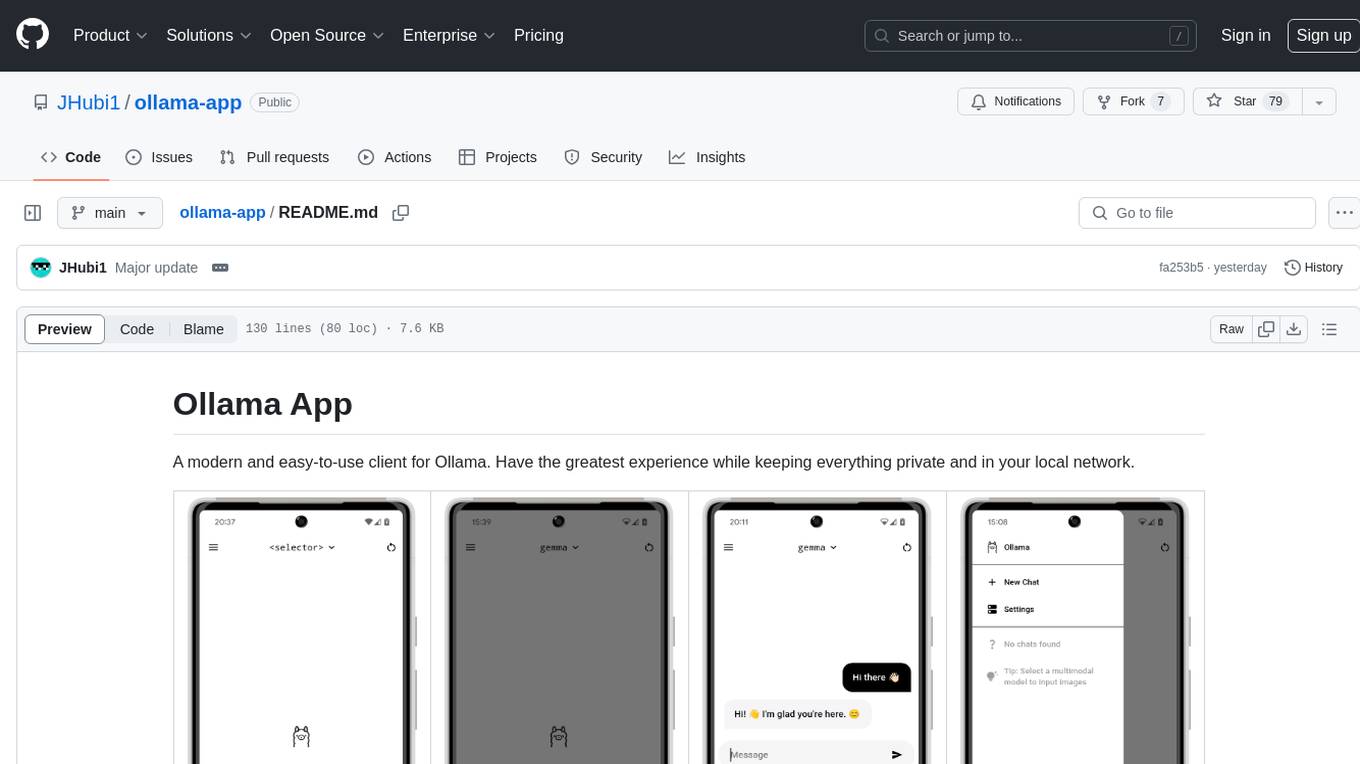
Ollama App is a modern and easy-to-use client for Ollama, allowing users to have a private experience within their local network. The app connects to an Ollama server using its API endpoint, enabling users to chat and interact with various models. It supports multimodal model input, a multilingual interface, and custom builds for personalized experiences. Users can easily set up the app, navigate through the side menu, select models, and create custom builds to tailor the app to their needs.
generative_ai_with_langchain
Generative AI with LangChain is a code repository for building large language model (LLM) apps with Python, ChatGPT, and other LLMs. The repository provides code examples, instructions, and configurations for creating generative AI applications using the LangChain framework. It covers topics such as setting up the development environment, installing dependencies with Conda or Pip, using Docker for environment setup, and setting API keys securely. The repository also emphasizes stability, code updates, and user engagement through issue reporting and feedback. It aims to empower users to leverage generative AI technologies for tasks like building chatbots, question-answering systems, software development aids, and data analysis applications.
obsidian-companion
Companion is an Obsidian plugin that adds an AI-powered autocomplete feature to your note-taking and personal knowledge management platform. With Companion, you can write notes more quickly and easily by receiving suggestions for completing words, phrases, and even entire sentences based on the context of your writing. The autocomplete feature uses OpenAI's state-of-the-art GPT-3 and GPT-3.5, including ChatGPT, and locally hosted Ollama models, among others, to generate smart suggestions that are tailored to your specific writing style and preferences. Support for more models is planned, too.
aitools_client
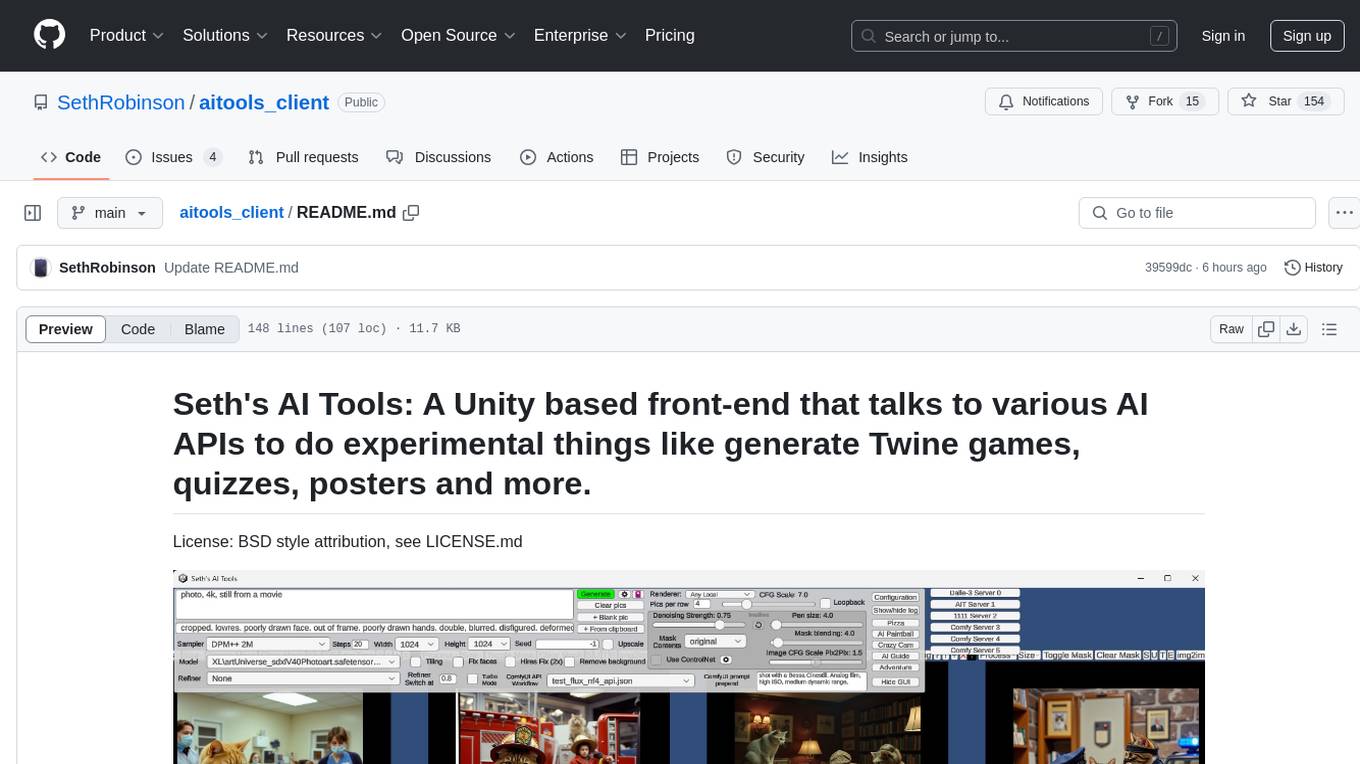
Seth's AI Tools is a Unity-based front-end that interfaces with various AI APIs to perform tasks such as generating Twine games, quizzes, posters, and more. The tool is a native Windows application that supports features like live update integration with image editors, text-to-image conversion, image processing, mask painting, and more. It allows users to connect to multiple servers for fast generation using GPUs and offers a neat workflow for evolving images in real-time. The tool respects user privacy by operating locally and includes built-in games and apps to test AI/SD capabilities. Additionally, it features an AI Guide for creating motivational posters and illustrated stories, as well as an Adventure mode with presets for generating web quizzes and Twine game projects.
lovelaice
Lovelaice is an AI-powered assistant for your terminal and editor. It can run bash commands, search the Internet, answer general and technical questions, complete text files, chat casually, execute code in various languages, and more. Lovelaice is configurable with API keys and LLM models, and can be used for a wide range of tasks requiring bash commands or coding assistance. It is designed to be versatile, interactive, and helpful for daily tasks and projects.
reor
Reor is an AI-powered desktop note-taking app that automatically links related notes, answers questions on your notes, and provides semantic search. Everything is stored locally and you can edit your notes with an Obsidian-like markdown editor. The hypothesis of the project is that AI tools for thought should run models locally by default. Reor stands on the shoulders of the giants Ollama, Transformers.js & LanceDB to enable both LLMs and embedding models to run locally. Connecting to OpenAI or OpenAI-compatible APIs like Oobabooga is also supported.
promptbuddy
Prompt Buddy is a Microsoft Teams app that provides a central location for teams to share and discover their favorite AI prompts. It comes preloaded with Microsoft Copilot and other categories, but users can also add their own custom prompts. The app is easy to use and allows users to upvote their favorite prompts, which raises them to the top of the leaderboard. Prompt Buddy also supports dark mode and offers a mobile layout for use on phones. It is built on the Power Platform and can be customized and extended by the installer.
recognize
Recognize is a smart media tagging tool for Nextcloud that automatically categorizes photos and music by recognizing faces, animals, landscapes, food, vehicles, buildings, landmarks, monuments, music genres, and human actions in videos. It uses pre-trained models for object detection, landmark recognition, face comparison, music genre classification, and video classification. The tool ensures privacy by processing images locally without sending data to cloud providers. However, it cannot process end-to-end encrypted files. Recognize is rated positively for ethical AI practices in terms of open-source software, freely available models, and training data transparency, except for music genre recognition due to limited access to training data.
kobold_assistant
Kobold-Assistant is a fully offline voice assistant interface to KoboldAI's large language model API. It can work online with the KoboldAI horde and online speech-to-text and text-to-speech models. The assistant, called Jenny by default, uses the latest coqui 'jenny' text to speech model and openAI's whisper speech recognition. Users can customize the assistant name, speech-to-text model, text-to-speech model, and prompts through configuration. The tool requires system packages like GCC, portaudio development libraries, and ffmpeg, along with Python >=3.7, <3.11, and runs on Ubuntu/Debian systems. Users can interact with the assistant through commands like 'serve' and 'list-mics'.
SalesGPT
SalesGPT is an open-source AI agent designed for sales, utilizing context-awareness and LLMs to work across various communication channels like voice, email, and texting. It aims to enhance sales conversations by understanding the stage of the conversation and providing tools like product knowledge base to reduce errors. The agent can autonomously generate payment links, handle objections, and close sales. It also offers features like automated email communication, meeting scheduling, and integration with various LLMs for customization. SalesGPT is optimized for low latency in voice channels and ensures human supervision where necessary. The tool provides enterprise-grade security and supports LangSmith tracing for monitoring and evaluation of intelligent agents built on LLM frameworks.
LLocalSearch
LLocalSearch is a completely locally running search aggregator using LLM Agents. The user can ask a question and the system will use a chain of LLMs to find the answer. The user can see the progress of the agents and the final answer. No OpenAI or Google API keys are needed.
Generative-AI-Pharmacist
Generative AI Pharmacist is a project showcasing the use of generative AI tools to create an animated avatar named Macy, who delivers medication counseling in a realistic and professional manner. The project utilizes tools like Midjourney for image generation, ChatGPT for text generation, ElevenLabs for text-to-speech conversion, and D-ID for creating a photorealistic talking avatar video. The demo video featuring Macy discussing commonly-prescribed medications demonstrates the potential of generative AI in healthcare communication.
lumentis
Lumentis is a tool that allows users to generate beautiful and comprehensive documentation from meeting transcripts and large documents with a single command. It reads transcripts, asks questions to understand themes and audience, generates an outline, and creates detailed pages with visual variety and styles. Users can switch models for different tasks, control the process, and deploy the generated docs to Vercel. The tool is designed to be open, clean, fast, and easy to use, with upcoming features including folders, PDFs, auto-transcription, website scraping, scientific papers handling, summarization, and continuous updates.
nlp-zero-to-hero
This repository provides a comprehensive guide to Natural Language Processing (NLP), covering topics from Tokenization to Transformer Architecture. It aims to equip users with a solid understanding of NLP concepts, evolution, and core intuition. The repository includes practical examples and hands-on experience to facilitate learning and exploration in the field of NLP.
For similar tasks
llm-for-zotero
llm-for-zotero is a powerful plugin for Zotero that integrates Large Language Models (LLMs) directly into the Zotero PDF reader. It provides features such as summarizing papers, explaining selected text, interpreting figures, saving notes, saving chat history, customizing quick-action presets, setting up LLM models, auto-updating, and more. The plugin aims to enhance the research experience by offering quick access to AI assistance within Zotero, eliminating the need to upload PDFs to external portals.
For similar jobs
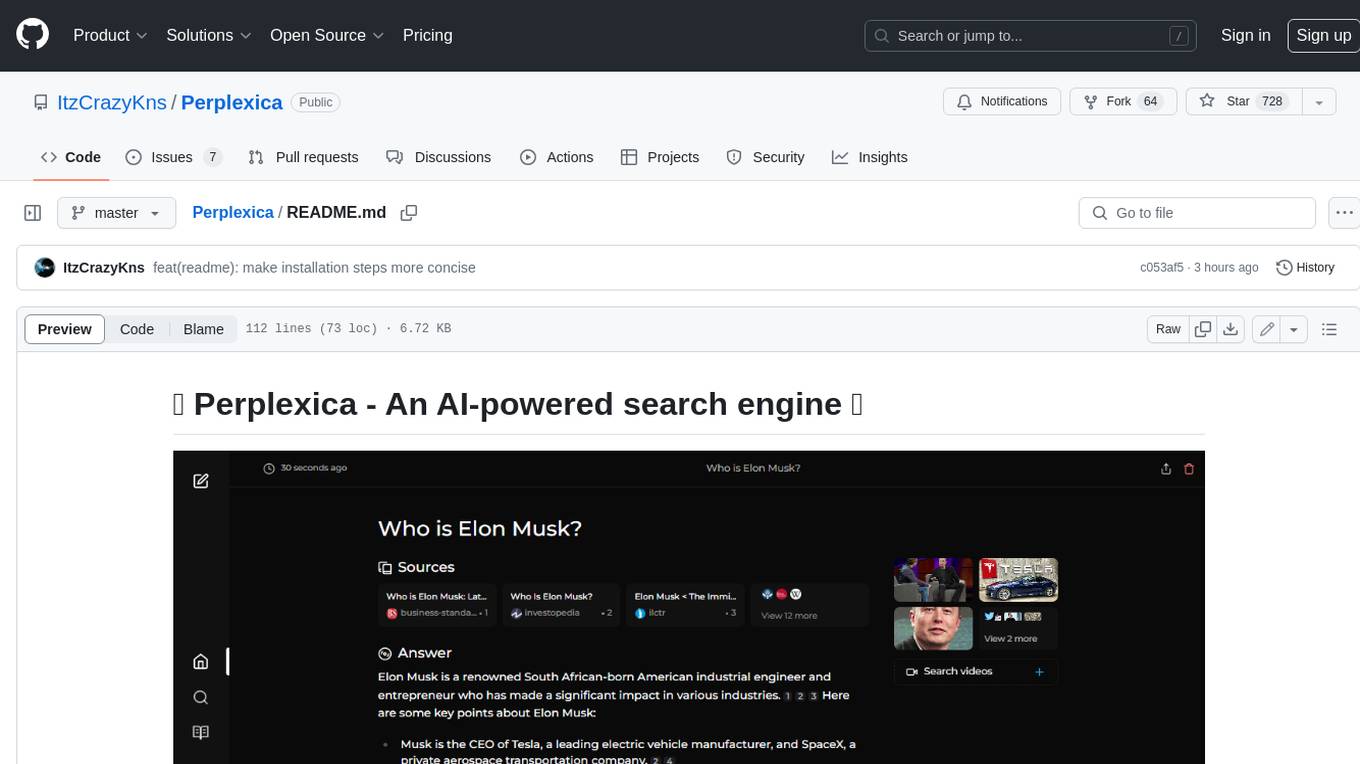
Perplexica
Perplexica is an open-source AI-powered search engine that utilizes advanced machine learning algorithms to provide clear answers with sources cited. It offers various modes like Copilot Mode, Normal Mode, and Focus Modes for specific types of questions. Perplexica ensures up-to-date information by using SearxNG metasearch engine. It also features image and video search capabilities and upcoming features include finalizing Copilot Mode and adding Discover and History Saving features.
KULLM
KULLM (구름) is a Korean Large Language Model developed by Korea University NLP & AI Lab and HIAI Research Institute. It is based on the upstage/SOLAR-10.7B-v1.0 model and has been fine-tuned for instruction. The model has been trained on 8×A100 GPUs and is capable of generating responses in Korean language. KULLM exhibits hallucination and repetition phenomena due to its decoding strategy. Users should be cautious as the model may produce inaccurate or harmful results. Performance may vary in benchmarks without a fixed system prompt.
MMMU
MMMU is a benchmark designed to evaluate multimodal models on college-level subject knowledge tasks, covering 30 subjects and 183 subfields with 11.5K questions. It focuses on advanced perception and reasoning with domain-specific knowledge, challenging models to perform tasks akin to those faced by experts. The evaluation of various models highlights substantial challenges, with room for improvement to stimulate the community towards expert artificial general intelligence (AGI).
1filellm
1filellm is a command-line data aggregation tool designed for LLM ingestion. It aggregates and preprocesses data from various sources into a single text file, facilitating the creation of information-dense prompts for large language models. The tool supports automatic source type detection, handling of multiple file formats, web crawling functionality, integration with Sci-Hub for research paper downloads, text preprocessing, and token count reporting. Users can input local files, directories, GitHub repositories, pull requests, issues, ArXiv papers, YouTube transcripts, web pages, Sci-Hub papers via DOI or PMID. The tool provides uncompressed and compressed text outputs, with the uncompressed text automatically copied to the clipboard for easy pasting into LLMs.
gpt-researcher
GPT Researcher is an autonomous agent designed for comprehensive online research on a variety of tasks. It can produce detailed, factual, and unbiased research reports with customization options. The tool addresses issues of speed, determinism, and reliability by leveraging parallelized agent work. The main idea involves running 'planner' and 'execution' agents to generate research questions, seek related information, and create research reports. GPT Researcher optimizes costs and completes tasks in around 3 minutes. Features include generating long research reports, aggregating web sources, an easy-to-use web interface, scraping web sources, and exporting reports to various formats.
ChatTTS
ChatTTS is a generative speech model optimized for dialogue scenarios, providing natural and expressive speech synthesis with fine-grained control over prosodic features. It supports multiple speakers and surpasses most open-source TTS models in terms of prosody. The model is trained with 100,000+ hours of Chinese and English audio data, and the open-source version on HuggingFace is a 40,000-hour pre-trained model without SFT. The roadmap includes open-sourcing additional features like VQ encoder, multi-emotion control, and streaming audio generation. The tool is intended for academic and research use only, with precautions taken to limit potential misuse.
HebTTS
HebTTS is a language modeling approach to diacritic-free Hebrew text-to-speech (TTS) system. It addresses the challenge of accurately mapping text to speech in Hebrew by proposing a language model that operates on discrete speech representations and is conditioned on a word-piece tokenizer. The system is optimized using weakly supervised recordings and outperforms diacritic-based Hebrew TTS systems in terms of content preservation and naturalness of generated speech.
do-research-in-AI
This repository is a collection of research lectures and experience sharing posts from frontline researchers in the field of AI. It aims to help individuals upgrade their research skills and knowledge through insightful talks and experiences shared by experts. The content covers various topics such as evaluating research papers, choosing research directions, research methodologies, and tips for writing high-quality scientific papers. The repository also includes discussions on academic career paths, research ethics, and the emotional aspects of research work. Overall, it serves as a valuable resource for individuals interested in advancing their research capabilities in the field of AI.