


second-brain-agent
🧠 Second Brain AI agent
Stars: 147
The Second Brain AI Agent Project is a tool designed to empower personal knowledge management by automatically indexing markdown files and links, providing a smart search engine powered by OpenAI, integrating seamlessly with different note-taking methods, and enhancing productivity by accessing information efficiently. The system is built on LangChain framework and ChromaDB vector store, utilizing a pipeline to process markdown files and extract text and links for indexing. It employs a Retrieval-augmented generation (RAG) process to provide context for asking questions to the large language model. The tool is beneficial for professionals, students, researchers, and creatives looking to streamline workflows, improve study sessions, delve deep into research, and organize thoughts and ideas effortlessly.
README:



Are you overwhelmed with the information you collect daily? Do you often find yourself lost in a sea of markdown files, videos, web pages, and PDFs? What if there's a way to seamlessly index, search, and even interact with all this content like never before? Welcome to the future of Personal Knowledge Management: The Second Brain AI Agent Project.
Tiago Forte's groundbreaking idea of the Second Brain has revolutionized the way we think about note-taking. It’s not just about jotting down ideas; it's about creating a powerful tool that enhances learning and creativity. Learn more about Building a Second Brain by Tiago Forte here.
-
Automated Indexing: No more manually sorting through files! Automatically index the content of your markdown files along with contained links, such as PDF documents, YouTube videos, and web pages.
-
Smart Search Engine: Ask questions about your content, and our AI will provide precise answers, using the robust OpenAI Large Language Model. It’s like having a personal assistant that knows your content inside out!
-
Effortless Integration: Whether you follow the Second Brain method or have your own unique way of note-taking, our system seamlessly integrates with your style, helping you harness the true power of your information.
-
Enhanced Productivity: Spend less time organizing and more time innovating. By accessing your information faster and more efficiently, you can focus on what truly matters.
- Professionals: Streamline your workflow and find exactly what you need in seconds.
- Students: Make study sessions more productive by quickly accessing and understanding your notes.
- Researchers: Dive deep into your research without getting lost in information overload.
- Creatives: Free your creativity by organizing your thoughts and ideas effortlessly.
Don't let your notes and content overwhelm you. Make them your allies in growth, innovation, and productivity. Join us in transforming the way you manage your personal knowledge and take the leap into the future.
If you take notes using markdown files like in the Second Brain method or using your own way, this project automatically indexes the content of the markdown files and the contained links (pdf documents, youtube video, web pages) and allows you to ask question about your content using the OpenAI Large Language Model.
The system is built on top of the LangChain framework and the ChromaDB vector store.
The system takes as input a directory where you store your markdown notes. For example, I take my notes with Obsidian. The system then processes any change in these files automatically with the following pipeline:
graph TD
A[Markdown files from your editor]-->B[Text files from markdown and pointers]-->C[Text Chunks]-->D[Vector Database]-->E[Second Brain AI Agent]
From a markdown file, transform_md.py extracts the text from the markdown file, then from the links inside the markdown file, it extracts pdf, url, youtube video and transforms them into text. There is some support to extract history data from the markdown files: if there is an ## History section or the file name contains History, the file is split in multiple parts according to <day> <month> <year> sections like ### 10 Sep 2023.
From these text files, transform_txt.py breaks these text files into chunks, create a vector embeddings and then stores these vector embeddings into a vector database.
The second brain agent uses the vector database to get context for asking the question to the large language model. This process is called Retrieval-augmented generation (RAG).
In reality, the process is more complex than a standard RAG. It is analyzing the question and then using a different chain according to the intent:
flowchart TD
    A[Question] --> C[/Get Intent/]
    C --> E[Summary Request] --> EA[/Extract all the chunks/] --> EB[/Summarize chunks/]
    C --> F[pdf or URL Lookup] --> FA[/Extract URL/]
    C --> D[Activity report]
    C --> G[Regular Question]
    D --> DA[/Get Period metadata/] --> DB[/Get Subject metadata/] --> DC[/Extract Question without time/] --> H[/Extract nearest documents\nfrom the vector database\nfiltered by the metadata/]
    G --> GA[/Step back question/] --> GB[/Extract nearest documents\nfrom the vector database/]
    H --> I[/Use the documents as context\nto ask the question to the LLM/]
GB --> IYou need a Python 3 interpreter, poetry and the inotify-tools installed. All this has been tested under Fedora Linux 38 on my laptop and Ubuntu latest in the CI workflows. Let me know if it works on your system.
Get the source code:
$ git clone https://github.com/flepied/second-brain-agent.gitCopy the example .env file and edit it to suit your settings:
$ cp example.env .envInstall the dependencies using poetry:
$ poetry installThere is a bug between poetry, torch and pypi, to workaround just do:
$ poetry run pip install torchThen to use the created virtualenv, do:
$ poetry shellTo install systemd services to manage automatically the different scripts when the operating system starts, use the following command (need sudo access):
$ ./install-systemd-services.shTo see the output of the md and txt services:
$ journalctl --unit=sba-md.service --user
$ journalctl --unit=sba-txt.service --user$ ./similarity.py "What is LangChain?" type=notesUse the vector store to find new conncetions between notes:
$ ./smart_connections.pyLaunch this command to access the web UI:
$ streamlit run second_brain_agent.py
  You can now view your Streamlit app in your browser.

  Local URL: http://localhost:8502
  Network URL: http://192.168.121.112:8502
Here is an example:

Install the extra dependencies using poetry:
$ poetry install --with testAnd then run the tests, like this:
$ poetry run pytestBefore submitting a PR, make sure to activate pre-commit:
poetry run pre-commit installFor Tasks:
Click tags to check more tools for each tasksFor Jobs:
Alternative AI tools for second-brain-agent
Similar Open Source Tools
second-brain-agent
The Second Brain AI Agent Project is a tool designed to empower personal knowledge management by automatically indexing markdown files and links, providing a smart search engine powered by OpenAI, integrating seamlessly with different note-taking methods, and enhancing productivity by accessing information efficiently. The system is built on LangChain framework and ChromaDB vector store, utilizing a pipeline to process markdown files and extract text and links for indexing. It employs a Retrieval-augmented generation (RAG) process to provide context for asking questions to the large language model. The tool is beneficial for professionals, students, researchers, and creatives looking to streamline workflows, improve study sessions, delve deep into research, and organize thoughts and ideas effortlessly.
examor
Examor is a website application that allows you to take exams based on your knowledge notes. It helps you to remember what you have learned and written. The application generates a set of questions from the documents you upload, and you can answer them to test your knowledge. Examor also uses GPT to score and validate your answers, and provides you with feedback. The application is still in its early stages of development, but it has the potential to be a valuable tool for learners.
HackBot
HackBot is an AI-powered cybersecurity chatbot designed to provide accurate answers to cybersecurity-related queries, conduct code analysis, and scan analysis. It utilizes the Meta-LLama2 AI model through the 'LlamaCpp' library to respond coherently. The chatbot offers features like local AI/Runpod deployment support, cybersecurity chat assistance, interactive interface, clear output presentation, static code analysis, and vulnerability analysis. Users can interact with HackBot through a command-line interface and utilize it for various cybersecurity tasks.

brokk
Brokk is a code assistant designed to understand code semantically, allowing LLMs to work effectively on large codebases. It offers features like agentic search, summarizing related classes, parsing stack traces, adding source for usages, and autonomously fixing errors. Users can interact with Brokk through different panels and commands, enabling them to manipulate context, ask questions, search codebase, run shell commands, and more. Brokk helps with tasks like debugging regressions, exploring codebase, AI-powered refactoring, and working with dependencies. It is particularly useful for making complex, multi-file edits with o1pro.
lovelaice
Lovelaice is an AI-powered assistant for your terminal and editor. It can run bash commands, search the Internet, answer general and technical questions, complete text files, chat casually, execute code in various languages, and more. Lovelaice is configurable with API keys and LLM models, and can be used for a wide range of tasks requiring bash commands or coding assistance. It is designed to be versatile, interactive, and helpful for daily tasks and projects.
llm-for-zotero
llm-for-zotero is a powerful plugin for Zotero that integrates Large Language Models (LLMs) directly into the Zotero PDF reader. It provides features such as summarizing papers, explaining selected text, interpreting figures, saving notes, saving chat history, customizing quick-action presets, setting up LLM models, auto-updating, and more. The plugin aims to enhance the research experience by offering quick access to AI assistance within Zotero, eliminating the need to upload PDFs to external portals.
lumigator
Lumigator is an open-source platform developed by Mozilla.ai to help users select the most suitable language model for their specific needs. It supports the evaluation of summarization tasks using sequence-to-sequence models such as BART and BERT, as well as causal models like GPT and Mistral. The platform aims to make model selection transparent, efficient, and empowering by providing a framework for comparing LLMs using task-specific metrics to evaluate how well a model fits a project's needs. Lumigator is in the early stages of development and plans to expand support to additional machine learning tasks and use cases in the future.
ezkl
EZKL is a library and command-line tool for doing inference for deep learning models and other computational graphs in a zk-snark (ZKML). It enables the following workflow: 1. Define a computational graph, for instance a neural network (but really any arbitrary set of operations), as you would normally in pytorch or tensorflow. 2. Export the final graph of operations as an .onnx file and some sample inputs to a .json file. 3. Point ezkl to the .onnx and .json files to generate a ZK-SNARK circuit with which you can prove statements such as: > "I ran this publicly available neural network on some private data and it produced this output" > "I ran my private neural network on some public data and it produced this output" > "I correctly ran this publicly available neural network on some public data and it produced this output" In the backend we use the collaboratively-developed Halo2 as a proof system. The generated proofs can then be verified with much less computational resources, including on-chain (with the Ethereum Virtual Machine), in a browser, or on a device.
cookbook
This repository contains community-driven practical examples of building AI applications and solving various tasks with AI using open-source tools and models. Everyone is welcome to contribute, and we value everybody's contribution! There are several ways you can contribute to the Open-Source AI Cookbook: Submit an idea for a desired example/guide via GitHub Issues. Contribute a new notebook with a practical example. Improve existing examples by fixing issues/typos. Before contributing, check currently open issues and pull requests to avoid working on something that someone else is already working on.
llmap
LLMap is a CLI code search tool designed to automatically find context in large codebases by evaluating the relevance of each source file using DeepSeek-V3 and DeepSeek-R1. It optimizes analysis by performing multi-stage analysis and caching results for faster searches. Currently supports Java and Python files, with potential for extension to other languages. Install with 'pip install llmap-ai' and use with a DeepSeek API key to search for specific context in code.
gptauthor
GPT Author is a command-line tool designed to help users write long form, multi-chapter stories by providing a story prompt and generating a synopsis and subsequent chapters using ChatGPT. Users can review and make changes to the generated content before finalizing the story output in Markdown and HTML formats. The tool aims to unleash storytelling genius by combining human input with AI-generated content, offering a seamless writing experience for creating engaging narratives.
hi-ml
The Microsoft Health Intelligence Machine Learning Toolbox is a repository that provides low-level and high-level building blocks for Machine Learning / AI researchers and practitioners. It simplifies and streamlines work on deep learning models for healthcare and life sciences by offering tested components such as data loaders, pre-processing tools, deep learning models, and cloud integration utilities. The repository includes two Python packages, 'hi-ml-azure' for helper functions in AzureML, 'hi-ml' for ML components, and 'hi-ml-cpath' for models and workflows related to histopathology images.
ai-rag-chat-evaluator
This repository contains scripts and tools for evaluating a chat app that uses the RAG architecture. It provides parameters to assess the quality and style of answers generated by the chat app, including system prompt, search parameters, and GPT model parameters. The tools facilitate running evaluations, with examples of evaluations on a sample chat app. The repo also offers guidance on cost estimation, setting up the project, deploying a GPT-4 model, generating ground truth data, running evaluations, and measuring the app's ability to say 'I don't know'. Users can customize evaluations, view results, and compare runs using provided tools.
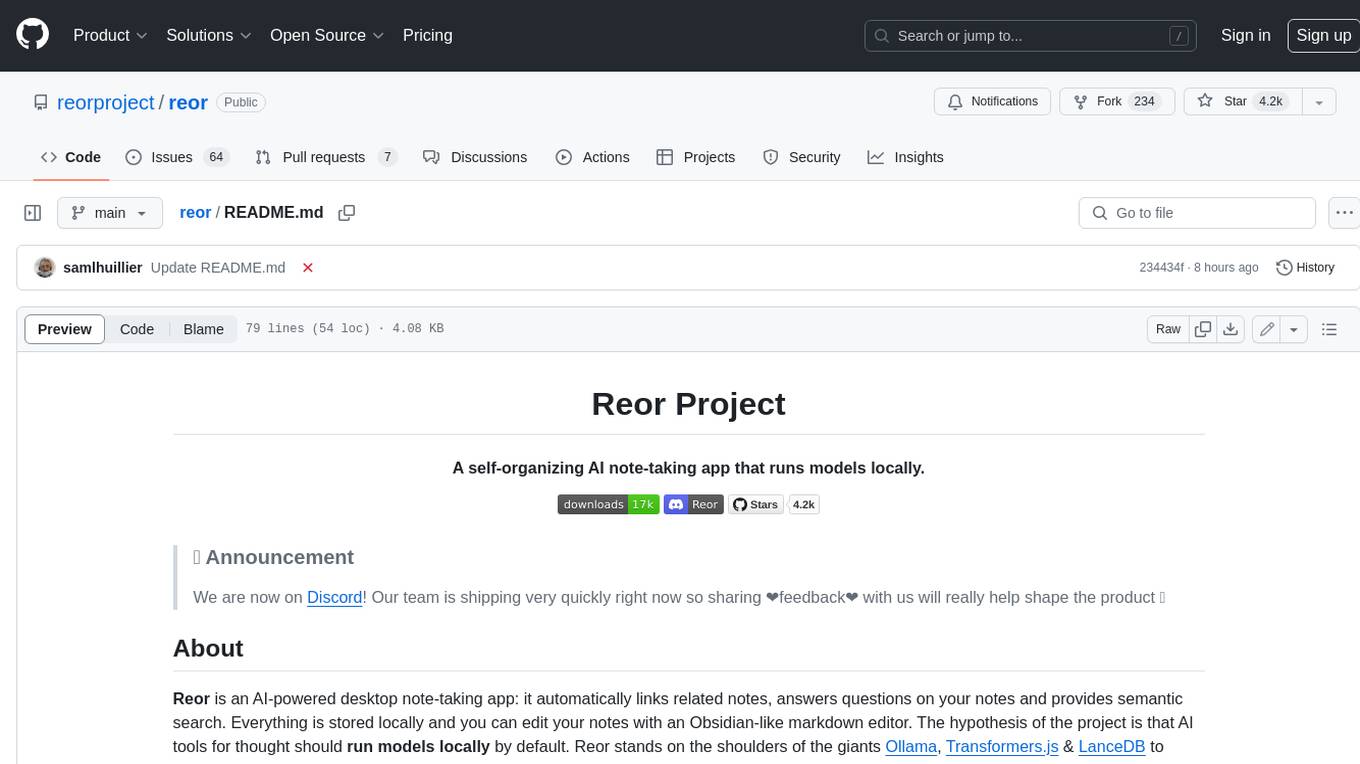
reor
Reor is an AI-powered desktop note-taking app that automatically links related notes, answers questions on your notes, and provides semantic search. Everything is stored locally and you can edit your notes with an Obsidian-like markdown editor. The hypothesis of the project is that AI tools for thought should run models locally by default. Reor stands on the shoulders of the giants Ollama, Transformers.js & LanceDB to enable both LLMs and embedding models to run locally. Connecting to OpenAI or OpenAI-compatible APIs like Oobabooga is also supported.
ultravox
Ultravox is a fast multimodal Language Model (LLM) that can understand both text and human speech in real-time without the need for a separate Audio Speech Recognition (ASR) stage. By extending Meta's Llama 3 model with a multimodal projector, Ultravox converts audio directly into a high-dimensional space used by Llama 3, enabling quick responses and potential understanding of paralinguistic cues like timing and emotion in human speech. The current version (v0.3) has impressive speed metrics and aims for further enhancements. Ultravox currently converts audio to streaming text and plans to emit speech tokens for direct audio conversion. The tool is open for collaboration to enhance this functionality.
recognize
Recognize is a smart media tagging tool for Nextcloud that automatically categorizes photos and music by recognizing faces, animals, landscapes, food, vehicles, buildings, landmarks, monuments, music genres, and human actions in videos. It uses pre-trained models for object detection, landmark recognition, face comparison, music genre classification, and video classification. The tool ensures privacy by processing images locally without sending data to cloud providers. However, it cannot process end-to-end encrypted files. Recognize is rated positively for ethical AI practices in terms of open-source software, freely available models, and training data transparency, except for music genre recognition due to limited access to training data.
For similar tasks
devchat
DevChat is an open-source workflow engine that enables developers to create intelligent, automated workflows for engaging with users through a chat panel within their IDEs. It combines script writing flexibility, latest AI models, and an intuitive chat GUI to enhance user experience and productivity. DevChat simplifies the integration of AI in software development, unlocking new possibilities for developers.
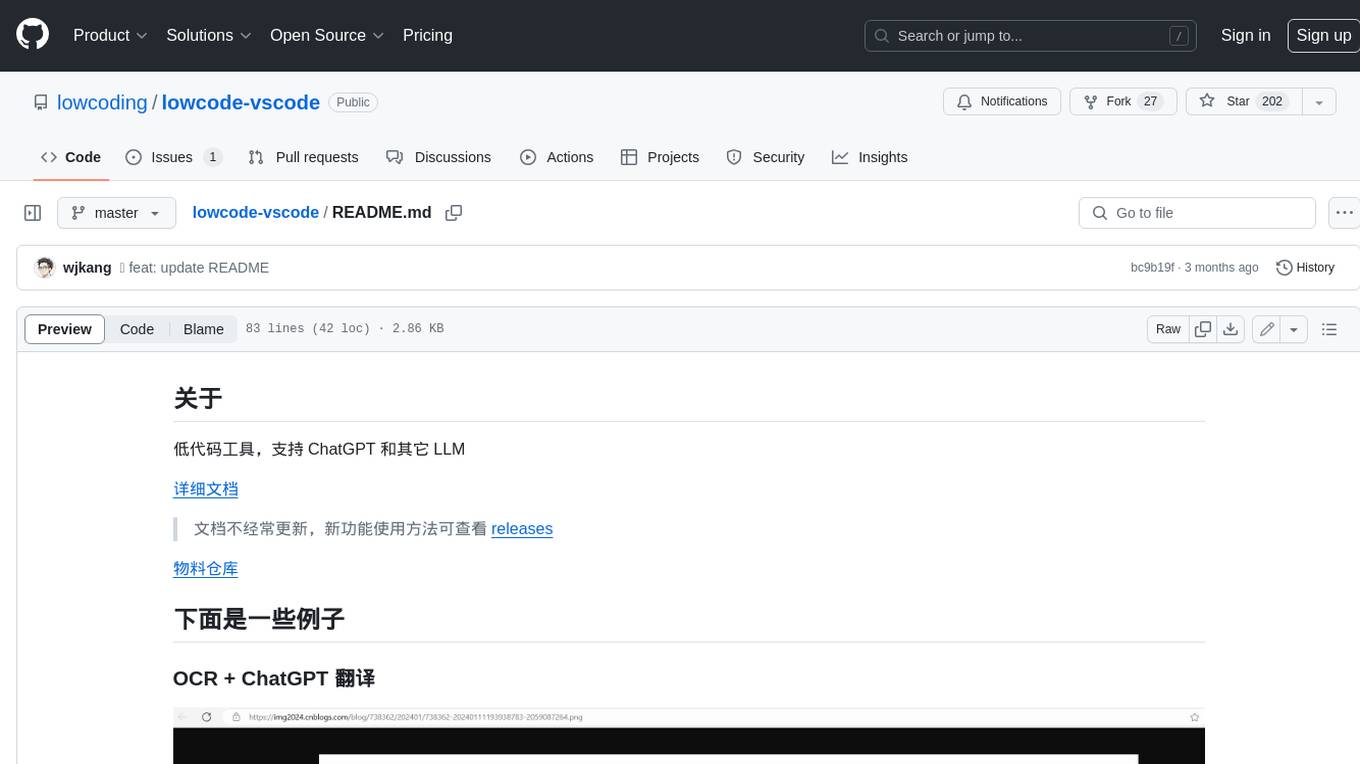
lowcode-vscode
This repository is a low-code tool that supports ChatGPT and other LLM models. It provides functionalities such as OCR translation, generating specified format JSON, translating Chinese to camel case, translating current directory to English, and quickly creating code templates. Users can also generate CURD operations for managing backend list pages. The tool allows users to select templates, initialize query form configurations using OCR, initialize table configurations using OCR, translate Chinese fields using ChatGPT, and generate code without writing a single line. It aims to enhance productivity by simplifying code generation and development processes.
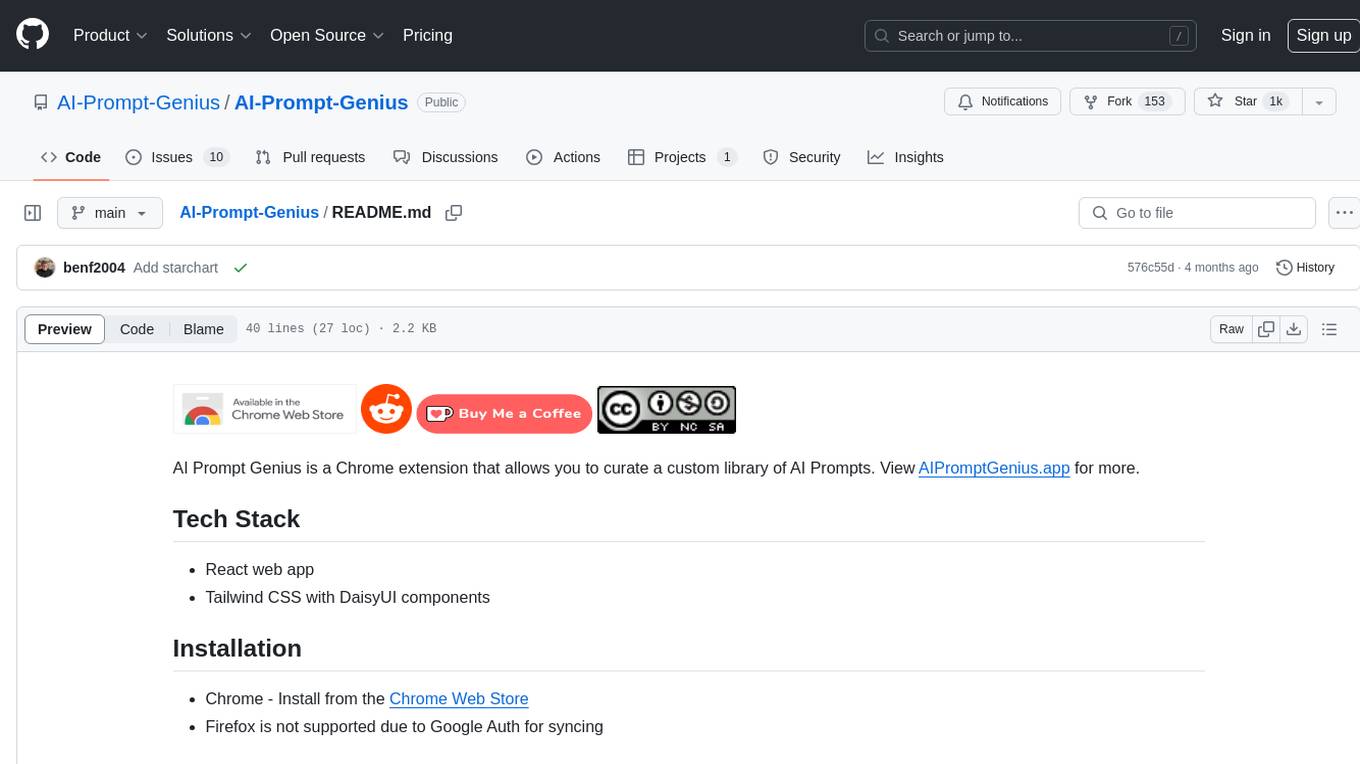
AI-Prompt-Genius
AI Prompt Genius is a Chrome extension that allows you to curate a custom library of AI prompts. It is built using React web app and Tailwind CSS with DaisyUI components. The extension enables users to create and manage AI prompts for various purposes. It provides a user-friendly interface for organizing and accessing AI prompts efficiently. AI Prompt Genius is designed to enhance productivity and creativity by offering a personalized collection of prompts tailored to individual needs. Users can easily install the extension from the Chrome Web Store and start using it to generate AI prompts for different tasks.
second-brain-agent
The Second Brain AI Agent Project is a tool designed to empower personal knowledge management by automatically indexing markdown files and links, providing a smart search engine powered by OpenAI, integrating seamlessly with different note-taking methods, and enhancing productivity by accessing information efficiently. The system is built on LangChain framework and ChromaDB vector store, utilizing a pipeline to process markdown files and extract text and links for indexing. It employs a Retrieval-augmented generation (RAG) process to provide context for asking questions to the large language model. The tool is beneficial for professionals, students, researchers, and creatives looking to streamline workflows, improve study sessions, delve deep into research, and organize thoughts and ideas effortlessly.
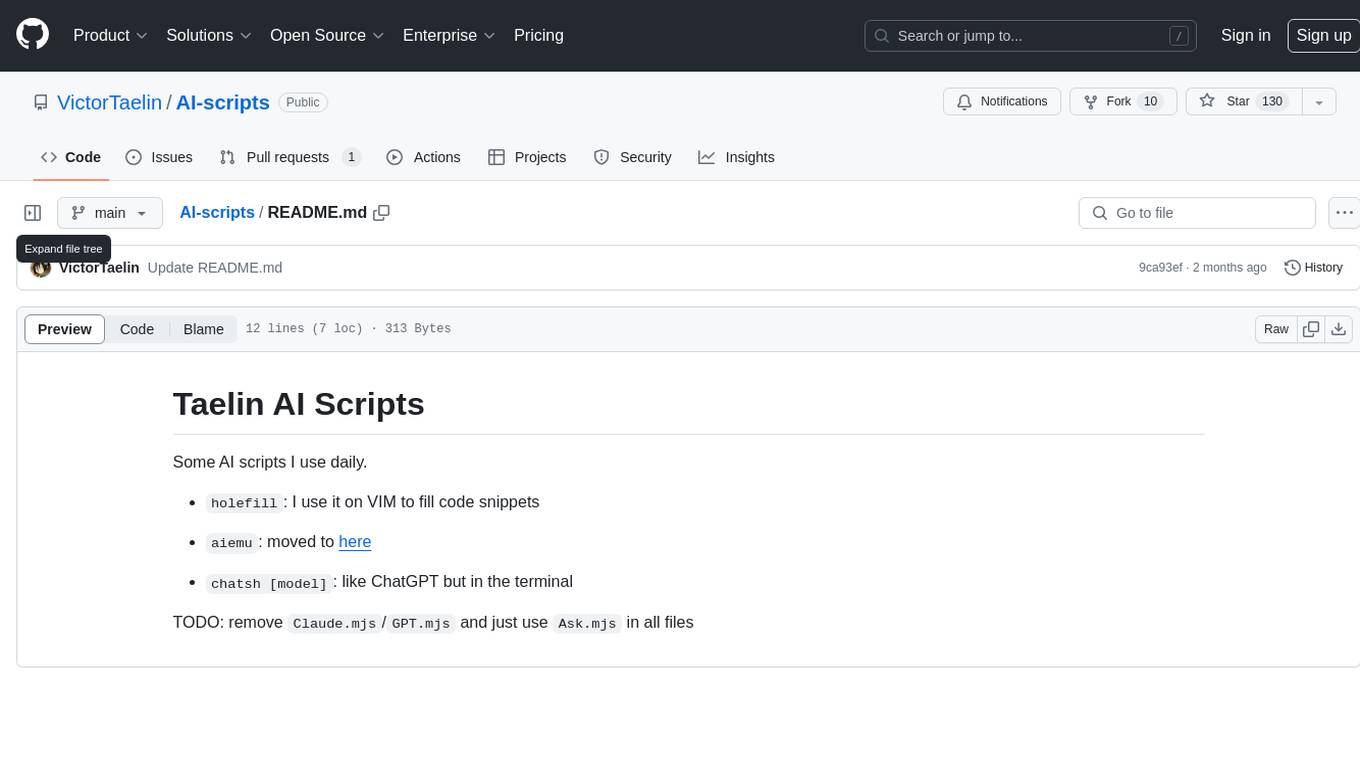
AI-scripts
AI-scripts is a repository containing various AI scripts used for daily tasks. It includes tools like 'holefill' for filling code snippets in VIM, 'aiemu' for emulation purposes, and 'chatsh [model]' for terminal-based ChatGPT functionality. The repository aims to streamline AI-related workflows and enhance productivity by providing convenient scripts for common tasks.
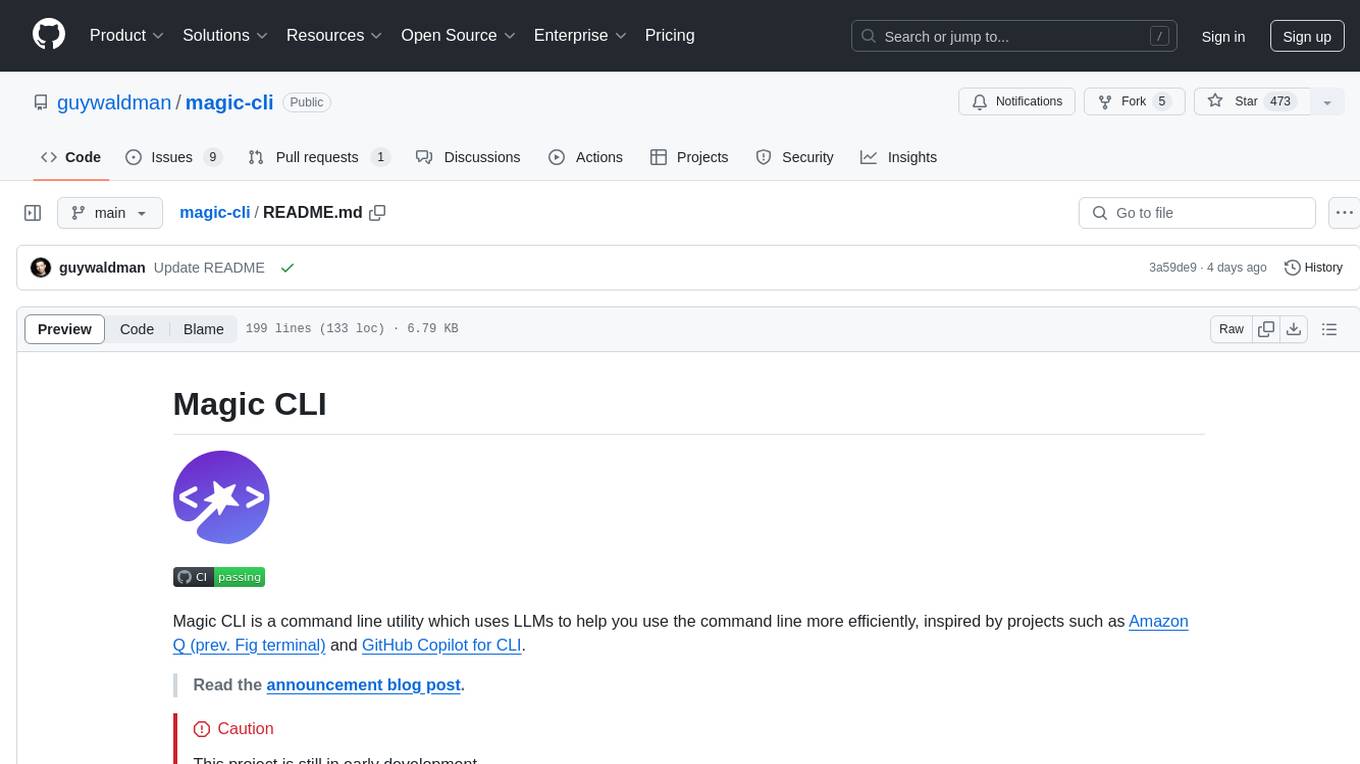
magic-cli
Magic CLI is a command line utility that leverages Large Language Models (LLMs) to enhance command line efficiency. It is inspired by projects like Amazon Q and GitHub Copilot for CLI. The tool allows users to suggest commands, search across command history, and generate commands for specific tasks using local or remote LLM providers. Magic CLI also provides configuration options for LLM selection and response generation. The project is still in early development, so users should expect breaking changes and bugs.
readme-ai
README-AI is a developer tool that auto-generates README.md files using a combination of data extraction and generative AI. It streamlines documentation creation and maintenance, enhancing developer productivity. This project aims to enable all skill levels, across all domains, to better understand, use, and contribute to open-source software. It offers flexible README generation, supports multiple large language models (LLMs), provides customizable output options, works with various programming languages and project types, and includes an offline mode for generating boilerplate README files without external API calls.
obsidian-github-copilot
Obsidian Github Copilot Plugin is a tool that enables users to utilize Github Copilot within the Obsidian editor. It acts as a bridge between Obsidian and the Github Copilot service, allowing for enhanced code completion and suggestion features. Users can configure various settings such as suggestion generation delay, key bindings, and visibility of suggestions. The plugin requires a Github Copilot subscription, Node.js 18 or later, and a network connection to interact with the Copilot service. It simplifies the process of writing code by providing helpful completions and suggestions directly within the Obsidian editor.
For similar jobs
SLR-FC
This repository provides a comprehensive collection of AI tools and resources to enhance literature reviews. It includes a curated list of AI tools for various tasks, such as identifying research gaps, discovering relevant papers, visualizing paper content, and summarizing text. Additionally, the repository offers materials on generative AI, effective prompts, copywriting, image creation, and showcases of AI capabilities. By leveraging these tools and resources, researchers can streamline their literature review process, gain deeper insights from scholarly literature, and improve the quality of their research outputs.
paper-ai
Paper-ai is a tool that helps you write papers using artificial intelligence. It provides features such as AI writing assistance, reference searching, and editing and formatting tools. With Paper-ai, you can quickly and easily create high-quality papers.
paper-qa
PaperQA is a minimal package for question and answering from PDFs or text files, providing very good answers with in-text citations. It uses OpenAI Embeddings to embed and search documents, and follows a process of embedding docs and queries, searching for top passages, creating summaries, scoring and selecting relevant summaries, putting summaries into prompt, and generating answers. Users can customize prompts and use various models for embeddings and LLMs. The tool can be used asynchronously and supports adding documents from paths, files, or URLs.
ChatData
ChatData is a robust chat-with-documents application designed to extract information and provide answers by querying the MyScale free knowledge base or uploaded documents. It leverages the Retrieval Augmented Generation (RAG) framework, millions of Wikipedia pages, and arXiv papers. Features include self-querying retriever, VectorSQL, session management, and building a personalized knowledge base. Users can effortlessly navigate vast data, explore academic papers, and research documents. ChatData empowers researchers, students, and knowledge enthusiasts to unlock the true potential of information retrieval.
noScribe
noScribe is an AI-based software designed for automated audio transcription, specifically tailored for transcribing interviews for qualitative social research or journalistic purposes. It is a free and open-source tool that runs locally on the user's computer, ensuring data privacy. The software can differentiate between speakers and supports transcription in 99 languages. It includes a user-friendly editor for reviewing and correcting transcripts. Developed by Kai Dröge, a PhD in sociology with a background in computer science, noScribe aims to streamline the transcription process and enhance the efficiency of qualitative analysis.
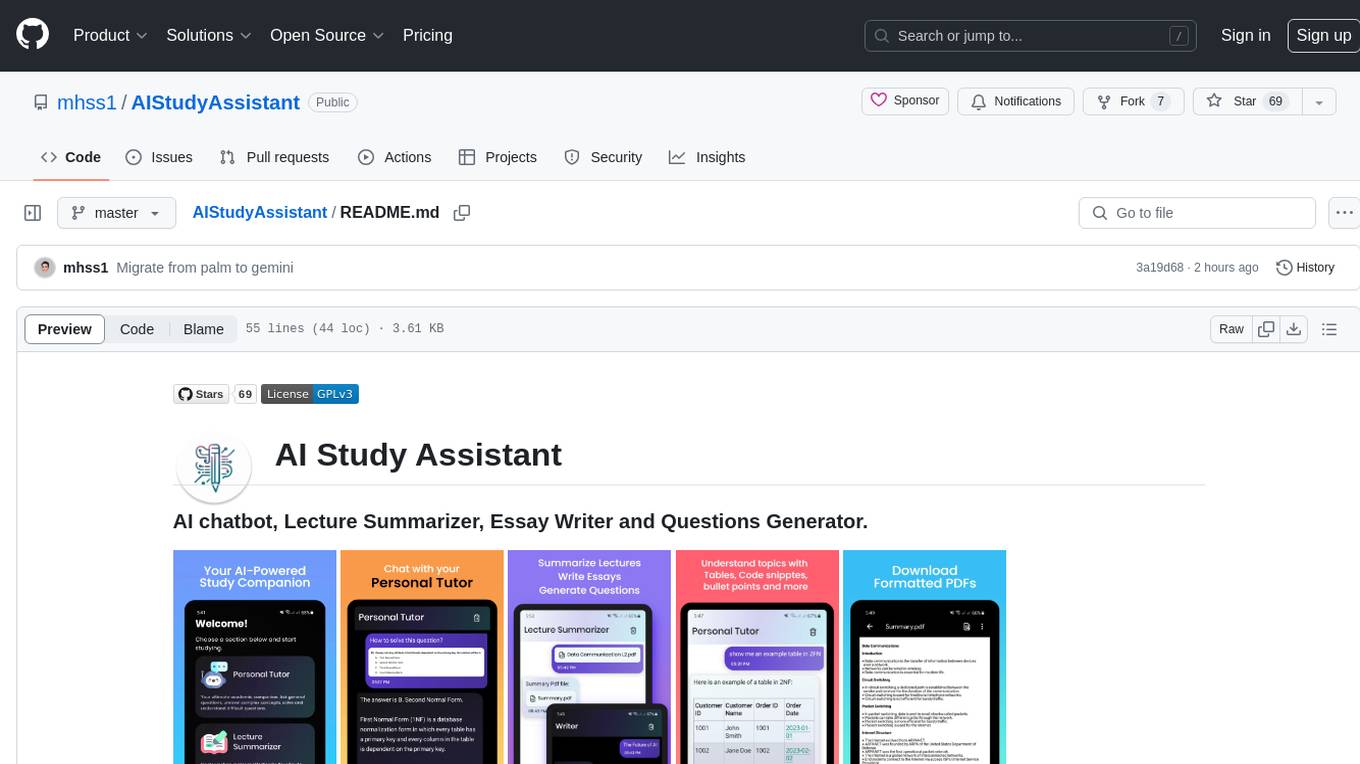
AIStudyAssistant
AI Study Assistant is an app designed to enhance learning experience and boost academic performance. It serves as a personal tutor, lecture summarizer, writer, and question generator powered by Google PaLM 2. Features include interacting with an AI chatbot, summarizing lectures, generating essays, and creating practice questions. The app is built using 100% Kotlin, Jetpack Compose, Clean Architecture, and MVVM design pattern, with technologies like Ktor, Room DB, Hilt, and Kotlin coroutines. AI Study Assistant aims to provide comprehensive AI-powered assistance for students in various academic tasks.
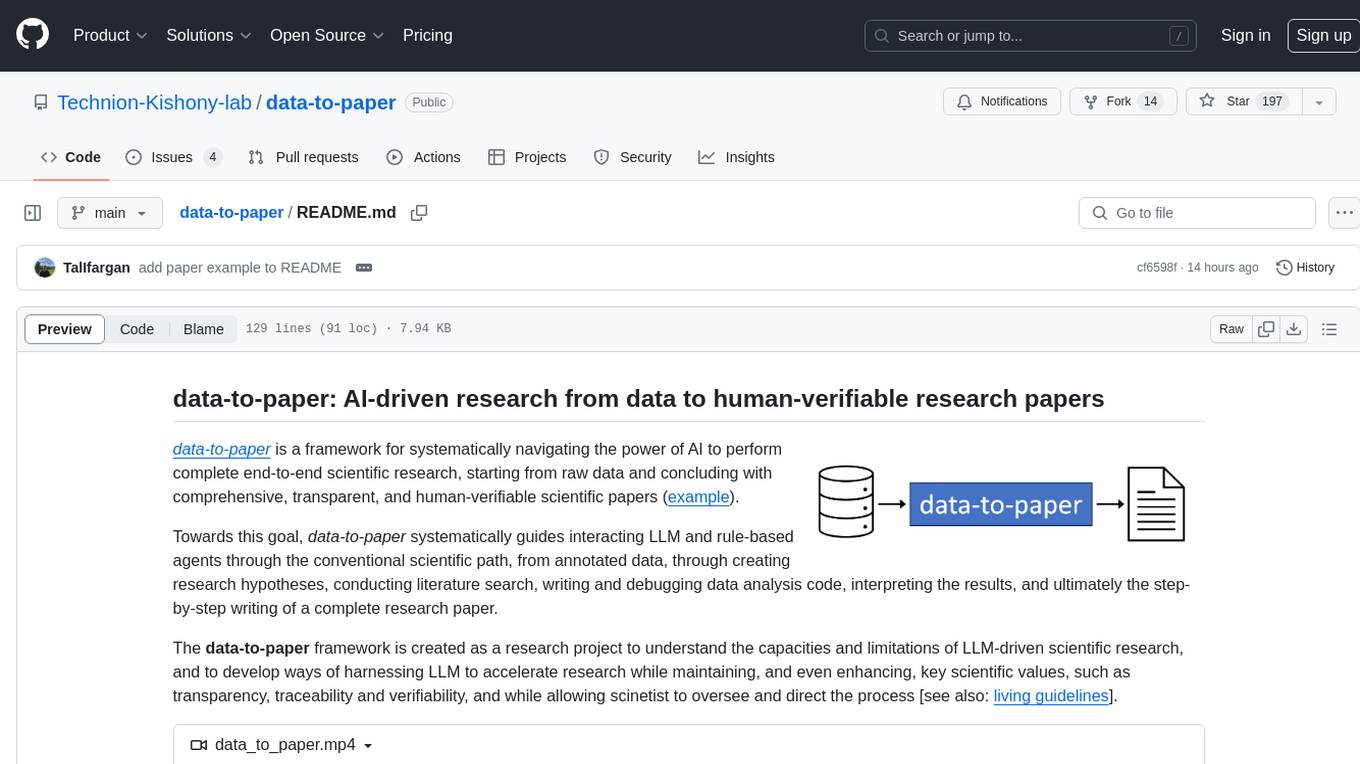
data-to-paper
Data-to-paper is an AI-driven framework designed to guide users through the process of conducting end-to-end scientific research, starting from raw data to the creation of comprehensive and human-verifiable research papers. The framework leverages a combination of LLM and rule-based agents to assist in tasks such as hypothesis generation, literature search, data analysis, result interpretation, and paper writing. It aims to accelerate research while maintaining key scientific values like transparency, traceability, and verifiability. The framework is field-agnostic, supports both open-goal and fixed-goal research, creates data-chained manuscripts, involves human-in-the-loop interaction, and allows for transparent replay of the research process.
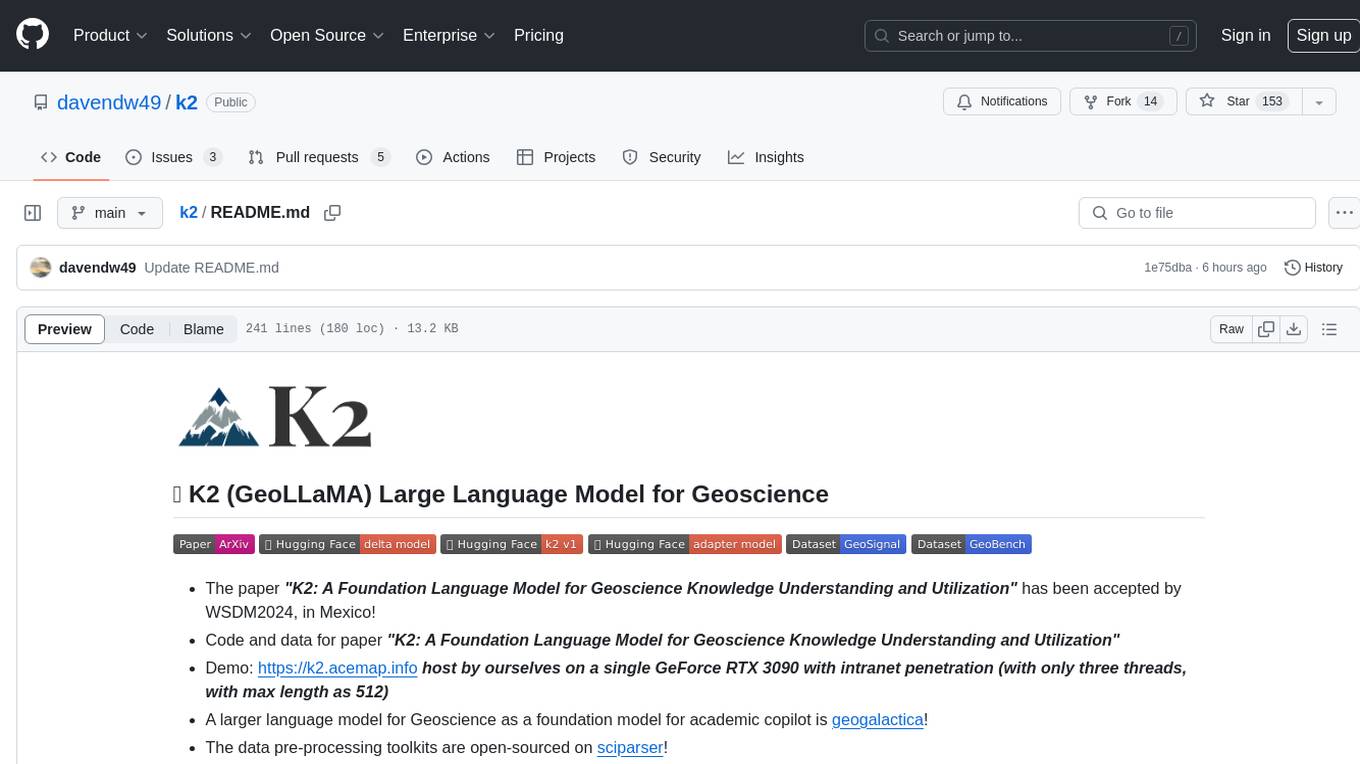
k2
K2 (GeoLLaMA) is a large language model for geoscience, trained on geoscience literature and fine-tuned with knowledge-intensive instruction data. It outperforms baseline models on objective and subjective tasks. The repository provides K2 weights, core data of GeoSignal, GeoBench benchmark, and code for further pretraining and instruction tuning. The model is available on Hugging Face for use. The project aims to create larger and more powerful geoscience language models in the future.