


cluster-toolkit
Cluster Toolkit is an open-source software offered by Google Cloud which makes it easy for customers to deploy AI/ML and HPC environments on Google Cloud.
Stars: 285
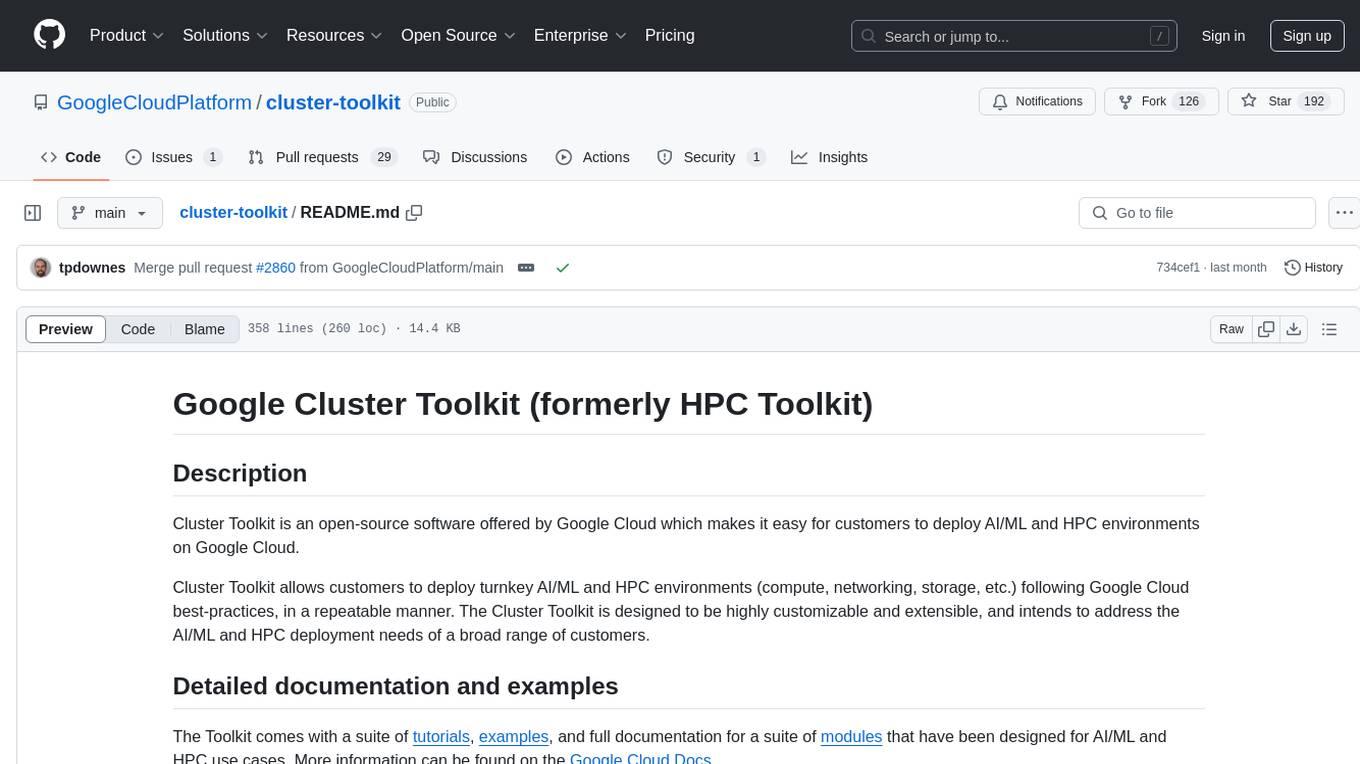
Cluster Toolkit is an open-source software by Google Cloud for deploying AI/ML and HPC environments on Google Cloud. It allows easy deployment following best practices, with high customization and extensibility. The toolkit includes tutorials, examples, and documentation for various modules designed for AI/ML and HPC use cases.
README:
Cluster Toolkit is an open-source software offered by Google Cloud which makes it easy for customers to deploy AI/ML and HPC environments on Google Cloud.
Cluster Toolkit allows customers to deploy turnkey AI/ML and HPC environments (compute, networking, storage, etc.) following Google Cloud best-practices, in a repeatable manner. The Cluster Toolkit is designed to be highly customizable and extensible, and intends to address the AI/ML and HPC deployment needs of a broad range of customers.
The Cluster Toolkit is an integral part of Google Cloud AI Hypercomputer. Documentation concerning AI Hypercomputer solutions is available for GKE and for Slurm.
The Toolkit provides tutorials, examples, and comprehensive developer documentation for a suite of modules that have been designed for AI/ML and HPC use cases.
For end-user guides and how-to information, please refer to the Google Cloud Docs.
Running through the quickstart tutorial is the recommended path to get started with the Cluster Toolkit.
If a self directed path is preferred, you can use the following commands to
build the gcluster binary:
git clone https://github.com/GoogleCloudPlatform/cluster-toolkit
cd cluster-toolkit
make
./gcluster --version
./gcluster --help
NOTE: You may need to install dependencies first.
Learn about the components that make up the Cluster Toolkit and more on how it works on the Google Cloud Docs Product Overview.
Terraform can discover credentials for authenticating to Google Cloud Platform in several ways. We will summarize Terraform's documentation for using gcloud from your workstation and for automatically finding credentials in cloud environments. We do not recommend following Hashicorp's instructions for downloading service account keys.
You can generate cloud credentials associated with your Google Cloud account using the following command:
gcloud auth application-default loginYou will be prompted to open your web browser and authenticate to Google Cloud and make your account accessible from the command-line. Once this command completes, Terraform will automatically use your "Application Default Credentials."
If you receive failure messages containing "quota project" you should change the quota project associated with your Application Default Credentials with the following command and provide your current project ID as the argument:
gcloud auth application-default set-quota-project ${PROJECT-ID}In virtualized settings, the cloud credentials of accounts can be attached directly to the execution environment. For example: a VM or a container can have service accounts attached to them. The Google Cloud Shell is an interactive command line environment which inherits the credentials of the user logged in to the Google Cloud Console.
Many of the above examples are easily executed within a Cloud Shell environment. Be aware that Cloud Shell has several limitations, in particular an inactivity timeout that will close running shells after 20 minutes. Please consider it only for blueprints that are quickly deployed.
The Cluster Toolkit officially supports the following VM images:
- HPC Rocky Linux 8
- Debian 11
- Ubuntu 20.04 LTS
For more information on these and other images, see docs/vm-images.md.
Warning: Slurm Terraform modules cannot be directly used on the standard OS images. They must be used in combination with images built for the versioned release of the Terraform module.
The Cluster Toolkit provides modules and examples for implementing pre-built and custom Slurm VM images, see Slurm on GCP
The Toolkit contains "validator" functions that perform basic tests of the blueprint to ensure that deployment variables are valid and that the AI/ML and HPC environment can be provisioned in your Google Cloud project. Further information can be found in dedicated documentation.
In a new GCP project there are several APIs that must be enabled to deploy your
cluster. These will be caught when you perform terraform apply but you can
save time by enabling them upfront.
See Google Cloud Docs for instructions.
You may need to request additional quota to be able to deploy and use your cluster.
See Google Cloud Docs for more information.
You can view your billing reports for your cluster on the
Cloud Billing Reports
page. To view the Cloud Billing reports for your Cloud Billing account,
including viewing the cost information for all of the Cloud projects that are
linked to the account, you need a role that includes the
billing.accounts.getSpendingInformation permission on your Cloud Billing
account.
To view the Cloud Billing reports for your Cloud Billing account:
- In the Google Cloud Console, go to
Navigation Menu>Billing. - At the prompt, choose the Cloud Billing account for which you'd like to view reports. The Billing Overview page opens for the selected billing account.
- In the Billing navigation menu, select
Reports.
In the right side, expand the Filters view and then filter by label, specifying the key ghpc_deployment (or ghpc_blueprint) and the desired value.
Confirm that you have properly setup Google Cloud credentials
Please see the dedicated troubleshooting guide for Slurm.
When terraform apply fails, Terraform generally provides a useful error
message. Here are some common reasons for the deployment to fail:
-
GCP Access: The credentials being used to call
terraform applydo not have access to the GCP project. This can be fixed by granting access inIAM & Admin. - Disabled APIs: The GCP project must have the proper APIs enabled. See Enable GCP APIs.
- Insufficient Quota: The GCP project does not have enough quota to provision the requested resources. See GCP Quotas.
-
Filestore resource limit: When regularly deploying Filestore instances
with a new VPC you may see an error during deployment such as:
System limit for internal resources has been reached. See this doc for the solution. -
Required permission not found:
- Example:
Required 'compute.projects.get' permission for 'projects/... forbidden - Credentials may not be set, or are not set correctly. Please follow instructions at Cloud credentials on your workstation.
- Ensure proper permissions are set in the cloud console IAM section.
- Example:
If terraform destroy fails with an error such as the following:
│ Error: Error when reading or editing Subnetwork: googleapi: Error 400: The subnetwork resource 'projects/<project_name>/regions/<region>/subnetworks/<subnetwork_name>' is already being used by 'projects/<project_name>/zones/<zone>/instances/<instance_name>', resourceInUseByAnotherResource
or
│ Error: Error waiting for Deleting Network: The network resource 'projects/<project_name>/global/networks/<vpc_network_name>' is already being used by 'projects/<project_name>/global/firewalls/<firewall_rule_name>'
These errors indicate that the VPC network cannot be destroyed because resources were added outside of Terraform and that those resources depend upon the network. These resources should be deleted manually. The first message indicates that a new VM has been added to a subnetwork within the VPC network. The second message indicates that a new firewall rule has been added to the VPC network. If your error message does not look like these, examine it carefully to identify the type of resource to delete and its unique name. In the two messages above, the resource names appear toward the end of the error message. The following links will take you directly to the areas within the Cloud Console for managing VMs and Firewall rules. Make certain that your project ID is selected in the drop-down menu at the top-left.
The deployment will be created with the following directory structure:
<<OUTPUT_PATH>>/<<DEPLOYMENT_NAME>>/{<<DEPLOYMENT_GROUPS>>}/
If an output directory is provided with the --output/-o flag, the deployment
directory will be created in the output directory, represented as
<<OUTPUT_PATH>> here. If not provided, <<OUTPUT_PATH>> will default to the
current working directory.
The deployment directory is created in <<OUTPUT_PATH>> as a directory matching
the provided deployment_name deployment variable (vars) in the blueprint.
Within the deployment directory are directories representing each deployment
group in the blueprint named the same as the group field for each element
in deployment_groups.
In each deployment group directory, are all of the configuration scripts and
modules needed to deploy. The modules are in a directory named modules named
the same as the source module, for example the
vpc module is in a directory named vpc.
A hidden directory containing meta information and backups is also created and
named .ghpc.
From the hpc-slurm.yaml example, we get the following deployment directory:
hpc-slurm/
  primary/
    main.tf
    modules/
    providers.tf
    terraform.tfvars
    variables.tf
    versions.tf
  .ghpc/
See Cloud Docs on Installing Dependencies.
The Toolkit supports Packer templates in the contemporary HCL2 file format and not in the legacy JSON file format. We require the use of Packer 1.7.9 or above, and recommend using the latest release.
The Toolkit's Packer template module documentation describes input variables and their behavior. An image-building example and usage instructions are provided. The example integrates Packer, Terraform and startup-script runners to demonstrate the power of customizing images using the same scripts that can be applied at boot-time.
The following setup is in addition to the dependencies needed to build and run Cluster-Toolkit.
Please use the pre-commit hooks configured in
this repository to ensure that all changes are validated, tested and properly
documented before pushing code changes. The pre-commits configured
in the Cluster Toolkit have a set of dependencies that need to be installed before
successfully passing.
Follow these steps to install and setup pre-commit in your cloned repository:
-
Install pre-commit using the instructions from the pre-commit website.
-
Install TFLint using the instructions from the TFLint documentation.
NOTE: The version of TFLint must be compatible with the Google plugin version identified in tflint.hcl. Versions of the plugin
>=0.20.0should usetflint>=0.40.0. These versions are readily available via GitHub or package managers. Please review the TFLint Ruleset for Google Release Notes for up-to-date requirements.
-
Install ShellCheck using the instructions from the ShellCheck documentation
-
The other dev dependencies can be installed by running the following command in the project root directory:
make install-dev-deps
-
Pre-commit is enabled on a repo-by-repo basis by running the following command in the project root directory:
pre-commit install
Now pre-commit is configured to automatically run before you commit.
While macOS is a supported environment for building and executing the Toolkit, it is not supported for Toolkit development due to GNU specific shell scripts.
If developing on a mac, a workaround is to install GNU tooling by installing
coreutils and findutils from a package manager such as homebrew or conda.
Please refer to the contributing file in our GitHub repository, or to Google’s Open Source documentation.
For Tasks:
Click tags to check more tools for each tasksFor Jobs:
Alternative AI tools for cluster-toolkit
Similar Open Source Tools
cluster-toolkit
Cluster Toolkit is an open-source software by Google Cloud for deploying AI/ML and HPC environments on Google Cloud. It allows easy deployment following best practices, with high customization and extensibility. The toolkit includes tutorials, examples, and documentation for various modules designed for AI/ML and HPC use cases.
airbroke
Airbroke is an open-source error catcher tool designed for modern web applications. It provides a PostgreSQL-based backend with an Airbrake-compatible HTTP collector endpoint and a React-based frontend for error management. The tool focuses on simplicity, maintaining a small database footprint even under heavy data ingestion. Users can ask AI about issues, replay HTTP exceptions, and save/manage bookmarks for important occurrences. Airbroke supports multiple OAuth providers for secure user authentication and offers occurrence charts for better insights into error occurrences. The tool can be deployed in various ways, including building from source, using Docker images, deploying on Vercel, Render.com, Kubernetes with Helm, or Docker Compose. It requires Node.js, PostgreSQL, and specific system resources for deployment.
vertex-ai-creative-studio
GenMedia Creative Studio is an application showcasing the capabilities of Google Cloud Vertex AI generative AI creative APIs. It includes features like Gemini for prompt rewriting and multimodal evaluation of generated images. The app is built with Mesop, a Python-based UI framework, enabling rapid development of web and internal apps. The Experimental folder contains stand-alone applications and upcoming features demonstrating cutting-edge generative AI capabilities, such as image generation, prompting techniques, and audio/video tools.
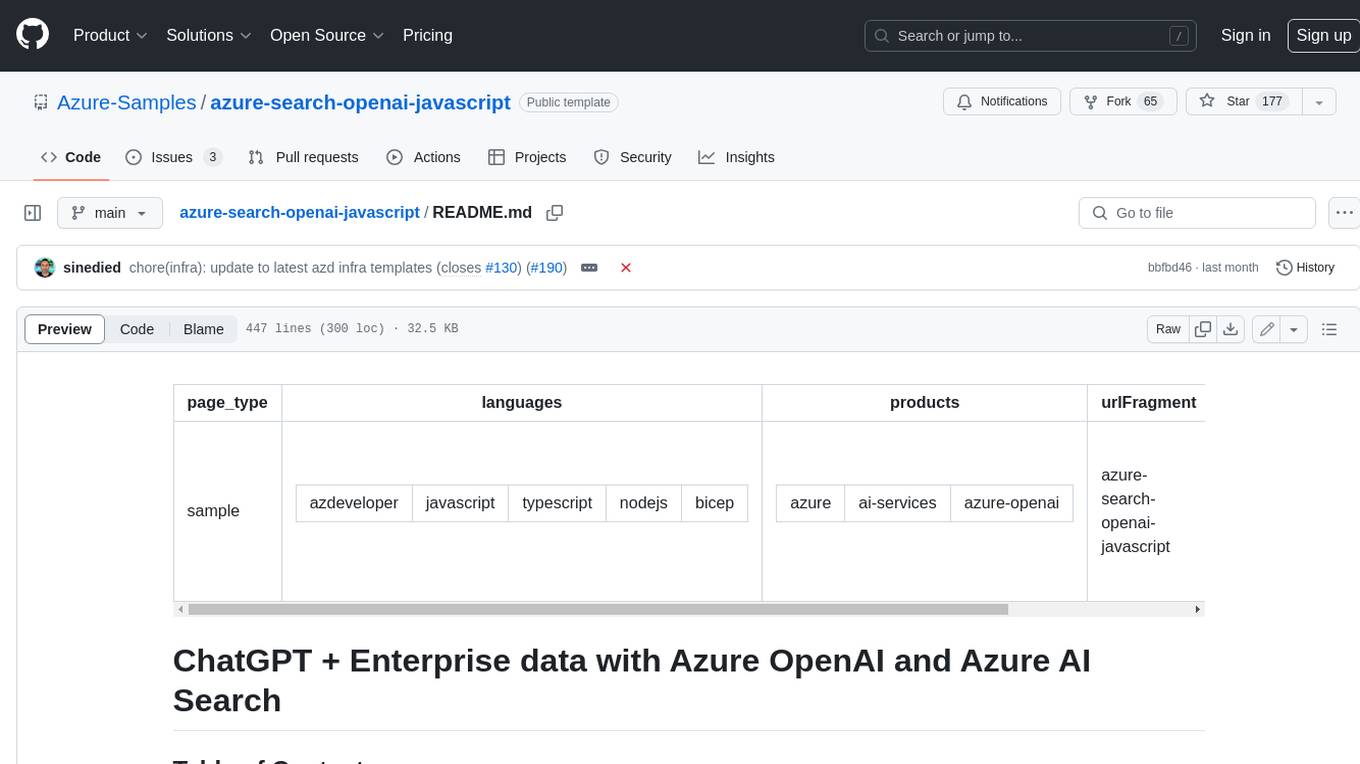
azure-search-openai-javascript
This sample demonstrates a few approaches for creating ChatGPT-like experiences over your own data using the Retrieval Augmented Generation pattern. It uses Azure OpenAI Service to access the ChatGPT model (gpt-35-turbo), and Azure AI Search for data indexing and retrieval.
Open_Data_QnA
Open Data QnA is a Python library that allows users to interact with their PostgreSQL or BigQuery databases in a conversational manner, without needing to write SQL queries. The library leverages Large Language Models (LLMs) to bridge the gap between human language and database queries, enabling users to ask questions in natural language and receive informative responses. It offers features such as conversational querying with multiturn support, table grouping, multi schema/dataset support, SQL generation, query refinement, natural language responses, visualizations, and extensibility. The library is built on a modular design and supports various components like Database Connectors, Vector Stores, and Agents for SQL generation, validation, debugging, descriptions, embeddings, responses, and visualizations.
serverless-pdf-chat
The serverless-pdf-chat repository contains a sample application that allows users to ask natural language questions of any PDF document they upload. It leverages serverless services like Amazon Bedrock, AWS Lambda, and Amazon DynamoDB to provide text generation and analysis capabilities. The application architecture involves uploading a PDF document to an S3 bucket, extracting metadata, converting text to vectors, and using a LangChain to search for information related to user prompts. The application is not intended for production use and serves as a demonstration and educational tool.
nx_open
The `nx_open` repository contains open-source components for the Network Optix Meta Platform, used to build products like Nx Witness Video Management System. It includes source code, specifications, and a Desktop Client. The repository is licensed under Mozilla Public License 2.0. Users can build the Desktop Client and customize it using a zip file. The build environment supports Windows, Linux, and macOS platforms with specific prerequisites. The repository provides scripts for building, signing executable files, and running the Desktop Client. Compatibility with VMS Server versions is crucial, and automatic VMS updates are disabled for the open-source Desktop Client.
generative-ai-application-builder-on-aws
The Generative AI Application Builder on AWS (GAAB) is a solution that provides a web-based management dashboard for deploying customizable Generative AI (Gen AI) use cases. Users can experiment with and compare different combinations of Large Language Model (LLM) use cases, configure and optimize their use cases, and integrate them into their applications for production. The solution is targeted at novice to experienced users who want to experiment and productionize different Gen AI use cases. It uses LangChain open-source software to configure connections to Large Language Models (LLMs) for various use cases, with the ability to deploy chat use cases that allow querying over users' enterprise data in a chatbot-style User Interface (UI) and support custom end-user implementations through an API.
raggenie
RAGGENIE is a low-code RAG builder tool designed to simplify the creation of conversational AI applications. It offers out-of-the-box plugins for connecting to various data sources and building conversational AI on top of them, including integration with pre-built agents for actions. The tool is open-source under the MIT license, with a current focus on making it easy to build RAG applications and future plans for maintenance, monitoring, and transitioning applications from pilots to production.
azure-ai-foundry-baseline
This repository serves as a reference implementation for running a chat application and an AI orchestration layer using Azure AI Foundry Agent service and OpenAI foundation models. It covers common generative AI chat application characteristics such as creating agents, querying data stores, chat memory database, orchestration logic, and calling language models. The implementation also includes production requirements like network isolation, Azure AI Foundry Agent Service dependencies, availability zone reliability, and limiting egress network traffic with Azure Firewall.
holohub
Holohub is a central repository for the NVIDIA Holoscan AI sensor processing community to share reference applications, operators, tutorials, and benchmarks. It includes example applications, community components, package configurations, and tutorials. Users and developers of the Holoscan platform are invited to reuse and contribute to this repository. The repository provides detailed instructions on prerequisites, building, running applications, contributing, and glossary terms. It also offers a searchable catalog of available components on the Holoscan SDK User Guide website.
genai-for-marketing
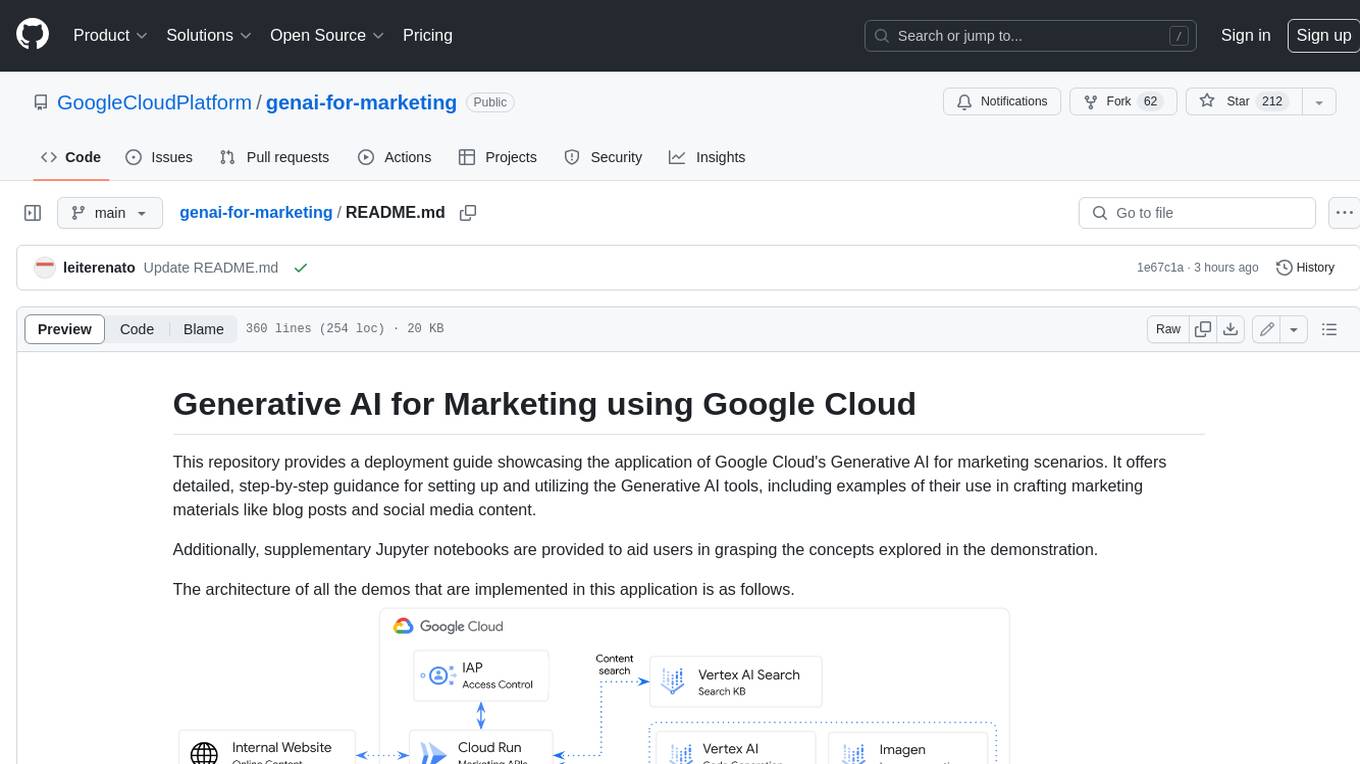
This repository provides a deployment guide for utilizing Google Cloud's Generative AI tools in marketing scenarios. It includes step-by-step instructions, examples of crafting marketing materials, and supplementary Jupyter notebooks. The demos cover marketing insights, audience analysis, trendspotting, content search, content generation, and workspace integration. Users can access and visualize marketing data, analyze trends, improve search experience, and generate compelling content. The repository structure includes backend APIs, frontend code, sample notebooks, templates, and installation scripts.
aisheets
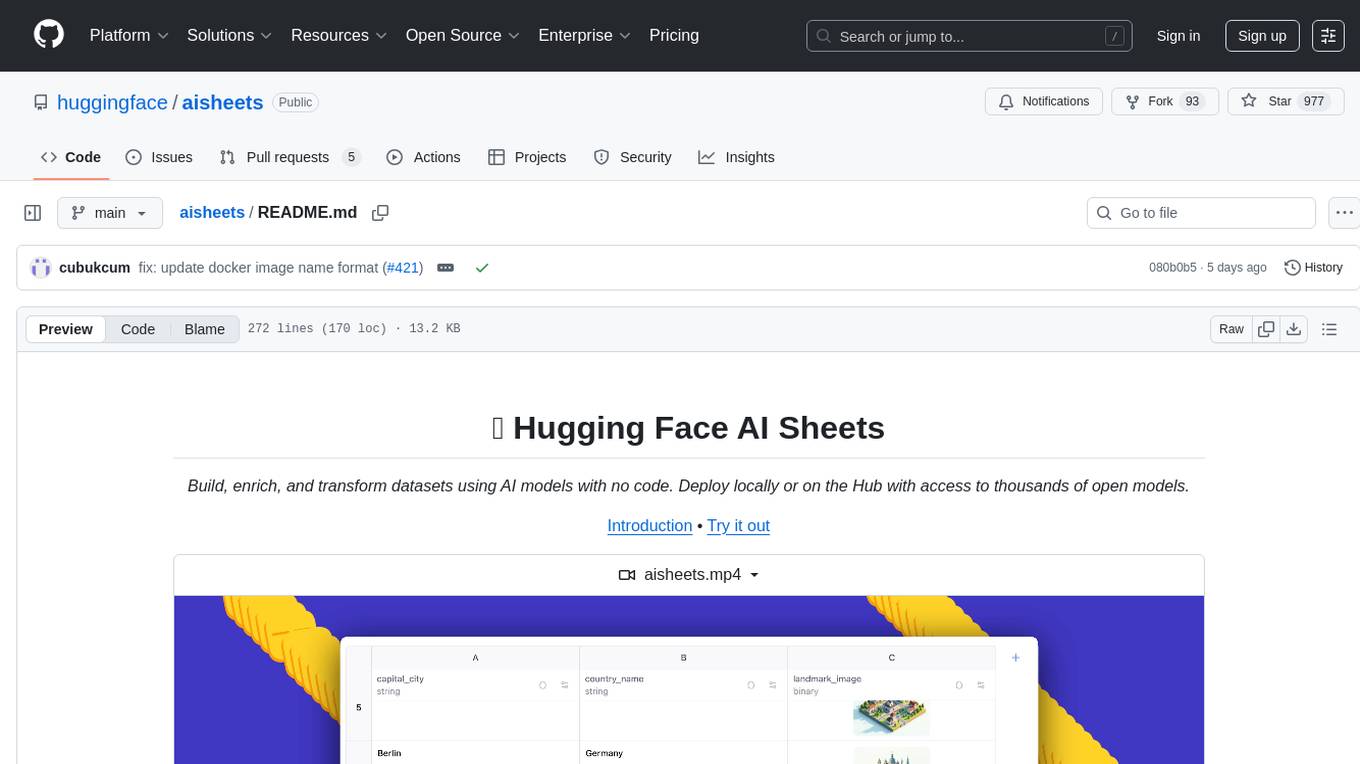
Hugging Face AI Sheets is an open-source tool for building, enriching, and transforming datasets using AI models with no code. It can be deployed locally or on the Hub, providing access to thousands of open models. Users can easily generate datasets, run data generation scripts, and customize inference endpoints for text generation. The tool supports custom LLMs and offers advanced configuration options for authentication, inference, and miscellaneous settings. With AI Sheets, users can leverage the power of AI models without writing any code, making dataset management and transformation efficient and accessible.
azure-search-openai-demo
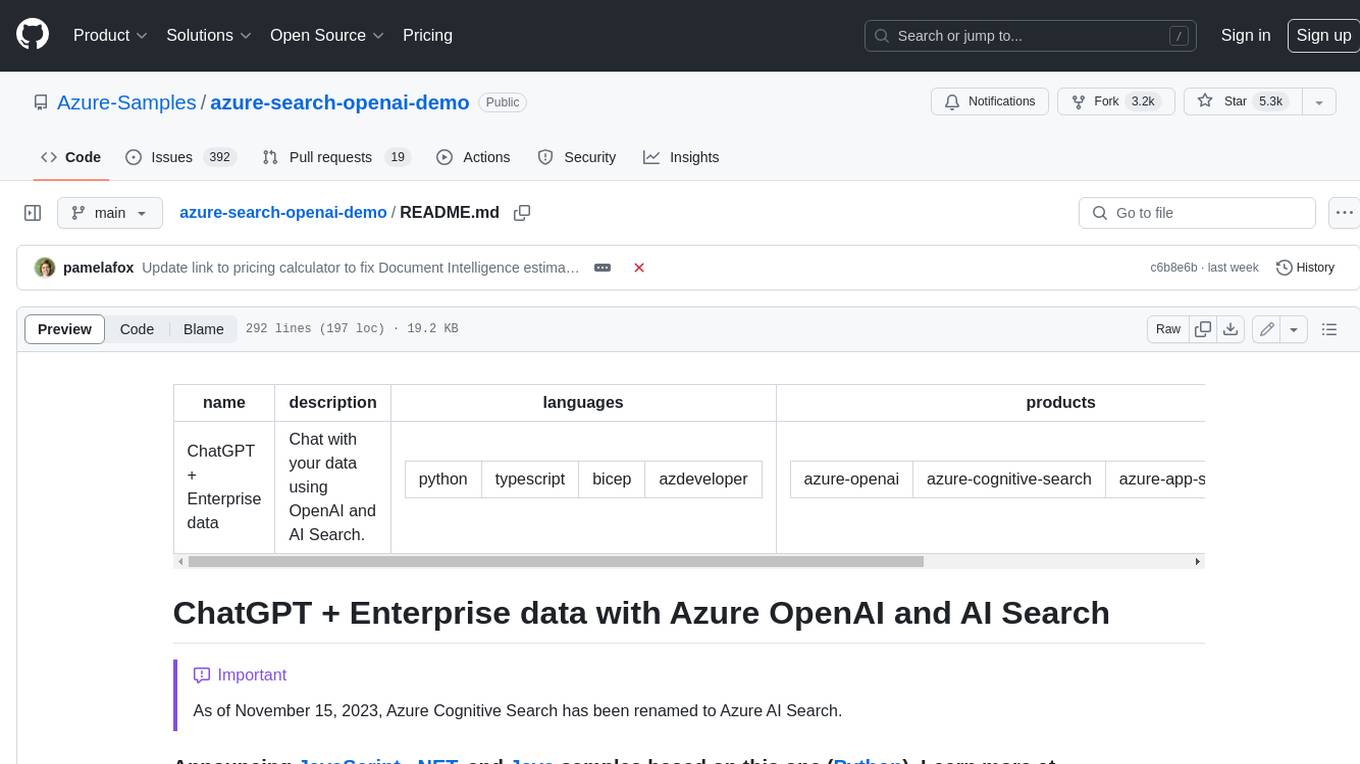
This sample demonstrates a few approaches for creating ChatGPT-like experiences over your own data using the Retrieval Augmented Generation pattern. It uses Azure OpenAI Service to access a GPT model (gpt-35-turbo), and Azure AI Search for data indexing and retrieval. The repo includes sample data so it's ready to try end to end. In this sample application we use a fictitious company called Contoso Electronics, and the experience allows its employees to ask questions about the benefits, internal policies, as well as job descriptions and roles.
vespa
Vespa is a platform that performs operations such as selecting a subset of data in a large corpus, evaluating machine-learned models over the selected data, organizing and aggregating it, and returning it, typically in less than 100 milliseconds, all while the data corpus is continuously changing. It has been in development for many years and is used on a number of large internet services and apps which serve hundreds of thousands of queries from Vespa per second.
n8n-docs
n8n is an extendable workflow automation tool that enables you to connect anything to everything. It is open-source and can be self-hosted or used as a service. n8n provides a visual interface for creating workflows, which can be used to automate tasks such as data integration, data transformation, and data analysis. n8n also includes a library of pre-built nodes that can be used to connect to a variety of applications and services. This makes it easy to create complex workflows without having to write any code.
For similar tasks
cluster-toolkit
Cluster Toolkit is an open-source software by Google Cloud for deploying AI/ML and HPC environments on Google Cloud. It allows easy deployment following best practices, with high customization and extensibility. The toolkit includes tutorials, examples, and documentation for various modules designed for AI/ML and HPC use cases.
For similar jobs

AirGo
AirGo is a front and rear end separation, multi user, multi protocol proxy service management system, simple and easy to use. It supports vless, vmess, shadowsocks, and hysteria2.
mosec
Mosec is a high-performance and flexible model serving framework for building ML model-enabled backend and microservices. It bridges the gap between any machine learning models you just trained and the efficient online service API. * **Highly performant** : web layer and task coordination built with Rust 🦀, which offers blazing speed in addition to efficient CPU utilization powered by async I/O * **Ease of use** : user interface purely in Python 🐍, by which users can serve their models in an ML framework-agnostic manner using the same code as they do for offline testing * **Dynamic batching** : aggregate requests from different users for batched inference and distribute results back * **Pipelined stages** : spawn multiple processes for pipelined stages to handle CPU/GPU/IO mixed workloads * **Cloud friendly** : designed to run in the cloud, with the model warmup, graceful shutdown, and Prometheus monitoring metrics, easily managed by Kubernetes or any container orchestration systems * **Do one thing well** : focus on the online serving part, users can pay attention to the model optimization and business logic
llm-code-interpreter
The 'llm-code-interpreter' repository is a deprecated plugin that provides a code interpreter on steroids for ChatGPT by E2B. It gives ChatGPT access to a sandboxed cloud environment with capabilities like running any code, accessing Linux OS, installing programs, using filesystem, running processes, and accessing the internet. The plugin exposes commands to run shell commands, read files, and write files, enabling various possibilities such as running different languages, installing programs, starting servers, deploying websites, and more. It is powered by the E2B API and is designed for agents to freely experiment within a sandboxed environment.

pezzo
Pezzo is a fully cloud-native and open-source LLMOps platform that allows users to observe and monitor AI operations, troubleshoot issues, save costs and latency, collaborate, manage prompts, and deliver AI changes instantly. It supports various clients for prompt management, observability, and caching. Users can run the full Pezzo stack locally using Docker Compose, with prerequisites including Node.js 18+, Docker, and a GraphQL Language Feature Support VSCode Extension. Contributions are welcome, and the source code is available under the Apache 2.0 License.
learn-generative-ai
Learn Cloud Applied Generative AI Engineering (GenEng) is a course focusing on the application of generative AI technologies in various industries. The course covers topics such as the economic impact of generative AI, the role of developers in adopting and integrating generative AI technologies, and the future trends in generative AI. Students will learn about tools like OpenAI API, LangChain, and Pinecone, and how to build and deploy Large Language Models (LLMs) for different applications. The course also explores the convergence of generative AI with Web 3.0 and its potential implications for decentralized intelligence.
gcloud-aio
This repository contains shared codebase for two projects: gcloud-aio and gcloud-rest. gcloud-aio is built for Python 3's asyncio, while gcloud-rest is a threadsafe requests-based implementation. It provides clients for Google Cloud services like Auth, BigQuery, Datastore, KMS, PubSub, Storage, and Task Queue. Users can install the library using pip and refer to the documentation for usage details. Developers can contribute to the project by following the contribution guide.
fluid
Fluid is an open source Kubernetes-native Distributed Dataset Orchestrator and Accelerator for data-intensive applications, such as big data and AI applications. It implements dataset abstraction, scalable cache runtime, automated data operations, elasticity and scheduling, and is runtime platform agnostic. Key concepts include Dataset and Runtime. Prerequisites include Kubernetes version > 1.16, Golang 1.18+, and Helm 3. The tool offers features like accelerating remote file accessing, machine learning, accelerating PVC, preloading dataset, and on-the-fly dataset cache scaling. Contributions are welcomed, and the project is under the Apache 2.0 license with a vendor-neutral approach.
aiges
AIGES is a core component of the Athena Serving Framework, designed as a universal encapsulation tool for AI developers to deploy AI algorithm models and engines quickly. By integrating AIGES, you can deploy AI algorithm models and engines rapidly and host them on the Athena Serving Framework, utilizing supporting auxiliary systems for networking, distribution strategies, data processing, etc. The Athena Serving Framework aims to accelerate the cloud service of AI algorithm models and engines, providing multiple guarantees for cloud service stability through cloud-native architecture. You can efficiently and securely deploy, upgrade, scale, operate, and monitor models and engines without focusing on underlying infrastructure and service-related development, governance, and operations.