


trinityX
TrinityX is the new generation of ClusterVision's open-source HPC, A/I and cloudbursting platform. It is designed from the ground up to provide all services required in a modern HPC and A/I system, and to allow full customization of the installation.
Stars: 80
TrinityX is an open-source HPC, AI, and cloud platform designed to provide all services required in a modern system, with full customization options. It includes default services like Luna node provisioner, OpenLDAP, SLURM or OpenPBS, Prometheus, Grafana, OpenOndemand, and more. TrinityX also sets up NFS-shared directories, OpenHPC applications, environment modules, HA, and more. Users can install TrinityX on Enterprise Linux, configure network interfaces, set up passwordless authentication, and customize the installation using Ansible playbooks. The platform supports HA, OpenHPC integration, and provides detailed documentation for users to contribute to the project.
README:
.. image:: img/trinityxbanner_scaled.png
Welcome to TrinityX!
TrinityX is the new generation of ClusterVision's open-source HPC, AI and cloud platform. It is designed from the ground up to provide all services required in a modern HPC, AI and cloud system, and to allow full customization of the installation. Also it includes optional modules for specific needs, please check the controller and compute playbooks.
In standard configuration TrinityX provides the following services to the cluster:
- Luna, our default super-efficient node provisioner
- OpenLDAP
- SLURM or OpenPBS
- Prometheus and Grafana
- Open OnDemand
- Graphical management applications
- Infrastructure services such as NTP, DNS, DHCP
- and more
It will also set up:
- NFS-shared home and application directories
- OpenHPC applications and libraries
- environment modules
- rsyslog
- High Availability/HA
- and more
.. image:: img/triX_300.png :width: 300px :height: 300px
Steps to install TrinityX
1. Install an Enterprise Linux version 8 or 9 (i.e. RHEL, Rocky) on your controller(s). It is recommended to put ``/trinity`` and  ``/trinity/local`` on it's own filesystem. Note the partition configuration must be finalized (i.e. mounted and in fstab) before starting the TrinityX installation.

2. Configure network interfaces that will be used in the cluster, e.g public, provisioning and MPI networks on the controller(s).
   Ansible uses the interface address to determine the course of the playbook.

3. Configure passwordless authentication to the controller itself or/and for both controllers in the HA case.

4. Clone TrinityX repository into your working directory. Then run ``INSTALL.sh`` to install and be guided through the steps::

       # git clone http://github.com/clustervision/trinityX
       # cd trinityX
       # bash INSTALL.sh


--- **OR** ---

4. Step by step manual configuration and installation

4.1. Clone TrinityX repository into your working directory. Then run ``prepare.sh`` to install all the prerequisites::

       # git clone http://github.com/clustervision/trinityX
       # cd trinityX
       # bash prepare.sh

4.2. Copy the all file which will contain the controller and cluster configuration. Please view the contents of the file on the directives that may need modification(s)::

       # cd site
       # cp group_vars/all.yml.example group_vars/all.yml

   * ``group_vars/all.yml``

   You might also want to check if the default firewall parameters in the same file apply to your situation::

      firewalld_public_interfaces: [eth0]
      firewalld_trusted_interfaces: [eth1]
      firewalld_public_tcp_ports: [22, 443]

   In case of a single controller (default), we now assume that the shared IP address is also available on the controller node, this is to ease future expansion.

   If applicable, configure the dns forwarders in trix_dns_forwarders when the defaults, 8.8.8.8 and 8.8.4.4 are unreachable.

4.3. Configure ``hosts`` file to allow ansible to address controllers.

       # cp hosts.example hosts

   Example for non-HA setup::

       [controllers]
       controller ansible_host=10.141.255.254

   Example for HA setup with shared SSH key, a.k.a. passwordless access to the other controller(s)::

       [controllers]
       controller1 ansible_host=10.141.255.254
       controller2 ansible_host=10.141.255.253

   Alternatively for HA setup, the group_vars/all.yml file can be copied to the other controllers and run sequentially.
   In this case, no SSH keys need to be exchanged between the controllers and the ``hosts`` file does not require any change.
   It's important though to have the primary controller finish the controller.yml playbook first before running on the other controllers.

4.4. Start TrinityX installation::

     # ansible-playbook controller.yml

    **Note**: If errors are encoutered during the installation process, analyze the error(s) in the output and try to fix it then re-run the installer.

    **Note**: By default, the installation logs will be available at ``/var/log/trinity.log``

4.5. Create a default RedHat/Rocky OS image::

    # ansible-playbook compute-redhat.yml

4.6. Optionally Create a default Ubuntu OS image::

    # ansible-playbook compute-ubuntu.yml


Now you have your controller(s) installed and the default OS image(s) created!


Customizing your installation
=============================

Now, if you want to tailor TrinityX to your needs, you can modify the ansible playbooks and variable files.

Descriptions to configuration options are given inside ``controller.yml`` and ``group_vars/*``. Options that might be changed include:

* Controller's hostnames and IP addresses
* Shared storage backing device
* DHCP dynamic range
* Firewall settings

You can also choose which components to exclude from the installation by modifying the ``controller.yml`` playbook.

HA or High Availability
=======================

To make HA work properly, services need to understand the HA concept. Many services do, however not all. To still support HA for these services, a shared disk is required, where the active controller has access to this disk and start those services. The disk can be DRBD (default), but also iSCSI, a DAS or NAS, or combinations of. The configuration or combinations of need to provide at least the following volumes:

* {{ trix_ha }}
* {{ trix_home }}
* {{ trix_shared }}
* {{ trix_ohpc }} (if OpenHPC is enabled)

LVM and ZFS are supported, where partitions can be made on top of the shared disk. On top of these partitions all regular filesystems, like xfs and ext4 are supported.

Fencing is supported by enforcing stonith. The BMC-s of each controller need to be configured to match the settings for ip address, name and password in the HA section. A mismatch will result in a non proper working HA setup. Alternatively, fencing can be disabled but is not recommended.

OpenHPC Support
===============

The OpenHPC project provides a framework for building, managing and maintain HPC clusters. This project provides packages for most popular scientific and HPC applications. TrinityX can integrate this effort into it's ecosystem. In order to enable this integration set the flag ``enable_openhpc`` in ``group_vars/all`` to ``true`` (default).

Documentation
=============
A pre-built PDF is provided in the main directory.
Please visit https://docs.clustervision.com for more documentation on the TrinityX project.
An URL with the Luna REST API documentation will follow.

Contributing
============

To contribute to TrinityX:

1. Get familiar with our `code guidelines <Guidelines.rst>`_
2. Clone TrinityX repository
3. Commit your changes in your repository and create a pull request to the ``dev`` branch in ours.
For Tasks:
Click tags to check more tools for each tasksFor Jobs:
Alternative AI tools for trinityX
Similar Open Source Tools
trinityX
TrinityX is an open-source HPC, AI, and cloud platform designed to provide all services required in a modern system, with full customization options. It includes default services like Luna node provisioner, OpenLDAP, SLURM or OpenPBS, Prometheus, Grafana, OpenOndemand, and more. TrinityX also sets up NFS-shared directories, OpenHPC applications, environment modules, HA, and more. Users can install TrinityX on Enterprise Linux, configure network interfaces, set up passwordless authentication, and customize the installation using Ansible playbooks. The platform supports HA, OpenHPC integration, and provides detailed documentation for users to contribute to the project.
jaison-core
J.A.I.son is a Python project designed for generating responses using various components and applications. It requires specific plugins like STT, T2T, TTSG, and TTSC to function properly. Users can customize responses, voice, and configurations. The project provides a Discord bot, Twitch events and chat integration, and VTube Studio Animation Hotkeyer. It also offers features for managing conversation history, training AI models, and monitoring conversations.
airbroke
Airbroke is an open-source error catcher tool designed for modern web applications. It provides a PostgreSQL-based backend with an Airbrake-compatible HTTP collector endpoint and a React-based frontend for error management. The tool focuses on simplicity, maintaining a small database footprint even under heavy data ingestion. Users can ask AI about issues, replay HTTP exceptions, and save/manage bookmarks for important occurrences. Airbroke supports multiple OAuth providers for secure user authentication and offers occurrence charts for better insights into error occurrences. The tool can be deployed in various ways, including building from source, using Docker images, deploying on Vercel, Render.com, Kubernetes with Helm, or Docker Compose. It requires Node.js, PostgreSQL, and specific system resources for deployment.
nx_open
The `nx_open` repository contains open-source components for the Network Optix Meta Platform, used to build products like Nx Witness Video Management System. It includes source code, specifications, and a Desktop Client. The repository is licensed under Mozilla Public License 2.0. Users can build the Desktop Client and customize it using a zip file. The build environment supports Windows, Linux, and macOS platforms with specific prerequisites. The repository provides scripts for building, signing executable files, and running the Desktop Client. Compatibility with VMS Server versions is crucial, and automatic VMS updates are disabled for the open-source Desktop Client.
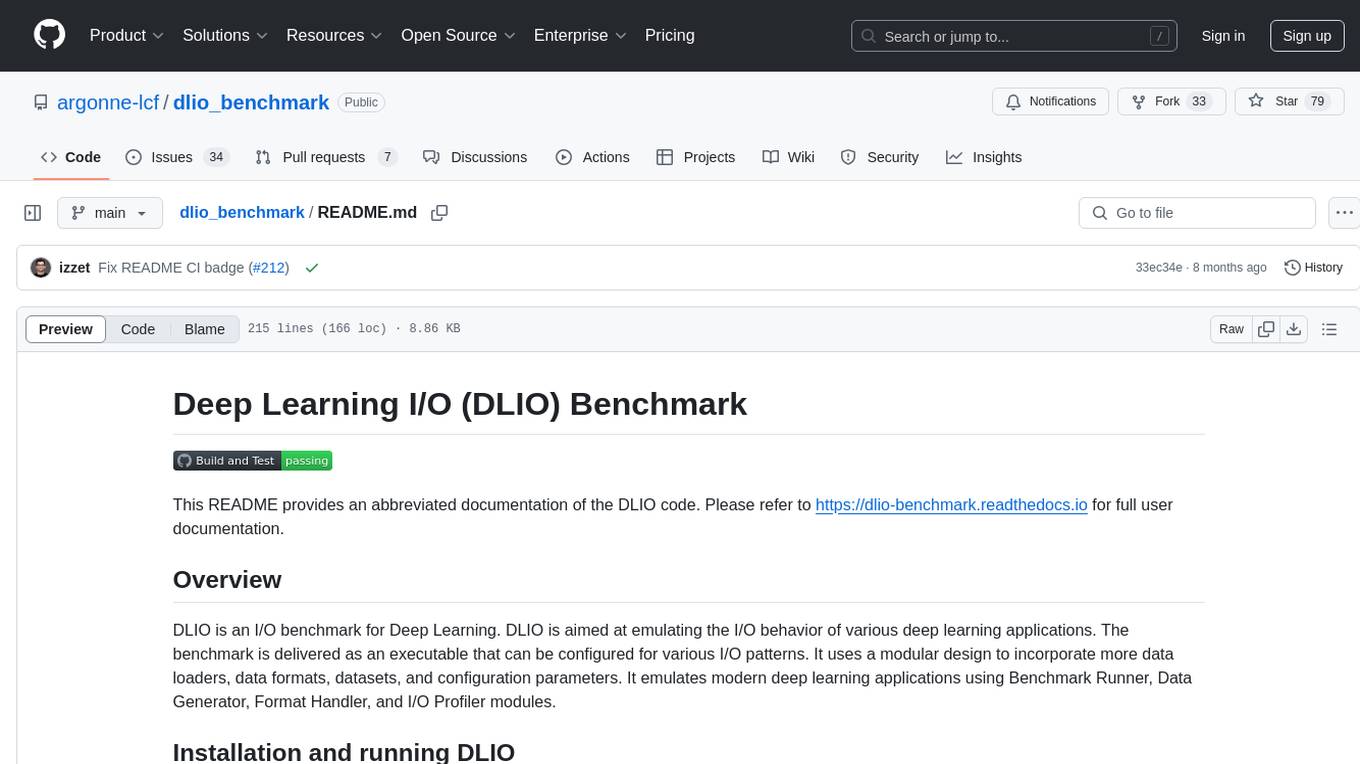
dlio_benchmark
DLIO is an I/O benchmark tool designed for Deep Learning applications. It emulates modern deep learning applications using Benchmark Runner, Data Generator, Format Handler, and I/O Profiler modules. Users can configure various I/O patterns, data loaders, data formats, datasets, and parameters. The tool is aimed at emulating the I/O behavior of deep learning applications and provides a modular design for flexibility and customization.
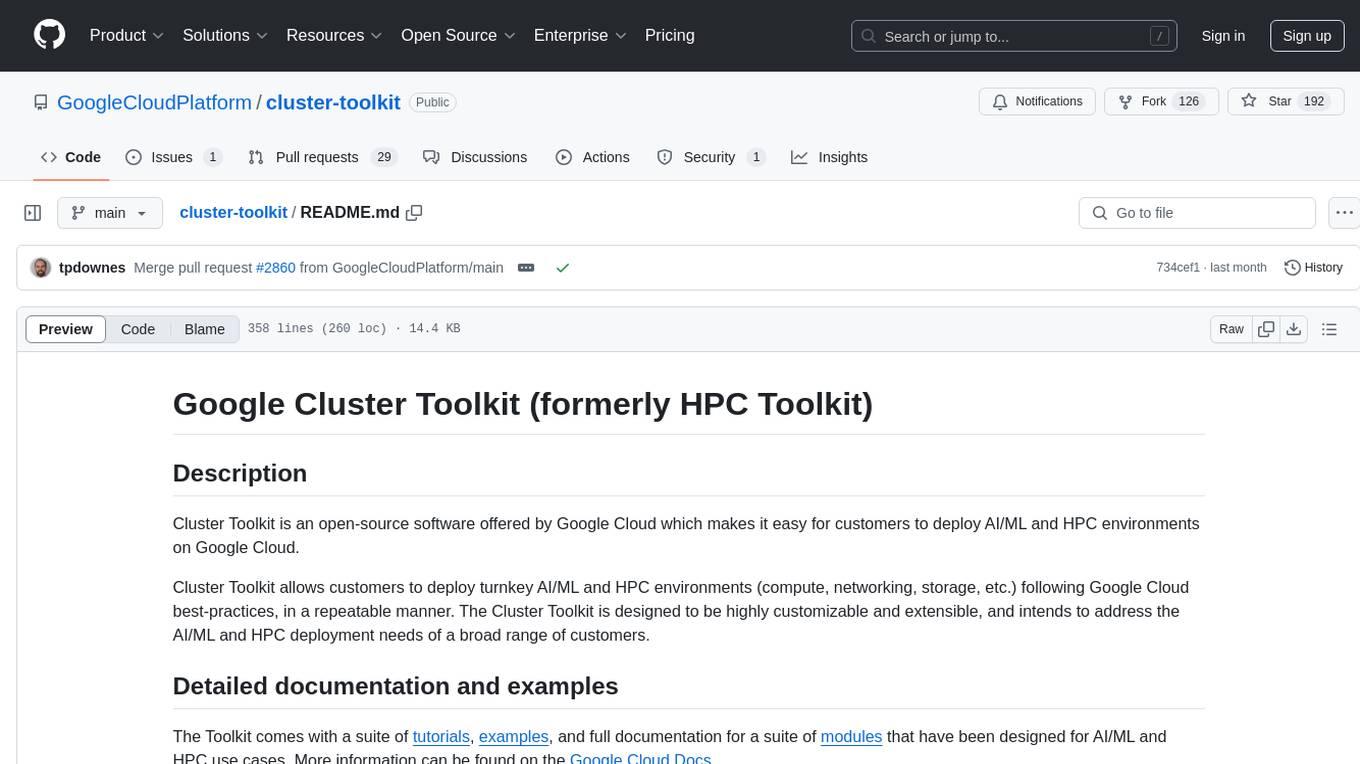
cluster-toolkit
Cluster Toolkit is an open-source software by Google Cloud for deploying AI/ML and HPC environments on Google Cloud. It allows easy deployment following best practices, with high customization and extensibility. The toolkit includes tutorials, examples, and documentation for various modules designed for AI/ML and HPC use cases.
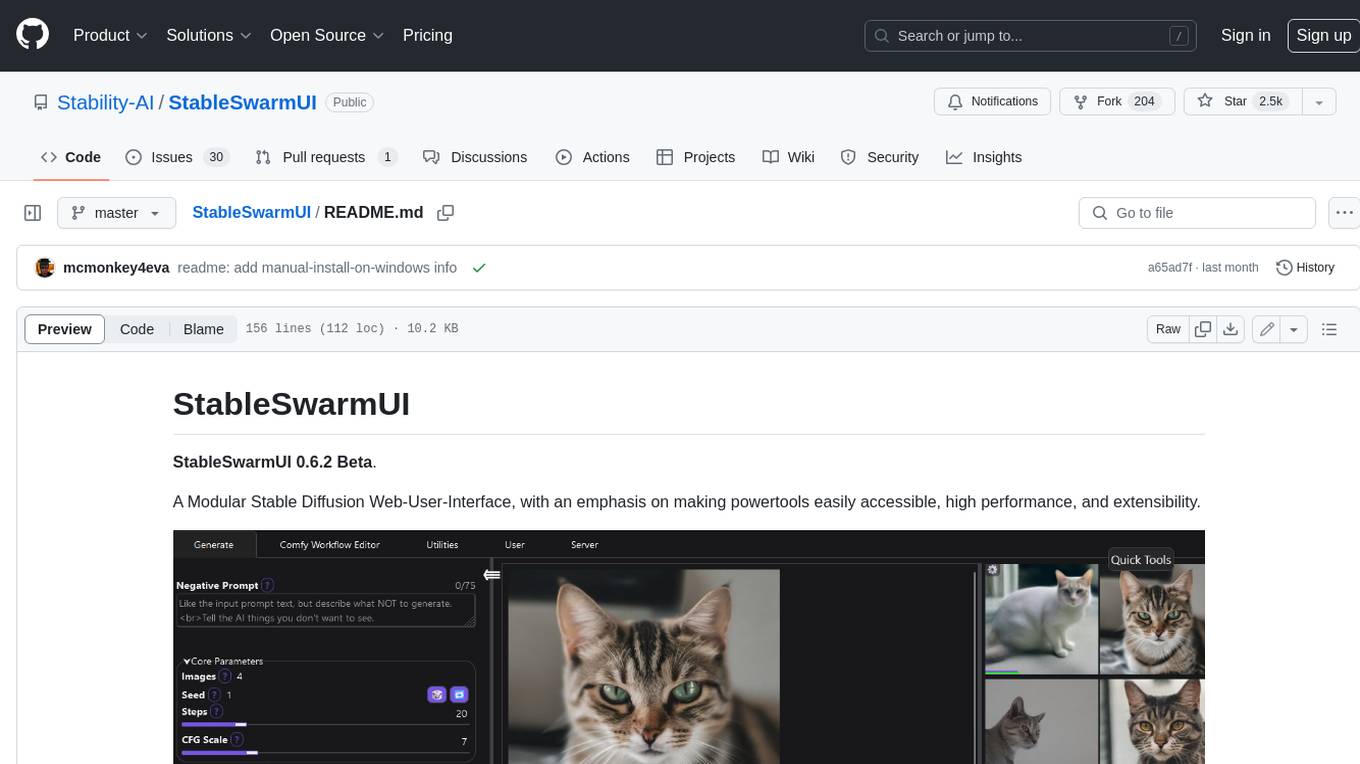
StableSwarmUI
StableSwarmUI is a modular Stable Diffusion web user interface that emphasizes making power tools easily accessible, high performance, and extensible. It is designed to be a one-stop-shop for all things Stable Diffusion, providing a wide range of features and capabilities to enhance the user experience.
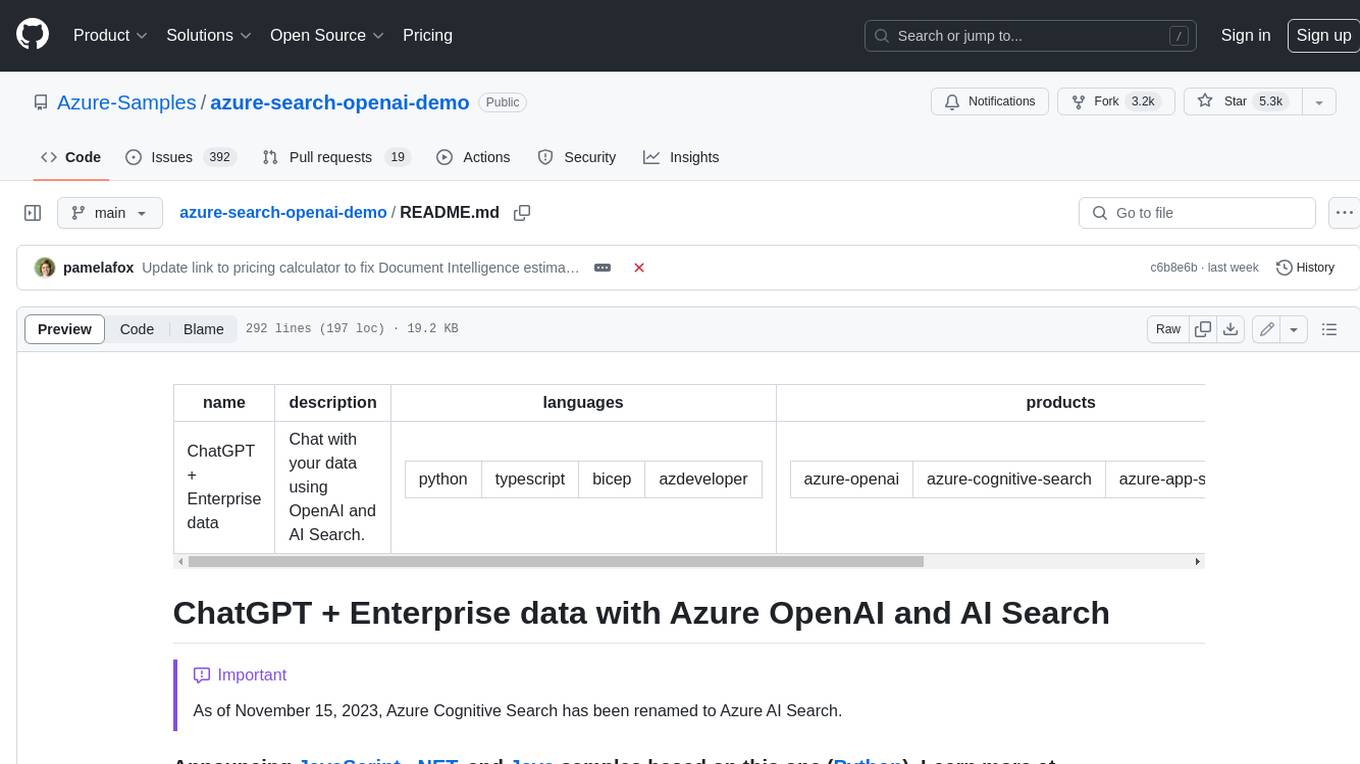
azure-search-openai-demo
This sample demonstrates a few approaches for creating ChatGPT-like experiences over your own data using the Retrieval Augmented Generation pattern. It uses Azure OpenAI Service to access a GPT model (gpt-35-turbo), and Azure AI Search for data indexing and retrieval. The repo includes sample data so it's ready to try end to end. In this sample application we use a fictitious company called Contoso Electronics, and the experience allows its employees to ask questions about the benefits, internal policies, as well as job descriptions and roles.
vespa
Vespa is a platform that performs operations such as selecting a subset of data in a large corpus, evaluating machine-learned models over the selected data, organizing and aggregating it, and returning it, typically in less than 100 milliseconds, all while the data corpus is continuously changing. It has been in development for many years and is used on a number of large internet services and apps which serve hundreds of thousands of queries from Vespa per second.
azure-search-openai-javascript
This sample demonstrates a few approaches for creating ChatGPT-like experiences over your own data using the Retrieval Augmented Generation pattern. It uses Azure OpenAI Service to access the ChatGPT model (gpt-35-turbo), and Azure AI Search for data indexing and retrieval.
holohub
Holohub is a central repository for the NVIDIA Holoscan AI sensor processing community to share reference applications, operators, tutorials, and benchmarks. It includes example applications, community components, package configurations, and tutorials. Users and developers of the Holoscan platform are invited to reuse and contribute to this repository. The repository provides detailed instructions on prerequisites, building, running applications, contributing, and glossary terms. It also offers a searchable catalog of available components on the Holoscan SDK User Guide website.
vertex-ai-creative-studio
GenMedia Creative Studio is an application showcasing the capabilities of Google Cloud Vertex AI generative AI creative APIs. It includes features like Gemini for prompt rewriting and multimodal evaluation of generated images. The app is built with Mesop, a Python-based UI framework, enabling rapid development of web and internal apps. The Experimental folder contains stand-alone applications and upcoming features demonstrating cutting-edge generative AI capabilities, such as image generation, prompting techniques, and audio/video tools.
serverless-pdf-chat
The serverless-pdf-chat repository contains a sample application that allows users to ask natural language questions of any PDF document they upload. It leverages serverless services like Amazon Bedrock, AWS Lambda, and Amazon DynamoDB to provide text generation and analysis capabilities. The application architecture involves uploading a PDF document to an S3 bucket, extracting metadata, converting text to vectors, and using a LangChain to search for information related to user prompts. The application is not intended for production use and serves as a demonstration and educational tool.
agentok
Agentok Studio is a visual tool built for AutoGen, a cutting-edge agent framework from Microsoft and various contributors. It offers intuitive visual tools to simplify the construction and management of complex agent-based workflows. Users can create workflows visually as graphs, chat with agents, and share flow templates. The tool is designed to streamline the development process for creators and developers working on next-generation Multi-Agent Applications.
generative-ai-application-builder-on-aws
The Generative AI Application Builder on AWS (GAAB) is a solution that provides a web-based management dashboard for deploying customizable Generative AI (Gen AI) use cases. Users can experiment with and compare different combinations of Large Language Model (LLM) use cases, configure and optimize their use cases, and integrate them into their applications for production. The solution is targeted at novice to experienced users who want to experiment and productionize different Gen AI use cases. It uses LangChain open-source software to configure connections to Large Language Models (LLMs) for various use cases, with the ability to deploy chat use cases that allow querying over users' enterprise data in a chatbot-style User Interface (UI) and support custom end-user implementations through an API.
comfyui_LLM_party
COMFYUI LLM PARTY is a node library designed for LLM workflow development in ComfyUI, an extremely minimalist UI interface primarily used for AI drawing and SD model-based workflows. The project aims to provide a complete set of nodes for constructing LLM workflows, enabling users to easily integrate them into existing SD workflows. It features various functionalities such as API integration, local large model integration, RAG support, code interpreters, online queries, conditional statements, looping links for large models, persona mask attachment, and tool invocations for weather lookup, time lookup, knowledge base, code execution, web search, and single-page search. Users can rapidly develop web applications using API + Streamlit and utilize LLM as a tool node. Additionally, the project includes an omnipotent interpreter node that allows the large model to perform any task, with recommendations to use the 'show_text' node for display output.
For similar tasks
ESP32_AI_LLM
ESP32_AI_LLM is a project that uses ESP32 to connect to Xunfei Xinghuo, Dou Bao, and Tongyi Qianwen large models to achieve voice chat functions, supporting online voice wake-up, continuous conversation, music playback, and real-time display of conversation content on an external screen. The project requires specific hardware components and provides functionalities such as voice wake-up, voice conversation, convenient network configuration, music playback, volume adjustment, LED control, model switching, and screen display. Users can deploy the project by setting up Xunfei services, cloning the repository, configuring necessary parameters, installing drivers, compiling, and burning the code.
trinityX
TrinityX is an open-source HPC, AI, and cloud platform designed to provide all services required in a modern system, with full customization options. It includes default services like Luna node provisioner, OpenLDAP, SLURM or OpenPBS, Prometheus, Grafana, OpenOndemand, and more. TrinityX also sets up NFS-shared directories, OpenHPC applications, environment modules, HA, and more. Users can install TrinityX on Enterprise Linux, configure network interfaces, set up passwordless authentication, and customize the installation using Ansible playbooks. The platform supports HA, OpenHPC integration, and provides detailed documentation for users to contribute to the project.
hass-ollama-conversation
The Ollama Conversation integration adds a conversation agent powered by Ollama in Home Assistant. This agent can be used in automations to query information provided by Home Assistant about your house, including areas, devices, and their states. Users can install the integration via HACS and configure settings such as API timeout, model selection, context size, maximum tokens, and other parameters to fine-tune the responses generated by the AI language model. Contributions to the project are welcome, and discussions can be held on the Home Assistant Community platform.

rclip
rclip is a command-line photo search tool powered by the OpenAI's CLIP neural network. It allows users to search for images using text queries, similar image search, and combining multiple queries. The tool extracts features from photos to enable searching and indexing, with options for previewing results in supported terminals or custom viewers. Users can install rclip on Linux, macOS, and Windows using different installation methods. The repository follows the Conventional Commits standard and welcomes contributions from the community.
honcho
Honcho is a platform for creating personalized AI agents and LLM powered applications for end users. The repository is a monorepo containing the server/API for managing database interactions and storing application state, along with a Python SDK. It utilizes FastAPI for user context management and Poetry for dependency management. The API can be run using Docker or manually by setting environment variables. The client SDK can be installed using pip or Poetry. The project is open source and welcomes contributions, following a fork and PR workflow. Honcho is licensed under the AGPL-3.0 License.
core
OpenSumi is a framework designed to help users quickly build AI Native IDE products. It provides a set of tools and templates for creating Cloud IDEs, Desktop IDEs based on Electron, CodeBlitz web IDE Framework, Lite Web IDE on the Browser, and Mini-App liked IDE. The framework also offers documentation for users to refer to and a detailed guide on contributing to the project. OpenSumi encourages contributions from the community and provides a platform for users to report bugs, contribute code, or improve documentation. The project is licensed under the MIT license and contains third-party code under other open source licenses.
yolo-ios-app
The Ultralytics YOLO iOS App GitHub repository offers an advanced object detection tool leveraging YOLOv8 models for iOS devices. Users can transform their devices into intelligent detection tools to explore the world in a new and exciting way. The app provides real-time detection capabilities with multiple AI models to choose from, ranging from 'nano' to 'x-large'. Contributors are welcome to participate in this open-source project, and licensing options include AGPL-3.0 for open-source use and an Enterprise License for commercial integration. Users can easily set up the app by following the provided steps, including cloning the repository, adding YOLOv8 models, and running the app on their iOS devices.
PyAirbyte
PyAirbyte brings the power of Airbyte to every Python developer by providing a set of utilities to use Airbyte connectors in Python. It enables users to easily manage secrets, work with various connectors like GitHub, Shopify, and Postgres, and contribute to the project. PyAirbyte is not a replacement for Airbyte but complements it, supporting data orchestration frameworks like Airflow and Snowpark. Users can develop ETL pipelines and import connectors from local directories. The tool simplifies data integration tasks for Python developers.
For similar jobs

promptflow
**Prompt flow** is a suite of development tools designed to streamline the end-to-end development cycle of LLM-based AI applications, from ideation, prototyping, testing, evaluation to production deployment and monitoring. It makes prompt engineering much easier and enables you to build LLM apps with production quality.

deepeval
DeepEval is a simple-to-use, open-source LLM evaluation framework specialized for unit testing LLM outputs. It incorporates various metrics such as G-Eval, hallucination, answer relevancy, RAGAS, etc., and runs locally on your machine for evaluation. It provides a wide range of ready-to-use evaluation metrics, allows for creating custom metrics, integrates with any CI/CD environment, and enables benchmarking LLMs on popular benchmarks. DeepEval is designed for evaluating RAG and fine-tuning applications, helping users optimize hyperparameters, prevent prompt drifting, and transition from OpenAI to hosting their own Llama2 with confidence.

MegaDetector
MegaDetector is an AI model that identifies animals, people, and vehicles in camera trap images (which also makes it useful for eliminating blank images). This model is trained on several million images from a variety of ecosystems. MegaDetector is just one of many tools that aims to make conservation biologists more efficient with AI. If you want to learn about other ways to use AI to accelerate camera trap workflows, check out our of the field, affectionately titled "Everything I know about machine learning and camera traps".

leapfrogai
LeapfrogAI is a self-hosted AI platform designed to be deployed in air-gapped resource-constrained environments. It brings sophisticated AI solutions to these environments by hosting all the necessary components of an AI stack, including vector databases, model backends, API, and UI. LeapfrogAI's API closely matches that of OpenAI, allowing tools built for OpenAI/ChatGPT to function seamlessly with a LeapfrogAI backend. It provides several backends for various use cases, including llama-cpp-python, whisper, text-embeddings, and vllm. LeapfrogAI leverages Chainguard's apko to harden base python images, ensuring the latest supported Python versions are used by the other components of the stack. The LeapfrogAI SDK provides a standard set of protobuffs and python utilities for implementing backends and gRPC. LeapfrogAI offers UI options for common use-cases like chat, summarization, and transcription. It can be deployed and run locally via UDS and Kubernetes, built out using Zarf packages. LeapfrogAI is supported by a community of users and contributors, including Defense Unicorns, Beast Code, Chainguard, Exovera, Hypergiant, Pulze, SOSi, United States Navy, United States Air Force, and United States Space Force.

llava-docker
This Docker image for LLaVA (Large Language and Vision Assistant) provides a convenient way to run LLaVA locally or on RunPod. LLaVA is a powerful AI tool that combines natural language processing and computer vision capabilities. With this Docker image, you can easily access LLaVA's functionalities for various tasks, including image captioning, visual question answering, text summarization, and more. The image comes pre-installed with LLaVA v1.2.0, Torch 2.1.2, xformers 0.0.23.post1, and other necessary dependencies. You can customize the model used by setting the MODEL environment variable. The image also includes a Jupyter Lab environment for interactive development and exploration. Overall, this Docker image offers a comprehensive and user-friendly platform for leveraging LLaVA's capabilities.

carrot
The 'carrot' repository on GitHub provides a list of free and user-friendly ChatGPT mirror sites for easy access. The repository includes sponsored sites offering various GPT models and services. Users can find and share sites, report errors, and access stable and recommended sites for ChatGPT usage. The repository also includes a detailed list of ChatGPT sites, their features, and accessibility options, making it a valuable resource for ChatGPT users seeking free and unlimited GPT services.

TrustLLM
TrustLLM is a comprehensive study of trustworthiness in LLMs, including principles for different dimensions of trustworthiness, established benchmark, evaluation, and analysis of trustworthiness for mainstream LLMs, and discussion of open challenges and future directions. Specifically, we first propose a set of principles for trustworthy LLMs that span eight different dimensions. Based on these principles, we further establish a benchmark across six dimensions including truthfulness, safety, fairness, robustness, privacy, and machine ethics. We then present a study evaluating 16 mainstream LLMs in TrustLLM, consisting of over 30 datasets. The document explains how to use the trustllm python package to help you assess the performance of your LLM in trustworthiness more quickly. For more details about TrustLLM, please refer to project website.

AI-YinMei
AI-YinMei is an AI virtual anchor Vtuber development tool (N card version). It supports fastgpt knowledge base chat dialogue, a complete set of solutions for LLM large language models: [fastgpt] + [one-api] + [Xinference], supports docking bilibili live broadcast barrage reply and entering live broadcast welcome speech, supports Microsoft edge-tts speech synthesis, supports Bert-VITS2 speech synthesis, supports GPT-SoVITS speech synthesis, supports expression control Vtuber Studio, supports painting stable-diffusion-webui output OBS live broadcast room, supports painting picture pornography public-NSFW-y-distinguish, supports search and image search service duckduckgo (requires magic Internet access), supports image search service Baidu image search (no magic Internet access), supports AI reply chat box [html plug-in], supports AI singing Auto-Convert-Music, supports playlist [html plug-in], supports dancing function, supports expression video playback, supports head touching action, supports gift smashing action, supports singing automatic start dancing function, chat and singing automatic cycle swing action, supports multi scene switching, background music switching, day and night automatic switching scene, supports open singing and painting, let AI automatically judge the content.