


aisheets
Build, enrich, and transform datasets using AI models with no code
Stars: 1020
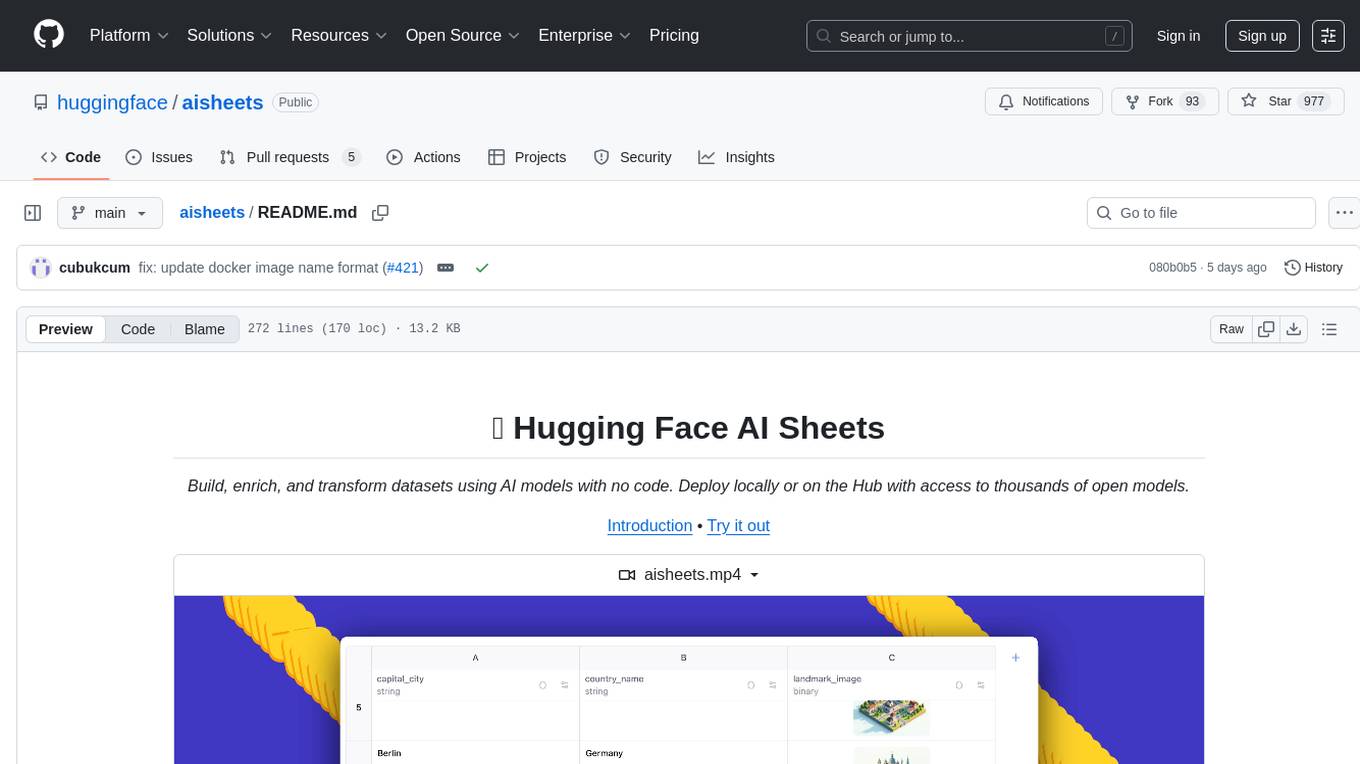
Hugging Face AI Sheets is an open-source tool for building, enriching, and transforming datasets using AI models with no code. It can be deployed locally or on the Hub, providing access to thousands of open models. Users can easily generate datasets, run data generation scripts, and customize inference endpoints for text generation. The tool supports custom LLMs and offers advanced configuration options for authentication, inference, and miscellaneous settings. With AI Sheets, users can leverage the power of AI models without writing any code, making dataset management and transformation efficient and accessible.
README:
Build, enrich, and transform datasets using AI models with no code. Deploy locally or on the Hub with access to thousands of open models.
Hugging Face AI Sheets is an open-source tool for building, enriching, and transforming datasets using AI models with no code. The tool can be deployed locally or on the Hub. It lets you use thousands of open models from the Hugging Face Hub via Inference Providers or local models, including gpt-oss from OpenAI!
Try it instantly at https://huggingface.co/spaces/aisheets/sheets
First, get your Hugging Face token from https://huggingface.co/settings/tokens
export HF_TOKEN=your_token_here
docker run -p 3000:3000 \
-e HF_TOKEN=HF_TOKEN \
aisheets/sheets
Open http://localhost:3000 in your browser.
First, install pnpm if you haven't already.
git clone https://github.com/huggingface/aisheets.git
cd sheets
export HF_TOKEN=your_token_here
pnpm install --frozen-lockfile
pnpm dev
Open http://localhost:5173 in your browser.
To build the production application, run:
pnpm buildThis will create a production build in the dist directory.
Then, you can launch the built-in Express server to serve the production build:
export HF_TOKEN=your_token_here
pnpm serveIf you want to generate a larger dataset, you can use the above-mentioned config and script, like this:
hf jobs uv run \
-s HF_TOKEN=$HF_TOKEN \
https://github.com/huggingface/aisheets/raw/refs/heads/main/scripts/extend_dataset/with_inference_client.py \ # script for running the pipeline
nvidia/Nemotron-Personas dvilasuero/nemotron-kimi-qa-distilled \
--config https://huggingface.co/datasets/dvilasuero/nemotron-personas-kimi-questions/raw/main/config.yml \ # config with prompts
--num-rows 100 # limit to 100 rows, leave empty for the full dataset
Alternatively, you can use a script that utilizes vllm inference instead of the inference client. This script helps you to save on inference costs, but it requires you to set up a vllm-compatible flavor when running the job:
hf jobs uv run --flavor l4x1 \
-s HF_TOKEN=$HF_TOKEN \
https://github.com/huggingface/aisheets/raw/refs/heads/main/scripts/extend_dataset/with_vllm.py \ # script for running the pipeline
nvidia/Nemotron-Personas dvilasuero/nemotron-kimi-qa-distilled \
--config https://huggingface.co/datasets/dvilasuero/nemotron-personas-kimi-questions/raw/main/config.yml \ # config with prompts
--num-rows 100 \ # limit to 100 rows, leave empty for the full dataset
--vllm-model deepseek-ai/DeepSeek-R1-Distill-Qwen-1.5BBy default, AI Sheets is configured to use the Huggingface Inference Providers API to run inference on the latest open-source models. However, you can also run Sheets with own custom LLMs, such as those hosted on your own infrastructure or other cloud providers. The only requirement is that your LLMs must support the OpenAI API specification.
When running AI Sheets with custom LLMs, you need to set some environment variables to point the inference calls to your custom LLMs. Here are the steps:
-
Set the
MODEL_ENDPOINT_URLenvironment variable: This variable should point to the base URL of your custom LLM's API endpoint. For example, if you are using Ollama to run your LLM locally, you would set it like this:
export MODEL_ENDPOINT_URL=http://localhost:11434Since Ollama starts a local server on port 11434 by default, this URL will point to your local Ollama instance.
-
Set the
MODEL_ENDPOINT_NAMEenvironment variable: This variable should specify the name of the model you want to use. For example, if you are using thellama3model, you would set it like this:
export MODEL_ENDPOINT_NAME=llama3This is a crucial step to conform to the OpenAI API specification. The model name is a required parameter in the OpenAI API, and it is used to identify which model to use for inference.
- Run the AI Sheets app: After setting the environment variables, you can run the Sheets app as usual. The app will now use your custom LLM for inference instead of the default Huggingface Inference Providers API as the default behavior. Anyway, all the models provided by the Huggingface Inference Providers API will still be available when selecting a model in the column settings.
- Note: The text-to-image generation feature cannot be customized yet. It will always utilize the Hugging Face Inference Providers API to generate images. Take this into account when running AI Sheets with custom LLMs.
To run AI Sheets with Ollama, you can follow these steps:
- Start the Ollama server, and run the model of your choice
export OLLAMA_NOHISTORY=1
ollama serve
ollama run llama3(Visit the Ollama FAQ page to know more about Ollama server configuration)
- Set the environment variables:
export MODEL_ENDPOINT_URL=http://localhost:11434
export MODEL_ENDPOINT_NAME=llama3- Run the AI Sheets app:
pnpm serveThis will start the AI Sheets app and use the llama3 model running on your local Ollama instance for inference.
AI Sheets defines some environment variables that can be used to customize the behavior of the application. In the following sections, we will describe the available environment variables and their usage.
-
OAUTH_CLIENT_ID: The Hugging Face OAuth client ID for the application. This is used to authenticate users via the Hugging Face OAuth. If this variable is defined, it will be used to authenticate users. (See how to setup the Hugging Face OAuth here). -
HF_TOKEN: A Hugging Face token to use for authentication. If this variable is defined, it will be used for authenticated inference calls, instead of the OAuth token. -
OAUTH_SCOPES: The scopes to request during the OAuth authentication. The default value isopenid profile inference-api manage-repos. This variable is used to request the necessary permissions for the application to function correctly, and normally does not need to be changed.
-
DEFAULT_MODEL: The default model id to use when calling the inference API for text generation. The default value ismeta-llama/Llama-3.3-70B-Instruct. This variable can be used to change the default model used for text generation and must be a valid model id from the Hugging Face Hub, -
DEFAULT_MODEL_PROVIDER: The default model provider to use when calling the inference API for text generation. The default value isnebius. This variable can be used to change the default model provider used for text generation and must be a valid provider from the Hugging Face Inference Providers. -
ORG_BILLING: The organization billing to use for inference calls. If this variable is defined, the inference calls will be billed to the specified organization. This is useful for organizations that want to manage their inference costs and usage. Remember that users must be part of the organization to use this feature, or anHF_TOKENof a user that is part of the organization must be defined. -
MODEL_ENDPOINT_URL: The URL of a custom inference endpoint to use for text generation. If this variable is defined, it will be used instead of the default Hugging Face Inference API. This is useful for using custom inference endpoints that are not hosted on the Hugging Face Hub, such as Ollama or LLM Studio. The URL must be a valid endpoint that supports the OpenAI API format. -
MODEL_ENDPOINT_NAME: The model id to use when calling the custom inference endpoint defined byMODEL_ENDPOINT_URL. This variable is required ifMODEL_ENDPOINT_URLis defined for custom inference endpoints that require a model id, such as Ollama or LLM Studio. The model id must correspond to the model deployed on the custom inference endpoint. -
NUM_CONCURRENT_REQUESTS: The number of concurrent requests to allow when calling the inference API in the column cells generation process. The default value is5, and the maximum value is10. This is useful to control the number of concurrent requests made to the inference API and avoid hitting rate limits defined by the provider.
-
DATA_DIR: The directory where the application will store all its data. The default value is./data. This variable can be used to change the data directory used by the application. The directory must be writable by the application. -
SERPER_API_KEY: The API key to use for the Serper web search API. If this variable is defined, it will be used to authenticate web search requests. If this variable is not defined, web search will be disabled. The Serper API key can be obtained from the Serper website. -
TELEMETRY_ENABLED: A boolean value that indicates whether telemetry is enabled or not. The default value is1. This variable can be used to disable telemetry if desired. Telemetry is used to collect anonymous usage data to help improve the application. -
EXAMPLES_PROMPT_MAX_CONTEXT_SIZE: The maximum context size (in characters) for the examples section in the prompt for text generation. The default value is8192. If the examples section exceeds this size, it will be truncated. This variable can be used when the examples section is too large and needs to be reduced to fit within the context size limits of the model. -
SOURCES_PROMPT_MAX_CONTEXT_SIZE: The maximum context size (in characters) for the sources section in the prompt for text generation. The default value is61440. If the sources section exceeds this size, it will be truncated. This variable can be used when the sources section is too large and needs to be reduced to fit within the context size limits of the model.
https://marketplace.visualstudio.com/items?itemName=rluvaton.vscode-vitest
https://marketplace.visualstudio.com/items?itemName=biomejs.biome
This project is using Qwik with QwikCity. QwikCity is just an extra set of tools on top of Qwik to make it easier to build a full site, including directory-based routing, layouts, and more.
Inside your project, you'll see the following directory structure:
├── public/
│   └── ...
└── src/
    ├── components/ --> Stateless components
    │   └── ...
    ├── features/ --> Components with business logic
    │   └── ...
    └── routes/
        └── ...
-
src/routes: Provides the directory-based routing, which can include a hierarchy oflayout.tsxlayout files, and anindex.tsxfile as the page. Additionally,index.tsfiles are endpoints. Please see the routing docs for more info. -
src/components: Recommended directory for components. -
public: Any static assets, like images, can be placed in the public directory. Please see the Vite public directory for more info.
Run this on your root folder
touch .envAdd in your .env file the following variable:
HF_TOKEN=your_hugging_face_token
Development mode uses Vite's development server. The dev command will server-side render (SSR) the output during development.
pnpm devNote: during dev mode, Vite may request a significant number of
.jsfiles. This does not represent a Qwik production build.
The preview command will create a production build of the client modules, a production build of src/entry.preview.tsx, and run a local server. The preview server is only for convenience to preview a production build locally and should not be used as a production server.
pnpm previewThe production build will generate client and server modules by running both client and server build commands. The build command will use Typescript to run a type check on the source code.
pnpm buildThis app has a minimal Express server implementation. After running a full build, you can preview the build using the command:
pnpm serve
Then visit http://localhost:3000/
For Tasks:
Click tags to check more tools for each tasksFor Jobs:
Alternative AI tools for aisheets
Similar Open Source Tools
aisheets
Hugging Face AI Sheets is an open-source tool for building, enriching, and transforming datasets using AI models with no code. It can be deployed locally or on the Hub, providing access to thousands of open models. Users can easily generate datasets, run data generation scripts, and customize inference endpoints for text generation. The tool supports custom LLMs and offers advanced configuration options for authentication, inference, and miscellaneous settings. With AI Sheets, users can leverage the power of AI models without writing any code, making dataset management and transformation efficient and accessible.
gpt-subtrans
GPT-Subtrans is an open-source subtitle translator that utilizes large language models (LLMs) as translation services. It supports translation between any language pairs that the language model supports. Note that GPT-Subtrans requires an active internet connection, as subtitles are sent to the provider's servers for translation, and their privacy policy applies.
llm-subtrans
LLM-Subtrans is an open source subtitle translator that utilizes LLMs as a translation service. It supports translating subtitles between any language pairs supported by the language model. The application offers multiple subtitle formats support through a pluggable system, including .srt, .ssa/.ass, and .vtt files. Users can choose to use the packaged release for easy usage or install from source for more control over the setup. The tool requires an active internet connection as subtitles are sent to translation service providers' servers for translation.
Mapperatorinator
Mapperatorinator is a multi-model framework that uses spectrogram inputs to generate fully featured osu! beatmaps for all gamemodes and assist modding beatmaps. The project aims to automatically generate rankable quality osu! beatmaps from any song with a high degree of customizability. The tool is built upon osuT5 and osu-diffusion, utilizing GPU compute and instances on vast.ai for development. Users can responsibly use AI in their beatmaps with this tool, ensuring disclosure of AI usage. Installation instructions include cloning the repository, creating a virtual environment, and installing dependencies. The tool offers a Web GUI for user-friendly experience and a Command-Line Inference option for advanced configurations. Additionally, an Interactive CLI script is available for terminal-based workflow with guided setup. The tool provides generation tips and features MaiMod, an AI-driven modding tool for osu! beatmaps. Mapperatorinator tokenizes beatmaps, utilizes a model architecture based on HF Transformers Whisper model, and offers multitask training format for conditional generation. The tool ensures seamless long generation, refines coordinates with diffusion, and performs post-processing for improved beatmap quality. Super timing generator enhances timing accuracy, and LoRA fine-tuning allows adaptation to specific styles or gamemodes. The project acknowledges credits and related works in the osu! community.
airbroke
Airbroke is an open-source error catcher tool designed for modern web applications. It provides a PostgreSQL-based backend with an Airbrake-compatible HTTP collector endpoint and a React-based frontend for error management. The tool focuses on simplicity, maintaining a small database footprint even under heavy data ingestion. Users can ask AI about issues, replay HTTP exceptions, and save/manage bookmarks for important occurrences. Airbroke supports multiple OAuth providers for secure user authentication and offers occurrence charts for better insights into error occurrences. The tool can be deployed in various ways, including building from source, using Docker images, deploying on Vercel, Render.com, Kubernetes with Helm, or Docker Compose. It requires Node.js, PostgreSQL, and specific system resources for deployment.
0chain
Züs is a high-performance cloud on a fast blockchain offering privacy and configurable uptime. It uses erasure code to distribute data between data and parity servers, allowing flexibility for IT managers to design for security and uptime. Users can easily share encrypted data with business partners through a proxy key sharing protocol. The ecosystem includes apps like Blimp for cloud migration, Vult for personal cloud storage, and Chalk for NFT artists. Other apps include Bolt for secure wallet and staking, Atlus for blockchain explorer, and Chimney for network participation. The QoS protocol challenges providers based on response time, while the privacy protocol enables secure data sharing. Züs supports hybrid and multi-cloud architectures, allowing users to improve regulatory compliance and security requirements.

kaito
Kaito is an operator that automates the AI/ML inference model deployment in a Kubernetes cluster. It manages large model files using container images, avoids tuning deployment parameters to fit GPU hardware by providing preset configurations, auto-provisions GPU nodes based on model requirements, and hosts large model images in the public Microsoft Container Registry (MCR) if the license allows. Using Kaito, the workflow of onboarding large AI inference models in Kubernetes is largely simplified.
temporal-ai-agent
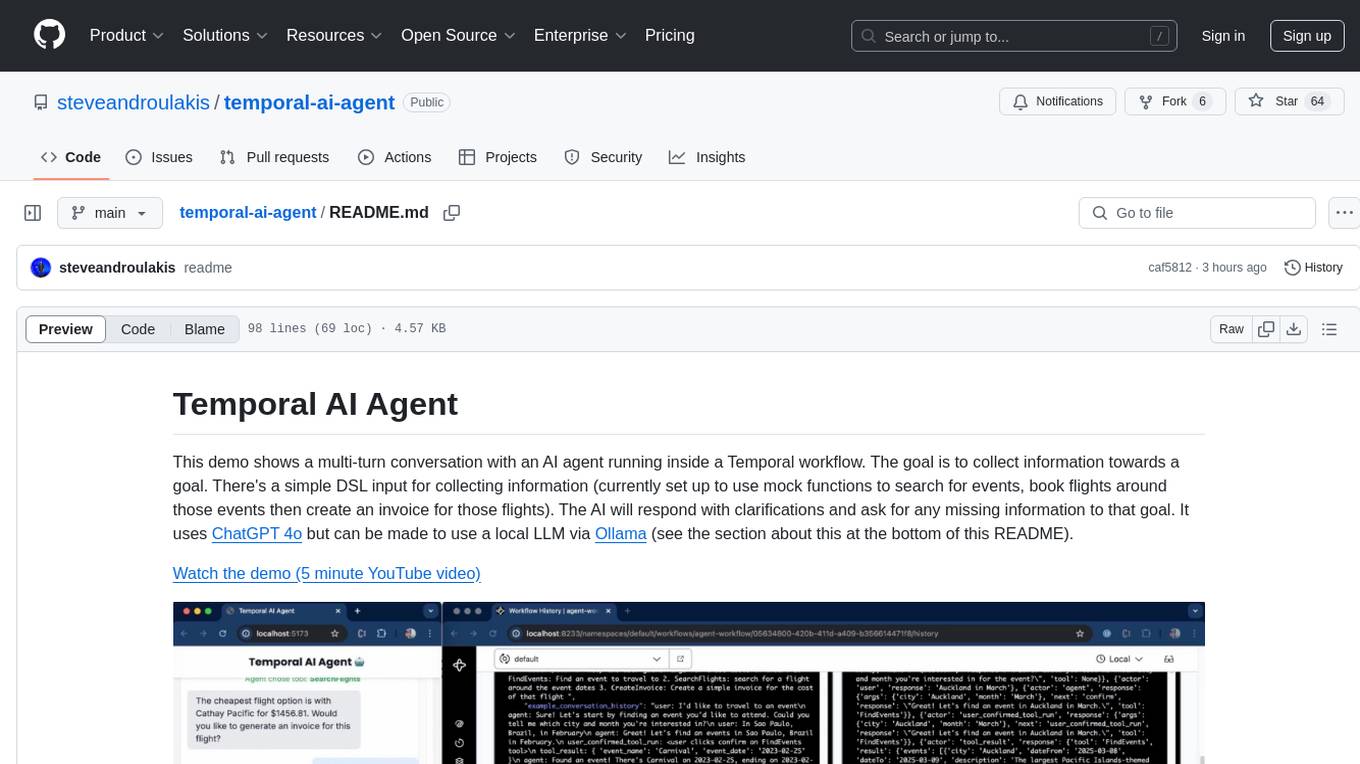
Temporal AI Agent is a demo showcasing a multi-turn conversation with an AI agent running inside a Temporal workflow. The agent collects information towards a goal using a simple DSL input. It is currently set up to search for events, book flights around those events, and create an invoice for those flights. The AI agent responds with clarifications and prompts for missing information. Users can configure the agent to use ChatGPT 4o or a local LLM via Ollama. The tool requires Rapidapi key for sky-scrapper to find flights and a Stripe key for creating invoices. Users can customize the agent by modifying tool and goal definitions in the codebase.
ultimate-rvc
Ultimate RVC is an extension of AiCoverGen, offering new features and improvements for generating audio content using RVC. It is designed for users looking to integrate singing functionality into AI assistants/chatbots/vtubers, create character voices for songs or books, and train voice models. The tool provides easy setup, voice conversion enhancements, TTS functionality, voice model training suite, caching system, UI improvements, and support for custom configurations. It is available for local and Google Colab use, with a PyPI package for easy access. The tool also offers CLI usage and customization through environment variables.
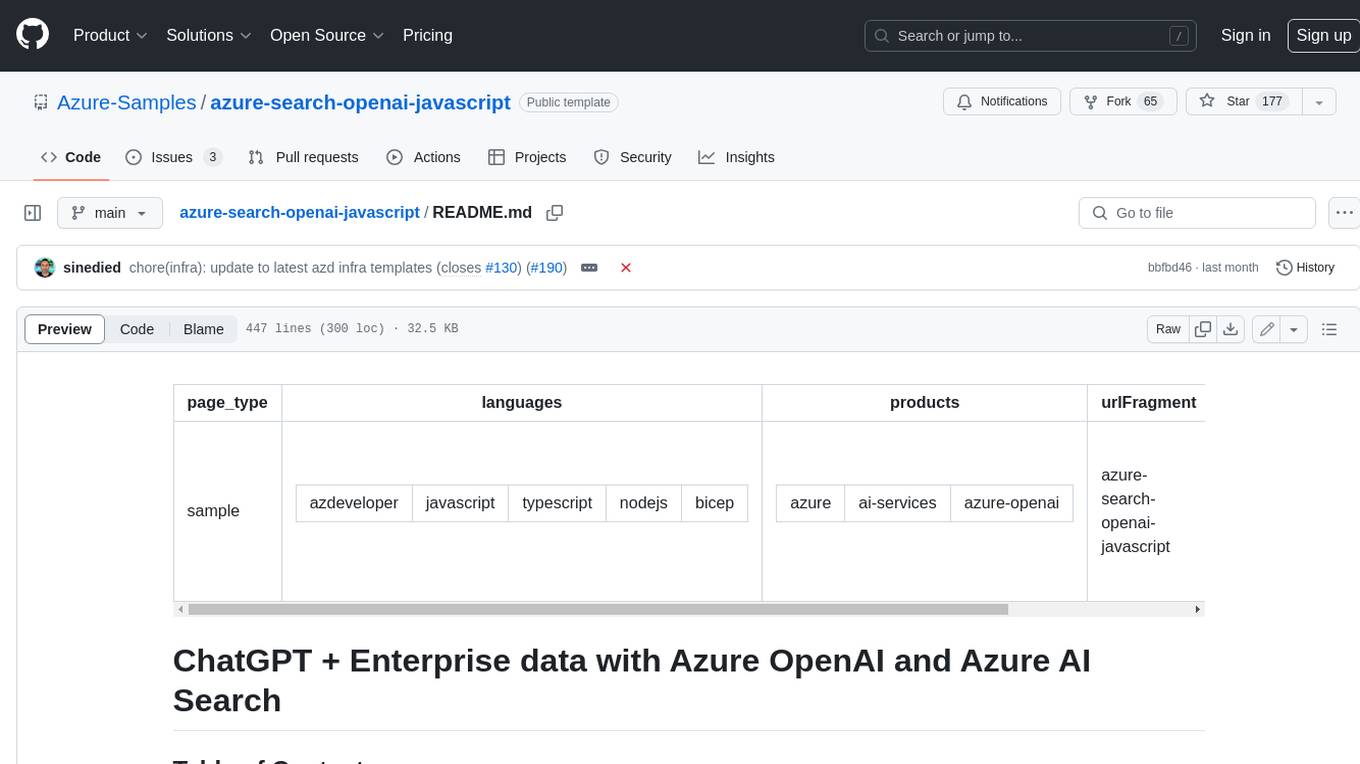
azure-search-openai-javascript
This sample demonstrates a few approaches for creating ChatGPT-like experiences over your own data using the Retrieval Augmented Generation pattern. It uses Azure OpenAI Service to access the ChatGPT model (gpt-35-turbo), and Azure AI Search for data indexing and retrieval.
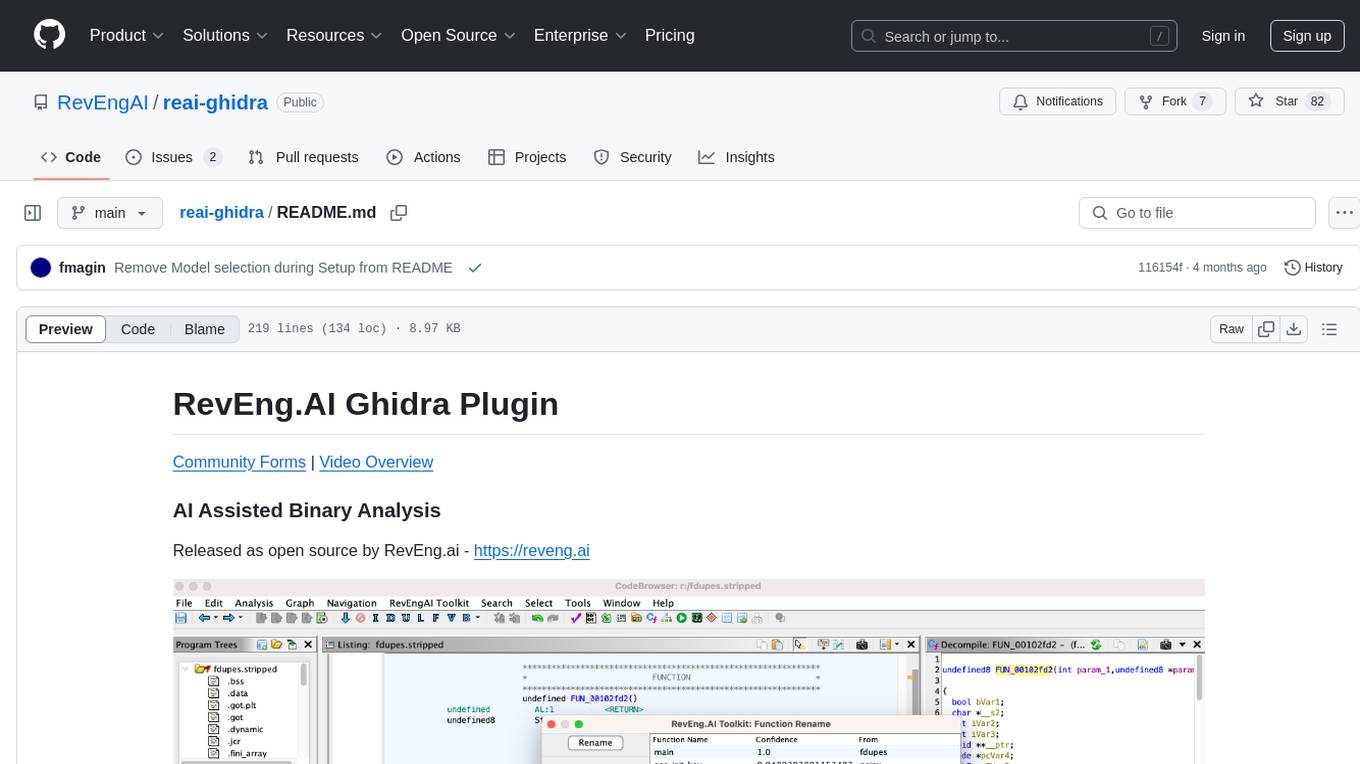
reai-ghidra
The RevEng.AI Ghidra Plugin by RevEng.ai allows users to interact with their API within Ghidra for Binary Code Similarity analysis to aid in Reverse Engineering stripped binaries. Users can upload binaries, rename functions above a confidence threshold, and view similar functions for a selected function.
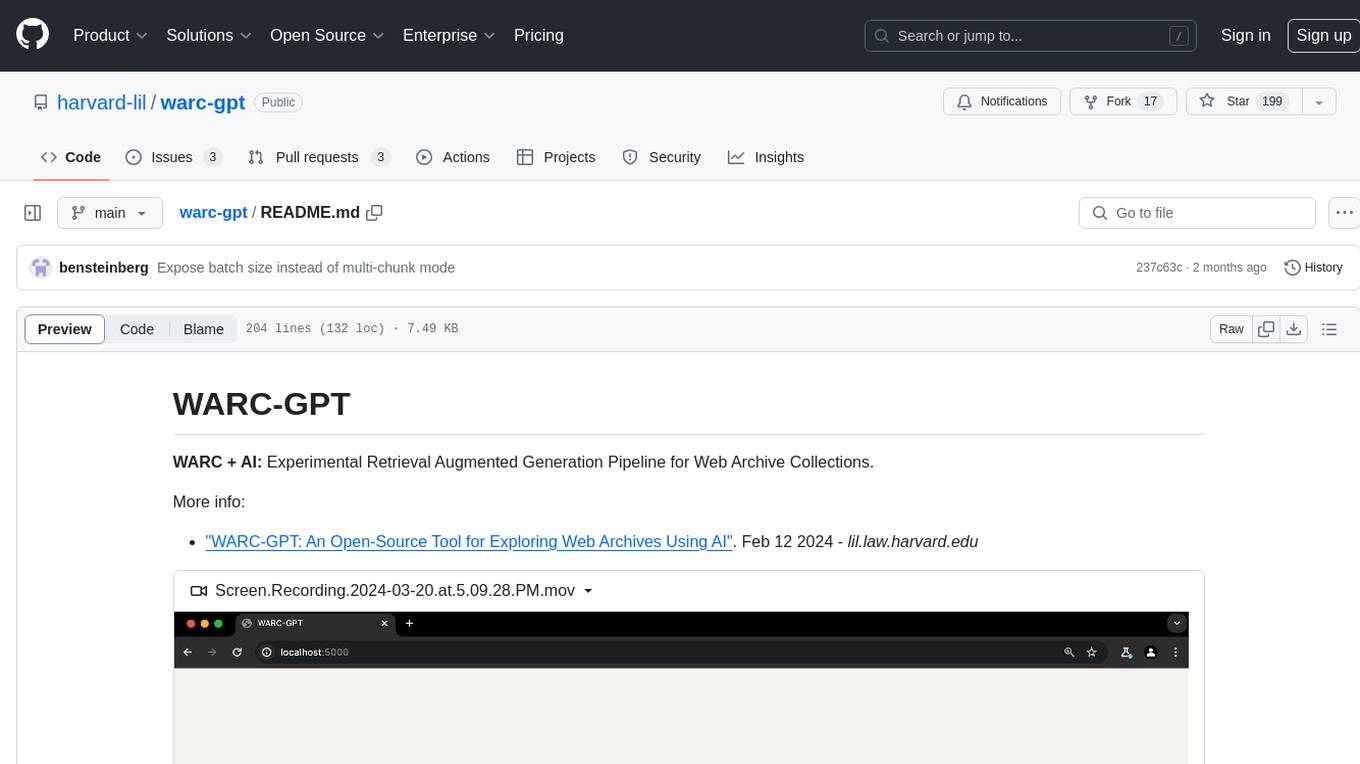
warc-gpt
WARC-GPT is an experimental retrieval augmented generation pipeline for web archive collections. It allows users to interact with WARC files, extract text, generate text embeddings, visualize embeddings, and interact with a web UI and API. The tool is highly customizable, supporting various LLMs, providers, and embedding models. Users can configure the application using environment variables, ingest WARC files, start the server, and interact with the web UI and API to search for content and generate text completions. WARC-GPT is designed for exploration and experimentation in exploring web archives using AI.
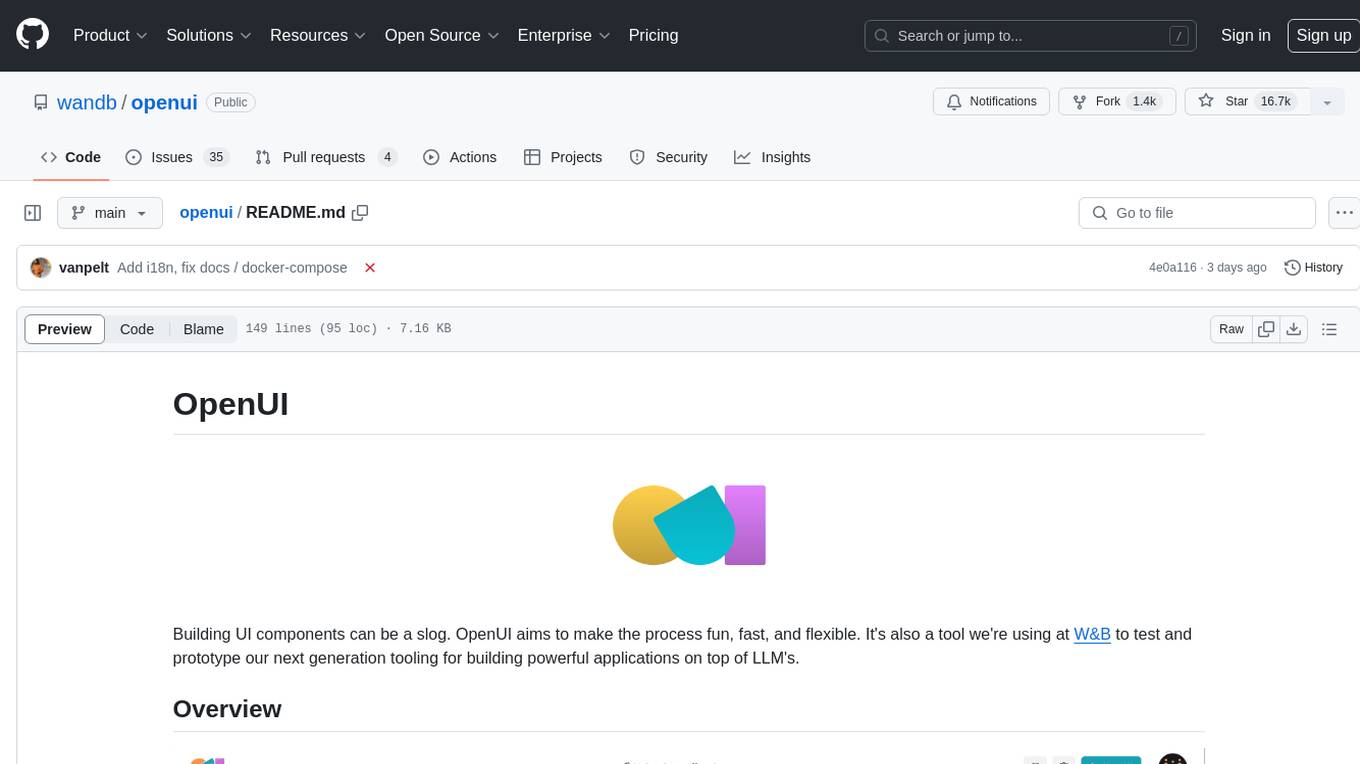
openui
OpenUI is a tool designed to simplify the process of building UI components by allowing users to describe UI using their imagination and see it rendered live. It supports converting HTML to React, Svelte, Web Components, etc. The tool is open source and aims to make UI development fun, fast, and flexible. It integrates with various AI services like OpenAI, Groq, Gemini, Anthropic, Cohere, and Mistral, providing users with the flexibility to use different models. OpenUI also supports LiteLLM for connecting to various LLM services and allows users to create custom proxy configs. The tool can be run locally using Docker or Python, and it offers a development environment for quick setup and testing.
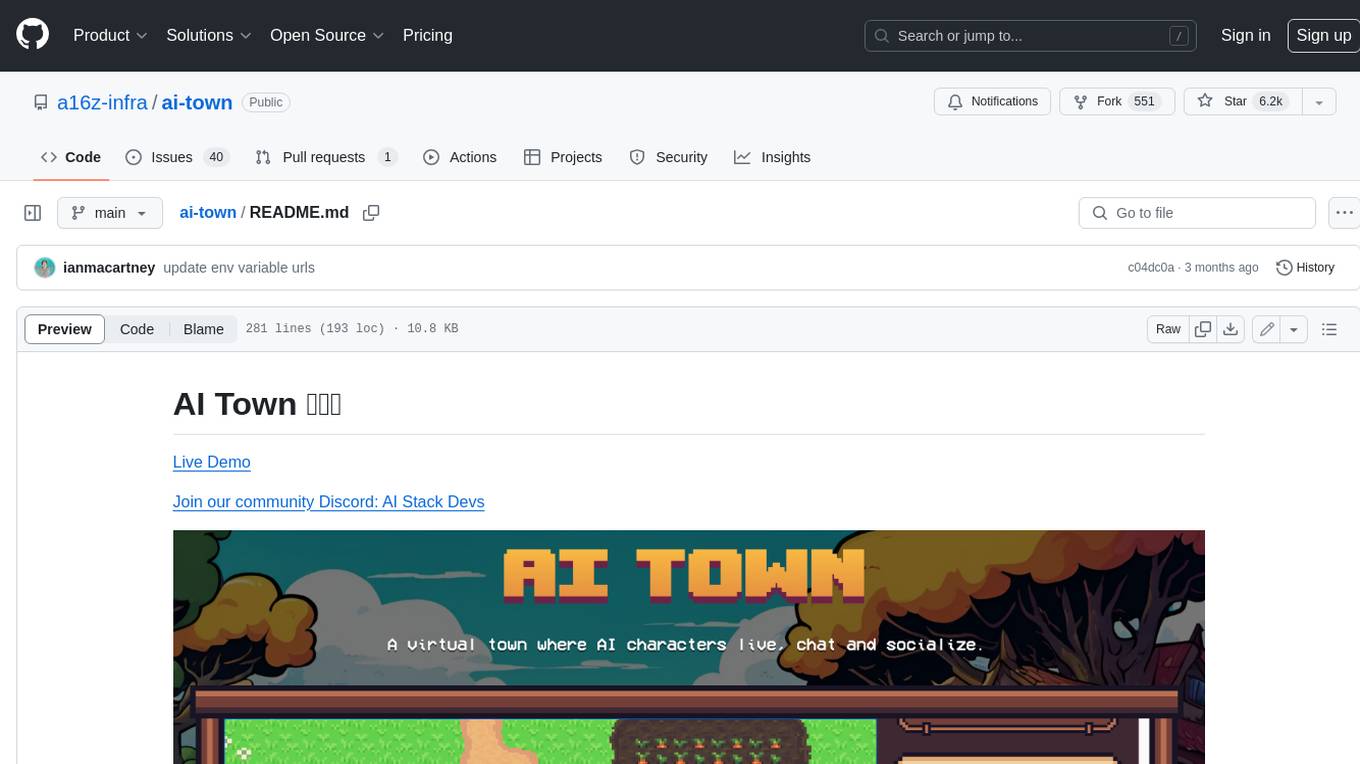
ai-town
AI Town is a virtual town where AI characters live, chat, and socialize. This project provides a deployable starter kit for building and customizing your own version of AI Town. It features a game engine, database, vector search, auth, text model, deployment, pixel art generation, background music generation, and local inference. You can customize your own simulation by creating characters and stories, updating spritesheets, changing the background, and modifying the background music.
PolyMind
PolyMind is a multimodal, function calling powered LLM webui designed for various tasks such as internet searching, image generation, port scanning, Wolfram Alpha integration, Python interpretation, and semantic search. It offers a plugin system for adding extra functions and supports different models and endpoints. The tool allows users to interact via function calling and provides features like image input, image generation, and text file search. The application's configuration is stored in a `config.json` file with options for backend selection, compatibility mode, IP address settings, API key, and enabled features.
ezkl
EZKL is a library and command-line tool for doing inference for deep learning models and other computational graphs in a zk-snark (ZKML). It enables the following workflow: 1. Define a computational graph, for instance a neural network (but really any arbitrary set of operations), as you would normally in pytorch or tensorflow. 2. Export the final graph of operations as an .onnx file and some sample inputs to a .json file. 3. Point ezkl to the .onnx and .json files to generate a ZK-SNARK circuit with which you can prove statements such as: > "I ran this publicly available neural network on some private data and it produced this output" > "I ran my private neural network on some public data and it produced this output" > "I correctly ran this publicly available neural network on some public data and it produced this output" In the backend we use the collaboratively-developed Halo2 as a proof system. The generated proofs can then be verified with much less computational resources, including on-chain (with the Ethereum Virtual Machine), in a browser, or on a device.
For similar tasks
starwhale
Starwhale is an MLOps/LLMOps platform that brings efficiency and standardization to machine learning operations. It streamlines the model development lifecycle, enabling teams to optimize workflows around key areas like model building, evaluation, release, and fine-tuning. Starwhale abstracts Model, Runtime, and Dataset as first-class citizens, providing tailored capabilities for common workflow scenarios including Models Evaluation, Live Demo, and LLM Fine-tuning. It is an open-source platform designed for clarity and ease of use, empowering developers to build customized MLOps features tailored to their needs.
transformerlab-app
Transformer Lab is an app that allows users to experiment with Large Language Models by providing features such as one-click download of popular models, finetuning across different hardware, RLHF and Preference Optimization, working with LLMs across different operating systems, chatting with models, using different inference engines, evaluating models, building datasets for training, calculating embeddings, providing a full REST API, running in the cloud, converting models across platforms, supporting plugins, embedded Monaco code editor, prompt editing, inference logs, all through a simple cross-platform GUI.
RD-Agent
RD-Agent is a tool designed to automate critical aspects of industrial R&D processes, focusing on data-driven scenarios to streamline model and data development. It aims to propose new ideas ('R') and implement them ('D') automatically, leading to solutions of significant industrial value. The tool supports scenarios like Automated Quantitative Trading, Data Mining Agent, Research Copilot, and more, with a framework to push the boundaries of research in data science. Users can create a Conda environment, install the RDAgent package from PyPI, configure GPT model, and run various applications for tasks like quantitative trading, model evolution, medical prediction, and more. The tool is intended to enhance R&D processes and boost productivity in industrial settings.
aisheets
Hugging Face AI Sheets is an open-source tool for building, enriching, and transforming datasets using AI models with no code. It can be deployed locally or on the Hub, providing access to thousands of open models. Users can easily generate datasets, run data generation scripts, and customize inference endpoints for text generation. The tool supports custom LLMs and offers advanced configuration options for authentication, inference, and miscellaneous settings. With AI Sheets, users can leverage the power of AI models without writing any code, making dataset management and transformation efficient and accessible.

llm_client
llm_client is a Rust interface designed for Local Large Language Models (LLMs) that offers automated build support for CPU, CUDA, MacOS, easy model presets, and a novel cascading prompt workflow for controlled generation. It provides a breadth of configuration options and API support for various OpenAI compatible APIs. The tool is primarily focused on deterministic signals from probabilistic LLM vibes, enabling specialized workflows for specific tasks and reproducible outcomes.
deeplake
Deep Lake is a Database for AI powered by a storage format optimized for deep-learning applications. Deep Lake can be used for: 1. Storing data and vectors while building LLM applications 2. Managing datasets while training deep learning models Deep Lake simplifies the deployment of enterprise-grade LLM-based products by offering storage for all data types (embeddings, audio, text, videos, images, pdfs, annotations, etc.), querying and vector search, data streaming while training models at scale, data versioning and lineage, and integrations with popular tools such as LangChain, LlamaIndex, Weights & Biases, and many more. Deep Lake works with data of any size, it is serverless, and it enables you to store all of your data in your own cloud and in one place. Deep Lake is used by Intel, Bayer Radiology, Matterport, ZERO Systems, Red Cross, Yale, & Oxford.
python-aiplatform
The Vertex AI SDK for Python is a library that provides a convenient way to use the Vertex AI API. It offers a high-level interface for creating and managing Vertex AI resources, such as datasets, models, and endpoints. The SDK also provides support for training and deploying custom models, as well as using AutoML models. With the Vertex AI SDK for Python, you can quickly and easily build and deploy machine learning models on Vertex AI.
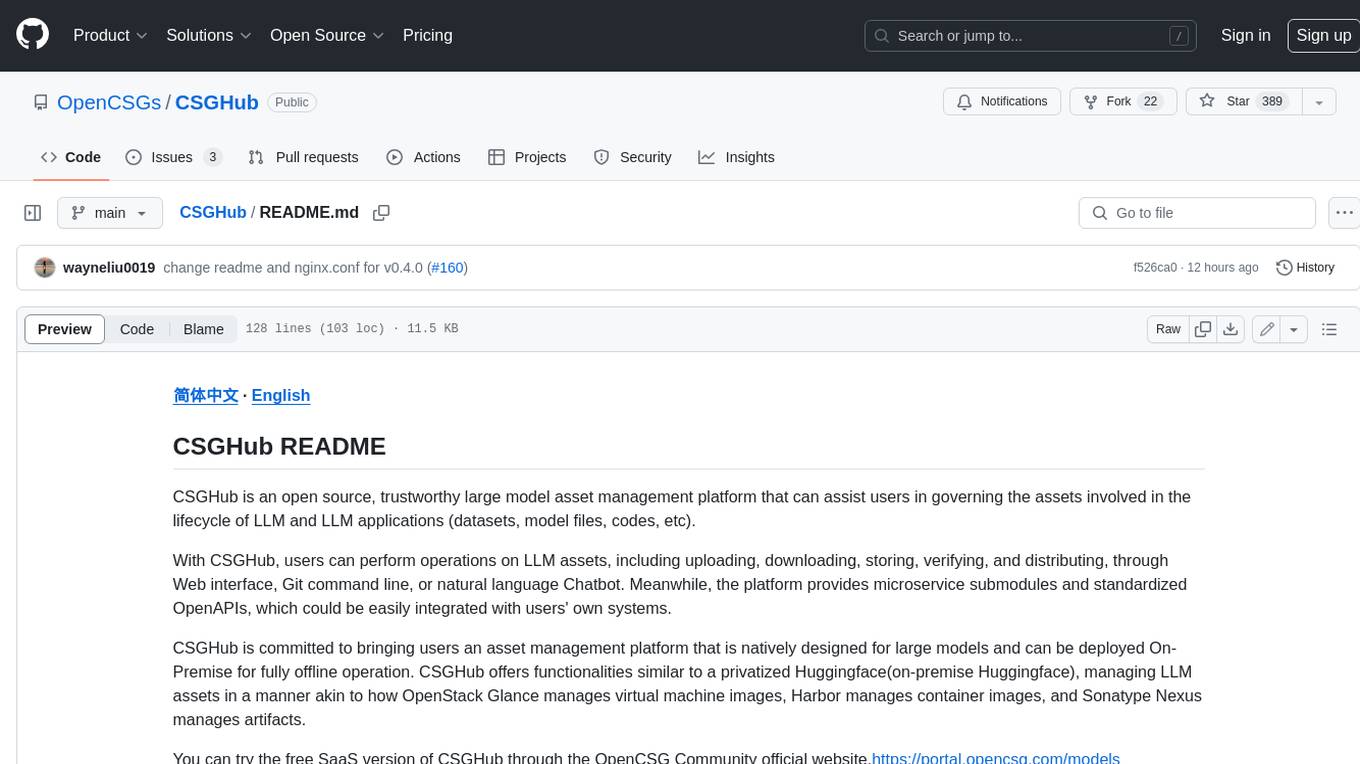
CSGHub
CSGHub is an open source, trustworthy large model asset management platform that can assist users in governing the assets involved in the lifecycle of LLM and LLM applications (datasets, model files, codes, etc). With CSGHub, users can perform operations on LLM assets, including uploading, downloading, storing, verifying, and distributing, through Web interface, Git command line, or natural language Chatbot. Meanwhile, the platform provides microservice submodules and standardized OpenAPIs, which could be easily integrated with users' own systems. CSGHub is committed to bringing users an asset management platform that is natively designed for large models and can be deployed On-Premise for fully offline operation. CSGHub offers functionalities similar to a privatized Huggingface(on-premise Huggingface), managing LLM assets in a manner akin to how OpenStack Glance manages virtual machine images, Harbor manages container images, and Sonatype Nexus manages artifacts.
For similar jobs

weave
Weave is a toolkit for developing Generative AI applications, built by Weights & Biases. With Weave, you can log and debug language model inputs, outputs, and traces; build rigorous, apples-to-apples evaluations for language model use cases; and organize all the information generated across the LLM workflow, from experimentation to evaluations to production. Weave aims to bring rigor, best-practices, and composability to the inherently experimental process of developing Generative AI software, without introducing cognitive overhead.

LLMStack
LLMStack is a no-code platform for building generative AI agents, workflows, and chatbots. It allows users to connect their own data, internal tools, and GPT-powered models without any coding experience. LLMStack can be deployed to the cloud or on-premise and can be accessed via HTTP API or triggered from Slack or Discord.

VisionCraft
The VisionCraft API is a free API for using over 100 different AI models. From images to sound.
kaito
Kaito is an operator that automates the AI/ML inference model deployment in a Kubernetes cluster. It manages large model files using container images, avoids tuning deployment parameters to fit GPU hardware by providing preset configurations, auto-provisions GPU nodes based on model requirements, and hosts large model images in the public Microsoft Container Registry (MCR) if the license allows. Using Kaito, the workflow of onboarding large AI inference models in Kubernetes is largely simplified.

PyRIT
PyRIT is an open access automation framework designed to empower security professionals and ML engineers to red team foundation models and their applications. It automates AI Red Teaming tasks to allow operators to focus on more complicated and time-consuming tasks and can also identify security harms such as misuse (e.g., malware generation, jailbreaking), and privacy harms (e.g., identity theft). The goal is to allow researchers to have a baseline of how well their model and entire inference pipeline is doing against different harm categories and to be able to compare that baseline to future iterations of their model. This allows them to have empirical data on how well their model is doing today, and detect any degradation of performance based on future improvements.

tabby
Tabby is a self-hosted AI coding assistant, offering an open-source and on-premises alternative to GitHub Copilot. It boasts several key features: * Self-contained, with no need for a DBMS or cloud service. * OpenAPI interface, easy to integrate with existing infrastructure (e.g Cloud IDE). * Supports consumer-grade GPUs.

spear
SPEAR (Simulator for Photorealistic Embodied AI Research) is a powerful tool for training embodied agents. It features 300 unique virtual indoor environments with 2,566 unique rooms and 17,234 unique objects that can be manipulated individually. Each environment is designed by a professional artist and features detailed geometry, photorealistic materials, and a unique floor plan and object layout. SPEAR is implemented as Unreal Engine assets and provides an OpenAI Gym interface for interacting with the environments via Python.

Magick
Magick is a groundbreaking visual AIDE (Artificial Intelligence Development Environment) for no-code data pipelines and multimodal agents. Magick can connect to other services and comes with nodes and templates well-suited for intelligent agents, chatbots, complex reasoning systems and realistic characters.