


ChannelMonitor
Channel Monitor 是一个用于监控OneAPI/NewAPI/OneHub渠道的工具,它直接读取channels和abilities数据表,每间隔一段时间测试每个渠道的模型可用性,根据请求是否成功更新可用模型,写入到数据表中,以此来实现渠道的自动监控,保证整体OneAPI/NewAPI/OneHub的高可用,尽可能减少错误返回次数。
Stars: 73
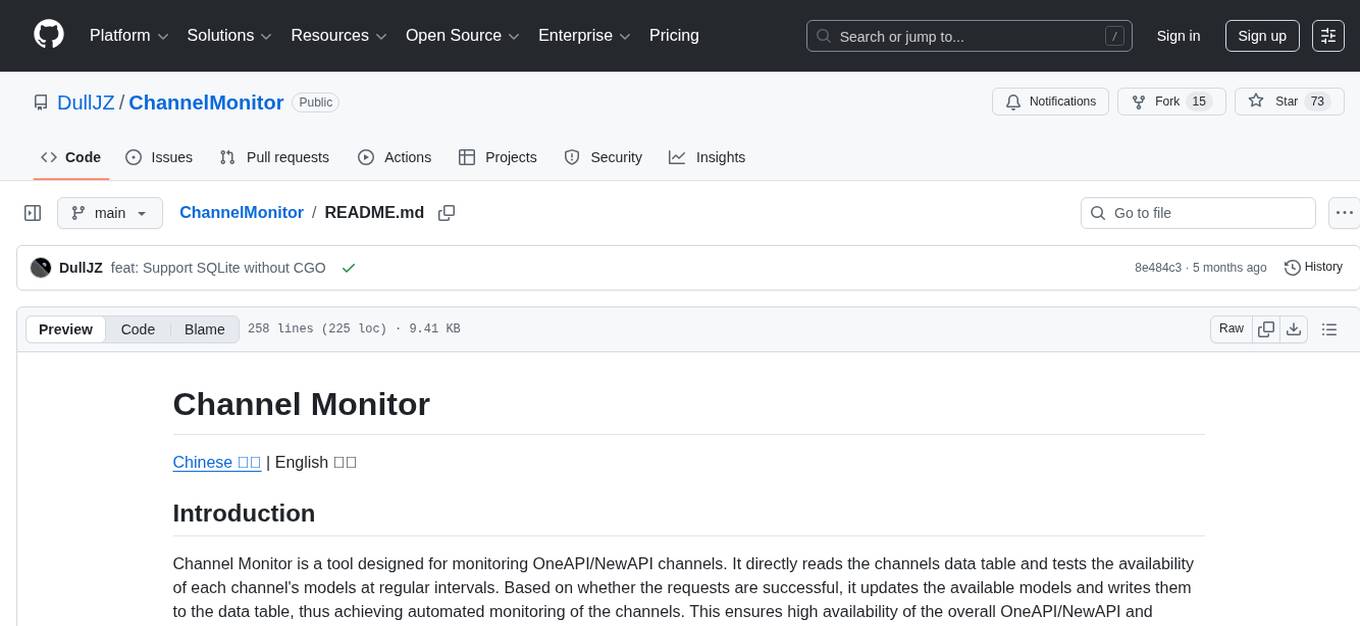
Channel Monitor is a tool for monitoring OneAPI/NewAPI channels by testing the availability of each channel's models at regular intervals. It updates available models in the database, supports exclusion of channels and models, configurable intervals, multiple database types, concurrent testing, request rate limiting, Uptime Kuma integration, update notifications via SMTP email and Telegram Bot, and JSON/YAML configuration formats.
README:
Chinese 中文 | English 英文
Channel Monitor is a tool designed for monitoring OneAPI/NewAPI channels. It directly reads the channels data table and tests the availability of each channel's models at regular intervals. Based on whether the requests are successful, it updates the available models and writes them to the data table, thus achieving automated monitoring of the channels. This ensures high availability of the overall OneAPI/NewAPI and minimizes the number of error returns.
- [x] Directly read and write to the OneAPI/NewAPI database
- [x] Test the availability of each model in the channels
- [x] Automatically fetch available models from upstream
- [x] Automatically update the available models in the database for each channel
- [x] Support exclusion of channels and models from monitoring
- [x] Support configurable intervals
- [x] Support multiple database types, including MySQL, SQLite, PostgreSQL, and SQL Server
- [x] Concurrent testing
- [x] Request rate limiting at the second level
- [x] Support Uptime Kuma, push URL during testing to visualize model availability
- [x] Support update notifications via SMTP email and Telegram Bot
- [x] Support both JSON and YAML configuration formats
Download the latest version of the binary file from the Releases page. After configuring config.json or config.yaml in the same directory, you can run it. It is recommended to use tools like screen or nohup to run it in the background.
mkdir ChannelMonitor && cd ChannelMonitor
wget https://github.com/DullJZ/ChannelMonitor/releases/download/v0.1.0/ChannelMonitor_linux_amd64
chmod +x ChannelMonitor_linux_amd64
# Download and modify the configuration file (choose JSON or YAML format)
wget https://raw.githubusercontent.com/DullJZ/ChannelMonitor/refs/heads/main/config_example.json -O config.json
# or use YAML format
# wget https://raw.githubusercontent.com/DullJZ/ChannelMonitor/refs/heads/main/config_example.yaml -O config.yaml
nano config.json  # or nano config.yaml
screen -S ChannelMonitor
./ChannelMonitor_linux_amd64docker pull dulljz/channel-monitor
# Download and modify the configuration file (choose JSON or YAML format)
wget https://raw.githubusercontent.com/DullJZ/ChannelMonitor/refs/heads/main/config_example.json -O config.json
# or use YAML format
# wget https://raw.githubusercontent.com/DullJZ/ChannelMonitor/refs/heads/main/config_example.yaml -O config.yaml
nano config.json # or nano config.yaml
# If using the host's database, you can simply use the host mode,
# and use localhost:3306 as the database address
docker run -d --name ChannelMonitor -v ./config.json:/app/config.json --net host dulljz/channel-monitor
# If using YAML format
# docker run -d --name ChannelMonitor -v ./config.yaml:/app/config.yaml --net host dulljz/channel-monitor
# If using an SQLite database, mount the database file
# docker run -d --name ChannelMonitor -v ./config.json:/app/config.json -v /path/to/database.db:/app/database.db dulljz/channel-monitorversion: '3'
services:
channel-monitor:
image: dulljz/channel-monitor
volumes:
- ./config.json:/app/config.json
# or use YAML format
# - ./config.yaml:/app/config.yaml
# If using an SQLite database, mount the database file
# - /path/to/database.db:/app/database.db
# If using the host's database, you can simply use the host mode,
# and use localhost:3306 as the database address
network_mode: host# Download and modify the configuration file (choose JSON or YAML format)
wget https://raw.githubusercontent.com/DullJZ/ChannelMonitor/refs/heads/main/config_example.json -O config.json
# or use YAML format
# wget https://raw.githubusercontent.com/DullJZ/ChannelMonitor/refs/heads/main/config_example.yaml -O config.yaml
nano config.json # or nano config.yaml
docker-compose up -dThe configuration file can be either config.json, config.yaml, or config.yml in the same directory. The program will automatically detect and use the available configuration file in the order of config.yaml -> config.yml -> config.json.
Click to expand/collapse JSON configuration example
{
  "oneapi_type": "oneapi",
  "exclude_channel": [5],
  "exclude_model": ["advanced-voice", "minimax_s2v-01", "minimax_video-01", "minimax_video-01-live2d"],
  "models": ["gpt-3.5-turbo", "gpt-4o"],
  "force_models": false,
  "force_inside_models": false,
  "time_period": "1h",
  "max_concurrent": 5,
  "rps": 5,
  "timeout": 10,
  "db_type": "YOUR_DB_TYPE",
  "db_dsn": "YOUR_DB_DSN",
  "do_not_modify_db": false,
  "base_url": "http://localhost:3000",
  "system_token": "YOUR_SYSTEM_TOKEN",
  "uptime-kuma": {
    "status": "disabled",
    "model_url": {
      "gpt-3.5-turbo": "https://demo.kuma.pet/api/push/A12n43563?status=up&msg=OK&ping=",
      "gpt-4o": "https://demo.kuma.pet/api/push/ArJd2BOUJN?status=up&msg=OK&ping="
    },
    "channel_url": {
      "5": "https://demo.kuma.pet/api/push/ArJd2BOUJN?status=up&msg=OK&ping="
    }
  },
  "notification": {
    "smtp": {
      "enabled": false,
      "host": "smtp.example.com",
      "port": 25,
      "username": "[email protected]",
      "password": "your-password",
      "from": "[email protected]",
      "to": "[email protected]"
    },
    "webhook": {
      "enabled": false,
      "type": "telegram",
      "telegram": {
        "chat_id": "YOUR_CHAT_ID",
        "retry": 3
      },
      "secret": "YOUR_WEBHOOK_SECRET"
    }
  }
}Click to expand/collapse YAML configuration example
oneapi_type: oneapi
exclude_channel: [5]
exclude_model:
  - advanced-voice
  - minimax_s2v-01
  - minimax_video-01
  - minimax_video-01-live2d
models:
  - gpt-3.5-turbo
  - gpt-4o
force_models: false
force_inside_models: false
time_period: 1h
max_concurrent: 5
rps: 5
timeout: 10
db_type: YOUR_DB_TYPE
db_dsn: YOUR_DB_DSN
do_not_modify_db: false
base_url: http://localhost:3000
system_token: YOUR_SYSTEM_TOKEN
uptime-kuma:
  status: disabled
  model_url:
    gpt-3.5-turbo: https://demo.kuma.pet/api/push/A12n43563?status=up&msg=OK&ping=
    gpt-4o: https://demo.kuma.pet/api/push/ArJd2BOUJN?status=up&msg=OK&ping=
  channel_url:
    "5": https://demo.kuma.pet/api/push/ArJd2BOUJN?status=up&msg=OK&ping=
notification:
  smtp:
    enabled: false
    host: smtp.example.com
    port: 25
    username: [email protected]
    password: your-password
    from: [email protected]
    to: [email protected]
  webhook:
    enabled: false
    type: telegram
    telegram:
      chat_id: YOUR_CHAT_ID
      retry: 3
    secret: YOUR_WEBHOOK_SECRET
Configuration explanation:
- oneapi_type: Type of OneAPI, including oneapi, newapi, onehub (reserved field, currently has no effect)
- exclude_channel: IDs of channels to exclude from monitoring
- exclude_model: IDs of models to exclude from monitoring
- models: List of models, used only when unable to retrieve models from the channel (/v1/models)
- force_models: If true, only the above models will be tested, and channel models will not be fetched. Default is false
- force_inside_models: If true, only the models set in OneAPI will be tested, and the model list will not be fetched. Default is false. If force_models is true, this option is invalid.
- time_period: Interval for testing model availability, recommended not less than 30 minutes, accepts time formats s, m, h
- max_concurrency: Maximum number of concurrent tests within a channel, default is 5
- rps: Requests per second within a channel, default is 5
- timeout: Request timeout (seconds), default is 10
- db_type: Database type, including mysql, sqlite, postgres, sqlserver
- db_dsn: Database DSN string, the format varies by database type. Examples below
- do_not_modify_db: If true, the available models in the database will not be modified. Default is false
- base_url: The base URL for OneAPI/NewAPI/OneHub. If using host mode, you can directly use http://localhost:3000. Currently, only OneHub requires this field.
- system_token: System token, currently only required for OneHub.
- uptime-kuma: Configuration for Uptime Kuma. The status can be
enabledordisabled. The model_url and channel_url are the availability Push URLs for models and channels. - notification: Configuration for update notifications, including SMTP email and Telegram Bot
- notification.smtp: SMTP email configuration, where enabled is
trueorfalse, host is the SMTP server address, port is the server port, username and password are login credentials, from is the sender's email, and to is the recipient's email - notification.webhook: Webhook configuration, where enabled is
trueorfalse, type currently only supportstelegram, telegram contains Telegram Bot settings, chat_id is your telegram ID, retry is the number of retry attempts, and secret is the API key
{
  "db_type": "mysql",
  "db_dsn": "username:password@tcp(host:port)/dbname"
}{
"db_type": "sqlite",
"db_dsn": "/path/to/database.db"
}{
"db_type": "postgres",
"db_dsn": "host=host port=port user=username password=password dbname=dbname sslmode=disable"
}{
"db_type": "sqlserver",
"db_dsn": "sqlserver://username:password@host:port?database=dbname"
}For Tasks:
Click tags to check more tools for each tasksFor Jobs:
Alternative AI tools for ChannelMonitor
Similar Open Source Tools
ChannelMonitor
Channel Monitor is a tool for monitoring OneAPI/NewAPI channels by testing the availability of each channel's models at regular intervals. It updates available models in the database, supports exclusion of channels and models, configurable intervals, multiple database types, concurrent testing, request rate limiting, Uptime Kuma integration, update notifications via SMTP email and Telegram Bot, and JSON/YAML configuration formats.
firecrawl-mcp-server
Firecrawl MCP Server is a Model Context Protocol (MCP) server implementation that integrates with Firecrawl for web scraping capabilities. It supports features like scrape, crawl, search, extract, and batch scrape. It provides web scraping with JS rendering, URL discovery, web search with content extraction, automatic retries with exponential backoff, credit usage monitoring, comprehensive logging system, support for cloud and self-hosted FireCrawl instances, mobile/desktop viewport support, and smart content filtering with tag inclusion/exclusion. The server includes configurable parameters for retry behavior and credit usage monitoring, rate limiting and batch processing capabilities, and tools for scraping, batch scraping, checking batch status, searching, crawling, and extracting structured information from web pages.
firecrawl-mcp-server
Firecrawl MCP Server is a Model Context Protocol (MCP) server implementation that integrates with Firecrawl for web scraping capabilities. It offers features such as web scraping, crawling, and discovery, search and content extraction, deep research and batch scraping, automatic retries and rate limiting, cloud and self-hosted support, and SSE support. The server can be configured to run with various tools like Cursor, Windsurf, SSE Local Mode, Smithery, and VS Code. It supports environment variables for cloud API and optional configurations for retry settings and credit usage monitoring. The server includes tools for scraping, batch scraping, mapping, searching, crawling, and extracting structured data from web pages. It provides detailed logging and error handling functionalities for robust performance.
VectorETL
VectorETL is a lightweight ETL framework designed to assist Data & AI engineers in processing data for AI applications quickly. It streamlines the conversion of diverse data sources into vector embeddings and storage in various vector databases. The framework supports multiple data sources, embedding models, and vector database targets, simplifying the creation and management of vector search systems for semantic search, recommendation systems, and other vector-based operations.
typst-mcp
Typst MCP Server is an implementation of the Model Context Protocol (MCP) that facilitates interaction between AI models and Typst, a markup-based typesetting system. The server offers tools for converting between LaTeX and Typst, validating Typst syntax, and generating images from Typst code. It provides functions such as listing documentation chapters, retrieving specific chapters, converting LaTeX snippets to Typst, validating Typst syntax, and rendering Typst code to images. The server is designed to assist Language Model Managers (LLMs) in handling Typst-related tasks efficiently and accurately.
aiavatarkit
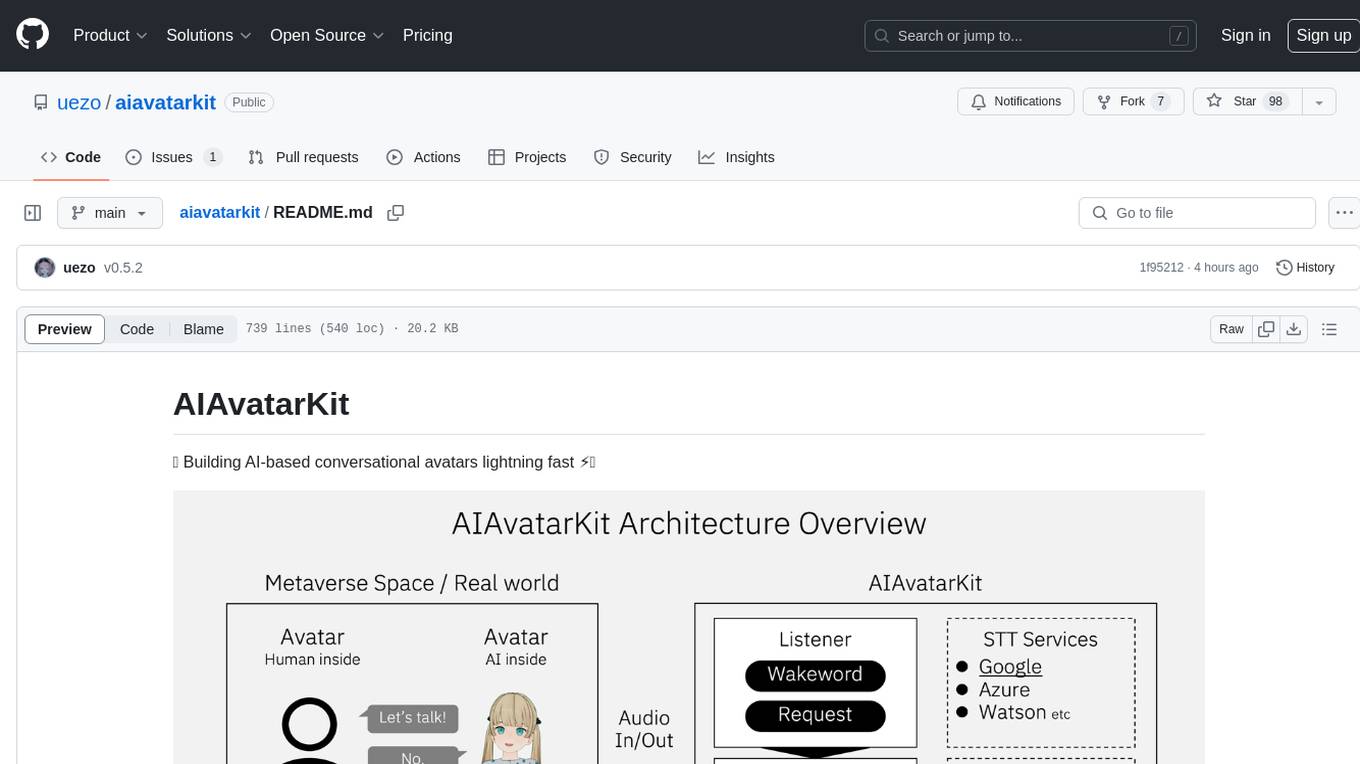
AIAvatarKit is a tool for building AI-based conversational avatars quickly. It supports various platforms like VRChat and cluster, along with real-world devices. The tool is extensible, allowing unlimited capabilities based on user needs. It requires VOICEVOX API, Google or Azure Speech Services API keys, and Python 3.10. Users can start conversations out of the box and enjoy seamless interactions with the avatars.
scylla
Scylla is an intelligent proxy pool tool designed for humanities, enabling users to extract content from the internet and build their own Large Language Models in the AI era. It features automatic proxy IP crawling and validation, an easy-to-use JSON API, a simple web-based user interface, HTTP forward proxy server, Scrapy and requests integration, and headless browser crawling. Users can start using Scylla with just one command, making it a versatile tool for various web scraping and content extraction tasks.
ruby-openai
Use the OpenAI API with Ruby! 🤖🩵 Stream text with GPT-4, transcribe and translate audio with Whisper, or create images with DALL·E... Hire me | 🎮 Ruby AI Builders Discord | 🐦 Twitter | 🧠 Anthropic Gem | 🚂 Midjourney Gem ## Table of Contents * Ruby OpenAI * Table of Contents * Installation * Bundler * Gem install * Usage * Quickstart * With Config * Custom timeout or base URI * Extra Headers per Client * Logging * Errors * Faraday middleware * Azure * Ollama * Counting Tokens * Models * Examples * Chat * Streaming Chat * Vision * JSON Mode * Functions * Edits * Embeddings * Batches * Files * Finetunes * Assistants * Threads and Messages * Runs * Runs involving function tools * Image Generation * DALL·E 2 * DALL·E 3 * Image Edit * Image Variations * Moderations * Whisper * Translate * Transcribe * Speech * Errors * Development * Release * Contributing * License * Code of Conduct
ZerePy
ZerePy is an open-source Python framework for deploying agents on X using OpenAI or Anthropic LLMs. It offers CLI interface, Twitter integration, and modular connection system. Users can fine-tune models for creative outputs and create agents with specific tasks. The tool requires Python 3.10+, Poetry 1.5+, and API keys for LLM, OpenAI, Anthropic, and X API.
ai-gateway
LangDB AI Gateway is an open-source enterprise AI gateway built in Rust. It provides a unified interface to all LLMs using the OpenAI API format, focusing on high performance, enterprise readiness, and data control. The gateway offers features like comprehensive usage analytics, cost tracking, rate limiting, data ownership, and detailed logging. It supports various LLM providers and provides OpenAI-compatible endpoints for chat completions, model listing, embeddings generation, and image generation. Users can configure advanced settings, such as rate limiting, cost control, dynamic model routing, and observability with OpenTelemetry tracing. The gateway can be run with Docker Compose and integrated with MCP tools for server communication.
crush
Crush is a versatile tool designed to enhance coding workflows in your terminal. It offers support for multiple LLMs, allows for flexible switching between models, and enables session-based work management. Crush is extensible through MCPs and works across various operating systems. It can be installed using package managers like Homebrew and NPM, or downloaded directly. Crush supports various APIs like Anthropic, OpenAI, Groq, and Google Gemini, and allows for customization through environment variables. The tool can be configured locally or globally, and supports LSPs for additional context. Crush also provides options for ignoring files, allowing tools, and configuring local models. It respects `.gitignore` files and offers logging capabilities for troubleshooting and debugging.
Gmail-MCP-Server
Gmail AutoAuth MCP Server is a Model Context Protocol (MCP) server designed for Gmail integration in Claude Desktop. It supports auto authentication and enables AI assistants to manage Gmail through natural language interactions. The server provides comprehensive features for sending emails, reading messages, managing labels, searching emails, and batch operations. It offers full support for international characters, email attachments, and Gmail API integration. Users can install and authenticate the server via Smithery or manually with Google Cloud Project credentials. The server supports both Desktop and Web application credentials, with global credential storage for convenience. It also includes Docker support and instructions for cloud server authentication.
langcorn
LangCorn is an API server that enables you to serve LangChain models and pipelines with ease, leveraging the power of FastAPI for a robust and efficient experience. It offers features such as easy deployment of LangChain models and pipelines, ready-to-use authentication functionality, high-performance FastAPI framework for serving requests, scalability and robustness for language processing applications, support for custom pipelines and processing, well-documented RESTful API endpoints, and asynchronous processing for faster response times.
Lumos
Lumos is a Chrome extension powered by a local LLM co-pilot for browsing the web. It allows users to summarize long threads, news articles, and technical documentation. Users can ask questions about reviews and product pages. The tool requires a local Ollama server for LLM inference and embedding database. Lumos supports multimodal models and file attachments for processing text and image content. It also provides options to customize models, hosts, and content parsers. The extension can be easily accessed through keyboard shortcuts and offers tools for automatic invocation based on prompts.
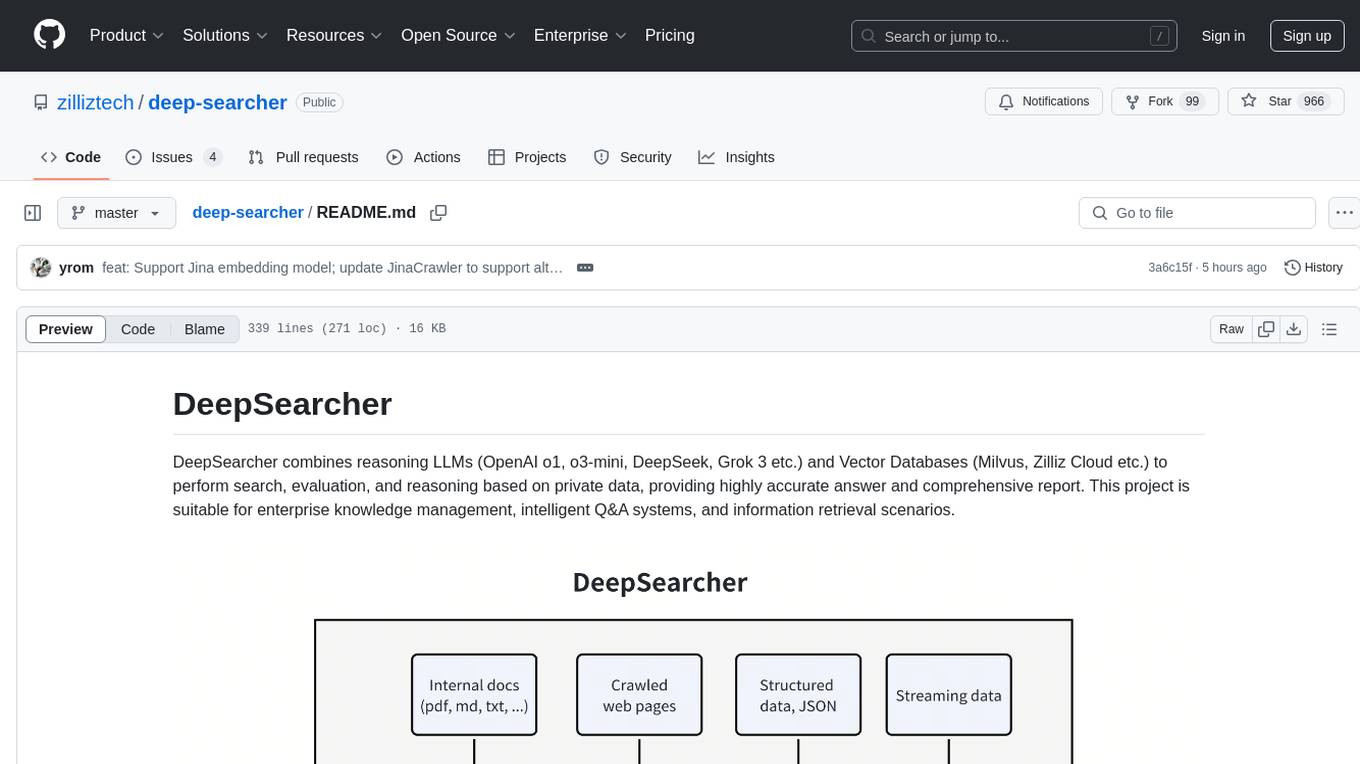
deep-searcher
DeepSearcher is a tool that combines reasoning LLMs and Vector Databases to perform search, evaluation, and reasoning based on private data. It is suitable for enterprise knowledge management, intelligent Q&A systems, and information retrieval scenarios. The tool maximizes the utilization of enterprise internal data while ensuring data security, supports multiple embedding models, and provides support for multiple LLMs for intelligent Q&A and content generation. It also includes features like private data search, vector database management, and document loading with web crawling capabilities under development.
sparkle
Sparkle is a tool that streamlines the process of building AI-driven features in applications using Large Language Models (LLMs). It guides users through creating and managing agents, defining tools, and interacting with LLM providers like OpenAI. Sparkle allows customization of LLM provider settings, model configurations, and provides a seamless integration with Sparkle Server for exposing agents via an OpenAI-compatible chat API endpoint.
For similar tasks
ChannelMonitor
Channel Monitor is a tool for monitoring OneAPI/NewAPI channels by testing the availability of each channel's models at regular intervals. It updates available models in the database, supports exclusion of channels and models, configurable intervals, multiple database types, concurrent testing, request rate limiting, Uptime Kuma integration, update notifications via SMTP email and Telegram Bot, and JSON/YAML configuration formats.
For similar jobs
db2rest
DB2Rest is a modern low-code REST DATA API platform that simplifies the development of intelligent applications. It seamlessly integrates existing and new databases with language models (LMs/LLMs) and vector stores, enabling the rapid delivery of context-aware, reasoning applications without vendor lock-in.
mage-ai
Mage is an open-source data pipeline tool for transforming and integrating data. It offers an easy developer experience, engineering best practices built-in, and data as a first-class citizen. Mage makes it easy to build, preview, and launch data pipelines, and provides observability and scaling capabilities. It supports data integrations, streaming pipelines, and dbt integration.
airbyte
Airbyte is an open-source data integration platform that makes it easy to move data from any source to any destination. With Airbyte, you can build and manage data pipelines without writing any code. Airbyte provides a library of pre-built connectors that make it easy to connect to popular data sources and destinations. You can also create your own connectors using Airbyte's no-code Connector Builder or low-code CDK. Airbyte is used by data engineers and analysts at companies of all sizes to build and manage their data pipelines.
labelbox-python
Labelbox is a data-centric AI platform for enterprises to develop, optimize, and use AI to solve problems and power new products and services. Enterprises use Labelbox to curate data, generate high-quality human feedback data for computer vision and LLMs, evaluate model performance, and automate tasks by combining AI and human-centric workflows. The academic & research community uses Labelbox for cutting-edge AI research.
telemetry-airflow
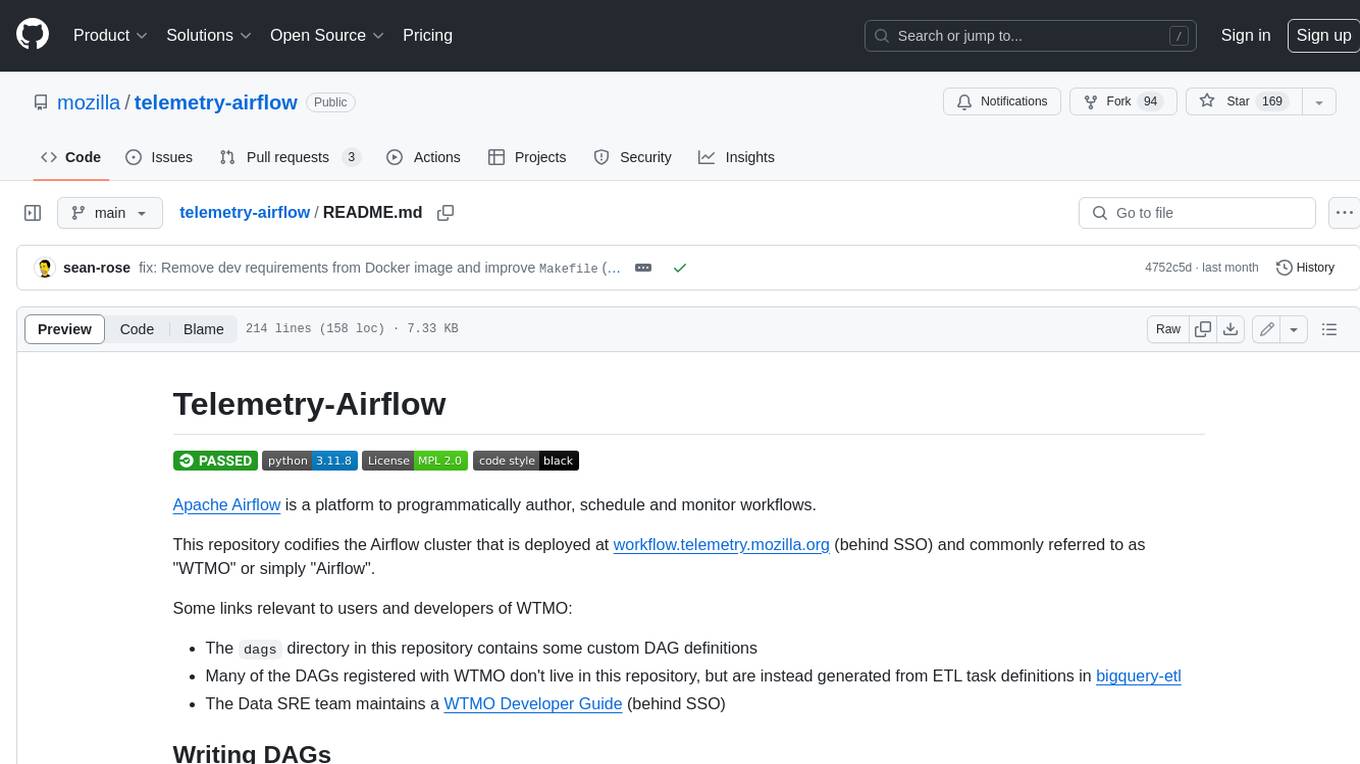
This repository codifies the Airflow cluster that is deployed at workflow.telemetry.mozilla.org (behind SSO) and commonly referred to as "WTMO" or simply "Airflow". Some links relevant to users and developers of WTMO: * The `dags` directory in this repository contains some custom DAG definitions * Many of the DAGs registered with WTMO don't live in this repository, but are instead generated from ETL task definitions in bigquery-etl * The Data SRE team maintains a WTMO Developer Guide (behind SSO)

airflow
Apache Airflow (or simply Airflow) is a platform to programmatically author, schedule, and monitor workflows. When workflows are defined as code, they become more maintainable, versionable, testable, and collaborative. Use Airflow to author workflows as directed acyclic graphs (DAGs) of tasks. The Airflow scheduler executes your tasks on an array of workers while following the specified dependencies. Rich command line utilities make performing complex surgeries on DAGs a snap. The rich user interface makes it easy to visualize pipelines running in production, monitor progress, and troubleshoot issues when needed.
airbyte-platform
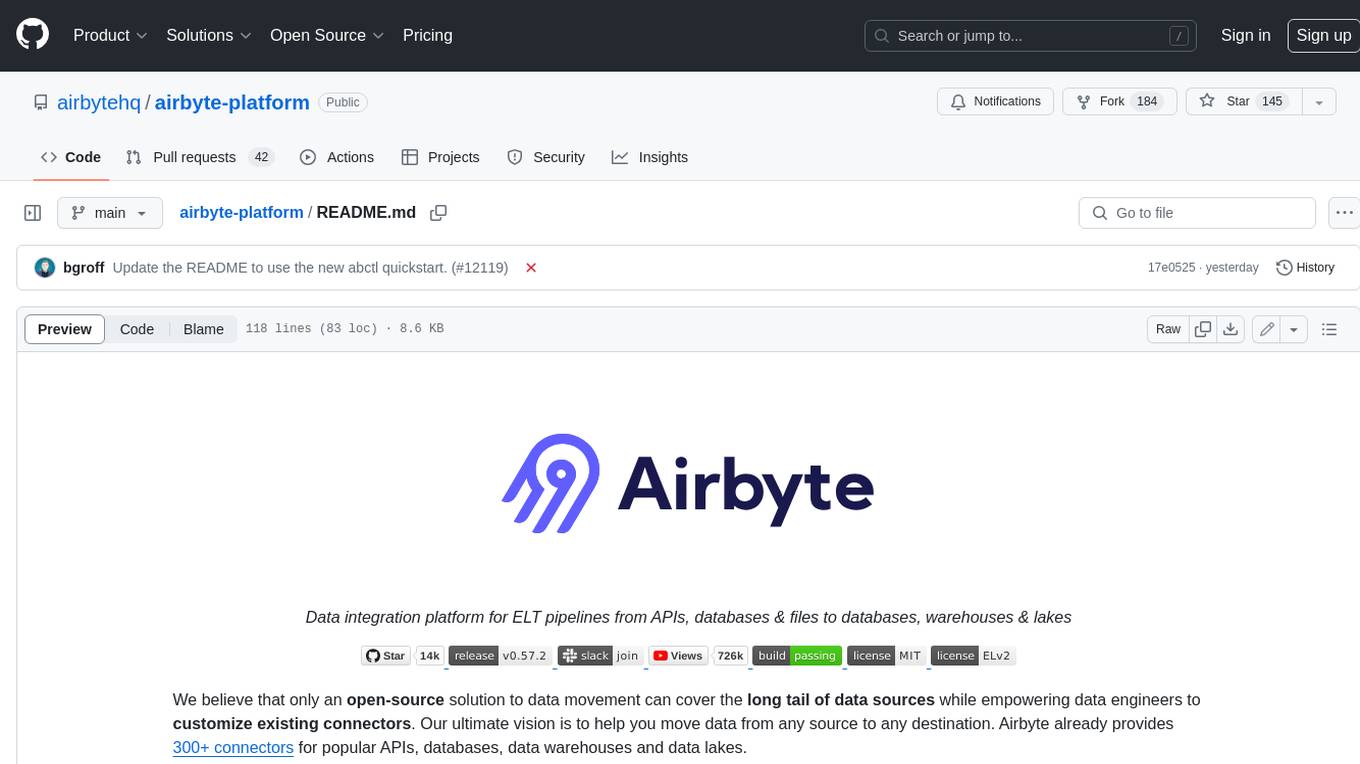
Airbyte is an open-source data integration platform that makes it easy to move data from any source to any destination. With Airbyte, you can build and manage data pipelines without writing any code. Airbyte provides a library of pre-built connectors that make it easy to connect to popular data sources and destinations. You can also create your own connectors using Airbyte's low-code Connector Development Kit (CDK). Airbyte is used by data engineers and analysts at companies of all sizes to move data for a variety of purposes, including data warehousing, data analysis, and machine learning.
chronon
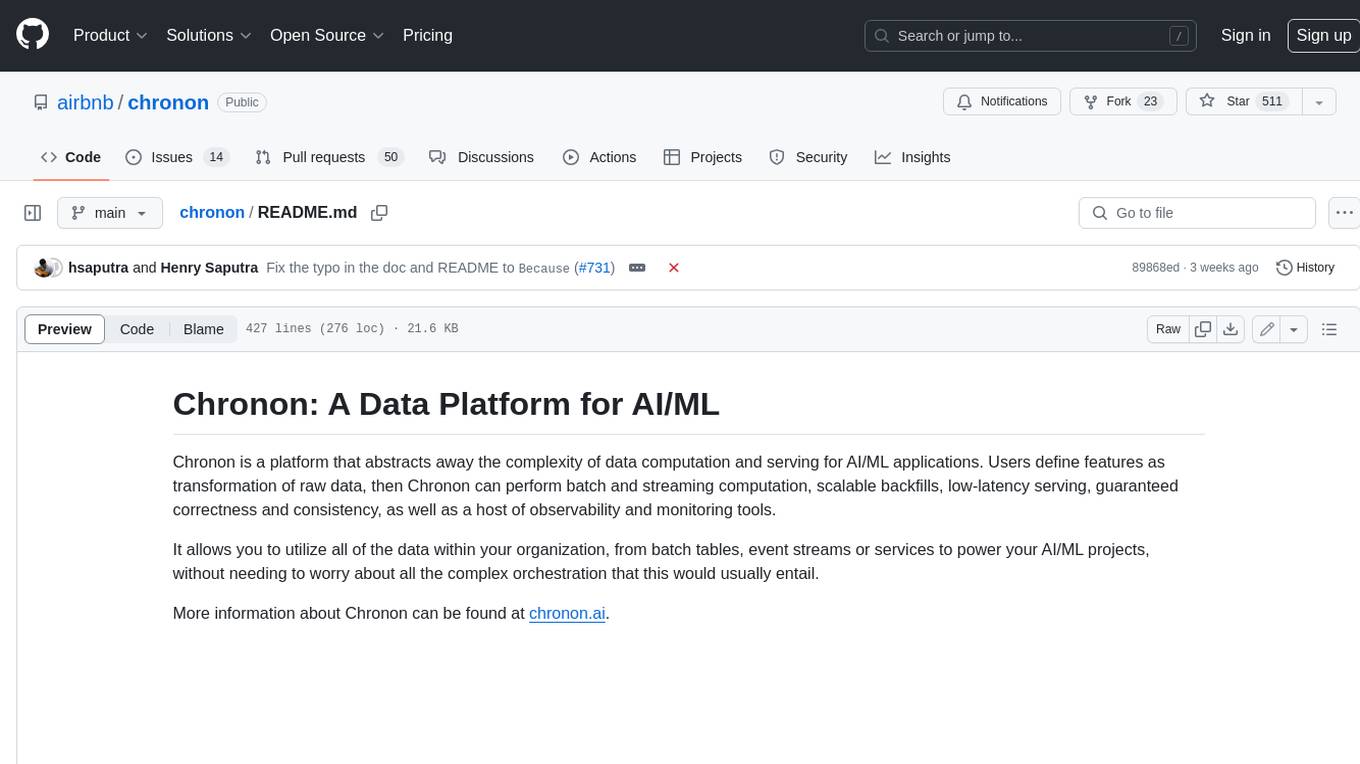
Chronon is a platform that simplifies and improves ML workflows by providing a central place to define features, ensuring point-in-time correctness for backfills, simplifying orchestration for batch and streaming pipelines, offering easy endpoints for feature fetching, and guaranteeing and measuring consistency. It offers benefits over other approaches by enabling the use of a broad set of data for training, handling large aggregations and other computationally intensive transformations, and abstracting away the infrastructure complexity of data plumbing.