


typst-mcp
Typst MCP Server is an MCP (Model Context Protocol) implementation that helps AI models interact with Typst, a markup-based typesetting system. The server provides tools for converting between LaTeX and Typst, validating Typst syntax, and generating images from Typst code.
Stars: 112
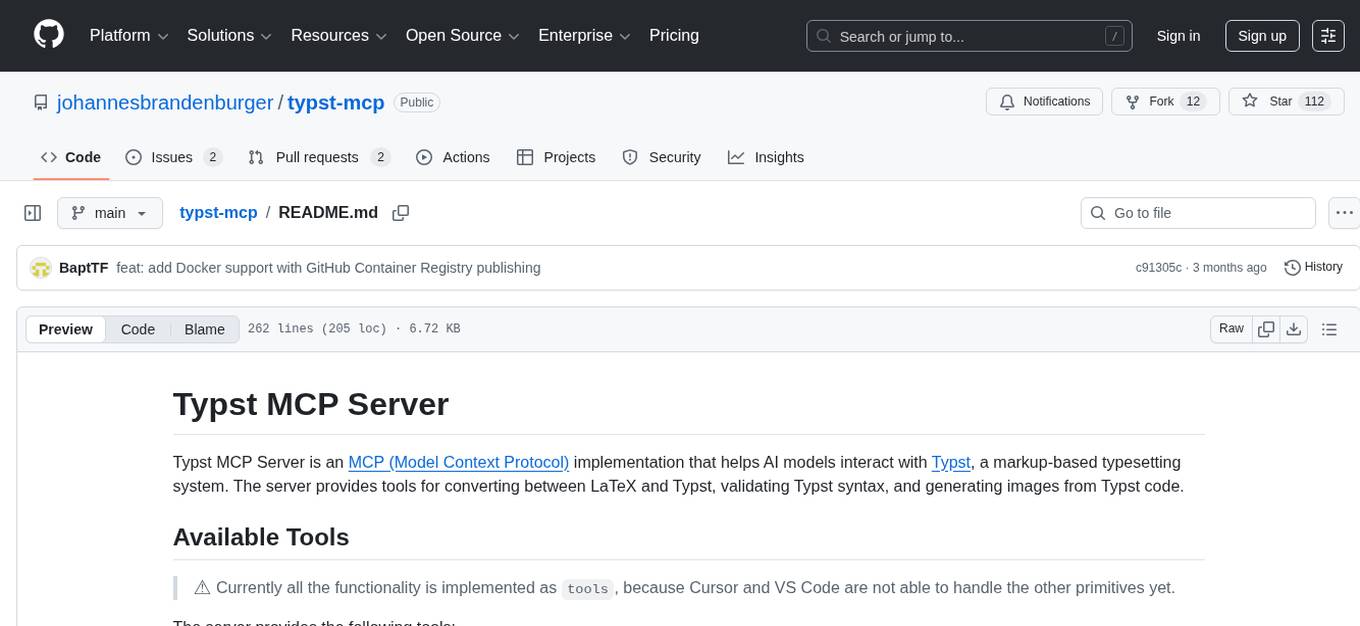
Typst MCP Server is an implementation of the Model Context Protocol (MCP) that facilitates interaction between AI models and Typst, a markup-based typesetting system. The server offers tools for converting between LaTeX and Typst, validating Typst syntax, and generating images from Typst code. It provides functions such as listing documentation chapters, retrieving specific chapters, converting LaTeX snippets to Typst, validating Typst syntax, and rendering Typst code to images. The server is designed to assist Language Model Managers (LLMs) in handling Typst-related tasks efficiently and accurately.
README:
Typst MCP Server is an MCP (Model Context Protocol) implementation that helps AI models interact with Typst, a markup-based typesetting system. The server provides tools for converting between LaTeX and Typst, validating Typst syntax, and generating images from Typst code.
⚠️ Currently all the functionality is implemented astools, because Cursor and VS Code are not able to handle the other primitives yet.
The server provides the following tools:
-
list_docs_chapters(): Lists all chapters in the Typst documentation.- Lets the LLM get an overview of the documentation and select a chapter to read.
- The LLM should select the relevant chapter to read based on the task at hand.
-
get_docs_chapter(route): Retrieves a specific chapter from the Typst documentation.- Based on the chapter selected by the LLM, this tool retrieves the content of the chapter.
- Also available as
get_docs_chapters(routes: list)for retrieving multiple chapters at once.
-
latex_snippet_to_typst(latex_snippet): Converts LaTeX code to Typst using Pandoc.- LLMs are better at writing LaTeX than Typst, so this tool helps convert LaTeX code to Typst.
- Also available as
latex_snippets_to_typst(latex_snippets: list)for converting multiple LaTeX snippets at once.
-
check_if_snippet_is_valid_typst_syntax(typst_snippet): Validates Typst code.- Before sending Typst code to the user, the LLM should check if the code is valid.
- Also available as
check_if_snippets_are_valid_typst_syntax(typst_snippets: list)for validating multiple Typst snippets at once.
-
typst_to_image(typst_snippet): Renders Typst code to a PNG image.- Before sending complex Typst illustrations to the user, the LLM should render the code to an image and check if it looks correct.
- Only relevant for multi modal models.
-
Clone this repository
git clone https://github.com/johannesbrandenburger/typst-mcp.git
-
Clone the typst repository
git clone https://github.com/typst/typst.git
-
Run the docs generation in the typst repository
-
cargo run --package typst-docs -- --assets-dir ../typst-mcp/typst-docs --out-file ../typst-mcp/typst-docs/main.json- Make sure to adjust the path to your local clone of the typst-mcp repository
- This will generate the
main.jsonand the assets in thetypst-docsfolder
-
-
Install required dependencies:
uv sync(install uv if not already installed) -
Install Typst
Execute the server script:
python server.pyOr install it in Claude Desktop with MCP:
mcp install server.pyOr use the new agent mode in VS Code:
Agent mode: available to all users and supports MCP
For Docker installation and usage, see DOCKER.md for detailed build information and instructions.
This MCP server can be integrated with various AI coding platforms. Below are configuration instructions for popular platforms:
Add the following to your Claude Desktop configuration file (claude_desktop_config.json):
macOS: ~/Library/Application Support/Claude/claude_desktop_config.json
Windows: %APPDATA%\Claude\claude_desktop_config.json
{
  "mcpServers": {
    "typst": {
      "command": "docker",
      "args": [
        "run", "--rm", "-i",
        "ghcr.io/johannesbrandenburger/typst-mcp:latest"
      ]
    }
  }
}
Or for local installation:
{
  "mcpServers": {
    "typst": {
      "command": "docker",
      "args": [
        "run", "--rm", "-i",
        "ghcr.io/johannesbrandenburger/typst-mcp:latest"
      ]
    }
  }
}Create .cursor/mcp.json in your project root for project-specific configuration:
{
  "mcpServers": {
    "typst": {
      "command": "docker",
      "args": [
        "run", "--rm", "-i",
        "ghcr.io/johannesbrandenburger/typst-mcp:latest"
      ]
    }
  }
}
Or create ~/.cursor/mcp.json for global configuration. For local installation:
{
  "mcpServers": {
    "typst": {
      "command": "python",
      "args": ["/path/to/typst-mcp/server.py"]
    }
  }
}Create .roo/mcp.json in your project root for project-specific configuration:
{
  "mcpServers": {
    "typst": {
      "command": "docker",
      "args": [
        "run", "--rm", "-i",
        "ghcr.io/johannesbrandenburger/typst-mcp:latest"
      ]
    }
  }
}
Or edit global settings via Roo Code MCP settings view. For local installation:
{
  "mcpServers": {
    "typst": {
      "command": "python",
      "args": ["/path/to/typst-mcp/server.py"]
    }
  }
}Create or edit the opencode.json file in your project root:
{
  "$schema": "https://opencode.ai/config.json",
  "mcp": {
    "typst": {
      "type": "local",
      "command": ["docker", "run", "--rm", "-i",
        "ghcr.io/johannesbrandenburger/typst-mcp:latest"
      ],
      "enabled": true
    }
  }
}
For local installation:
{
  "$schema": "https://opencode.ai/config.json",
  "mcp": {
    "typst": {
      "type": "local",
      "command": ["python", "/path/to/typst-mcp/server.py"],
      "enabled": true
    }
  }
}Configure MCP servers in your Claude Code settings file (~/.claude/settings.json):
{
  "mcpServers": {
    "typst": {
      "command": "docker",
      "args": [
        "run", "--rm", "-i",
        "ghcr.io/johannesbrandenburger/typst-mcp:latest"
      ]
    }
  }
}
Or for local installation:
{
  "mcpServers": {
    "typst": {
      "command": "python",
      "args": ["/path/to/typst-mcp/server.py"]
    }
  }
}
VS Code's Agent Mode has native MCP support (no extension required):
- Enable Agent Mode in VS Code settings (
chat.agent.enabled) - Create
.vscode/mcp.jsonin your workspace:
{
  "servers": {
    "typst": {
      "command": "docker",
      "args": [
        "run", "--rm", "-i",
        "ghcr.io/johannesbrandenburger/typst-mcp:latest"
      ]
    }
  }
}
For global configuration, add to your user profile via MCP: Open User Configuration command.
⚠️ The schema of the typst documentation is not stable and may change at any time. The schema is generated from the typst source code and is not guaranteed to be complete or correct. If the schema changes, this repository will need to be updated accordingly, so that the docs functionality works again.
For Tasks:
Click tags to check more tools for each tasksFor Jobs:
Alternative AI tools for typst-mcp
Similar Open Source Tools
typst-mcp
Typst MCP Server is an implementation of the Model Context Protocol (MCP) that facilitates interaction between AI models and Typst, a markup-based typesetting system. The server offers tools for converting between LaTeX and Typst, validating Typst syntax, and generating images from Typst code. It provides functions such as listing documentation chapters, retrieving specific chapters, converting LaTeX snippets to Typst, validating Typst syntax, and rendering Typst code to images. The server is designed to assist Language Model Managers (LLMs) in handling Typst-related tasks efficiently and accurately.
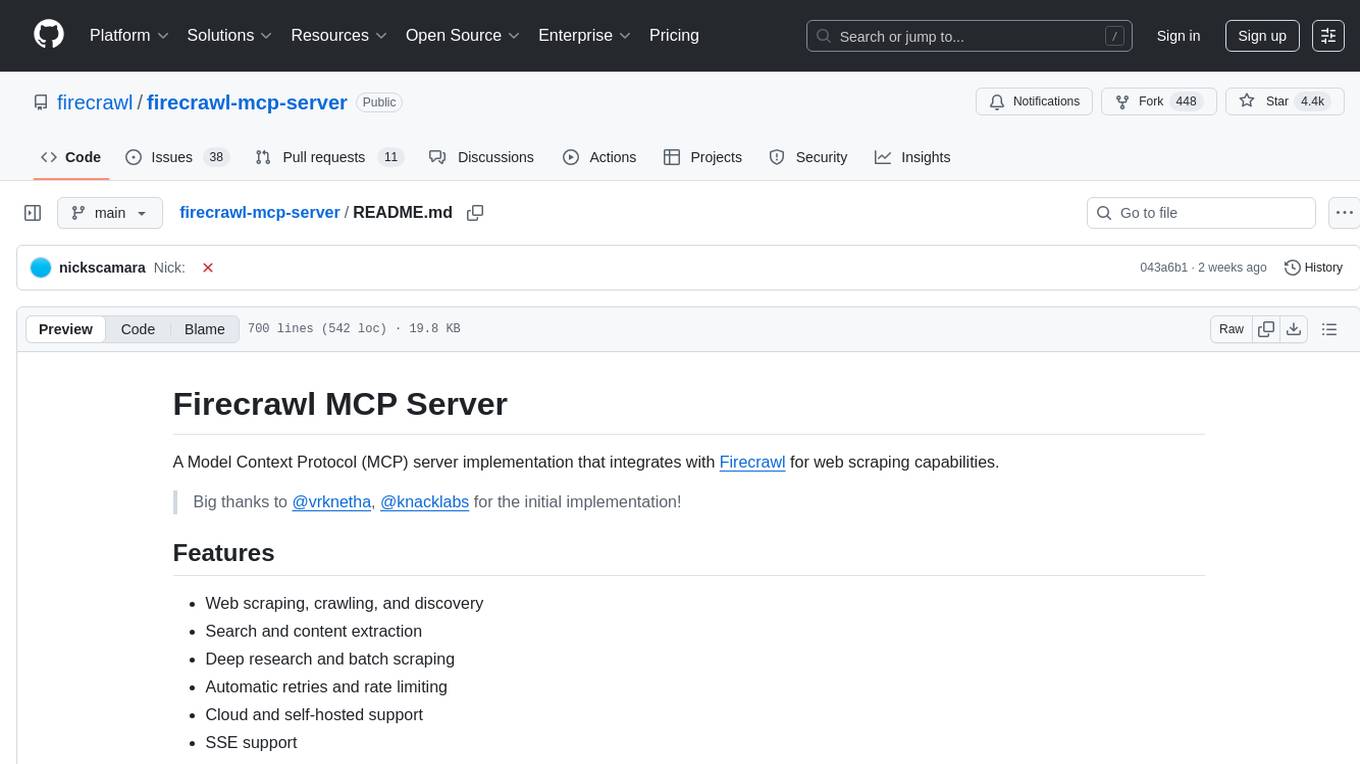
firecrawl-mcp-server
Firecrawl MCP Server is a Model Context Protocol (MCP) server implementation that integrates with Firecrawl for web scraping capabilities. It offers features such as web scraping, crawling, and discovery, search and content extraction, deep research and batch scraping, automatic retries and rate limiting, cloud and self-hosted support, and SSE support. The server can be configured to run with various tools like Cursor, Windsurf, SSE Local Mode, Smithery, and VS Code. It supports environment variables for cloud API and optional configurations for retry settings and credit usage monitoring. The server includes tools for scraping, batch scraping, mapping, searching, crawling, and extracting structured data from web pages. It provides detailed logging and error handling functionalities for robust performance.
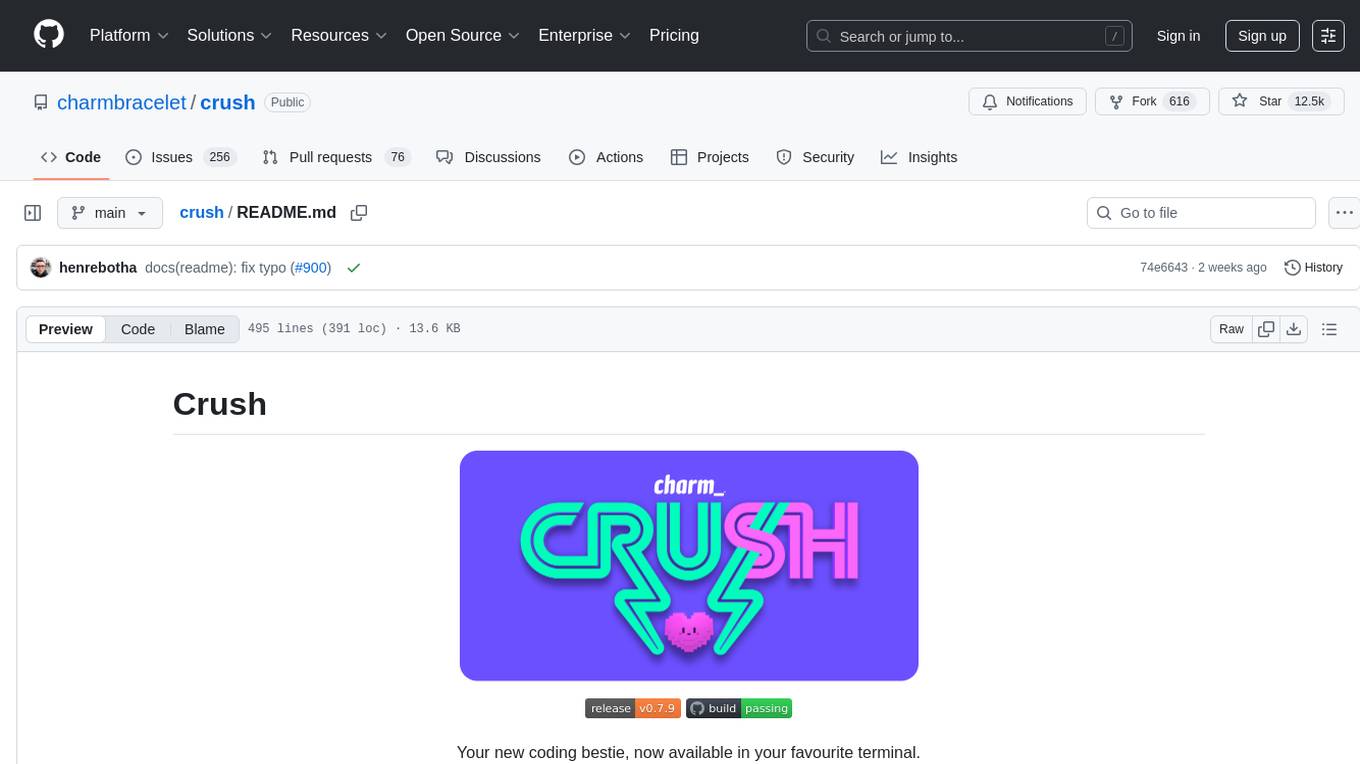
crush
Crush is a versatile tool designed to enhance coding workflows in your terminal. It offers support for multiple LLMs, allows for flexible switching between models, and enables session-based work management. Crush is extensible through MCPs and works across various operating systems. It can be installed using package managers like Homebrew and NPM, or downloaded directly. Crush supports various APIs like Anthropic, OpenAI, Groq, and Google Gemini, and allows for customization through environment variables. The tool can be configured locally or globally, and supports LSPs for additional context. Crush also provides options for ignoring files, allowing tools, and configuring local models. It respects `.gitignore` files and offers logging capabilities for troubleshooting and debugging.
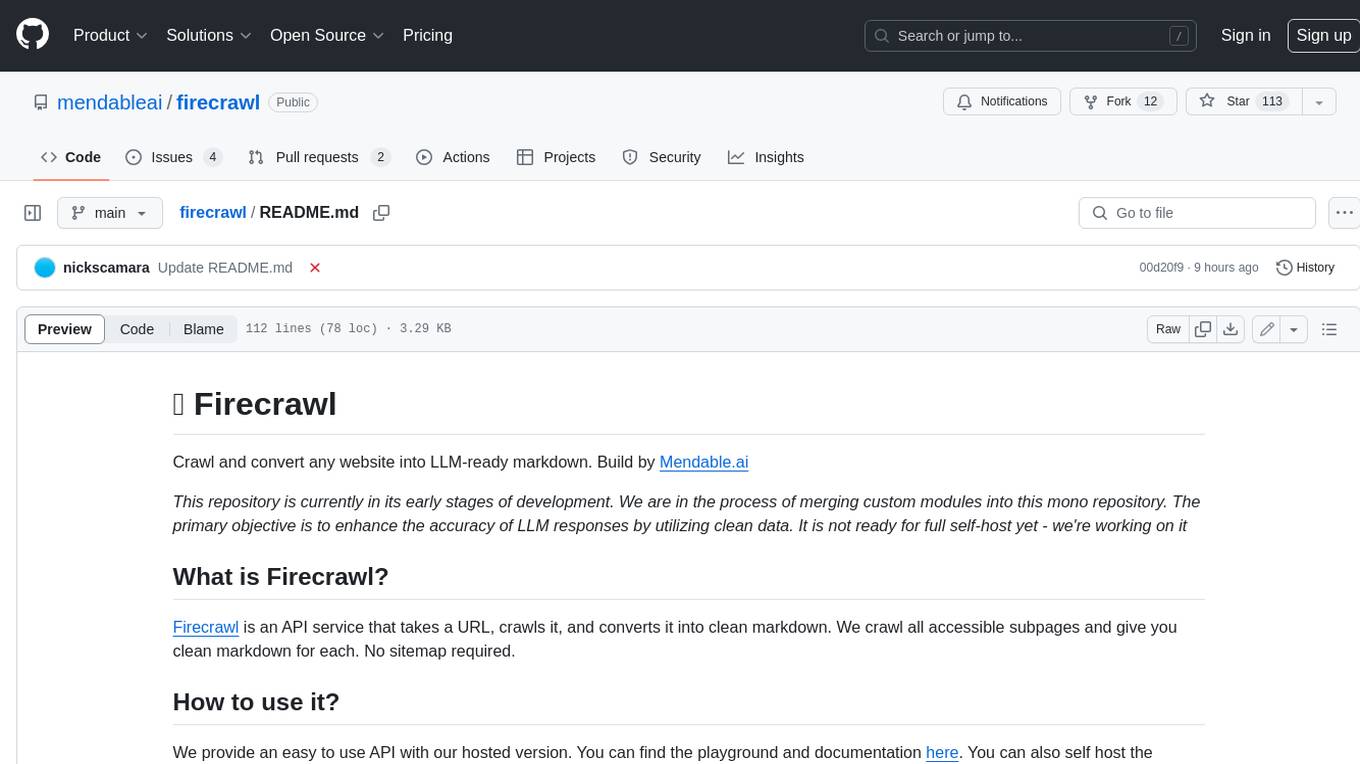
firecrawl
Firecrawl is an API service that takes a URL, crawls it, and converts it into clean markdown. It crawls all accessible subpages and provides clean markdown for each, without requiring a sitemap. The API is easy to use and can be self-hosted. It also integrates with Langchain and Llama Index. The Python SDK makes it easy to crawl and scrape websites in Python code.
firecrawl
Firecrawl is an API service that empowers AI applications with clean data from any website. It features advanced scraping, crawling, and data extraction capabilities. The repository is still in development, integrating custom modules into the mono repo. Users can run it locally but it's not fully ready for self-hosted deployment yet. Firecrawl offers powerful capabilities like scraping, crawling, mapping, searching, and extracting structured data from single pages, multiple pages, or entire websites with AI. It supports various formats, actions, and batch scraping. The tool is designed to handle proxies, anti-bot mechanisms, dynamic content, media parsing, change tracking, and more. Firecrawl is available as an open-source project under the AGPL-3.0 license, with additional features offered in the cloud version.
openmacro
Openmacro is a multimodal personal agent that allows users to run code locally. It acts as a personal agent capable of completing and automating tasks autonomously via self-prompting. The tool provides a CLI natural-language interface for completing and automating tasks, analyzing and plotting data, browsing the web, and manipulating files. Currently, it supports API keys for models powered by SambaNova, with plans to add support for other hosts like OpenAI and Anthropic in future versions.
firecrawl-mcp-server
Firecrawl MCP Server is a Model Context Protocol (MCP) server implementation that integrates with Firecrawl for web scraping capabilities. It supports features like scrape, crawl, search, extract, and batch scrape. It provides web scraping with JS rendering, URL discovery, web search with content extraction, automatic retries with exponential backoff, credit usage monitoring, comprehensive logging system, support for cloud and self-hosted FireCrawl instances, mobile/desktop viewport support, and smart content filtering with tag inclusion/exclusion. The server includes configurable parameters for retry behavior and credit usage monitoring, rate limiting and batch processing capabilities, and tools for scraping, batch scraping, checking batch status, searching, crawling, and extracting structured information from web pages.
ruby-openai
Use the OpenAI API with Ruby! 🤖🩵 Stream text with GPT-4, transcribe and translate audio with Whisper, or create images with DALL·E... Hire me | 🎮 Ruby AI Builders Discord | 🐦 Twitter | 🧠 Anthropic Gem | 🚂 Midjourney Gem ## Table of Contents * Ruby OpenAI * Table of Contents * Installation * Bundler * Gem install * Usage * Quickstart * With Config * Custom timeout or base URI * Extra Headers per Client * Logging * Errors * Faraday middleware * Azure * Ollama * Counting Tokens * Models * Examples * Chat * Streaming Chat * Vision * JSON Mode * Functions * Edits * Embeddings * Batches * Files * Finetunes * Assistants * Threads and Messages * Runs * Runs involving function tools * Image Generation * DALL·E 2 * DALL·E 3 * Image Edit * Image Variations * Moderations * Whisper * Translate * Transcribe * Speech * Errors * Development * Release * Contributing * License * Code of Conduct
aiavatarkit
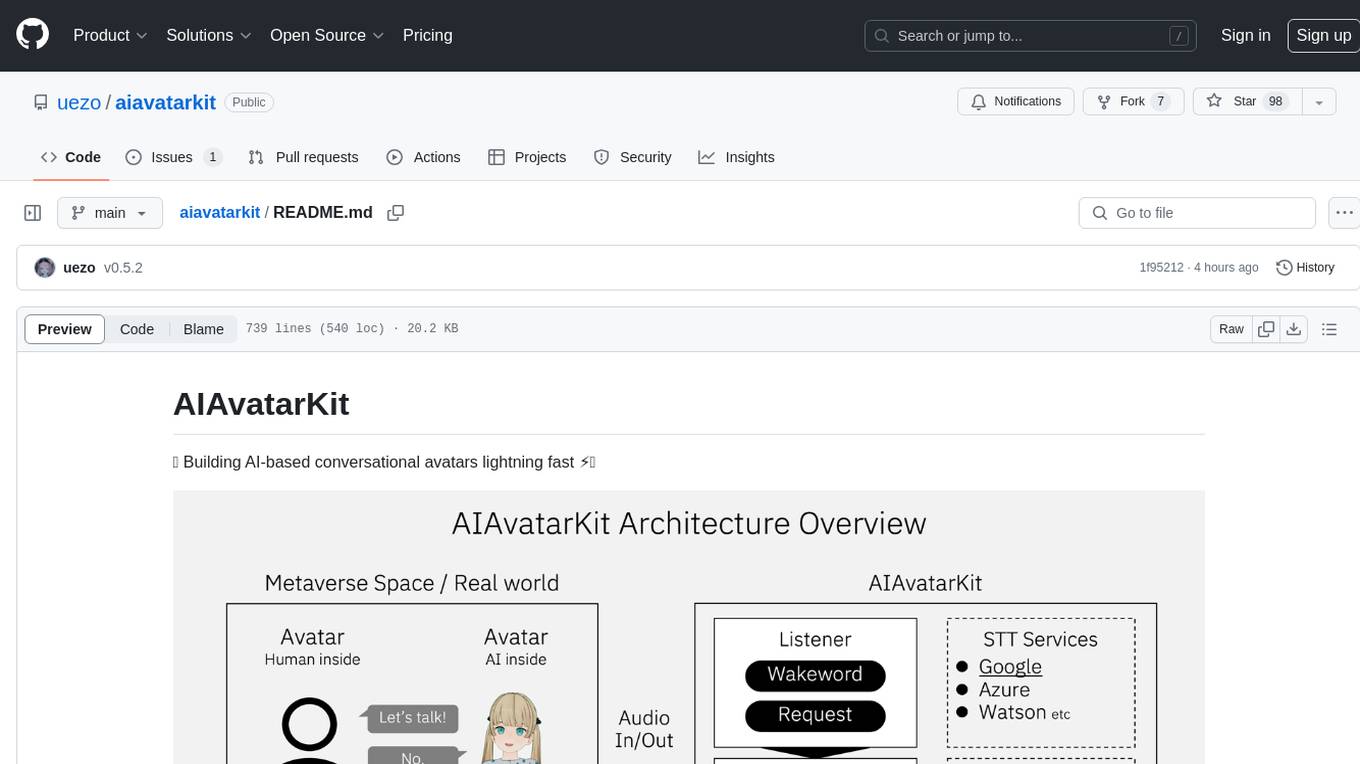
AIAvatarKit is a tool for building AI-based conversational avatars quickly. It supports various platforms like VRChat and cluster, along with real-world devices. The tool is extensible, allowing unlimited capabilities based on user needs. It requires VOICEVOX API, Google or Azure Speech Services API keys, and Python 3.10. Users can start conversations out of the box and enjoy seamless interactions with the avatars.
llm-sandbox
LLM Sandbox is a lightweight and portable sandbox environment designed to securely execute large language model (LLM) generated code in a safe and isolated manner using Docker containers. It provides an easy-to-use interface for setting up, managing, and executing code in a controlled Docker environment, simplifying the process of running code generated by LLMs. The tool supports multiple programming languages, offers flexibility with predefined Docker images or custom Dockerfiles, and allows scalability with support for Kubernetes and remote Docker hosts.
AICentral
AI Central is a powerful tool designed to take control of your AI services with minimal overhead. It is built on Asp.Net Core and dotnet 8, offering fast web-server performance. The tool enables advanced Azure APIm scenarios, PII stripping logging to Cosmos DB, token metrics through Open Telemetry, and intelligent routing features. AI Central supports various endpoint selection strategies, proxying asynchronous requests, custom OAuth2 authorization, circuit breakers, rate limiting, and extensibility through plugins. It provides an extensibility model for easy plugin development and offers enriched telemetry and logging capabilities for monitoring and insights.
vim-ai
vim-ai is a plugin that adds Artificial Intelligence (AI) capabilities to Vim and Neovim. It allows users to generate code, edit text, and have interactive conversations with GPT models powered by OpenAI's API. The plugin uses OpenAI's API to generate responses, requiring users to set up an account and obtain an API key. It supports various commands for text generation, editing, and chat interactions, providing a seamless integration of AI features into the Vim text editor environment.
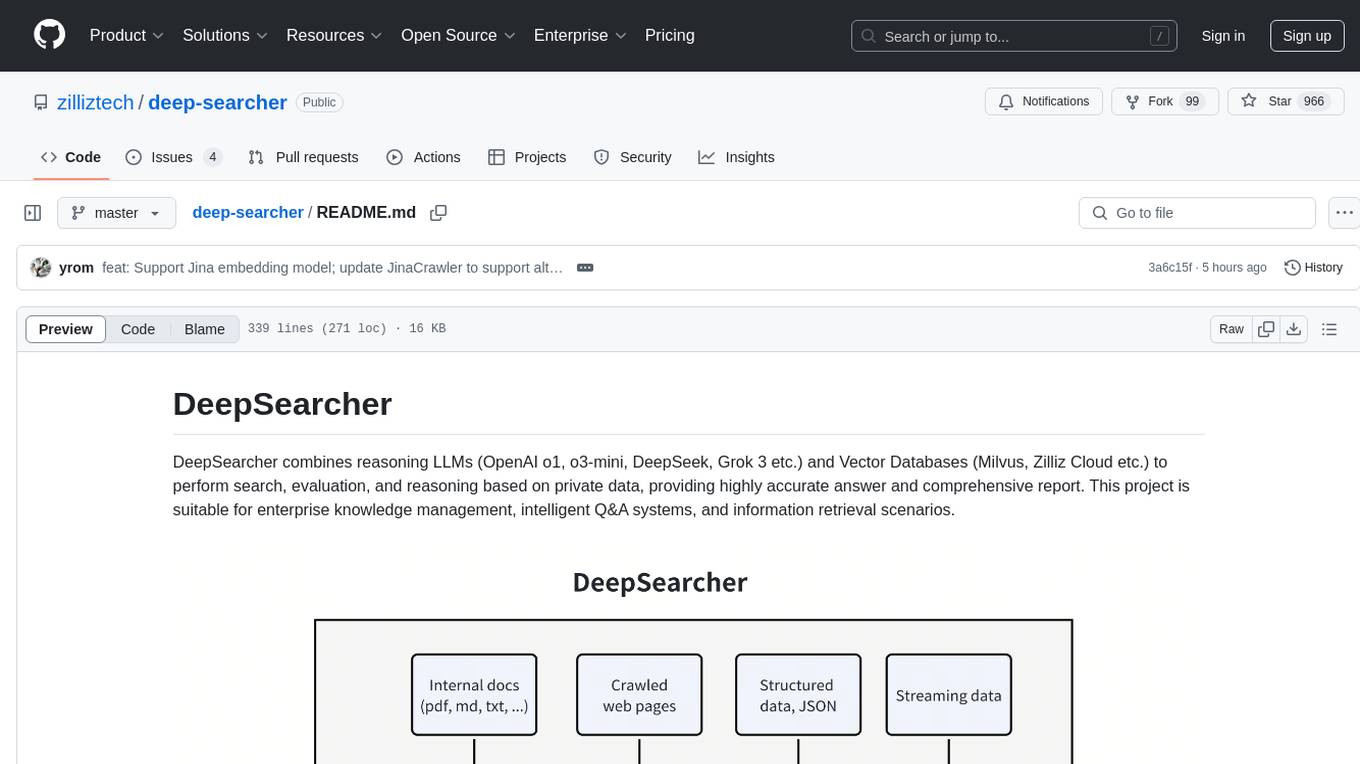
deep-searcher
DeepSearcher is a tool that combines reasoning LLMs and Vector Databases to perform search, evaluation, and reasoning based on private data. It is suitable for enterprise knowledge management, intelligent Q&A systems, and information retrieval scenarios. The tool maximizes the utilization of enterprise internal data while ensuring data security, supports multiple embedding models, and provides support for multiple LLMs for intelligent Q&A and content generation. It also includes features like private data search, vector database management, and document loading with web crawling capabilities under development.
VectorETL
VectorETL is a lightweight ETL framework designed to assist Data & AI engineers in processing data for AI applications quickly. It streamlines the conversion of diverse data sources into vector embeddings and storage in various vector databases. The framework supports multiple data sources, embedding models, and vector database targets, simplifying the creation and management of vector search systems for semantic search, recommendation systems, and other vector-based operations.
promptic
Promptic is a tool designed for LLM app development, providing a productive and pythonic way to build LLM applications. It leverages LiteLLM, allowing flexibility to switch LLM providers easily. Promptic focuses on building features by providing type-safe structured outputs, easy-to-build agents, streaming support, automatic prompt caching, and built-in conversation memory.
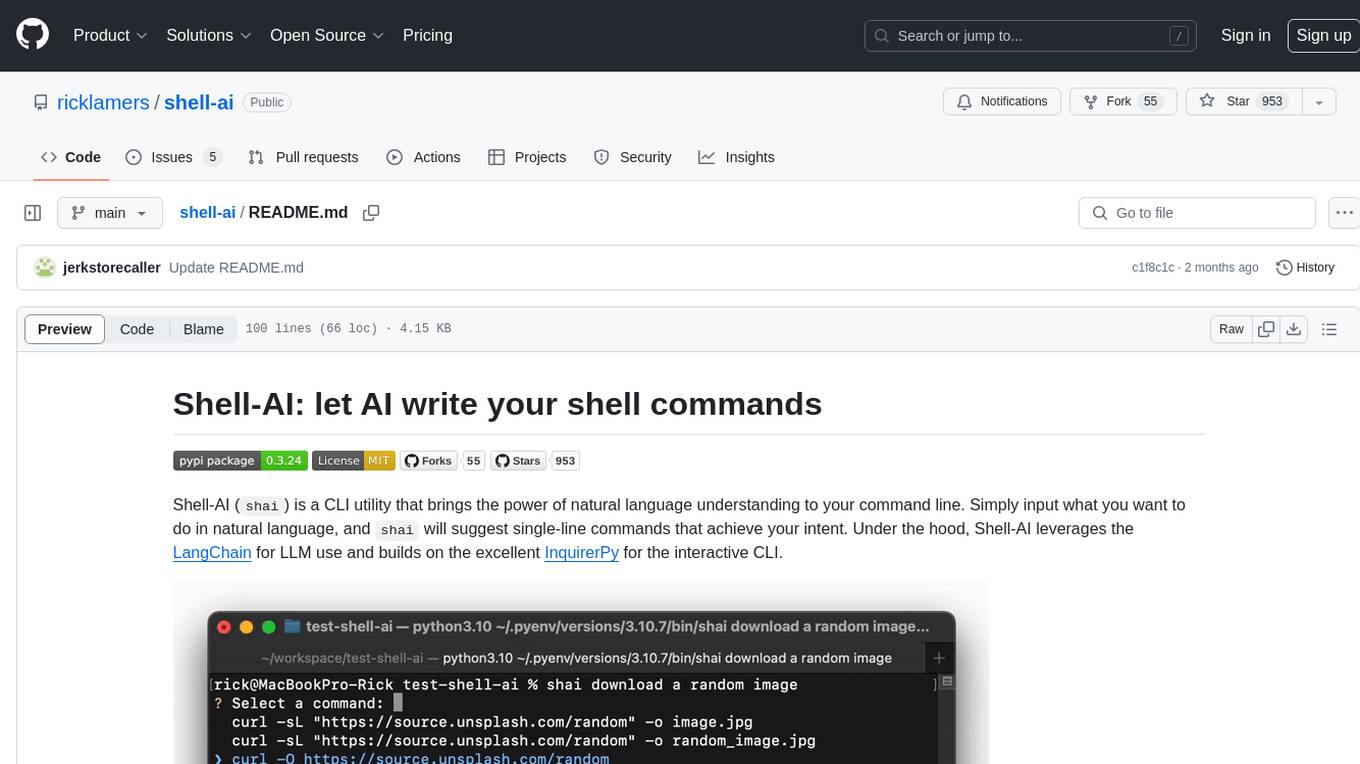
shell-ai
Shell-AI (`shai`) is a CLI utility that enables users to input commands in natural language and receive single-line command suggestions. It leverages natural language understanding and interactive CLI tools to enhance command line interactions. Users can describe tasks in plain English and receive corresponding command suggestions, making it easier to execute commands efficiently. Shell-AI supports cross-platform usage and is compatible with Azure OpenAI deployments, offering a user-friendly and efficient way to interact with the command line.
For similar tasks
typst-mcp
Typst MCP Server is an implementation of the Model Context Protocol (MCP) that facilitates interaction between AI models and Typst, a markup-based typesetting system. The server offers tools for converting between LaTeX and Typst, validating Typst syntax, and generating images from Typst code. It provides functions such as listing documentation chapters, retrieving specific chapters, converting LaTeX snippets to Typst, validating Typst syntax, and rendering Typst code to images. The server is designed to assist Language Model Managers (LLMs) in handling Typst-related tasks efficiently and accurately.
vasttools
This repository contains a collection of tools that can be used with vastai. The tools are free to use, modify and distribute. If you find this useful and wish to donate your welcome to send your donations to the following wallets. BTC 15qkQSYXP2BvpqJkbj2qsNFb6nd7FyVcou XMR 897VkA8sG6gh7yvrKrtvWningikPteojfSgGff3JAUs3cu7jxPDjhiAZRdcQSYPE2VGFVHAdirHqRZEpZsWyPiNK6XPQKAg RVN RSgWs9Co8nQeyPqQAAqHkHhc5ykXyoMDUp USDT(ETH ERC20) 0xa5955cf9fe7af53bcaa1d2404e2b17a1f28aac4f Paypal PayPal.Me/cryptolabsZA
oneAPI-samples
The oneAPI-samples repository contains a collection of samples for the Intel oneAPI Toolkits. These samples cover various topics such as AI and analytics, end-to-end workloads, features and functionality, getting started samples, Jupyter notebooks, direct programming, C++, Fortran, libraries, publications, rendering toolkit, and tools. Users can find samples based on expertise, programming language, and target device. The repository structure is organized by high-level categories, and platform validation includes Ubuntu 22.04, Windows 11, and macOS. The repository provides instructions for getting samples, including cloning the repository or downloading specific tagged versions. Users can also use integrated development environments (IDEs) like Visual Studio Code. The code samples are licensed under the MIT license.
syncode
SynCode is a novel framework for the grammar-guided generation of Large Language Models (LLMs) that ensures syntactically valid output with respect to defined Context-Free Grammar (CFG) rules. It supports general-purpose programming languages like Python, Go, SQL, JSON, and more, allowing users to define custom grammars using EBNF syntax. The tool compares favorably to other constrained decoders and offers features like fast grammar-guided generation, compatibility with HuggingFace Language Models, and the ability to work with various decoding strategies.
For similar jobs
ludwig
Ludwig is a declarative deep learning framework designed for scale and efficiency. It is a low-code framework that allows users to build custom AI models like LLMs and other deep neural networks with ease. Ludwig offers features such as optimized scale and efficiency, expert level control, modularity, and extensibility. It is engineered for production with prebuilt Docker containers, support for running with Ray on Kubernetes, and the ability to export models to Torchscript and Triton. Ludwig is hosted by the Linux Foundation AI & Data.
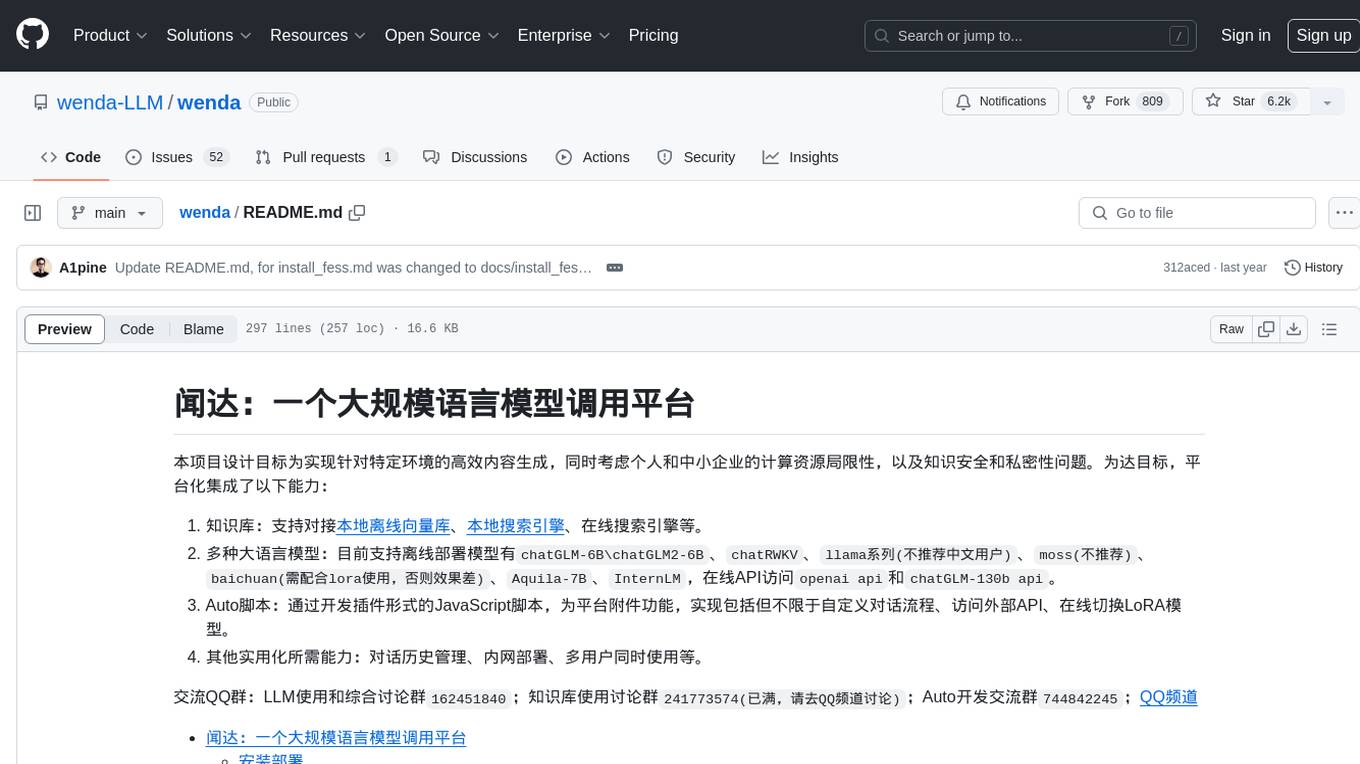
wenda
Wenda is a platform for large-scale language model invocation designed to efficiently generate content for specific environments, considering the limitations of personal and small business computing resources, as well as knowledge security and privacy issues. The platform integrates capabilities such as knowledge base integration, multiple large language models for offline deployment, auto scripts for additional functionality, and other practical capabilities like conversation history management and multi-user simultaneous usage.
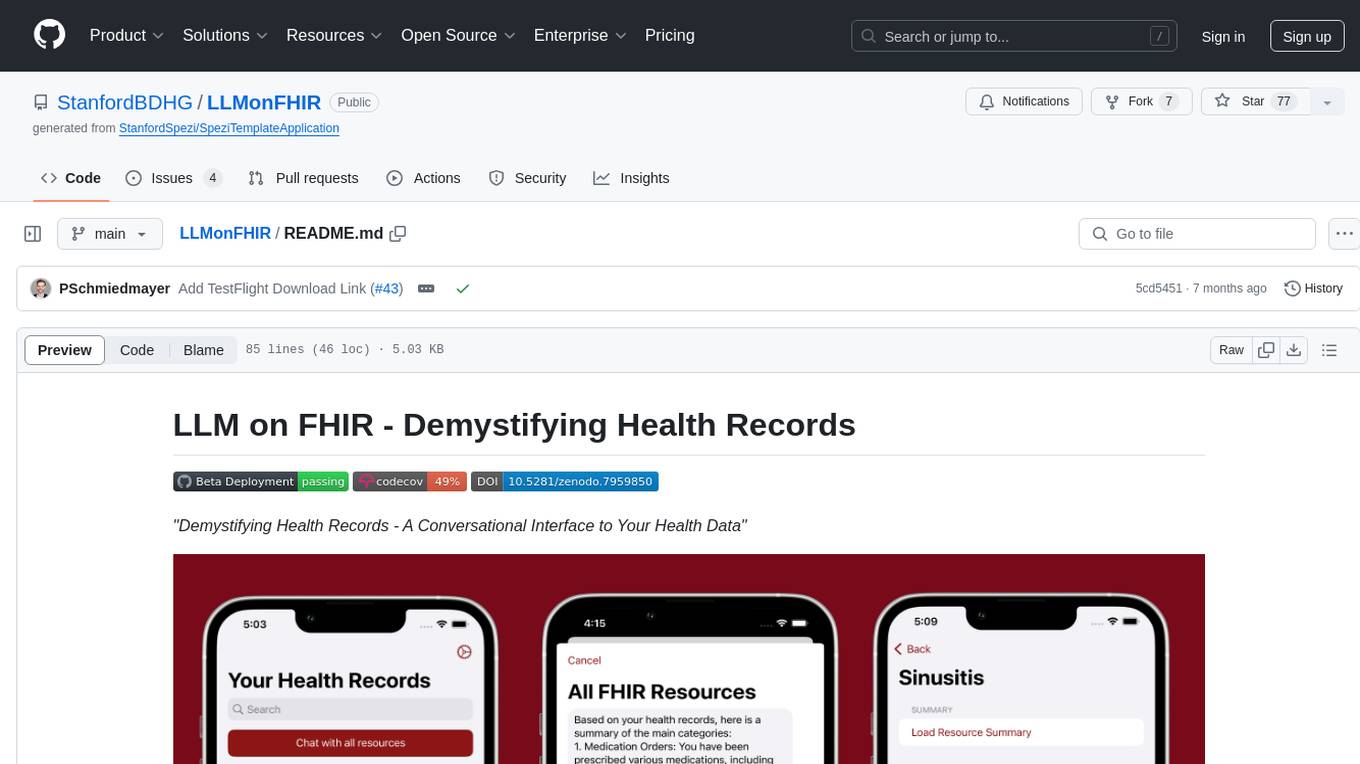
LLMonFHIR
LLMonFHIR is an iOS application that utilizes large language models (LLMs) to interpret and provide context around patient data in the Fast Healthcare Interoperability Resources (FHIR) format. It connects to the OpenAI GPT API to analyze FHIR resources, supports multiple languages, and allows users to interact with their health data stored in the Apple Health app. The app aims to simplify complex health records, provide insights, and facilitate deeper understanding through a conversational interface. However, it is an experimental app for informational purposes only and should not be used as a substitute for professional medical advice. Users are advised to verify information provided by AI models and consult healthcare professionals for personalized advice.
Chinese-Mixtral-8x7B
Chinese-Mixtral-8x7B is an open-source project based on Mistral's Mixtral-8x7B model for incremental pre-training of Chinese vocabulary, aiming to advance research on MoE models in the Chinese natural language processing community. The expanded vocabulary significantly improves the model's encoding and decoding efficiency for Chinese, and the model is pre-trained incrementally on a large-scale open-source corpus, enabling it with powerful Chinese generation and comprehension capabilities. The project includes a large model with expanded Chinese vocabulary and incremental pre-training code.
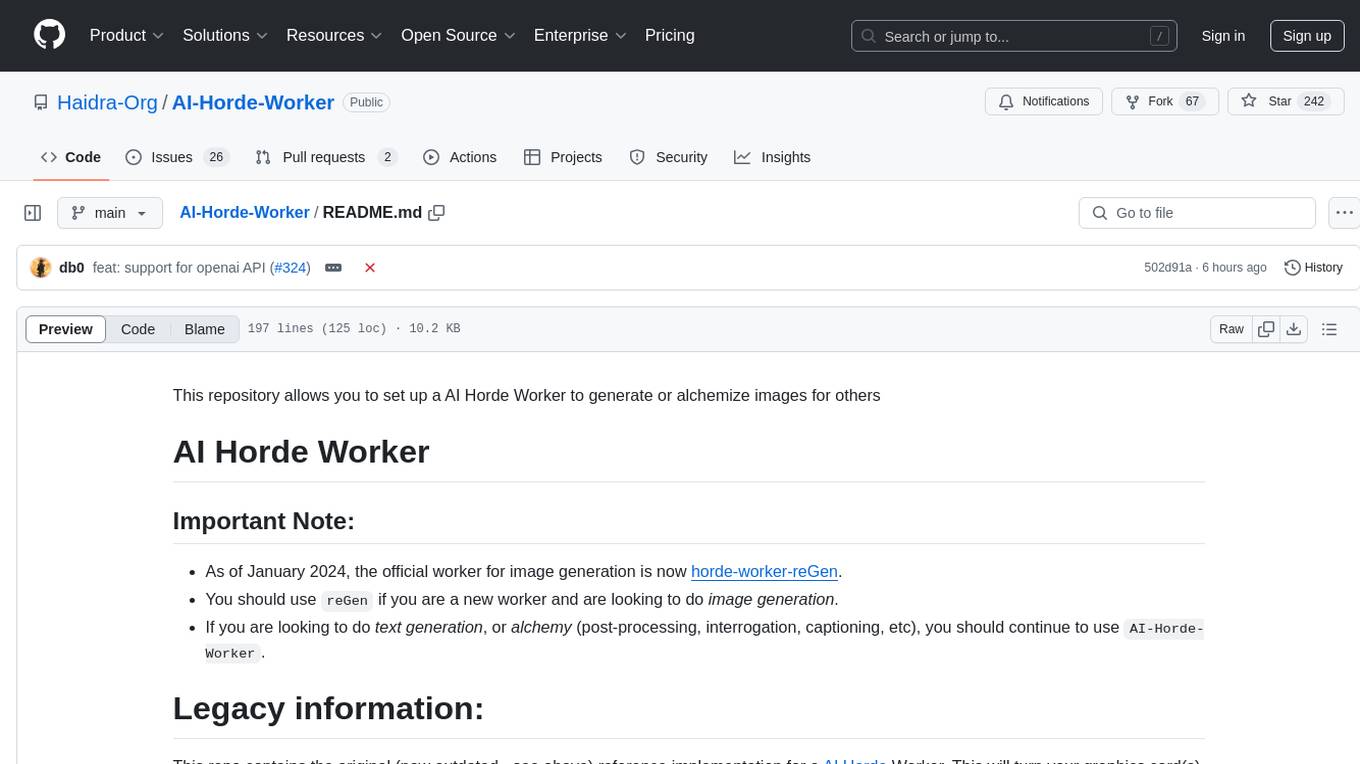
AI-Horde-Worker
AI-Horde-Worker is a repository containing the original reference implementation for a worker that turns your graphics card(s) into a worker for the AI Horde. It allows users to generate or alchemize images for others. The repository provides instructions for setting up the worker on Windows and Linux, updating the worker code, running with multiple GPUs, and stopping the worker. Users can configure the worker using a WebUI to connect to the horde with their username and API key. The repository also includes information on model usage and running the Docker container with specified environment variables.
openshield
OpenShield is a firewall designed for AI models to protect against various attacks such as prompt injection, insecure output handling, training data poisoning, model denial of service, supply chain vulnerabilities, sensitive information disclosure, insecure plugin design, excessive agency granting, overreliance, and model theft. It provides rate limiting, content filtering, and keyword filtering for AI models. The tool acts as a transparent proxy between AI models and clients, allowing users to set custom rate limits for OpenAI endpoints and perform tokenizer calculations for OpenAI models. OpenShield also supports Python and LLM based rules, with upcoming features including rate limiting per user and model, prompts manager, content filtering, keyword filtering based on LLM/Vector models, OpenMeter integration, and VectorDB integration. The tool requires an OpenAI API key, Postgres, and Redis for operation.
VoAPI
VoAPI is a new high-value/high-performance AI model interface management and distribution system. It is a closed-source tool for personal learning use only, not for commercial purposes. Users must comply with upstream AI model service providers and legal regulations. The system offers a visually appealing interface, independent development documentation page support, service monitoring page configuration support, and third-party login support. It also optimizes interface elements, user registration time support, data operation button positioning, and more.
VoAPI
VoAPI is a new high-value/high-performance AI model interface management and distribution system. It is a closed-source tool for personal learning use only, not for commercial purposes. Users must comply with upstream AI model service providers and legal regulations. The system offers a visually appealing interface with features such as independent development documentation page support, service monitoring page configuration support, and third-party login support. Users can manage user registration time, optimize interface elements, and support features like online recharge, model pricing display, and sensitive word filtering. VoAPI also provides support for various AI models and platforms, with the ability to configure homepage templates, model information, and manufacturer information.