


agent-scan
Security scanner for AI agents, MCP servers and agent skills.
Stars: 1464
MCP-scan is a security scanning tool designed to discover and scan agent components on a machine for prompt injections and vulnerabilities. It helps keep an inventory of installed agent components and scans them for threats like prompt injections, sensitive data handling, and malware payloads. The tool can auto-discover MCP configurations, agent tools, and skills, and detect security vulnerabilities in both servers and agent skills. It operates in two main modes - scanning and proxying, offering features like scanning for prompt injection attacks, enforcing guardrailing policies, monitoring MCP traffic in real-time, and detecting cross-origin escalation attacks. MCP-scan does not store or log any usage data and can be used to scan MCP configurations for security vulnerabilities and manage whitelist of approved entities.
README:
Discover and scan agent components on your machine for prompt injections
and vulnerabilities (including agents, MCP servers, skills).
NEW Read our technical report on the emerging threats of the agent skill eco-system published together with mcp-scan 0.4, which adds support for scanning agent skills.




MCP-scan helps you keep an inventory of all your installed agent components (harnesses, MCP servers, skills) and scans them for common threats like prompt injections, sensitive data handling or malware payloads hidden natural language.
- Auto-discover MCP configurations, agent tools, skills
- Detects MCP Security Vulnerabilities:
- Prompt Injection Attacks
- Tool Poisoning Attacks
- Toxic Flows
- Scan local STDIO MCP servers and remote HTTP/SSE MCP servers
- Detects Agent Skill Vulnerabilities:
- Prompt Injection Attacks, Malware Payloads
- Exposure to untrusted third parties (e.g. moltbook)
- Sensitive Data Handling
- Hard-coded secrets
To get started, make sure you have uv installed on your system.
To run a full scan of your machine (auto-discovers agents, MCP servers, skills), run:
uvx mcp-scan@latest --skills
This will scan for security vulnerabilities in servers, skills, tools, prompts, and resources. It will automatically discover a variety of agent configurations, including Claude Code/Desktop, Cursor, Gemini CLI and Windsurf. Omit --skills to skip skill analysis.
You can also scan particular configuration files:
 # scan mcp configurations
uvx mcp-scan@latest ~/.vscode/mcp.json
 # scan a single agent skill
uvx mcp-scan@latest --skills ~/path/to/my/SKILL.md
# scan all claude skills
uvx mcp-scan@latest --skills ~/.claude/skills

MCP-Scan is a security scanning tool to both statically and dynamically scan and monitor your MCP connections. It checks them for common security vulnerabilities like prompt injections, tool poisoning and toxic flows. Consult our detailed Documentation for more information.
MCp-Scan operates in two main modes which can be used jointly or separately:
-
mcp-scan scanstatically scans all your installed servers for malicious tool descriptions and tools (e.g. tool poisoning attacks, cross-origin escalation, rug pull attacks, toxic flows). -
mcp-scan proxycontinuously monitors your MCP connections in real-time, and can restrict what agent systems can do over MCP (tool call checking, data flow constraints, PII detection, indirect prompt injection etc.).
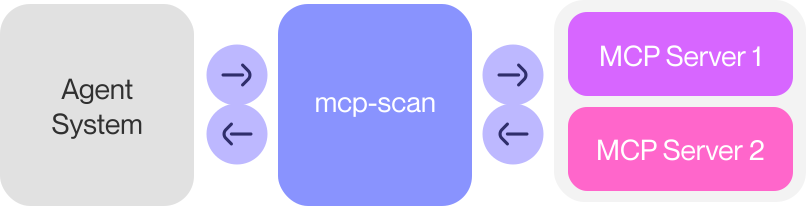
mcp-scan in proxy mode.
- Scanning of Claude, Cursor, Windsurf, and other file-based MCP client configurations
- Scanning for prompt injection attacks in tools and tool poisoning attacks using Guardrails
- Enforce guardrailing policies on MCP tool calls and responses, including PII detection, secrets detection, tool restrictions and entirely custom guardrailing policies.
- Audit and log MCP traffic in real-time via
mcp-scan proxy - Detect cross-origin escalation attacks (e.g. tool shadowing), and detect and prevent MCP rug pull attacks, i.e. mcp-scan detects changes to MCP tools via hashing
Using mcp-scan proxy, you can monitor, log, and safeguard all MCP traffic on your machine. This allows you to inspect the runtime behavior of agents and tools, and prevent attacks from e.g., untrusted sources (like websites or emails) that may try to exploit your agents. mcp-scan proxy is a dynamic security layer that runs in the background, and continuously monitors your MCP traffic.
You can also add guardrailing rules, to restrict and validate the sequence of tool uses passing through proxy.
For this, create a ~/.mcp-scan/guardrails_config.yml with the following contents:
<client-name>: # your client's shorthand (e.g., cursor, claude, windsurf)
  <server-name>: # your server's name according to the mcp config (e.g., whatsapp-mcp)
    guardrails:
      secrets: block # block calls/results with secrets

      custom_guardrails:
        - name: "Filter tool results with 'error'"
          id: "error_filter_guardrail"
          action: block # or just 'log'
          content: |
            raise "An error was found." if:
              (msg: ToolOutput)
              "error" in msg.content
From then on, all calls proxied via mcp-scan proxy will be checked against your configured guardrailing rules for the current client/server.
Custom guardrails are implemented using Invariant Guardrails. To learn more about these rules, see the official documentation.
MCP-Scan scan searches through your configuration files to find MCP server configurations. It connects to these servers and retrieves tool descriptions.
It then scans tool descriptions, both with local checks and by invoking Invariant Guardrailing via an API. For this, tool names and descriptions are shared with invariantlabs.ai. By using MCP-Scan, you agree to the invariantlabs.ai terms of use and privacy policy.
Invariant Labs is collecting data for security research purposes (only about tool descriptions and how they change over time, not your user data). Don't use MCP-scan if you don't want to share your tools. Additionally, a unique, persistent, and anonymous ID is assigned to your scans for analysis. You can opt out of sending this information using the --opt-out flag.
MCP-scan does not store or log any usage data, i.e. the contents and results of your MCP tool calls.
For runtime monitoring using mcp-scan proxy, MCP-Scan can be used as a proxy server. This allows you to monitor and guardrail system-wide MCP traffic in real-time. To do this, mcp-scan temporarily injects a local Invariant Gateway into MCP server configurations, which intercepts and analyzes traffic. After the proxy command exits, Gateway is removed from the configurations.
You can also configure guardrailing rules for the proxy to enforce security policies on the fly. This includes PII detection, secrets detection, tool restrictions, and custom guardrailing policies. Guardrails and proxying operate entirely locally using Guardrails and do not require any external API calls.
MCP-scan provides the following commands:
mcp-scan - Security scanner for Model Context Protocol servers and tools
These options are available for all commands:
--storage-file FILE    Path to store scan results and whitelist information (default: ~/.mcp-scan)
--base-url URL         Base URL for the verification server
--verbose              Enable detailed logging output
--print-errors         Show error details and tracebacks
--full-toxic-flows     Show all tools that could take part in toxic flow. By default only the top 3 are shown.
--json                 Output results in JSON format instead of rich text
Scan MCP configurations for security vulnerabilities in tools, prompts, and resources.
mcp-scan [CONFIG_FILE...]
Options:
--checks-per-server NUM           Number of checks to perform on each server (default: 1)
--server-timeout SECONDS          Seconds to wait before timing out server connections (default: 10)
--suppress-mcpserver-io BOOL      Suppress stdout/stderr from MCP servers (default: True)
--skills                          Autodetects and analyzes skills
--skills PATH_TO_SKILL_MD_FILE    Analyzes the specific skill
--skills PATHS_TO_DIRECTORY       Recursively detects and analyzes all skills in the directory
Run a proxy server to monitor and guardrail system-wide MCP traffic in real-time. Temporarily injects Gateway into MCP server configurations, to intercept and analyze traffic. Removes Gateway again after the proxy command exits.
This command requires the proxy optional dependency (extra).
- Run via uvx:
This installs theuvx --with "mcp-scan[proxy]" mcp-scan@latest proxyproxyextra into an uvx-managed virtual environment, not your current shell venv.
Options:
CONFIG_FILE...                  Path to MCP configuration files to setup for proxying.
--pretty oneline|compact|full   Pretty print the output in different formats (default: compact)
Print descriptions of tools, prompts, and resources without verification.
mcp-scan inspect [CONFIG_FILE...]
Options:
--server-timeout SECONDS      Seconds to wait before timing out server connections (default: 10)
--suppress-mcpserver-io BOOL  Suppress stdout/stderr from MCP servers (default: True)
Manage the whitelist of approved entities. When no arguments are provided, this command displays the current whitelist.
# View the whitelist
mcp-scan whitelist

# Add to whitelist
mcp-scan whitelist TYPE NAME HASH

# Reset the whitelist
mcp-scan whitelist --reset
Options:
--reset                       Reset the entire whitelist
--local-only                  Only update local whitelist, don't contribute to global whitelist
Arguments:
TYPE                          Type of entity to whitelist: "tool", "prompt", or "resource"
NAME                          Name of the entity to whitelist
HASH                          Hash of the entity to whitelist
Display detailed help information and examples.
mcp-scan help
# Scan all known MCP configs
mcp-scan

# Scan a specific config file
mcp-scan ~/custom/config.json

# Just inspect tools without verification
mcp-scan inspect

# View whitelisted tools
mcp-scan whitelist

# Whitelist a tool
mcp-scan whitelist tool "add" "a1b2c3..."
This repository includes a vulnerable MCP server that can demonstrate Model Context Protocol security issues that MCP-Scan finds.
How to demo MCP security issues?
- Clone this repository
- Create an
mcp.jsonconfig file in the cloned git repository root directory with the following contents:
{
  "mcpServers": {
    "Demo MCP Server": {
      "type": "stdio",
      "command": "uv",
      "args": ["run", "mcp", "run", "demoserver/server.py"],
    },
  },
}
- Run MCP-Scan:
uvx --python 3.13 mcp-scan@latest scan --full-toxic-flows mcp.json
Note: if you place the mcp.json configuration filepath elsewhere then adjust the args path inside the MCP server configuration to reflect the path to the MCP Server (demoserver/server.py) as well as the uvx command that runs MCP-Scan CLI with the correct filepath to mcp.json.
MCP-Scan can currently no longer accept external contributions. We are focused on stabilizing releases. We welcome suggestions, bug reports, or feature requests as GitHub issues.
To run this package from source, follow these steps:
uv run pip install -e .
uv run -m src.mcp_scan.cli
For proxy functionality (e.g., mcp-scan proxy, mcp-scan server), install with the proxy extra:
uv run pip install -e .[proxy]
If you want to include MCP-scan results in your own project or registry, please reach out to the team via [email protected], and we can help you with that.
For automated scanning we recommend using the --json flag and parsing the output.
- Introducing MCP-Scan
- MCP Security Notification Tool Poisoning Attacks
- WhatsApp MCP Exploited
- MCP Prompt Injection
- Toxic Flow Analysis
See CHANGELOG.md.
For Tasks:
Click tags to check more tools for each tasksFor Jobs:
Alternative AI tools for agent-scan
Similar Open Source Tools
agent-scan
MCP-scan is a security scanning tool designed to discover and scan agent components on a machine for prompt injections and vulnerabilities. It helps keep an inventory of installed agent components and scans them for threats like prompt injections, sensitive data handling, and malware payloads. The tool can auto-discover MCP configurations, agent tools, and skills, and detect security vulnerabilities in both servers and agent skills. It operates in two main modes - scanning and proxying, offering features like scanning for prompt injection attacks, enforcing guardrailing policies, monitoring MCP traffic in real-time, and detecting cross-origin escalation attacks. MCP-scan does not store or log any usage data and can be used to scan MCP configurations for security vulnerabilities and manage whitelist of approved entities.
mcp-scan
MCP-Scan is a security scanning tool designed to detect common security vulnerabilities in Model Context Protocol (MCP) servers. It can auto-discover various MCP configurations, scan both local and remote servers for security issues like prompt injection attacks, tool poisoning attacks, and toxic flows. The tool operates in two main modes - 'scan' for static scanning of installed servers and 'proxy' for real-time monitoring and guardrailing of MCP connections. It offers features like scanning for specific attacks, enforcing guardrailing policies, auditing MCP traffic, and detecting changes to MCP tools. MCP-Scan does not store or log usage data and can be used to enhance the security of MCP environments.
mcp-server-qdrant
The mcp-server-qdrant repository is an official Model Context Protocol (MCP) server designed for keeping and retrieving memories in the Qdrant vector search engine. It acts as a semantic memory layer on top of the Qdrant database. The server provides tools like 'qdrant-store' for storing information in the database and 'qdrant-find' for retrieving relevant information. Configuration is done using environment variables, and the server supports different transport protocols. It can be installed using 'uvx' or Docker, and can also be installed via Smithery for Claude Desktop. The server can be used with Cursor/Windsurf as a code search tool by customizing tool descriptions. It can store code snippets and help developers find specific implementations or usage patterns. The repository is licensed under the Apache License 2.0.
gpustack
GPUStack is an open-source GPU cluster manager designed for running large language models (LLMs). It supports a wide variety of hardware, scales with GPU inventory, offers lightweight Python package with minimal dependencies, provides OpenAI-compatible APIs, simplifies user and API key management, enables GPU metrics monitoring, and facilitates token usage and rate metrics tracking. The tool is suitable for managing GPU clusters efficiently and effectively.
CoolCline
CoolCline is a proactive programming assistant that combines the best features of Cline, Roo Code, and Bao Cline. It seamlessly collaborates with your command line interface and editor, providing the most powerful AI development experience. It optimizes queries, allows quick switching of LLM Providers, and offers auto-approve options for actions. Users can configure LLM Providers, select different chat modes, perform file and editor operations, integrate with the command line, automate browser tasks, and extend capabilities through the Model Context Protocol (MCP). Context mentions help provide explicit context, and installation is easy through the editor's extension panel or by dragging and dropping the `.vsix` file. Local setup and development instructions are available for contributors.
SWELancer-Benchmark
SWE-Lancer is a benchmark repository containing datasets and code for the paper 'SWE-Lancer: Can Frontier LLMs Earn $1 Million from Real-World Freelance Software Engineering?'. It provides instructions for package management, building Docker images, configuring environment variables, and running evaluations. Users can use this tool to assess the performance of language models in real-world freelance software engineering tasks.
MCP2Lambda
MCP2Lambda is a server that acts as a bridge between MCP clients and AWS Lambda functions, allowing generative AI models to access and run Lambda functions as tools. It enables Large Language Models (LLMs) to interact with Lambda functions without code changes, providing access to private resources, AWS services, private networks, and the public internet. The server supports autodiscovery of Lambda functions and their invocation by name with parameters. It standardizes AI model access to external tools using the MCP protocol.
vulnerability-analysis
The NVIDIA AI Blueprint for Vulnerability Analysis for Container Security showcases accelerated analysis on common vulnerabilities and exposures (CVE) at an enterprise scale, reducing mitigation time from days to seconds. It enables security analysts to determine software package vulnerabilities using large language models (LLMs) and retrieval-augmented generation (RAG). The blueprint is designed for security analysts, IT engineers, and AI practitioners in cybersecurity. It requires NVAIE developer license and API keys for vulnerability databases, search engines, and LLM model services. Hardware requirements include L40 GPU for pipeline operation and optional LLM NIM and Embedding NIM. The workflow involves LLM pipeline for CVE impact analysis, utilizing LLM planner, agent, and summarization nodes. The blueprint uses NVIDIA NIM microservices and Morpheus Cybersecurity AI SDK for vulnerability analysis.

chat-mcp
A Cross-Platform Interface for Large Language Models (LLMs) utilizing the Model Context Protocol (MCP) to connect and interact with various LLMs. The desktop app, built on Electron, ensures compatibility across Linux, macOS, and Windows. It simplifies understanding MCP principles, facilitates testing of multiple servers and LLMs, and supports dynamic LLM configuration and multi-client management. The UI can be extracted for web use, ensuring consistency across web and desktop versions.
ai-starter-kit
SambaNova AI Starter Kits is a collection of open-source examples and guides designed to facilitate the deployment of AI-driven use cases for developers and enterprises. The kits cover various categories such as Data Ingestion & Preparation, Model Development & Optimization, Intelligent Information Retrieval, and Advanced AI Capabilities. Users can obtain a free API key using SambaNova Cloud or deploy models using SambaStudio. Most examples are written in Python but can be applied to any programming language. The kits provide resources for tasks like text extraction, fine-tuning embeddings, prompt engineering, question-answering, image search, post-call analysis, and more.
agents
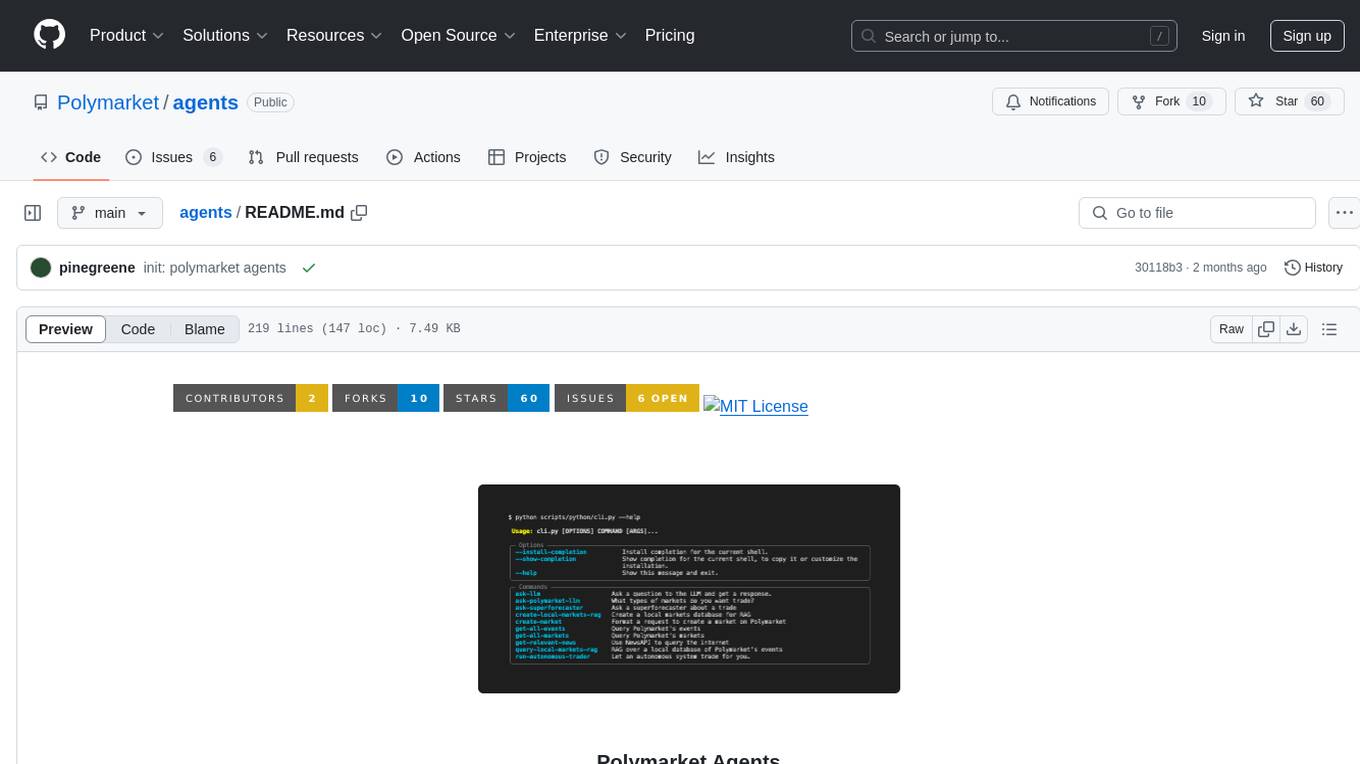
Polymarket Agents is a developer framework and set of utilities for building AI agents to trade autonomously on Polymarket. It integrates with Polymarket API, provides AI agent utilities for prediction markets, supports local and remote RAG, sources data from various services, and offers comprehensive LLM tools for prompt engineering. The architecture features modular components like APIs and scripts for managing local environments, server set-up, and CLI for end-user commands.
cover-agent
CodiumAI Cover Agent is a tool designed to help increase code coverage by automatically generating qualified tests to enhance existing test suites. It utilizes Generative AI to streamline development workflows and is part of a suite of utilities aimed at automating the creation of unit tests for software projects. The system includes components like Test Runner, Coverage Parser, Prompt Builder, and AI Caller to simplify and expedite the testing process, ensuring high-quality software development. Cover Agent can be run via a terminal and is planned to be integrated into popular CI platforms. The tool outputs debug files locally, such as generated_prompt.md, run.log, and test_results.html, providing detailed information on generated tests and their status. It supports multiple LLMs and allows users to specify the model to use for test generation.
vector-vein
VectorVein is a no-code AI workflow software inspired by LangChain and langflow, aiming to combine the powerful capabilities of large language models and enable users to achieve intelligent and automated daily workflows through simple drag-and-drop actions. Users can create powerful workflows without the need for programming, automating all tasks with ease. The software allows users to define inputs, outputs, and processing methods to create customized workflow processes for various tasks such as translation, mind mapping, summarizing web articles, and automatic categorization of customer reviews.
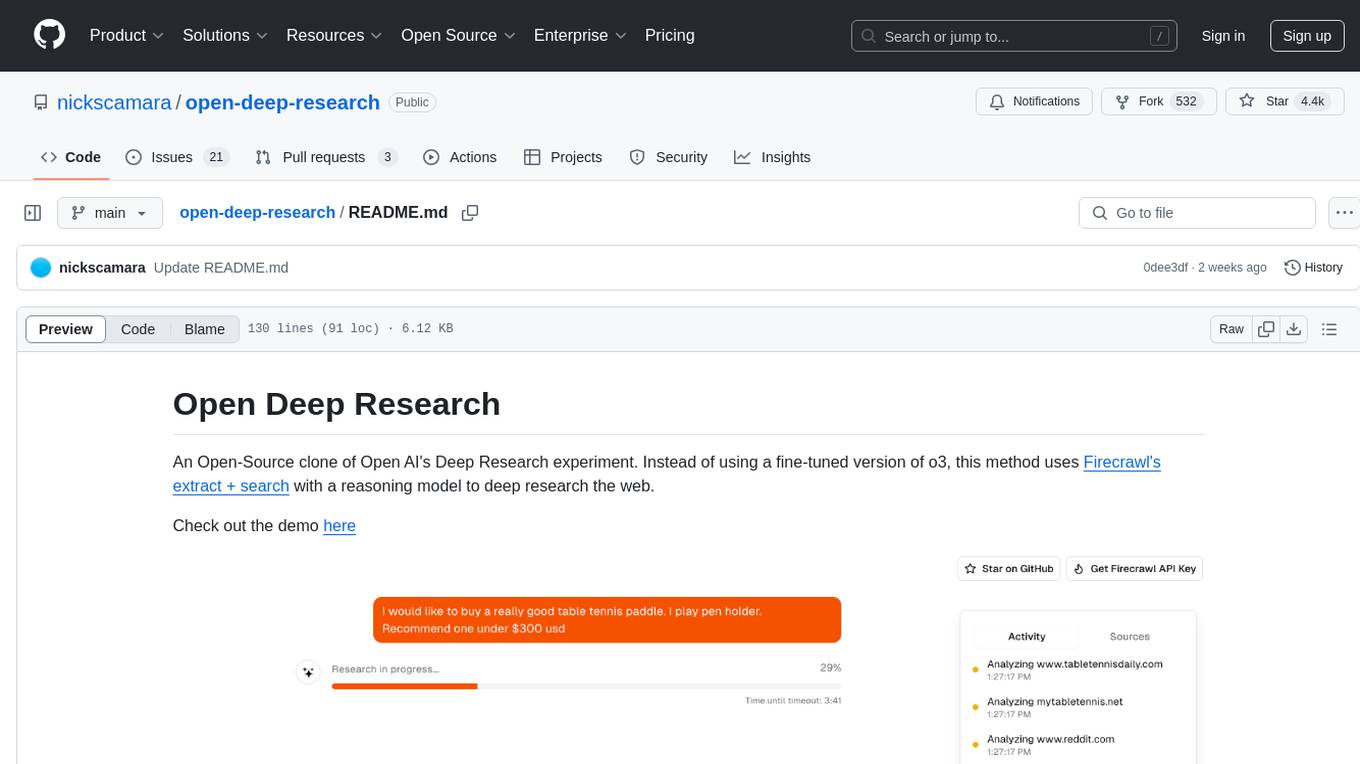
open-deep-research
Open Deep Research is an open-source project that serves as a clone of Open AI's Deep Research experiment. It utilizes Firecrawl's extract and search method along with a reasoning model to conduct in-depth research on the web. The project features Firecrawl Search + Extract, real-time data feeding to AI via search, structured data extraction from multiple websites, Next.js App Router for advanced routing, React Server Components and Server Actions for server-side rendering, AI SDK for generating text and structured objects, support for various model providers, styling with Tailwind CSS, data persistence with Vercel Postgres and Blob, and simple and secure authentication with NextAuth.js.
PSAI
PSAI is a PowerShell module that empowers scripts with the intelligence of OpenAI, bridging the gap between PowerShell and AI. It enables seamless integration for tasks like file searches and data analysis, revolutionizing automation possibilities with just a few lines of code. The module supports the latest OpenAI API changes, offering features like improved file search, vector store objects, token usage control, message limits, tool choice parameter, custom conversation histories, and model configuration parameters.
RA.Aid
RA.Aid is an AI software development agent powered by `aider` and advanced reasoning models like `o1`. It combines `aider`'s code editing capabilities with LangChain's agent-based task execution framework to provide an intelligent assistant for research, planning, and implementation of multi-step development tasks. It handles complex programming tasks by breaking them down into manageable steps, running shell commands automatically, and leveraging expert reasoning models like OpenAI's o1. RA.Aid is designed for everyday software development, offering features such as multi-step task planning, automated command execution, and the ability to handle complex programming tasks beyond single-shot code edits.
For similar tasks
mcp-scan
MCP-Scan is a security scanning tool designed to detect common security vulnerabilities in Model Context Protocol (MCP) servers. It can auto-discover various MCP configurations, scan both local and remote servers for security issues like prompt injection attacks, tool poisoning attacks, and toxic flows. The tool operates in two main modes - 'scan' for static scanning of installed servers and 'proxy' for real-time monitoring and guardrailing of MCP connections. It offers features like scanning for specific attacks, enforcing guardrailing policies, auditing MCP traffic, and detecting changes to MCP tools. MCP-Scan does not store or log usage data and can be used to enhance the security of MCP environments.
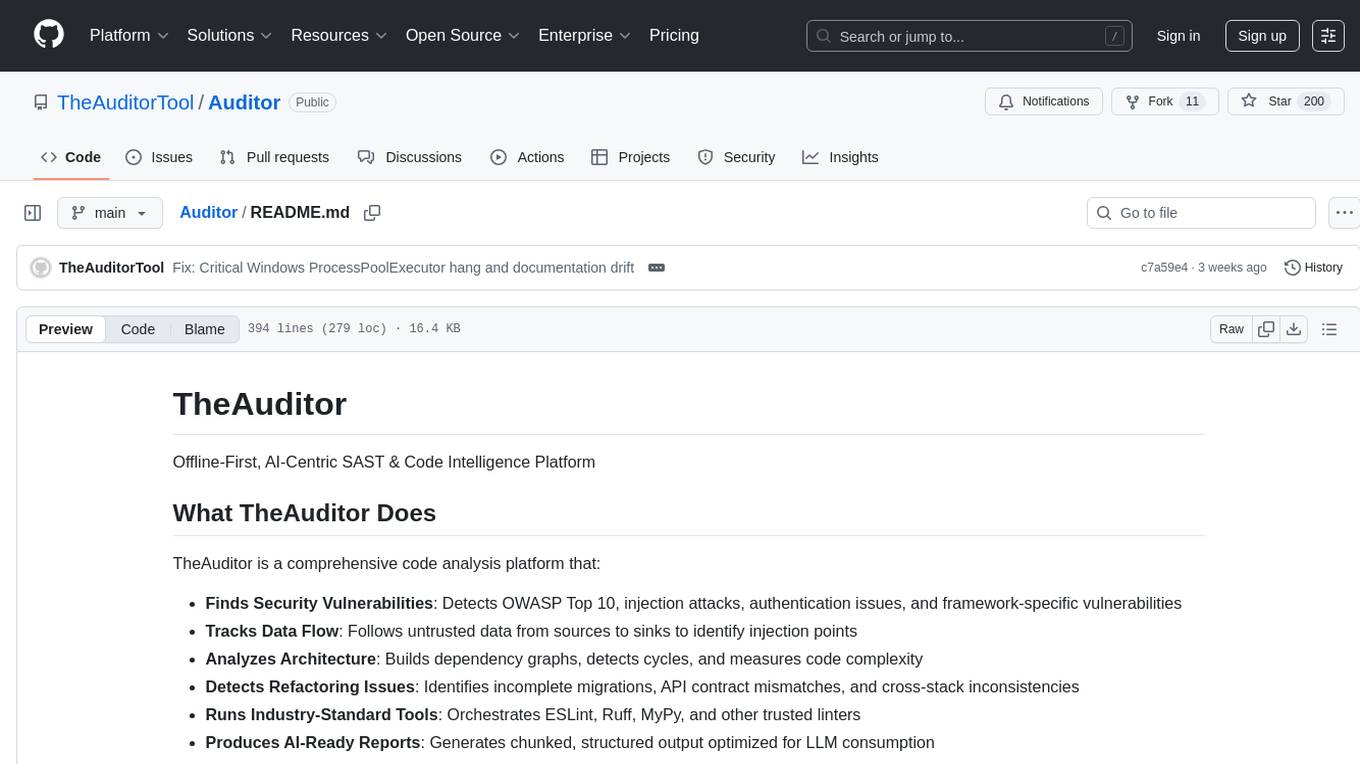
Auditor
TheAuditor is an offline-first, AI-centric SAST & code intelligence platform designed to find security vulnerabilities, track data flow, analyze architecture, detect refactoring issues, run industry-standard tools, and produce AI-ready reports. It is specifically tailored for AI-assisted development workflows, providing verifiable ground truth for developers and AI assistants. The tool orchestrates verifiable data, focuses on AI consumption, and is extensible to support Python and Node.js ecosystems. The comprehensive analysis pipeline includes stages for foundation, concurrent analysis, and final aggregation, offering features like refactoring detection, dependency graph visualization, and optional insights analysis. The tool interacts with antivirus software to identify vulnerabilities, triggers performance impacts, and provides transparent information on common issues and troubleshooting. TheAuditor aims to address the lack of ground truth in AI development workflows and make AI development trustworthy by providing accurate security analysis and code verification.
agent-scan
MCP-scan is a security scanning tool designed to discover and scan agent components on a machine for prompt injections and vulnerabilities. It helps keep an inventory of installed agent components and scans them for threats like prompt injections, sensitive data handling, and malware payloads. The tool can auto-discover MCP configurations, agent tools, and skills, and detect security vulnerabilities in both servers and agent skills. It operates in two main modes - scanning and proxying, offering features like scanning for prompt injection attacks, enforcing guardrailing policies, monitoring MCP traffic in real-time, and detecting cross-origin escalation attacks. MCP-scan does not store or log any usage data and can be used to scan MCP configurations for security vulnerabilities and manage whitelist of approved entities.
For similar jobs
Copilot-For-Security
Microsoft Copilot for Security is a generative AI-powered assistant for daily operations in security and IT that empowers teams to protect at the speed and scale of AI.
AIL-framework
AIL framework is a modular framework to analyze potential information leaks from unstructured data sources like pastes from Pastebin or similar services or unstructured data streams. AIL framework is flexible and can be extended to support other functionalities to mine or process sensitive information (e.g. data leak prevention).
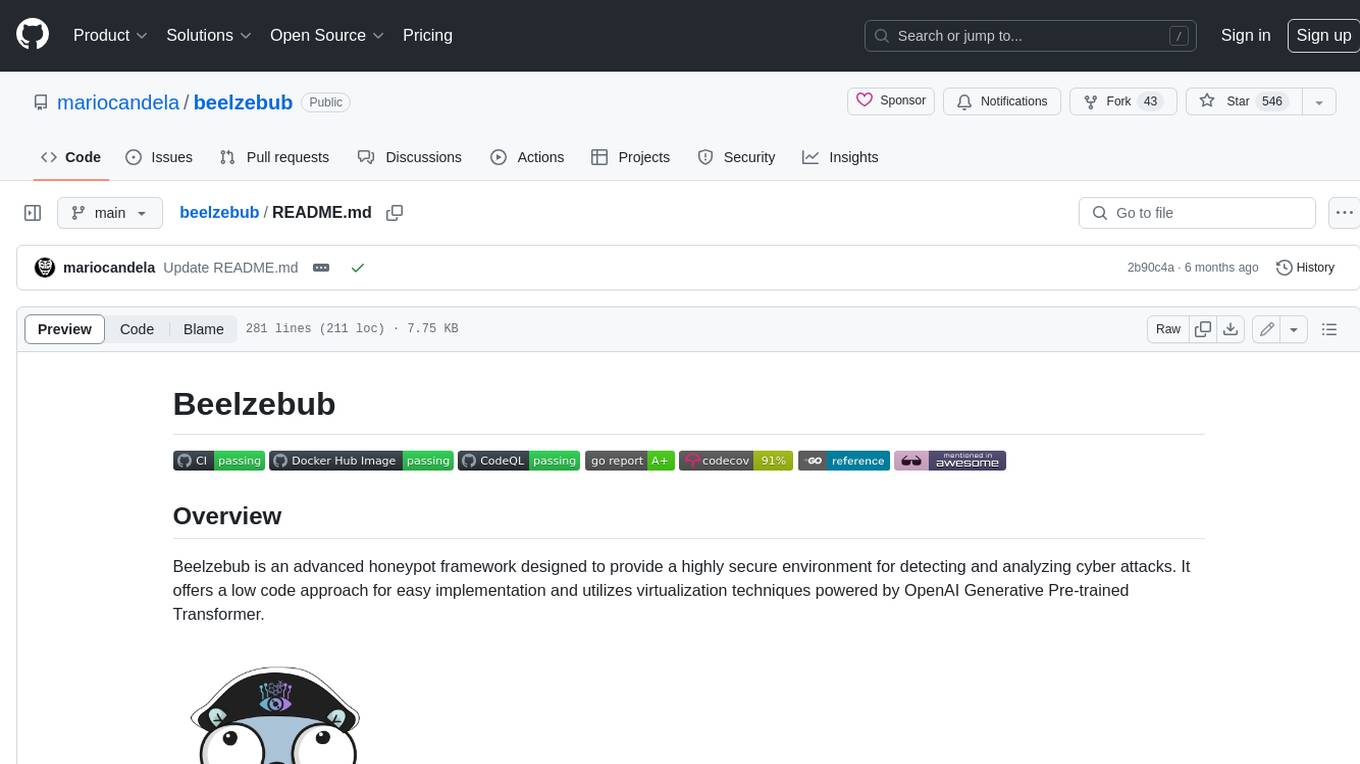
beelzebub
Beelzebub is an advanced honeypot framework designed to provide a highly secure environment for detecting and analyzing cyber attacks. It offers a low code approach for easy implementation and utilizes virtualization techniques powered by OpenAI Generative Pre-trained Transformer. Key features include OpenAI Generative Pre-trained Transformer acting as Linux virtualization, SSH Honeypot, HTTP Honeypot, TCP Honeypot, Prometheus openmetrics integration, Docker integration, RabbitMQ integration, and kubernetes support. Beelzebub allows easy configuration for different services and ports, enabling users to create custom honeypot scenarios. The roadmap includes developing Beelzebub into a robust PaaS platform. The project welcomes contributions and encourages adherence to the Code of Conduct for a supportive and respectful community.
hackingBuddyGPT
hackingBuddyGPT is a framework for testing LLM-based agents for security testing. It aims to create common ground truth by creating common security testbeds and benchmarks, evaluating multiple LLMs and techniques against those, and publishing prototypes and findings as open-source/open-access reports. The initial focus is on evaluating the efficiency of LLMs for Linux privilege escalation attacks, but the framework is being expanded to evaluate the use of LLMs for web penetration-testing and web API testing. hackingBuddyGPT is released as open-source to level the playing field for blue teams against APTs that have access to more sophisticated resources.
awesome-business-of-cybersecurity
The 'Awesome Business of Cybersecurity' repository is a comprehensive resource exploring the cybersecurity market, focusing on publicly traded companies, industry strategy, and AI capabilities. It provides insights into how cybersecurity companies operate, compete, and evolve across 18 solution categories and beyond. The repository offers structured information on the cybersecurity market snapshot, specialists vs. multiservice cybersecurity companies, cybersecurity stock lists, endpoint protection and threat detection, network security, identity and access management, cloud and application security, data protection and governance, security analytics and threat intelligence, non-US traded cybersecurity companies, cybersecurity ETFs, blogs and newsletters, podcasts, market insights and research, and cybersecurity solutions categories.
mcp-scan
MCP-Scan is a security scanning tool designed to detect common security vulnerabilities in Model Context Protocol (MCP) servers. It can auto-discover various MCP configurations, scan both local and remote servers for security issues like prompt injection attacks, tool poisoning attacks, and toxic flows. The tool operates in two main modes - 'scan' for static scanning of installed servers and 'proxy' for real-time monitoring and guardrailing of MCP connections. It offers features like scanning for specific attacks, enforcing guardrailing policies, auditing MCP traffic, and detecting changes to MCP tools. MCP-Scan does not store or log usage data and can be used to enhance the security of MCP environments.
AI-Infra-Guard
A.I.G (AI-Infra-Guard) is an AI red teaming platform by Tencent Zhuque Lab that integrates capabilities such as AI infra vulnerability scan, MCP Server risk scan, and Jailbreak Evaluation. It aims to provide users with a comprehensive, intelligent, and user-friendly solution for AI security risk self-examination. The platform offers features like AI Infra Scan, AI Tool Protocol Scan, and Jailbreak Evaluation, along with a modern web interface, complete API, multi-language support, cross-platform deployment, and being free and open-source under the MIT license.
HydraDragonPlatform
Hydra Dragon Automatic Malware/Executable Analysis Platform offers dynamic and static analysis for Windows, including open-source XDR projects, ClamAV, YARA-X, machine learning AI, behavioral analysis, Unpacker, Deobfuscator, Decompiler, website signatures, Ghidra, Suricata, Sigma, Kernel based protection, and more. It is a Unified Executable Analysis & Detection Framework.