


chat-mcp
A Desktop Chat App that leverages MCP(Model Context Protocol) to interface with other LLMs.
Stars: 238

A Cross-Platform Interface for Large Language Models (LLMs) utilizing the Model Context Protocol (MCP) to connect and interact with various LLMs. The desktop app, built on Electron, ensures compatibility across Linux, macOS, and Windows. It simplifies understanding MCP principles, facilitates testing of multiple servers and LLMs, and supports dynamic LLM configuration and multi-client management. The UI can be extracted for web use, ensuring consistency across web and desktop versions.
README:
This desktop application utilizes the MCP (Model Context Protocol) to seamlessly connect and interact with various Large Language Models (LLMs). Built on Electron, the app ensures full cross-platform compatibility, enabling smooth operation across different operating systems.
The primary objective of this project is to deliver a clean, minimalistic codebase that simplifies understanding the core principles of MCP. Additionally, it provides a quick and efficient way to test multiple servers and LLMs, making it an ideal tool for developers and researchers alike.
This project originated as a modified version of Chat-UI, initially adopting a minimalist code approach to implement core MCP functionality for educational purposes.
Through iterative updates to MCP, I received community feedback advocating for a completely new architecture - one that eliminates third-party CDN dependencies and establishes clearer modular structure to better support derivative development and debugging workflows.
This led to the creation of Tool Unitary User Interface, a restructured desktop application optimized for AI-powered development. Building upon the original foundation, TUUI serves as a practical AI-assisted development paradigm, if you're interested, you can also leverage AI to develop new features for TUUI. The platform employs a strict linting and formatting system to ensure AI-generated code adheres to coding standards.
📢 Update: June 2025
The current project refactoring has been largely completed, and a pre-release version is now available. Please refer to the following documentation for details:
-
Cross-Platform Compatibility: Supports Linux, macOS, and Windows.
-
Flexible Apache-2.0 License: Allows easy modification and building of your own desktop applications.
-
Dynamic LLM Configuration: Compatible with all OpenAI SDK-supported LLMs, enabling quick testing of multiple backends through manual or preset configurations.
-
Multi-Client Management: Configure and manage multiple clients to connect to multiple servers using MCP config.
-
UI Adaptability: The UI can be directly extracted for web use, ensuring consistent ecosystem and interaction logic across web and desktop versions.
Adopted a straightforward architecture consistent with the MCP documentation to facilitate a clear understanding of MCP principles by:
After cloning or downloading this repository:
-
Please modify the
config.jsonfile located in src/main.
Ensure that thecommandandpathspecified in theargsare valid. -
Please ensure that Node.js is installed on your system.
You can verify this by runningnode -vandnpm -vin your terminal to check their respective versions. -
npm install -
npm start
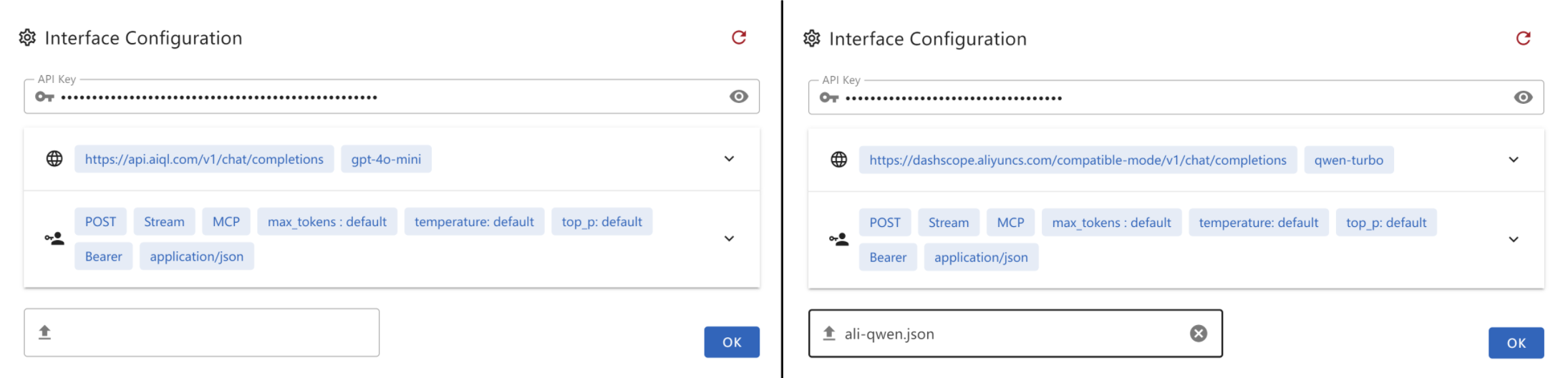
Create a .json file and paste the following content into it. This file can then be provided as the interface configuration for the Chat UI.
-
gtp-api.json{ "chatbotStore": { "apiKey": "", "url": "https://api.aiql.com", "path": "/v1/chat/completions", "model": "gpt-4o-mini", "max_tokens_value": "", "mcp": true }, "defaultChoiceStore": { "model": [ "gpt-4o-mini", "gpt-4o", "gpt-4", "gpt-4-turbo" ] } }
You can replace the 'url' if you have direct access to the OpenAI API.
Alternatively, you can also use another API endpoint that supports function calls:
-
qwen-api.json{ "chatbotStore": { "apiKey": "", "url": "https://dashscope.aliyuncs.com/compatible-mode", "path": "/v1/chat/completions", "model": "qwen-turbo", "max_tokens_value": "", "mcp": true }, "defaultChoiceStore": { "model": [ "qwen-turbo", "qwen-plus", "qwen-max" ] } } -
deepinfra.json{ "chatbotStore": { "apiKey": "", "url": "https://api.deepinfra.com", "path": "/v1/openai/chat/completions", "model": "meta-llama/Meta-Llama-3.1-70B-Instruct", "max_tokens_value": "32000", "mcp": true }, "defaultChoiceStore": { "model": [ "meta-llama/Meta-Llama-3.1-70B-Instruct", "meta-llama/Meta-Llama-3.1-405B-Instruct", "meta-llama/Meta-Llama-3.1-8B-Instruct" ] } }
You can build your own desktop application by:
npm run build-appThis CLI helps you build and package your application for your current OS, with artifacts stored in the /artifacts directory.
For Debian/Ubuntu users experiencing RPM build issues, try one of the following solutions:
-
Edit
package.jsonto skip the RPM build step. Or -
Install
rpmusingsudo apt-get install rpm(You may need to runsudo apt updateto ensure your package list is up-to-date)
Error: spawn npx ENOENT - ISSUE 40
Modify the config.json in src/main
On windows, npx may not work, please refer my workaround: ISSUE 101
- Or you can use
nodein config.json:{ "mcpServers": { "filesystem": { "command": "node", "args": [ "node_modules/@modelcontextprotocol/server-filesystem/dist/index.js", "D:/Github/mcp-test" ] } } }
Please ensure that the provided path is valid, especially if you are using a relative path. It is highly recommended to provide an absolute path for better clarity and accuracy.
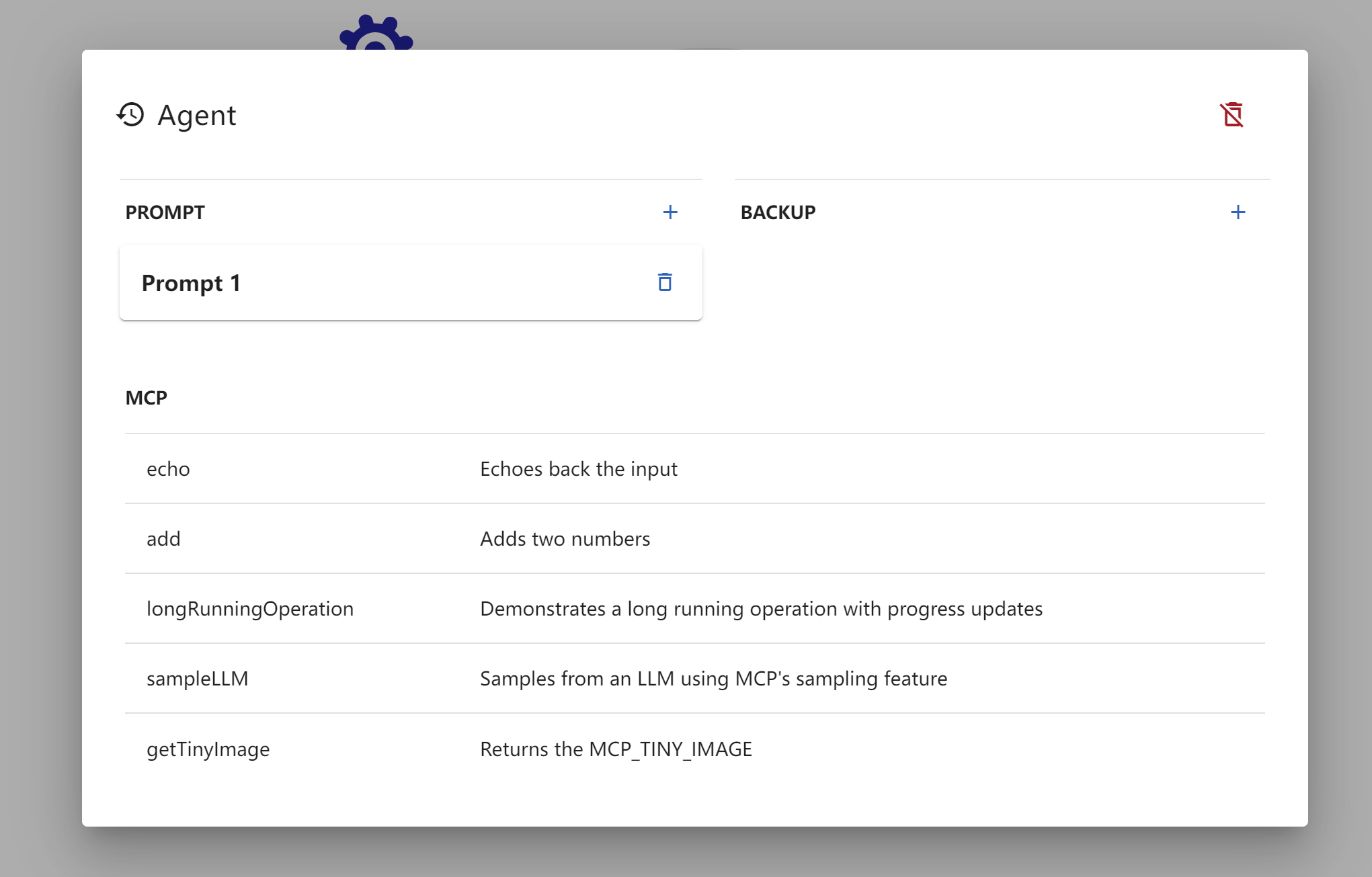
By default, I will install server-everything, server-filesystem, and server-puppeteer for test purposes. However, you can install additional server libraries or use npx to utilize other server libraries as needed.
Generally, after executing npm install for the entire project, the total size of files in the node_modules directory typically exceeds 500MB.
If the installation process stalls at less than 300MB and the progress bar remains static, it is likely due to a timeout during the installation of the latter part, specifically Electron.
This issue often arises because the download speed from Electron's default server is excessively slow or even inaccessible in certain regions. To resolve this, you can modify the environment or global variable ELECTRON_MIRROR to switch to an Electron mirror site that is accessible from your location.
When using electron-builder to package files, it automatically downloads several large release packages from GitHub. If the network connection is unstable, this process may be interrupted or timeout.
On Windows, you may need to clear the cache located under the electron and electron-builder directories within C:\Users\YOURUSERNAME\AppData\Local before attempting to retry.
Due to potential terminal permission issues, it is recommended to use the default shell terminal instead of VSCode's built-in terminal.
For Tasks:
Click tags to check more tools for each tasksFor Jobs:
Alternative AI tools for chat-mcp
Similar Open Source Tools
chat-mcp
A Cross-Platform Interface for Large Language Models (LLMs) utilizing the Model Context Protocol (MCP) to connect and interact with various LLMs. The desktop app, built on Electron, ensures compatibility across Linux, macOS, and Windows. It simplifies understanding MCP principles, facilitates testing of multiple servers and LLMs, and supports dynamic LLM configuration and multi-client management. The UI can be extracted for web use, ensuring consistency across web and desktop versions.
sdfx
SDFX is the ultimate no-code platform for building and sharing AI apps with beautiful UI. It enables the creation of user-friendly interfaces for complex workflows by combining Comfy workflow with a UI. The tool is designed to merge the benefits of form-based UI and graph-node based UI, allowing users to create intricate graphs with a high-level UI overlay. SDFX is fully compatible with ComfyUI, abstracting the need for installing ComfyUI. It offers features like animated graph navigation, node bookmarks, UI debugger, custom nodes manager, app and template export, image and mask editor, and more. The tool compiles as a native app or web app, making it easy to maintain and add new features.
otto-m8
otto-m8 is a flowchart based automation platform designed to run deep learning workloads with minimal to no code. It provides a user-friendly interface to spin up a wide range of AI models, including traditional deep learning models and large language models. The tool deploys Docker containers of workflows as APIs for integration with existing workflows, building AI chatbots, or standalone applications. Otto-m8 operates on an Input, Process, Output paradigm, simplifying the process of running AI models into a flowchart-like UI.
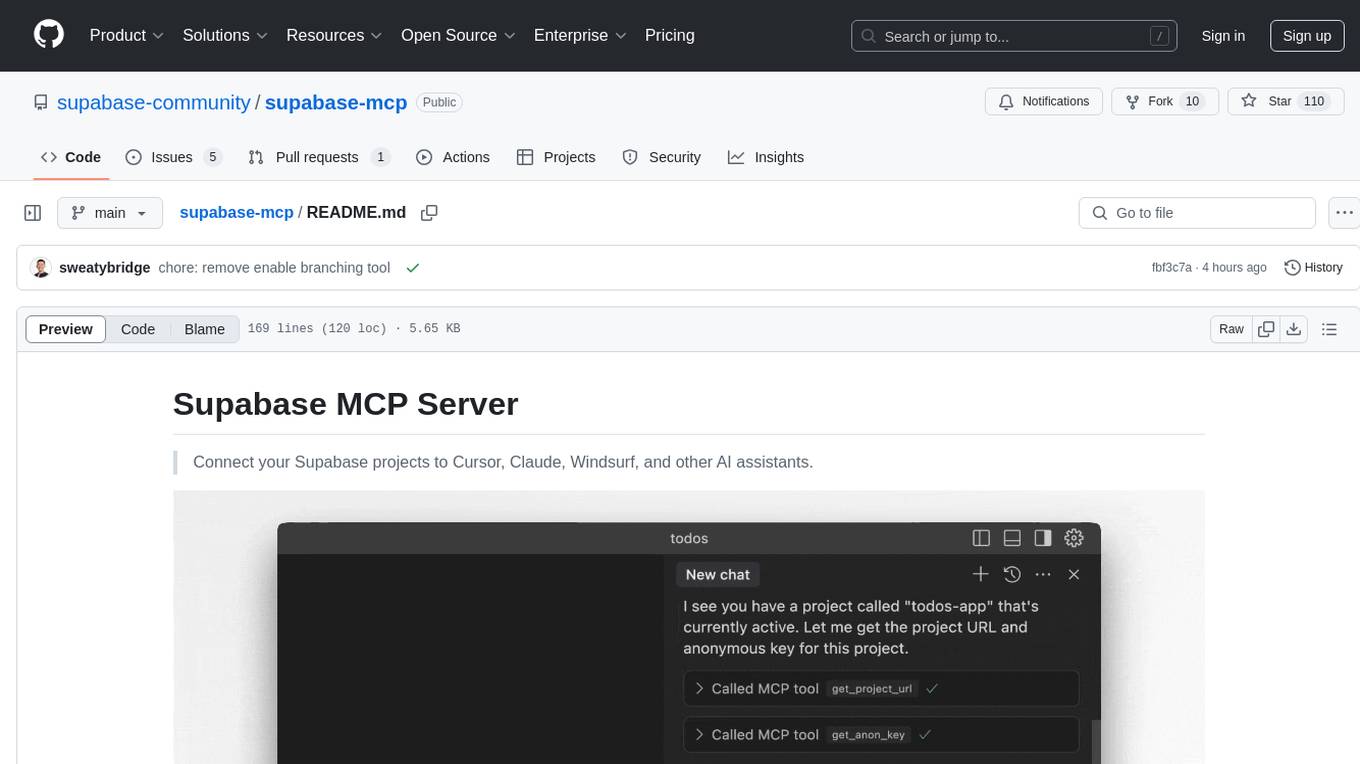
supabase-mcp
Supabase MCP Server standardizes how Large Language Models (LLMs) interact with Supabase, enabling AI assistants to manage tables, fetch config, and query data. It provides tools for project management, database operations, project configuration, branching (experimental), and development tools. The server is pre-1.0, so expect some breaking changes between versions.
computer-use-mcp
The computer-use-mcp repository is a model context protocol server that allows Claude to control your computer. It is similar to computer use but is easy to set up and use locally. Users should be cautious as the server gives the model complete control of the computer, similar to giving a hyperactive toddler access. The tool communicates with the computer using nut.js and follows Anthropic's official computer use guide with a focus on keyboard shortcuts.
MCPJungle
MCPJungle is a self-hosted MCP Gateway for private AI agents, serving as a registry for Model Context Protocol Servers. Developers use it to manage servers and tools centrally, while clients discover and consume tools from a single 'Gateway' MCP Server. Suitable for developers using MCP Clients like Claude & Cursor, building production-grade AI Agents, and organizations managing client-server interactions. The tool allows quick start, installation, usage, server and client setup, connection to Claude and Cursor, enabling/disabling tools, managing tool groups, authentication, enterprise features like access control and OpenTelemetry metrics. Limitations include lack of long-running connections to servers and no support for OAuth flow. Contributions are welcome.
promptwright
Promptwright is a Python library designed for generating large synthetic datasets using a local LLM and various LLM service providers. It offers flexible interfaces for generating prompt-led synthetic datasets. The library supports multiple providers, configurable instructions and prompts, YAML configuration for tasks, command line interface for running tasks, push to Hugging Face Hub for dataset upload, and system message control. Users can define generation tasks using YAML configuration or Python code. Promptwright integrates with LiteLLM to interface with LLM providers and supports automatic dataset upload to Hugging Face Hub.
promptwright
Promptwright is a Python library designed for generating large synthetic datasets using local LLM and various LLM service providers. It offers flexible interfaces for generating prompt-led synthetic datasets. The library supports multiple providers, configurable instructions and prompts, YAML configuration, command line interface, push to Hugging Face Hub, and system message control. Users can define generation tasks using YAML configuration files or programmatically using Python code. Promptwright integrates with LiteLLM for LLM providers and supports automatic dataset upload to Hugging Face Hub. The library is not responsible for the content generated by models and advises users to review the data before using it in production environments.
mcp-server
The UI5 Model Context Protocol server offers tools to improve the developer experience when working with agentic AI tools. It helps with creating new UI5 projects, detecting and fixing UI5-specific errors, and providing additional UI5-specific information for agentic AI tools. The server supports various tools such as scaffolding new UI5 applications, fetching UI5 API documentation, providing UI5 development best practices, extracting metadata and configuration from UI5 projects, retrieving version information for the UI5 framework, analyzing and reporting issues in UI5 code, offering guidelines for converting UI5 applications to TypeScript, providing UI Integration Cards development best practices, scaffolding new UI Integration Cards, and validating the manifest against the UI5 Manifest schema. The server requires Node.js and npm versions specified, along with an MCP client like VS Code or Cline. Configuration options are available for customizing the server's behavior, and specific setup instructions are provided for MCP clients like VS Code and Cline.
SWELancer-Benchmark
SWE-Lancer is a benchmark repository containing datasets and code for the paper 'SWE-Lancer: Can Frontier LLMs Earn $1 Million from Real-World Freelance Software Engineering?'. It provides instructions for package management, building Docker images, configuring environment variables, and running evaluations. Users can use this tool to assess the performance of language models in real-world freelance software engineering tasks.
bedrock-claude-chat
This repository is a sample chatbot using the Anthropic company's LLM Claude, one of the foundational models provided by Amazon Bedrock for generative AI. It allows users to have basic conversations with the chatbot, personalize it with their own instructions and external knowledge, and analyze usage for each user/bot on the administrator dashboard. The chatbot supports various languages, including English, Japanese, Korean, Chinese, French, German, and Spanish. Deployment is straightforward and can be done via the command line or by using AWS CDK. The architecture is built on AWS managed services, eliminating the need for infrastructure management and ensuring scalability, reliability, and security.
web-llm
WebLLM is a modular and customizable javascript package that directly brings language model chats directly onto web browsers with hardware acceleration. Everything runs inside the browser with no server support and is accelerated with WebGPU. WebLLM is fully compatible with OpenAI API. That is, you can use the same OpenAI API on any open source models locally, with functionalities including json-mode, function-calling, streaming, etc. We can bring a lot of fun opportunities to build AI assistants for everyone and enable privacy while enjoying GPU acceleration.
mcp-server-qdrant
The mcp-server-qdrant repository is an official Model Context Protocol (MCP) server designed for keeping and retrieving memories in the Qdrant vector search engine. It acts as a semantic memory layer on top of the Qdrant database. The server provides tools like 'qdrant-store' for storing information in the database and 'qdrant-find' for retrieving relevant information. Configuration is done using environment variables, and the server supports different transport protocols. It can be installed using 'uvx' or Docker, and can also be installed via Smithery for Claude Desktop. The server can be used with Cursor/Windsurf as a code search tool by customizing tool descriptions. It can store code snippets and help developers find specific implementations or usage patterns. The repository is licensed under the Apache License 2.0.
oasis
OASIS is a scalable, open-source social media simulator that integrates large language models with rule-based agents to realistically mimic the behavior of up to one million users on platforms like Twitter and Reddit. It facilitates the study of complex social phenomena such as information spread, group polarization, and herd behavior, offering a versatile tool for exploring diverse social dynamics and user interactions in digital environments. With features like scalability, dynamic environments, diverse action spaces, and integrated recommendation systems, OASIS provides a comprehensive platform for simulating social media interactions at a large scale.
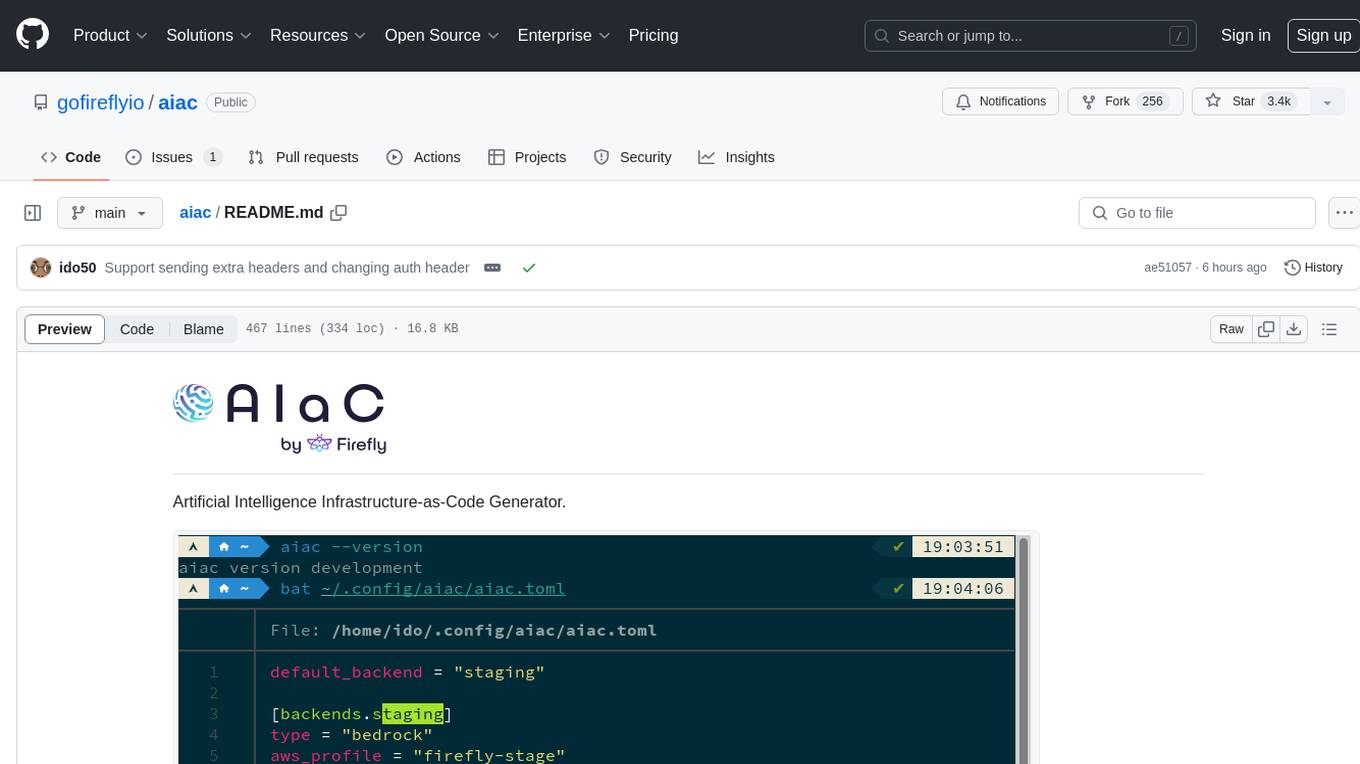
aiac
AIAC is a library and command line tool to generate Infrastructure as Code (IaC) templates, configurations, utilities, queries, and more via LLM providers such as OpenAI, Amazon Bedrock, and Ollama. Users can define multiple 'backends' targeting different LLM providers and environments using a simple configuration file. The tool allows users to ask a model to generate templates for different scenarios and composes an appropriate request to the selected provider, storing the resulting code to a file and/or printing it to standard output.
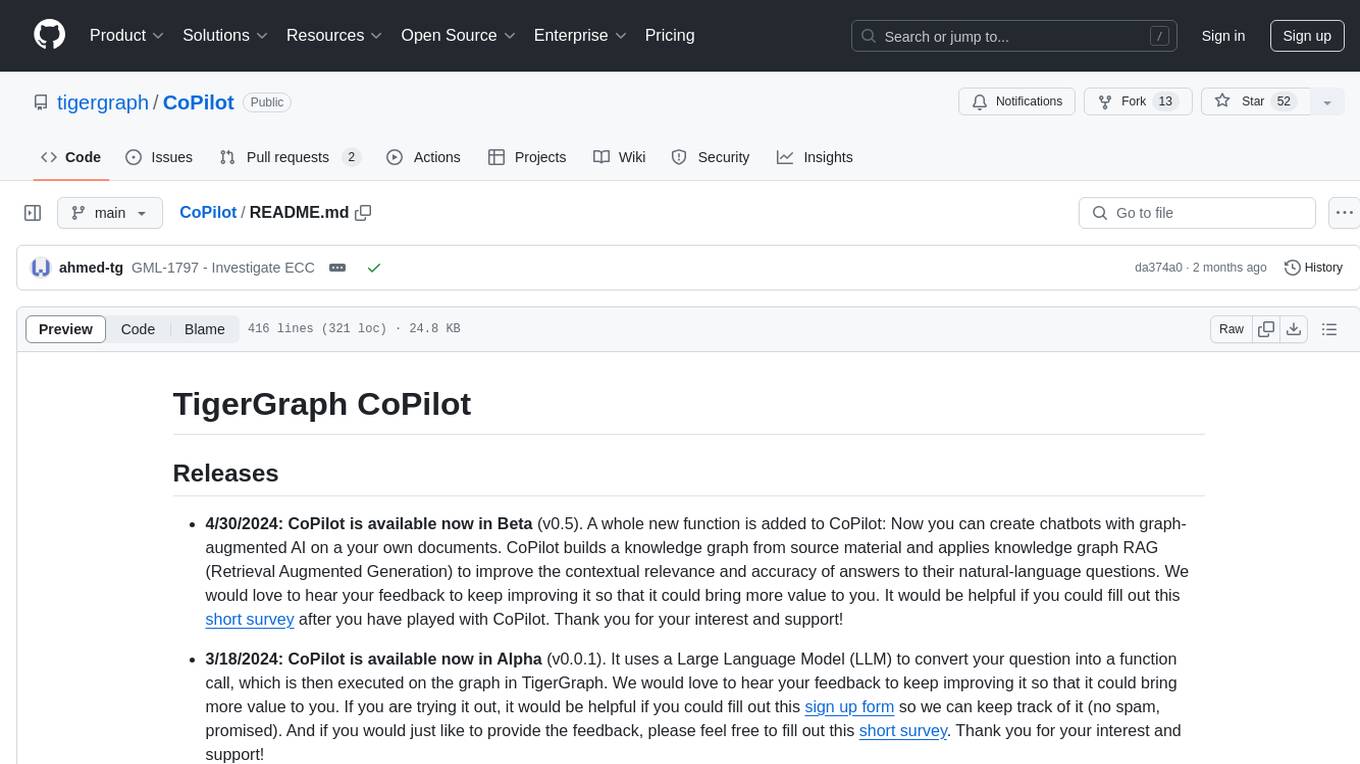
CoPilot
TigerGraph CoPilot is an AI assistant that combines graph databases and generative AI to enhance productivity across various business functions. It includes three core component services: InquiryAI for natural language assistance, SupportAI for knowledge Q&A, and QueryAI for GSQL code generation. Users can interact with CoPilot through a chat interface on TigerGraph Cloud and APIs. CoPilot requires LLM services for beta but will support TigerGraph's LLM in future releases. It aims to improve contextual relevance and accuracy of answers to natural-language questions by building knowledge graphs and using RAG. CoPilot is extensible and can be configured with different LLM providers, graph schemas, and LangChain tools.
For similar tasks
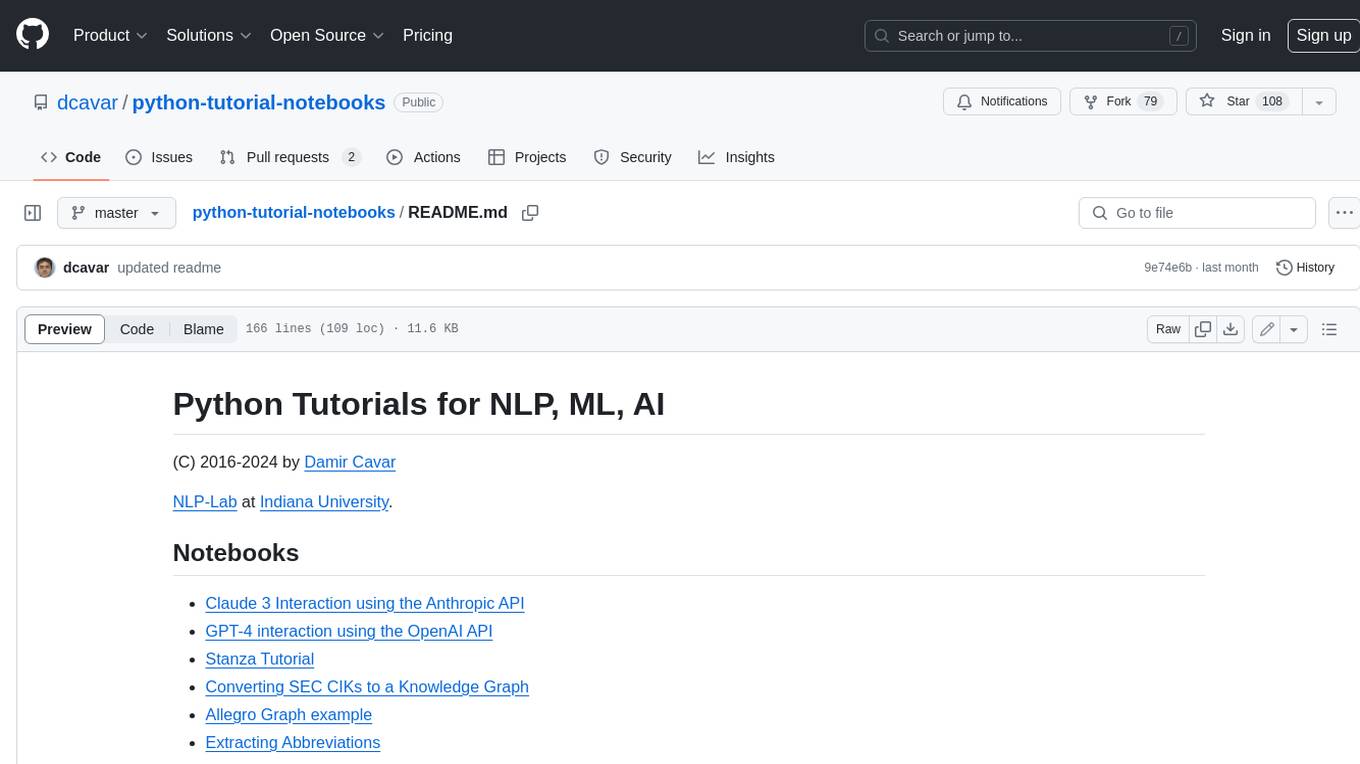
python-tutorial-notebooks
This repository contains Jupyter-based tutorials for NLP, ML, AI in Python for classes in Computational Linguistics, Natural Language Processing (NLP), Machine Learning (ML), and Artificial Intelligence (AI) at Indiana University.
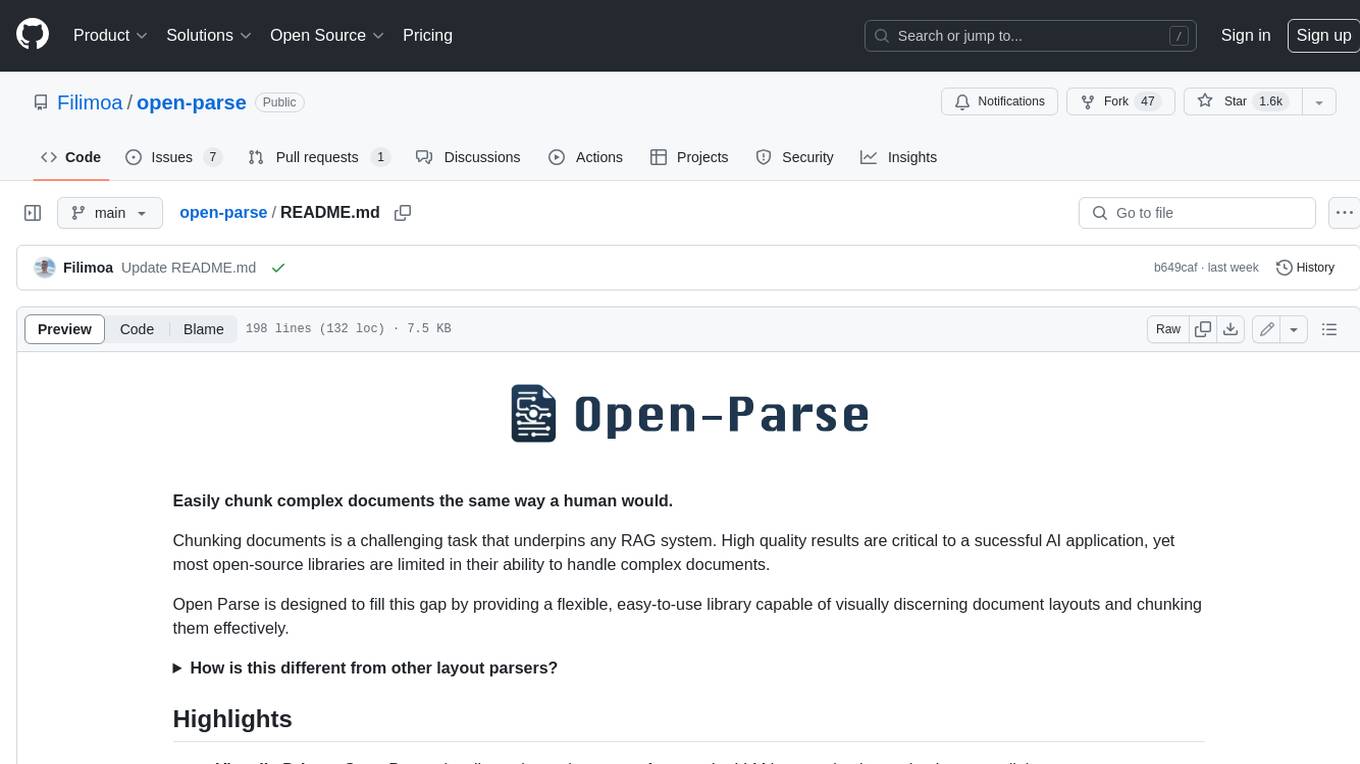
open-parse
Open Parse is a Python library for visually discerning document layouts and chunking them effectively. It is designed to fill the gap in open-source libraries for handling complex documents. Unlike text splitting, which converts a file to raw text and slices it up, Open Parse visually analyzes documents for superior LLM input. It also supports basic markdown for parsing headings, bold, and italics, and has high-precision table support, extracting tables into clean Markdown formats with accuracy that surpasses traditional tools. Open Parse is extensible, allowing users to easily implement their own post-processing steps. It is also intuitive, with great editor support and completion everywhere, making it easy to use and learn.
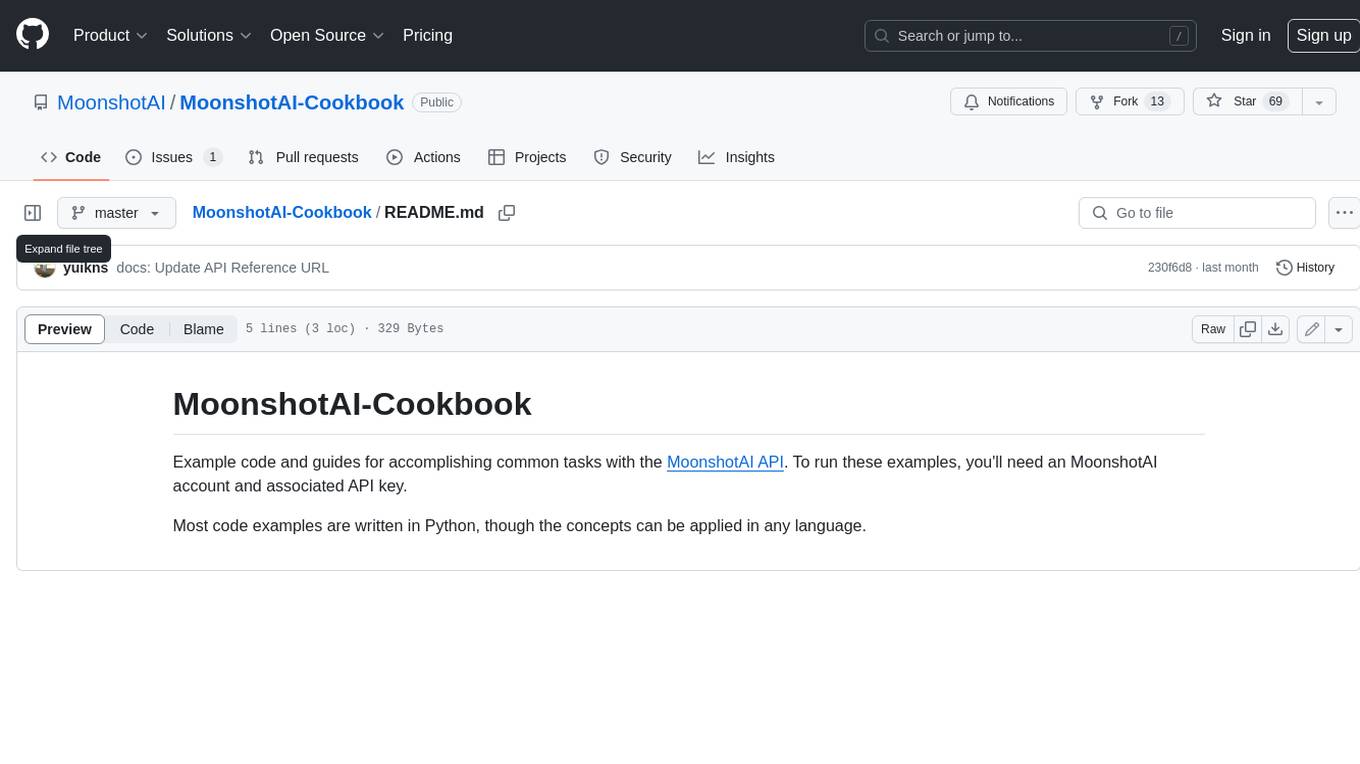
MoonshotAI-Cookbook
The MoonshotAI-Cookbook provides example code and guides for accomplishing common tasks with the MoonshotAI API. To run these examples, you'll need an MoonshotAI account and associated API key. Most code examples are written in Python, though the concepts can be applied in any language.
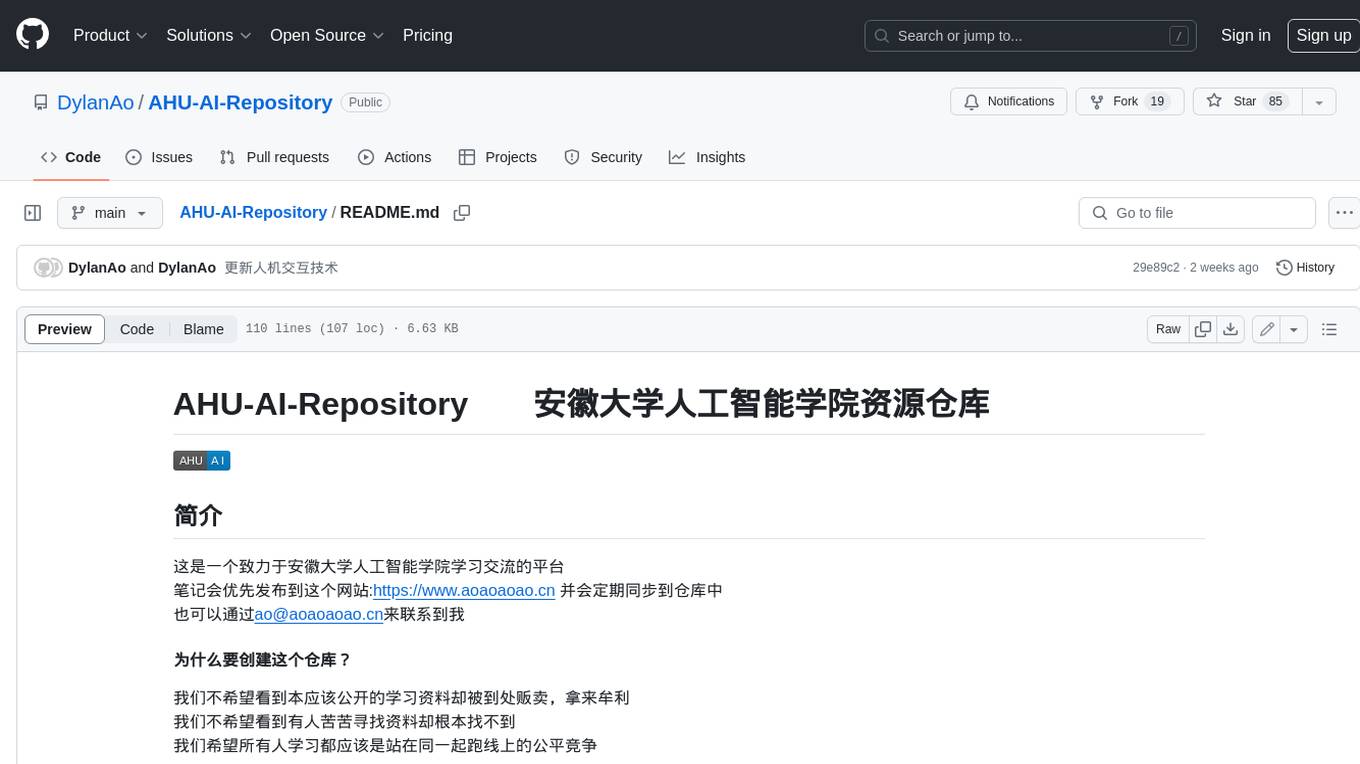
AHU-AI-Repository
This repository is dedicated to the learning and exchange of resources for the School of Artificial Intelligence at Anhui University. Notes will be published on this website first: https://www.aoaoaoao.cn and will be synchronized to the repository regularly. You can also contact me at [email protected].
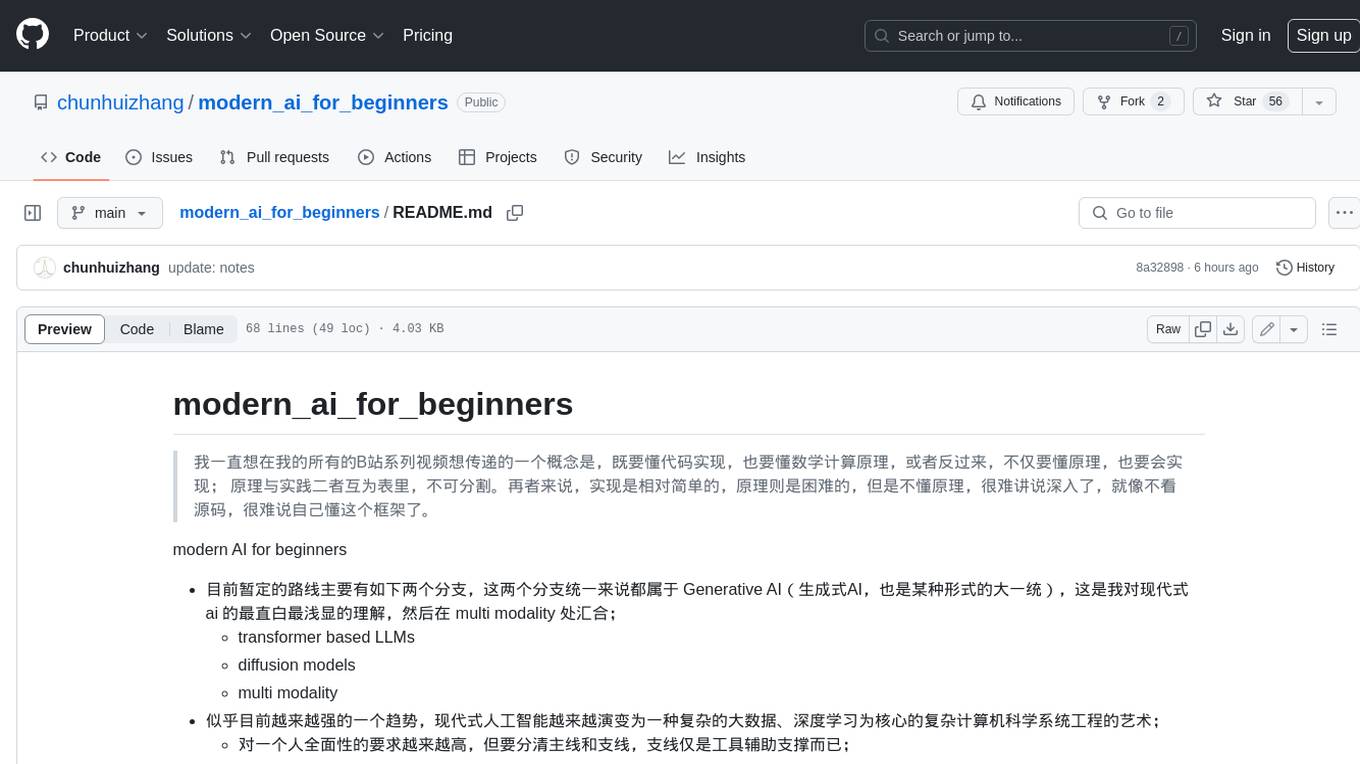
modern_ai_for_beginners
This repository provides a comprehensive guide to modern AI for beginners, covering both theoretical foundations and practical implementation. It emphasizes the importance of understanding both the mathematical principles and the code implementation of AI models. The repository includes resources on PyTorch, deep learning fundamentals, mathematical foundations, transformer-based LLMs, diffusion models, software engineering, and full-stack development. It also features tutorials on natural language processing with transformers, reinforcement learning, and practical deep learning for coders.
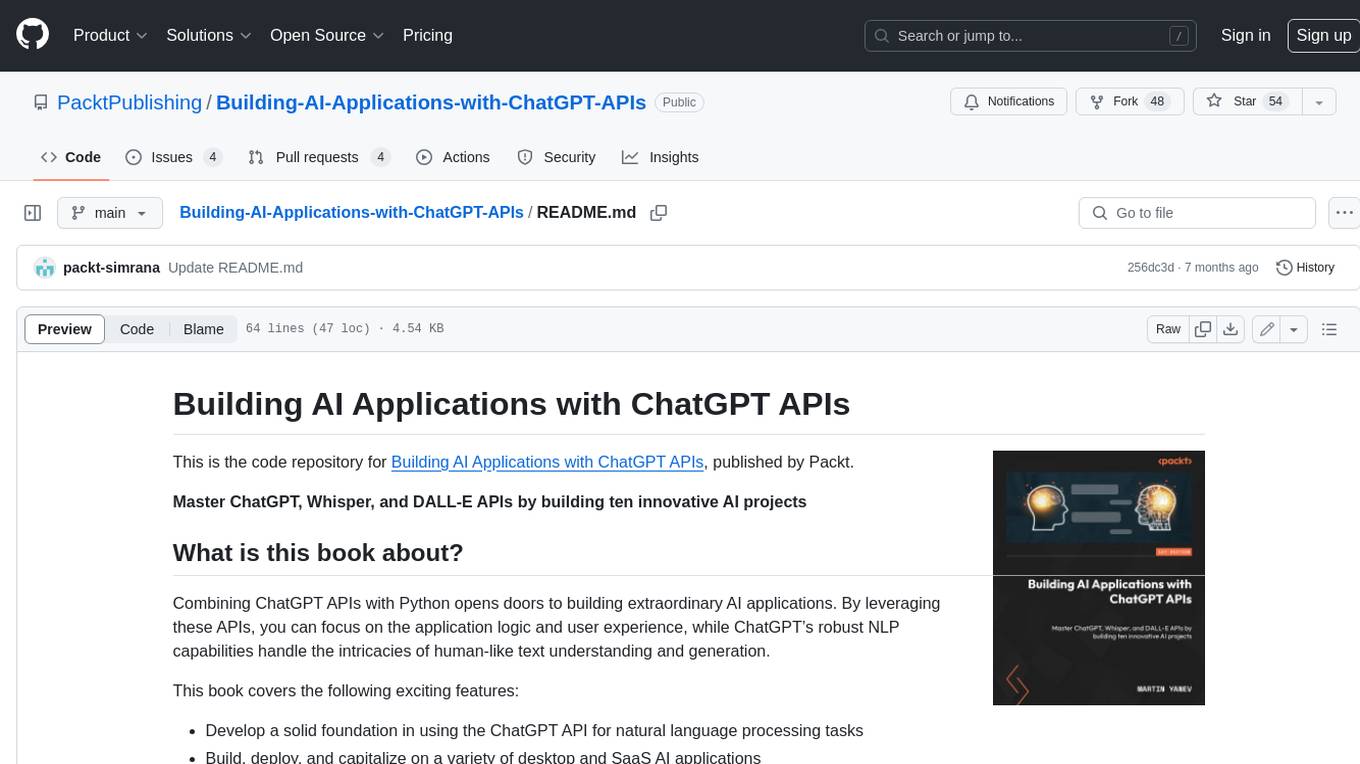
Building-AI-Applications-with-ChatGPT-APIs
This repository is for the book 'Building AI Applications with ChatGPT APIs' published by Packt. It provides code examples and instructions for mastering ChatGPT, Whisper, and DALL-E APIs through building innovative AI projects. Readers will learn to develop AI applications using ChatGPT APIs, integrate them with frameworks like Flask and Django, create AI-generated art with DALL-E APIs, and optimize ChatGPT models through fine-tuning.
examples
This repository contains a collection of sample applications and Jupyter Notebooks for hands-on experience with Pinecone vector databases and common AI patterns, tools, and algorithms. It includes production-ready examples for review and support, as well as learning-optimized examples for exploring AI techniques and building applications. Users can contribute, provide feedback, and collaborate to improve the resource.
lingoose
LinGoose is a modular Go framework designed for building AI/LLM applications. It offers the flexibility to import only the necessary modules, abstracts features for customization, and provides a comprehensive solution for developing AI/LLM applications from scratch. The framework simplifies the process of creating intelligent applications by allowing users to choose preferred implementations or create their own. LinGoose empowers developers to leverage its capabilities to streamline the development of cutting-edge AI and LLM projects.
For similar jobs

sweep
Sweep is an AI junior developer that turns bugs and feature requests into code changes. It automatically handles developer experience improvements like adding type hints and improving test coverage.

teams-ai
The Teams AI Library is a software development kit (SDK) that helps developers create bots that can interact with Teams and Microsoft 365 applications. It is built on top of the Bot Framework SDK and simplifies the process of developing bots that interact with Teams' artificial intelligence capabilities. The SDK is available for JavaScript/TypeScript, .NET, and Python.

ai-guide
This guide is dedicated to Large Language Models (LLMs) that you can run on your home computer. It assumes your PC is a lower-end, non-gaming setup.

classifai
Supercharge WordPress Content Workflows and Engagement with Artificial Intelligence. Tap into leading cloud-based services like OpenAI, Microsoft Azure AI, Google Gemini and IBM Watson to augment your WordPress-powered websites. Publish content faster while improving SEO performance and increasing audience engagement. ClassifAI integrates Artificial Intelligence and Machine Learning technologies to lighten your workload and eliminate tedious tasks, giving you more time to create original content that matters.

chatbot-ui
Chatbot UI is an open-source AI chat app that allows users to create and deploy their own AI chatbots. It is easy to use and can be customized to fit any need. Chatbot UI is perfect for businesses, developers, and anyone who wants to create a chatbot.

BricksLLM
BricksLLM is a cloud native AI gateway written in Go. Currently, it provides native support for OpenAI, Anthropic, Azure OpenAI and vLLM. BricksLLM aims to provide enterprise level infrastructure that can power any LLM production use cases. Here are some use cases for BricksLLM: * Set LLM usage limits for users on different pricing tiers * Track LLM usage on a per user and per organization basis * Block or redact requests containing PIIs * Improve LLM reliability with failovers, retries and caching * Distribute API keys with rate limits and cost limits for internal development/production use cases * Distribute API keys with rate limits and cost limits for students

uAgents
uAgents is a Python library developed by Fetch.ai that allows for the creation of autonomous AI agents. These agents can perform various tasks on a schedule or take action on various events. uAgents are easy to create and manage, and they are connected to a fast-growing network of other uAgents. They are also secure, with cryptographically secured messages and wallets.

griptape
Griptape is a modular Python framework for building AI-powered applications that securely connect to your enterprise data and APIs. It offers developers the ability to maintain control and flexibility at every step. Griptape's core components include Structures (Agents, Pipelines, and Workflows), Tasks, Tools, Memory (Conversation Memory, Task Memory, and Meta Memory), Drivers (Prompt and Embedding Drivers, Vector Store Drivers, Image Generation Drivers, Image Query Drivers, SQL Drivers, Web Scraper Drivers, and Conversation Memory Drivers), Engines (Query Engines, Extraction Engines, Summary Engines, Image Generation Engines, and Image Query Engines), and additional components (Rulesets, Loaders, Artifacts, Chunkers, and Tokenizers). Griptape enables developers to create AI-powered applications with ease and efficiency.