


vault-ai
OP Vault ChatGPT: Give ChatGPT long-term memory using the OP Stack (OpenAI + Pinecone Vector Database). Upload your own custom knowledge base files (PDF, txt, epub, etc) using a simple React frontend.
Stars: 3300
OP Vault is a tool that leverages the OP Stack (OpenAI + Pinecone Vector Database) to allow users to upload custom knowledgebase files and ask questions about their contents. It provides a user-friendly Golang server and React frontend for querying human-readable content like books and documents, making it valuable for knowledge extraction and question-answering. Users can upload entire libraries, receive specific answers with file and section references, and explore the power of the OP Stack in a practical interface.
README:
Announcement on X: https://x.com/pashmerepat/status/1883365161727336625
Token Info: 5Mfbop5McM9mpDJEkcmnbvesWNLx4Bi7tyyFyGbJpump
OP Vault uses the OP Stack (OpenAI + Pinecone Vector Database) to enable users to upload their own custom knowledgebase files and ask questions about their contents.

With quick setup, you can launch your own version of this Golang server along with a user-friendly React frontend that allows users to ask OpenAI questions about the specific knowledge base provided. The primary focus is on human-readable content like books, letters, and other documents, making it a practical and valuable tool for knowledge extraction and question-answering. You can upload an entire library's worth of books and documents and recieve pointed answers along with the name of the file and specific section within the file that the answer is based on!
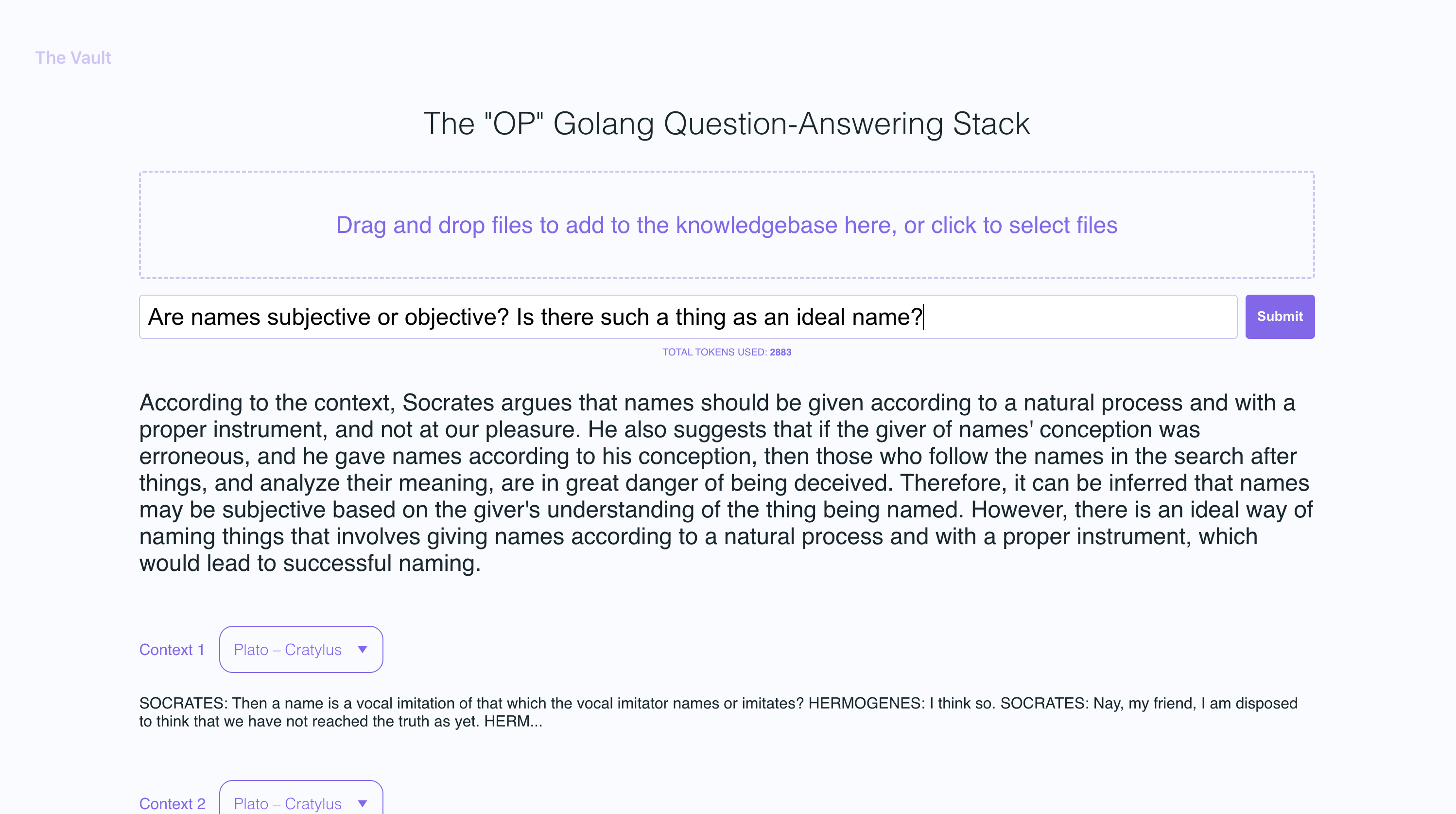
With The Vault, you can:
- Upload a variety of popular document types via a simple react frontend to create a custom knowledge base
- Retrieve accurate and relevant answers based on the content of your uploaded documents
- See the filenames and specific context snippets that inform the answer
- Explore the power of the OP Stack (OpenAI + Pinecone Vector Database) in a user-friendly interface
- Load entire libraries' worth of books into The Vault
- node: v19
- go: v1.18.9 darwin/arm64
- poppler
- Install go:
Follow the go docs here
- Install node v19
I recommend installing nvm and using it to install node v19
- Install poppler
sudo apt-get install -y poppler-utils on Ubuntu, or brew install poppler on Mac
- Create a new file
secret/openai_api_keyand paste your OpenAI API key into it:
echo "your_openai_api_key_here" > secret/openai_api_key
- Create a new file
secret/pinecone_api_keyand paste your Pinecone API key into it:
echo "your_pinecone_api_key_here" > secret/pinecone_api_key
When setting up your pinecone index, use a vector size of 1536 and keep all the default settings the same.
- Create a new file
secret/pinecone_api_endpointand paste your Pinecone API endpoint into it:
echo "https://example-50709b5.svc.asia-southeast1-gcp.pinecone.io" > secret/pinecone_api_endpoint
-
Install javascript package dependencies:
npm install -
Run the golang webserver (default port
:8100):npm start -
In another terminal window, run webpack to compile the js code and create a bundle.js file:
npm run dev -
Visit the local version of the site at http://localhost:8100
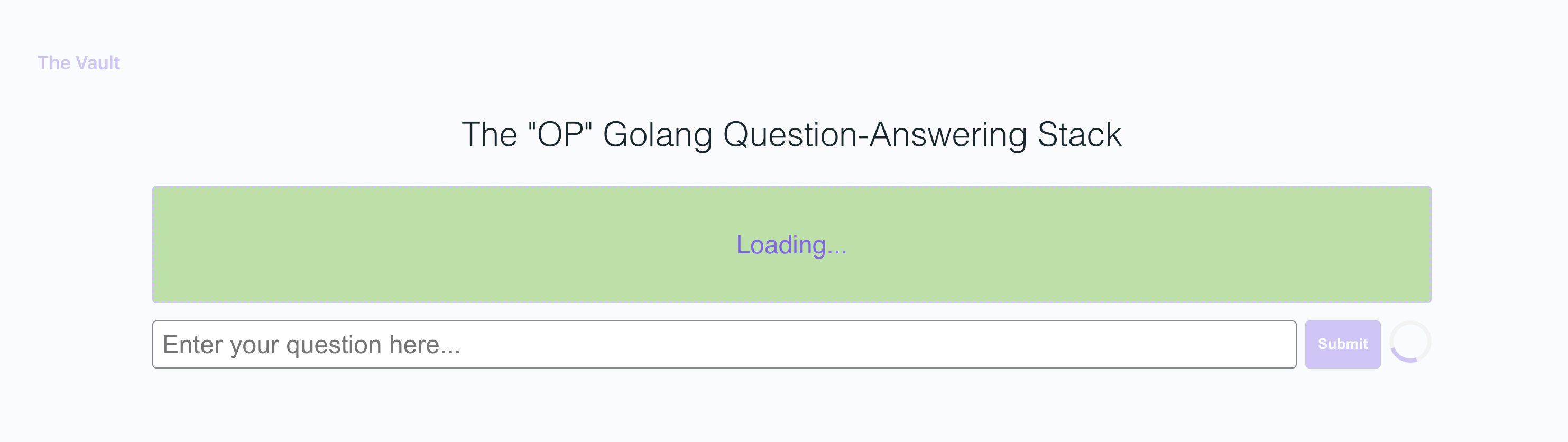
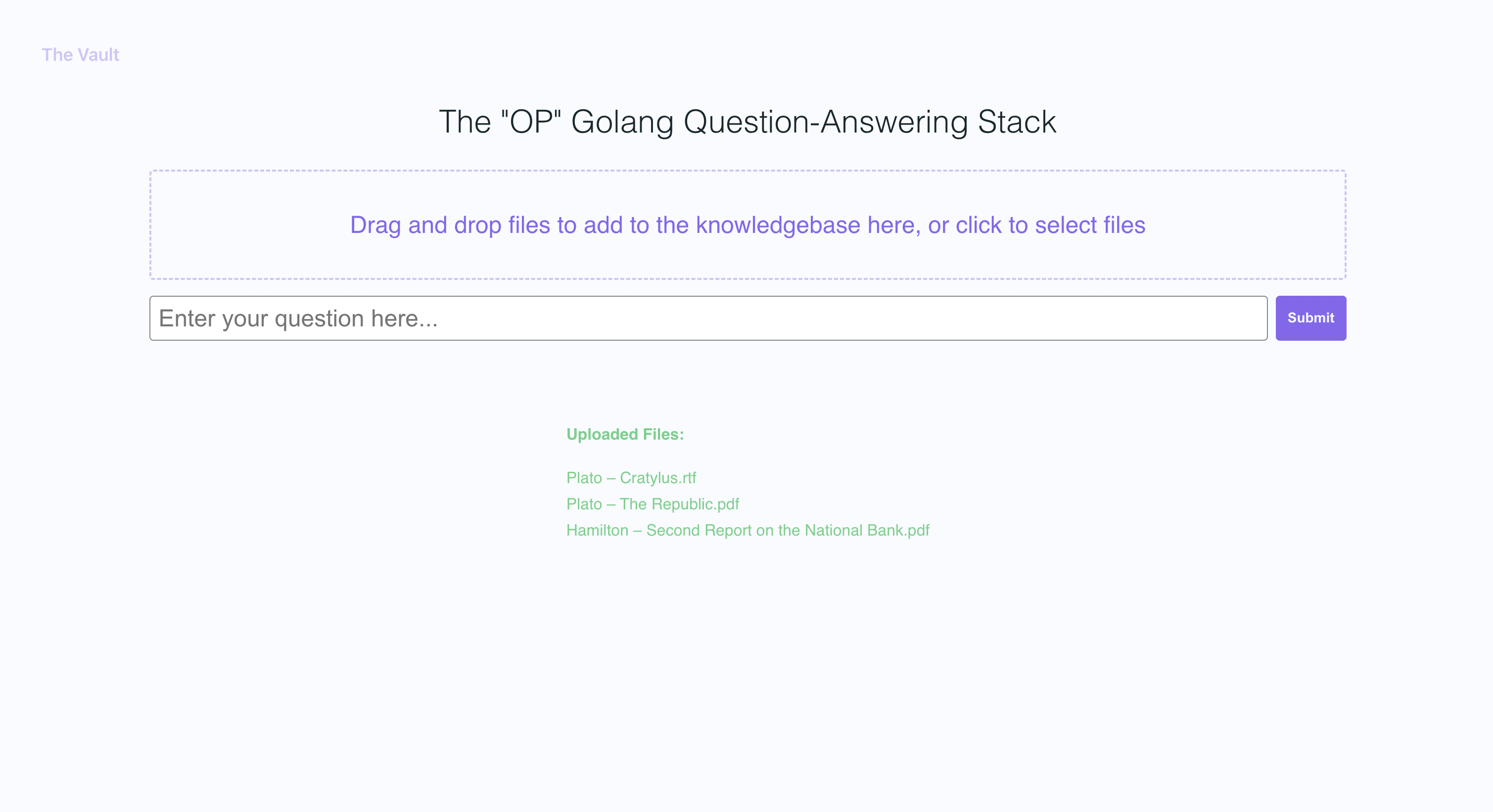
In the example screenshots, I uploaded a couple of books by Plato and some letters by Alexander Hamilton, showcasing the ability of OP Vault to answer questions based on the uploaded content.
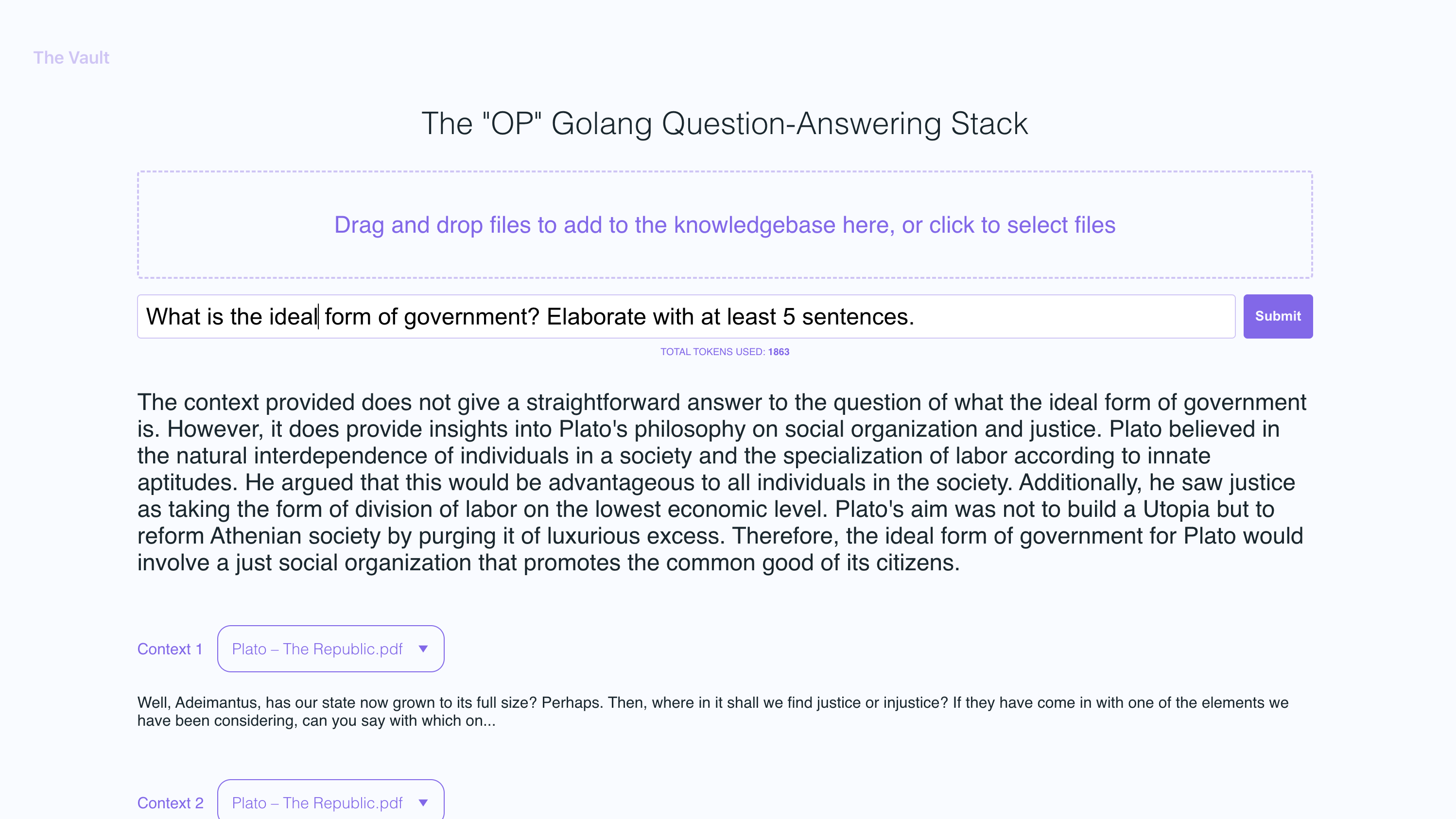
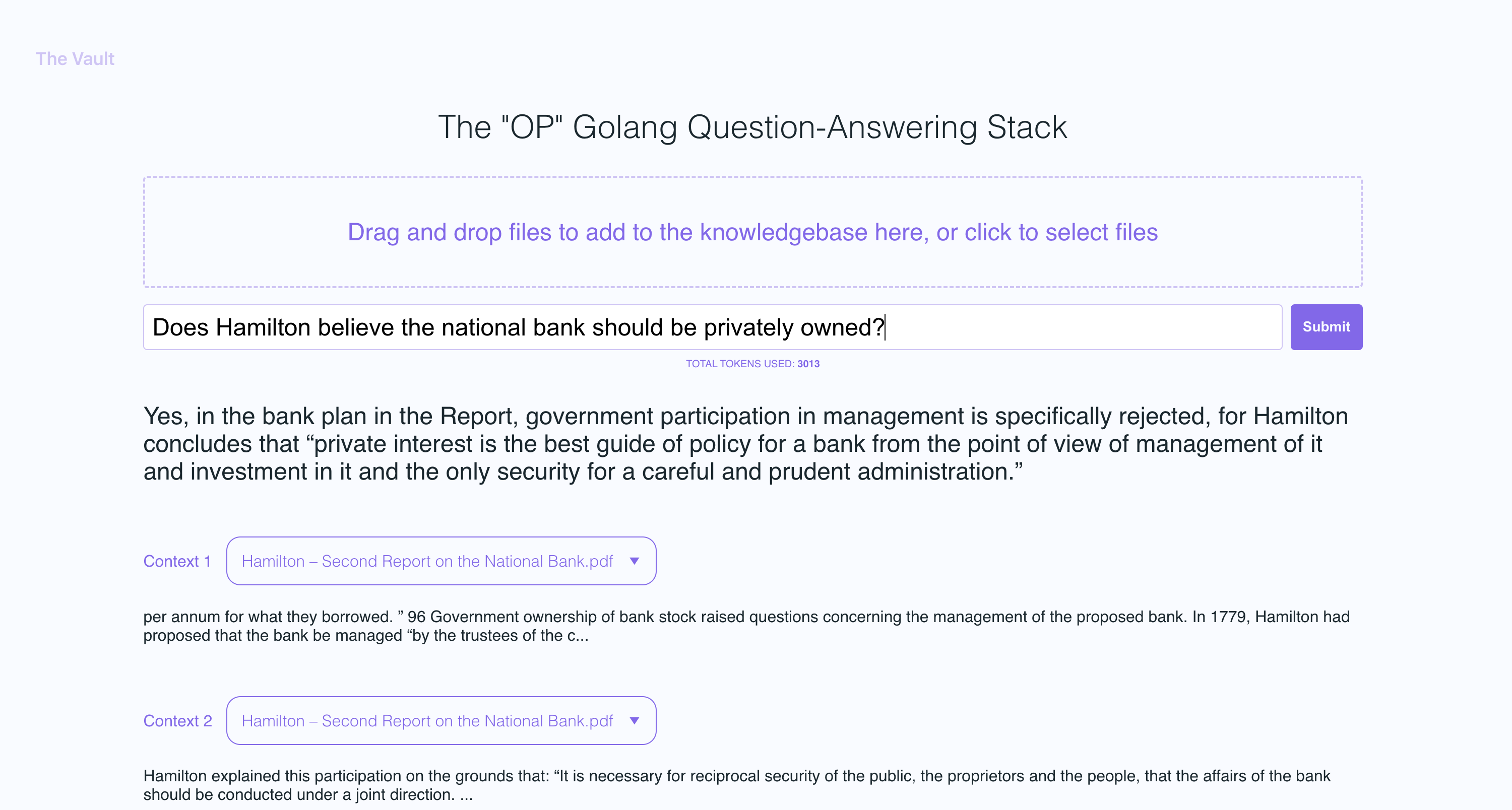
The golang server uses POST APIs to process incoming uploads and respond to questions:
-
/uploadfor uploading files -
/api/questionfor answering questions
All api endpoints are declared in the vault-web-server/main.go file.
The vault-web-server/postapi/fileupload.go file contains the UploadHandler logic for handling incoming uploads on the backend.
The UploadHandler function in the postapi package is responsible for handling file uploads (with a maximum total upload size of 300 MB) and processing them into embeddings to store in Pinecone. It accepts PDF, epub, .docx, and plain text files, extracts text from them, and divides the content into chunks. Using OpenAI API, it obtains embeddings for each chunk and upserts (inserts or updates) the embeddings into Pinecone. The function returns a JSON response containing information about the uploaded files and their processing status.
- Limit the size of the request body to MAX_TOTAL_UPLOAD_SIZE (300 MB).
- Parse the incoming multipart form data with a maximum allowed size of 300 MB.
- Initialize response data with fields for successful and failed file uploads.
- Iterate over the uploaded files, and for each file: a. Check if the file size is within the allowed limit (MAX_FILE_SIZE, 300 MB). b. Read the file into memory. c. If the file is a PDF, extract the text from it; otherwise, read the contents as plain text. d. Divide the file contents into chunks. e. Use OpenAI API to obtain embeddings for each chunk. f. Upsert (insert or update) the embeddings into Pinecone. g. Update the response data with information about successful and failed uploads.
- Return a JSON response containing information about the uploaded files and their processing status.
After getting OpenAI embeddings for each chunk of an uploaded file, the server stores all of the embeddings, along with metadata associated for each embedding in Pinecone DB. The metadata for each embedding is created in the upsertEmbeddingsToPinecone function, with the following keys and values:
-
file_name: The name of the file from which the text chunk was extracted. -
start: The starting character position of the text chunk in the original file. -
end: The ending character position of the text chunk in the original file. -
title: The title of the chunk, which is also the file name in this case. -
text: The text of the chunk.
This metadata is useful for providing context to the embeddings and is used to display additional information about the matched embeddings when retrieving results from the Pinecone database.
The QuestionHandler function in vault-web-server/postapi/questions.go is responsible for handling all incoming questions. When a question is entered on the frontend and the user presses "search" (or enter), the server uses the OpenAI embeddings API once again to get an embedding for the question (a.k.a. query vector). This query vector is used to query Pinecone db to get the most relevant context for the question. Finally, a prompt is built by packing the most relevant context + the question in a prompt string that adheres to OpenAI token limits (the go tiktoken library is used to estimate token count).
The frontend is built using React.js and less for styling.
If you'd like to read more about this topic, I recommend this post from the pinecone blog:
I hope you enjoy it (:
I currently have the max individual file size set to 3MB. If you want to increase this limit, edit the MAX_FILE_SIZE and MAX_TOTAL_UPLOAD_SIZE constants in fileupload.go.
PDFs, .txt, .rtf, .docx, .epub, and plaintext.
Recently, Pinecone limited the use of namespaces for free tier users. If you're on a newly created free tier, these restrictions will apply to you.
For Tasks:
Click tags to check more tools for each tasksFor Jobs:
Alternative AI tools for vault-ai
Similar Open Source Tools
vault-ai
OP Vault is a tool that leverages the OP Stack (OpenAI + Pinecone Vector Database) to allow users to upload custom knowledgebase files and ask questions about their contents. It provides a user-friendly Golang server and React frontend for querying human-readable content like books and documents, making it valuable for knowledge extraction and question-answering. Users can upload entire libraries, receive specific answers with file and section references, and explore the power of the OP Stack in a practical interface.
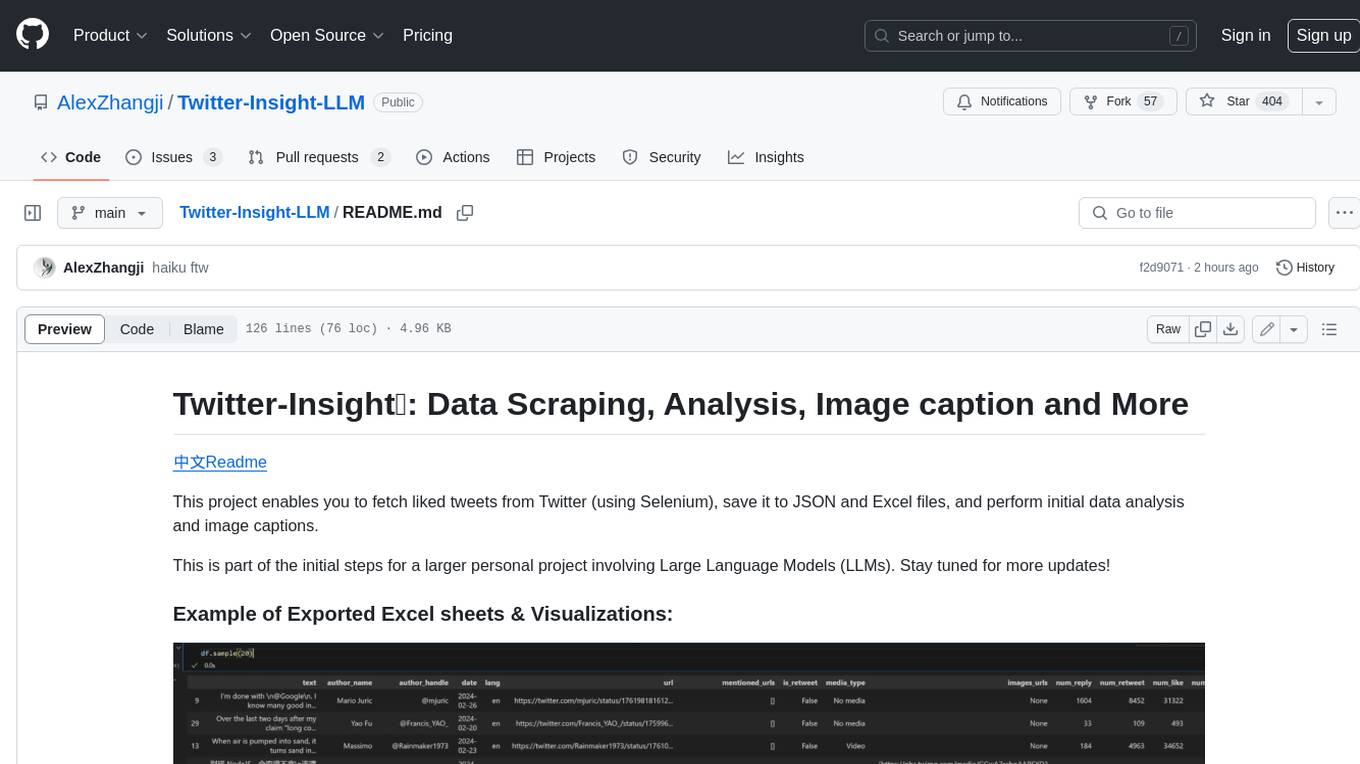
Twitter-Insight-LLM
This project enables you to fetch liked tweets from Twitter (using Selenium), save it to JSON and Excel files, and perform initial data analysis and image captions. This is part of the initial steps for a larger personal project involving Large Language Models (LLMs).
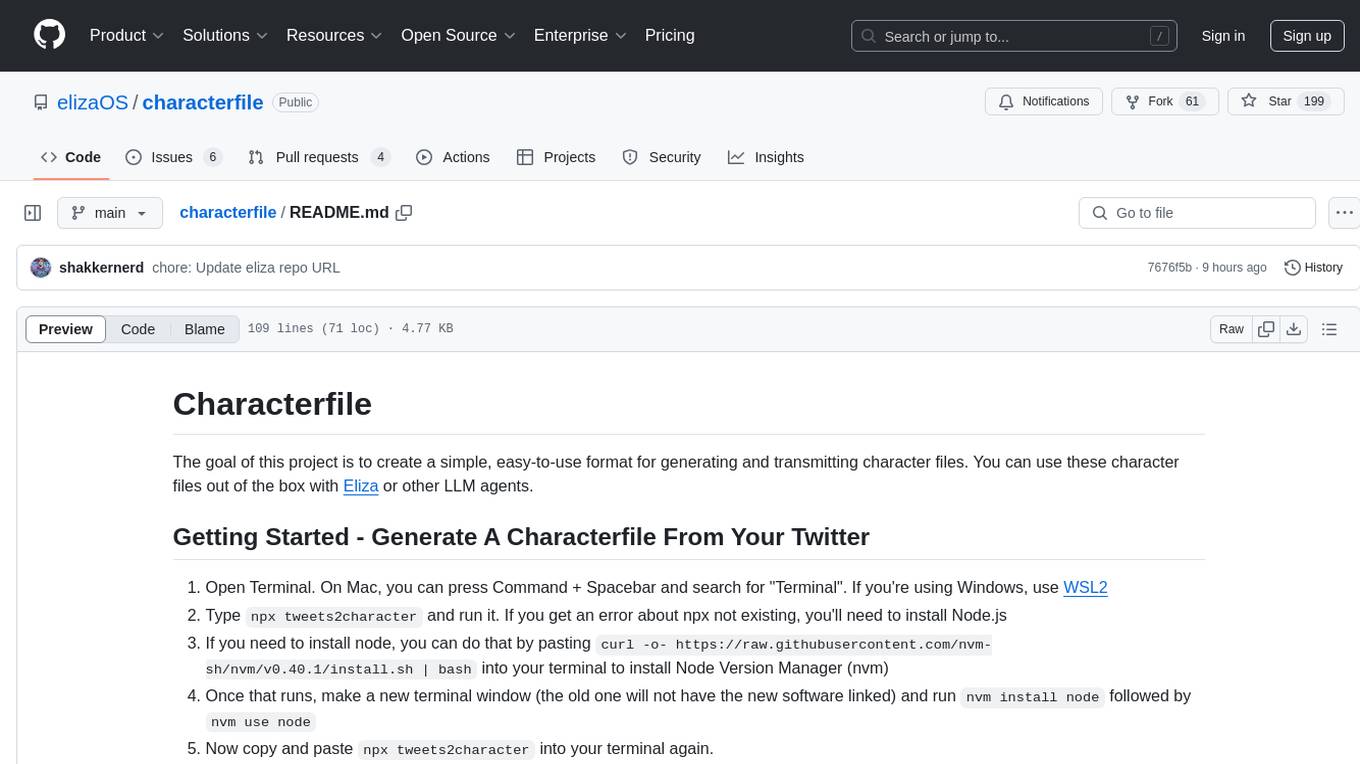
characterfile
The Characterfile project aims to create a simple format for generating and transmitting character files, compatible with Eliza and other LLM agents. Users can convert their Twitter archive into a character file using the provided scripts. The project also includes examples, JSON schema, and TypeScript types for the character file. Scripts like tweets2character, folder2knowledge, and knowledge2character facilitate the conversion of tweets, documents, and knowledge files into character files for use with AI agents.
comfyui_LLM_party
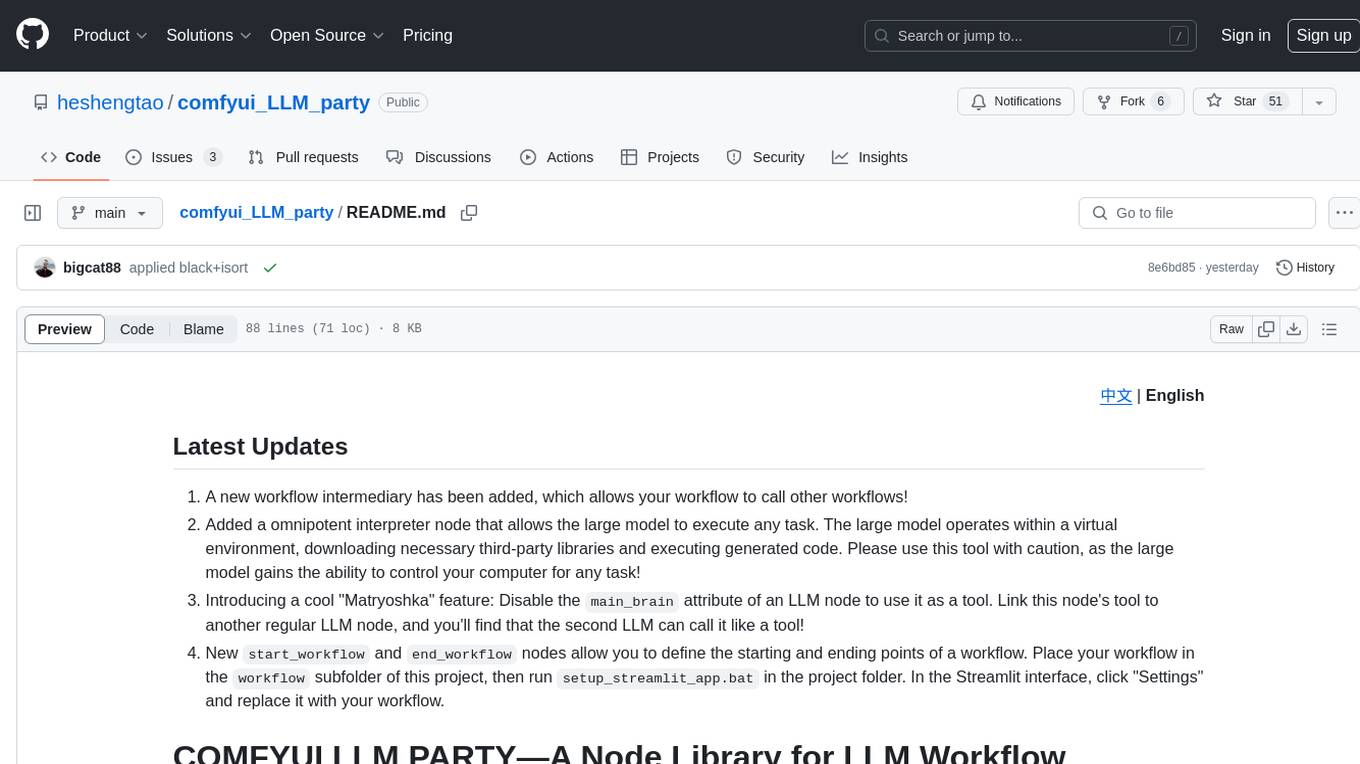
COMFYUI LLM PARTY is a node library designed for LLM workflow development in ComfyUI, an extremely minimalist UI interface primarily used for AI drawing and SD model-based workflows. The project aims to provide a complete set of nodes for constructing LLM workflows, enabling users to easily integrate them into existing SD workflows. It features various functionalities such as API integration, local large model integration, RAG support, code interpreters, online queries, conditional statements, looping links for large models, persona mask attachment, and tool invocations for weather lookup, time lookup, knowledge base, code execution, web search, and single-page search. Users can rapidly develop web applications using API + Streamlit and utilize LLM as a tool node. Additionally, the project includes an omnipotent interpreter node that allows the large model to perform any task, with recommendations to use the 'show_text' node for display output.
RepoToText
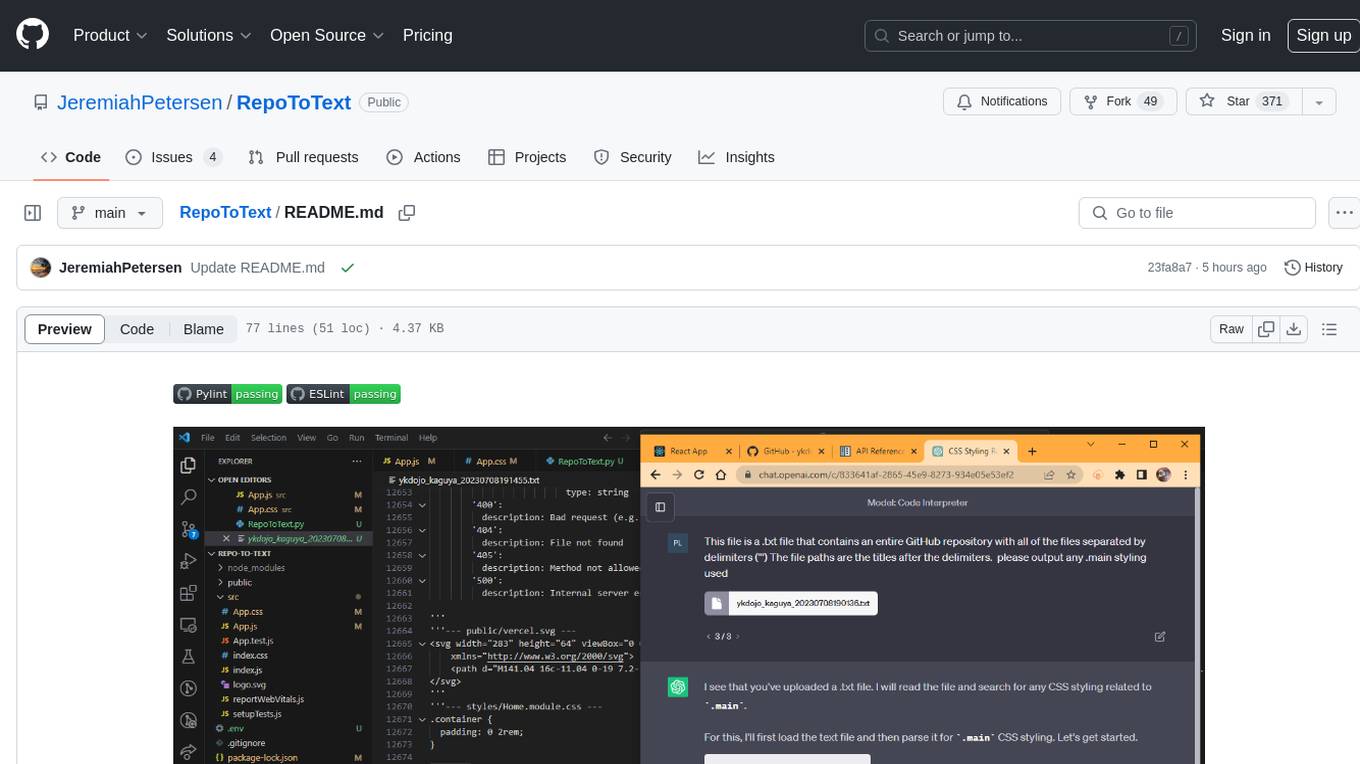
RepoToText is a web app that scrapes a GitHub repository and converts its files into a single organized .txt. It allows users to enter the URL of a GitHub repository and an optional documentation URL, retrieves the contents of the repository and documentation, and saves them in a structured text file. The tool can be used to interact with the repository using chatbots like GPT-4 or Claude Opus. Users can run the application with Docker, set up environment variables, choose specific file types for scraping, and copy the generated text to the clipboard. Additionally, FolderToText.py script allows converting local folders or files into a .txt file with customizable options.
vscode-pddl
The vscode-pddl extension provides comprehensive support for Planning Domain Description Language (PDDL) in Visual Studio Code. It enables users to model planning domains, validate them, industrialize planning solutions, and run planners. The extension offers features like syntax highlighting, auto-completion, plan visualization, plan validation, plan happenings evaluation, search debugging, and integration with Planning.Domains. Users can create PDDL files, run planners, visualize plans, and debug search algorithms efficiently within VS Code.
vectara-answer
Vectara Answer is a sample app for Vectara-powered Summarized Semantic Search (or question-answering) with advanced configuration options. For examples of what you can build with Vectara Answer, check out Ask News, LegalAid, or any of the other demo applications.
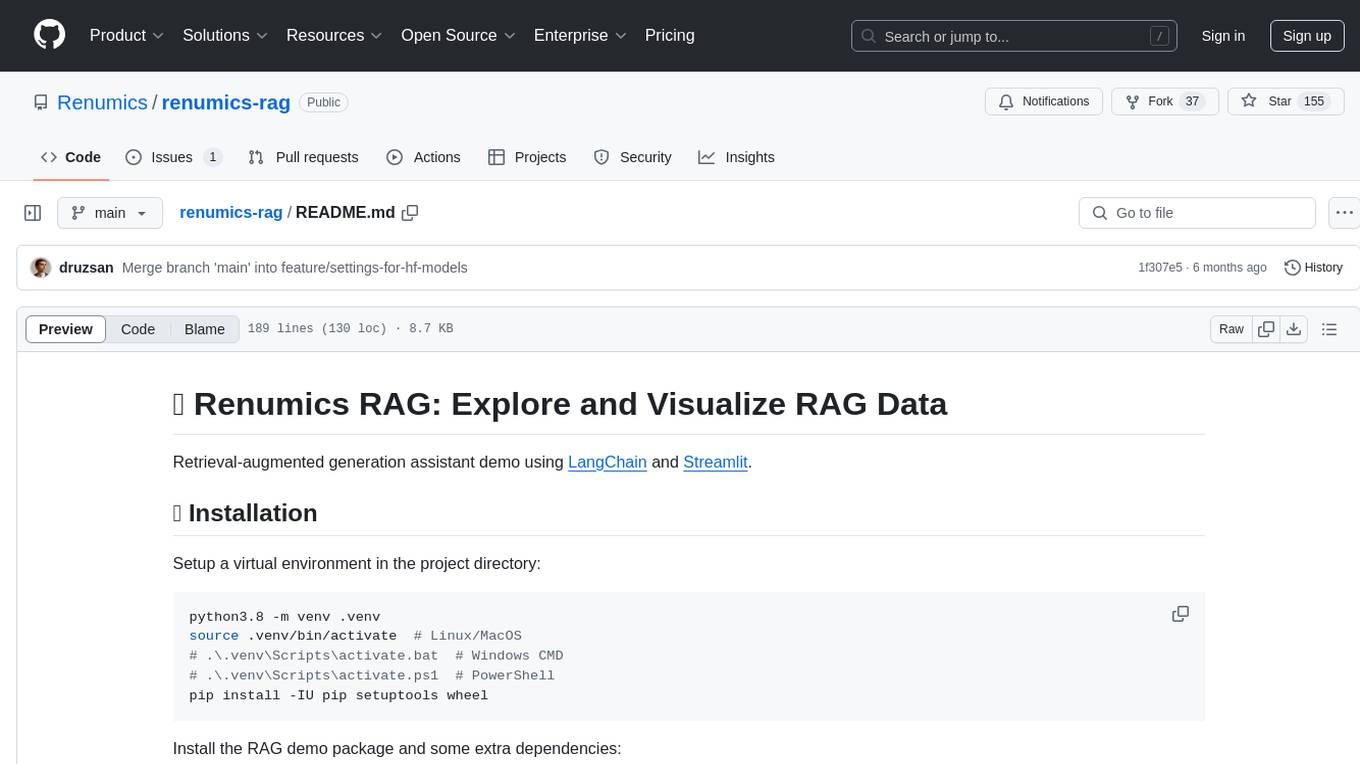
renumics-rag
Renumics RAG is a retrieval-augmented generation assistant demo that utilizes LangChain and Streamlit. It provides a tool for indexing documents and answering questions based on the indexed data. Users can explore and visualize RAG data, configure OpenAI and Hugging Face models, and interactively explore questions and document snippets. The tool supports GPU and CPU setups, offers a command-line interface for retrieving and answering questions, and includes a web application for easy access. It also allows users to customize retrieval settings, embeddings models, and database creation. Renumics RAG is designed to enhance the question-answering process by leveraging indexed documents and providing detailed answers with sources.
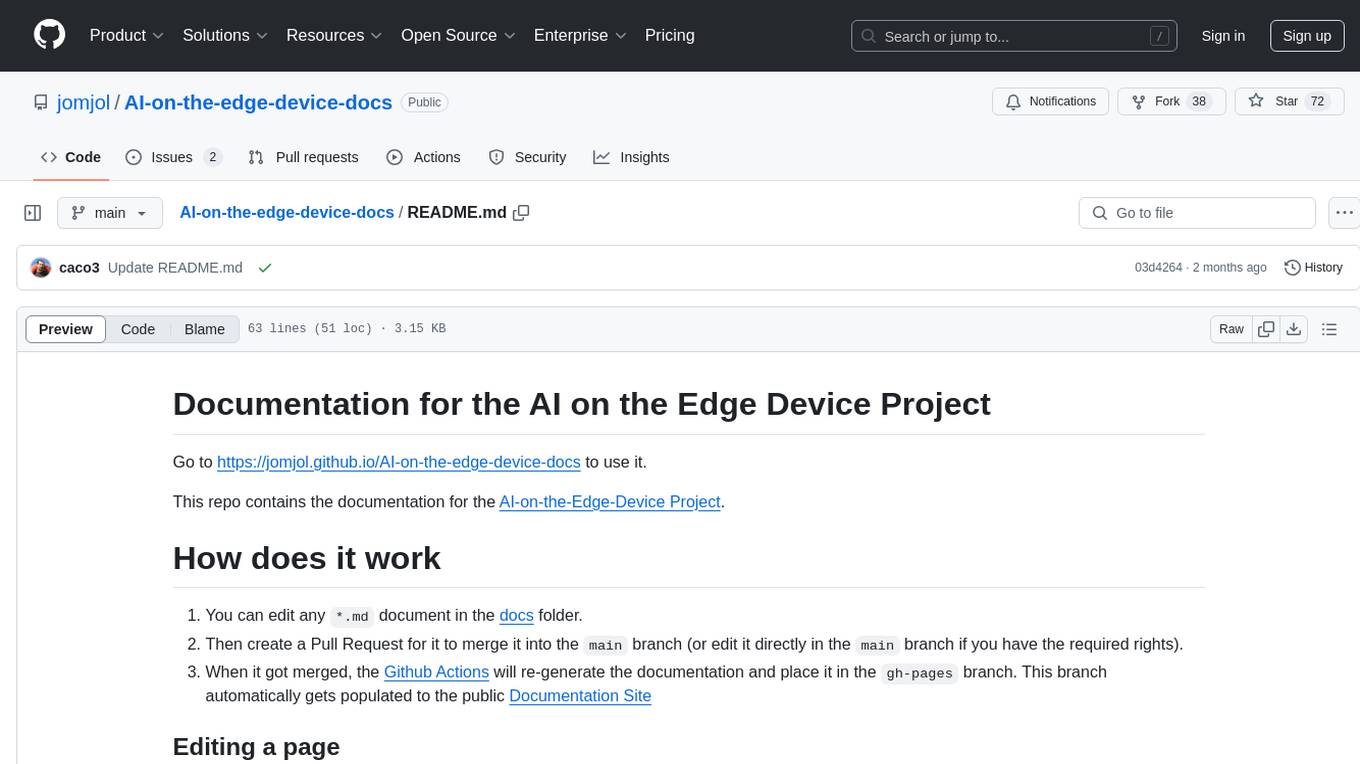
AI-on-the-edge-device-docs
This repository contains documentation for the AI on the Edge Device Project. Users can edit Markdown documents in the 'docs' folder, create Pull Requests to merge changes, and Github Actions will regenerate the documentation on the 'gh-pages' branch. The documentation includes parameter documentation, template generation for new parameters, formatting options like boxes using the admonition extension, and local testing instructions using MkDocs.
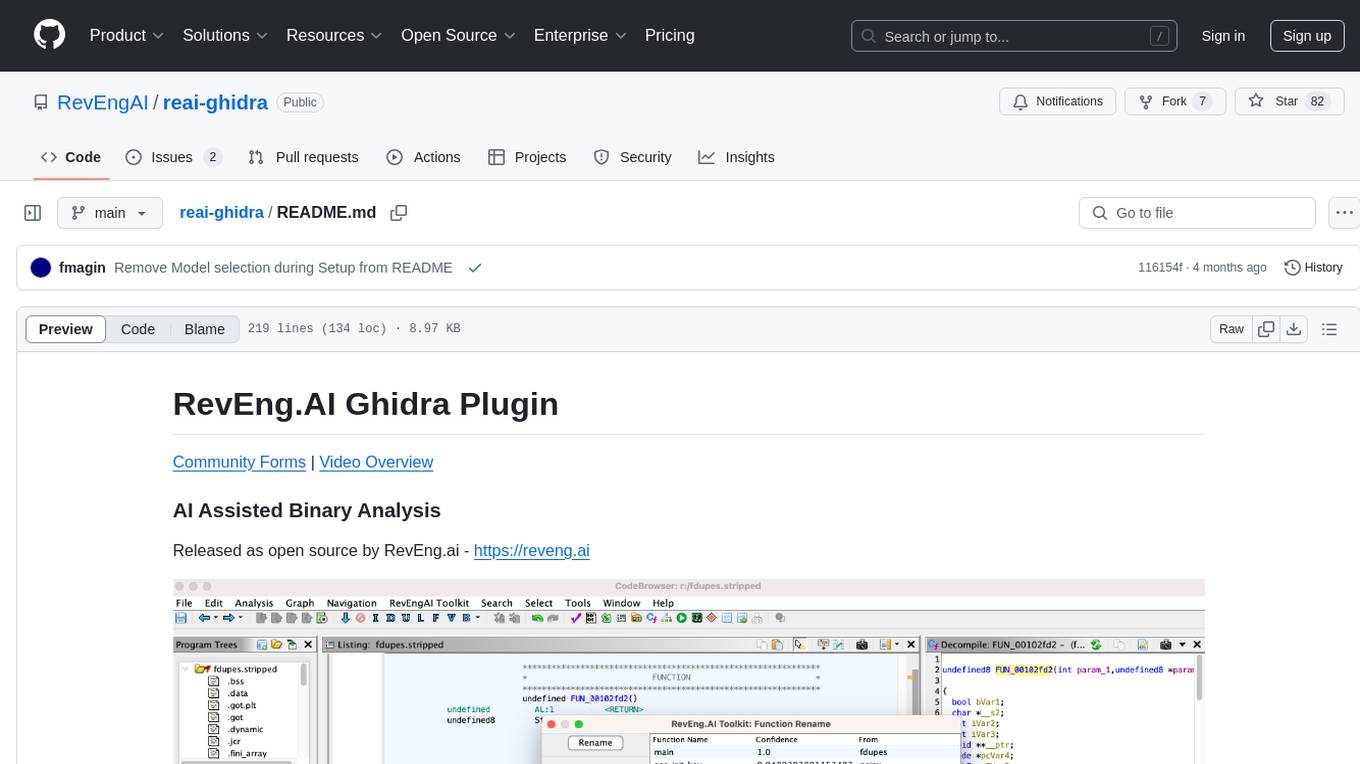
reai-ghidra
The RevEng.AI Ghidra Plugin by RevEng.ai allows users to interact with their API within Ghidra for Binary Code Similarity analysis to aid in Reverse Engineering stripped binaries. Users can upload binaries, rename functions above a confidence threshold, and view similar functions for a selected function.
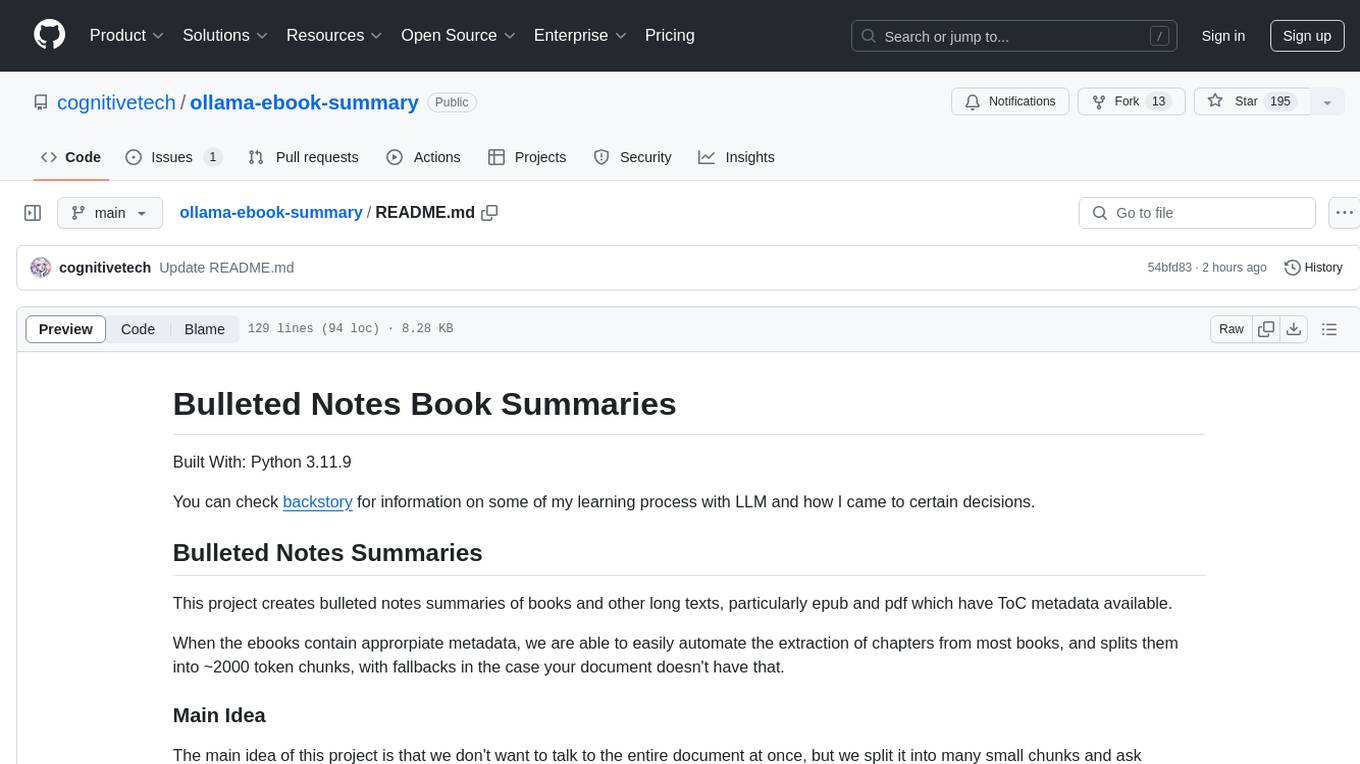
ollama-ebook-summary
The 'ollama-ebook-summary' repository is a Python project that creates bulleted notes summaries of books and long texts, particularly in epub and pdf formats with ToC metadata. It automates the extraction of chapters, splits them into ~2000 token chunks, and allows for asking arbitrary questions to parts of the text for improved granularity of response. The tool aims to provide summaries for each page of a book rather than a one-page summary of the entire document, enhancing content curation and knowledge sharing capabilities.

brokk
Brokk is a code assistant designed to understand code semantically, allowing LLMs to work effectively on large codebases. It offers features like agentic search, summarizing related classes, parsing stack traces, adding source for usages, and autonomously fixing errors. Users can interact with Brokk through different panels and commands, enabling them to manipulate context, ask questions, search codebase, run shell commands, and more. Brokk helps with tasks like debugging regressions, exploring codebase, AI-powered refactoring, and working with dependencies. It is particularly useful for making complex, multi-file edits with o1pro.
ChatData
ChatData is a robust chat-with-documents application designed to extract information and provide answers by querying the MyScale free knowledge base or uploaded documents. It leverages the Retrieval Augmented Generation (RAG) framework, millions of Wikipedia pages, and arXiv papers. Features include self-querying retriever, VectorSQL, session management, and building a personalized knowledge base. Users can effortlessly navigate vast data, explore academic papers, and research documents. ChatData empowers researchers, students, and knowledge enthusiasts to unlock the true potential of information retrieval.
azure-search-openai-javascript
This sample demonstrates a few approaches for creating ChatGPT-like experiences over your own data using the Retrieval Augmented Generation pattern. It uses Azure OpenAI Service to access the ChatGPT model (gpt-35-turbo), and Azure AI Search for data indexing and retrieval.
llm-subtrans
LLM-Subtrans is an open source subtitle translator that utilizes LLMs as a translation service. It supports translating subtitles between any language pairs supported by the language model. The application offers multiple subtitle formats support through a pluggable system, including .srt, .ssa/.ass, and .vtt files. Users can choose to use the packaged release for easy usage or install from source for more control over the setup. The tool requires an active internet connection as subtitles are sent to translation service providers' servers for translation.
gpt-subtrans
GPT-Subtrans is an open-source subtitle translator that utilizes large language models (LLMs) as translation services. It supports translation between any language pairs that the language model supports. Note that GPT-Subtrans requires an active internet connection, as subtitles are sent to the provider's servers for translation, and their privacy policy applies.
For similar tasks
document-ai-samples
The Google Cloud Document AI Samples repository contains code samples and Community Samples demonstrating how to analyze, classify, and search documents using Google Cloud Document AI. It includes various projects showcasing different functionalities such as integrating with Google Drive, processing documents using Python, content moderation with Dialogflow CX, fraud detection, language extraction, paper summarization, tax processing pipeline, and more. The repository also provides access to test document files stored in a publicly-accessible Google Cloud Storage Bucket. Additionally, there are codelabs available for optical character recognition (OCR), form parsing, specialized processors, and managing Document AI processors. Community samples, like the PDF Annotator Sample, are also included. Contributions are welcome, and users can seek help or report issues through the repository's issues page. Please note that this repository is not an officially supported Google product and is intended for demonstrative purposes only.
step-free-api
The StepChat Free service provides high-speed streaming output, multi-turn dialogue support, online search support, long document interpretation, and image parsing. It offers zero-configuration deployment, multi-token support, and automatic session trace cleaning. It is fully compatible with the ChatGPT interface. Additionally, it provides seven other free APIs for various services. The repository includes a disclaimer about using reverse APIs and encourages users to avoid commercial use to prevent service pressure on the official platform. It offers online testing links, showcases different demos, and provides deployment guides for Docker, Docker-compose, Render, Vercel, and native deployments. The repository also includes information on using multiple accounts, optimizing Nginx reverse proxy, and checking the liveliness of refresh tokens.
unilm
The 'unilm' repository is a collection of tools, models, and architectures for Foundation Models and General AI, focusing on tasks such as NLP, MT, Speech, Document AI, and Multimodal AI. It includes various pre-trained models, such as UniLM, InfoXLM, DeltaLM, MiniLM, AdaLM, BEiT, LayoutLM, WavLM, VALL-E, and more, designed for tasks like language understanding, generation, translation, vision, speech, and multimodal processing. The repository also features toolkits like s2s-ft for sequence-to-sequence fine-tuning and Aggressive Decoding for efficient sequence-to-sequence decoding. Additionally, it offers applications like TrOCR for OCR, LayoutReader for reading order detection, and XLM-T for multilingual NMT.
searchGPT
searchGPT is an open-source project that aims to build a search engine based on Large Language Model (LLM) technology to provide natural language answers. It supports web search with real-time results, file content search, and semantic search from sources like the Internet. The tool integrates LLM technologies such as OpenAI and GooseAI, and offers an easy-to-use frontend user interface. The project is designed to provide grounded answers by referencing real-time factual information, addressing the limitations of LLM's training data. Contributions, especially from frontend developers, are welcome under the MIT License.
LLMs-at-DoD
This repository contains tutorials for using Large Language Models (LLMs) in the U.S. Department of Defense. The tutorials utilize open-source frameworks and LLMs, allowing users to run them in their own cloud environments. The repository is maintained by the Defense Digital Service and welcomes contributions from users.
LARS
LARS is an application that enables users to run Large Language Models (LLMs) locally on their devices, upload their own documents, and engage in conversations where the LLM grounds its responses with the uploaded content. The application focuses on Retrieval Augmented Generation (RAG) to increase accuracy and reduce AI-generated inaccuracies. LARS provides advanced citations, supports various file formats, allows follow-up questions, provides full chat history, and offers customization options for LLM settings. Users can force enable or disable RAG, change system prompts, and tweak advanced LLM settings. The application also supports GPU-accelerated inferencing, multiple embedding models, and text extraction methods. LARS is open-source and aims to be the ultimate RAG-centric LLM application.
EAGLE
Eagle is a family of Vision-Centric High-Resolution Multimodal LLMs that enhance multimodal LLM perception using a mix of vision encoders and various input resolutions. The model features a channel-concatenation-based fusion for vision experts with different architectures and knowledge, supporting up to over 1K input resolution. It excels in resolution-sensitive tasks like optical character recognition and document understanding.
erag
ERAG is an advanced system that combines lexical, semantic, text, and knowledge graph searches with conversation context to provide accurate and contextually relevant responses. This tool processes various document types, creates embeddings, builds knowledge graphs, and uses this information to answer user queries intelligently. It includes modules for interacting with web content, GitHub repositories, and performing exploratory data analysis using various language models.
For similar jobs
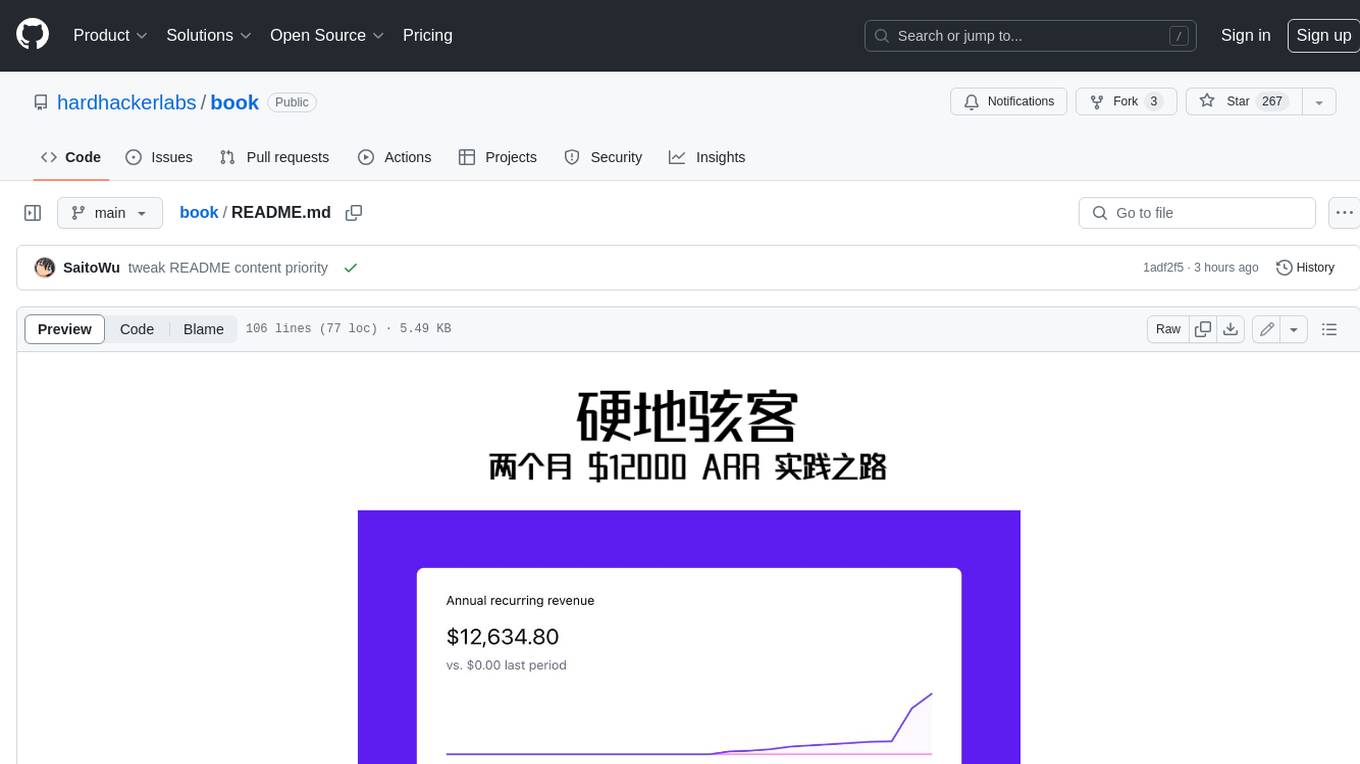
book
Podwise is an AI knowledge management app designed specifically for podcast listeners. With the Podwise platform, you only need to follow your favorite podcasts, such as "Hardcore Hackers". When a program is released, Podwise will use AI to transcribe, extract, summarize, and analyze the podcast content, helping you to break down the hard-core podcast knowledge. At the same time, it is connected to platforms such as Notion, Obsidian, Logseq, and Readwise, embedded in your knowledge management workflow, and integrated with content from other channels including news, newsletters, and blogs, helping you to improve your second brain 🧠.
extractor
Extractor is an AI-powered data extraction library for Laravel that leverages OpenAI's capabilities to effortlessly extract structured data from various sources, including images, PDFs, and emails. It features a convenient wrapper around OpenAI Chat and Completion endpoints, supports multiple input formats, includes a flexible Field Extractor for arbitrary data extraction, and integrates with Textract for OCR functionality. Extractor utilizes JSON Mode from the latest GPT-3.5 and GPT-4 models, providing accurate and efficient data extraction.
Scrapegraph-ai
ScrapeGraphAI is a Python library that uses Large Language Models (LLMs) and direct graph logic to create web scraping pipelines for websites, documents, and XML files. It allows users to extract specific information from web pages by providing a prompt describing the desired data. ScrapeGraphAI supports various LLMs, including Ollama, OpenAI, Gemini, and Docker, enabling users to choose the most suitable model for their needs. The library provides a user-friendly interface through its `SmartScraper` class, which simplifies the process of building and executing scraping pipelines. ScrapeGraphAI is open-source and available on GitHub, with extensive documentation and examples to guide users. It is particularly useful for researchers and data scientists who need to extract structured data from web pages for analysis and exploration.
databerry
Chaindesk is a no-code platform that allows users to easily set up a semantic search system for personal data without technical knowledge. It supports loading data from various sources such as raw text, web pages, files (Word, Excel, PowerPoint, PDF, Markdown, Plain Text), and upcoming support for web sites, Notion, and Airtable. The platform offers a user-friendly interface for managing datastores, querying data via a secure API endpoint, and auto-generating ChatGPT Plugins for each datastore. Chaindesk utilizes a Vector Database (Qdrant), Openai's text-embedding-ada-002 for embeddings, and has a chunk size of 1024 tokens. The technology stack includes Next.js, Joy UI, LangchainJS, PostgreSQL, Prisma, and Qdrant, inspired by the ChatGPT Retrieval Plugin.

auto-news
Auto-News is an automatic news aggregator tool that utilizes Large Language Models (LLM) to pull information from various sources such as Tweets, RSS feeds, YouTube videos, web articles, Reddit, and journal notes. The tool aims to help users efficiently read and filter content based on personal interests, providing a unified reading experience and organizing information effectively. It features feed aggregation with summarization, transcript generation for videos and articles, noise reduction, task organization, and deep dive topic exploration. The tool supports multiple LLM backends, offers weekly top-k aggregations, and can be deployed on Linux/MacOS using docker-compose or Kubernetes.
SemanticFinder
SemanticFinder is a frontend-only live semantic search tool that calculates embeddings and cosine similarity client-side using transformers.js and SOTA embedding models from Huggingface. It allows users to search through large texts like books with pre-indexed examples, customize search parameters, and offers data privacy by keeping input text in the browser. The tool can be used for basic search tasks, analyzing texts for recurring themes, and has potential integrations with various applications like wikis, chat apps, and personal history search. It also provides options for building browser extensions and future ideas for further enhancements and integrations.
1filellm
1filellm is a command-line data aggregation tool designed for LLM ingestion. It aggregates and preprocesses data from various sources into a single text file, facilitating the creation of information-dense prompts for large language models. The tool supports automatic source type detection, handling of multiple file formats, web crawling functionality, integration with Sci-Hub for research paper downloads, text preprocessing, and token count reporting. Users can input local files, directories, GitHub repositories, pull requests, issues, ArXiv papers, YouTube transcripts, web pages, Sci-Hub papers via DOI or PMID. The tool provides uncompressed and compressed text outputs, with the uncompressed text automatically copied to the clipboard for easy pasting into LLMs.
Agently-Daily-News-Collector
Agently Daily News Collector is an open-source project showcasing a workflow powered by the Agent ly AI application development framework. It allows users to generate news collections on various topics by inputting the field topic. The AI agents automatically perform the necessary tasks to generate a high-quality news collection saved in a markdown file. Users can edit settings in the YAML file, install Python and required packages, input their topic idea, and wait for the news collection to be generated. The process involves tasks like outlining, searching, summarizing, and preparing column data. The project dependencies include Agently AI Development Framework, duckduckgo-search, BeautifulSoup4, and PyYAM.