


ollama4j-web-ui
Web UI for Ollama built in Java with Vaadin, Spring Boot and Ollama4j
Stars: 92
Ollama4j Web UI is a Java-based web interface built using Spring Boot and Vaadin framework for Ollama users with Java and Spring background. It allows users to interact with various models running on Ollama servers, providing a fully functional web UI experience. The project offers multiple ways to run the application, including via Docker, Docker Compose, or as a standalone JAR. Users can configure the environment variables and access the web UI through a browser. The project also includes features for error handling on the UI and settings pane for customizing default parameters.
README:
A web UI for Ollama written in Java using Spring Boot and Vaadin framework and Ollama4j.
The goal of the project is to enable Ollama users coming from Java and Spring background to have a fully functional web UI.
This project focuses on the raw capabilities of interacting with various models running on Ollama servers.
  flowchart LR
    owui[Ollama4j Web UI]
    o4j[Ollama4j]
    o[Ollama Server]
    owui -->|uses| o4j
    o4j -->|Communicates with| o;
    m[Models]
    subgraph Ollama Deployment
        direction TB
        o -->|Manages| m
    end
If you already have a Ollama service running, the easiest way to get started is by using Docker by pointing to the host address of Ollama. Find the image tags here.
Run the Docker container by issuing this in your terminal:
docker run -it \
  -p 9090:8080 \
  -e OLLAMA_HOST_ADDR='http://192.168.10.1:11434' \
amithkoujalgi/ollama4j-web-uiIf you want to start the Ollama service and the Ollama Web UI as Docker containers, create a
file called docker-compose.yaml and add the following contents in it:
services:

  ollama:
    image: ollama/ollama
    ports:
      - "11434:11434"
    volumes:
      - ~/ollama:/root/.ollama
    shm_size: 512mb

  ollama4j-web-ui:
    image: amithkoujalgi/ollama4j-web-ui
    ports:
      - "9090:8080"
    environment:
      OLLAMA_HOST_ADDR: 'http://ollama:11434'
Then open up your terminal and then type in:
docker-compose -f /path/to/your/docker-compose.yaml upAnd then you access the Ollama4j Web UI on http://localhost:9090.
Download the latest version from here.
Or, you could download it via command-line. Just make sure to specify the version you want to download.
VERSION=0.0.1; wget https://github.com/ollama4j/ollama4j-web-ui/releases/download/$VERSION/ollama4j-web-ui-$VERSION.jarSet environment variables.
export SERVER_PORT=8080
export OLLAMA_HOST_ADDR=http://localhost:11434
Or, if you would want to override the base config file, create a file application.properties and add the following
configuration.
Update the values of server.port and ollama.url according to your needs.
server.port=8080
logging.level.org.atmosphere = warn

spring.mustache.check-template-location = false
spring.servlet.multipart.max-file-size=50MB
spring.servlet.multipart.max-request-size=50MB

vaadin.launch-browser=true
vaadin.whitelisted-packages = com.vaadin,org.vaadin,dev.hilla,io.github.ollama4j

ollama.url=http://localhost:11434
ollama.request-timeout-seconds=120java -jar ollama4j-web-ui-$VERSION.jar \
--spring.config.location=/path/to/your/application.propertiesThen open http://localhost:8080 in your browser to access the Ollama4j Web UI.
- [ ] Show errors on the UI. For example,
io.github.ollama4j.exceptions.OllamaBaseException: model "llama3" not found, try pulling it first. - [ ] Settings pane for configuring default params such as
top-p,top-k, etc.
Contributions are most welcome! Whether it's reporting a bug, proposing an enhancement, or helping with code - any sort of contribution is much appreciated.
The project is inspired by the awesome ollama4j-ui project by @AgentSchmecker.
The nomenclature has been adopted from the incredible Ollama project.
For Tasks:
Click tags to check more tools for each tasksFor Jobs:
Alternative AI tools for ollama4j-web-ui
Similar Open Source Tools
ollama4j-web-ui
Ollama4j Web UI is a Java-based web interface built using Spring Boot and Vaadin framework for Ollama users with Java and Spring background. It allows users to interact with various models running on Ollama servers, providing a fully functional web UI experience. The project offers multiple ways to run the application, including via Docker, Docker Compose, or as a standalone JAR. Users can configure the environment variables and access the web UI through a browser. The project also includes features for error handling on the UI and settings pane for customizing default parameters.
steel-browser
Steel is an open-source browser API designed for AI agents and applications, simplifying the process of building live web agents and browser automation tools. It serves as a core building block for a production-ready, containerized browser sandbox with features like stealth capabilities, text-to-markdown session management, UI for session viewing/debugging, and full browser control through popular automation frameworks. Steel allows users to control, run, and manage a production-ready browser environment via a REST API, offering features such as full browser control, session management, proxy support, extension support, debugging tools, anti-detection mechanisms, resource management, and various browser tools. It aims to streamline complex browsing tasks programmatically, enabling users to focus on their AI applications while Steel handles the underlying complexity.
chat-ui
This repository provides a minimalist approach to create a chatbot by constructing the entire front-end UI using a single HTML file. It supports various backend endpoints through custom configurations, multiple response formats, chat history download, and MCP. Users can deploy the chatbot locally, via Docker, Cloudflare pages, Huggingface, or within K8s. The tool also supports image inputs, toggling between different display formats, internationalization, and localization.
trieve
Trieve is an advanced relevance API for hybrid search, recommendations, and RAG. It offers a range of features including self-hosting, semantic dense vector search, typo tolerant full-text/neural search, sub-sentence highlighting, recommendations, convenient RAG API routes, the ability to bring your own models, hybrid search with cross-encoder re-ranking, recency biasing, tunable popularity-based ranking, filtering, duplicate detection, and grouping. Trieve is designed to be flexible and customizable, allowing users to tailor it to their specific needs. It is also easy to use, with a simple API and well-documented features.
gitingest
GitIngest is a tool that allows users to turn any Git repository into a prompt-friendly text ingest for LLMs. It provides easy code context by generating a text digest from a git repository URL or directory. The tool offers smart formatting for optimized output format for LLM prompts and provides statistics about file and directory structure, size of the extract, and token count. GitIngest can be used as a CLI tool on Linux and as a Python package for code integration. The tool is built using Tailwind CSS for frontend, FastAPI for backend framework, tiktoken for token estimation, and apianalytics.dev for simple analytics. Users can self-host GitIngest by building the Docker image and running the container. Contributions to the project are welcome, and the tool aims to be beginner-friendly for first-time contributors with a simple Python and HTML codebase.
shortest
Shortest is a project for local development that helps set up environment variables and services for a web application. It provides a guide for setting up Node.js and pnpm dependencies, configuring services like Clerk, Vercel Postgres, Anthropic, Stripe, and GitHub OAuth, and running the application and tests locally.
ChatGPT
The ChatGPT API Free Reverse Proxy provides free self-hosted API access to ChatGPT (`gpt-3.5-turbo`) with OpenAI's familiar structure, eliminating the need for code changes. It offers streaming response, API endpoint compatibility, and complimentary access without an API key. Installation options include Docker, PC/Server, and Termux on Android devices. The API can be accessed through a self-hosted local server or a pre-hosted API with an API key obtained from the Discord server. Usage examples are provided for Python and Node.js, and the project is licensed under AGPL-3.0.
langstream
LangStream is a tool for natural language processing tasks, providing a CLI for easy installation and usage. Users can try sample applications like Chat Completions and create their own applications using the developer documentation. It supports running on Kubernetes for production-ready deployment, with support for various Kubernetes distributions and external components like Apache Kafka or Apache Pulsar cluster. Users can deploy LangStream locally using minikube and manage the cluster with mini-langstream. Development requirements include Docker, Java 17, Git, Python 3.11+, and PIP, with the option to test local code changes using mini-langstream.
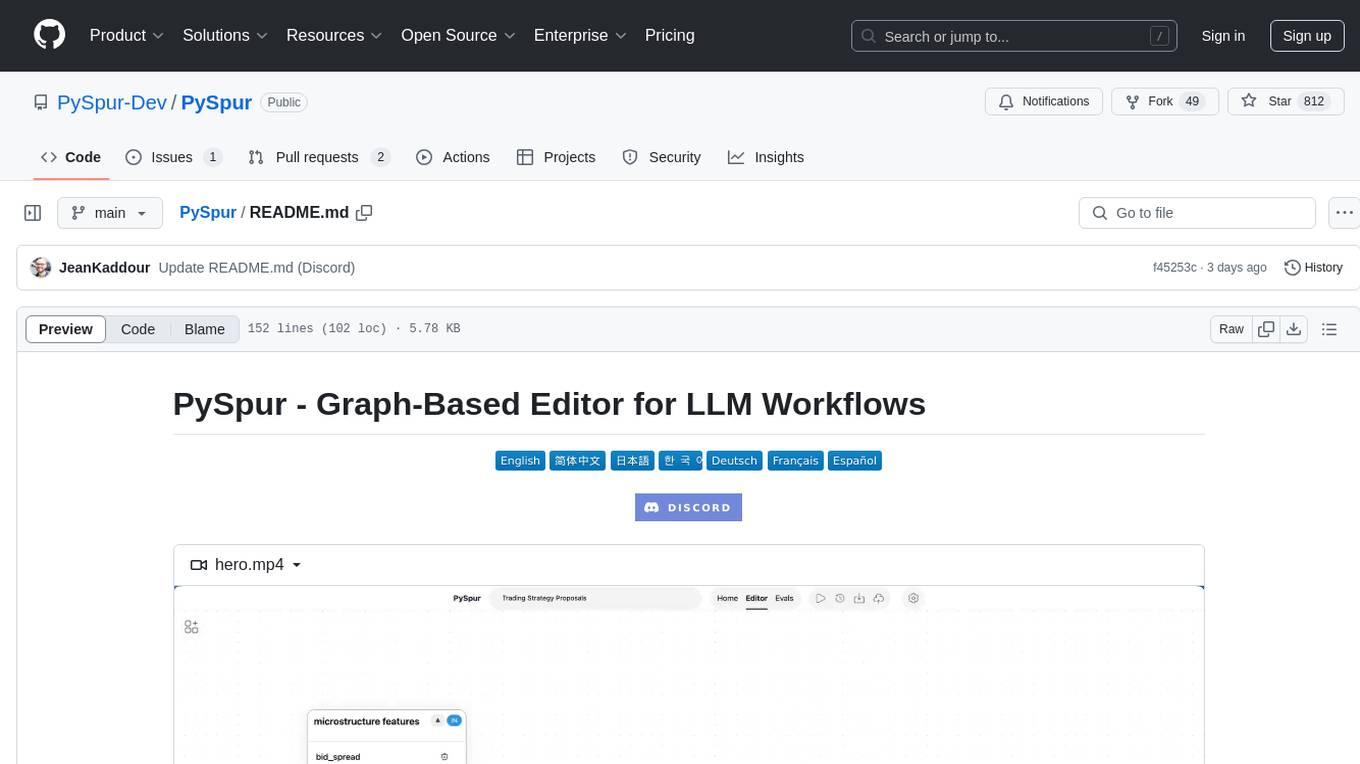
PySpur
PySpur is a graph-based editor designed for LLM workflows, offering modular building blocks for easy workflow creation and debugging at node level. It allows users to evaluate final performance and promises self-improvement features in the future. PySpur is easy-to-hack, supports JSON configs for workflow graphs, and is lightweight with minimal dependencies, making it a versatile tool for workflow management in the field of AI and machine learning.
pear-landing-page
PearAI Landing Page is an open-source AI-powered code editor managed by Nang and Pan. It is built with Next.js, Vercel, Tailwind CSS, and TypeScript. The project requires setting up environment variables for proper configuration. Users can run the project locally by starting the development server and visiting the specified URL in the browser. Recommended extensions include Prettier, ESLint, and JavaScript and TypeScript Nightly. Contributions to the project are welcomed and appreciated.
copywriterproai-backend
CopywriterProAI is the world's first open-source AI writing platform for SEO and Ad Copy. The backend repository powers the AI capabilities and manages content processing for smooth operation. It provides an AI writing assistant that works behind the scenes to assist users in content creation.
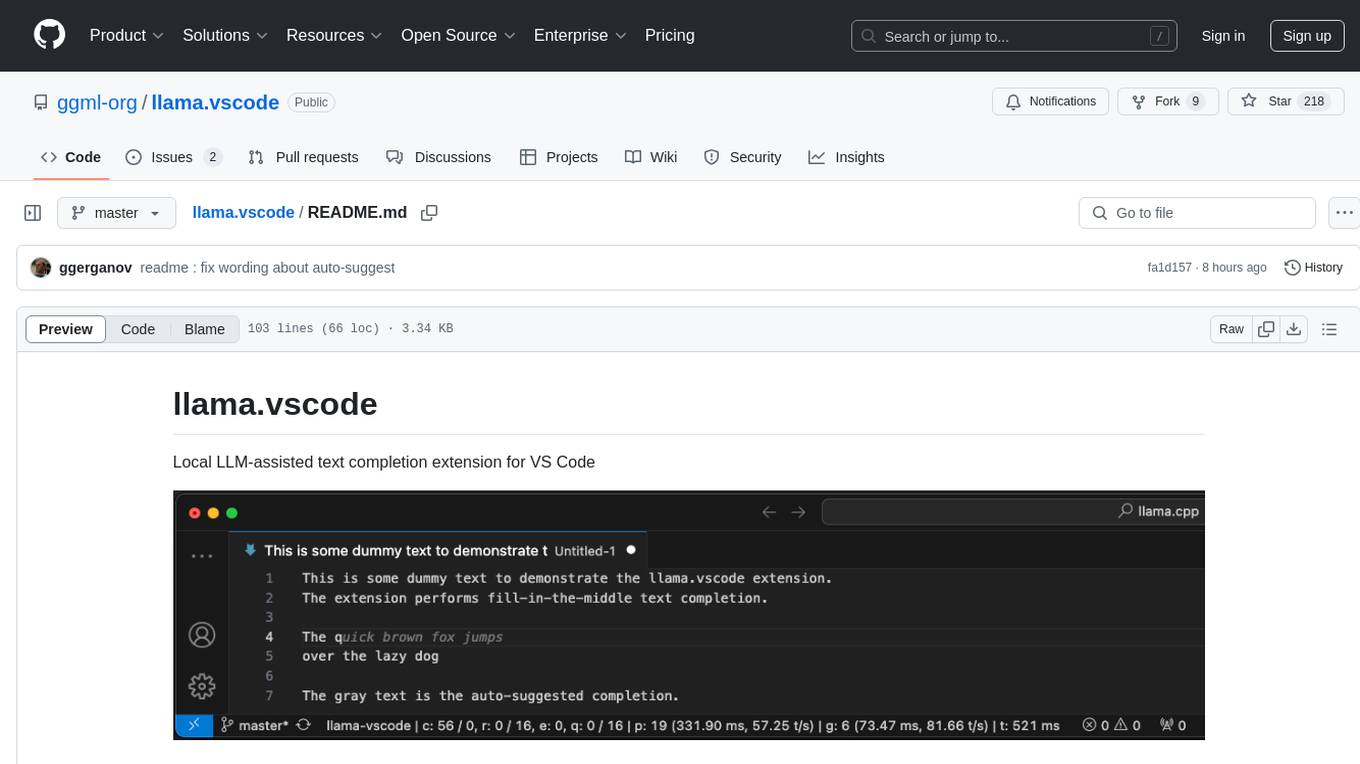
llama.vscode
llama.vscode is a local LLM-assisted text completion extension for Visual Studio Code. It provides auto-suggestions on input, allows accepting suggestions with shortcuts, and offers various features to enhance text completion. The extension is designed to be lightweight and efficient, enabling high-quality completions even on low-end hardware. Users can configure the scope of context around the cursor and control text generation time. It supports very large contexts and displays performance statistics for better user experience.
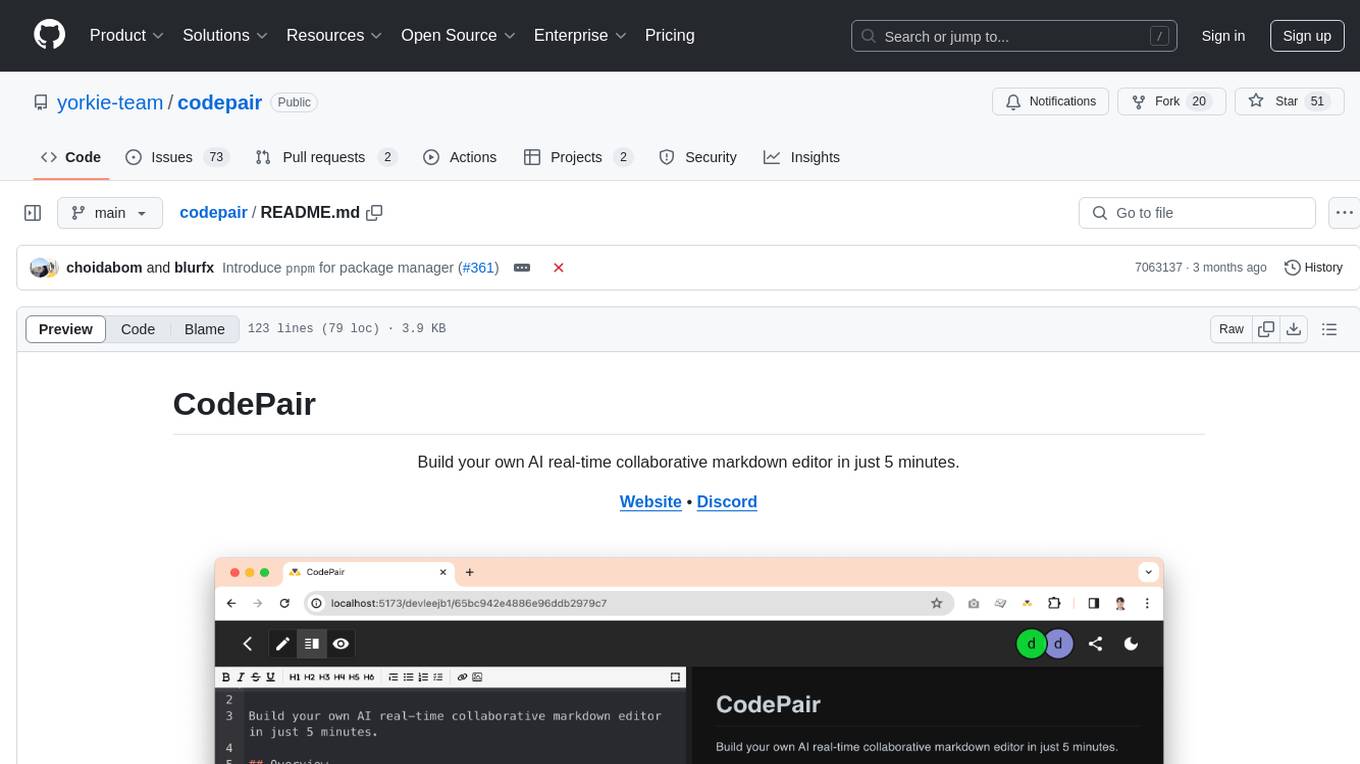
codepair
CodePair is an open-source real-time collaborative markdown editor with AI intelligence, allowing users to collaboratively edit documents, share documents with external parties, and utilize AI intelligence within the editor. It is built using React, NestJS, and LangChain. The repository contains frontend and backend code, with detailed instructions for setting up and running each part. Users can choose between Frontend Development Only Mode or Full Stack Development Mode based on their needs. CodePair also integrates GitHub OAuth for Social Login feature. Contributors are welcome to submit patches and follow the contribution workflow.
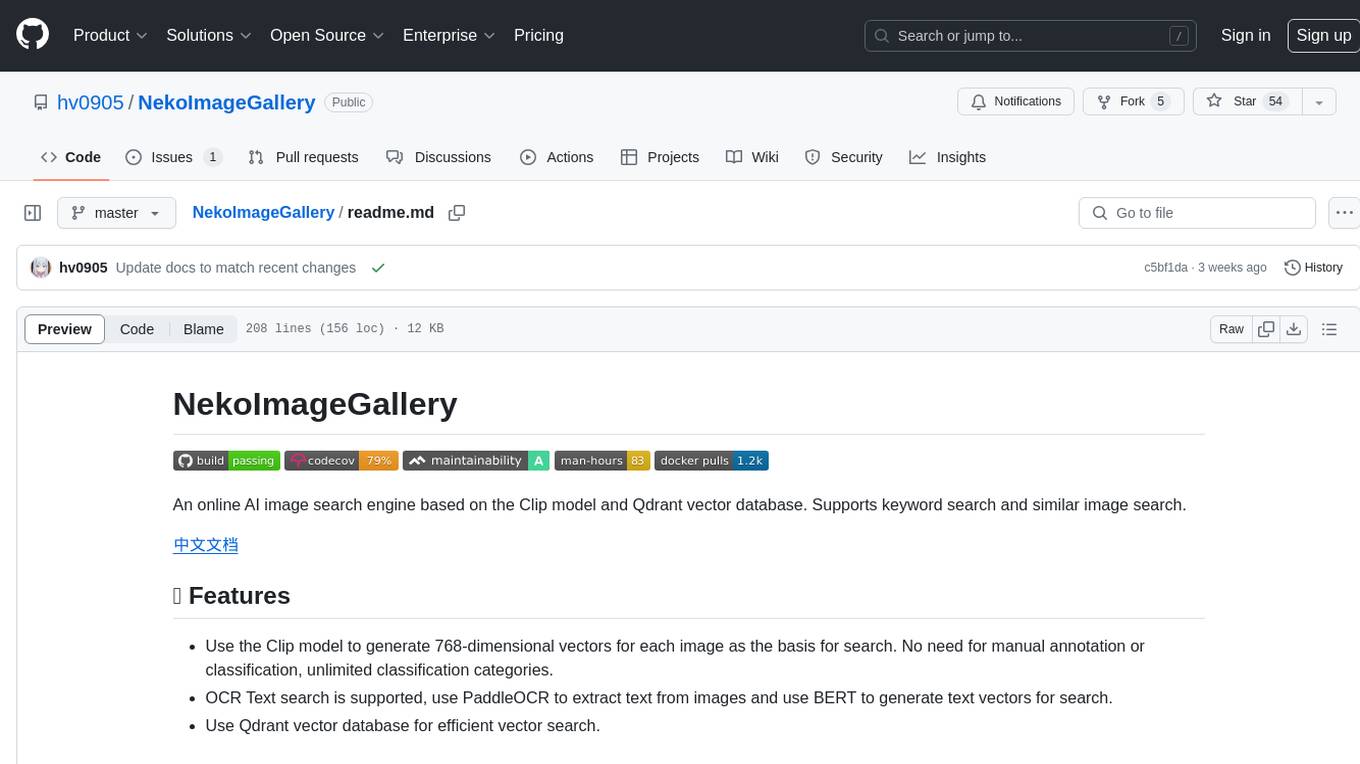
NekoImageGallery
NekoImageGallery is an online AI image search engine that utilizes the Clip model and Qdrant vector database. It supports keyword search and similar image search. The tool generates 768-dimensional vectors for each image using the Clip model, supports OCR text search using PaddleOCR, and efficiently searches vectors using the Qdrant vector database. Users can deploy the tool locally or via Docker, with options for metadata storage using Qdrant database or local file storage. The tool provides API documentation through FastAPI's built-in Swagger UI and can be used for tasks like image search, text extraction, and vector search.
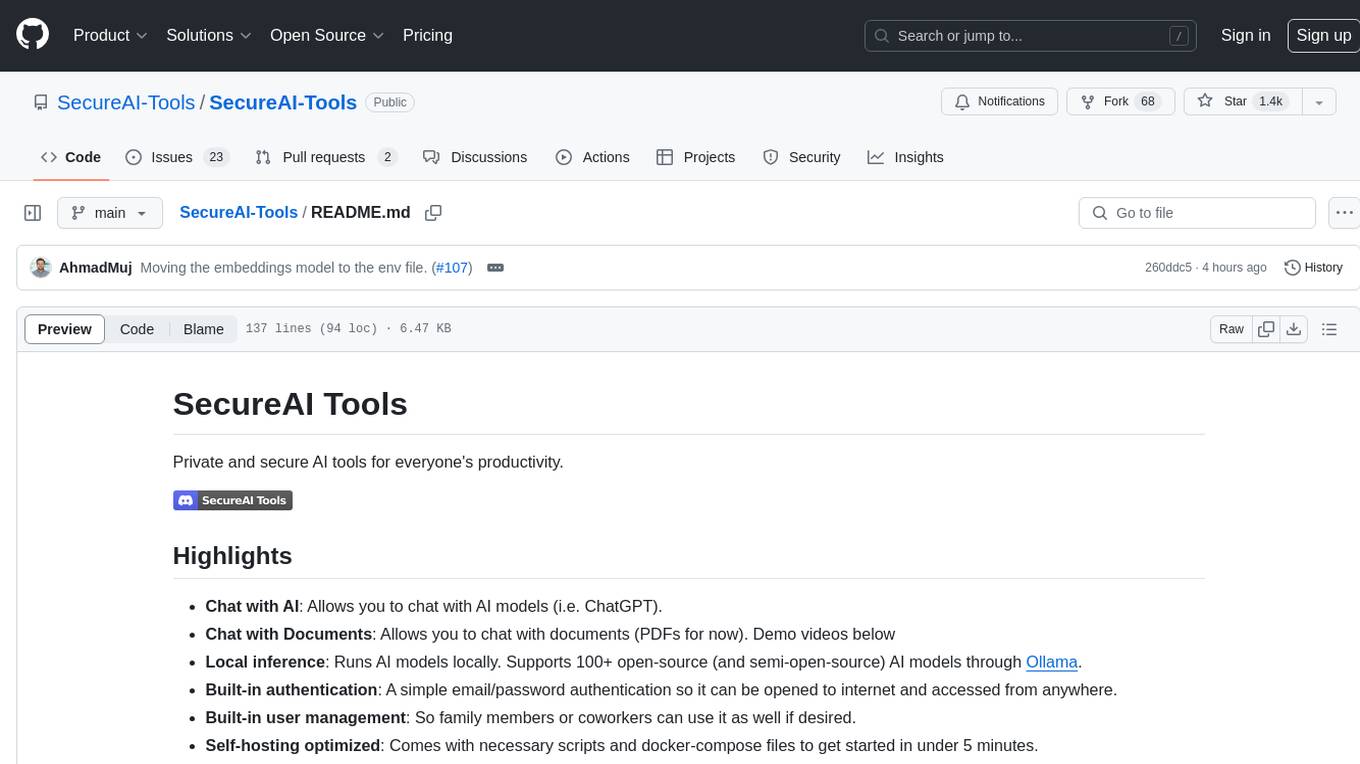
SecureAI-Tools
SecureAI Tools is a private and secure AI tool that allows users to chat with AI models, chat with documents (PDFs), and run AI models locally. It comes with built-in authentication and user management, making it suitable for family members or coworkers. The tool is self-hosting optimized and provides necessary scripts and docker-compose files for easy setup in under 5 minutes. Users can customize the tool by editing the .env file and enabling GPU support for faster inference. SecureAI Tools also supports remote OpenAI-compatible APIs, with lower hardware requirements for using remote APIs only. The tool's features wishlist includes chat sharing, mobile-friendly UI, and support for more file types and markdown rendering.
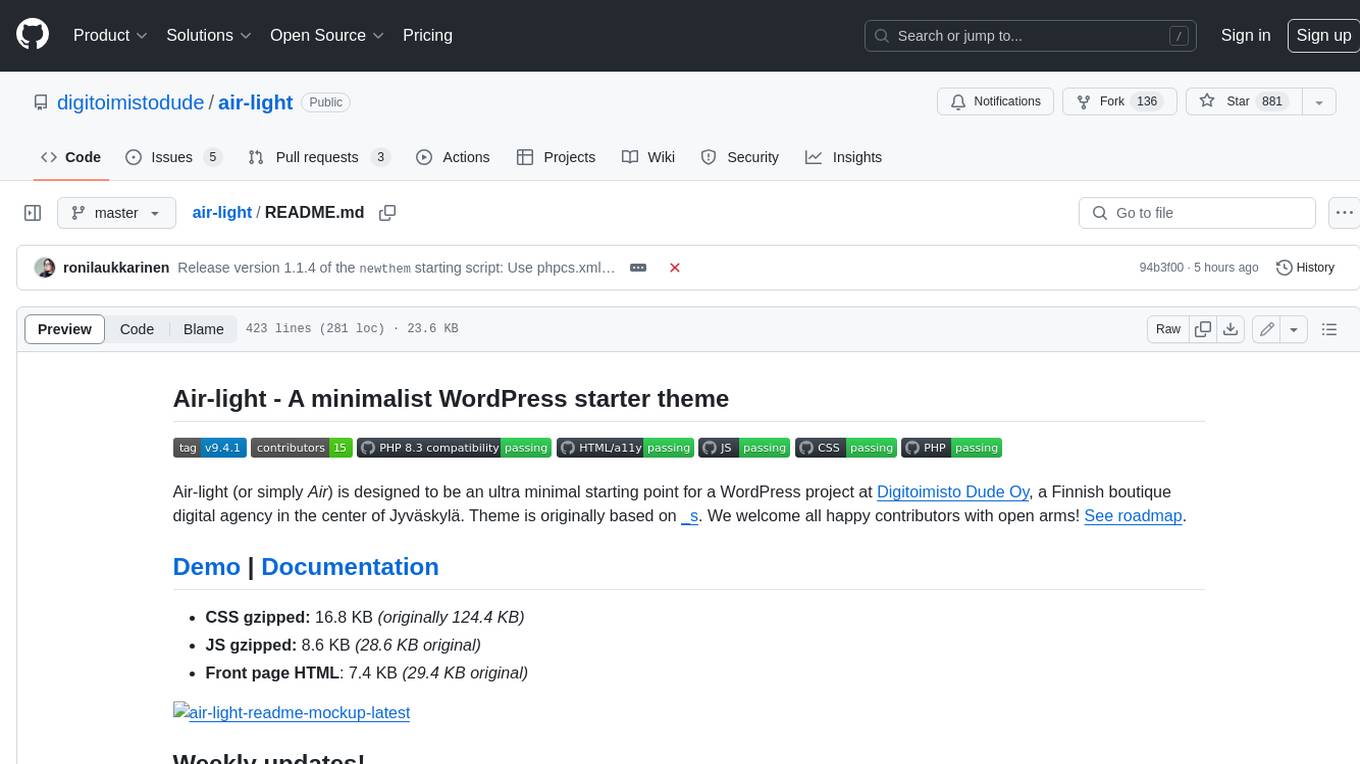
air-light
Air-light is a minimalist WordPress starter theme designed to be an ultra minimal starting point for a WordPress project. It is built to be very straightforward, backwards compatible, front-end developer friendly and modular by its structure. Air-light is free of weird "app-like" folder structures or odd syntaxes that nobody else uses. It loves WordPress as it was and as it is.
For similar tasks
Forza-Mods-AIO
Forza Mods AIO is a free and open-source tool that enhances the gaming experience in Forza Horizon 4 and 5. It offers a range of time-saving and quality-of-life features, making gameplay more enjoyable and efficient. The tool is designed to streamline various aspects of the game, improving user satisfaction and overall enjoyment.
hass-ollama-conversation
The Ollama Conversation integration adds a conversation agent powered by Ollama in Home Assistant. This agent can be used in automations to query information provided by Home Assistant about your house, including areas, devices, and their states. Users can install the integration via HACS and configure settings such as API timeout, model selection, context size, maximum tokens, and other parameters to fine-tune the responses generated by the AI language model. Contributions to the project are welcome, and discussions can be held on the Home Assistant Community platform.
crawl4ai
Crawl4AI is a powerful and free web crawling service that extracts valuable data from websites and provides LLM-friendly output formats. It supports crawling multiple URLs simultaneously, replaces media tags with ALT, and is completely free to use and open-source. Users can integrate Crawl4AI into Python projects as a library or run it as a standalone local server. The tool allows users to crawl and extract data from specified URLs using different providers and models, with options to include raw HTML content, force fresh crawls, and extract meaningful text blocks. Configuration settings can be adjusted in the `crawler/config.py` file to customize providers, API keys, chunk processing, and word thresholds. Contributions to Crawl4AI are welcome from the open-source community to enhance its value for AI enthusiasts and developers.
MaterialSearch
MaterialSearch is a tool for searching local images and videos using natural language. It provides functionalities such as text search for images, image search for images, text search for videos (providing matching video clips), image search for videos (searching for the segment in a video through a screenshot), image-text similarity calculation, and Pexels video search. The tool can be deployed through the source code or Docker image, and it supports GPU acceleration. Users can configure the tool through environment variables or a .env file. The tool is still under development, and configurations may change frequently. Users can report issues or suggest improvements through issues or pull requests.
tenere
Tenere is a TUI interface for Language Model Libraries (LLMs) written in Rust. It provides syntax highlighting, chat history, saving chats to files, Vim keybindings, copying text from/to clipboard, and supports multiple backends. Users can configure Tenere using a TOML configuration file, set key bindings, and use different LLMs such as ChatGPT, llama.cpp, and ollama. Tenere offers default key bindings for global and prompt modes, with features like starting a new chat, saving chats, scrolling, showing chat history, and quitting the app. Users can interact with the prompt in different modes like Normal, Visual, and Insert, with various key bindings for navigation, editing, and text manipulation.
openkore
OpenKore is a custom client and intelligent automated assistant for Ragnarok Online. It is a free, open source, and cross-platform program (Linux, Windows, and MacOS are supported). To run OpenKore, you need to download and extract it or clone the repository using Git. Configure OpenKore according to the documentation and run openkore.pl to start. The tool provides a FAQ section for troubleshooting, guidelines for reporting issues, and information about botting status on official servers. OpenKore is developed by a global team, and contributions are welcome through pull requests. Various community resources are available for support and communication. Users are advised to comply with the GNU General Public License when using and distributing the software.
QA-Pilot
QA-Pilot is an interactive chat project that leverages online/local LLM for rapid understanding and navigation of GitHub code repository. It allows users to chat with GitHub public repositories using a git clone approach, store chat history, configure settings easily, manage multiple chat sessions, and quickly locate sessions with a search function. The tool integrates with `codegraph` to view Python files and supports various LLM models such as ollama, openai, mistralai, and localai. The project is continuously updated with new features and improvements, such as converting from `flask` to `fastapi`, adding `localai` API support, and upgrading dependencies like `langchain` and `Streamlit` to enhance performance.
extension-gen-ai
The Looker GenAI Extension provides code examples and resources for building a Looker Extension that integrates with Vertex AI Large Language Models (LLMs). Users can leverage the power of LLMs to enhance data exploration and analysis within Looker. The extension offers generative explore functionality to ask natural language questions about data and generative insights on dashboards to analyze data by asking questions. It leverages components like BQML Remote Models, BQML Remote UDF with Vertex AI, and Custom Fine Tune Model for different integration options. Deployment involves setting up infrastructure with Terraform and deploying the Looker Extension by creating a Looker project, copying extension files, configuring BigQuery connection, connecting to Git, and testing the extension. Users can save example prompts and configure user settings for the extension. Development of the Looker Extension environment includes installing dependencies, starting the development server, and building for production.
For similar jobs
resonance
Resonance is a framework designed to facilitate interoperability and messaging between services in your infrastructure and beyond. It provides AI capabilities and takes full advantage of asynchronous PHP, built on top of Swoole. With Resonance, you can: * Chat with Open-Source LLMs: Create prompt controllers to directly answer user's prompts. LLM takes care of determining user's intention, so you can focus on taking appropriate action. * Asynchronous Where it Matters: Respond asynchronously to incoming RPC or WebSocket messages (or both combined) with little overhead. You can set up all the asynchronous features using attributes. No elaborate configuration is needed. * Simple Things Remain Simple: Writing HTTP controllers is similar to how it's done in the synchronous code. Controllers have new exciting features that take advantage of the asynchronous environment. * Consistency is Key: You can keep the same approach to writing software no matter the size of your project. There are no growing central configuration files or service dependencies registries. Every relation between code modules is local to those modules. * Promises in PHP: Resonance provides a partial implementation of Promise/A+ spec to handle various asynchronous tasks. * GraphQL Out of the Box: You can build elaborate GraphQL schemas by using just the PHP attributes. Resonance takes care of reusing SQL queries and optimizing the resources' usage. All fields can be resolved asynchronously.
aiogram_bot_template
Aiogram bot template is a boilerplate for creating Telegram bots using Aiogram framework. It provides a solid foundation for building robust and scalable bots with a focus on code organization, database integration, and localization.
pinecone-ts-client
The official Node.js client for Pinecone, written in TypeScript. This client library provides a high-level interface for interacting with the Pinecone vector database service. With this client, you can create and manage indexes, upsert and query vector data, and perform other operations related to vector search and retrieval. The client is designed to be easy to use and provides a consistent and idiomatic experience for Node.js developers. It supports all the features and functionality of the Pinecone API, making it a comprehensive solution for building vector-powered applications in Node.js.
ai-chatbot
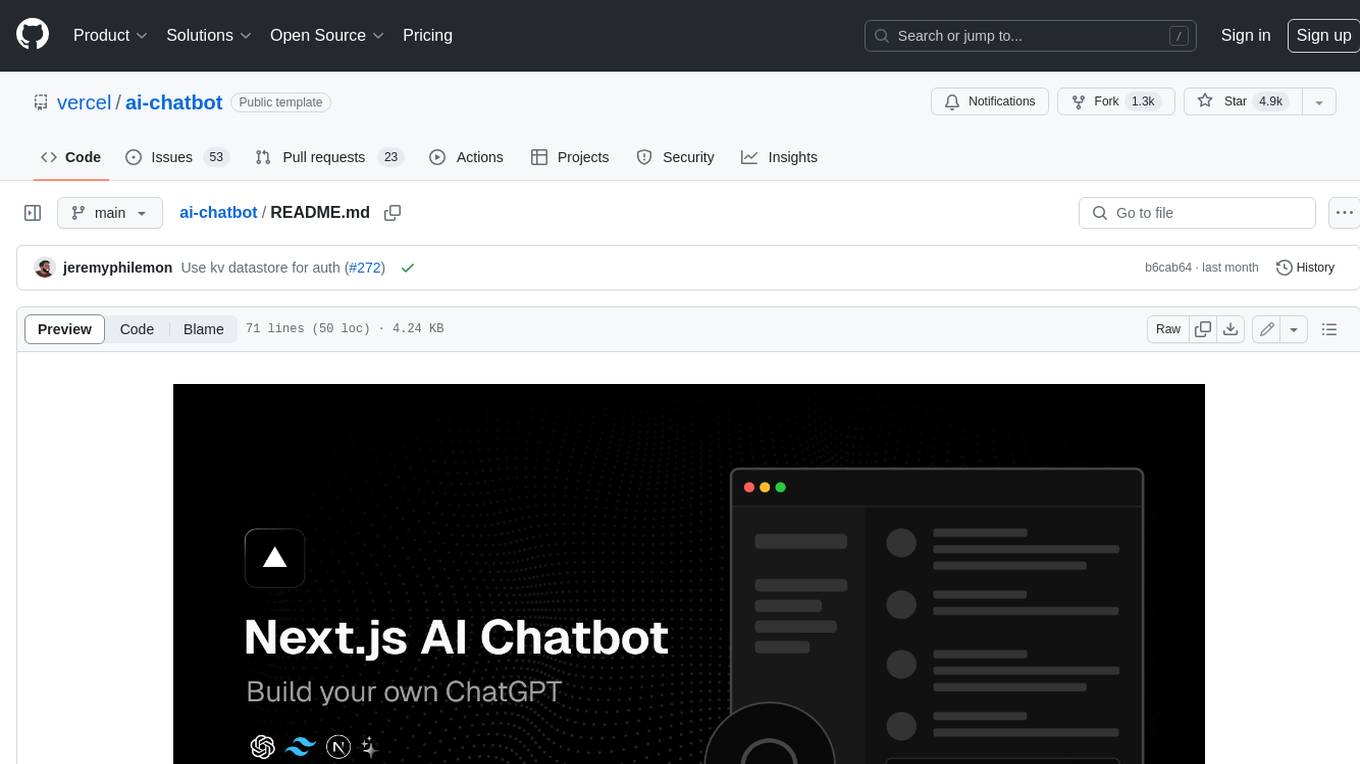
Next.js AI Chatbot is an open-source app template for building AI chatbots using Next.js, Vercel AI SDK, OpenAI, and Vercel KV. It includes features like Next.js App Router, React Server Components, Vercel AI SDK for streaming chat UI, support for various AI models, Tailwind CSS styling, Radix UI for headless components, chat history management, rate limiting, session storage with Vercel KV, and authentication with NextAuth.js. The template allows easy deployment to Vercel and customization of AI model providers.
freeciv-web
Freeciv-web is an open-source turn-based strategy game that can be played in any HTML5 capable web-browser. It features in-depth gameplay, a wide variety of game modes and options. Players aim to build cities, collect resources, organize their government, and build an army to create the best civilization. The game offers both multiplayer and single-player modes, with a 2D version with isometric graphics and a 3D WebGL version available. The project consists of components like Freeciv-web, Freeciv C server, Freeciv-proxy, Publite2, and pbem for play-by-email support. Developers interested in contributing can check the GitHub issues and TODO file for tasks to work on.
nextpy
Nextpy is a cutting-edge software development framework optimized for AI-based code generation. It provides guardrails for defining AI system boundaries, structured outputs for prompt engineering, a powerful prompt engine for efficient processing, better AI generations with precise output control, modularity for multiplatform and extensible usage, developer-first approach for transferable knowledge, and containerized & scalable deployment options. It offers 4-10x faster performance compared to Streamlit apps, with a focus on cooperation within the open-source community and integration of key components from various projects.
airbadge
Airbadge is a Stripe addon for Auth.js that provides an easy way to create a SaaS site without writing any authentication or payment code. It integrates Stripe Checkout into the signup flow, offers over 50 OAuth options for authentication, allows route and UI restriction based on subscription, enables self-service account management, handles all Stripe webhooks, supports trials and free plans, includes subscription and plan data in the session, and is open source with a BSL license. The project also provides components for conditional UI display based on subscription status and helper functions to restrict route access. Additionally, it offers a billing endpoint with various routes for billing operations. Setup involves installing @airbadge/sveltekit, setting up a database provider for Auth.js, adding environment variables, configuring authentication and billing options, and forwarding Stripe events to localhost.
ChaKt-KMP
ChaKt is a multiplatform app built using Kotlin and Compose Multiplatform to demonstrate the use of Generative AI SDK for Kotlin Multiplatform to generate content using Google's Generative AI models. It features a simple chat based user interface and experience to interact with AI. The app supports mobile, desktop, and web platforms, and is built with Kotlin Multiplatform, Kotlin Coroutines, Compose Multiplatform, Generative AI SDK, Calf - File picker, and BuildKonfig. Users can contribute to the project by following the guidelines in CONTRIBUTING.md. The app is licensed under the MIT License.