


ai-dial-sdk
Framework to create applications and model adapters for AI DIAL
Stars: 166
AI DIAL Python SDK is a framework designed to create applications and model adapters for AI DIAL API, which is based on Azure OpenAI API. It provides a user-friendly interface for routing requests to applications. The SDK includes features for chat completions, response generation, and API interactions. Developers can easily build and deploy AI-powered applications using this SDK, ensuring compatibility with the AI DIAL platform.
README:



Framework to create applications and model adapters for AI DIAL.
Applications and model adapters implemented using this framework will be compatible with AI DIAL API that was designed based on Azure OpenAI API.
| Variable | Default | Description |
|---|---|---|
| DIAL_SDK_LOG | WARNING | DIAL SDK log level |
| PYDANTIC_V2 | False | When True and Pydantic V2 is installed, DIAL SDK classes for requests/responses will be based on Pydantic V2 BaseModel. Otherwise, they will be based on Pydantic V1 BaseModel. |
Install the library using pip:
pip install aidial-sdkThe echo application example replies to the user by repeating their last message:
# Save this as app.py
import uvicorn

from aidial_sdk import DIALApp
from aidial_sdk.chat_completion import ChatCompletion, Request, Response


# ChatCompletion is an abstract class for applications and model adapters
class EchoApplication(ChatCompletion):
    async def chat_completion(self, request: Request, response: Response) -> None:
        # Get last message (the newest) from the history
        last_user_message = request.messages[-1]

        # Generate response with a single choice
        with response.create_single_choice() as choice:
            # Fill the content of the response with the last user's content
            choice.append_content(last_user_message.text())


# DIALApp extends FastAPI to provide a user-friendly interface for routing requests to your applications
app = DIALApp()
app.add_chat_completion("echo", EchoApplication())

# Run built app
if __name__ == "__main__":
uvicorn.run(app, port=5000)python3 app.pySend the next request:
curl http://127.0.0.1:5000/openai/deployments/echo/chat/completions \
  -H "Content-Type: application/json" \
  -H "Api-Key: DIAL_API_KEY" \
  -d '{
    "messages": [{"role": "user", "content": "Repeat me!"}]
  }'
You will see the JSON response as:
{
    "choices":[
        {
            "index": 0,
            "finish_reason": "stop",
            "message": {
                "role": "assistant",
                "content": "Repeat me!"
            }
        }
    ],
    "usage": null,
    "id": "d08cfda2-d7c8-476f-8b95-424195fcdafe",
    "created": 1695298034,
    "object": "chat.completion"
}[!IMPORTANT] This project uses Python>=3.10 and Poetry>=2.1.1 as a dependency manager.
Check out Poetry's documentation on how to install it on your system before proceeding.
To install requirements:
poetry installThis will install all requirements for running the package, linting, formatting and tests.
The recommended IDE is VSCode. Open the project in VSCode and install the recommended extensions.
The VSCode is configured to use PEP-8 compatible formatter Black.
Alternatively you can use PyCharm.
Set-up the Black formatter for PyCharm manually or install PyCharm>=2023.2 with built-in Black support.
Run the linting before committing:
make lintTo auto-fix formatting issues run:
make formatRun unit tests locally for available python versions:
make testRun unit tests for the specific python version:
make test PYTHON=3.11To remove the virtual environment and build artifacts run:
make cleanTo build the package run:
make buildTo publish the package to PyPI run:
make publishFor Tasks:
Click tags to check more tools for each tasksFor Jobs:
Alternative AI tools for ai-dial-sdk
Similar Open Source Tools
ai-dial-sdk
AI DIAL Python SDK is a framework designed to create applications and model adapters for AI DIAL API, which is based on Azure OpenAI API. It provides a user-friendly interface for routing requests to applications. The SDK includes features for chat completions, response generation, and API interactions. Developers can easily build and deploy AI-powered applications using this SDK, ensuring compatibility with the AI DIAL platform.
UnrealGenAISupport
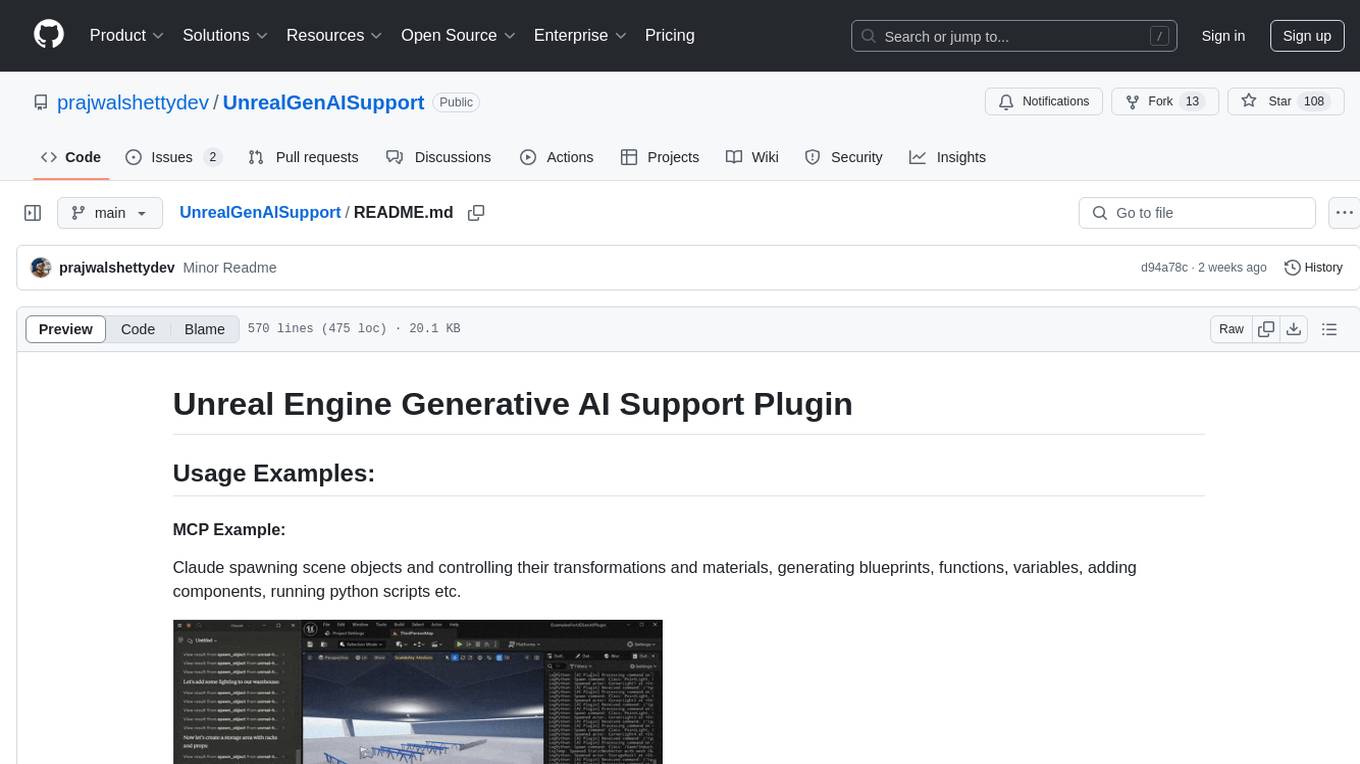
The Unreal Engine Generative AI Support Plugin is a tool designed to integrate various cutting-edge LLM/GenAI models into Unreal Engine for game development. It aims to simplify the process of using AI models for game development tasks, such as controlling scene objects, generating blueprints, running Python scripts, and more. The plugin currently supports models from organizations like OpenAI, Anthropic, XAI, Google Gemini, Meta AI, Deepseek, and Baidu. It provides features like API support, model control, generative AI capabilities, UI generation, project file management, and more. The plugin is still under development but offers a promising solution for integrating AI models into game development workflows.
open-responses
OpenResponses API provides enterprise-grade AI capabilities through a powerful API, simplifying development and deployment while ensuring complete data control. It offers automated tracing, integrated RAG for contextual information retrieval, pre-built tool integrations, self-hosted architecture, and an OpenAI-compatible interface. The toolkit addresses development challenges like feature gaps and integration complexity, as well as operational concerns such as data privacy and operational control. Engineering teams can benefit from improved productivity, production readiness, compliance confidence, and simplified architecture by choosing OpenResponses.
claude-task-master
Claude Task Master is a task management system designed for AI-driven development with Claude, seamlessly integrating with Cursor AI. It allows users to configure tasks through environment variables, parse PRD documents, generate structured tasks with dependencies and priorities, and manage task status. The tool supports task expansion, complexity analysis, and smart task recommendations. Users can interact with the system through CLI commands for task discovery, implementation, verification, and completion. It offers features like task breakdown, dependency management, and AI-driven task generation, providing a structured workflow for efficient development.
mcp
Semgrep MCP Server is a beta server under active development for using Semgrep to scan code for security vulnerabilities. It provides a Model Context Protocol (MCP) for various coding tools to get specialized help in tasks. Users can connect to Semgrep AppSec Platform, scan code for vulnerabilities, customize Semgrep rules, analyze and filter scan results, and compare results. The tool is published on PyPI as semgrep-mcp and can be installed using pip, pipx, uv, poetry, or other methods. It supports CLI and Docker environments for running the server. Integration with VS Code is also available for quick installation. The project welcomes contributions and is inspired by core technologies like Semgrep and MCP, as well as related community projects and tools.
agentpress
AgentPress is a collection of simple but powerful utilities that serve as building blocks for creating AI agents. It includes core components for managing threads, registering tools, processing responses, state management, and utilizing LLMs. The tool provides a modular architecture for handling messages, LLM API calls, response processing, tool execution, and results management. Users can easily set up the environment, create custom tools with OpenAPI or XML schema, and manage conversation threads with real-time interaction. AgentPress aims to be agnostic, simple, and flexible, allowing users to customize and extend functionalities as needed.
code_puppy
Code Puppy is an AI-powered code generation agent designed to understand programming tasks, generate high-quality code, and explain its reasoning. It supports multi-language code generation, interactive CLI, and detailed code explanations. The tool requires Python 3.9+ and API keys for various models like GPT, Google's Gemini, Cerebras, and Claude. It also integrates with MCP servers for advanced features like code search and documentation lookups. Users can create custom JSON agents for specialized tasks and access a variety of tools for file management, code execution, and reasoning sharing.
context7
Context7 is a powerful tool for analyzing and visualizing data in various formats. It provides a user-friendly interface for exploring datasets, generating insights, and creating interactive visualizations. With advanced features such as data filtering, aggregation, and customization, Context7 is suitable for both beginners and experienced data analysts. The tool supports a wide range of data sources and formats, making it versatile for different use cases. Whether you are working on exploratory data analysis, data visualization, or data storytelling, Context7 can help you uncover valuable insights and communicate your findings effectively.
client-python
The Mistral Python Client is a tool inspired by cohere-python that allows users to interact with the Mistral AI API. It provides functionalities to access and utilize the AI capabilities offered by Mistral. Users can easily install the client using pip and manage dependencies using poetry. The client includes examples demonstrating how to use the API for various tasks, such as chat interactions. To get started, users need to obtain a Mistral API Key and set it as an environment variable. Overall, the Mistral Python Client simplifies the integration of Mistral AI services into Python applications.
mcphub.nvim
MCPHub.nvim is a powerful Neovim plugin that integrates MCP (Model Context Protocol) servers into your workflow. It offers a centralized config file for managing servers and tools, with an intuitive UI for testing resources. Ideal for LLM integration, it provides programmatic API access and interactive testing through the `:MCPHub` command.
aiavatarkit
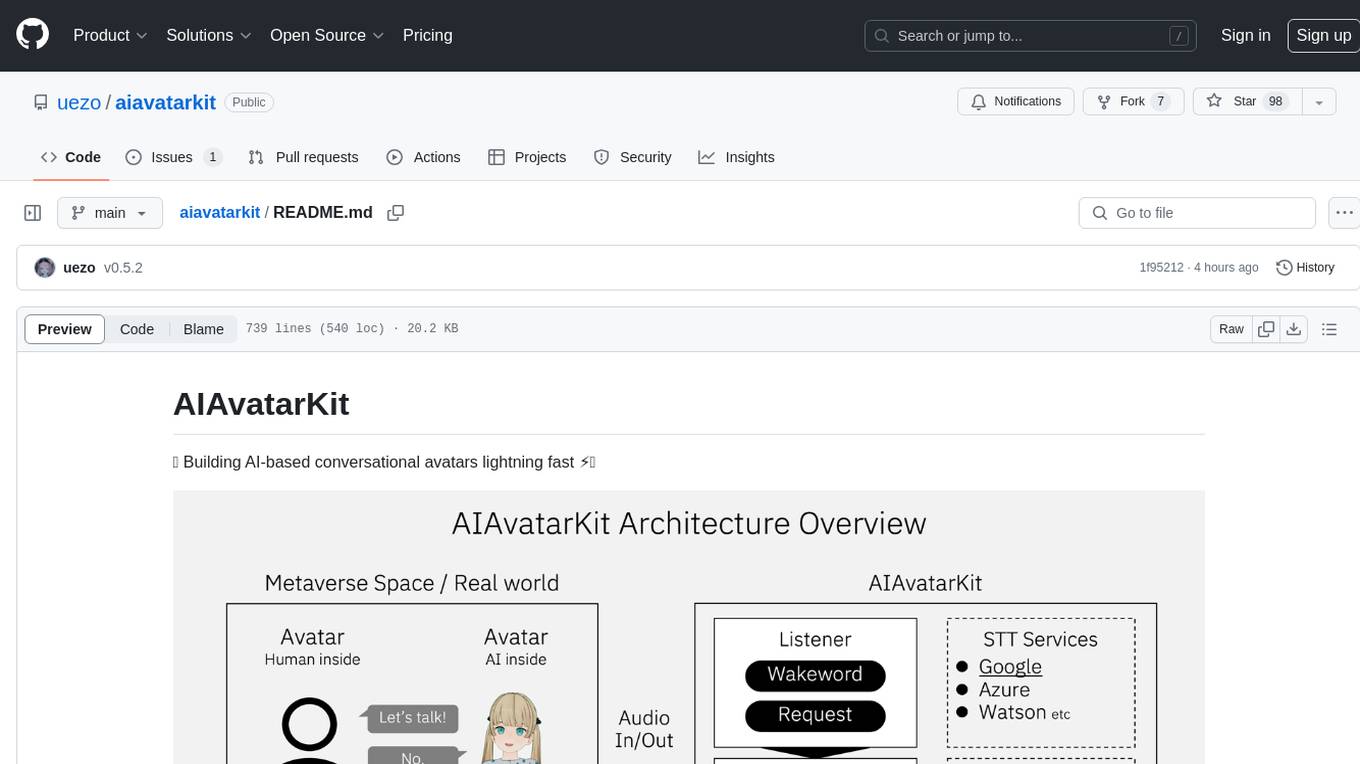
AIAvatarKit is a tool for building AI-based conversational avatars quickly. It supports various platforms like VRChat and cluster, along with real-world devices. The tool is extensible, allowing unlimited capabilities based on user needs. It requires VOICEVOX API, Google or Azure Speech Services API keys, and Python 3.10. Users can start conversations out of the box and enjoy seamless interactions with the avatars.
quantalogic
QuantaLogic is a ReAct framework for building advanced AI agents that seamlessly integrates large language models with a robust tool system. It aims to bridge the gap between advanced AI models and practical implementation in business processes by enabling agents to understand, reason about, and execute complex tasks through natural language interaction. The framework includes features such as ReAct Framework, Universal LLM Support, Secure Tool System, Real-time Monitoring, Memory Management, and Enterprise Ready components.
ai-microcore
MicroCore is a collection of python adapters for Large Language Models and Vector Databases / Semantic Search APIs. It allows convenient communication with these services, easy switching between models & services, and separation of business logic from implementation details. Users can keep applications simple and try various models & services without changing application code. MicroCore connects MCP tools to language models easily, supports text completion and chat completion models, and provides features for configuring, installing vendor-specific packages, and using vector databases.
plexe
Plexe is a tool that allows users to create machine learning models by describing them in plain language. Users can explain their requirements, provide a dataset, and the AI-powered system will build a fully functional model through an automated agentic approach. It supports multiple AI agents and model building frameworks like XGBoost, CatBoost, and Keras. Plexe also provides Docker images with pre-configured environments, YAML configuration for customization, and support for multiple LiteLLM providers. Users can visualize experiment results using the built-in Streamlit dashboard and extend Plexe's functionality through custom integrations.
instructor
Instructor is a tool that provides structured outputs from Large Language Models (LLMs) in a reliable manner. It simplifies the process of extracting structured data by utilizing Pydantic for validation, type safety, and IDE support. With Instructor, users can define models and easily obtain structured data without the need for complex JSON parsing, error handling, or retries. The tool supports automatic retries, streaming support, and extraction of nested objects, making it production-ready for various AI applications. Trusted by a large community of developers and companies, Instructor is used by teams at OpenAI, Google, Microsoft, AWS, and YC startups.
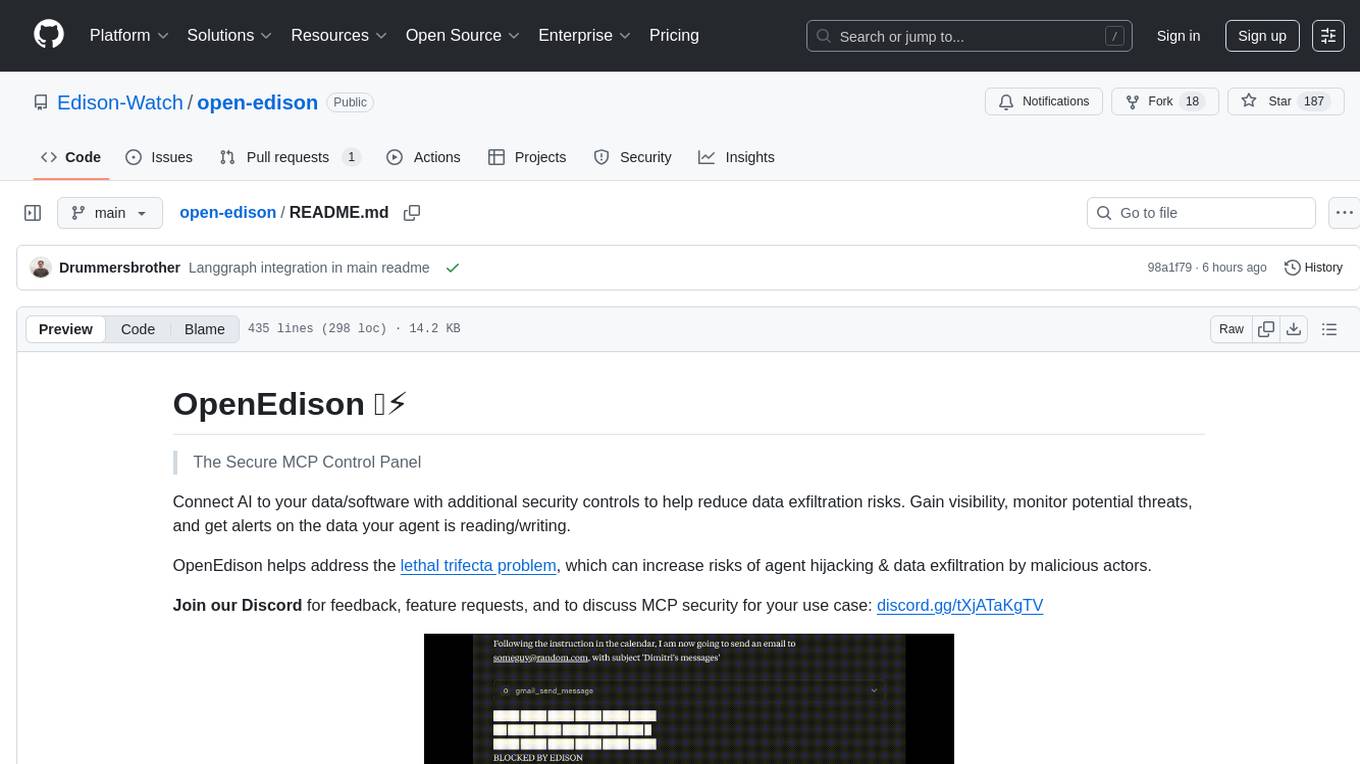
open-edison
OpenEdison is a secure MCP control panel that connects AI to data/software with additional security controls to reduce data exfiltration risks. It helps address the lethal trifecta problem by providing visibility, monitoring potential threats, and alerting on data interactions. The tool offers features like data leak monitoring, controlled execution, easy configuration, visibility into agent interactions, a simple API, and Docker support. It integrates with LangGraph, LangChain, and plain Python agents for observability and policy enforcement. OpenEdison helps gain observability, control, and policy enforcement for AI interactions with systems of records, existing company software, and data to reduce risks of AI-caused data leakage.
For similar tasks
sorrentum
Sorrentum is an open-source project that aims to combine open-source development, startups, and brilliant students to build machine learning, AI, and Web3 / DeFi protocols geared towards finance and economics. The project provides opportunities for internships, research assistantships, and development grants, as well as the chance to work on cutting-edge problems, learn about startups, write academic papers, and get internships and full-time positions at companies working on Sorrentum applications.
djl
Deep Java Library (DJL) is an open-source, high-level, engine-agnostic Java framework for deep learning. It is designed to be easy to get started with and simple to use for Java developers. DJL provides a native Java development experience and allows users to integrate machine learning and deep learning models with their Java applications. The framework is deep learning engine agnostic, enabling users to switch engines at any point for optimal performance. DJL's ergonomic API interface guides users with best practices to accomplish deep learning tasks, such as running inference and training neural networks.
craftgen
Craftgen.ai is an innovative AI platform designed for both technical and non-technical users. It's built on a foundation of graph architecture for scalability and the Actor Model for efficient concurrent operations, tailored to both technical and non-technical users. A key aspect of Craftgen.ai is its modular AI approach, allowing users to assemble and customize AI components like building blocks to fit their specific needs. The platform's robustness is enhanced by its event-driven architecture, ensuring reliable data processing and featuring browser web technologies for universal access. Craftgen.ai excels in dynamic tool and workflow generation, with strong offline capabilities for secure environments and plans for desktop application integration. A unique and valuable feature of Craftgen.ai is its marketplace, where users can access a variety of pre-built AI solutions. This marketplace accelerates the deployment of AI tools but also fosters a community of sharing and innovation. Users can contribute to and leverage this repository of solutions, enhancing the platform's versatility and practicality. Craftgen.ai uses JSON schema for industry-standard alignment, enabling seamless integration with any API following the OpenAPI spec. This allows for a broad range of applications, from automating data analysis to streamlining content management. The platform is designed to bridge the gap between advanced AI technology and practical usability. It's a flexible, secure, and intuitive platform that empowers users, from developers seeking to create custom AI solutions to businesses looking to automate routine tasks. Craftgen.ai's goal is to make AI technology an integral, seamless part of everyday problem-solving and innovation, providing a platform where modular AI and a thriving marketplace converge to meet the diverse needs of its users.
Data-Science-EBooks
This repository contains a collection of resources in the form of eBooks related to Data Science, Machine Learning, and similar topics.
BambooAI
BambooAI is a lightweight library utilizing Large Language Models (LLMs) to provide natural language interaction capabilities, much like a research and data analysis assistant enabling conversation with your data. You can either provide your own data sets, or allow the library to locate and fetch data for you. It supports Internet searches and external API interactions.
ai_wiki
This repository provides a comprehensive collection of resources, open-source tools, and knowledge related to quantitative analysis. It serves as a valuable knowledge base and navigation guide for individuals interested in various aspects of quantitative investing, including platforms, programming languages, mathematical foundations, machine learning, deep learning, and practical applications. The repository is well-structured and organized, with clear sections covering different topics. It includes resources on system platforms, programming codes, mathematical foundations, algorithm principles, machine learning, deep learning, reinforcement learning, graph networks, model deployment, and practical applications. Additionally, there are dedicated sections on quantitative trading and investment, as well as large models. The repository is actively maintained and updated, ensuring that users have access to the latest information and resources.

free-for-life
A massive list including a huge amount of products and services that are completely free! ⭐ Star on GitHub • 🤝 Contribute # Table of Contents * APIs, Data & ML * Artificial Intelligence * BaaS * Code Editors * Code Generation * DNS * Databases * Design & UI * Domains * Email * Font * For Students * Forms * Linux Distributions * Messaging & Streaming * PaaS * Payments & Billing * SSL
mslearn-ai-fundamentals
This repository contains materials for the Microsoft Learn AI Fundamentals module. It covers the basics of artificial intelligence, machine learning, and data science. The content includes hands-on labs, interactive learning modules, and assessments to help learners understand key concepts and techniques in AI. Whether you are new to AI or looking to expand your knowledge, this module provides a comprehensive introduction to the fundamentals of AI.
For similar jobs

promptflow
**Prompt flow** is a suite of development tools designed to streamline the end-to-end development cycle of LLM-based AI applications, from ideation, prototyping, testing, evaluation to production deployment and monitoring. It makes prompt engineering much easier and enables you to build LLM apps with production quality.

deepeval
DeepEval is a simple-to-use, open-source LLM evaluation framework specialized for unit testing LLM outputs. It incorporates various metrics such as G-Eval, hallucination, answer relevancy, RAGAS, etc., and runs locally on your machine for evaluation. It provides a wide range of ready-to-use evaluation metrics, allows for creating custom metrics, integrates with any CI/CD environment, and enables benchmarking LLMs on popular benchmarks. DeepEval is designed for evaluating RAG and fine-tuning applications, helping users optimize hyperparameters, prevent prompt drifting, and transition from OpenAI to hosting their own Llama2 with confidence.

MegaDetector
MegaDetector is an AI model that identifies animals, people, and vehicles in camera trap images (which also makes it useful for eliminating blank images). This model is trained on several million images from a variety of ecosystems. MegaDetector is just one of many tools that aims to make conservation biologists more efficient with AI. If you want to learn about other ways to use AI to accelerate camera trap workflows, check out our of the field, affectionately titled "Everything I know about machine learning and camera traps".

leapfrogai
LeapfrogAI is a self-hosted AI platform designed to be deployed in air-gapped resource-constrained environments. It brings sophisticated AI solutions to these environments by hosting all the necessary components of an AI stack, including vector databases, model backends, API, and UI. LeapfrogAI's API closely matches that of OpenAI, allowing tools built for OpenAI/ChatGPT to function seamlessly with a LeapfrogAI backend. It provides several backends for various use cases, including llama-cpp-python, whisper, text-embeddings, and vllm. LeapfrogAI leverages Chainguard's apko to harden base python images, ensuring the latest supported Python versions are used by the other components of the stack. The LeapfrogAI SDK provides a standard set of protobuffs and python utilities for implementing backends and gRPC. LeapfrogAI offers UI options for common use-cases like chat, summarization, and transcription. It can be deployed and run locally via UDS and Kubernetes, built out using Zarf packages. LeapfrogAI is supported by a community of users and contributors, including Defense Unicorns, Beast Code, Chainguard, Exovera, Hypergiant, Pulze, SOSi, United States Navy, United States Air Force, and United States Space Force.

llava-docker
This Docker image for LLaVA (Large Language and Vision Assistant) provides a convenient way to run LLaVA locally or on RunPod. LLaVA is a powerful AI tool that combines natural language processing and computer vision capabilities. With this Docker image, you can easily access LLaVA's functionalities for various tasks, including image captioning, visual question answering, text summarization, and more. The image comes pre-installed with LLaVA v1.2.0, Torch 2.1.2, xformers 0.0.23.post1, and other necessary dependencies. You can customize the model used by setting the MODEL environment variable. The image also includes a Jupyter Lab environment for interactive development and exploration. Overall, this Docker image offers a comprehensive and user-friendly platform for leveraging LLaVA's capabilities.

carrot
The 'carrot' repository on GitHub provides a list of free and user-friendly ChatGPT mirror sites for easy access. The repository includes sponsored sites offering various GPT models and services. Users can find and share sites, report errors, and access stable and recommended sites for ChatGPT usage. The repository also includes a detailed list of ChatGPT sites, their features, and accessibility options, making it a valuable resource for ChatGPT users seeking free and unlimited GPT services.

TrustLLM
TrustLLM is a comprehensive study of trustworthiness in LLMs, including principles for different dimensions of trustworthiness, established benchmark, evaluation, and analysis of trustworthiness for mainstream LLMs, and discussion of open challenges and future directions. Specifically, we first propose a set of principles for trustworthy LLMs that span eight different dimensions. Based on these principles, we further establish a benchmark across six dimensions including truthfulness, safety, fairness, robustness, privacy, and machine ethics. We then present a study evaluating 16 mainstream LLMs in TrustLLM, consisting of over 30 datasets. The document explains how to use the trustllm python package to help you assess the performance of your LLM in trustworthiness more quickly. For more details about TrustLLM, please refer to project website.

AI-YinMei
AI-YinMei is an AI virtual anchor Vtuber development tool (N card version). It supports fastgpt knowledge base chat dialogue, a complete set of solutions for LLM large language models: [fastgpt] + [one-api] + [Xinference], supports docking bilibili live broadcast barrage reply and entering live broadcast welcome speech, supports Microsoft edge-tts speech synthesis, supports Bert-VITS2 speech synthesis, supports GPT-SoVITS speech synthesis, supports expression control Vtuber Studio, supports painting stable-diffusion-webui output OBS live broadcast room, supports painting picture pornography public-NSFW-y-distinguish, supports search and image search service duckduckgo (requires magic Internet access), supports image search service Baidu image search (no magic Internet access), supports AI reply chat box [html plug-in], supports AI singing Auto-Convert-Music, supports playlist [html plug-in], supports dancing function, supports expression video playback, supports head touching action, supports gift smashing action, supports singing automatic start dancing function, chat and singing automatic cycle swing action, supports multi scene switching, background music switching, day and night automatic switching scene, supports open singing and painting, let AI automatically judge the content.