


ai-microcore
A handy lib for smooth interaction with large language models (LLMs) and crafting AI apps.
Stars: 92
MicroCore is a collection of python adapters for Large Language Models and Vector Databases / Semantic Search APIs. It allows convenient communication with these services, easy switching between models & services, and separation of business logic from implementation details. Users can keep applications simple and try various models & services without changing application code. MicroCore connects MCP tools to language models easily, supports text completion and chat completion models, and provides features for configuring, installing vendor-specific packages, and using vector databases.
README:






MicroCore is a collection of python adapters for Large Language Models and Vector Databases / Semantic Search APIs allowing to communicate with these services in a convenient way, make them easily switchable and separate business logic from the implementation details.
It defines interfaces for features typically used in AI applications, which allows you to keep your application as simple as possible and try various models & services without need to change your application code.
You can even switch between text completion and chat completion models only using configuration.
Thanks to LLM-agnostic MCP integration, MicroCore connects MCP tools to any language models easily, whether through API providers that do not support MCP, or through inference using pytorch or arbitrary python functions.
The basic example of usage is as follows:
from microcore import llm

while user_msg := input('Enter message: '):
print('AI: ' + llm(user_msg))Install as PyPi package:
pip install ai-microcore
Alternatively, you may just copy microcore folder to your project sources root.
git clone [email protected]:Nayjest/ai-microcore.git && mv ai-microcore/microcore ./ && rm -rf ai-microcorePython 3.10 / 3.11 / 3.12 / 3.13 / 3.14
Having OPENAI_API_KEY in OS environment variables is enough for basic usage.
Similarity search features will work out of the box if you have the chromadb pip package installed.
There are a few options available for configuring microcore:
- Use
microcore.configure(**params)
💡 All configuration options appear in IDE autocompletion tooltips - Create a
.envfile in your project root; examples: basic.env, Mistral Large.env, Anthropic Claude 3 Opus.env, Gemini on Vertex AI.env, Gemini on AI Studio.env - Use a custom configuration file:
mc.configure(DOT_ENV_FILE='dev-config.ini') - Define OS environment variables
For the full list of available configuration options, you may also check
microcore/configuration.py.
For models working not via OpenAI API, you may need to install additional packages:
pip install anthropicpip install google-genaiYou will need to install transformers and a deep learning library of your choice (PyTorch, TensorFlow, Flax, etc).
See transformers installation.
- Configuration options passed as arguments to
microcore.configure()have the highest priority. - The priority of configuration file options (
.envby default or the value ofDOT_ENV_FILE) is higher than OS environment variables.
💡 SettingUSE_DOT_ENVtofalsedisables reading configuration files. - OS environment variables have the lowest priority.
Vector database functions are available via microcore.texts.
The default vector database is Chroma.
In order to use vector database functions with ChromaDB, you need to install the chromadb package:
pip install chromadbBy default, MicroCore will use ChromaDB PersistentClient (if the corresponding package is installed). Alternatively, you can run Chroma as a separate service and configure MicroCore to use HttpClient:
from microcore import configure
configure(
    EMBEDDING_DB_HOST = 'localhost',
    EMBEDDING_DB_PORT = 8000,
)In order to use vector database functions with Qdrant, you need to install the qdrant-client package:
pip install qdrant-clientConfiguration example
from microcore import configure, EmbeddingDbType
from sentence_transformers import SentenceTransformer

configure(
    EMBEDDING_DB_TYPE=EmbeddingDbType.QDRANT,
    EMBEDDING_DB_HOST="localhost",
    EMBEDDING_DB_PORT="6333",
    EMBEDDING_DB_SIZE=384,  # number of dimensions in the SentenceTransformer model
    EMBEDDING_DB_FUNCTION=SentenceTransformer("paraphrase-multilingual-MiniLM-L12-v2"),
)Performs a request to a large language model (LLM).
Asynchronous variant: allm(prompt: str, **kwargs)
from microcore import *

# Will print all requests and responses to console
use_logging()

# Basic usage
ai_response = llm('What is your model name?')

# You may also pass a list of strings as prompt
# - For chat completion models elements are treated as separate messages
# - For completion LLMs elements are treated as text lines
llm(['1+2', '='])
llm('1+2=', model='gpt-5.2')

# To specify a message role, you can use dictionary or classes
llm(dict(role='system', content='1+2='))
# equivalent
llm(SysMsg('1+2='))

# The returned value is a string
assert '7' == llm([
 SysMsg('You are a calculator'),
 UserMsg('1+2='),
 AssistantMsg('3'),
 UserMsg('3+4=')]
).strip()

# But it contains all fields of the LLM response in additional attributes
for i in llm('1+2=?', n=3, temperature=2).choices:
    print('RESPONSE:', i.message.content)

# To use response streaming you may specify the callback function:
llm('Hi there', callback=lambda x: print(x, end=''))

# Or multiple callbacks:
output = []
llm('Hi there', callbacks=[
    lambda x: print(x, end=''),
    lambda x: output.append(x),
])Renders prompt template with params.
Full-featured Jinja2 templates are used by default.
Related configuration options:
from microcore import configure
configure(
    # 'tpl' folder in current working directory by default
    PROMPT_TEMPLATES_PATH = 'my_templates_folder'
)
texts.search(collection: str, query: str | list, n_results: int = 5, where: dict = None, **kwargs) → list[str]
Similarity search
Find most similar text
Return collection of texts
Store text and related metadata in embeddings database
Store multiple texts and related metadata in the embeddings database
Clear collection
MI-MicroCore supports major API providers via various chat completion / text completion APIs.
Tested with the following services:
- OpenAI
- Anthropic (via Anthropic API and via OpenAI API)
- MistralAI
- Google AI Studio (via Google GenAI API and via OpenAI API)
- Google Vertex AI
- xAI
- Microsoft Azure
- Perplexity
- DeepSeek
- Cohere
- RunPod (via OpenAI API)
- Cerebras
- HuggingFace Inference API
- AI21 Studio
- Deep Infra
- Anyscale
- Groq
- Fireworks
- Together AI
- OpenRouter
- 01.AI
And more via Google / Anthropic / OpenAI API.
- HuggingFace Transformers (see configuration examples here).
- Custom local models by providing own function for chat / text completion, sync / async inference.
Performs a code review by LLM for changes in git .patch files in any programming languages.
Image analysis (Google Colab)
Determine the number of petals and the color of the flower from a photo (gpt-4-turbo)
Benchmark LLMs on math problems (Kaggle Notebook)
Benchmark accuracy of 20+ state of the art models on solving olympiad math problems. Inferencing local language models via HuggingFace Transformers, parallel inference.
Simple example demonstrating image generation using OpenAI GPT Image model.
Text generation using HF/Transformers model locally (example with Qwen 3 0.6B).
For more detailed information, check out these articles:
Usage Example:
from microcore.ai_func import ai_func

@ai_func
def search_products(
    query: str,
    category: str = "all",
    max_results: int = 10,
    in_stock_only: bool = False
):
    """
    Search for products in the catalog.

    Args:
        query: Search terms to find matching products
        category: Product category to filter by (e.g., "electronics", "clothing")
        max_results: Maximum number of results to return
        in_stock_only: If True, only return products currently in stock

    Returns:
        List of matching products with name, price, and availability
    """
    # Implementation would go here
passOutput:
# Search for products in the catalog.

Args:
    query: Search terms to find matching products
    category: Product category to filter by (e.g., "electronics", "clothing")
    max_results: Maximum number of results to return
    in_stock_only: If True, only return products currently in stock

Returns:
    List of matching products with name, price, and availability
{
  "call": "search_products",
  "query": <str>,
  "category": <str> (default = "all"),
  "max_results": <int> (default = 10),
  "in_stock_only": <bool> (default = False)
}
This is an experimental feature.
Tweaks the Python import system to provide automatic setup of MicroCore environment based on metadata in module docstrings.
import microcore.ai_modules- Automatically registers template folders of AI modules in Jinja2 environment
Please see CONTRIBUTING for details.
Licensed under the MIT License © 2023–2026 Vitalii Stepanenko
For Tasks:
Click tags to check more tools for each tasksFor Jobs:
Alternative AI tools for ai-microcore
Similar Open Source Tools
ai-microcore
MicroCore is a collection of python adapters for Large Language Models and Vector Databases / Semantic Search APIs. It allows convenient communication with these services, easy switching between models & services, and separation of business logic from implementation details. Users can keep applications simple and try various models & services without changing application code. MicroCore connects MCP tools to language models easily, supports text completion and chat completion models, and provides features for configuring, installing vendor-specific packages, and using vector databases.
GraphRAG-SDK
Build fast and accurate GenAI applications with GraphRAG SDK, a specialized toolkit for building Graph Retrieval-Augmented Generation (GraphRAG) systems. It integrates knowledge graphs, ontology management, and state-of-the-art LLMs to deliver accurate, efficient, and customizable RAG workflows. The SDK simplifies the development process by automating ontology creation, knowledge graph agent creation, and query handling, enabling users to interact and query their knowledge graphs effectively. It supports multi-agent systems and orchestrates agents specialized in different domains. The SDK is optimized for FalkorDB, ensuring high performance and scalability for large-scale applications. By leveraging knowledge graphs, it enables semantic relationships and ontology-driven queries that go beyond standard vector similarity, enhancing retrieval-augmented generation capabilities.
plexe
Plexe is a tool that allows users to create machine learning models by describing them in plain language. Users can explain their requirements, provide a dataset, and the AI-powered system will build a fully functional model through an automated agentic approach. It supports multiple AI agents and model building frameworks like XGBoost, CatBoost, and Keras. Plexe also provides Docker images with pre-configured environments, YAML configuration for customization, and support for multiple LiteLLM providers. Users can visualize experiment results using the built-in Streamlit dashboard and extend Plexe's functionality through custom integrations.
UnrealGenAISupport
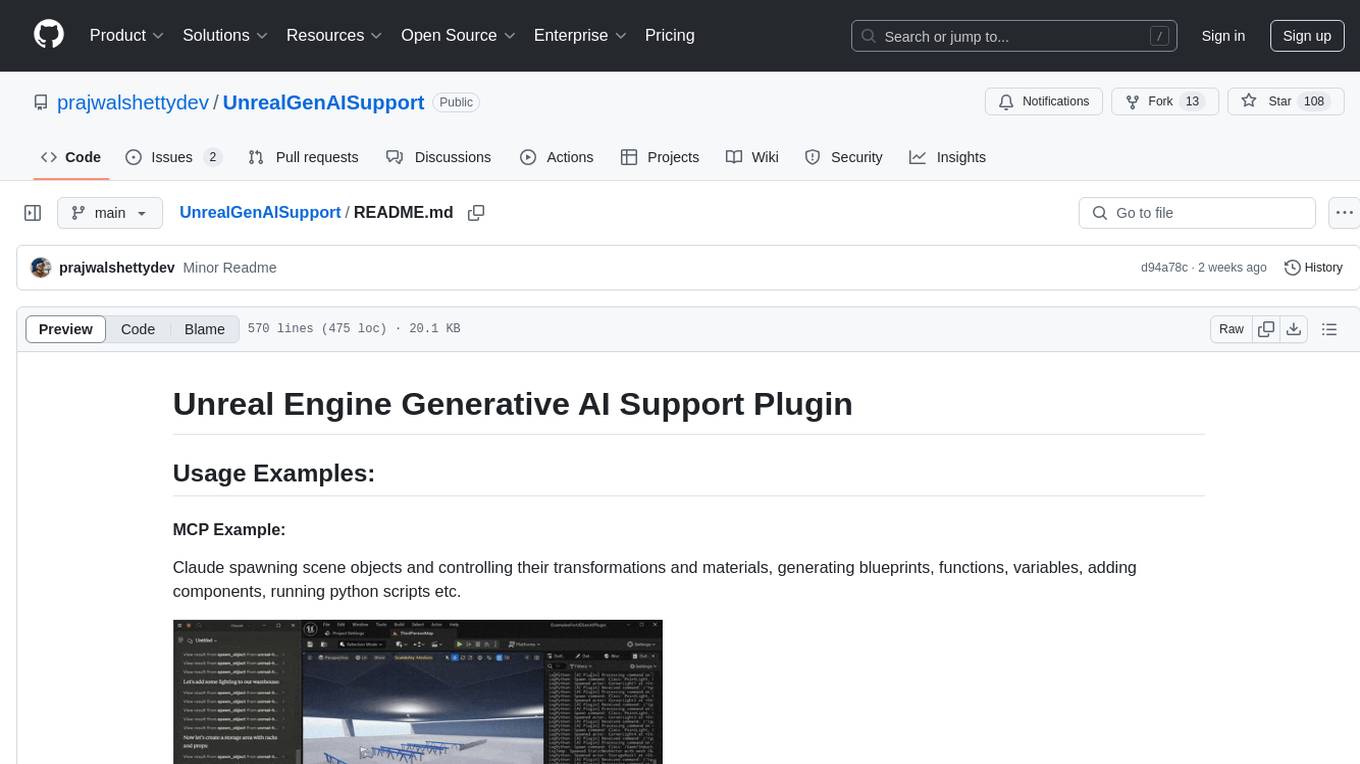
The Unreal Engine Generative AI Support Plugin is a tool designed to integrate various cutting-edge LLM/GenAI models into Unreal Engine for game development. It aims to simplify the process of using AI models for game development tasks, such as controlling scene objects, generating blueprints, running Python scripts, and more. The plugin currently supports models from organizations like OpenAI, Anthropic, XAI, Google Gemini, Meta AI, Deepseek, and Baidu. It provides features like API support, model control, generative AI capabilities, UI generation, project file management, and more. The plugin is still under development but offers a promising solution for integrating AI models into game development workflows.
NextChat
NextChat is a well-designed cross-platform ChatGPT web UI tool that supports Claude, GPT4, and Gemini Pro. It offers a compact client for Linux, Windows, and MacOS, with features like self-deployed LLMs compatibility, privacy-first data storage, markdown support, responsive design, and fast loading speed. Users can create, share, and debug chat tools with prompt templates, access various prompts, compress chat history, and use multiple languages. The tool also supports enterprise-level privatization and customization deployment, with features like brand customization, resource integration, permission control, knowledge integration, security auditing, private deployment, and continuous updates.
obsei
Obsei is an open-source, low-code, AI powered automation tool that consists of an Observer to collect unstructured data from various sources, an Analyzer to analyze the collected data with various AI tasks, and an Informer to send analyzed data to various destinations. The tool is suitable for scheduled jobs or serverless applications as all Observers can store their state in databases. Obsei is still in alpha stage, so caution is advised when using it in production. The tool can be used for social listening, alerting/notification, automatic customer issue creation, extraction of deeper insights from feedbacks, market research, dataset creation for various AI tasks, and more based on creativity.
fast-mcp
Fast MCP is a Ruby gem that simplifies the integration of AI models with your Ruby applications. It provides a clean implementation of the Model Context Protocol, eliminating complex communication protocols, integration challenges, and compatibility issues. With Fast MCP, you can easily connect AI models to your servers, share data resources, choose from multiple transports, integrate with frameworks like Rails and Sinatra, and secure your AI-powered endpoints. The gem also offers real-time updates and authentication support, making AI integration a seamless experience for developers.
sdk-python
Strands Agents is a lightweight and flexible SDK that takes a model-driven approach to building and running AI agents. It supports various model providers, offers advanced capabilities like multi-agent systems and streaming support, and comes with built-in MCP server support. Users can easily create tools using Python decorators, integrate MCP servers seamlessly, and leverage multiple model providers for different AI tasks. The SDK is designed to scale from simple conversational assistants to complex autonomous workflows, making it suitable for a wide range of AI development needs.
Shellsage
Shell Sage is an intelligent terminal companion and AI-powered terminal assistant that enhances the terminal experience with features like local and cloud AI support, context-aware error diagnosis, natural language to command translation, and safe command execution workflows. It offers interactive workflows, supports various API providers, and allows for custom model selection. Users can configure the tool for local or API mode, select specific models, and switch between modes easily. Currently in alpha development, Shell Sage has known limitations like limited Windows support and occasional false positives in error detection. The roadmap includes improvements like better context awareness, Windows PowerShell integration, Tmux integration, and CI/CD error pattern database.
agentpress
AgentPress is a collection of simple but powerful utilities that serve as building blocks for creating AI agents. It includes core components for managing threads, registering tools, processing responses, state management, and utilizing LLMs. The tool provides a modular architecture for handling messages, LLM API calls, response processing, tool execution, and results management. Users can easily set up the environment, create custom tools with OpenAPI or XML schema, and manage conversation threads with real-time interaction. AgentPress aims to be agnostic, simple, and flexible, allowing users to customize and extend functionalities as needed.
req_llm
ReqLLM is a Req-based library for LLM interactions, offering a unified interface to AI providers through a plugin-based architecture. It brings composability and middleware advantages to LLM interactions, with features like auto-synced providers/models, typed data structures, ergonomic helpers, streaming capabilities, usage & cost extraction, and a plugin-based provider system. Users can easily generate text, structured data, embeddings, and track usage costs. The tool supports various AI providers like Anthropic, OpenAI, Groq, Google, and xAI, and allows for easy addition of new providers. ReqLLM also provides API key management, detailed documentation, and a roadmap for future enhancements.
lionagi
LionAGI is a robust framework for orchestrating multi-step AI operations with precise control. It allows users to bring together multiple models, advanced reasoning, tool integrations, and custom validations in a single coherent pipeline. The framework is structured, expandable, controlled, and transparent, offering features like real-time logging, message introspection, and tool usage tracking. LionAGI supports advanced multi-step reasoning with ReAct, integrates with Anthropic's Model Context Protocol, and provides observability and debugging tools. Users can seamlessly orchestrate multiple models, integrate with Claude Code CLI SDK, and leverage a fan-out fan-in pattern for orchestration. The framework also offers optional dependencies for additional functionalities like reader tools, local inference support, rich output formatting, database support, and graph visualization.
sdg_hub
sdg_hub is a modular Python framework designed for building synthetic data generation pipelines using composable blocks and flows. Users can mix and match LLM-powered and traditional processing blocks to create sophisticated data generation workflows. The toolkit offers features such as modular composability, async performance, built-in validation, auto-discovery, rich monitoring, dataset schema discovery, and easy extensibility. sdg_hub provides detailed documentation and supports high-throughput processing with error handling. It simplifies the process of transforming datasets by allowing users to chain blocks together in YAML-configured flows, enabling the creation of complex data generation pipelines.
xFasterTransformer
xFasterTransformer is an optimized solution for Large Language Models (LLMs) on the X86 platform, providing high performance and scalability for inference on mainstream LLM models. It offers C++ and Python APIs for easy integration, along with example codes and benchmark scripts. Users can prepare models in a different format, convert them, and use the APIs for tasks like encoding input prompts, generating token ids, and serving inference requests. The tool supports various data types and models, and can run in single or multi-rank modes using MPI. A web demo based on Gradio is available for popular LLM models like ChatGLM and Llama2. Benchmark scripts help evaluate model inference performance quickly, and MLServer enables serving with REST and gRPC interfaces.
redisvl
Redis Vector Library (RedisVL) is a Python client library for building AI applications on top of Redis. It provides a high-level interface for managing vector indexes, performing vector search, and integrating with popular embedding models and providers. RedisVL is designed to make it easy for developers to build and deploy AI applications that leverage the speed, flexibility, and reliability of Redis.
CrackSQL
CrackSQL is a powerful SQL dialect translation tool that integrates rule-based strategies with large language models (LLMs) for high accuracy. It enables seamless conversion between dialects (e.g., PostgreSQL → MySQL) with flexible access through Python API, command line, and web interface. The tool supports extensive dialect compatibility, precision & advanced processing, and versatile access & integration. It offers three modes for dialect translation and demonstrates high translation accuracy over collected benchmarks. Users can deploy CrackSQL using PyPI package installation or source code installation methods. The tool can be extended to support additional syntax, new dialects, and improve translation efficiency. The project is actively maintained and welcomes contributions from the community.
For similar tasks
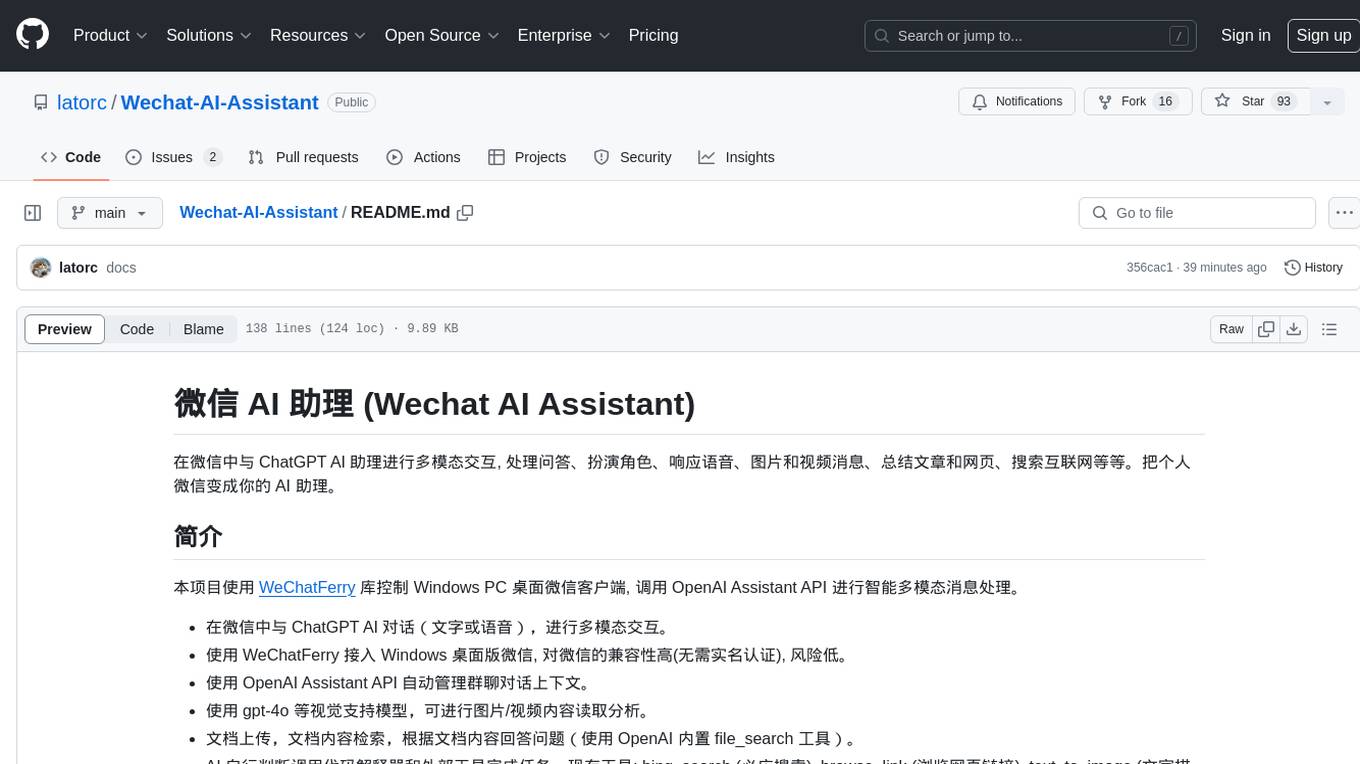
Wechat-AI-Assistant
Wechat AI Assistant is a project that enables multi-modal interaction with ChatGPT AI assistant within WeChat. It allows users to engage in conversations, role-playing, respond to voice messages, analyze images and videos, summarize articles and web links, and search the internet. The project utilizes the WeChatFerry library to control the Windows PC desktop WeChat client and leverages the OpenAI Assistant API for intelligent multi-modal message processing. Users can interact with ChatGPT AI in WeChat through text or voice, access various tools like bing_search, browse_link, image_to_text, text_to_image, text_to_speech, video_analysis, and more. The AI autonomously determines which code interpreter and external tools to use to complete tasks. Future developments include file uploads for AI to reference content, integration with other APIs, and login support for enterprise WeChat and WeChat official accounts.
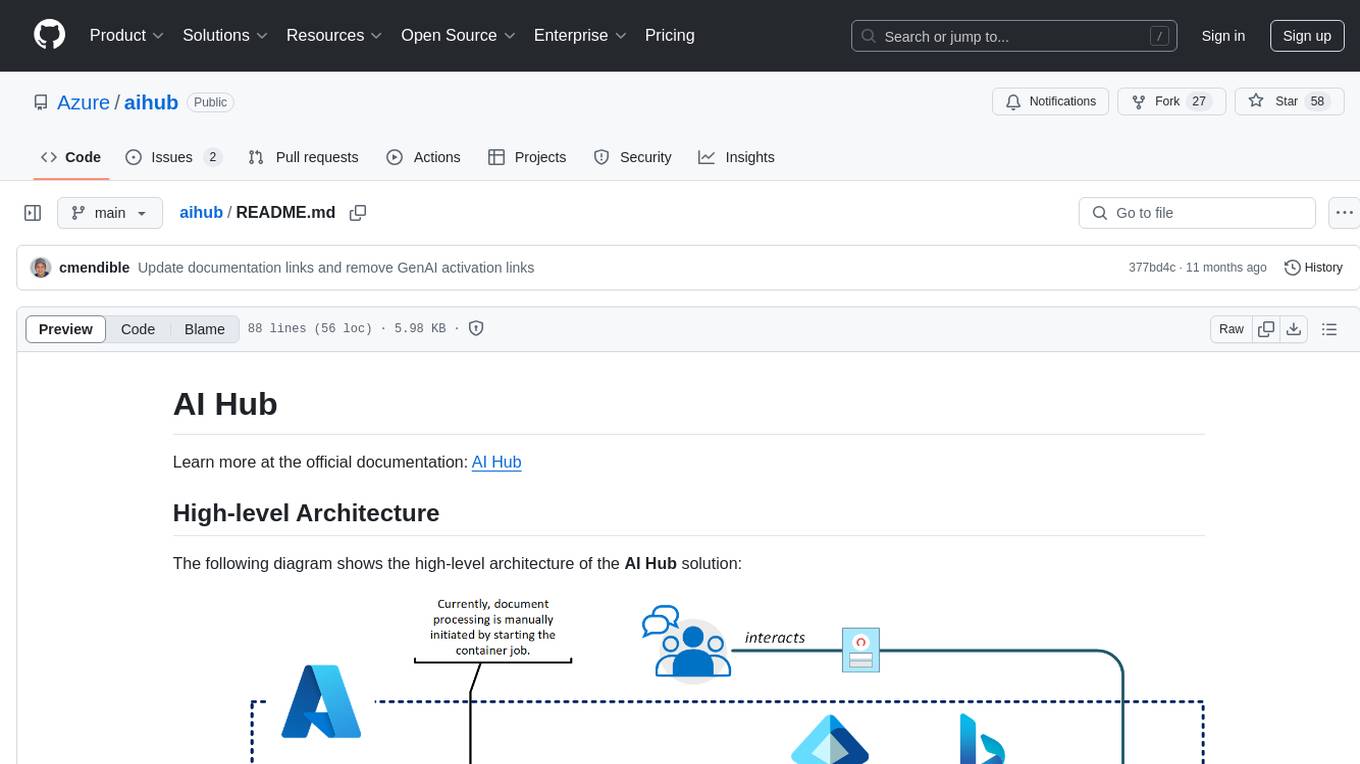
aihub
AI Hub is a comprehensive solution that leverages artificial intelligence and cloud computing to provide functionalities such as document search and retrieval, call center analytics, image analysis, brand reputation analysis, form analysis, document comparison, and content safety moderation. It integrates various Azure services like Cognitive Search, ChatGPT, Azure Vision Services, and Azure Document Intelligence to offer scalable, extensible, and secure AI-powered capabilities for different use cases and scenarios.
ai-microcore
MicroCore is a collection of python adapters for Large Language Models and Vector Databases / Semantic Search APIs. It allows convenient communication with these services, easy switching between models & services, and separation of business logic from implementation details. Users can keep applications simple and try various models & services without changing application code. MicroCore connects MCP tools to language models easily, supports text completion and chat completion models, and provides features for configuring, installing vendor-specific packages, and using vector databases.
byteir
The ByteIR Project is a ByteDance model compilation solution. ByteIR includes compiler, runtime, and frontends, and provides an end-to-end model compilation solution. Although all ByteIR components (compiler/runtime/frontends) are together to provide an end-to-end solution, and all under the same umbrella of this repository, each component technically can perform independently. The name, ByteIR, comes from a legacy purpose internally. The ByteIR project is NOT an IR spec definition project. Instead, in most scenarios, ByteIR directly uses several upstream MLIR dialects and Google Mhlo. Most of ByteIR compiler passes are compatible with the selected upstream MLIR dialects and Google Mhlo.
ScandEval
ScandEval is a framework for evaluating pretrained language models on mono- or multilingual language tasks. It provides a unified interface for benchmarking models on a variety of tasks, including sentiment analysis, question answering, and machine translation. ScandEval is designed to be easy to use and extensible, making it a valuable tool for researchers and practitioners alike.
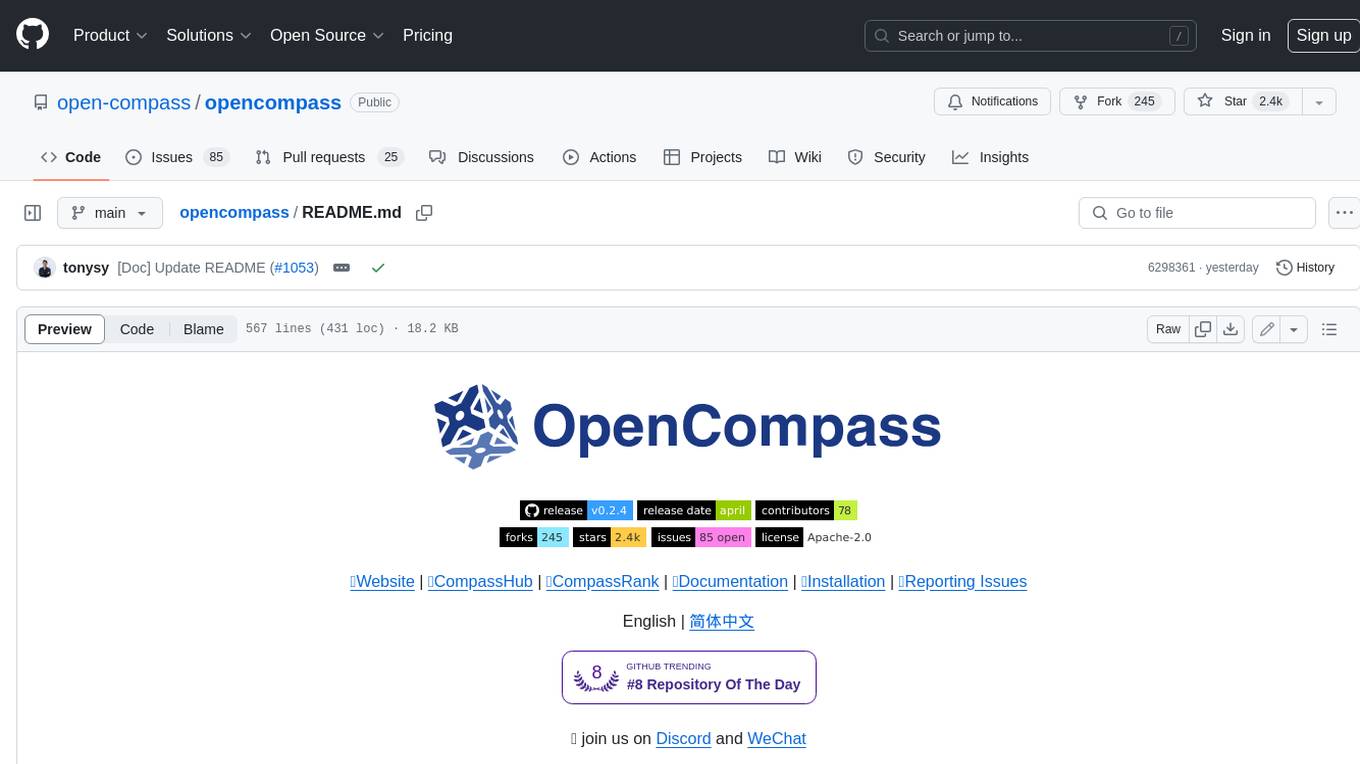
opencompass
OpenCompass is a one-stop platform for large model evaluation, aiming to provide a fair, open, and reproducible benchmark for large model evaluation. Its main features include: * Comprehensive support for models and datasets: Pre-support for 20+ HuggingFace and API models, a model evaluation scheme of 70+ datasets with about 400,000 questions, comprehensively evaluating the capabilities of the models in five dimensions. * Efficient distributed evaluation: One line command to implement task division and distributed evaluation, completing the full evaluation of billion-scale models in just a few hours. * Diversified evaluation paradigms: Support for zero-shot, few-shot, and chain-of-thought evaluations, combined with standard or dialogue-type prompt templates, to easily stimulate the maximum performance of various models. * Modular design with high extensibility: Want to add new models or datasets, customize an advanced task division strategy, or even support a new cluster management system? Everything about OpenCompass can be easily expanded! * Experiment management and reporting mechanism: Use config files to fully record each experiment, and support real-time reporting of results.
openvino.genai
The GenAI repository contains pipelines that implement image and text generation tasks. The implementation uses OpenVINO capabilities to optimize the pipelines. Each sample covers a family of models and suggests certain modifications to adapt the code to specific needs. It includes the following pipelines: 1. Benchmarking script for large language models 2. Text generation C++ samples that support most popular models like LLaMA 2 3. Stable Diffuison (with LoRA) C++ image generation pipeline 4. Latent Consistency Model (with LoRA) C++ image generation pipeline
GPT4Point
GPT4Point is a unified framework for point-language understanding and generation. It aligns 3D point clouds with language, providing a comprehensive solution for tasks such as 3D captioning and controlled 3D generation. The project includes an automated point-language dataset annotation engine, a novel object-level point cloud benchmark, and a 3D multi-modality model. Users can train and evaluate models using the provided code and datasets, with a focus on improving models' understanding capabilities and facilitating the generation of 3D objects.
For similar jobs

sweep
Sweep is an AI junior developer that turns bugs and feature requests into code changes. It automatically handles developer experience improvements like adding type hints and improving test coverage.

teams-ai
The Teams AI Library is a software development kit (SDK) that helps developers create bots that can interact with Teams and Microsoft 365 applications. It is built on top of the Bot Framework SDK and simplifies the process of developing bots that interact with Teams' artificial intelligence capabilities. The SDK is available for JavaScript/TypeScript, .NET, and Python.

ai-guide
This guide is dedicated to Large Language Models (LLMs) that you can run on your home computer. It assumes your PC is a lower-end, non-gaming setup.

classifai
Supercharge WordPress Content Workflows and Engagement with Artificial Intelligence. Tap into leading cloud-based services like OpenAI, Microsoft Azure AI, Google Gemini and IBM Watson to augment your WordPress-powered websites. Publish content faster while improving SEO performance and increasing audience engagement. ClassifAI integrates Artificial Intelligence and Machine Learning technologies to lighten your workload and eliminate tedious tasks, giving you more time to create original content that matters.

chatbot-ui
Chatbot UI is an open-source AI chat app that allows users to create and deploy their own AI chatbots. It is easy to use and can be customized to fit any need. Chatbot UI is perfect for businesses, developers, and anyone who wants to create a chatbot.

BricksLLM
BricksLLM is a cloud native AI gateway written in Go. Currently, it provides native support for OpenAI, Anthropic, Azure OpenAI and vLLM. BricksLLM aims to provide enterprise level infrastructure that can power any LLM production use cases. Here are some use cases for BricksLLM: * Set LLM usage limits for users on different pricing tiers * Track LLM usage on a per user and per organization basis * Block or redact requests containing PIIs * Improve LLM reliability with failovers, retries and caching * Distribute API keys with rate limits and cost limits for internal development/production use cases * Distribute API keys with rate limits and cost limits for students

uAgents
uAgents is a Python library developed by Fetch.ai that allows for the creation of autonomous AI agents. These agents can perform various tasks on a schedule or take action on various events. uAgents are easy to create and manage, and they are connected to a fast-growing network of other uAgents. They are also secure, with cryptographically secured messages and wallets.

griptape
Griptape is a modular Python framework for building AI-powered applications that securely connect to your enterprise data and APIs. It offers developers the ability to maintain control and flexibility at every step. Griptape's core components include Structures (Agents, Pipelines, and Workflows), Tasks, Tools, Memory (Conversation Memory, Task Memory, and Meta Memory), Drivers (Prompt and Embedding Drivers, Vector Store Drivers, Image Generation Drivers, Image Query Drivers, SQL Drivers, Web Scraper Drivers, and Conversation Memory Drivers), Engines (Query Engines, Extraction Engines, Summary Engines, Image Generation Engines, and Image Query Engines), and additional components (Rulesets, Loaders, Artifacts, Chunkers, and Tokenizers). Griptape enables developers to create AI-powered applications with ease and efficiency.