


open-edison
🔐 Firewall Your Data, Control Agents. Prevent MCP data exfiltration. Gain visibility into AI's interactions with your data / systems of record / existing software. https://discord.gg/tXjATaKgTV
Stars: 187
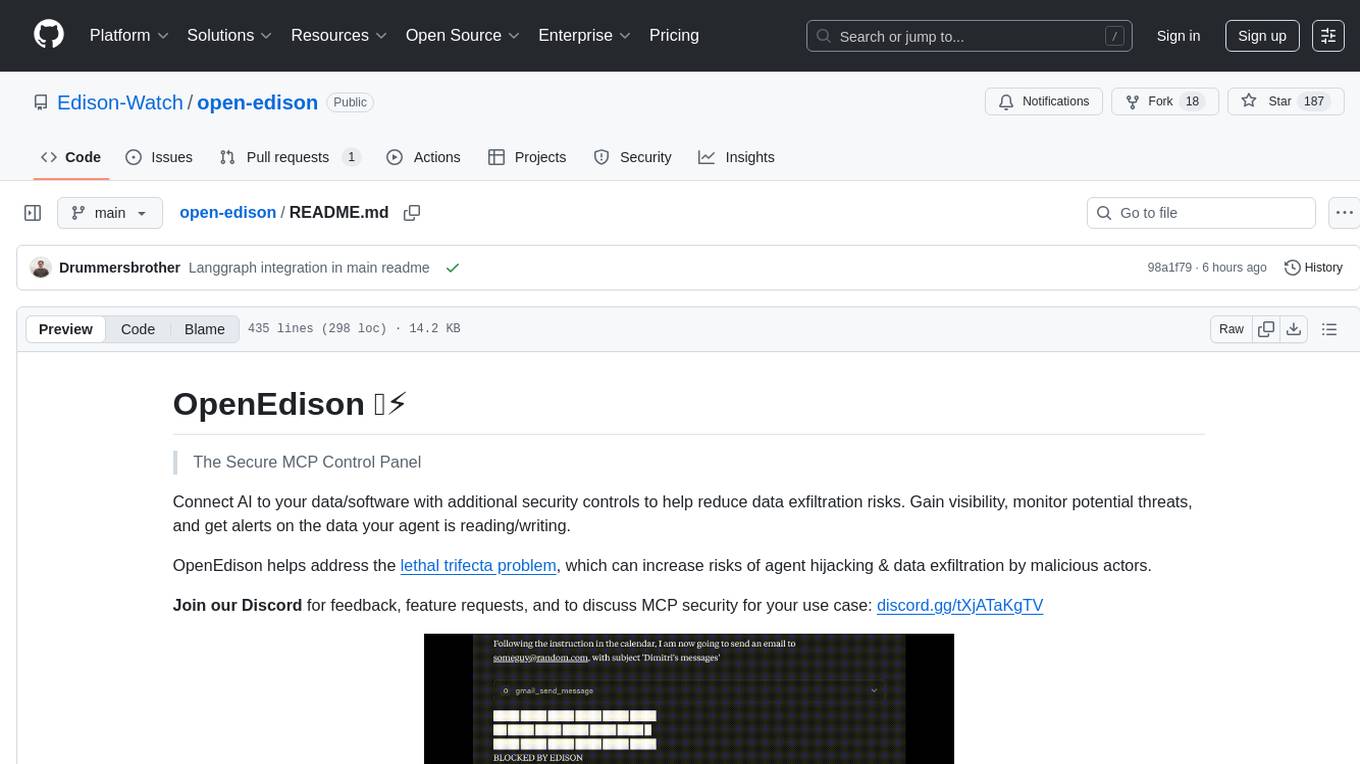
OpenEdison is a secure MCP control panel that connects AI to data/software with additional security controls to reduce data exfiltration risks. It helps address the lethal trifecta problem by providing visibility, monitoring potential threats, and alerting on data interactions. The tool offers features like data leak monitoring, controlled execution, easy configuration, visibility into agent interactions, a simple API, and Docker support. It integrates with LangGraph, LangChain, and plain Python agents for observability and policy enforcement. OpenEdison helps gain observability, control, and policy enforcement for AI interactions with systems of records, existing company software, and data to reduce risks of AI-caused data leakage.
README:
The Secure MCP Control Panel
Connect AI to your data/software with additional security controls to help reduce data exfiltration risks. Gain visibility, monitor potential threats, and get alerts on the data your agent is reading/writing.
OpenEdison helps address the lethal trifecta problem, which can increase risks of agent hijacking & data exfiltration by malicious actors.
Join our Discord for feedback, feature requests, and to discuss MCP security for your use case: discord.gg/tXjATaKgTV

📧 To get visibility, control and exfiltration blocker into AI's interaction with your company software, systems of record, DBs, Contact us to discuss.




- 🛑 Data leak monitoring - Edison detects and blocks potential data leaks through configurable security controls
- 🕰️ Controlled execution - Provides structured execution controls to reduce data exfiltration risks.
- 🗂️ Easily configurable - Easy to configure and manage your MCP servers
- 📊 Visibility into agent interactions - Track and monitor your agents and their interactions with connected software/data via MCP calls
- 🔗 Simple API - REST API for managing MCP servers and proxying requests
- 🐳 Docker support - Run in a container for easy deployment
🤝 Quick integration with LangGraph and other agent frameworks
Open-Edison integrates with LangGraph, LangChain, and plain Python agents by decorating your tools/functions with @edison.track(). This provides immediate observability and policy enforcement without invasive changes.

Just add @edison.track() to your tools/functions to enable Open-Edison controls and observability.

Read more in docs/langgraph_quickstart.md
Edison helps you gain observability, control, and policy enforcement for AI interactions with systems of records, existing company software and data. Reduce risks of AI-caused data leakage with streamlined setup for cross-system governance.
The fastest way to get started:
# Installs uv (via Astral installer) and launches open-edison with uvx.
# Note: This does NOT install Node/npx. Install Node if you plan to use npx-based tools like mcp-remote.
curl -fsSL https://raw.githubusercontent.com/Edison-Watch/open-edison/main/curl_pipe_bash.sh | bash
Run locally with uvx: uvx open-edison
That will run the setup wizard if necessary.
⬇️ Install Node.js/npm (optional for MCP tools)
If you need npx (for Node-based MCP tools like mcp-remote), install Node.js as well:

- uv:
curl -fsSL https://astral.sh/uv/install.sh | sh - Node/npx:
brew install node

- uv:
curl -fsSL https://astral.sh/uv/install.sh | sh - Node/npx:
sudo apt-get update && sudo apt-get install -y nodejs npm

- uv:
powershell -ExecutionPolicy ByPass -c "irm https://astral.sh/uv/install.ps1 | iex" - Node/npx:
winget install -e --id OpenJS.NodeJS
After installation, ensure that npx is available on PATH.
 Install from PyPI

- Pipx/uvx
# Using uvx
uvx open-edison

# Using pipx
pipx install open-edison
open-edison
Run with a custom config directory:
open-edison run --config-dir ~/edison-config
# or via environment variable
OPEN_EDISON_CONFIG_DIR=~/edison-config open-edison run Run with Docker

There is a dockerfile for simple local setup.
# Single-line:
git clone https://github.com/Edison-Watch/open-edison.git && cd open-edison && make docker_run

# Or
# Clone repo
git clone https://github.com/Edison-Watch/open-edison.git
# Enter repo
cd open-edison
# Build and run
make docker_run
The MCP server will be available at http://localhost:3000 and the api + frontend at http://localhost:3001. 🌐
⚙️ Run from source
- Clone the repository:
git clone https://github.com/Edison-Watch/open-edison.git
cd open-edison- Set up the project:
make setup- Edit
config.jsonto configure your MCP servers. See the full file: config.json, it looks like:
{
  "server": { "host": "0.0.0.0", "port": 3000, "api_key": "..." },
  "logging": { "level": "INFO"},
  "mcp_servers": [
    { "name": "filesystem", "command": "uvx", "args": ["mcp-server-filesystem", "/tmp"], "enabled": true },
    { "name": "github", "enabled": false, "env": { "GITHUB_PERSONAL_ACCESS_TOKEN": "..." } }
  ]
}- Run the server:
make run
# or, from the installed package
open-edison run
The server will be available at http://localhost:3000. 🌐
🔌 MCP Connection
Connect any MCP client to Open Edison (requires Node.js/npm for npx):
npx -y mcp-remote http://localhost:3000/mcp/ --http-only --header "Authorization: Bearer your-api-key"Or add to your MCP client config:
{
  "mcpServers": {
    "open-edison": {
      "command": "npx",
      "args": ["-y", "mcp-remote", "http://localhost:3000/mcp/", "--http-only", "--header", "Authorization: Bearer your-api-key"]
    }
  }
}
🤖 Connect to ChatGPT (Plus/Pro)
Open-Edison comes preconfigured with ngrok for easy ChatGPT integration. Follow these steps to connect:
- Visit https://dashboard.ngrok.com to sign up for a free account
- Get your authtoken from the "Your Authtoken" page
- Create a domain name in the "Domains" page
- Set these values in your
ngrok.ymlfile:
version: 3

agent:
  authtoken: YOUR_NGROK_AUTH_TOKEN

endpoints:
  - name: open-edison-mcp
    url: https://YOUR_DOMAIN.ngrok-free.app
    upstream:
      url: http://localhost:3000
protocol: http1make ngrokThis will start the ngrok tunnel and make Open-Edison accessible via your custom domain.
- Click on your profile icon in ChatGPT
- Select Settings
- Go to "Connectors" in the settings menu
- Select "Advanced Settings"
- Enable "Developer Mode (beta)"
- Click on your profile icon in ChatGPT
- Select Settings
- Go to "Connectors" in the settings menu
- Select "Create" next to "Browse connections"
- Set a name (e.g., "Open-Edison")
- Use your ngrok URL as the MCP Server URL (e.g.,
https://your-domain.ngrok-free.app/mcp/) - Select "No authentication" in the Authentication menu
- Tick the "I trust this application" checkbox
- Press Create
Every time you start a new chat:
- Click on the plus sign in the prompt text box ("Ask anything")
- Hover over "... More"
- Click on "Developer Mode"
- "Developer Mode" and your connector name (e.g., "Open-Edison") will appear at the bottom of the prompt textbox
You can now use Open-Edison's MCP tools directly in your ChatGPT conversations! Do not forget to repeat step 5 everytime you start a new chat.
🧭 Usage
See API Reference for full API documentation.
🛠️ Development
Setup from source as above.
Server doesn't have any auto-reload at the moment, so you'll need to run & ctrl-c this during development.
make runWe expect make ci to return cleanly.
make ci⚙️ Configuration (config.json)
The config.json file contains all configuration:
-
server.host- Server host (default: localhost) -
server.port- Server port (default: 3000) -
server.api_key- API key for authentication -
logging.level- Log level (DEBUG, INFO, WARNING, ERROR) -
mcp_servers- Array of MCP server configurations
Each MCP server configuration includes:
-
name- Unique name for the server -
command- Command to run the MCP server -
args- Arguments for the command -
env- Environment variables (optional) -
enabled- Whether to auto-start this server
🔱 The lethal trifecta, agent lifecycle management
Open Edison includes a comprehensive security monitoring system that tracks the "lethal trifecta" of AI agent risks, as described in Simon Willison's blog post:

- Private data access - Access to sensitive local files/data
- Untrusted content exposure - Exposure to external/web content
- External communication - Ability to write/send data externally

The configuration allows you to classify these risks across tools, resources, and prompts using separate configuration files.
In addition to trifecta, we track Access Control Level (ACL) for each tool call, that is, each tool has an ACL level (one of PUBLIC, PRIVATE, or SECRET), and we track the highest ACL level for each session. If a write operation is attempted to a lower ACL level, it can be blocked based on your configuration.
Defines security classifications for MCP tools. See full file: tool_permissions.json, it looks like:
{
  "_metadata": { "last_updated": "2025-08-07" },
  "builtin": {
    "get_security_status": { "enabled": true, "write_operation": false, "read_private_data": false, "read_untrusted_public_data": false, "acl": "PUBLIC" }
  },
  "filesystem": {
    "read_file": { "enabled": true, "write_operation": false, "read_private_data": true, "read_untrusted_public_data": false, "acl": "PRIVATE" },
    "write_file": { "enabled": true, "write_operation": true, "read_private_data": true, "read_untrusted_public_data": false, "acl": "PRIVATE" }
  }
}
📁 Resource Permissions (`resource_permissions.json`)
Defines security classifications for resource access patterns. See full file: resource_permissions.json, it looks like:
{
  "_metadata": { "last_updated": "2025-08-07" },
  "builtin": { "config://app": { "enabled": true, "write_operation": false, "read_private_data": false, "read_untrusted_public_data": false } }
}
💬 Prompt Permissions (`prompt_permissions.json`)
Defines security classifications for prompt types. See full file: prompt_permissions.json, it looks like:
{
  "_metadata": { "last_updated": "2025-08-07" },
  "builtin": { "summarize_text": { "enabled": true, "write_operation": false, "read_private_data": false, "read_untrusted_public_data": false } }
}All permission types support wildcard patterns:
-
Tools:
server_name/*(e.g.,filesystem/*matches all filesystem tools) -
Resources:
scheme:*(e.g.,file:*matches all file resources) -
Prompts:
type:*(e.g.,template:*matches all template prompts)
All items must be explicitly configured - unknown tools/resources/prompts will be rejected for security.
Use the get_security_status tool to monitor your session's current risk level and see which capabilities have been accessed. When the lethal trifecta is achieved (all three risk flags set), further potentially dangerous operations are blocked.
📚 Complete documentation available in docs/
- 🚀 Getting Started - Quick setup guide
- ⚙️ Configuration - Complete configuration reference
- 📡 API Reference - REST API documentation
- 🧑💻 Development Guide - Contributing and development
📄 License
GPL-3.0 License - see LICENSE for details.
For Tasks:
Click tags to check more tools for each tasksFor Jobs:
Alternative AI tools for open-edison
Similar Open Source Tools
open-edison
OpenEdison is a secure MCP control panel that connects AI to data/software with additional security controls to reduce data exfiltration risks. It helps address the lethal trifecta problem by providing visibility, monitoring potential threats, and alerting on data interactions. The tool offers features like data leak monitoring, controlled execution, easy configuration, visibility into agent interactions, a simple API, and Docker support. It integrates with LangGraph, LangChain, and plain Python agents for observability and policy enforcement. OpenEdison helps gain observability, control, and policy enforcement for AI interactions with systems of records, existing company software, and data to reduce risks of AI-caused data leakage.
sonarqube-mcp-server
The SonarQube MCP Server is a Model Context Protocol (MCP) server that enables seamless integration with SonarQube Server or Cloud for code quality and security. It supports the analysis of code snippets directly within the agent context. The server provides various tools for analyzing code, managing issues, accessing metrics, and interacting with SonarQube projects. It also supports advanced features like dependency risk analysis, enterprise portfolio management, and system health checks. The server can be configured for different transport modes, proxy settings, and custom certificates. Telemetry data collection can be disabled if needed.
core
CORE is an open-source unified, persistent memory layer for all AI tools, allowing developers to maintain context across different tools like Cursor, ChatGPT, and Claude. It aims to solve the issue of context switching and information loss between sessions by creating a knowledge graph that remembers conversations, decisions, and insights. With features like unified memory, temporal knowledge graph, browser extension, chat with memory, auto-sync from apps, and MCP integration hub, CORE provides a seamless experience for managing and recalling context. The tool's ingestion pipeline captures evolving context through normalization, extraction, resolution, and graph integration, resulting in a dynamic memory that grows and changes with the user. When recalling from memory, CORE utilizes search, re-ranking, filtering, and output to provide relevant and contextual answers. Security measures include data encryption, authentication, access control, and vulnerability reporting.
swarmzero
SwarmZero SDK is a library that simplifies the creation and execution of AI Agents and Swarms of Agents. It supports various LLM Providers such as OpenAI, Azure OpenAI, Anthropic, MistralAI, Gemini, Nebius, and Ollama. Users can easily install the library using pip or poetry, set up the environment and configuration, create and run Agents, collaborate with Swarms, add tools for complex tasks, and utilize retriever tools for semantic information retrieval. Sample prompts are provided to help users explore the capabilities of the agents and swarms. The SDK also includes detailed examples and documentation for reference.
mcp-documentation-server
The mcp-documentation-server is a lightweight server application designed to serve documentation files for projects. It provides a simple and efficient way to host and access project documentation, making it easy for team members and stakeholders to find and reference important information. The server supports various file formats, such as markdown and HTML, and allows for easy navigation through the documentation. With mcp-documentation-server, teams can streamline their documentation process and ensure that project information is easily accessible to all involved parties.
ai-gateway
LangDB AI Gateway is an open-source enterprise AI gateway built in Rust. It provides a unified interface to all LLMs using the OpenAI API format, focusing on high performance, enterprise readiness, and data control. The gateway offers features like comprehensive usage analytics, cost tracking, rate limiting, data ownership, and detailed logging. It supports various LLM providers and provides OpenAI-compatible endpoints for chat completions, model listing, embeddings generation, and image generation. Users can configure advanced settings, such as rate limiting, cost control, dynamic model routing, and observability with OpenTelemetry tracing. The gateway can be run with Docker Compose and integrated with MCP tools for server communication.
deep-searcher
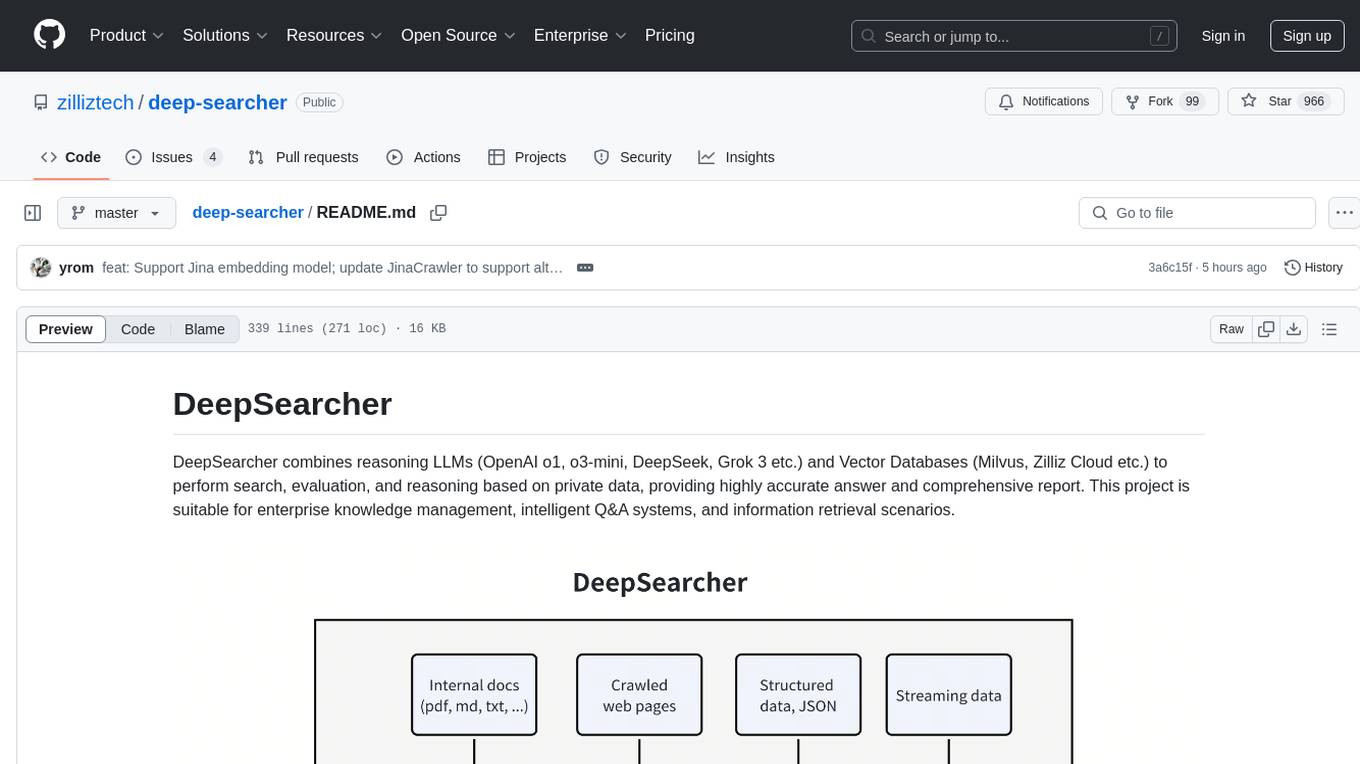
DeepSearcher is a tool that combines reasoning LLMs and Vector Databases to perform search, evaluation, and reasoning based on private data. It is suitable for enterprise knowledge management, intelligent Q&A systems, and information retrieval scenarios. The tool maximizes the utilization of enterprise internal data while ensuring data security, supports multiple embedding models, and provides support for multiple LLMs for intelligent Q&A and content generation. It also includes features like private data search, vector database management, and document loading with web crawling capabilities under development.
shell-ai
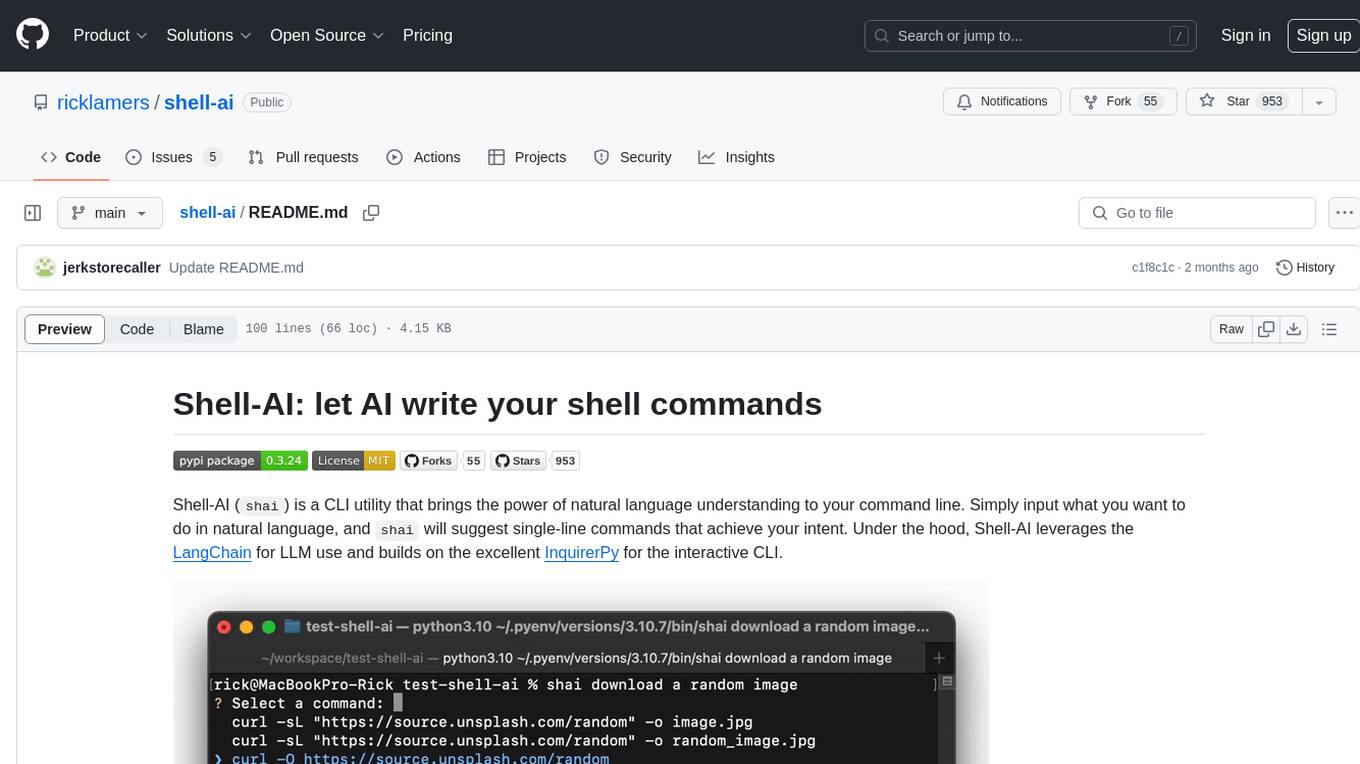
Shell-AI (`shai`) is a CLI utility that enables users to input commands in natural language and receive single-line command suggestions. It leverages natural language understanding and interactive CLI tools to enhance command line interactions. Users can describe tasks in plain English and receive corresponding command suggestions, making it easier to execute commands efficiently. Shell-AI supports cross-platform usage and is compatible with Azure OpenAI deployments, offering a user-friendly and efficient way to interact with the command line.
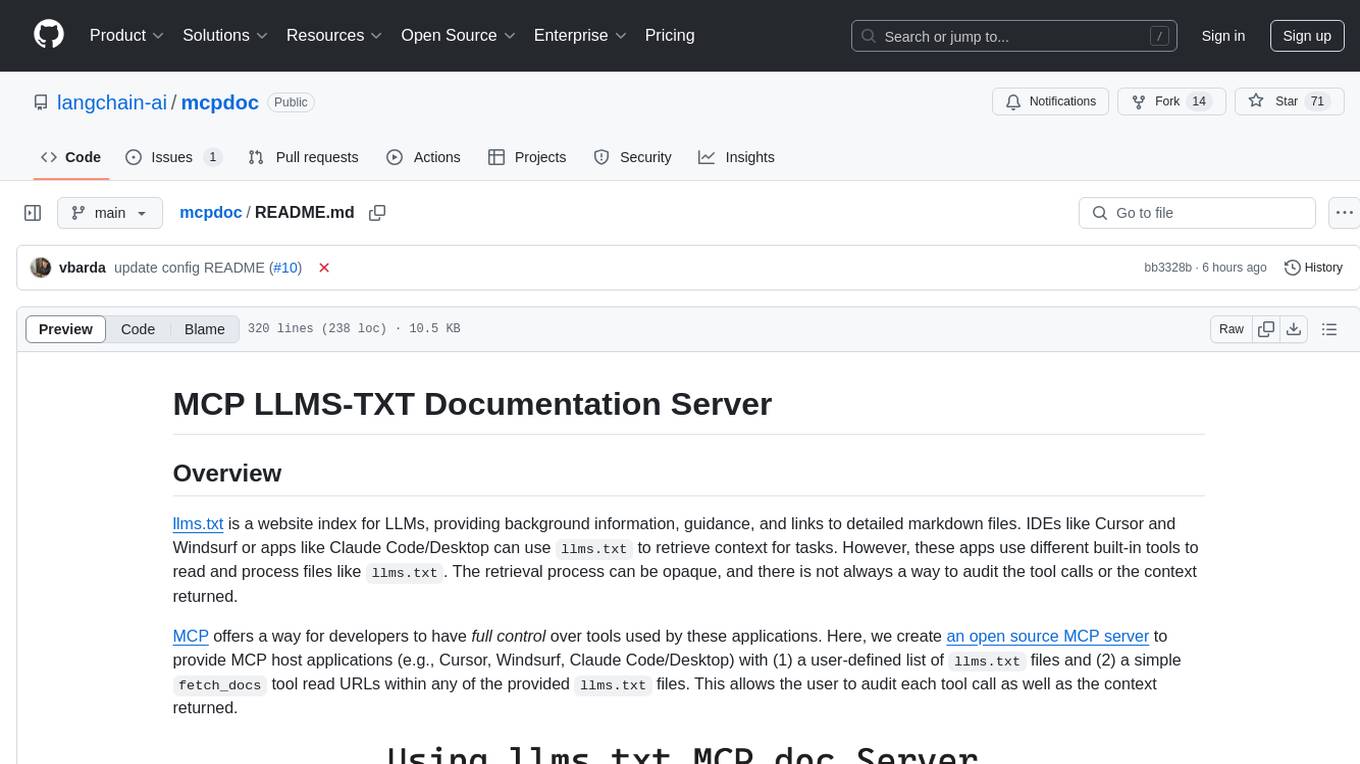
mcpdoc
The MCP LLMS-TXT Documentation Server is an open-source server that provides developers full control over tools used by applications like Cursor, Windsurf, and Claude Code/Desktop. It allows users to create a user-defined list of `llms.txt` files and use a `fetch_docs` tool to read URLs within these files, enabling auditing of tool calls and context returned. The server supports various applications and provides a way to connect to them, configure rules, and test tool calls for tasks related to documentation retrieval and processing.
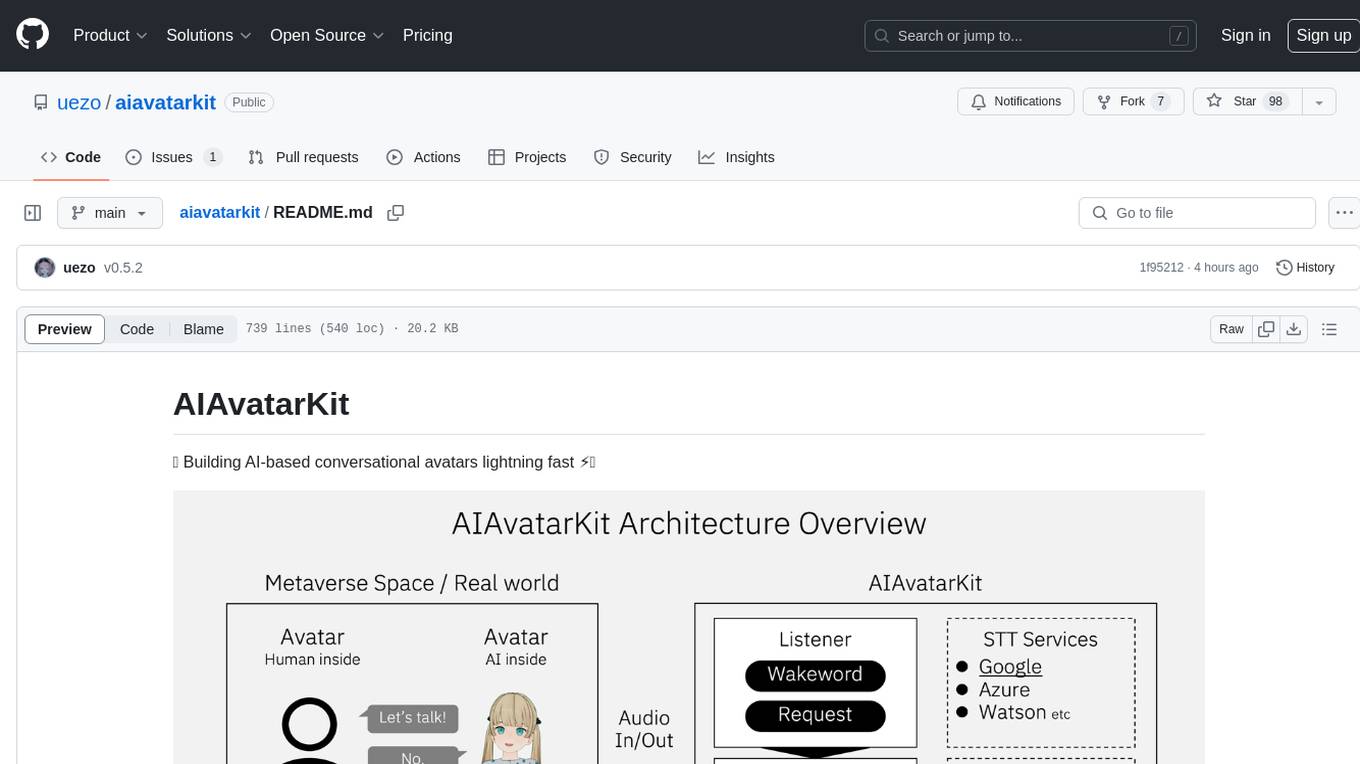
aiavatarkit
AIAvatarKit is a tool for building AI-based conversational avatars quickly. It supports various platforms like VRChat and cluster, along with real-world devices. The tool is extensible, allowing unlimited capabilities based on user needs. It requires VOICEVOX API, Google or Azure Speech Services API keys, and Python 3.10. Users can start conversations out of the box and enjoy seamless interactions with the avatars.
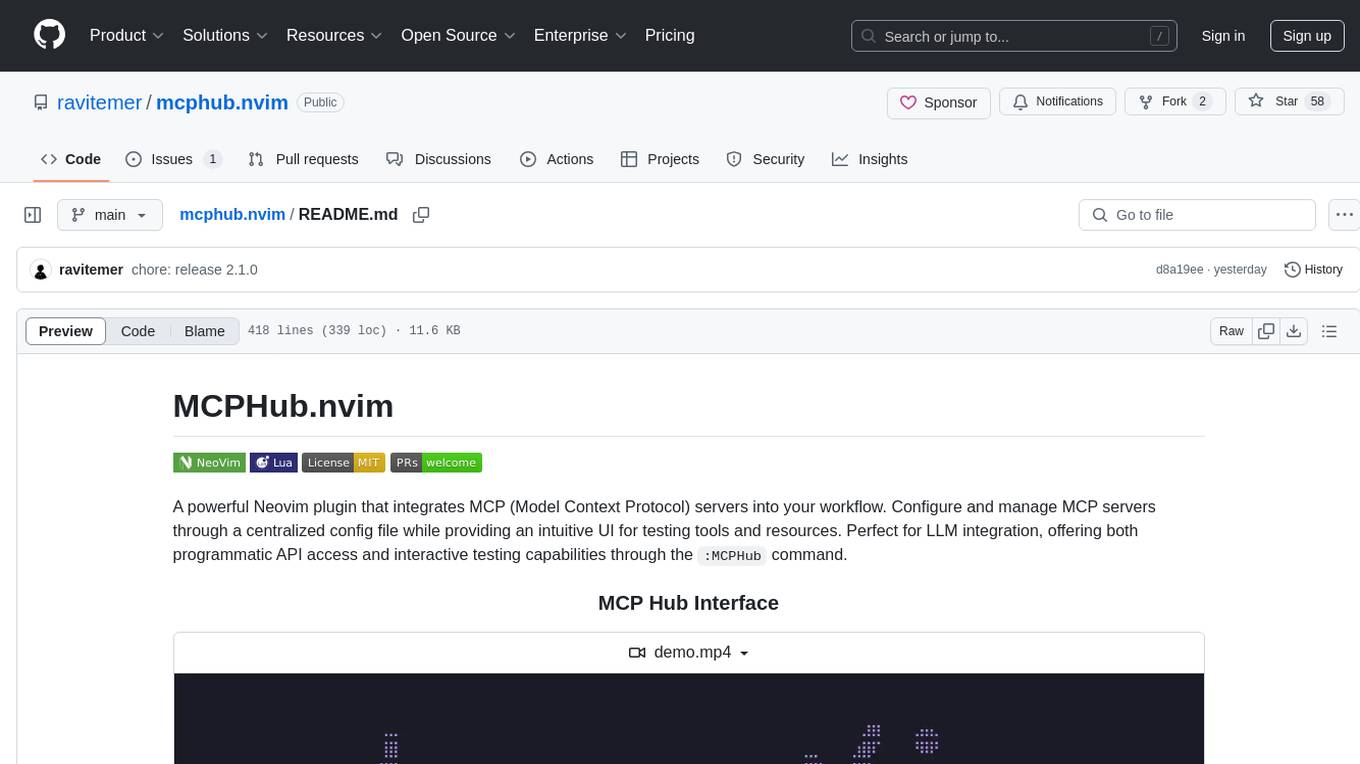
mcphub.nvim
MCPHub.nvim is a powerful Neovim plugin that integrates MCP (Model Context Protocol) servers into your workflow. It offers a centralized config file for managing servers and tools, with an intuitive UI for testing resources. Ideal for LLM integration, it provides programmatic API access and interactive testing through the `:MCPHub` command.
LightRAG
LightRAG is a repository hosting the code for LightRAG, a system that supports seamless integration of custom knowledge graphs, Oracle Database 23ai, Neo4J for storage, and multiple file types. It includes features like entity deletion, batch insert, incremental insert, and graph visualization. LightRAG provides an API server implementation for RESTful API access to RAG operations, allowing users to interact with it through HTTP requests. The repository also includes evaluation scripts, code for reproducing results, and a comprehensive code structure.
mcp-omnisearch
mcp-omnisearch is a Model Context Protocol (MCP) server that acts as a unified gateway to multiple search providers and AI tools. It integrates Tavily, Perplexity, Kagi, Jina AI, Brave, Exa AI, and Firecrawl to offer a wide range of search, AI response, content processing, and enhancement features through a single interface. The server provides powerful search capabilities, AI response generation, content extraction, summarization, web scraping, structured data extraction, and more. It is designed to work flexibly with the API keys available, enabling users to activate only the providers they have keys for and easily add more as needed.
firecrawl-mcp-server
Firecrawl MCP Server is a Model Context Protocol (MCP) server implementation that integrates with Firecrawl for web scraping capabilities. It offers features such as web scraping, crawling, and discovery, search and content extraction, deep research and batch scraping, automatic retries and rate limiting, cloud and self-hosted support, and SSE support. The server can be configured to run with various tools like Cursor, Windsurf, SSE Local Mode, Smithery, and VS Code. It supports environment variables for cloud API and optional configurations for retry settings and credit usage monitoring. The server includes tools for scraping, batch scraping, mapping, searching, crawling, and extracting structured data from web pages. It provides detailed logging and error handling functionalities for robust performance.
hf-waitress
HF-Waitress is a powerful server application for deploying and interacting with HuggingFace Transformer models. It simplifies running open-source Large Language Models (LLMs) locally on-device, providing on-the-fly quantization via BitsAndBytes, HQQ, and Quanto. It requires no manual model downloads, offers concurrency, streaming responses, and supports various hardware and platforms. The server uses a `config.json` file for easy configuration management and provides detailed error handling and logging.
sparkle
Sparkle is a tool that streamlines the process of building AI-driven features in applications using Large Language Models (LLMs). It guides users through creating and managing agents, defining tools, and interacting with LLM providers like OpenAI. Sparkle allows customization of LLM provider settings, model configurations, and provides a seamless integration with Sparkle Server for exposing agents via an OpenAI-compatible chat API endpoint.
For similar tasks
omnia
Omnia is a deployment tool designed to turn servers with RPM-based Linux images into functioning Slurm/Kubernetes clusters. It provides an Ansible playbook-based deployment for Slurm and Kubernetes on servers running an RPM-based Linux OS. The tool simplifies the process of setting up and managing clusters, making it easier for users to deploy and maintain their infrastructure.
voicechat2
Voicechat2 is a fast, fully local AI voice chat tool that uses WebSockets for communication. It includes a WebSocket server for remote access, default web UI with VAD and Opus support, and modular/swappable SRT, LLM, TTS servers. Users can customize components like SRT, LLM, and TTS servers, and run different models for voice-to-voice communication. The tool aims to reduce latency in voice communication and provides flexibility in server configurations.
open-edison
OpenEdison is a secure MCP control panel that connects AI to data/software with additional security controls to reduce data exfiltration risks. It helps address the lethal trifecta problem by providing visibility, monitoring potential threats, and alerting on data interactions. The tool offers features like data leak monitoring, controlled execution, easy configuration, visibility into agent interactions, a simple API, and Docker support. It integrates with LangGraph, LangChain, and plain Python agents for observability and policy enforcement. OpenEdison helps gain observability, control, and policy enforcement for AI interactions with systems of records, existing company software, and data to reduce risks of AI-caused data leakage.
ai-factory
AI Factory is a CLI tool and skill system that streamlines AI-powered development by handling context setup, skill installation, and workflow configuration. It supports multiple AI coding agents, offers spec-driven development, and integrates with popular tech stacks like Next.js, Laravel, Django, and Express. The tool ensures zero configuration, best practices adherence, community skills utilization, and multi-agent support. Users can create plans, tasks, and commits for structured feature development, bug fixes, and self-improvement. Security is a priority with mandatory two-level scans for external skills. The tool's learning loop generates patches from bug fixes to enhance future implementations.
bellman
Bellman is a unified interface to interact with language and embedding models, supporting various vendors like VertexAI/Gemini, OpenAI, Anthropic, VoyageAI, and Ollama. It consists of a library for direct interaction with models and a service 'bellmand' for proxying requests with one API key. Bellman simplifies switching between models, vendors, and common tasks like chat, structured data, tools, and binary input. It addresses the lack of official SDKs for major players and differences in APIs, providing a single proxy for handling different models. The library offers clients for different vendors implementing common interfaces for generating and embedding text, enabling easy interchangeability between models.
For similar jobs

sweep
Sweep is an AI junior developer that turns bugs and feature requests into code changes. It automatically handles developer experience improvements like adding type hints and improving test coverage.

teams-ai
The Teams AI Library is a software development kit (SDK) that helps developers create bots that can interact with Teams and Microsoft 365 applications. It is built on top of the Bot Framework SDK and simplifies the process of developing bots that interact with Teams' artificial intelligence capabilities. The SDK is available for JavaScript/TypeScript, .NET, and Python.

ai-guide
This guide is dedicated to Large Language Models (LLMs) that you can run on your home computer. It assumes your PC is a lower-end, non-gaming setup.

classifai
Supercharge WordPress Content Workflows and Engagement with Artificial Intelligence. Tap into leading cloud-based services like OpenAI, Microsoft Azure AI, Google Gemini and IBM Watson to augment your WordPress-powered websites. Publish content faster while improving SEO performance and increasing audience engagement. ClassifAI integrates Artificial Intelligence and Machine Learning technologies to lighten your workload and eliminate tedious tasks, giving you more time to create original content that matters.

chatbot-ui
Chatbot UI is an open-source AI chat app that allows users to create and deploy their own AI chatbots. It is easy to use and can be customized to fit any need. Chatbot UI is perfect for businesses, developers, and anyone who wants to create a chatbot.

BricksLLM
BricksLLM is a cloud native AI gateway written in Go. Currently, it provides native support for OpenAI, Anthropic, Azure OpenAI and vLLM. BricksLLM aims to provide enterprise level infrastructure that can power any LLM production use cases. Here are some use cases for BricksLLM: * Set LLM usage limits for users on different pricing tiers * Track LLM usage on a per user and per organization basis * Block or redact requests containing PIIs * Improve LLM reliability with failovers, retries and caching * Distribute API keys with rate limits and cost limits for internal development/production use cases * Distribute API keys with rate limits and cost limits for students

uAgents
uAgents is a Python library developed by Fetch.ai that allows for the creation of autonomous AI agents. These agents can perform various tasks on a schedule or take action on various events. uAgents are easy to create and manage, and they are connected to a fast-growing network of other uAgents. They are also secure, with cryptographically secured messages and wallets.

griptape
Griptape is a modular Python framework for building AI-powered applications that securely connect to your enterprise data and APIs. It offers developers the ability to maintain control and flexibility at every step. Griptape's core components include Structures (Agents, Pipelines, and Workflows), Tasks, Tools, Memory (Conversation Memory, Task Memory, and Meta Memory), Drivers (Prompt and Embedding Drivers, Vector Store Drivers, Image Generation Drivers, Image Query Drivers, SQL Drivers, Web Scraper Drivers, and Conversation Memory Drivers), Engines (Query Engines, Extraction Engines, Summary Engines, Image Generation Engines, and Image Query Engines), and additional components (Rulesets, Loaders, Artifacts, Chunkers, and Tokenizers). Griptape enables developers to create AI-powered applications with ease and efficiency.