


mcp-redis
The official Redis MCP Server is a natural language interface designed for agentic applications to manage and search data in Redis efficiently
Stars: 236
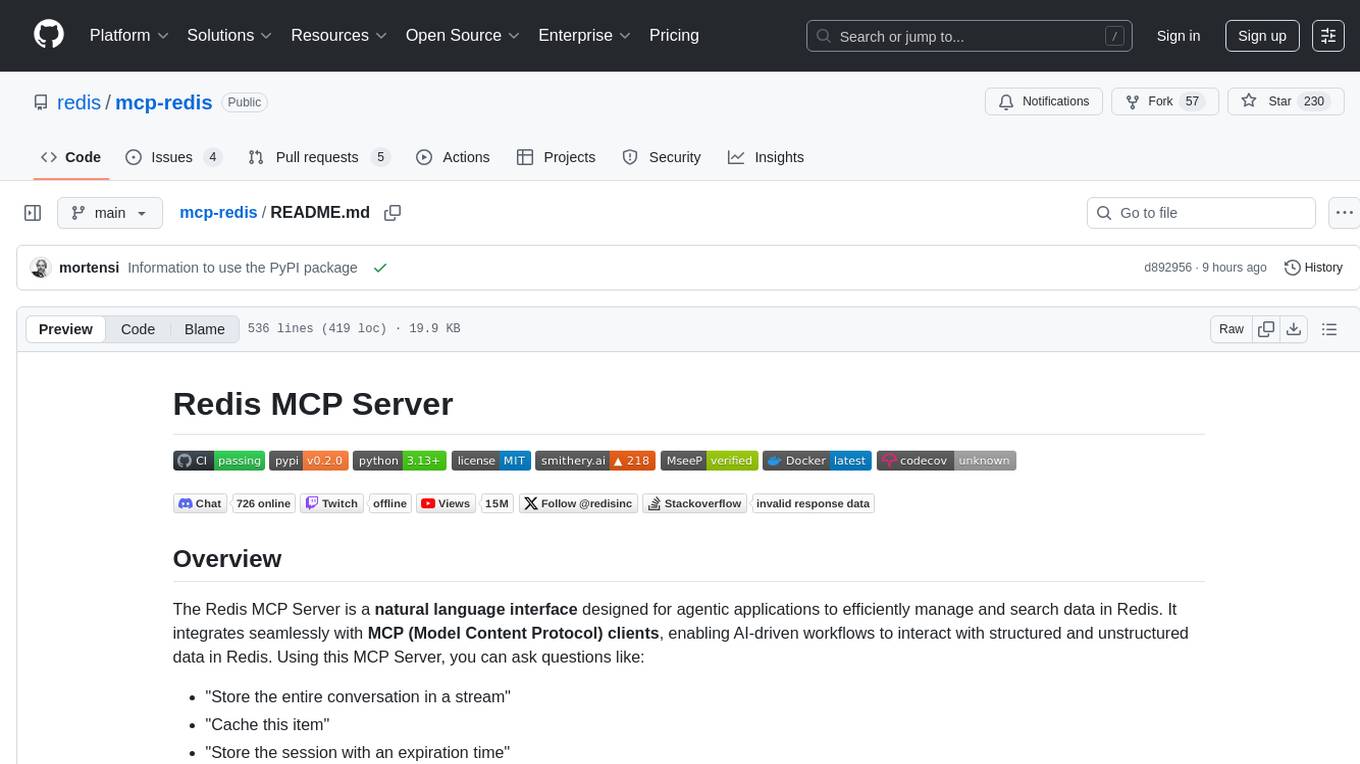
The Redis MCP Server is a natural language interface designed for agentic applications to efficiently manage and search data in Redis. It integrates seamlessly with MCP (Model Content Protocol) clients, enabling AI-driven workflows to interact with structured and unstructured data in Redis. The server supports natural language queries, seamless MCP integration, full Redis support for various data types, search and filtering capabilities, scalability, and lightweight design. It provides tools for managing data stored in Redis, such as string, hash, list, set, sorted set, pub/sub, streams, JSON, query engine, and server management. Installation can be done from PyPI or GitHub, with options for testing, development, and Docker deployment. Configuration can be via command line arguments or environment variables. Integrations include OpenAI Agents SDK, Augment, Claude Desktop, and VS Code with GitHub Copilot. Use cases include AI assistants, chatbots, data search & analytics, and event processing. Contributions are welcome under the MIT License.
README:









The Redis MCP Server is a natural language interface designed for agentic applications to efficiently manage and search data in Redis. It integrates seamlessly with MCP (Model Content Protocol) clients, enabling AI-driven workflows to interact with structured and unstructured data in Redis. Using this MCP Server, you can ask questions like:
- "Store the entire conversation in a stream"
- "Cache this item"
- "Store the session with an expiration time"
- "Index and search this vector"
- Overview
- Features
- Tools
- Installation
- Configuration
- Integrations
- Testing
- Example Use Cases
- Contributing
- License
- Badges
- Contact
- Natural Language Queries: Enables AI agents to query and update Redis using natural language.
- Seamless MCP Integration: Works with any MCP client for smooth communication.
- Full Redis Support: Handles hashes, lists, sets, sorted sets, streams, and more.
- Search & Filtering: Supports efficient data retrieval and searching in Redis.
- Scalable & Lightweight: Designed for high-performance data operations.
- The Redis MCP Server supports the
stdiotransport. Support to thestremable-httptransport will be added in the future.
This MCP Server provides tools to manage the data stored in Redis.
-
stringtools to set, get strings with expiration. Useful for storing simple configuration values, session data, or caching responses. -
hashtools to store field-value pairs within a single key. The hash can store vector embeddings. Useful for representing objects with multiple attributes, user profiles, or product information where fields can be accessed individually. -
listtools with common operations to append and pop items. Useful for queues, message brokers, or maintaining a list of most recent actions. -
settools to add, remove and list set members. Useful for tracking unique values like user IDs or tags, and for performing set operations like intersection. -
sorted settools to manage data for e.g. leaderboards, priority queues, or time-based analytics with score-based ordering. -
pub/subfunctionality to publish messages to channels and subscribe to receive them. Useful for real-time notifications, chat applications, or distributing updates to multiple clients. -
streamstools to add, read, and delete from data streams. Useful for event sourcing, activity feeds, or sensor data logging with consumer groups support. -
JSONtools to store, retrieve, and manipulate JSON documents in Redis. Useful for complex nested data structures, document databases, or configuration management with path-based access.
Additional tools.
-
query enginetools to manage vector indexes and perform vector search -
server managementtool to retrieve information about the database
The Redis MCP Server is available as a PyPI package and as direct installation from the GitHub repository.
Configuring the latest Redis MCP Server version from PyPI, as an example, can be done importing the following JSON configuration in the desired framework or tool.
The uvx command will download the server on the fly (if not cached already), create a temporary environment, and then run it.
{
  "mcpServers": {
    "RedisMCPServer": {
      "command": "uvx",
      "args": [
        "--from",
        "redis-mcp-server@latest",
        "redis-mcp-server",
        "--url",
        "\"redis://localhost:6379/0\""
      ]
    }
  }
}
You will find examples for different platforms along the README.
You can install the package as follows:
pip install redis-mcp-serverAnd start it using uv the package in your environment.
uv python install 3.13
uv sync
uv run redis-mcp-server --url redis://localhost:6379/0
However, starting the MCP Server is most useful when delegate to the framework or tool where this MCP Server is configured.
You can configure the desired Redis MCP Server version with uvx, which allows you to run it directly from GitHub (from a branch, or use a tagged release).
It is recommended to use a tagged release, the
mainbranch is under active development and may contain breaking changes.
As an example, you can execute the following command to run the 0.2.0 release:
uvx --from git+https://github.com/redis/[email protected] redis-mcp-server --url redis://localhost:6379/0
Check the release notes for the latest version in the Releases section. Additional examples are provided below.
# Run with Redis URI
uvx --from git+https://github.com/redis/mcp-redis.git redis-mcp-server --url redis://localhost:6379/0

# Run with Redis URI and SSL
uvx --from git+https://github.com/redis/mcp-redis.git redis-mcp-server --url "rediss://<USERNAME>:<PASSWORD>@<HOST>:<PORT>?ssl_cert_reqs=required&ssl_ca_certs=<PATH_TO_CERT>"

# Run with individual parameters
uvx --from git+https://github.com/redis/mcp-redis.git redis-mcp-server --host localhost --port 6379 --password mypassword

# See all options
uvx --from git+https://github.com/redis/mcp-redis.git redis-mcp-server --helpFor development or if you prefer to clone the repository:
# Clone the repository
git clone https://github.com/redis/mcp-redis.git
cd mcp-redis

# Install dependencies using uv
uv venv
source .venv/bin/activate
uv sync

# Run with CLI interface
uv run redis-mcp-server --help

# Or run the main file directly (uses environment variables)
uv run src/main.py
Once you cloned the repository, installed the dependencies and verified you can run the server, you can configure Claude Desktop or any other MCP Client to use this MCP Server running the main file directly (it uses environment variables). This is usually preferred for development. The following example is for Claude Desktop, but the same applies to any other MCP Client.
- Specify your Redis credentials and TLS configuration
- Retrieve your
uvcommand full path (e.g.which uv) - Edit the
claude_desktop_config.jsonconfiguration file- on a MacOS, at
~/Library/Application\ Support/Claude/
- on a MacOS, at
{
    "mcpServers": {
        "redis": {
            "command": "<full_path_uv_command>",
            "args": [
                "--directory",
                "<your_mcp_server_directory>",
                "run",
                "src/main.py"
            ],
            "env": {
                "REDIS_HOST": "<your_redis_database_hostname>",
                "REDIS_PORT": "<your_redis_database_port>",
                "REDIS_PWD": "<your_redis_database_password>",
                "REDIS_SSL": True|False,
                "REDIS_CA_PATH": "<your_redis_ca_path>",
                "REDIS_CLUSTER_MODE": True|False
            }
        }
    }
}
You can troubleshoot problems by tailing the log file.
tail -f ~/Library/Logs/Claude/mcp-server-redis.log
You can use a dockerized deployment of this server. You can either build your own image or use the official Redis MCP Docker image.
If you'd like to build your own image, the Redis MCP Server provides a Dockerfile. Build this server's image with:
docker build -t mcp-redis .
Finally, configure the client to create the container at start-up. An example for Claude Desktop is provided below. Edit the claude_desktop_config.json and add:
{
  "mcpServers": {
    "redis": {
      "command": "docker",
      "args": ["run",
                "--rm",
                "--name",
                "redis-mcp-server",
                "-i",
                "-e", "REDIS_HOST=<redis_hostname>",
                "-e", "REDIS_PORT=<redis_port>",
                "-e", "REDIS_USERNAME=<redis_username>",
                "-e", "REDIS_PWD=<redis_password>",
                "mcp-redis"]
    }
  }
}
To use the official Redis MCP Docker image, just replace your image name (mcp-redis in the example above) with mcp/redis.
The Redis MCP Server can be configured in two ways: via command line arguments or via environment variables. The precedence is: command line arguments > environment variables > default values.
You can configure Redis ACL to restrict the access to the Redis database. For example, to create a read-only user:
127.0.0.1:6379> ACL SETUSER readonlyuser on >mypassword ~* +@read -@write
Configure the user via command line arguments or environment variables.
When using the CLI interface, you can configure the server with command line arguments:
# Basic Redis connection
uvx --from redis-mcp-server@latest redis-mcp-server \
  --host localhost \
  --port 6379 \
  --password mypassword

# Using Redis URI (simpler)
uvx --from redis-mcp-server@latest redis-mcp-server \
  --url redis://user:pass@localhost:6379/0

# SSL connection
uvx --from redis-mcp-server@latest redis-mcp-server \
  --url rediss://user:[email protected]:6379/0

# See all available options
uvx --from redis-mcp-server@latest redis-mcp-server --help
Available CLI Options:
-
--url- Redis connection URI (redis://user:pass@host:port/db) -
--host- Redis hostname (default: 127.0.0.1) -
--port- Redis port (default: 6379) -
--db- Redis database number (default: 0) -
--username- Redis username -
--password- Redis password -
--ssl- Enable SSL connection -
--ssl-ca-path- Path to CA certificate file -
--ssl-keyfile- Path to SSL key file -
--ssl-certfile- Path to SSL certificate file -
--ssl-cert-reqs- SSL certificate requirements (default: required) -
--ssl-ca-certs- Path to CA certificates file -
--cluster-mode- Enable Redis cluster mode
If desired, you can use environment variables. Defaults are provided for all variables.
| Name | Description | Default Value |
|---|---|---|
REDIS_HOST |
Redis IP or hostname | "127.0.0.1" |
REDIS_PORT |
Redis port | 6379 |
REDIS_DB |
Database | 0 |
REDIS_USERNAME |
Default database username | "default" |
REDIS_PWD |
Default database password | "" |
REDIS_SSL |
Enables or disables SSL/TLS | False |
REDIS_CA_PATH |
CA certificate for verifying server | None |
REDIS_SSL_KEYFILE |
Client's private key file for client authentication | None |
REDIS_SSL_CERTFILE |
Client's certificate file for client authentication | None |
REDIS_CERT_REQS |
Whether the client should verify the server's certificate | "required" |
REDIS_CA_CERTS |
Path to the trusted CA certificates file | None |
REDIS_CLUSTER_MODE |
Enable Redis Cluster mode | False |
There are several ways to set environment variables:
-
Using a
.envFile:
Place a.envfile in your project directory with key-value pairs for each environment variable. Tools likepython-dotenv,pipenv, anduvcan automatically load these variables when running your application. This is a convenient and secure way to manage configuration, as it keeps sensitive data out of your shell history and version control (if.envis in.gitignore). For example, create a.envfile with the following content from the.env.examplefile provided in the repository:
cp .env.example .envThen edit the .env file to set your Redis configuration:
OR,
-
Setting Variables in the Shell:
You can export environment variables directly in your shell before running your application. For example:
export REDIS_HOST=your_redis_host
export REDIS_PORT=6379
# Other variables will be set similarly...
This method is useful for temporary overrides or quick testing.
Integrating this MCP Server to development frameworks like OpenAI Agents SDK, or with tools like Claude Desktop, VS Code, or Augment is described in the following sections.
Integrate this MCP Server with the OpenAI Agents SDK. Read the documents to learn more about the integration of the SDK with MCP.
Install the Python SDK.
pip install openai-agents
Configure the OpenAI token:
export OPENAI_API_KEY="<openai_token>"
And run the application.
python3.13 redis_assistant.py
You can troubleshoot your agent workflows using the OpenAI dashboard.
The preferred way of configuring the Redis MCP Server in Augment is to use the Easy MCP feature.
You can also configure the Redis MCP Server in Augment manually by importing the server via JSON:
{
  "mcpServers": {
    "Redis MCP Server": {
      "command": "uvx",
      "args": [
        "--from",
        "redis-mcp-server@latest",
        "redis-mcp-server",
        "--url",
        "redis://localhost:6379/0"
      ]
    }
  }
}The simplest way to configure MCP clients is using uvx. Add the following JSON to your claude_desktop_config.json, remember to provide the full path to uvx.
{
  "mcpServers": {
    "redis-mcp-server": {
        "type": "stdio",
        "command": "/Users/mortensi/.local/bin/uvx",
        "args": [
            "--from", "redis-mcp-server@latest",
            "redis-mcp-server",
            "--url", "redis://localhost:6379/0"
        ]
    }
  }
}
If you'd like to test the Redis MCP Server via Smithery, you can configure Claude Desktop automatically:
npx -y @smithery/cli install @redis/mcp-redis --client claudeFollow the prompt and provide the details to configure the server and connect to Redis (e.g. using a Redis Cloud database).
The procedure will create the proper configuration in the claude_desktop_config.json configuration file.
To use the Redis MCP Server with VS Code, you must nable the agent mode tools. Add the following to your settings.json:
{
  "chat.agent.enabled": true
}
You can start the GitHub desired version of the Redis MCP server using uvx by adding the following JSON to your settings.json:
"mcp": {
    "servers": {
        "Redis MCP Server": {
        "type": "stdio",
        "command": "uvx",
        "args": [
            "--from", "redis-mcp-server@latest",
            "redis-mcp-server",
            "--url", "redis://localhost:6379/0"
        ]
        },
    }
},
Alternatively, you can start the server using uv and configure your mcp.json or settings.json. This is usually desired for development.
{
  "servers": {
    "redis": {
      "type": "stdio",
      "command": "<full_path_uv_command>",
      "args": [
        "--directory",
        "<your_mcp_server_directory>",
        "run",
        "src/main.py"
      ],
      "env": {
        "REDIS_HOST": "<your_redis_database_hostname>",
        "REDIS_PORT": "<your_redis_database_port>",
        "REDIS_USERNAME": "<your_redis_database_username>",
        "REDIS_PWD": "<your_redis_database_password>",
      }
    }
  }
}
{
"mcp": {
"servers": {
"redis": {
"type": "stdio",
"command": "<full_path_uv_command>",
"args": [
"--directory",
"<your_mcp_server_directory>",
"run",
"src/main.py"
],
"env": {
"REDIS_HOST": "<your_redis_database_hostname>",
"REDIS_PORT": "<your_redis_database_port>",
"REDIS_USERNAME": "<your_redis_database_username>",
"REDIS_PWD": "<your_redis_database_password>",
}
}
}
}
}For more information, see the VS Code documentation.
You can use the MCP Inspector for visual debugging of this MCP Server.
npx @modelcontextprotocol/inspector uv run src/main.py- AI Assistants: Enable LLMs to fetch, store, and process data in Redis.
- Chatbots & Virtual Agents: Retrieve session data, manage queues, and personalize responses.
- Data Search & Analytics: Query Redis for real-time insights and fast lookups.
- Event Processing: Manage event streams with Redis Streams.
- Fork the repo
- Create a new branch (
feature-branch) - Commit your changes
- Push to your branch and submit a PR!
This project is licensed under the MIT License.
For questions or support, reach out via GitHub Issues.
For Tasks:
Click tags to check more tools for each tasksFor Jobs:
Alternative AI tools for mcp-redis
Similar Open Source Tools
mcp-redis
The Redis MCP Server is a natural language interface designed for agentic applications to efficiently manage and search data in Redis. It integrates seamlessly with MCP (Model Content Protocol) clients, enabling AI-driven workflows to interact with structured and unstructured data in Redis. The server supports natural language queries, seamless MCP integration, full Redis support for various data types, search and filtering capabilities, scalability, and lightweight design. It provides tools for managing data stored in Redis, such as string, hash, list, set, sorted set, pub/sub, streams, JSON, query engine, and server management. Installation can be done from PyPI or GitHub, with options for testing, development, and Docker deployment. Configuration can be via command line arguments or environment variables. Integrations include OpenAI Agents SDK, Augment, Claude Desktop, and VS Code with GitHub Copilot. Use cases include AI assistants, chatbots, data search & analytics, and event processing. Contributions are welcome under the MIT License.
mcphub.nvim
MCPHub.nvim is a powerful Neovim plugin that integrates MCP (Model Context Protocol) servers into your workflow. It offers a centralized config file for managing servers and tools, with an intuitive UI for testing resources. Ideal for LLM integration, it provides programmatic API access and interactive testing through the `:MCPHub` command.
postman-mcp-server
The Postman MCP Server connects Postman to AI tools, enabling AI agents and assistants to access workspaces, manage collections and environments, evaluate APIs, and automate workflows through natural language interactions. It supports various tool configurations like Minimal, Full, and Code, catering to users with different needs. The server offers authentication via OAuth for the best developer experience and fastest setup. Use cases include API testing, code synchronization, collection management, workspace and environment management, automatic spec creation, and client code generation. Designed for developers integrating AI tools with Postman's context and features, supporting quick natural language queries to advanced agent workflows.
context7
Context7 is a powerful tool for analyzing and visualizing data in various formats. It provides a user-friendly interface for exploring datasets, generating insights, and creating interactive visualizations. With advanced features such as data filtering, aggregation, and customization, Context7 is suitable for both beginners and experienced data analysts. The tool supports a wide range of data sources and formats, making it versatile for different use cases. Whether you are working on exploratory data analysis, data visualization, or data storytelling, Context7 can help you uncover valuable insights and communicate your findings effectively.
flapi
flAPI is a powerful service that automatically generates read-only APIs for datasets by utilizing SQL templates. Built on top of DuckDB, it offers features like automatic API generation, support for Model Context Protocol (MCP), connecting to multiple data sources, caching, security implementation, and easy deployment. The tool allows users to create APIs without coding and enables the creation of AI tools alongside REST endpoints using SQL templates. It supports unified configuration for REST endpoints and MCP tools/resources, concurrent servers for REST API and MCP server, and automatic tool discovery. The tool also provides DuckLake-backed caching for modern, snapshot-based caching with features like full refresh, incremental sync, retention, compaction, and audit logs.
Windows-MCP
Windows-MCP is a lightweight, open-source project that enables seamless integration between AI agents and the Windows operating system. Acting as an MCP server bridges the gap between LLMs and the Windows operating system, allowing agents to perform tasks such as file navigation, application control, UI interaction, QA testing, and more. It provides seamless Windows integration, supports any LLM without traditional computer vision techniques, offers a rich toolset for UI automation, is lightweight and open-source, customizable and extendable, offers real-time interaction with low latency, includes a DOM mode for browser automation, and supports various tools for interacting with Windows applications and system components.
sonarqube-mcp-server
The SonarQube MCP Server is a Model Context Protocol (MCP) server that enables seamless integration with SonarQube Server or Cloud for code quality and security. It supports the analysis of code snippets directly within the agent context. The server provides various tools for analyzing code, managing issues, accessing metrics, and interacting with SonarQube projects. It also supports advanced features like dependency risk analysis, enterprise portfolio management, and system health checks. The server can be configured for different transport modes, proxy settings, and custom certificates. Telemetry data collection can be disabled if needed.
open-edison
OpenEdison is a secure MCP control panel that connects AI to data/software with additional security controls to reduce data exfiltration risks. It helps address the lethal trifecta problem by providing visibility, monitoring potential threats, and alerting on data interactions. The tool offers features like data leak monitoring, controlled execution, easy configuration, visibility into agent interactions, a simple API, and Docker support. It integrates with LangGraph, LangChain, and plain Python agents for observability and policy enforcement. OpenEdison helps gain observability, control, and policy enforcement for AI interactions with systems of records, existing company software, and data to reduce risks of AI-caused data leakage.
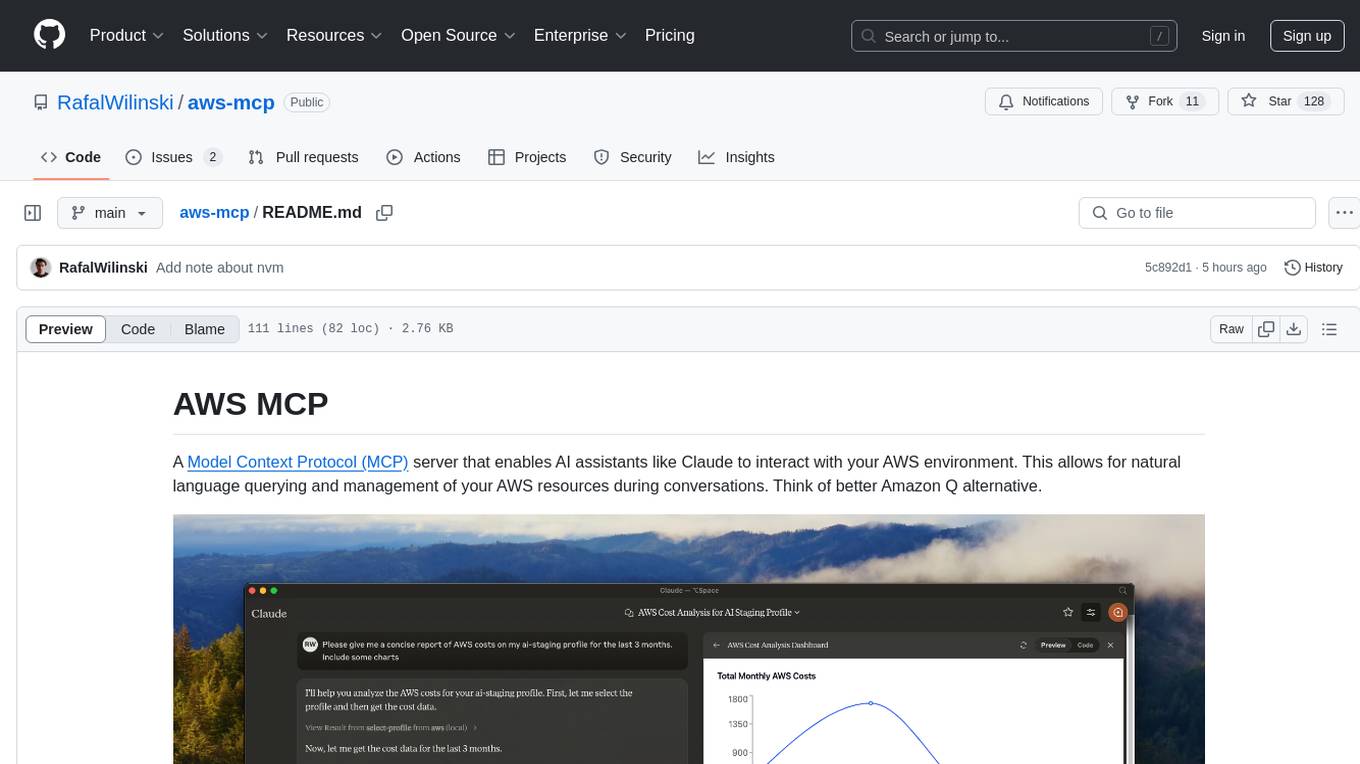
aws-mcp
AWS MCP is a Model Context Protocol (MCP) server that facilitates interactions between AI assistants and AWS environments. It allows for natural language querying and management of AWS resources during conversations. The server supports multiple AWS profiles, SSO authentication, multi-region operations, and secure credential handling. Users can locally execute commands with their AWS credentials, enhancing the conversational experience with AWS resources.
mcp-victoriametrics
The VictoriaMetrics MCP Server is an implementation of Model Context Protocol (MCP) server for VictoriaMetrics. It provides access to your VictoriaMetrics instance and seamless integration with VictoriaMetrics APIs and documentation. The server allows you to use almost all read-only APIs of VictoriaMetrics, enabling monitoring, observability, and debugging tasks related to your VictoriaMetrics instances. It also contains embedded up-to-date documentation and tools for exploring metrics, labels, alerts, and more. The server can be used for advanced automation and interaction capabilities for engineers and tools.
shortest
Shortest is an AI-powered natural language end-to-end testing framework built on Playwright. It provides a seamless testing experience by allowing users to write tests in natural language and execute them using Anthropic Claude API. The framework also offers GitHub integration with 2FA support, making it suitable for testing web applications with complex authentication flows. Shortest simplifies the testing process by enabling users to run tests locally or in CI/CD pipelines, ensuring the reliability and efficiency of web applications.
oxylabs-mcp
The Oxylabs MCP Server acts as a bridge between AI models and the web, providing clean, structured data from any site. It enables scraping of URLs, rendering JavaScript-heavy pages, content extraction for AI use, bypassing anti-scraping measures, and accessing geo-restricted web data from 195+ countries. The implementation utilizes the Model Context Protocol (MCP) to facilitate secure interactions between AI assistants and web content. Key features include scraping content from any site, automatic data cleaning and conversion, bypassing blocks and geo-restrictions, flexible setup with cross-platform support, and built-in error handling and request management.
Gmail-MCP-Server
Gmail AutoAuth MCP Server is a Model Context Protocol (MCP) server designed for Gmail integration in Claude Desktop. It supports auto authentication and enables AI assistants to manage Gmail through natural language interactions. The server provides comprehensive features for sending emails, reading messages, managing labels, searching emails, and batch operations. It offers full support for international characters, email attachments, and Gmail API integration. Users can install and authenticate the server via Smithery or manually with Google Cloud Project credentials. The server supports both Desktop and Web application credentials, with global credential storage for convenience. It also includes Docker support and instructions for cloud server authentication.
redisvl
Redis Vector Library (RedisVL) is a Python client library for building AI applications on top of Redis. It provides a high-level interface for managing vector indexes, performing vector search, and integrating with popular embedding models and providers. RedisVL is designed to make it easy for developers to build and deploy AI applications that leverage the speed, flexibility, and reliability of Redis.
matchlock
Matchlock is a CLI tool designed for running AI agents in isolated and disposable microVMs with network allowlisting and secret injection capabilities. It ensures that your secrets never enter the VM, providing a secure environment for AI agents to execute code without risking access to your machine. The tool offers features such as sealing the network to only allow traffic to specified hosts, injecting real credentials in-flight by the host, and providing a full Linux environment for the agent's operations while maintaining isolation from the host machine. Matchlock supports quick booting of Linux environments, sandbox lifecycle management, image building, and SDKs for Go and Python for embedding sandboxes in applications.
fast-mcp
Fast MCP is a Ruby gem that simplifies the integration of AI models with your Ruby applications. It provides a clean implementation of the Model Context Protocol, eliminating complex communication protocols, integration challenges, and compatibility issues. With Fast MCP, you can easily connect AI models to your servers, share data resources, choose from multiple transports, integrate with frameworks like Rails and Sinatra, and secure your AI-powered endpoints. The gem also offers real-time updates and authentication support, making AI integration a seamless experience for developers.
For similar tasks

Azure-Analytics-and-AI-Engagement
The Azure-Analytics-and-AI-Engagement repository provides packaged Industry Scenario DREAM Demos with ARM templates (Containing a demo web application, Power BI reports, Synapse resources, AML Notebooks etc.) that can be deployed in a customer’s subscription using the CAPE tool within a matter of few hours. Partners can also deploy DREAM Demos in their own subscriptions using DPoC.
sorrentum
Sorrentum is an open-source project that aims to combine open-source development, startups, and brilliant students to build machine learning, AI, and Web3 / DeFi protocols geared towards finance and economics. The project provides opportunities for internships, research assistantships, and development grants, as well as the chance to work on cutting-edge problems, learn about startups, write academic papers, and get internships and full-time positions at companies working on Sorrentum applications.

tidb
TiDB is an open-source distributed SQL database that supports Hybrid Transactional and Analytical Processing (HTAP) workloads. It is MySQL compatible and features horizontal scalability, strong consistency, and high availability.

zep-python
Zep is an open-source platform for building and deploying large language model (LLM) applications. It provides a suite of tools and services that make it easy to integrate LLMs into your applications, including chat history memory, embedding, vector search, and data enrichment. Zep is designed to be scalable, reliable, and easy to use, making it a great choice for developers who want to build LLM-powered applications quickly and easily.
telemetry-airflow
This repository codifies the Airflow cluster that is deployed at workflow.telemetry.mozilla.org (behind SSO) and commonly referred to as "WTMO" or simply "Airflow". Some links relevant to users and developers of WTMO: * The `dags` directory in this repository contains some custom DAG definitions * Many of the DAGs registered with WTMO don't live in this repository, but are instead generated from ETL task definitions in bigquery-etl * The Data SRE team maintains a WTMO Developer Guide (behind SSO)
mojo
Mojo is a new programming language that bridges the gap between research and production by combining Python syntax and ecosystem with systems programming and metaprogramming features. Mojo is still young, but it is designed to become a superset of Python over time.

pandas-ai
PandasAI is a Python library that makes it easy to ask questions to your data in natural language. It helps you to explore, clean, and analyze your data using generative AI.

databend
Databend is an open-source cloud data warehouse that serves as a cost-effective alternative to Snowflake. With its focus on fast query execution and data ingestion, it's designed for complex analysis of the world's largest datasets.
For similar jobs

sweep
Sweep is an AI junior developer that turns bugs and feature requests into code changes. It automatically handles developer experience improvements like adding type hints and improving test coverage.

teams-ai
The Teams AI Library is a software development kit (SDK) that helps developers create bots that can interact with Teams and Microsoft 365 applications. It is built on top of the Bot Framework SDK and simplifies the process of developing bots that interact with Teams' artificial intelligence capabilities. The SDK is available for JavaScript/TypeScript, .NET, and Python.

ai-guide
This guide is dedicated to Large Language Models (LLMs) that you can run on your home computer. It assumes your PC is a lower-end, non-gaming setup.

classifai
Supercharge WordPress Content Workflows and Engagement with Artificial Intelligence. Tap into leading cloud-based services like OpenAI, Microsoft Azure AI, Google Gemini and IBM Watson to augment your WordPress-powered websites. Publish content faster while improving SEO performance and increasing audience engagement. ClassifAI integrates Artificial Intelligence and Machine Learning technologies to lighten your workload and eliminate tedious tasks, giving you more time to create original content that matters.

chatbot-ui
Chatbot UI is an open-source AI chat app that allows users to create and deploy their own AI chatbots. It is easy to use and can be customized to fit any need. Chatbot UI is perfect for businesses, developers, and anyone who wants to create a chatbot.

BricksLLM
BricksLLM is a cloud native AI gateway written in Go. Currently, it provides native support for OpenAI, Anthropic, Azure OpenAI and vLLM. BricksLLM aims to provide enterprise level infrastructure that can power any LLM production use cases. Here are some use cases for BricksLLM: * Set LLM usage limits for users on different pricing tiers * Track LLM usage on a per user and per organization basis * Block or redact requests containing PIIs * Improve LLM reliability with failovers, retries and caching * Distribute API keys with rate limits and cost limits for internal development/production use cases * Distribute API keys with rate limits and cost limits for students

uAgents
uAgents is a Python library developed by Fetch.ai that allows for the creation of autonomous AI agents. These agents can perform various tasks on a schedule or take action on various events. uAgents are easy to create and manage, and they are connected to a fast-growing network of other uAgents. They are also secure, with cryptographically secured messages and wallets.

griptape
Griptape is a modular Python framework for building AI-powered applications that securely connect to your enterprise data and APIs. It offers developers the ability to maintain control and flexibility at every step. Griptape's core components include Structures (Agents, Pipelines, and Workflows), Tasks, Tools, Memory (Conversation Memory, Task Memory, and Meta Memory), Drivers (Prompt and Embedding Drivers, Vector Store Drivers, Image Generation Drivers, Image Query Drivers, SQL Drivers, Web Scraper Drivers, and Conversation Memory Drivers), Engines (Query Engines, Extraction Engines, Summary Engines, Image Generation Engines, and Image Query Engines), and additional components (Rulesets, Loaders, Artifacts, Chunkers, and Tokenizers). Griptape enables developers to create AI-powered applications with ease and efficiency.