


rover
A manager for AI coding agents that works with Claude Code, Cursor, Gemini, Codex, and Qwen.
Stars: 234
Rover is a command-line tool for managing and deploying Docker containers. It provides a simple and intuitive interface to interact with Docker images and containers, allowing users to easily build, run, and manage their containerized applications. With Rover, users can streamline their development workflow by automating container deployment and management tasks. The tool is designed to be lightweight and easy to use, making it ideal for developers and DevOps professionals looking to simplify their container management processes.
README:




Rover is a manager for AI coding agents that works with Claude Code, Codex, Cursor, Gemini, and Qwen.
It helps you get more done, faster, by allowing multiple agents to work on your codebase simultaneously. The agents work in the background in separate, isolated environments: they don't interfere with your work or each other.
Rover does not change how you work: everything runs locally, under your control, and using your already installed tools.
First, install Rover:
npm install -g @endorhq/rover@latestThen, run rover task in your project to create a task describing what you want to accomplish and hand it to Rover. You can specify which agent to use with the --agent (or -a) flag. Rover will automatically detect your project and register it.
Supported agents: claude, codex, cursor, gemini, and qwen.
Rover will:
- 🔒 Prepare a local isolated environment (using containers) with an independent copy of your project code
- ⚙️ Install and configure your preferred AI coding agent in that environment
- 🤖 Setup a workflow for the agent to complete the task and run it in the background until it finishes
- 📖 Collect a set of developer-friendly documents with information about the changes in the code
Depending on the task complexity, it might take a few minutes. Meanwhile, you can create new tasks and run them in parallel or simply relax, step back and do some other work, whether on your computer or away from it!
Running and managing multiple AI coding agents simultaneously can be overwhelming. You need to run them isolated from each other and they constantly ask for attention. Context switching quickly becomes a productivity drain.
At the same time, parallel execution is one of the most powerful capabilities of AI coding agents. You can focus on a task while a team of agents complete small issues, start another task, or just write some documentation.
To simplify this process, Rover manages AI coding agents on your behalf. It integrates with both your terminal and VSCode (as an extension).
block-beta
columns 1
  block:Tool
    columns 1
    Repository["Your Repository"]
    Rover
  end
  space
  block:ID
    block:group1
        columns 1
        Task1["Task 1: Add a new feature ..."]
        Agent1["Claude"]
        Repo1["Git Worktree (rover/1-xxx)"]
        Container1["Container (rover-1-1)"]
    end
    block:group2
        columns 1
        Task2["Task 2: Add a missing docs ..."]
        Agent2["Cursor"]
        Repo2["Git Worktree (rover/2-xxx)"]
        Container2["Container (rover-2-1)"]
    end
    block:group3
        columns 1
        Task3["Task 3: Fix issue X ..."]
        Agent3["Gemini"]
        Repo3["Git Worktree (rover/3-xxx)"]
        Container3["Container (rover-3-1)"]
    end
  end
  block
    Computer["Your Computer"]
  end
  Tool --> ID
style Rover fill:#107e7a,stroke:#107e7a- 🚀 Easy to use: Manage multiple AI coding agents working on different tasks with a single command
- 🔒 Isolated: Prevent AI Agents from overriding your changes, accessing private information or deleting system files
- 🤖 Bring your AI agents: Use your existing AI agents like Claude Code, Codex, Cursor, Gemini, and Qwen. No new subscriptions needed
- 💻 Local: Everything runs on your computer. No new apps and permissions in your repositories
- 👐 Open Source: Released under the Apache 2 license
You need at least one supported AI agent in your system:
Install it using npm:
npm install -g @endorhq/rover@latest-
Create your first task with Rover:
cd <your-project> && rover task --agent claude
-
Check the status of your task:
rover ls -w
-
Keep working on your own tasks 🤓
-
After finishing, check the task result:
rover inspect 1
rover inspect 1 --file changes.md
rover diff 1
-
If you want to apply more changes, create a second iteration with new instructions:
rover iterate 1
-
If you need to apply changes manually, jump into the task workspace:
rover shell 1
-
If changes are fine, you can:
- Merge them:
rover merge 1
- Push the branch to the remote using your git configuration:
rover push 1
- Take manual control:
rover shell 1
git status
💡 TIP: You can run multiple tasks in parallel. Just take into account your AI agents' limits.
Although it's not required, we recommend running rover init in your project to generate an initial configuration:
rover initRover is available on the VSCode Marketplace. You can look for Rover in your VSCode Extensions Panel or access the Marketplace page and click Install there.
If the Rover CLI is not in the PATH, the extension will guide you through the setup process. Once everything is ready, you will be able to create your first task!
See the VSCode documentation site.
Rover relies on local tools you already have like Git, Docker/Podman and AI coding agents. When you create your first task in a project, Rover automatically detects your project setup, identifies its requirements, and registers it in a central store.
Once you create a task, Rover creates a separate git worktree (workspace) and branch for that task. It starts a container, mounts the required files, installs tools, configures them, and lets your AI agent complete a workflow. Rover workflows are a set of predefined steps for AI coding agents. Depending on the workflow, you might get a set of changes in the workspace or a document with research.
After an AI agent finishes the task, all code changes and output documents are available in the task workspace (git worktree). You can inspect those documents, check changes, iterate with an AI agent, or even take full control and start applying changes manually. Every developer has a different workflow, and Rover won't interfere with it.
Once you are ready, you can merge changes or push the branch. That's it! 🚀
Rover supports selecting both the AI agent and the model using the agent:model syntax:
rover task -a claude:sonnet    # Use Claude with Sonnet model
rover task -a claude:opus      # Use Claude with Opus model
rover task -a gemini:pro       # Use Gemini with Pro model
You can also configure default models per agent in .rover/settings.json:
{
  "defaults": {
    "models": {
      "claude": "sonnet",
      "gemini": "flash"
    }
  }
}Rover supports managing tasks across multiple projects. Use the --project flag or the ROVER_PROJECT environment variable to target a specific project:
rover ls --project my-project
rover task --project /path/to/project
To view all registered projects and their tasks:
rover infoRover can run as a Model Context Protocol (MCP) server, allowing AI assistants to interact with Rover programmatically:
rover mcpThis exposes all core Rover commands (task creation, inspection, logs, diff, merge, push, etc.) as MCP tools. You can configure it in your AI agent's MCP settings:
{
  "mcpServers": {
    "rover": {
      "command": "rover",
      "args": ["mcp"]
    }
  }
}Rover ships with built-in workflows and supports adding custom ones. Use the workflow commands to manage them:
rover workflow list                       # List available workflows
rover workflow add <url-or-path>          # Add a custom workflow
rover workflow inspect <workflow-name> # Inspect a workflow definitionControl network access for task containers using allowlist or blocklist rules in rover.json:
{
  "sandbox": {
    "network": {
      "mode": "allowlist",
      "allowDns": true,
      "allowLocalhost": true,
      "rules": [
        { "host": "github.com", "description": "Allow GitHub access" },
        { "host": "registry.npmjs.org", "description": "Allow npm registry" }
      ]
    }
  }
}
Available modes:
-
allowall(default) - No network restrictions -
allowlist- Block all traffic except specified hosts -
blocklist- Allow all traffic except specified hosts
Rules support domain names, IP addresses, and CIDR notation.
Customize the container sandbox environment in rover.json:
{
  "sandbox": {
    "agentImage": "custom-agent-image:latest",
    "initScript": "./scripts/setup.sh",
    "extraArgs": ["--gpus", "all"]
  },
  "envs": ["API_KEY", "DATABASE_URL"],
  "envsFile": ".env.rover",
  "excludePatterns": ["node_modules/**", "dist/**"]
}| Option | Description |
|---|---|
sandbox.agentImage |
Custom Docker/Podman image for the agent container |
sandbox.initScript |
Script to run during container initialization |
sandbox.extraArgs |
Extra arguments passed to the container runtime |
envs |
Environment variables to forward into the container |
envsFile |
Path to an env file to load into the container |
excludePatterns |
Glob patterns for files to exclude from the agent's context |
Rover supports hooks that run shell commands when task lifecycle events occur. Configure hooks in your rover.json:
{
  "hooks": {
    "onComplete": ["./scripts/on-complete.sh"],
    "onMerge": ["./scripts/on-merge.sh"],
    "onPush": ["echo 'Task $ROVER_TASK_ID pushed'"]
  }
}
Available hooks:
-
onComplete- Runs when a task completes (success or failure), detected viarover listorrover list --watch -
onMerge- Runs after a task is successfully merged viarover merge -
onPush- Runs after a task branch is pushed viarover push
Environment variables passed to hook commands:
| Variable | Description |
|---|---|
ROVER_TASK_ID |
The task ID |
ROVER_TASK_BRANCH |
The task branch name |
ROVER_TASK_TITLE |
The task title |
ROVER_TASK_STATUS |
Task status: "completed" or "failed" (onComplete only) |
Example hook script (scripts/on-complete.sh):
#!/bin/bash
echo "Task $ROVER_TASK_ID ($ROVER_TASK_TITLE) finished with status: $ROVER_TASK_STATUS"
# Notify your team, trigger CI, update a dashboard, etc.
Hook failures are logged as warnings but do not block operations.
Rover collects anonymous usage telemetry to help improve the product. No code, task content, or personal information is collected.
Data collected:
- Anonymous user ID (random UUID)
- Command usage (which commands are run)
- Agent and workflow names used
- Source (CLI or extension)
To disable telemetry:
# Option 1: Environment variable
export ROVER_NO_TELEMETRY=1

# Option 2: Create marker file
touch ~/.config/rover/.no-telemetryFound a bug or have a feature request? Please open an issue on GitHub. We appreciate detailed bug reports and thoughtful feature suggestions.
We'd love to hear from you! Whether you have questions, feedback, or want to share what you're building with Rover, there are multiple ways to connect.
- Discord: Join our Discord spaceship for real-time discussions and help
- Twitter/X: Follow us @EndorHQ for updates and announcements
- Mastodon: Find us at @[email protected]
- Bluesky: Follow @endorhq.bsky.social
Rover is open source software licensed under the Apache 2.0 License.
Built with ❤️ by the Endor team
We build tools to make AI coding agents better
For Tasks:
Click tags to check more tools for each tasksFor Jobs:
Alternative AI tools for rover
Similar Open Source Tools
rover
Rover is a command-line tool for managing and deploying Docker containers. It provides a simple and intuitive interface to interact with Docker images and containers, allowing users to easily build, run, and manage their containerized applications. With Rover, users can streamline their development workflow by automating container deployment and management tasks. The tool is designed to be lightweight and easy to use, making it ideal for developers and DevOps professionals looking to simplify their container management processes.
action_mcp
Action MCP is a powerful tool for managing and automating your cloud infrastructure. It provides a user-friendly interface to easily create, update, and delete resources on popular cloud platforms. With Action MCP, you can streamline your deployment process, reduce manual errors, and improve overall efficiency. The tool supports various cloud providers and offers a wide range of features to meet your infrastructure management needs. Whether you are a developer, system administrator, or DevOps engineer, Action MCP can help you simplify and optimize your cloud operations.
marionette_mcp
Marionette MCP is a Python library that provides a framework for building and managing complex automation tasks. It allows users to create automated workflows, interact with web applications, and perform various tasks in a structured and efficient manner. With Marionette MCP, users can easily automate repetitive tasks, streamline their workflows, and improve productivity. The library offers a wide range of features, including web scraping, form filling, data extraction, and more, making it a versatile tool for automation enthusiasts and developers alike.
pullfrog
Pullfrog is a versatile tool for managing and automating GitHub pull requests. It provides a simple and intuitive interface for developers to streamline their workflow and collaborate more efficiently. With Pullfrog, users can easily create, review, merge, and manage pull requests, all within a single platform. The tool offers features such as automated testing, code review, and notifications to help teams stay organized and productive. Whether you are a solo developer or part of a large team, Pullfrog can help you simplify the pull request process and improve code quality.
agent-o-rama
Agent-O-Rama is a powerful open-source tool designed for automating repetitive tasks in the field of software development. It provides a user-friendly interface to create and manage automated agents that can perform various tasks such as code deployment, testing, and monitoring. With Agent-O-Rama, developers can save time and effort by automating routine processes and focusing on more critical aspects of their projects. The tool is highly customizable and extensible, allowing users to tailor it to their specific needs and integrate it with other tools and services. Agent-O-Rama is suitable for both individual developers and teams working on projects of any size, providing a scalable solution for improving productivity and efficiency in software development.
nori-skillsets
The Nori Skillsets Client is a CLI tool for installing and managing Skillsets from noriskillsets.dev. Skillsets are unified configurations defining agent behaviors, including step-by-step instructions, custom workflows, specialized agents, and quick actions. Users can install, switch, and manage Skillsets, maintaining multiple configurations without losing any settings. The tool requires Node.js, Claude Code CLI, and runs on Mac or Linux. Teams can create custom Skillsets, set up private registries, and benefit from access control, package sharing, and optional Skills Review service.
pilot
Pilot is an AI tool designed to streamline the process of handling tickets from GitHub, Linear, Jira, or Asana. It plans the implementation, writes the code, runs tests, and opens a PR for you to review and merge. With features like Autopilot, Epic Decomposition, Self-Review, and more, Pilot aims to automate the ticket handling process and reduce the time spent on prioritizing and completing tasks. It integrates with various platforms, offers intelligence features, and provides real-time visibility through a dashboard. Pilot is free to use, with costs associated with Claude API usage. It is designed for bug fixes, small features, refactoring, tests, docs, and dependency updates, but may not be suitable for large architectural changes or security-critical code.
oh-my-opencode
OhMyOpenCode is a free and open-source tool that enhances coding productivity by providing an agent harness for orchestrating multiple models and tools. It offers features like background agents, LSP/AST tools, curated MCPs, and compatibility with various agents like Claude Code. The tool aims to boost productivity, automate tasks, and streamline the coding process for users. It is highly extensible and customizable, catering to both hackers and non-hackers alike, with a focus on enhancing the development experience and performance.
koog
Koog is a Kotlin-based framework for building and running AI agents entirely in idiomatic Kotlin. It allows users to create agents that interact with tools, handle complex workflows, and communicate with users. Key features include pure Kotlin implementation, MCP integration, embedding capabilities, custom tool creation, ready-to-use components, intelligent history compression, powerful streaming API, persistent agent memory, comprehensive tracing, flexible graph workflows, modular feature system, scalable architecture, and multiplatform support.
Acontext
Acontext is a context data platform designed for production AI agents, offering unified storage, built-in context management, and observability features. It helps agents scale from local demos to production without the need to rebuild context infrastructure. The platform provides solutions for challenges like scattered context data, long-running agents requiring context management, and tracking states from multi-modal agents. Acontext offers core features such as context storage, session management, disk storage, agent skills management, and sandbox for code execution and analysis. Users can connect to Acontext, install SDKs, initialize clients, store and retrieve messages, perform context engineering, and utilize agent storage tools. The platform also supports building agents using end-to-end scripts in Python and Typescript, with various templates available. Acontext's architecture includes client layer, backend with API and core components, infrastructure with PostgreSQL, S3, Redis, and RabbitMQ, and a web dashboard. Join the Acontext community on Discord and follow updates on GitHub.
holmesgpt
HolmesGPT is an open-source DevOps assistant powered by OpenAI or any tool-calling LLM of your choice. It helps in troubleshooting Kubernetes, incident response, ticket management, automated investigation, and runbook automation in plain English. The tool connects to existing observability data, is compliance-friendly, provides transparent results, supports extensible data sources, runbook automation, and integrates with existing workflows. Users can install HolmesGPT using Brew, prebuilt Docker container, Python Poetry, or Docker. The tool requires an API key for functioning and supports OpenAI, Azure AI, and self-hosted LLMs.
qwen-code
Qwen Code is an open-source AI agent optimized for Qwen3-Coder, designed to help users understand large codebases, automate tedious work, and expedite the shipping process. It offers an agentic workflow with rich built-in tools, a terminal-first approach with optional IDE integration, and supports both OpenAI-compatible API and Qwen OAuth authentication methods. Users can interact with Qwen Code in interactive mode, headless mode, IDE integration, and through a TypeScript SDK. The tool can be configured via settings.json, environment variables, and CLI flags, and offers benchmark results for performance evaluation. Qwen Code is part of an ecosystem that includes AionUi and Gemini CLI Desktop for graphical interfaces, and troubleshooting guides are available for issue resolution.
spacebot
Spacebot is an AI agent designed for teams, communities, and multi-user environments. It splits the monolith into specialized processes that delegate tasks, allowing it to handle concurrent conversations, execute tasks, and respond to multiple users simultaneously. Built for Discord, Slack, and Telegram, Spacebot can run coding sessions, manage files, automate web browsing, and search the web. Its memory system is structured and graph-connected, enabling productive knowledge synthesis. With capabilities for task execution, messaging, memory management, scheduling, model routing, and extensible skills, Spacebot offers a comprehensive solution for collaborative work environments.
ai-manus
AI Manus is a general-purpose AI Agent system that supports running various tools and operations in a sandbox environment. It offers deployment with minimal dependencies, supports multiple tools like Terminal, Browser, File, Web Search, and messaging tools, allocates separate sandboxes for tasks, manages session history, supports stopping and interrupting conversations, file upload and download, and is multilingual. The system also provides user login and authentication. The project primarily relies on Docker for development and deployment, with model capability requirements and recommended Deepseek and GPT models.
tools
This repository contains a collection of various tools and utilities that can be used for different purposes. It includes scripts, programs, and resources to assist with tasks related to software development, data analysis, automation, and more. The tools are designed to be versatile and easy to use, providing solutions for common challenges faced by developers and users alike.
Gito
Gito is a lightweight and user-friendly tool for managing and organizing your GitHub repositories. It provides a simple and intuitive interface for users to easily view, clone, and manage their repositories. With Gito, you can quickly access important information about your repositories, such as commit history, branches, and pull requests. The tool also allows you to perform common Git operations, such as pushing changes and creating new branches, directly from the interface. Gito is designed to streamline your GitHub workflow and make repository management more efficient and convenient.
For similar tasks
sfdx-hardis
sfdx-hardis is a toolbox for Salesforce DX, developed by Cloudity, that simplifies tasks which would otherwise take minutes or hours to complete manually. It enables users to define complete CI/CD pipelines for Salesforce projects, backup metadata, and monitor any Salesforce org. The tool offers a wide range of commands that can be accessed via the command line interface or through a Visual Studio Code extension. Additionally, sfdx-hardis provides Docker images for easy integration into CI workflows. The tool is designed to be natively compliant with various platforms and tools, making it a versatile solution for Salesforce developers.
omnia
Omnia is a deployment tool designed to turn servers with RPM-based Linux images into functioning Slurm/Kubernetes clusters. It provides an Ansible playbook-based deployment for Slurm and Kubernetes on servers running an RPM-based Linux OS. The tool simplifies the process of setting up and managing clusters, making it easier for users to deploy and maintain their infrastructure.
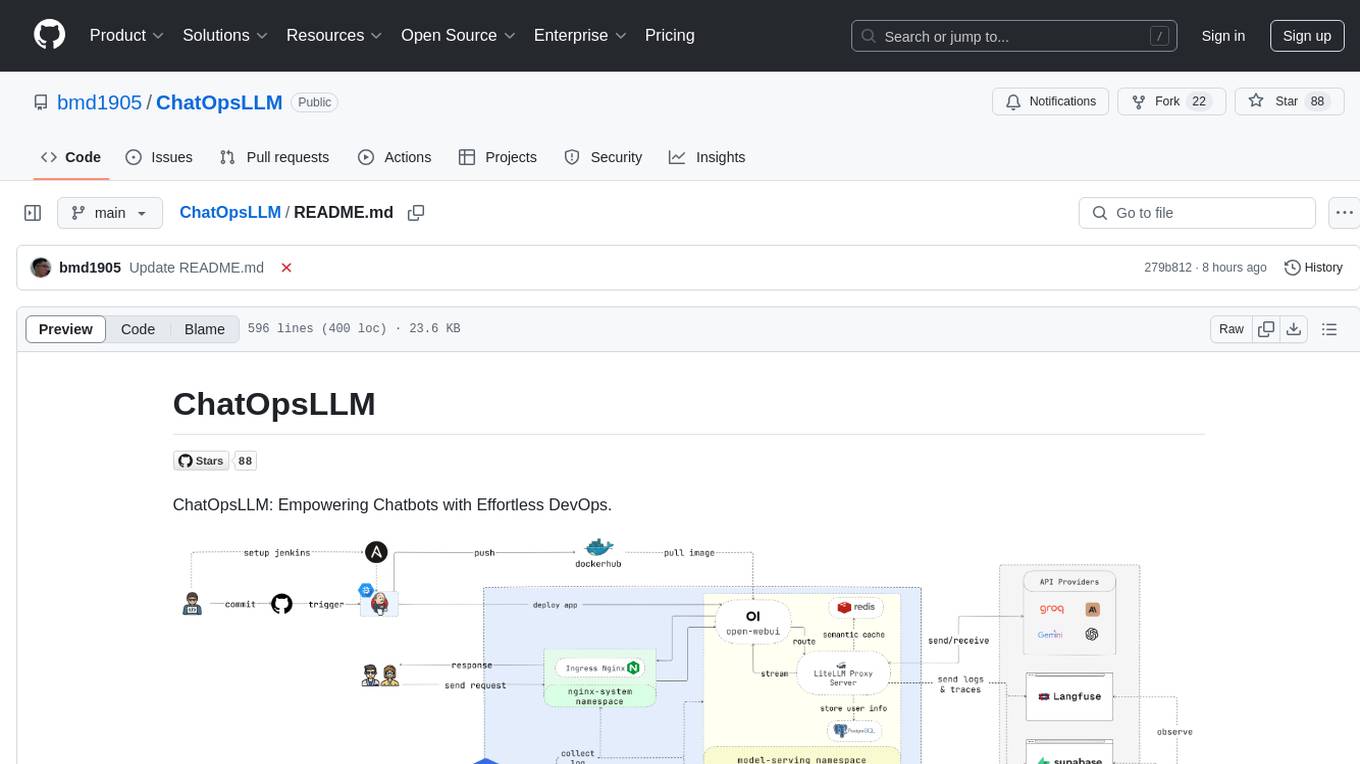
ChatOpsLLM
ChatOpsLLM is a project designed to empower chatbots with effortless DevOps capabilities. It provides an intuitive interface and streamlined workflows for managing and scaling language models. The project incorporates robust MLOps practices, including CI/CD pipelines with Jenkins and Ansible, monitoring with Prometheus and Grafana, and centralized logging with the ELK stack. Developers can find detailed documentation and instructions on the project's website.
rover
Rover is a command-line tool for managing and deploying Docker containers. It provides a simple and intuitive interface to interact with Docker images and containers, allowing users to easily build, run, and manage their containerized applications. With Rover, users can streamline their development workflow by automating container deployment and management tasks. The tool is designed to be lightweight and easy to use, making it ideal for developers and DevOps professionals looking to simplify their container management processes.
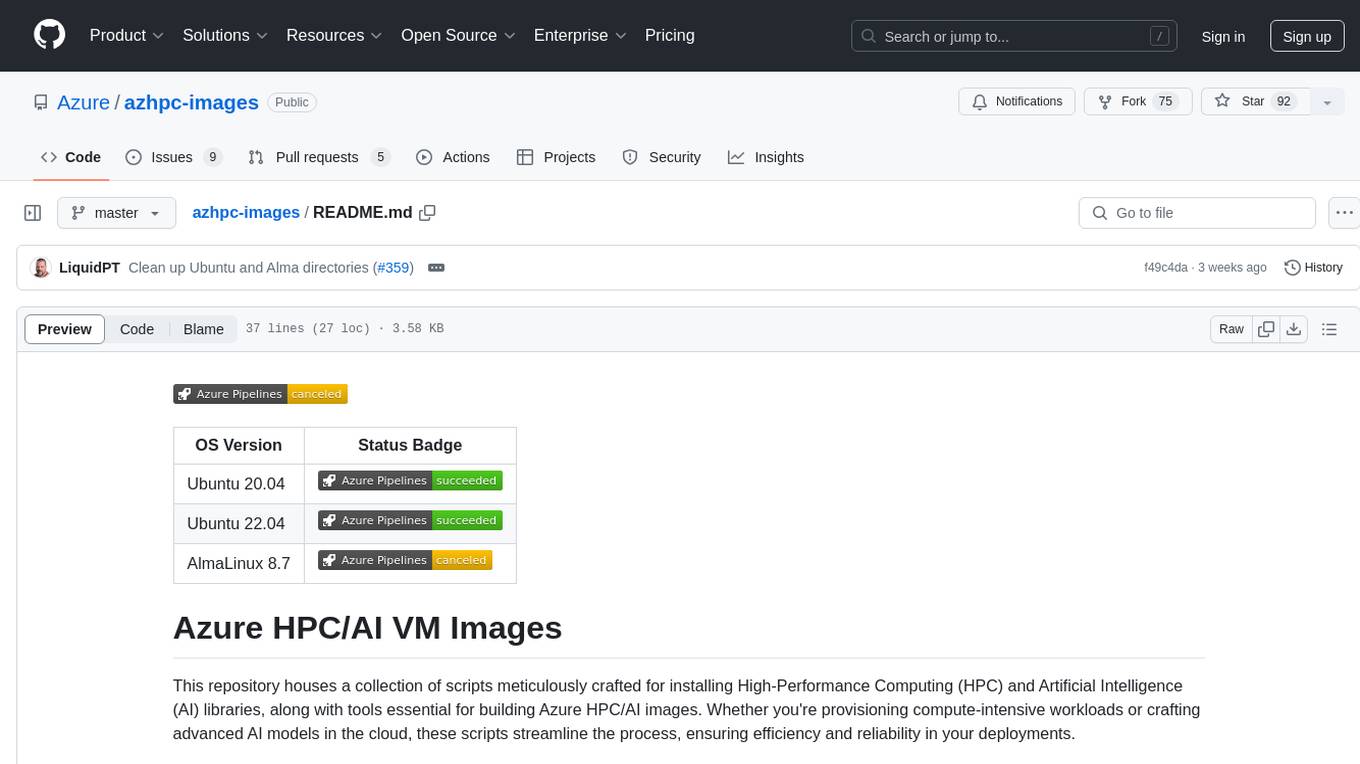
azhpc-images
This repository contains scripts for installing HPC and AI libraries and tools to build Azure HPC/AI images. It streamlines the process of provisioning compute-intensive workloads and crafting advanced AI models in the cloud, ensuring efficiency and reliability in deployments.
dify-google-cloud-terraform
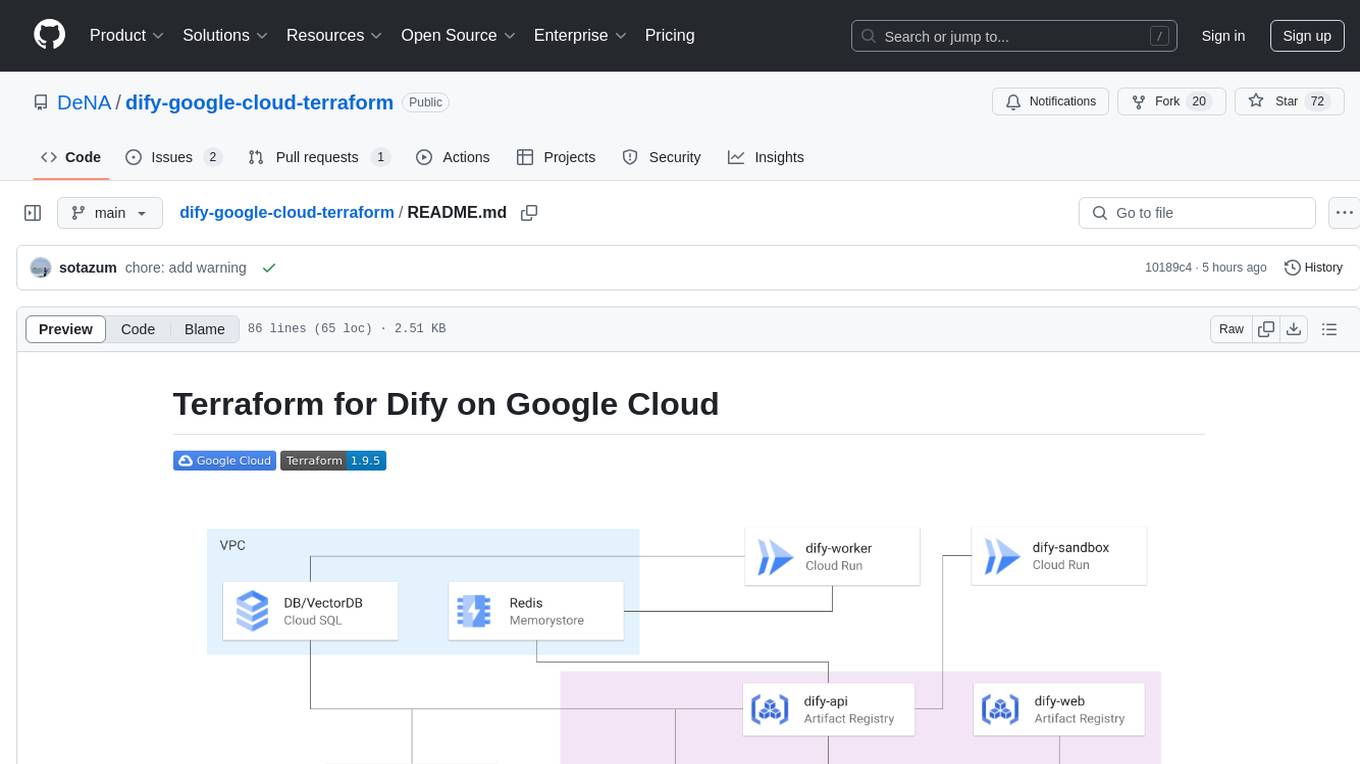
This repository provides Terraform configurations to automatically set up Google Cloud resources and deploy Dify in a highly available configuration. It includes features such as serverless hosting, auto-scaling, and data persistence. Users need a Google Cloud account, Terraform, and gcloud CLI installed to use this tool. The configuration involves setting environment-specific values and creating a GCS bucket for managing Terraform state. The tool allows users to initialize Terraform, create Artifact Registry repository, build and push container images, plan and apply Terraform changes, and cleanup resources when needed.
open-saas
Open SaaS is a free and open-source React and Node.js template for building SaaS applications. It comes with a variety of features out of the box, including authentication, payments, analytics, and more. Open SaaS is built on top of the Wasp framework, which provides a number of features to make it easy to build SaaS applications, such as full-stack authentication, end-to-end type safety, jobs, and one-command deploy.
airbroke
Airbroke is an open-source error catcher tool designed for modern web applications. It provides a PostgreSQL-based backend with an Airbrake-compatible HTTP collector endpoint and a React-based frontend for error management. The tool focuses on simplicity, maintaining a small database footprint even under heavy data ingestion. Users can ask AI about issues, replay HTTP exceptions, and save/manage bookmarks for important occurrences. Airbroke supports multiple OAuth providers for secure user authentication and offers occurrence charts for better insights into error occurrences. The tool can be deployed in various ways, including building from source, using Docker images, deploying on Vercel, Render.com, Kubernetes with Helm, or Docker Compose. It requires Node.js, PostgreSQL, and specific system resources for deployment.
For similar jobs

AirGo
AirGo is a front and rear end separation, multi user, multi protocol proxy service management system, simple and easy to use. It supports vless, vmess, shadowsocks, and hysteria2.
mosec
Mosec is a high-performance and flexible model serving framework for building ML model-enabled backend and microservices. It bridges the gap between any machine learning models you just trained and the efficient online service API. * **Highly performant** : web layer and task coordination built with Rust 🦀, which offers blazing speed in addition to efficient CPU utilization powered by async I/O * **Ease of use** : user interface purely in Python 🐍, by which users can serve their models in an ML framework-agnostic manner using the same code as they do for offline testing * **Dynamic batching** : aggregate requests from different users for batched inference and distribute results back * **Pipelined stages** : spawn multiple processes for pipelined stages to handle CPU/GPU/IO mixed workloads * **Cloud friendly** : designed to run in the cloud, with the model warmup, graceful shutdown, and Prometheus monitoring metrics, easily managed by Kubernetes or any container orchestration systems * **Do one thing well** : focus on the online serving part, users can pay attention to the model optimization and business logic
llm-code-interpreter
The 'llm-code-interpreter' repository is a deprecated plugin that provides a code interpreter on steroids for ChatGPT by E2B. It gives ChatGPT access to a sandboxed cloud environment with capabilities like running any code, accessing Linux OS, installing programs, using filesystem, running processes, and accessing the internet. The plugin exposes commands to run shell commands, read files, and write files, enabling various possibilities such as running different languages, installing programs, starting servers, deploying websites, and more. It is powered by the E2B API and is designed for agents to freely experiment within a sandboxed environment.

pezzo
Pezzo is a fully cloud-native and open-source LLMOps platform that allows users to observe and monitor AI operations, troubleshoot issues, save costs and latency, collaborate, manage prompts, and deliver AI changes instantly. It supports various clients for prompt management, observability, and caching. Users can run the full Pezzo stack locally using Docker Compose, with prerequisites including Node.js 18+, Docker, and a GraphQL Language Feature Support VSCode Extension. Contributions are welcome, and the source code is available under the Apache 2.0 License.
learn-generative-ai
Learn Cloud Applied Generative AI Engineering (GenEng) is a course focusing on the application of generative AI technologies in various industries. The course covers topics such as the economic impact of generative AI, the role of developers in adopting and integrating generative AI technologies, and the future trends in generative AI. Students will learn about tools like OpenAI API, LangChain, and Pinecone, and how to build and deploy Large Language Models (LLMs) for different applications. The course also explores the convergence of generative AI with Web 3.0 and its potential implications for decentralized intelligence.
gcloud-aio
This repository contains shared codebase for two projects: gcloud-aio and gcloud-rest. gcloud-aio is built for Python 3's asyncio, while gcloud-rest is a threadsafe requests-based implementation. It provides clients for Google Cloud services like Auth, BigQuery, Datastore, KMS, PubSub, Storage, and Task Queue. Users can install the library using pip and refer to the documentation for usage details. Developers can contribute to the project by following the contribution guide.
fluid
Fluid is an open source Kubernetes-native Distributed Dataset Orchestrator and Accelerator for data-intensive applications, such as big data and AI applications. It implements dataset abstraction, scalable cache runtime, automated data operations, elasticity and scheduling, and is runtime platform agnostic. Key concepts include Dataset and Runtime. Prerequisites include Kubernetes version > 1.16, Golang 1.18+, and Helm 3. The tool offers features like accelerating remote file accessing, machine learning, accelerating PVC, preloading dataset, and on-the-fly dataset cache scaling. Contributions are welcomed, and the project is under the Apache 2.0 license with a vendor-neutral approach.
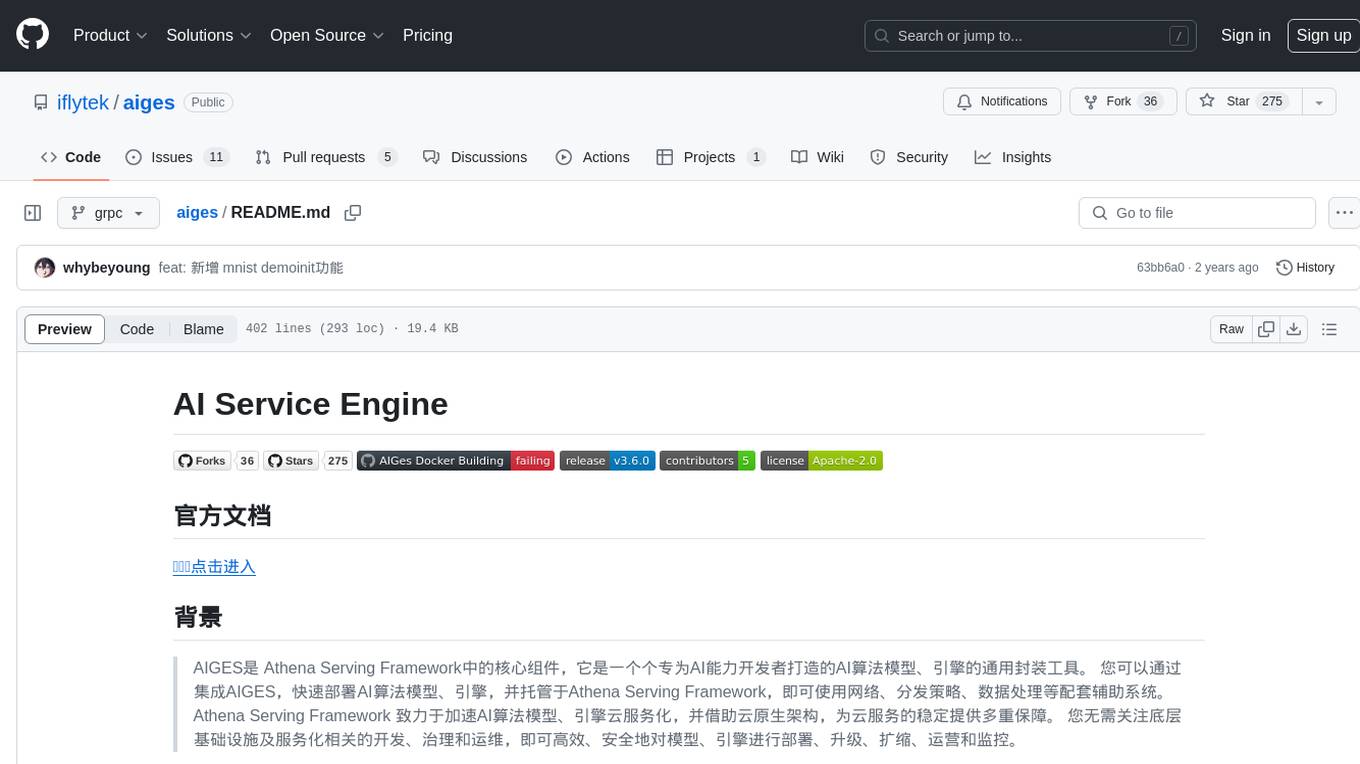
aiges
AIGES is a core component of the Athena Serving Framework, designed as a universal encapsulation tool for AI developers to deploy AI algorithm models and engines quickly. By integrating AIGES, you can deploy AI algorithm models and engines rapidly and host them on the Athena Serving Framework, utilizing supporting auxiliary systems for networking, distribution strategies, data processing, etc. The Athena Serving Framework aims to accelerate the cloud service of AI algorithm models and engines, providing multiple guarantees for cloud service stability through cloud-native architecture. You can efficiently and securely deploy, upgrade, scale, operate, and monitor models and engines without focusing on underlying infrastructure and service-related development, governance, and operations.