


marionette_mcp
MCP server enabling AI agents to interact with Flutter apps at runtime - let them inspect widgets, simulate taps, enter text, scroll, and take screenshots.
Stars: 151
Marionette MCP is a Python library that provides a framework for building and managing complex automation tasks. It allows users to create automated workflows, interact with web applications, and perform various tasks in a structured and efficient manner. With Marionette MCP, users can easily automate repetitive tasks, streamline their workflows, and improve productivity. The library offers a wide range of features, including web scraping, form filling, data extraction, and more, making it a versatile tool for automation enthusiasts and developers alike.
README:


"Playwright MCP/Cursor Browser, but for Flutter apps"
Marionette MCP enables AI agents (like Cursor, Claude Code, etc.) to inspect and interact with running Flutter applications. It connects your agent directly to a running app, so it can see the widget tree, tap elements, enter text, scroll, and capture screenshots for automated smoke testing and interaction.
Marionette MCP keeps the surface area intentionally small. It exposes only a handful of high-signal actions and returns the minimum actionable data, which helps keep prompts focused and context sizes under control.

The official Dart & Flutter MCP server focuses on development-time tasks: searching pub.dev, managing dependencies, analyzing code, and inspecting runtime errors. It can also drive the UI, but it does so through Flutter Driver, which introduces extra instrumentation in your app. Marionette MCP focuses solely (and in an opinionated way) on runtime interaction: tapping buttons, entering text, scrolling, and taking screenshots, while requiring minimal changes to your app. Use Flutter MCP to build your app, use Marionette MCP to test and interact with it with minimal code changes.
Note: Your Flutter app must be prepared to be compatible with this MCP.
-
Prepare your Flutter app - Add the
marionette_flutterpackage and initializeMarionetteBindingin yourmain.dart. -
Install the MCP server - Add
marionette_mcpto your projectsdev_dependencies. -
Configure your AI tool - Add the MCP server command (
dart run marionette_mcp) to your tool's configuration (Cursor, Claude, etc.). -
Run your app in debug mode - Look for the VM service URI in the console (e.g.,
ws://127.0.0.1:12345/ws). - Connect and interact - Ask the AI agent to connect to your app using the URI and start interacting.
Run the following command to activate the marionette_mcp global tool:
dart pub global activate marionette_mcp[!NOTE] You can also install the package as a dev-dependency using
dart pub add dev:marionette_mcpThen invoke the MCP server as
dart run marionette_mcp. It might be necessary to change the working directory, so thatdart runis able to findmarionette_mcp. You can do it like so:cd ${workspaceFolder}/packages/mypackage && dart run marionette_mcp(it will vary between tooling).If it does not work, we suggest using the global tool method.
Run the following command in your Flutter app directory:
flutter pub add marionette_flutterYou need to initialize the MarionetteBinding in your app. This binding registers the necessary VM service extensions that the MCP server communicates with.
If your app uses standard Flutter widgets (like ElevatedButton, TextField, Text, etc.), the default configuration works out of the box.
import 'package:flutter/foundation.dart';
import 'package:flutter/material.dart';
import 'package:marionette_flutter/marionette_flutter.dart';

void main() {
  // Initialize Marionette only in debug mode
  if (kDebugMode) {
    MarionetteBinding.ensureInitialized();
  } else {
    WidgetsFlutterBinding.ensureInitialized();
  }

  runApp(const MyApp());
}Marionette supports flexible log collection through the LogCollector interface. You can choose from several options depending on your logging setup:
If your app uses Dart's logging package:
flutter pub add marionette_loggingimport 'package:flutter/foundation.dart';
import 'package:logging/logging.dart';
import 'package:marionette_flutter/marionette_flutter.dart';
import 'package:marionette_logging/marionette_logging.dart';
void main() {
if (kDebugMode) {
MarionetteBinding.ensureInitialized(
MarionetteConfiguration(logCollector: LoggingLogCollector()),
);
} else {
WidgetsFlutterBinding.ensureInitialized();
}
Logger.root.level = Level.ALL;
runApp(const MyApp());
}If your app uses the logger package:
flutter pub add marionette_loggerimport 'package:flutter/foundation.dart';
import 'package:logger/logger.dart';
import 'package:marionette_flutter/marionette_flutter.dart';
import 'package:marionette_logger/marionette_logger.dart';
void main() {
final logCollector = LoggerLogCollector();
if (kDebugMode) {
MarionetteBinding.ensureInitialized(
MarionetteConfiguration(logCollector: logCollector),
);
} else {
WidgetsFlutterBinding.ensureInitialized();
}
final logger = Logger(
output: MultiOutput([ConsoleOutput(), logCollector]),
);
runApp(const MyApp());
}For other logging solutions or custom setups, use PrintLogCollector:
import 'package:flutter/foundation.dart';
import 'package:marionette_flutter/marionette_flutter.dart';

void main() {
  final collector = PrintLogCollector();

  if (kDebugMode) {
    MarionetteBinding.ensureInitialized(
      MarionetteConfiguration(logCollector: collector),
    );
  } else {
    WidgetsFlutterBinding.ensureInitialized();
  }

  // Hook into your logging system
  myLogger.onLog((message) => collector.addLog(message));

  runApp(const MyApp());
}If you don't need log collection, simply omit the logCollector parameter. The get_logs tool will return a helpful message explaining how to enable it.
If you use custom widgets in your design system, you can configure Marionette to recognize them as interactive elements or extract text from them.
Why isInteractiveWidget? A typical Flutter screen has hundreds of widgets in its tree - Padding, Container, Column, SizedBox, etc. When the AI agent calls get_interactive_elements, Marionette filters this down to only actionable targets: buttons, text fields, switches, sliders, etc. This gives the agent a concise, manageable list instead of an overwhelming dump of layout widgets.
By default, Marionette recognizes standard Flutter widgets like ElevatedButton, TextField, and Switch. If your app uses custom widgets (e.g., MyPrimaryButton that wraps styling around a GestureDetector), Marionette won't know they're tappable unless you tell it. The isInteractiveWidget callback lets you mark your custom widget types as interactive, so they appear in the element list and can be targeted by tap and other tools.
Why extractText? The extractText callback serves two purposes:
-
Element discovery: Widgets with extractable text are automatically included in the interactive elements tree returned by
get_interactive_elements, even if they are not explicitly interactive. The extracted text appears in the element'stextfield, helping the AI agent understand what each element displays. -
Text-based matching: The
tap,scroll_to, and other interaction tools can match elements by their text content using thetextparameter (e.g.,tap(text: "Submit")).
By default, Marionette extracts text from standard Flutter widgets (Text, RichText, EditableText, TextField, TextFormField). Use extractText to add support for your custom text widgets.
import 'package:flutter/foundation.dart';
import 'package:flutter/material.dart';
import 'package:marionette_flutter/marionette_flutter.dart';
import 'package:my_app/design_system/buttons.dart';
import 'package:my_app/design_system/inputs.dart';

void main() {
  if (kDebugMode) {
    MarionetteBinding.ensureInitialized(
      MarionetteConfiguration(
        // Identify your custom interactive widgets
        isInteractiveWidget: (type) =>
            type == MyPrimaryButton ||
            type == MyTextField ||
            type == MyCheckbox,

        // Extract text from your custom widgets
        extractText: (widget) {
          if (widget is MyText) return widget.data;
          if (widget is MyTextField) return widget.controller?.text;
          return null;
        },
      ),
    );
  } else {
    WidgetsFlutterBinding.ensureInitialized();
  }

  runApp(const MyApp());
}By default, Marionette will downscale screenshots to fit within 2000×2000
physical pixels. You can override this via maxScreenshotSize in
MarionetteConfiguration (set it to null to disable resizing).
Add the MCP server to your AI coding assistant's configuration.

Or manually add to your project's .cursor/mcp.json or your global ~/.cursor/mcp.json:
{
  "mcpServers": {
    "marionette": {
      "command": "marionette_mcp",
      "args": []
    }
  }
}Open the MCP store, click “Manage MCP Servers”, then “View raw config” and add to the opened mcp_config.json:
{
  "mcpServers": {
    "marionette": {
      "command": "marionette_mcp",
      "args": []
    }
  }
}Add to your ~/.gemini/settings.json:
{
  "mcpServers": {
    "marionette": {
      "command": "marionette_mcp",
      "args": []
    }
  }
}You can run the following command to add it:
claude mcp add --transport stdio marionette -- marionette_mcpAdd to your mcp.json:
{
  "servers": {
    "marionette": {
      "command": "marionette_mcp",
      "args": []
    }
  }
}Once connected, the AI agent has access to these tools:
| Tool | Description |
|---|---|
connect |
Connect to a Flutter app via its VM service URI (e.g., ws://127.0.0.1:54321/ws). |
disconnect |
Disconnect from the currently connected app. |
get_interactive_elements |
Returns a list of all interactive UI elements (buttons, inputs, etc.) visible on screen. |
tap |
Taps an element matching a specific key or visible text. |
enter_text |
Enters text into a text field matching a key. |
scroll_to |
Scrolls the view until an element matching a key or text becomes visible. |
get_logs |
Retrieves application logs collected since app start or the last hot reload (requires a LogCollector to be configured). |
take_screenshots |
Captures screenshots of all active views and returns them as base64 images. |
hot_reload |
Performs a hot reload of the Flutter app, applying code changes without losing state. |
Marionette MCP shines when used by coding agents to verify their work or explore the app. Here are some real-world scenarios:
Context: You just asked the agent to implement a "Forgot Password" flow. Prompt:
"Now that you've implemented the Forgot Password screen, let's verify it. Connect to the app, navigate to the login screen, tap 'Forgot Password', enter a valid email, and submit. Check the logs to ensure the API call was made successfully."
Context: You performed a large refactor on the navigation logic. Prompt:
"I've refactored the routing. Please run a quick smoke test: connect to the app, cycle through all tabs in the bottom navigation bar, and verify that each screen loads without throwing exceptions in the logs."
Context: Users reported a button is unresponsive on the Settings page. Prompt:
"Investigate the 'Clear Cache' button on the Settings page. Connect to the app, navigate there, find the button using
get_interactive_elements, tap it, and analyze the logs to see if an error is occurring or if the tap is being ignored."
-
Initialization: Your Flutter app initializes
MarionetteBinding, which registers custom VM service extensions (ext.flutter.marionette.*). - Connection: The MCP server connects to your app's VM Service URL.
-
Interaction: When an AI agent calls a tool (like
tap), the MCP server translates this into a call to the corresponding VM service extension in your app. - Execution: The Flutter app executes the action (e.g., simulates a tap gesture) and returns the result.
-
Prefer pasting the VM Service URI manually: While some tooling can sometimes discover or infer the VM Service endpoint, the most reliable workflow is to copy the
ws://.../wsURI from yourflutter runoutput (or DevTools link) and paste it to the agent when callingconnect. -
The agent may not know your app: Marionette can “see” the widget tree and interact with UI elements, but it doesn’t automatically understand your product’s flows, naming conventions, or edge cases. If you want reliable navigation and assertions, provide extra context in the prompt (what screen to reach, expected labels/keys, preconditions, and the goal of the interaction).
-
“Your mileage may vary” interactions: Some actions are implemented via best-effort simulation of user behavior (gestures, focus, text entry, scrolling). Depending on platform, custom widgets, overlays, or app-specific gesture handling, results may vary. If a flow is flaky, consider exposing clearer widget keys, simplifying hit targets, or adding custom
MarionetteConfigurationhooks for your design system. And if you hit something that consistently doesn’t behave as expected, a small repro in an issue helps us improve it.
-
"Not connected to any app": Ensure the AI agent has called
connectwith the valid VM Service URI before using other tools. -
Finding the URI: Run your Flutter app in debug mode (
flutter run). Look for a line like:The Flutter DevTools debugger and profiler on iPhone 15 Pro is available at: http://127.0.0.1:9101?uri=ws://127.0.0.1:9101/ws. Use thews://...part. - Release Mode: Marionette only works in debug (and profile) mode because it relies on the VM Service. It will not work in release builds.
-
Elements not found: Ensure your widgets are visible. If using custom widgets, make sure they are configured in
MarionetteConfiguration.
This package is built with 💙 by LeanCode. We are top-tier experts focused on Flutter Enterprise solutions.
-
Creators of Patrol – the next-gen testing framework for Flutter.
-
Production-Ready – We use this package in apps with millions of users.
-
Full-Cycle Product Development – We take your product from scratch to long-term maintenance.
For Tasks:
Click tags to check more tools for each tasksFor Jobs:
Alternative AI tools for marionette_mcp
Similar Open Source Tools
marionette_mcp
Marionette MCP is a Python library that provides a framework for building and managing complex automation tasks. It allows users to create automated workflows, interact with web applications, and perform various tasks in a structured and efficient manner. With Marionette MCP, users can easily automate repetitive tasks, streamline their workflows, and improve productivity. The library offers a wide range of features, including web scraping, form filling, data extraction, and more, making it a versatile tool for automation enthusiasts and developers alike.
stagehand
Stagehand is an AI web browsing framework that simplifies and extends web automation using three simple APIs: act, extract, and observe. It aims to provide a lightweight, configurable framework without complex abstractions, allowing users to automate web tasks reliably. The tool generates Playwright code based on atomic instructions provided by the user, enabling natural language-driven web automation. Stagehand is open source, maintained by the Browserbase team, and supports different models and model providers for flexibility in automation tasks.
PulsarRPAPro
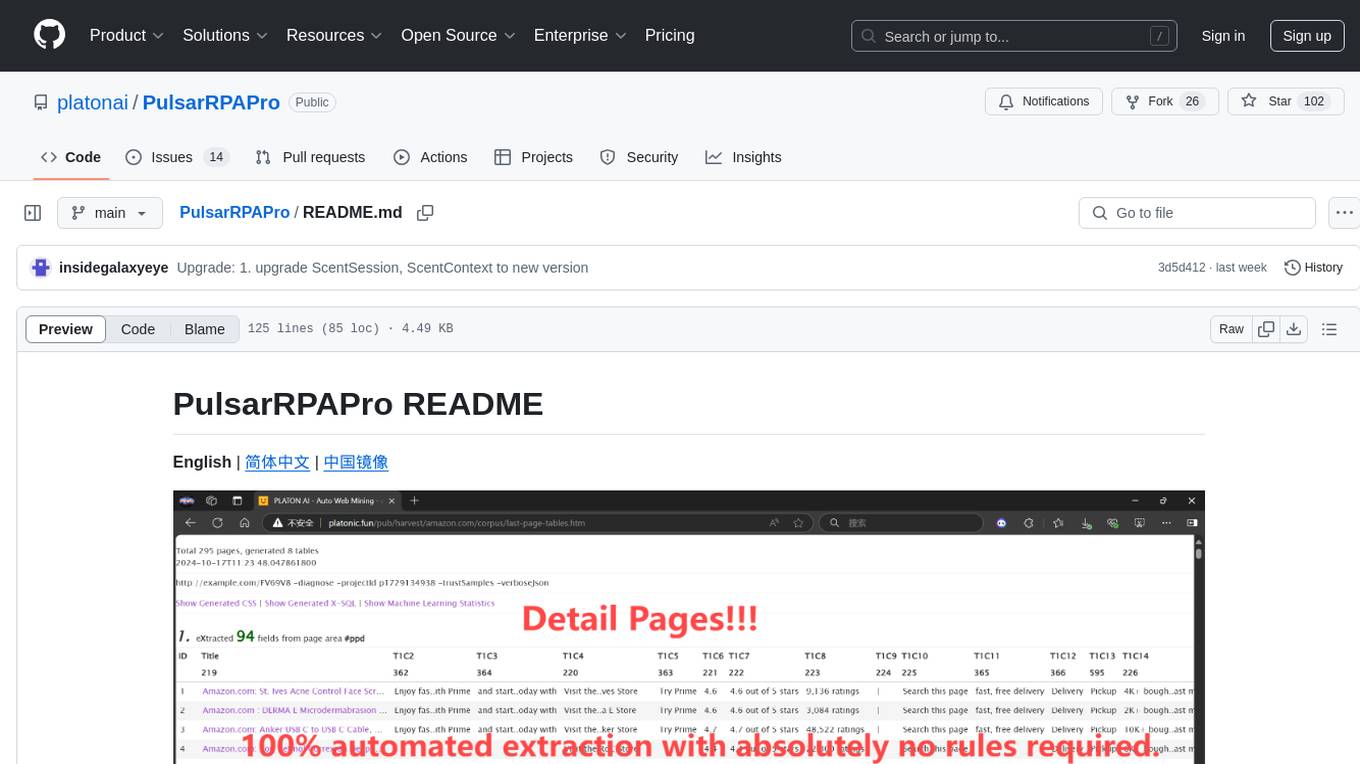
PulsarRPAPro is a powerful robotic process automation (RPA) tool designed to automate repetitive tasks and streamline business processes. It offers a user-friendly interface for creating and managing automation workflows, allowing users to easily automate tasks without the need for extensive programming knowledge. With features such as task scheduling, data extraction, and integration with various applications, PulsarRPAPro helps organizations improve efficiency and productivity by reducing manual work and human errors. Whether you are a small business looking to automate simple tasks or a large enterprise seeking to optimize complex processes, PulsarRPAPro provides the flexibility and scalability to meet your automation needs.
python-sdk
Python SDK is a software development kit that provides tools and resources for developers to interact with Python programming language. It simplifies the process of integrating Python code into applications and services, offering a wide range of functionalities and libraries to streamline development workflows. With Python SDK, developers can easily access and manipulate data, create automation scripts, build web applications, and perform various tasks efficiently. It is designed to enhance the productivity and flexibility of Python developers by providing a comprehensive set of tools and utilities for software development.
HyperAgent
HyperAgent is a powerful tool for automating repetitive tasks in web scraping and data extraction. It provides a user-friendly interface to create custom web scraping scripts without the need for extensive coding knowledge. With HyperAgent, users can easily extract data from websites, transform it into structured formats, and save it for further analysis. The tool supports various data formats and offers scheduling options for automated data extraction at regular intervals. HyperAgent is suitable for individuals and businesses looking to streamline their data collection processes and improve efficiency in extracting information from the web.
onlook
Onlook is a web scraping tool that allows users to extract data from websites easily and efficiently. It provides a user-friendly interface for creating web scraping scripts and supports various data formats for exporting the extracted data. With Onlook, users can automate the process of collecting information from multiple websites, saving time and effort. The tool is designed to be flexible and customizable, making it suitable for a wide range of web scraping tasks.
WorkflowAI
WorkflowAI is a powerful tool designed to streamline and automate various tasks within the workflow process. It provides a user-friendly interface for creating custom workflows, automating repetitive tasks, and optimizing efficiency. With WorkflowAI, users can easily design, execute, and monitor workflows, allowing for seamless integration of different tools and systems. The tool offers advanced features such as conditional logic, task dependencies, and error handling to ensure smooth workflow execution. Whether you are managing project tasks, processing data, or coordinating team activities, WorkflowAI simplifies the workflow management process and enhances productivity.
promptl
Promptl is a versatile command-line tool designed to streamline the process of creating and managing prompts for user input in various programming projects. It offers a simple and efficient way to prompt users for information, validate their input, and handle different scenarios based on their responses. With Promptl, developers can easily integrate interactive prompts into their scripts, applications, and automation workflows, enhancing user experience and improving overall usability. The tool provides a range of customization options and features, making it suitable for a wide range of use cases across different programming languages and environments.
waidrin
Waidrin is a powerful web scraping tool that allows users to easily extract data from websites. It provides a user-friendly interface for creating custom web scraping scripts and supports various data formats for exporting the extracted data. With Waidrin, users can automate the process of collecting information from multiple websites, saving time and effort. The tool is designed to be flexible and scalable, making it suitable for both beginners and advanced users in the field of web scraping.
tools
This repository contains a collection of various tools and utilities that can be used for different purposes. It includes scripts, programs, and resources to assist with tasks related to software development, data analysis, automation, and more. The tools are designed to be versatile and easy to use, providing solutions for common challenges faced by developers and users alike.
unstract
Unstract is a no-code platform that enables users to launch APIs and ETL pipelines to structure unstructured documents. With Unstract, users can go beyond co-pilots by enabling machine-to-machine automation. Unstract's Prompt Studio provides a simple, no-code approach to creating prompts for LLMs, vector databases, embedding models, and text extractors. Users can then configure Prompt Studio projects as API deployments or ETL pipelines to automate critical business processes that involve complex documents. Unstract supports a wide range of LLM providers, vector databases, embeddings, text extractors, ETL sources, and ETL destinations, providing users with the flexibility to choose the best tools for their needs.
arcade-ai
Arcade AI is a developer-focused tooling and API platform designed to enhance the capabilities of LLM applications and agents. It simplifies the process of connecting agentic applications with user data and services, allowing developers to concentrate on building their applications. The platform offers prebuilt toolkits for interacting with various services, supports multiple authentication providers, and provides access to different language models. Users can also create custom toolkits and evaluate their tools using Arcade AI. Contributions are welcome, and self-hosting is possible with the provided documentation.
pullfrog
Pullfrog is a versatile tool for managing and automating GitHub pull requests. It provides a simple and intuitive interface for developers to streamline their workflow and collaborate more efficiently. With Pullfrog, users can easily create, review, merge, and manage pull requests, all within a single platform. The tool offers features such as automated testing, code review, and notifications to help teams stay organized and productive. Whether you are a solo developer or part of a large team, Pullfrog can help you simplify the pull request process and improve code quality.
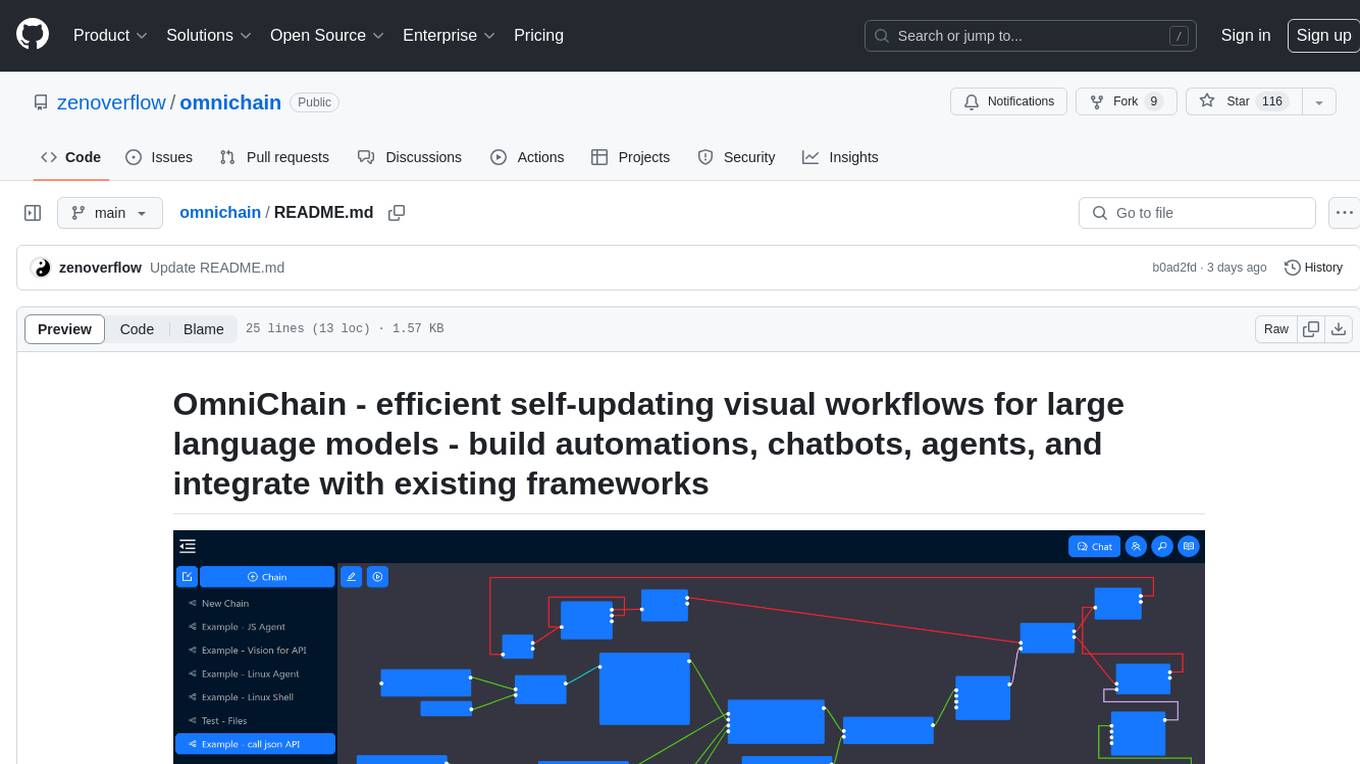
omnichain
OmniChain is a tool for building efficient self-updating visual workflows using AI language models, enabling users to automate tasks, create chatbots, agents, and integrate with existing frameworks. It allows users to create custom workflows guided by logic processes, store and recall information, and make decisions based on that information. The tool enables users to create tireless robot employees that operate 24/7, access the underlying operating system, generate and run NodeJS code snippets, and create custom agents and logic chains. OmniChain is self-hosted, open-source, and available for commercial use under the MIT license, with no coding skills required.
NadirClaw
NadirClaw is a powerful open-source tool designed for web scraping and data extraction. It provides a user-friendly interface for extracting data from websites with ease. With NadirClaw, users can easily scrape text, images, and other content from web pages for various purposes such as data analysis, research, and automation. The tool offers flexibility and customization options to cater to different scraping needs, making it a versatile solution for extracting data from the web. Whether you are a data scientist, researcher, or developer, NadirClaw can streamline your data extraction process and help you gather valuable insights from online sources.
trubrics-sdk
Trubrics-sdk is a software development kit designed to facilitate the integration of analytics features into applications. It provides a set of tools and functionalities that enable developers to easily incorporate analytics capabilities, such as data collection, analysis, and reporting, into their software products. The SDK streamlines the process of implementing analytics solutions, allowing developers to focus on building and enhancing their applications' functionality and user experience. By leveraging trubrics-sdk, developers can quickly and efficiently integrate robust analytics features, gaining valuable insights into user behavior and application performance.
For similar tasks
open-cuak
Open CUAK (Computer Use Agent) is a platform for managing automation agents at scale, designed to run and manage thousands of automation agents with reliability. It allows for abundant productivity by ensuring scalability and profitability. The project aims to usher in a new era of work with equally distributed productivity, making it open-sourced for real businesses and real people. The core features include running operator-like automation workflows locally, vision-based automation, turning any browser into an operator-companion, utilizing a dedicated remote browser, and more.
PulsarRPAPro
PulsarRPAPro is a powerful robotic process automation (RPA) tool designed to automate repetitive tasks and streamline business processes. It offers a user-friendly interface for creating and managing automation workflows, allowing users to easily automate tasks without the need for extensive programming knowledge. With features such as task scheduling, data extraction, and integration with various applications, PulsarRPAPro helps organizations improve efficiency and productivity by reducing manual work and human errors. Whether you are a small business looking to automate simple tasks or a large enterprise seeking to optimize complex processes, PulsarRPAPro provides the flexibility and scalability to meet your automation needs.
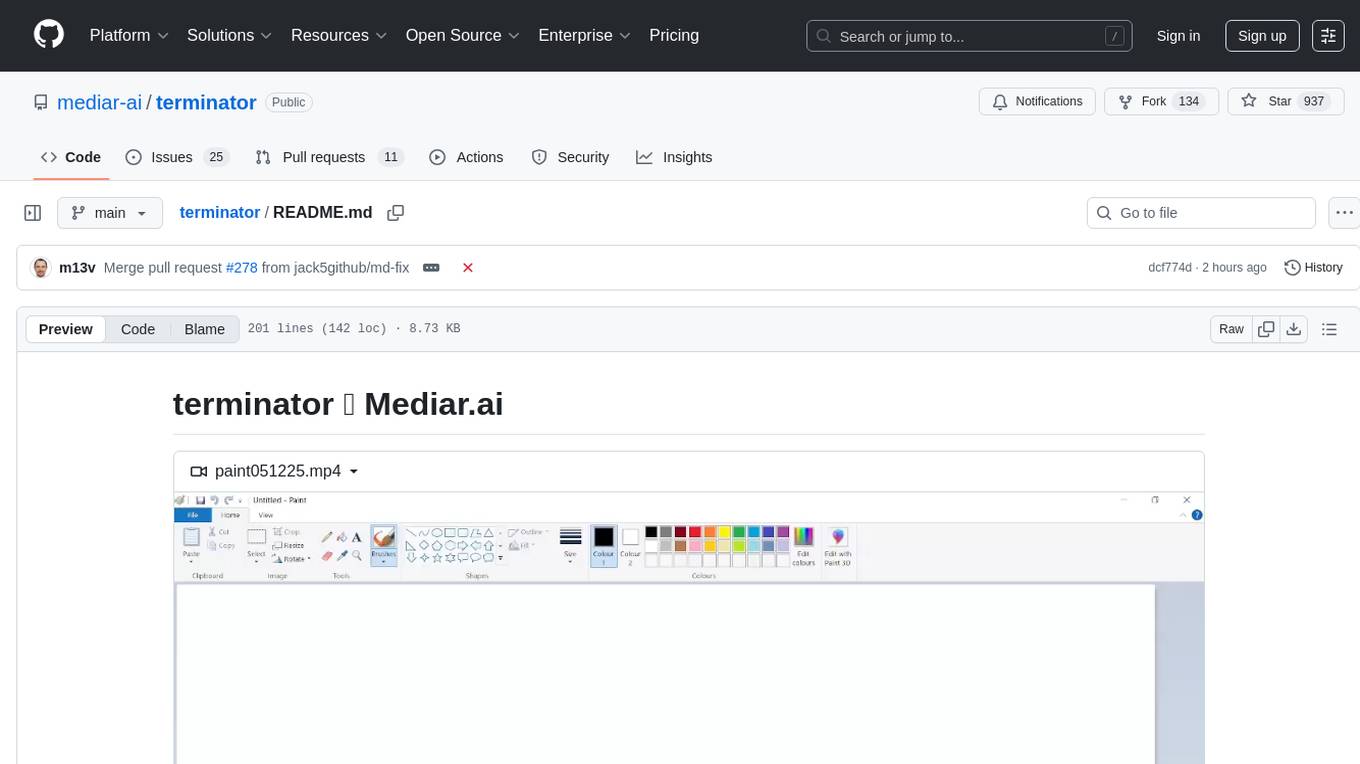
terminator
Terminator is an AI-powered desktop automation tool that is open source, MIT-licensed, and cross-platform. It works across all apps and browsers, inspired by GitHub Actions & Playwright. It is 100x faster than generic AI agents, with over 95% success rate and no vendor lock-in. Users can create automations that work across any desktop app or browser, achieve high success rates without costly consultant armies, and pre-train workflows as deterministic code.
marionette_mcp
Marionette MCP is a Python library that provides a framework for building and managing complex automation tasks. It allows users to create automated workflows, interact with web applications, and perform various tasks in a structured and efficient manner. With Marionette MCP, users can easily automate repetitive tasks, streamline their workflows, and improve productivity. The library offers a wide range of features, including web scraping, form filling, data extraction, and more, making it a versatile tool for automation enthusiasts and developers alike.
langchain_dart
LangChain.dart is a Dart port of the popular LangChain Python framework created by Harrison Chase. LangChain provides a set of ready-to-use components for working with language models and a standard interface for chaining them together to formulate more advanced use cases (e.g. chatbots, Q&A with RAG, agents, summarization, extraction, etc.). The components can be grouped into a few core modules: * **Model I/O:** LangChain offers a unified API for interacting with various LLM providers (e.g. OpenAI, Google, Mistral, Ollama, etc.), allowing developers to switch between them with ease. Additionally, it provides tools for managing model inputs (prompt templates and example selectors) and parsing the resulting model outputs (output parsers). * **Retrieval:** assists in loading user data (via document loaders), transforming it (with text splitters), extracting its meaning (using embedding models), storing (in vector stores) and retrieving it (through retrievers) so that it can be used to ground the model's responses (i.e. Retrieval-Augmented Generation or RAG). * **Agents:** "bots" that leverage LLMs to make informed decisions about which available tools (such as web search, calculators, database lookup, etc.) to use to accomplish the designated task. The different components can be composed together using the LangChain Expression Language (LCEL).
x-crawl
x-crawl is a flexible Node.js AI-assisted crawler library that offers powerful AI assistance functions to make crawler work more efficient, intelligent, and convenient. It consists of a crawler API and various functions that can work normally even without relying on AI. The AI component is currently based on a large AI model provided by OpenAI, simplifying many tedious operations. The library supports crawling dynamic pages, static pages, interface data, and file data, with features like control page operations, device fingerprinting, asynchronous sync, interval crawling, failed retry handling, rotation proxy, priority queue, crawl information control, and TypeScript support.
nlp-llms-resources
The 'nlp-llms-resources' repository is a comprehensive resource list for Natural Language Processing (NLP) and Large Language Models (LLMs). It covers a wide range of topics including traditional NLP datasets, data acquisition, libraries for NLP, neural networks, sentiment analysis, optical character recognition, information extraction, semantics, topic modeling, multilingual NLP, domain-specific LLMs, vector databases, ethics, costing, books, courses, surveys, aggregators, newsletters, papers, conferences, and societies. The repository provides valuable information and resources for individuals interested in NLP and LLMs.
sycamore
Sycamore is a conversational search and analytics platform for complex unstructured data, such as documents, presentations, transcripts, embedded tables, and internal knowledge repositories. It retrieves and synthesizes high-quality answers through bringing AI to data preparation, indexing, and retrieval. Sycamore makes it easy to prepare unstructured data for search and analytics, providing a toolkit for data cleaning, information extraction, enrichment, summarization, and generation of vector embeddings that encapsulate the semantics of data. Sycamore uses your choice of generative AI models to make these operations simple and effective, and it enables quick experimentation and iteration. Additionally, Sycamore uses OpenSearch for indexing, enabling hybrid (vector + keyword) search, retrieval-augmented generation (RAG) pipelining, filtering, analytical functions, conversational memory, and other features to improve information retrieval.
For similar jobs

aiscript
AiScript is a lightweight scripting language that runs on JavaScript. It supports arrays, objects, and functions as first-class citizens, and is easy to write without the need for semicolons or commas. AiScript runs in a secure sandbox environment, preventing infinite loops from freezing the host. It also allows for easy provision of variables and functions from the host.
askui
AskUI is a reliable, automated end-to-end automation tool that only depends on what is shown on your screen instead of the technology or platform you are running on.
bots
The 'bots' repository is a collection of guides, tools, and example bots for programming bots to play video games. It provides resources on running bots live, installing the BotLab client, debugging bots, testing bots in simulated environments, and more. The repository also includes example bots for games like EVE Online, Tribal Wars 2, and Elvenar. Users can learn about developing bots for specific games, syntax of the Elm programming language, and tools for memory reading development. Additionally, there are guides on bot programming, contributing to BotLab, and exploring Elm syntax and core library.
ain
Ain is a terminal HTTP API client designed for scripting input and processing output via pipes. It allows flexible organization of APIs using files and folders, supports shell-scripts and executables for common tasks, handles url-encoding, and enables sharing the resulting curl, wget, or httpie command-line. Users can put things that change in environment variables or .env-files, and pipe the API output for further processing. Ain targets users who work with many APIs using a simple file format and uses curl, wget, or httpie to make the actual calls.
LaVague
LaVague is an open-source Large Action Model framework that uses advanced AI techniques to compile natural language instructions into browser automation code. It leverages Selenium or Playwright for browser actions. Users can interact with LaVague through an interactive Gradio interface to automate web interactions. The tool requires an OpenAI API key for default examples and offers a Playwright integration guide. Contributors can help by working on outlined tasks, submitting PRs, and engaging with the community on Discord. The project roadmap is available to track progress, but users should exercise caution when executing LLM-generated code using 'exec'.
robocorp
Robocorp is a platform that allows users to create, deploy, and operate Python automations and AI actions. It provides an easy way to extend the capabilities of AI agents, assistants, and copilots with custom actions written in Python. Users can create and deploy tools, skills, loaders, and plugins that securely connect any AI Assistant platform to their data and applications. The Robocorp Action Server makes Python scripts compatible with ChatGPT and LangChain by automatically creating and exposing an API based on function declaration, type hints, and docstrings. It simplifies the process of developing and deploying AI actions, enabling users to interact with AI frameworks effortlessly.
Open-Interface
Open Interface is a self-driving software that automates computer tasks by sending user requests to a language model backend (e.g., GPT-4V) and simulating keyboard and mouse inputs to execute the steps. It course-corrects by sending current screenshots to the language models. The tool supports MacOS, Linux, and Windows, and requires setting up the OpenAI API key for access to GPT-4V. It can automate tasks like creating meal plans, setting up custom language model backends, and more. Open Interface is currently not efficient in accurate spatial reasoning, tracking itself in tabular contexts, and navigating complex GUI-rich applications. Future improvements aim to enhance the tool's capabilities with better models trained on video walkthroughs. The tool is cost-effective, with user requests priced between $0.05 - $0.20, and offers features like interrupting the app and primary display visibility in multi-monitor setups.
AI-Case-Sorter-CS7.1
AI-Case-Sorter-CS7.1 is a project focused on building a case sorter using machine vision and machine learning AI to sort cases by headstamp. The repository includes Arduino code and 3D models necessary for the project.