


Gito
An AI-powered GitHub code review tool that uses LLMs to detect high-confidence, high-impact issues—such as security vulnerabilities, bugs, and maintainability concerns.
Stars: 165
Gito is a lightweight and user-friendly tool for managing and organizing your GitHub repositories. It provides a simple and intuitive interface for users to easily view, clone, and manage their repositories. With Gito, you can quickly access important information about your repositories, such as commit history, branches, and pull requests. The tool also allows you to perform common Git operations, such as pushing changes and creating new branches, directly from the interface. Gito is designed to streamline your GitHub workflow and make repository management more efficient and convenient.
README:






Gito is an open-source AI code reviewer that works with any language model provider. It detects issues in GitHub pull requests or local codebase changes—instantly, reliably, and without vendor lock-in.
Get consistent, thorough code reviews in seconds—no waiting for human availability.
- Why Gito?
- Perfect For
- Supported Platforms & Integrations
- Security & Privacy
- Quickstart
- Configuration
- Guides & Reference
- Known Limitations
- Development Setup
- Contributing
- License
- [⚡] Lightning Fast: Get detailed code reviews in seconds, not days—powered by parallelized LLM processing
- [🔧] Vendor Agnostic: Works with any language model provider (OpenAI, Anthropic, Google, local models, etc.)
- [🔒] Private & Secure: Your code goes directly to your chosen LLM inference provider or local model—no intermediary servers
- [🌐] Universal: Supports all major programming languages and frameworks
- [🔍] Comprehensive Analysis: Detect issues across security, performance, maintainability, best practices, and much more
- [📈] Consistent Quality: Never tired, never biased—consistent review quality every time
- [🚀] Easy Integration: Automatically reviews pull requests via CI/CD workflows (GitHub Actions, etc), posts results as PR comments, and reacts to maintainer comments
- [🎛️] Infinitely Flexible: Adapt to any project's standards—configure review rules, severity levels, and focus areas, build custom workflows
- Solo developers who want expert-level code review without the wait
- Teams looking to catch issues before human review
- Open source projects maintaining high code quality at scale
- CI/CD pipelines requiring automated quality gates
✨ See code review in action ✨
| Platform | Status |
|---|---|
| GitHub | ✅ Supported |
| GitLab | 🧪 Supported (Beta) |
| Bitbucket | 🛠️ Planned |
ℹ️ Gito ships ready-to-use CI/CD workflows for these platforms, with full support for triggering actions via PR comments, automatic review posting, and PR lifecycle integration.
Not on this list? Gito works anywhere—via custom CI/CD pipelines or directly from the CLI.
| Provider / Runtime | Status |
|---|---|
| OpenAI API | ✅ Supported |
| Anthropic API | ✅ Supported |
| Google API | ✅ Supported |
Local LLM ServicesOllama, LM Studio, vLLM, etc.
|
✅ Supported |
Embedded InferencePyTorch / Transformers
|
✅ Supported |
Any OpenAI-compatible APIMistral, xAI, Azure, Amazon Bedrock, OpenRouter, Fireworks, etc.
|
✅ Supported |
| Tool | Status | Documentation |
|---|---|---|
| Jira | ✅ Supported | Atlassian Jira Integration ↗ |
| Linear | ✅ Supported | Linear Integration ↗ |
🚀 More platforms and integrations are coming — Gito is built to grow with your stack.
Gito keeps your source code private by design: it is designed as a stateless, client-side tool with a strict zero-retention policy.
- No middleman: Source code is transmitted directly from your environment (CI/CD runner or local machine) to your explicitly configured LLM provider. If you use a local model, your code never leaves your network. We never see your code.
- No data collection: Your code isn't stored, logged, or retained by Gito.
- Fully auditable: 100% open source. Verify every line yourself.
Create a .github/workflows/gito-code-review.yml file with the following content:
name: "Gito: AI Code Review"
on:
  pull_request:
    types: [opened, synchronize, reopened]
  workflow_dispatch:
    inputs:
      pr_number:
        description: "Pull Request number"
        required: true
jobs:
  review:
    runs-on: ubuntu-latest
    permissions: { contents: read, pull-requests: write } # 'write' for leaving the summary comment
    steps:
    - uses: actions/checkout@v6
      with: { fetch-depth: 0 }
    - name: Set up Python
      uses: actions/setup-python@v6
      with: { python-version: "3.13" }
    - name: Install AI Code Review tool
      run: pip install gito.bot~=4.0
    - name: Run AI code analysis
      env:
        LLM_API_KEY: ${{ secrets.LLM_API_KEY }}
        LLM_API_TYPE: openai
        MODEL: "gpt-5.2"
        GITHUB_TOKEN: ${{ secrets.GITHUB_TOKEN }}
        PR_NUMBER_FROM_WORKFLOW_DISPATCH: ${{ github.event.inputs.pr_number }}
      run: |
        gito --verbose review
        gito github-comment --token ${{ secrets.GITHUB_TOKEN }}
    - uses: actions/upload-artifact@v6
      with:
        name: ai-code-review-results
        path: |
          code-review-report.md
          code-review-report.json
⚠️ Make sure to addLLM_API_KEYto your repository's GitHub secrets.
💪 Done!
PRs to your repository will now receive AI code reviews automatically. ✨
See GitHub Setup Guide for more details.
Prerequisites:
Step 1: Install gito.bot using pip.
pip install gito.botTroubleshooting:
pip may also be available via CLI aspip3depending on your Python installation.
To install from repository source / specific branch:
pip install git+https://github.com/Nayjest/Gito.git@<branch-or-tag>Download the latest Windows installer from Releases.
The installer includes:
- Standalone executable (no Python required)
- Automatic PATH configuration
- Start Menu shortcuts
- Easy uninstallation
Step 2: Perform initial setup
The following command will perform one-time setup using an interactive wizard.
You will be prompted to enter LLM configuration details (API type, API key, etc).
Configuration will be saved to ~/.gito/.env.
gito setupTroubleshooting:
On some systems,gitocommand may not become available immediately after installation.
Try restarting your terminal or runningpython -m gitoinstead.
Step 1: Navigate to your repository root directory.
Step 2: Switch to the branch you want to review.
Step 3: Run the following command:
gito reviewNote: This will analyze the current branch against the repository main branch by default.
Files that are not staged for commit will be ignored.
Seegito --helpfor more options.
Reviewing remote repository
gito remote [email protected]:owner/repo.git <FEATURE_BRANCH>..<MAIN_BRANCH>Use interactive help for details:
gito remote --helpGito uses a two-layer configuration model:
| Scope | Location | Purpose |
|---|---|---|
| Environment |
~/.gito/.env or OS environment variables |
LLM provider, model, API keys, concurrency |
| Project | <repo>/.gito/config.toml |
Review behavior, prompts, templates, integrations |
Note: Environment configuration defines external resources and credentials — it's machine-specific and never committed to version control. Project configuration defines review behavior and can be shared across your team.
Environment settings control LLM inference, API Keys and apply system-wide.
Gito uses ai-microcore for vendor-agnostic LLM access. All settings are configured via OS environment variables or .env files.
Default location: ~/.gito/.env
(Created automatically via gito setup)
# ~/.gito/.env
LLM_API_TYPE=openai
LLM_API_KEY=sk-...
LLM_API_BASE=https://api.openai.com/v1/
MODEL=gpt-5.2
MAX_CONCURRENT_TASKS=20
For all supported options, see the ai-microcore configuration guide.
In CI workflows, configure LLM settings via workflow environment variables. Use your platform's secrets management (GitHub Secrets, GitLab CI Variables) for API keys.
Gito supports per-repository customization through a .gito/config.toml file placed at the root of your project. This allows you to tailor code review behavior to your specific codebase, coding standards, and workflow requirements.
Project settings follow a layered override model:
Bundled Defaults (config.toml) → Project Config (<your-repo>/.gito/config.toml)
Any values defined in your project's .gito/config.toml are merged on top of the built-in defaults. You only need to specify the settings you want to change—everything else falls back to sensible defaults.
- Review prompts — Tailor AI instructions, review criteria, and quality thresholds
- Output templates — Customize report format for GitHub comments and CLI
- Post-processing — Python snippets to filter or transform detected issues
- Bot behavior — Mention triggers, retries, comment handling
- Pipeline integrations — Jira, Linear, etc.
Explore the bundled config.toml for the complete list of available options.
# .gito/config.toml
mention_triggers = ["gito", "/check"]
collapse_previous_code_review_comments = true

# Files to provide as context
aux_files = [
    'documentation/command_line_reference.md'
]

exclude_files = [
    'poetry.lock',
]

[prompt_vars]
# Custom instructions injected into the system prompts
awards = ""  # Disable awards
requirements = """
- All public functions must have docstrings.
"""
For detailed guidance, see the 📖 Configuration Cookbook.
For more detailed information, check out these articles:
- Command Line Reference
- Configuration Cookbook
- GitHub Setup Guide
- Integrations
- Documentation generation with Gito
- Troubleshooting
Or browse all documentation in the /documentation directory.
Gito cannot modify files inside .github/workflows when reacting to GitHub PR comments (e.g., "Gito fix issue 2").
This is a GitHub security restriction that prevents workflows from modifying other workflow files using the default GITHUB_TOKEN.
While using a Personal Access Token (PAT) with the workflow scope would bypass this limitation, it is not recommended as a workaround.
PATs have broader permissions, longer lifespans, and are tied to individual user accounts, making them less secure than the default GITHUB_TOKEN for CI/CD pipelines.
Clone the repository and navigate to it:
git clone https://github.com/Nayjest/Gito.git
cd Gito
Install dependencies:
make installNote: If
makeis not available on your system, you can run the underlying command directly:
pip install -e ".[dev]"
See the Makefile for all available commands.
Format code and check style:
make black
make cs
Run tests:
pytestLooking for a specific feature or having trouble?
Contributions are welcome! ❤️
See CONTRIBUTING.md for details.
Licensed under the MIT License.
© 2025–2026 Vitalii Stepanenko
For Tasks:
Click tags to check more tools for each tasksFor Jobs:
Alternative AI tools for Gito
Similar Open Source Tools
Gito
Gito is a lightweight and user-friendly tool for managing and organizing your GitHub repositories. It provides a simple and intuitive interface for users to easily view, clone, and manage their repositories. With Gito, you can quickly access important information about your repositories, such as commit history, branches, and pull requests. The tool also allows you to perform common Git operations, such as pushing changes and creating new branches, directly from the interface. Gito is designed to streamline your GitHub workflow and make repository management more efficient and convenient.
lightfriend
Lightfriend is a lightweight and user-friendly tool designed to assist developers in managing their GitHub repositories efficiently. It provides a simple and intuitive interface for users to perform various repository-related tasks, such as creating new repositories, managing branches, and reviewing pull requests. With Lightfriend, developers can streamline their workflow and collaborate more effectively with team members. The tool is designed to be easy to use and requires minimal setup, making it ideal for developers of all skill levels. Whether you are a beginner looking to get started with GitHub or an experienced developer seeking a more efficient way to manage your repositories, Lightfriend is the perfect companion for your GitHub workflow.
pullfrog
Pullfrog is a versatile tool for managing and automating GitHub pull requests. It provides a simple and intuitive interface for developers to streamline their workflow and collaborate more efficiently. With Pullfrog, users can easily create, review, merge, and manage pull requests, all within a single platform. The tool offers features such as automated testing, code review, and notifications to help teams stay organized and productive. Whether you are a solo developer or part of a large team, Pullfrog can help you simplify the pull request process and improve code quality.
verl-tool
The verl-tool is a versatile command-line utility designed to streamline various tasks related to version control and code management. It provides a simple yet powerful interface for managing branches, merging changes, resolving conflicts, and more. With verl-tool, users can easily track changes, collaborate with team members, and ensure code quality throughout the development process. Whether you are a beginner or an experienced developer, verl-tool offers a seamless experience for version control operations.
contextgem
Contextgem is a Ruby gem that provides a simple way to manage context-specific configurations in your Ruby applications. It allows you to define different configurations based on the context in which your application is running, such as development, testing, or production. This helps you keep your configuration settings organized and easily accessible, making it easier to maintain and update your application. With Contextgem, you can easily switch between different configurations without having to modify your code, making it a valuable tool for managing complex applications with multiple environments.
Companion
Companion is a software tool designed to provide support and enhance development. It offers various features and functionalities to assist users in their projects and tasks. The tool aims to be user-friendly and efficient, helping individuals and teams to streamline their workflow and improve productivity.
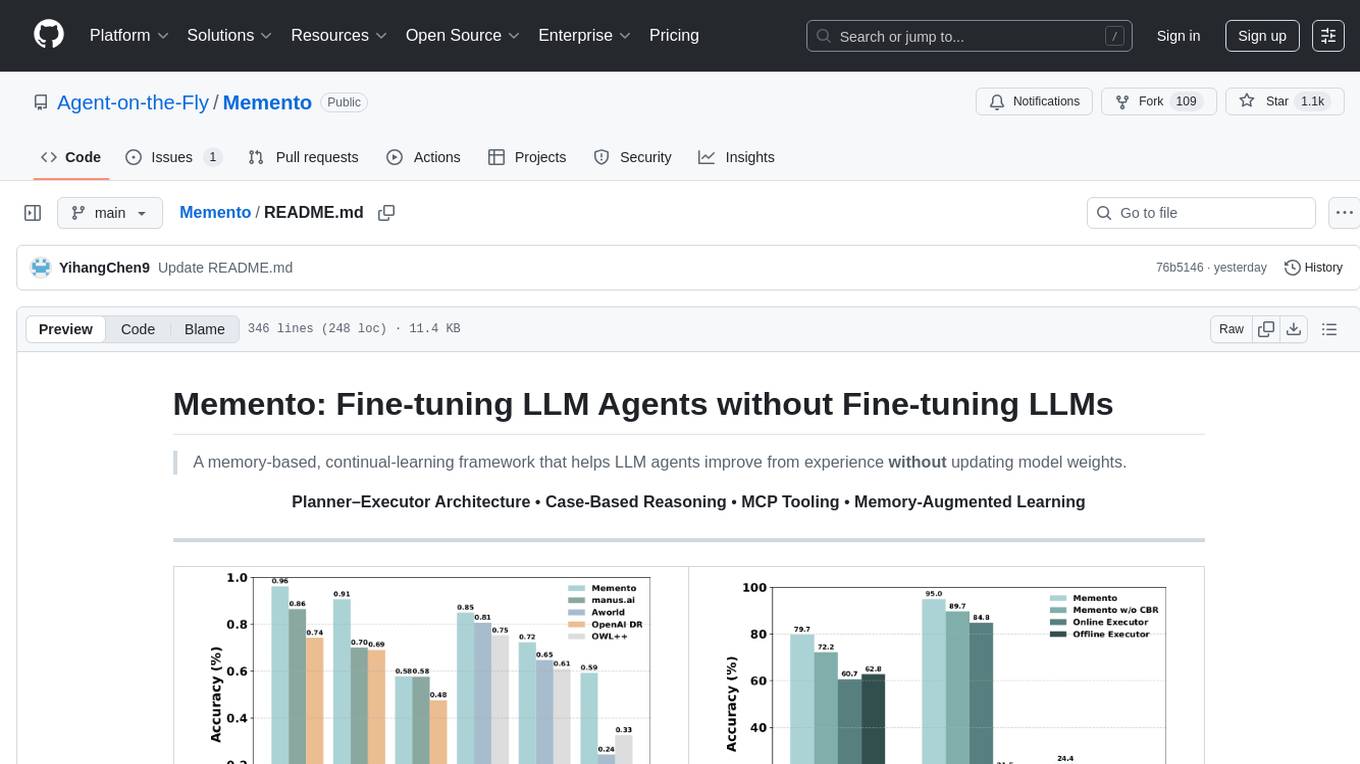
Memento
Memento is a lightweight and user-friendly version control tool designed for small to medium-sized projects. It provides a simple and intuitive interface for managing project versions and collaborating with team members. With Memento, users can easily track changes, revert to previous versions, and merge different branches. The tool is suitable for developers, designers, content creators, and other professionals who need a streamlined version control solution. Memento simplifies the process of managing project history and ensures that team members are always working on the latest version of the project.
generator
ctx is a tool designed to automatically generate organized context files from code files, GitHub repositories, Git commits, web pages, and plain text. It aims to efficiently provide necessary context to AI language models like ChatGPT and Claude, enabling users to streamline code refactoring, multiple iteration development, documentation generation, and seamless AI integration. With ctx, users can create structured markdown documents, save context files, and serve context through an MCP server for real-time assistance. The tool simplifies the process of sharing project information with AI assistants, making AI conversations smarter and easier.
crewAI-tools
This repository provides a guide for setting up tools for crewAI agents to enhance functionality. It offers steps to equip agents with ready-to-use tools and create custom ones. Tools are expected to return strings for generating responses. Users can create tools by subclassing BaseTool or using the tool decorator. Contributions are welcome to enrich the toolset, and guidelines are provided for contributing. The development setup includes installing dependencies, activating virtual environment, setting up pre-commit hooks, running tests, static type checking, packaging, and local installation. The goal is to empower AI solutions through advanced tooling.
holmesgpt
HolmesGPT is an AI agent designed for troubleshooting and investigating issues in cloud environments. It utilizes AI models to analyze data from various sources, identify root causes, and provide remediation suggestions. The tool offers integrations with popular cloud providers, observability tools, and on-call systems, enabling users to streamline the troubleshooting process. HolmesGPT can automate the investigation of alerts and tickets from external systems, providing insights back to the source or communication platforms like Slack. It supports end-to-end automation and offers a CLI for interacting with the AI agent. Users can customize HolmesGPT by adding custom data sources and runbooks to enhance investigation capabilities. The tool prioritizes data privacy, ensuring read-only access and respecting RBAC permissions. HolmesGPT is a CNCF Sandbox Project and is distributed under the Apache 2.0 License.
BrowserGym
BrowserGym is an open, easy-to-use, and extensible framework designed to accelerate web agent research. It provides benchmarks like MiniWoB, WebArena, VisualWebArena, WorkArena, AssistantBench, and WebLINX. Users can design new web benchmarks by inheriting the AbstractBrowserTask class. The tool allows users to install different packages for core functionalities, experiments, and specific benchmarks. It supports the development setup and offers boilerplate code for running agents on various tasks. BrowserGym is not a consumer product and should be used with caution.
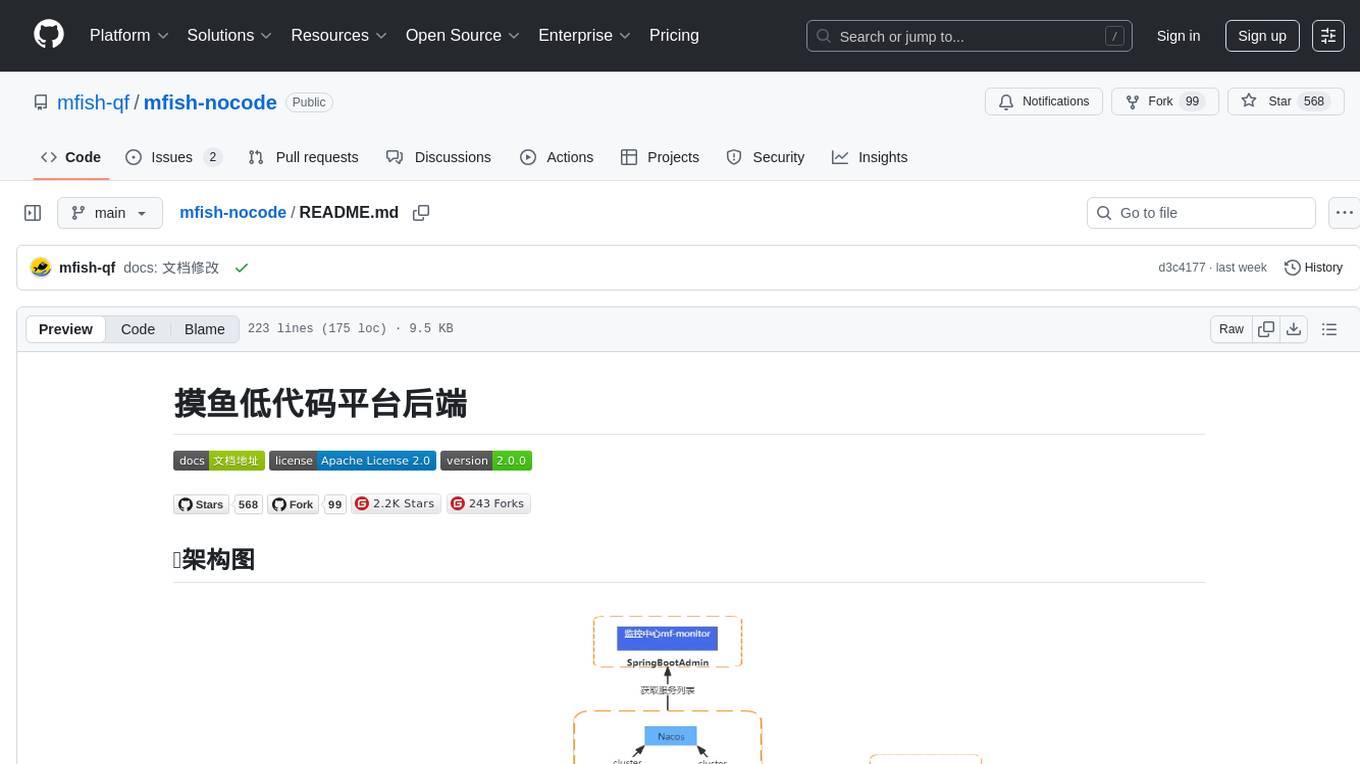
mfish-nocode
Mfish-nocode is a low-code/no-code platform that aims to make development as easy as fishing. It breaks down technical barriers, allowing both developers and non-developers to quickly build business systems, increase efficiency, and unleash creativity. It is not only an efficiency tool for developers during leisure time, but also a website building tool for novices in the workplace, and even a secret weapon for leaders to prototype.
yao
YAO is an open-source application engine written in Golang, suitable for developing business systems, website/APP API, admin panel, and self-built low-code platforms. It adopts a flow-based programming model to implement functions by writing YAO DSL or using JavaScript. Yao allows developers to create web services by processes, creating a database model, writing API services, and describing dashboard interfaces just by JSON for web & hardware, and 10x productivity. It is based on the flow-based programming idea, developed in Go language, and supports multiple ways to expand the data stream processor. Yao has a built-in data management system, making it suitable for quickly making various management backgrounds, CRM, ERP, and other internal enterprise systems. It is highly versatile, efficient, and performs better than PHP, JAVA, and other languages.
ai-manus
AI Manus is a general-purpose AI Agent system that supports running various tools and operations in a sandbox environment. It offers deployment with minimal dependencies, supports multiple tools like Terminal, Browser, File, Web Search, and messaging tools, allocates separate sandboxes for tasks, manages session history, supports stopping and interrupting conversations, file upload and download, and is multilingual. The system also provides user login and authentication. The project primarily relies on Docker for development and deployment, with model capability requirements and recommended Deepseek and GPT models.
navigator
Navigator is a versatile tool for navigating through complex codebases efficiently. It provides a user-friendly interface to explore code files, search for specific functions or variables, and visualize code dependencies. With Navigator, developers can easily understand the structure of a project and quickly locate relevant code snippets. The tool supports various programming languages and offers customizable settings to enhance the coding experience. Whether you are working on a small project or a large codebase, Navigator can help you streamline your development process and improve code comprehension.
crystal
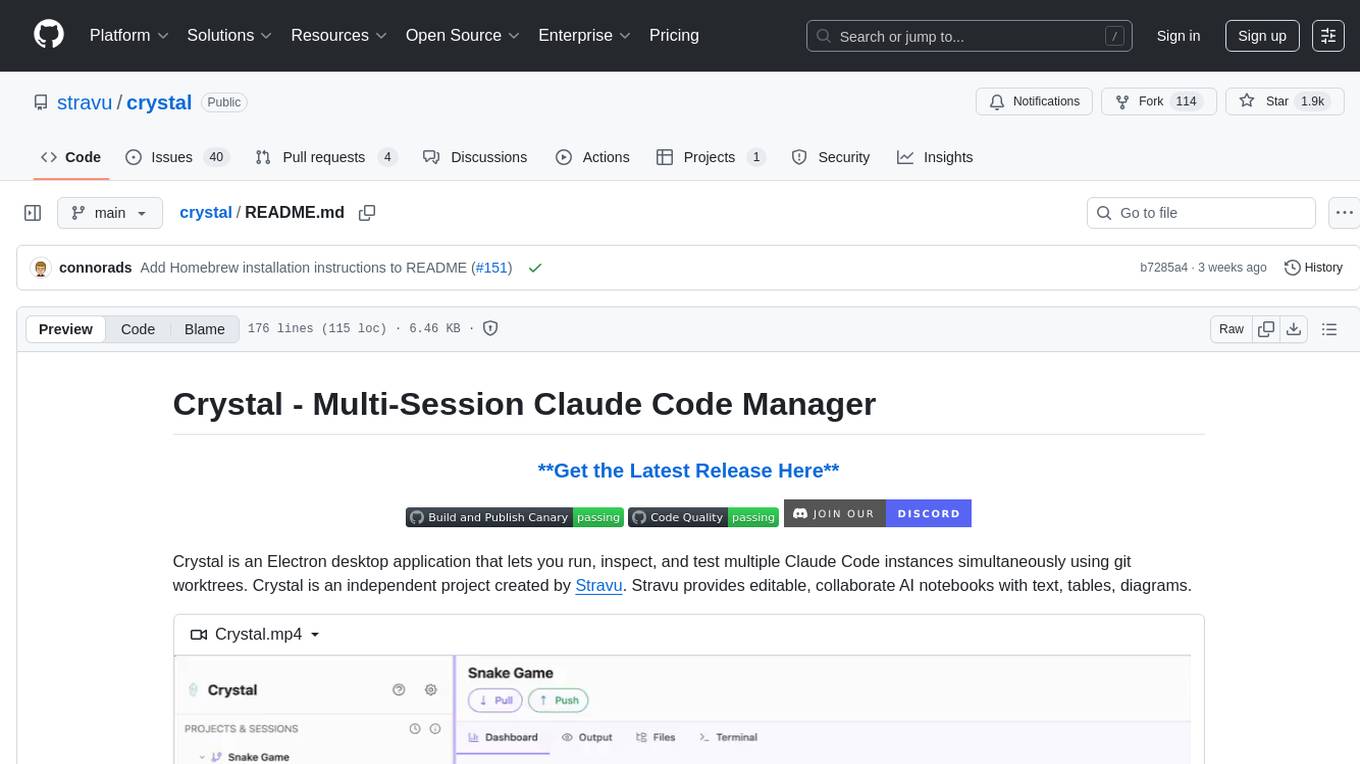
Crystal is an Electron desktop application that allows users to run, inspect, and test multiple Claude Code instances simultaneously using git worktrees. It provides features such as parallel sessions, git worktree isolation, session persistence, git integration, change tracking, notifications, and the ability to run scripts. Crystal simplifies the workflow by creating isolated sessions, iterating with Claude Code, reviewing diff changes, and squashing commits for a clean history. It is a tool designed for collaborative AI notebook editing and testing.
For similar tasks
Gito
Gito is a lightweight and user-friendly tool for managing and organizing your GitHub repositories. It provides a simple and intuitive interface for users to easily view, clone, and manage their repositories. With Gito, you can quickly access important information about your repositories, such as commit history, branches, and pull requests. The tool also allows you to perform common Git operations, such as pushing changes and creating new branches, directly from the interface. Gito is designed to streamline your GitHub workflow and make repository management more efficient and convenient.
dbgpts
The dbgpts repository contains data apps, AWEL operators, AWEL workflow templates, and agents that are built upon DB-GPT. Users can install and manage these components within their DB-GPT environment. The repository offers functionalities such as listing available flows, installing dbgpts from the official repository, viewing installed dbgpts, running flows, and managing repositories. Users can create new workflow templates and operators using the provided commands. The repository aims to enhance the capabilities of DB-GPT by providing a collection of useful tools and resources for data processing and workflow management.
lightfriend
Lightfriend is a lightweight and user-friendly tool designed to assist developers in managing their GitHub repositories efficiently. It provides a simple and intuitive interface for users to perform various repository-related tasks, such as creating new repositories, managing branches, and reviewing pull requests. With Lightfriend, developers can streamline their workflow and collaborate more effectively with team members. The tool is designed to be easy to use and requires minimal setup, making it ideal for developers of all skill levels. Whether you are a beginner looking to get started with GitHub or an experienced developer seeking a more efficient way to manage your repositories, Lightfriend is the perfect companion for your GitHub workflow.
OpenChat
OS Chat is a free, open-source AI personal assistant that combines 40+ language models with powerful automation capabilities. It allows users to deploy background agents, connect services like Gmail, Calendar, Notion, GitHub, and Slack, and get things done through natural conversation. With features like smart automation, service connectors, AI models, chat management, interface customization, and premium features, OS Chat offers a comprehensive solution for managing digital life and workflows. It prioritizes privacy by being open source and self-hostable, with encrypted API key storage.
MetricsMLNotebooks
MetricsMLNotebooks is a repository containing applied causal ML notebooks. It provides a collection of notebooks for users to explore and run causal machine learning models. The repository includes both Python and R notebooks, with a focus on generating .Rmd files through a Github Action. Users can easily install the required packages by running 'pip install -r requirements.txt'. Note that any changes to .Rmd files will be overwritten by the corresponding .irnb files during the Github Action process. Additionally, all notebooks and R Markdown files are stripped from their outputs when pushed to the main branch, so users are advised to strip the notebooks before pushing to the repository.

gcop
GCOP (Git Copilot) is an AI-powered Git assistant that automates commit message generation, enhances Git workflow, and offers 20+ smart commands. It provides intelligent commit crafting, customizable commit templates, smart learning capabilities, and a seamless developer experience. Users can generate AI commit messages, add all changes with AI-generated messages, undo commits while keeping changes staged, and push changes to the current branch. GCOP offers configuration options for AI models and provides detailed documentation, contribution guidelines, and a changelog. The tool is designed to make version control easier and more efficient for developers.
For similar jobs

kaito
Kaito is an operator that automates the AI/ML inference model deployment in a Kubernetes cluster. It manages large model files using container images, avoids tuning deployment parameters to fit GPU hardware by providing preset configurations, auto-provisions GPU nodes based on model requirements, and hosts large model images in the public Microsoft Container Registry (MCR) if the license allows. Using Kaito, the workflow of onboarding large AI inference models in Kubernetes is largely simplified.
ai-on-gke
This repository contains assets related to AI/ML workloads on Google Kubernetes Engine (GKE). Run optimized AI/ML workloads with Google Kubernetes Engine (GKE) platform orchestration capabilities. A robust AI/ML platform considers the following layers: Infrastructure orchestration that support GPUs and TPUs for training and serving workloads at scale Flexible integration with distributed computing and data processing frameworks Support for multiple teams on the same infrastructure to maximize utilization of resources

tidb
TiDB is an open-source distributed SQL database that supports Hybrid Transactional and Analytical Processing (HTAP) workloads. It is MySQL compatible and features horizontal scalability, strong consistency, and high availability.
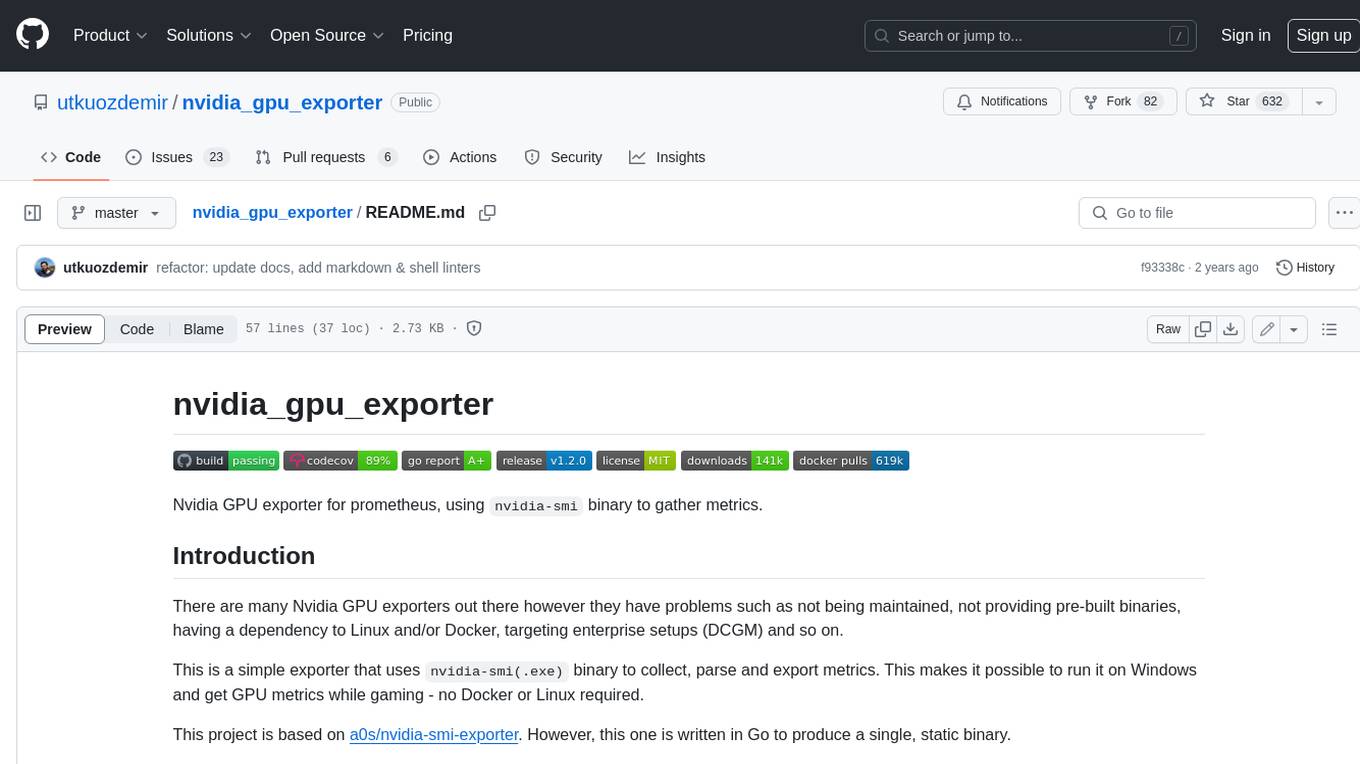
nvidia_gpu_exporter
Nvidia GPU exporter for prometheus, using `nvidia-smi` binary to gather metrics.

tracecat
Tracecat is an open-source automation platform for security teams. It's designed to be simple but powerful, with a focus on AI features and a practitioner-obsessed UI/UX. Tracecat can be used to automate a variety of tasks, including phishing email investigation, evidence collection, and remediation plan generation.
openinference
OpenInference is a set of conventions and plugins that complement OpenTelemetry to enable tracing of AI applications. It provides a way to capture and analyze the performance and behavior of AI models, including their interactions with other components of the application. OpenInference is designed to be language-agnostic and can be used with any OpenTelemetry-compatible backend. It includes a set of instrumentations for popular machine learning SDKs and frameworks, making it easy to add tracing to your AI applications.

BricksLLM
BricksLLM is a cloud native AI gateway written in Go. Currently, it provides native support for OpenAI, Anthropic, Azure OpenAI and vLLM. BricksLLM aims to provide enterprise level infrastructure that can power any LLM production use cases. Here are some use cases for BricksLLM: * Set LLM usage limits for users on different pricing tiers * Track LLM usage on a per user and per organization basis * Block or redact requests containing PIIs * Improve LLM reliability with failovers, retries and caching * Distribute API keys with rate limits and cost limits for internal development/production use cases * Distribute API keys with rate limits and cost limits for students
kong
Kong, or Kong API Gateway, is a cloud-native, platform-agnostic, scalable API Gateway distinguished for its high performance and extensibility via plugins. It also provides advanced AI capabilities with multi-LLM support. By providing functionality for proxying, routing, load balancing, health checking, authentication (and more), Kong serves as the central layer for orchestrating microservices or conventional API traffic with ease. Kong runs natively on Kubernetes thanks to its official Kubernetes Ingress Controller.