


gcop
🚀 AI-Powered Git Commit Assistant | Automate Commit Messages, Streamline Git Workflow. Help you write better git commit message.
Stars: 164

GCOP (Git Copilot) is an AI-powered Git assistant that automates commit message generation, enhances Git workflow, and offers 20+ smart commands. It provides intelligent commit crafting, customizable commit templates, smart learning capabilities, and a seamless developer experience. Users can generate AI commit messages, add all changes with AI-generated messages, undo commits while keeping changes staged, and push changes to the current branch. GCOP offers configuration options for AI models and provides detailed documentation, contribution guidelines, and a changelog. The tool is designed to make version control easier and more efficient for developers.
README:






GCOP (Git Copilot) - Your AI-powered Git assistant that transforms messy commits into meaningful stories. It automates commit message generation, enhances your Git workflow, and makes version control a breeze with 20+ smart commands.
-
🤖 Intelligent Commit Crafting
- Let AI analyze your changes and generate contextually perfect commit messages
- Learn from your project's commit history to match your team's style
-
🎨 Highly Customizable Experience
- Design your own commit templates to match project requirements
- Fine-tune commit message style with custom prompts
- Configure project-specific settings for consistent team standards
-
📚 Smart Learning Capabilities
- Automatically learn from your repository's commit history
- Adapt to your team's commit conventions over time
- Improve message quality through continuous learning
-
⚡ Seamless Developer Experience
- Supercharged with 20+ intuitive Git shortcuts and commands
- Smart aliases that make complex Git operations a breeze
- Integrate with your favorite AI models (OpenAI, Anthropic, etc.)
- Zero-config integration with your existing Git workflow
This video shows how to use gcop to generate a commit message. See the documentation
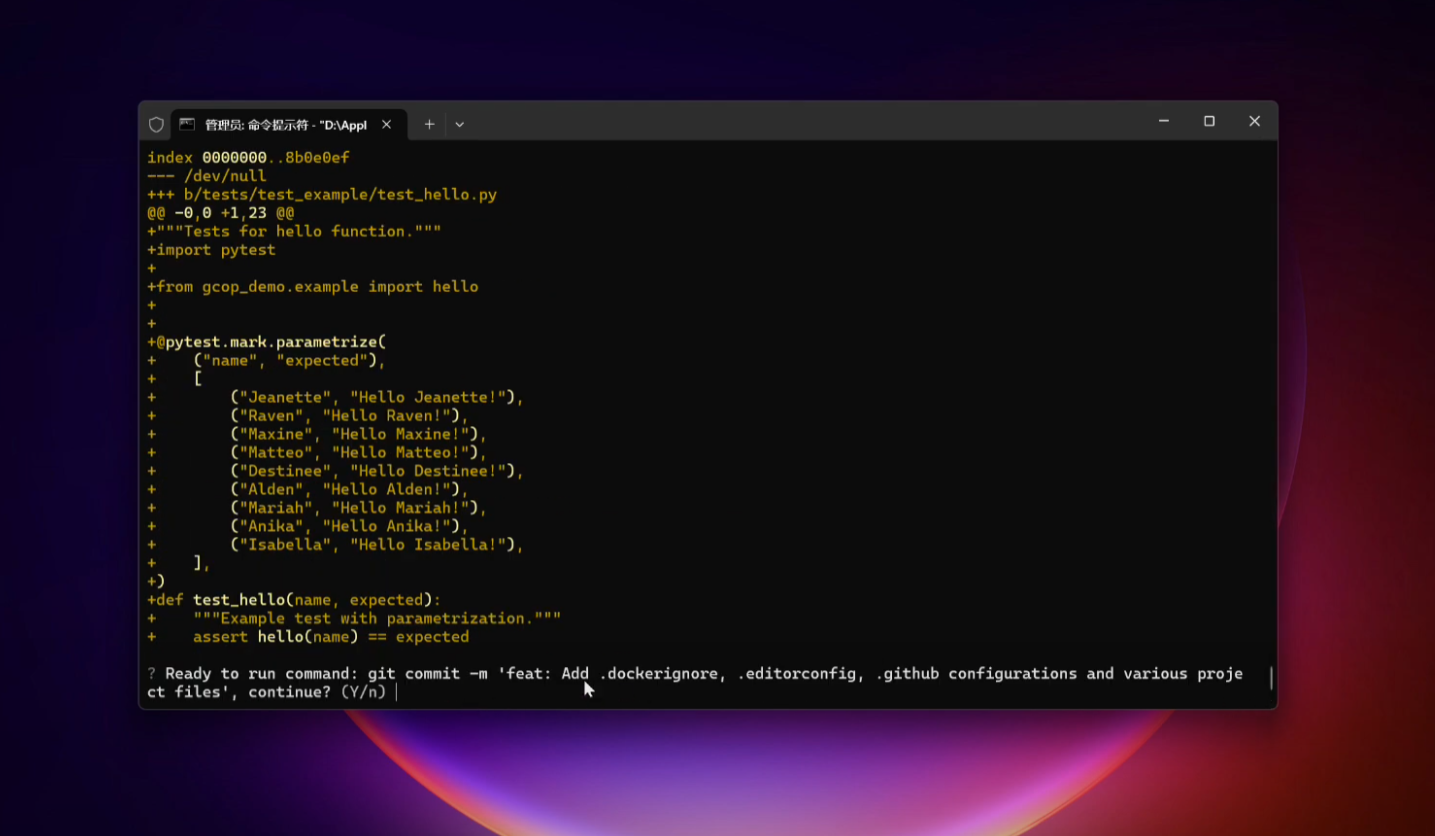
We recommend you to read the Quick Start Guide in detail.
- Python 3.8 or newer
- Git installed on your system
- An API key for your preferred LLM (e.g., OpenAI, Anthropic)
-
Install GCOP with pip:
pip install gcop -
Initialize GCOP:
gcop init
This command sets up GCOP and adds its aliases to your Git configuration.
-
Configure your AI model:
git gconfigThis opens the configuration file. Edit it to include your AI provider details:
model:
  model_name: provider/name, eg openai/gpt-4o
  api_key: your_api_key
Then gcop will generate a config.yaml, then gcop will open the config.yaml
file in the default editor, and you can config your language model. See how to
config your model here:
config.yamlstore path:
- Windows:
%USERPROFILE%\.zeeland\gcop\config.yaml- Linux:
~/.zeeland/gcop/config.yaml- MacOS:
~/.zeeland/gcop/config.yaml
-
Verify the installation:
git ghelpYou should see output similar to:
gcop is your local git command copilot
Version: 1.0.0
GitHub: https://github.com/Undertone0809/gcop

Usage: git [OPTIONS] COMMAND

Commands:
  git p          Push changes to remote repository
  git pf         Force push changes to remote repository
  git undo       Undo last commit, keep changes
  git ghelp      Show this help message
  git gconfig    Open config file in default editor
  git gcommit    Generate AI commit message and commit changes
  git ac         Add all changes and commit with AI message
  git c          Shorthand for 'git gcommit'
After making changes to your project:
-
Stage your changes:
git add . -
Generate and apply an AI commit message:
git cExample output:
[On Ready] Generating commit message...

[Thought] The changes include adding a new file for VSCode settings and updating the .gitignore to include the new settings file. These changes are related to
development environment configuration and do not affect the application's functionality.

[Generated commit message]
chore: update vscode settings and gitignore

- Add .vscode/settings.json with YAML schema configuration
- Update .gitignore to include .vscode/settings.json
- Add .vscode/extensions.json with recommended extensions

These changes improve the development environment by ensuring proper YAML schema validation and managing VSCode settings and extensions.

? Do you want to commit the changes with this message? (Use arrow keys)
 » yes
   retry
   retry by feedback
   exit
- Choose the most appropriate message using arrow keys and press Enter.
-
git ac: Add all changes and commit with an AI-generated messagegit acOutput:
Changes added. Generating commit message... ? Select a commit message to commit (Use arrow keys) » feat: Add new user profile page fix: Correct CSS styling issues on mobile devices docs: Update API documentation for v2.0 refactor: Optimize database queries for better performance retry -
git undo: Undo the last commit while keeping changes stagedgit undoOutput:
HEAD is now at a1b2c3d Previous commit message Changes from the last commit are now staged. -
git p: Push to the current branchgit pOutput:
Enumerating objects: 5, done. Counting objects: 100% (5/5), done. Delta compression using up to 8 threads Compressing objects: 100% (3/3), done. Writing objects: 100% (3/3), 328 bytes | 328.00 KiB/s, done. Total 3 (delta 2), reused 0 (delta 0), pack-reused 0 To https://github.com/username/repo.git a1b2c3d..e4f5g6h main -> main -
git pf: Force push to the current branch (use with caution) -
git gconfig: Open the GCOP configuration file for adjustments
To modify your AI model settings:
-
Open the config file:
git gconfig -
Edit the
config.yamlfile:model: model_name: provider/name, eg openai/gpt-4o api_key: your_api_key
-
Save and close the file.
Makefile
contains a lot of
functions for faster development.
Install all dependencies and pre-commit hooks
make installCodestyle and type checks
Automatic formatting uses ruff.
make polish-codestyle

# or use synonym
make formatting
Codestyle checks only, without rewriting files:
make check-codestyleNote:
check-codestyleusesruffanddarglintlibrary
Code security
If this command is not selected during installation, it cannnot be used.
make check-safetyThis command launches Poetry integrity checks as well as identifies security issues
with Safety and Bandit.
make check-safetyTests with coverage badges
Run pytest
make testAll linters
Of course there is a command to run all linters in one:
make lintthe same as:
make check-codestyle && make test && make check-safetyDocker
make docker-buildwhich is equivalent to:
make docker-build VERSION=latestRemove docker image with
make docker-removeMore information about docker.
Cleanup
Delete pycache files
make pycache-removeRemove package build
make build-removeDelete .DS_STORE files
make dsstore-removeRemove .mypycache
make mypycache-removeOr to remove all above run:
make cleanup- Promptulate: Large language model automation and Autonomous Language Agents development framework
- P3G: Python Packages Project Generator
This project is licensed under the terms of the MIT license.
See LICENSE for more details.
For more information, please contact: [email protected]
See anything changelog, describe the telegram channel

This project was generated with P3G
For Tasks:
Click tags to check more tools for each tasksFor Jobs:
Alternative AI tools for gcop
Similar Open Source Tools
gcop
GCOP (Git Copilot) is an AI-powered Git assistant that automates commit message generation, enhances Git workflow, and offers 20+ smart commands. It provides intelligent commit crafting, customizable commit templates, smart learning capabilities, and a seamless developer experience. Users can generate AI commit messages, add all changes with AI-generated messages, undo commits while keeping changes staged, and push changes to the current branch. GCOP offers configuration options for AI models and provides detailed documentation, contribution guidelines, and a changelog. The tool is designed to make version control easier and more efficient for developers.
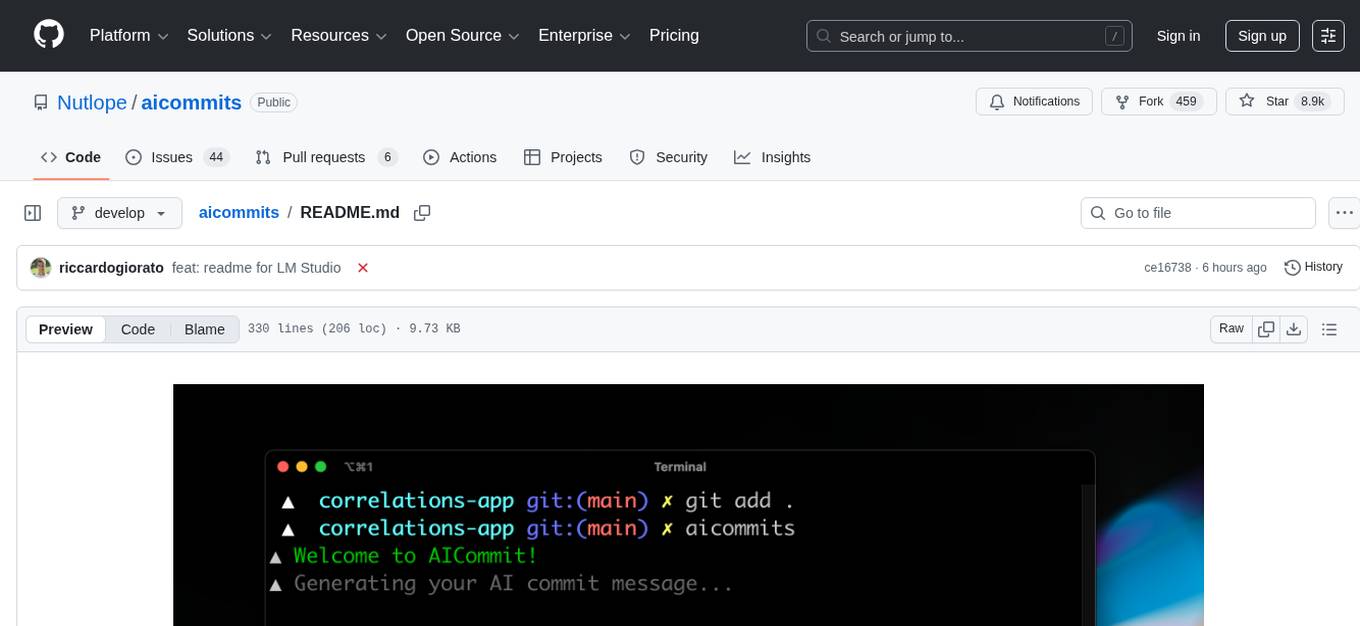
aicommits
AI Commits is a CLI tool that automates the process of writing git commit messages using AI technology. It allows users to generate commit messages based on their code changes, eliminating the need to manually write commit messages. The tool supports various AI providers such as TogetherAI, OpenAI, OpenRouter, Ollama, and LM Studio, as well as custom OpenAI-compatible endpoints. Users can configure the tool to select the AI provider, set API keys, and choose from available AI models. AI Commits can be used in CLI mode to generate commit messages for staged changes or integrated with Git via the prepare-commit-msg hook. Additionally, users can customize the commit message format, generate multiple recommendations, and manage configurations using environment variables or command-line options. The tool aims to streamline the git commit process by leveraging AI technology to provide meaningful and context-aware commit messages.
loz
Loz is a command-line tool that integrates AI capabilities with Unix tools, enabling users to execute system commands and utilize Unix pipes. It supports multiple LLM services like OpenAI API, Microsoft Copilot, and Ollama. Users can run Linux commands based on natural language prompts, enhance Git commit formatting, and interact with the tool in safe mode. Loz can process input from other command-line tools through Unix pipes and automatically generate Git commit messages. It provides features like chat history access, configurable LLM settings, and contribution opportunities.
mods
AI for the command line, built for pipelines. LLM based AI is really good at interpreting the output of commands and returning the results in CLI friendly text formats like Markdown. Mods is a simple tool that makes it super easy to use AI on the command line and in your pipelines. Mods works with OpenAI, Groq, Azure OpenAI, and LocalAI To get started, install Mods and check out some of the examples below. Since Mods has built-in Markdown formatting, you may also want to grab Glow to give the output some _pizzazz_.
k8sgpt
K8sGPT is a tool for scanning your Kubernetes clusters, diagnosing, and triaging issues in simple English. It has SRE experience codified into its analyzers and helps to pull out the most relevant information to enrich it with AI.
opencommit
OpenCommit is a tool that auto-generates meaningful commits using AI, allowing users to quickly create commit messages for their staged changes. It provides a CLI interface for easy usage and supports customization of commit descriptions, emojis, and AI models. Users can configure local and global settings, switch between different AI providers, and set up Git hooks for integration with IDE Source Control. Additionally, OpenCommit can be used as a GitHub Action to automatically improve commit messages on push events, ensuring all commits are meaningful and not generic. Payments for OpenAI API requests are handled by the user, with the tool storing API keys locally.
aidermacs
Aidermacs is an AI pair programming tool for Emacs that integrates Aider, a powerful open-source AI pair programming tool. It provides top performance on the SWE Bench, support for multi-file edits, real-time file synchronization, and broad language support. Aidermacs delivers an Emacs-centric experience with features like intelligent model selection, flexible terminal backend support, smarter syntax highlighting, enhanced file management, and streamlined transient menus. It thrives on community involvement, encouraging contributions, issue reporting, idea sharing, and documentation improvement.
forge
Forge is a powerful open-source tool for building modern web applications. It provides a simple and intuitive interface for developers to quickly scaffold and deploy projects. With Forge, you can easily create custom components, manage dependencies, and streamline your development workflow. Whether you are a beginner or an experienced developer, Forge offers a flexible and efficient solution for your web development needs.
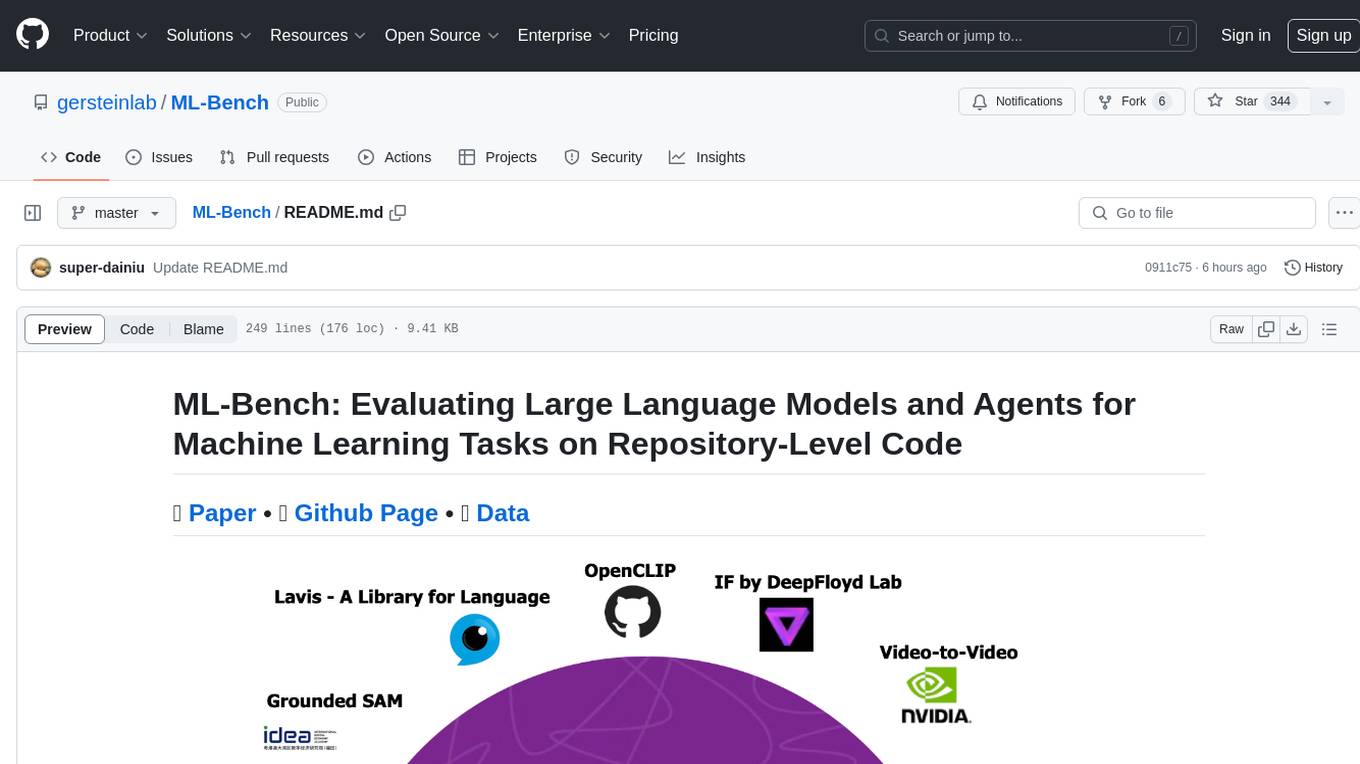
ML-Bench
ML-Bench is a tool designed to evaluate large language models and agents for machine learning tasks on repository-level code. It provides functionalities for data preparation, environment setup, usage, API calling, open source model fine-tuning, and inference. Users can clone the repository, load datasets, run ML-LLM-Bench, prepare data, fine-tune models, and perform inference tasks. The tool aims to facilitate the evaluation of language models and agents in the context of machine learning tasks on code repositories.
shell-pilot
Shell-pilot is a simple, lightweight shell script designed to interact with various AI models such as OpenAI, Ollama, Mistral AI, LocalAI, ZhipuAI, Anthropic, Moonshot, and Novita AI from the terminal. It enhances intelligent system management without any dependencies, offering features like setting up a local LLM repository, using official models and APIs, viewing history and session persistence, passing input prompts with pipe/redirector, listing available models, setting request parameters, generating and running commands in the terminal, easy configuration setup, system package version checking, and managing system aliases.
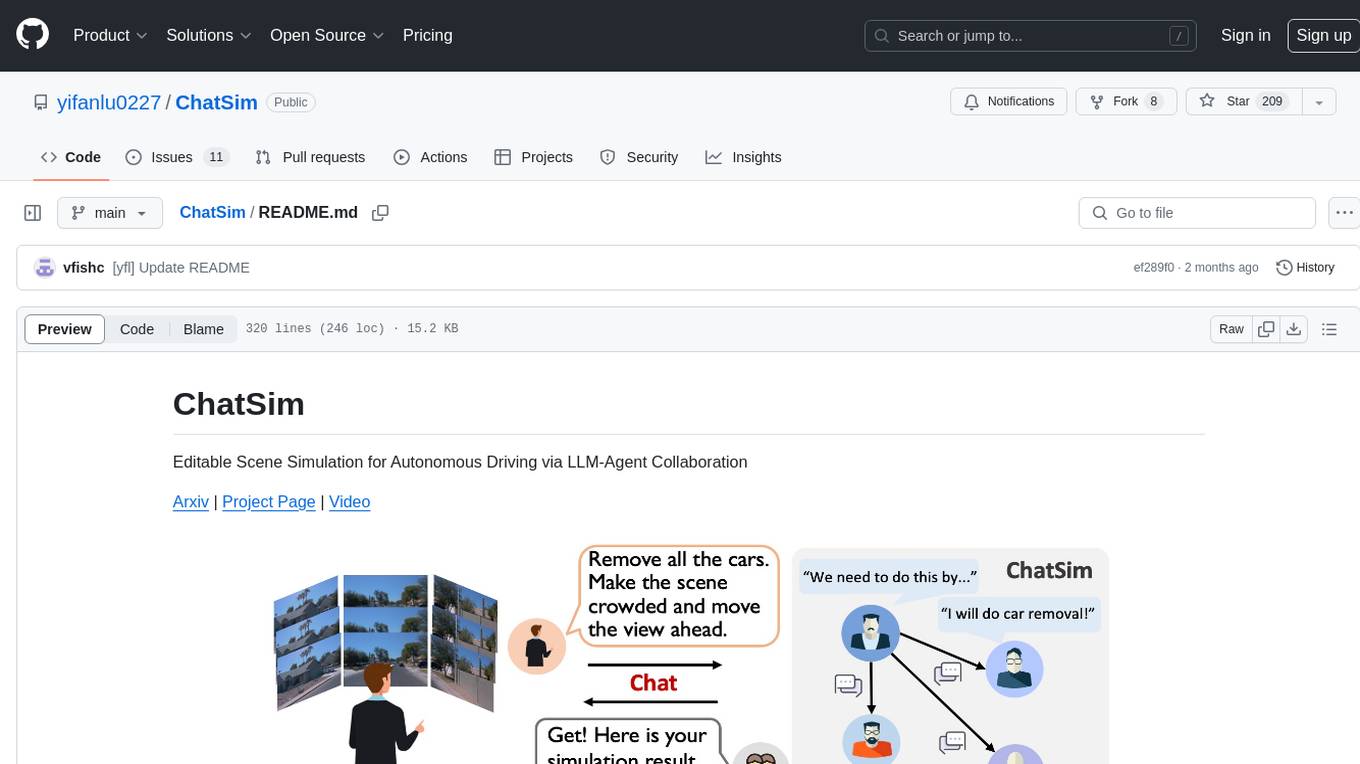
ChatSim
ChatSim is a tool designed for editable scene simulation for autonomous driving via LLM-Agent collaboration. It provides functionalities for setting up the environment, installing necessary dependencies like McNeRF and Inpainting tools, and preparing data for simulation. Users can train models, simulate scenes, and track trajectories for smoother and more realistic results. The tool integrates with Blender software and offers options for training McNeRF models and McLight's skydome estimation network. It also includes a trajectory tracking module for improved trajectory tracking. ChatSim aims to facilitate the simulation of autonomous driving scenarios with collaborative LLM-Agents.
cursor-tools
cursor-tools is a CLI tool designed to enhance AI agents with advanced skills, such as web search, repository context, documentation generation, GitHub integration, Xcode tools, and browser automation. It provides features like Perplexity for web search, Gemini 2.0 for codebase context, and Stagehand for browser operations. The tool requires API keys for Perplexity AI and Google Gemini, and supports global installation for system-wide access. It offers various commands for different tasks and integrates with Cursor Composer for AI agent usage.
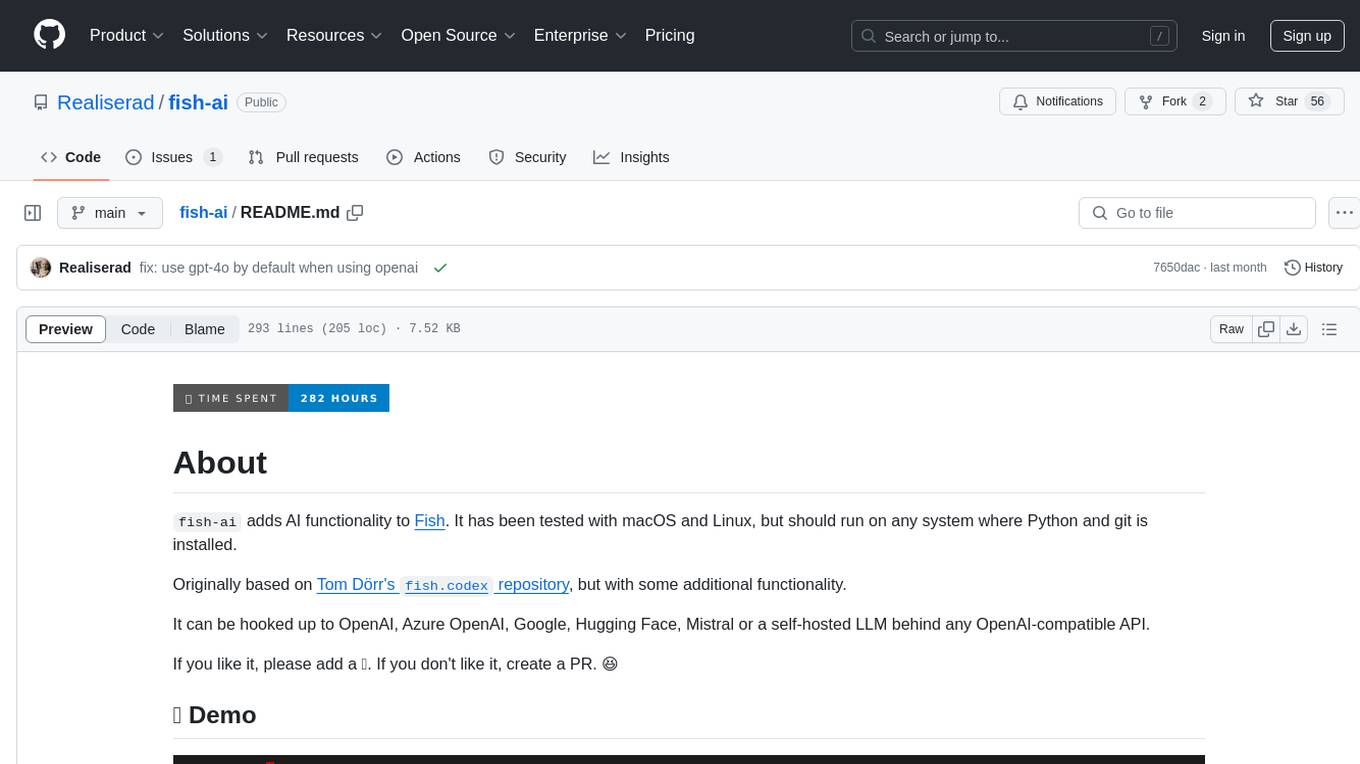
fish-ai
fish-ai is a tool that adds AI functionality to Fish shell. It can be integrated with various AI providers like OpenAI, Azure OpenAI, Google, Hugging Face, Mistral, or a self-hosted LLM. Users can transform comments into commands, autocomplete commands, and suggest fixes. The tool allows customization through configuration files and supports switching between contexts. Data privacy is maintained by redacting sensitive information before submission to the AI models. Development features include debug logging, testing, and creating releases.
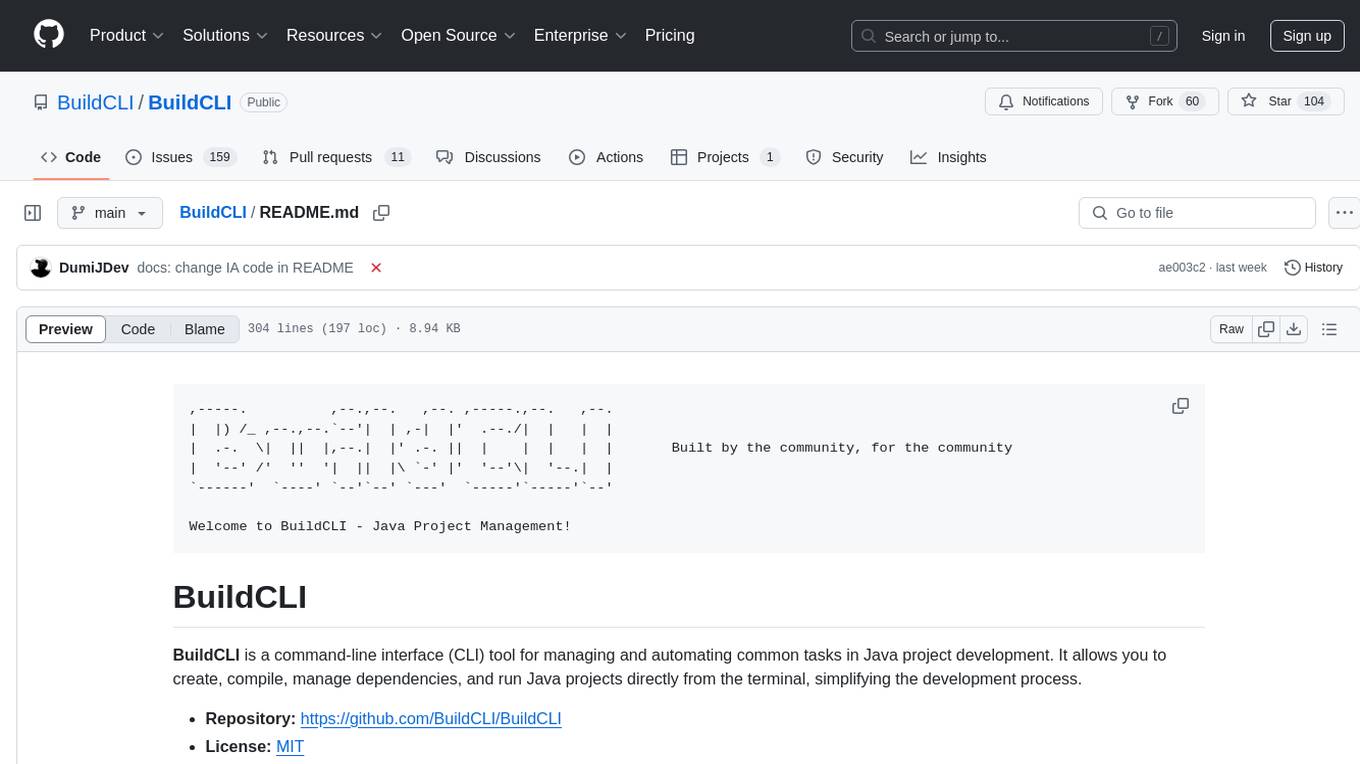
BuildCLI
BuildCLI is a command-line interface (CLI) tool designed for managing and automating common tasks in Java project development. It simplifies the development process by allowing users to create, compile, manage dependencies, run projects, generate documentation, manage configuration profiles, dockerize projects, integrate CI/CD tools, and generate structured changelogs. The tool aims to enhance productivity and streamline Java project management by providing a range of functionalities accessible directly from the terminal.
hash
HASH is a self-building, open-source database which grows, structures and checks itself. With it, we're creating a platform for decision-making, which helps you integrate, understand and use data in a variety of different ways.
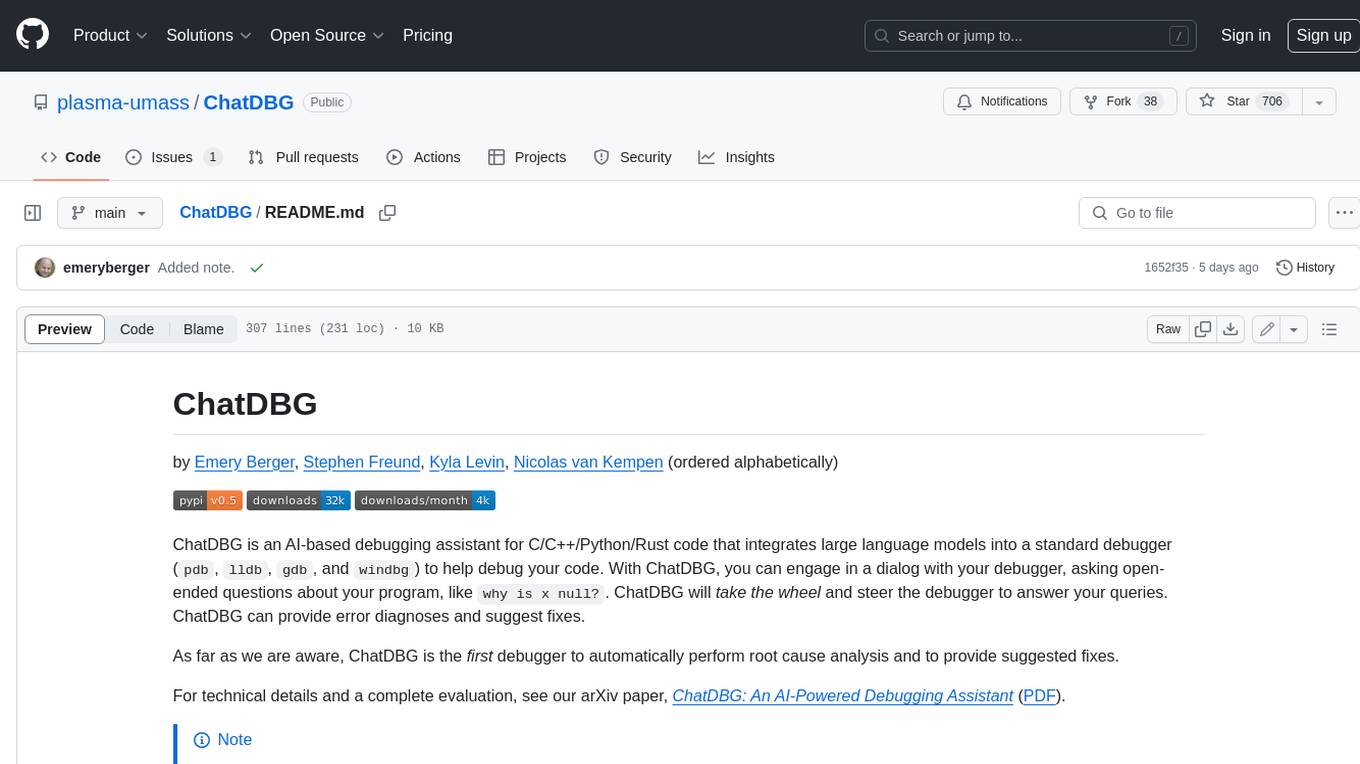
ChatDBG
ChatDBG is an AI-based debugging assistant for C/C++/Python/Rust code that integrates large language models into a standard debugger (`pdb`, `lldb`, `gdb`, and `windbg`) to help debug your code. With ChatDBG, you can engage in a dialog with your debugger, asking open-ended questions about your program, like `why is x null?`. ChatDBG will _take the wheel_ and steer the debugger to answer your queries. ChatDBG can provide error diagnoses and suggest fixes. As far as we are aware, ChatDBG is the _first_ debugger to automatically perform root cause analysis and to provide suggested fixes.
For similar tasks
gcop
GCOP (Git Copilot) is an AI-powered Git assistant that automates commit message generation, enhances Git workflow, and offers 20+ smart commands. It provides intelligent commit crafting, customizable commit templates, smart learning capabilities, and a seamless developer experience. Users can generate AI commit messages, add all changes with AI-generated messages, undo commits while keeping changes staged, and push changes to the current branch. GCOP offers configuration options for AI models and provides detailed documentation, contribution guidelines, and a changelog. The tool is designed to make version control easier and more efficient for developers.
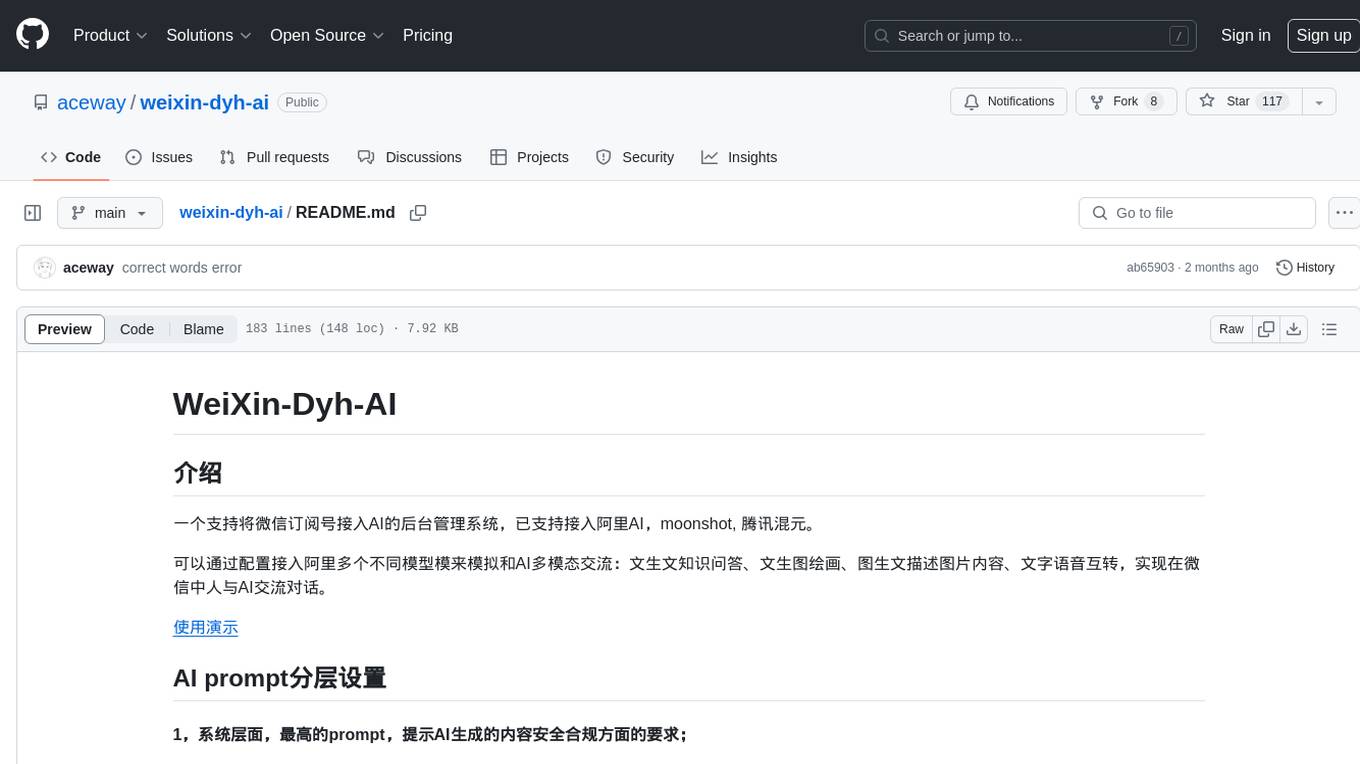
weixin-dyh-ai
WeiXin-Dyh-AI is a backend management system that supports integrating WeChat subscription accounts with AI services. It currently supports integration with Ali AI, Moonshot, and Tencent Hyunyuan. Users can configure different AI models to simulate and interact with AI in multiple modes: text-based knowledge Q&A, text-to-image drawing, image description, text-to-voice conversion, enabling human-AI conversations on WeChat. The system allows hierarchical AI prompt settings at system, subscription account, and WeChat user levels. Users can configure AI model types, providers, and specific instances. The system also supports rules for allocating models and keys at different levels. It addresses limitations of WeChat's messaging system and offers features like text-based commands and voice support for interactions with AI.
opencommit
OpenCommit is a tool that auto-generates meaningful commits using AI, allowing users to quickly create commit messages for their staged changes. It provides a CLI interface for easy usage and supports customization of commit descriptions, emojis, and AI models. Users can configure local and global settings, switch between different AI providers, and set up Git hooks for integration with IDE Source Control. Additionally, OpenCommit can be used as a GitHub Action to automatically improve commit messages on push events, ensuring all commits are meaningful and not generic. Payments for OpenAI API requests are handled by the user, with the tool storing API keys locally.
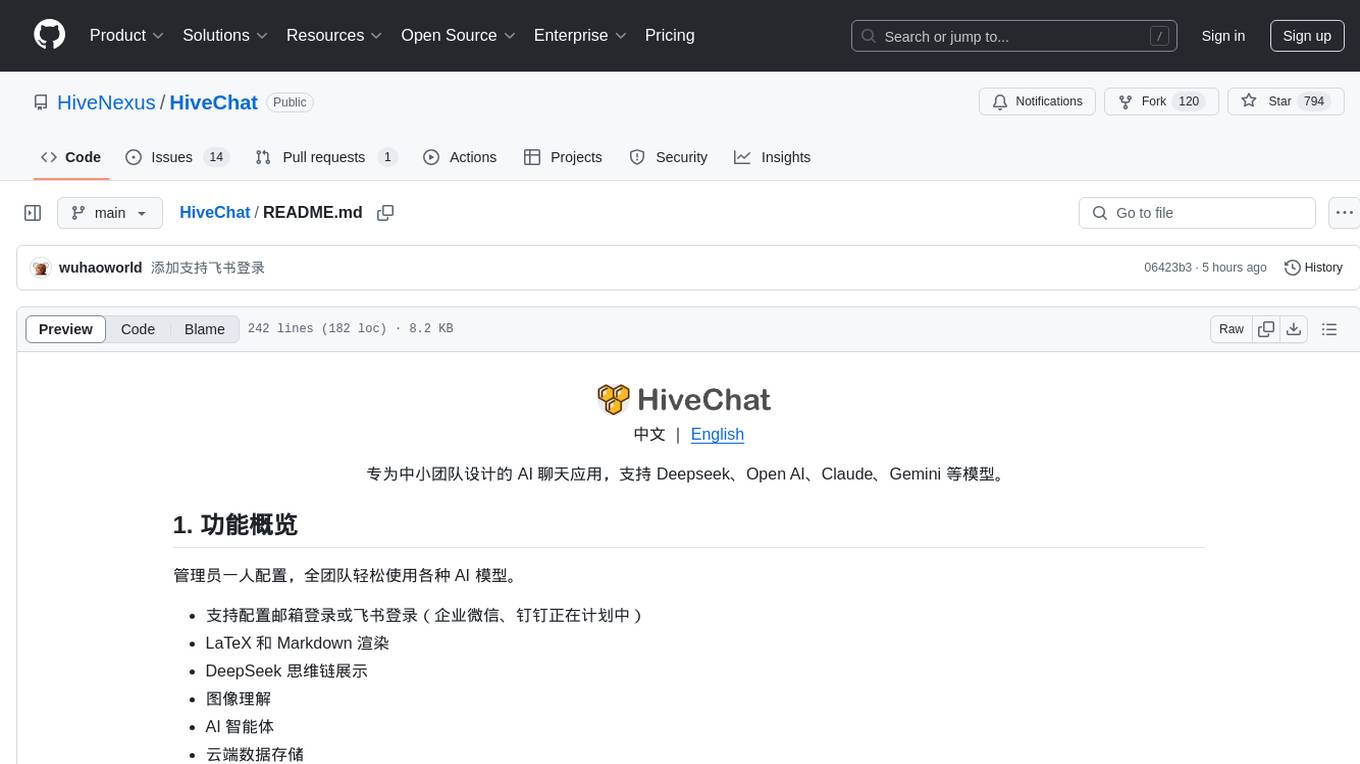
HiveChat
HiveChat is an AI chat application designed for small and medium teams. It supports various models such as DeepSeek, Open AI, Claude, and Gemini. The tool allows easy configuration by one administrator for the entire team to use different AI models. It supports features like email or Feishu login, LaTeX and Markdown rendering, DeepSeek mind map display, image understanding, AI agents, cloud data storage, and integration with multiple large model service providers. Users can engage in conversations by logging in, while administrators can configure AI service providers, manage users, and control account registration. The technology stack includes Next.js, Tailwindcss, Auth.js, PostgreSQL, Drizzle ORM, and Ant Design.
UCAgent
UCAgent is an AI-powered automated UT verification agent for chip design. It automates chip verification workflow, supports functional and code coverage analysis, ensures consistency among documentation, code, and reports, and collaborates with mainstream Code Agents via MCP protocol. It offers three intelligent interaction modes and requires Python 3.11+, Linux/macOS OS, 4GB+ memory, and access to an AI model API. Users can clone the repository, install dependencies, configure qwen, and start verification. UCAgent supports various verification quality improvement options and basic operations through TUI shortcuts and stage color indicators. It also provides documentation build and preview using MkDocs, PDF manual build using Pandoc + XeLaTeX, and resources for further help and contribution.
opencode-manager
OpenCode Manager is a mobile-first web interface for managing and coding with OpenCode AI agents. It allows users to control and code from any device, including phones, tablets, and desktops. The tool provides features for repository and Git management, file management, chat and sessions, AI configuration, as well as mobile and PWA support. Users can clone and manage multiple git repos, work on multiple branches simultaneously, view changes, commits, and branches in a unified interface, create pull requests, navigate files with tree view and search, preview code with syntax highlighting, and perform various file operations. Additionally, the tool supports real-time streaming, slash commands, file mentions, plan/build modes, Mermaid diagrams, text-to-speech, speech-to-text, model selection, provider management, OAuth support, custom agents creation, and more. It is optimized for mobile devices, installable as a PWA, and offers push notifications for agent events.
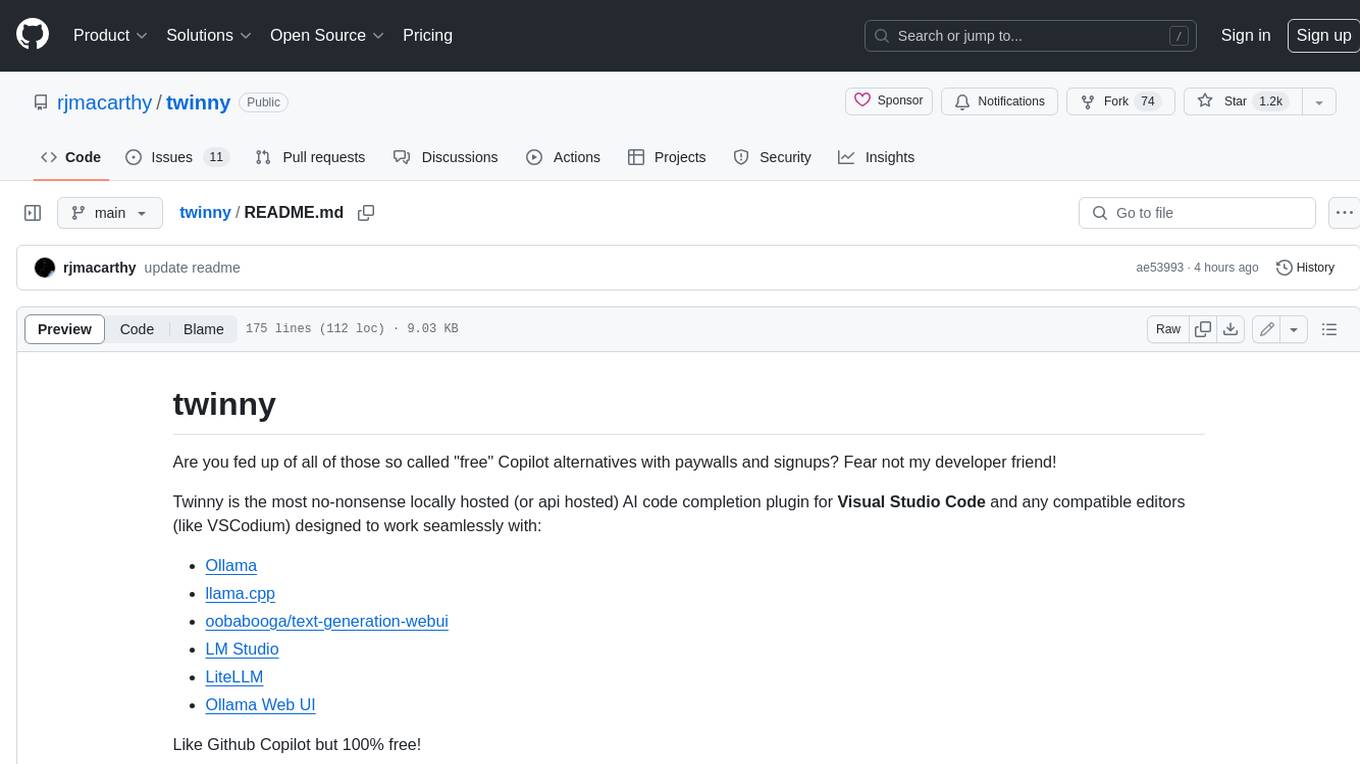
twinny
Twinny is a free and open-source AI code completion plugin for Visual Studio Code and compatible editors. It integrates with various tools and frameworks, including Ollama, llama.cpp, oobabooga/text-generation-webui, LM Studio, LiteLLM, and Open WebUI. Twinny offers features such as fill-in-the-middle code completion, chat with AI about your code, customizable API endpoints, and support for single or multiline fill-in-middle completions. It is easy to install via the Visual Studio Code extensions marketplace and provides a range of customization options. Twinny supports both online and offline operation and conforms to the OpenAI API standard.
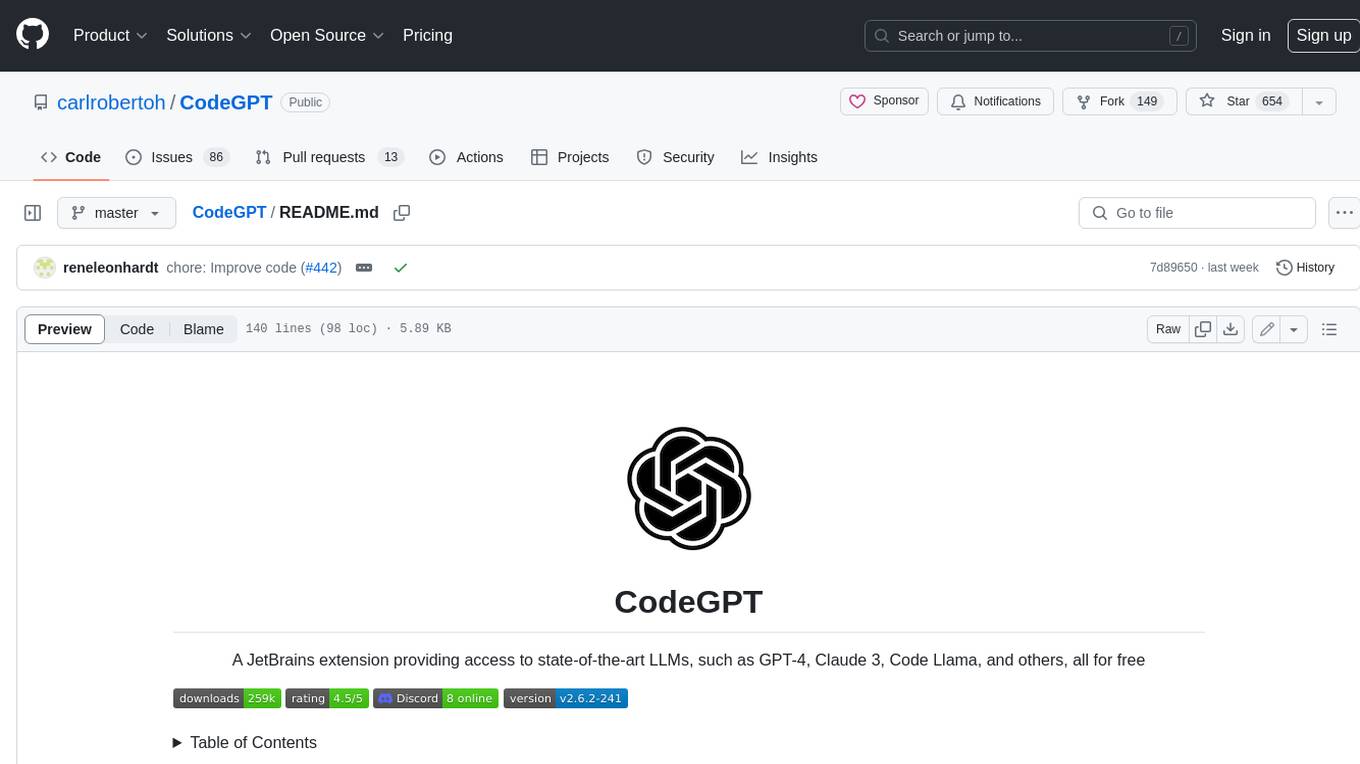
CodeGPT
CodeGPT is an extension for JetBrains IDEs that provides access to state-of-the-art large language models (LLMs) for coding assistance. It offers a range of features to enhance the coding experience, including code completions, a ChatGPT-like interface for instant coding advice, commit message generation, reference file support, name suggestions, and offline development support. CodeGPT is designed to keep privacy in mind, ensuring that user data remains secure and private.
For similar jobs

sweep
Sweep is an AI junior developer that turns bugs and feature requests into code changes. It automatically handles developer experience improvements like adding type hints and improving test coverage.

teams-ai
The Teams AI Library is a software development kit (SDK) that helps developers create bots that can interact with Teams and Microsoft 365 applications. It is built on top of the Bot Framework SDK and simplifies the process of developing bots that interact with Teams' artificial intelligence capabilities. The SDK is available for JavaScript/TypeScript, .NET, and Python.

ai-guide
This guide is dedicated to Large Language Models (LLMs) that you can run on your home computer. It assumes your PC is a lower-end, non-gaming setup.

classifai
Supercharge WordPress Content Workflows and Engagement with Artificial Intelligence. Tap into leading cloud-based services like OpenAI, Microsoft Azure AI, Google Gemini and IBM Watson to augment your WordPress-powered websites. Publish content faster while improving SEO performance and increasing audience engagement. ClassifAI integrates Artificial Intelligence and Machine Learning technologies to lighten your workload and eliminate tedious tasks, giving you more time to create original content that matters.

chatbot-ui
Chatbot UI is an open-source AI chat app that allows users to create and deploy their own AI chatbots. It is easy to use and can be customized to fit any need. Chatbot UI is perfect for businesses, developers, and anyone who wants to create a chatbot.

BricksLLM
BricksLLM is a cloud native AI gateway written in Go. Currently, it provides native support for OpenAI, Anthropic, Azure OpenAI and vLLM. BricksLLM aims to provide enterprise level infrastructure that can power any LLM production use cases. Here are some use cases for BricksLLM: * Set LLM usage limits for users on different pricing tiers * Track LLM usage on a per user and per organization basis * Block or redact requests containing PIIs * Improve LLM reliability with failovers, retries and caching * Distribute API keys with rate limits and cost limits for internal development/production use cases * Distribute API keys with rate limits and cost limits for students

uAgents
uAgents is a Python library developed by Fetch.ai that allows for the creation of autonomous AI agents. These agents can perform various tasks on a schedule or take action on various events. uAgents are easy to create and manage, and they are connected to a fast-growing network of other uAgents. They are also secure, with cryptographically secured messages and wallets.

griptape
Griptape is a modular Python framework for building AI-powered applications that securely connect to your enterprise data and APIs. It offers developers the ability to maintain control and flexibility at every step. Griptape's core components include Structures (Agents, Pipelines, and Workflows), Tasks, Tools, Memory (Conversation Memory, Task Memory, and Meta Memory), Drivers (Prompt and Embedding Drivers, Vector Store Drivers, Image Generation Drivers, Image Query Drivers, SQL Drivers, Web Scraper Drivers, and Conversation Memory Drivers), Engines (Query Engines, Extraction Engines, Summary Engines, Image Generation Engines, and Image Query Engines), and additional components (Rulesets, Loaders, Artifacts, Chunkers, and Tokenizers). Griptape enables developers to create AI-powered applications with ease and efficiency.