


nori-skillsets
System for managing collections of agent skills. Switch between skillsets seamlessly!
Stars: 112
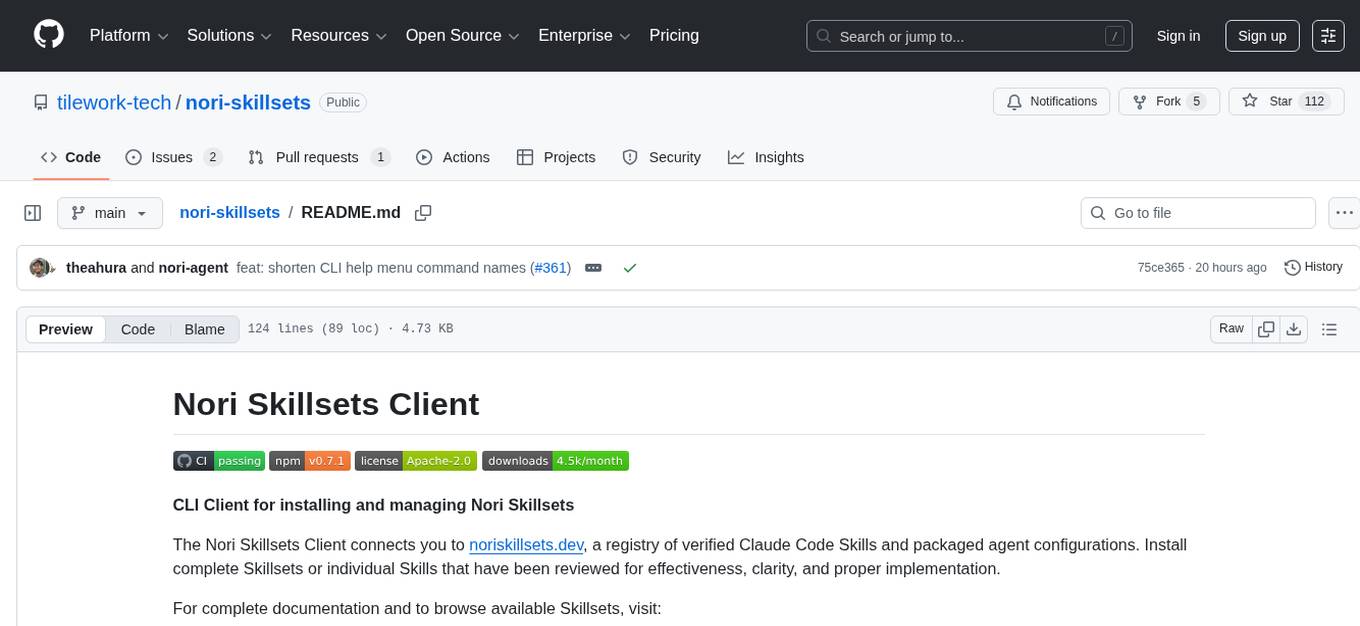
The Nori Skillsets Client is a CLI tool for installing and managing Skillsets from noriskillsets.dev. Skillsets are unified configurations defining agent behaviors, including step-by-step instructions, custom workflows, specialized agents, and quick actions. Users can install, switch, and manage Skillsets, maintaining multiple configurations without losing any settings. The tool requires Node.js, Claude Code CLI, and runs on Mac or Linux. Teams can create custom Skillsets, set up private registries, and benefit from access control, package sharing, and optional Skills Review service.
README:




CLI Client for installing and managing Nori Skillsets
The Nori Skillsets Client connects you to noriskillsets.dev, a registry of verified Claude Code Skills and packaged agent configurations. Install complete Skillsets or individual Skills that have been reviewed for effectiveness, clarity, and proper implementation.
For complete documentation and to browse available Skillsets, visit:
- Skillsets Registry: noriskillsets.dev
- Documentation: usenori.ai/docs/skillsets.html
A Skillset is a complete, unified configuration that defines how your coding agent behaves. Skillsets can include:
- Skills: Step-by-step instructions that encode specific agent behaviors (TDD, debugging, code review, git workflows)
- CLAUDE.md: Custom instructions and workflow preferences that guide the agent
- Subagents: Specialized agents for specific tasks (codebase search, documentation, research)
- Slash Commands: Quick actions that invoke Skills and workflows
Install the client:
npm install -g nori-skillsetsRun init to set up a skillsets folder at cwd/.nori/profiles and capture your existing configs. Note that this will set up in the folder that you run the command in, allowing you to scope skillsets by project.
nori-skillsets initDownload a skillset from noriskillsets.dev.
nori-skillsets download senior-sweSwitch to using the new skillset.
nori-skillsets switch senior-sweSkillsets are stored in ~/.nori/profiles/ as your library of available configurations. When you switch to a Skillset, the client copies its contents into the relevant locations in cwd/.claude/ where Claude Code reads them.
Skillset Structure:
~/.nori/profiles/my-skillset/
├── CLAUDE.md              # Custom instructions
├── skills/                # Skill definitions
│   ├── my-skill/
│   │   └── SKILL.md
│   └── another-skill/
│       └── SKILL.md
├── subagents/             # Subagent configurations
└── slashcommands/         # Custom slash commands
When you activate a Skillset:
- The client cleans any existing configuration in
cwd/.claude/ - Copies the selected Skillset from
cwd/.nori/profiles/<skillset-name>/tocwd/.claude/ - Claude Code reads the new configuration in your next session
This separation lets you maintain multiple Skillsets and switch between them without losing any configuration.
- Node.js 22 or higher
- Claude Code CLI installed
- Mac or Linux operating system
-
Create the skillset directory:
mkdir -p ~/.nori/profiles/my-skillset -
Add a
CLAUDE.mdfile with your custom instructions:# My Custom Skillset Add your workflow preferences here: - Testing requirements - Git automation rules - Code style guidelines - Any repeating instructions
-
Activate your skillset:
nori-skillsets switch my-skillset
Manual changes made to a .claude/ directory will be removed when switching skillsets. Manual changes should be made in the .nori/profile/ directory instead.
Teams can set up private registries to share custom Skillsets across the organization. With private registries:
- Full access control - only your organization can view and install
- Package working configurations and publish internally
- Teammates install the exact setup that proved successful
- Optional Skills Review service: professional evaluation before publication
Contact us at usenori.ai to set up a private registry for your team.
- Skillsets Registry: noriskillsets.dev
- Documentation: usenori.ai/docs/skillsets.html
- GitHub: github.com/tilework-tech/nori-skillsets
- npm: npmjs.com/package/nori-skillsets
- Contact: usenori.ai
For Tasks:
Click tags to check more tools for each tasksFor Jobs:
Alternative AI tools for nori-skillsets
Similar Open Source Tools
nori-skillsets
The Nori Skillsets Client is a CLI tool for installing and managing Skillsets from noriskillsets.dev. Skillsets are unified configurations defining agent behaviors, including step-by-step instructions, custom workflows, specialized agents, and quick actions. Users can install, switch, and manage Skillsets, maintaining multiple configurations without losing any settings. The tool requires Node.js, Claude Code CLI, and runs on Mac or Linux. Teams can create custom Skillsets, set up private registries, and benefit from access control, package sharing, and optional Skills Review service.
mattermost-plugin-agents
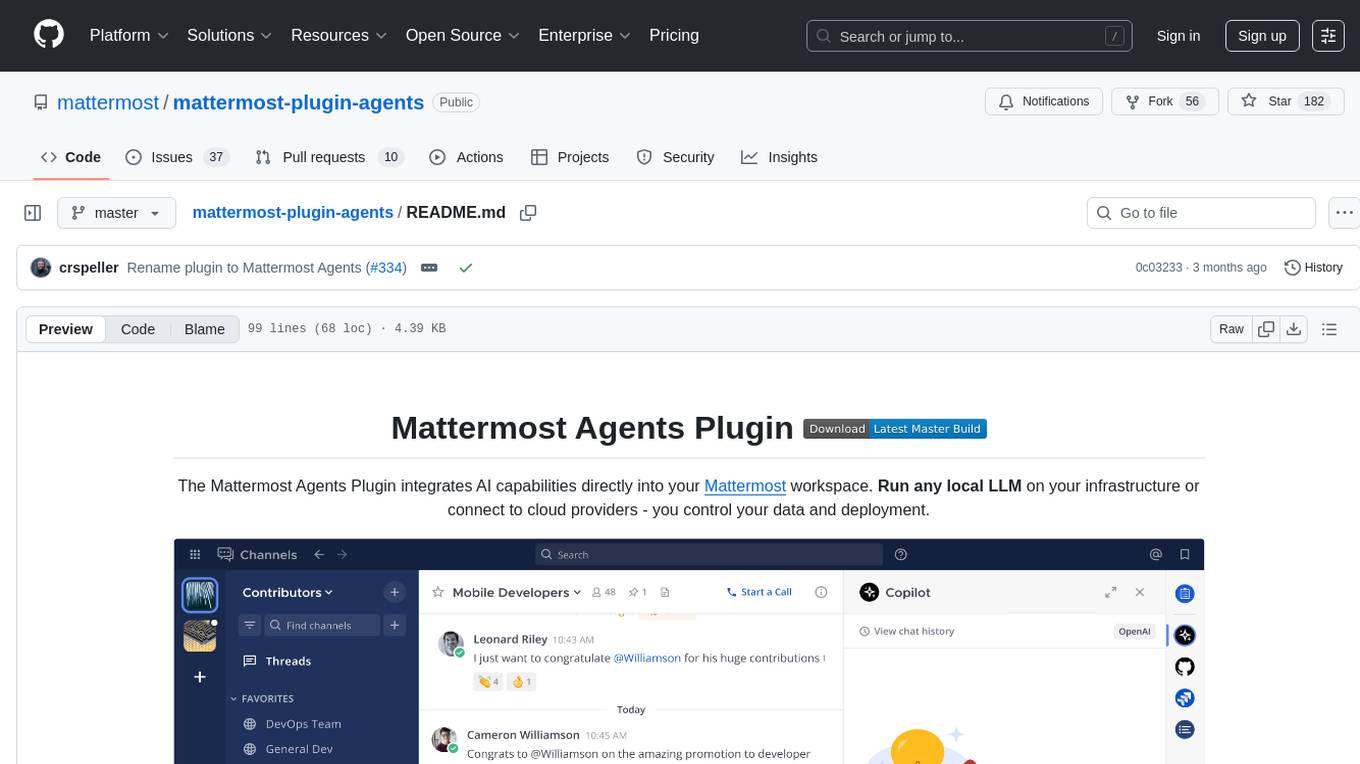
The Mattermost Agents Plugin integrates AI capabilities directly into your Mattermost workspace, allowing users to run local LLMs on their infrastructure or connect to cloud providers. It offers multiple AI assistants with specialized personalities, thread and channel summarization, action item extraction, meeting transcription, semantic search, smart reactions, direct conversations with AI assistants, and flexible LLM support. The plugin comes with comprehensive documentation, installation instructions, system requirements, and development guidelines for users to interact with AI features and configure LLM providers.
cline-based-code-generator
HAI Code Generator is a cutting-edge tool designed to simplify and automate task execution while enhancing code generation workflows. Leveraging Specif AI, it streamlines processes like task execution, file identification, and code documentation through intelligent automation and AI-driven capabilities. Built on Cline's powerful foundation for AI-assisted development, HAI Code Generator boosts productivity and precision by automating task execution and integrating file management capabilities. It combines intelligent file indexing, context generation, and LLM-driven automation to minimize manual effort and ensure task accuracy. Perfect for developers and teams aiming to enhance their workflows.
dot-ai
Dot-ai is a machine learning library designed to simplify the process of building and deploying AI models. It provides a wide range of tools and utilities for data preprocessing, model training, and evaluation. With Dot-ai, users can easily create and experiment with various machine learning algorithms without the need for extensive coding knowledge. The library is built with scalability and performance in mind, making it suitable for both small-scale projects and large-scale applications. Whether you are a beginner or an experienced data scientist, Dot-ai offers a user-friendly interface to streamline your AI development workflow.
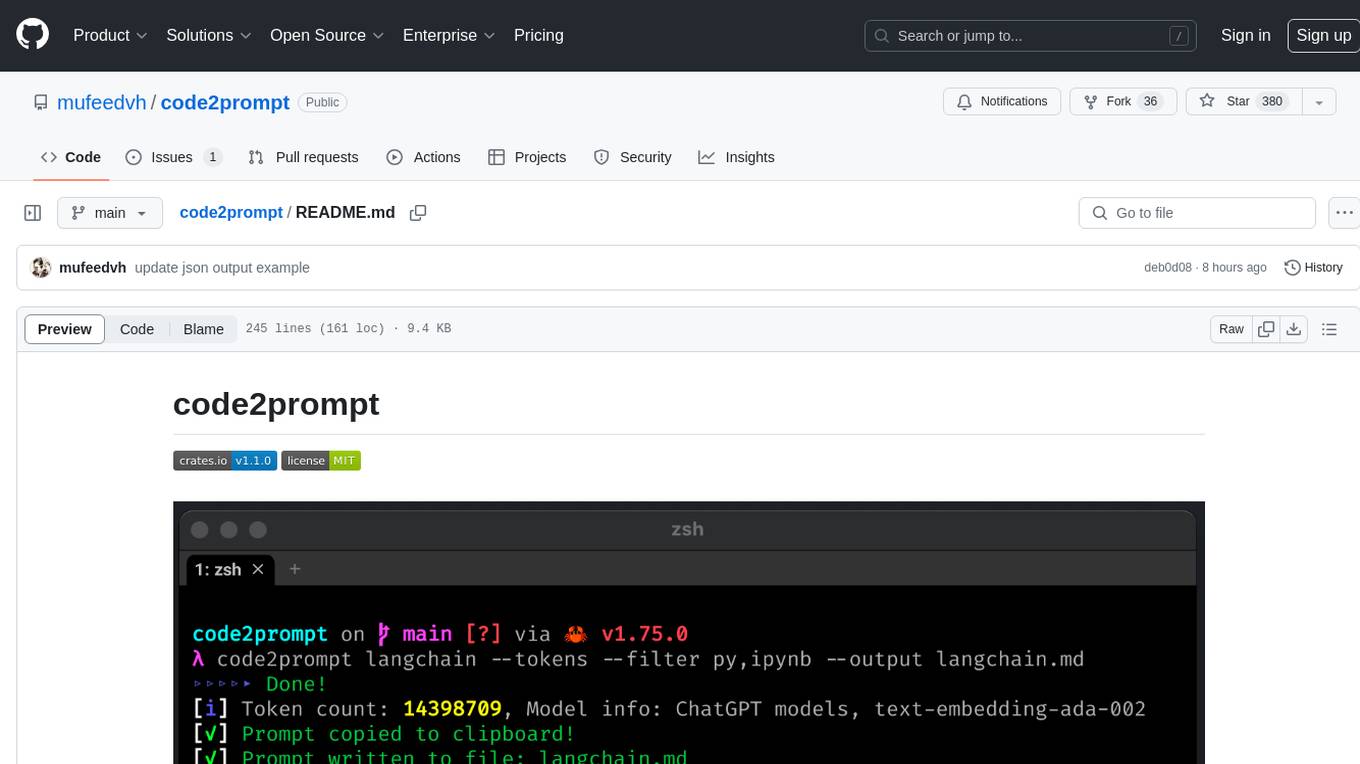
code2prompt
code2prompt is a command-line tool that converts your codebase into a single LLM prompt with a source tree, prompt templating, and token counting. It automates generating LLM prompts from codebases of any size, customizing prompt generation with Handlebars templates, respecting .gitignore, filtering and excluding files using glob patterns, displaying token count, including Git diff output, copying prompt to clipboard, saving prompt to an output file, excluding files and folders, adding line numbers to source code blocks, and more. It helps streamline the process of creating LLM prompts for code analysis, generation, and other tasks.
kestra
Kestra is an open-source event-driven orchestration platform that simplifies building scheduled and event-driven workflows. It offers Infrastructure as Code best practices for data, process, and microservice orchestration, allowing users to create reliable workflows using YAML configuration. Key features include everything as code with Git integration, event-driven and scheduled workflows, rich plugin ecosystem for data extraction and script running, intuitive UI with syntax highlighting, scalability for millions of workflows, version control friendly, and various features for structure and resilience. Kestra ensures declarative orchestration logic management even when workflows are modified via UI, API calls, or other methods.
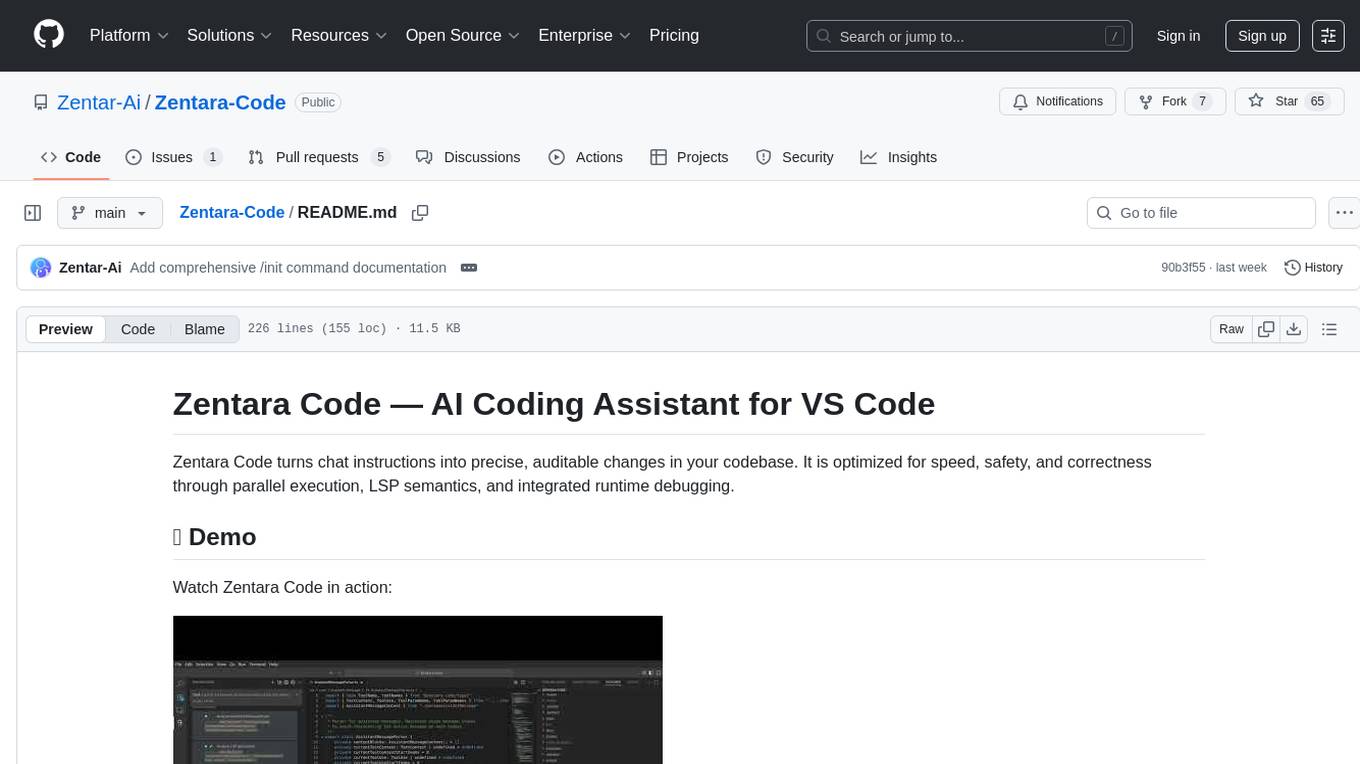
Zentara-Code
Zentara Code is an AI coding assistant for VS Code that turns chat instructions into precise, auditable changes in the codebase. It is optimized for speed, safety, and correctness through parallel execution, LSP semantics, and integrated runtime debugging. It offers features like parallel subagents, integrated LSP tools, and runtime debugging for efficient code modification and analysis.
ai_automation_suggester
An integration for Home Assistant that leverages AI models to understand your unique home environment and propose intelligent automations. By analyzing your entities, devices, areas, and existing automations, the AI Automation Suggester helps you discover new, context-aware use cases you might not have considered, ultimately streamlining your home management and improving efficiency, comfort, and convenience. The tool acts as a personal automation consultant, providing actionable YAML-based automations that can save energy, improve security, enhance comfort, and reduce manual intervention. It turns the complexity of a large Home Assistant environment into actionable insights and tangible benefits.
codegate
CodeGate is a local gateway that enhances the safety of AI coding assistants by ensuring AI-generated recommendations adhere to best practices, safeguarding code integrity, and protecting individual privacy. Developed by Stacklok, CodeGate allows users to confidently leverage AI in their development workflow without compromising security or productivity. It works seamlessly with coding assistants, providing real-time security analysis of AI suggestions. CodeGate is designed with privacy at its core, keeping all data on the user's machine and offering complete control over data.
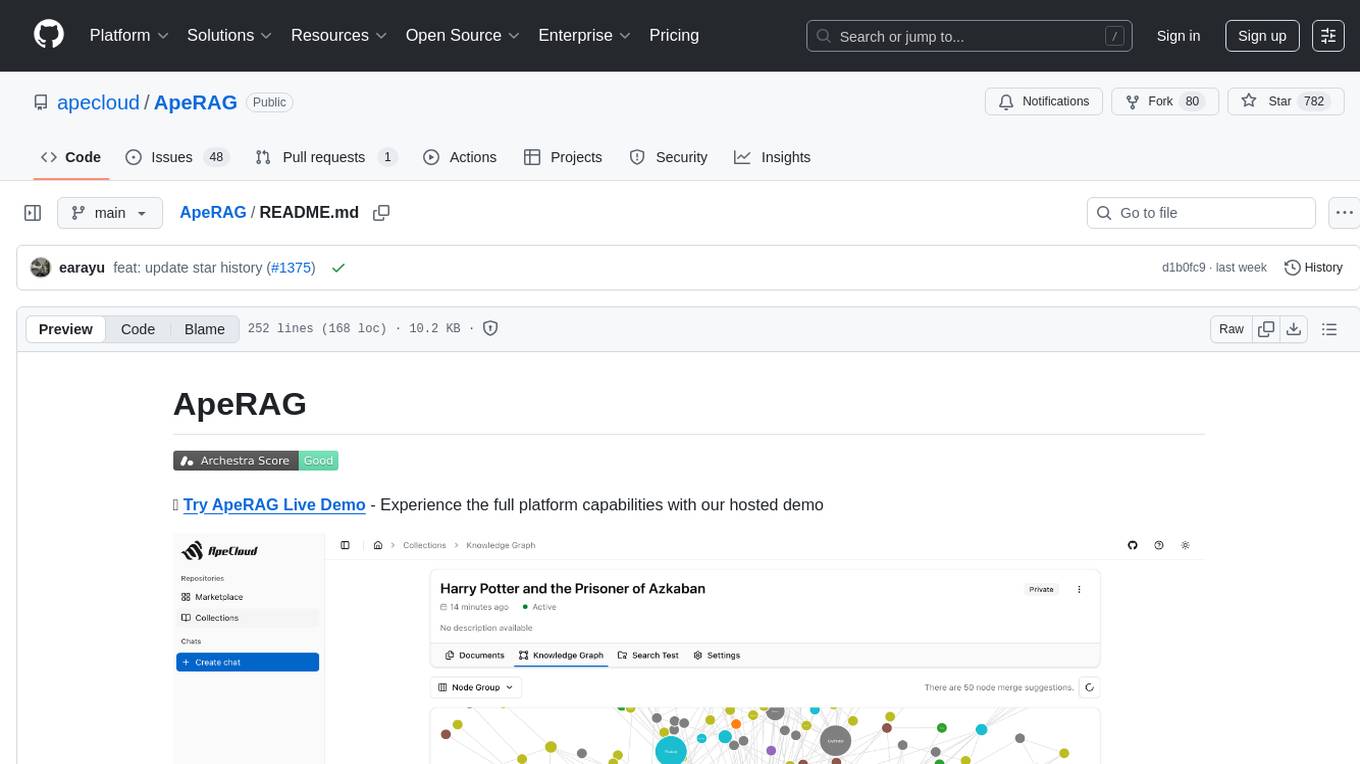
ApeRAG
ApeRAG is a production-ready platform for Retrieval-Augmented Generation (RAG) that combines Graph RAG, vector search, and full-text search with advanced AI agents. It is ideal for building Knowledge Graphs, Context Engineering, and deploying intelligent AI agents for autonomous search and reasoning across knowledge bases. The platform offers features like advanced index types, intelligent AI agents with MCP support, enhanced Graph RAG with entity normalization, multimodal processing, hybrid retrieval engine, MinerU integration for document parsing, production-grade deployment with Kubernetes, enterprise management features, MCP integration, and developer-friendly tools for customization and contribution.
momentum-core
Momentum is an open-source behavioral auditor for backend code that helps developers generate powerful insights into their codebase. It analyzes code behavior, tests it at every git push, and ensures readiness for production. Momentum understands backend code, visualizes dependencies, identifies behaviors, generates test code, runs code in the local environment, and provides debugging solutions. It aims to improve code quality, streamline testing processes, and enhance developer productivity.
neuro-san-studio
Neuro SAN Studio is an open-source library for building agent networks across various industries. It simplifies the development of collaborative AI systems by enabling users to create sophisticated multi-agent applications using declarative configuration files. The tool offers features like data-driven configuration, adaptive communication protocols, safe data handling, dynamic agent network designer, flexible tool integration, robust traceability, and cloud-agnostic deployment. It has been used in various use-cases such as automated generation of multi-agent configurations, airline policy assistance, banking operations, market analysis in consumer packaged goods, insurance claims processing, intranet knowledge management, retail operations, telco network support, therapy vignette supervision, and more.
solace-agent-mesh
Solace Agent Mesh is an open-source framework designed for building event-driven multi-agent AI systems. It enables the creation of teams of AI agents with distinct skills and tools, facilitating communication and task delegation among agents. The framework is built on top of Solace AI Connector and Google's Agent Development Kit, providing a standardized communication layer for asynchronous, event-driven AI agent architecture. Solace Agent Mesh supports agent orchestration, flexible interfaces, extensibility, agent-to-agent communication, and dynamic embeds, making it suitable for developing complex AI applications with scalability and reliability.
adk-ts
ADK-TS is a comprehensive TypeScript framework for building sophisticated AI agents with multi-LLM support, advanced tools, and flexible conversation flows. It is production-ready and enables developers to create intelligent, autonomous systems that can handle complex multi-step tasks. The framework provides features such as multi-provider LLM support, extensible tool system, advanced agent reasoning, real-time streaming, flexible authentication, persistent memory systems, multi-agent orchestration, built-in telemetry, and prebuilt MCP servers for easy deployment and management of agents.

swark
Swark is a VS Code extension that automatically generates architecture diagrams from code using large language models (LLMs). It is directly integrated with GitHub Copilot, requires no authentication or API key, and supports all languages. Swark helps users learn new codebases, review AI-generated code, improve documentation, understand legacy code, spot design flaws, and gain test coverage insights. It saves output in a 'swark-output' folder with diagram and log files. Source code is only shared with GitHub Copilot for privacy. The extension settings allow customization for file reading, file extensions, exclusion patterns, and language model selection. Swark is open source under the GNU Affero General Public License v3.0.
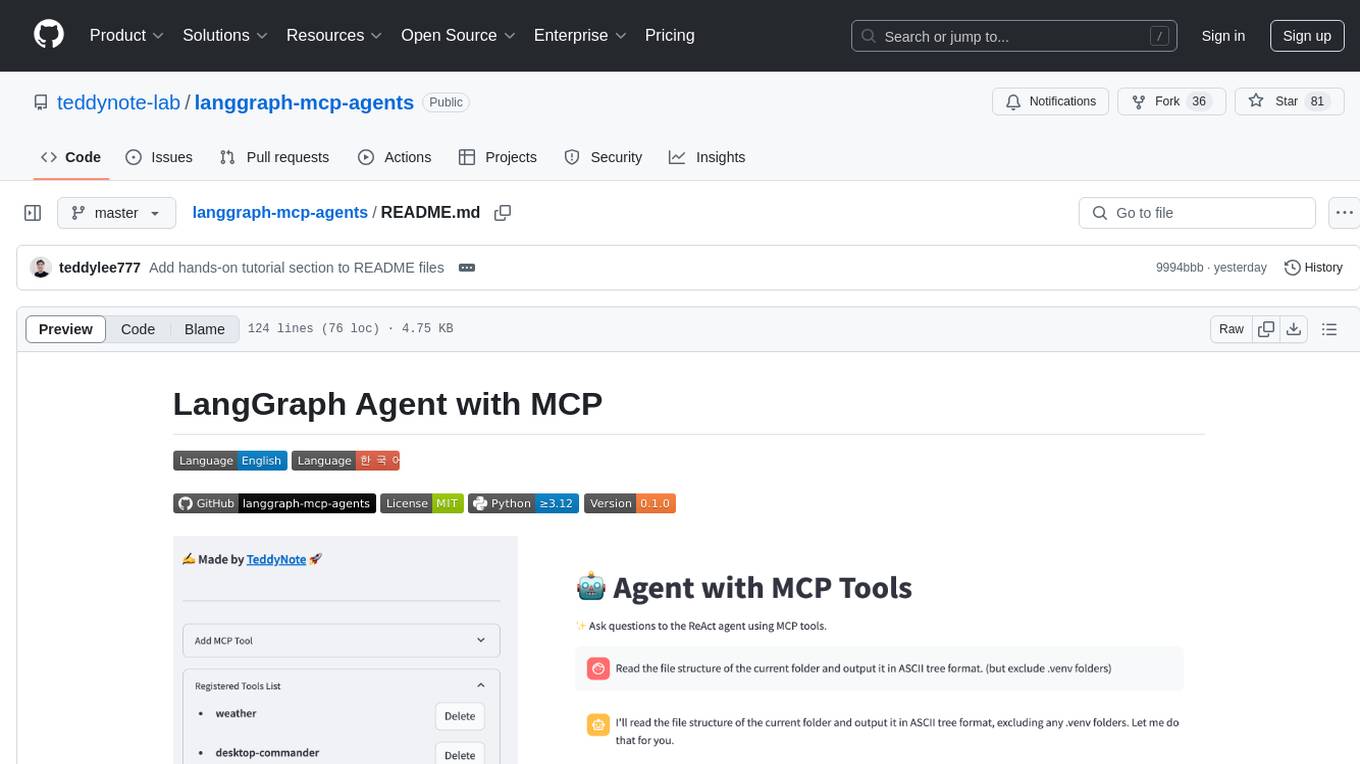
langgraph-mcp-agents
LangGraph Agent with MCP is a toolkit provided by LangChain AI that enables AI agents to interact with external tools and data sources through the Model Context Protocol (MCP). It offers a user-friendly interface for deploying ReAct agents to access various data sources and APIs through MCP tools. The toolkit includes features such as a Streamlit Interface for interaction, Tool Management for adding and configuring MCP tools dynamically, Streaming Responses in real-time, and Conversation History tracking.
For similar tasks
openops
OpenOps is a No-Code FinOps automation platform designed to help organizations reduce cloud costs and streamline financial operations. It offers customizable workflows for automating key FinOps processes, comes with its own Excel-like database and visualization system, and enables collaboration between different teams. OpenOps integrates seamlessly with major cloud providers, third-party FinOps tools, communication platforms, and project management tools, providing a comprehensive solution for efficient cost-saving measures implementation.
better-chatbot
Better Chatbot is an open-source AI chatbot designed for individuals and teams, inspired by various AI models. It integrates major LLMs, offers powerful tools like MCP protocol and data visualization, supports automation with custom agents and visual workflows, enables collaboration by sharing configurations, provides a voice assistant feature, and ensures an intuitive user experience. The platform is built with Vercel AI SDK and Next.js, combining leading AI services into one platform for enhanced chatbot capabilities.
Sage
Sage is a production-ready, modular, and intelligent multi-agent orchestration framework for complex problem solving. It intelligently breaks down complex tasks into manageable subtasks through seamless agent collaboration. Sage provides Deep Research Mode for comprehensive analysis and Rapid Execution Mode for quick task completion. It offers features like intelligent task decomposition, agent orchestration, extensible tool system, dual execution modes, interactive web interface, advanced token tracking, rich configuration, developer-friendly APIs, and robust error recovery mechanisms. Sage supports custom workflows, multi-agent collaboration, custom agent development, agent flow orchestration, rule preferences system, message manager for smart token optimization, task manager for comprehensive state management, advanced file system operations, advanced tool system with plugin architecture, token usage & cost monitoring, and rich configuration system. It also includes real-time streaming & monitoring, advanced tool development, error handling & reliability, performance monitoring, MCP server integration, and security features.
VibeSurf
VibeSurf is an open-source AI agentic browser that combines workflow automation with intelligent AI agents, offering faster, cheaper, and smarter browser automation. It allows users to create revolutionary browser workflows, run multiple AI agents in parallel, perform intelligent AI automation tasks, maintain privacy with local LLM support, and seamlessly integrate as a Chrome extension. Users can save on token costs, achieve efficiency gains, and enjoy deterministic workflows for consistent and accurate results. VibeSurf also provides a Docker image for easy deployment and offers pre-built workflow templates for common tasks.
nori-skillsets
The Nori Skillsets Client is a CLI tool for installing and managing Skillsets from noriskillsets.dev. Skillsets are unified configurations defining agent behaviors, including step-by-step instructions, custom workflows, specialized agents, and quick actions. Users can install, switch, and manage Skillsets, maintaining multiple configurations without losing any settings. The tool requires Node.js, Claude Code CLI, and runs on Mac or Linux. Teams can create custom Skillsets, set up private registries, and benefit from access control, package sharing, and optional Skills Review service.
For similar jobs

starcoder2-self-align
StarCoder2-Instruct is an open-source pipeline that introduces StarCoder2-15B-Instruct-v0.1, a self-aligned code Large Language Model (LLM) trained with a fully permissive and transparent pipeline. It generates instruction-response pairs to fine-tune StarCoder-15B without human annotations or data from proprietary LLMs. The tool is primarily finetuned for Python code generation tasks that can be verified through execution, with potential biases and limitations. Users can provide response prefixes or one-shot examples to guide the model's output. The model may have limitations with other programming languages and out-of-domain coding tasks.
can-ai-code
Can AI Code is a self-evaluating interview tool for AI coding models. It includes interview questions written by humans and tests taken by AI, inference scripts for common API providers and CUDA-enabled quantization runtimes, a Docker-based sandbox environment for validating untrusted Python and NodeJS code, and the ability to evaluate the impact of prompting techniques and sampling parameters on large language model (LLM) coding performance. Users can also assess LLM coding performance degradation due to quantization. The tool provides test suites for evaluating LLM coding performance, a webapp for exploring results, and comparison scripts for evaluations. It supports multiple interviewers for API and CUDA runtimes, with detailed instructions on running the tool in different environments. The repository structure includes folders for interviews, prompts, parameters, evaluation scripts, comparison scripts, and more.
SWE-agent
SWE-agent is a tool that turns language models (e.g. GPT-4) into software engineering agents capable of fixing bugs and issues in real GitHub repositories. It achieves state-of-the-art performance on the full test set by resolving 12.29% of issues. The tool is built and maintained by researchers from Princeton University. SWE-agent provides a command line tool and a graphical web interface for developers to interact with. It introduces an Agent-Computer Interface (ACI) to facilitate browsing, viewing, editing, and executing code files within repositories. The tool includes features such as a linter for syntax checking, a specialized file viewer, and a full-directory string searching command to enhance the agent's capabilities. SWE-agent aims to improve prompt engineering and ACI design to enhance the performance of language models in software engineering tasks.
vocode-python
Vocode is an open source library that enables users to easily build voice-based LLM (Large Language Model) apps. With Vocode, users can create real-time streaming conversations with LLMs and deploy them for phone calls, Zoom meetings, and more. The library offers abstractions and integrations for transcription services, LLMs, and synthesis services, making it a comprehensive tool for voice-based applications.
langstream
LangStream is a tool for natural language processing tasks, providing a CLI for easy installation and usage. Users can try sample applications like Chat Completions and create their own applications using the developer documentation. It supports running on Kubernetes for production-ready deployment, with support for various Kubernetes distributions and external components like Apache Kafka or Apache Pulsar cluster. Users can deploy LangStream locally using minikube and manage the cluster with mini-langstream. Development requirements include Docker, Java 17, Git, Python 3.11+, and PIP, with the option to test local code changes using mini-langstream.
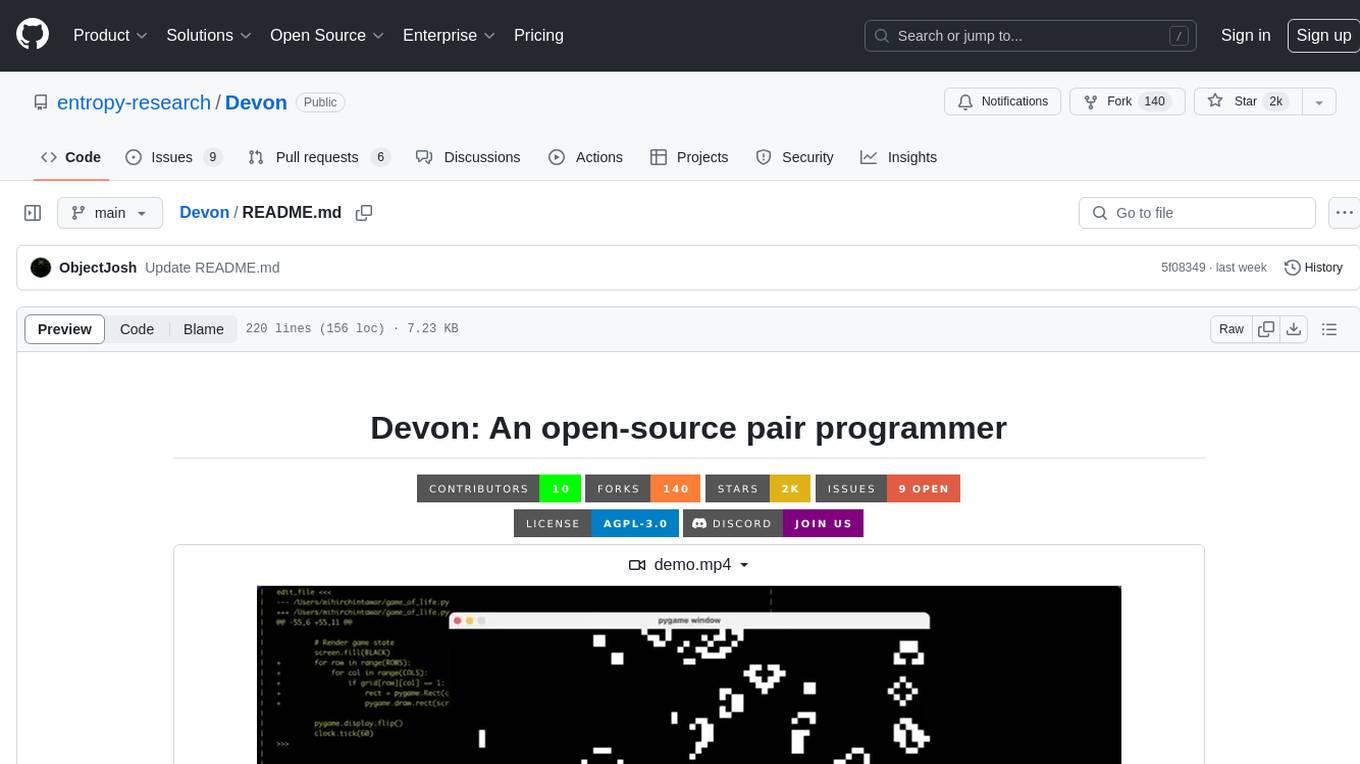
Devon
Devon is an open-source pair programmer tool designed to facilitate collaborative coding sessions. It provides features such as multi-file editing, codebase exploration, test writing, bug fixing, and architecture exploration. The tool supports Anthropic, OpenAI, and Groq APIs, with plans to add more models in the future. Devon is community-driven, with ongoing development goals including multi-model support, plugin system for tool builders, self-hostable Electron app, and setting SOTA on SWE-bench Lite. Users can contribute to the project by developing core functionality, conducting research on agent performance, providing feedback, and testing the tool.
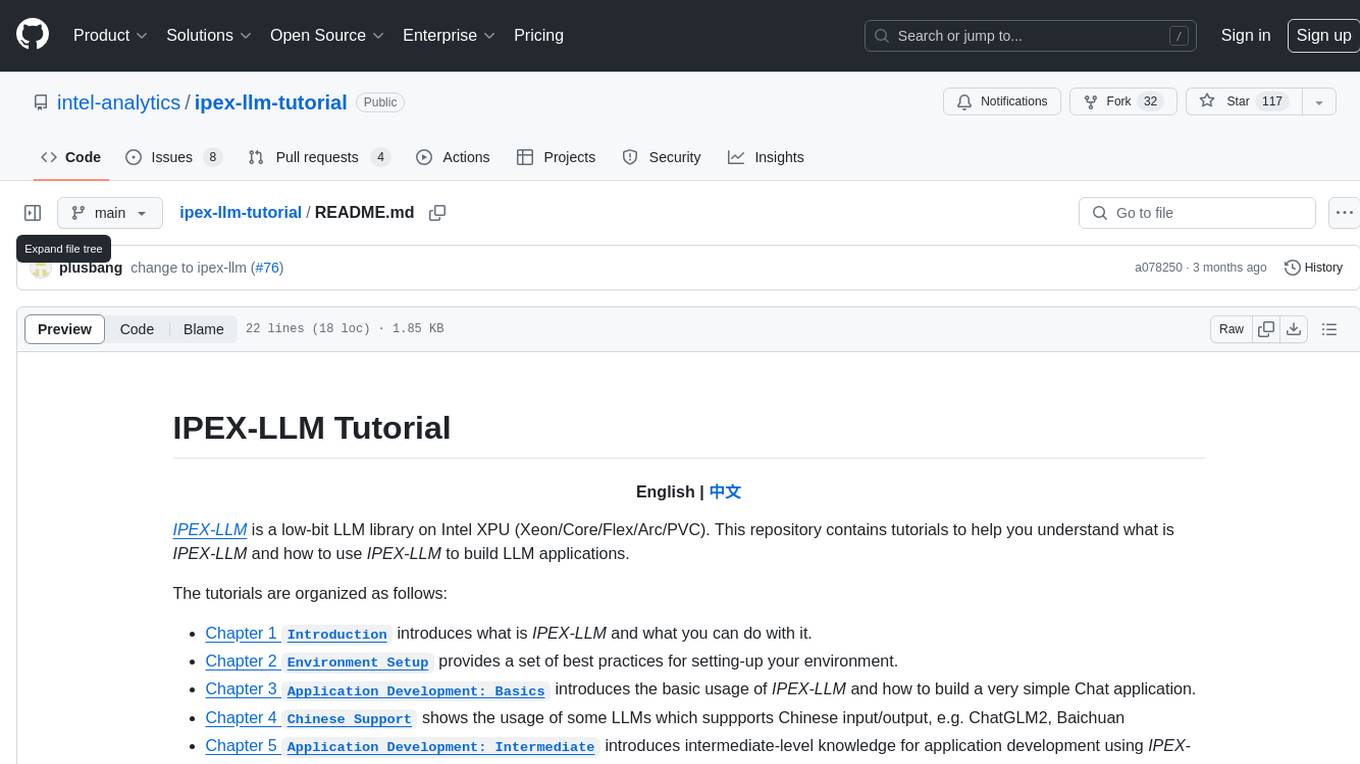
ipex-llm-tutorial
IPEX-LLM is a low-bit LLM library on Intel XPU (Xeon/Core/Flex/Arc/PVC) that provides tutorials to help users understand and use the library to build LLM applications. The tutorials cover topics such as introduction to IPEX-LLM, environment setup, basic application development, Chinese language support, intermediate and advanced application development, GPU acceleration, and finetuning. Users can learn how to build chat applications, chatbots, speech recognition, and more using IPEX-LLM.
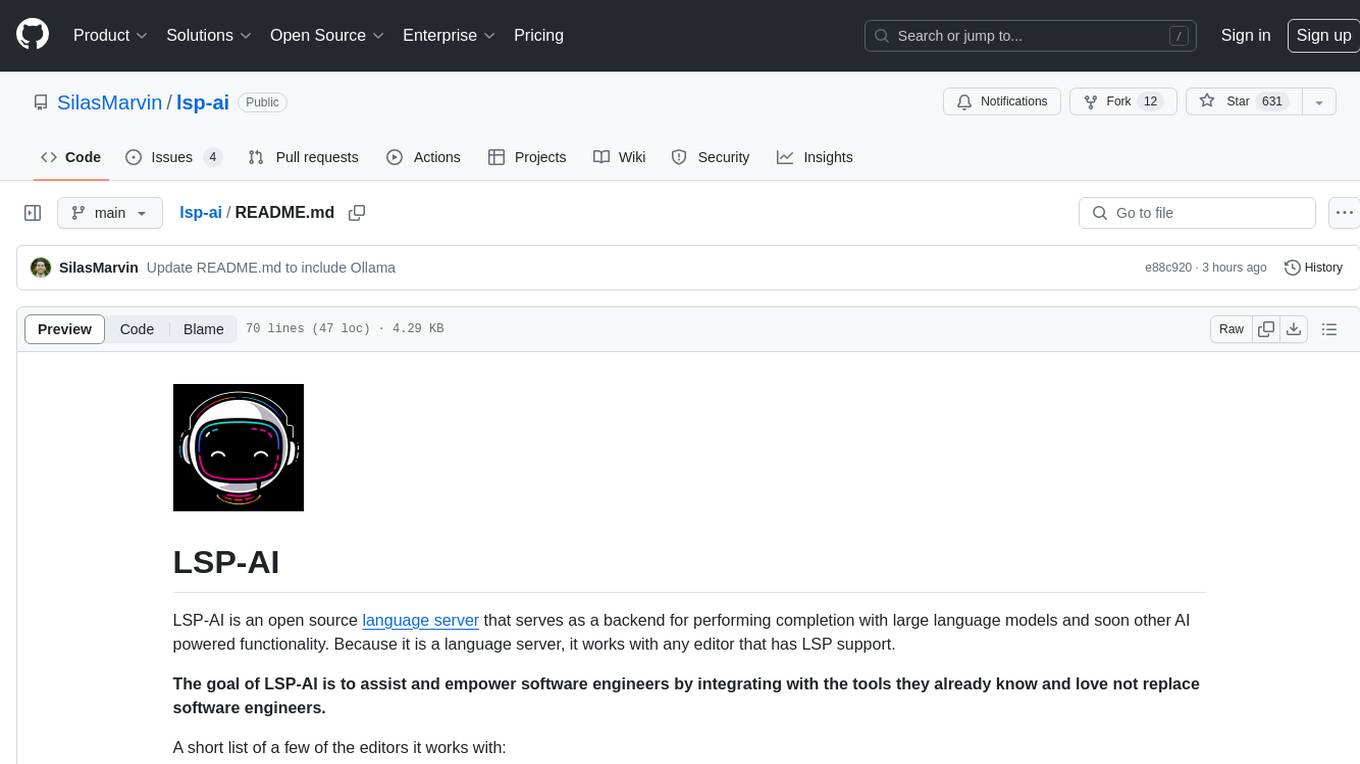
lsp-ai
LSP-AI is an open source language server designed to enhance software engineers' productivity by integrating AI-powered functionality into various text editors. It serves as a backend for completion with large language models and offers features like unified AI capabilities, simplified plugin development, enhanced collaboration, broad compatibility with editors supporting Language Server Protocol, flexible LLM backend support, and commitment to staying updated with the latest advancements in LLM-driven software development. The tool aims to centralize open-source development work, provide a collaborative platform for developers, and offer a future-ready solution for AI-powered assistants in text editors.