


sfdx-hardis
French-army-knife Toolbox for Salesforce. Orchestrates base commands and assist users with interactive wizards to make much more than native Salesforce CLI + Allows you to define a complete CI/CD Pipeline and Schedule a daily Metadata backup & monitoring of your orgs + AI-enhanced org Documentation
Stars: 324
sfdx-hardis is a toolbox for Salesforce DX, developed by Cloudity, that simplifies tasks which would otherwise take minutes or hours to complete manually. It enables users to define complete CI/CD pipelines for Salesforce projects, backup metadata, and monitor any Salesforce org. The tool offers a wide range of commands that can be accessed via the command line interface or through a Visual Studio Code extension. Additionally, sfdx-hardis provides Docker images for easy integration into CI workflows. The tool is designed to be natively compliant with various platforms and tools, making it a versatile solution for Salesforce developers.
README:

Presented at Dreamforce 23 and Dreamforce 24!










Sfdx-hardis is a CLI and visual productivity tools suite for Salesforce, by Cloudity & friends, natively compliant with most Git platforms, messaging tools, ticketing systems and AI providers (including Agentforce).

It is free and Open-Source, and will allow you to simply:
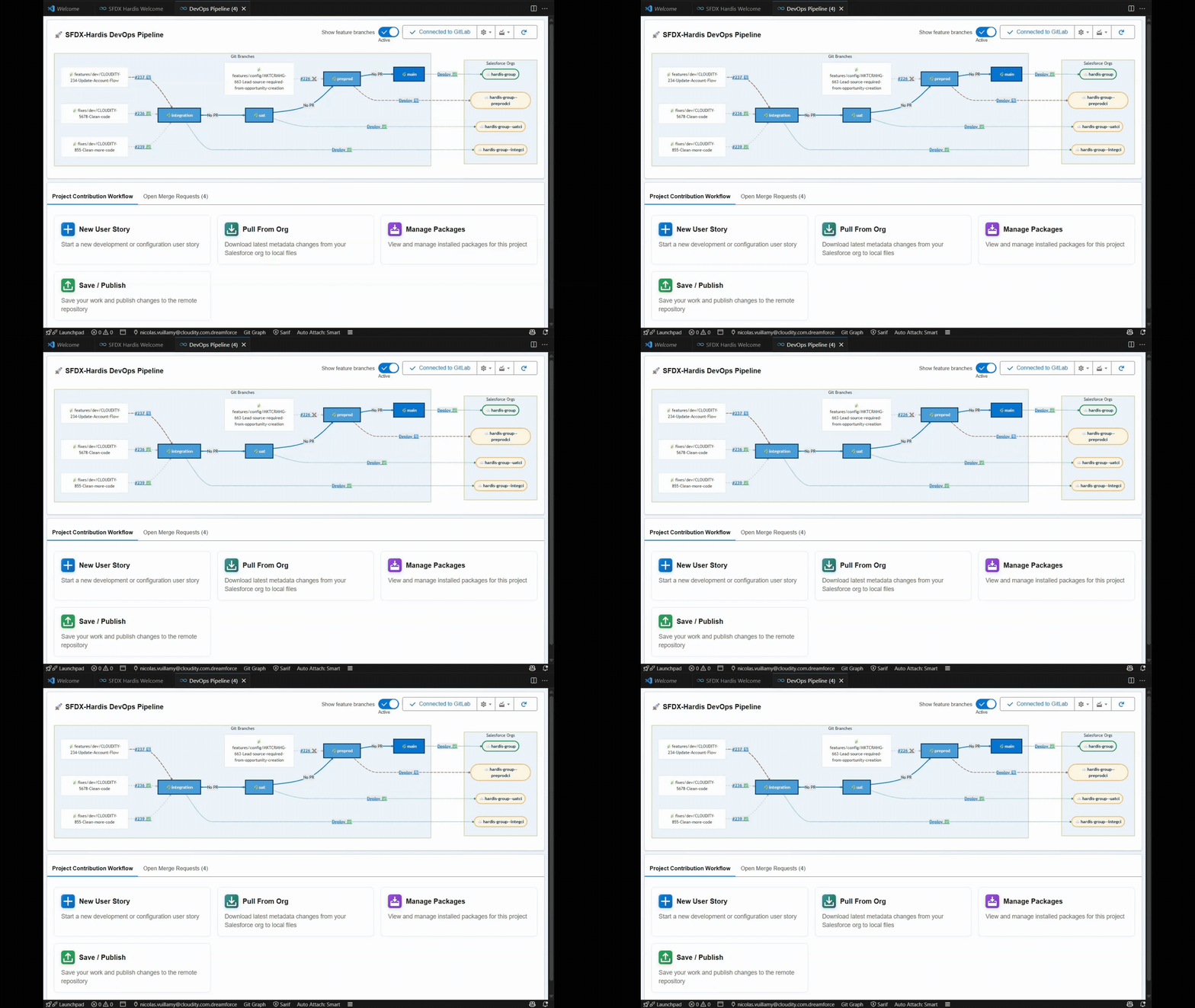

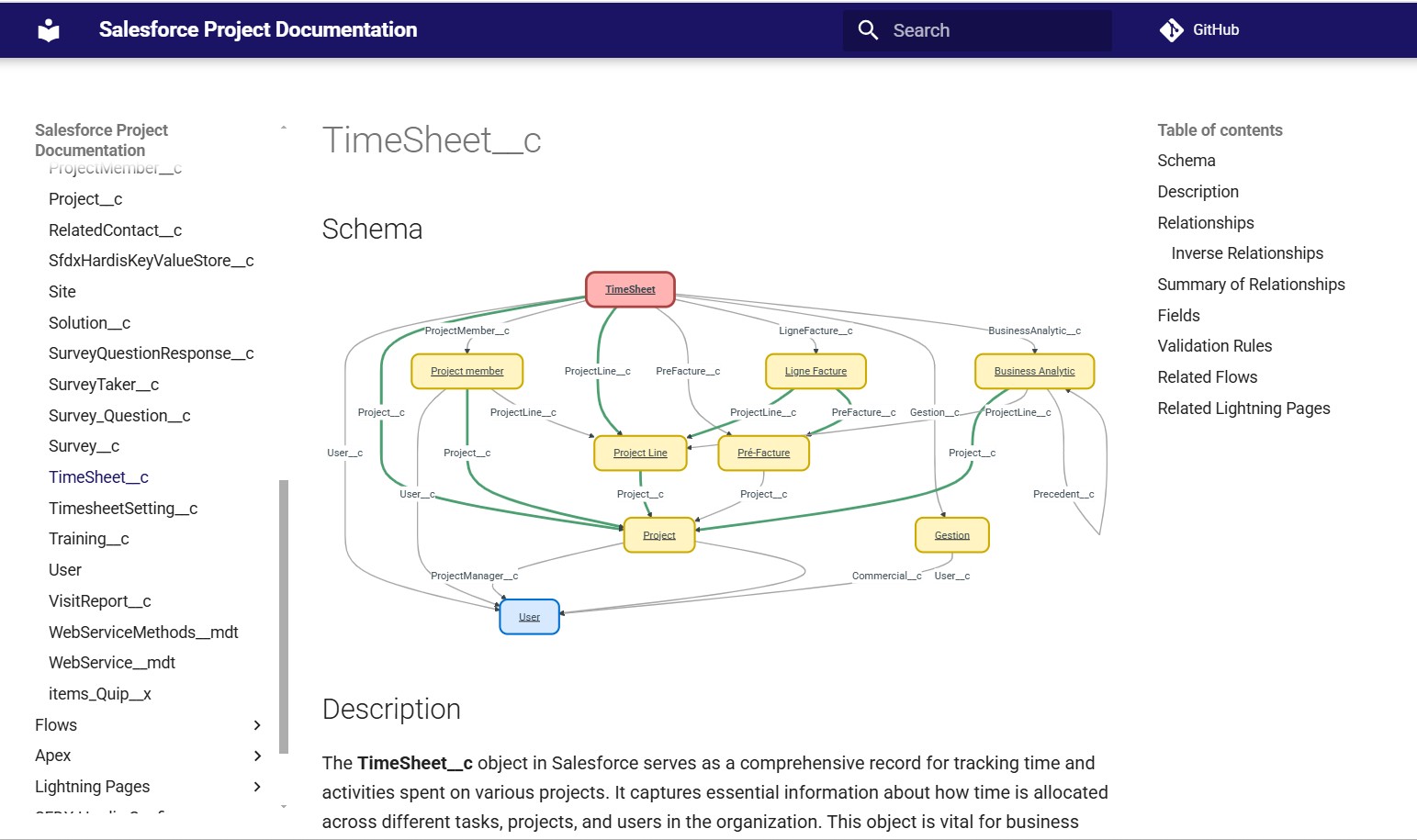
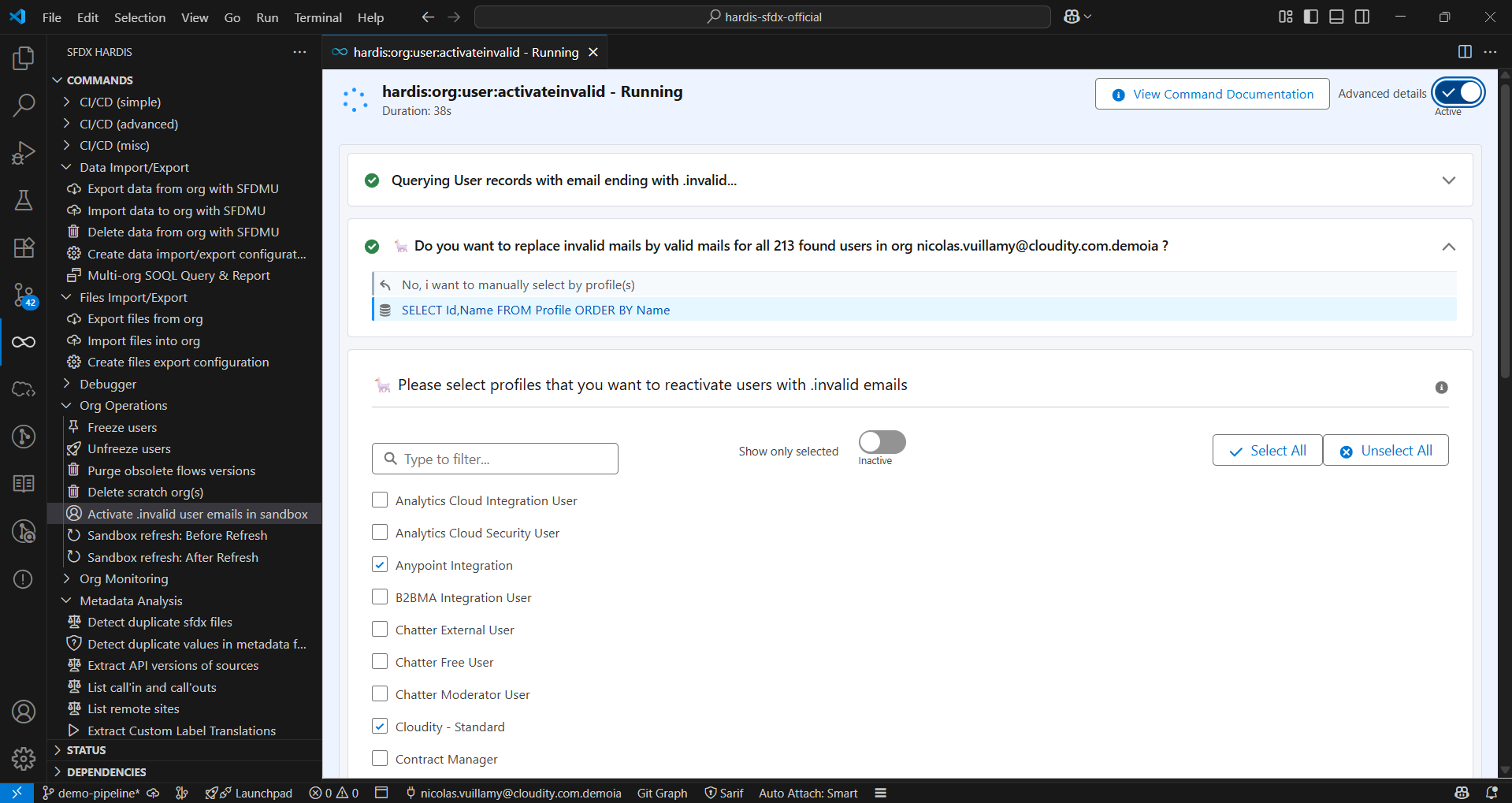
- Enjoy many commands that will save your minutes, hours or even days in your daily Admin or Developer work.
If you need guidance about how to leverage sfdx-hardis to bring more value to your business, Cloudity's international multi-cloud teams of business experts and technical experts can help: contact us !
See online documentation for a better navigation
sfdx-hardis commands and configuration are best used with an UI in SFDX Hardis Visual Studio Code Extension

Featured on SalesforceBen

See Dreamforce presentation

You can install Visual Studio Code, then VSCode Extension VsCode SFDX Hardis
Once installed, click on  in VsCode left bar, click on Install dependencies and follow the additional installation instructions :)


When you are all green, you are all good 😊
You can also watch the video tutorial below

- Install Node.js (recommended version)
- Install Salesforce DX by running
npm install @salesforce/cli --globalcommand line
sf plugins install sfdx-hardisFor advanced use, please also install dependencies
sf plugins install @salesforce/plugin-packaging
sf plugins install sfdx-git-delta
sf plugins install sfdmu
If you are using CI/CD scripts, use echo y | sf plugins install ... to bypass prompt.
You can use sfdx-hardis docker images to run in CI.
All our Docker images are checked for security issues with MegaLinter by OX Security
-
Linux Alpine based images (works on Gitlab)
-
Docker Hub
- hardisgroupcom/sfdx-hardis:latest (with latest @salesforce/cli version)
- hardisgroupcom/sfdx-hardis:latest-sfdx-recommended (with recommended @salesforce/cli version, in case the latest version of @salesforce/cli is buggy)
-
GitHub Packages (ghcr.io)
- ghcr.io/hardisgroupcom/sfdx-hardis:latest (with latest @salesforce/cli version)
- ghcr.io/hardisgroupcom/sfdx-hardis:latest-sfdx-recommended (with recommended @salesforce/cli version, in case the latest version of @salesforce/cli is buggy)
-
See Dockerfile
-
Linux Ubuntu based images (works on GitHub, Azure & Bitbucket)
-
hardisgroupcom/sfdx-hardis-ubuntu:latest (with latest @salesforce/cli version)
-
hardisgroupcom/sfdx-hardis-ubuntu:latest-sfdx-recommended (with recommended @salesforce/cli version, in case the latest version of @salesforce/cli is buggy)
-
GitHub Packages (ghcr.io)
- ghcr.io/hardisgroupcom/sfdx-hardis-ubuntu:latest (with latest @salesforce/cli version)
- ghcr.io/hardisgroupcom/sfdx-hardis-ubuntu:latest-sfdx-recommended (with recommended @salesforce/cli version, in case the latest version of @salesforce/cli is buggy)
-
sf hardis:<COMMAND> <OPTIONS>Refresh your full sandboxes without needing to reconfigure everything — with Mehdi Abdennasser
Paris, France — 02/12/2025
Why you don't need DevOps vendors tools
London, UK — 20/11/2025
Salesforce Org Documentation with Open-Source and Agentforce, by Taha Basri

Summer of Docs – Auto-Document Your Salesforce Org Like a Pro, by Mariia Pyvovarchuk (Aspect) and Roman Hentschke

Auto-generate your SF project Documentation site with open-source and Agentforce
Auto-generate your SF project Documentation site with open-source and Agentforce, with Mariia Pyvovarchuk
Techs for Admins: Afterwork Salesforce Inspector Reloaded & sfdx-hardis, with Thomas Prouvot
Save the Day by Monitoring Your Org with Open-Source Tools, with Olga Shirikova
Automate the Monitoring of your Salesforce orgs with open-source tools only!, with Yosra Saidani
Easy and complete Salesforce CI/CD with open-source only!, with Wojciech Suwiński
Automate the Monitoring of your Salesforce orgs with open-source tools only!, with Maxime Guenego
Easy Salesforce CI/CD with open-source and clicks only thanks to sfdx-hardis!, with Jean-Pierre Rizzi
An easy and complete Salesforce CI/CD release management with open-source only !, with Angélique Picoreau
Here are some articles about sfdx-hardis
- English


- French
- Dreamforce 2024 - Save the Day by Monitoring Your Org with Open-Source Tools (with Olga Shirikova)

- Dreamforce 2023 - Easy Salesforce CI/CD with open-source and clicks only thanks to sfdx-hardis! (with Jean-Pierre Rizzi)
- Wir Sind Ohana 2024 - Automate the Monitoring of your Salesforce orgs with open-source tools only! (with Yosra Saidani)

- SalesforceBen Deep Dives with Peter Chittum, 2025: Simplify Salesforce Deployment with SFDX Hardis
- Apex Hours 2025 - Org monitoring with Grafana + AI generated doc

- Salesforce Way Podcast #102 - Sfdx-hardis with Nicolas Vuillamy

- Salesforce Developers Podcast Episode 182: SFDX-Hardis with Nicolas Vuillamy
{target=blank}
- sfdx-hardis 2025 new features overview
- SFDX-HARDIS – A demo with Nicolas Vuillamy from Cloudity

- Complete installation tutorial for sfdx-hardis - 📖 Documentation
- Complete CI/CD workflow for Salesforce projects - 📖 Documentation

- How to start a new User Story in sandbox - 📖 Documentation

- How to commit updates and create merge requests - 📖 Documentation

- How to resolve git merge conflicts in Visual Studio Code - 📖 Documentation
- How to install packages in your org - 📖 Documentation

- Configure CI server authentication to Salesforce orgs - 📖 Documentation

- How to configure monitoring for your Salesforce org - 📖 Documentation

- Configure Slack integration for deployment notifications - 📖 Documentation

- How to create a Personal Access Token in GitLab - 📖 Documentation

- How to generate AI-enhanced Salesforce project documentation - 📖 Documentation

- Host your documentation on Cloudflare free tier - 📖 Documentation

Everyone is welcome to contribute to sfdx-hardis (even juniors: we'll assist you !)
- Install Node.js (recommended version)
- Install typescript by running
npm install typescript --global - Install yarn by running
npm install yarn --global - Install Salesforce DX by running
npm install @salesforce/cli --globalcommand line - Fork https://github.com/hardisgroupcom/sfdx-hardis and clone it (or just clone if you are an internal contributor)
- At the root of the repository:
- Run
yarnto install dependencies - Run
sf plugins linkto link the local sfdx-hardis to SFDX CLI - Run
tsc --watchto transpile typescript into js everytime you update a TS file
- Run
- Debug commands using
NODE_OPTIONS=--inspect-brk sf hardis:somecommand --someparameter somevalue(you can also debug commands using VsCode Sfdx-Hardis setting)
Note: To test a feature from CI, you can add the following code in your workflow before running sfdx-hardis commands:
REPO_URL="https://github.com/hardisgroupcom/sfdx-hardis.git" # or your forked repo URL
GIT_BRANCH="fixes/my-git-branch" # or the branch you want to test

TEMP_DIR=$(mktemp -d)
git clone "$REPO_URL" "$TEMP_DIR"
cd "$TEMP_DIR"
git checkout "$GIT_BRANCH"
yarn
npm install typescript --global
tsc
sf plugins link
cd -- Install Node.js (recommended version)
- Install typescript by running
npm install typescript --global - Install yarn by running
npm install yarn --global - Install Visual Studio Code Insiders (download here)
- Fork https://github.com/hardisgroupcom/vscode-sfdx-hardis and clone it (or just clone if you are an internal contributor)
- At the root of the repository:
- Run
yarnto install dependencies
- Run
- To test your code in the VsCode Extension:
- Open the
vscode-sfdx-hardisfolder in VsCode Insiders - Press
F5to open a new VsCode window with the extension loaded (or menu Run -> Start Debugging) - In the new window, open a Salesforce DX project
- Run commands from the command palette (Ctrl+Shift+P) or use the buttons in the panel or webviews
- Open the
sfdx-hardis partially relies on the following SFDX Open-Source packages
sfdx-hardis is primarily led by Nicolas Vuillamy & Cloudity, but has many external contributors that we cant thank enough !
- Roman Hentschke, for building the BitBucket CI/CD integration
- Leo Jokinen, for building the GitHub CI/CD integration
- Mariia Pyvovarchuk, for her work about generating automations documentation
- Matheus Delazeri, for the PDF output of documentation
- Taha Basri, for his work about generating documentation of LWC
- Anush Poudel, for integrating sfdx-hardis with multiple LLMs using langchainJs
- Sebastien Colladon, for providing sfdx-git-delta which is highly used within sfdx-hardis
- Stepan Stepanov, for implementing the deployment mode delta with dependencies
- Shamina Mossodeean, for automating SF decomposed metadata
- Michael Havrilla, for the integration with Vector.dev allowing to provide monitoring logs to external systems like DataDog
- Teoman Sertcelik, for allowing to configure authentication using External Client App
Read Online Documentation to see everything you can do with SFDX Hardis :)
For Tasks:
Click tags to check more tools for each tasksFor Jobs:
Alternative AI tools for sfdx-hardis
Similar Open Source Tools
sfdx-hardis
sfdx-hardis is a toolbox for Salesforce DX, developed by Cloudity, that simplifies tasks which would otherwise take minutes or hours to complete manually. It enables users to define complete CI/CD pipelines for Salesforce projects, backup metadata, and monitor any Salesforce org. The tool offers a wide range of commands that can be accessed via the command line interface or through a Visual Studio Code extension. Additionally, sfdx-hardis provides Docker images for easy integration into CI workflows. The tool is designed to be natively compliant with various platforms and tools, making it a versatile solution for Salesforce developers.
ASTRA.ai
ASTRA is an open-source platform designed for developing applications utilizing large language models. It merges the ideas of Backend-as-a-Service and LLM operations, allowing developers to swiftly create production-ready generative AI applications. Additionally, it empowers non-technical users to engage in defining and managing data operations for AI applications. With ASTRA, you can easily create real-time, multi-modal AI applications with low latency, even without any coding knowledge.
AlphaAvatar
AlphaAvatar is a powerful tool for creating customizable avatars with AI-generated faces. It provides a user-friendly interface to design unique characters for various purposes such as gaming, virtual reality, social media, and more. With advanced AI algorithms, users can easily generate realistic and diverse avatars to enhance their projects and engage with their audience.
intlayer
Intlayer is an open-source, flexible i18n toolkit with AI-powered translation and CMS capabilities. It is a modern i18n solution for web and mobile apps, framework-agnostic, and includes features like per-locale content files, TypeScript autocompletion, tree-shakable dictionaries, and CI/CD integration. With Intlayer, internationalization becomes faster, cleaner, and smarter, offering benefits such as cross-framework support, JavaScript-powered content management, simplified setup, enhanced routing, AI-powered translation, and more.
genkit-plugins
Community plugins repository for Google Firebase Genkit, containing various plugins for AI APIs and Vector Stores. Developed by The Fire Company, this repository offers plugins like genkitx-anthropic, genkitx-cohere, genkitx-groq, genkitx-mistral, genkitx-openai, genkitx-convex, and genkitx-hnsw. Users can easily install and use these plugins in their projects, with examples provided in the documentation. The repository also showcases products like Fireview and Giftit built using these plugins, and welcomes contributions from the community.
gitmesh
GitMesh is an AI-powered Git collaboration network designed to address contributor dropout in open source projects. It offers real-time branch-level insights, intelligent contributor-task matching, and automated workflows. The platform transforms complex codebases into clear contribution journeys, fostering engagement through gamified rewards and integration with open source support programs. GitMesh's mascot, Meshy/Mesh Wolf, symbolizes agility, resilience, and teamwork, reflecting the platform's ethos of efficiency and power through collaboration.
ASTRA.ai
Astra.ai is a multimodal agent powered by TEN, showcasing its capabilities in speech, vision, and reasoning through RAG from local documentation. It provides a platform for developing AI agents with features like RTC transportation, extension store, workflow builder, and local deployment. Users can build and test agents locally using Docker and Node.js, with prerequisites including Agora App ID, Azure's speech-to-text and text-to-speech API keys, and OpenAI API key. The platform offers advanced customization options through config files and API keys setup, enabling users to create and deploy their AI agents for various tasks.
nacos
Nacos is an easy-to-use platform designed for dynamic service discovery and configuration and service management. It helps build cloud native applications and microservices platform easily. Nacos provides functions like service discovery, health check, dynamic configuration management, dynamic DNS service, and service metadata management.
local-cocoa
Local Cocoa is a privacy-focused tool that runs entirely on your device, turning files into memory to spark insights and power actions. It offers features like fully local privacy, multimodal memory, vector-powered retrieval, intelligent indexing, vision understanding, hardware acceleration, focused user experience, integrated notes, and auto-sync. The tool combines file ingestion, intelligent chunking, and local retrieval to build a private on-device knowledge system. The ultimate goal includes more connectors like Google Drive integration, voice mode for local speech-to-text interaction, and a plugin ecosystem for community tools and agents. Local Cocoa is built using Electron, React, TypeScript, FastAPI, llama.cpp, and Qdrant.
Lumina-Note
Lumina Note is a local-first AI note-taking app designed to help users write, connect, and evolve knowledge with AI capabilities while ensuring data ownership. It offers a knowledge-centered workflow with features like Markdown editor, WikiLinks, and graph view. The app includes AI workspace modes such as Chat, Agent, Deep Research, and Codex, along with support for multiple model providers. Users can benefit from bidirectional links, LaTeX support, graph visualization, PDF reader with annotations, real-time voice input, and plugin ecosystem for extended functionalities. Lumina Note is built on Tauri v2 framework with a tech stack including React 18, TypeScript, Tailwind CSS, and SQLite for vector storage.
L3AGI
L3AGI is an open-source tool that enables AI Assistants to collaborate together as effectively as human teams. It provides a robust set of functionalities that empower users to design, supervise, and execute both autonomous AI Assistants and Teams of Assistants. Key features include the ability to create and manage Teams of AI Assistants, design and oversee standalone AI Assistants, equip AI Assistants with the ability to retain and recall information, connect AI Assistants to an array of data sources for efficient information retrieval and processing, and employ curated sets of tools for specific tasks. L3AGI also offers a user-friendly interface, APIs for integration with other systems, and a vibrant community for support and collaboration.
GraphGen
GraphGen is a framework for synthetic data generation guided by knowledge graphs. It enhances supervised fine-tuning for large language models (LLMs) by generating synthetic data based on a fine-grained knowledge graph. The tool identifies knowledge gaps in LLMs, prioritizes generating QA pairs targeting high-value knowledge, incorporates multi-hop neighborhood sampling, and employs style-controlled generation to diversify QA data. Users can use LLaMA-Factory and xtuner for fine-tuning LLMs after data generation.
HyperChat
HyperChat is an open Chat client that utilizes various LLM APIs to enhance the Chat experience and offer productivity tools through the MCP protocol. It supports multiple LLMs like OpenAI, Claude, Qwen, Deepseek, GLM, Ollama. The platform includes a built-in MCP plugin market for easy installation and also allows manual installation of third-party MCPs. Features include Windows and MacOS support, resource support, tools support, English and Chinese language support, built-in MCP client 'hypertools', 'fetch' + 'search', Bot support, Artifacts rendering, KaTeX for mathematical formulas, WebDAV synchronization, and a MCP plugin market. Future plans include permission pop-up, scheduled tasks support, Projects + RAG support, tools implementation by LLM, and a local shell + nodejs + js on web runtime environment.
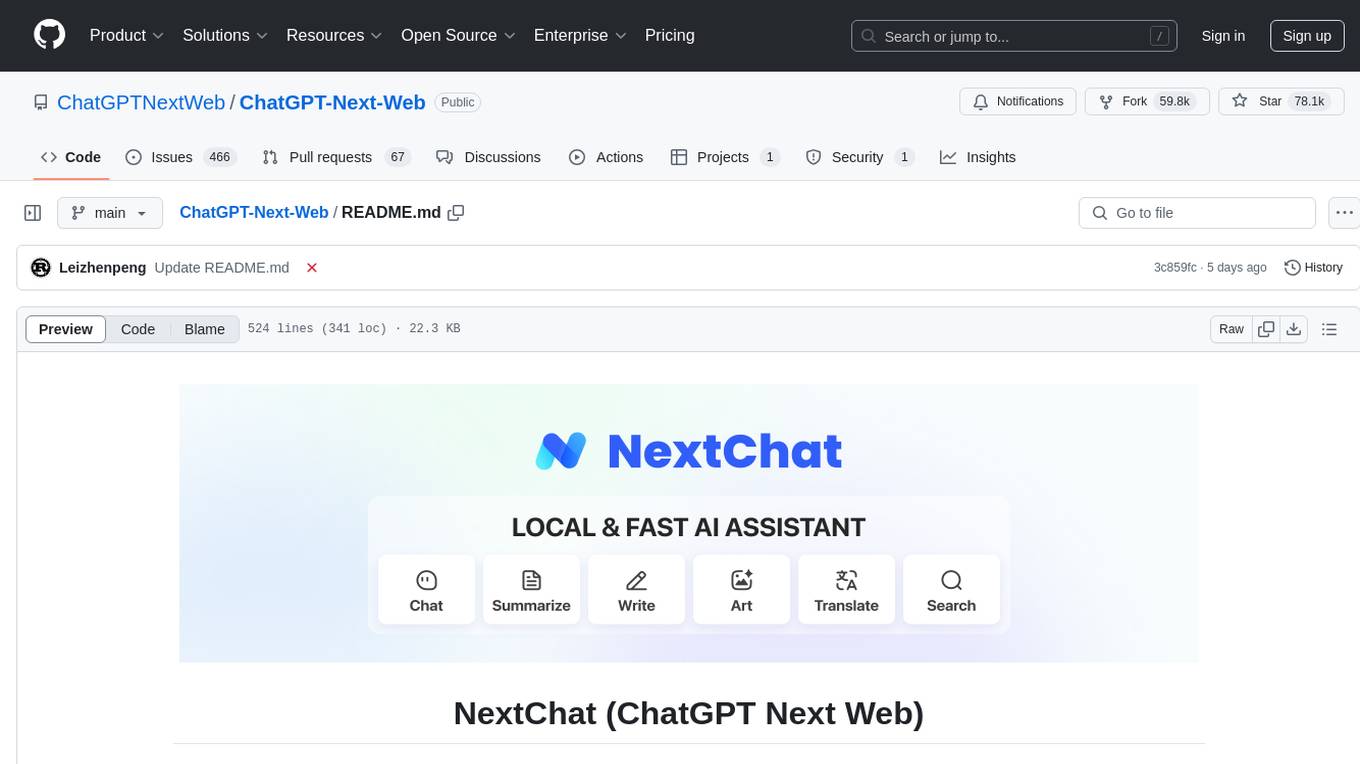
ChatGPT-Next-Web
ChatGPT Next Web is a well-designed cross-platform ChatGPT web UI tool that supports Claude, GPT4, and Gemini Pro models. It allows users to deploy their private ChatGPT applications with ease. The tool offers features like one-click deployment, compact client for Linux/Windows/MacOS, compatibility with self-deployed LLMs, privacy-first approach with local data storage, markdown support, responsive design, fast loading speed, prompt templates, awesome prompts, chat history compression, multilingual support, and more.
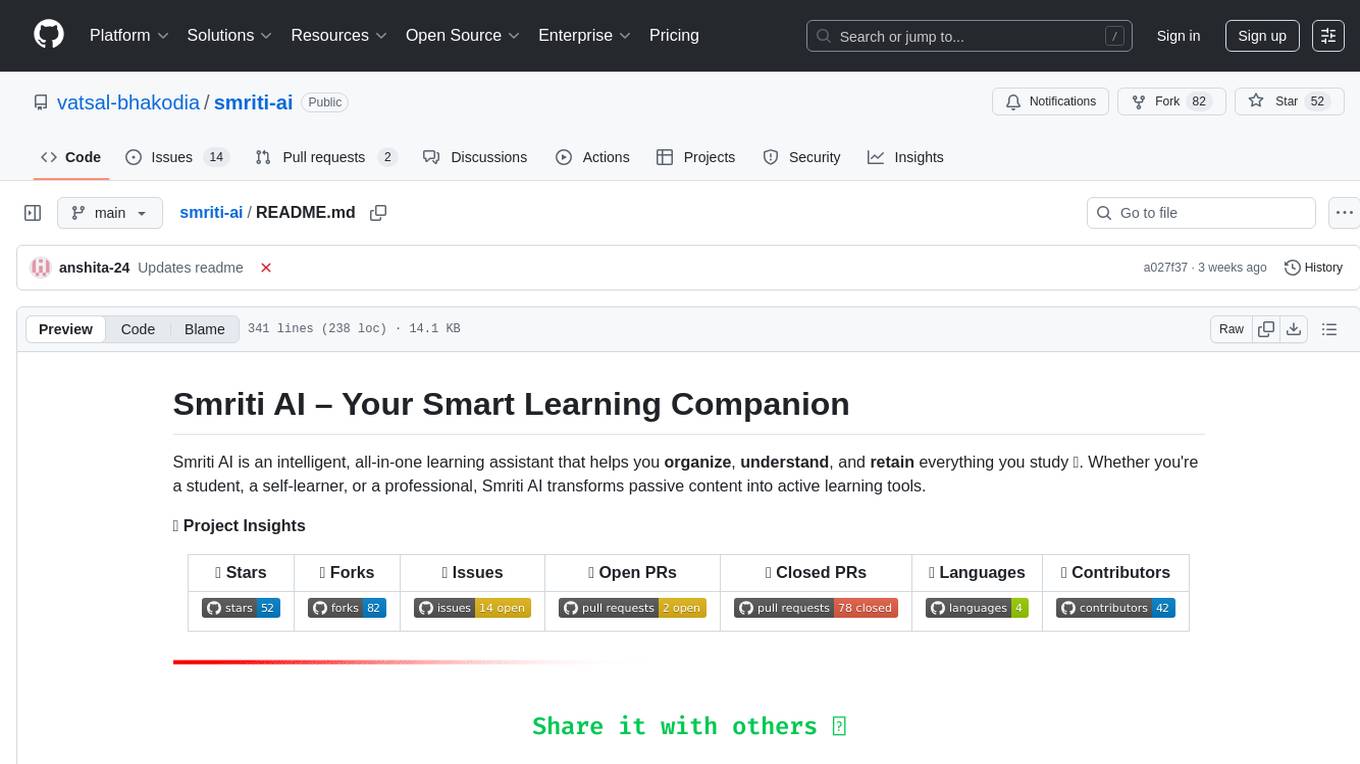
smriti-ai
Smriti AI is an intelligent learning assistant that helps users organize, understand, and retain study materials. It transforms passive content into active learning tools by capturing resources, converting them into summaries and quizzes, providing spaced revision with reminders, tracking progress, and offering a multimodal interface. Suitable for students, self-learners, professionals, educators, and coaching institutes.
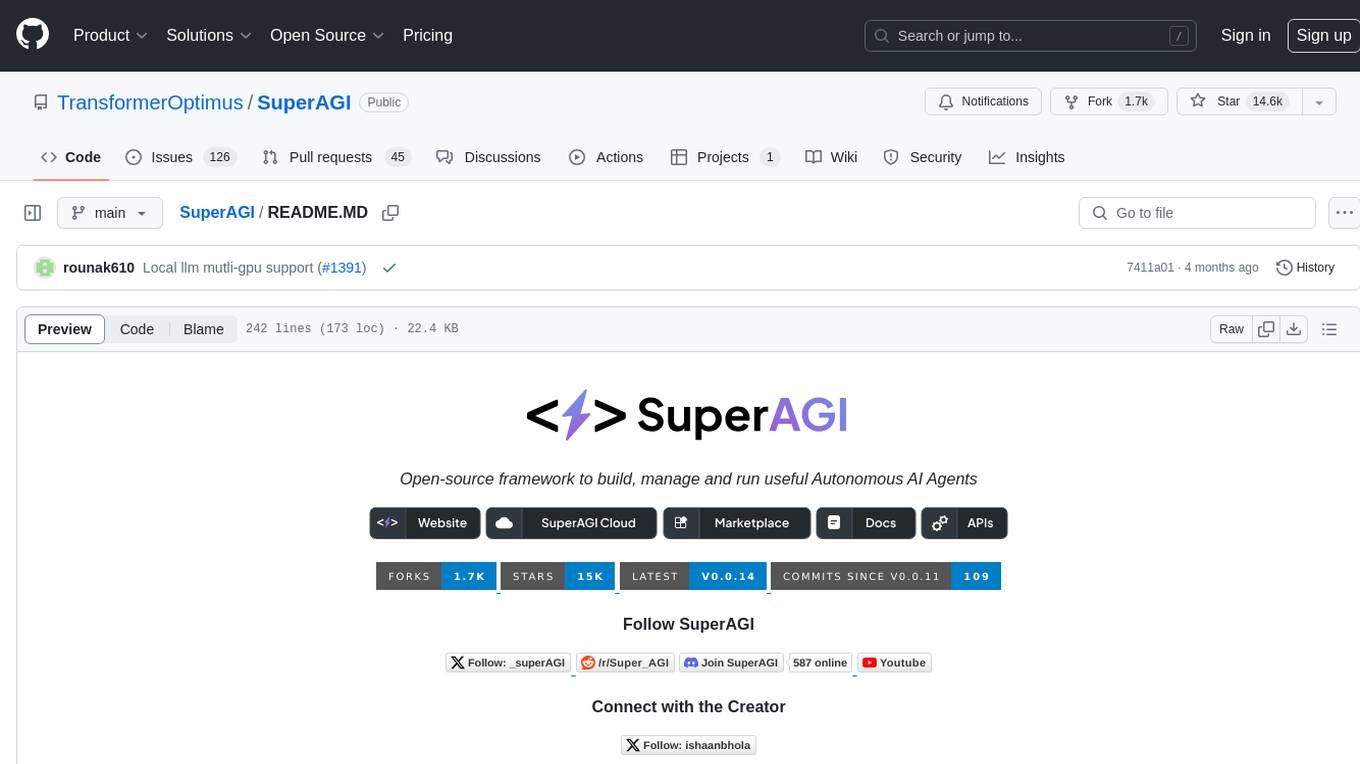
SuperAGI
SuperAGI is an open-source framework designed to build, manage, and run autonomous AI agents. It enables developers to create production-ready and scalable agents, extend agent capabilities with toolkits, and interact with agents through a graphical user interface. The framework allows users to connect to multiple Vector DBs, optimize token usage, store agent memory, utilize custom fine-tuned models, and automate tasks with predefined steps. SuperAGI also provides a marketplace for toolkits that enable agents to interact with external systems and third-party plugins.
For similar tasks
sfdx-hardis
sfdx-hardis is a toolbox for Salesforce DX, developed by Cloudity, that simplifies tasks which would otherwise take minutes or hours to complete manually. It enables users to define complete CI/CD pipelines for Salesforce projects, backup metadata, and monitor any Salesforce org. The tool offers a wide range of commands that can be accessed via the command line interface or through a Visual Studio Code extension. Additionally, sfdx-hardis provides Docker images for easy integration into CI workflows. The tool is designed to be natively compliant with various platforms and tools, making it a versatile solution for Salesforce developers.
omnia
Omnia is a deployment tool designed to turn servers with RPM-based Linux images into functioning Slurm/Kubernetes clusters. It provides an Ansible playbook-based deployment for Slurm and Kubernetes on servers running an RPM-based Linux OS. The tool simplifies the process of setting up and managing clusters, making it easier for users to deploy and maintain their infrastructure.
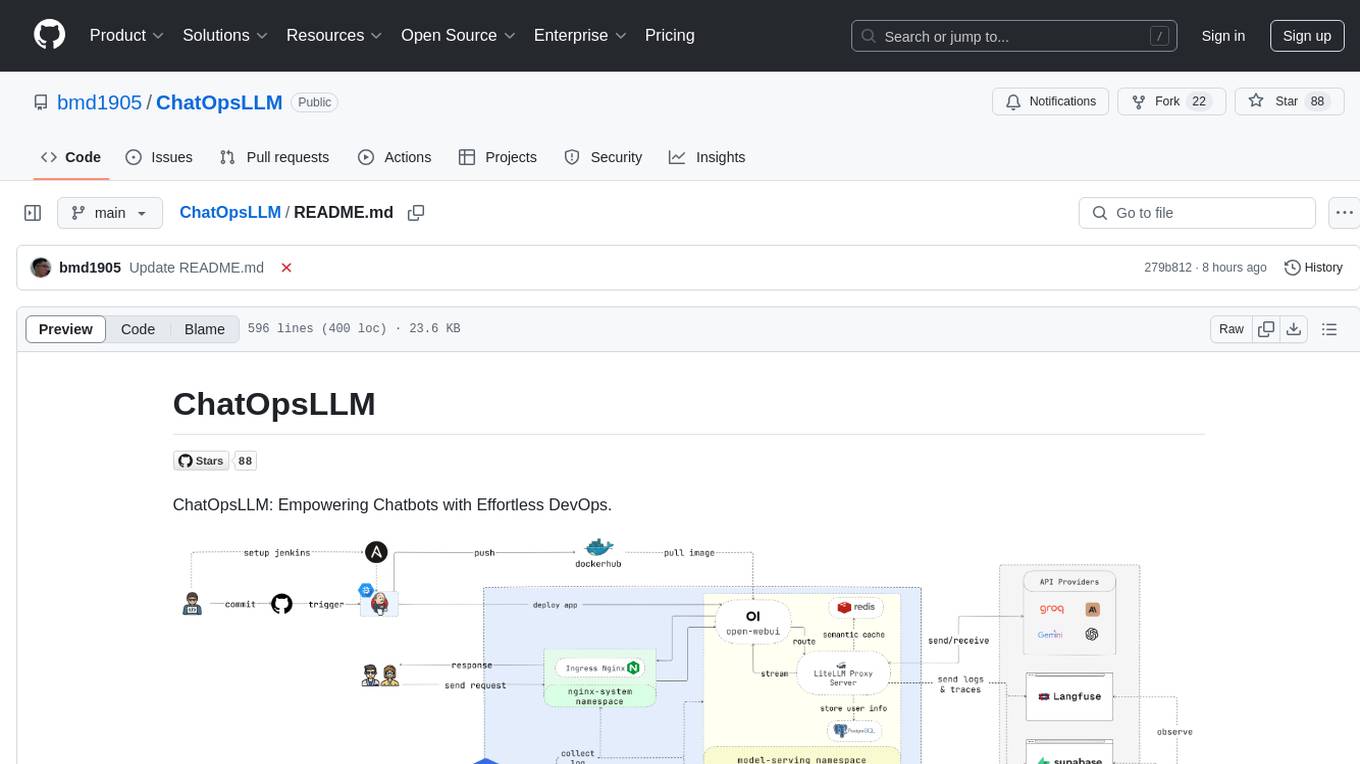
ChatOpsLLM
ChatOpsLLM is a project designed to empower chatbots with effortless DevOps capabilities. It provides an intuitive interface and streamlined workflows for managing and scaling language models. The project incorporates robust MLOps practices, including CI/CD pipelines with Jenkins and Ansible, monitoring with Prometheus and Grafana, and centralized logging with the ELK stack. Developers can find detailed documentation and instructions on the project's website.
rover
Rover is a command-line tool for managing and deploying Docker containers. It provides a simple and intuitive interface to interact with Docker images and containers, allowing users to easily build, run, and manage their containerized applications. With Rover, users can streamline their development workflow by automating container deployment and management tasks. The tool is designed to be lightweight and easy to use, making it ideal for developers and DevOps professionals looking to simplify their container management processes.

deepeval
DeepEval is a simple-to-use, open-source LLM evaluation framework specialized for unit testing LLM outputs. It incorporates various metrics such as G-Eval, hallucination, answer relevancy, RAGAS, etc., and runs locally on your machine for evaluation. It provides a wide range of ready-to-use evaluation metrics, allows for creating custom metrics, integrates with any CI/CD environment, and enables benchmarking LLMs on popular benchmarks. DeepEval is designed for evaluating RAG and fine-tuning applications, helping users optimize hyperparameters, prevent prompt drifting, and transition from OpenAI to hosting their own Llama2 with confidence.
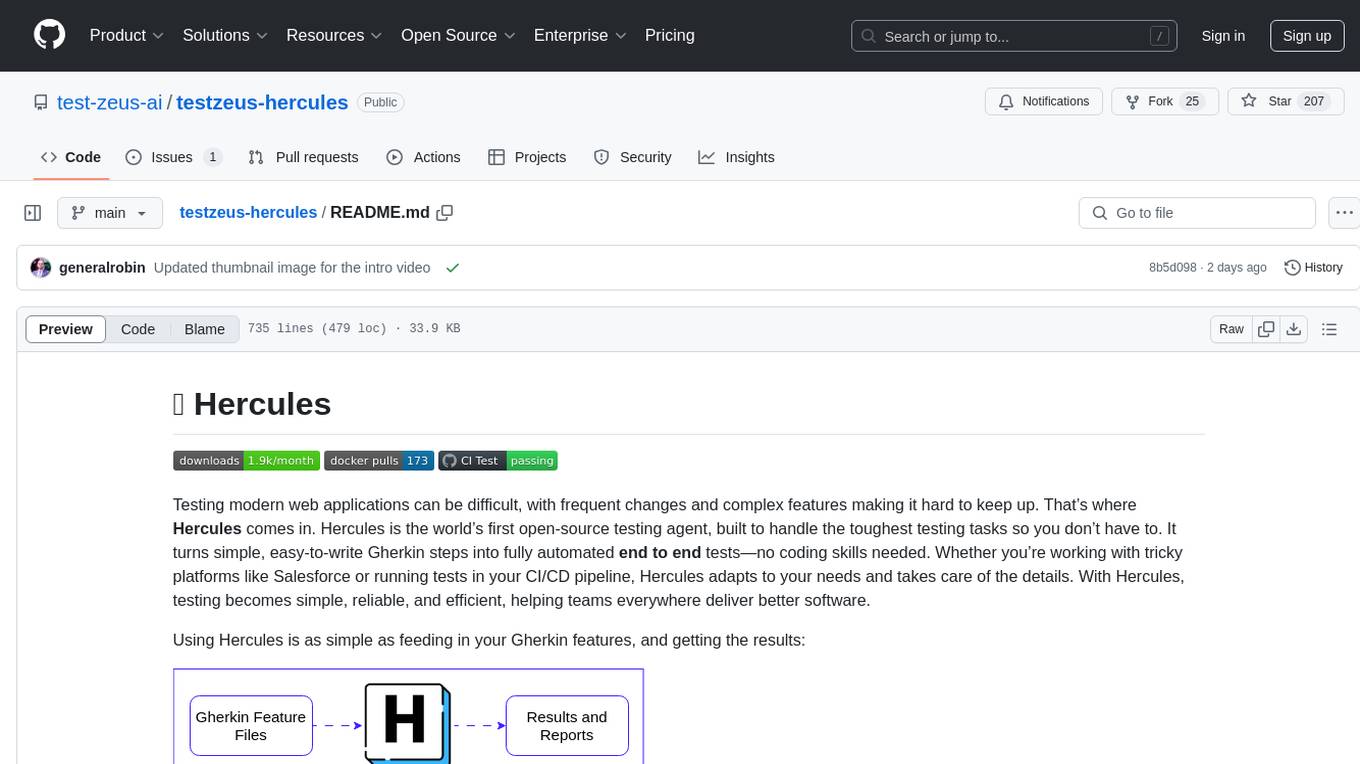
testzeus-hercules
Hercules is the world’s first open-source testing agent designed to handle the toughest testing tasks for modern web applications. It turns simple Gherkin steps into fully automated end-to-end tests, making testing simple, reliable, and efficient. Hercules adapts to various platforms like Salesforce and is suitable for CI/CD pipelines. It aims to democratize and disrupt test automation, making top-tier testing accessible to everyone. The tool is transparent, reliable, and community-driven, empowering teams to deliver better software. Hercules offers multiple ways to get started, including using PyPI package, Docker, or building and running from source code. It supports various AI models, provides detailed installation and usage instructions, and integrates with Nuclei for security testing and WCAG for accessibility testing. The tool is production-ready, open core, and open source, with plans for enhanced LLM support, advanced tooling, improved DOM distillation, community contributions, extensive documentation, and a bounty program.
lingo.dev
Replexica AI automates software localization end-to-end, producing authentic translations instantly across 60+ languages. Teams can do localization 100x faster with state-of-the-art quality, reaching more paying customers worldwide. The tool offers a GitHub Action for CI/CD automation and supports various formats like JSON, YAML, CSV, and Markdown. With lightning-fast AI localization, auto-updates, native quality translations, developer-friendly CLI, and scalability for startups and enterprise teams, Replexica is a top choice for efficient and effective software localization.
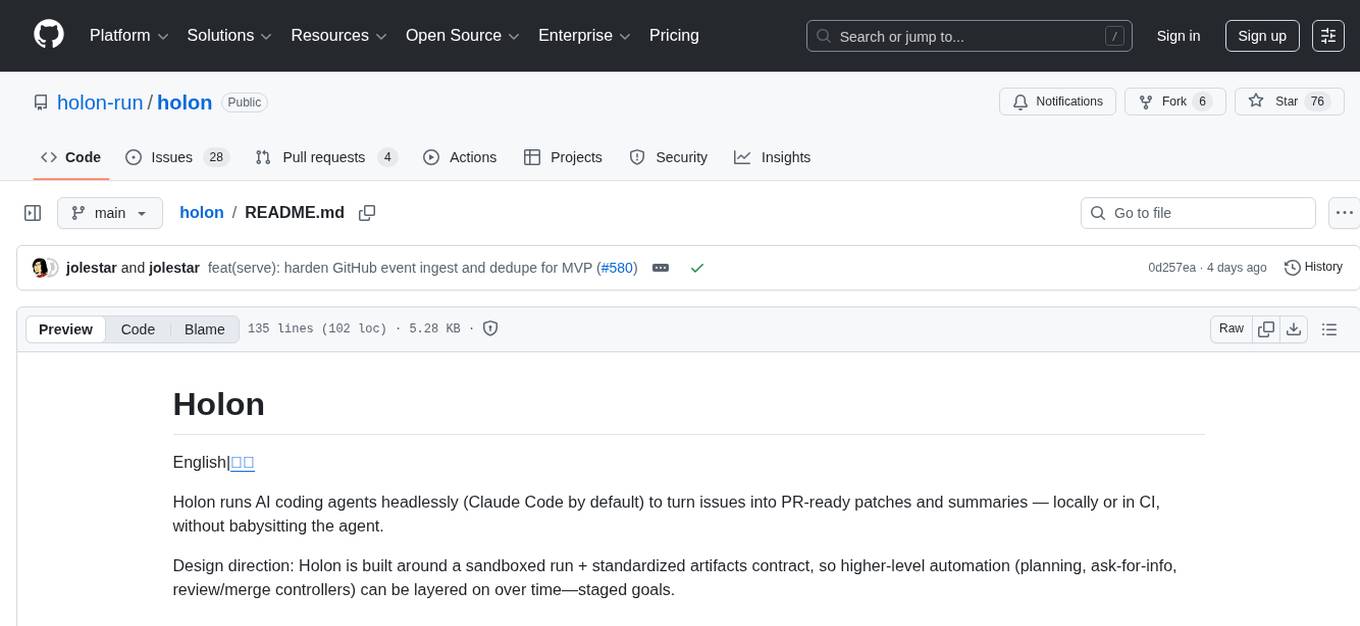
holon
Holon is a tool that runs AI coding agents headlessly to automate the process of turning issues into PR-ready patches and summaries. It provides a sandboxed execution environment with standardized artifacts, allowing for deterministic and repeatable runs. Users can easily create or update PRs, manage state persistence, and customize agent bundles. Holon can be used locally or in CI environments, offering seamless integration with GitHub Actions.
For similar jobs

kaito
Kaito is an operator that automates the AI/ML inference model deployment in a Kubernetes cluster. It manages large model files using container images, avoids tuning deployment parameters to fit GPU hardware by providing preset configurations, auto-provisions GPU nodes based on model requirements, and hosts large model images in the public Microsoft Container Registry (MCR) if the license allows. Using Kaito, the workflow of onboarding large AI inference models in Kubernetes is largely simplified.
ai-on-gke
This repository contains assets related to AI/ML workloads on Google Kubernetes Engine (GKE). Run optimized AI/ML workloads with Google Kubernetes Engine (GKE) platform orchestration capabilities. A robust AI/ML platform considers the following layers: Infrastructure orchestration that support GPUs and TPUs for training and serving workloads at scale Flexible integration with distributed computing and data processing frameworks Support for multiple teams on the same infrastructure to maximize utilization of resources

tidb
TiDB is an open-source distributed SQL database that supports Hybrid Transactional and Analytical Processing (HTAP) workloads. It is MySQL compatible and features horizontal scalability, strong consistency, and high availability.
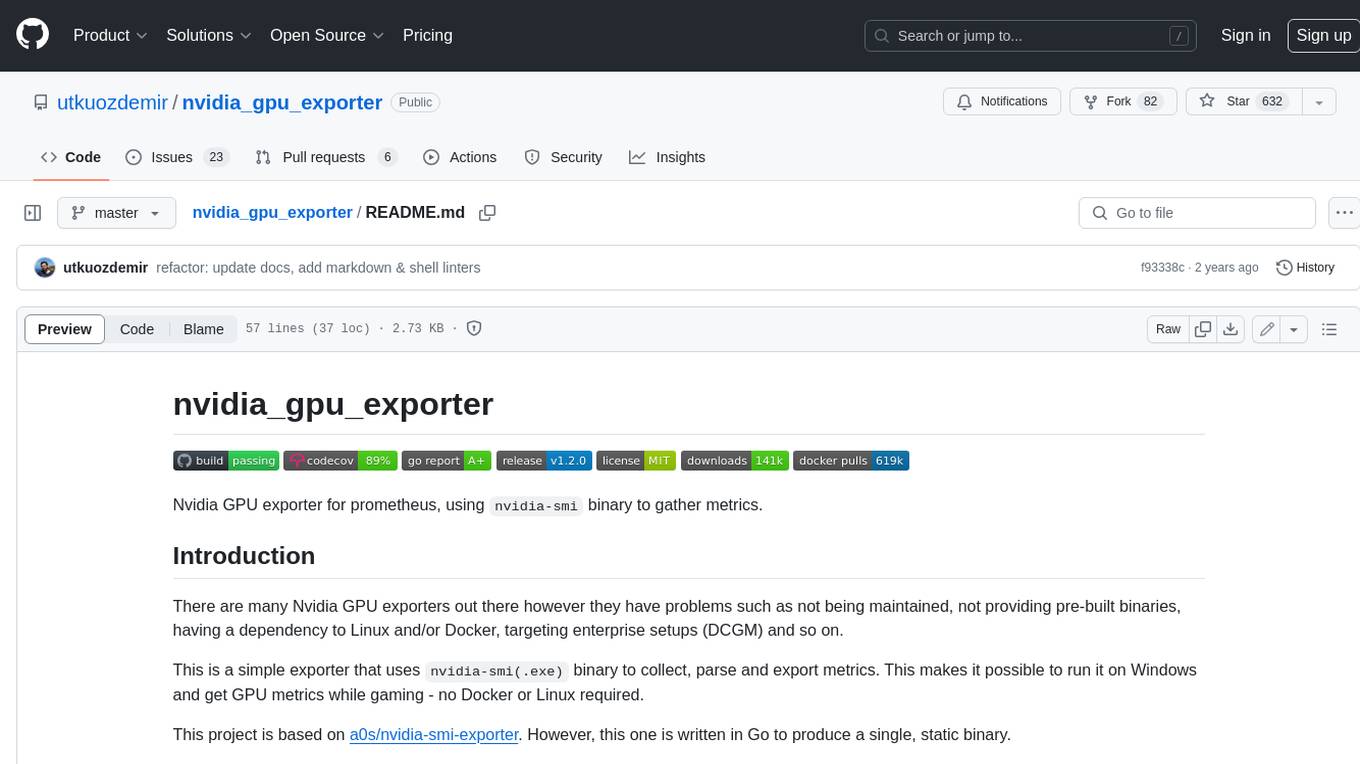
nvidia_gpu_exporter
Nvidia GPU exporter for prometheus, using `nvidia-smi` binary to gather metrics.

tracecat
Tracecat is an open-source automation platform for security teams. It's designed to be simple but powerful, with a focus on AI features and a practitioner-obsessed UI/UX. Tracecat can be used to automate a variety of tasks, including phishing email investigation, evidence collection, and remediation plan generation.
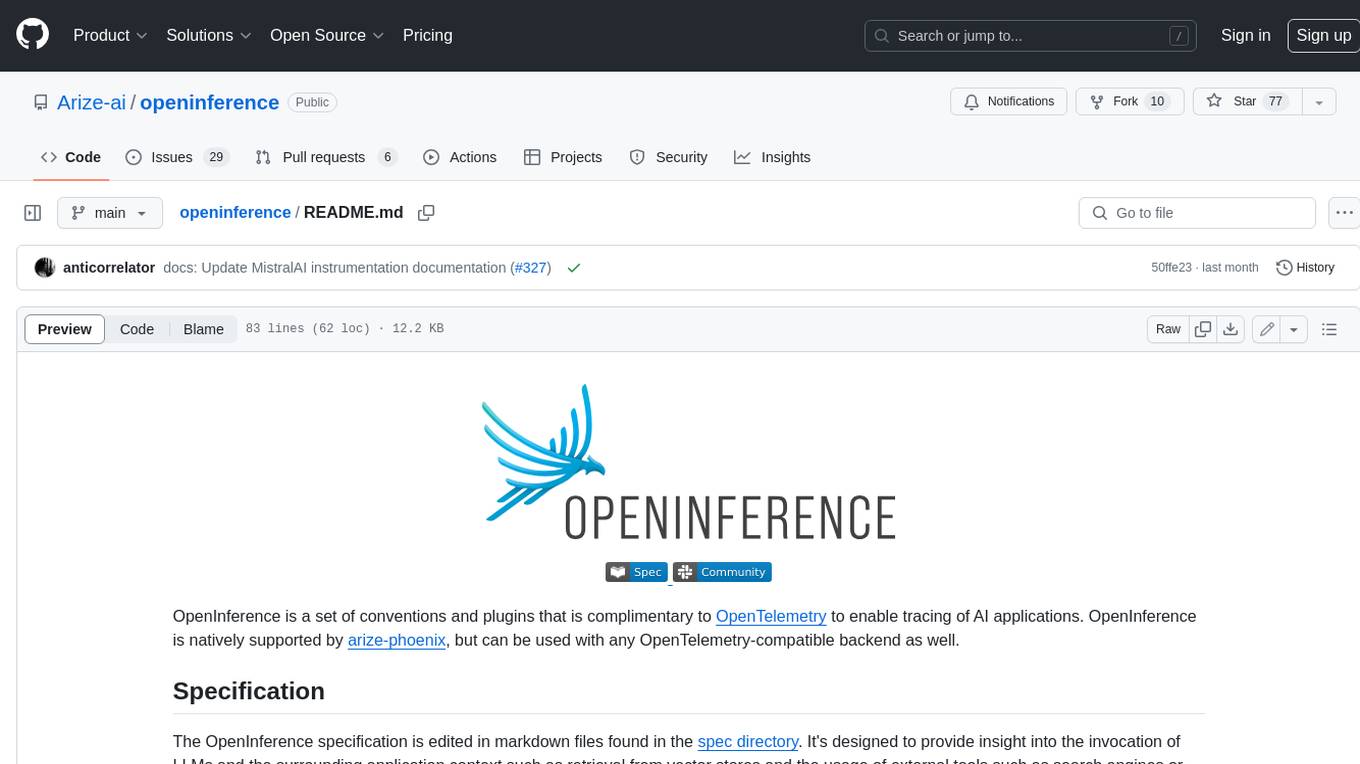
openinference
OpenInference is a set of conventions and plugins that complement OpenTelemetry to enable tracing of AI applications. It provides a way to capture and analyze the performance and behavior of AI models, including their interactions with other components of the application. OpenInference is designed to be language-agnostic and can be used with any OpenTelemetry-compatible backend. It includes a set of instrumentations for popular machine learning SDKs and frameworks, making it easy to add tracing to your AI applications.

BricksLLM
BricksLLM is a cloud native AI gateway written in Go. Currently, it provides native support for OpenAI, Anthropic, Azure OpenAI and vLLM. BricksLLM aims to provide enterprise level infrastructure that can power any LLM production use cases. Here are some use cases for BricksLLM: * Set LLM usage limits for users on different pricing tiers * Track LLM usage on a per user and per organization basis * Block or redact requests containing PIIs * Improve LLM reliability with failovers, retries and caching * Distribute API keys with rate limits and cost limits for internal development/production use cases * Distribute API keys with rate limits and cost limits for students
kong
Kong, or Kong API Gateway, is a cloud-native, platform-agnostic, scalable API Gateway distinguished for its high performance and extensibility via plugins. It also provides advanced AI capabilities with multi-LLM support. By providing functionality for proxying, routing, load balancing, health checking, authentication (and more), Kong serves as the central layer for orchestrating microservices or conventional API traffic with ease. Kong runs natively on Kubernetes thanks to its official Kubernetes Ingress Controller.