


agent-o-rama
End-to-end platform for building and perfecting LLM agents on the JVM
Stars: 161
Agent-O-Rama is a powerful open-source tool designed for automating repetitive tasks in the field of software development. It provides a user-friendly interface to create and manage automated agents that can perform various tasks such as code deployment, testing, and monitoring. With Agent-O-Rama, developers can save time and effort by automating routine processes and focusing on more critical aspects of their projects. The tool is highly customizable and extensible, allowing users to tailor it to their specific needs and integrate it with other tools and services. Agent-O-Rama is suitable for both individual developers and teams working on projects of any size, providing a scalable solution for improving productivity and efficiency in software development.
README:
Agent-o-rama is an end-to-end LLM agent platform for building, tracing, testing, and monitoring agents with integrated storage and one-click deployment. Agent-o-rama provides two first-class APIs, one for Java and one for Clojure, with feature parity between them.
Building LLM-based applications requires being rigorous about testing and monitoring. Inspired by LangGraph and LangSmith, Agent-o-rama provides similar capabilities to support the end-to-end workflow of building LLM applications: datasets and experiments for evaluation, and detailed tracing, online evaluation, and time-series telemetry (e.g. model latency, token usage, database latency) for observability. All of this is exposed in a comprehensive web UI.
Agents are defined as simple graphs of Java or Clojure functions that execute in parallel, with built-in high-performance storage for any data model and integrated deployment. Agents have full support for streaming, and they're easy to scale by just adding more nodes.


- Overview
- Detailed comparisons against other agent tools
- Downloads
- Learning Agent-o-rama
- Tour of Agent-o-rama
LLMs are powerful but inherently unpredictable, so building applications with LLMs that are helpful and performant with minimal hallucination requires extensive testing and monitoring. Agent-o-rama addresses this by making evaluation and observability a first-class part of the development process, not an afterthought.
Agent-o-rama is deployed onto your own infrastructure on a Rama cluster. Rama is free to use for clusters up to two nodes and can scale to thousands with a commercial license. Every part of Agent-o-rama is built-in and requires no other dependency besides Rama, including high-performance, durable, and replicated storage of any data model that can be used as part of agents. Agent-o-rama also integrates seamlessly with any other tool, such as databases, vector stores, external APIs, or anything else. Unlike hosted observability tools, all data and traces stay within your infrastructure.
Agent-o-rama integrates with Langchain4j to capture detailed traces of model calls and embedding-store operations, and to stream model interactions to clients in real time. Integration is fully optional – if you prefer to use other APIs for model access, Agent-o-rama supports that as well.
Rama can be downloaded here, and instructions for setting up a cluster are here. A cluster can be as small as one node or as big as thousands of nodes. There's also one-click deploys for AWS and for Azure. Instructions for developing with and deploying Agent-o-rama are below.
Development of Agent-o-rama applications is done with "in-process cluster" (IPC), which simulates Rama clusters in a single process. IPC is great for unit testing or experimentation at a REPL. See below for examples in both Java and Clojure of agents utilizing an LLM run with IPC.
- Agent-o-rama vs. LangGraph / LangSmith
- Agent-o-rama vs. LangChain4j
- Agent-o-rama vs. Spring AI
- Agent-o-rama vs. Koog
- Agent-o-rama vs. Embabel
- Agent-o-rama vs. LangGraph4j
Download Agent-o-rama releases here. A release is used to run the Agent-o-rama frontend. See this section for instructions on deploying. For building agent modules, add these repositories to the Maven dependencies for your project:
<repositories>
  <repository>
    <id>nexus-releases</id>
    <url>https://nexus.redplanetlabs.com/repository/maven-public-releases</url>
  </repository>
  <repository>
    <id>clojars</id>
    <url>https://repo.clojars.org/</url>
  </repository>
</repositories>
The Maven target for Agent-o-rama is:
<dependency>
  <groupId>com.rpl</groupId>
  <artifactId>agent-o-rama</artifactId>
  <version>0.7.0</version>
</dependency>
- Quickstart
- Full documentation
- Documentation chatbot
- Javadoc
- Clojuredoc
- Mailing list
- Discord server
- #rama channel on Clojurians
Below is a quick tour of all aspects of Agent-o-rama, starting with defining agents through running experiments and analyzing telemetry.
Agents are defined in "modules" which also contain storage definitions, agent objects (such as LLM or database clients), custom evaluators, and custom actions. A module can have any number of agents in it, and a module is launched on a cluster with one-line commands with the Rama CLI. For example, here's how to define a module BasicAgentModule with one agent that does a single LLM call and run it in the "in-process cluster" (IPC) development environment in both Java and Clojure:
public class BasicAgentModule extends AgentModule {
  @Override
  protected void defineAgents(AgentTopology topology) {
    topology.declareAgentObject("openai-api-key", System.getenv("OPENAI_API_KEY"));
    topology.declareAgentObjectBuilder(
      "openai-model",
      setup -> {
        String apiKey = setup.getAgentObject("openai-api-key");
        return OpenAiStreamingChatModel.builder()
            .apiKey(apiKey)
            .modelName("gpt-4o-mini")
            .build();
      });
    topology.newAgent("basic-agent")
            .node("chat",
                  null,
                  (AgentNode node, String prompt) -> {
                    ChatModel model = node.getAgentObject("openai-model");
                    node.result(model.chat(prompt));
                  });
  }
}

try (InProcessCluster ipc = InProcessCluster.create();
     AutoCloseable ui = UI.start(ipc)) {
  BasicAgentModule module = new BasicAgentModule();
  ipc.launchModule(module, new LaunchConfig(1, 1));
  String moduleName = module.getModuleName();
  AgentManager manager = AgentManager.create(ipc, moduleName);
  AgentClient agent = manager.getAgentClient("basic-agent");

  String result = agent.invoke("What are use cases for AI agents?");
  System.out.println("Result: " + result);
}(aor/defagentmodule BasicAgentModule
[topology]
(aor/declare-agent-object topology "openai-api-key" (System/getenv "OPENAI_API_KEY"))
(aor/declare-agent-object-builder
topology
"openai-model"
(fn [setup]
(-> (OpenAiStreamingChatModel/builder)
(.apiKey (aor/get-agent-object setup "openai-api-key"))
(.modelName "gpt-4o-mini")
.build)))
(-> topology
(aor/new-agent "basic-agent")
(aor/node
"start"
nil
(fn [agent-node prompt]
(let [openai (aor/get-agent-object agent-node "openai-model")]
(aor/result! agent-node (lc4j/basic-chat openai prompt))
)))))
(with-open [ipc (rtest/create-ipc)
ui (aor/start-ui ipc)]
(rtest/launch-module! ipc BasicAgentModule {:tasks 4 :threads 2})
(let [module-name (rama/get-module-name BasicAgentModule)
agent-manager (aor/agent-manager ipc module-name)
agent (aor/agent-client agent-manager "basic-agent")]
(println "Result:" (aor/agent-invoke agent "What are use cases for AI agents?"))
))These examples also launch the Agent-o-rama UI locally at http://localhost:1974.
See this page for all the details of coding agents, including having multiple nodes, getting human input as part of execution, and aggregation. For lots of examples of agents in either Java or Clojure, see the examples directory in the repository.
Modules are launched, updated, and scaled on a real cluster with the Rama CLI. Here's an example of launching:
rama deploy --action launch \
--jar my-application-1.0.0.jar \
--module com.mycompany.BasicAgentModule \
--tasks 32 \
--threads 8 \
--workers 4 \
--replicationFactor 2
The launch parameters are detailed more in this section of the Rama docs.
Updating a module to change agent definitions, add/remove storage definitions, or any other change looks like:
rama deploy \
  --action update \
  --jar my-application-1.0.1.jar \
  --module com.mycompany.BasicAgentModule
Finally, scaling a module to add or remove resources looks like:
rama scaleExecutors \
--module com.mycompany.BasicAgentModule \
--threads 16 \
--workers 8
A trace of every agent invoke is viewable in the Agent-o-rama web UI. Every aspect of execution is captured, including node emits, node timings, model calls, token counts, database read/write latencies, tool calls, subagent invokes, and much more. On the right is aggregated stats across all nodes.
From the trace UI you can also fork any previous agent invoke, changing the arguments for any number of nodes and rerunning from there. This is useful to quickly see how small tweaks change the results to inform further iteration on the agent.
Agent-o-rama has a first-class API for dynamically requesting human input in the middle of agent execution. Pending human input is viewable in traces and can be provided there or via the API.
Human input is requested in a node function with the blocking call agentNode.getHumanInput(prompt) in Java and (aor/get-human-input agent-node prompt) in Clojure. Since nodes run on virtual threads, this is efficient. This returns the string the human provided that can be utilized in the rest of the agent execution.
The client API can stream results from individual nodes. Nested model calls are automatically streamed back for the node, and node functions can also use the Agent-o-rama API to explicitly stream chunks as well. Here's what it looks like in Java and Clojure to register a callback to stream a node:
client.stream(invoke, "someNode", (List<String> allChunks, List<String> newChunks, boolean isReset, boolean isComplete) -> {
  System.out.println("Received new chunks: " + newChunks);
};(aor/agent-stream client invoke "some-node"
(fn [all-chunks new-chunks reset? complete?]
(println "Received new chunks:" new-chunks)))See this page for all the info on streaming.
Datasets of examples can be created and managed via the UI or API. Examples can be added manually, imported in bulk via JSONL files, or added automatically from production runs with actions. See all the info about datasets on this page.
Datasets can then be used to run experiments to track agent performance, do regression testing, or test new agents. Experiments can be run on entire agents or on individual nodes of an agent. A single target can be tested at a time, or comparative experiments can be done to evaluate multiple different targets (e.g. the same agent parameterized to use different models).
Experiment results look like:

Experiments use "evaluators" to score performance. Evaluators are functions that return scores, and they can use models or databases during their execution. Agent-o-rama has built-in evaluators like the "LLM as judge" evaluator which uses an LLM with a prompt to produce a score.
See all the info about experiments on this page.
Actions can be set up via the UI to run automatically on the results of production runs. Actions can do online evaluation, add to datasets, trigger webhooks, or run any custom function. Actions receive as input the run input/output, run statistics (e.g. latency, token counts), and any errors during the run. Actions can set a sampling rate or filter for runs matching particular parameters.
Online evaluation gets added as feedback on the run that is viewable in traces, and time-series charts are automatically created that are viewable in the analytics section. Here's an example of setting up an action to do online evaluation:

Here's an example of creating an action to add slow runs to a dataset:

See this page for the details on creating actions.
A comprehensive human feedback system integrates both structured and unstructured human evaluation directly into your agent development workflow.
Feedback queues organize evaluation work across your team. Automatically route agent runs for review, configure which feedback to collect, and give reviewers a streamlined interface that displays inputs and outputs alongside the feedback form, advancing to the next item after submission.

Feedback can also be recorded directly on traces, making it easy to record insights during debugging or analysis.
Human feedback flows into the telemetry system where you can visualize trends over time and track whether agent improvements align with human evaluations.
Agent-o-rama automatically tracks time-series telemetry for all aspects of agent execution.
You can also attach metadata to any agent invoke, and all time-series telemetry can be split by the values for each metadata key. So if one of your metadata keys is the choice of model to use, you can see how invokes, token counts, latencies, and everything else vary by choice of model.

For Tasks:
Click tags to check more tools for each tasksFor Jobs:
Alternative AI tools for agent-o-rama
Similar Open Source Tools
agent-o-rama
Agent-O-Rama is a powerful open-source tool designed for automating repetitive tasks in the field of software development. It provides a user-friendly interface to create and manage automated agents that can perform various tasks such as code deployment, testing, and monitoring. With Agent-O-Rama, developers can save time and effort by automating routine processes and focusing on more critical aspects of their projects. The tool is highly customizable and extensible, allowing users to tailor it to their specific needs and integrate it with other tools and services. Agent-O-Rama is suitable for both individual developers and teams working on projects of any size, providing a scalable solution for improving productivity and efficiency in software development.
oh-my-opencode
OhMyOpenCode is a free and open-source tool that enhances coding productivity by providing an agent harness for orchestrating multiple models and tools. It offers features like background agents, LSP/AST tools, curated MCPs, and compatibility with various agents like Claude Code. The tool aims to boost productivity, automate tasks, and streamline the coding process for users. It is highly extensible and customizable, catering to both hackers and non-hackers alike, with a focus on enhancing the development experience and performance.
verl-tool
The verl-tool is a versatile command-line utility designed to streamline various tasks related to version control and code management. It provides a simple yet powerful interface for managing branches, merging changes, resolving conflicts, and more. With verl-tool, users can easily track changes, collaborate with team members, and ensure code quality throughout the development process. Whether you are a beginner or an experienced developer, verl-tool offers a seamless experience for version control operations.
humanlayer
HumanLayer is a Python toolkit designed to enable AI agents to interact with humans in tool-based and asynchronous workflows. By incorporating humans-in-the-loop, agentic tools can access more powerful and meaningful tasks. The toolkit provides features like requiring human approval for function calls, human as a tool for contacting humans, omni-channel contact capabilities, granular routing, and support for various LLMs and orchestration frameworks. HumanLayer aims to ensure human oversight of high-stakes function calls, making AI agents more reliable and safe in executing impactful tasks.
n8n-docs
n8n is an extendable workflow automation tool that enables you to connect anything to everything. It is open-source and can be self-hosted or used as a service. n8n provides a visual interface for creating workflows, which can be used to automate tasks such as data integration, data transformation, and data analysis. n8n also includes a library of pre-built nodes that can be used to connect to a variety of applications and services. This makes it easy to create complex workflows without having to write any code.
budibase
Budibase is an open-source low-code platform that allows users to build web applications visually without writing code. It provides a drag-and-drop interface for designing user interfaces and workflows, as well as a visual editor for defining data models and business logic. With Budibase, users can quickly create custom web applications for various purposes, such as data management, project tracking, and internal tools. The platform supports integrations with popular services and databases, making it easy to extend the functionality of applications. Budibase is suitable for both experienced developers looking to speed up their workflow and non-technical users who want to create web applications without coding.
crewAI-tools
This repository provides a guide for setting up tools for crewAI agents to enhance functionality. It offers steps to equip agents with ready-to-use tools and create custom ones. Tools are expected to return strings for generating responses. Users can create tools by subclassing BaseTool or using the tool decorator. Contributions are welcome to enrich the toolset, and guidelines are provided for contributing. The development setup includes installing dependencies, activating virtual environment, setting up pre-commit hooks, running tests, static type checking, packaging, and local installation. The goal is to empower AI solutions through advanced tooling.
holmesgpt
HolmesGPT is an AI agent designed for troubleshooting and investigating issues in cloud environments. It utilizes AI models to analyze data from various sources, identify root causes, and provide remediation suggestions. The tool offers integrations with popular cloud providers, observability tools, and on-call systems, enabling users to streamline the troubleshooting process. HolmesGPT can automate the investigation of alerts and tickets from external systems, providing insights back to the source or communication platforms like Slack. It supports end-to-end automation and offers a CLI for interacting with the AI agent. Users can customize HolmesGPT by adding custom data sources and runbooks to enhance investigation capabilities. The tool prioritizes data privacy, ensuring read-only access and respecting RBAC permissions. HolmesGPT is a CNCF Sandbox Project and is distributed under the Apache 2.0 License.
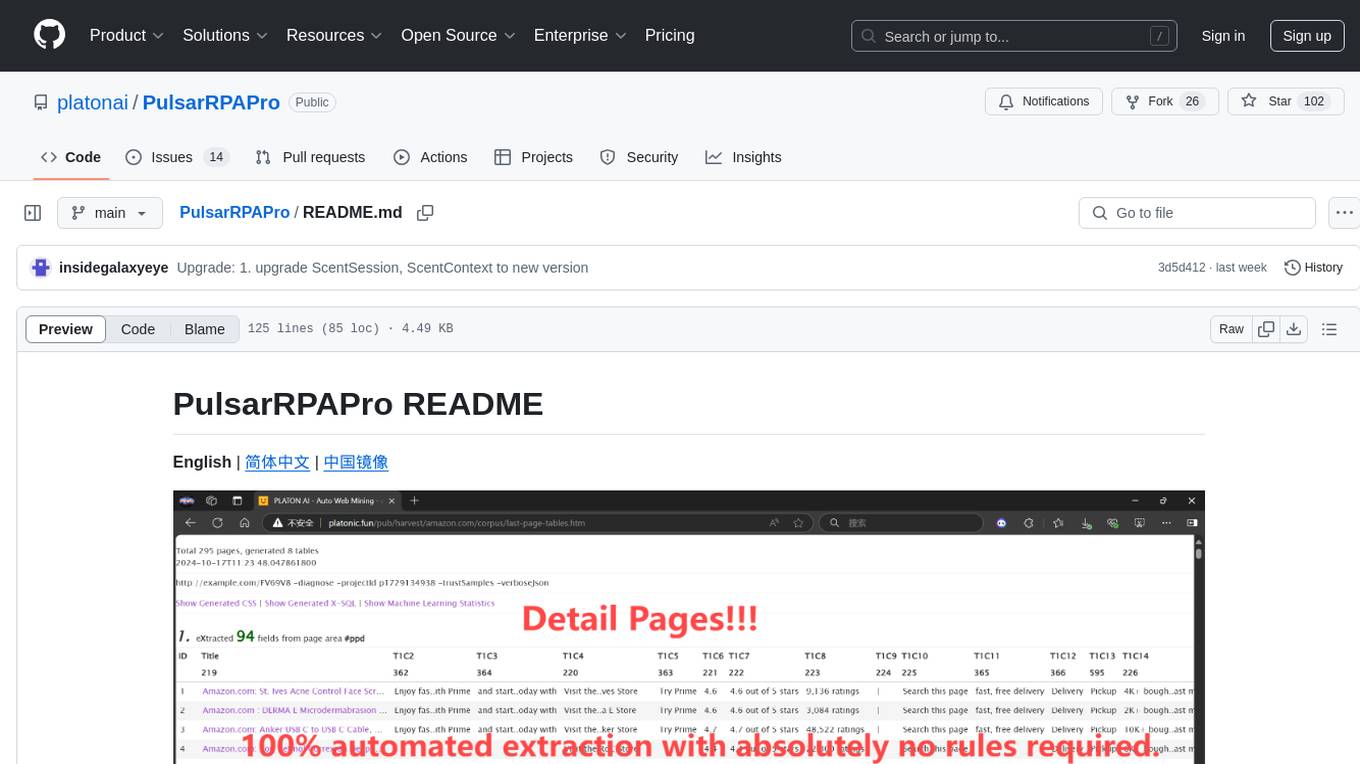
PulsarRPAPro
PulsarRPAPro is a powerful robotic process automation (RPA) tool designed to automate repetitive tasks and streamline business processes. It offers a user-friendly interface for creating and managing automation workflows, allowing users to easily automate tasks without the need for extensive programming knowledge. With features such as task scheduling, data extraction, and integration with various applications, PulsarRPAPro helps organizations improve efficiency and productivity by reducing manual work and human errors. Whether you are a small business looking to automate simple tasks or a large enterprise seeking to optimize complex processes, PulsarRPAPro provides the flexibility and scalability to meet your automation needs.
mfish-nocode
Mfish-nocode is a low-code/no-code platform that aims to make development as easy as fishing. It breaks down technical barriers, allowing both developers and non-developers to quickly build business systems, increase efficiency, and unleash creativity. It is not only an efficiency tool for developers during leisure time, but also a website building tool for novices in the workplace, and even a secret weapon for leaders to prototype.
BrowserGym
BrowserGym is an open, easy-to-use, and extensible framework designed to accelerate web agent research. It provides benchmarks like MiniWoB, WebArena, VisualWebArena, WorkArena, AssistantBench, and WebLINX. Users can design new web benchmarks by inheriting the AbstractBrowserTask class. The tool allows users to install different packages for core functionalities, experiments, and specific benchmarks. It supports the development setup and offers boilerplate code for running agents on various tasks. BrowserGym is not a consumer product and should be used with caution.
Companion
Companion is a software tool designed to provide support and enhance development. It offers various features and functionalities to assist users in their projects and tasks. The tool aims to be user-friendly and efficient, helping individuals and teams to streamline their workflow and improve productivity.
ome
Ome is a versatile tool designed for managing and organizing tasks and projects efficiently. It provides a user-friendly interface for creating, tracking, and prioritizing tasks, as well as collaborating with team members. With Ome, users can easily set deadlines, assign tasks, and monitor progress to ensure timely completion of projects. The tool offers customizable features such as tags, labels, and filters to streamline task management and improve productivity. Ome is suitable for individuals, teams, and organizations looking to enhance their task management process and achieve better results.
pilot
Pilot is an AI tool designed to streamline the process of handling tickets from GitHub, Linear, Jira, or Asana. It plans the implementation, writes the code, runs tests, and opens a PR for you to review and merge. With features like Autopilot, Epic Decomposition, Self-Review, and more, Pilot aims to automate the ticket handling process and reduce the time spent on prioritizing and completing tasks. It integrates with various platforms, offers intelligence features, and provides real-time visibility through a dashboard. Pilot is free to use, with costs associated with Claude API usage. It is designed for bug fixes, small features, refactoring, tests, docs, and dependency updates, but may not be suitable for large architectural changes or security-critical code.
WorkflowAI
WorkflowAI is a powerful tool designed to streamline and automate various tasks within the workflow process. It provides a user-friendly interface for creating custom workflows, automating repetitive tasks, and optimizing efficiency. With WorkflowAI, users can easily design, execute, and monitor workflows, allowing for seamless integration of different tools and systems. The tool offers advanced features such as conditional logic, task dependencies, and error handling to ensure smooth workflow execution. Whether you are managing project tasks, processing data, or coordinating team activities, WorkflowAI simplifies the workflow management process and enhances productivity.
opensrc
Opensrc is a versatile open-source tool designed for collaborative software development. It provides a platform for developers to work together on projects, share code, and manage contributions effectively. With features like version control, issue tracking, and code review, Opensrc streamlines the development process and fosters a collaborative environment. Whether you are working on a small project with a few contributors or a large-scale open-source initiative, Opensrc offers the tools you need to organize and coordinate your development efforts.
For similar tasks
agent-o-rama
Agent-O-Rama is a powerful open-source tool designed for automating repetitive tasks in the field of software development. It provides a user-friendly interface to create and manage automated agents that can perform various tasks such as code deployment, testing, and monitoring. With Agent-O-Rama, developers can save time and effort by automating routine processes and focusing on more critical aspects of their projects. The tool is highly customizable and extensible, allowing users to tailor it to their specific needs and integrate it with other tools and services. Agent-O-Rama is suitable for both individual developers and teams working on projects of any size, providing a scalable solution for improving productivity and efficiency in software development.
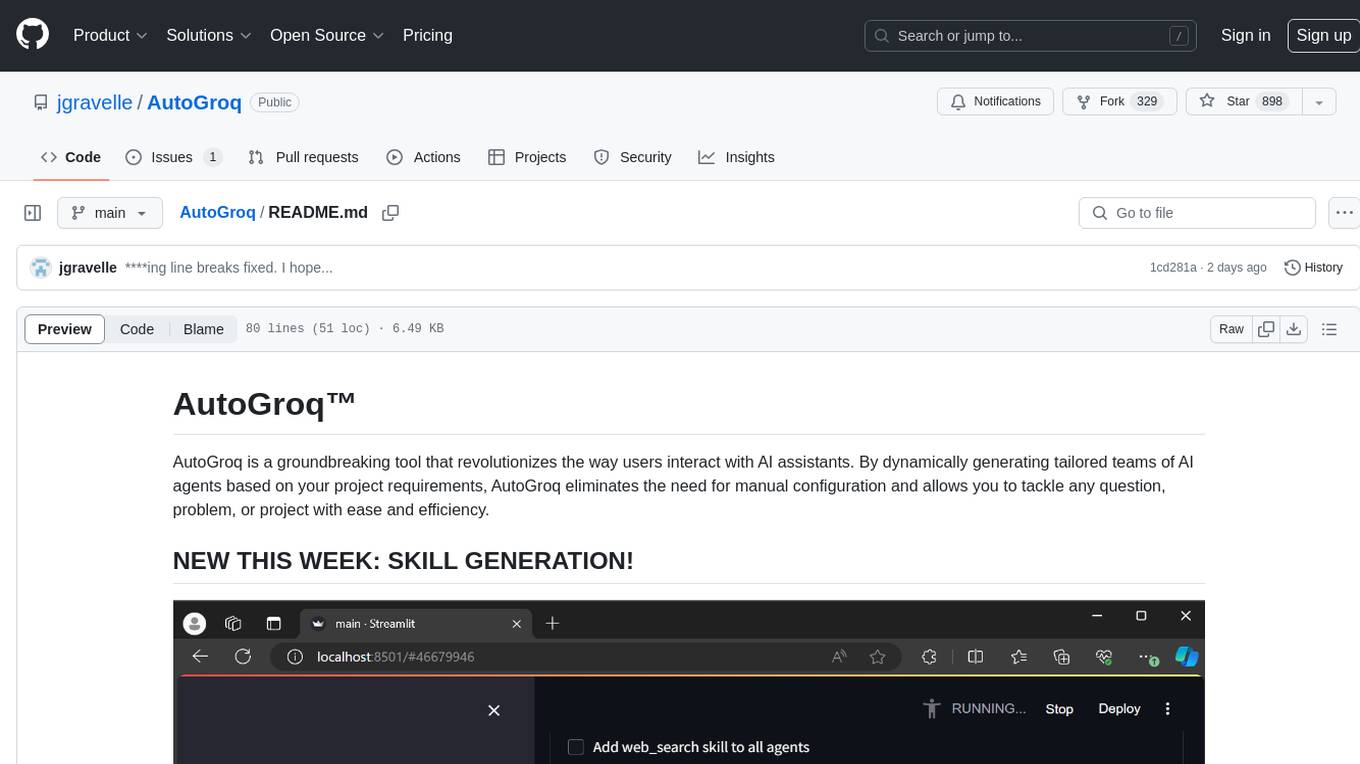
AutoGroq
AutoGroq is a revolutionary tool that dynamically generates tailored teams of AI agents based on project requirements, eliminating manual configuration. It enables users to effortlessly tackle questions, problems, and projects by creating expert agents, workflows, and skillsets with ease and efficiency. With features like natural conversation flow, code snippet extraction, and support for multiple language models, AutoGroq offers a seamless and intuitive AI assistant experience for developers and users.
forms-flow-ai
formsflow.ai is a Free, Open-Source, Low Code Development Platform for rapidly building powerful business applications. It combines leading Open-Source applications including form.io forms, Camunda’s workflow engine, Keycloak’s security, and Redash’s data analytics into a seamless, integrated platform. Check out the installation documentation for installation instructions and features documentation to explore features and capabilities in detail.
ComfyUIMini
ComfyUI Mini is a lightweight and mobile-friendly frontend designed to run ComfyUI workflows. It allows users to save workflows locally on their device or PC, easily import workflows, and view generation progress information. The tool requires ComfyUI to be installed on the PC and a modern browser with WebSocket support on the mobile device. Users can access the WebUI by running the app and connecting to the local address of the PC. ComfyUI Mini provides a simple and efficient way to manage workflows on mobile devices.
Visionatrix
Visionatrix is a project aimed at providing easy use of ComfyUI workflows. It offers simplified setup and update processes, a minimalistic UI for daily workflow use, stable workflows with versioning and update support, scalability for multiple instances and task workers, multiple user support with integration of different user backends, LLM power for integration with Ollama/Gemini, and seamless integration as a service with backend endpoints and webhook support. The project is approaching version 1.0 release and welcomes new ideas for further implementation.
flowdeer-dist
FlowDeer Tree is an AI tool designed for managing complex workflows and facilitating deep thoughts. It provides features such as displaying thinking chains, assigning tasks to AI members, utilizing task conclusions as context, copying and importing AI members in JSON format, adjusting node sequences, calling external APIs as plugins, and customizing default task splitting, execution, summarization, and output rewriting prompts. The tool aims to streamline workflow processes and enhance productivity by leveraging artificial intelligence capabilities.
Archon
Archon is an AI meta-agent designed to autonomously build, refine, and optimize other AI agents. It serves as a practical tool for developers and an educational framework showcasing the evolution of agentic systems. Through iterative development, Archon demonstrates the power of planning, feedback loops, and domain-specific knowledge in creating robust AI agents.
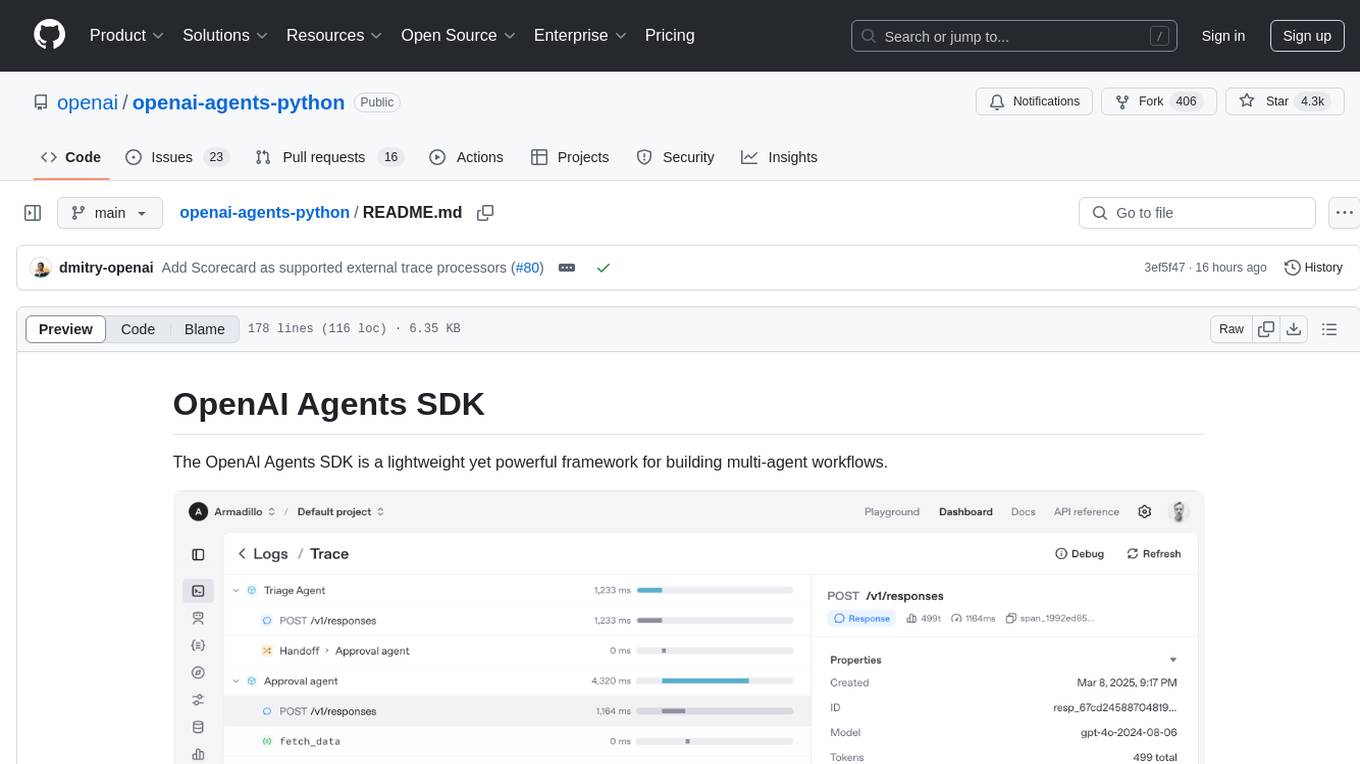
openai-agents-python
The OpenAI Agents SDK is a lightweight framework for building multi-agent workflows. It includes concepts like Agents, Handoffs, Guardrails, and Tracing to facilitate the creation and management of agents. The SDK is compatible with any model providers supporting the OpenAI Chat Completions API format. It offers flexibility in modeling various LLM workflows and provides automatic tracing for easy tracking and debugging of agent behavior. The SDK is designed for developers to create deterministic flows, iterative loops, and more complex workflows.
For similar jobs

aiscript
AiScript is a lightweight scripting language that runs on JavaScript. It supports arrays, objects, and functions as first-class citizens, and is easy to write without the need for semicolons or commas. AiScript runs in a secure sandbox environment, preventing infinite loops from freezing the host. It also allows for easy provision of variables and functions from the host.
askui
AskUI is a reliable, automated end-to-end automation tool that only depends on what is shown on your screen instead of the technology or platform you are running on.
bots
The 'bots' repository is a collection of guides, tools, and example bots for programming bots to play video games. It provides resources on running bots live, installing the BotLab client, debugging bots, testing bots in simulated environments, and more. The repository also includes example bots for games like EVE Online, Tribal Wars 2, and Elvenar. Users can learn about developing bots for specific games, syntax of the Elm programming language, and tools for memory reading development. Additionally, there are guides on bot programming, contributing to BotLab, and exploring Elm syntax and core library.
ain
Ain is a terminal HTTP API client designed for scripting input and processing output via pipes. It allows flexible organization of APIs using files and folders, supports shell-scripts and executables for common tasks, handles url-encoding, and enables sharing the resulting curl, wget, or httpie command-line. Users can put things that change in environment variables or .env-files, and pipe the API output for further processing. Ain targets users who work with many APIs using a simple file format and uses curl, wget, or httpie to make the actual calls.
LaVague
LaVague is an open-source Large Action Model framework that uses advanced AI techniques to compile natural language instructions into browser automation code. It leverages Selenium or Playwright for browser actions. Users can interact with LaVague through an interactive Gradio interface to automate web interactions. The tool requires an OpenAI API key for default examples and offers a Playwright integration guide. Contributors can help by working on outlined tasks, submitting PRs, and engaging with the community on Discord. The project roadmap is available to track progress, but users should exercise caution when executing LLM-generated code using 'exec'.
robocorp
Robocorp is a platform that allows users to create, deploy, and operate Python automations and AI actions. It provides an easy way to extend the capabilities of AI agents, assistants, and copilots with custom actions written in Python. Users can create and deploy tools, skills, loaders, and plugins that securely connect any AI Assistant platform to their data and applications. The Robocorp Action Server makes Python scripts compatible with ChatGPT and LangChain by automatically creating and exposing an API based on function declaration, type hints, and docstrings. It simplifies the process of developing and deploying AI actions, enabling users to interact with AI frameworks effortlessly.
Open-Interface
Open Interface is a self-driving software that automates computer tasks by sending user requests to a language model backend (e.g., GPT-4V) and simulating keyboard and mouse inputs to execute the steps. It course-corrects by sending current screenshots to the language models. The tool supports MacOS, Linux, and Windows, and requires setting up the OpenAI API key for access to GPT-4V. It can automate tasks like creating meal plans, setting up custom language model backends, and more. Open Interface is currently not efficient in accurate spatial reasoning, tracking itself in tabular contexts, and navigating complex GUI-rich applications. Future improvements aim to enhance the tool's capabilities with better models trained on video walkthroughs. The tool is cost-effective, with user requests priced between $0.05 - $0.20, and offers features like interrupting the app and primary display visibility in multi-monitor setups.
AI-Case-Sorter-CS7.1
AI-Case-Sorter-CS7.1 is a project focused on building a case sorter using machine vision and machine learning AI to sort cases by headstamp. The repository includes Arduino code and 3D models necessary for the project.