


opensrc
Fetch source code for npm packages to give AI coding agents deeper context
Stars: 868
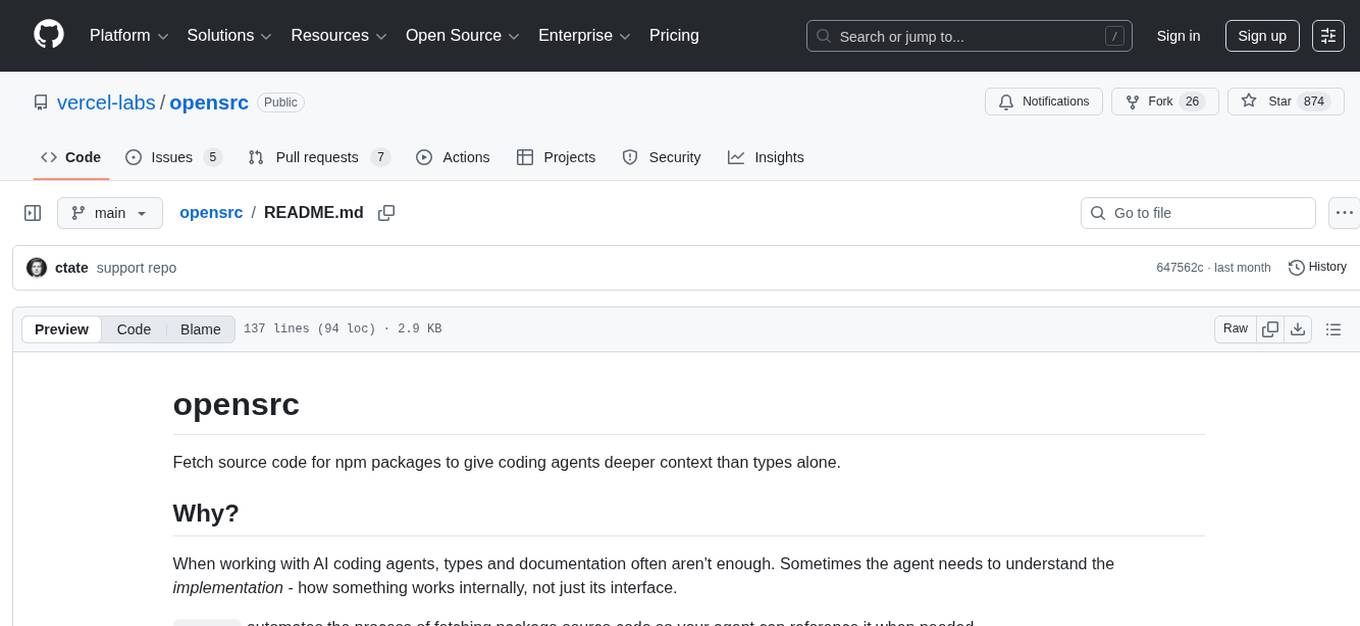
Opensrc is a versatile open-source tool designed for collaborative software development. It provides a platform for developers to work together on projects, share code, and manage contributions effectively. With features like version control, issue tracking, and code review, Opensrc streamlines the development process and fosters a collaborative environment. Whether you are working on a small project with a few contributors or a large-scale open-source initiative, Opensrc offers the tools you need to organize and coordinate your development efforts.
README:
Fetch source code for npm packages to give coding agents deeper context than types alone.
When working with AI coding agents, types and documentation often aren't enough. Sometimes the agent needs to understand the implementation - how something works internally, not just its interface.
opensrc automates the process of fetching package source code so your agent can reference it when needed.
npm install -g opensrcOr use with npx:
npx opensrc <package># Fetch source for a package (auto-detects version from lockfile)
opensrc zod
# Fetch specific version
opensrc [email protected]
# Fetch multiple packages
opensrc react react-dom nextRe-running opensrc <package> automatically updates to match your installed version—no flags needed.
You can also fetch source code directly from any public GitHub repository:
# Using github: prefix
opensrc github:owner/repo

# Using owner/repo shorthand
opensrc facebook/react

# Using full GitHub URL
opensrc https://github.com/colinhacks/zod

# Fetch a specific branch or tag
opensrc owner/[email protected]
opensrc owner/repo#main

# Mix packages and repos
opensrc zod facebook/react
GitHub repos are stored as opensrc/owner--repo/.
# List fetched sources
opensrc list

# Remove a source (package or repo)
opensrc remove zod
opensrc remove owner--repoOn first run, opensrc will ask for permission to modify these files:
-
.gitignore— addsopensrc/to ignore list -
tsconfig.json— excludesopensrc/from compilation -
AGENTS.md— adds a section pointing agents to the source code
Your choice is saved to opensrc/settings.json so you won't be prompted again.
To skip the prompt, use the --modify flag:
# Allow file modifications
opensrc zod --modify

# Deny file modifications
opensrc zod --modify=false- Queries the npm registry to find the package's repository URL
- Detects the installed version from your lockfile (
package-lock.json,pnpm-lock.yaml,yarn.lock) - Clones the repository at the matching git tag
- Stores the source in
opensrc/<package-name>/ - If permitted: adds
opensrc/to.gitignore, excludes fromtsconfig.json, updatesAGENTS.md
After running opensrc zod:
opensrc/
├── settings.json       # Your modification preferences
├── sources.json        # Index of fetched packages
└── zod/
    ├── src/
    ├── package.json
    └── ...
The sources.json file lists all fetched packages with their versions, so agents know what's available:
{
  "packages": [
    { "name": "zod", "version": "3.22.0", "path": "opensrc/zod" }
  ]
}
The settings.json file stores your preferences:
{
  "allowFileModifications": true
}Apache-2.0
For Tasks:
Click tags to check more tools for each tasksFor Jobs:
Alternative AI tools for opensrc
Similar Open Source Tools
opensrc
Opensrc is a versatile open-source tool designed for collaborative software development. It provides a platform for developers to work together on projects, share code, and manage contributions effectively. With features like version control, issue tracking, and code review, Opensrc streamlines the development process and fosters a collaborative environment. Whether you are working on a small project with a few contributors or a large-scale open-source initiative, Opensrc offers the tools you need to organize and coordinate your development efforts.
verl-tool
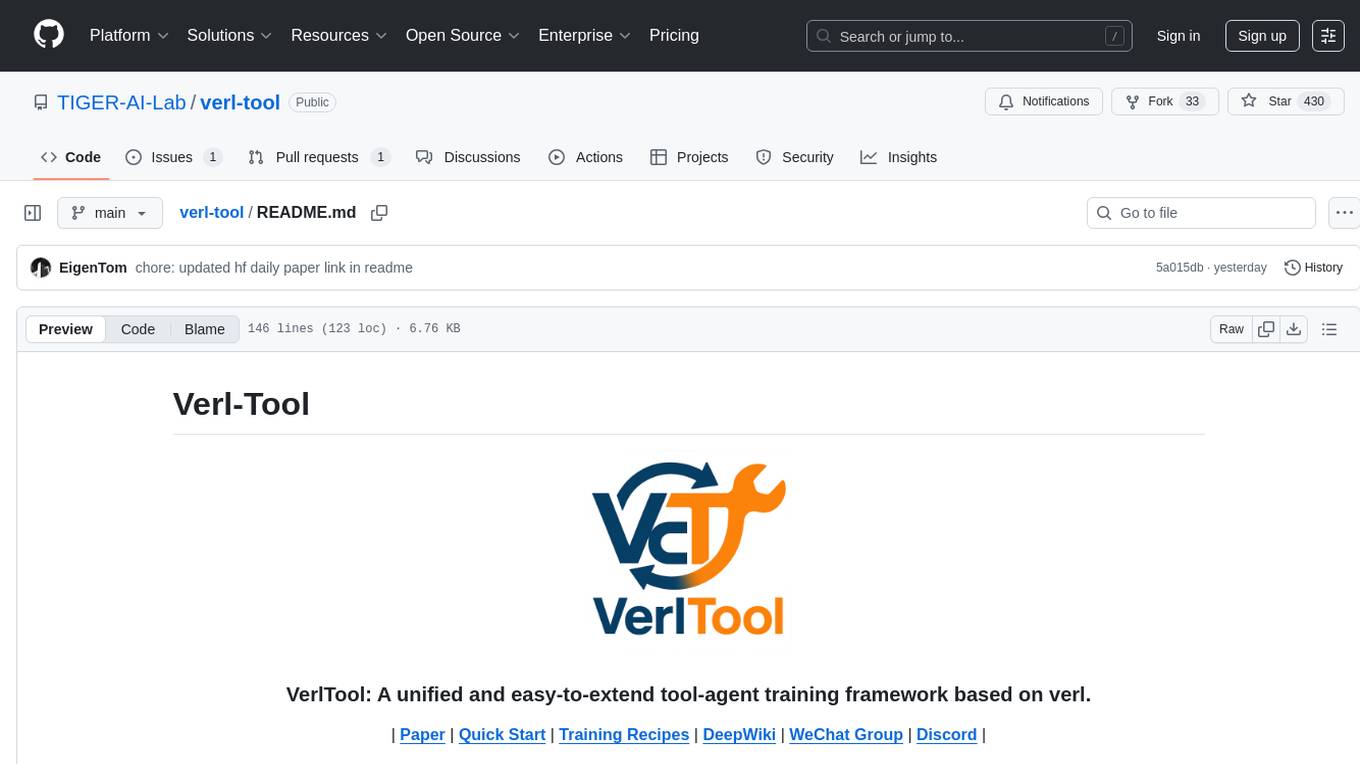
The verl-tool is a versatile command-line utility designed to streamline various tasks related to version control and code management. It provides a simple yet powerful interface for managing branches, merging changes, resolving conflicts, and more. With verl-tool, users can easily track changes, collaborate with team members, and ensure code quality throughout the development process. Whether you are a beginner or an experienced developer, verl-tool offers a seamless experience for version control operations.
Companion
Companion is a software tool designed to provide support and enhance development. It offers various features and functionalities to assist users in their projects and tasks. The tool aims to be user-friendly and efficient, helping individuals and teams to streamline their workflow and improve productivity.
pullfrog
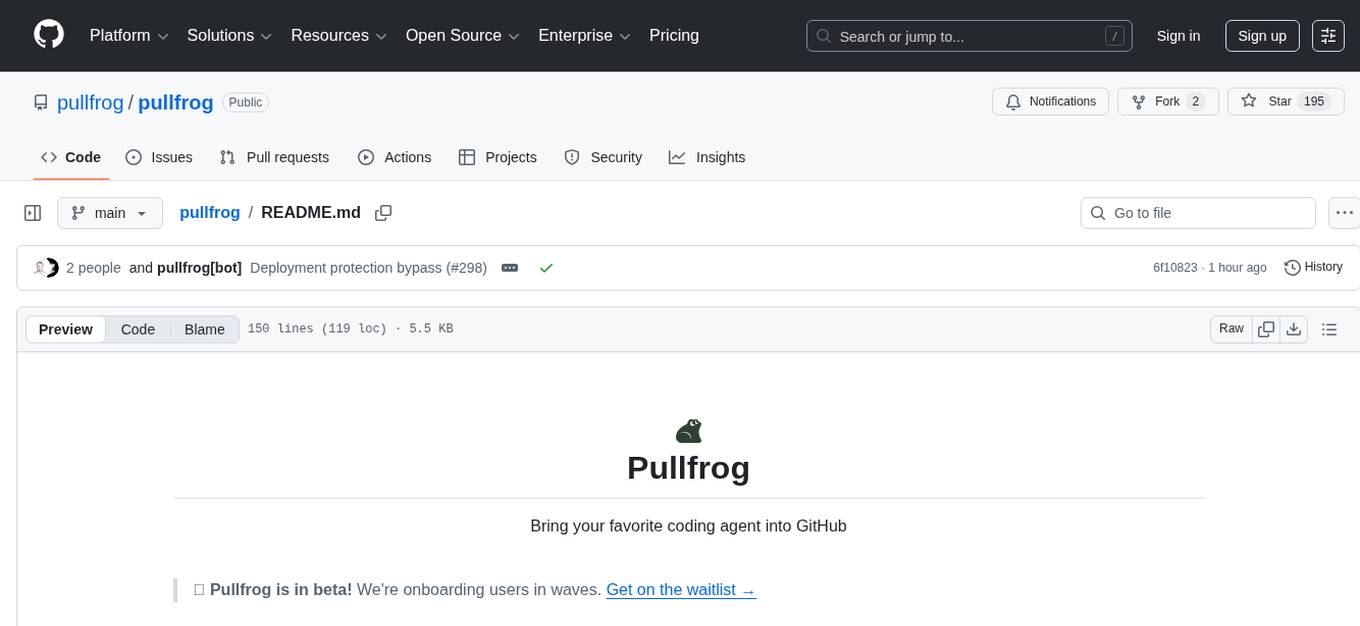
Pullfrog is a versatile tool for managing and automating GitHub pull requests. It provides a simple and intuitive interface for developers to streamline their workflow and collaborate more efficiently. With Pullfrog, users can easily create, review, merge, and manage pull requests, all within a single platform. The tool offers features such as automated testing, code review, and notifications to help teams stay organized and productive. Whether you are a solo developer or part of a large team, Pullfrog can help you simplify the pull request process and improve code quality.

DocsGPT
DocsGPT is an open-source documentation assistant powered by GPT models. It simplifies the process of searching for information in project documentation by allowing developers to ask questions and receive accurate answers. With DocsGPT, users can say goodbye to manual searches and quickly find the information they need. The tool aims to revolutionize project documentation experiences and offers features like live previews, Discord community, guides, and contribution opportunities. It consists of a Flask app, Chrome extension, similarity search index creation script, and a frontend built with Vite and React. Users can quickly get started with DocsGPT by following the provided setup instructions and can contribute to its development by following the guidelines in the CONTRIBUTING.md file. The project follows a Code of Conduct to ensure a harassment-free community environment for all participants. DocsGPT is licensed under MIT and is built with LangChain.
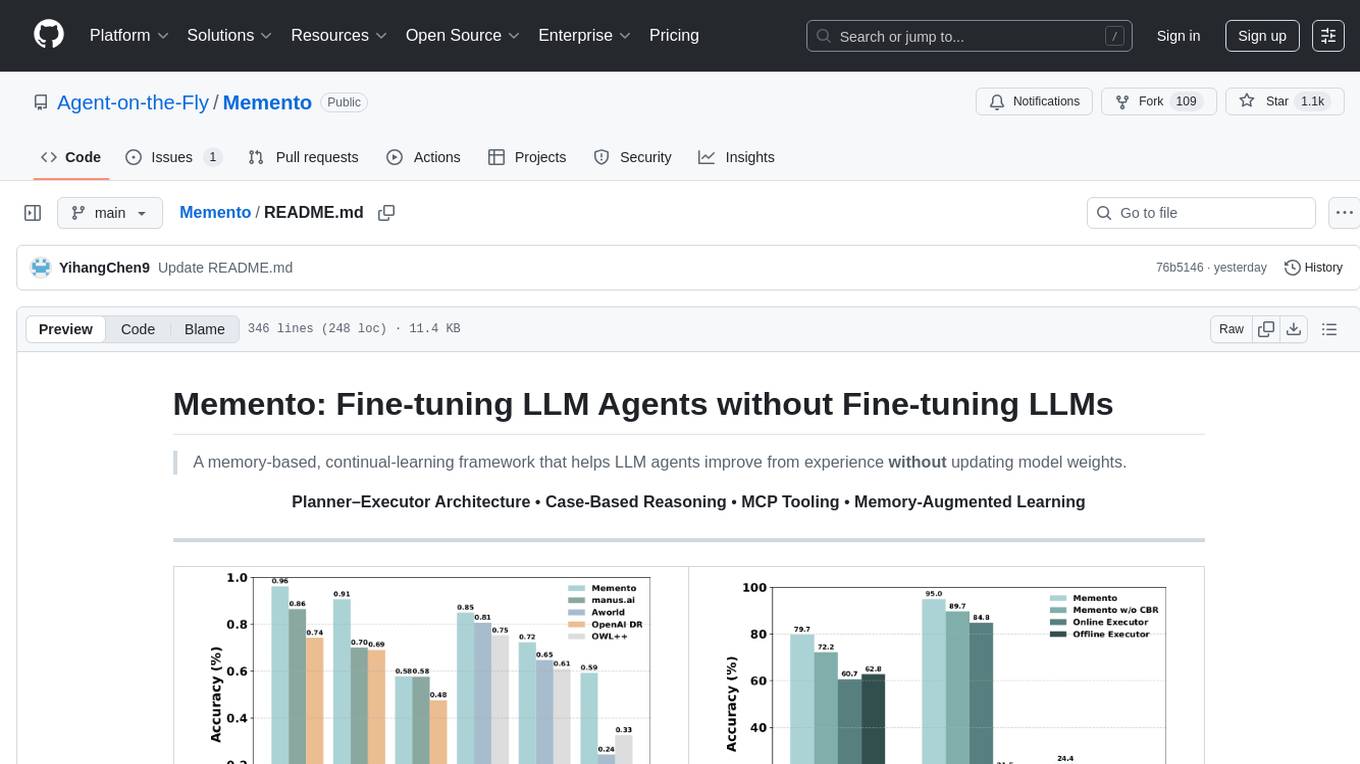
Memento
Memento is a lightweight and user-friendly version control tool designed for small to medium-sized projects. It provides a simple and intuitive interface for managing project versions and collaborating with team members. With Memento, users can easily track changes, revert to previous versions, and merge different branches. The tool is suitable for developers, designers, content creators, and other professionals who need a streamlined version control solution. Memento simplifies the process of managing project history and ensures that team members are always working on the latest version of the project.
lightfriend
Lightfriend is a lightweight and user-friendly tool designed to assist developers in managing their GitHub repositories efficiently. It provides a simple and intuitive interface for users to perform various repository-related tasks, such as creating new repositories, managing branches, and reviewing pull requests. With Lightfriend, developers can streamline their workflow and collaborate more effectively with team members. The tool is designed to be easy to use and requires minimal setup, making it ideal for developers of all skill levels. Whether you are a beginner looking to get started with GitHub or an experienced developer seeking a more efficient way to manage your repositories, Lightfriend is the perfect companion for your GitHub workflow.
mfish-nocode
Mfish-nocode is a low-code/no-code platform that aims to make development as easy as fishing. It breaks down technical barriers, allowing both developers and non-developers to quickly build business systems, increase efficiency, and unleash creativity. It is not only an efficiency tool for developers during leisure time, but also a website building tool for novices in the workplace, and even a secret weapon for leaders to prototype.
Gito
Gito is a lightweight and user-friendly tool for managing and organizing your GitHub repositories. It provides a simple and intuitive interface for users to easily view, clone, and manage their repositories. With Gito, you can quickly access important information about your repositories, such as commit history, branches, and pull requests. The tool also allows you to perform common Git operations, such as pushing changes and creating new branches, directly from the interface. Gito is designed to streamline your GitHub workflow and make repository management more efficient and convenient.
budibase
Budibase is an open-source low-code platform that allows users to build web applications visually without writing code. It provides a drag-and-drop interface for designing user interfaces and workflows, as well as a visual editor for defining data models and business logic. With Budibase, users can quickly create custom web applications for various purposes, such as data management, project tracking, and internal tools. The platform supports integrations with popular services and databases, making it easy to extend the functionality of applications. Budibase is suitable for both experienced developers looking to speed up their workflow and non-technical users who want to create web applications without coding.
pilot
Pilot is an AI tool designed to streamline the process of handling tickets from GitHub, Linear, Jira, or Asana. It plans the implementation, writes the code, runs tests, and opens a PR for you to review and merge. With features like Autopilot, Epic Decomposition, Self-Review, and more, Pilot aims to automate the ticket handling process and reduce the time spent on prioritizing and completing tasks. It integrates with various platforms, offers intelligence features, and provides real-time visibility through a dashboard. Pilot is free to use, with costs associated with Claude API usage. It is designed for bug fixes, small features, refactoring, tests, docs, and dependency updates, but may not be suitable for large architectural changes or security-critical code.
context-portal
Context-portal is a versatile tool for managing and visualizing data in a collaborative environment. It provides a user-friendly interface for organizing and sharing information, making it easy for teams to work together on projects. With features such as customizable dashboards, real-time updates, and seamless integration with popular data sources, Context-portal streamlines the data management process and enhances productivity. Whether you are a data analyst, project manager, or team leader, Context-portal offers a comprehensive solution for optimizing workflows and driving better decision-making.
NeoHaskell
NeoHaskell is a newcomer-friendly and productive dialect of Haskell. It aims to be easy to learn and use, while also powerful enough for app development with minimal effort and maximum confidence. The project prioritizes design and documentation before implementation, with ongoing work on design documents for community sharing.
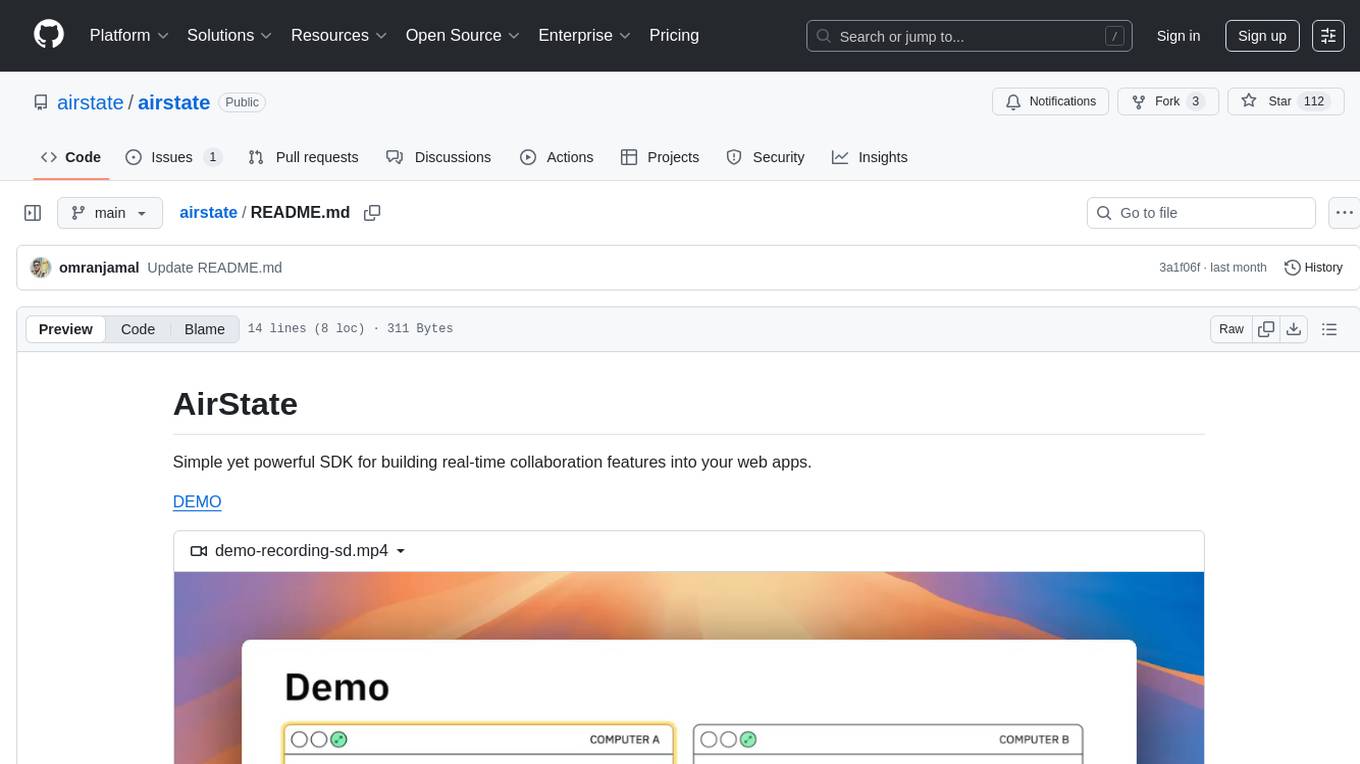
airstate
AirState is a straightforward software development kit that enables users to integrate real-time collaboration functionalities into their web applications. With its user-friendly interface and robust capabilities, AirState simplifies the process of incorporating live collaboration features, making it an ideal choice for developers seeking to enhance the interactive elements of their projects. The SDK offers a seamless solution for creating engaging and interactive web experiences, allowing users to easily implement real-time collaboration tools without the need for extensive coding knowledge or complex configurations. By leveraging AirState, developers can streamline the development process and deliver dynamic web applications that facilitate real-time communication and collaboration among users.
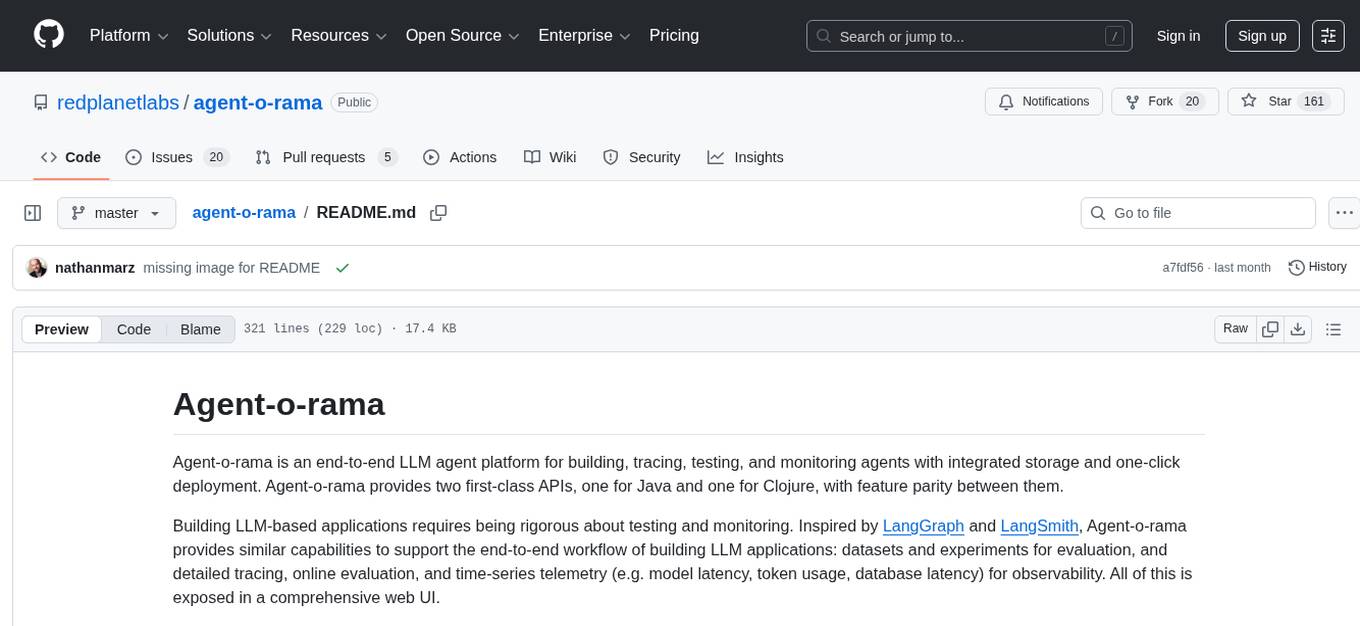
agent-o-rama
Agent-O-Rama is a powerful open-source tool designed for automating repetitive tasks in the field of software development. It provides a user-friendly interface to create and manage automated agents that can perform various tasks such as code deployment, testing, and monitoring. With Agent-O-Rama, developers can save time and effort by automating routine processes and focusing on more critical aspects of their projects. The tool is highly customizable and extensible, allowing users to tailor it to their specific needs and integrate it with other tools and services. Agent-O-Rama is suitable for both individual developers and teams working on projects of any size, providing a scalable solution for improving productivity and efficiency in software development.
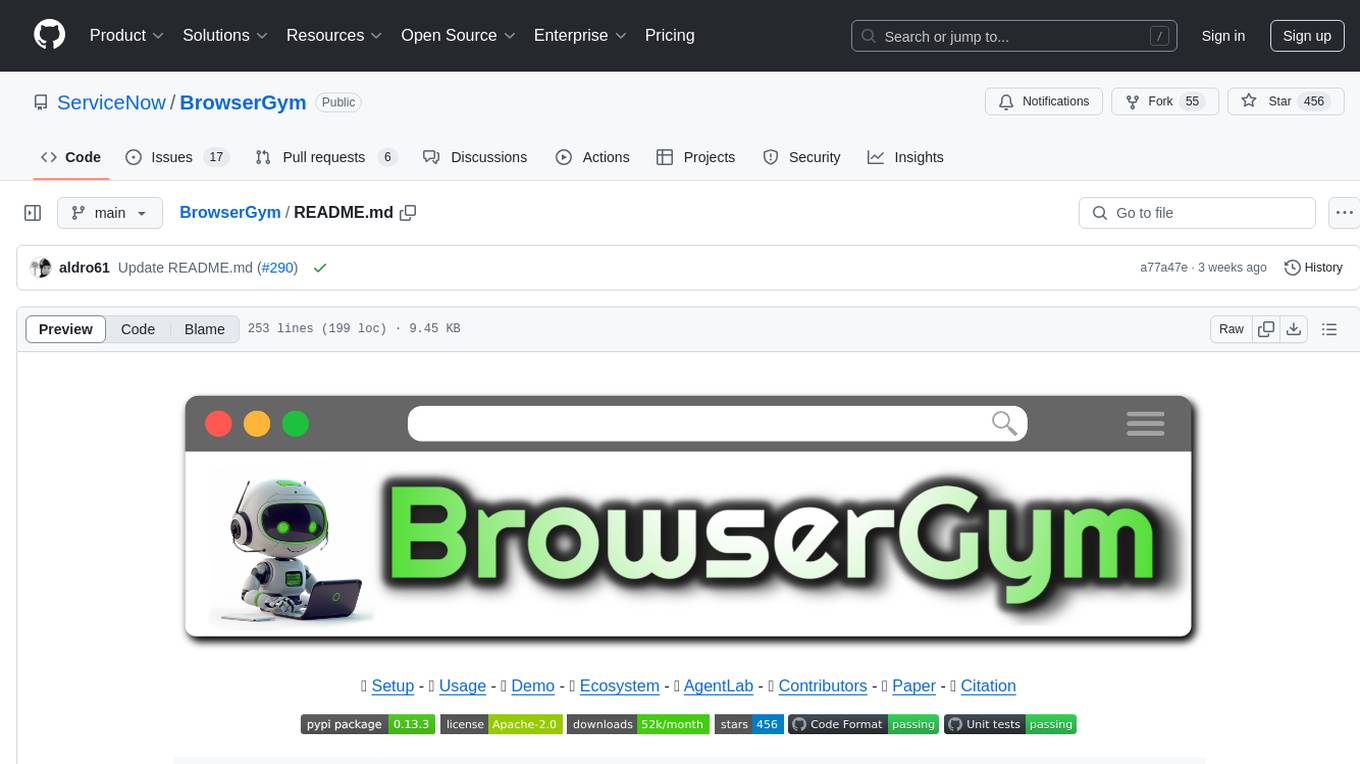
BrowserGym
BrowserGym is an open, easy-to-use, and extensible framework designed to accelerate web agent research. It provides benchmarks like MiniWoB, WebArena, VisualWebArena, WorkArena, AssistantBench, and WebLINX. Users can design new web benchmarks by inheriting the AbstractBrowserTask class. The tool allows users to install different packages for core functionalities, experiments, and specific benchmarks. It supports the development setup and offers boilerplate code for running agents on various tasks. BrowserGym is not a consumer product and should be used with caution.
For similar tasks
opensrc
Opensrc is a versatile open-source tool designed for collaborative software development. It provides a platform for developers to work together on projects, share code, and manage contributions effectively. With features like version control, issue tracking, and code review, Opensrc streamlines the development process and fosters a collaborative environment. Whether you are working on a small project with a few contributors or a large-scale open-source initiative, Opensrc offers the tools you need to organize and coordinate your development efforts.
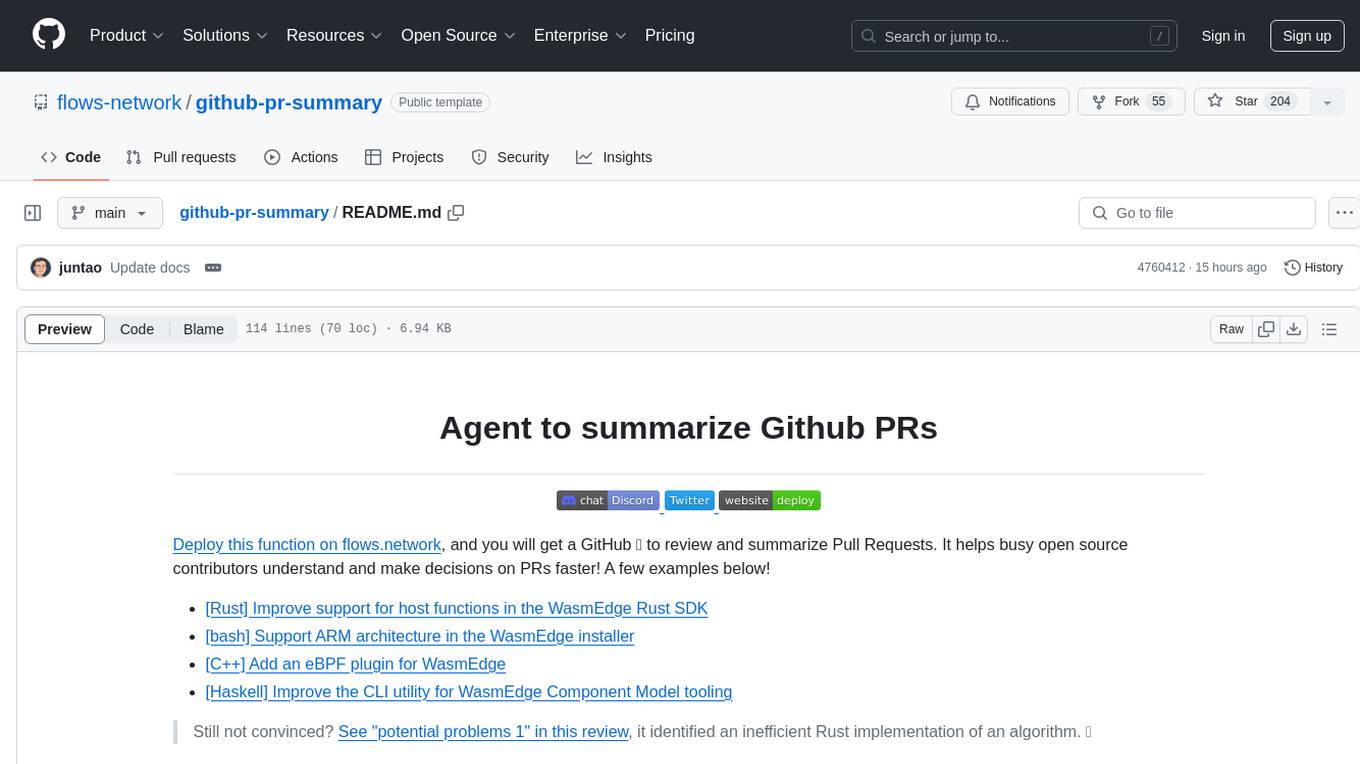
github-pr-summary
github-pr-summary is a bot designed to summarize GitHub Pull Requests, helping open source contributors make faster decisions. It automatically summarizes commits and changed files in PRs, triggered by new commits or a magic trigger phrase. Users can deploy their own code review bot in 3 steps: create a bot from their GitHub repo, configure it to review PRs, and connect to GitHub for access to the target repo. The bot runs on flows.network using Rust and WasmEdge Runtimes. It utilizes ChatGPT/4 to review and summarize PR content, posting the result back as a comment on the PR. The bot can be used on multiple repos by creating new flows and importing the source code repo, specifying the target repo using flow config. Users can also change the magic phrase to trigger a review from a PR comment.

aider-composer
Aider Composer is a VSCode extension that integrates Aider into your development workflow. It allows users to easily add and remove files, toggle between read-only and editable modes, review code changes, use different chat modes, and reference files in the chat. The extension supports multiple models, code generation, code snippets, and settings customization. It has limitations such as lack of support for multiple workspaces, Git repository features, linting, testing, voice features, in-chat commands, and configuration options.
brokk
Brokk is a code assistant tool named after the Norse god of the forge. It is designed to understand code semantically, enabling LLMs to work effectively on large codebases. Users can sign up at Brokk.ai, install jbang, and follow instructions to run Brokk. The tool uses Gradle with Scala support and requires JDK 21 or newer for building. Brokk aims to enhance code comprehension and productivity by providing semantic understanding of code.
coding-agent-template
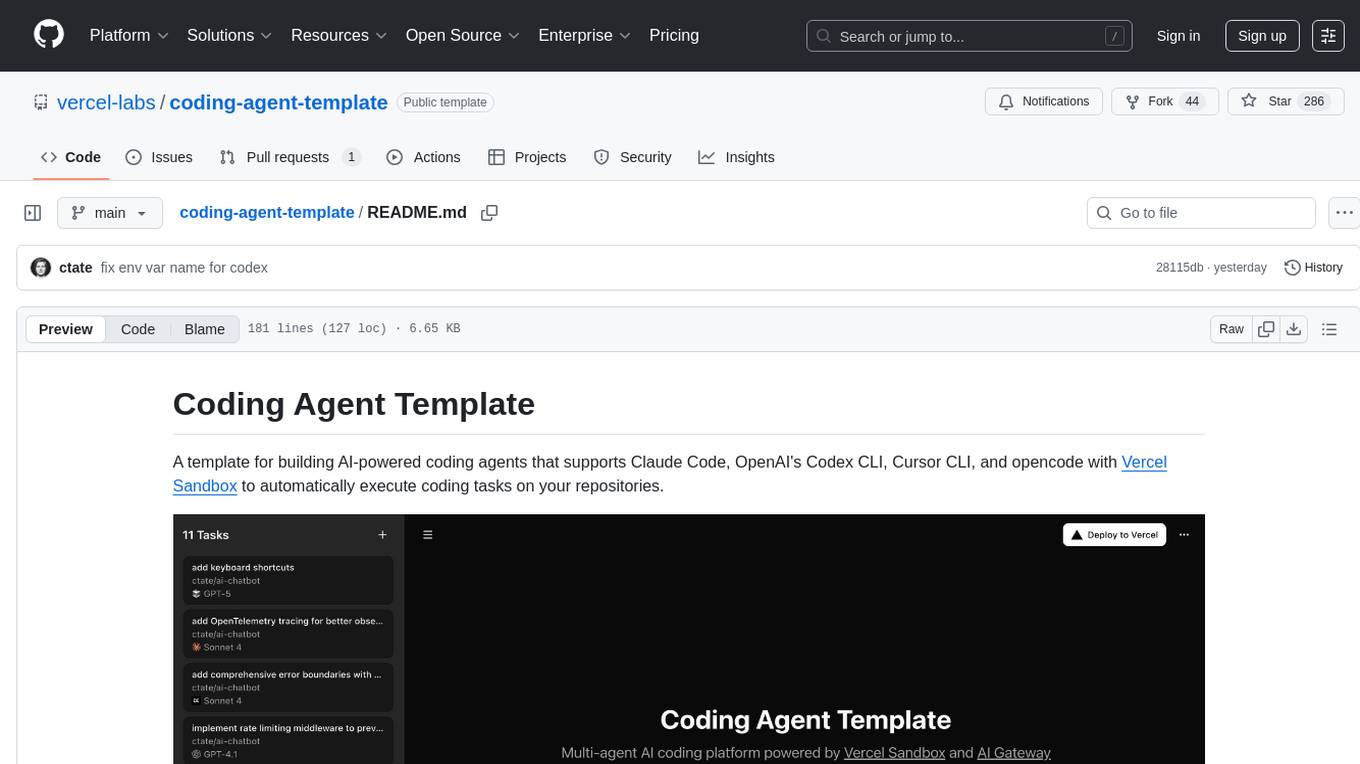
Coding Agent Template is a versatile tool for building AI-powered coding agents that support various coding tasks using Claude Code, OpenAI's Codex CLI, Cursor CLI, and opencode with Vercel Sandbox. It offers features like multi-agent support, Vercel Sandbox for secure code execution, AI Gateway integration, AI-generated branch names, task management, persistent storage, Git integration, and a modern UI built with Next.js and Tailwind CSS. Users can easily deploy their own version of the template to Vercel and set up the tool by cloning the repository, installing dependencies, configuring environment variables, setting up the database, and starting the development server. The tool simplifies the process of creating tasks, monitoring progress, reviewing results, and managing tasks, making it ideal for developers looking to automate coding tasks with AI agents.

everything-claude-code
The 'Everything Claude Code' repository is a comprehensive collection of production-ready agents, skills, hooks, commands, rules, and MCP configurations developed over 10+ months. It includes guides for setup, foundations, and philosophy, as well as detailed explanations of various topics such as token optimization, memory persistence, continuous learning, verification loops, parallelization, and subagent orchestration. The repository also provides updates on bug fixes, multi-language rules, installation wizard, PM2 support, OpenCode plugin integration, unified commands and skills, and cross-platform support. It offers a quick start guide for installation, ecosystem tools like Skill Creator and Continuous Learning v2, requirements for CLI version compatibility, key concepts like agents, skills, hooks, and rules, running tests, contributing guidelines, OpenCode support, background information, important notes on context window management and customization, star history chart, and relevant links.
consult-llm-mcp
Consult LLM MCP is an MCP server that enables users to consult powerful AI models like GPT-5.2, Gemini 3.0 Pro, and DeepSeek Reasoner for complex problem-solving. It supports multi-turn conversations, direct queries with optional file context, git changes inclusion for code review, comprehensive logging with cost estimation, and various CLI modes for Gemini and Codex. The tool is designed to simplify the process of querying AI models for assistance in resolving coding issues and improving code quality.
metis
Metis is an open-source, AI-driven tool for deep security code review, created by Arm's Product Security Team. It helps engineers detect subtle vulnerabilities, improve secure coding practices, and reduce review fatigue. Metis uses LLMs for semantic understanding and reasoning, RAG for context-aware reviews, and supports multiple languages and vector store backends. It provides a plugin-friendly and extensible architecture, named after the Greek goddess of wisdom, Metis. The tool is designed for large, complex, or legacy codebases where traditional tooling falls short.
For similar jobs

kaito
Kaito is an operator that automates the AI/ML inference model deployment in a Kubernetes cluster. It manages large model files using container images, avoids tuning deployment parameters to fit GPU hardware by providing preset configurations, auto-provisions GPU nodes based on model requirements, and hosts large model images in the public Microsoft Container Registry (MCR) if the license allows. Using Kaito, the workflow of onboarding large AI inference models in Kubernetes is largely simplified.
ai-on-gke
This repository contains assets related to AI/ML workloads on Google Kubernetes Engine (GKE). Run optimized AI/ML workloads with Google Kubernetes Engine (GKE) platform orchestration capabilities. A robust AI/ML platform considers the following layers: Infrastructure orchestration that support GPUs and TPUs for training and serving workloads at scale Flexible integration with distributed computing and data processing frameworks Support for multiple teams on the same infrastructure to maximize utilization of resources

tidb
TiDB is an open-source distributed SQL database that supports Hybrid Transactional and Analytical Processing (HTAP) workloads. It is MySQL compatible and features horizontal scalability, strong consistency, and high availability.
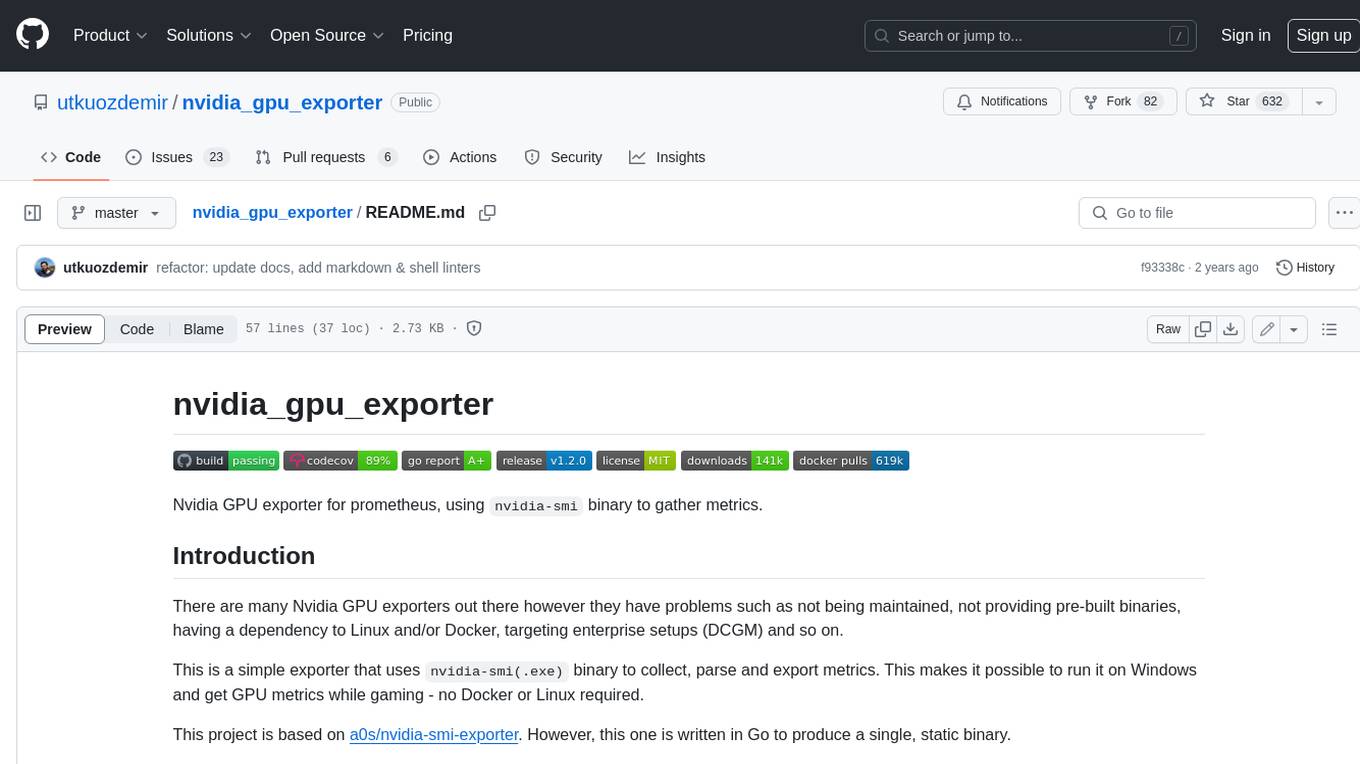
nvidia_gpu_exporter
Nvidia GPU exporter for prometheus, using `nvidia-smi` binary to gather metrics.

tracecat
Tracecat is an open-source automation platform for security teams. It's designed to be simple but powerful, with a focus on AI features and a practitioner-obsessed UI/UX. Tracecat can be used to automate a variety of tasks, including phishing email investigation, evidence collection, and remediation plan generation.
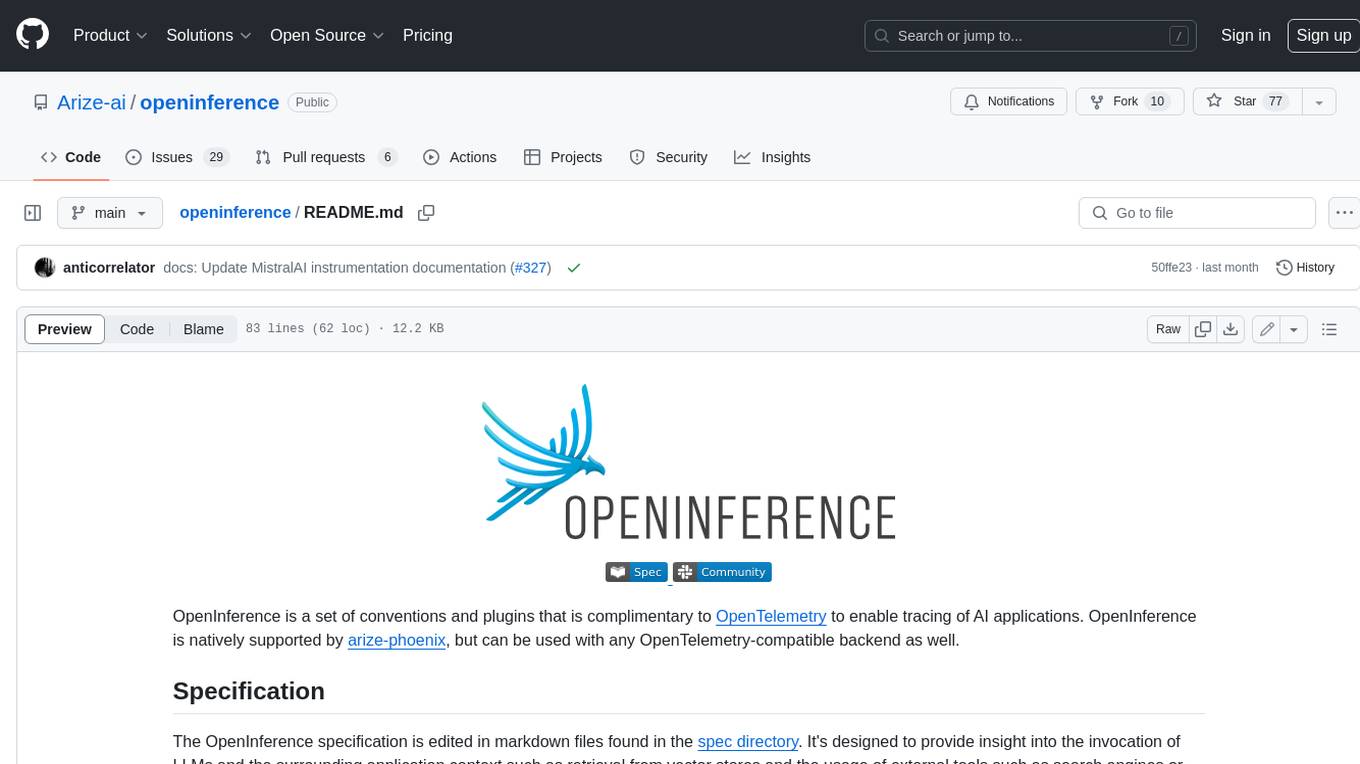
openinference
OpenInference is a set of conventions and plugins that complement OpenTelemetry to enable tracing of AI applications. It provides a way to capture and analyze the performance and behavior of AI models, including their interactions with other components of the application. OpenInference is designed to be language-agnostic and can be used with any OpenTelemetry-compatible backend. It includes a set of instrumentations for popular machine learning SDKs and frameworks, making it easy to add tracing to your AI applications.

BricksLLM
BricksLLM is a cloud native AI gateway written in Go. Currently, it provides native support for OpenAI, Anthropic, Azure OpenAI and vLLM. BricksLLM aims to provide enterprise level infrastructure that can power any LLM production use cases. Here are some use cases for BricksLLM: * Set LLM usage limits for users on different pricing tiers * Track LLM usage on a per user and per organization basis * Block or redact requests containing PIIs * Improve LLM reliability with failovers, retries and caching * Distribute API keys with rate limits and cost limits for internal development/production use cases * Distribute API keys with rate limits and cost limits for students
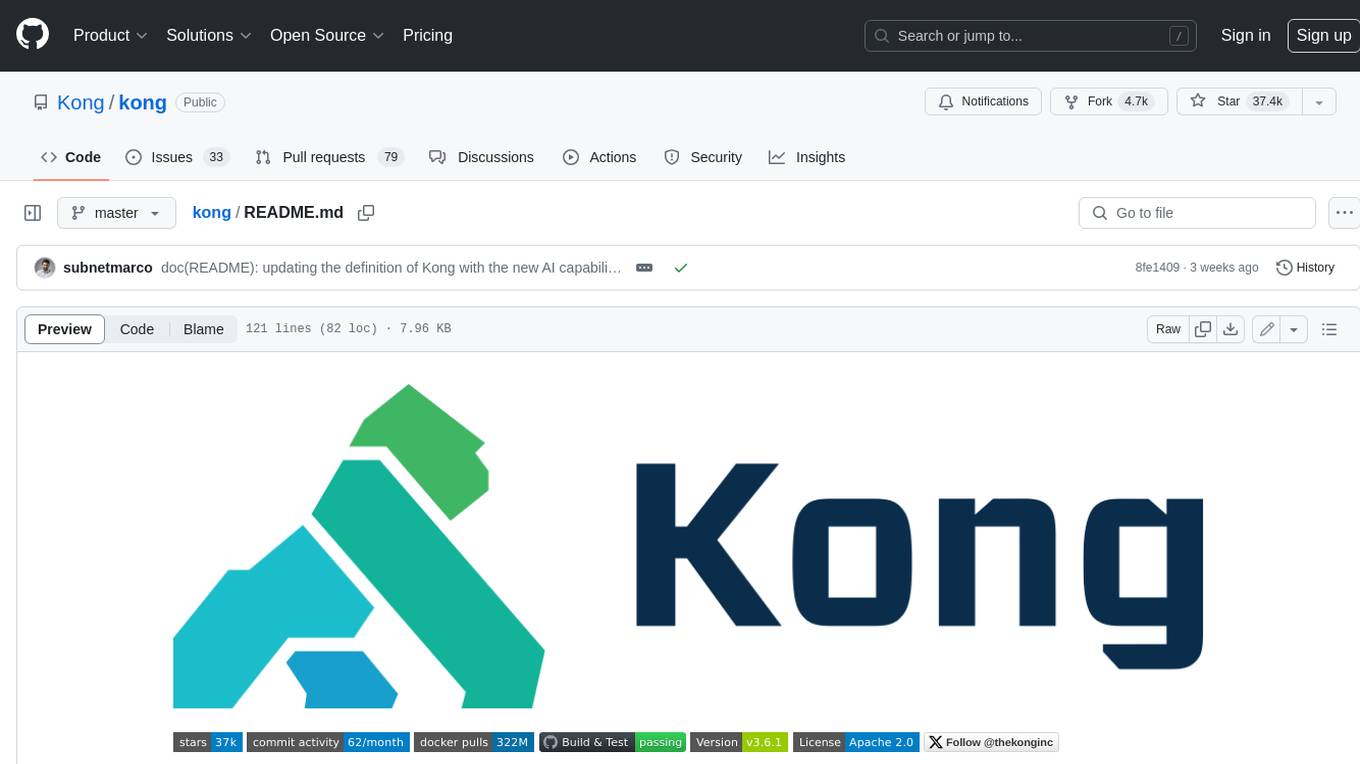
kong
Kong, or Kong API Gateway, is a cloud-native, platform-agnostic, scalable API Gateway distinguished for its high performance and extensibility via plugins. It also provides advanced AI capabilities with multi-LLM support. By providing functionality for proxying, routing, load balancing, health checking, authentication (and more), Kong serves as the central layer for orchestrating microservices or conventional API traffic with ease. Kong runs natively on Kubernetes thanks to its official Kubernetes Ingress Controller.