


pagible
Easy, flexible and powerful cloud-native Laravel CMS package powered by AI with JSON:API, GraphQL API, templates, and themes
Stars: 431
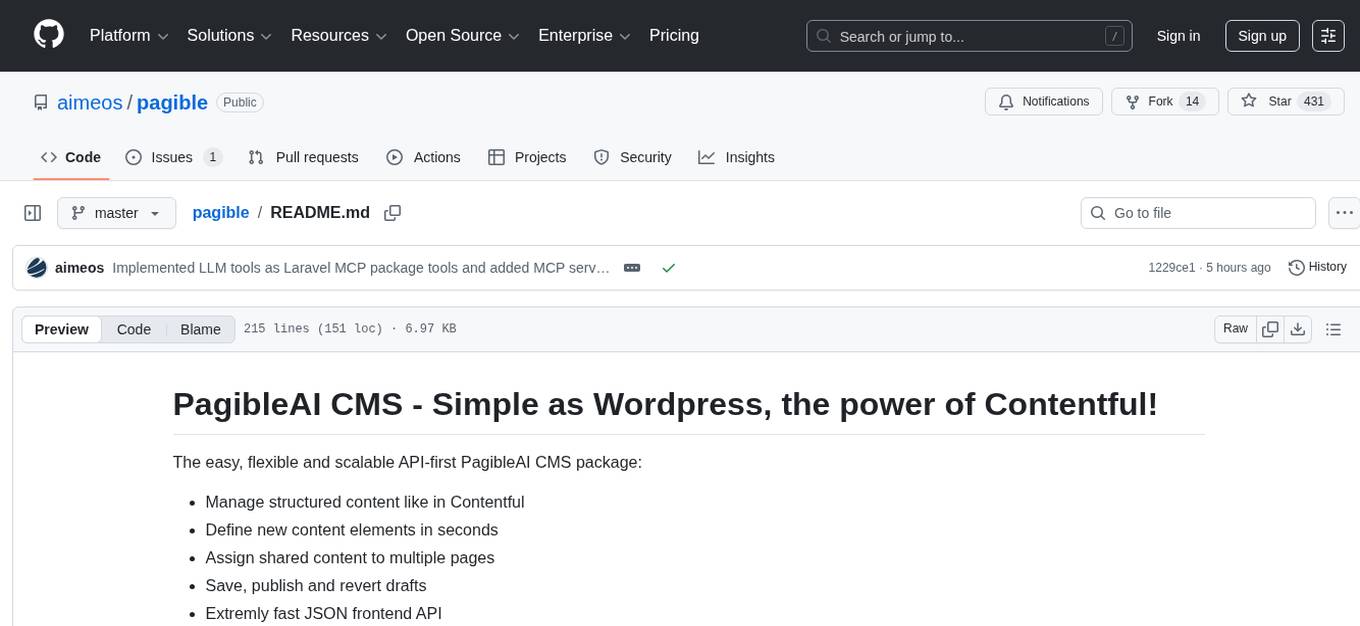
PagibleAI CMS is an easy, flexible, and scalable API-first content management system that allows users to manage structured content, define new content elements, assign shared content to multiple pages, save drafts, publish content, and revert drafts. It features an extremely fast JSON frontend API, versatile GraphQL admin API, multi-language support, multi-domain routing, multi-tenancy capability, soft-deletes support, and is fully open source. The system can scale from a single page with SQLite to millions of pages with DB clusters. It can be seamlessly integrated into any existing Laravel application.
README:
The easy, flexible and scalable API-first PagibleAI CMS package:
- Manage structured content like in Contentful
- Define new content elements in seconds
- Assign shared content to multiple pages
- Save, publish and revert drafts
- Extremly fast JSON frontend API
- Versatile GraphQL admin API
- Multi-language support
- Multi-domain routing
- Multi-tenancy capable
- Supports soft-deletes
- Fully Open Source
- Scales from single page with SQLite to millions of pages with DB clusters
It can be installed into any existing Laravel application.
You need a working Laravel installation. If you don't have one, you can create it using:
composer create-project laravel/laravel pagible
cd pagible
The application will be available in the ./pagible sub-directory.
Then, run this command within your Laravel application directory:
composer req aimeos/pagible
php artisan cms:install
php artisan migrate
Now, adapt the .env file of your application and change the APP_URL setting to your domain. If you are using php artisan serve for testing, add the port of the internal web server (APP_URL=http://localhost:8000). Otherwise, the uploading files will fail because they wouldn't be loaded!
Add a line in the "post-update-cmd" section of your composer.json file to update the admin backend files after each update:
"post-update-cmd": [
    "@php artisan vendor:publish --force --tag=admin",
    "@php artisan vendor:publish --tag=public",
    "@php artisan migrate",
    ...
],To allow existing users to edit CMS content or to create a new users if they don't exist yet, you can use the cms:user command (replace the e-mail address by the users one):
php artisan cms:user [email protected]To disallow users to edit CMS content, use:
php artisan cms:user --disable [email protected]The CMS admin backend is available at (replace "mydomain.tld" with your own one):
http://mydomain.tld/cmsadmin
To protect forms like the contact form against misuse and spam, you can add the HCaptcha service. Sign up at their web site and create an account.
In the HCaptcha dashboard, go to the Sites
page and add an entry for your web site. When you click on the newly generated entry,
the sitekey is shown on top. Add this to your .env file as:
HCAPTCHA_SITEKEY="..."
In the account settings, you will
find the secret that is required too in your .env file as:
HCAPTCHA_SECRET="..."
For enabling translation of content to the supported languages by DeepL, create an account at the DeepL web site first.
In the DeepL dashboard, go to API Keys & Limits
and create a new API key. Copy the key and add it to your .env file as:
DEEPL_API_KEY="..."
If you signed up for a PRO account, also set the DeepL API URL to:
DEEPL_API_URL="https://api.deepl.com/"
To generate texts/images from prompts, analyze image/video/audio content, or execute actions based on your prompts, you have to configure one or more of the AI service providers supported by the Prism package.
All service providers require to sign-up and create an account first. They will provide
an API key which you need to add to your .env file as shown in the
Prism configuration file, e.g.:
GEMINI_API_KEY="..."
OPENAI_API_KEY="..."
Note: You only need to configure API keys for the AI service providers you are using, not for all!
For best support and all features, you need Google and OpenAI at the moment. They are also configured
by default. If you want to use a different provider or model, you need to configure them in your .env
file too:
CMS_AI_TEXT="gemini"
CMS_AI_TEXT_MODEL="gemini-2.5-flash"

CMS_AI_STRUCT="gemini"
CMS_AI_STRUCT_MODEL="gemini-2.5-flash"

CMS_AI_IMAGE="gemini"
CMS_AI_IMAGE_MODEL="gemini-2.5-flash-image"

CMS_AI_AUDIO="openai"
CMS_AI_AUDIO_MODEL="whisper-1"
For scheduled publishing, you need to add this line to the routes/console.php class:
\Illuminate\Support\Facades\Schedule::command('cms:publish')->daily();To clean up soft-deleted pages, elements and files regularly, add these lines to the routes/console.php class:
\Illuminate\Support\Facades\Schedule::command('model:prune', [
    '--model' => [
        \Aimeos\Cms\Models\Page::class,
        \Aimeos\Cms\Models\Element::class,
        \Aimeos\Cms\Models\File::class
    ],
])->daily();
You can configure the timeframe after soft-deleted items will be removed permantently by setting the CMS_PURGE option in your .env file. It's value must be the number of days after the items will be removed permanently or FALSE if the soft-deleted items shouldn't be removed at all.
Using multiple page trees with different domains is possible by adding CMS_MULTIDOMAIN=true to your .env file.
PagibleAI CMS supports single database multi-tenancy using existing Laravel tenancy packages or code implemented by your own.
The Tenancy for Laravel package is most often used. How to set up the package is described in the tenancy quickstart and take a look into the single database tenancy article too.
Afterwards, tell PagibleAI CMS how the ID of the current tenant can be retrieved. Add this code to the boot() method of your \App\Providers\AppServiceProvider in the ./app/Providers/AppServiceProvider.php file:
\Aimeos\Cms\Tenancy::$callback = function() {
    return tenancy()->initialized ? tenant()->getTenantKey() : '';
};PagibleAI CMS offers tools within the Laravel MCP API that LLMs can use to interact with the CMS. To make them available, you have to add this line to your ./routes/ai.php route file:
Mcp::oauthRoutes();
Mcp::web('/mcp/cms', \Aimeos\Cms\Mcp\CmsServer::class)->middleware('auth:api');
Note: You need to set up Laravel Passport for MCP OAuth authentication too!
If you find a security related issue, please contact security at aimeos.org.
Special thanks to:
- Lwin Min Oo
For Tasks:
Click tags to check more tools for each tasksFor Jobs:
Alternative AI tools for pagible
Similar Open Source Tools
pagible
PagibleAI CMS is an easy, flexible, and scalable API-first content management system that allows users to manage structured content, define new content elements, assign shared content to multiple pages, save drafts, publish content, and revert drafts. It features an extremely fast JSON frontend API, versatile GraphQL admin API, multi-language support, multi-domain routing, multi-tenancy capability, soft-deletes support, and is fully open source. The system can scale from a single page with SQLite to millions of pages with DB clusters. It can be seamlessly integrated into any existing Laravel application.
vectara-answer
Vectara Answer is a sample app for Vectara-powered Summarized Semantic Search (or question-answering) with advanced configuration options. For examples of what you can build with Vectara Answer, check out Ask News, LegalAid, or any of the other demo applications.
WindowsAgentArena
Windows Agent Arena (WAA) is a scalable Windows AI agent platform designed for testing and benchmarking multi-modal, desktop AI agents. It provides researchers and developers with a reproducible and realistic Windows OS environment for AI research, enabling testing of agentic AI workflows across various tasks. WAA supports deploying agents at scale using Azure ML cloud infrastructure, allowing parallel running of multiple agents and delivering quick benchmark results for hundreds of tasks in minutes.
iffy
Iffy is a tool for intelligent content moderation at scale, allowing users to keep unwanted content off their platform without the need to manage a team of moderators. It provides features such as a Moderation Dashboard to view and manage all moderation activity, User Lifecycle to automatically suspend users with flagged content, Appeals Management for efficient handling of user appeals, and Powerful Rules & Presets to create custom moderation rules. Users can choose between the managed Iffy Cloud or the free self-hosted Iffy Community version, each offering different features and setup requirements.
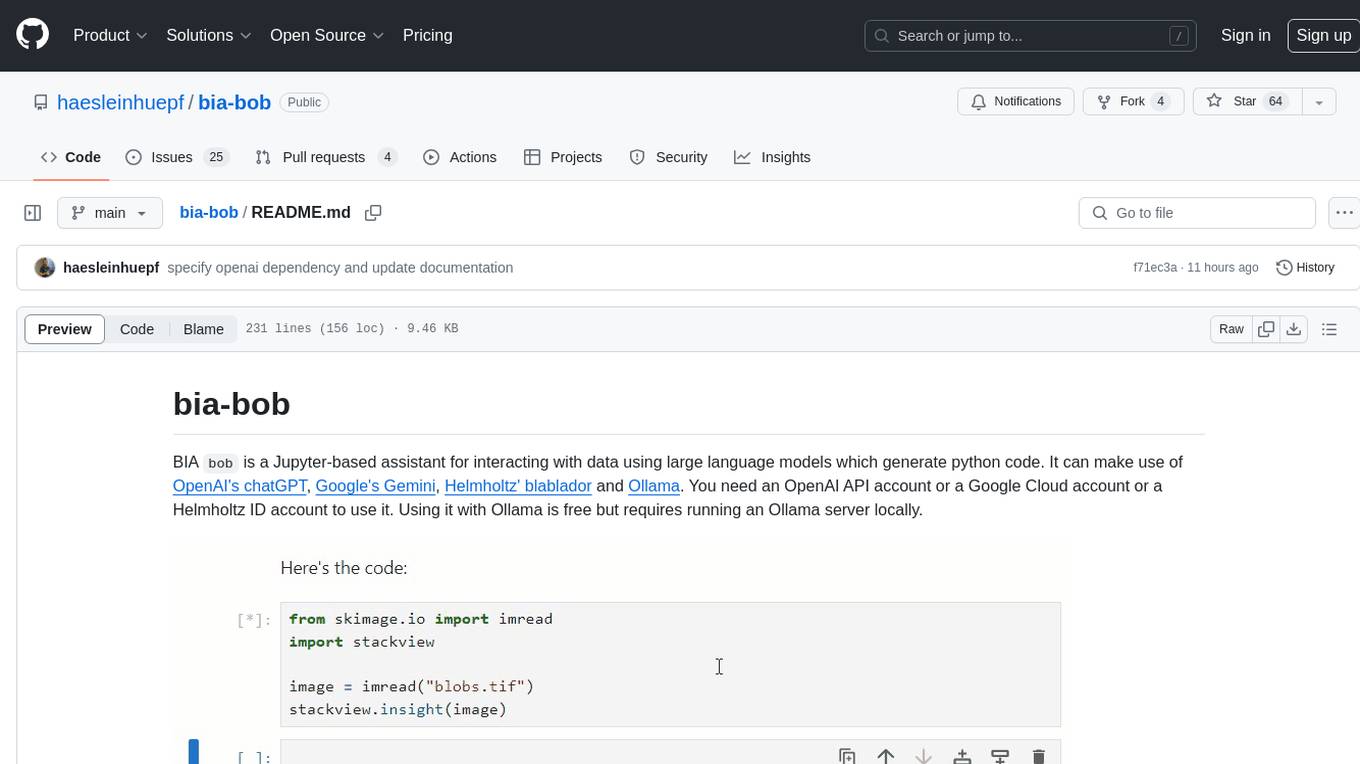
bia-bob
BIA `bob` is a Jupyter-based assistant for interacting with data using large language models to generate Python code. It can utilize OpenAI's chatGPT, Google's Gemini, Helmholtz' blablador, and Ollama. Users need respective accounts to access these services. Bob can assist in code generation, bug fixing, code documentation, GPU-acceleration, and offers a no-code custom Jupyter Kernel. It provides example notebooks for various tasks like bio-image analysis, model selection, and bug fixing. Installation is recommended via conda/mamba environment. Custom endpoints like blablador and ollama can be used. Google Cloud AI API integration is also supported. The tool is extensible for Python libraries to enhance Bob's functionality.
azure-search-openai-javascript
This sample demonstrates a few approaches for creating ChatGPT-like experiences over your own data using the Retrieval Augmented Generation pattern. It uses Azure OpenAI Service to access the ChatGPT model (gpt-35-turbo), and Azure AI Search for data indexing and retrieval.
litlyx
Litlyx is a single-line code analytics solution that integrates with every JavaScript/TypeScript framework. It allows you to track 10+ KPIs and custom events for your website or web app. The tool comes with an AI Data Analyst Assistant that can analyze your data, compare data, query metadata, visualize charts, and more. Litlyx is open-source, allowing users to self-host it and create their own version of the dashboard. The tool is user-friendly and supports various JavaScript/TypeScript frameworks, making it versatile for different projects.
vectorflow
VectorFlow is an open source, high throughput, fault tolerant vector embedding pipeline. It provides a simple API endpoint for ingesting large volumes of raw data, processing, and storing or returning the vectors quickly and reliably. The tool supports text-based files like TXT, PDF, HTML, and DOCX, and can be run locally with Kubernetes in production. VectorFlow offers functionalities like embedding documents, running chunking schemas, custom chunking, and integrating with vector databases like Pinecone, Qdrant, and Weaviate. It enforces a standardized schema for uploading data to a vector store and supports features like raw embeddings webhook, chunk validation webhook, S3 endpoint, and telemetry. The tool can be used with the Python client and provides detailed instructions for running and testing the functionalities.

cognita
Cognita is an open-source framework to organize your RAG codebase along with a frontend to play around with different RAG customizations. It provides a simple way to organize your codebase so that it becomes easy to test it locally while also being able to deploy it in a production ready environment. The key issues that arise while productionizing RAG system from a Jupyter Notebook are: 1. **Chunking and Embedding Job** : The chunking and embedding code usually needs to be abstracted out and deployed as a job. Sometimes the job will need to run on a schedule or be trigerred via an event to keep the data updated. 2. **Query Service** : The code that generates the answer from the query needs to be wrapped up in a api server like FastAPI and should be deployed as a service. This service should be able to handle multiple queries at the same time and also autoscale with higher traffic. 3. **LLM / Embedding Model Deployment** : Often times, if we are using open-source models, we load the model in the Jupyter notebook. This will need to be hosted as a separate service in production and model will need to be called as an API. 4. **Vector DB deployment** : Most testing happens on vector DBs in memory or on disk. However, in production, the DBs need to be deployed in a more scalable and reliable way. Cognita makes it really easy to customize and experiment everything about a RAG system and still be able to deploy it in a good way. It also ships with a UI that makes it easier to try out different RAG configurations and see the results in real time. You can use it locally or with/without using any Truefoundry components. However, using Truefoundry components makes it easier to test different models and deploy the system in a scalable way. Cognita allows you to host multiple RAG systems using one app. ### Advantages of using Cognita are: 1. A central reusable repository of parsers, loaders, embedders and retrievers. 2. Ability for non-technical users to play with UI - Upload documents and perform QnA using modules built by the development team. 3. Fully API driven - which allows integration with other systems. > If you use Cognita with Truefoundry AI Gateway, you can get logging, metrics and feedback mechanism for your user queries. ### Features: 1. Support for multiple document retrievers that use `Similarity Search`, `Query Decompostion`, `Document Reranking`, etc 2. Support for SOTA OpenSource embeddings and reranking from `mixedbread-ai` 3. Support for using LLMs using `Ollama` 4. Support for incremental indexing that ingests entire documents in batches (reduces compute burden), keeps track of already indexed documents and prevents re-indexing of those docs.

aider-composer
Aider Composer is a VSCode extension that integrates Aider into your development workflow. It allows users to easily add and remove files, toggle between read-only and editable modes, review code changes, use different chat modes, and reference files in the chat. The extension supports multiple models, code generation, code snippets, and settings customization. It has limitations such as lack of support for multiple workspaces, Git repository features, linting, testing, voice features, in-chat commands, and configuration options.
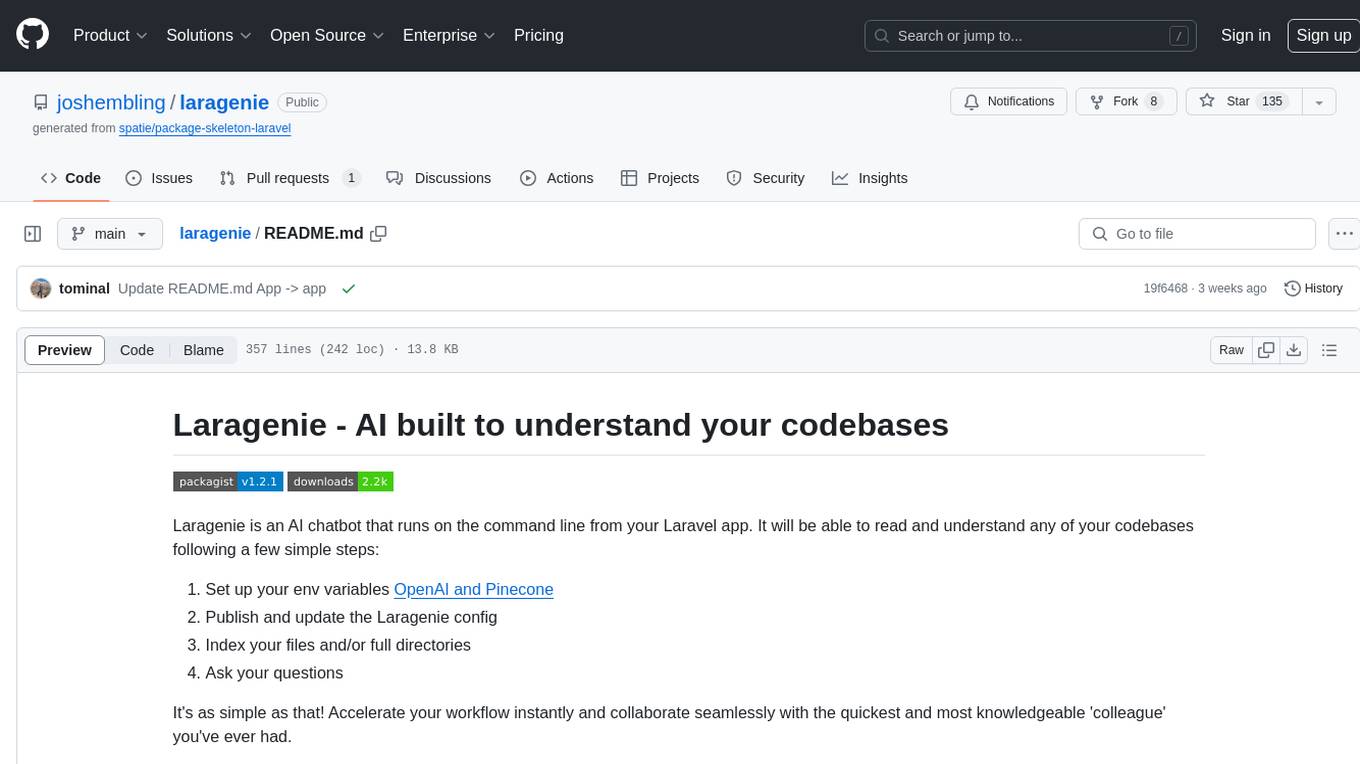
laragenie
Laragenie is an AI chatbot designed to understand and assist developers with their codebases. It runs on the command line from a Laravel app, helping developers onboard to new projects, understand codebases, and provide daily support. Laragenie accelerates workflow and collaboration by indexing files and directories, allowing users to ask questions and receive AI-generated responses. It supports OpenAI and Pinecone for processing and indexing data, making it a versatile tool for any repo in any language.
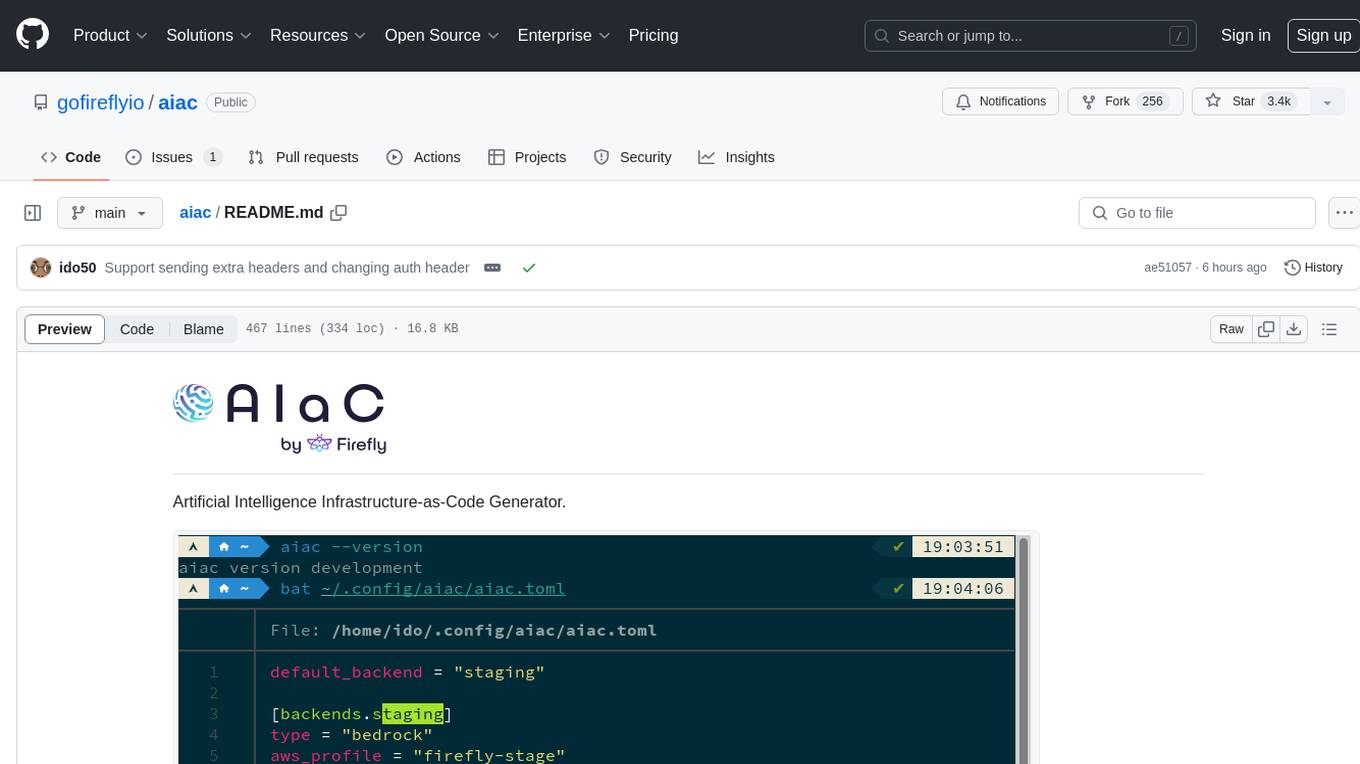
aiac
AIAC is a library and command line tool to generate Infrastructure as Code (IaC) templates, configurations, utilities, queries, and more via LLM providers such as OpenAI, Amazon Bedrock, and Ollama. Users can define multiple 'backends' targeting different LLM providers and environments using a simple configuration file. The tool allows users to ask a model to generate templates for different scenarios and composes an appropriate request to the selected provider, storing the resulting code to a file and/or printing it to standard output.
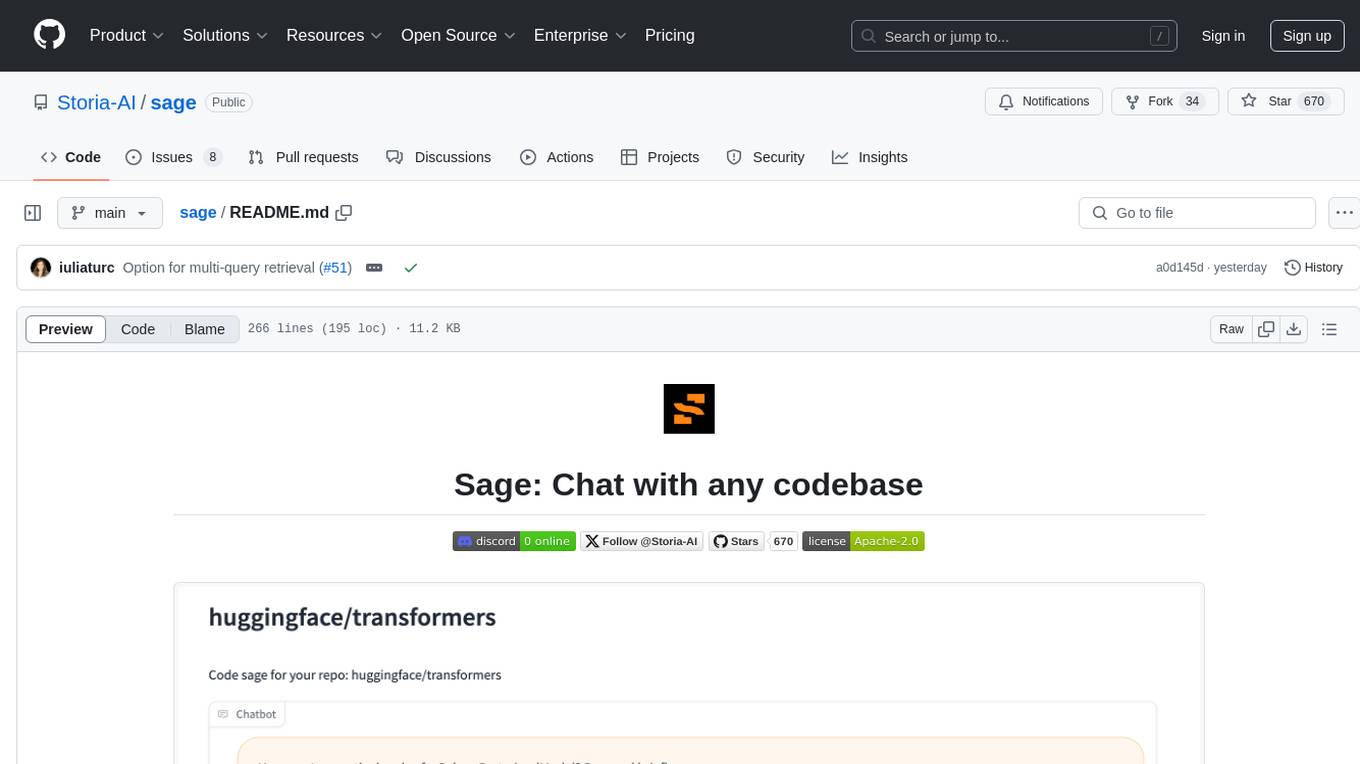
sage
Sage is a tool that allows users to chat with any codebase, providing a chat interface for code understanding and integration. It simplifies the process of learning how a codebase works by offering heavily documented answers sourced directly from the code. Users can set up Sage locally or on the cloud with minimal effort. The tool is designed to be easily customizable, allowing users to swap components of the pipeline and improve the algorithms powering code understanding and generation.
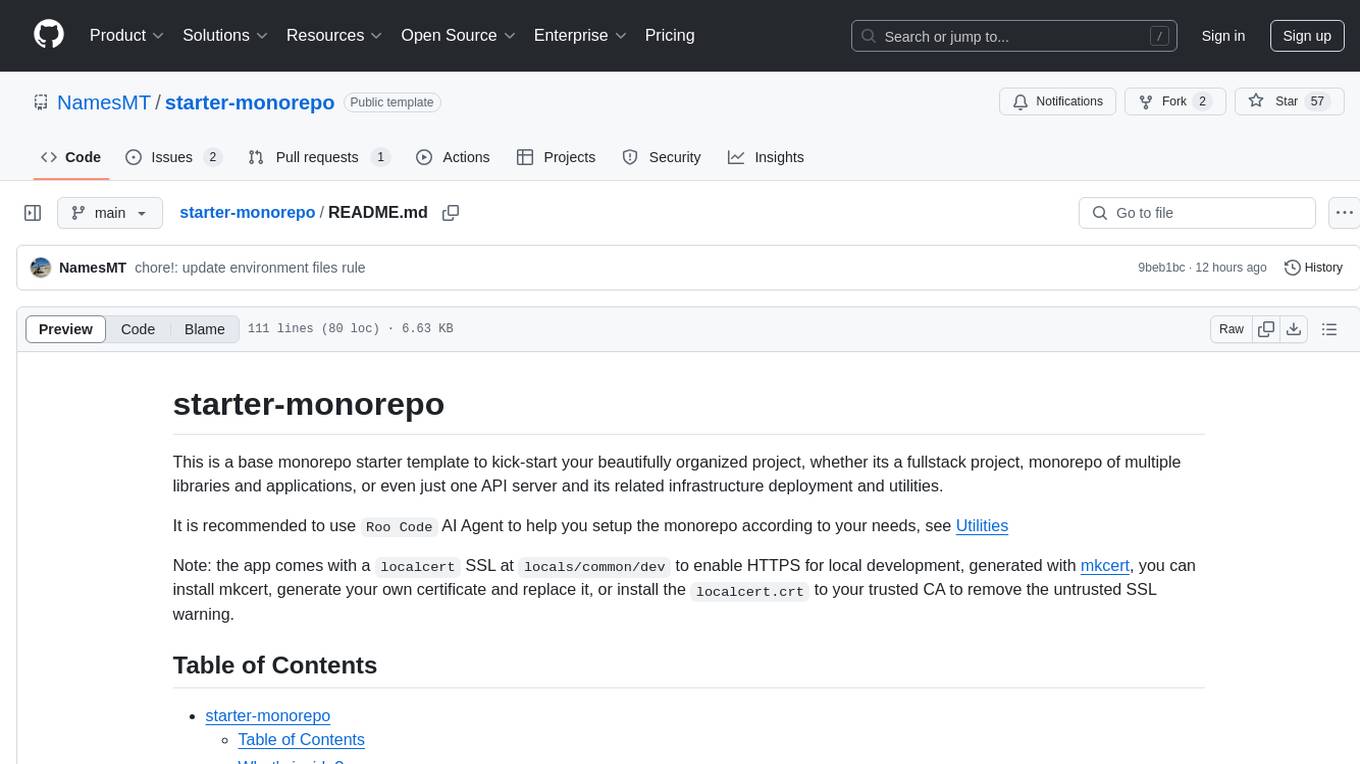
starter-monorepo
Starter Monorepo is a template repository for setting up a monorepo structure in your project. It provides a basic setup with configurations for managing multiple packages within a single repository. This template includes tools for package management, versioning, testing, and deployment. By using this template, you can streamline your development process, improve code sharing, and simplify dependency management across your project. Whether you are working on a small project or a large-scale application, Starter Monorepo can help you organize your codebase efficiently and enhance collaboration among team members.
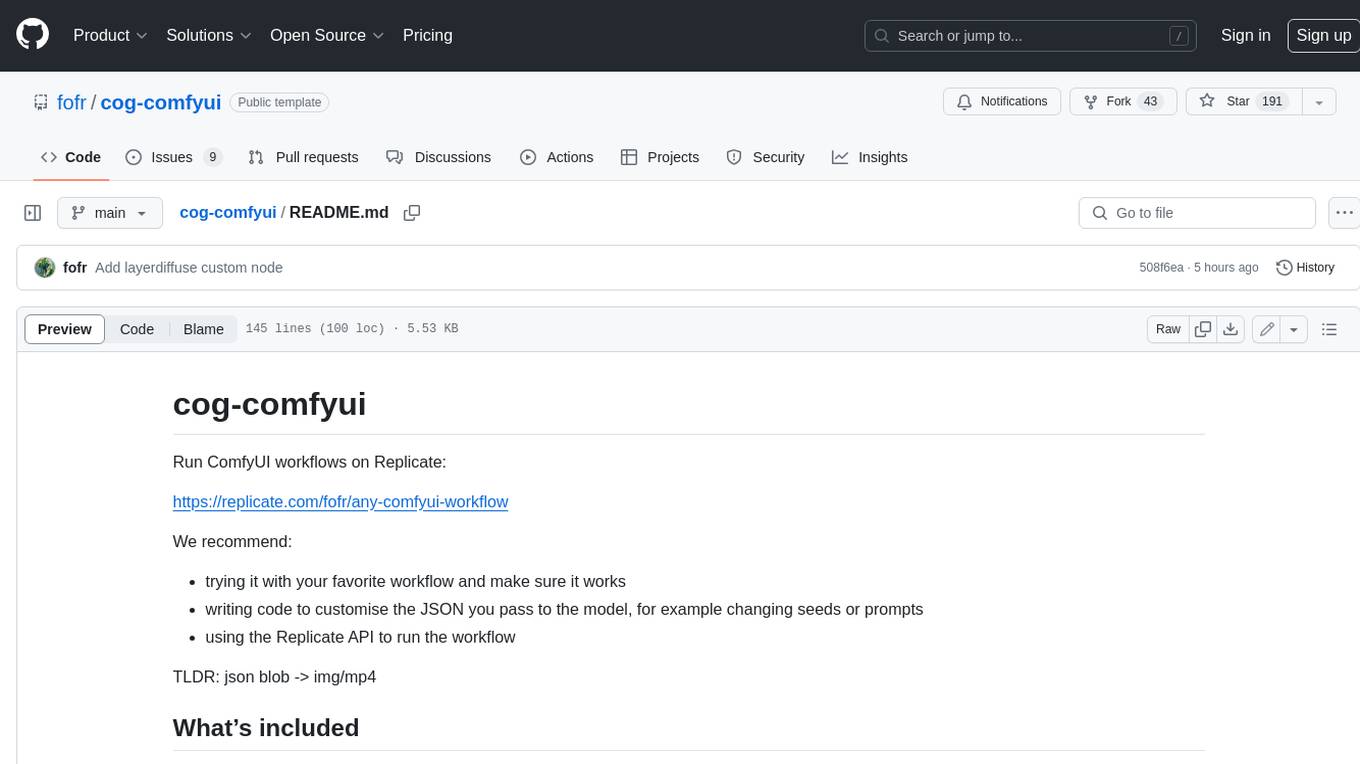
cog-comfyui
Cog-comfyui allows users to run ComfyUI workflows on Replicate. ComfyUI is a visual programming tool for creating and sharing generative art workflows. With cog-comfyui, users can access a variety of pre-trained models and custom nodes to create their own unique artworks. The tool is easy to use and does not require any coding experience. Users simply need to upload their API JSON file and any necessary input files, and then click the "Run" button. Cog-comfyui will then generate the output image or video file.
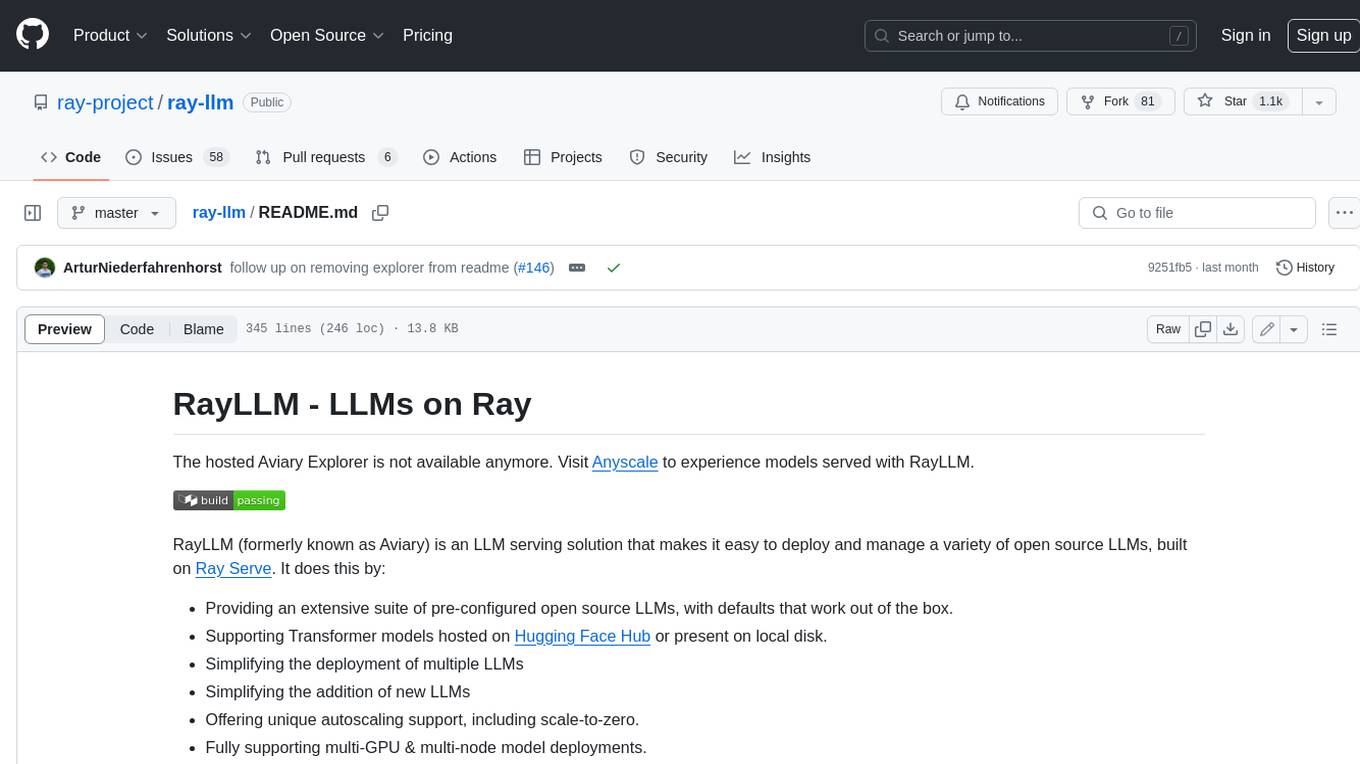
ray-llm
RayLLM (formerly known as Aviary) is an LLM serving solution that makes it easy to deploy and manage a variety of open source LLMs, built on Ray Serve. It provides an extensive suite of pre-configured open source LLMs, with defaults that work out of the box. RayLLM supports Transformer models hosted on Hugging Face Hub or present on local disk. It simplifies the deployment of multiple LLMs, the addition of new LLMs, and offers unique autoscaling support, including scale-to-zero. RayLLM fully supports multi-GPU & multi-node model deployments and offers high performance features like continuous batching, quantization and streaming. It provides a REST API that is similar to OpenAI's to make it easy to migrate and cross test them. RayLLM supports multiple LLM backends out of the box, including vLLM and TensorRT-LLM.
For similar tasks
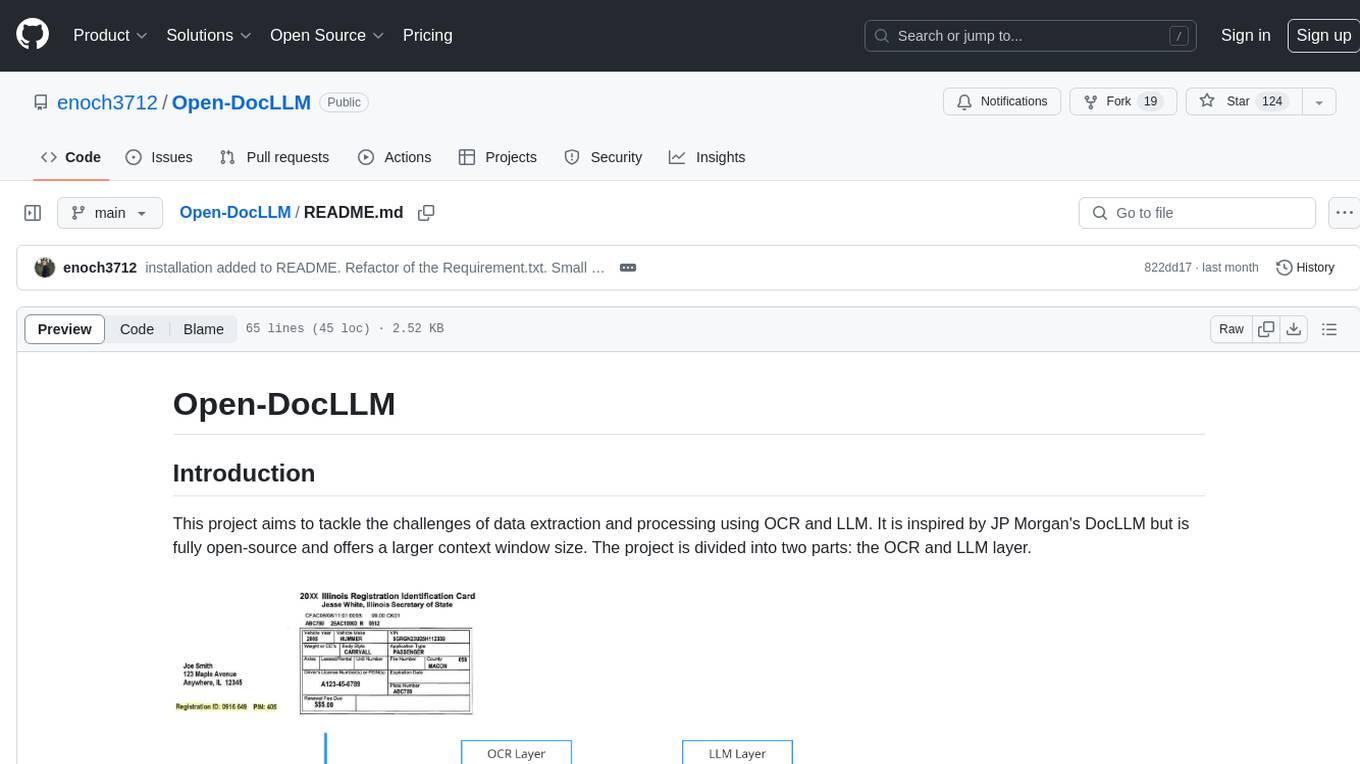
Open-DocLLM
Open-DocLLM is an open-source project that addresses data extraction and processing challenges using OCR and LLM technologies. It consists of two main layers: OCR for reading document content and LLM for extracting specific content in a structured manner. The project offers a larger context window size compared to JP Morgan's DocLLM and integrates tools like Tesseract OCR and Mistral for efficient data analysis. Users can run the models on-premises using LLM studio or Ollama, and the project includes a FastAPI app for testing purposes.
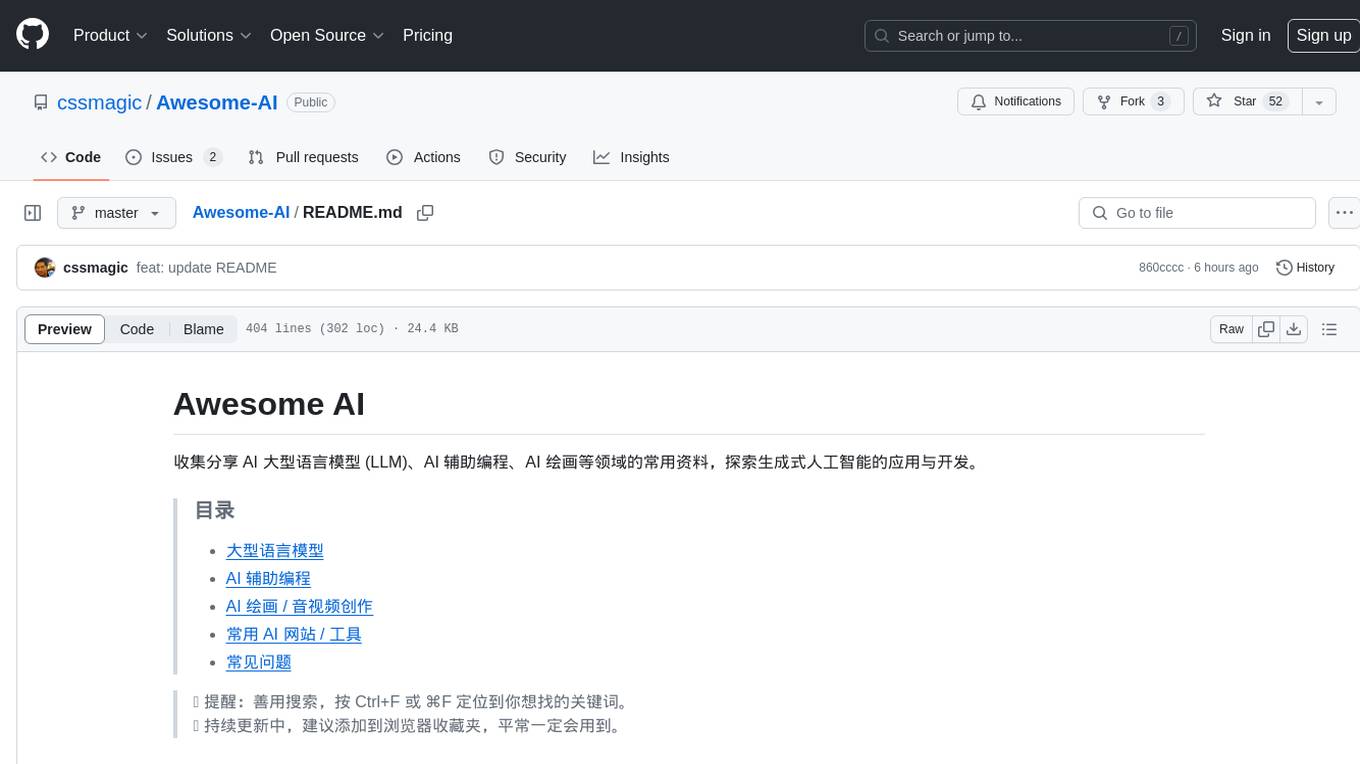
Awesome-AI
Awesome AI is a repository that collects and shares resources in the fields of large language models (LLM), AI-assisted programming, AI drawing, and more. It explores the application and development of generative artificial intelligence. The repository provides information on various AI tools, models, and platforms, along with tutorials and web products related to AI technologies.
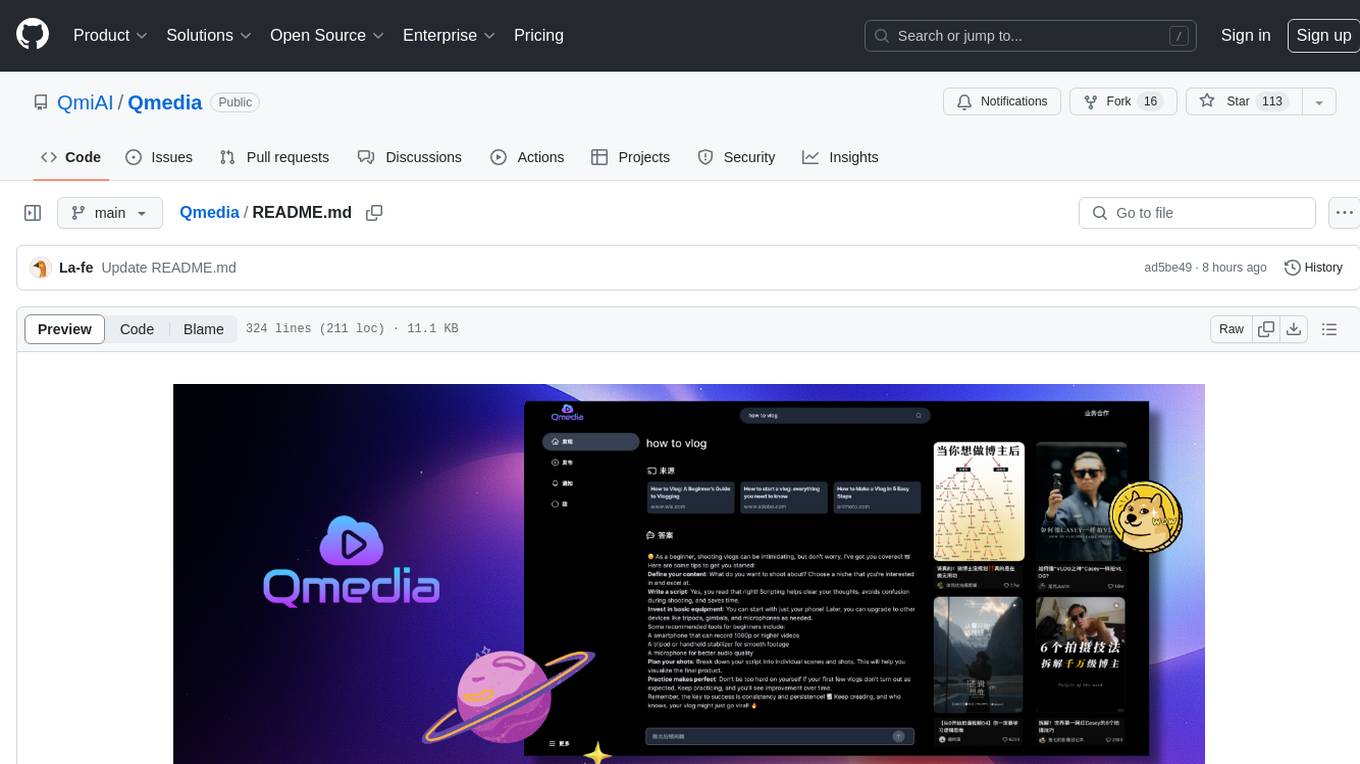
Qmedia
QMedia is an open-source multimedia AI content search engine designed specifically for content creators. It provides rich information extraction methods for text, image, and short video content. The tool integrates unstructured text, image, and short video information to build a multimodal RAG content Q&A system. Users can efficiently search for image/text and short video materials, analyze content, provide content sources, and generate customized search results based on user interests and needs. QMedia supports local deployment for offline content search and Q&A for private data. The tool offers features like content cards display, multimodal content RAG search, and pure local multimodal models deployment. Users can deploy different types of models locally, manage language models, feature embedding models, image models, and video models. QMedia aims to spark new ideas for content creation and share AI content creation concepts in an open-source manner.
aws-ai-intelligent-document-processing
This repository is part of Intelligent Document Processing with AWS AI Services workshop. It aims to automate the extraction of information from complex content in various document formats such as insurance claims, mortgages, healthcare claims, contracts, and legal contracts using AWS Machine Learning services like Amazon Textract and Amazon Comprehend. The repository provides hands-on labs to familiarize users with these AI services and build solutions to automate business processes that rely on manual inputs and intervention across different file types and formats.
Scrapegraph-LabLabAI-Hackathon
ScrapeGraphAI is a web scraping Python library that utilizes LangChain, LLM, and direct graph logic to create scraping pipelines. Users can specify the information they want to extract, and the library will handle the extraction process. The tool is designed to simplify web scraping tasks by providing a streamlined and efficient approach to data extraction.
parsera
Parsera is a lightweight Python library designed for scraping websites using LLMs. It offers simplicity and efficiency by minimizing token usage, enhancing speed, and reducing costs. Users can easily set up and run the tool to extract specific elements from web pages, generating JSON output with relevant data. Additionally, Parsera supports integration with various chat models, such as Azure, expanding its functionality and customization options for web scraping tasks.
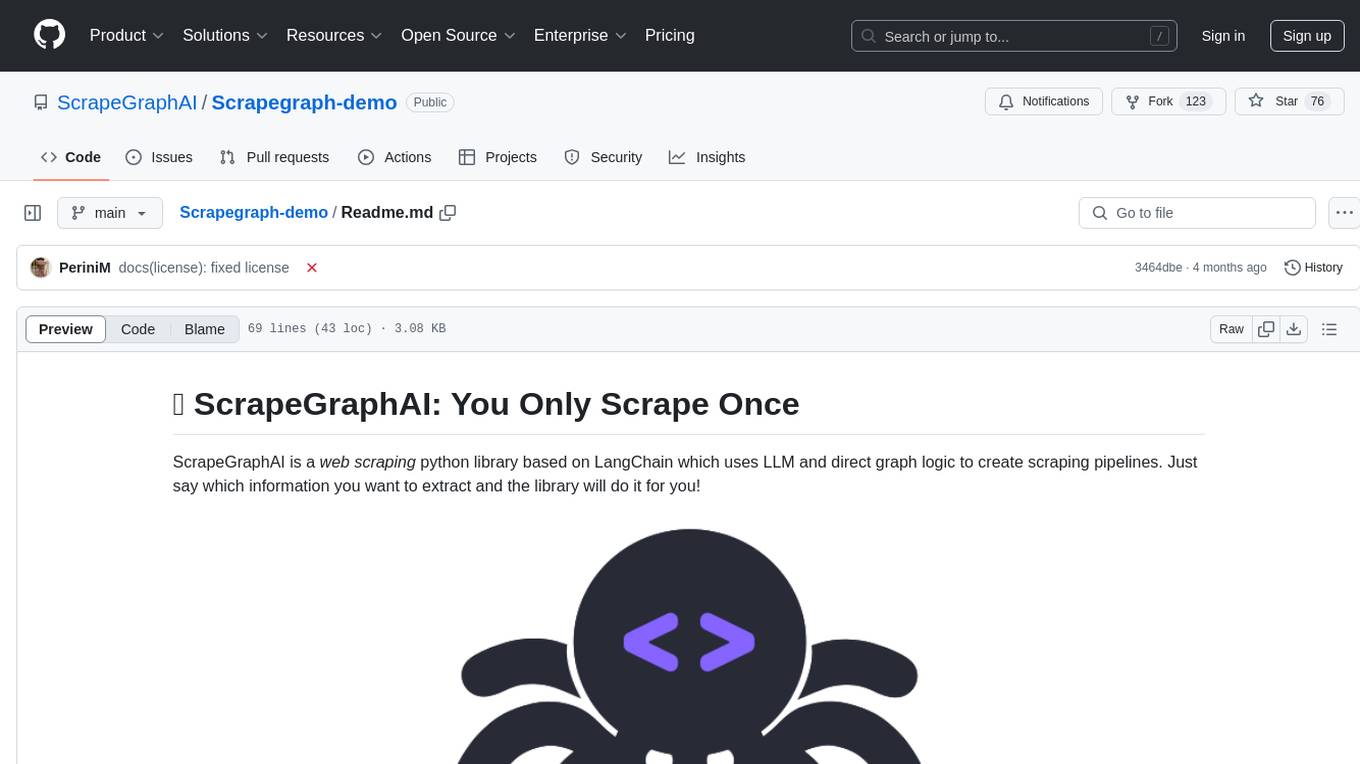
Scrapegraph-demo
ScrapeGraphAI is a web scraping Python library that utilizes LangChain, LLM, and direct graph logic to create scraping pipelines. Users can specify the information they want to extract, and the library will handle the extraction process. This repository contains an official demo/trial for the ScrapeGraphAI library, showcasing its capabilities in web scraping tasks. The tool is designed to simplify the process of extracting data from websites by providing a user-friendly interface and powerful scraping functionalities.
you2txt
You2Txt is a tool developed for the Vercel + Nvidia 2-hour hackathon that converts any YouTube video into a transcribed .txt file. The project won first place in the hackathon and is hosted at you2txt.com. Due to rate limiting issues with YouTube requests, it is recommended to run the tool locally. The project was created using Next.js, Tailwind, v0, and Claude, and can be built and accessed locally for development purposes.
For similar jobs
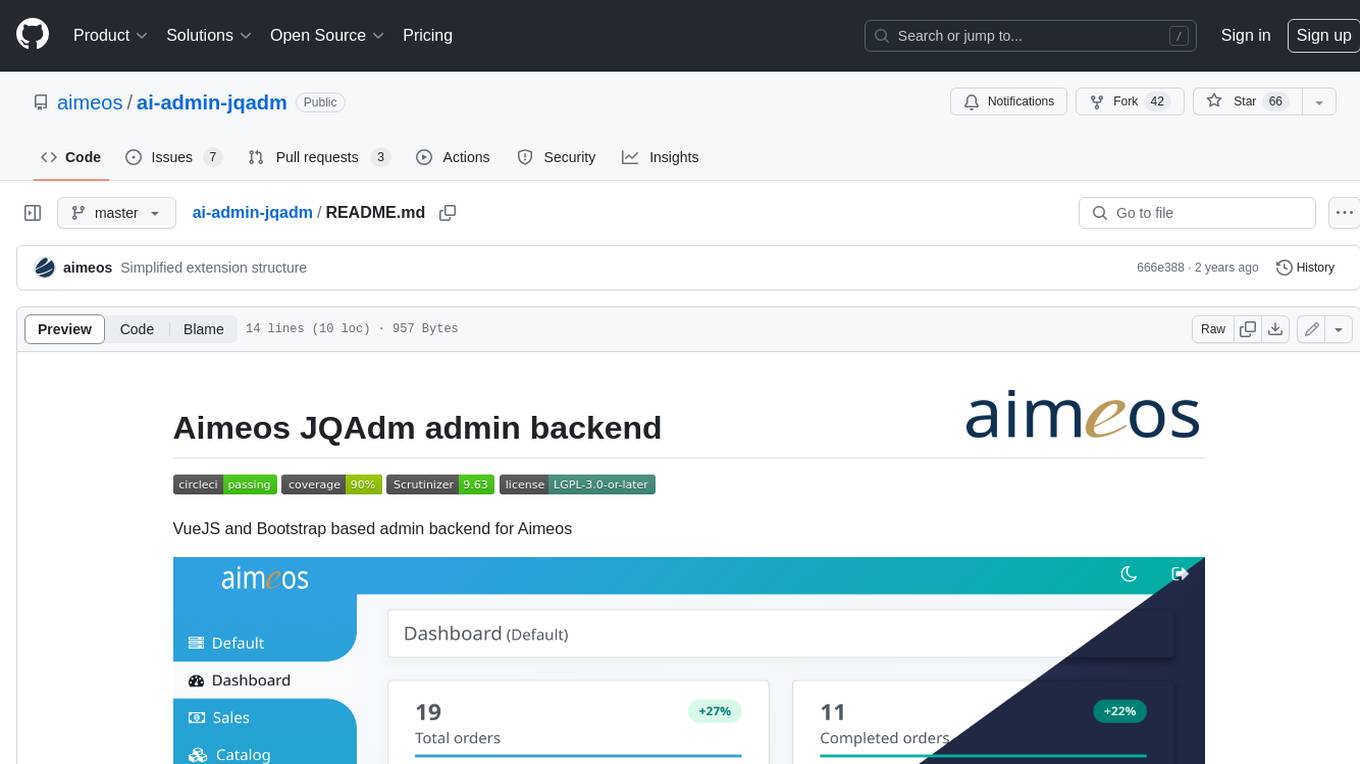
ai-admin-jqadm
Aimeos JQAdm is a VueJS and Bootstrap based admin backend for Aimeos. It provides a user-friendly interface for managing your Aimeos e-commerce website. With Aimeos JQAdm, you can easily add, edit, and delete products, categories, orders, and customers. You can also manage your website's settings, such as payment methods, shipping methods, and taxes. Aimeos JQAdm is a powerful and easy-to-use tool that can help you manage your Aimeos website more efficiently.
quantizr
Quanta is a new kind of Content Management platform, with powerful features including: Wikis & micro-blogging, ChatGPT Question Answering, Document collaboration and publishing, PDF Generation, Secure messaging with (E2E Encryption), Video/audio recording & sharing, File sharing, Podcatcher (RSS Reader), and many other features related to managing hierarchical content.
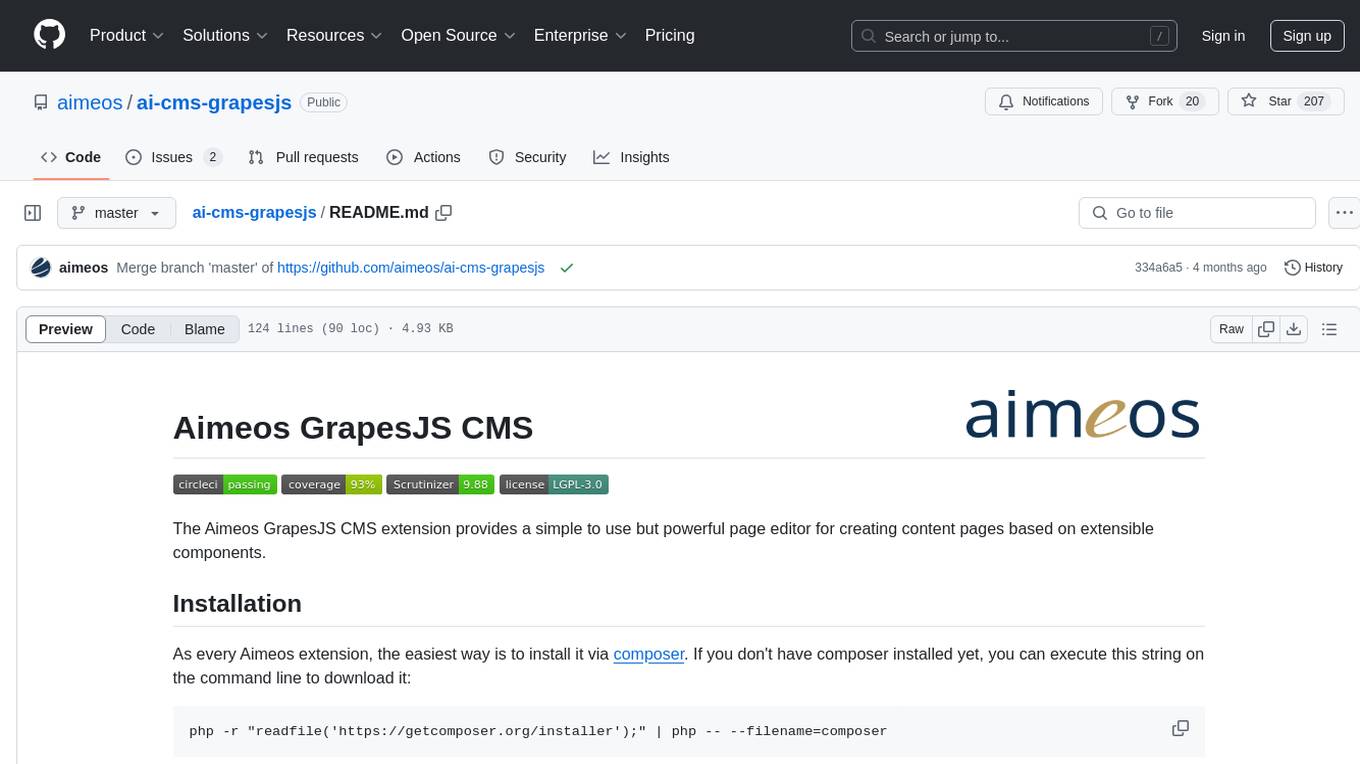
ai-cms-grapesjs
The Aimeos GrapesJS CMS extension provides a simple to use but powerful page editor for creating content pages based on extensible components. It integrates seamlessly with Laravel applications and allows users to easily manage and display CMS content. The tool also supports Google reCAPTCHA v3 for enhanced security. Users can create and customize pages with various components and manage multi-language setups effortlessly. The extension simplifies the process of creating and managing content pages, making it ideal for developers and businesses looking to enhance their website's content management capabilities.
nuxt-llms
Nuxt LLMs automatically generates llms.txt markdown documentation for Nuxt applications. It provides runtime hooks to collect data from various sources and generate structured documentation. The tool allows customization of sections directly from nuxt.config.ts and integrates with Nuxt modules via the runtime hooks system. It generates two documentation formats: llms.txt for concise structured documentation and llms_full.txt for detailed documentation. Users can extend documentation using hooks to add sections, links, and metadata. The tool is suitable for developers looking to automate documentation generation for their Nuxt applications.
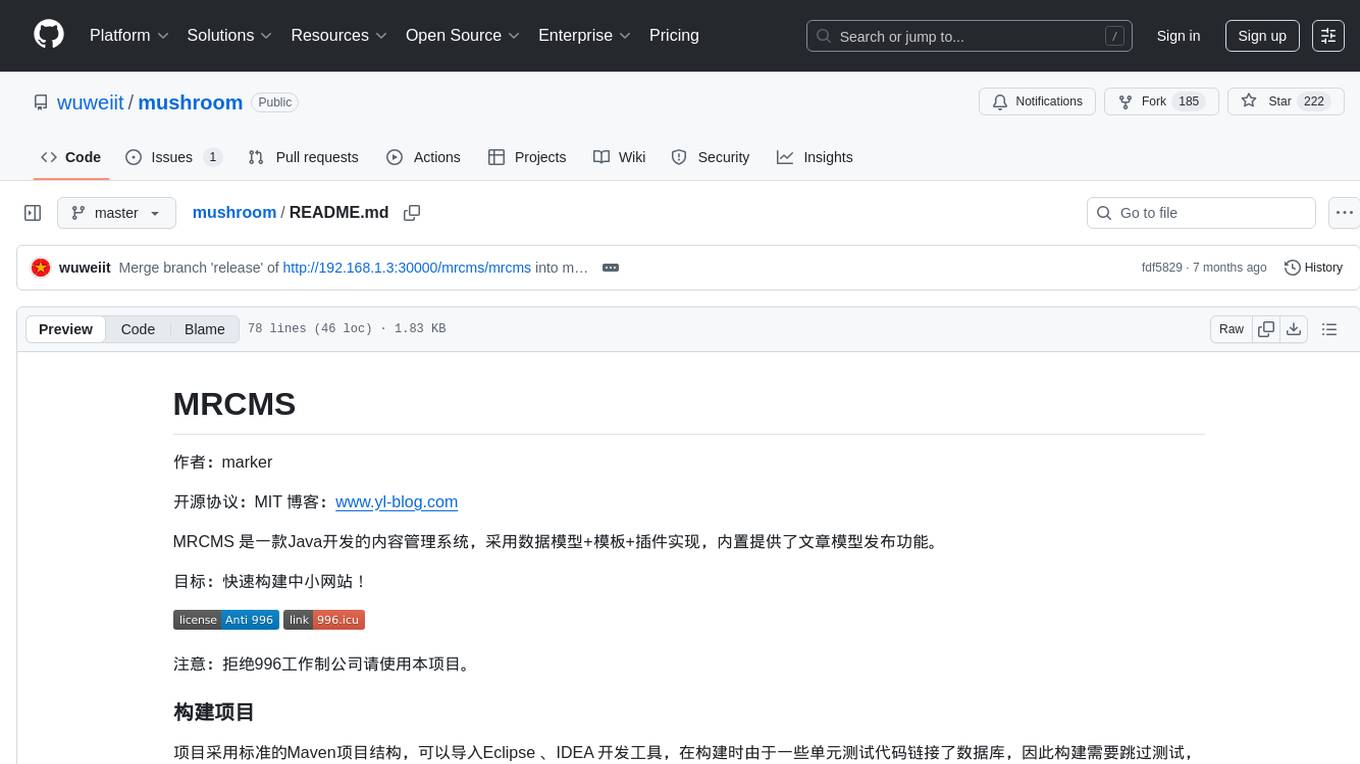
mushroom
MRCMS is a Java-based content management system that uses data model + template + plugin implementation, providing built-in article model publishing functionality. The goal is to quickly build small to medium websites.
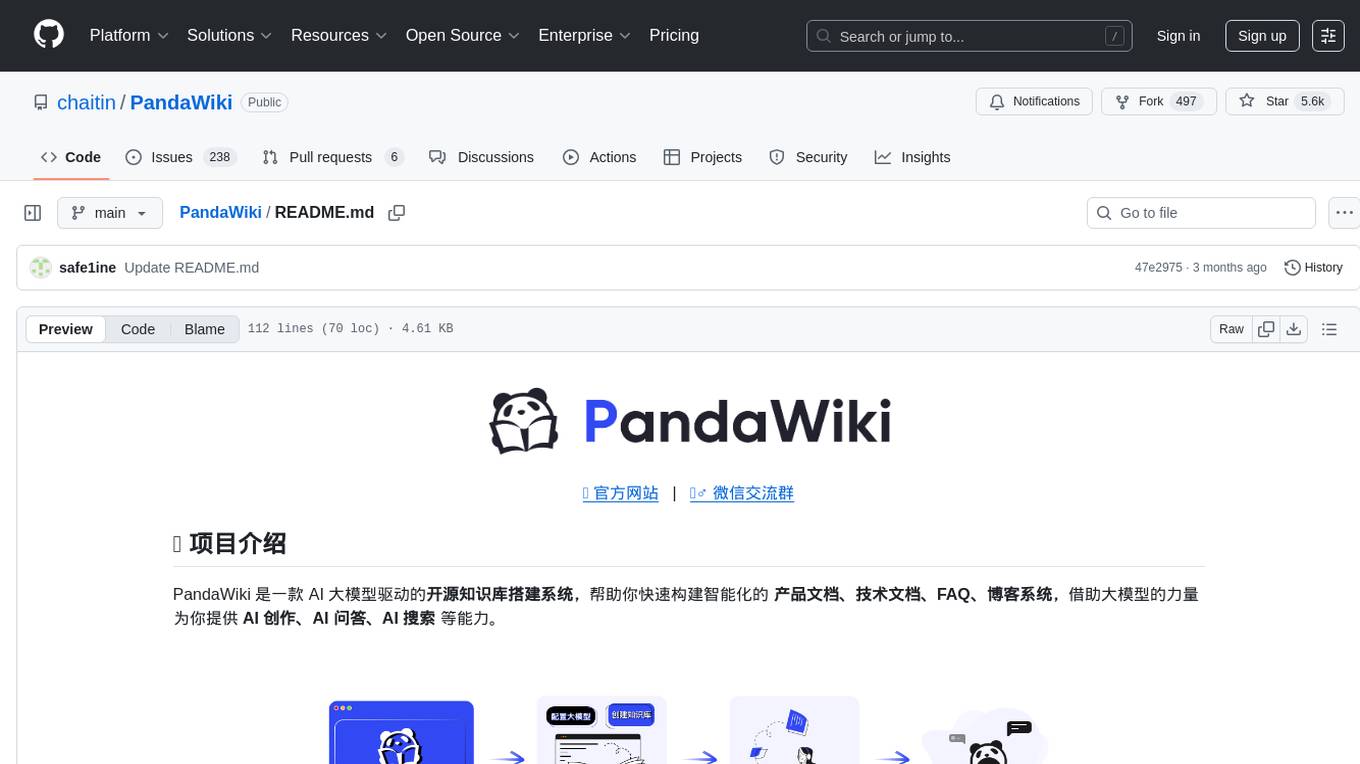
PandaWiki
PandaWiki is a collaborative platform for creating and editing wiki pages. It allows users to easily collaborate on documentation, knowledge sharing, and information dissemination. With features like version control, user permissions, and rich text editing, PandaWiki simplifies the process of creating and managing wiki content. Whether you are working on a team project, organizing information for personal use, or building a knowledge base for your organization, PandaWiki provides a user-friendly and efficient solution for creating and maintaining wiki pages.
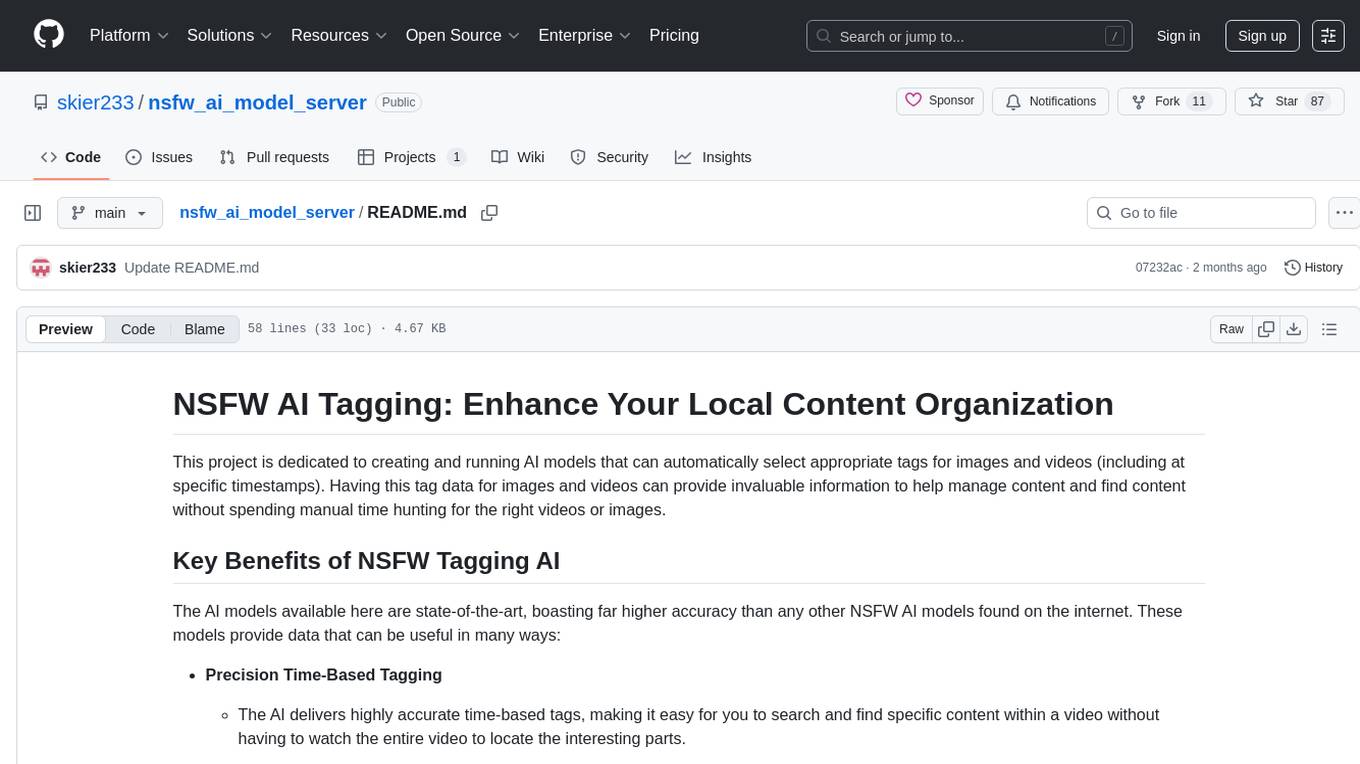
nsfw_ai_model_server
This project is dedicated to creating and running AI models that can automatically select appropriate tags for images and videos, providing invaluable information to help manage content and find content without manual effort. The AI models deliver highly accurate time-based tags, enhance searchability, improve content management, and offer future content recommendations. The project offers a free open source AI model supporting 10 tags and several paid Patreon models with 151 tags and additional variations for different tradeoffs between accuracy and speed. The project has limitations related to usage restrictions, hardware requirements, performance on CPU, complexity, and model access.
pagible
PagibleAI CMS is an easy, flexible, and scalable API-first content management system that allows users to manage structured content, define new content elements, assign shared content to multiple pages, save drafts, publish content, and revert drafts. It features an extremely fast JSON frontend API, versatile GraphQL admin API, multi-language support, multi-domain routing, multi-tenancy capability, soft-deletes support, and is fully open source. The system can scale from a single page with SQLite to millions of pages with DB clusters. It can be seamlessly integrated into any existing Laravel application.